Productivity Best in category 1 results Sdk AI Tool

Popular AI tools in the Sdk field of Productivity include Raman Labs, etc., helping you quickly improve efficiency.

Raman Labs

Raman Labs

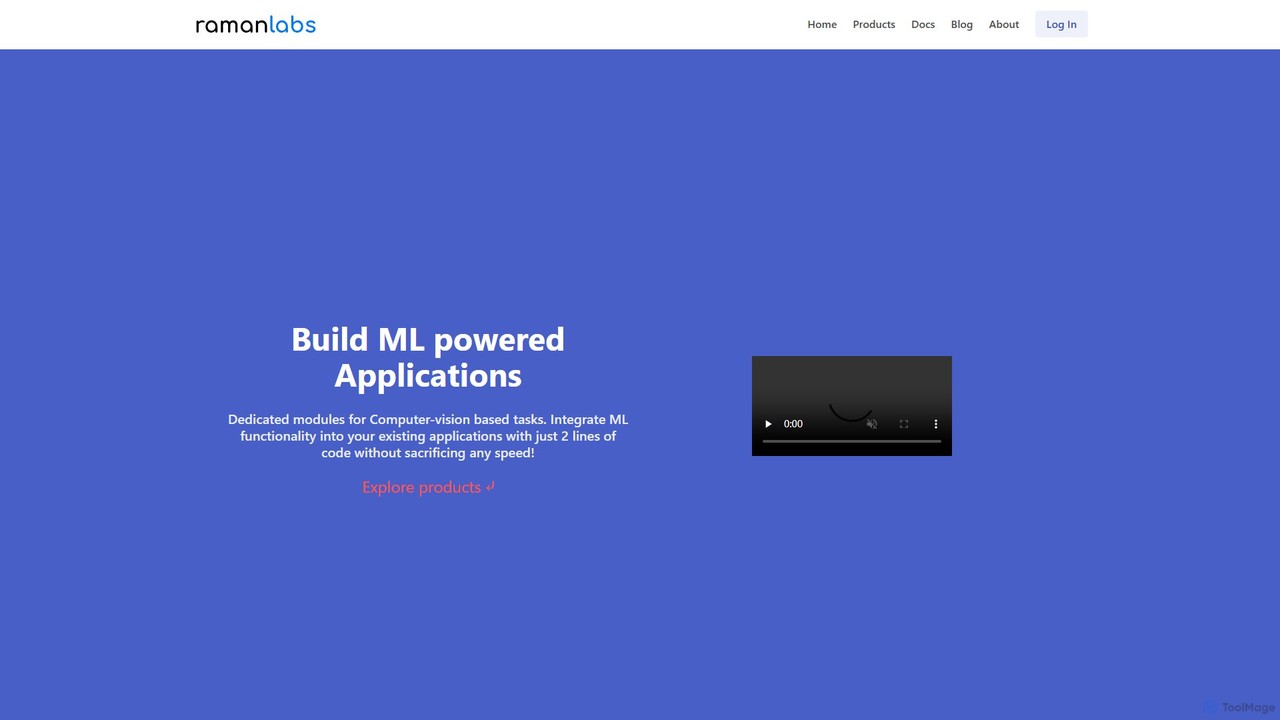
Raman Labs provides a high-performance SDK with pre-trained machine learning modules for developers. It specializes in real-time computer …

2.5K

About Sdk

AI SDKs (Software Development Kits) are comprehensive toolkits that enable developers to integrate artificial intelligence capabilities into their applications. These kits typically bundle APIs, libraries, code samples, and documentation, abstracting the complexity of underlying machine learning models. They serve as a crucial bridge, allowing developers to implement advanced features like natural language processing or computer vision without needing deep AI expertise. By providing pre-packaged functions, AI SDKs significantly accelerate the development cycle and lower the barrier to creating intelligent software, directly enhancing developer productivity.

Core Features

  • Pre-built AI Models: Provides access to trained models for tasks like text analysis, image recognition, or speech-to-text conversion.
  • API Wrappers and Libraries: Offers simplified functions and classes that make it easy to call complex AI services from various programming languages.
  • Comprehensive Documentation: Includes detailed guides, tutorials, and code examples to facilitate quick implementation and troubleshooting.
  • Development and Debugging Tools: Contains utilities for testing, monitoring, and optimizing the performance of AI features within an application.

Use Cases

AI SDKs are primarily used by software developers, machine learning engineers, and tech companies. Common applications include building intelligent chatbots for customer service, creating content recommendation engines for media platforms, integrating image recognition into e-commerce apps for visual search, or adding voice command functionality to smart devices.

How to Choose

When selecting an AI SDK, consider the specific AI functionality required (e.g., NLP, computer vision, generative AI). Evaluate its compatibility with your existing technology stack, including programming language support. Assess the quality and completeness of the documentation and the level of community or commercial support available. Finally, review the pricing model and licensing terms to ensure they align with your project's budget and usage requirements.

SdkUse Cases

1

Build an Intelligent Customer Service Chatbot

A developer at a SaaS company is tasked with reducing support ticket volume. Using an NLP-focused AI SDK, they can build and deploy a chatbot on the company's website. The SDK provides pre-trained models for intent recognition and entity extraction, allowing the chatbot to understand user queries accurately. The developer integrates the bot with their knowledge base via API calls facilitated by the SDK's libraries. This results in a chatbot that can answer common questions 24/7, reducing human agent workload by an estimated 30% and improving customer satisfaction.

2

Integrate Visual Search into an E-commerce App

A mobile developer for an online fashion retailer wants to add a 'search by image' feature. By integrating a computer vision SDK, they can implement this functionality with minimal code. The developer uses the SDK to allow the app to access the user's camera or photo library. When a user uploads an image of a clothing item, the SDK processes it, identifies key attributes (e.g., color, pattern, type), and queries the product database for visually similar items. This enhances the user experience and provides a new, intuitive way for customers to discover products.

3

Add Voice Command Functionality to a Smart Home App

An IoT developer is creating an application to control smart home devices. To improve usability, they decide to implement voice commands. Using an AI SDK that combines speech-to-text and natural language understanding (NLU), the developer can quickly add this feature. The SDK handles the audio processing, transcribes spoken words into text, and then uses NLU to parse commands like 'turn on the living room lights'. This allows the developer to focus on the device control logic rather than building a complex voice recognition system from scratch, significantly speeding up time-to-market.

4

Automate Data Extraction from Documents

A fintech company needs to process thousands of invoices and receipts daily. A developer uses an AI SDK with Optical Character Recognition (OCR) and Named Entity Recognition (NER) capabilities. They build a service where documents can be uploaded. The SDK's OCR function first converts the document image into machine-readable text. Then, its NER model automatically identifies and extracts key information like invoice number, date, vendor name, and total amount. This automates a previously manual and error-prone process, increasing processing speed by over 90% and ensuring higher data accuracy.

5

Create a Personalized Content Recommendation Engine

A developer at a streaming media company aims to improve user engagement by providing personalized recommendations. They use a machine learning SDK to build a recommendation engine. The SDK provides libraries for implementing collaborative filtering and content-based filtering algorithms. The developer feeds user interaction data (e.g., watch history, ratings) into the system. The SDK processes this data to predict which content a user is likely to enjoy next. This engine is then integrated into the platform's homepage, leading to increased user session times and lower churn rates.

6

Enable Generative AI Features in a Design Application

A software company developing a graphic design tool wants to add cutting-edge features. A developer integrates a generative AI SDK to offer text-to-image and text-to-vector generation. The SDK provides simple function calls that send user prompts to a powerful generative model and return the resulting image or vector graphic. This allows designers using the application to quickly create assets, mockups, and illustrations from simple text descriptions, dramatically accelerating their creative workflow and expanding their creative possibilities without leaving the application.

SdkFrequently Asked Questions