ToolMage
Sign in

Best 7 Teaching Assistant for Productivity

Popular Teaching Assistant in Productivity include Khan Academy, Humy.ai, Education Copilot, Super Teacher, Gibbly, Bytelearn, and Scaletchi, helping you work more efficiently.

Scaletchi
Freemium

Scaletchi

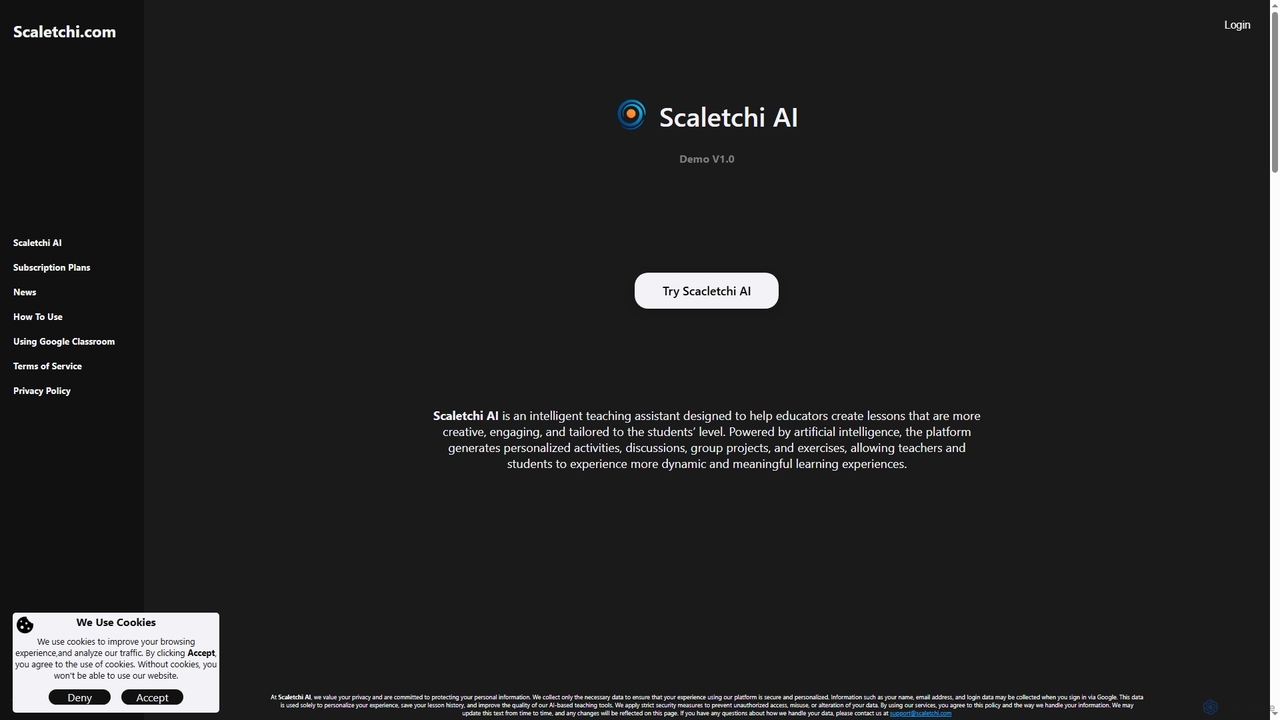
Scaletchi is an intelligent AI teaching assistant designed for educators to create highly creative, engaging, and student-level-tailored lessons. It generates personalized activities, discussions, group projects, and exercises, fostering dynamic and meaningful learning experiences for K12 and university students.

Content Generation
Visits 4.5KFavorites 104Likes 108
Khan Academy
Freemium

Khan Academy

Khan Academy is a non-profit educational platform offering free, world-class courses for all ages. It now features Khanmigo, an AI-powered tutor and teaching assistant, to provide personalized guidance, help with homework, and assist teachers with lesson planning. It aims to make personalized learning accessible to everyone, everywhere.

Tutor
Visits 28.6MFavorites 151Likes 140
Bytelearn
Freemium

Bytelearn

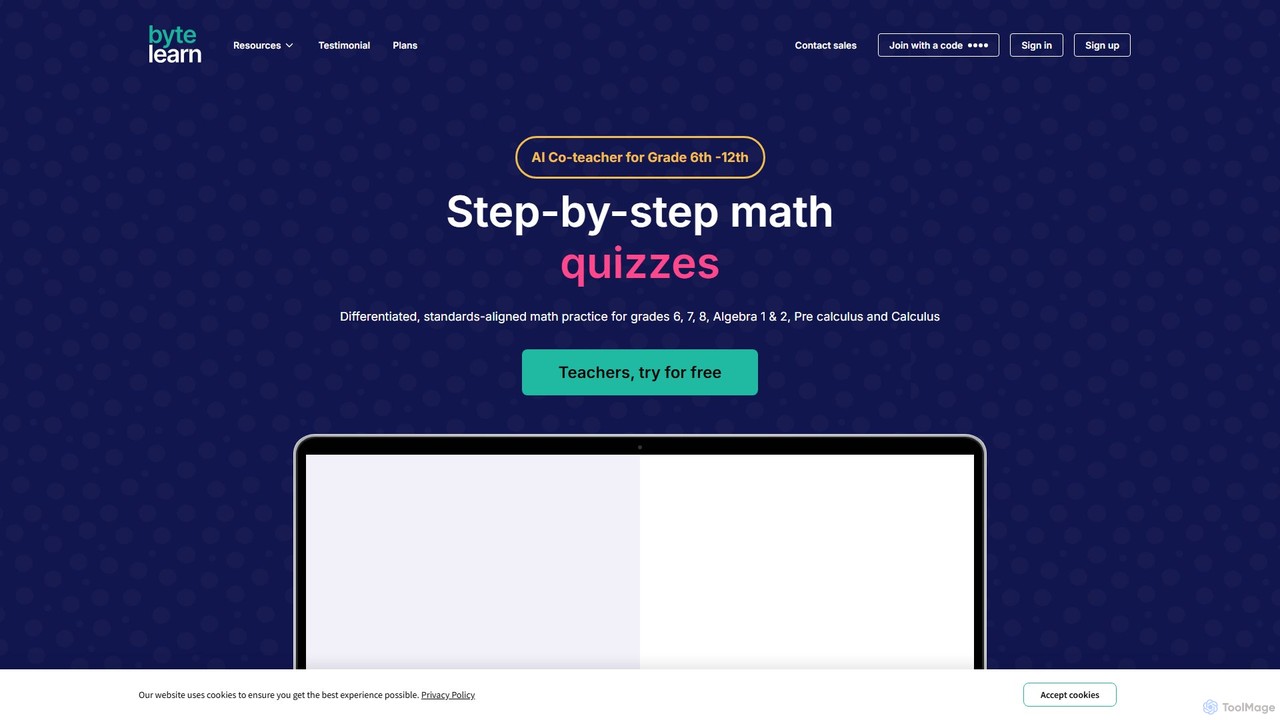
Bytelearn is an AI-powered math tutor and teaching assistant designed for middle and high school students (Grades 6-Algebra 2). It provides step-by-step guidance, personalized feedback, and a vast library of practice problems, worksheets, and quizzes to help students master math concepts at their own pace.

Math Helper
Visits 5.7KFavorites 97Likes 92
Super Teacher
Paid

Super Teacher

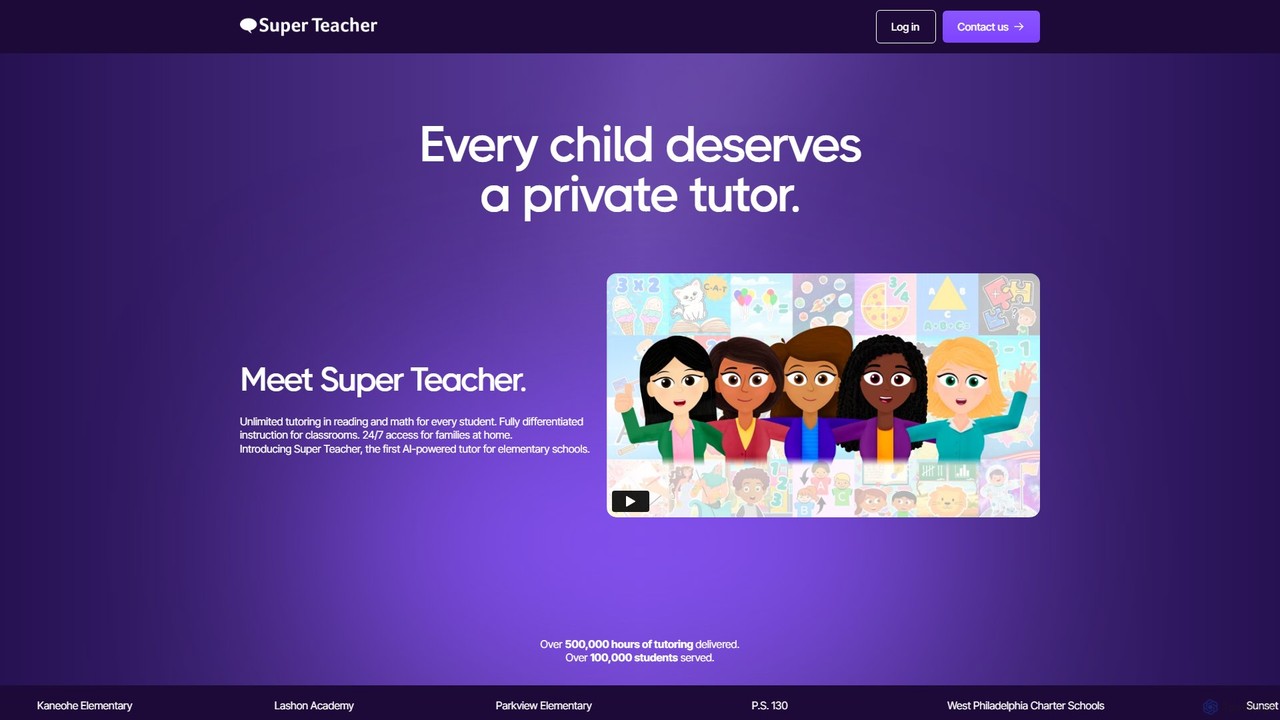
Super Teacher is an AI-powered tutor designed for elementary schools, providing unlimited, personalized tutoring in reading and math. It offers 24/7 access for students, differentiated instruction for classrooms, and detailed progress dashboards for teachers, making one-on-one learning accessible and affordable for every child.

Learning
Visits 9.4KFavorites 145Likes 133
Humy.ai
Freemium

Humy.ai

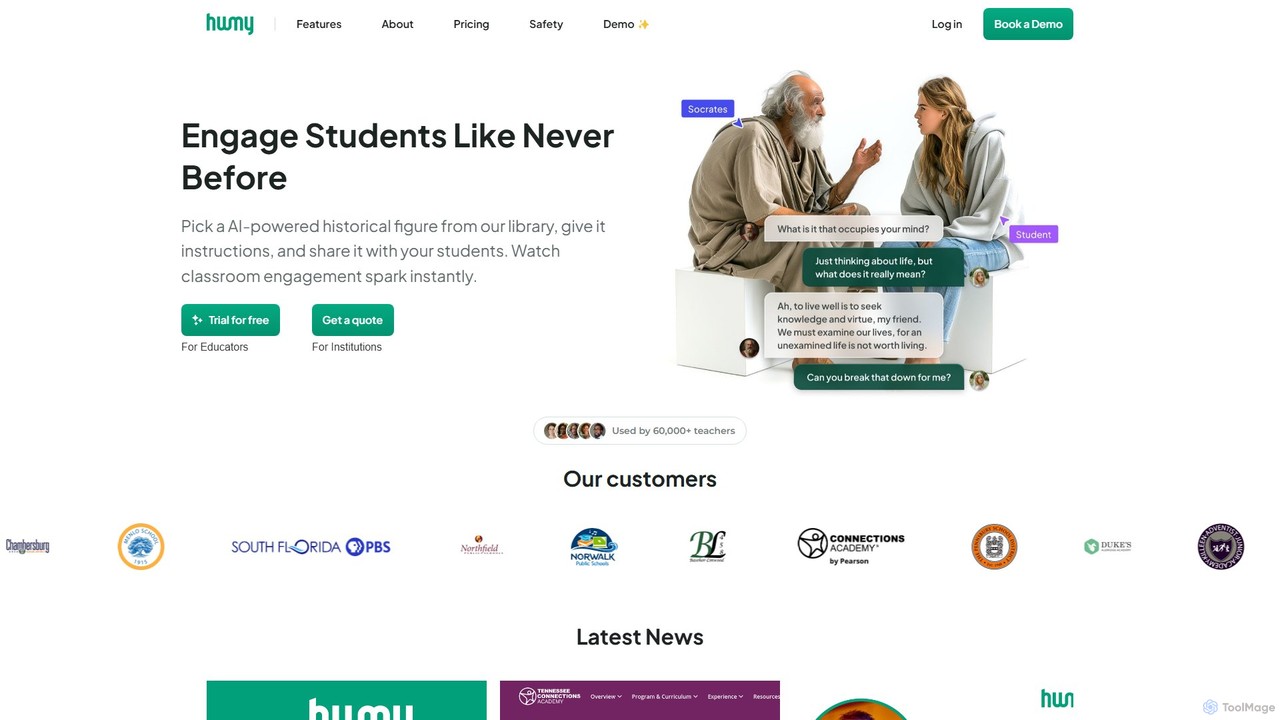
Humy.ai is an AI-powered educational platform designed to transform history and social studies education. It enables students to interact with over 2,000 AI historical figures, fostering unprecedented engagement. For educators, it offers tools to instantly generate lesson plans, assignments, and AI-assisted grading, saving significant time and enhancing the learning experience.

Character Ai
Visits 11.3KFavorites 108Likes 117
Gibbly
Freemium

Gibbly

Gibbly is an AI-powered platform for teachers, designed to save hours of prep time. It generates ready-to-use lessons, gamified quizzes, assessments, and review assignments in minutes. Create engaging, curriculum-aligned content from any topic, YouTube video, or document to enhance student learning and collaboration.

Quiz Maker
Visits 8.4KFavorites 143Likes 130
Education Copilot
Freemium

Education Copilot

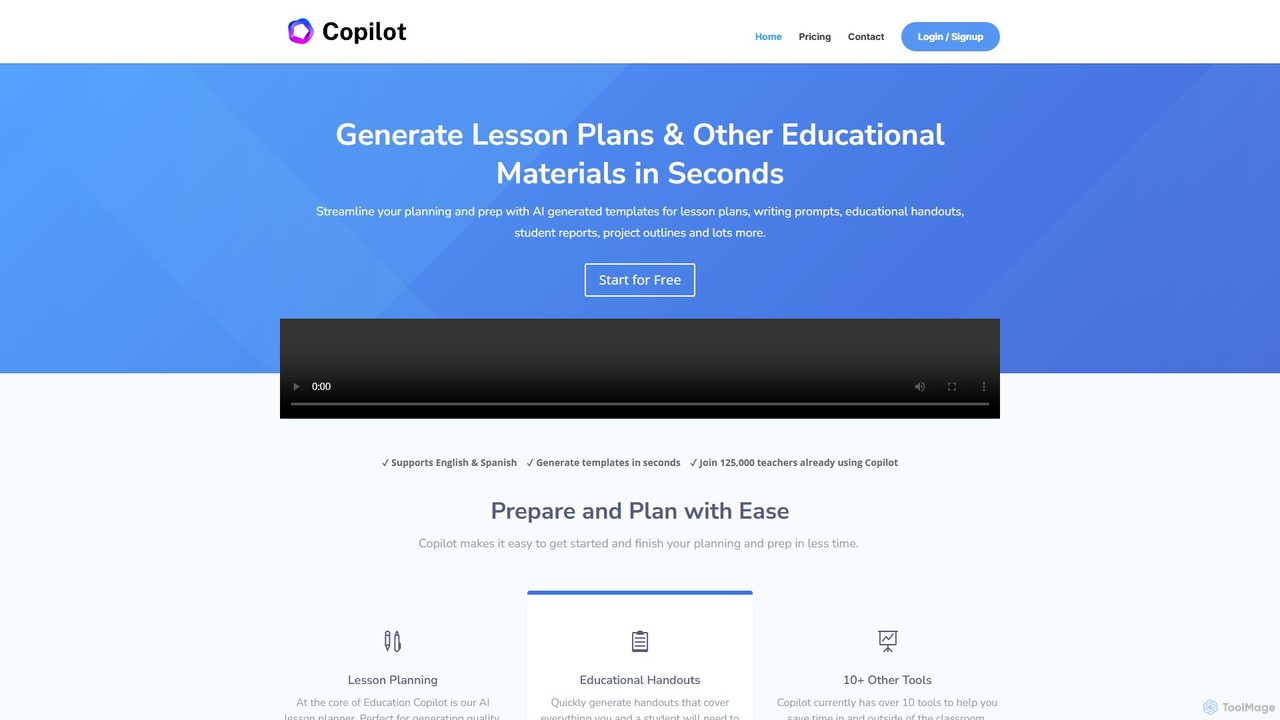
Education Copilot is an AI-powered assistant designed for teachers to streamline their planning and preparation. It generates high-quality lesson plans, educational handouts, writing prompts, student reports, and more in seconds. Supporting multiple subjects and grade levels, it helps educators save significant time and effort, allowing them to focus more on teaching.

Lesson Planning
Visits 10.2KFavorites 122Likes 123

About Teaching Assistant

AI Teaching Assistant tools are specialized applications designed to support educators by automating administrative tasks and enhancing the learning experience. They leverage natural language processing and machine learning to grade assignments, generate lesson plans, and answer common student questions. This allows teachers to dedicate more time to direct instruction and personalized student support. As a key part of the Productivity category, these tools specifically target the unique workflows of the education sector, boosting efficiency in teaching and learning environments.

Core Features

  • Automated Grading: Provides assistance in evaluating quizzes, short-answer questions, and even code, offering instant feedback to students.
  • Lesson Plan Generation: Creates structured lesson plans, learning objectives, and activity ideas based on curriculum topics and standards.
  • Student Q&A Bot: Acts as a 24/7 virtual assistant to answer frequently asked questions about course logistics, deadlines, or subject matter.
  • Educational Content Creation: Generates supplementary materials like summaries, practice questions, study guides, and presentations.
  • Performance Analytics: Tracks student progress and identifies learning gaps, providing educators with data-driven insights to inform their teaching strategies.

Use Cases

These tools are widely used across K-12 education, higher education, and corporate training. Teachers and professors use them to reduce their grading workload and create diverse learning materials. Instructional designers and curriculum developers leverage them to build comprehensive course structures and assessments efficiently.

How to Choose

When selecting an AI Teaching Assistant, consider its subject matter compatibility and its ability to integrate with your existing Learning Management System (LMS). Evaluate the level of customization available for grading rubrics and content generation. Crucially, verify the tool's compliance with student data privacy regulations such as FERPA or GDPR to ensure a secure learning environment.

Featured tool rankings

Teaching Assistant use cases

1

Automating Quiz Grading for a High School Class

A high school history teacher manages five class sections with over 150 students. After each unit, they administer a quiz that includes multiple-choice and short-answer questions. Using an AI Teaching Assistant, the teacher uploads the quiz and a grading rubric. The tool automatically grades all multiple-choice questions and analyzes the short-answer responses against the rubric, providing a preliminary score and highlighting answers that require manual review. This process reduces the teacher's grading time from over ten hours to just two, allowing for faster feedback to students and more time for lesson planning.

2

Creating Differentiated Learning Materials

An elementary school teacher needs to create reading materials for a science lesson on ecosystems for a class with diverse reading levels. Using an AI Teaching Assistant, the teacher inputs the core topic and key vocabulary. The tool generates three versions of a reading passage: one for below-grade-level readers with simpler sentences, one at grade level, and one for advanced readers with more complex vocabulary and concepts. It also creates corresponding comprehension questions for each level. This enables the teacher to provide personalized instruction and ensure all students can access the curriculum effectively.

3

Developing a University Course Syllabus

A university professor is tasked with creating a new undergraduate course on digital marketing. To streamline the process, they use an AI Teaching Assistant. The professor provides the course title, learning objectives, and a list of key topics. The AI generates a comprehensive syllabus draft, including a week-by-week schedule, suggested readings, assignment ideas (like case studies and group projects), and a sample grading policy. The professor then reviews and refines this draft, saving significant time on the foundational administrative work and allowing more focus on developing engaging lecture content.

4

Providing 24/7 Support for an Online Course

An online learning platform hosts a popular coding bootcamp with students across different time zones. To provide immediate support, they deploy an AI Teaching Assistant as a Q&A bot within their learning portal. The bot is trained on the course syllabus, FAQs, and technical documentation. It instantly answers common student questions like "What is the deadline for Project 2?" or "How do I set up my development environment?". This frees up human instructors to focus on complex coding questions and one-on-one mentoring, while ensuring students receive timely help regardless of the time of day.

5

Generating Practice Problems for a STEM Subject

A math tutor is helping a student prepare for an algebra exam. The student needs extensive practice with quadratic equations. Instead of manually creating dozens of problems, the tutor uses an AI Teaching Assistant. They specify the topic "quadratic equations," the desired difficulty level, and the number of problems. The AI instantly generates a worksheet with 50 unique problems, complete with a separate answer key showing step-by-step solutions. The tutor can then generate new problem sets on demand, ensuring the student has a virtually endless supply of practice material tailored to their specific needs.

6

Analyzing Student Essay Drafts for Feedback

A university writing instructor wants to provide more formative feedback on student essay drafts without spending entire weekends grading. They have students submit their first drafts to an AI Teaching Assistant. The tool is configured with the assignment's rubric, focusing on thesis clarity, argumentation, and use of evidence. The AI provides immediate, private feedback to each student, highlighting grammatical errors, identifying weak topic sentences, and suggesting areas where evidence is lacking. This allows students to revise their work based on initial feedback before submitting the final version to the instructor for a more holistic evaluation.

Teaching Assistant FAQ

What is an AI Teaching Assistant?

An AI Teaching Assistant is a specialized software tool designed to support educators with various teaching and administrative tasks. Unlike general productivity tools, they are built with educational workflows in mind. Key functions include automated grading of assignments, generating lesson plans and learning materials, creating quizzes, and providing 24/7 answers to common student questions. Their primary goal is to save teachers time on repetitive tasks, allowing them to focus more on direct student interaction and personalized instruction.

How do I choose the right AI Teaching Assistant?

Choosing the right tool depends on your specific needs. Consider the following factors:

  • LMS Integration: Check if the tool integrates smoothly with your school's Learning Management System (e.g., Canvas, Moodle, Google Classroom) for easy workflow.
  • Subject Specificity: Some tools are better for STEM subjects with formula and code grading, while others excel at analyzing text for humanities courses.
  • Customization: Look for the ability to customize grading rubrics, content generation prompts, and feedback styles to match your teaching philosophy.
  • Student Data Privacy: Ensure the tool complies with relevant privacy regulations (like FERPA or GDPR) to protect student information.
How does an AI Teaching Assistant differ from a general AI writer?

While both use AI to process and generate text, their focus is very different. A general AI writer is a broad tool for creating various content like articles or marketing copy. An AI Teaching Assistant is a specialized tool for education. It has specific pedagogical functions that general writers lack, such as:

  • Grading based on custom rubrics.
  • Generating curriculum-aligned content like lesson plans and quizzes.
  • Understanding educational context to answer student questions accurately.
  • Integrating with educational platforms like LMS.

In short, an AI writer creates content, while an AI Teaching Assistant actively participates in the teaching and learning workflow.

Can AI Teaching Assistants replace human teachers?

No, AI Teaching Assistants are designed to augment, not replace, human teachers. They excel at handling repetitive, data-driven tasks like grading multiple-choice tests or generating routine content. This frees up educators to focus on uniquely human skills that AI cannot replicate, such as mentoring, fostering critical thinking, managing classroom dynamics, and providing emotional support. The most effective use of these tools is as a powerful assistant that empowers teachers to be more efficient and impactful in their roles.

What are the main benefits of using an AI Teaching Assistant?

The primary benefits center on efficiency and enhanced learning opportunities. Key advantages include:

  • Time Savings for Educators: Automating tasks like grading, lesson planning, and answering FAQs significantly reduces administrative workload.
  • Instant Feedback for Students: Students can receive immediate feedback on quizzes and assignments, helping them learn and correct mistakes faster.
  • Personalized Learning: AI can help create differentiated materials tailored to various learning levels within a single classroom.
  • Data-Driven Insights: These tools can analyze student performance data to help teachers identify learning gaps and adjust their instruction accordingly.