Productivity Best in category 3 results Tool Aggregator AI Tool

Popular AI tools in the Tool Aggregator field of Productivity include Top50AI.tools、Oncely、Theee AI, etc., helping you quickly improve efficiency.

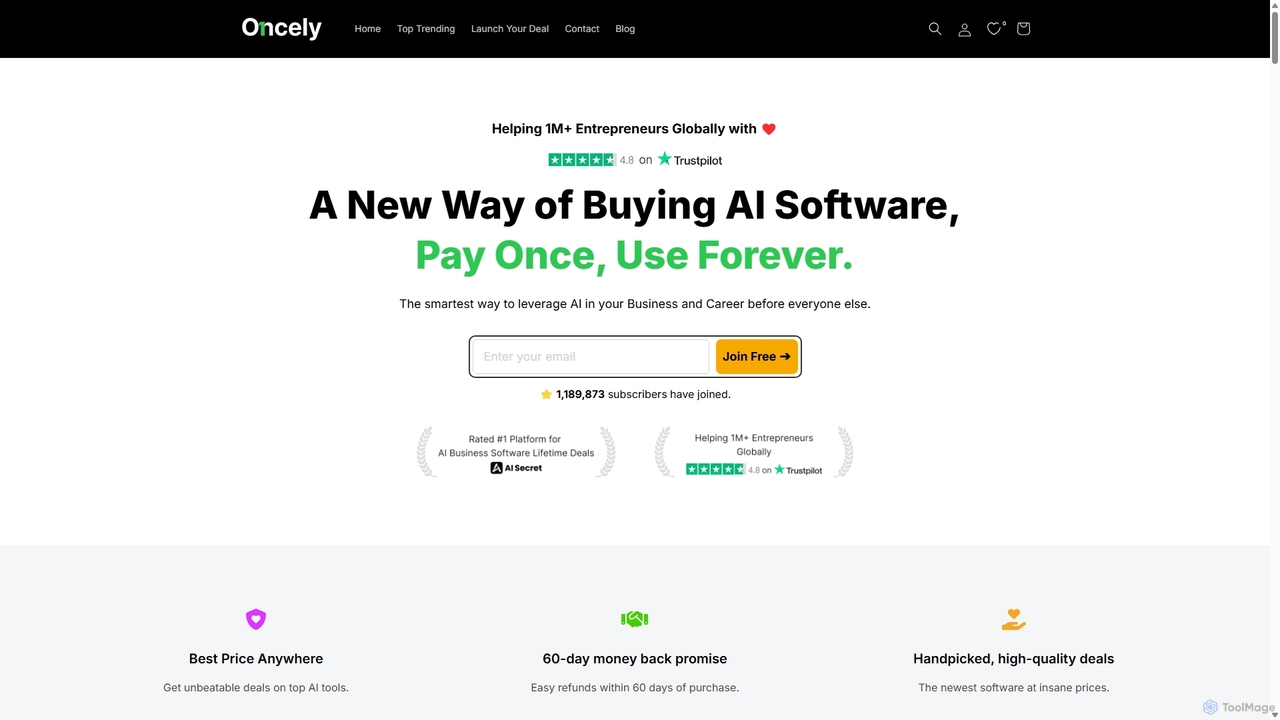
Oncely

Oncely

Oncely is a leading marketplace for lifetime deals on AI business software. It offers entrepreneurs and businesses the …

78.4K
Free
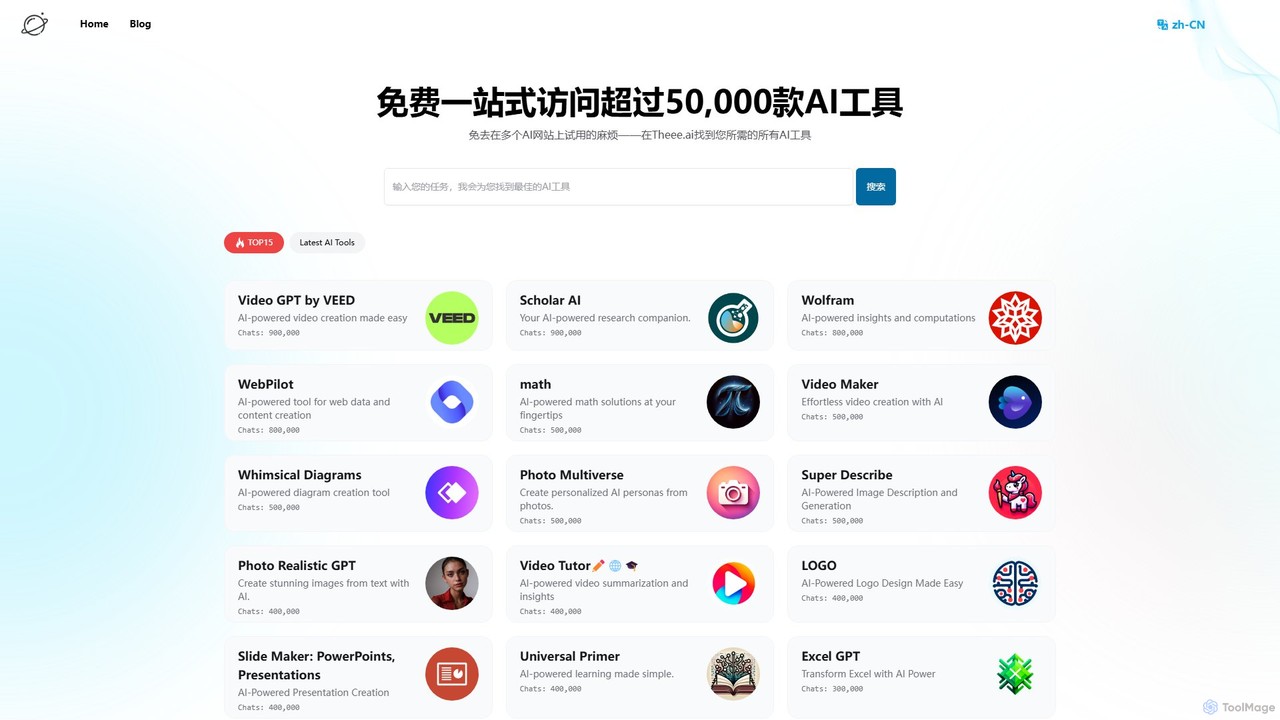
Theee AI

Theee AI

Theee.ai is a free, one-stop platform providing access to over 50,000 AI tools. It offers a unified interface …

2.9K
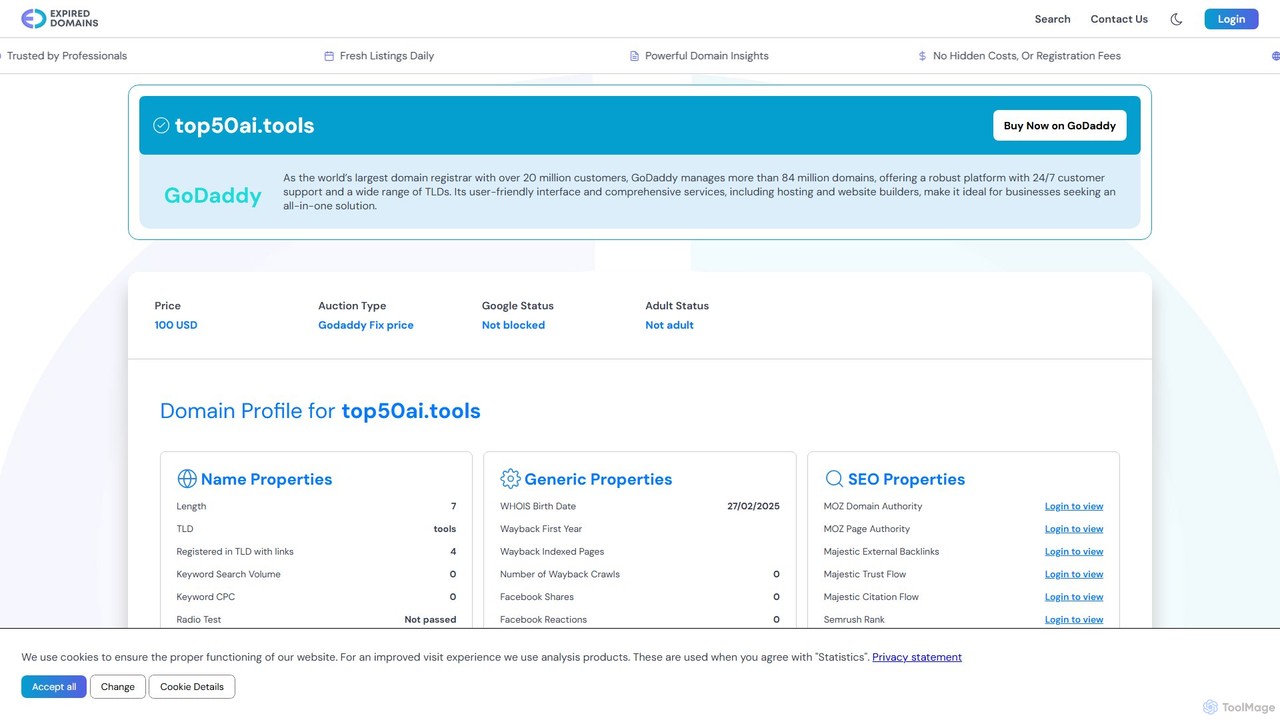
Top50AI.tools

Top50AI.tools

A curated discovery platform that ranks and reviews the top 50 AI tools across various categories. It helps …

2.1M

About Tool Aggregator

Tool Aggregators are platforms that centralize multiple applications, services, and data sources into a single, unified interface. They function by using APIs to connect disparate systems, allowing users to manage workflows and access information without constant context switching. This approach significantly enhances productivity by creating a cohesive command center for various digital tasks. These tools are particularly valuable for streamlining complex processes that span across different software ecosystems.

Core Features

  • Unified Dashboard: Consolidates data, notifications, and controls from various connected tools into one view.
  • Cross-Platform Automation: Enables the creation of workflows that trigger actions across different applications (e.g., a new email triggering a task in a project manager).
  • Centralized Search: Allows users to search for files, messages, or data across all integrated services from a single search bar.
  • Integration Management: Provides a central hub for connecting, authenticating, and managing permissions for dozens or hundreds of third-party apps.

Use Cases

Tool Aggregators are widely used by project managers, marketing teams, developers, and operations specialists. For instance, a marketing team can use an aggregator to manage social media scheduling, email campaigns, and analytics reporting from one place. Developers often use command-line aggregators to interact with code repositories, cloud services, and project management tools simultaneously.

How to Choose

When selecting a Tool Aggregator, first evaluate its integration library to ensure it supports the critical tools your team uses. Consider the depth and flexibility of its automation capabilities—can it handle simple triggers or complex, multi-step workflows? Also, assess the user interface for ease of use and customization options. Finally, review the pricing model (per user, per integration, or usage-based) and security protocols for handling sensitive data from connected accounts.

Tool AggregatorUse Cases

1

Unified Social Media Campaign Management

A social media manager for a growing e-commerce brand juggles multiple platforms like Instagram, Facebook, Twitter, and TikTok. Instead of logging into each platform separately to schedule posts, respond to comments, and track performance, they use a Tool Aggregator. This platform connects to all their social accounts, providing a single content calendar for scheduling and a unified inbox for all interactions. They can also generate consolidated performance reports, comparing engagement across platforms to optimize their content strategy, saving over 10 hours of administrative work per week.

2

Streamlining Developer Workflows with a Command Bar

A software developer frequently switches between their code editor, GitHub, Jira, and documentation websites. By using a command-bar style Tool Aggregator, they can perform actions across these services without leaving their keyboard. They can type commands to search for a Jira ticket, create a new GitHub pull request, search Stack Overflow for a solution, or open a specific project file instantly. This eliminates dozens of clicks and context switches per hour, allowing them to stay focused on coding and significantly speeding up development and debugging cycles.

3

Centralized Project Management Overview

A project manager oversees a complex project involving multiple teams using different tools: designers in Figma, developers in Jira, and marketing in Asana. Using a Tool Aggregator, the manager creates a master dashboard that pulls in key data from all three platforms. They can view design progress from Figma, track development tickets from Jira, and monitor marketing task completion from Asana in one place. This provides a real-time, high-level overview of the entire project without needing to request manual status updates, enabling faster decision-making and better resource allocation.

4

Automating Lead Nurturing Across Sales and Marketing Tools

A marketing operations specialist needs to create a seamless handoff of leads from marketing to sales. They use a Tool Aggregator to connect their CRM (e.g., Salesforce), marketing automation platform (e.g., HubSpot), and communication tool (e.g., Slack). They build a workflow where a new lead submitting a form in HubSpot automatically creates a contact in Salesforce, assigns it to a sales rep, and sends a real-time notification to a specific Slack channel. This automated process eliminates manual data entry, reduces lead response time, and ensures no leads fall through the cracks.

5

Consolidating Personal Knowledge and Research

A researcher or student gathers information from various sources: web articles, PDFs, and online databases. They use a Tool Aggregator to connect their note-taking app (like Obsidian or Notion), a web clipper, and a reference manager (like Zotero). When they clip an article from the web, the aggregator automatically saves the content to their notes, creates a citation entry in their reference manager, and links the two. This creates an interconnected personal knowledge base, making it easy to find sources, synthesize information, and write papers without manually managing citations and files.

6

Unified Customer Support Queue Management

A customer support team receives inquiries through multiple channels: email, a website chat widget, and social media direct messages. Instead of monitoring each channel separately, they use a Tool Aggregator designed for customer service. This platform funnels all incoming messages into a single, unified queue. An agent can then view and respond to an email, a chat message, and a Twitter DM from the same interface. The aggregator also links conversations from the same user across different channels, providing the agent with full context of the customer's history for a more effective and personalized response.

Tool AggregatorFrequently Asked Questions