ToolMage
Sign in

Best 3 Website Analysis AI tools for Productivity

Popular Website Analysis AI tools in Productivity include WebsiteAuditAI, Ratemysite.app, and Plixu, helping you work more efficiently.

Ratemysite.app
Free

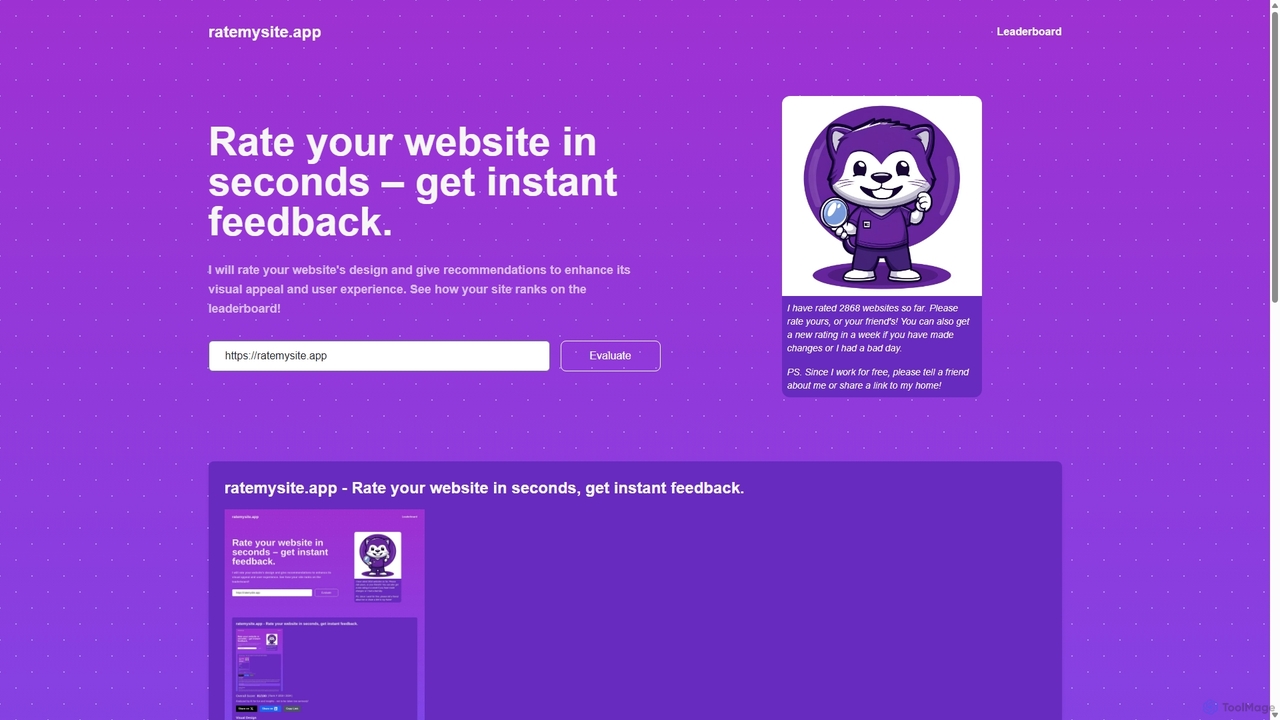
Ratemysite.app

An AI-powered tool that instantly rates your website's design, layout, and content. Get a detailed score out of 100, actionable recommendations to improve visual appeal and user experience, and see how your site ranks on a global leaderboard. It's fast, free, and requires no signup.

Website Design
Visits 5.6KFavorites 120Likes 135
WebsiteAuditAI
Freemium

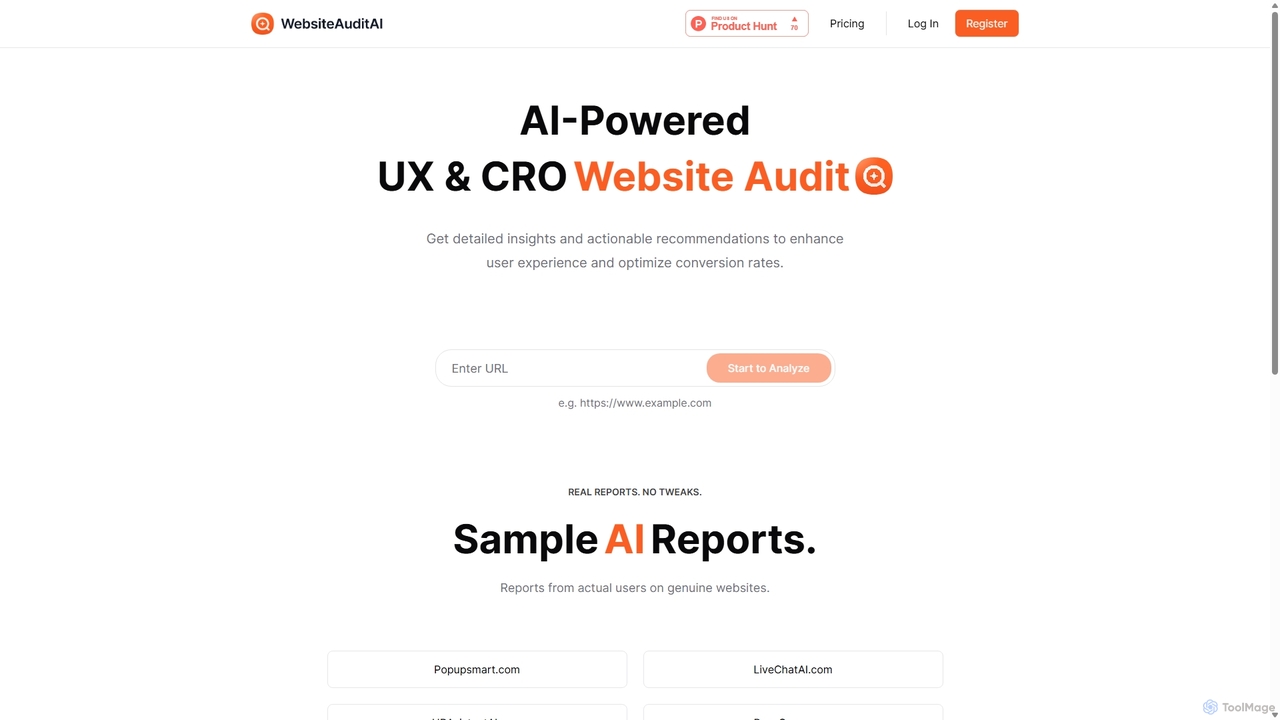
WebsiteAuditAI

An AI-powered tool that provides instant, comprehensive audits of your website's User Experience (UX), Conversion Rate Optimization (CRO), and Content. Get actionable recommendations to improve performance, enhance user engagement, and boost conversion rates.

Ux
Visits 7.3KFavorites 142Likes 128
Plixu
Freemium

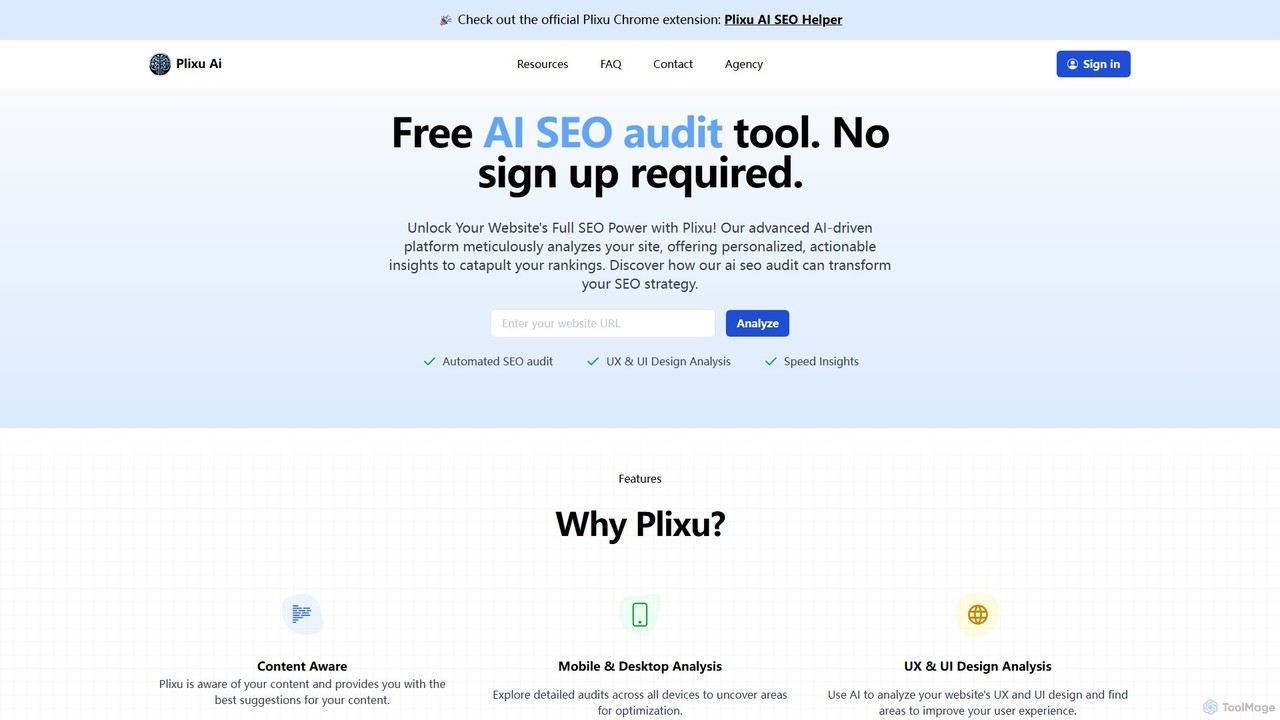
Plixu

Plixu is a free, AI-powered SEO audit tool designed for marketers and website owners. It uses GPT-4 to conduct a comprehensive analysis of your website, providing actionable insights on SEO, content, UX/UI design, accessibility, and page speed. No sign-up is required to get a detailed report, making it a fast and accessible way to identify and fix core SEO issues to improve search engine rankings.

Website Optimization
Visits 4.2KFavorites 142Likes 142

About Website Analysis

Website Analysis tools are AI-powered platforms designed to evaluate a website's performance, structure, and user engagement. These tools utilize advanced algorithms to crawl websites, analyze traffic data, and identify technical SEO issues, content gaps, and user behavior patterns. The insights generated help marketers, developers, and business owners optimize their online presence, improve search engine rankings, and enhance user experience. Unlike standard analytics platforms, AI-driven analyzers provide predictive insights and automated, actionable recommendations to boost digital productivity.

Core Features

  • SEO Audit & Health Check: Automatically scans for on-page, technical, and mobile usability issues that impact search rankings.
  • Competitor Benchmarking: Analyzes competitors' websites to uncover their top keywords, backlink strategies, and content performance.
  • Traffic & User Behavior Analysis: Integrates with analytics data to visualize user journeys, identify drop-off points, and understand engagement metrics.
  • Keyword & Content Gap Analysis: Identifies valuable keywords your competitors rank for that you are missing, guiding content strategy.
  • Backlink Profile Analysis: Monitors incoming links, assesses their quality, and helps identify potentially harmful links.

Use Cases

These tools are essential for digital marketing agencies managing multiple client websites, SEO specialists conducting in-depth audits, and e-commerce managers aiming to optimize conversion funnels. They are also valuable for content strategists planning data-driven content and web developers ensuring technical performance before and after a site launch.

How to Choose

When selecting a Website Analysis tool, consider the depth of its crawling and auditing capabilities. Evaluate the accuracy of its competitor and keyword data. Check for integration options with platforms like Google Analytics and Search Console. Finally, assess the clarity of its reporting and the actionability of its recommendations to ensure it aligns with your team's technical skill level.

Featured tool rankings

Website Analysis use cases

1

Conducting a Pre-Launch SEO Audit

A web developer or SEO specialist preparing to launch a new client website uses a website analysis tool to perform a final health check. They run a comprehensive site crawl to detect critical issues like broken links, 404 errors, missing meta descriptions, slow page load times, and improper mobile rendering. By identifying and fixing these technical problems before the site goes live, they ensure a smooth launch that establishes a strong SEO foundation from day one, preventing potential ranking penalties and improving the initial indexing process by search engines.

2

Benchmarking Against Key Competitors

A digital marketing manager for an e-commerce brand wants to understand why their top three competitors consistently outrank them for high-value product keywords. They use a website analysis tool to run a side-by-side comparison. The tool reveals that competitors have more high-authority backlinks, faster page speeds, and more comprehensive content on their category pages. Armed with this data, the manager develops a targeted strategy to improve their backlink profile, optimize site performance, and enrich their product category content to close the competitive gap.

3

Identifying Content Gaps for a Blog Strategy

A content strategist is tasked with creating an editorial calendar for the next quarter. Instead of relying on guesswork, they use a website analysis tool's keyword gap feature. They input their own domain and the domains of their top competitors. The tool generates a list of valuable, relevant keywords that competitors are ranking for on page one of Google, but their own site has no content for. This data-driven approach allows the strategist to prioritize blog topics that have a proven demand and a high probability of attracting organic traffic, making their content strategy more effective and efficient.

4

Optimizing User Experience and Conversion Rates

A UX designer for a SaaS company notices a high drop-off rate in their sign-up funnel. They use a website analysis tool that offers user behavior analytics, such as heatmaps and session recordings. By watching recordings of real user sessions, the designer identifies a confusing form field that causes frustration and leads users to abandon the process. The heatmap data confirms that users are not clicking the intended call-to-action button. Based on these insights, they redesign the form and A/B test it, resulting in a significant increase in successful sign-ups and a better overall user experience.

5

Automating Monthly SEO Performance Reports

An SEO agency manages portfolios for a dozen small businesses, each requiring a monthly performance report. Manually compiling data on keyword rankings, organic traffic, and technical site health is time-consuming. The agency uses a website analysis tool with automated reporting features. They set up a custom dashboard for each client that tracks key metrics. At the end of each month, the tool automatically generates and emails a white-labeled PDF report to each client. This automation saves the agency over 20 hours of manual work per month, allowing them to focus on strategy and execution rather than data compilation.

6

Monitoring Backlink Profile Health

An in-house SEO specialist for a large publisher is concerned about negative SEO attacks. They use a website analysis tool to continuously monitor their site's backlink profile. The tool automatically discovers new backlinks and assesses their quality based on domain authority and spam scores. One day, the tool alerts the specialist to a sudden influx of thousands of low-quality links from spammy domains. They are able to quickly review these toxic links, export a list, and submit it to Google's Disavow Tool, protecting their site's authority and preventing a potential ranking penalty before it can cause damage.

Website Analysis FAQ

What are AI Website Analysis tools?

AI Website Analysis tools are software platforms that use artificial intelligence to automatically crawl, audit, and analyze a website's performance. They go beyond simple traffic metrics to evaluate technical SEO health, on-page content optimization, user experience signals, and competitive landscapes. Key features often include automated site audits, keyword rank tracking, backlink analysis, and competitor benchmarking. Their main purpose is to provide data-driven, actionable insights to help improve search engine visibility and conversion rates.

How to choose the right Website Analysis tool?

Choosing the right tool depends on your specific needs. Consider these factors:

  • Scope of Analysis: Do you need a tool focused purely on technical SEO, or one that also covers content, backlinks, and competitor analysis?
  • Data Accuracy: Evaluate the reliability of its keyword volume, traffic estimates, and backlink data. Look for tools that use multiple data sources.
  • Integration: Check if it integrates with essential tools like Google Analytics and Google Search Console for more comprehensive data.
  • Usability and Reporting: The tool should present complex data in an easy-to-understand format with clear, actionable recommendations.
  • Scalability and Pricing: Consider the pricing model (per project, per user, or based on crawl limits) and whether it can scale with your business needs.
What's the difference between Website Analysis tools and Google Analytics?

Google Analytics is primarily a web analytics service that tracks and reports website traffic and user behavior *on your own site*. Website Analysis tools are much broader. While they may integrate GA data, their core function is to act as a diagnostic and strategic tool. They actively crawl your site to find technical errors (something GA doesn't do), analyze your competitors' strategies, track keyword rankings across search engines, and audit your backlink profile. In short, Google Analytics tells you what is happening on your site, while Website Analysis tools tell you why it's happening and how to improve your performance across the entire web.

Who should use Website Analysis tools?

A wide range of professionals can benefit from using these tools. Key users include:

  • SEO Specialists: For conducting technical audits, tracking rankings, and analyzing backlink profiles.
  • Digital Marketers: To understand the competitive landscape, identify content opportunities, and measure campaign effectiveness.
  • Business Owners: To monitor their website's overall health and performance without needing deep technical expertise.
  • Content Strategists: For data-driven topic research and identifying content gaps.
  • Web Developers: To diagnose and fix technical issues like site speed, mobile usability, and crawl errors before and after launch.
Can these tools guarantee a 1 ranking on Google?

No, no tool can guarantee a 1 ranking. Search engine rankings are determined by hundreds of factors, and algorithms are constantly changing. Website Analysis tools are powerful diagnostic instruments, not magic wands. They provide the data and insights needed to identify problems and opportunities. They can tell you *what* to fix and *where* to focus your efforts, but achieving high rankings still requires skilled implementation of the recommendations, creating high-quality content, and building a strong brand presence. They empower you to make better, data-informed SEO decisions.