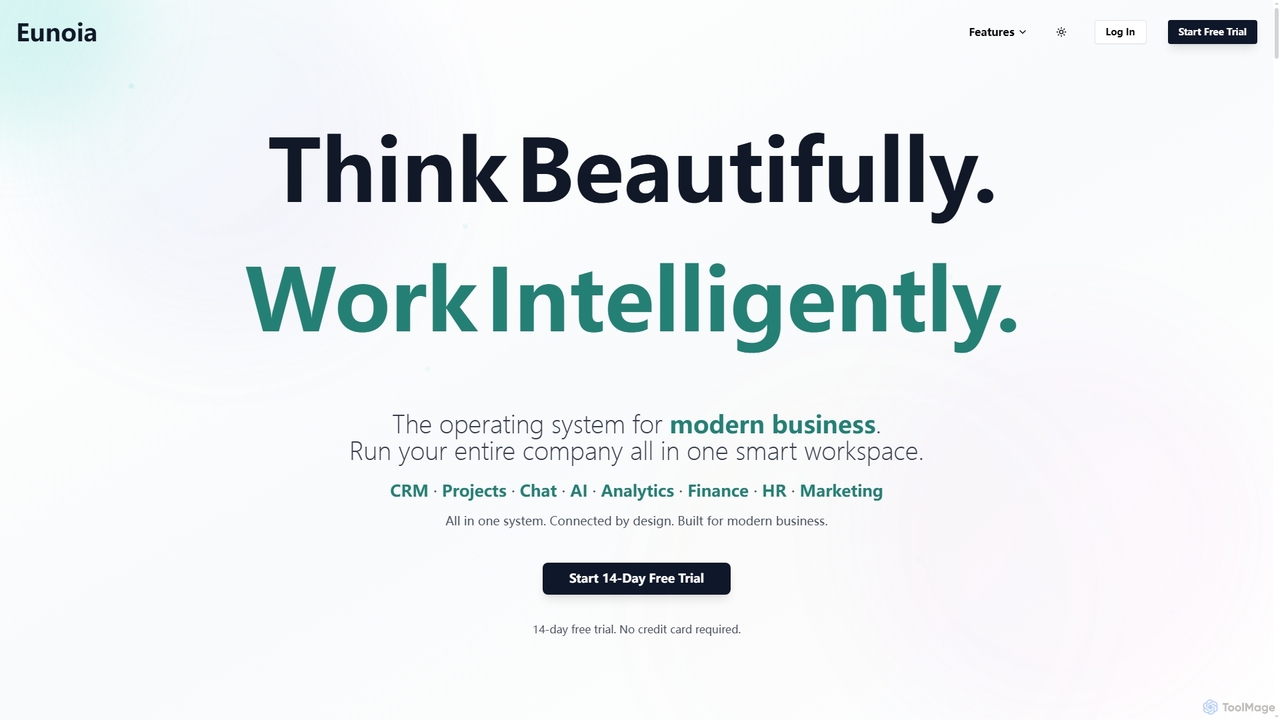
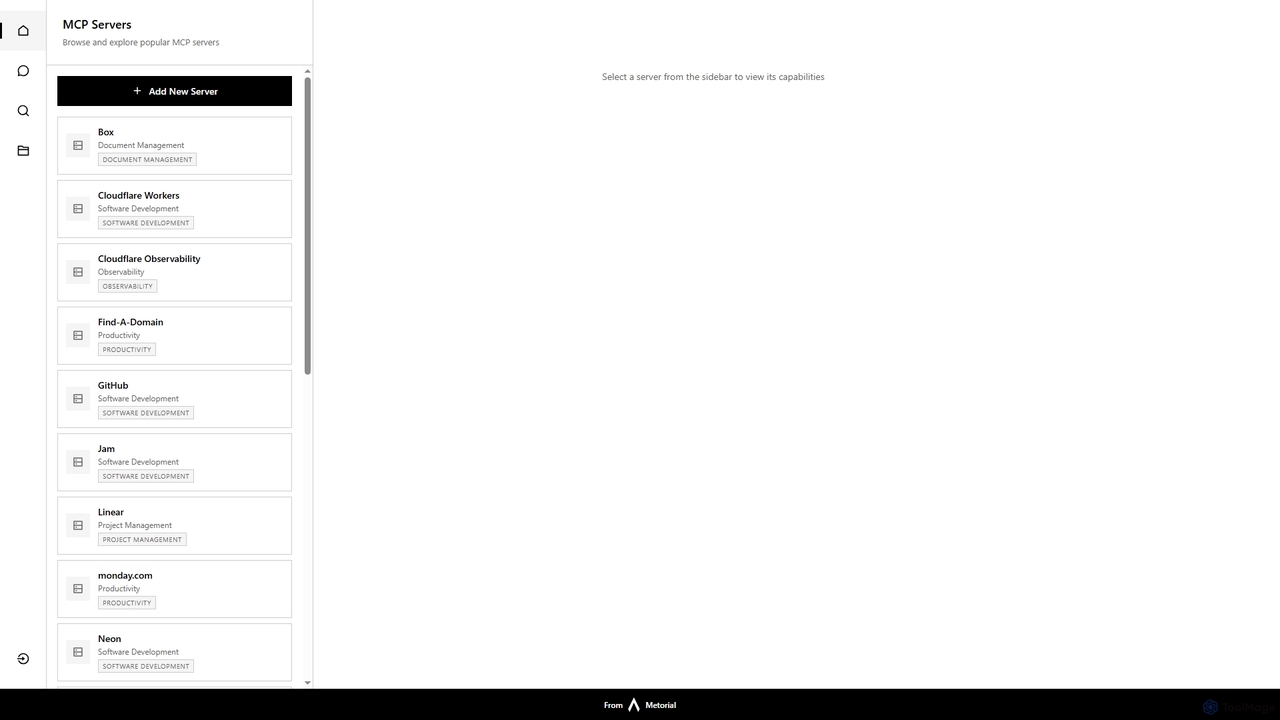
Workspace Management tools are AI-powered solutions designed to optimize and streamline an individual's or team's work environment. These tools leverage artificial intelligence to automate routine tasks, intelligently organize resources, and enhance collaboration within digital and physical workspaces. They aim to reduce operational friction, improve efficiency, and foster a more productive and organized work setting. By integrating smart automation and data-driven insights, they transform how work is structured and executed.
Core Features
- Intelligent Task Prioritization: AI analyzes deadlines, dependencies, and user habits to suggest optimal task sequences.
- Automated Resource Allocation: Dynamically assigns meeting rooms, equipment, or personnel based on availability and project needs.
- Smart Scheduling & Calendar Management: Optimizes meeting times, sends reminders, and resolves conflicts using AI algorithms.
- Communication Streamlining: Consolidates messages, summarizes discussions, and suggests relevant responses across platforms.
- Performance Analytics & Insights: Provides data-driven reports on team productivity, resource utilization, and workflow bottlenecks.
Use Cases
Professionals in project management, human resources, and operations benefit significantly from Workspace Management tools. For instance, a project manager can use these tools to automatically assign tasks to team members based on their skills and current workload, ensuring balanced distribution and timely completion. HR departments can optimize office space utilization by intelligently scheduling hot desks and meeting rooms, reducing overheads and improving employee experience. Operations teams can streamline daily stand-ups by having AI summarize previous discussions and highlight urgent action items, making meetings more focused and efficient.
How to Choose
When selecting Workspace Management tools, consider the specific needs of your team or organization. Evaluate the tool's integration capabilities with existing software (e.g., calendars, communication platforms, project management systems) to ensure seamless workflow. Assess its automation scope, looking for features that address your most time-consuming routine tasks. Consider the scalability of the solution to accommodate future growth and changing team structures. Finally, examine the user interface and experience to ensure it is intuitive and encourages adoption across your workforce.