Seo Best in category 11 results Website Analysis AI Tool

Popular AI tools in the Website Analysis field of Seo include Roast My Web、UltimateWebSpeed、Yourwebsitescore、Zenyt、withsimba、SEO.AI、sitelifter、PageSignalPro、Roast My Landing Page、FreeToolz, etc., helping you quickly improve efficiency.

PageSignalPro

PageSignalPro

PageSignalPro is an AI-powered landing page optimizer that analyzes your website in seconds to identify conversion leaks, trust …

2.6K
Free
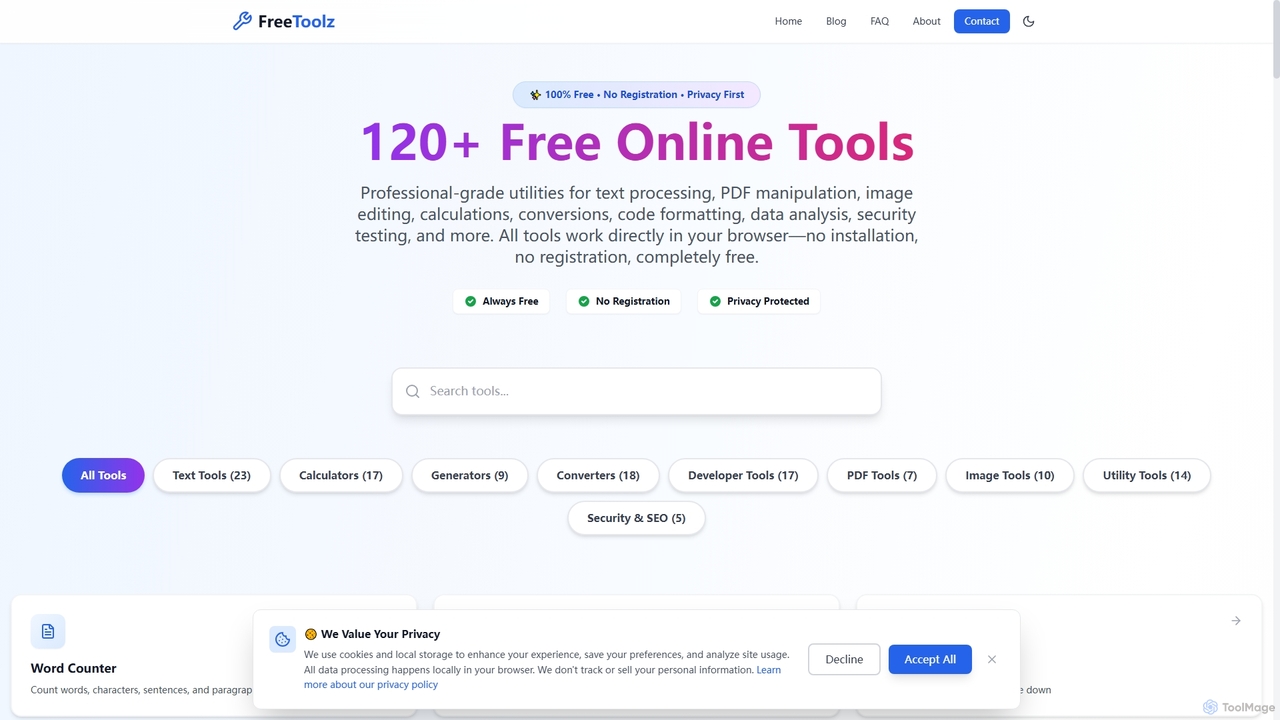
FreeToolz

FreeToolz

FreeToolz offers a comprehensive suite of over 120 professional-grade online tools for various tasks, including text processing, PDF …

2.6K
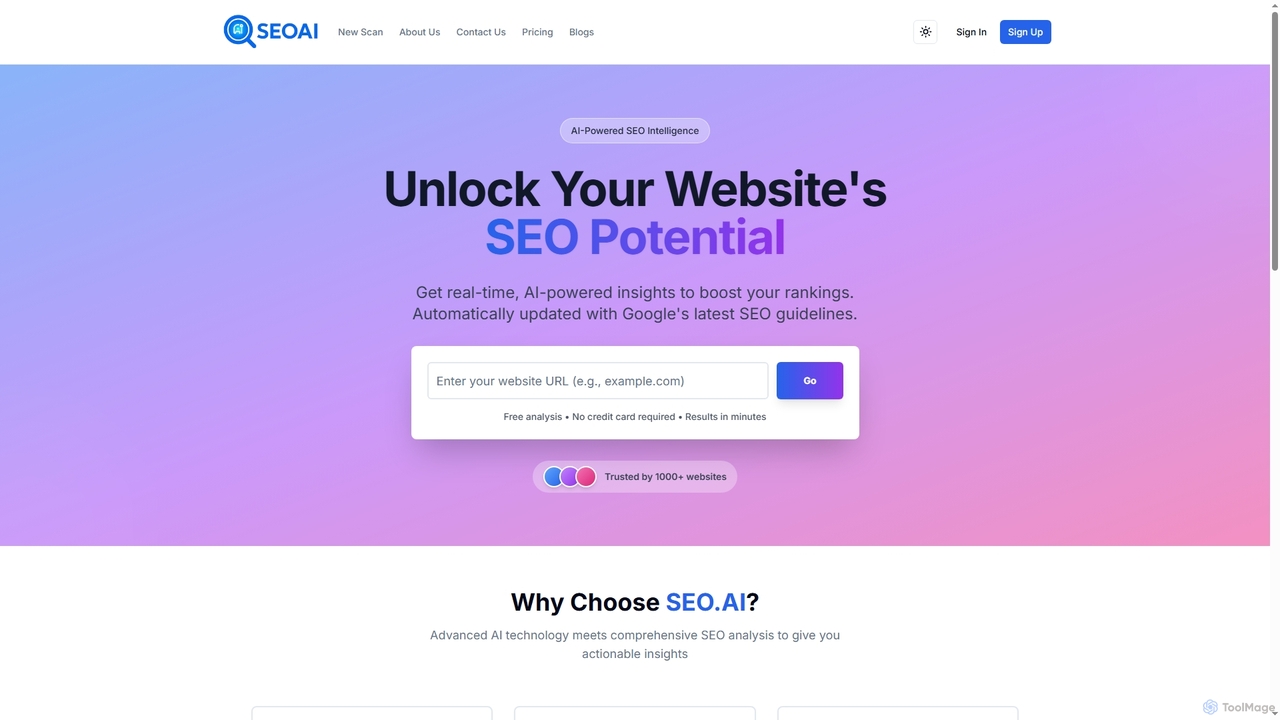
SEO.AI

SEO.AI

SEO.AI is an AI-powered website scanning and analysis tool that provides real-time, actionable insights to boost search engine …

2.7K
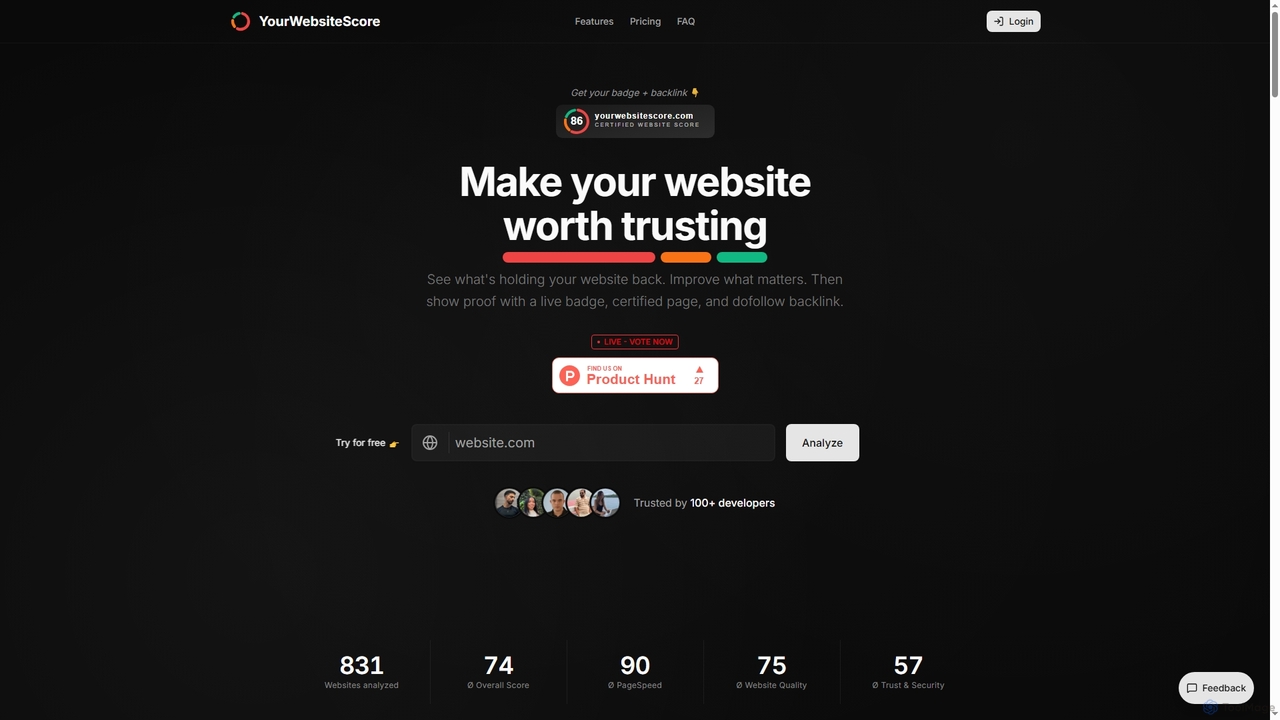
Yourwebsitescore

Yourwebsitescore

An all-in-one website analysis tool that evaluates performance, quality, and security. It provides a detailed score, an embeddable …

3.0K
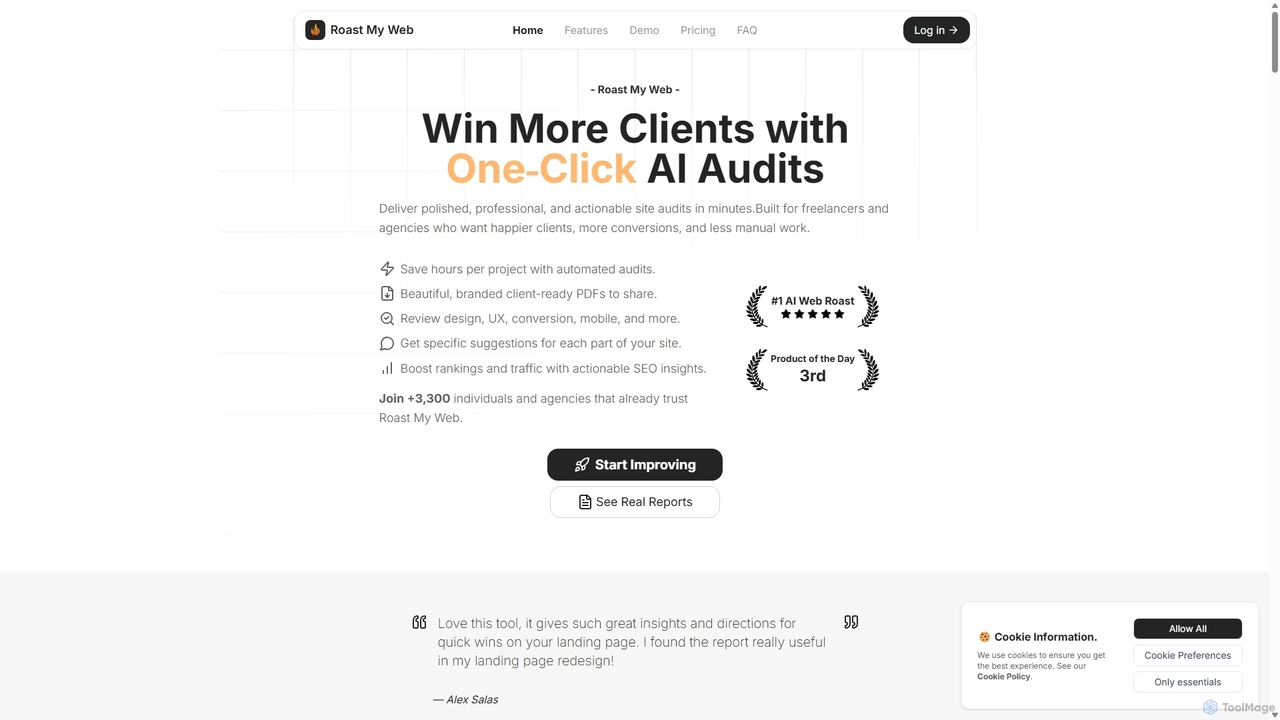
Roast My Web

Roast My Web

Roast My Web is an AI-powered tool that delivers instant, brutally honest website audits. Designed for freelancers and …

7.8K
Roast My Landing Page

Roast My Landing Page

Roast My Landing Page is an AI-powered service that delivers brutally honest, actionable feedback to optimize your landing …

2.6K
Zenyt

Zenyt

Zenyt is an AI-powered e-commerce optimization platform that uses AI agents to simulate millions of real shoppers. It …

2.7K
Landing.report

Landing.report

Landing.report is an AI-powered tool that provides comprehensive audits for landing pages, focusing on design, copy, and SEO. …

2.5K
UltimateWebSpeed

UltimateWebSpeed

UltimateWebSpeed is a comprehensive platform featuring a free, AI-powered SEO analyzer. It provides detailed reports on website performance, …

3.0K
withsimba

withsimba

Simba is an AI-powered landing page advisor designed specifically for local service businesses. It provides instant, actionable feedback …

2.7K
sitelifter

sitelifter

sitelifter is an AI-powered platform that analyzes your website and landing pages to provide expert-backed, actionable insights for …

2.7K

About Website Analysis

Website Analysis tools are a specialized category of SEO software designed to audit and evaluate a website's performance. They utilize crawlers and data APIs to collect comprehensive information on technical SEO, on-page content, backlink profiles, and user experience metrics. This data helps marketers and developers identify optimization opportunities, diagnose critical issues, and track performance against competitors. Unlike broader SEO platforms, these tools focus specifically on deep-dive diagnostics of a single domain or a set of competing domains.

Core Features

  • Technical SEO Audit: Crawls a website to find issues like broken links, redirect chains, slow page speed, and mobile usability problems.
  • On-Page Analysis: Evaluates individual pages for keyword optimization, meta tag quality, content structure, and internal linking.
  • Backlink Profile Review: Analyzes the quantity and quality of incoming links, identifying toxic links and new opportunities.
  • Competitor Benchmarking: Compares your website's key SEO metrics against top competitors to uncover strategic gaps and advantages.
  • Rank Tracking: Monitors search engine ranking positions for a list of target keywords across different locations and devices.

Applicable Scenarios

These tools are essential for SEO specialists, digital marketing agencies, and in-house marketing teams. They are frequently used for conducting initial site audits for new clients, performing regular website health checks, analyzing competitor strategies to gain an edge, and preparing for complex projects like website migrations.

How to Choose

When selecting a Website Analysis tool, consider the depth of its crawling capabilities (the number of pages it can analyze), the accuracy of its data sources (especially for backlinks and traffic), and its integration with other platforms like Google Analytics. Also, evaluate the clarity of its reporting features and whether its pricing model (subscription vs. pay-per-audit) aligns with your needs.

Website AnalysisUse Cases

1

Conduct a Comprehensive Technical SEO Audit

An SEO specialist onboarding a new client with an underperforming website uses a Website Analysis tool to perform a full site crawl. The tool systematically checks thousands of pages for critical issues such as 404 errors, slow page load times, duplicate content, improper redirects, and missing XML sitemaps. The output is a detailed, prioritized report that clearly outlines each issue and its severity. This allows the specialist to create a precise action plan for the development team, ensuring foundational technical problems are fixed efficiently to improve the site's crawlability and indexability by search engines.

2

Analyze Competitor Backlink Strategies

A digital marketing manager planning a link-building campaign inputs the URLs of three top competitors into a Website Analysis tool. The tool's backlink analysis feature reveals which high-authority domains are linking to them, the most common anchor texts used, and which pages on their sites have attracted the most links. By identifying a 'link gap'—domains linking to competitors but not to their own site—the manager can build a highly targeted outreach list. This data-driven approach focuses efforts on proven link sources, increasing the campaign's efficiency and likelihood of acquiring high-quality backlinks.

3

Optimize On-Page Content for Target Keywords

A content strategist notices a key landing page is not ranking on the first page for its primary keyword. They use a Website Analysis tool's on-page audit feature to analyze the page. The tool provides a detailed report on keyword usage in the title tag, meta description, headers (H1, H2s), and body content. It also checks for internal links pointing to the page and image alt text. Based on the tool's specific, actionable recommendations, such as 'add the keyword to the H1 tag' or 'improve meta description length,' the strategist revises the content. This optimization process directly improves the page's relevance score for the target query, leading to improved search rankings.

4

Prepare for a Secure Website Migration

A technical SEO specialist is managing a website migration to a new domain. Before the migration, they use a Website Analysis tool to crawl the entire old site, creating a complete list of all URLs to be redirected. After the launch, they immediately crawl the new domain. The tool quickly identifies any failed 301 redirects, broken internal links resulting from the migration, and pages that are now returning 404 errors. This rapid diagnostic process allows the team to fix critical migration errors within hours, not weeks, minimizing traffic loss and preserving the site's hard-earned SEO value throughout the transition.

5

Monitor Keyword Ranking Fluctuations

An e-commerce manager wants to track performance for high-value product category keywords. They set up a project in a Website Analysis tool, inputting their target keywords and specifying the target country and device type (desktop/mobile). The tool then automatically checks rankings daily or weekly and presents the data in an easy-to-read dashboard and historical charts. If a key term suddenly drops in rank, the manager receives an alert, allowing them to investigate immediately—whether it's a technical issue, a new competitor, or a search algorithm update. This proactive monitoring helps protect and grow organic search traffic to critical revenue-generating pages.

6

Generate Client-Ready SEO Performance Reports

An account manager at an SEO agency needs to provide a monthly progress report to a client. Instead of manually compiling data from multiple sources, they use the reporting feature of their Website Analysis tool. They configure a template that includes key metrics like the site's overall health score, the number of new backlinks acquired, keyword ranking improvements, and a list of technical issues resolved in the past month. The tool automatically populates this template with the latest data and generates a professional, white-labeled PDF report. This automates a time-consuming task, ensures data accuracy, and clearly demonstrates the agency's value to the client.

Website AnalysisFrequently Asked Questions