Zivy
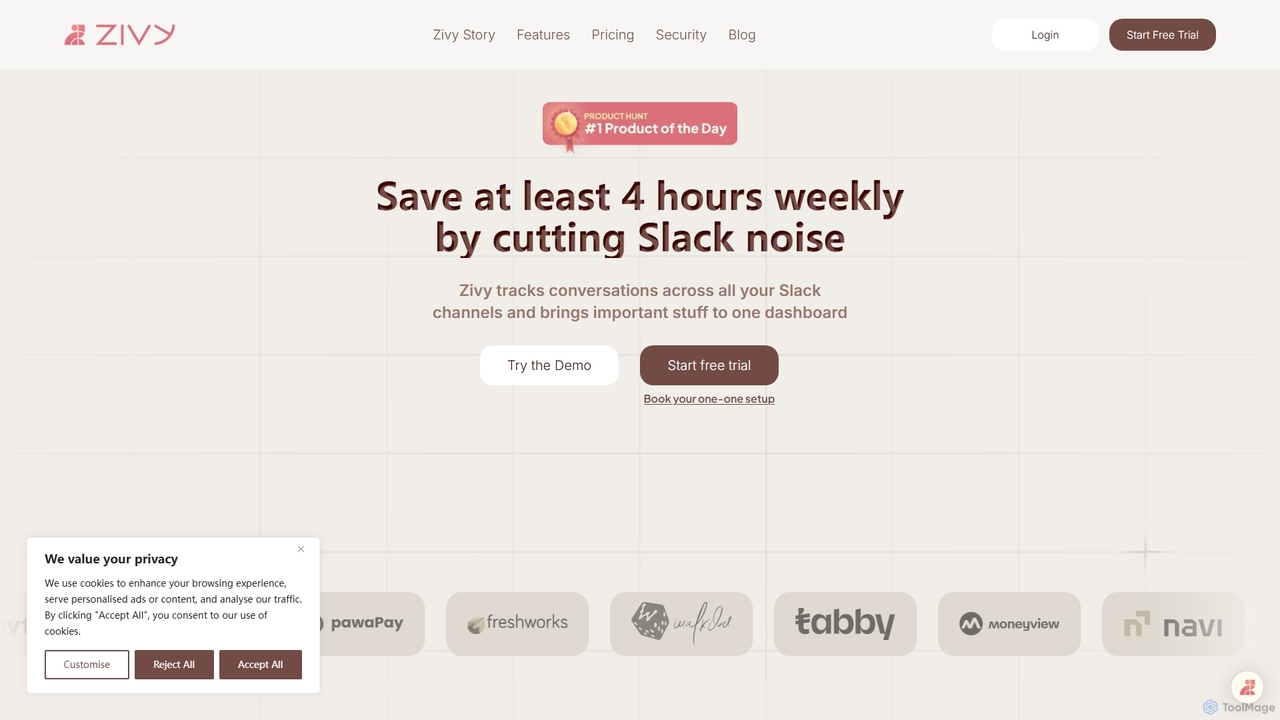
Zivy is an AI copilot for Slack designed to help managers and teams reduce noise, prioritize conversations, and …
Zivy is an AI copilot for Slack designed to help managers and teams reduce noise, prioritize conversations, and automate tasks. It intelligently filters messages, summarizes long threads, automates follow-ups, and drafts replies, saving users over 4 hours per week and transforming Slack from a source of distraction into a focused productivity hub.
PromptDrive
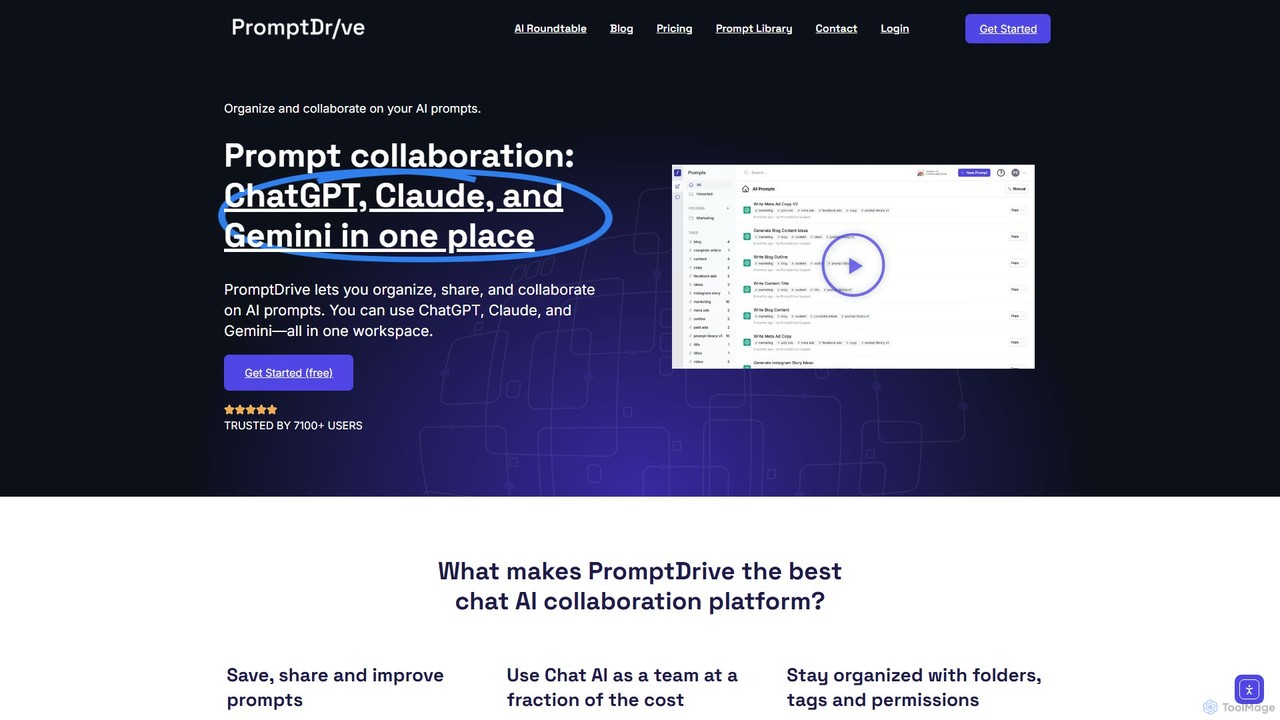
PromptDrive is a collaborative AI platform that helps teams organize, share, and execute prompts for ChatGPT, Claude, and …
PromptDrive is a collaborative AI platform that helps teams organize, share, and execute prompts for ChatGPT, Claude, and Gemini in a single workspace. It streamlines AI workflows, enhances team productivity, and ensures consistent quality in AI-generated content through features like shared folders, prompt variables, and a unified interface.
Project Manda
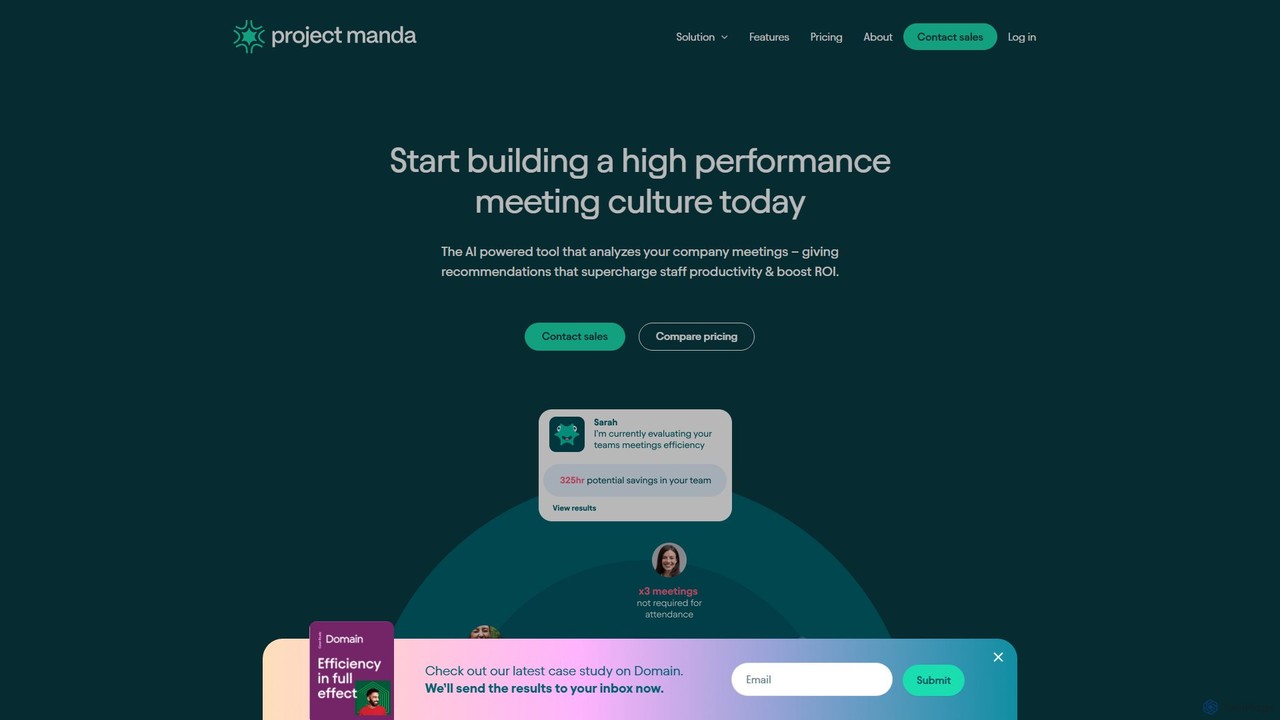
Project Manda is an AI-powered meeting performance platform that analyzes your company's meetings to provide actionable recommendations. It …
Project Manda is an AI-powered meeting performance platform that analyzes your company's meetings to provide actionable recommendations. It helps reduce meeting costs, boost staff productivity, and foster a high-performance meeting culture by integrating seamlessly with your existing calendar and communication tools.
checklist.gg
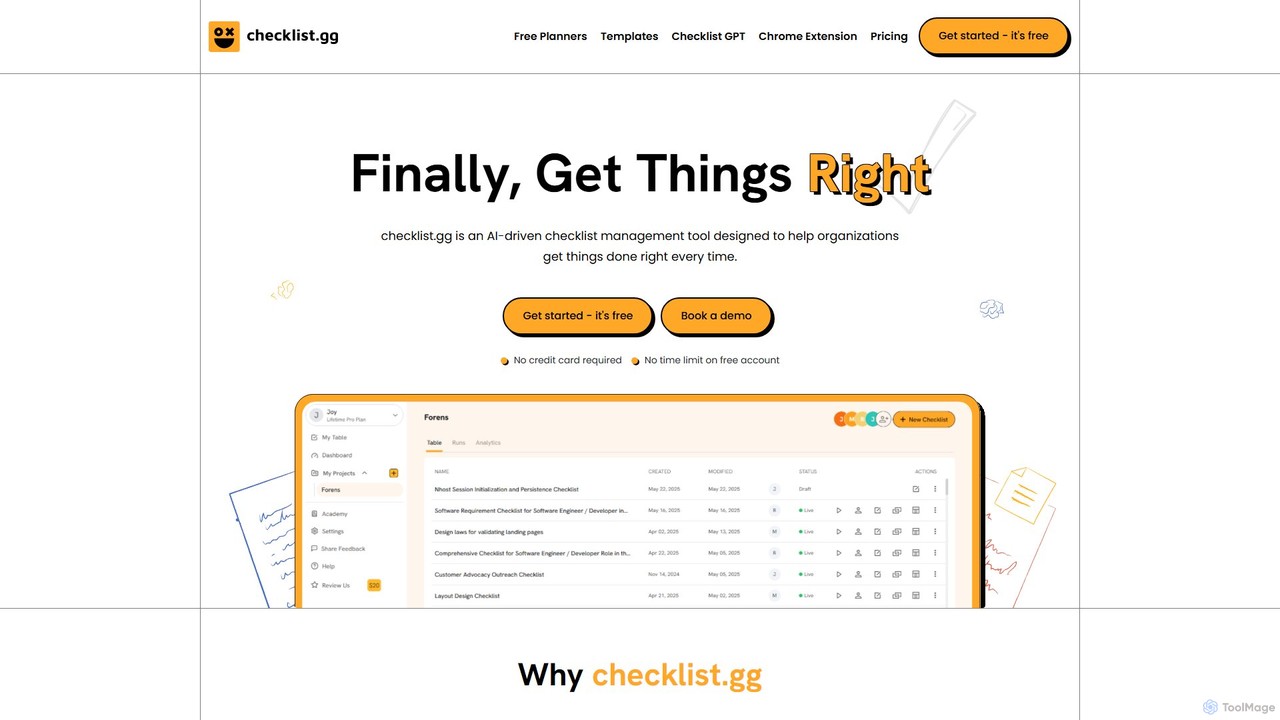
checklist.gg is an AI-driven checklist management tool that helps teams and organizations create, manage, and automate checklists, processes, …
checklist.gg is an AI-driven checklist management tool that helps teams and organizations create, manage, and automate checklists, processes, and SOPs. Instantly generate comprehensive lists from prompts, documents, or links to reduce errors, save time, and ensure consistent execution.
About Workflow Automation
Workflow Automation tools leverage artificial intelligence to streamline and optimize repetitive tasks, data transfers, and decision-making processes across various applications. These AI-powered platforms analyze patterns, apply intelligent logic, and integrate seamlessly with existing systems to execute sequences of operations automatically, significantly enhancing efficiency and consistency within team collaboration environments. By reducing manual effort and human error, they empower teams to focus on strategic initiatives rather than mundane administrative work, fostering more productive and agile operations.
Core Features
- Intelligent Task Orchestration: Automatically triggers and sequences tasks based on predefined rules, events, and AI-driven insights, ensuring timely execution and adherence to protocols.
- Cross-Platform Integration: Connects diverse business applications like CRM, ERP, communication tools, and project management software, enabling seamless data flow and process unification.
- AI-Powered Decision Logic: Utilizes machine learning to make informed decisions, route data, manage approvals, and personalize responses without constant human intervention.
- Data Synchronization & Transformation: Ensures consistent data flow by automatically transferring, formatting, and updating information across disparate systems, eliminating manual data entry errors.
- Predictive Optimization: Learns from past workflow performance to identify bottlenecks, predict potential issues, and suggest improvements for future processes, continuously enhancing operational efficiency.
Applicable Scenarios
- Sales & Marketing Automation: Automating lead qualification, nurturing sequences, and personalized outreach campaigns based on prospect behavior.
- Customer Service Enhancement: Intelligently routing support tickets, automating FAQ responses, and escalating complex issues to the right agents.
- HR & Onboarding Streamlining: Automating new hire paperwork, training assignments, and access provisioning, ensuring a smooth and compliant onboarding experience.
Selection Criteria
- Integration Ecosystem: Assess the breadth and depth of integrations with your existing software stack (CRM, ERP, communication, project management).
- AI Capabilities & Customization: Evaluate the intelligence of the AI (e.g., NLP, ML for decision-making) and the flexibility to customize automation logic without extensive coding.
- Scalability & Performance: Ensure the tool can handle your current and future workload, processing volumes, and user growth without compromising speed or reliability.
- User Experience & Support: Look for an intuitive interface, comprehensive documentation, and responsive customer support to facilitate adoption and troubleshooting.
Workflow AutomationUse Cases
Automated Lead Qualification and Nurturing
Sales and marketing teams can deploy AI workflow automation to automatically qualify incoming leads based on predefined criteria (e.g., company size, industry, engagement score). The system then initiates personalized email sequences, schedules follow-up tasks, and updates CRM records, ensuring no lead is missed and sales representatives focus on high-potential prospects. This significantly reduces manual lead management time and accelerates the sales cycle.
Intelligent Customer Support Ticket Routing
Customer service departments utilize these tools to automatically categorize incoming support tickets, analyze their urgency and sentiment using AI, and route them to the most appropriate agent or department. This ensures faster resolution times, reduces agent workload by eliminating manual sorting, and improves overall customer satisfaction by connecting customers with specialized help efficiently.
Streamlined Content Approval and Publishing
Content creation teams, including marketers and designers, can automate their content lifecycle from drafting to publishing. The workflow automatically sends content drafts for review to relevant stakeholders, tracks feedback, manages revisions, and schedules publication across various platforms once approved. This minimizes delays, ensures brand consistency, and frees up creative professionals to focus on content quality.
Automated HR Onboarding and Offboarding
HR departments leverage workflow automation to manage the complex processes of employee onboarding and offboarding. For new hires, the system automatically triggers IT account creation, benefits enrollment, training assignments, and welcome communications. For offboarding, it ensures timely access revocation, asset collection, and exit interviews, guaranteeing compliance and a smooth transition for all parties.
Financial Report Generation and Distribution
Finance teams can automate the collection of data from various financial systems, generate customized reports (e.g., monthly expense reports, budget vs. actuals), and distribute them to relevant stakeholders on a scheduled basis. AI can even flag anomalies or potential discrepancies for review, reducing manual data compilation errors and ensuring timely, accurate financial insights for decision-making.
Proactive IT Incident Management
IT operations teams use workflow automation to monitor system performance and automatically respond to incidents. Upon detecting an anomaly or error, the system can trigger alerts, create incident tickets, initiate diagnostic scripts, and even attempt automated fixes. If human intervention is required, it routes the ticket to the appropriate IT specialist, minimizing downtime and ensuring system reliability.