An advanced text-to-speech application for Windows and Linux that automatically reads text from your clipboard. It features natural voices, auto-translation, OCR, and extensive accessibility tools, including dyslexia-friendly options, to create a seamless and powerful reading experience.
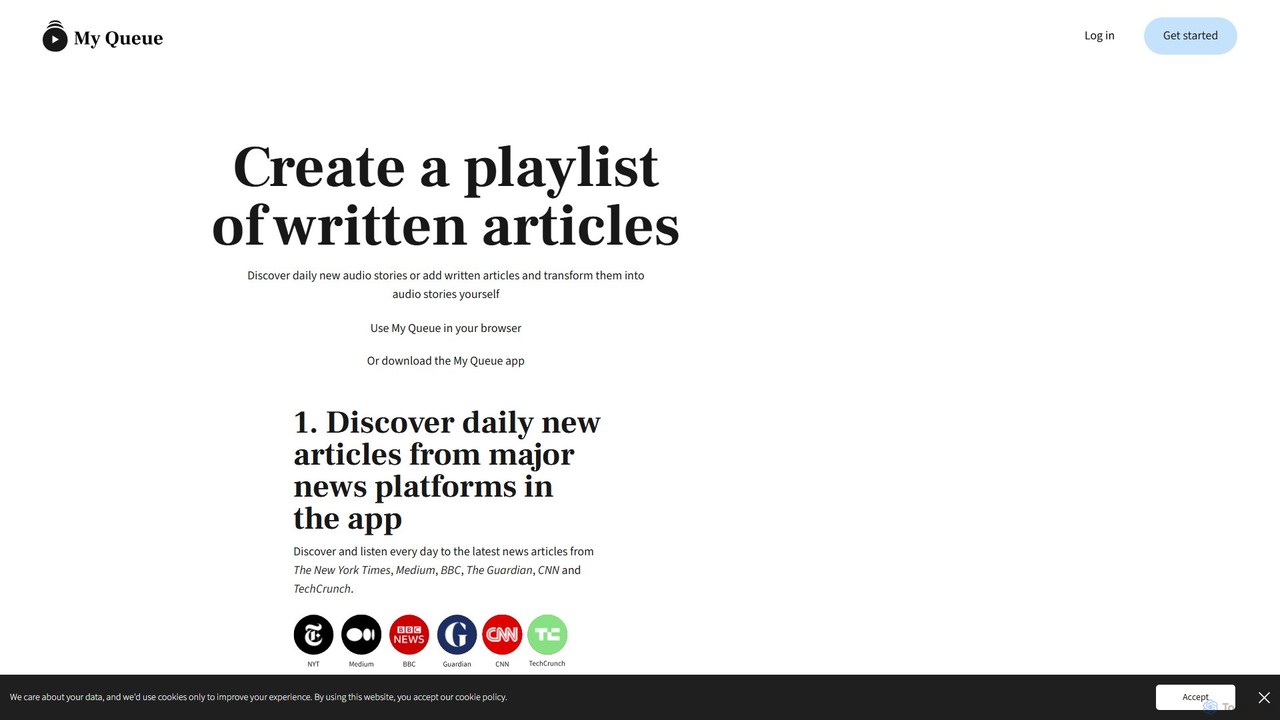
My Queue transforms written articles from the web into a personal audio playlist. Save content from news sites and blogs using a browser extension or by pasting a link. Listen on the go with mobile and desktop apps to reduce screen time. It supports 48 languages, offers customizable playback, and helps you stay informed while multitasking.
Product overview
Clipboard TTS Product overview
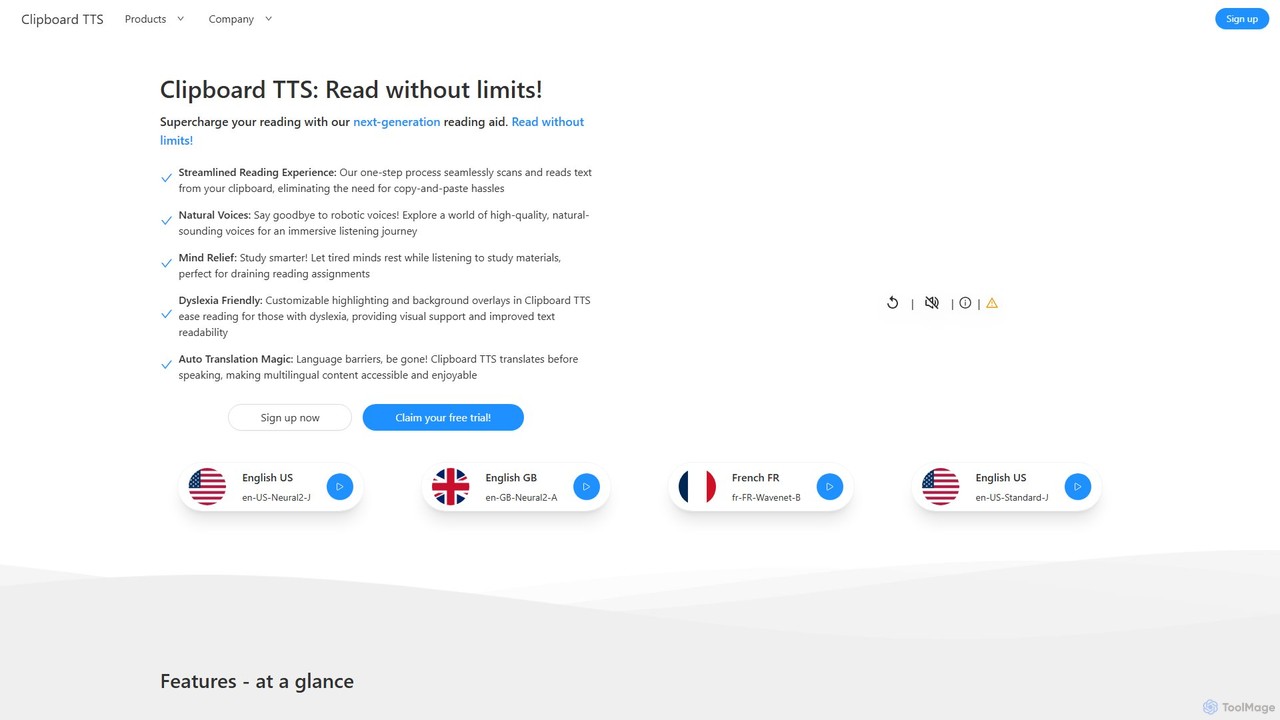
An advanced text-to-speech application for Windows and Linux that automatically reads text from your clipboard. It features natural voices, auto-translation, OCR, and extensive accessibility tools, including dyslexia-friendly options, to create a seamless and powerful reading experience.
My Queue Product overview
My Queue transforms written articles from the web into a personal audio playlist. Save content from news sites and blogs using a browser extension or by pasting a link. Listen on the go with mobile and desktop apps to reduce screen time. It supports 48 languages, offers customizable playback, and helps you stay informed while multitasking.
Detailed feature comparison
| Feature | Clipboard TTS | My Queue |
|---|---|---|
| Primary category | Reading Aid | Audio Generation |
| Added | 2025-08-08 | 2025-08-14 |
| Pricing | Freemium | Freemium |
| Official website | www.clipboardtts.com | myqueue.so |
| Product type | App | Website |
| Performance data | ||
| User rating | Not verified | Not verified |
| Comments | 0 | 0 |
| Monthly visits | 4.4K | 4.3K |
| Monthly growth | Not verified | Not verified |
| Favorites | 144 | 112 |
| Details | View details | View details |
Clipboard TTS vs My Queue monthly traffic
Compare Clipboard TTS and My Queue by monthly reach, traffic trend, visit depth, top regions, and acquisition sources.
How to interpret the traffic data
In the Clipboard TTS vs My Queue monthly traffic comparison, Clipboard TTS currently shows 4.4K visits and My Queue shows 4.3K; the two products have similar visible traffic, an absolute difference of about 106 visits. This reflects visible reach, not feature quality or paid users.
Both values come from visits recorded inside ToolMage. They can indicate relative interest on this site, but not total website traffic or global market share.
Clipboard TTS monthly traffic:
Latest traffic
My Queue monthly traffic:
Latest traffic
Usage comparison
Compare the core capabilities of Clipboard TTS and My Queue
Clipboard TTS Core features
My Queue Core features
Use cases
Clipboard TTS Use cases
My Queue Use cases
Clipboard TTS vs My Queue:In-depth comparison and selection guidance
First decide whether the products solve the same kind of need
This in-depth Clipboard TTS vs My Queue comparison uses only the product records, taxonomy, audience, traffic, and community signals available on this page. Clipboard TTS is primarily listed under “Reading Aid”, while My Queue is primarily listed under “Audio Generation”, so the first decision is whether your actual task matches their recorded scope.
The structured fields currently show these decision-relevant differences: Primary category (Clipboard TTS: Reading Aid; My Queue: Audio Generation); Product type (Clipboard TTS: App; My Queue: Website); Monthly visits (Clipboard TTS: 4.4K; My Queue: 4.3K); Favorites (Clipboard TTS: 144; My Queue: 112); Website (Clipboard TTS: www.clipboardtts.com; My Queue: myqueue.so). These facts are more useful for selection than brand visibility alone.
What market visibility and monthly traffic mean
In the Clipboard TTS vs My Queue monthly traffic comparison, Clipboard TTS currently shows 4.4K visits and My Queue shows 4.3K; the two products have similar visible traffic, an absolute difference of about 106 visits. This reflects visible reach, not feature quality or paid users.
Both values come from visits recorded inside ToolMage. They can indicate relative interest on this site, but not total website traffic or global market share.
The current traffic scope is not sufficient for a reliable product ranking. Treat monthly visits as a market-interest signal, then decide using taxonomy, use cases, pricing, and a like-for-like trial rather than reading exposure as product capability.
Product positioning, use cases, and roles
Clipboard TTS and My Queue currently overlap in shared categories: Learning and Text To Speech; shared tags: accessibility, productivity, text to speech, and TTS. This can place both on the same shortlist, but it does not prove equal implementation, depth, or cost.
Clipboard TTS's unique categories/tags are Reading Aid, dyslexia, language learning, OCR, reading aid, screen reader, and translation; My Queue's are Audio Generation, Aggregation, audio articles, audio reader, content consumption, listen to articles, news aggregator, and read later. These unique fields are the strongest differentiators: validate the product whose recorded scope matches the task instead of following traffic alone.
What ratings, comments, and favorites can tell you
Clipboard TTS has no verified rating, 0 comments, 144 favorites, and 132 likes;My Queue has no verified rating, 0 comments, 112 favorites, and 108 likes。
Neither product has enough rating or comment samples for a credible reputation ranking.
Selection guidance by actual need
When to evaluate Clipboard TTS first
Put Clipboard TTS on the priority trial list when the task aligns with “Reading Aid” and especially Reading Aid, dyslexia, language learning, OCR, reading aid, and screen reader. This follows recorded positioning and does not imply unlisted capabilities are absent.
Clipboard TTS also currently records: pricing is freemium, product type is app, 4.4K on-site monthly views, no verified user rating. Verify any hard requirement around price, platform, or reach before trial, and do not let sparse review data substitute for testing.
When to evaluate My Queue first
Put My Queue on the priority trial list when the task aligns with “Audio Generation” and especially Audio Generation, Aggregation, audio articles, audio reader, content consumption, and listen to articles. This follows recorded positioning and does not imply unlisted capabilities are absent.
My Queue also currently records: pricing is freemium, product type is website, 4.3K on-site monthly views, no verified user rating. Verify any hard requirement around price, platform, or reach before trial, and do not let sparse review data substitute for testing.
How to validate the recommendation before deciding
The available data describes positioning, public visibility, and community signals, but it cannot prove output quality, speed, integration effort, privacy, or long-term cost in your workflow. Before deciding, run the same representative tasks in Clipboard TTS and My Queue, then record completion time, accuracy, manual corrections, and the real paid threshold. A like-for-like trial turns this comparison into a defensible adoption decision.
Comparison FAQ
How should I choose between Clipboard TTS and My Queue?
Where does this comparison data come from?
What do unknown fields mean?
Related AI tools

Voice Out
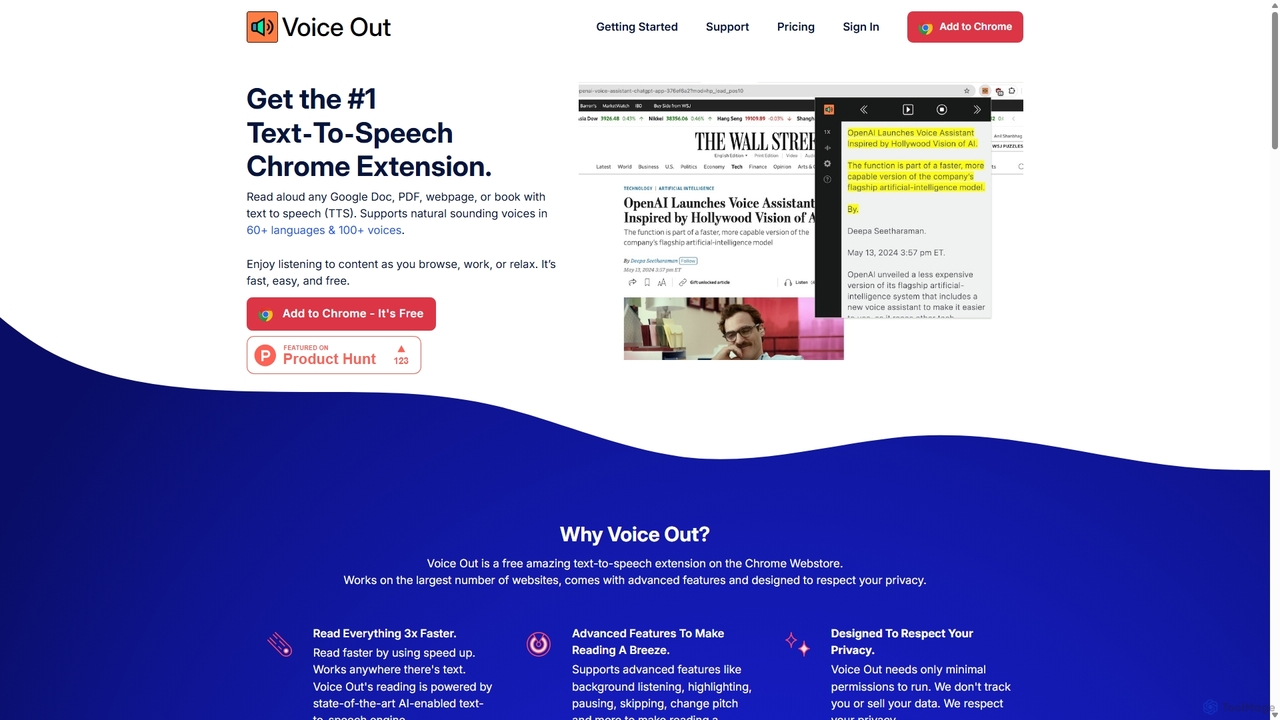
Voice Out is a leading text-to-speech (TTS) Chrome extension that converts any written content—from webpages and PDFs to Google Docs—into natural-sounding audio. Supporting over 60 languages with 100+ AI-powered voices, it enhances productivity, aids learning, and improves accessibility for all users. Listen to content while multitasking, proofread documents, or give your eyes a rest.
Screen Reader
Speak4Me
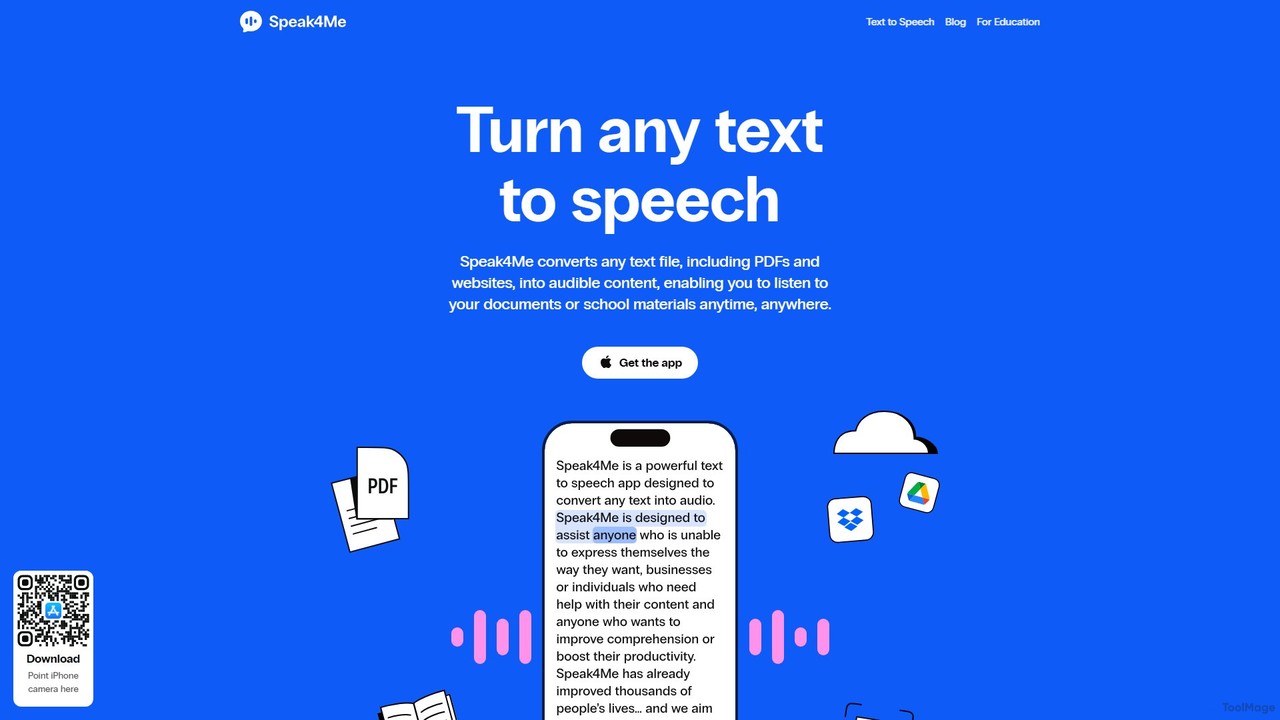
Speak4Me is an advanced text-to-speech iOS app that converts any text from documents, websites, or scanned pages into natural-sounding audio. It features AI-powered chat for summarizing and querying documents, seamless cloud integration, and robust accessibility tools for users with dyslexia or ADHD. Listen to content on the go, increase productivity, and enhance your reading and learning experience.
Assistive Technology
WebWhisper
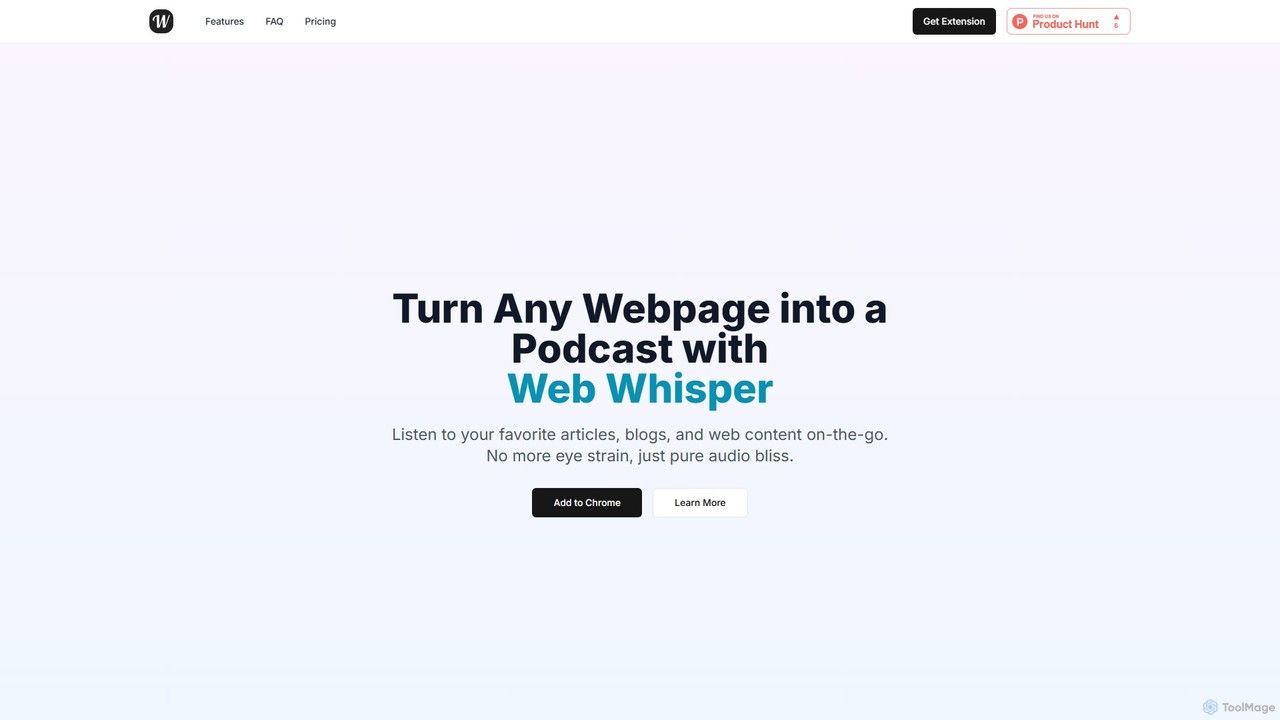
WebWhisper is a free Chrome extension that instantly converts any webpage, article, or blog post into a high-quality audio podcast. It allows you to listen to web content on the go, create playlists for later, and even access them offline. With natural-sounding AI voices and automatic language detection, it transforms your reading experience into an effortless listening one, reducing eye strain and boosting productivity.
Screen Reader
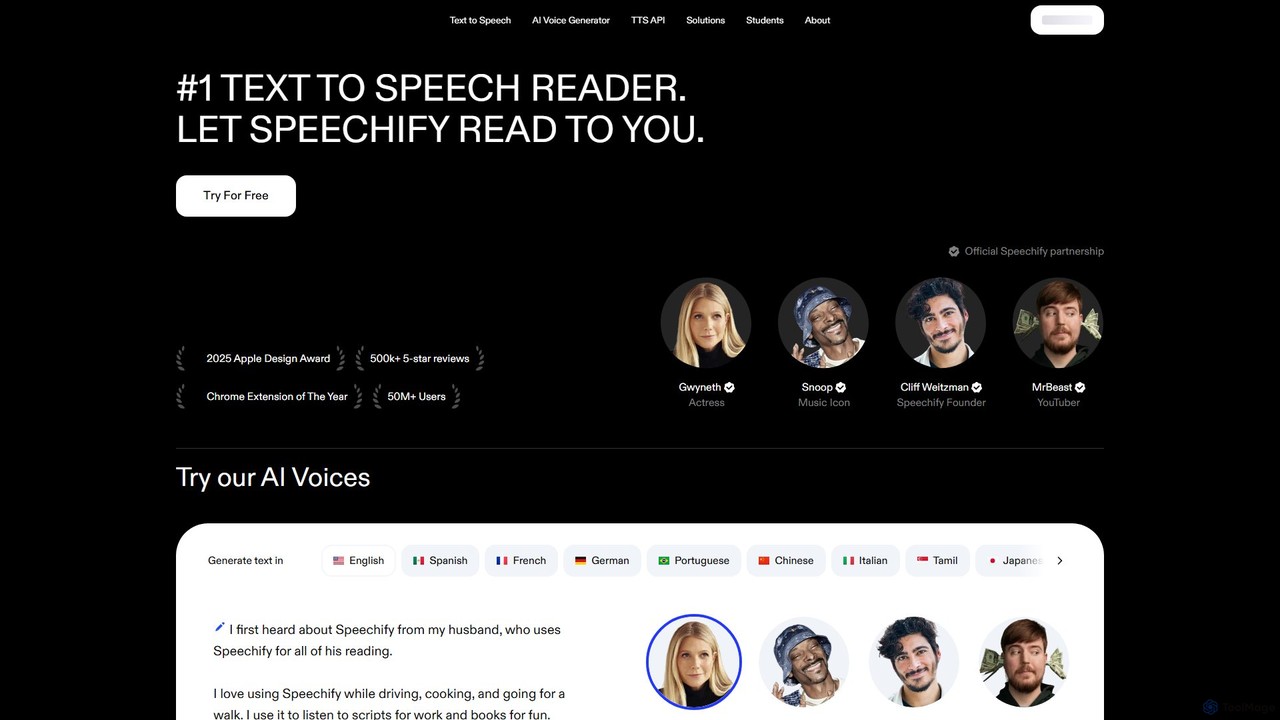
Speechify
Speechify is a leading AI-powered text-to-speech (TTS) reader that transforms any text into natural-sounding audio. It helps users listen to documents, articles, PDFs, and emails on any device, boosting productivity and making content more accessible. Ideal for students, professionals, and anyone with reading difficulties like dyslexia.
Text To Speech
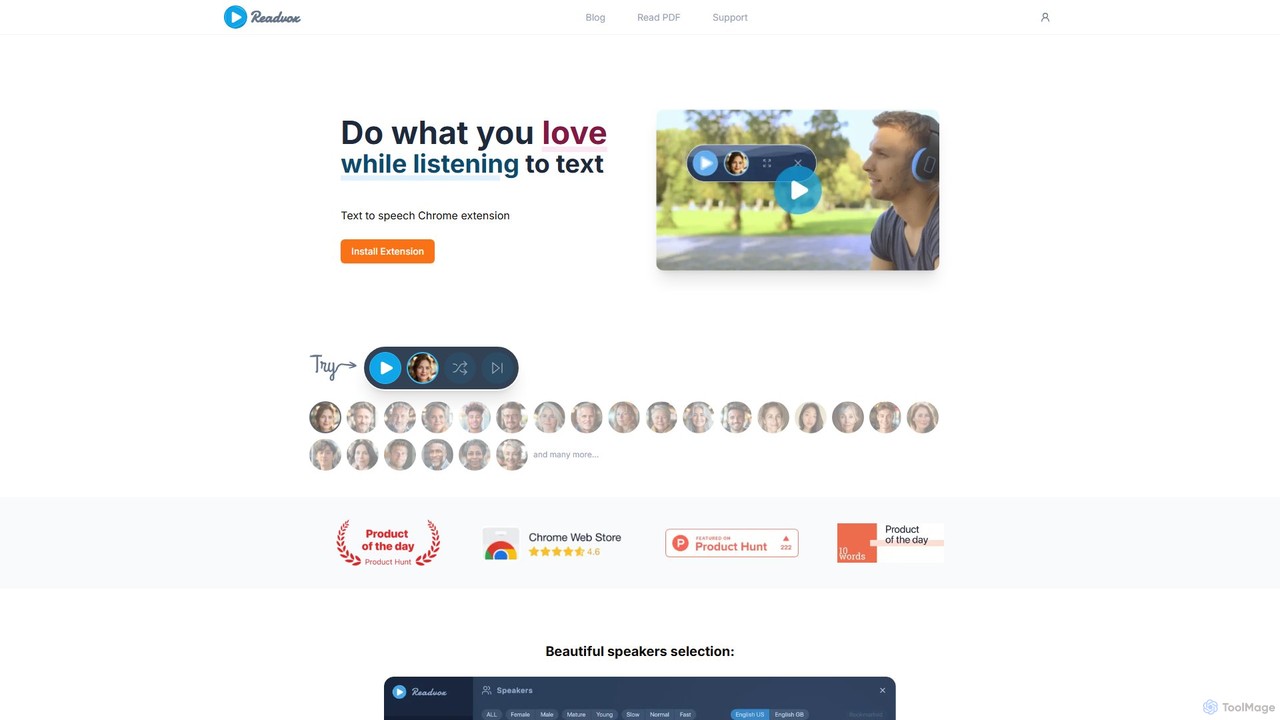
Readvox
Readvox is an AI-powered text-to-speech Chrome extension that converts web pages, PDFs, and Google Docs into natural-sounding audio. Listen to articles, books, and documents while multitasking, improving productivity and accessibility with its high-quality voices and customizable reading controls.
Chrome Extensions
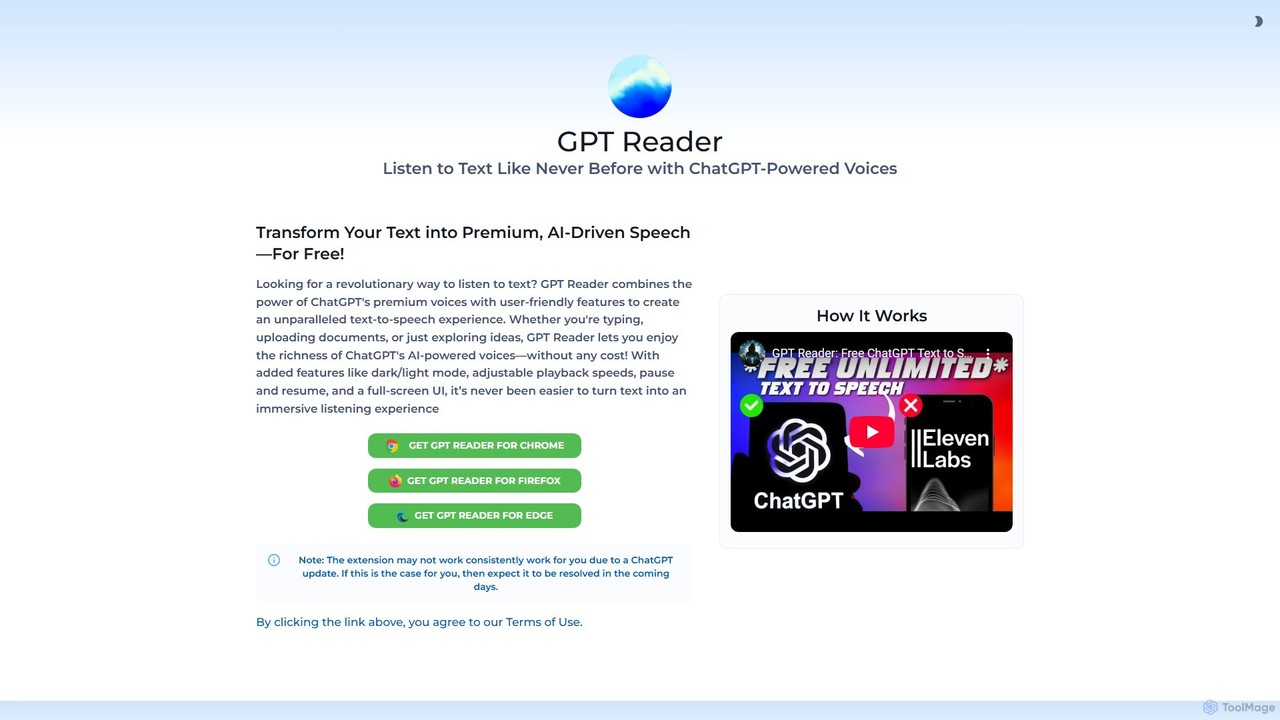
GPT Reader
A free text-to-speech browser extension that uses premium, natural-sounding voices from ChatGPT. Convert articles, documents, and any selected text into high-quality audio for enhanced productivity and accessibility.
Screen Reader
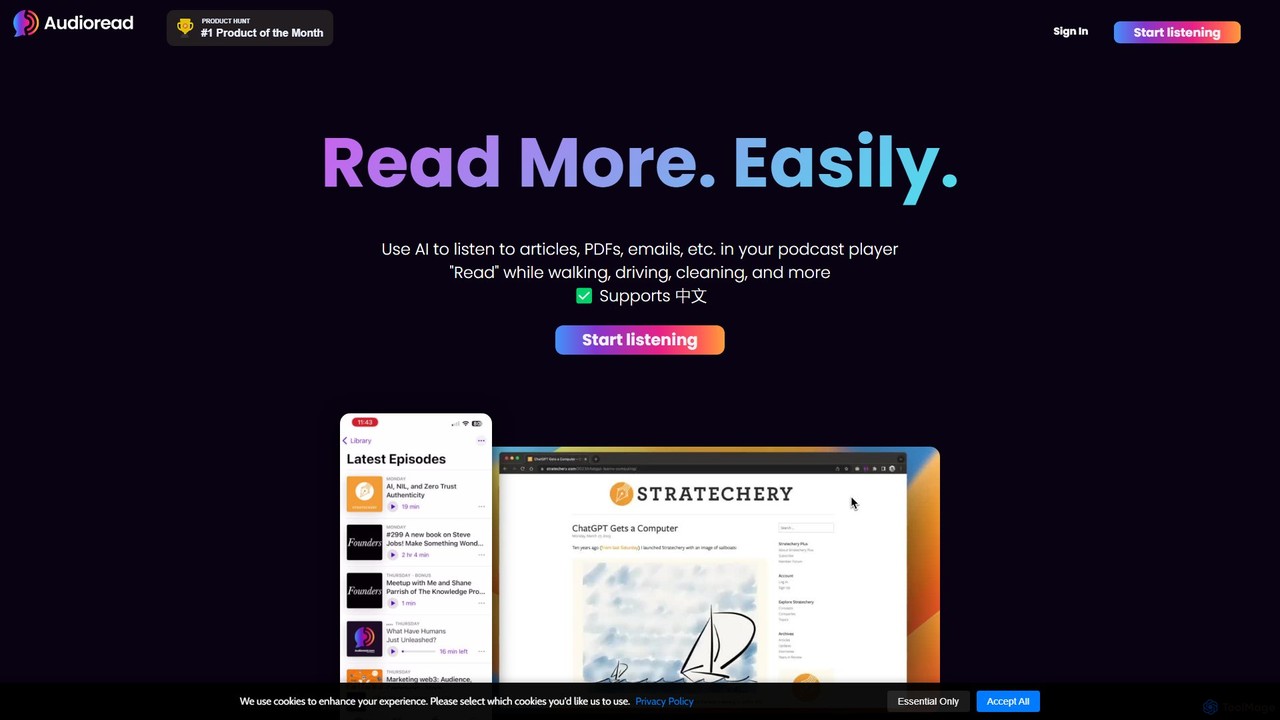
Audioread
Audioread is an advanced AI text-to-speech tool that converts any text—articles, PDFs, emails, and more—into ultra-realistic, natural-sounding audio. Listen on the go via your favorite podcast app, the web player, or by downloading MP3s. It's designed for long-form listening, helping busy individuals multitask and consume content efficiently.
Text To Speech
Article Audio
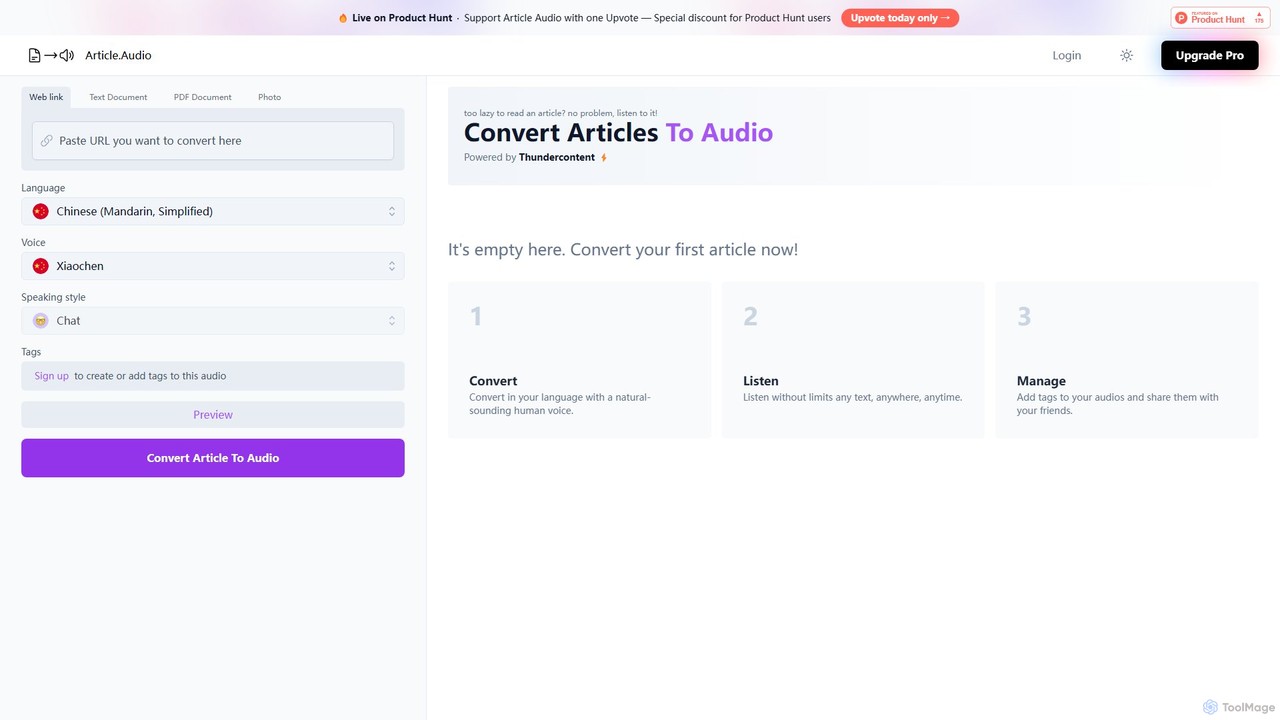
Article Audio is an AI-powered tool that instantly converts any web article into high-quality, natural-sounding audio. Choose from a wide range of languages and voices to listen to content on the go, making it perfect for multitasking, learning, and accessibility.
Reading Aid
readit
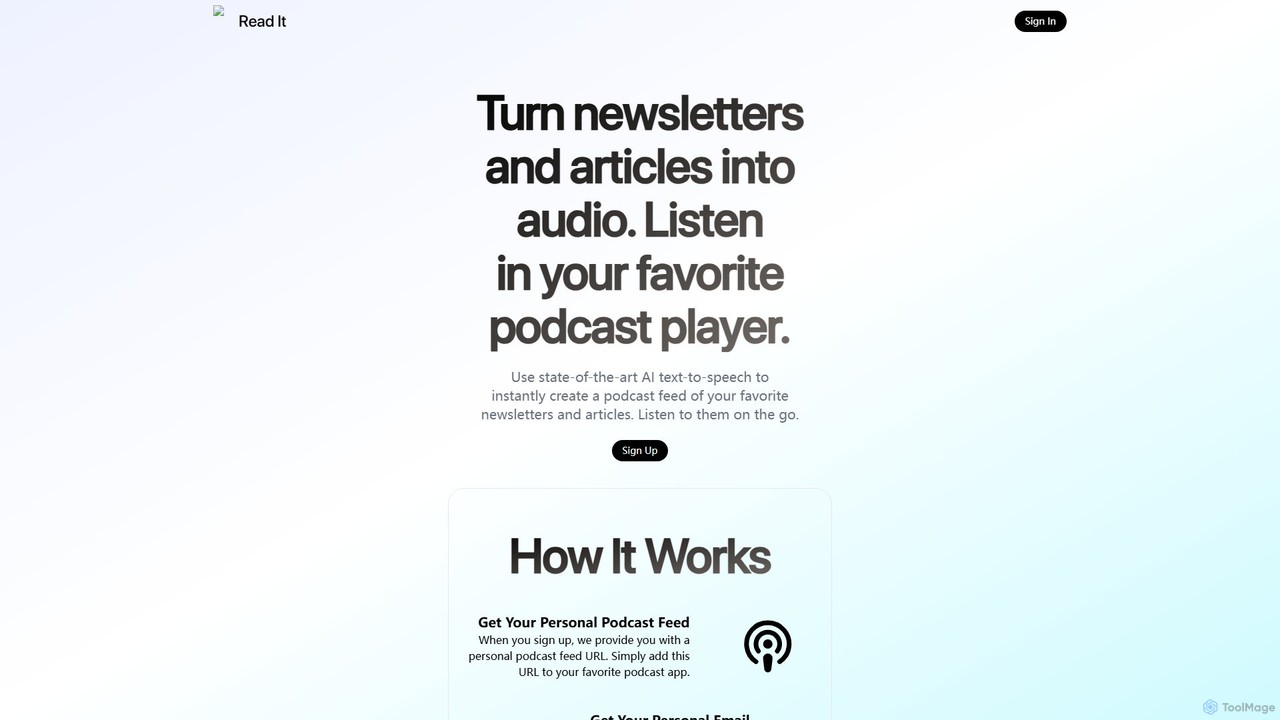
readit transforms your favorite newsletters and web articles into a personal podcast. Using advanced AI text-to-speech, it converts written content into high-quality audio. Simply forward emails or use the browser bookmarklet to add content, and listen in your preferred podcast app. Perfect for catching up on your reading list while commuting, exercising, or multitasking.
Reading Aid
Peech
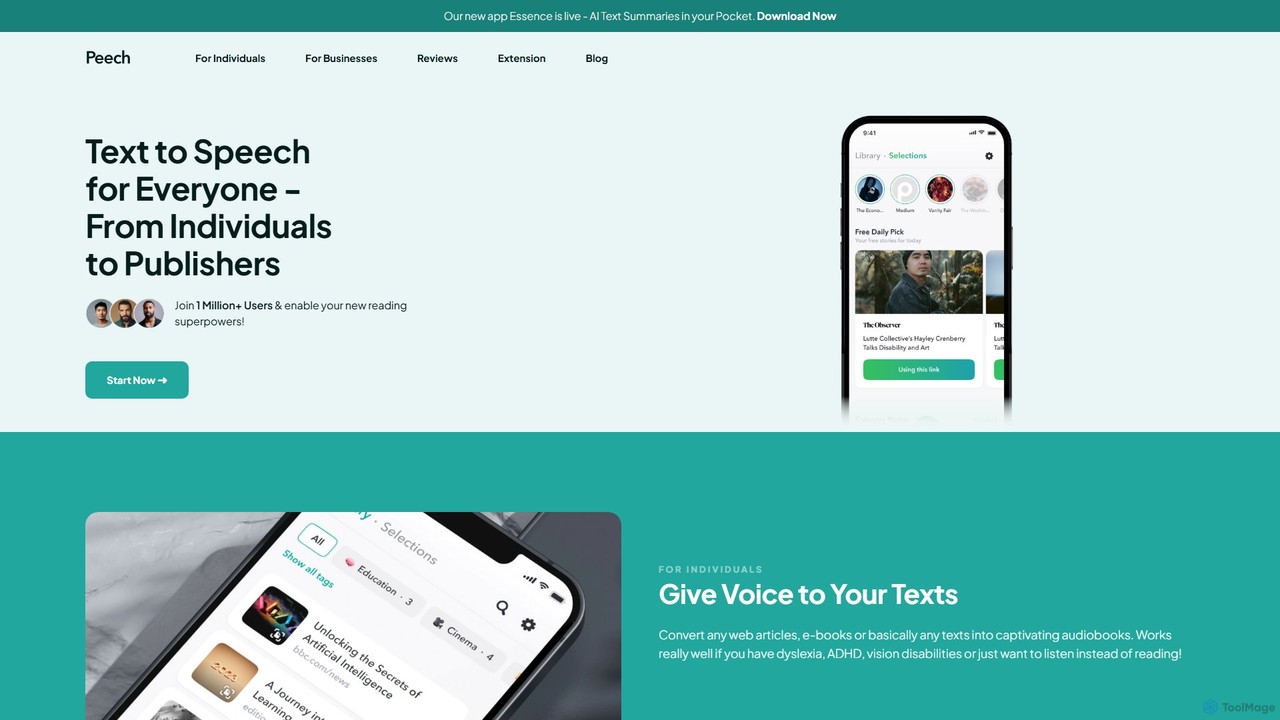
Peech is an AI-powered text-to-speech reader that converts any text, including web articles, PDFs, e-books, and even images, into high-quality, natural-sounding audio. Designed for individuals and publishers, it enhances productivity, accessibility for users with reading difficulties like dyslexia, and provides a cost-effective way to create audiobooks. Available on iOS, Android, and as a Chrome extension.
Reading Aid
Outtloud
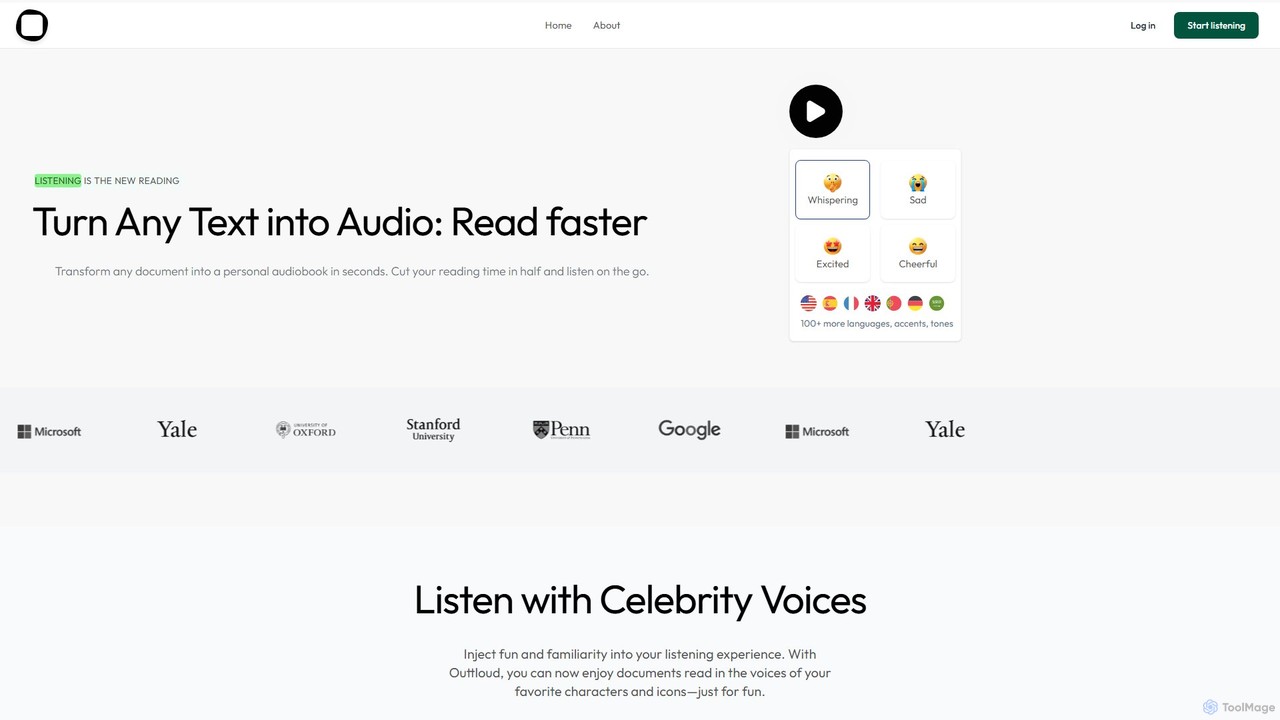
Outtloud is an AI-powered text-to-speech tool that converts any document (PDF, EPUB) or web content into high-quality, natural-sounding audio. It features over 100 voices in 50+ languages, emotional tones, and even celebrity voice clones. Designed for productivity and accessibility, it can create AI podcasts from web searches, generate summaries, and includes tools for bookmarking and annotation, making it ideal for students, researchers, and busy professionals.
Reading Aid
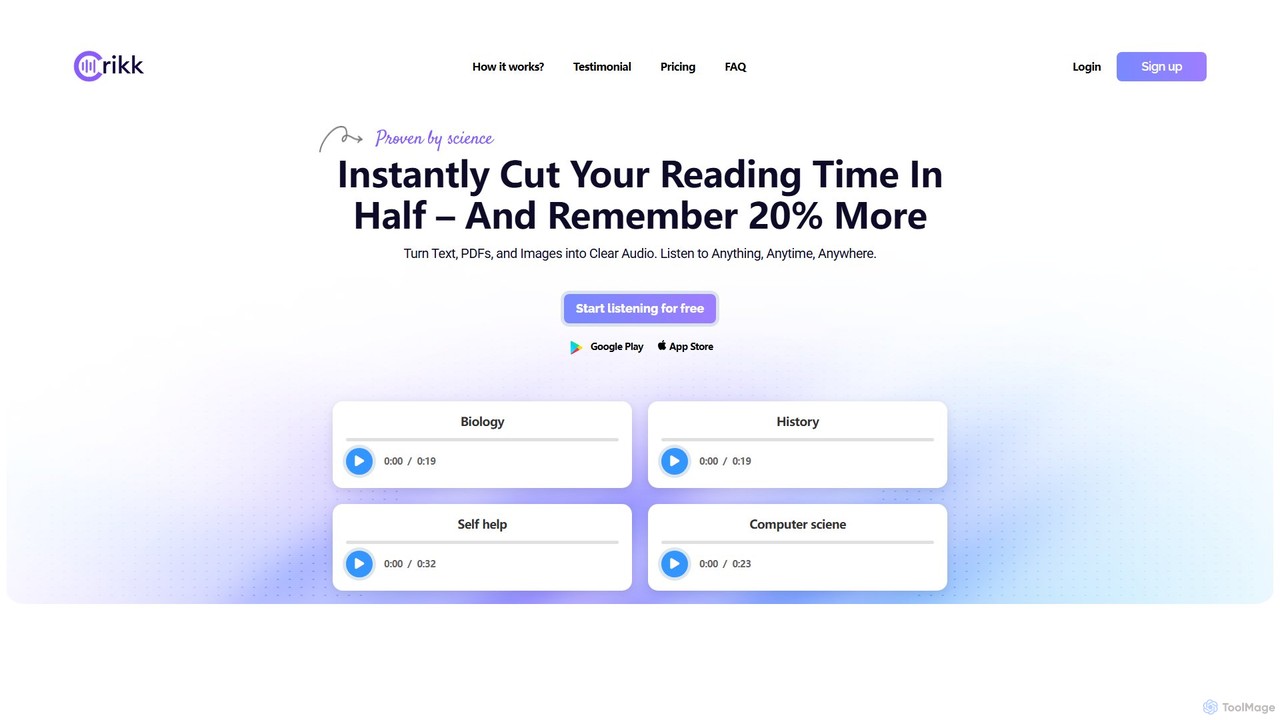
Crikk
Crikk is an AI-powered text-to-speech tool that converts documents, PDFs, and even images into natural-sounding audio. It's designed to enhance learning, boost productivity, and create professional voiceovers. With features like synchronized text highlighting, adjustable playback speed, and support for over 90 languages, Crikk makes it easy to listen to any content, anytime, anywhere, on web, Android, and iOS devices.
Voice Generation
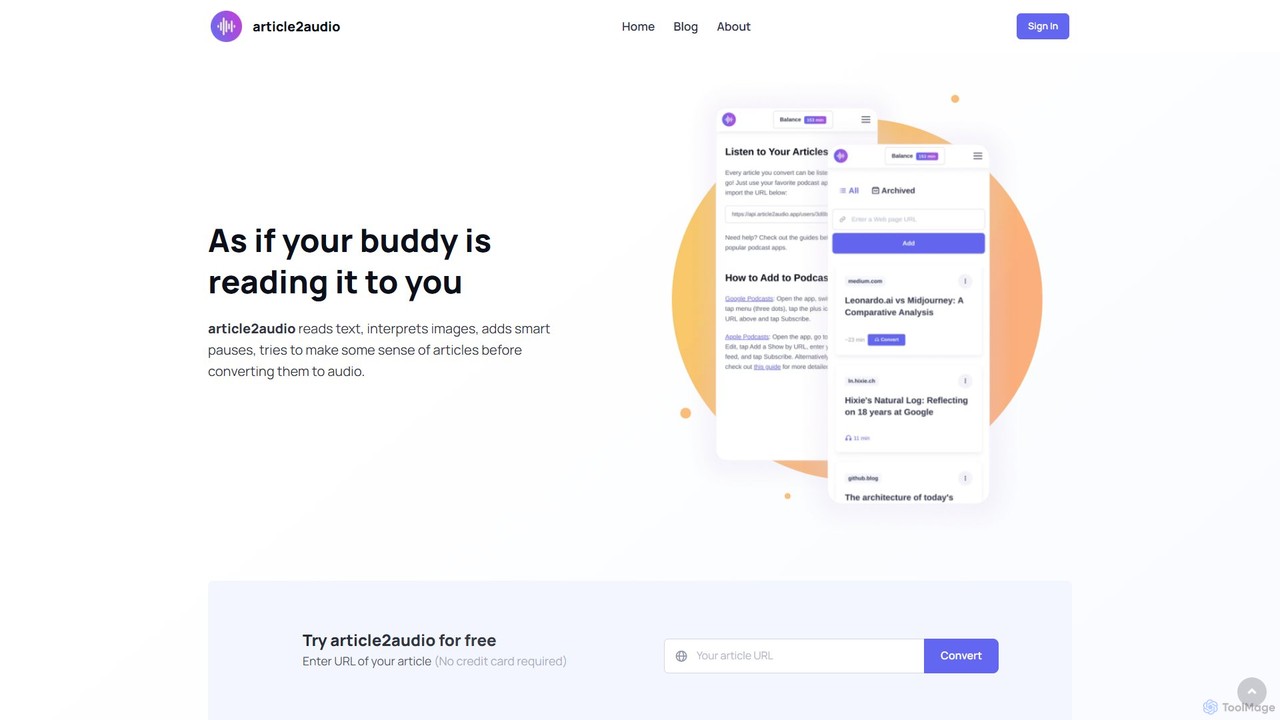
article2audio
article2audio is an advanced AI-powered text-to-speech tool that converts online articles into natural, human-like audio. It goes beyond simple narration by interpreting images, summarizing tables, and handling complex text like code. This makes listening to web content more engaging and informative, as if a friend were reading it to you. Ideal for turning your reading list into a personal podcast.
Voice Generation
newsletter2podcast
Effortlessly convert your favorite email newsletters into engaging podcasts. Using advanced AI-powered text-to-speech, newsletter2podcast transforms written content into high-quality, natural-sounding audio, allowing you to listen to your subscriptions on the go. Perfect for busy professionals, commuters, and auditory learners.
Text To Speech
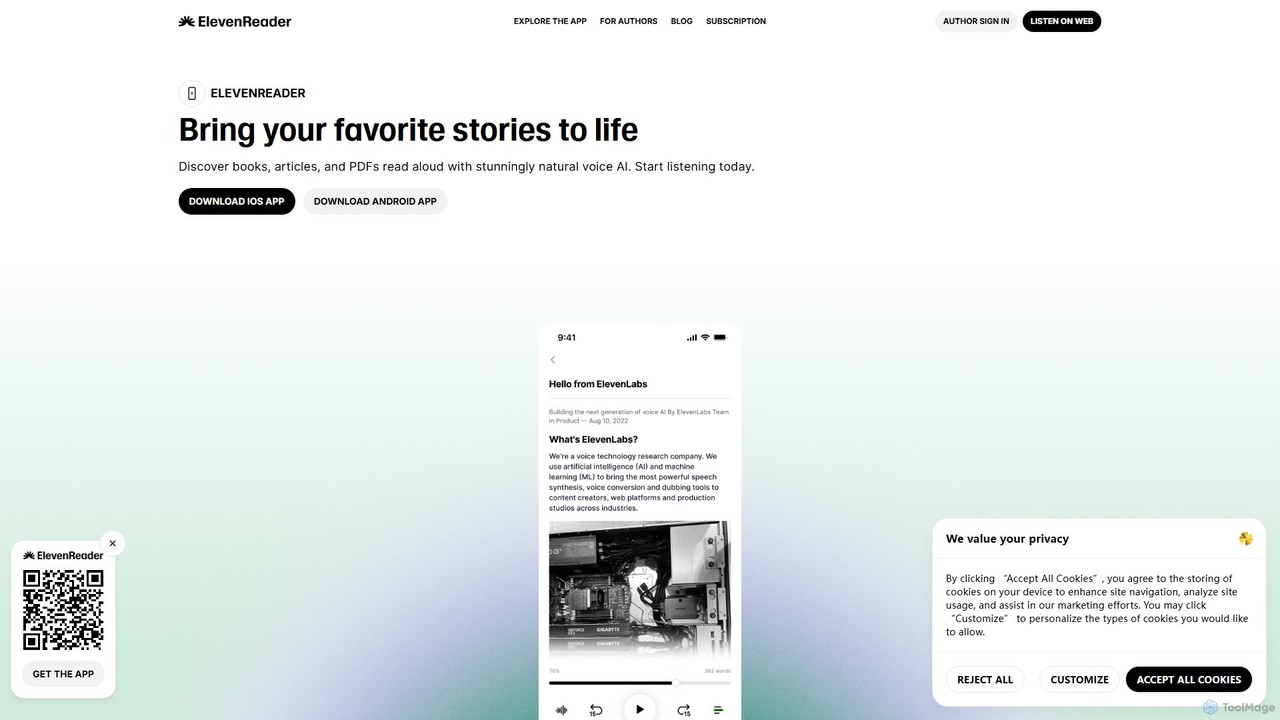
ElevenReader
ElevenReader is an advanced AI-powered text-to-speech application that converts any written text into incredibly natural-sounding audio. Leveraging the state-of-the-art voice synthesis technology from ElevenLabs, it allows you to listen to articles, documents, PDFs, and emails on the go. Ideal for multitasking, learning, and accessibility, ElevenReader transforms your reading material into a personal audiobook library with a wide range of lifelike voices and languages.
Reading Assistant