Edit in PPT
Edit in PPT
VS
Compare
typeUp
typeUp

Edit in PPT vs typeUp

2026 Latest in AI Tool Comparison In-depth Analysis

A comprehensive comparison of the core features, performance, user experience, and pricing strategies of two excellent AI tools

Providing objective and detailed selection advice based on real data and user feedback

3.6K
Edit in PPT Monthly Visits
No Rating Yet vs No Rating Yet
User Rating Comparison
2.5K
typeUp Monthly Visits

Overview

Edit in PPT Overview

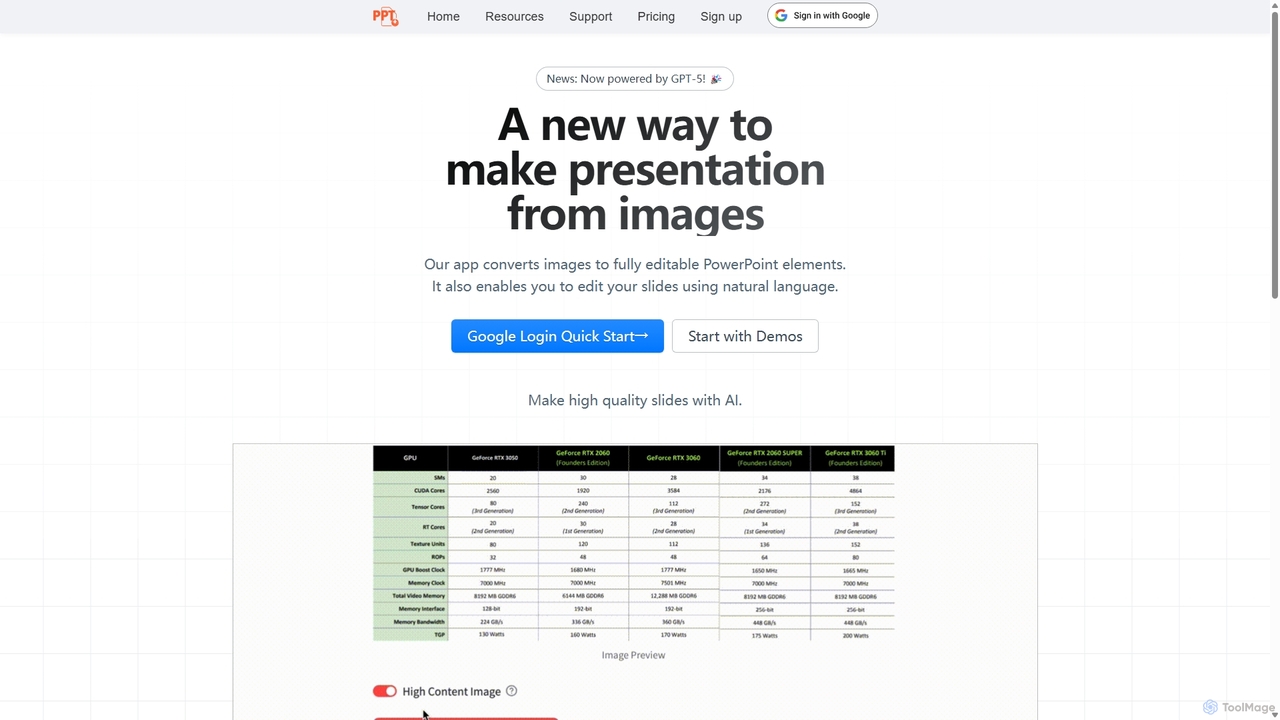
Instantly convert images, screenshots, and PDFs into fully editable PowerPoint slides with Edit in PPT. Save hours of manual work with our advanced AI. Try it for free!

Preview Image
Edit in PPT

typeUp Overview

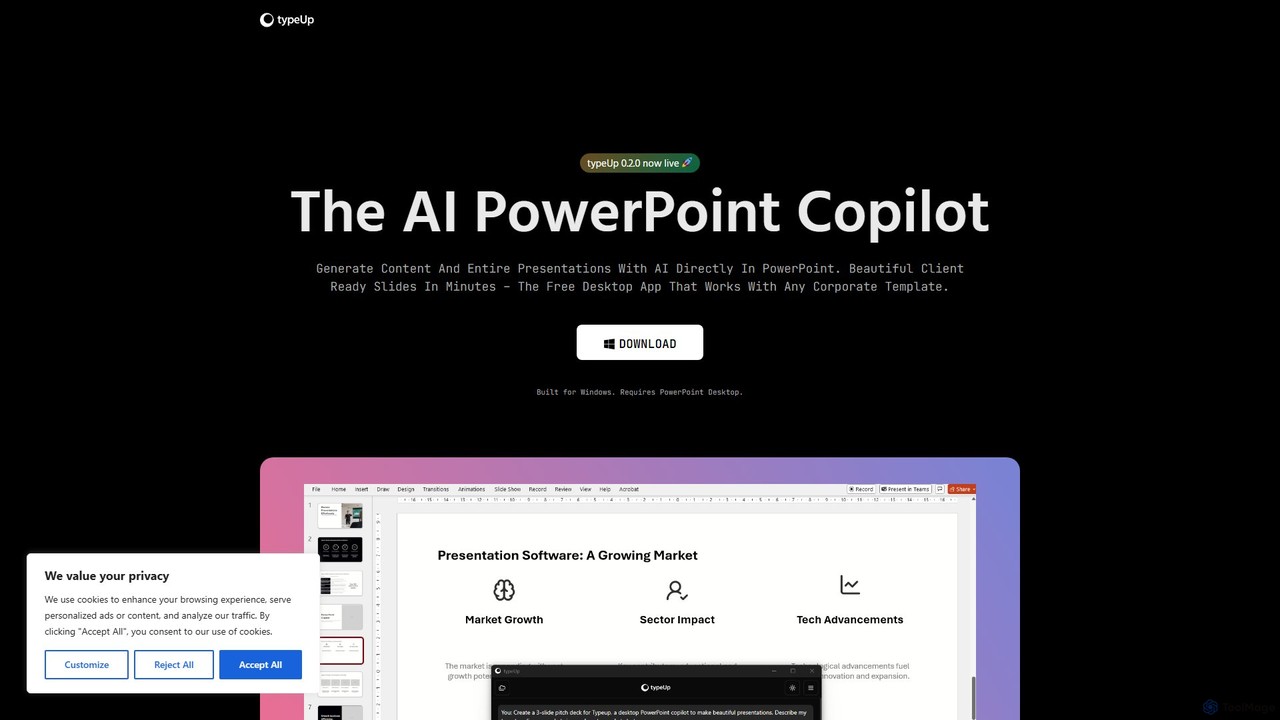
Boost your productivity with typeUp, the free AI copilot for PowerPoint. Generate content, format slides, and create professional presentations 10x faster. Works on Windows.

Preview Image
typeUp

Detailed Feature Comparison

Comprehensive comparison of the core features and characteristics of two AI tools

Features Edit in PPT typeUp
Main Categories Presentations Presentations
Inclusion Date 2025-09-14 2025-08-16
Pricing Type Freemium Free
Official Website https://ppt.gptsci.com/ https://typeup.co/
Tool Type Website Application
Performance Data
User Rating No Rating Yet No Rating Yet
User Reviews 0 reviews 0 reviews
Monthly Visits 3.6K 2.5K
Details View Details View Details

Compare Traffic / Monthly Visits

Edit in PPT's traffic

Edit in PPT Current monthly visible visits are 3.6K.

Latest Traffic

Monthly Visits
3.6K
Pages per Visit
1.09
Bounce Rate
90.56%
Data updated on

Monthly Traffic Trend

Geography

Top 5 Countries/Regions

Country/Region Percentage Traffic
🇺🇸 United States
34.50% 1.2K
🇮🇳 India
24.33% 865
🇳🇬 Nigeria
22.04% 784
🇮🇩 Indonesia
11.30% 402
🇭🇰 Hong Kong
7.83% 278

Popular Keywords

(ppt.gptsci.com 80s theme slides cara mengubah slide ppt yang gambar menjadi bisa di edit image to ppt ppt side to editable slide

typeUp's traffic

typeUp Current monthly visible visits are 2.5K. This value comes from on-site visit statistics, with no complete third-party traffic analysis available.

Latest Traffic

Monthly Visits
2.5K
Data updated on

Monthly Traffic Trend

Usage Comparison

Compare Edit in PPT and typeUp 's Advantages

Edit in PPT's Core Features

Presentations
Automation
Graphics
Assistant
Business
Design
Education
Productivity

typeUp's Core Features

Presentations
Productivity Tools
Graphics
Business
Design
Productivity

Use Cases

Understand the specific application scenarios and functional characteristics of the two AI tools

Edit in PPT Use Cases

productivity
automation
data visualization
AI presentation
presentation
slide generator
powerpoint
slide design
image to ppt
screenshot to slide

typeUp Use Cases

productivity
AI assistant
design automation
presentation
business
powerpoint
windows app
slide generation

Applicable Job

Learn which professions and roles are suitable for using these two AI tools

Edit in PPT Applicable Job

Marketing Manager
Content Creator
Product Manager
Student
Sales Representative
Researcher
Data Analyst
Educator
Business Consultant

typeUp Applicable Job

No relevant career information available

Edit in PPT vs typeUp:In-depth Comparison Analysis and Selection Recommendations

Comprehensive comparison and evaluation based on real data and user feedback

Market Performance and User Preference Analysis

  • Core positioning: Edit in PPT leans more toward Presentations, while typeUp leans more toward Presentations.
  • Traffic Signal: Edit in PPT currently has higher monthly traffic, serving as a reference for market attention.
  • Neither tool has reviewed ratings yet; it is recommended to prioritize comparing functional positioning, price, and actual trial experience.

Edit in PPT has about 3.6K monthly visits, higher than typeUp at 2.5K. Use this as a signal of market attention, not as product quality by itself.

In-depth Analysis of User Engagement

Edit in PPT has relatively complete traffic analysis records, while typeUp currently uses on-platform monthly visits as the primary reference.

User Reviews vs. Community Feedback

Edit in PPT has no reviewed ratings yet. typeUp has no reviewed ratings yet.

Product Positioning and Application Scenario Analysis

Edit in PPT is in Presentations with a Freemium pricing model; typeUp is in Presentations with a Free pricing model. Prioritize fit for your specific tasks rather than traffic or default ratings alone.

Frequently Asked Questions

FAQs about these two tools to help you better understand their features and differences

What are the biggest differences between the two?

Edit in PPT is primarily positioned in Presentations, while typeUp is primarily positioned in Presentations. Which one suits you depends on which type of use case and workflow you need more.

Which tool is better to try first?

If budget-sensitive, you can try typeUp first; if the features don't match, then evaluate the other tool.

How should ratings and traffic data be interpreted?

Ratings only count reviewed user comments; no default 5-star rating is given when there are no comments. Traffic is used to gauge market attention but cannot solely represent product quality.

Related Tool Recommendations

Discover more excellent AI tools of the same kind

TraceUI

TraceUI

An open-source framework that gives AI agents the full design context of any website, enabling brand-consistent ad generation …

2.2K
Raccoon AI

Raccoon AI

Raccoon AI is a collaborative AI workspace that transforms conversations into web applications, presentations, reports, and designs. It …

2.0K
Yansu

Yansu

Yansu is a proactive AI application builder that observes your work habits and automatically constructs custom tools and …

4.2K
Vibedock

Vibedock

A macOS menu bar application for developers to instantly toggle Claude MCP servers on or off per project, …

2.2K
Memdex

Memdex

A Chrome extension that saves your AI conversations from ChatGPT, Claude, and Gemini, automatically suggesting relevant context in …

2.2K
Slideshot

Slideshot

Slideshot is an AI agent that generates polished product demo videos. Describe a feature flow, and it automatically …

2.7K
Runtime

Runtime

Runtime is a unified platform that provides secure, sandboxed runtime environments for your team's coding agents. It enables …

3.9K
Multi-Claude

Multi-Claude

Multi-Claude is a macOS application that allows users to run multiple Claude Desktop accounts simultaneously on a single …

2.5K
GhostSnap

GhostSnap

GhostSnap is a macOS productivity tool that streamlines screenshot workflows. It allows users to capture multiple screenshots, automatically …

2.6K
Contextberg

Contextberg

A local-first memory application for AI agents. It monitors screen activity, inputs, and browser usage in the background …

2.6K
ProductLasso

ProductLasso

ProductLasso is an AI-powered PIM (Product Information Management) platform for ecommerce. It automates data enrichment, supplier onboarding, and …

2.6K
Dreambase

Dreambase

An AI-native analytics platform that connects directly to your Supabase database, providing instant dashboards, reports, and actionable insights …

2.6K
Epismo

Epismo

A workflow platform for AI agents, offering ready-to-use templates for marketing, productivity, programming, and operations.

3.7K
Onboarding0

Onboarding0

AI-powered employee onboarding platform that creates personalized plans, centralizes knowledge, and tracks progress to get new hires productive …

2.5K
Everest

Everest

Everest is a high-performance, edge-optimized AI compute unit designed for automating enterprise workloads and enabling efficient on-premises AI …

2.5K