ToolMage
Sign in
Explain by Whybug
Debugging · 278 monthly visits

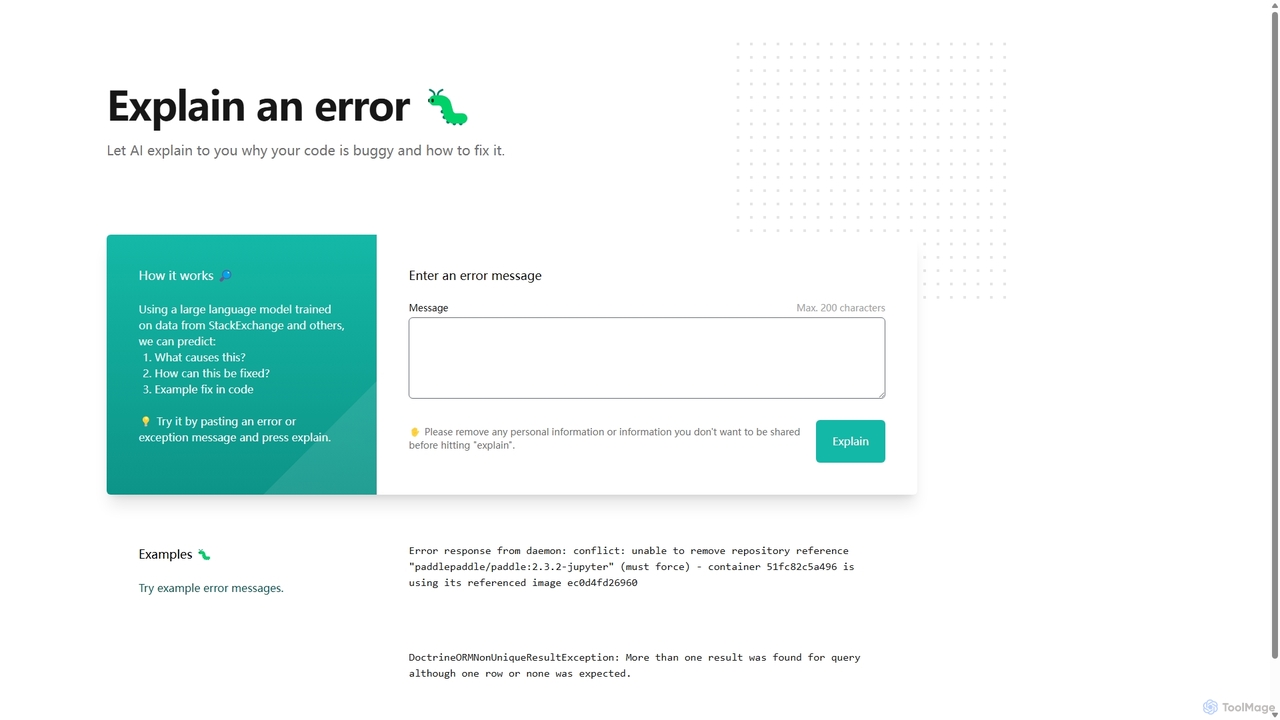
Explain by Whybug is an AI-powered tool for developers that instantly demystifies cryptic code errors. Simply paste your error message, and the AI will provide a clear explanation of the root cause, along with actionable suggestions and code examples to help you fix the bug quickly and efficiently.

VS
Latta
Debugging · 354 monthly visits

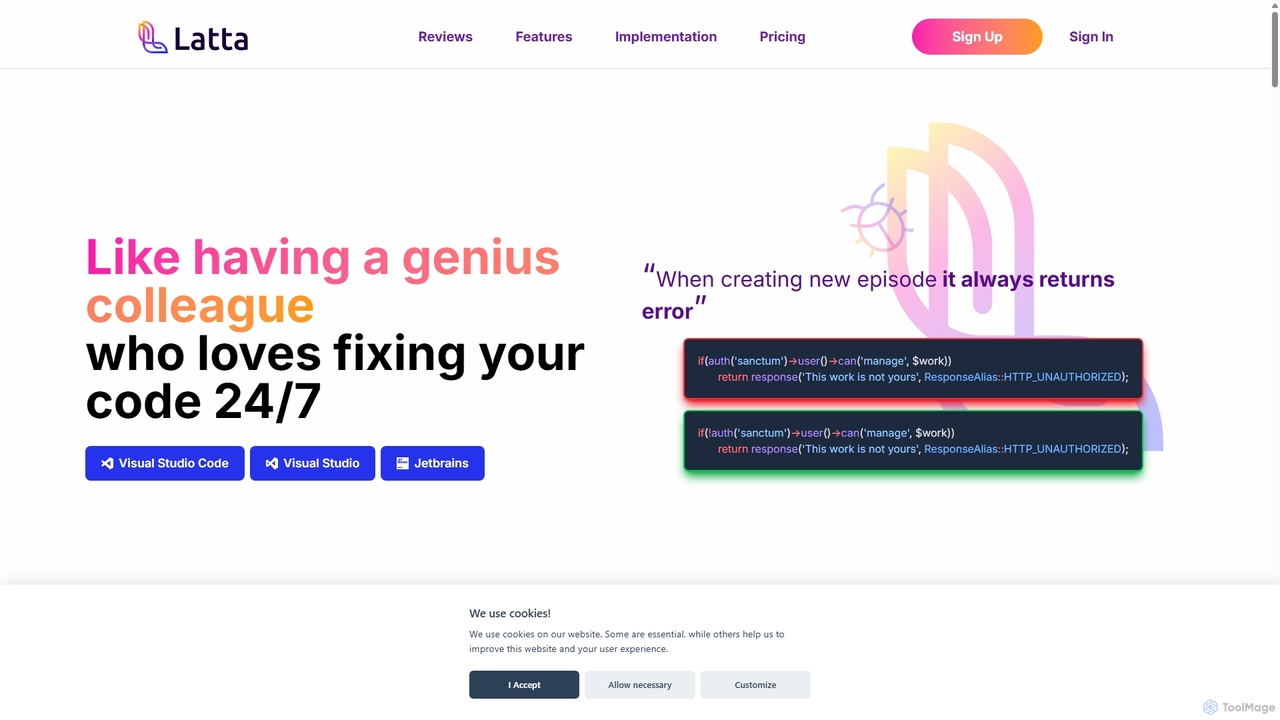
Latta is an AI-powered coding assistant designed to be your 24/7 genius colleague for debugging. It integrates with popular IDEs like VS Code and JetBrains to find and fix bugs across complex projects. With features like user session replay and Git integration, Latta streamlines bug reporting and resolution, saving developers significant time and effort.

Explain by Whybug vs Latta: pricing, features, traffic, and use cases

Compare Explain by Whybug and Latta across positioning, pricing, traffic, and user feedback using structured factual data.

Updated Aug 19, 2026

Product overview

Explain by Whybug Product overview

Explain by Whybug is an AI-powered tool for developers that instantly demystifies cryptic code errors. Simply paste your error message, and the AI will provide a clear explanation of the root cause, along with actionable suggestions and code examples to help you fix the bug quickly and efficiently.
Preview

Latta Product overview

Latta is an AI-powered coding assistant designed to be your 24/7 genius colleague for debugging. It integrates with popular IDEs like VS Code and JetBrains to find and fix bugs across complex projects. With features like user session replay and Git integration, Latta streamlines bug reporting and resolution, saving developers significant time and effort.

Preview

Detailed feature comparison

FeatureExplain by WhybugLatta
Primary categoryDebuggingDebugging
Added2025-09-082025-09-10
PricingFreeFreemium
Official websiteexplain.whybug.comlatta.ai
Product typeWebsiteWebsite
Performance data
User ratingNot verifiedNot verified
Comments00
Monthly visits278354
Monthly growth-25.5%-43.4%
Favorites138111
DetailsView detailsView details

Explain by Whybug vs Latta monthly traffic

Compare Explain by Whybug and Latta by monthly reach, traffic trend, visit depth, top regions, and acquisition sources.

How to interpret the traffic data

In the Explain by Whybug vs Latta monthly traffic comparison, Explain by Whybug currently shows 278 visits and Latta shows 354; Latta has about 1.3 times the visible traffic of Explain by Whybug, an absolute difference of about 76 visits. This reflects visible reach, not feature quality or paid users.

Both tools provide verified traffic details, so monthly trends, visit depth, regions, and acquisition sources can be compared on the same basis.

Explain by Whybug monthly traffic:

Latest traffic

Monthly visits
278
Avg. visit duration
0:00
Pages per visit
1
Bounce rate
100%
Data updated 2026-06-15

Monthly traffic trend

  • 2025/8: 62 Monthly visits
  • 2025/9: 373 Monthly visits
  • 2026/3: 0 Monthly visits
  • 2026/4: 0 Monthly visits
  • 2026/5: 278 Monthly visits

Top regions

Top 5 countries/regions
Country/regionPercentageTraffic
🇺🇸United States100%278

Search keywords

whybug

Latta monthly traffic:

Latest traffic

Monthly visits
354
Avg. visit duration
0:00
Pages per visit
1.01
Bounce rate
49.23%
Data updated 2026-06-11

Monthly traffic trend

  • 2025/9: 2.3K Monthly visits
  • 2026/1: 2.1K Monthly visits
  • 2026/2: 1.8K Monthly visits
  • 2026/3: 1.9K Monthly visits
  • 2026/4: 625 Monthly visits
  • 2026/5: 354 Monthly visits

Top regions

Top 5 countries/regions
Country/regionPercentageTraffic
🇺🇸United States100%354

Search keywords

lagta ailattalattta
Traffic-based selection guidance: If public market visibility is an important first-pass criterion, investigate Latta first. The final choice should still follow taxonomy, use case, and a real trial because higher traffic does not prove broader capabilities or better workflow fit.

Usage comparison

Compare the core capabilities of Explain by Whybug and Latta

Explain by Whybug Core features

Debugging
Code Assistant
Programming

Latta Core features

Debugging
Code Assistant
Error Monitoring

Use cases

Explain by Whybug Use cases

AI code assistant
bug fixing
AI for developers
code analysis
code debugger
debugging tool
developer productivity
error explanation
programming help
Stack Overflow alternative

Latta Use cases

AI code assistant
bug fixing
code repair
debugging
developer tool
error monitoring
GitHub integration
GitLab integration
jetbrains plugin
session replay
VS Code extension

Best suited roles

Explain by Whybug Best suited roles

DevOps Engineer
Quality Assurance Engineer
Software Developer
Backend Developer
Data Scientist
Frontend Developer
Student
Web Developer

Latta Best suited roles

DevOps Engineer
Quality Assurance Engineer
Software Developer
CTO
Freelance Developer
Project Manager

Explain by Whybug vs Latta:In-depth comparison and selection guidance

First decide whether the products solve the same kind of need

This in-depth Explain by Whybug vs Latta comparison uses only the product records, taxonomy, audience, traffic, and community signals available on this page. Explain by Whybug is primarily listed under “Debugging”, while Latta is primarily listed under “Debugging”, so the first decision is whether your actual task matches their recorded scope.

The structured fields currently show these decision-relevant differences: Pricing (Explain by Whybug: Free; Latta: Freemium); Monthly visits (Explain by Whybug: 278; Latta: 354); Monthly growth (Explain by Whybug: -25.5%; Latta: -43.4%); Favorites (Explain by Whybug: 138; Latta: 111); Website (Explain by Whybug: explain.whybug.com; Latta: latta.ai). These facts are more useful for selection than brand visibility alone.

What market visibility and monthly traffic mean

In the Explain by Whybug vs Latta monthly traffic comparison, Explain by Whybug currently shows 278 visits and Latta shows 354; Latta has about 1.3 times the visible traffic of Explain by Whybug, an absolute difference of about 76 visits. This reflects visible reach, not feature quality or paid users.

Both tools provide verified traffic details, so monthly trends, visit depth, regions, and acquisition sources can be compared on the same basis.

If public market visibility is an important first-pass criterion, investigate Latta first. The final choice should still follow taxonomy, use case, and a real trial because higher traffic does not prove broader capabilities or better workflow fit.

Product positioning, use cases, and roles

Explain by Whybug and Latta currently overlap in shared categories: Debugging and Code Assistant; shared tags: AI code assistant and bug fixing; shared roles: DevOps Engineer, Quality Assurance Engineer, and Software Developer. This can place both on the same shortlist, but it does not prove equal implementation, depth, or cost.

Explain by Whybug's unique categories/tags are Programming, AI for developers, code analysis, code debugger, debugging tool, developer productivity, error explanation, and programming help; Latta's are Error Monitoring, code repair, debugging, developer tool, error monitoring, GitHub integration, GitLab integration, and jetbrains plugin. These unique fields are the strongest differentiators: validate the product whose recorded scope matches the task instead of following traffic alone.

What ratings, comments, and favorites can tell you

Explain by Whybug has no verified rating, 0 comments, 138 favorites, and 138 likes;Latta has no verified rating, 0 comments, 111 favorites, and 109 likes。

Neither product has enough rating or comment samples for a credible reputation ranking.

Selection guidance by actual need

When to evaluate Explain by Whybug first

Put Explain by Whybug on the priority trial list when the task aligns with “Debugging” and especially Programming, AI for developers, code analysis, code debugger, debugging tool, and developer productivity, or the users include Backend Developer, Data Scientist, Frontend Developer, and Student. This follows recorded positioning and does not imply unlisted capabilities are absent.

Explain by Whybug also currently records: pricing is free, product type is website, 278 verified monthly visits, no verified user rating. Verify any hard requirement around price, platform, or reach before trial, and do not let sparse review data substitute for testing.

When to evaluate Latta first

Put Latta on the priority trial list when the task aligns with “Debugging” and especially Error Monitoring, code repair, debugging, developer tool, error monitoring, and GitHub integration, or the users include CTO, Freelance Developer, and Project Manager. This follows recorded positioning and does not imply unlisted capabilities are absent.

Latta also currently records: pricing is freemium, product type is website, 354 verified monthly visits, no verified user rating. Verify any hard requirement around price, platform, or reach before trial, and do not let sparse review data substitute for testing.

How to validate the recommendation before deciding

The available data describes positioning, public visibility, and community signals, but it cannot prove output quality, speed, integration effort, privacy, or long-term cost in your workflow. Before deciding, run the same representative tasks in Explain by Whybug and Latta, then record completion time, accuracy, manual corrections, and the real paid threshold. A like-for-like trial turns this comparison into a defensible adoption decision.

Comparison FAQ

How should I choose between Explain by Whybug and Latta?
Compare positioning, pricing, taxonomy, and traffic maturity, then verify the latest details on each official website.
Where does this comparison data come from?
The factual baseline is derived from product, taxonomy, traffic, and community data. Reviewed editorial conclusions show their source and verification date.
What do unknown fields mean?
Unknown means there is not enough reliable evidence; the page does not fill gaps with assumptions.

Related AI tools

FixThisBug
Freemium

FixThisBug

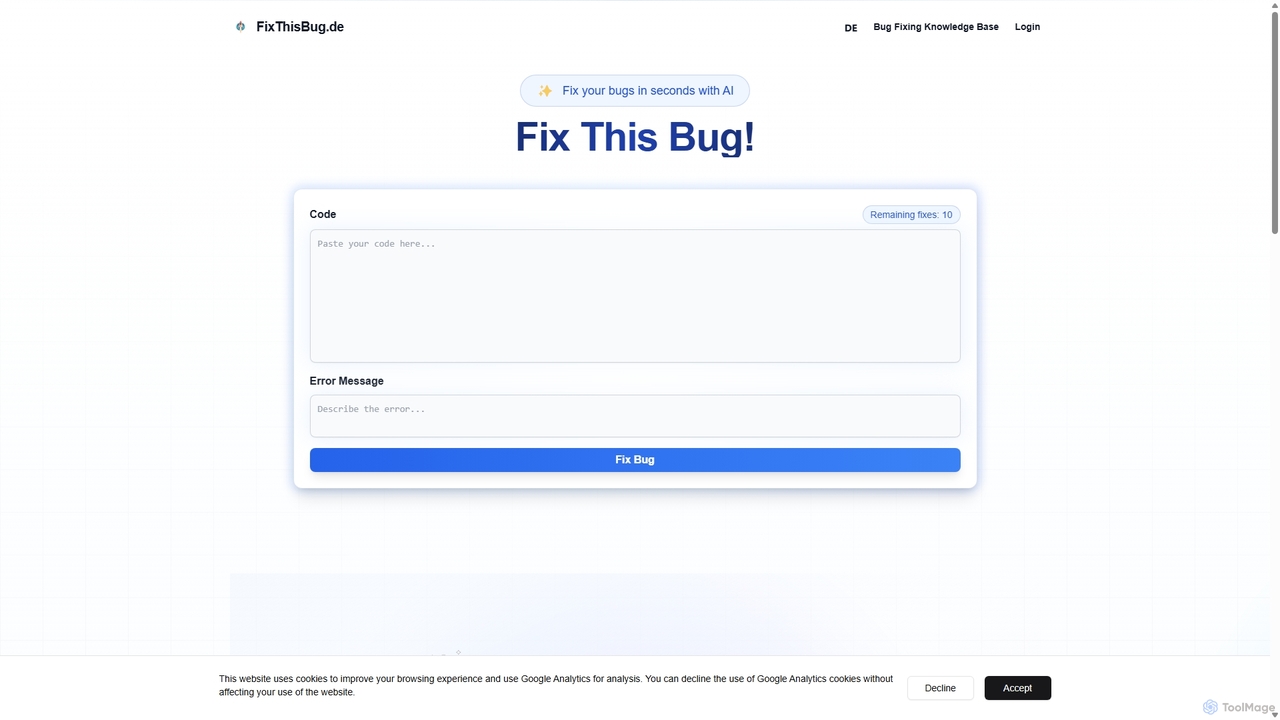
FixThisBug is an AI-powered debugging assistant for developers. It instantly analyzes your code and error messages to provide accurate fixes and detailed explanations. Supporting all major programming languages, it prioritizes privacy with self-hosted models on German servers, ensuring 100% GDPR compliance. Fix bugs faster and learn as you code.

Code Correction
Visits 4.1KFavorites 120Likes 110
Unfold AI
Freemium

Unfold AI

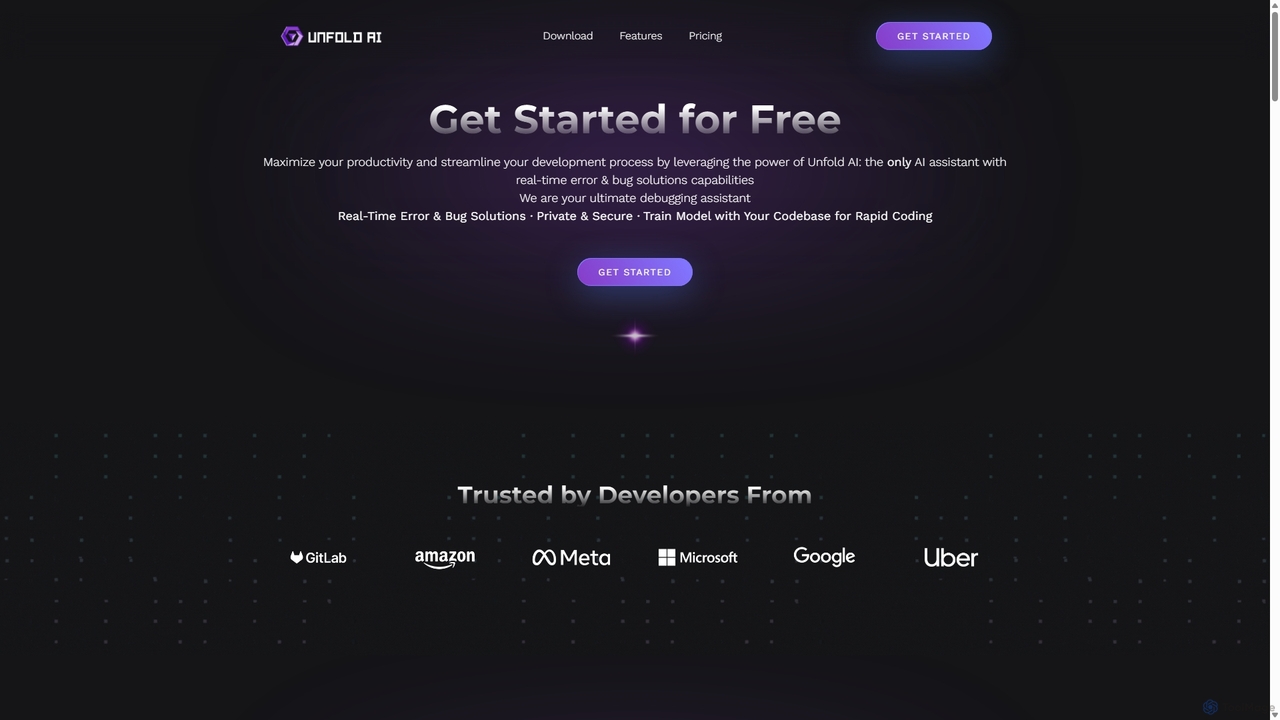
Unfold AI is an all-in-one AI coding assistant designed for developers. It integrates into your IDE to provide real-time error and bug solutions, generate code from natural language, and complete code snippets. A key feature is its ability to be trained on your private codebase for highly customized and accurate assistance across 20+ programming languages.

Code Assistant
Visits 9.3KFavorites 137Likes 137
Gammacode
Freemium

Gammacode

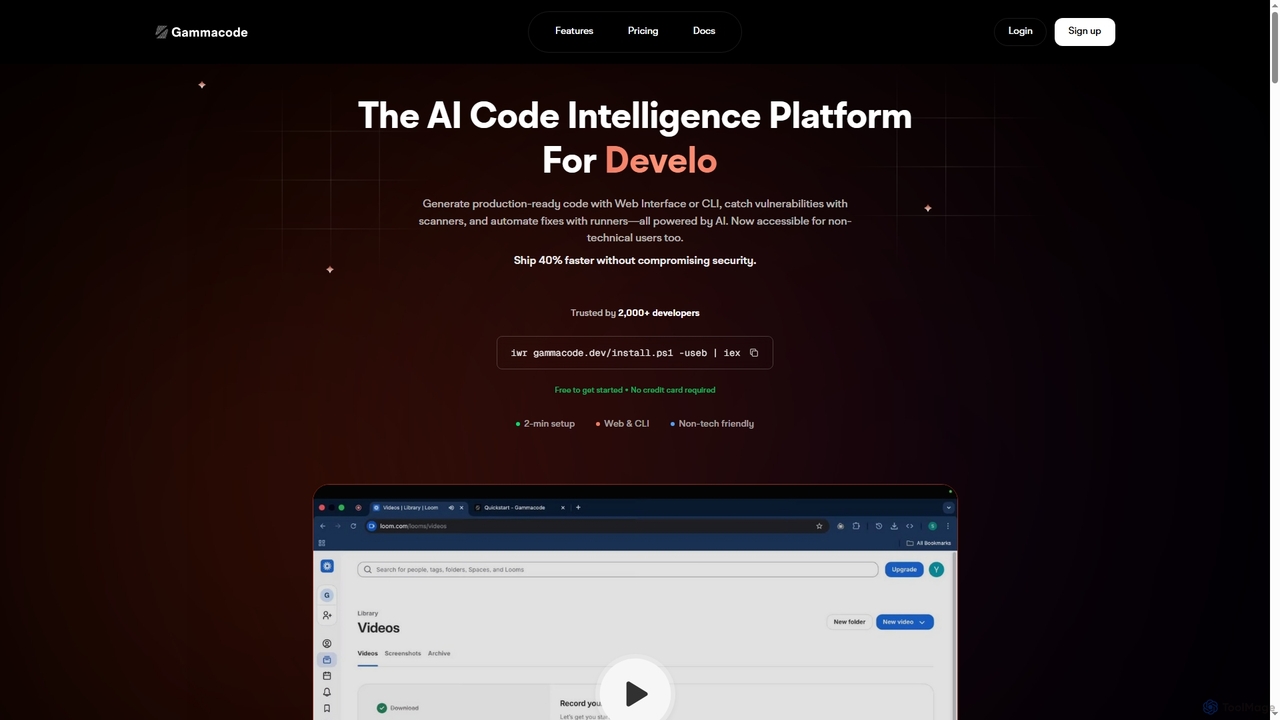
Gammacode is an AI-powered code intelligence platform designed to accelerate software development by generating production-ready code, detecting vulnerabilities, and automating fixes. It supports both technical and non-technical users through a web interface and CLI, emphasizing privacy and security.

Code Generation
Visits 4.2KFavorites 103Likes 113
GetEssential

GetEssential

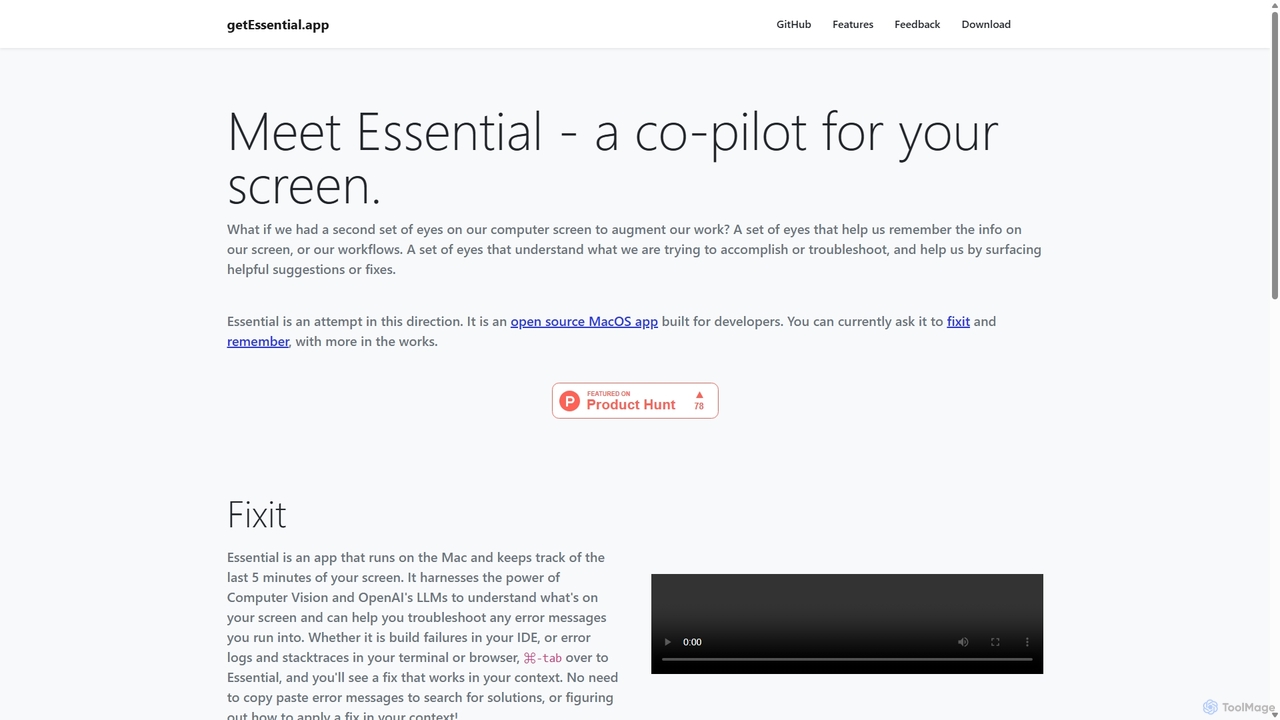
getEssential is an AI-powered Mac application that continuously records your screen to instantly troubleshoot errors. It uses Computer Vision and LLMs to analyze build failures, error logs, and stack traces, providing contextual fixes without manual searching. A productivity booster for developers and IT professionals.

Code Assistant
Visits 4.2KFavorites 146Likes 132
Profilio

Profilio

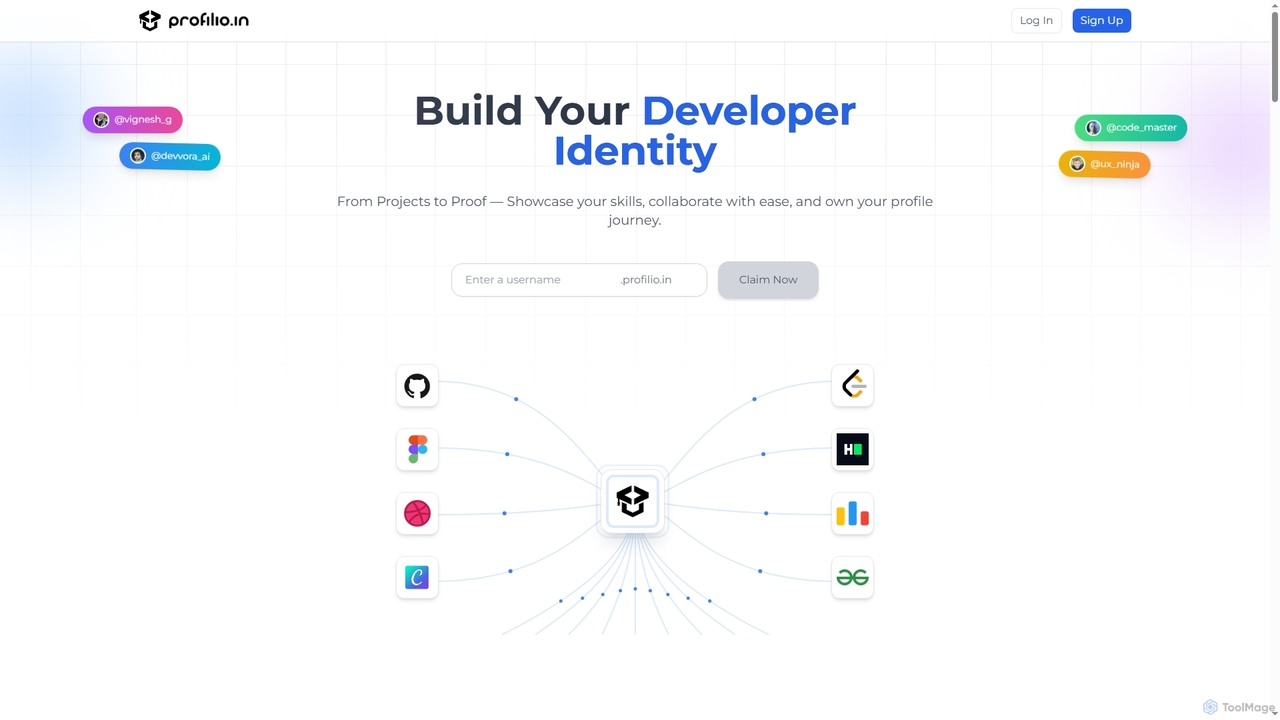
Profilio is an AI-powered platform designed for developers to instantly create, manage, and share a comprehensive online portfolio. It unifies coding profiles, projects, and achievements from various platforms like GitHub, Dev.to, and LeetCode into one centralized dashboard. With features like real-time synchronization, smart analytics, and AI-verified skills, Profilio helps developers build a strong digital identity and showcase their expertise effectively to potential employers and collaborators.

Skill Verification
Visits 7.1KFavorites 102Likes 92
Codeium
Freemium

Codeium

Codeium is an AI-powered code acceleration toolkit that provides free, ultra-fast code completion, in-editor chat, and other intelligent features. It supports over 70 programming languages and integrates seamlessly with more than 40 popular IDEs to help developers code faster and more efficiently.

Code Assistant
Visits 27.8KFavorites 108Likes 111
CodeWiz
Freemium

CodeWiz

CodeWiz is an AI-powered coding assistant designed to accelerate software development. It integrates into your IDE to provide intelligent code completion, real-time debugging, code explanation, and automated test generation, helping developers write better code faster and with fewer errors.

Code Assistant
Visits 4.3KFavorites 94Likes 89
Gemini Code Assist
Freemium

Gemini Code Assist

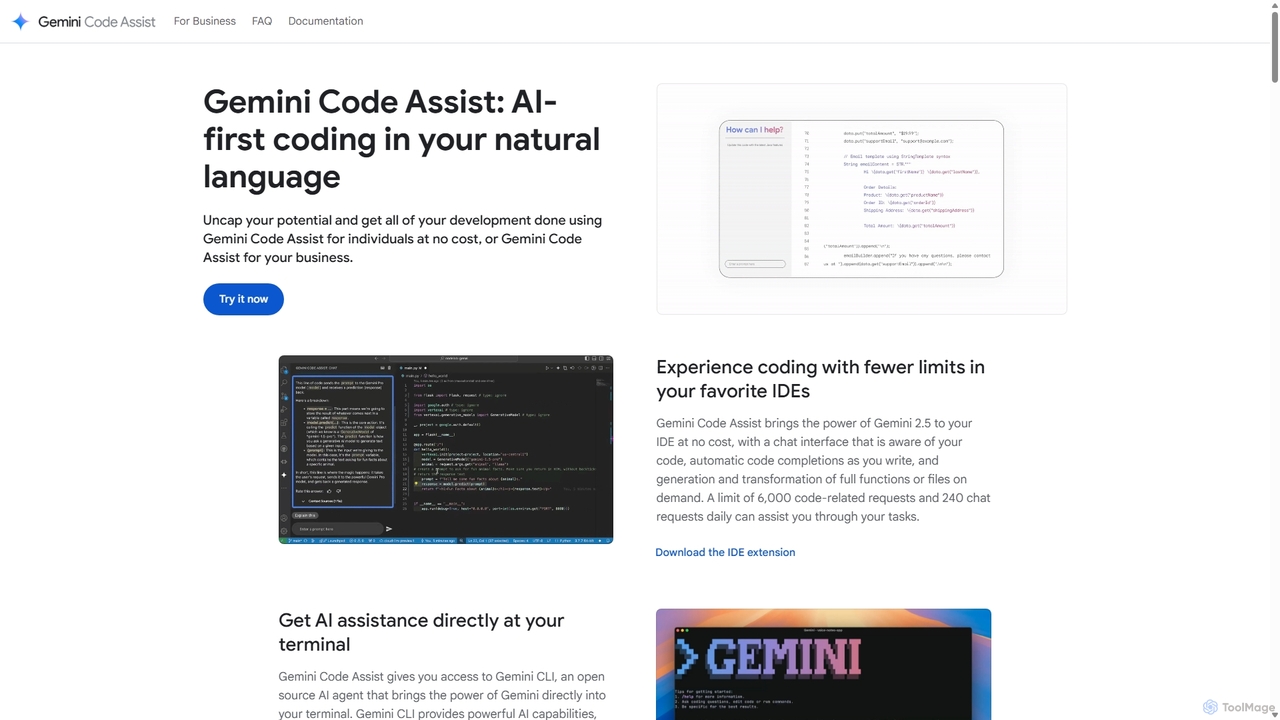
Gemini Code Assist is an AI-powered coding assistant from Google, powered by the Gemini 2.5 model. It integrates into your favorite IDEs, terminal, and development platforms to accelerate the entire software development lifecycle with features like code completion, generation, natural language chat, and automated code reviews.

Code Assistant
Visits 563KFavorites 142Likes 123
Sidian
Freemium

Sidian

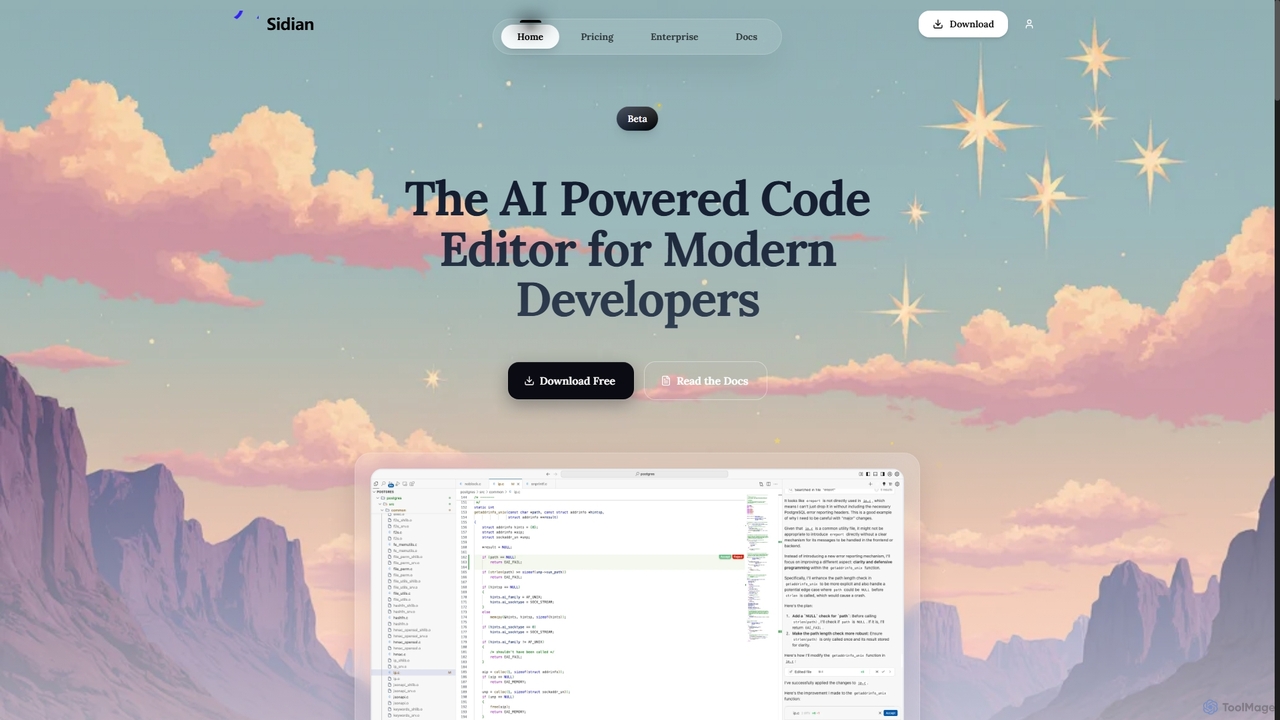
Sidian is an AI-powered code editor designed for modern developers. It features a sophisticated context engine that rapidly understands complex codebases, integrates with major AI providers like OpenAI and Google, and supports local models for enhanced privacy and flexibility.

Code Generation
Visits 5.9KFavorites 111Likes 102
Enso
Freemium

Enso

Enso is an AI-powered development environment designed for developers to parallelize intelligence across multiple AI agents within a single project. It integrates advanced Git control, a robust code editor, and AI-driven code review, offering a seamless workflow with persistent AI sessions for each branch.

Development
Visits 4.1KFavorites 35Likes 33
Cursor
Freemium

Cursor

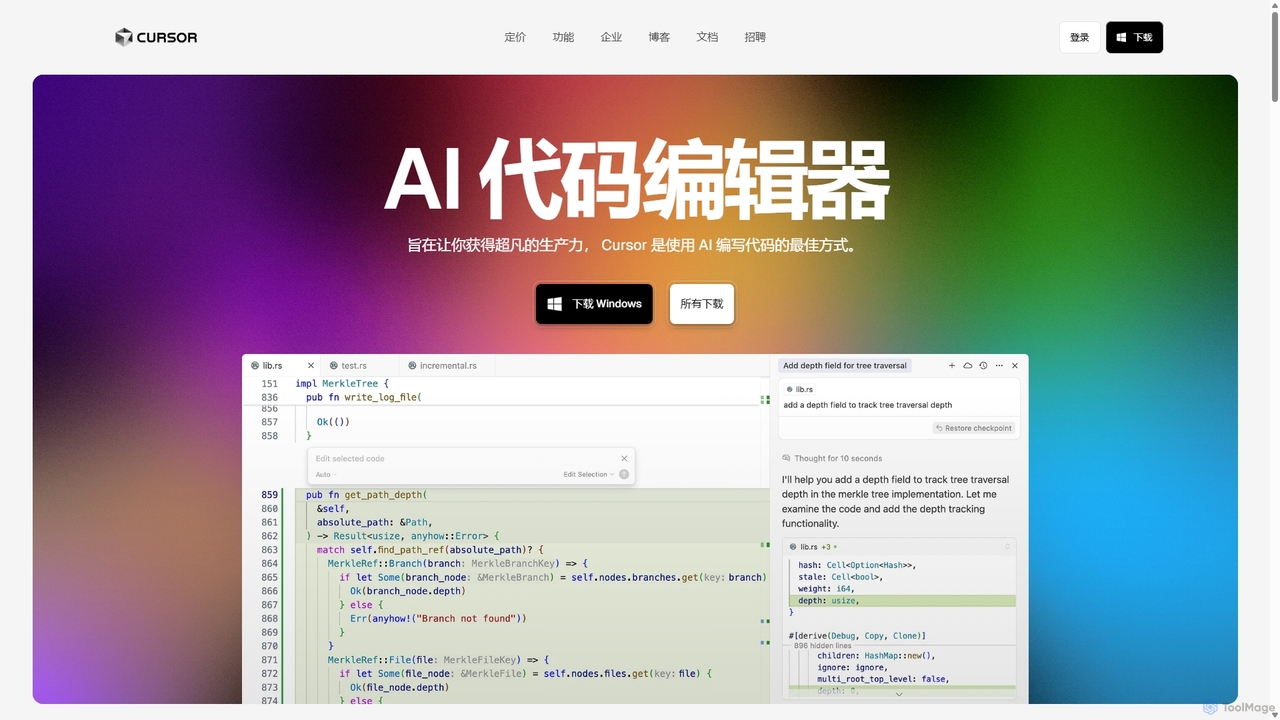
Cursor is an AI-first code editor designed for pair-programming with artificial intelligence. Built as a fork of VS Code, it offers a familiar environment supercharged with advanced AI capabilities for code generation, editing, debugging, and codebase comprehension, aiming to significantly boost developer productivity.

Code Assistant
Visits 20.8MFavorites 127Likes 134
Plandex
Freemium

Plandex

Plandex is an open-source, terminal-based AI coding agent designed for complex, large-scale software development tasks. It excels at handling large projects and files with its 2M token context window. Featuring a diff review sandbox, configurable autonomy, and multi-model support, Plandex empowers developers to build, debug, and refactor entire applications with AI assistance, ensuring control and productivity in a dev-friendly workflow.

Code Generation
Visits 25.4KFavorites 96Likes 105
Codebay
Freemium

Codebay

Codebay is an AI-powered development platform designed to accelerate the entire software lifecycle. It acts as an intelligent co-pilot for developers, offering advanced features for code generation, automated review, intelligent debugging, and seamless integration with existing workflows to enhance productivity and code quality.

Code Generation
Visits 5.8KFavorites 106Likes 121
WhatsDiff
Free

WhatsDiff

A powerful command-line interface (CLI) tool for developers to inspect, analyze, and understand changes in PHP (Composer) and JavaScript (NPM) project dependencies after an update.

Code Management
Visits 4.2KFavorites 112Likes 123
Buildt
Freemium

Buildt

Buildt is an AI-powered code search and understanding tool for developers. It integrates directly into your IDE, allowing you to search your entire codebase using natural language, understand complex code snippets, and generate or modify code on the fly, acting as an intelligent assistant.

Code Generation
Visits 4.1KFavorites 126Likes 108