ToolMage
Sign in
Git Assistant
Version Control · 3.4K monthly visits

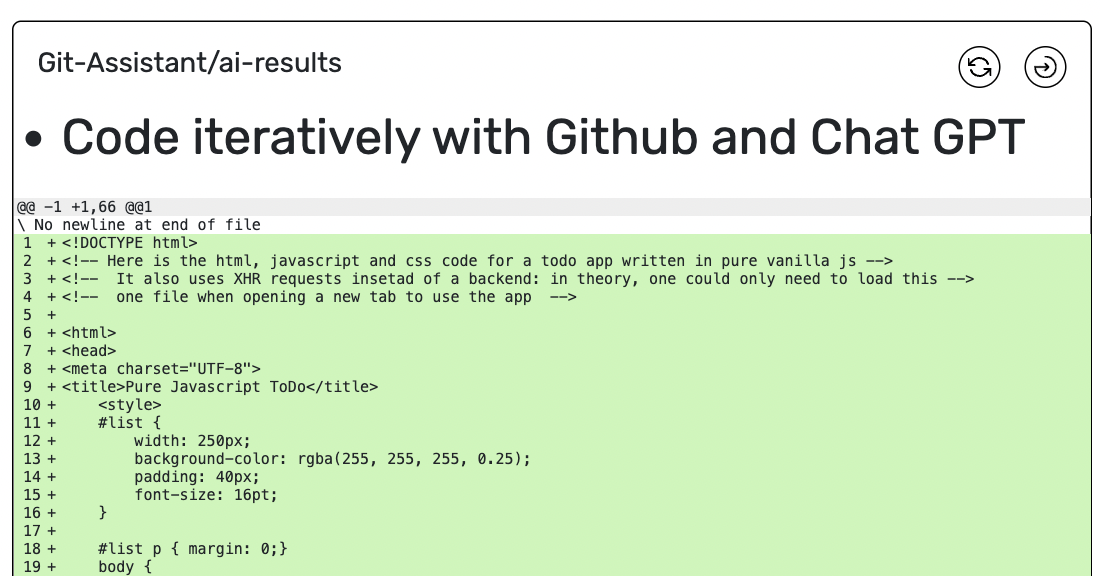
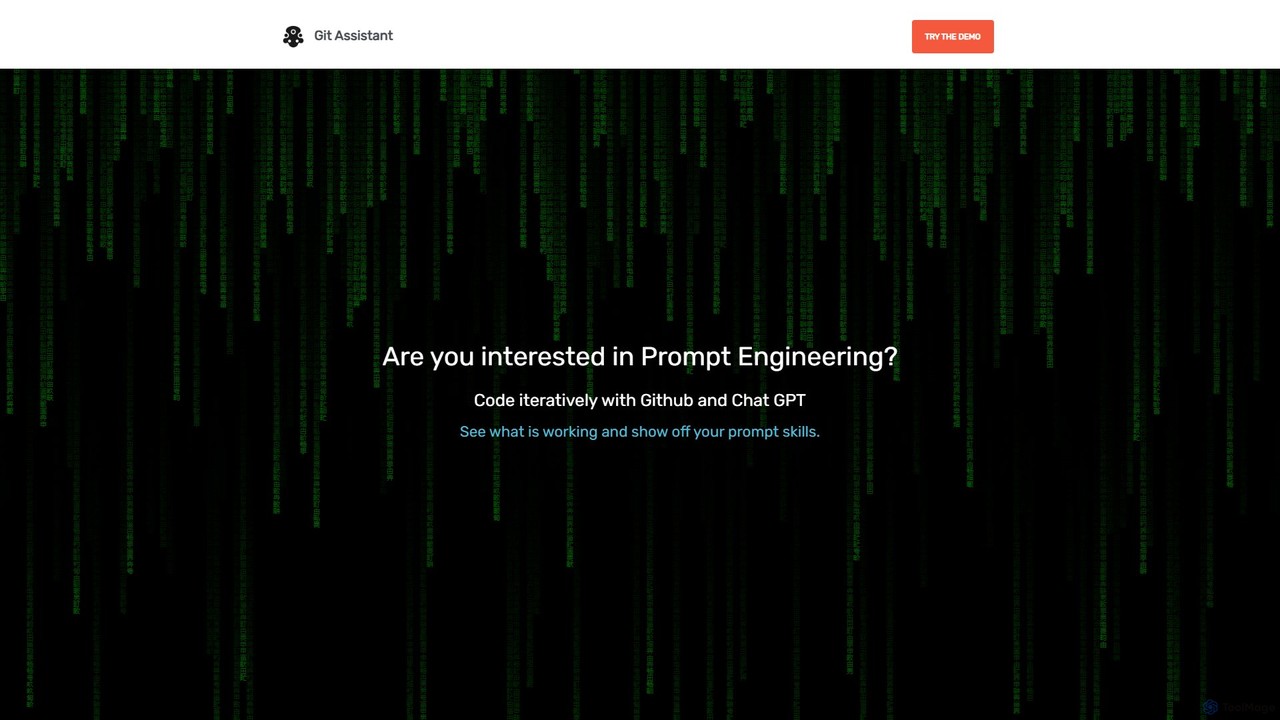
Git Assistant is an AI-powered tool that integrates with GitHub and ChatGPT to streamline your coding workflow. It allows developers to use natural language prompts to generate, refactor, and iterate on code, and then automatically create pull requests. It's designed to boost productivity by automating repetitive tasks and simplifying version control.

VS
gitya
Version Control · 3.4K monthly visits

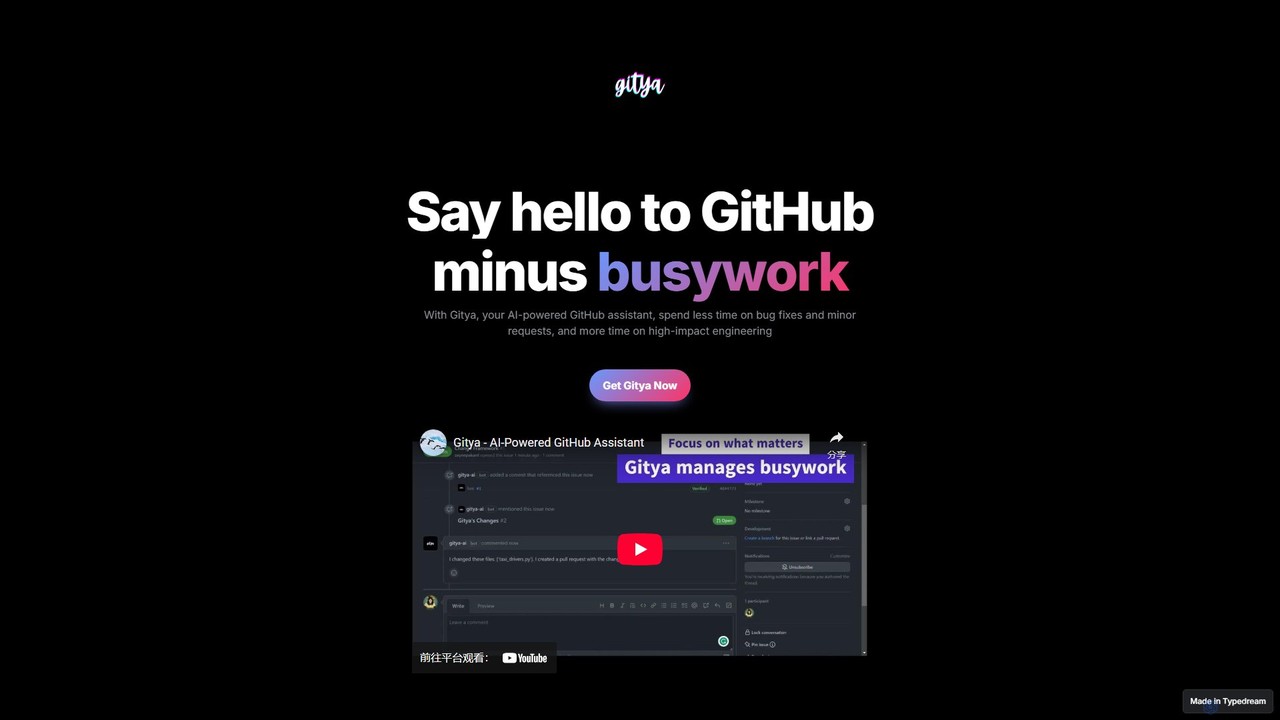
gitya is an AI-powered GitHub assistant designed to automate routine development tasks. It helps teams by handling minor bug fixes, managing pull requests with automated reviews, and resolving simple tickets, allowing developers to focus on high-impact engineering and innovation.

Git Assistant vs gitya: pricing, features, traffic, and use cases

Compare Git Assistant and gitya across positioning, pricing, traffic, and user feedback using structured factual data.

Updated Aug 5, 2026

Product overview

Git Assistant Product overview

Git Assistant is an AI-powered tool that integrates with GitHub and ChatGPT to streamline your coding workflow. It allows developers to use natural language prompts to generate, refactor, and iterate on code, and then automatically create pull requests. It's designed to boost productivity by automating repetitive tasks and simplifying version control.
Preview

gitya Product overview

gitya is an AI-powered GitHub assistant designed to automate routine development tasks. It helps teams by handling minor bug fixes, managing pull requests with automated reviews, and resolving simple tickets, allowing developers to focus on high-impact engineering and innovation.

Preview

Detailed feature comparison

FeatureGit Assistantgitya
Primary categoryVersion ControlVersion Control
Added2025-08-132025-08-12
PricingFreemiumFreemium
Official websitegitassistant.comgitya.typedream.app
Product typeWebsiteWebsite
Performance data
User ratingNot verifiedNot verified
Comments00
Monthly visits3.4K3.4K
Monthly growthNot verifiedNot verified
Favorites111120
DetailsView detailsView details

Git Assistant vs gitya monthly traffic

Compare Git Assistant and gitya by monthly reach, traffic trend, visit depth, top regions, and acquisition sources.

How to interpret the traffic data

In the Git Assistant vs gitya monthly traffic comparison, Git Assistant currently shows 3.4K visits and gitya shows 3.4K; the two products have similar visible traffic, an absolute difference of about 23 visits. This reflects visible reach, not feature quality or paid users.

Both values come from visits recorded inside ToolMage. They can indicate relative interest on this site, but not total website traffic or global market share.

Git Assistant monthly traffic:

Latest traffic

Monthly visits
3.4K

gitya monthly traffic:

Latest traffic

Monthly visits
3.4K
Traffic-based selection guidance: The current traffic scope is not sufficient for a reliable product ranking. Treat monthly visits as a market-interest signal, then decide using taxonomy, use cases, pricing, and a like-for-like trial rather than reading exposure as product capability.

Usage comparison

Compare the core capabilities of Git Assistant and gitya

Git Assistant Core features

Version Control
Code Assistant
Automation

gitya Core features

Version Control
Code Assistant
Automation

Use cases

Git Assistant Use cases

AI
automation
code assistant
github
pull request
chatgpt
code generation
developer tool
Git
prompt engineering

gitya Use cases

AI
automation
code assistant
github
pull request
bug fixing
code review
developer tools
devops
productivity

Git Assistant vs gitya:In-depth comparison and selection guidance

First decide whether the products solve the same kind of need

This in-depth Git Assistant vs gitya comparison uses only the product records, taxonomy, audience, traffic, and community signals available on this page. Git Assistant is primarily listed under “Version Control”, while gitya is primarily listed under “Version Control”, so the first decision is whether your actual task matches their recorded scope.

The structured fields currently show these decision-relevant differences: Monthly visits (Git Assistant: 3.4K; gitya: 3.4K); Favorites (Git Assistant: 111; gitya: 120); Website (Git Assistant: gitassistant.com; gitya: gitya.typedream.app); Added (Git Assistant: 2025-08-13; gitya: 2025-08-12). These facts are more useful for selection than brand visibility alone.

What market visibility and monthly traffic mean

In the Git Assistant vs gitya monthly traffic comparison, Git Assistant currently shows 3.4K visits and gitya shows 3.4K; the two products have similar visible traffic, an absolute difference of about 23 visits. This reflects visible reach, not feature quality or paid users.

Both values come from visits recorded inside ToolMage. They can indicate relative interest on this site, but not total website traffic or global market share.

The current traffic scope is not sufficient for a reliable product ranking. Treat monthly visits as a market-interest signal, then decide using taxonomy, use cases, pricing, and a like-for-like trial rather than reading exposure as product capability.

Product positioning, use cases, and roles

Git Assistant and gitya currently overlap in shared categories: Version Control, Code Assistant, and Automation; shared tags: AI, automation, code assistant, github, and pull request. This can place both on the same shortlist, but it does not prove equal implementation, depth, or cost.

Git Assistant's unique categories/tags are chatgpt, code generation, developer tool, Git, and prompt engineering; gitya's are bug fixing, code review, developer tools, devops, and productivity. These unique fields are the strongest differentiators: validate the product whose recorded scope matches the task instead of following traffic alone.

What ratings, comments, and favorites can tell you

Git Assistant has no verified rating, 0 comments, 111 favorites, and 92 likes;gitya has no verified rating, 0 comments, 120 favorites, and 121 likes。

Neither product has enough rating or comment samples for a credible reputation ranking.

Selection guidance by actual need

When to evaluate Git Assistant first

Put Git Assistant on the priority trial list when the task aligns with “Version Control” and especially chatgpt, code generation, developer tool, Git, and prompt engineering. This follows recorded positioning and does not imply unlisted capabilities are absent.

Git Assistant also currently records: pricing is freemium, product type is website, 3.4K on-site monthly views, no verified user rating. Verify any hard requirement around price, platform, or reach before trial, and do not let sparse review data substitute for testing.

When to evaluate gitya first

Put gitya on the priority trial list when the task aligns with “Version Control” and especially bug fixing, code review, developer tools, devops, and productivity. This follows recorded positioning and does not imply unlisted capabilities are absent.

gitya also currently records: pricing is freemium, product type is website, 3.4K on-site monthly views, no verified user rating. Verify any hard requirement around price, platform, or reach before trial, and do not let sparse review data substitute for testing.

How to validate the recommendation before deciding

The available data describes positioning, public visibility, and community signals, but it cannot prove output quality, speed, integration effort, privacy, or long-term cost in your workflow. Before deciding, run the same representative tasks in Git Assistant and gitya, then record completion time, accuracy, manual corrections, and the real paid threshold. A like-for-like trial turns this comparison into a defensible adoption decision.

Comparison FAQ

How should I choose between Git Assistant and gitya?
Compare positioning, pricing, taxonomy, and traffic maturity, then verify the latest details on each official website.
Where does this comparison data come from?
The factual baseline is derived from product, taxonomy, traffic, and community data. Reviewed editorial conclusions show their source and verification date.
What do unknown fields mean?
Unknown means there is not enough reliable evidence; the page does not fill gaps with assumptions.

Related AI tools

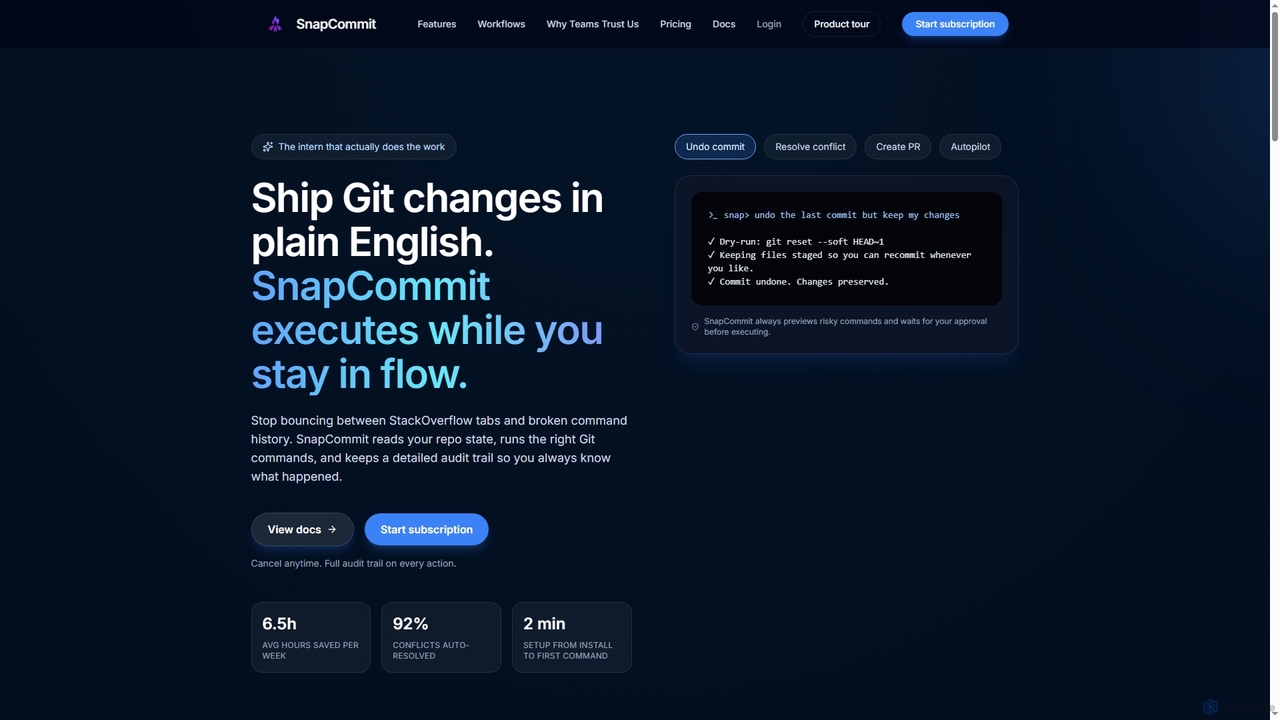
SnapCommit
Paid

SnapCommit

SnapCommit is an AI-powered terminal Git assistant that allows developers to manage Git operations using plain English commands. It automates complex workflows like committing, resolving conflicts, and creating pull requests, enhancing productivity and ensuring code integrity with dry-run previews and a detailed audit trail.

Code Assistant
Visits 3.5KFavorites 98Likes 98
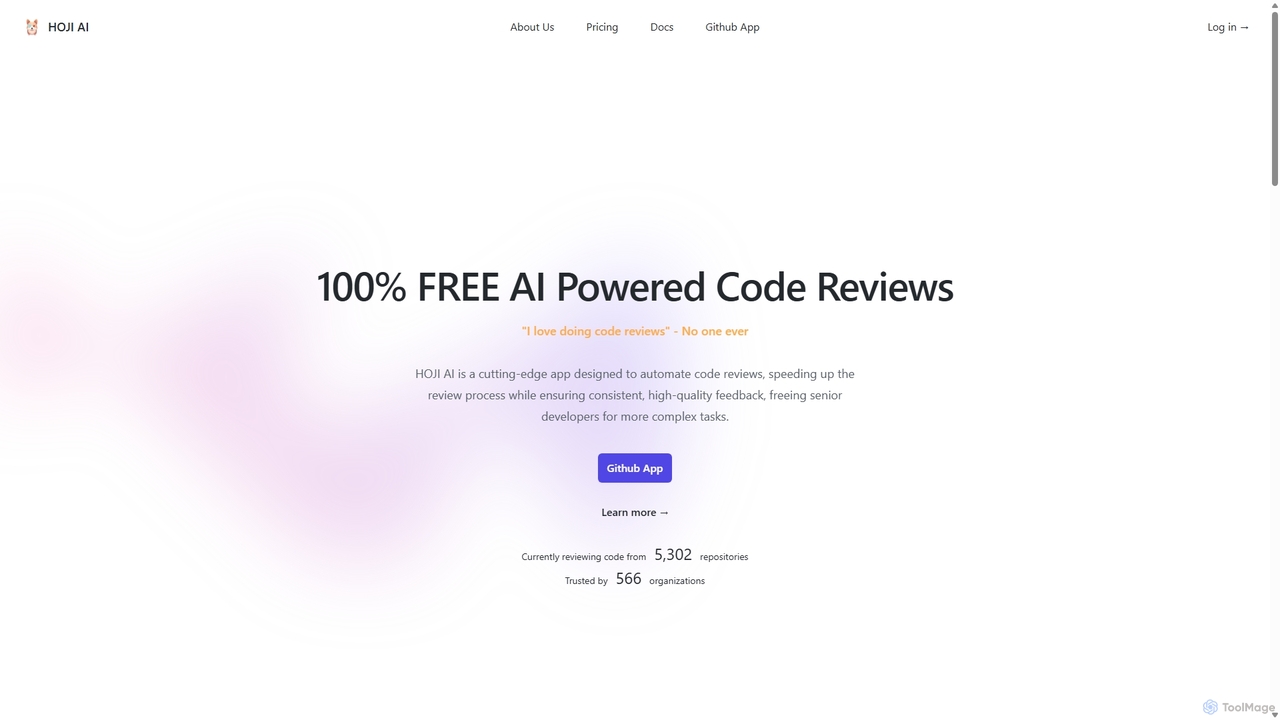
HOJI AI
Free

HOJI AI

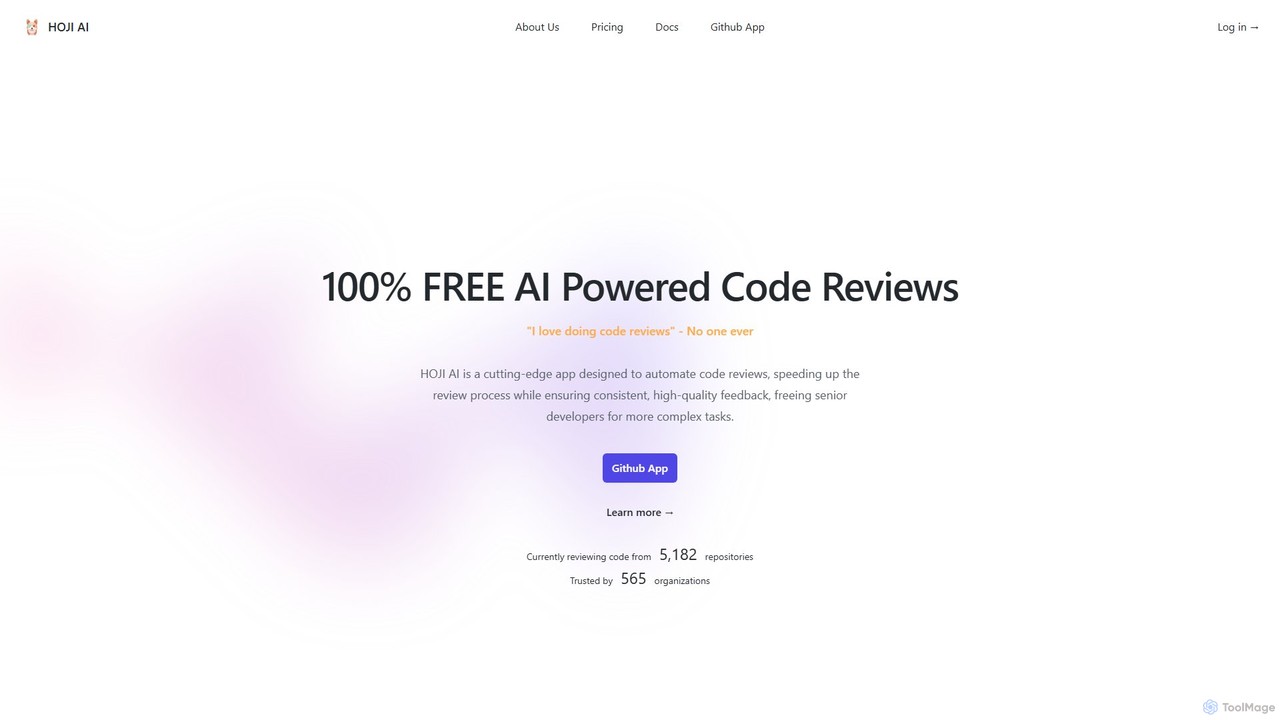
HOJI AI is a free, AI-powered tool that automates code reviews directly within GitHub. It provides instant, consistent, and high-quality feedback on pull requests, helping development teams increase productivity, improve code quality, and accelerate their development cycles by freeing up senior engineers.

Code Assistant
Visits 3.5KFavorites 98Likes 103
Kamara AI
Freemium

Kamara AI

Kamara AI is an intelligent development partner that integrates directly into your GitHub workflow. It acts as an AI team member, providing full-context code analysis, automated code reviews, AI-implemented pull requests from issue descriptions, and self-updating documentation. Kamara helps teams accelerate development, improve code quality, and preserve institutional knowledge seamlessly.

Code Review
Visits 3.5KFavorites 120Likes 108
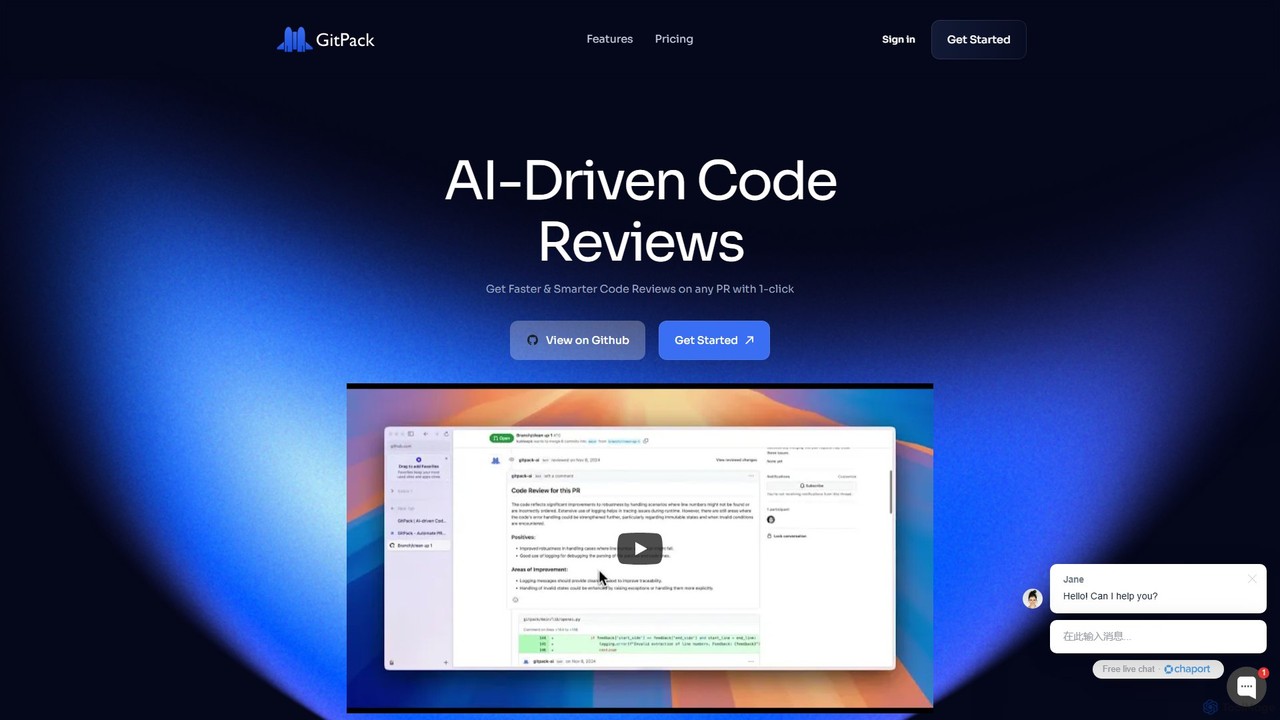
GitPack
Freemium

GitPack

GitPack is an AI-driven tool that automates code reviews on GitHub. It analyzes pull requests, provides context-aware feedback, and helps improve code quality, allowing developers to save time and streamline their workflow.

Code Assistant
Visits 3.5KFavorites 108Likes 122
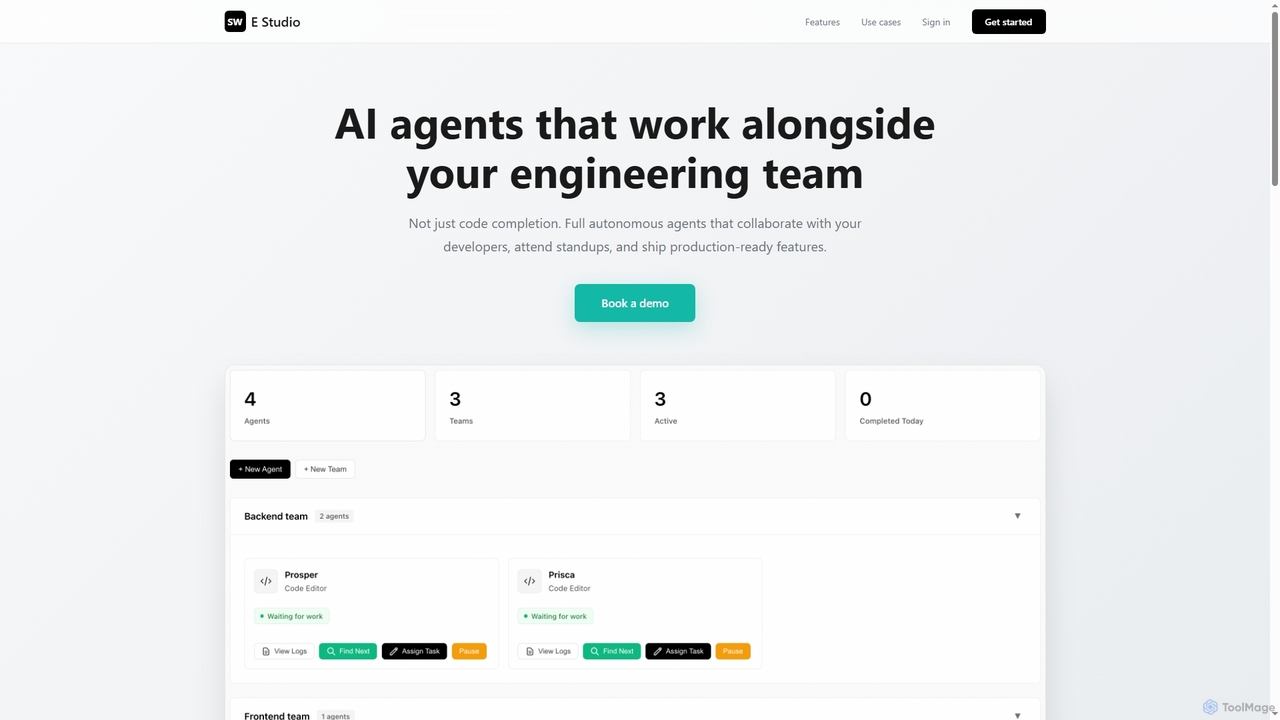
Swe Studio

Swe Studio

Swe Studio provides autonomous AI agents that function as full members of your engineering team. They independently handle development tasks from Jira tickets to pull requests, collaborating via Slack and GitHub to ship production-ready features.

Code Assistant
Visits 3.4KFavorites 125Likes 136
Engine
Freemium

Engine

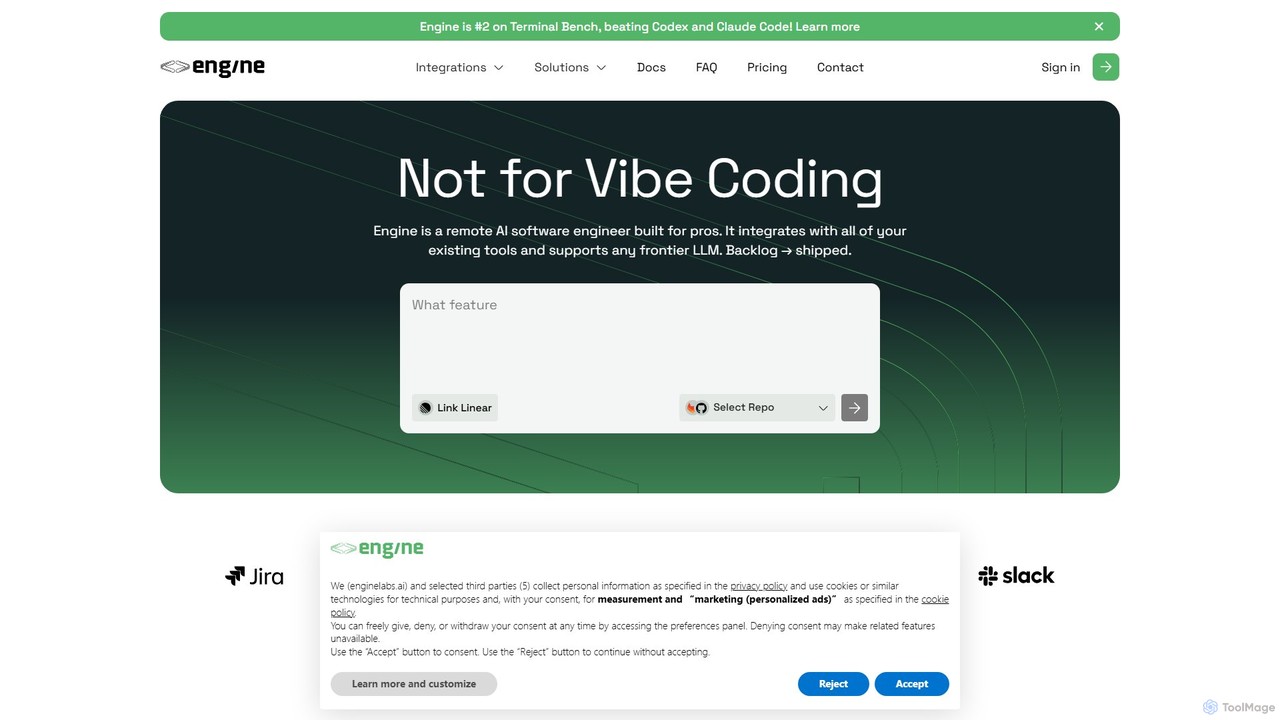
Engine is an AI software engineer designed for professional development teams. It integrates with your existing tools like GitHub and Linear to autonomously fix bugs, ship features, and clear your backlog by creating and managing pull requests, effectively acting as a remote AI team member.

Version Control
Visits 8.1KFavorites 123Likes 139
Patched
Freemium

Patched

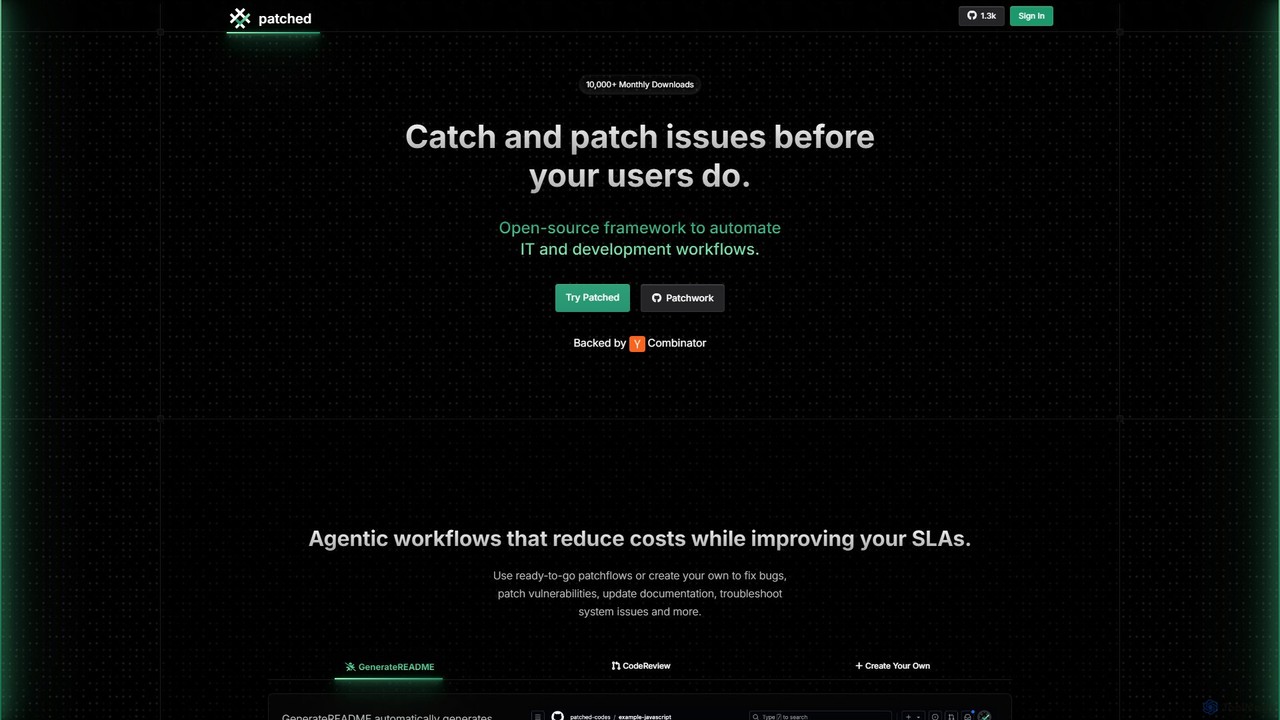
Patched is an open-source framework designed to automate IT and development workflows. It leverages AI to proactively catch and fix issues like bugs and vulnerabilities before they impact users. The platform allows for creating custom, agentic workflows to streamline tasks such as code review, documentation generation, and dependency updates.

Code Assistant
Visits 6.5KFavorites 121Likes 98
GitBrain
Freemium

GitBrain

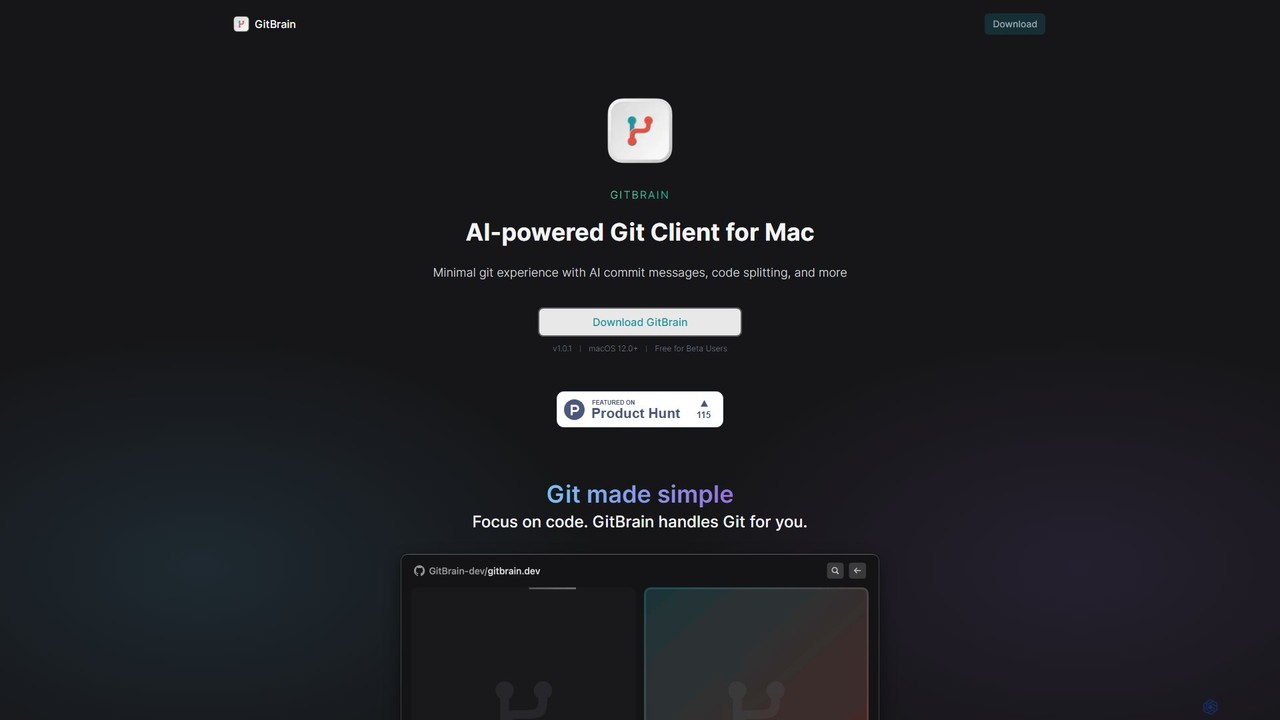
GitBrain is an AI-powered Git client for Mac designed to streamline your workflow. It automatically splits code changes into logical commits, generates clear commit messages, and provides AI-powered code summaries for self-review. With a native macOS interface, IDE integration, and a keyboard-first design, GitBrain simplifies Git management, allowing developers to focus on coding.

Code Assistant
Visits 3.4KFavorites 134Likes 149
hoji
Freemium

hoji

hoji is a free, AI-powered code review assistant that integrates directly with GitHub. It automates the code review process, providing instant, consistent, and unbiased feedback on pull requests. This helps development teams increase productivity, improve code quality, and reduce friction, freeing up senior developers for more complex tasks.

Code Assistant
Visits 3.3KFavorites 70Likes 61
Factory
Paid

Factory

Factory is an AI-powered software development platform that uses autonomous agents called 'Droids' to automate the entire Software Development Lifecycle (SDLC). From planning and coding to incident response and documentation, Droids handle complex tasks, delivering merge-ready pull requests, detailed reports, and rapid fixes. It's designed to work alongside engineering teams, boosting productivity, accelerating development cycles, and clearing backlogs within a secure, enterprise-grade environment.

Code Assistant
Visits 358.4KFavorites 112Likes 125
CodePal
Freemium

CodePal

A powerful AI coding companion and autonomous engineer that integrates directly into GitHub. Automate code reviews, generate documentation, resolve issues, and write unit tests with simple commands to accelerate your development workflow.

Code Assistant
Visits 58.2KFavorites 105Likes 100
fsck.ai

fsck.ai

fsck.ai is an open-source AI-powered code review assistant designed to accelerate development workflows. It automatically analyzes pull requests, identifies potential defects and bugs, and provides direct feedback within GitHub, much like a Copilot for code quality.

Code Assistant
Visits 4.2KFavorites 111Likes 116
CodeRabbit
Freemium

CodeRabbit

CodeRabbit is an AI-powered code review tool that supercharges development teams to ship faster and reduce bugs. It provides instant, context-aware reviews, pull request summaries, and security analysis directly within GitHub, GitLab, and IDEs like VS Code.

Code Review
Visits 873.4KFavorites 91Likes 102
cubic
Freemium

cubic

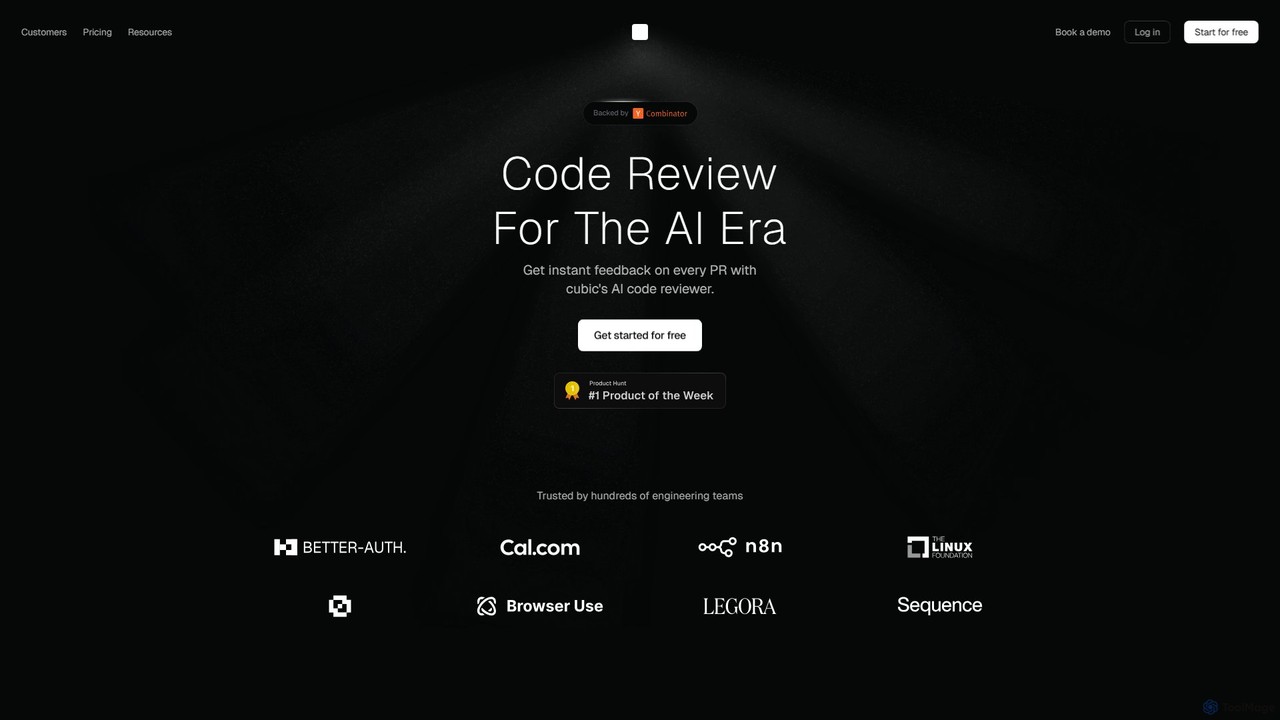
cubic is an AI-powered code review platform that helps software teams ship higher-quality code up to 3x faster. It automatically reviews pull requests in GitHub, catches bugs, enforces custom style guides, and provides one-click fixes, significantly reducing review bottlenecks and improving developer productivity.

Code Assistant
Visits 71.1KFavorites 129Likes 112
Kodus
Freemium

Kodus

Kodus is an AI-powered code review tool that acts like a senior developer on your team. It automatically analyzes pull requests in Git, providing actionable feedback on code quality, security, and performance. It helps teams reduce review time, ship faster, and decrease bugs in production.

Code Quality
Visits 21.6KFavorites 138Likes 132