MasterGo is an AI-powered, all-in-one collaborative UI/UX design platform. It streamlines the entire workflow from prototyping and interface design to developer handoff. Built for real-time collaboration, it helps teams create, iterate, and manage digital products efficiently with features like design systems, AI-assisted generation, and enterprise-level security.
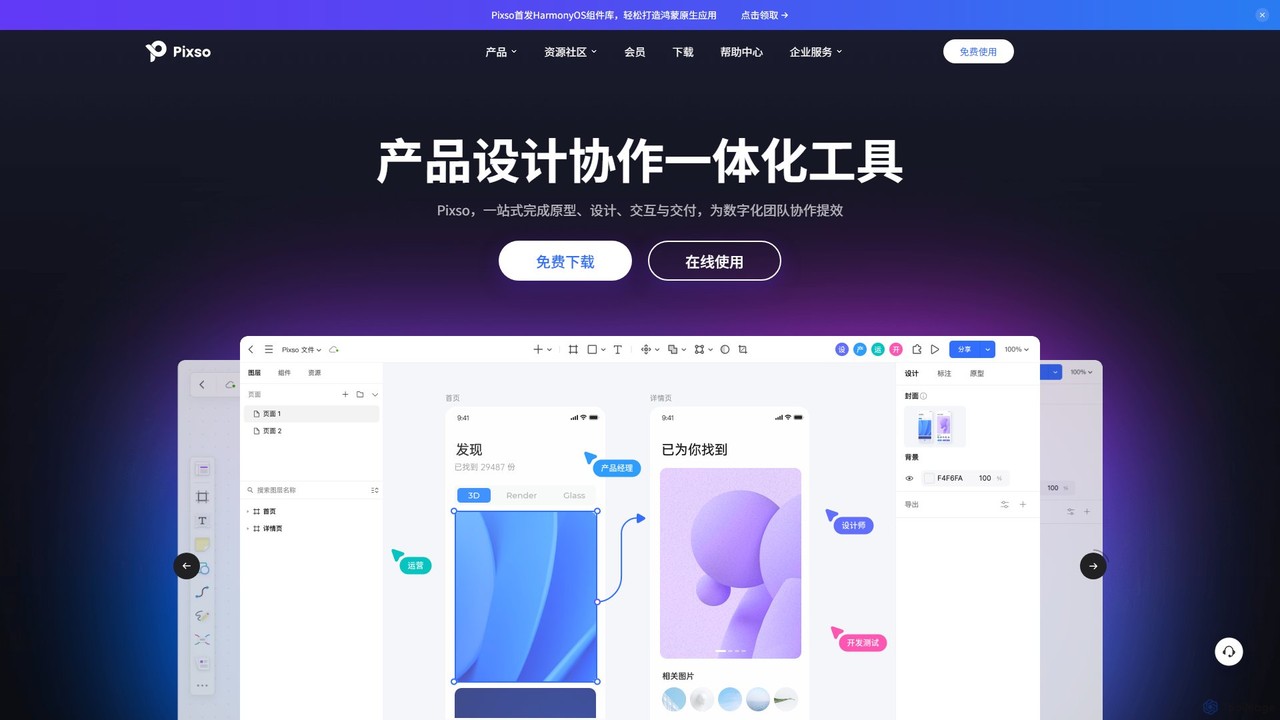
Pixso is an all-in-one, cloud-based collaborative product design platform for UI/UX design, prototyping, and developer handoff. It integrates design tools, interactive prototyping, and an online whiteboard, positioning itself as a powerful, real-time alternative to Figma and Sketch, built to enhance team efficiency.
Product overview
MasterGo Product overview
MasterGo is an AI-powered, all-in-one collaborative UI/UX design platform. It streamlines the entire workflow from prototyping and interface design to developer handoff. Built for real-time collaboration, it helps teams create, iterate, and manage digital products efficiently with features like design systems, AI-assisted generation, and enterprise-level security.
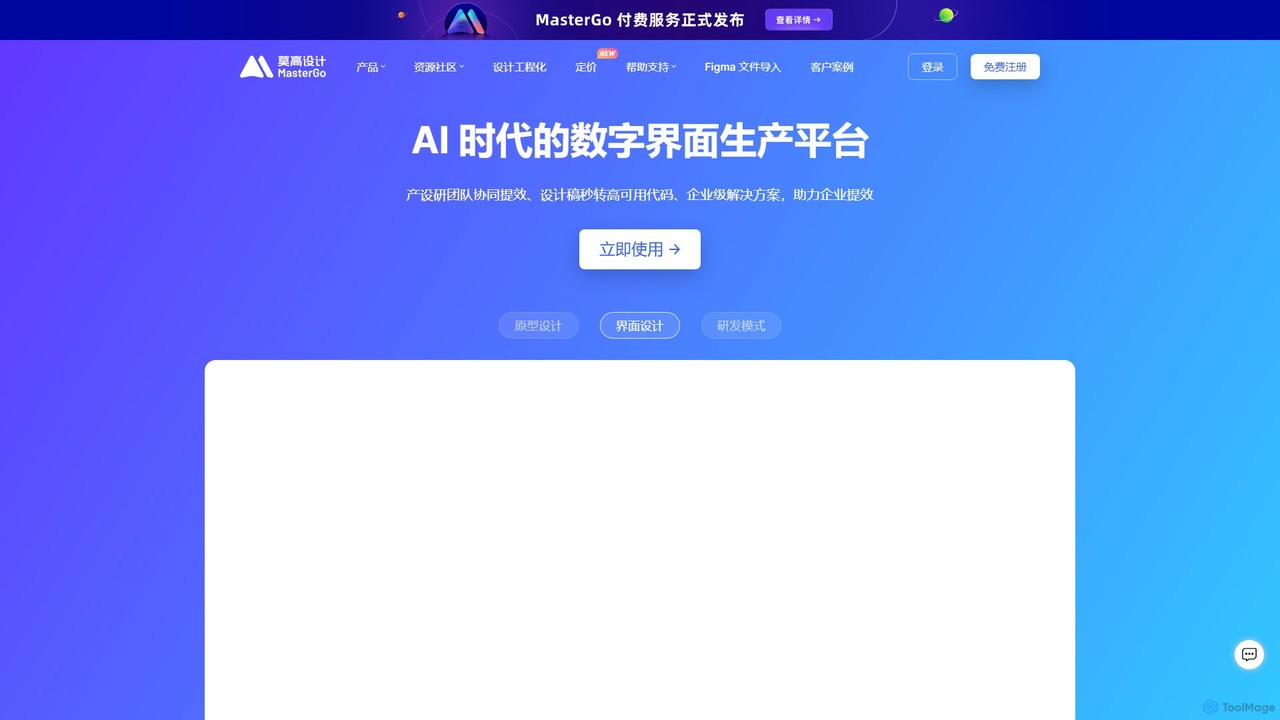
Pixso Product overview
Pixso is an all-in-one, cloud-based collaborative product design platform for UI/UX design, prototyping, and developer handoff. It integrates design tools, interactive prototyping, and an online whiteboard, positioning itself as a powerful, real-time alternative to Figma and Sketch, built to enhance team efficiency.
Detailed feature comparison
| Feature | MasterGo | Pixso |
|---|---|---|
| Primary category | Ui Ux | Ui Ux |
| Added | 2025-08-14 | 2025-08-09 |
| Pricing | Freemium | Freemium |
| Official website | mastergo.com | pixso.cn |
| Product type | Website | Website |
| Performance data | ||
| User rating | Not verified | Not verified |
| Comments | 0 | 0 |
| Monthly visits | 1.2M | 435.4K |
| Monthly growth | -2.2% | -10.1% |
| Favorites | 112 | 115 |
| Details | View details | View details |
MasterGo vs Pixso monthly traffic
Compare MasterGo and Pixso by monthly reach, traffic trend, visit depth, top regions, and acquisition sources.
How to interpret the traffic data
In the MasterGo vs Pixso monthly traffic comparison, MasterGo currently shows 1.2M visits and Pixso shows 435.4K; MasterGo has about 2.7 times the visible traffic of Pixso, an absolute difference of about 730.7K visits. This reflects visible reach, not feature quality or paid users.
Both tools provide verified traffic details, so monthly trends, visit depth, regions, and acquisition sources can be compared on the same basis.
MasterGo monthly traffic:
Latest traffic
Monthly traffic trend
- 2025/9: 2.2M Monthly visits
- 2026/1: 1.7M Monthly visits
- 2026/2: 818.6K Monthly visits
- 2026/3: 1.4M Monthly visits
- 2026/4: 1.2M Monthly visits
- 2026/5: 1.2M Monthly visits
Top regions
Top 5 countries/regions
| Country/region | Percentage | Traffic |
|---|---|---|
| 🇨🇳China | 88.79% | 1M |
| 🇺🇸United States | 7.58% | 88.4K |
| 🇭🇰Hong Kong | 1.79% | 20.9K |
| 🇸🇬Singapore | 1.28% | 14.9K |
| 🇹🇼Taiwan | 0.56% | 6.5K |
Traffic sources
| Source type | Percentage | Traffic |
|---|---|---|
| Direct | 96.18% | 1.1M |
| Referral | 3.79% | 44.2K |
| 0.03% | 350 |
Search keywords
Pixso monthly traffic:
Latest traffic
Monthly traffic trend
- 2025/9: 623.9K Monthly visits
- 2026/1: 676.4K Monthly visits
- 2026/2: 318.9K Monthly visits
- 2026/3: 572.6K Monthly visits
- 2026/4: 484.3K Monthly visits
- 2026/5: 435.4K Monthly visits
Top regions
Top 5 countries/regions
| Country/region | Percentage | Traffic |
|---|---|---|
| 🇨🇳China | 96.26% | 419.2K |
| 🇭🇰Hong Kong | 1.57% | 6.8K |
| 🇸🇬Singapore | 0.9% | 3.9K |
| 🇺🇸United States | 0.73% | 3.2K |
| 🇹🇼Taiwan | 0.54% | 2.4K |
Traffic sources
| Source type | Percentage | Traffic |
|---|---|---|
| Direct | 88.41% | 385K |
| Referral | 11.48% | 50K |
| 0.11% | 479 |
Search keywords
Usage comparison
Compare the core capabilities of MasterGo and Pixso
MasterGo Core features
Pixso Core features
Use cases
MasterGo Use cases
Pixso Use cases
MasterGo vs Pixso:In-depth comparison and selection guidance
First decide whether the products solve the same kind of need
This in-depth MasterGo vs Pixso comparison uses only the product records, taxonomy, audience, traffic, and community signals available on this page. MasterGo is primarily listed under “Ui Ux”, while Pixso is primarily listed under “Ui Ux”, so the first decision is whether your actual task matches their recorded scope.
The structured fields currently show these decision-relevant differences: Monthly visits (MasterGo: 1.2M; Pixso: 435.4K); Monthly growth (MasterGo: -2.2%; Pixso: -10.1%); Favorites (MasterGo: 112; Pixso: 115); Website (MasterGo: mastergo.com; Pixso: pixso.cn); Added (MasterGo: 2025-08-14; Pixso: 2025-08-09). These facts are more useful for selection than brand visibility alone.
What market visibility and monthly traffic mean
In the MasterGo vs Pixso monthly traffic comparison, MasterGo currently shows 1.2M visits and Pixso shows 435.4K; MasterGo has about 2.7 times the visible traffic of Pixso, an absolute difference of about 730.7K visits. This reflects visible reach, not feature quality or paid users.
Both tools provide verified traffic details, so monthly trends, visit depth, regions, and acquisition sources can be compared on the same basis.
If public market visibility is an important first-pass criterion, investigate MasterGo first. The final choice should still follow taxonomy, use case, and a real trial because higher traffic does not prove broader capabilities or better workflow fit.
Product positioning, use cases, and roles
MasterGo and Pixso currently overlap in shared categories: Ui Ux and Collaboration; shared tags: collaboration, design system, developer handoff, figma alternative, prototyping, Sketch alternative, ui design, and ux design. This can place both on the same shortlist, but it does not prove equal implementation, depth, or cost.
MasterGo's unique categories/tags are Design Handoff, Wireframing, ai design, interface design, and wireframing; Pixso's are Prototyping, Whiteboard, design tool, real-time collaboration, and whiteboard. These unique fields are the strongest differentiators: validate the product whose recorded scope matches the task instead of following traffic alone.
What ratings, comments, and favorites can tell you
MasterGo has no verified rating, 0 comments, 112 favorites, and 108 likes;Pixso has no verified rating, 0 comments, 115 favorites, and 112 likes。
Neither product has enough rating or comment samples for a credible reputation ranking.
Selection guidance by actual need
When to evaluate MasterGo first
Put MasterGo on the priority trial list when the task aligns with “Ui Ux” and especially Design Handoff, Wireframing, ai design, interface design, and wireframing. This follows recorded positioning and does not imply unlisted capabilities are absent.
MasterGo also currently records: pricing is freemium, product type is website, 1.2M verified monthly visits, no verified user rating. Verify any hard requirement around price, platform, or reach before trial, and do not let sparse review data substitute for testing.
When to evaluate Pixso first
Put Pixso on the priority trial list when the task aligns with “Ui Ux” and especially Prototyping, Whiteboard, design tool, real-time collaboration, and whiteboard. This follows recorded positioning and does not imply unlisted capabilities are absent.
Pixso also currently records: pricing is freemium, product type is website, 435.4K verified monthly visits, no verified user rating. Verify any hard requirement around price, platform, or reach before trial, and do not let sparse review data substitute for testing.
How to validate the recommendation before deciding
The available data describes positioning, public visibility, and community signals, but it cannot prove output quality, speed, integration effort, privacy, or long-term cost in your workflow. Before deciding, run the same representative tasks in MasterGo and Pixso, then record completion time, accuracy, manual corrections, and the real paid threshold. A like-for-like trial turns this comparison into a defensible adoption decision.
Comparison FAQ
How should I choose between MasterGo and Pixso?
Where does this comparison data come from?
What do unknown fields mean?
Related AI tools

Creatie
Creatie is an intuitive, AI-powered product design and collaboration platform. It enables teams to move from wireframes to high-fidelity mockups, interactive prototypes, and developer handoff seamlessly. Featuring AI tools like a mockup wizard, icon generator, and image enhancer, it's designed to accelerate the UI/UX workflow for designers, product managers, and developers.
Icon Generation
Motiff
Motiff is an AI-powered professional interface design tool that accelerates the entire workflow. It enables users to generate UIs from text and images, iterate on designs with AI assistance, and collaborate in real-time. Combining robust design tools, prototyping, and a developer-friendly handoff mode, Motiff serves as a comprehensive, high-performance platform for modern product teams.
Ui Ux
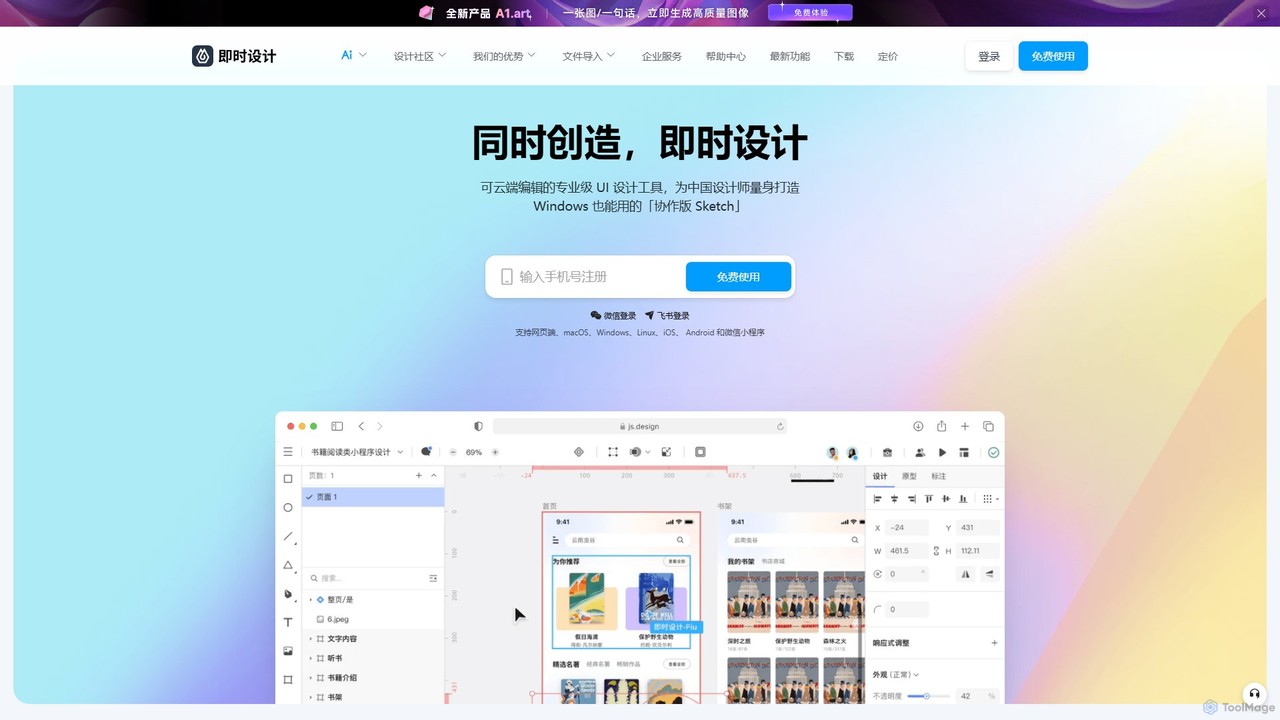
JsDesign
JsDesign is a professional, cloud-based UI/UX design tool that enables real-time collaboration. It offers a cross-platform experience with powerful AI features to accelerate the design workflow, from ideation and prototyping to developer handoff. It's positioned as a strong alternative to Figma and Sketch.
Ai Design Assistant
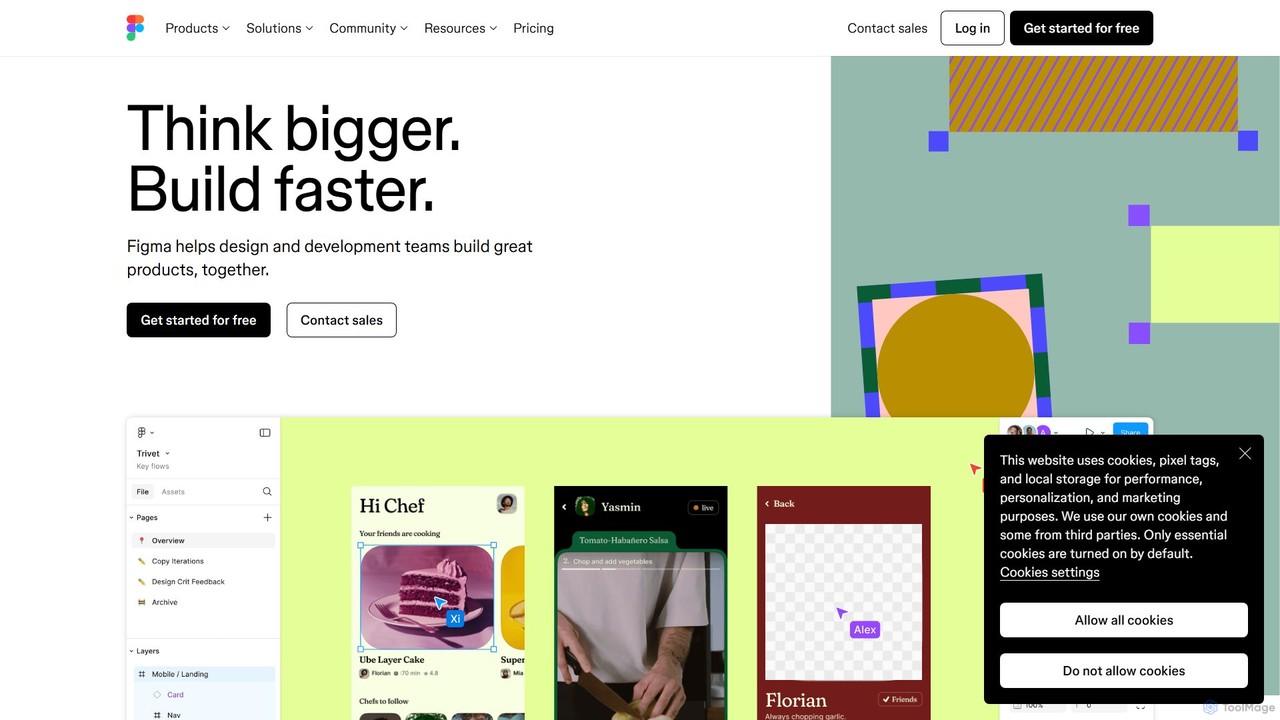
Figma
Figma is a leading collaborative interface design platform that allows teams to design, prototype, and gather feedback in one place. Powered by AI, it accelerates workflows from brainstorming in FigJam to creating high-fidelity designs and handing off to developers with Dev Mode, unifying the entire product development process.
Ui Ux Design
UXPin
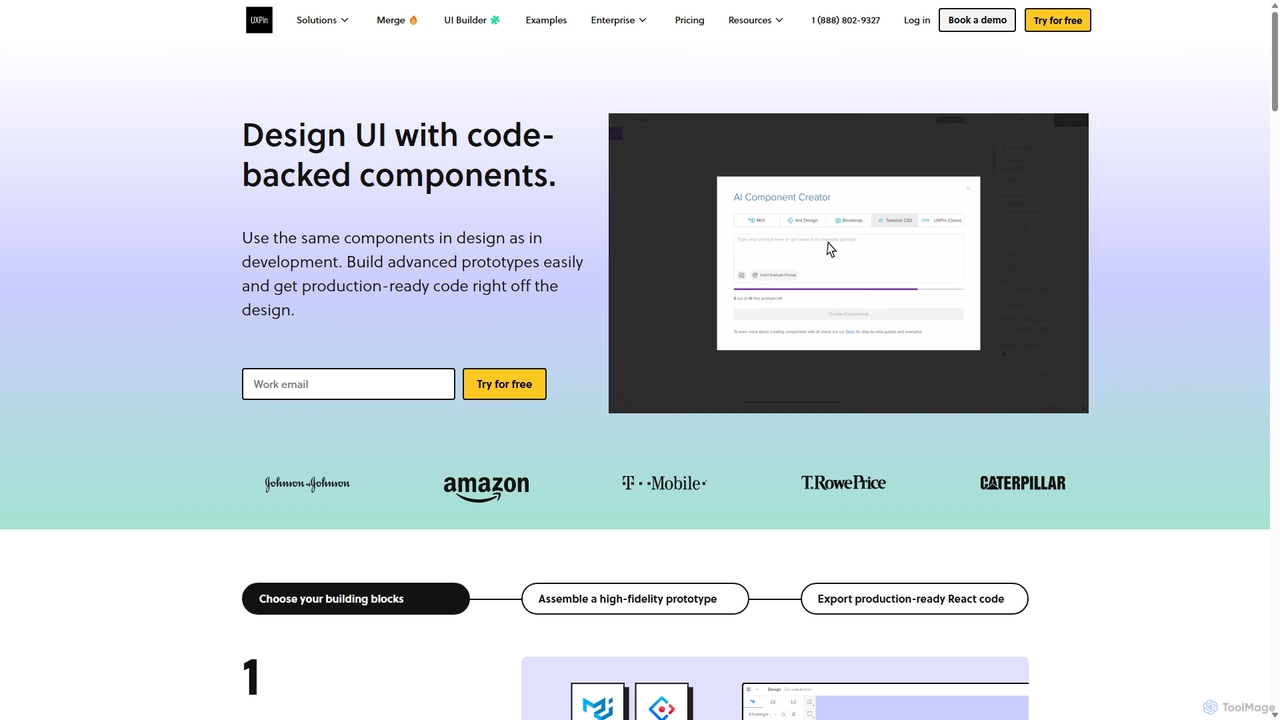
UXPin is a code-based design and prototyping tool that bridges the gap between design and engineering. It enables teams to create high-fidelity, interactive prototypes using real code components, ensuring consistency and dramatically speeding up the product development lifecycle from concept to launch.
Prototyping
MockFlow
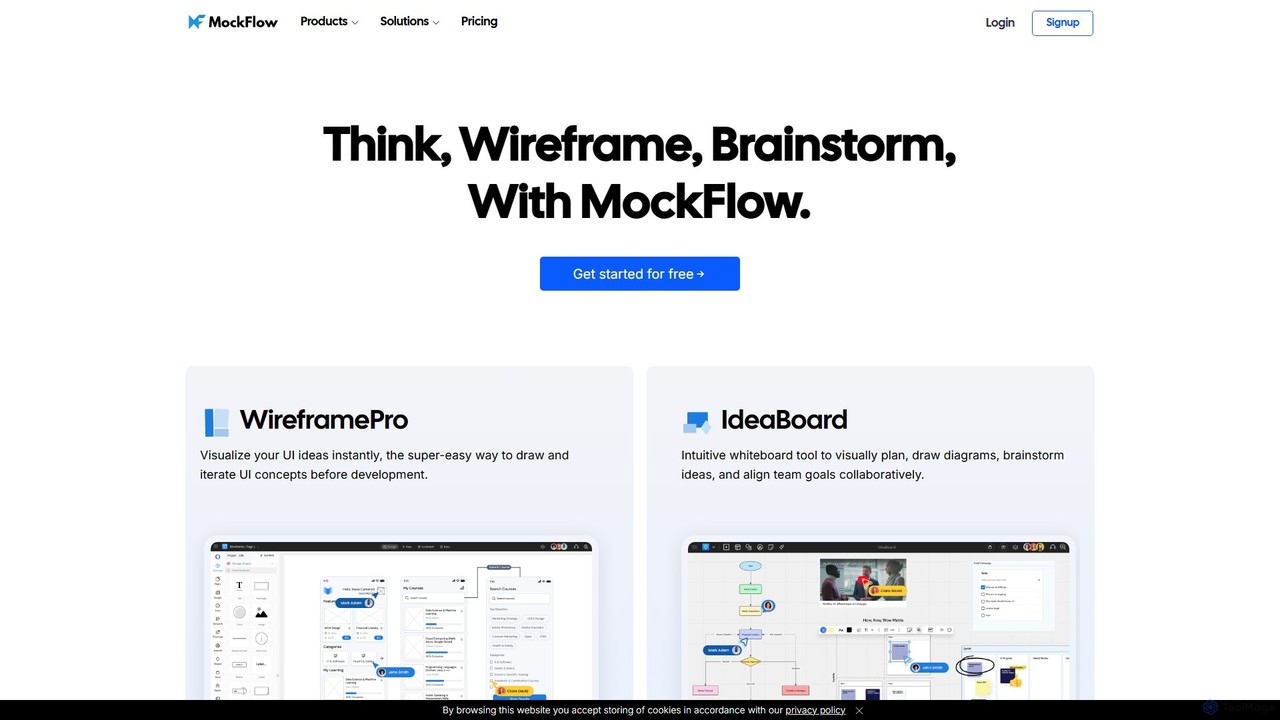
MockFlow is an all-in-one suite for product design, offering tools for wireframing, prototyping, and brainstorming. It leverages AI to accelerate the design process, allowing users to convert text or screenshots into editable wireframes, generate diagrams, and create content automatically. With extensive collaboration features and integrations, it streamlines the entire workflow from initial idea to developer handoff.
Ui Ux
Magic Patterns
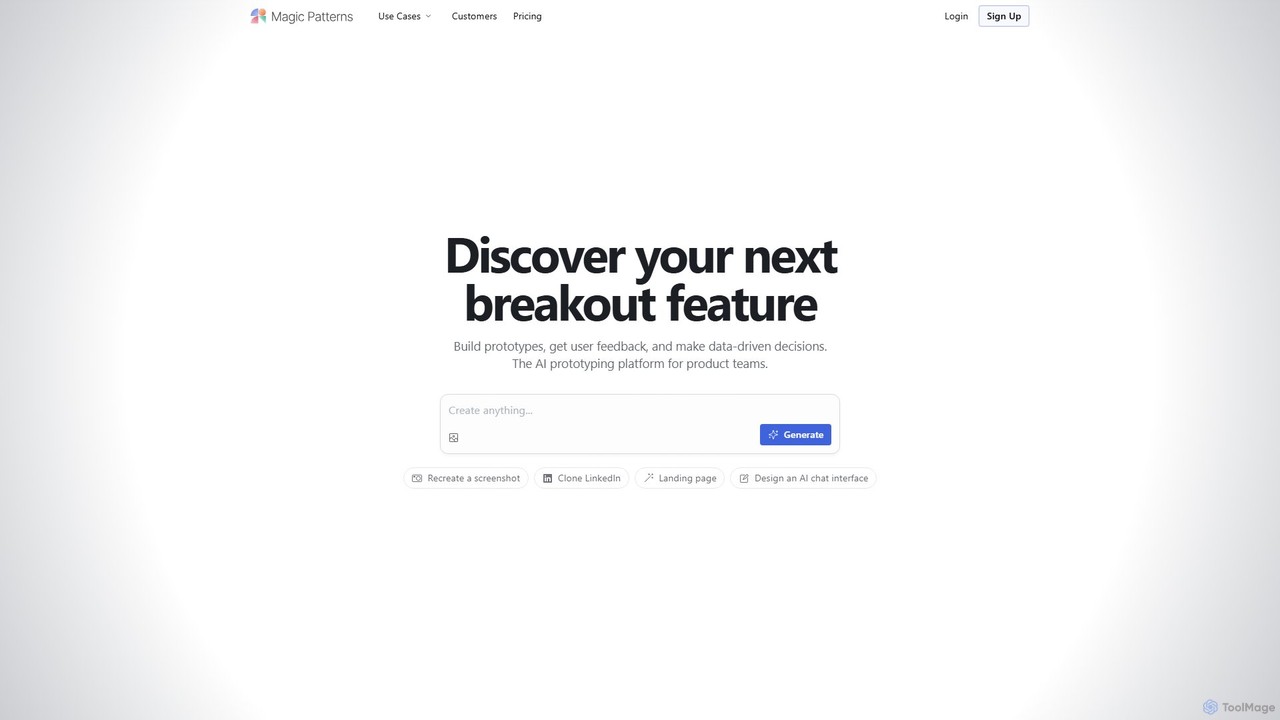
Magic Patterns is an AI-powered prototyping platform for product teams, designers, and developers. It accelerates UI creation by generating interactive prototypes and production-ready code (React, Tailwind CSS) from text prompts, screenshots, or existing websites. It helps teams iterate faster, gather user feedback, and make data-driven decisions.
Prototyping
Uizard
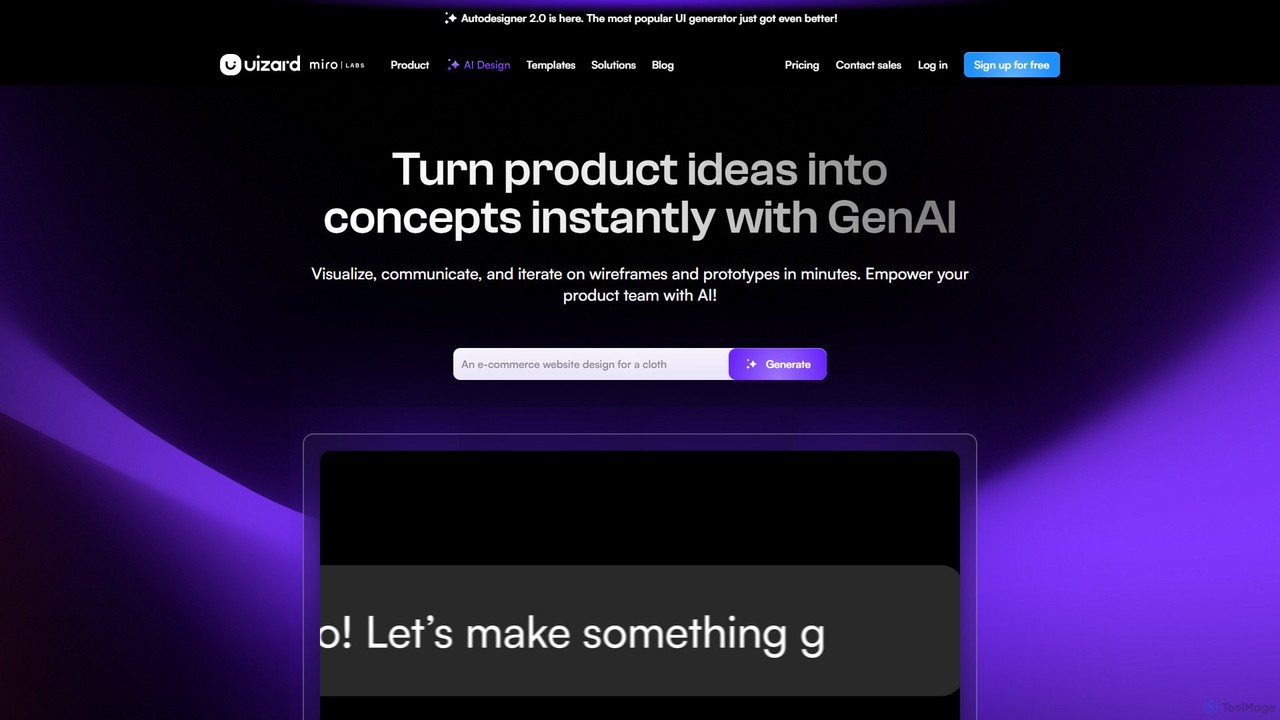
Uizard is an AI-powered UI design tool that empowers both designers and non-designers to create stunning websites, web apps, and mobile app mockups in minutes. Transform text prompts, hand-drawn sketches, or screenshots into editable, interactive prototypes. It's designed for rapid ideation, real-time collaboration, and streamlining the entire product design workflow from concept to handoff.
Ui Ux
Figr
Figr is an AI-powered design suite that accelerates the product design workflow. It specializes in creating production-grade design systems directly within Figma, automating the generation of design tokens, components, and documentation. It's built for product thinkers, designers, and teams to transform research and context into clear, consistent, and scalable user interfaces with remarkable speed.
Ui Ux
Visily
Visily is an AI-powered UI design and prototyping tool specifically created for non-designers. It enables teams to quickly transform ideas, screenshots, or text prompts into high-fidelity wireframes and mockups. With its intuitive interface and powerful collaboration features, Visily streamlines the process of visualizing product concepts and gathering feedback, bridging the gap between ideas and execution without a steep learning curve.
Ui Ux
Flowmapp
Flowmapp is an all-in-one UX planning tool designed for freelancers, agencies, and product teams. It streamlines website and app development by integrating AI-powered sitemap and wireframe generation, user flow diagrams, content planning, and collaborative project management into a single platform. Create high-converting project proposals and accelerate your design workflow.
Ux Design
App Alchemy
App Alchemy is an AI-powered design tool that generates beautiful, professional mobile app mockups in seconds. Simply describe your app idea, use a template, or upload screenshots, and the AI will instantly create UI designs. It's designed for developers, entrepreneurs, and designers to rapidly visualize, iterate, and export app concepts without needing complex design skills or expensive software.
Ui Ux
UX Pilot
UX Pilot is an AI-powered design platform that accelerates the UX/UI workflow. It enables designers, product teams, and founders to generate high-fidelity designs, wireframes, screen flows, and prototypes from simple text prompts in seconds. With deep Figma integration, it streamlines the entire process from ideation to handoff.
Ui Ux
sketchgpt.xyz
sketchgpt.xyz is an AI-powered tool that transforms hand-drawn sketches into functional HTML and CSS code in real-time. Simply draw your website or app layout on a digital whiteboard, and watch as the AI instantly generates a live, interactive web prototype. It's designed to accelerate the prototyping and development process for designers, developers, and product teams.
Ui Ux
Miro
Miro is an AI-powered online collaborative whiteboard platform designed for modern teams. It provides an infinite canvas for brainstorming, planning, designing, and managing projects in real-time. With a vast template library, powerful integrations, and AI-driven features, Miro helps teams centralize communication and accelerate innovation from idea to execution.
Brainstorming