ToolMage
Sign in
OverlayFlow
3D Modeling Guidance · 744 monthly visits

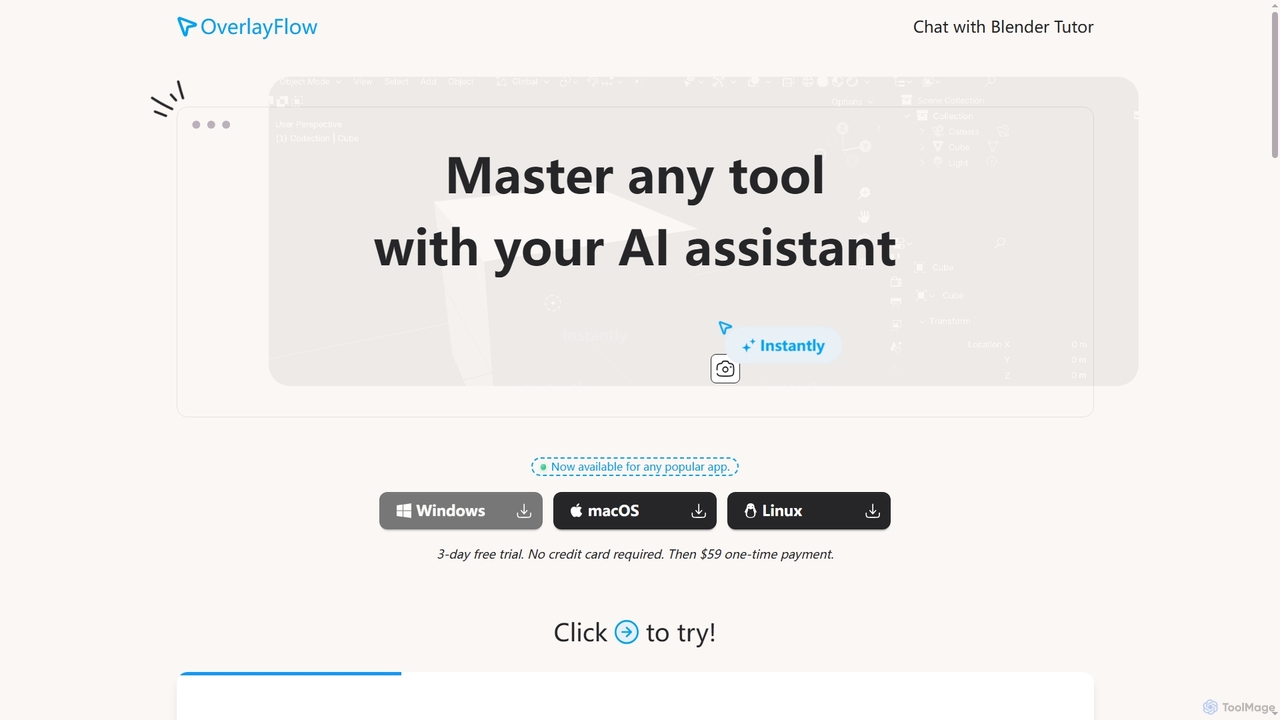
OverlayFlow is an AI software assistant that intelligently observes your screen context to provide real-time, step-by-step instructions for any software you're using. It simplifies complex tasks by offering immediate, relevant guidance, acting as a personalized tutor for various applications, including specialized tools like Blender.

VS
Slack
Project Management · 129.1M monthly visits

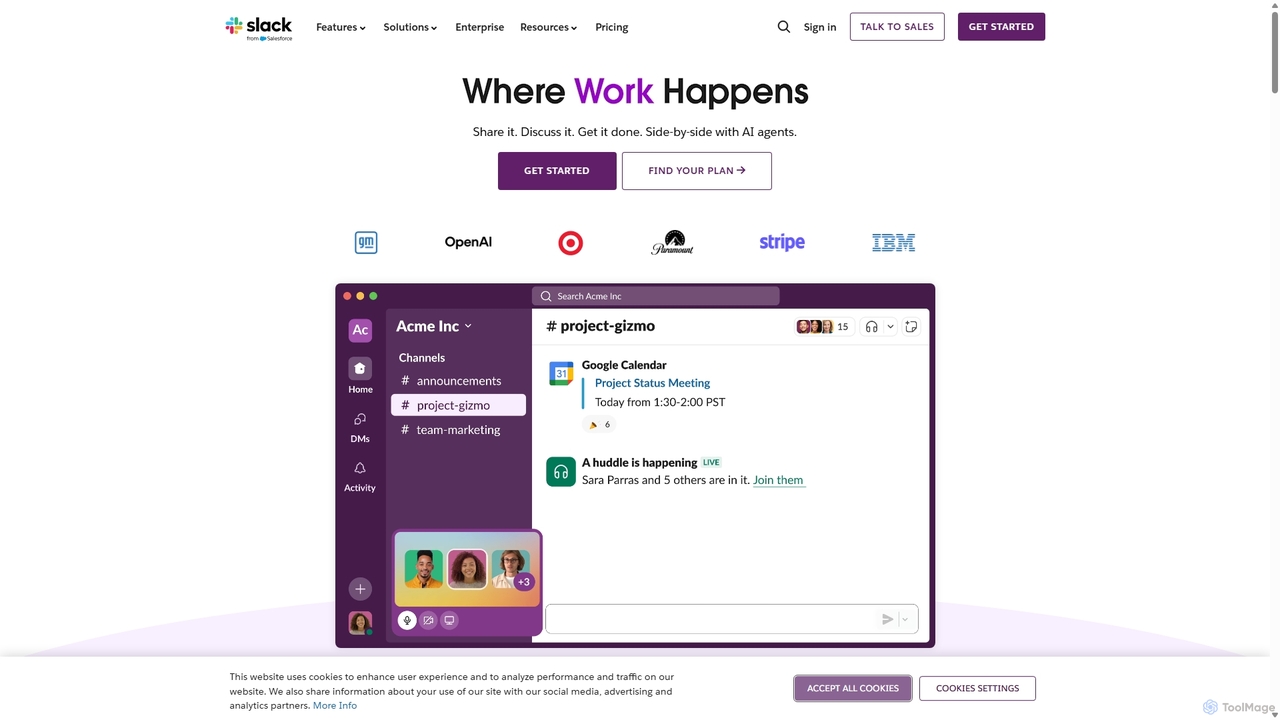
Slack is an AI-powered collaboration hub that connects your people, partners, and tools. It replaces email with faster, better-organized communication through channels. With integrated AI, workflow automation, and thousands of apps, Slack centralizes your work to boost productivity and streamline project management.

OverlayFlow vs Slack: pricing, features, traffic, and use cases

Compare OverlayFlow and Slack across positioning, pricing, traffic, and user feedback using structured factual data.

Updated Aug 11, 2026

Product overview

OverlayFlow Product overview

OverlayFlow is an AI software assistant that intelligently observes your screen context to provide real-time, step-by-step instructions for any software you're using. It simplifies complex tasks by offering immediate, relevant guidance, acting as a personalized tutor for various applications, including specialized tools like Blender.
Preview

Slack Product overview

Slack is an AI-powered collaboration hub that connects your people, partners, and tools. It replaces email with faster, better-organized communication through channels. With integrated AI, workflow automation, and thousands of apps, Slack centralizes your work to boost productivity and streamline project management.

Preview

Detailed feature comparison

FeatureOverlayFlowSlack
Primary category3D Modeling GuidanceProject Management
Added2026-01-052025-09-17
PricingNot verifiedFreemium
Official websiteoverlayflow.comslack.com
Product typeAppWebsite
Performance data
User ratingNot verifiedNot verified
Comments00
Monthly visits744129.1M
Monthly growth-21.2%-5.1%
Favorites15110
DetailsView detailsView details

OverlayFlow vs Slack monthly traffic

Compare OverlayFlow and Slack by monthly reach, traffic trend, visit depth, top regions, and acquisition sources.

How to interpret the traffic data

In the OverlayFlow vs Slack monthly traffic comparison, OverlayFlow currently shows 744 visits and Slack shows 129.1M; Slack has about 173,578.3 times the visible traffic of OverlayFlow, an absolute difference of about 129.1M visits. This reflects visible reach, not feature quality or paid users.

Both tools provide verified traffic details, so monthly trends, visit depth, regions, and acquisition sources can be compared on the same basis.

OverlayFlow monthly traffic:

Latest traffic

Monthly visits
744
Avg. visit duration
0:04
Pages per visit
1.51
Bounce rate
40.03%
Data updated 2026-06-15

Monthly traffic trend

  • 2026/1: 247 Monthly visits
  • 2026/2: 0 Monthly visits
  • 2026/3: 1.1K Monthly visits
  • 2026/4: 944 Monthly visits
  • 2026/5: 744 Monthly visits

Top regions

Top 5 countries/regions
Country/regionPercentageTraffic
🇮🇹Italy53.33%397
🇧🇪Belgium46.67%347

Search keywords

how to add page number in wordhow to animate in blenderhow to color grade in davinci resolvehow to insert page numbers in wordhow to remove duplicates in google sheets

Slack monthly traffic:

Latest traffic

Monthly visits
129.1M
Avg. visit duration
15:45
Pages per visit
8.23
Bounce rate
28.2%
Data updated 2026-06-15

Monthly traffic trend

  • 2025/9: 133.2M Monthly visits
  • 2026/1: 127M Monthly visits
  • 2026/2: 122.4M Monthly visits
  • 2026/3: 139M Monthly visits
  • 2026/4: 136.1M Monthly visits
  • 2026/5: 129.1M Monthly visits

Top regions

Top 5 countries/regions
Country/regionPercentageTraffic
🇺🇸United States50.24%64.9M
🇯🇵Japan31.8%41.1M
🇮🇳India8.46%10.9M
🇬🇧United Kingdom5.07%6.5M
🇵🇭Philippines4.43%5.7M

Traffic sources

Source typePercentageTraffic
Direct92.92%120M
Referral3.9%5M
Email3.18%4.1M

Search keywords

슬랙slackslack downloadslack loginスラック
Traffic-based selection guidance: If public market visibility is an important first-pass criterion, investigate Slack first. The final choice should still follow taxonomy, use case, and a real trial because higher traffic does not prove broader capabilities or better workflow fit.

Usage comparison

Compare the core capabilities of OverlayFlow and Slack

OverlayFlow Core features

3D Modeling Guidance
Software Training
Software Assistance

Slack Core features

Project Management
Team Chat
Collaboration

Use cases

OverlayFlow Use cases

AI assistant
productivity
blender
digital workflow
learning
real-time help
screen context
software guidance
software training
step-by-step instructions
technical support

Slack Use cases

AI assistant
productivity
business messaging
collaboration
enterprise software
integration
knowledge management
project management
remote work
team communication
workflow automation

Best suited roles

OverlayFlow Best suited roles

Graphic Designer
3D Artist
IT Support Specialist
Onboarding Specialist
Product Designer
Software User
Technical Writer
Trainer
Video Editor

Slack Best suited roles

Graphic Designer
Customer Support
Data Analyst
HR Manager
Marketing Manager
Product Manager
Project Manager
Sales Representative
Software Developer
Team Lead

OverlayFlow vs Slack:In-depth comparison and selection guidance

First decide whether the products solve the same kind of need

This in-depth OverlayFlow vs Slack comparison uses only the product records, taxonomy, audience, traffic, and community signals available on this page. OverlayFlow is primarily listed under “3D Modeling Guidance”, while Slack is primarily listed under “Project Management”, so the first decision is whether your actual task matches their recorded scope.

The structured fields currently show these decision-relevant differences: Primary category (OverlayFlow: 3D Modeling Guidance; Slack: Project Management); Product type (OverlayFlow: App; Slack: Website); Pricing (OverlayFlow: Not disclosed; Slack: Freemium); Monthly visits (OverlayFlow: 744; Slack: 129.1M); Monthly growth (OverlayFlow: -21.2%; Slack: -5.1%). These facts are more useful for selection than brand visibility alone.

What market visibility and monthly traffic mean

In the OverlayFlow vs Slack monthly traffic comparison, OverlayFlow currently shows 744 visits and Slack shows 129.1M; Slack has about 173,578.3 times the visible traffic of OverlayFlow, an absolute difference of about 129.1M visits. This reflects visible reach, not feature quality or paid users.

Both tools provide verified traffic details, so monthly trends, visit depth, regions, and acquisition sources can be compared on the same basis.

If public market visibility is an important first-pass criterion, investigate Slack first. The final choice should still follow taxonomy, use case, and a real trial because higher traffic does not prove broader capabilities or better workflow fit.

Product positioning, use cases, and roles

OverlayFlow and Slack currently overlap in shared tags: AI assistant and productivity; shared roles: Graphic Designer. This can place both on the same shortlist, but it does not prove equal implementation, depth, or cost.

OverlayFlow's unique categories/tags are 3D Modeling Guidance, Software Training, Software Assistance, blender, digital workflow, learning, real-time help, and screen context; Slack's are Project Management, Team Chat, Collaboration, business messaging, collaboration, enterprise software, integration, and knowledge management. These unique fields are the strongest differentiators: validate the product whose recorded scope matches the task instead of following traffic alone.

What ratings, comments, and favorites can tell you

OverlayFlow has no verified rating, 0 comments, 15 favorites, and 14 likes;Slack has no verified rating, 0 comments, 110 favorites, and 97 likes。

Neither product has enough rating or comment samples for a credible reputation ranking.

Selection guidance by actual need

When to evaluate OverlayFlow first

Put OverlayFlow on the priority trial list when the task aligns with “3D Modeling Guidance” and especially 3D Modeling Guidance, Software Training, Software Assistance, blender, digital workflow, and learning, or the users include 3D Artist, IT Support Specialist, Onboarding Specialist, and Product Designer. This follows recorded positioning and does not imply unlisted capabilities are absent.

OverlayFlow also currently records: pricing is not verified, product type is app, 744 verified monthly visits, no verified user rating. Verify any hard requirement around price, platform, or reach before trial, and do not let sparse review data substitute for testing.

When to evaluate Slack first

Put Slack on the priority trial list when the task aligns with “Project Management” and especially Project Management, Team Chat, Collaboration, business messaging, collaboration, and enterprise software, or the users include Customer Support, Data Analyst, HR Manager, and Marketing Manager. This follows recorded positioning and does not imply unlisted capabilities are absent.

Slack also currently records: pricing is freemium, product type is website, 129.1M verified monthly visits, no verified user rating. Verify any hard requirement around price, platform, or reach before trial, and do not let sparse review data substitute for testing.

How to validate the recommendation before deciding

The available data describes positioning, public visibility, and community signals, but it cannot prove output quality, speed, integration effort, privacy, or long-term cost in your workflow. Before deciding, run the same representative tasks in OverlayFlow and Slack, then record completion time, accuracy, manual corrections, and the real paid threshold. A like-for-like trial turns this comparison into a defensible adoption decision.

Comparison FAQ

How should I choose between OverlayFlow and Slack?
Compare positioning, pricing, taxonomy, and traffic maturity, then verify the latest details on each official website.
Where does this comparison data come from?
The factual baseline is derived from product, taxonomy, traffic, and community data. Reviewed editorial conclusions show their source and verification date.
What do unknown fields mean?
Unknown means there is not enough reliable evidence; the page does not fill gaps with assumptions.

Related AI tools

Tingo.ai
Freemium

Tingo.ai

Tingo.ai is an AI-powered productivity and workflow automation platform designed for modern teams. It integrates with your existing tools like Slack and Jira to automate meeting summaries, task management, and knowledge base creation, helping your team stay aligned and focus on what matters most.

Project Management
Visits 5KFavorites 98Likes 107
carlos_app
Freemium

carlos_app

carlos_app is an intelligent AI personal assistant designed to streamline your workflow, manage tasks, automate scheduling, and enhance communication. It acts as your proactive partner, helping you focus on what truly matters by handling the administrative details.

Task Management
Visits 3.5KFavorites 101Likes 116
Side Space
Paid

Side Space

Side Space is a powerful AI assistant that integrates seamlessly into your desktop workflow. It operates from a convenient sidebar, providing instant access to AI-powered tools for writing, coding, and general productivity without ever leaving your current application. Enhance your efficiency with contextual actions on selected text and customizable commands.

Code Assistant
Visits 3.5KFavorites 95Likes 76
OnlyPrompts
Freemium

OnlyPrompts

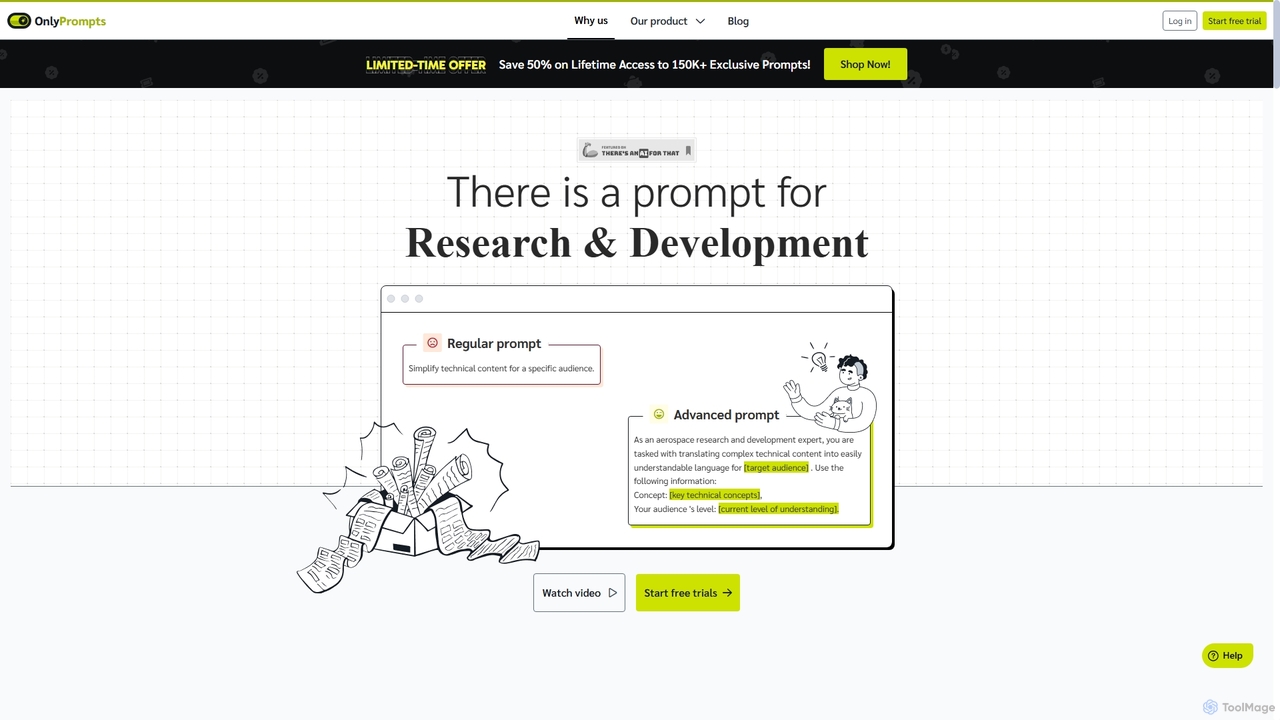
OnlyPrompts is the ultimate AI prompt library, offering over 150,000 expertly crafted prompts for 37,000+ tasks. It features an integrated AI assistant compatible with GPT-4 and Claude 3, side-by-side prompt testing, and customizable templates. Designed for professionals in marketing, HR, finance, and more, it streamlines workflows, enhances productivity, and elevates the quality of AI-generated content.

Operations
Visits 7.2KFavorites 133Likes 135
MindPlexa
Freemium

MindPlexa

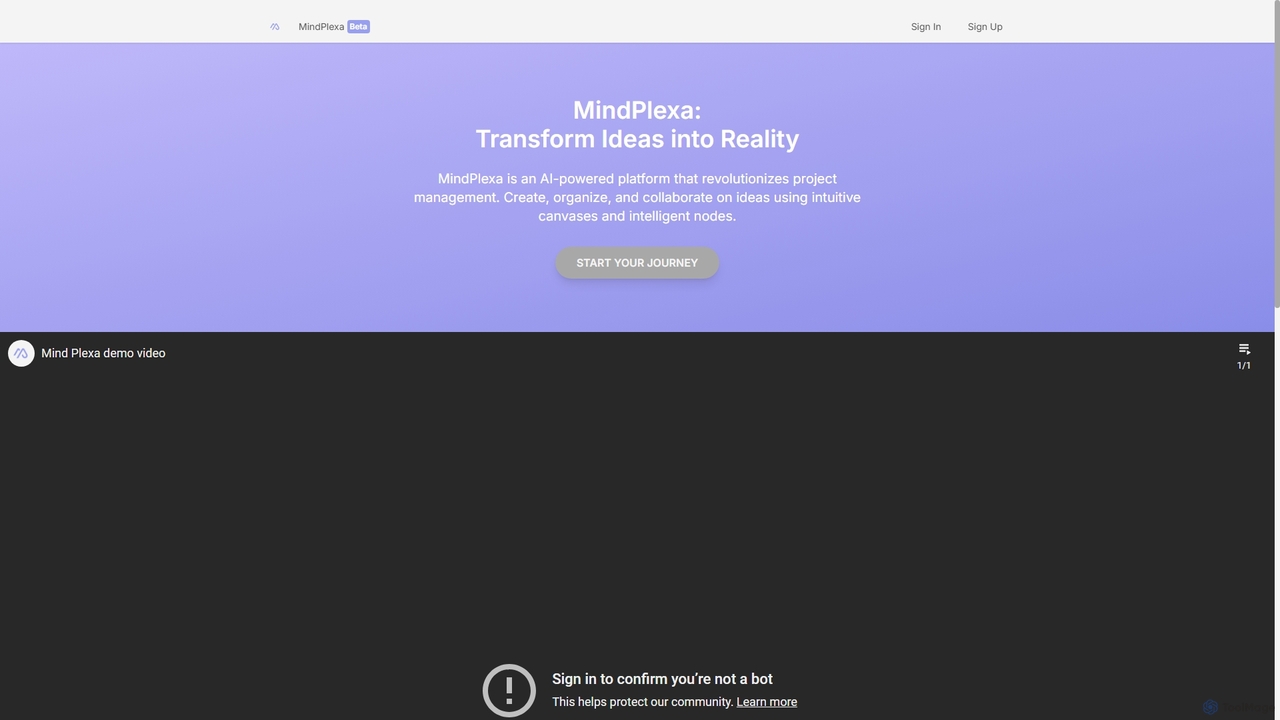
MindPlexa is an AI-powered productivity platform that transforms ideas into actionable projects. It combines visual mind mapping with intelligent project management, allowing users to create, organize, and collaborate on ideas using intuitive canvases and smart nodes. The AI assistant helps generate project layouts, suggest tasks, and streamline workflows, making it an ideal tool for teams and individuals looking to boost creativity and efficiency.

Teamwork
Visits 3.6KFavorites 116Likes 97
Motion
Paid

Motion

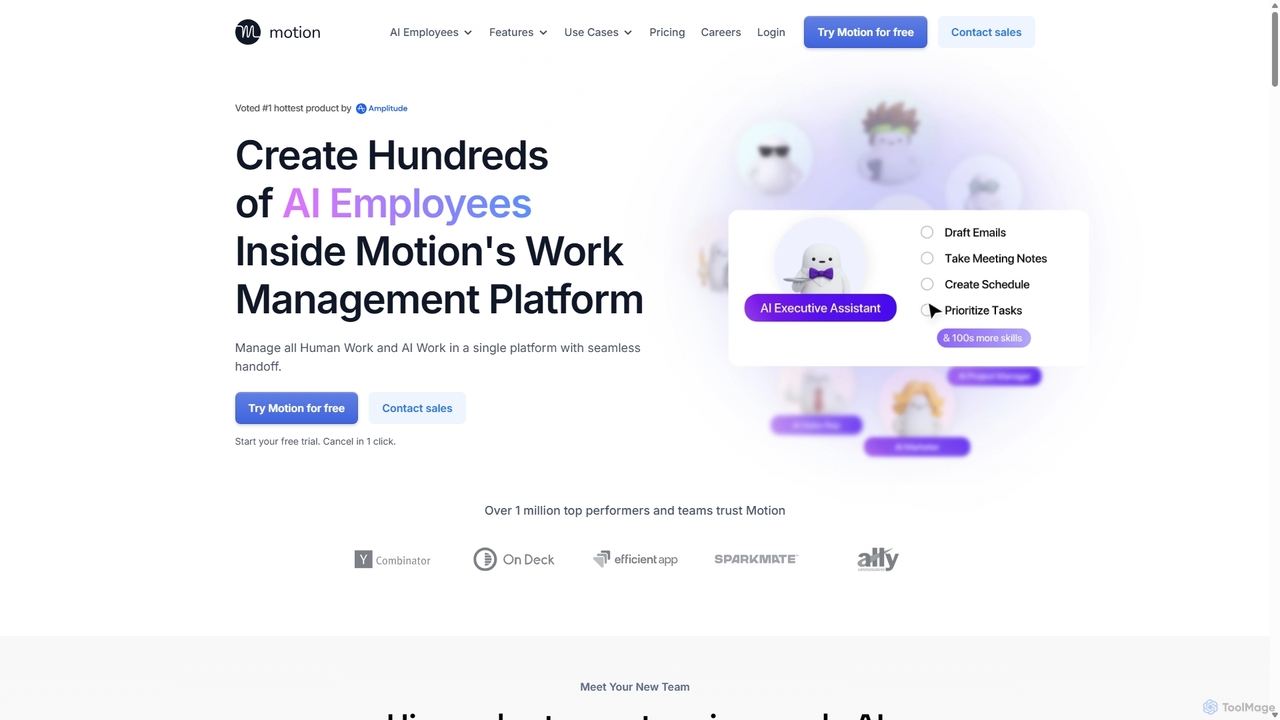
Motion is an AI-powered platform that provides a suite of AI Employees and productivity tools to automate tasks, manage projects, and organize schedules. It's designed to 10x your team's output by handling everything from calendar management and email replies to sales outreach and customer support, all within a single integrated workspace.

Virtual Assistant
Visits 723.3KFavorites 95Likes 93
IFlytek Meeting
Freemium

IFlytek Meeting

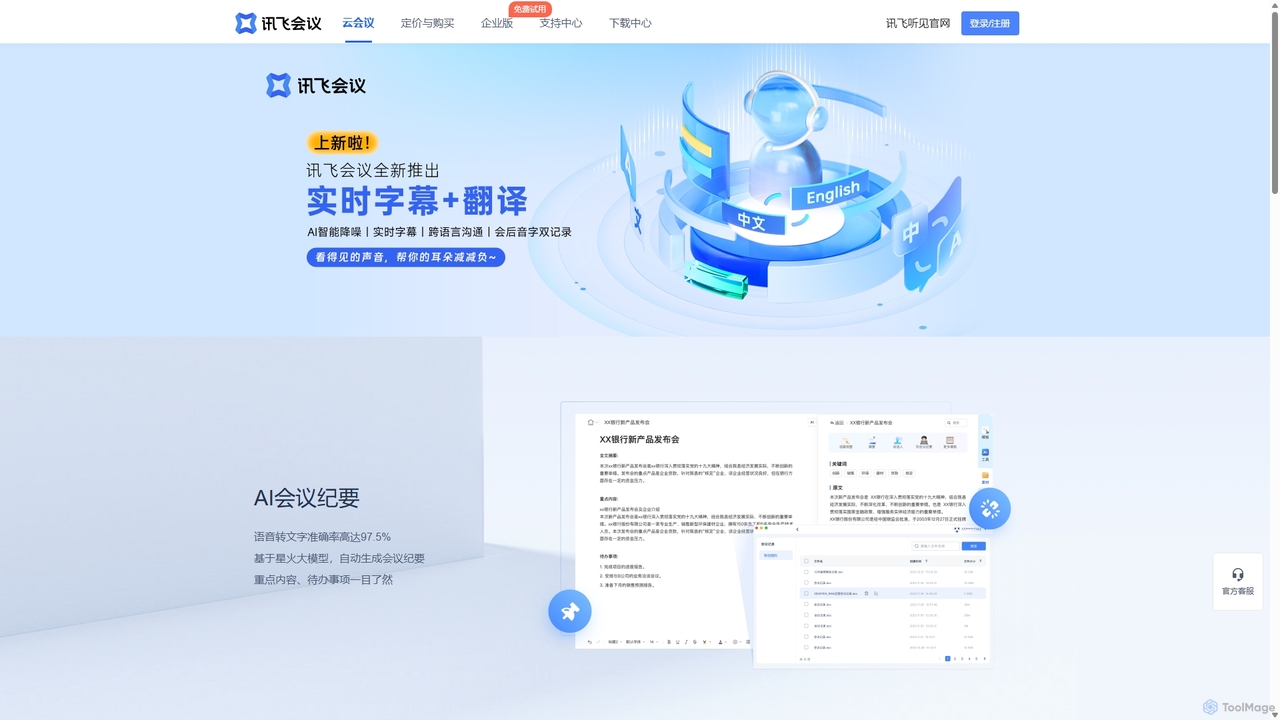
iFlytek Meeting is an AI-powered HD video conferencing platform. It offers high-accuracy real-time transcription, automatic meeting summaries, and to-do list generation. With features like stable HD video, cross-platform support, and robust security, it enhances meeting efficiency for individuals, teams, and large enterprises, providing a seamless remote collaboration experience.

Communication
Visits 7.3KFavorites 105Likes 99
Qatalog
Freemium

Qatalog

Qatalog is an intelligent work hub that unifies your teams, tools, and knowledge. It uses AI to create a central source of truth, enabling seamless search across all applications, clear visibility into projects and goals, and contextual understanding of who is working on what. By connecting disparate systems like Slack, Jira, and Google Drive, Qatalog reduces context switching and boosts productivity.

Enterprise Search
Visits 3.7KFavorites 100Likes 102
Toss
Freemium

Toss

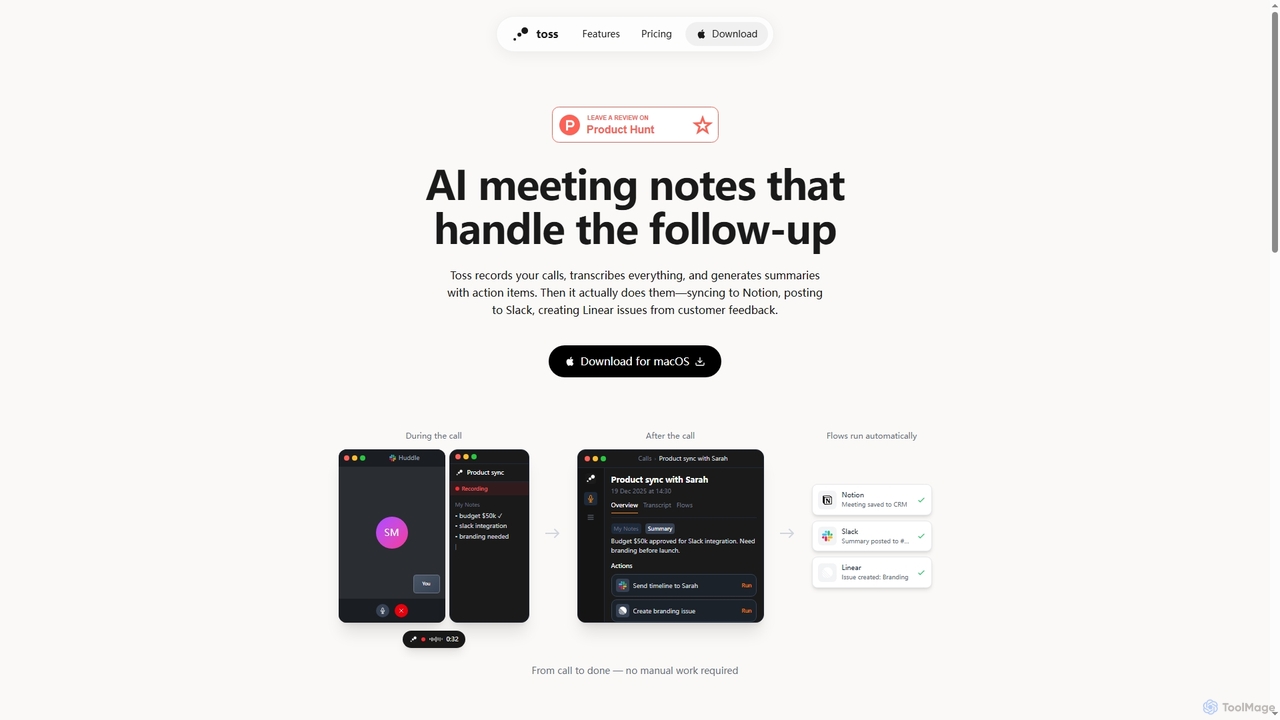
Toss is an AI-powered macOS application designed to automate meeting notes and follow-up actions. It records calls, transcribes discussions in real-time, generates summaries with actionable items, and automatically executes post-meeting tasks like syncing to Notion, posting to Slack, and creating issues in Linear, streamlining workflows and enhancing productivity for teams.

Dictation
Visits 4.2KFavorites 24Likes 27
Iris
Freemium

Iris

Iris is a seamless AI assistant for macOS, designed to integrate into your workflow. It provides instant access to top AI models like GPT-4o and Claude 3.5, allowing you to chat, capture your screen for context, and get answers without ever leaving your current application. With intuitive gestures and powerful shortcuts, Iris is there when you need it and invisible when you don't.

Coding Assistant
Visits 3.9KFavorites 103Likes 95
Eunoia
Paid

Eunoia

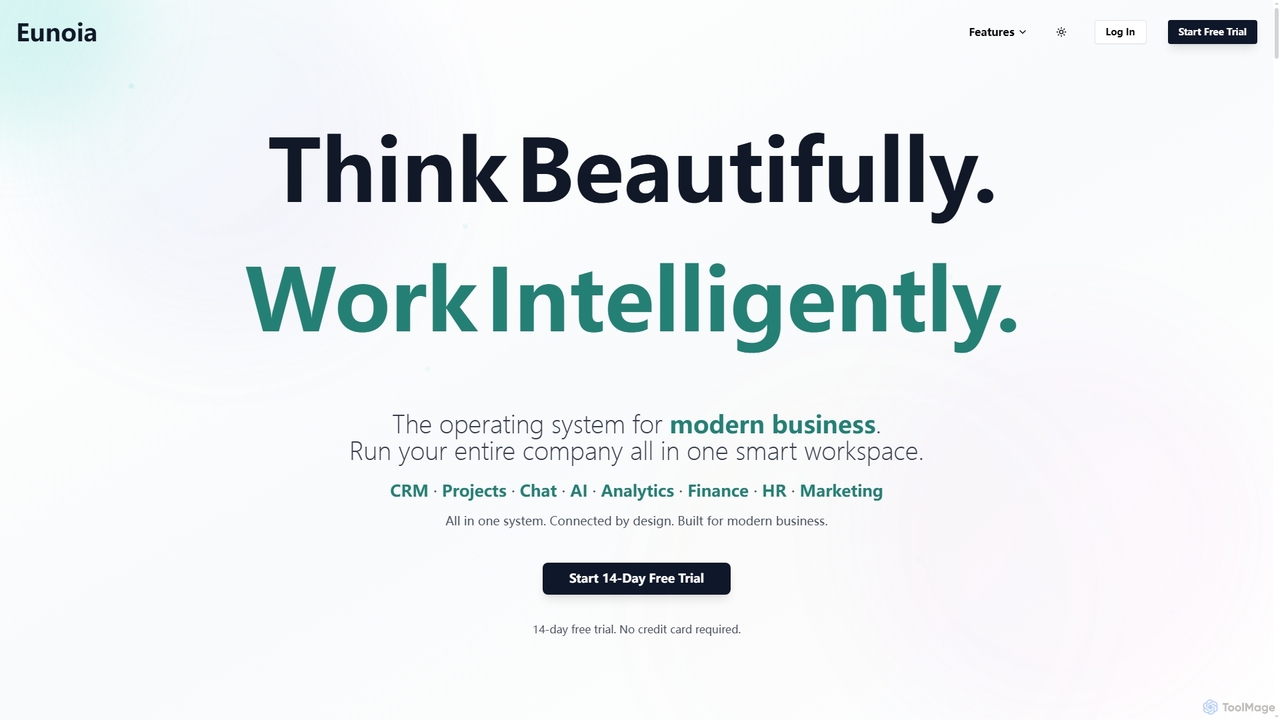
Eunoia is an all-in-one AI-powered business workspace designed to streamline operations by integrating CRM, project management, chat, AI, analytics, finance, HR, and marketing. It aims to replace numerous fragmented tools, offering a unified platform for modern businesses to think beautifully and work intelligently.

Business Automation
Visits 3.7KFavorites 100Likes 122
Raycast
Freemium

Raycast

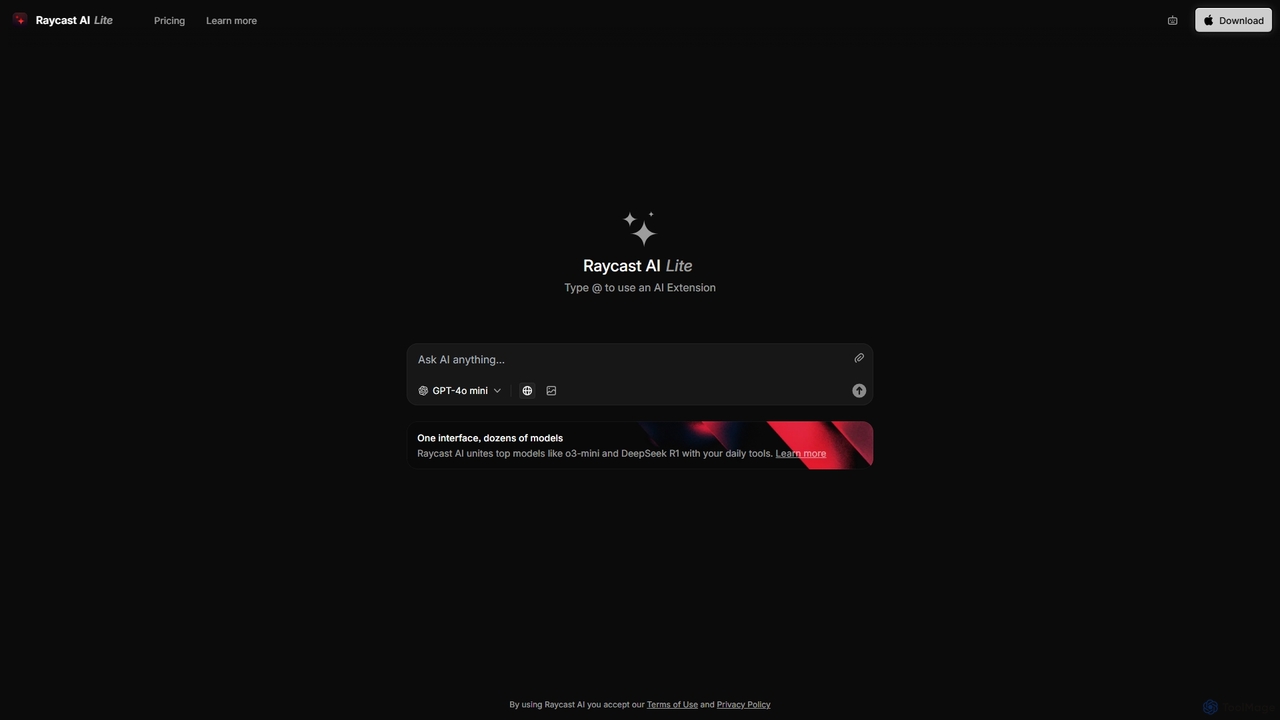
Raycast is a blazingly fast, extensible launcher for macOS that supercharges your productivity. It acts as a central command bar to control your tools, with integrated AI, an extensive extension store, and powerful built-in features like window management and clipboard history. It's designed to reduce context switching and keep you in the flow.

Personal Assistant
Visits 29.4KFavorites 94Likes 101
Ambient
Freemium

Ambient

Ambient is an AI-powered meeting assistant that automatically joins your calls, records, transcribes, and generates intelligent summaries. It captures action items, key decisions, and important topics from your meetings on platforms like Zoom, Google Meet, and Microsoft Teams, saving you hours on manual note-taking and ensuring no detail is missed.

Transcription Services
Visits 4.3KFavorites 122Likes 137
TicNote
Freemium

TicNote

TicNote is an AI-powered meeting notetaker that transcribes, summarizes, and organizes conversations in real-time across 120+ languages. It uses on-device AI to generate smart summaries, mind maps, and action items without meeting bots, enhancing productivity and knowledge management for professionals.

Language Processing
Visits 139.9KFavorites 86Likes 95
Omniverse
Freemium

Omniverse

Omniverse is an all-in-one AI-powered productivity platform designed to centralize your workflow. It integrates a powerful writing assistant, task management, knowledge base, and data analysis into a single, intuitive workspace. Streamline your projects, automate repetitive tasks, and unlock new levels of efficiency by leveraging a unified AI that understands the full context of your work.

All In One
Visits 4.3KFavorites 125Likes 121