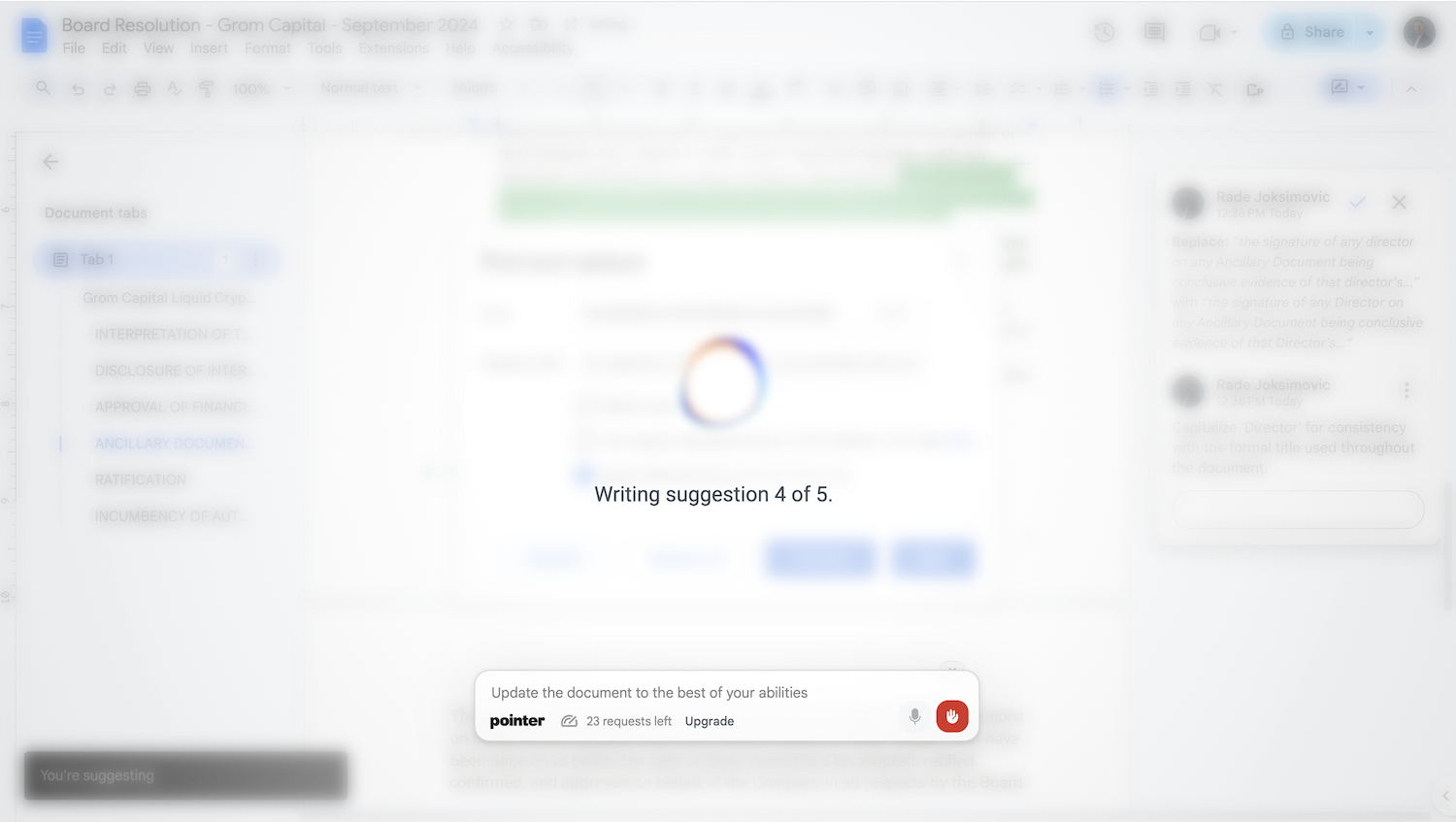
Pointer AI is a powerful Chrome extension that integrates ChatGPT-like capabilities directly into Google Docs. It streamlines your writing and editing process by allowing the AI to make changes directly in your document, eliminating the tedious copy-pasting and reformatting. Watch as it types out suggestions for you to approve, preserving your original document styling.
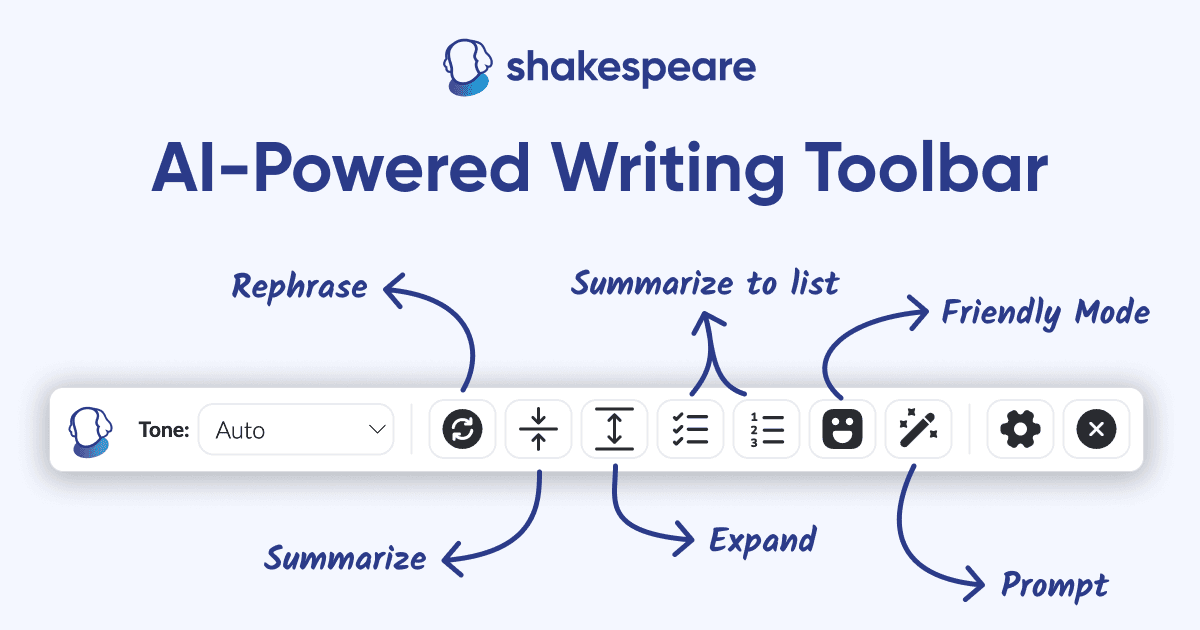
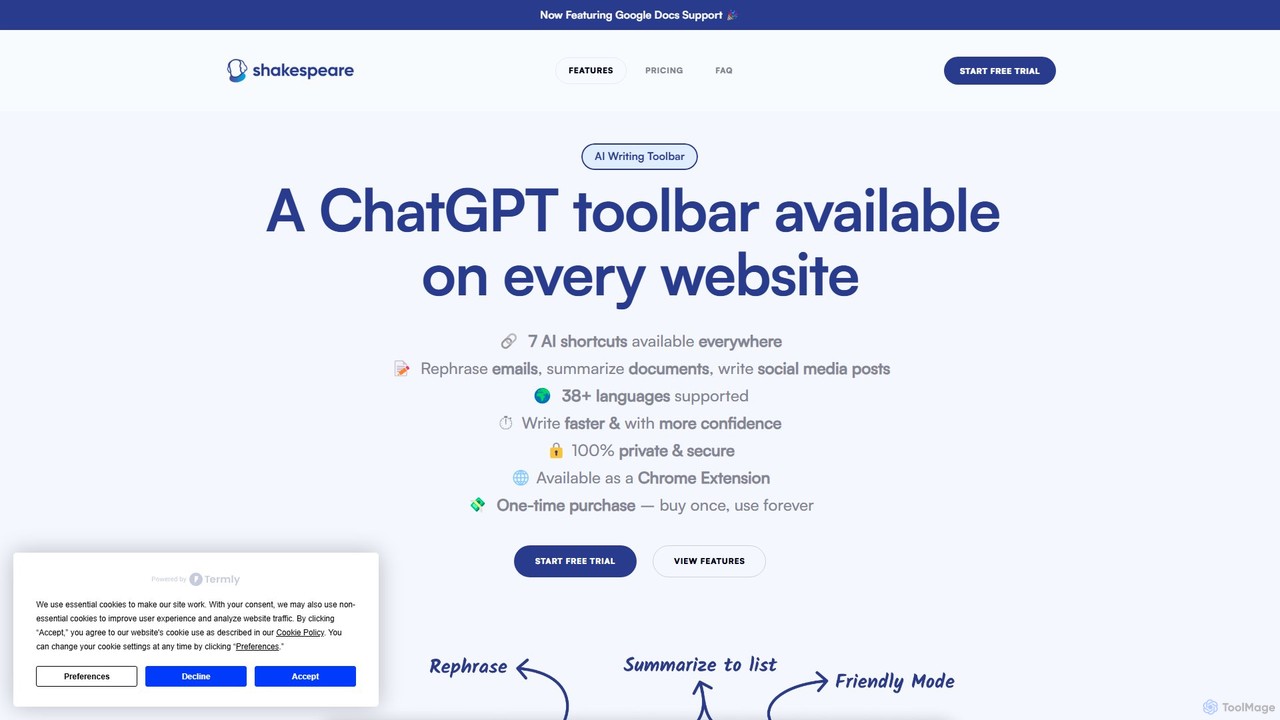
Shakespeare Toolbar is a ChatGPT-powered Chrome extension that integrates AI writing assistance directly into your browser. Work seamlessly on any website, including Google Docs, to rephrase, summarize, simplify text, and generate content without switching tabs. It's designed for writers, marketers, and professionals to enhance productivity and communication.
Product overview
Pointer AI Product overview
Pointer AI is a powerful Chrome extension that integrates ChatGPT-like capabilities directly into Google Docs. It streamlines your writing and editing process by allowing the AI to make changes directly in your document, eliminating the tedious copy-pasting and reformatting. Watch as it types out suggestions for you to approve, preserving your original document styling.

Shakespeare Toolbar Product overview
Shakespeare Toolbar is a ChatGPT-powered Chrome extension that integrates AI writing assistance directly into your browser. Work seamlessly on any website, including Google Docs, to rephrase, summarize, simplify text, and generate content without switching tabs. It's designed for writers, marketers, and professionals to enhance productivity and communication.
Detailed feature comparison
| Feature | Pointer AI | Shakespeare Toolbar |
|---|---|---|
| Primary category | Chrome Extensions | Chrome Extensions |
| Added | 2025-08-05 | 2025-08-04 |
| Pricing | Freemium | Freemium |
| Official website | www.getpointer.ai | www.shakespearetoolbar.com |
| Product type | Browser extension | Browser extension |
| Performance data | ||
| User rating | Not verified | Not verified |
| Comments | 0 | 0 |
| Monthly visits | 2.6K | 497 |
| Monthly growth | -20.8% | -62.3% |
| Favorites | 117 | 131 |
| Details | View details | View details |
Pointer AI vs Shakespeare Toolbar monthly traffic
Compare Pointer AI and Shakespeare Toolbar by monthly reach, traffic trend, visit depth, top regions, and acquisition sources.
How to interpret the traffic data
In the Pointer AI vs Shakespeare Toolbar monthly traffic comparison, Pointer AI currently shows 2.6K visits and Shakespeare Toolbar shows 497; Pointer AI has about 5.1 times the visible traffic of Shakespeare Toolbar, an absolute difference of about 2.1K visits. This reflects visible reach, not feature quality or paid users.
Both tools provide verified traffic details, so monthly trends, visit depth, regions, and acquisition sources can be compared on the same basis.
Pointer AI monthly traffic:
Latest traffic
Monthly traffic trend
- 2025/9: 3.4K Monthly visits
- 2026/1: 3.7K Monthly visits
- 2026/2: 2K Monthly visits
- 2026/3: 7.7K Monthly visits
- 2026/4: 3.2K Monthly visits
- 2026/5: 2.6K Monthly visits
Top regions
Top 5 countries/regions
| Country/region | Percentage | Traffic |
|---|---|---|
| 🇺🇸United States | 69.52% | 1.8K |
| 🇮🇳India | 30.48% | 777 |
Search keywords
Shakespeare Toolbar monthly traffic:
Latest traffic
Monthly traffic trend
- 2025/9: 894 Monthly visits
- 2026/1: 549 Monthly visits
- 2026/2: 206 Monthly visits
- 2026/3: 324 Monthly visits
- 2026/4: 1.3K Monthly visits
- 2026/5: 497 Monthly visits
Top regions
Top 5 countries/regions
| Country/region | Percentage | Traffic |
|---|---|---|
| 🇺🇸United States | 100% | 497 |
Search keywords
Usage comparison
Compare the core capabilities of Pointer AI and Shakespeare Toolbar
Pointer AI Core features
Shakespeare Toolbar Core features
Use cases
Pointer AI Use cases
Shakespeare Toolbar Use cases
Pointer AI vs Shakespeare Toolbar:In-depth comparison and selection guidance
First decide whether the products solve the same kind of need
This in-depth Pointer AI vs Shakespeare Toolbar comparison uses only the product records, taxonomy, audience, traffic, and community signals available on this page. Pointer AI is primarily listed under “Chrome Extensions”, while Shakespeare Toolbar is primarily listed under “Chrome Extensions”, so the first decision is whether your actual task matches their recorded scope.
The structured fields currently show these decision-relevant differences: Monthly visits (Pointer AI: 2.6K; Shakespeare Toolbar: 497); Monthly growth (Pointer AI: -20.8%; Shakespeare Toolbar: -62.3%); Favorites (Pointer AI: 117; Shakespeare Toolbar: 131); Website (Pointer AI: www.getpointer.ai; Shakespeare Toolbar: www.shakespearetoolbar.com); Added (Pointer AI: 2025-08-05; Shakespeare Toolbar: 2025-08-04). These facts are more useful for selection than brand visibility alone.
What market visibility and monthly traffic mean
In the Pointer AI vs Shakespeare Toolbar monthly traffic comparison, Pointer AI currently shows 2.6K visits and Shakespeare Toolbar shows 497; Pointer AI has about 5.1 times the visible traffic of Shakespeare Toolbar, an absolute difference of about 2.1K visits. This reflects visible reach, not feature quality or paid users.
Both tools provide verified traffic details, so monthly trends, visit depth, regions, and acquisition sources can be compared on the same basis.
If public market visibility is an important first-pass criterion, investigate Pointer AI first. The final choice should still follow taxonomy, use case, and a real trial because higher traffic does not prove broader capabilities or better workflow fit.
Product positioning, use cases, and roles
Pointer AI and Shakespeare Toolbar currently overlap in shared categories: Chrome Extensions and Writing Assistant; shared tags: chrome extension, google docs, grammar checker, productivity, summarizer, and writing assistant. This can place both on the same shortlist, but it does not prove equal implementation, depth, or cost.
Pointer AI's unique categories/tags are Editing, ai writer, document editing, editor, and rephrasing; Shakespeare Toolbar's are Social Media, chatgpt, content creation, email assistant, and rephrasing tool. These unique fields are the strongest differentiators: validate the product whose recorded scope matches the task instead of following traffic alone.
What ratings, comments, and favorites can tell you
Pointer AI has no verified rating, 0 comments, 117 favorites, and 125 likes;Shakespeare Toolbar has no verified rating, 0 comments, 131 favorites, and 133 likes。
Neither product has enough rating or comment samples for a credible reputation ranking.
Selection guidance by actual need
When to evaluate Pointer AI first
Put Pointer AI on the priority trial list when the task aligns with “Chrome Extensions” and especially Editing, ai writer, document editing, editor, and rephrasing. This follows recorded positioning and does not imply unlisted capabilities are absent.
Pointer AI also currently records: pricing is freemium, product type is browser extension, 2.6K verified monthly visits, no verified user rating. Verify any hard requirement around price, platform, or reach before trial, and do not let sparse review data substitute for testing.
When to evaluate Shakespeare Toolbar first
Put Shakespeare Toolbar on the priority trial list when the task aligns with “Chrome Extensions” and especially Social Media, chatgpt, content creation, email assistant, and rephrasing tool. This follows recorded positioning and does not imply unlisted capabilities are absent.
Shakespeare Toolbar also currently records: pricing is freemium, product type is browser extension, 497 verified monthly visits, no verified user rating. Verify any hard requirement around price, platform, or reach before trial, and do not let sparse review data substitute for testing.
How to validate the recommendation before deciding
The available data describes positioning, public visibility, and community signals, but it cannot prove output quality, speed, integration effort, privacy, or long-term cost in your workflow. Before deciding, run the same representative tasks in Pointer AI and Shakespeare Toolbar, then record completion time, accuracy, manual corrections, and the real paid threshold. A like-for-like trial turns this comparison into a defensible adoption decision.
Comparison FAQ
How should I choose between Pointer AI and Shakespeare Toolbar?
Where does this comparison data come from?
What do unknown fields mean?
Related AI tools

Wonder AI
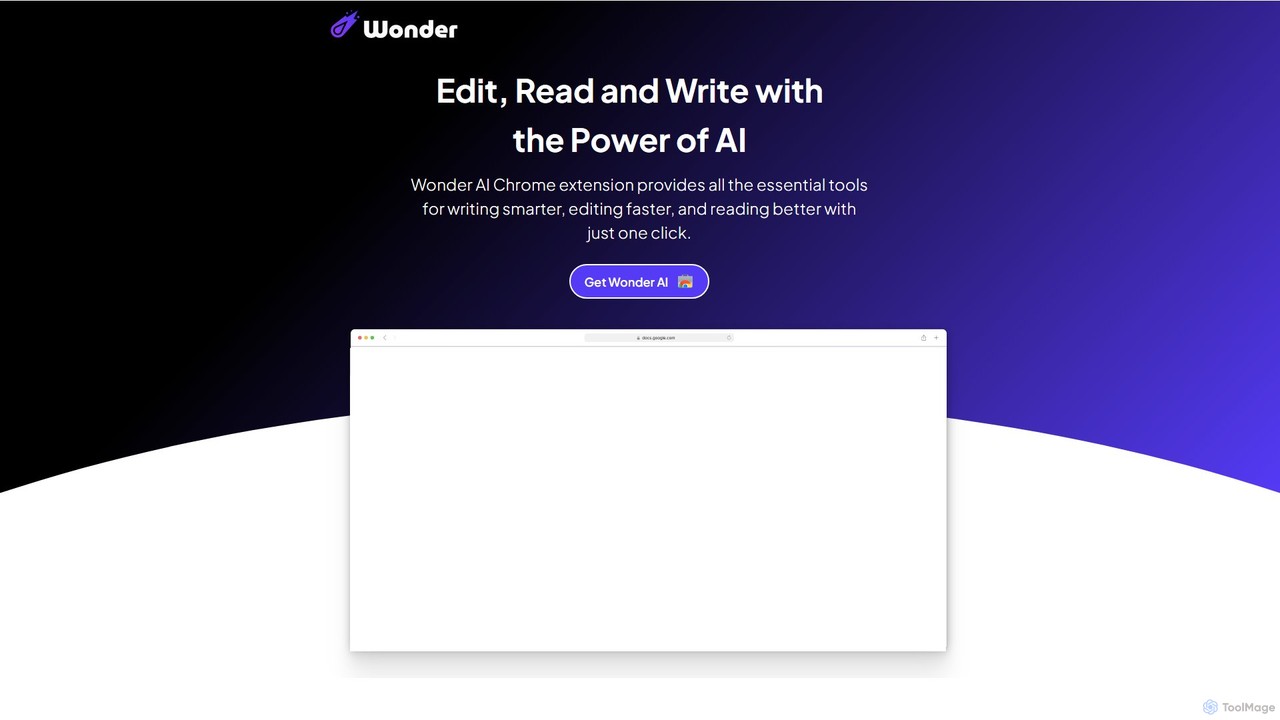
Wonder AI is a powerful Chrome extension that enhances your writing, editing, and reading. It integrates directly into your browser, offering one-click tools to rewrite text, check grammar, summarize articles, explain complex concepts, and translate content, boosting your daily productivity and communication skills.
Chrome Extensions
Compose AI
Compose AI is an AI-powered writing assistant and Chrome extension that accelerates your writing process. It offers intelligent autocompletion, text generation, and rephrasing capabilities across all your favorite sites, from emails to documents. By learning your personal writing style, it helps you write faster and more effectively, saving up to 40% of your time.
Chrome Extensions
NovaTexter
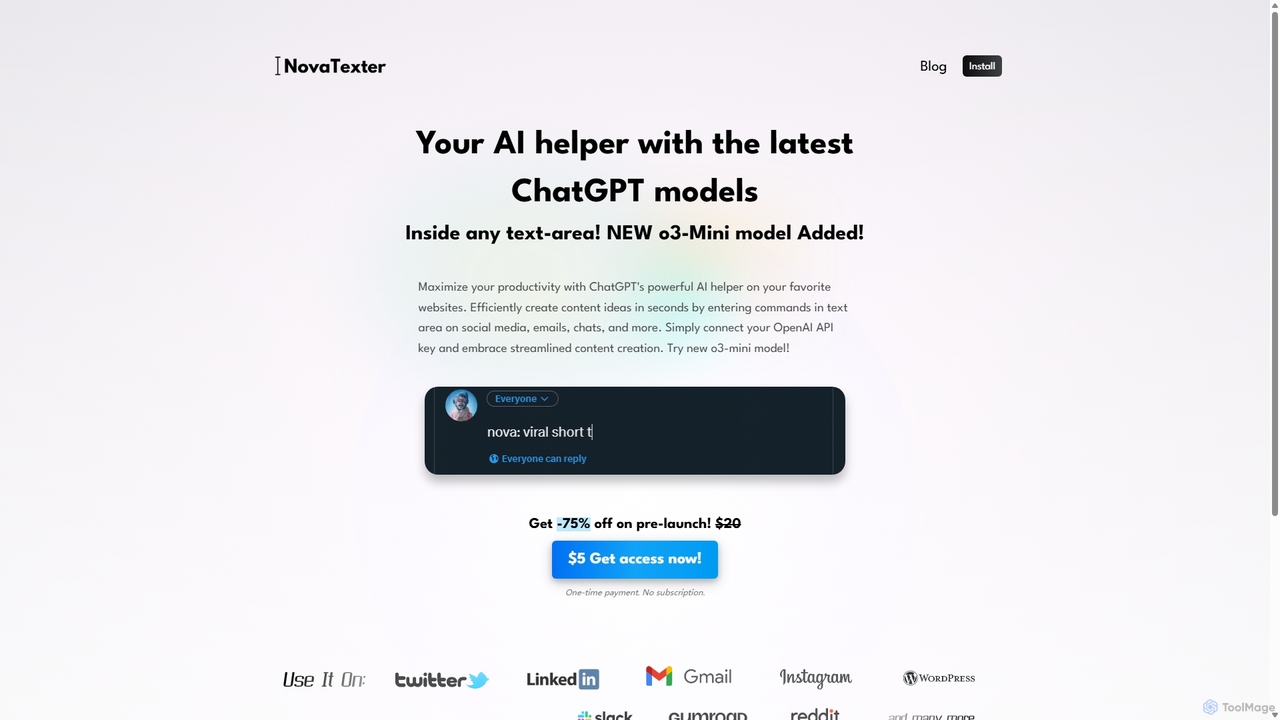
NovaTexter is an AI-powered browser extension that integrates ChatGPT models directly into your workflow. It allows you to generate content, ideas, and responses on any website by simply typing commands in a text area. Connect your OpenAI API key for a seamless, productive content creation experience with a single one-time payment.
Chrome Extensions
SMARTBIRD
SMARTBIRD is an AI-powered Chrome extension designed to accelerate your writing tasks. It acts as a personal assistant, drafting high-quality emails, social media posts, and messages in seconds. By integrating directly with platforms like Gmail, LinkedIn, and WhatsApp, it helps you communicate more effectively and save significant time.
Email Assistant
Remail
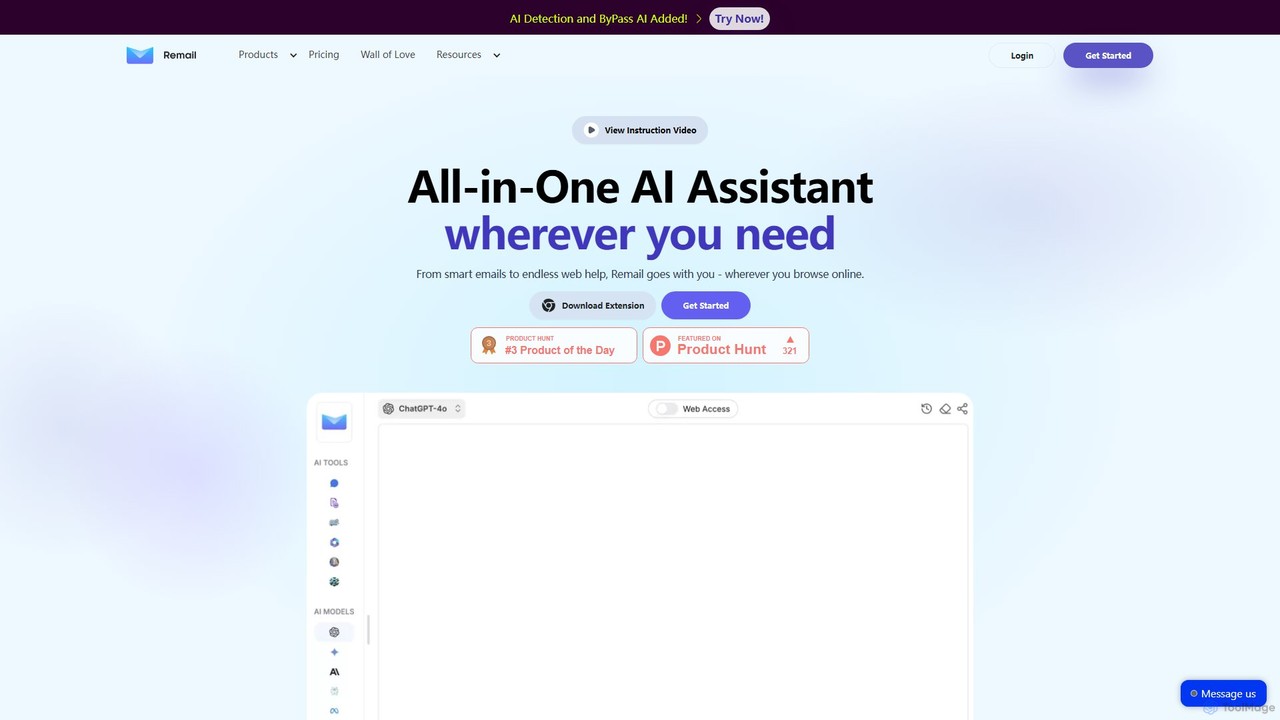
Remail is an all-in-one AI assistant and Chrome extension designed to boost productivity. It helps you write and reply to emails 10x faster, summarize web pages, chat with documents and YouTube videos, generate content, and much more, directly within your browser.
Chrome Extensions
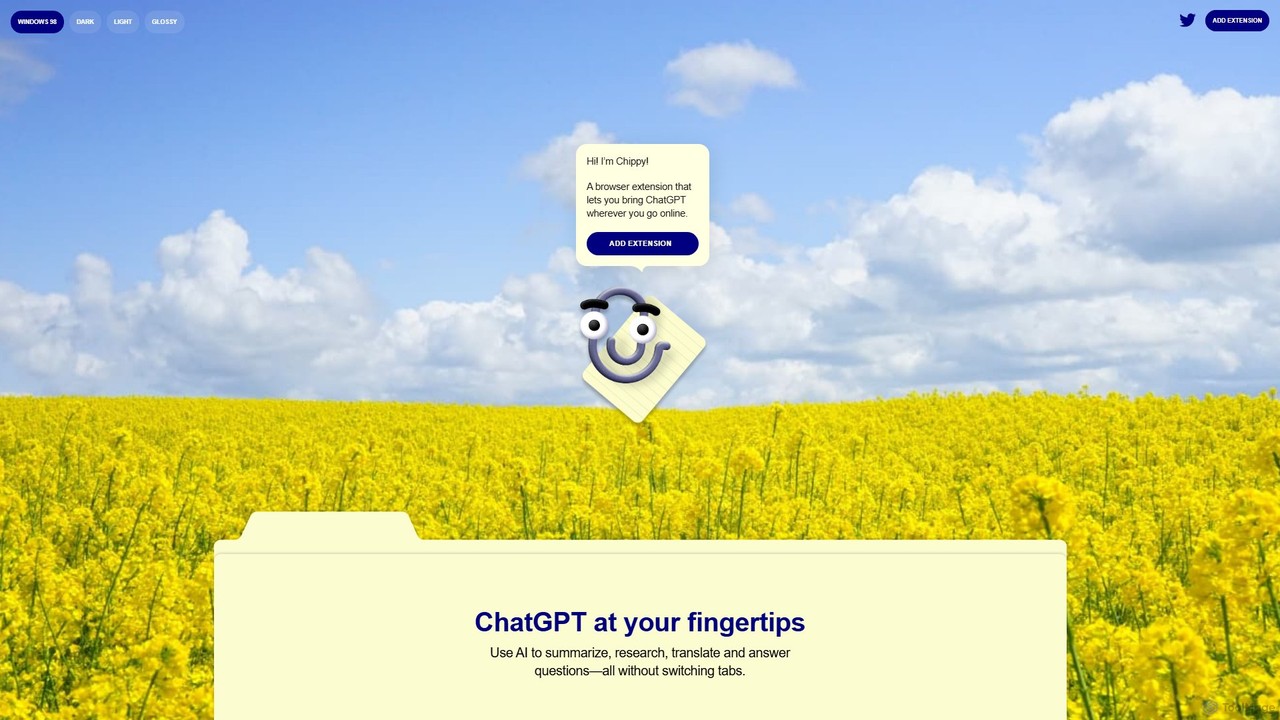
Chippy
Chippy is a smart ChatGPT-powered Chrome extension that acts as your AI assistant across the web. Seamlessly summarize articles, translate text, research topics, and draft emails without ever leaving your current tab. It offers context-aware answers by focusing on the page you're viewing, overcoming ChatGPT's knowledge limitations. With a generous free tier and a focus on user privacy, Chippy enhances your browsing productivity by putting the power of AI at your fingertips.
Search Assistant
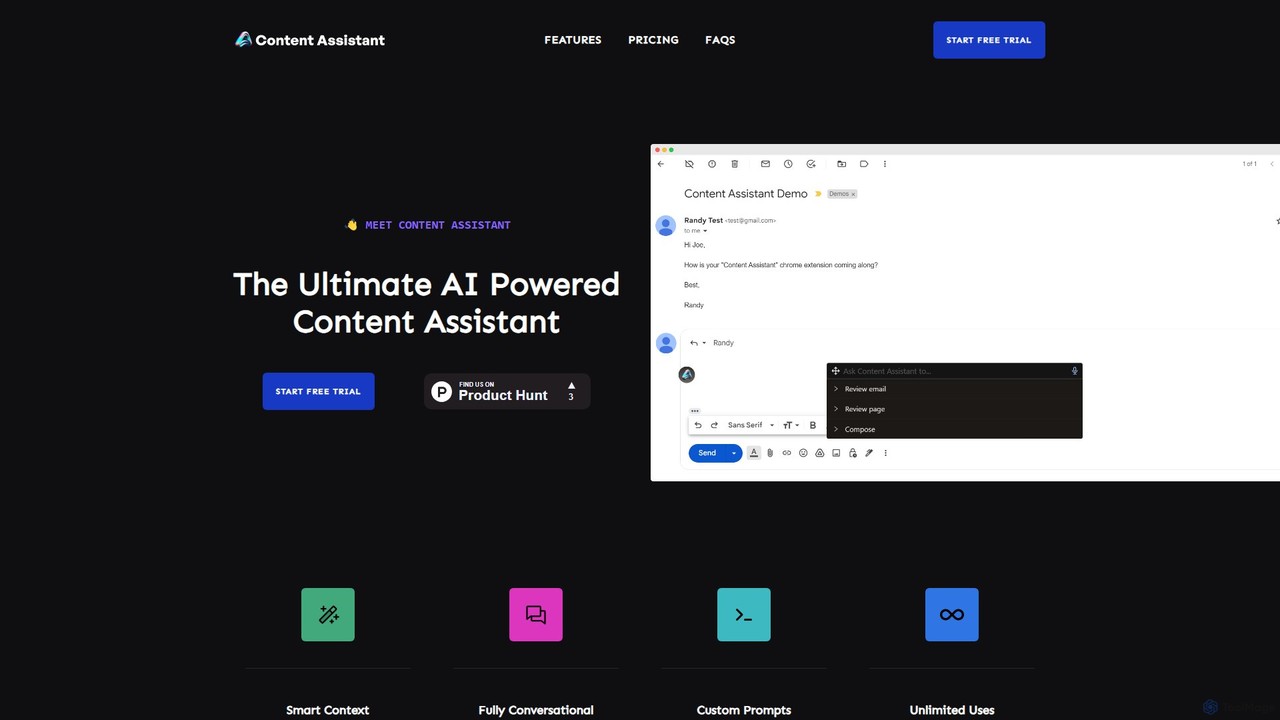
Content Assistant
A powerful AI browser extension that acts as your co-pilot for all content tasks. It intelligently uses page context to help you write, edit, summarize, translate, and reply to emails directly within your browser, boosting productivity and enhancing your workflow.
Chrome Extensions
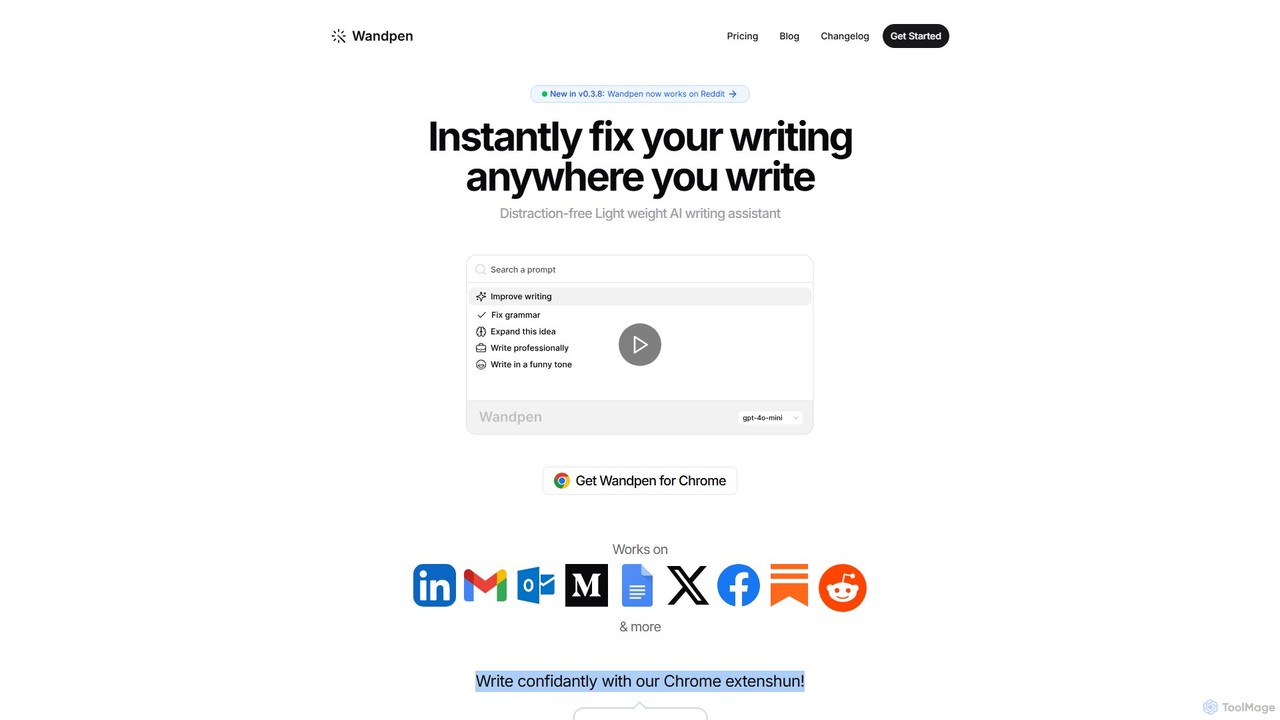
Wandpen
Wandpen is a lightweight AI writing assistant for Chrome that seamlessly integrates into your workflow. It allows you to instantly fix grammar, rewrite text, and brainstorm ideas directly on any website, including Google Docs, Reddit, and LinkedIn. By eliminating the need to switch tabs, Wandpen boosts your productivity and writing confidence using powerful AI models like GPT-4o, Claude 3.5, and Gemini.
Chrome Extensions
InsertChatGPT
InsertChatGPT is a powerful browser extension that seamlessly integrates OpenAI's ChatGPT into your daily workflow. Get instant AI assistance for writing emails, summarizing text, and creating content directly on any website, boosting your productivity and creativity without switching tabs.
Chat
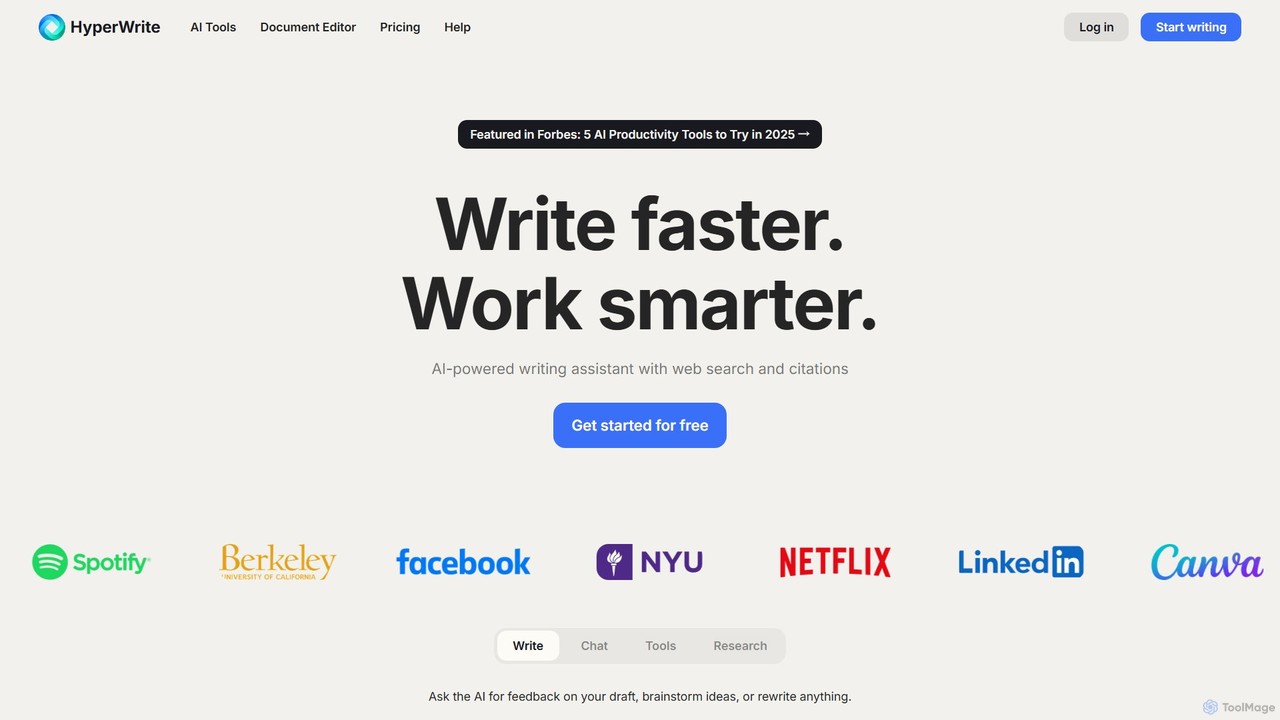
HyperWrite
HyperWrite is an advanced AI writing assistant designed to enhance productivity for students, marketers, and professionals. It offers hundreds of tools for writing, research, summarization, and content creation. Key features include real-time academic research with citations, customizable 'Personas' to match your writing style, and a seamless Chrome extension for workflow integration.
Research
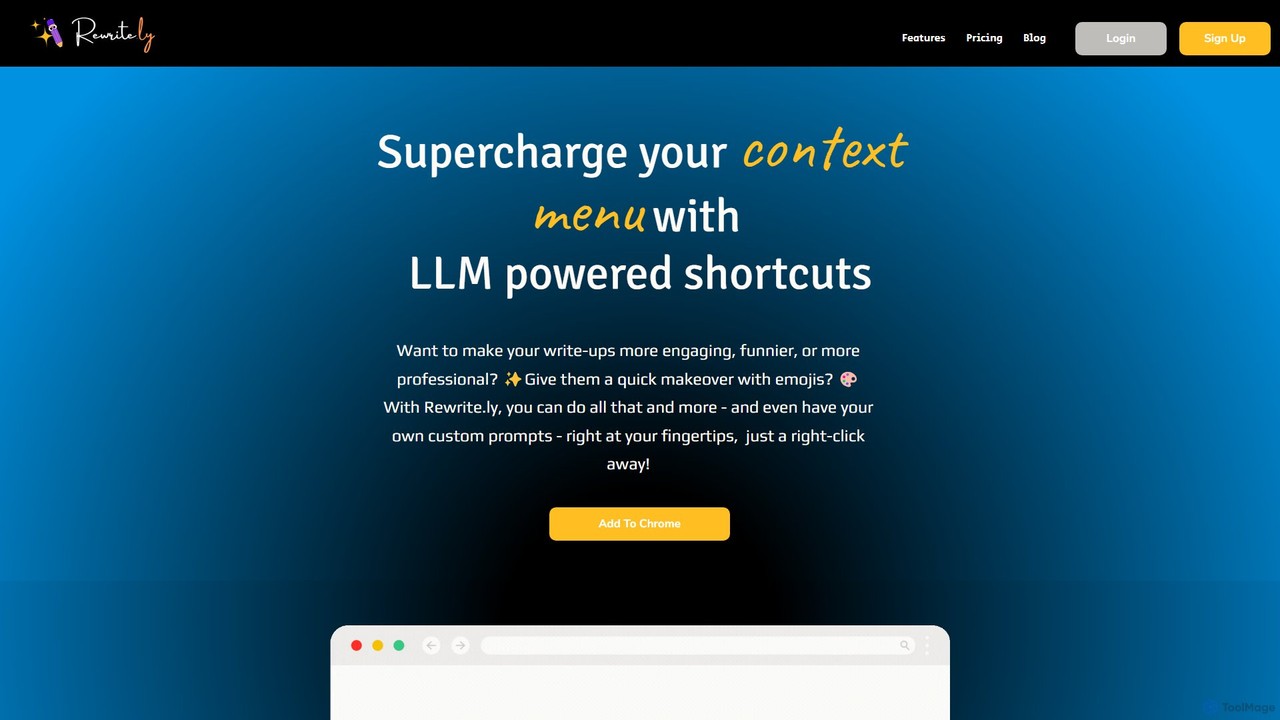
Rewrite.ly
Rewrite.ly is a powerful Chrome extension that supercharges your context menu with customizable, LLM-powered shortcuts. Instantly rewrite, summarize, change tone, or apply any custom text transformation with a simple right-click, dramatically boosting your writing productivity and creativity directly within your browser.
Chrome Extensions
chrome_ai
An all-in-one AI assistant integrated into your Chrome browser. Summarize web pages and YouTube videos, enhance your writing, explain complex topics, and chat with advanced AI models without leaving your current tab. Boost your productivity with seamless AI power.
Chrome Extensions
Merlin AI
Merlin is an all-in-one AI assistant, available as a browser extension and app, that integrates top AI models like GPT-4, Claude 3, and Gemini. It allows you to research, write, summarize content, generate images, and code with a single click on any website, streamlining your workflow and boosting productivity without switching tabs.
Chrome Extensions
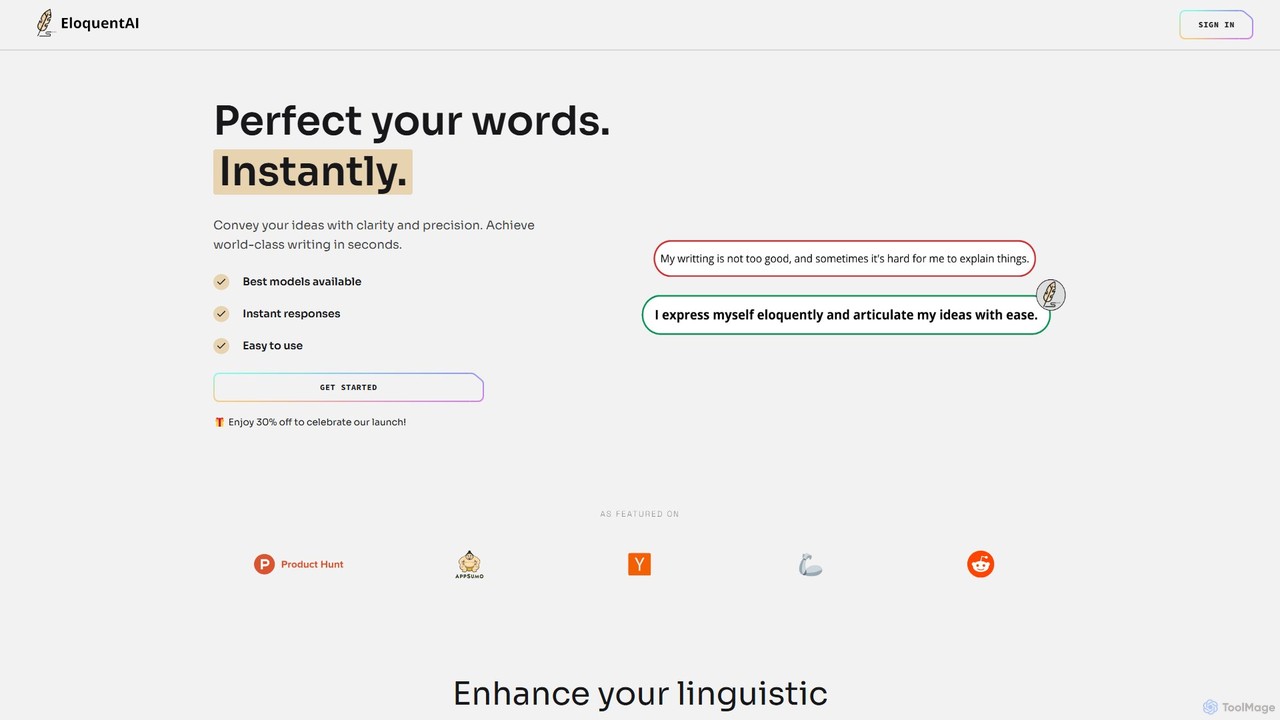
EloquentAI
EloquentAI is an AI-powered Chrome extension that instantly enhances your writing. It helps you convey ideas with clarity and precision by offering features like text enhancement, tone and length adjustment, summarization, translation, and custom prompts, all powered by leading models like GPT-4o and Llama 3.
Chrome Extensions
smudge.ai
smudge.ai is a powerful Chrome extension that integrates ChatGPT-powered shortcuts directly into your browser's right-click menu. Instantly summarize articles, refine your writing, translate text, and create custom commands without ever leaving your current page, streamlining your online workflow.
Chrome Extensions