
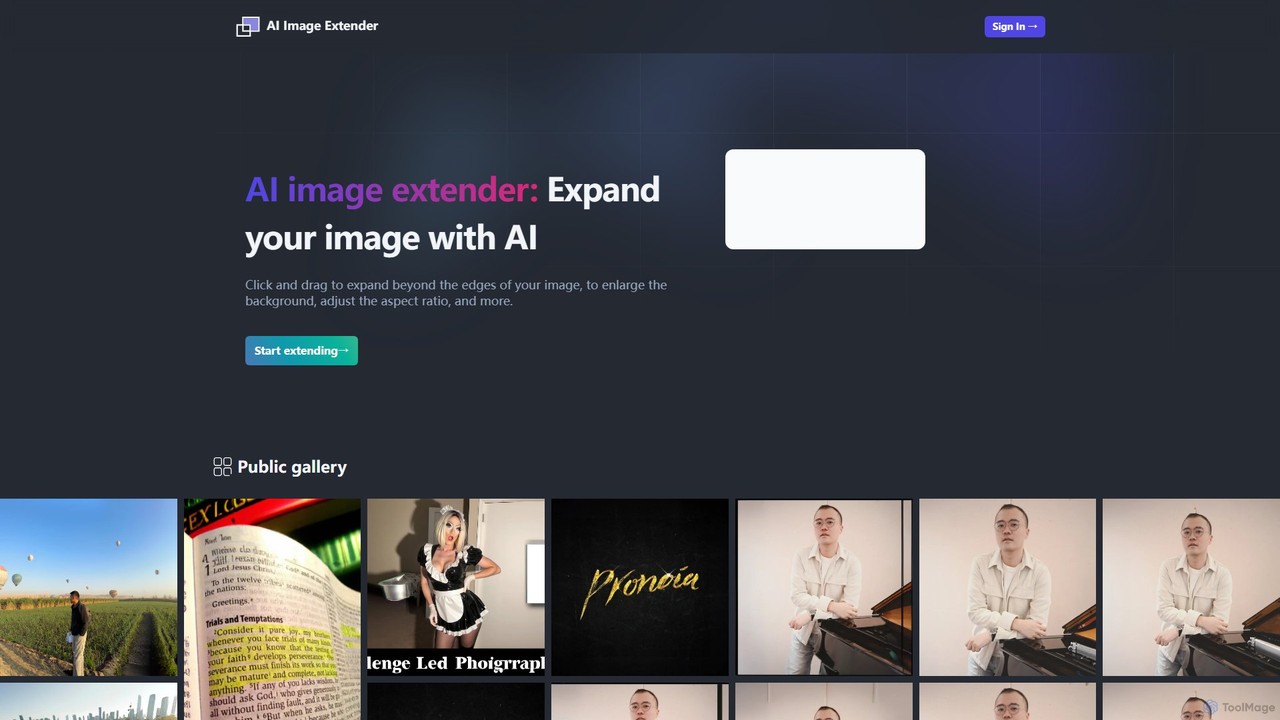
aiimageextender Overview
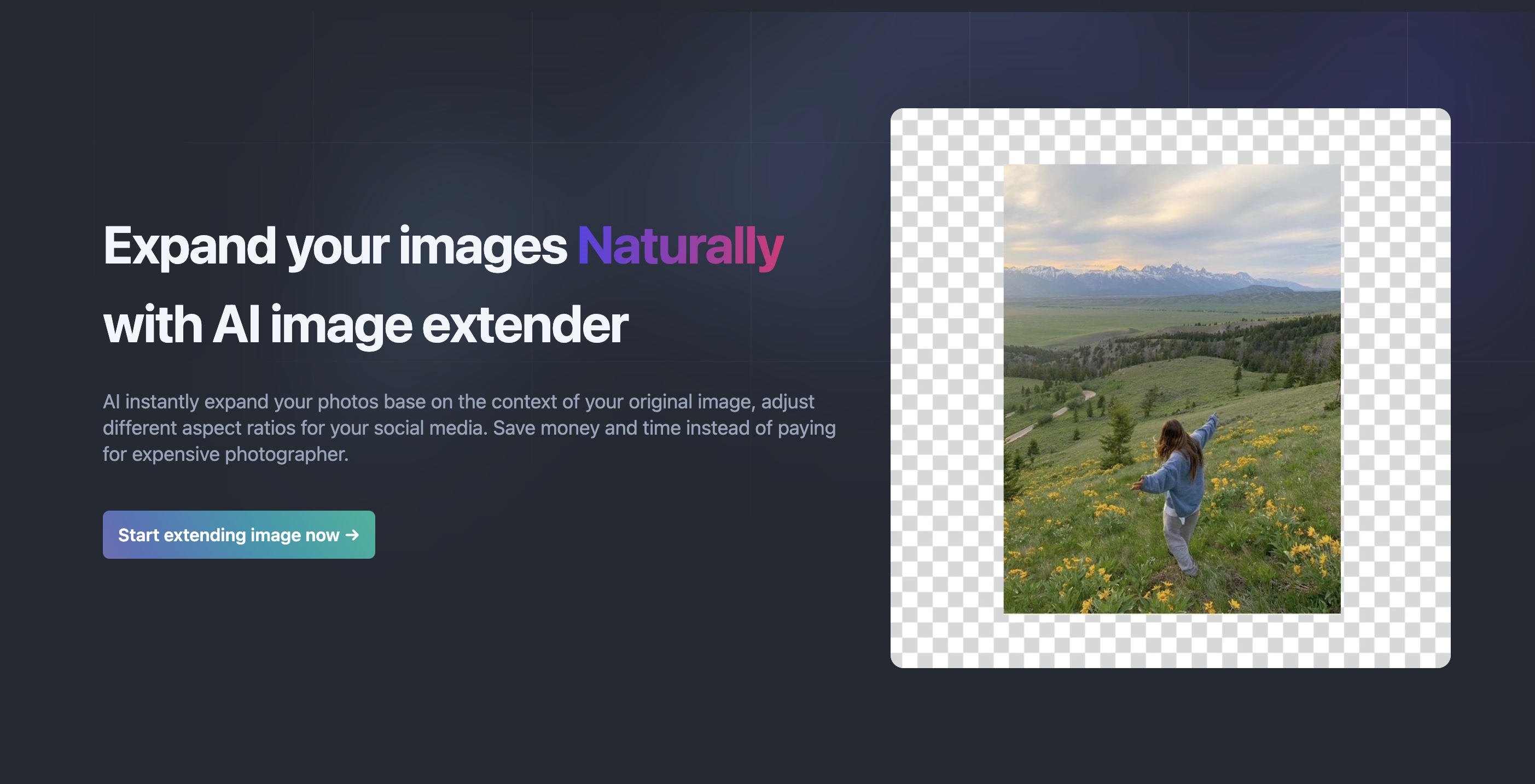
AI Image Extender is a revolutionary photo enhancement tool designed to break the creative limits of your original images. Powered by advanced generative AI, this tool allows users to seamlessly expand their photos beyond their initial frames. Whether you need to adjust an image's aspect ratio for a specific platform, enlarge a background to create more visual space, or recover parts of a scene that were cut off, AI Image Extender provides a simple yet powerful solution. The underlying technology analyzes the context, lighting, textures, and patterns of your original image to generate new pixels that blend in flawlessly, creating a natural and coherent extension. This eliminates the need for complex and time-consuming manual editing in software like Photoshop, making professional-grade image manipulation accessible to everyone, from photographers and graphic designers to social media managers and casual users.
How to use aiimageextender
Using AI Image Extender is designed to be an intuitive and straightforward process, requiring no technical expertise:
- Upload Your Image: Begin by visiting the aiimageextender website and uploading the photo you wish to modify. The platform supports various common image formats.
- Define the Expansion Area: Once your image is loaded into the editor, you'll see a canvas around it. Simply click and drag the edges of the frame to your desired new dimensions. You can expand horizontally, vertically, or in all directions.
- Generate the Extension: After setting the new boundaries, the AI gets to work. It analyzes the content of your image and intelligently generates the missing parts, filling the new space with content that perfectly matches the original photo's style and context.
- Review and Refine: The tool will present you with the extended image. You can review the result to ensure it meets your expectations. Some tools may offer the ability to generate multiple variations to choose from.
- Download Your Image: Once you are satisfied with the result, you can download the newly created, larger image in high resolution, ready for use in your projects.
Core Features of aiimageextender
- AI-Powered Outpainting: The core of the tool is its advanced outpainting (or 'uncropping') capability, which uses generative AI to intelligently create new image content beyond the original borders.
- Seamless Aspect Ratio Adjustment: Easily convert images between different aspect ratios (e.g., from a 4:3 portrait to a 16:9 landscape) without awkward cropping or stretching. The AI fills in the new space contextually.
- Background Enlargement: Effortlessly expand the background of any photo to create more negative space, improve composition, or fit specific design layouts.
- Content-Aware Technology: The AI understands the elements within your photo, ensuring that generated extensions of landscapes, skies, patterns, and objects are logical and visually consistent.
- High-Quality Output: The tool is designed to maintain the quality of the original image, providing high-resolution downloads suitable for professional use.
- User-Friendly Interface: A simple click-and-drag mechanism makes the entire process accessible to users of all skill levels, with no complex tools or settings to learn.
Use Cases for aiimageextender
AI Image Extender is a versatile tool with applications across various fields:
- Social Media Marketing: Adapt a single image for multiple platforms, creating perfect versions for Instagram posts (1:1), Stories (9:16), Facebook banners, and Twitter headers without losing key visual elements.
- Photography: Correct compositional mistakes by adding more space around a subject, fix poorly framed shots, or creatively extend a scene to produce more dramatic and impactful images.
- Graphic and Web Design: Generate wide-format hero images for websites, product banners, and digital ads from standard photos, ensuring the visuals perfectly fit the required dimensions.
- E-commerce: Create uniform product shots with consistent background sizes and aspect ratios for a clean and professional-looking online store.
- Personal Projects: Turn a beloved vertical phone photo into a stunning horizontal desktop wallpaper, or restore old, cropped photos by recreating the missing edges.
Advantages of aiimageextender
The primary advantage of AI Image Extender is its ability to save significant time and effort. What would take a skilled professional considerable time in manual editing software can be accomplished in seconds. It democratizes creativity, allowing anyone to overcome the limitations of a camera frame and explore new compositional possibilities. The tool enhances productivity for professionals and empowers casual users to perfect their photos with ease, all while delivering results that are natural, coherent, and high-quality.
Pricing and Plans
AI Image Extender operates on a paid subscription model. Based on the official FAQ, the service does not offer free credits, indicating a focus on providing a premium, high-quality service for users who need reliable results. The pricing structure typically includes:
- Monthly and Annual Subscriptions: Users can choose between a recurring monthly plan or an annual plan, which usually comes at a discounted rate.
- Credit-Based System: Subscriptions likely provide a set number of credits per month, with one credit corresponding to one image extension. Different tiers (e.g., Basic, Pro, Business) would offer a varying number of credits and potentially advanced features.
- No Free Tier: The explicit mention of "no free credits" suggests that users must subscribe to a paid plan to use the service.
For the most accurate and up-to-date pricing information, users should consult the official website.
Traffic
Latest traffic
Status
Monthly traffic trend
- 2025-8: 92
- 2025-9: 481
- 2026-3: 0
- 2026-4: 0
- 2026-5: 266
Top keywords
| Keyword | Cost per click |
|---|---|
| ai image extender | $0.77 |
aiimageextender Alternatives
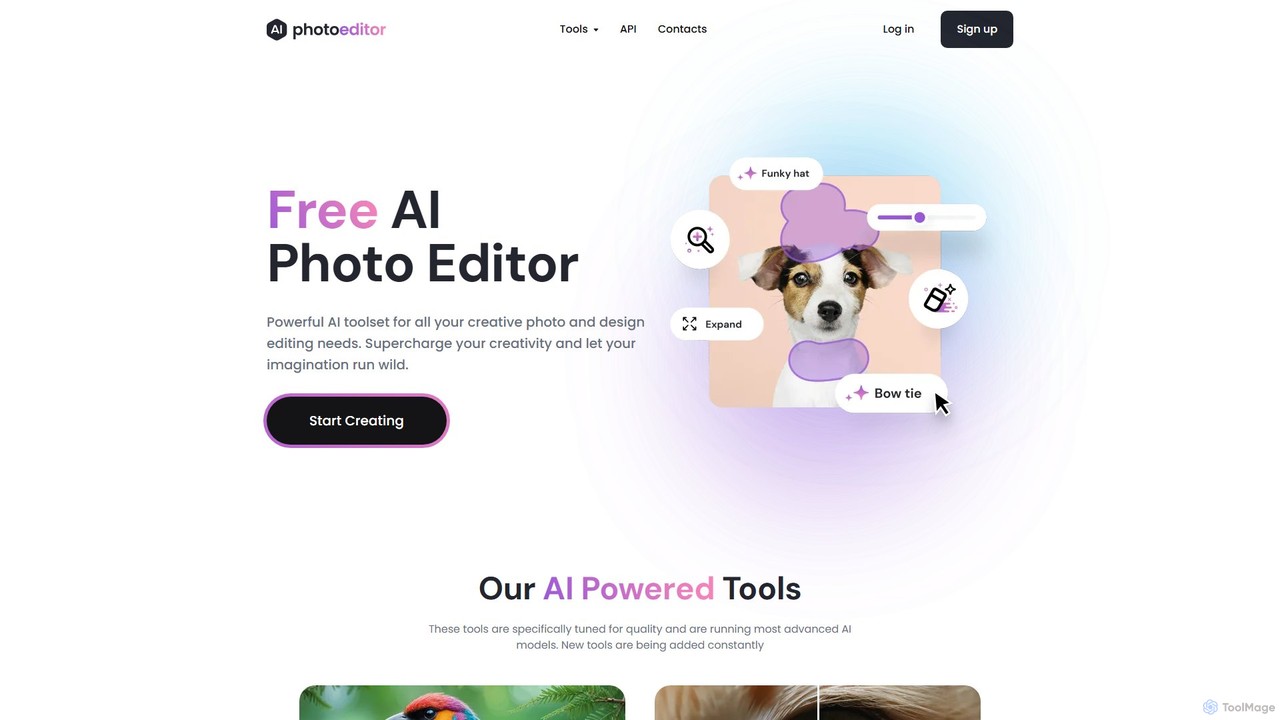
photoeditor.ai
An all-in-one AI-powered photo editing suite. Effortlessly generate images from text, remove backgrounds and objects, enhance, upscale, and expand photos with generative fill. No design skills needed, accessible directly from your web browser.
Image Editing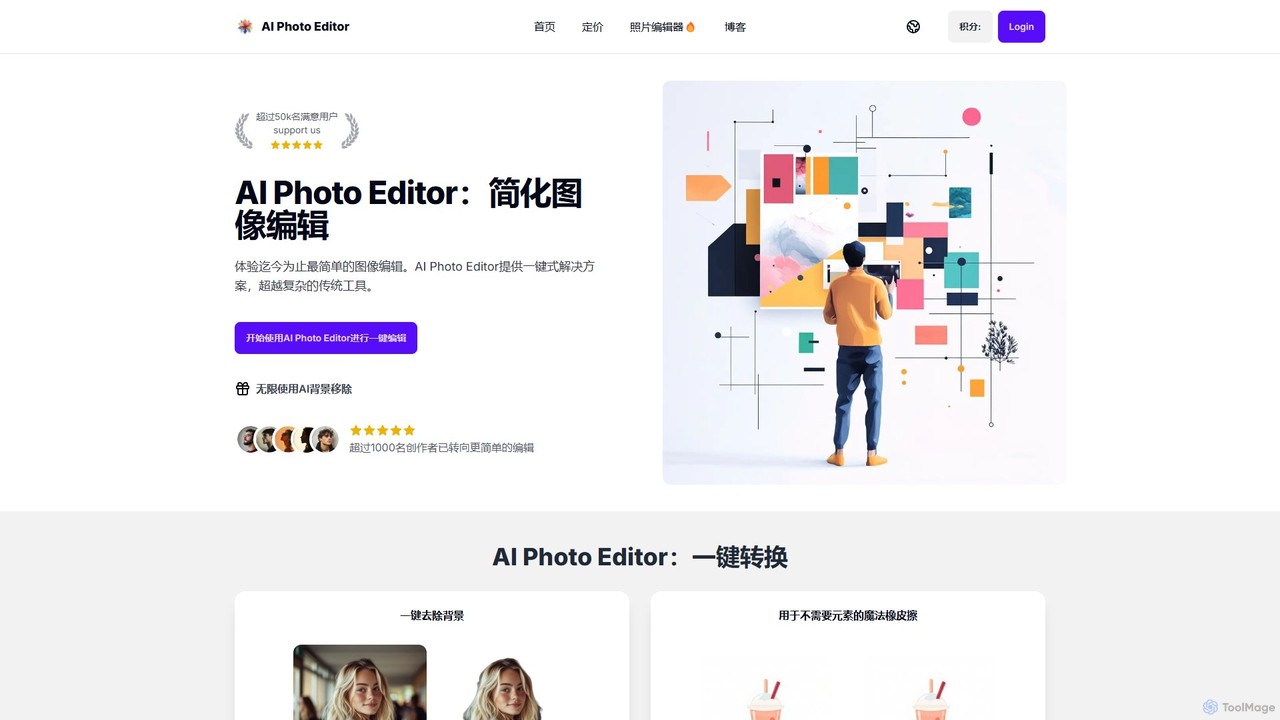
AI Photo Editor
AI Photo Editor is an online tool that simplifies image editing with powerful one-click AI solutions. It offers features like background removal, magic eraser for unwanted objects, photo enhancement, and image upscaling, designed for both beginners and professionals seeking efficiency. Get professional-quality results in seconds without complex software.
Graphics
picsify
Picsify is an all-in-one AI-powered platform for visual content creation. Effortlessly generate stunning images from text, edit photos with professional tools like background removal and object erasing, and enhance image quality with a single click. Ideal for marketers, designers, and content creators.
Graphics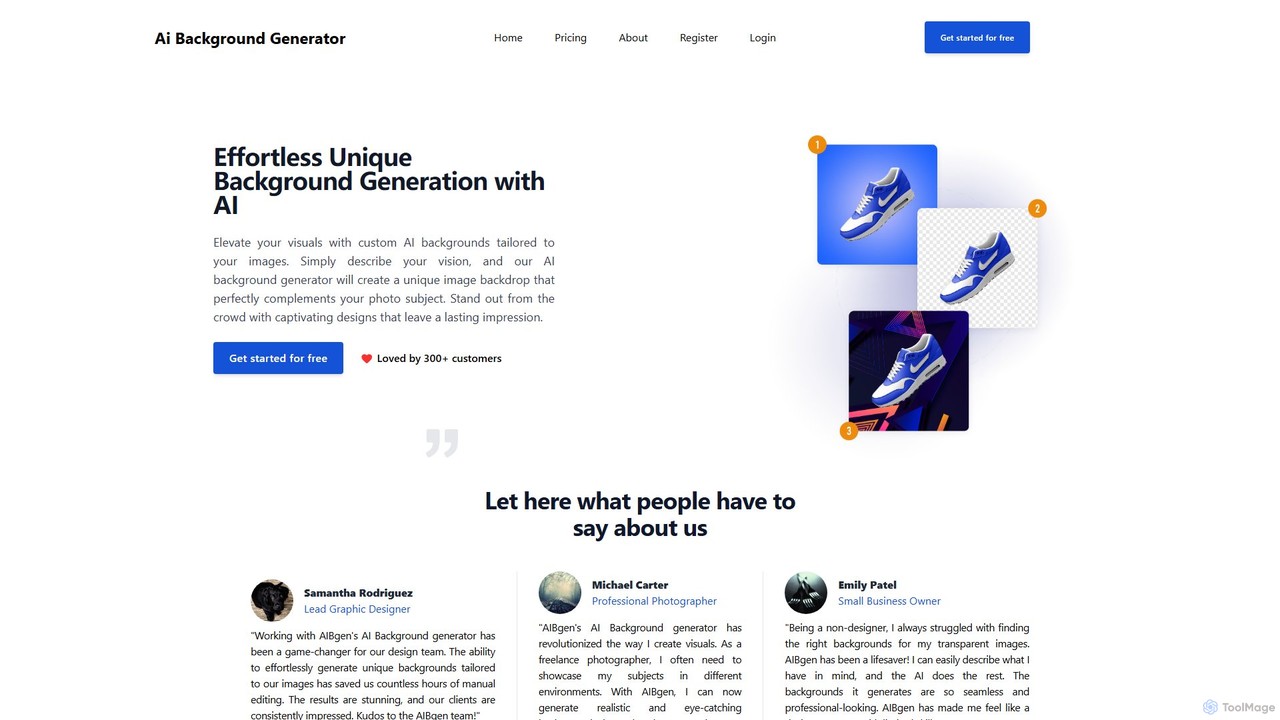
aibgen
aibgen is an AI-powered tool that effortlessly generates and removes image backgrounds. Simply describe your vision with a text prompt, and the AI creates unique, high-quality backdrops tailored to your subject. Ideal for product photos, profile pictures, and creative campaigns, it saves time and enhances visuals without needing complex editing skills.
Graphics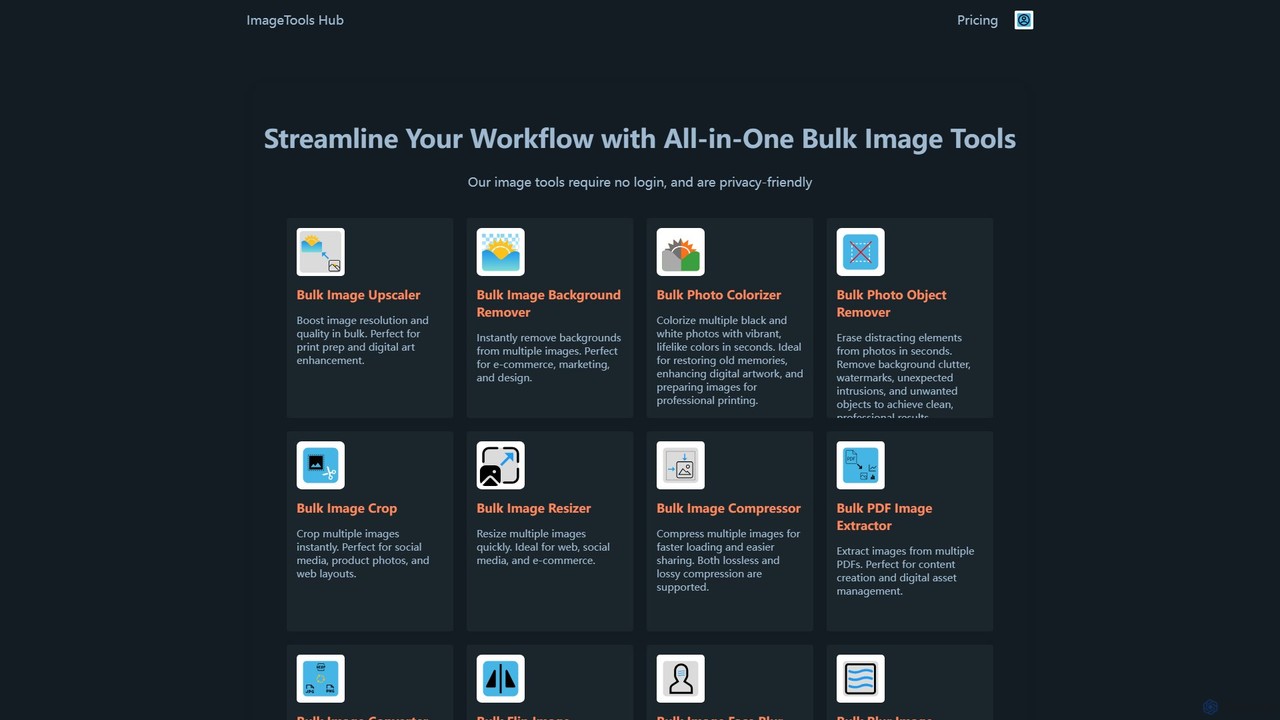
ImageToolsHub
ImageToolsHub is an all-in-one, privacy-focused suite of online image editing tools designed for efficiency. It offers powerful bulk processing capabilities, including AI-powered background removal, image upscaling, photo colorization, and object removal. With no login required for many tools and a strong emphasis on browser-based processing, it provides a fast, secure, and convenient solution for professionals in e-commerce, marketing, and web development to streamline their image workflows.
Graphicsaiimageextender Categories
aiimageextender Embed Widget
Copy this embed code to place the badge on your blog, article, or product site and send readers directly to this ToolMage detail page.

Related AI tools
ExtendImageAI
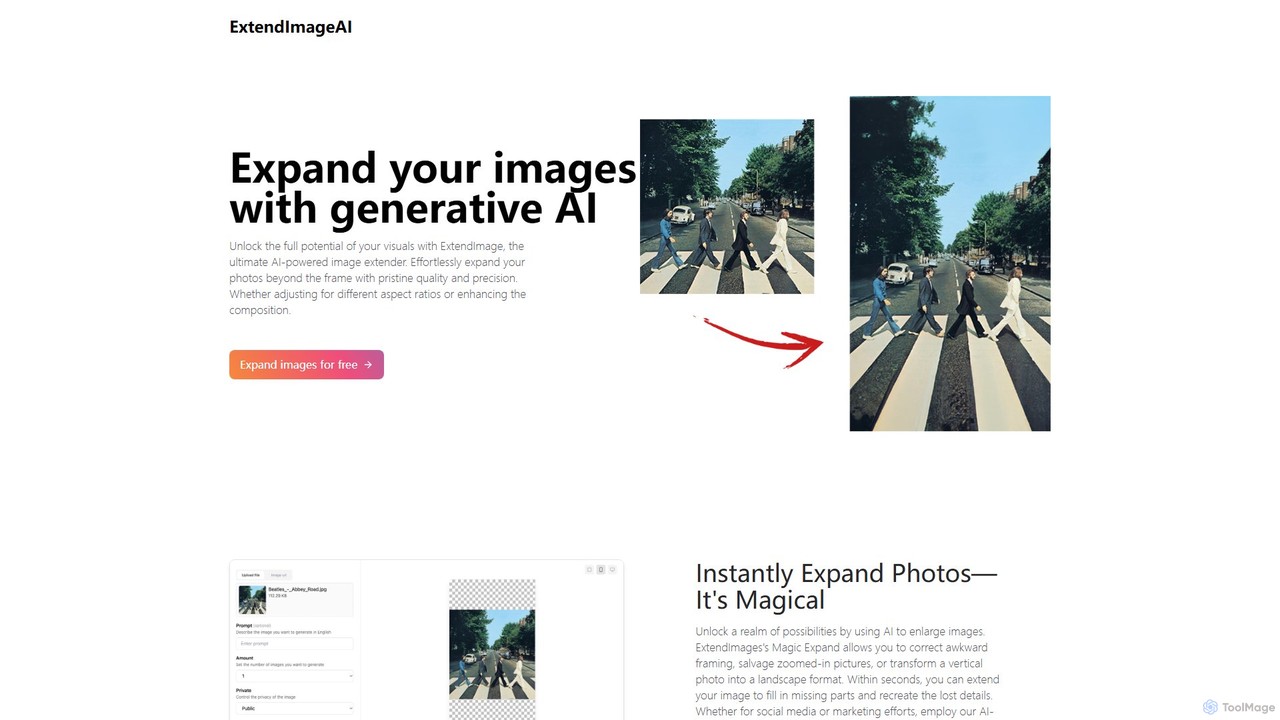
ExtendImageAI is an AI-powered tool that expands your images beyond their original borders. Using generative AI, it intelligently fills in missing areas, corrects awkward framing, and adjusts aspect ratios for social media or marketing. Simply upload your photo, and the tool seamlessly extends it while maintaining quality, color, and style.
Assistant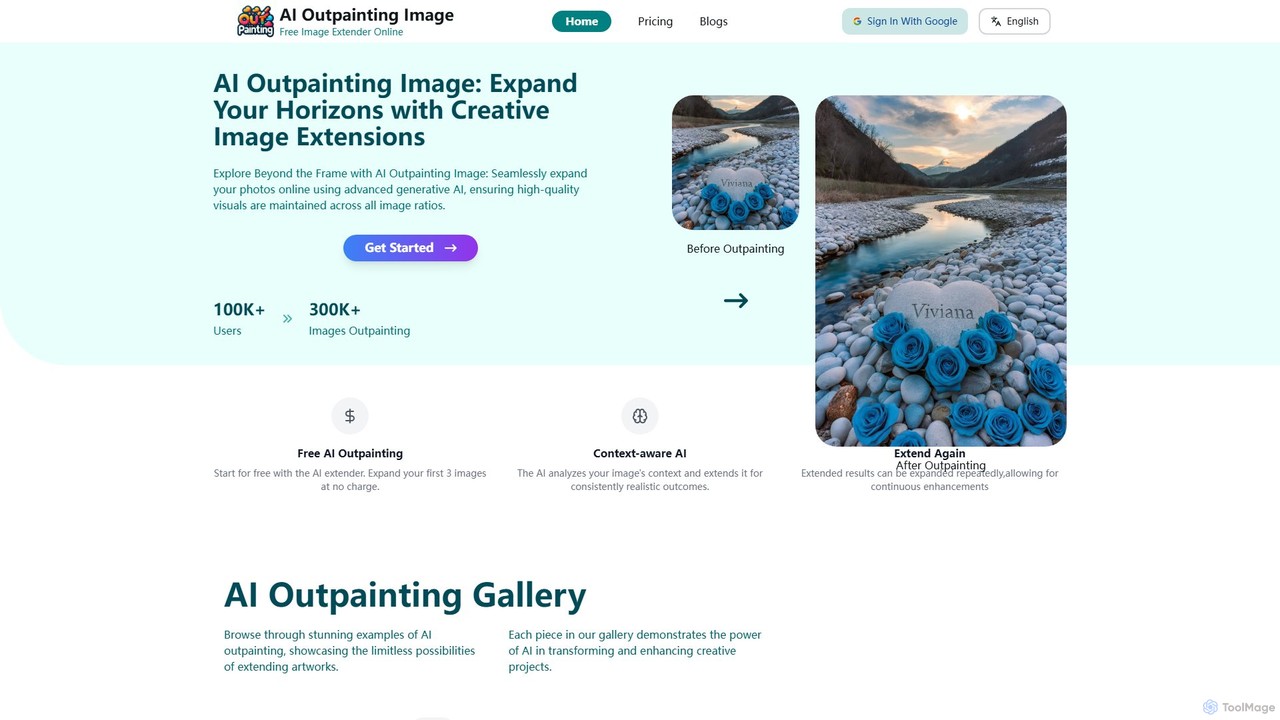
ai_outpainting
AI Outpainting is an online tool that uses advanced generative AI to seamlessly expand images. It can extend photos in any direction, increase pixel dimensions, and process multiple images at once, all while preserving the original style and quality.
Generative Artphotoeditor.ai
An all-in-one AI-powered photo editing suite. Effortlessly generate images from text, remove backgrounds and objects, enhance, upscale, and expand photos with generative fill. No design skills needed, accessible directly from your web browser.
Image Editing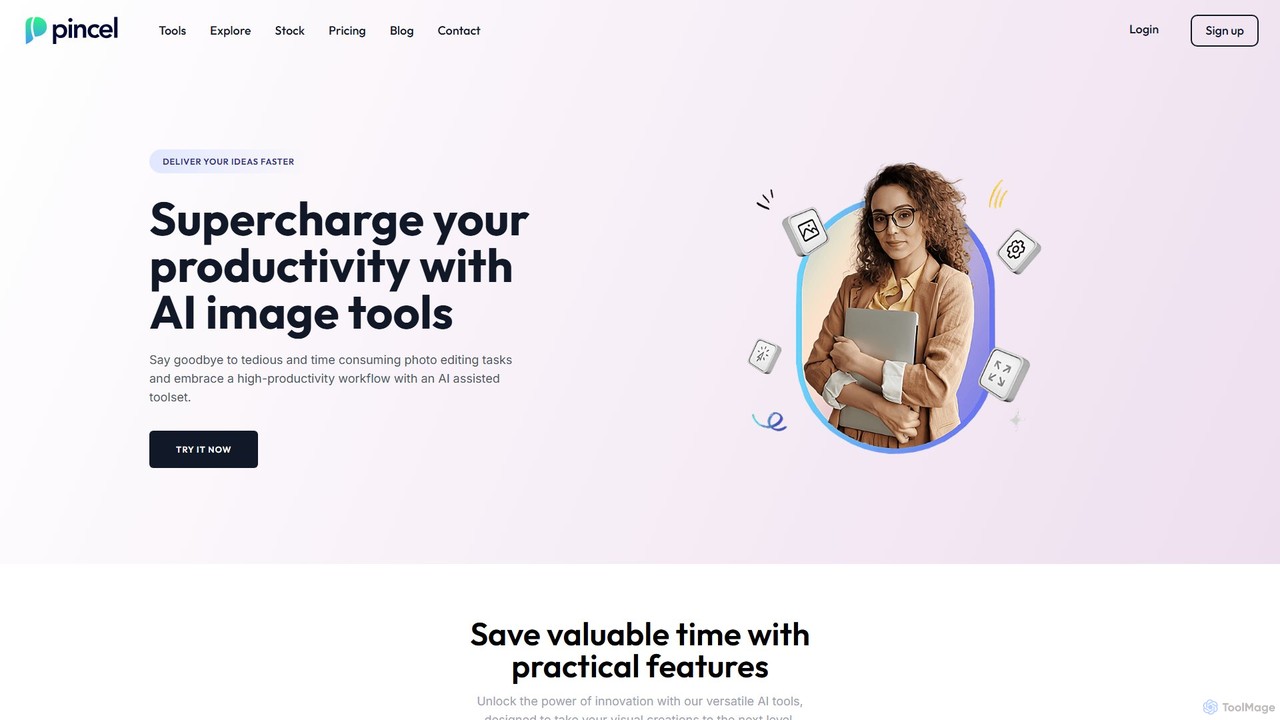
Pincel
Pincel is a comprehensive, web-based AI image editing suite designed for speed and simplicity. It offers a vast collection of tools, from one-click object removal and generative fill to AI portrait creation, face swapping, and artistic QR codes. Ideal for marketers, designers, and content creators, Pincel streamlines complex photo editing tasks into an intuitive workflow, accessible on any device without needing specialized skills or expensive software.
Image Generator
aifillimage.com
A powerful AI image editing tool for generative fill, inpainting, and outpainting. Effortlessly remove unwanted objects, extend image canvases, or add new elements with simple text prompts. Perfect for photographers, designers, and marketers to enhance visuals quickly.
3D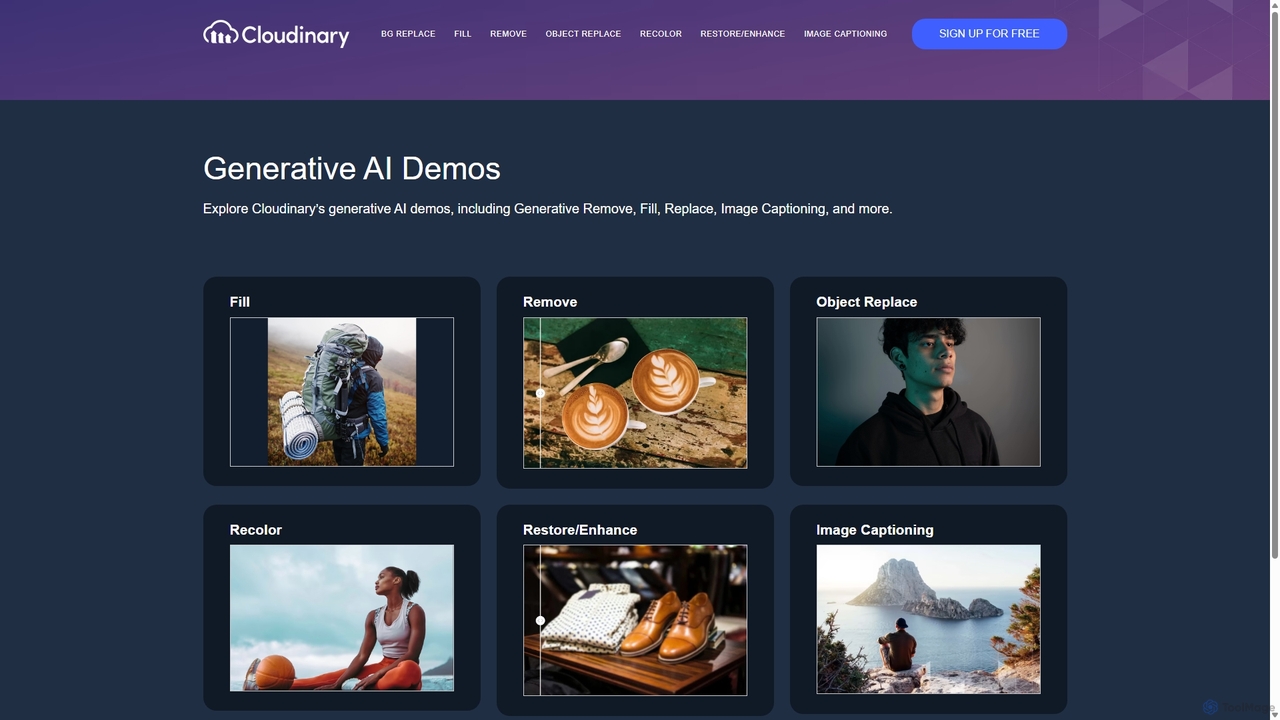
Cloudinary Generative AI Playground
An advanced suite of AI-powered tools from Cloudinary for developers, marketers, and creators. Effortlessly perform complex image manipulations like background removal, generative fill, object replacement, and image generation through an intuitive interface and powerful APIs.
Api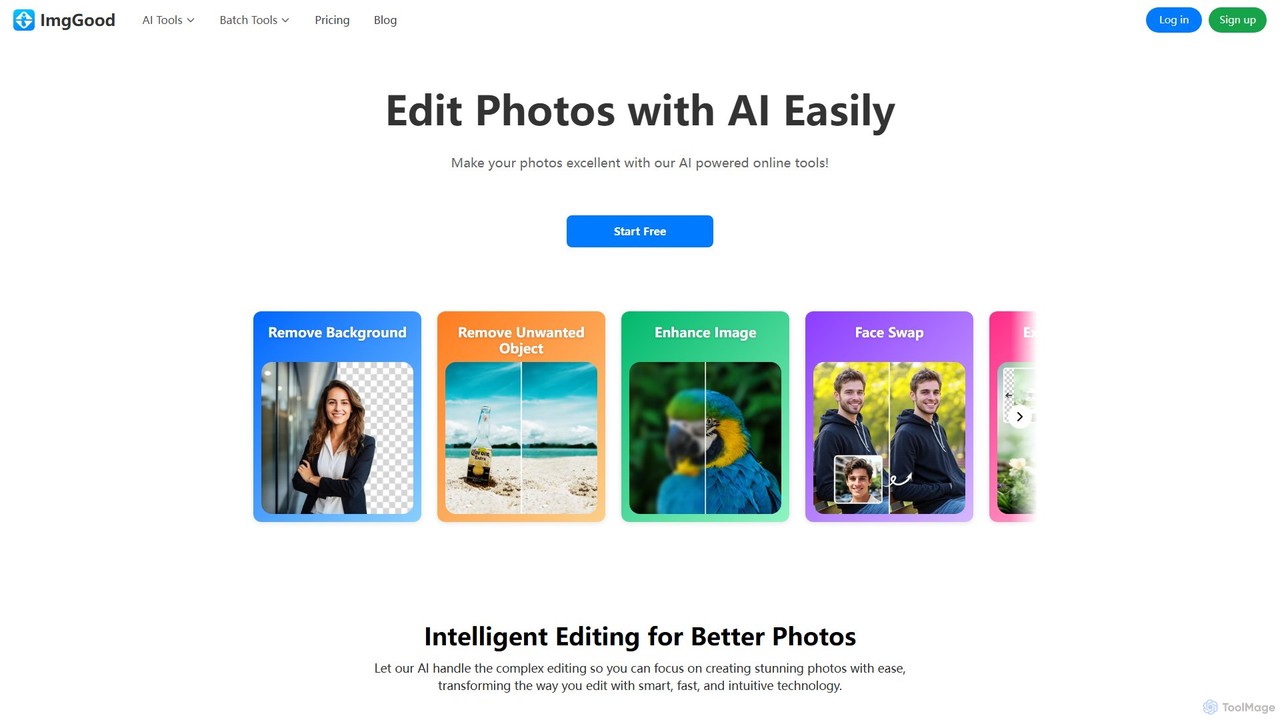
imggood
imggood is a comprehensive AI-powered online photo editor that simplifies complex editing tasks. It offers a suite of tools including a one-click background remover, object remover, image enhancer, photo colorizer, and AI image generator. Designed for both professionals and casual users, it makes creating high-quality, stunning photos fast and effortless, directly from your browser.
Image Generation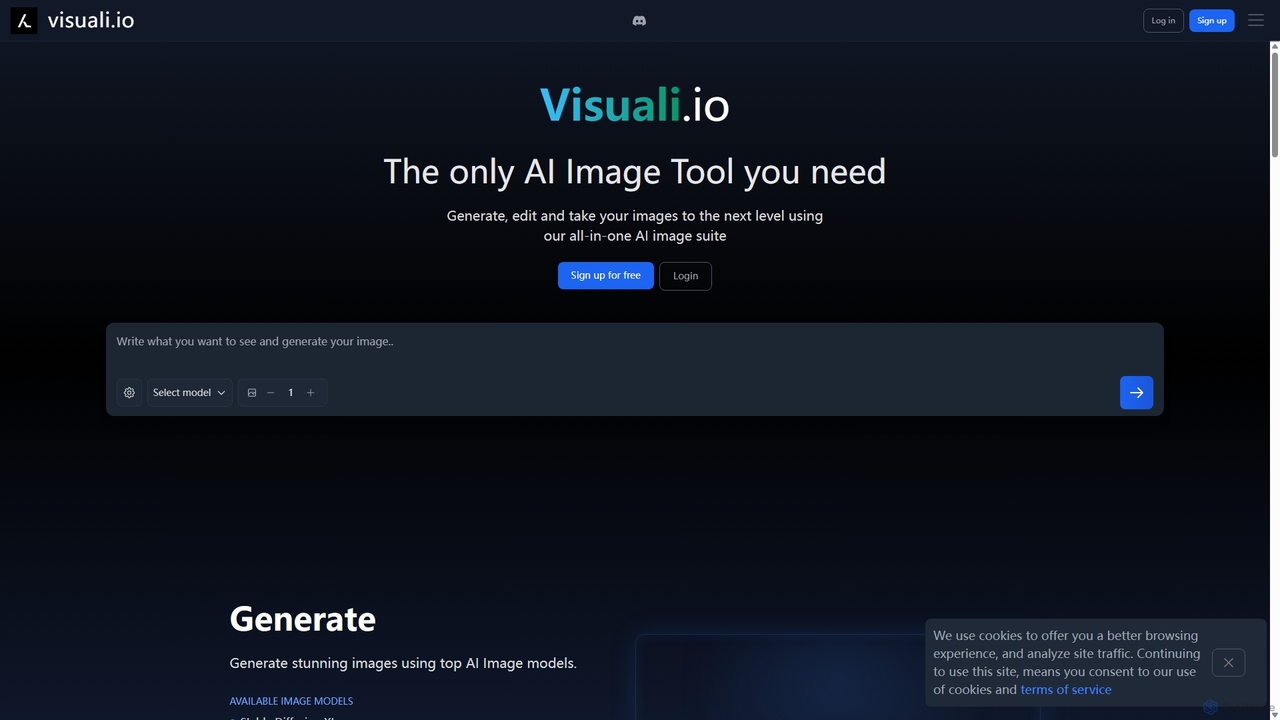
Visuali
Visuali is an all-in-one AI image suite that allows you to generate, edit, and enhance images directly in your browser. Leveraging top AI models like Stable Diffusion XL, it offers powerful features including text-to-image generation, natural language editing, seamless inpainting and outpainting on an infinite canvas, and the ability to transform sketches into photorealistic images. It's a versatile tool for creators, marketers, and designers.
3D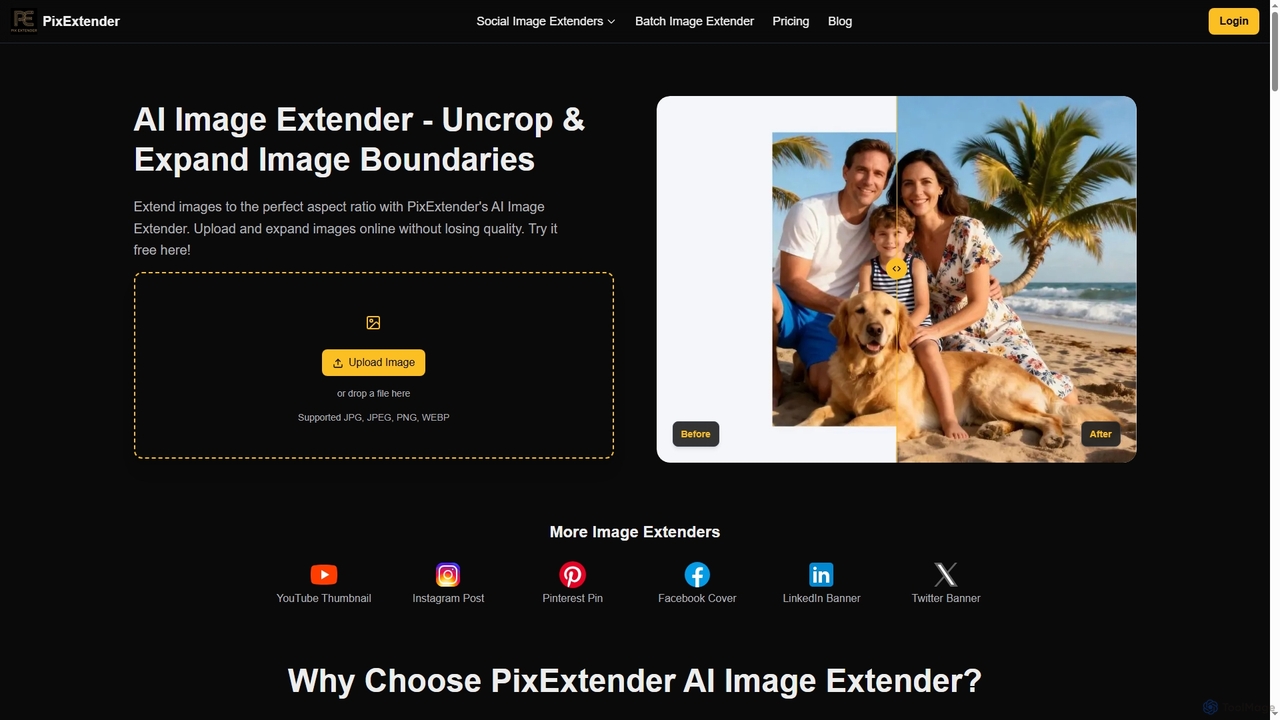
PixExtender
PixExtender is an AI-powered image extender that uses context-aware outpainting to seamlessly expand image boundaries and uncrop photos. It intelligently generates realistic surroundings, adapting images to perfect aspect ratios for social media, e-commerce, and photography without quality loss. Supports batch processing and custom resolutions up to 4096x4096.
Photo Editing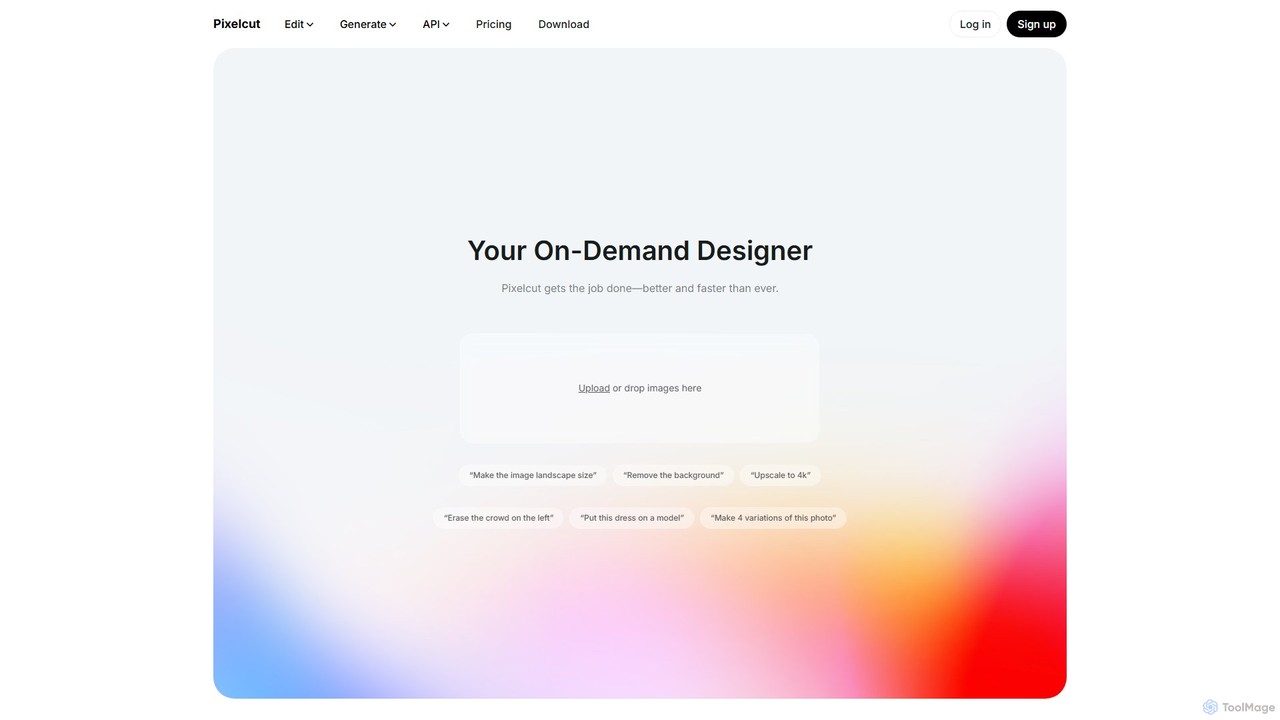
Pixelcut
Pixelcut is an all-in-one AI-powered creative suite for photo and video editing. It enables users to instantly remove backgrounds, upscale images to 4K, erase objects, generate images and videos from text prompts, and collaborate with teams. It's designed for creators, brands, and businesses to produce professional-quality content quickly and easily.
Image Editing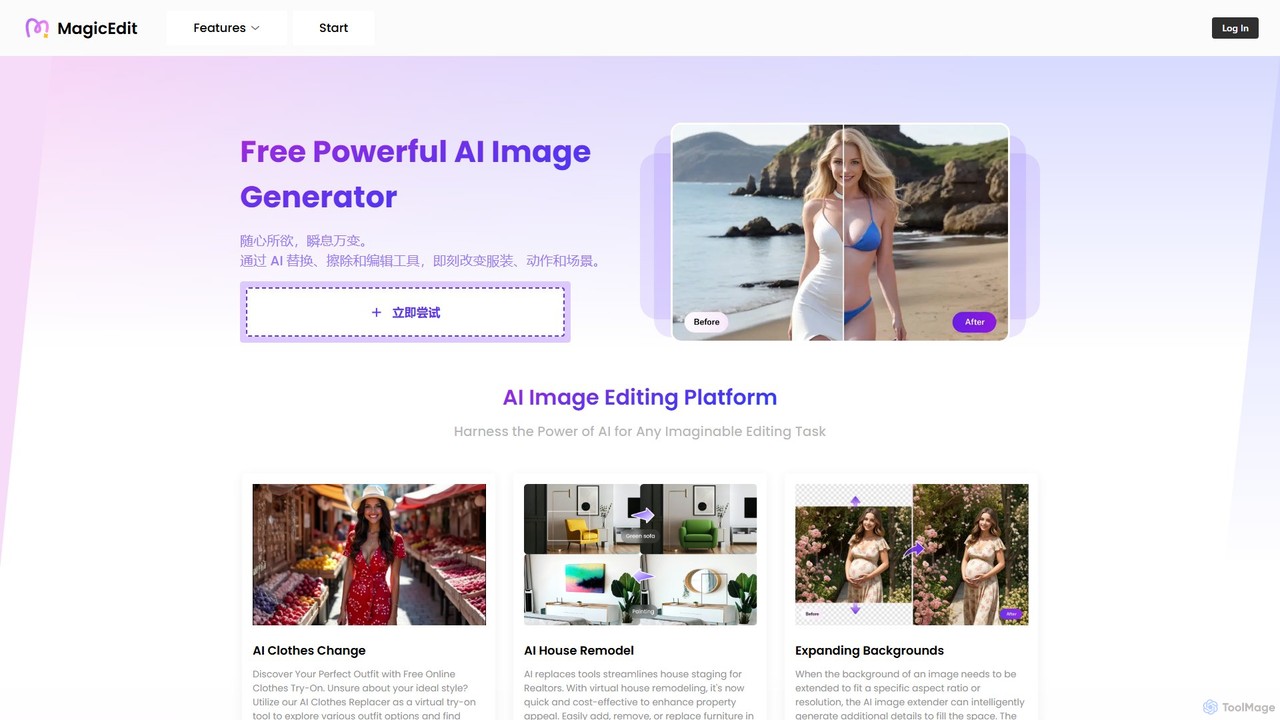
MagicEdit
MagicEdit is a powerful AI-driven image editing suite that allows users to effortlessly modify photos. Its key features include object and person removal, AI-powered clothing and background replacement, image expansion (outpainting), virtual hairstyle try-ons, and AI image generation from text prompts. It's designed for both casual users and professionals in marketing, real estate, and e-commerce, making complex photo editing simple and fast.
Image Generator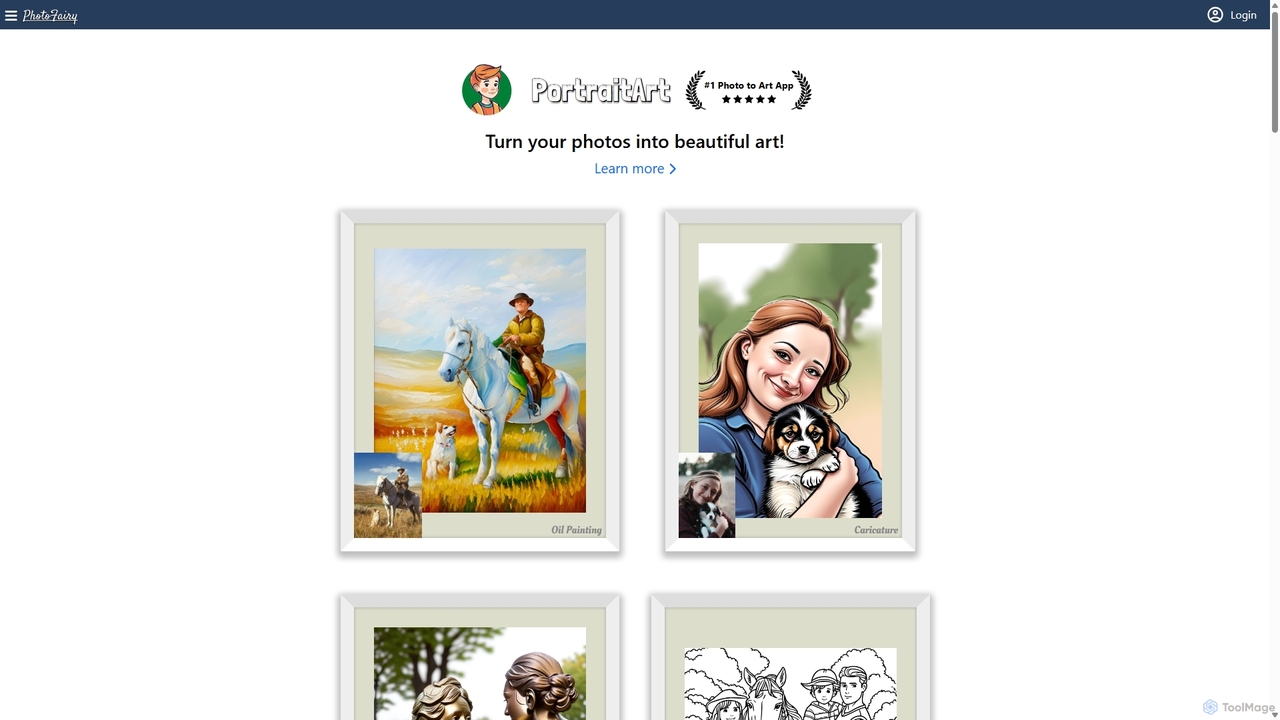
PhotoFairy
PhotoFairy is a powerful AI-driven photo editor and graphic design tool. It effortlessly transforms photos into various art styles, removes backgrounds and objects, generates images from text, and provides an infinite canvas for creative projects. Ideal for designers, marketers, and content creators seeking an all-in-one visual creation platform.
Art Generation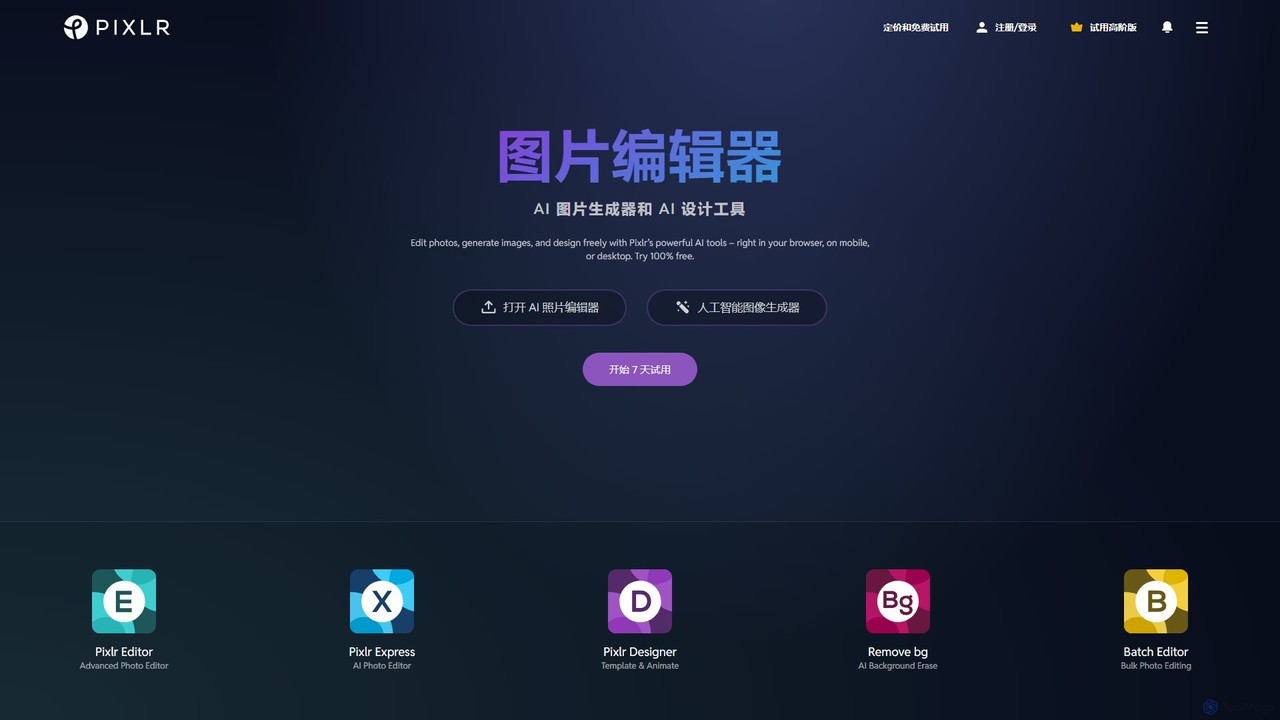
Pixlr
Pixlr is a comprehensive suite of online AI-powered tools for photo editing, image generation, and graphic design. Accessible on web, mobile, and desktop, it caters to both beginners and professionals with its intuitive interface, offering everything from quick edits and AI enhancements to advanced layer-based editing and text-to-image creation.
Graphic Design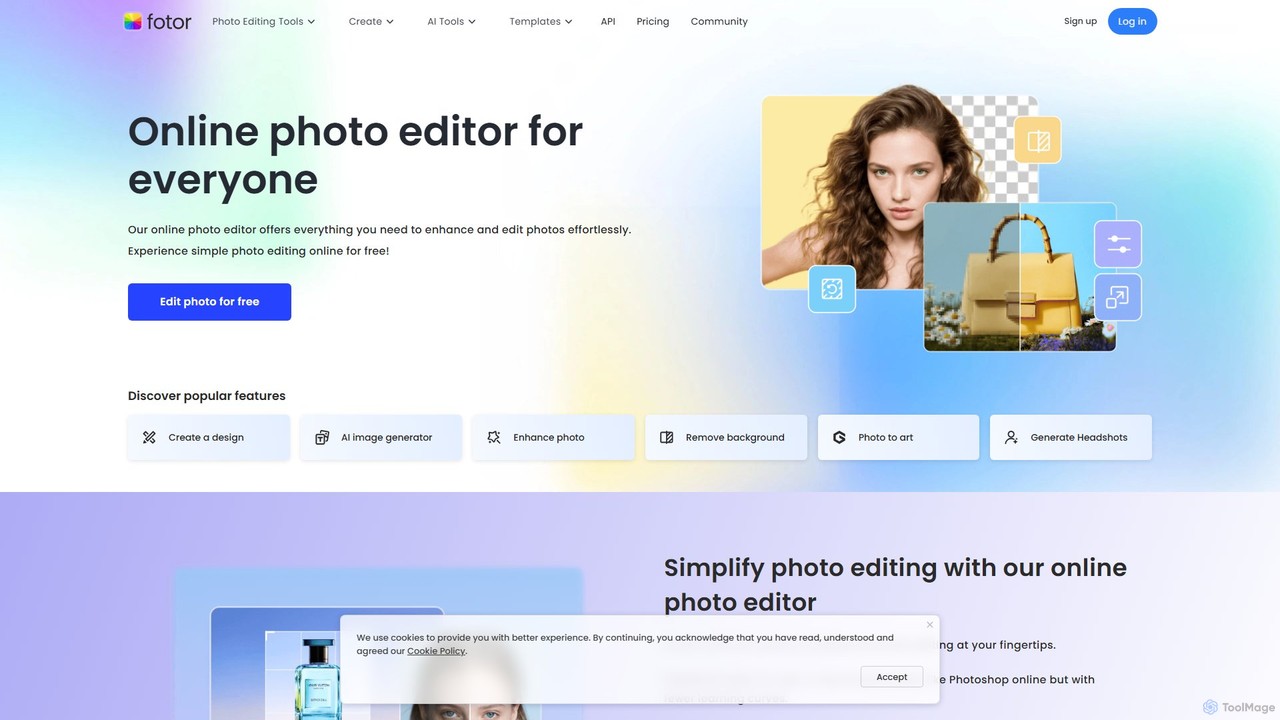
Fotor
Fotor is a comprehensive, all-in-one AI photo editor and design platform. It offers a powerful suite of tools for both beginners and professionals, including one-click photo enhancement, background and object removal, and advanced generative AI features like text-to-image creation, AI-powered object replacement, and image expansion. Fotor simplifies complex editing tasks, making it easy to create stunning visuals for social media, marketing, and personal projects across web, desktop, and mobile devices.
3D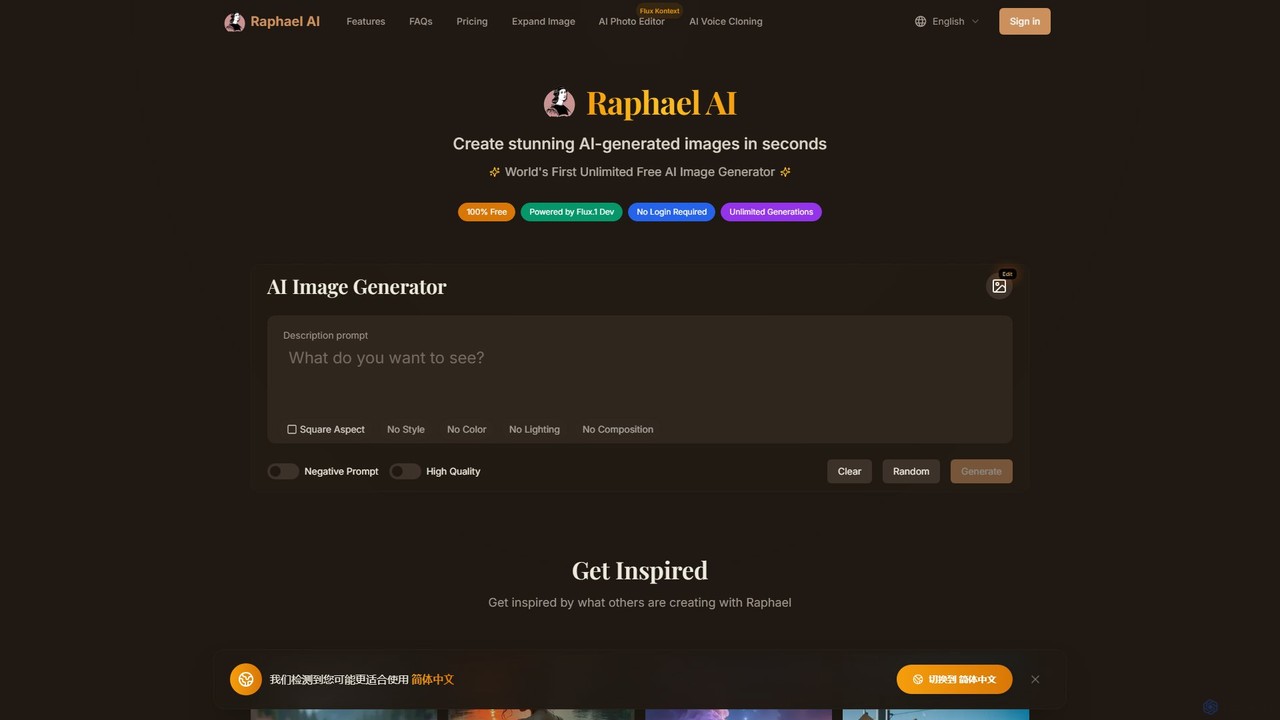
Raphael
Raphael is a versatile AI image suite offering a free, unlimited AI image generator powered by the advanced FLUX.1 model. It requires no login and ensures user privacy. Key features include a powerful AI Uncrop/Expander tool for extending images, multi-style support, and high-quality, photorealistic outputs. Paid plans unlock faster generation, HD images, and advanced editing features.
Image Editing
aiimageextender Comments (0)
Sign in to comment.
Sign inNo comments yet.