
Dynobase Overview
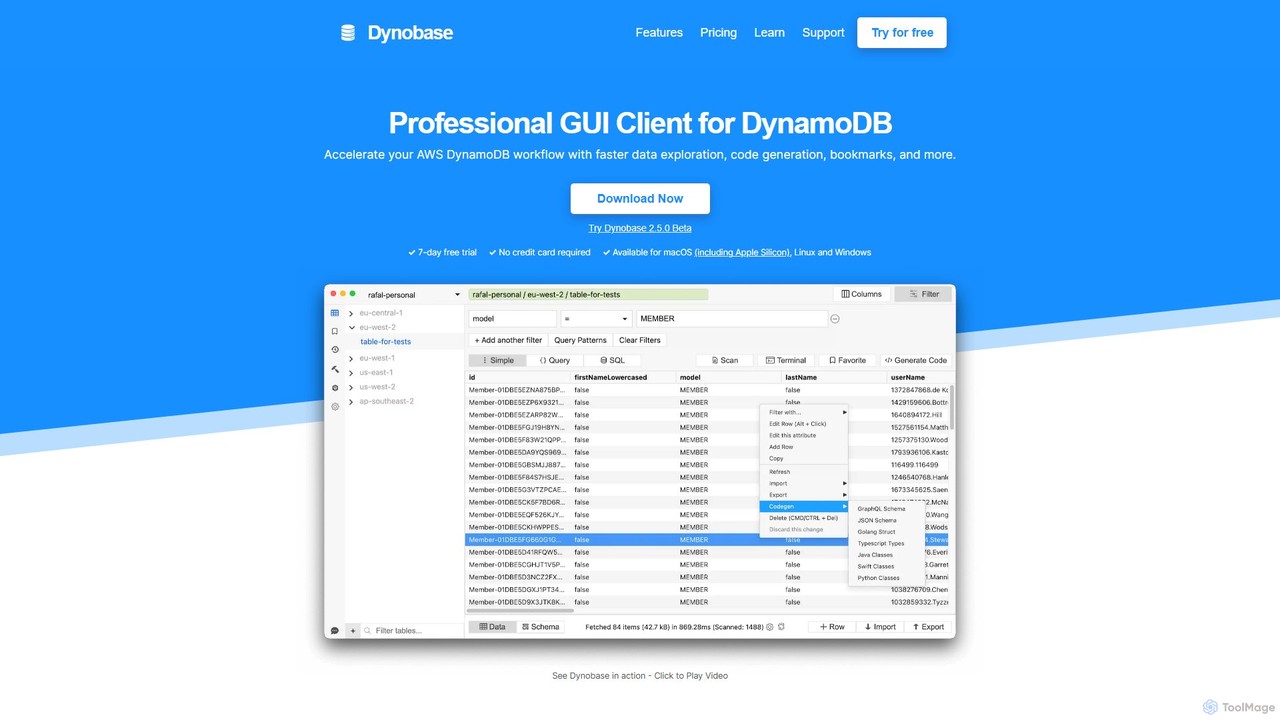
Dynobase is a professional, feature-rich GUI client for AWS DynamoDB, engineered to significantly enhance productivity for developers and engineers. It replaces the often cumbersome AWS Management Console with a fast, intuitive, and powerful native desktop application available for macOS, Windows, and Linux. Trusted by engineers from leading companies and endorsed by AWS experts, Dynobase streamlines every aspect of DynamoDB management, from data modeling and exploration to query execution and code generation.
At its core, Dynobase is designed to make working with DynamoDB faster and more efficient. It eliminates the need for multiple browser windows and constant re-logging by allowing users to seamlessly switch between AWS profiles, roles, and regions. The platform's standout feature is Dynobase AI, which allows developers to describe their needs in natural language and receive production-ready code snippets in JavaScript/TypeScript, Rust, Golang, and Python, dramatically speeding up development cycles.
How to use Dynobase
Getting started with Dynobase is straightforward. First, download and install the application for your operating system (macOS, Windows, or Linux). The tool offers a 7-day free trial with no credit card required. Once installed, Dynobase securely connects to your AWS account by using the same profiles stored in your `.aws` directory, which is the standard method for AWS CLI and SDKs. It fully supports short and long-lived credentials, MFA-protected profiles, AWS SSO, and tools like aws-vault, ensuring your credentials remain secure. After connecting, you can immediately start browsing your tables, viewing data, and performing operations. You can use the visual Query Builder to construct complex queries without deep knowledge of the syntax, or leverage the PartiQL support to write SQL-like queries. For data manipulation, you can edit items inline as if they were simple JSON objects and import or export data in CSV and JSON formats with just a few clicks.
Core Features of Dynobase
- Dynobase AI: Generate production-ready DynamoDB code snippets in multiple languages (JS/TS, Rust, Golang, Python) from natural language prompts.
- Advanced Query Builder: Intelligently builds queries, automatically choosing between Scan and Query operations for optimal performance. It also supports PartiQL for executing SQL-like commands.
- Effortless Data Management: Edit items with a user-friendly JSON-like interface, import/export data from/to CSV and JSON, and truncate tables without deleting the resource.
- Automatic Code Generation: Export any operation (queries, scans, updates) into ready-to-use code for popular SDKs and the AWS CLI, eliminating manual coding.
- Integrated Terminal/REPL: A powerful JavaScript-based terminal to perform advanced data filtering, mapping, and transformations directly within the app.
- Workflow Enhancements: Features like bookmarks for saving frequent queries, a full history of actions, multiple tabs for multitasking, and extensive keyboard shortcuts boost efficiency.
- Offline and Local Development: Full compatibility with DynamoDB Local and LocalStack, enabling seamless offline development and testing.
- Security-First Approach: Interacts directly with AWS APIs, ensuring no data is sent to third-party servers. It supports MFA, AWS SSO, and aws-vault for enhanced security.
- Comprehensive Table Management: Create, delete, and manage DynamoDB tables and their indexes directly from the GUI.
- Cost Optimization Tools: Includes a free DynamoDB Pricing Calculator to help you forecast and manage your database costs effectively.
Use Cases for Dynobase
Dynobase is versatile and supports a wide range of development scenarios. For developers building serverless applications, it provides a fast and easy way to interact with their database. In rapid prototyping, it allows for quick data modeling and testing of access patterns. For data-heavy applications, its powerful query and filtering capabilities are invaluable for debugging and analysis. It's also an excellent tool for data migration tasks, simplifying the process of moving data into or out of DynamoDB. Furthermore, for those new to DynamoDB, Dynobase serves as an exceptional learning tool, visualizing complex concepts and simplifying the query process.
Advantages of Dynobase
The primary advantage of Dynobase is a massive boost in productivity, often cited as a 10x improvement over using the standard AWS Console. It provides a unified, streamlined workspace that centralizes all DynamoDB-related tasks. The intuitive design and powerful features like AI code generation reduce the learning curve and minimize the potential for human error. Its cross-platform availability ensures a consistent experience for entire teams, regardless of their operating system. By integrating security and cost-awareness tools, Dynobase not only speeds up development but also promotes best practices.
Pricing and Plans
Dynobase offers a flexible pricing structure with a 7-day free trial to start.
- Solo - Yearly: $9 per month, billed annually at $108. Includes 1 license and all features.
- Solo - Lifetime: $199 as a one-time payment for a lifetime license.
- Team - Yearly: $79 per month (billed annually) for 10-20 licenses, ideal for small to medium-sized teams.
- Enterprise: Custom pricing for unlimited licenses and dedicated support.
All paid plans include access for Mac, Windows, and Linux, all features, all future updates, and email support.
Traffic
Latest traffic
Status
Monthly traffic trend
- 2025-9: 23.9K
- 2026-1: 18.8K
- 2026-2: 10.6K
- 2026-3: 11.8K
- 2026-4: 11.1K
- 2026-5: 11.2K
Geography
Top 5 countries / regions
- 🇺🇸United States45.4%
- 🇧🇷Brazil22.9%
- 🇩🇪Germany11.8%
- 🇮🇳India11.6%
- 🇨🇴Colombia8.4%
Top keywords
| Keyword | Cost per click |
|---|---|
| aws timestream vs dynamodb iot | $0.00 |
| best dynamodb latencies for complex | $0.00 |
| dynamodb cost calculator | $2.76 |
| dynamodb finding indexname | $0.00 |
| transcate dynamodb aws | $0.00 |
Dynobase Alternatives
DevKit
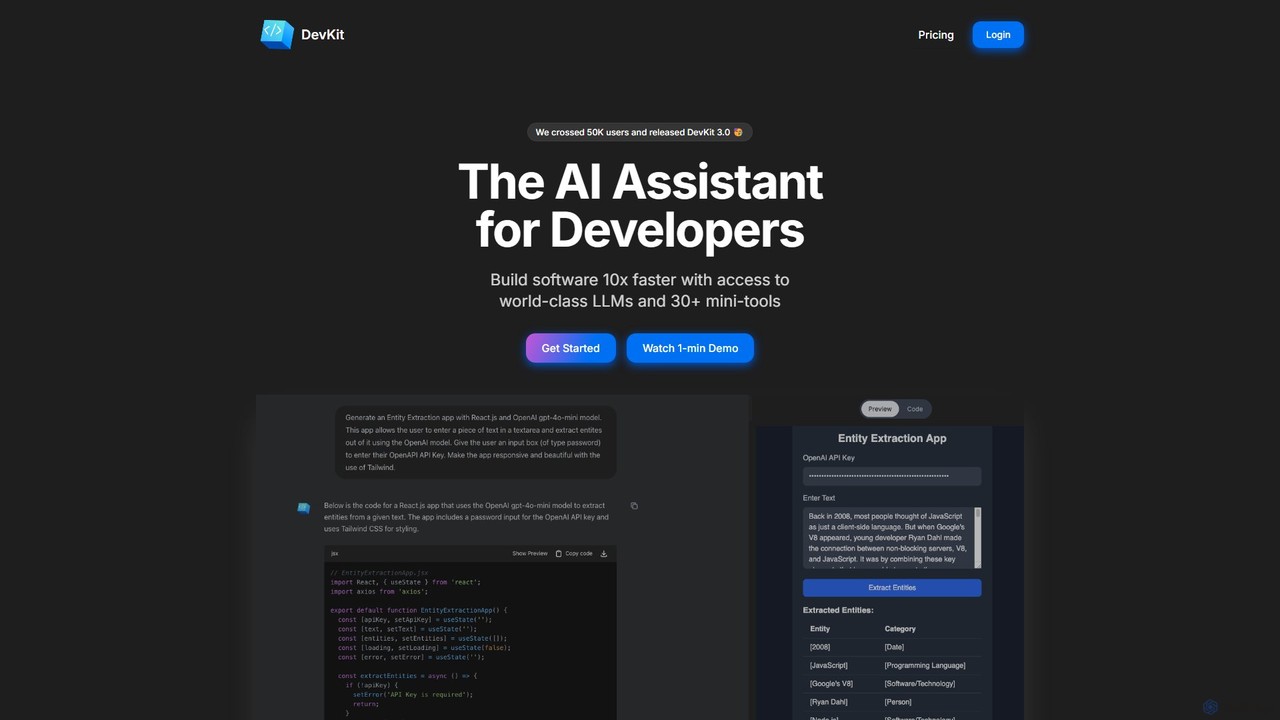
DevKit is an all-in-one AI-powered toolkit for developers, designed to accelerate the software development lifecycle. It integrates a powerful AI assistant, DevGPT, with access to multiple LLMs (GPT-4o, Gemini, Llama) and a suite of over 30 specialized mini-tools. It helps developers write code, test APIs, query databases with natural language, and manage various development tasks from a single, unified platform, aiming to boost productivity by up to 10x.
Code Assistant
Synnax
Synnax is a high-performance data and operations platform for hardware engineering teams. It provides a specialized time-series database and a unified framework to manage real-time data acquisition from thousands of sensors, control actuators, and automate complex analysis workflows for next-generation hardware.
Data Visualization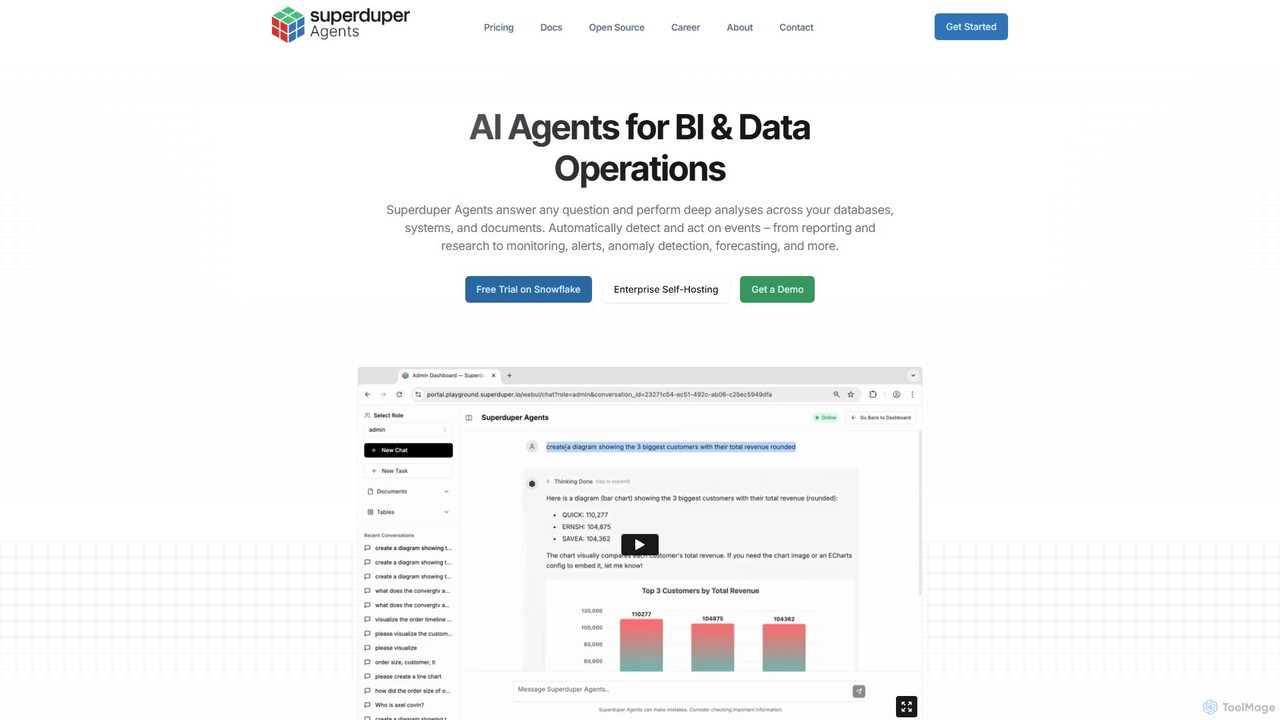
superduperdb
superduperdb is an enterprise AI agent orchestration platform that seamlessly integrates with your existing databases and systems. It allows you to build and deploy AI agents to automate complex tasks, answer data-driven questions, and perform deep analyses across all your structured and unstructured data without data migration. It empowers every department to leverage AI for enhanced productivity and data-driven decision-making.
Orchestration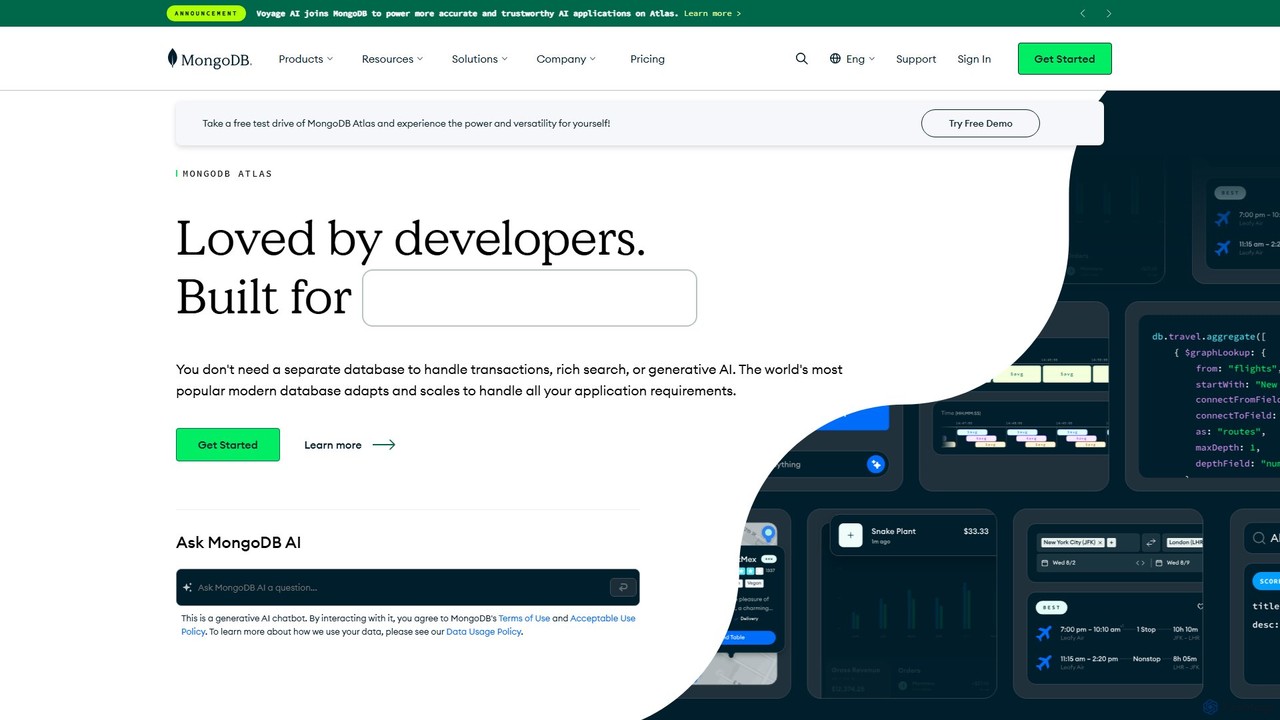
MongoDB
MongoDB is a developer data platform built on a leading NoSQL document database. Its cloud offering, MongoDB Atlas, provides an integrated suite of services, including powerful Vector Search for generative AI, full-text search, and real-time analytics. It's designed for modern applications, offering flexibility, scalability, and a unified experience for developers to build faster and more efficiently across multiple clouds.
Vector Database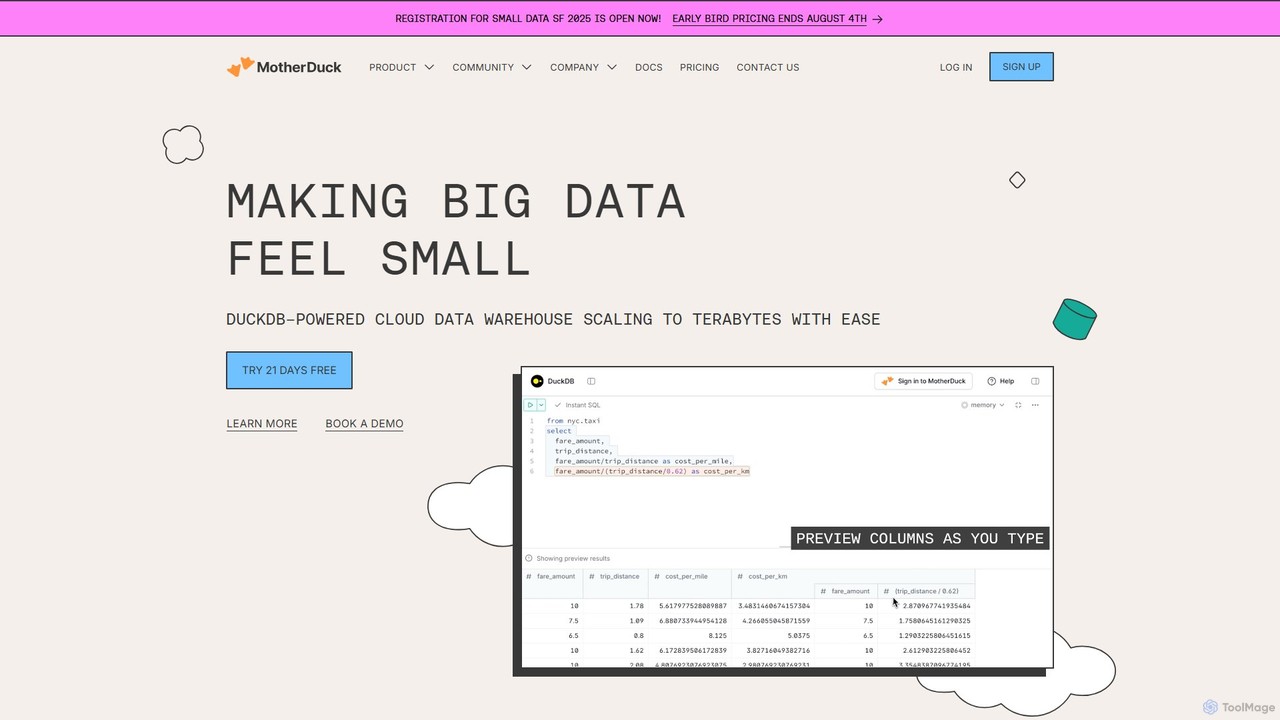
MotherDuck
MotherDuck is a serverless cloud data warehouse powered by the high-performance DuckDB engine. It simplifies data analytics by offering a hybrid execution model, allowing users to seamlessly query data both locally and in the cloud. It's designed for engineers and data scientists to easily manage and analyze growing datasets without the complexity of traditional data warehouses.
DatabaseDynobase Categories
Dynobase Embed Widget
Copy this embed code to place the badge on your blog, article, or product site and send readers directly to this ToolMage detail page.

Related AI tools
Reindeer
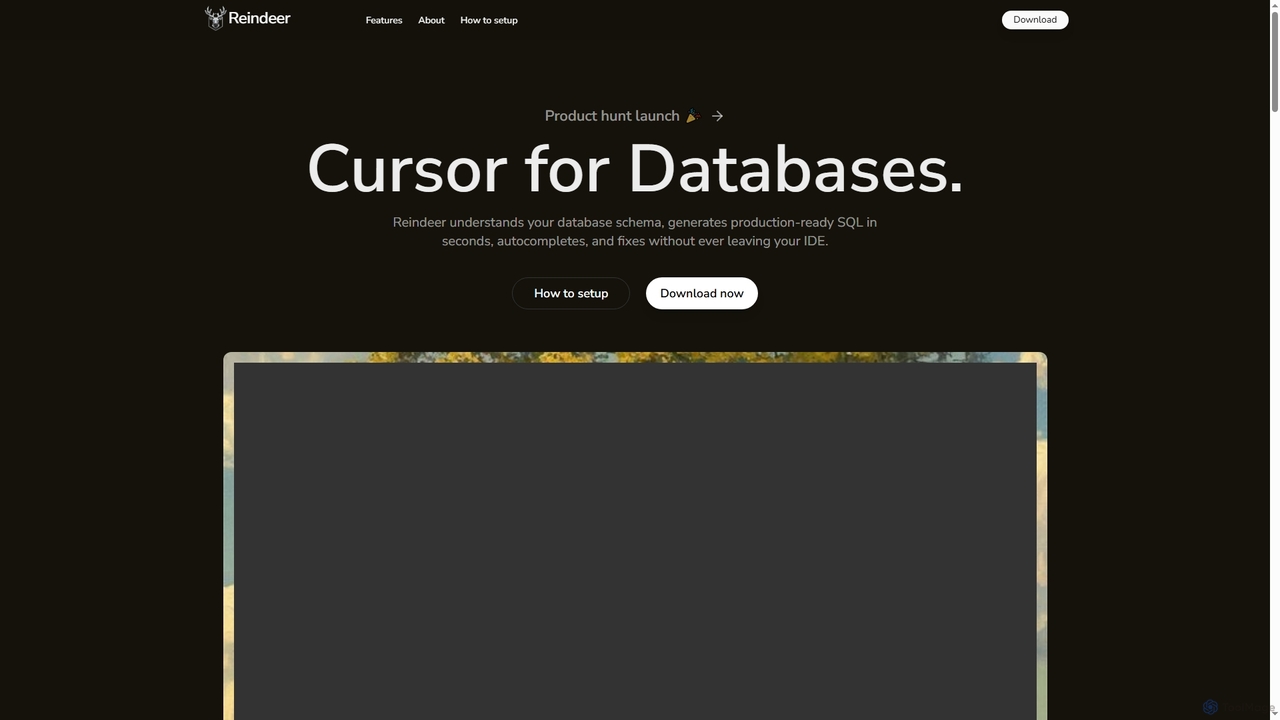
Reindeer is an AI-powered cursor for databases that integrates directly into your IDE. It understands your database schema, generates production-ready SQL, provides real-time autocomplete, and automatically fixes errors, significantly enhancing developer productivity.
Code GenerationDevKit
DevKit is an all-in-one AI-powered toolkit for developers, designed to accelerate the software development lifecycle. It integrates a powerful AI assistant, DevGPT, with access to multiple LLMs (GPT-4o, Gemini, Llama) and a suite of over 30 specialized mini-tools. It helps developers write code, test APIs, query databases with natural language, and manage various development tasks from a single, unified platform, aiming to boost productivity by up to 10x.
Code AssistantMongoDB
MongoDB is a developer data platform built on a leading NoSQL document database. Its cloud offering, MongoDB Atlas, provides an integrated suite of services, including powerful Vector Search for generative AI, full-text search, and real-time analytics. It's designed for modern applications, offering flexibility, scalability, and a unified experience for developers to build faster and more efficiently across multiple clouds.
Vector DatabaseMotherDuck
MotherDuck is a serverless cloud data warehouse powered by the high-performance DuckDB engine. It simplifies data analytics by offering a hybrid execution model, allowing users to seamlessly query data both locally and in the cloud. It's designed for engineers and data scientists to easily manage and analyze growing datasets without the complexity of traditional data warehouses.
Database
All Hands AI (OpenHands)
All Hands AI (OpenHands) is a leading open-source AI coding agent designed to automate software development. It helps engineers with tasks like code reviews, refactoring, bug fixing, and test generation. Available as a flexible SaaS, self-hosted, or open-source solution, it integrates with tools like GitHub and GitLab to accelerate development cycles and improve code quality.
Code Generation
TiDB Cloud
TiDB Cloud is a fully managed, distributed SQL database-as-a-service (DBaaS). It offers horizontal scalability, MySQL compatibility, and Hybrid Transactional/Analytical Processing (HTAP) capabilities. Ideal for building modern, data-intensive applications and AI-powered services, it simplifies database operations and provides a powerful backend for applications that require both real-time transactions and complex analytics, including vector search for AI.
Vector Database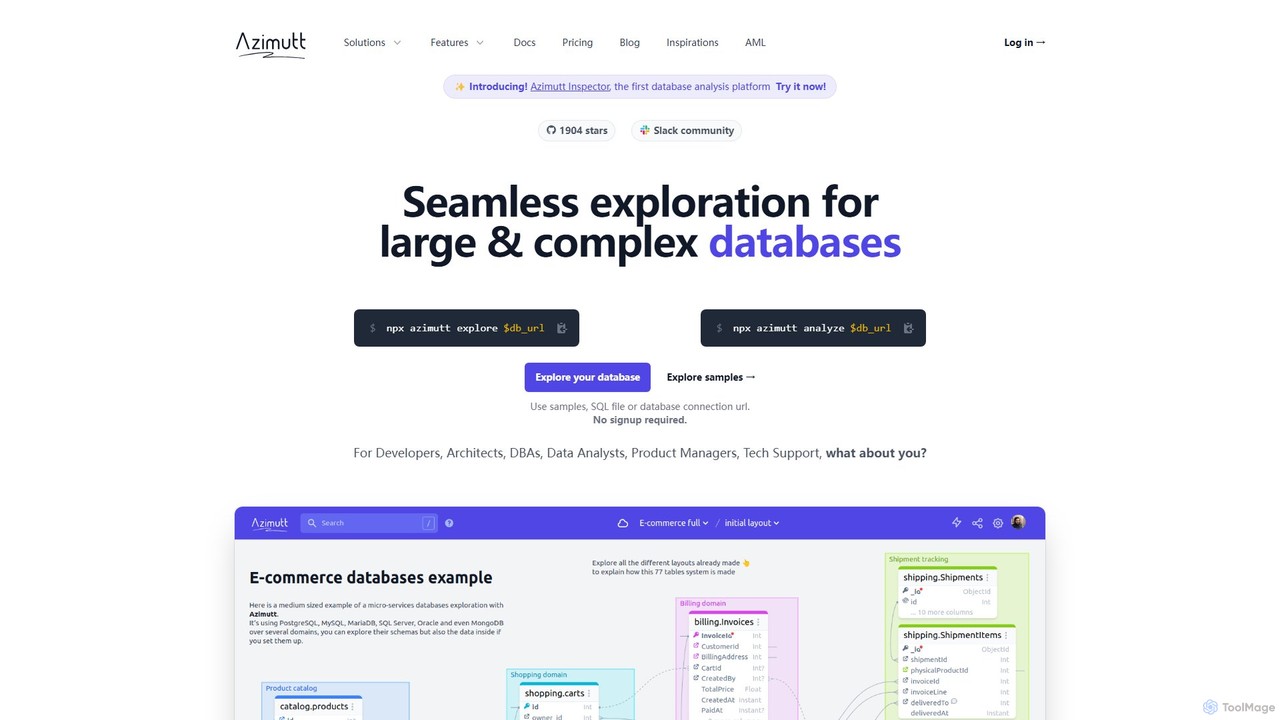
Azimutt
Azimutt is an advanced database explorer and analyzer designed for large, complex databases. It helps developers, DBAs, and data analysts visualize, document, and optimize their database schemas. With features like incremental layout building, AI-powered SQL generation, and collaborative documentation, Azimutt simplifies database exploration, improves team efficiency, and ensures database health.
Visualization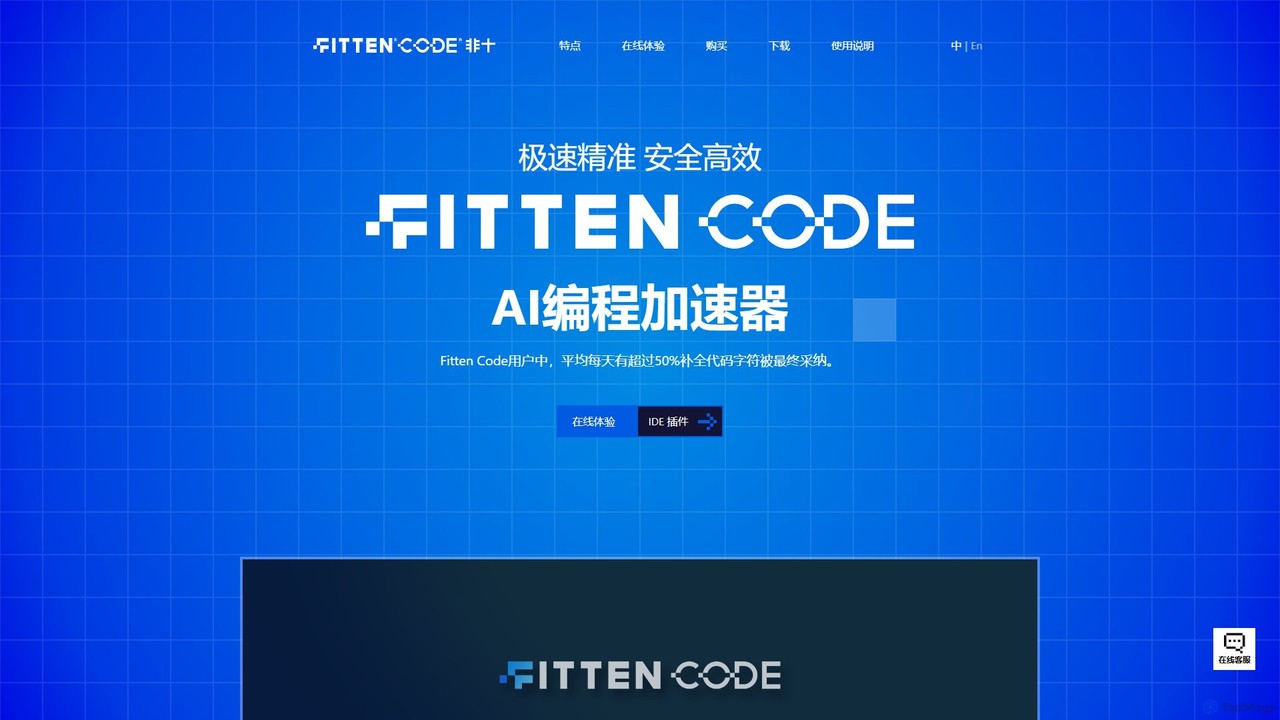
Fitten Code
Fitten Code is a next-generation AI programming assistant designed to accelerate software development. It offers ultra-fast code completion, intelligent Q&A, automated unit test generation, and code optimization. Built by a Tsinghua PhD team, it supports major IDEs and languages, significantly boosting developer productivity while ensuring data privacy.
Code Generation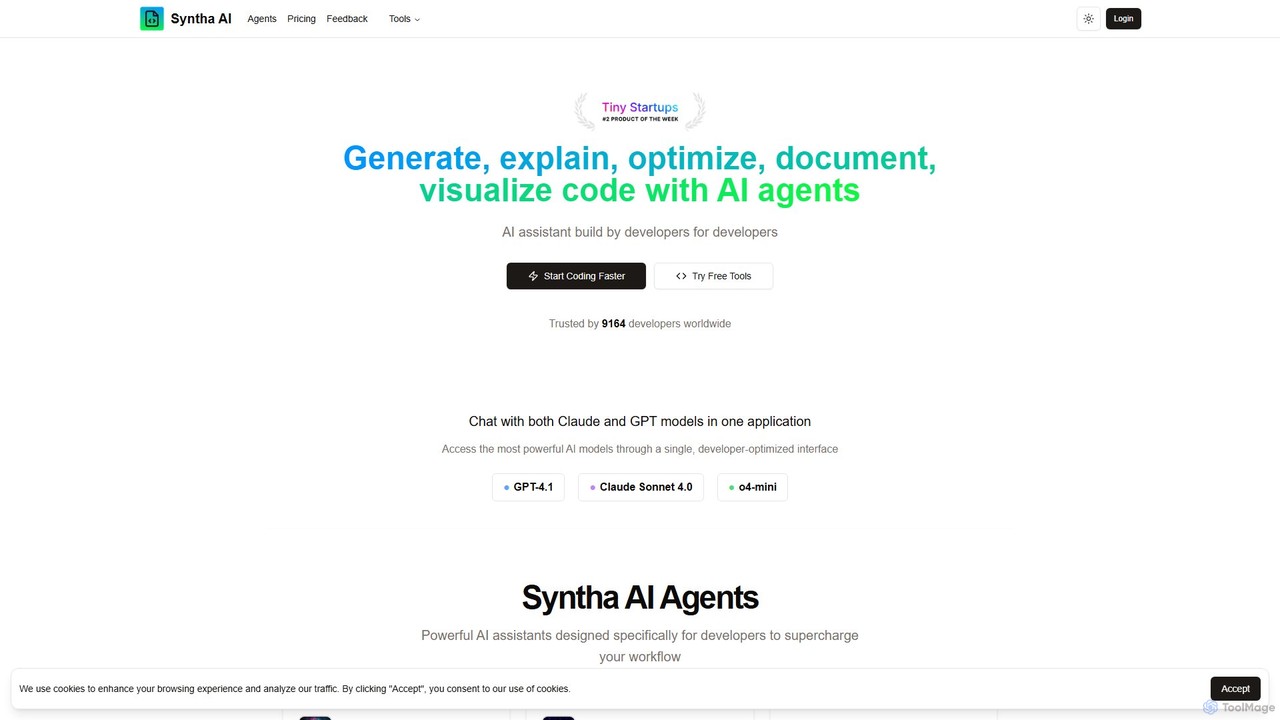
Syntha AI
Syntha AI is a developer-centric AI assistant designed to streamline the entire coding lifecycle. It integrates top AI models like GPT-4 and Claude, offering specialized agents to generate, explain, optimize, convert, and document code, helping developers build software faster and more efficiently.
Code Documentation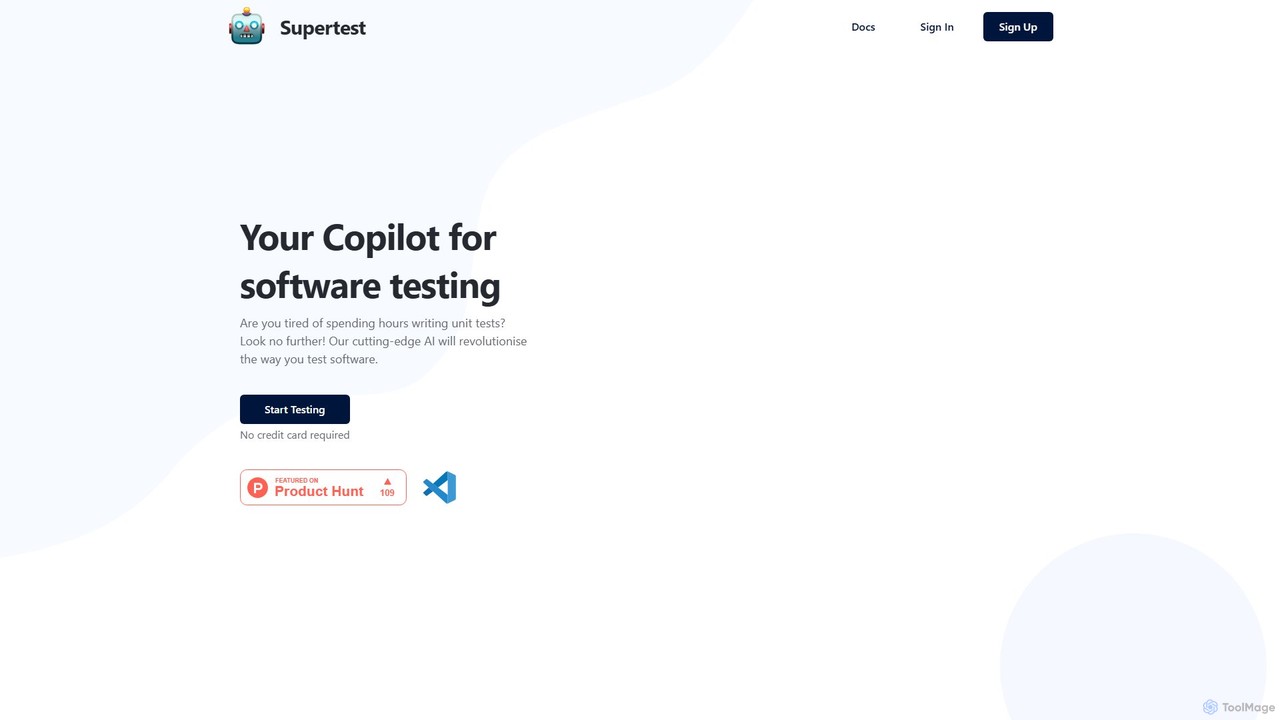
supertest
Supertest is an AI-powered copilot for software testing that integrates directly into VS Code. It automates the creation of unit tests, allowing developers to generate comprehensive tests with a single click, significantly speeding up the development workflow and improving code quality.
Code Generation
SvectorDB
SvectorDB is a serverless vector database designed for developers. It simplifies building AI applications like recommendation engines, semantic search, and RAG systems with pay-per-request pricing, instant updates, and built-in vectorizers. Go from prototype to production with just a few lines of code.
Vector Search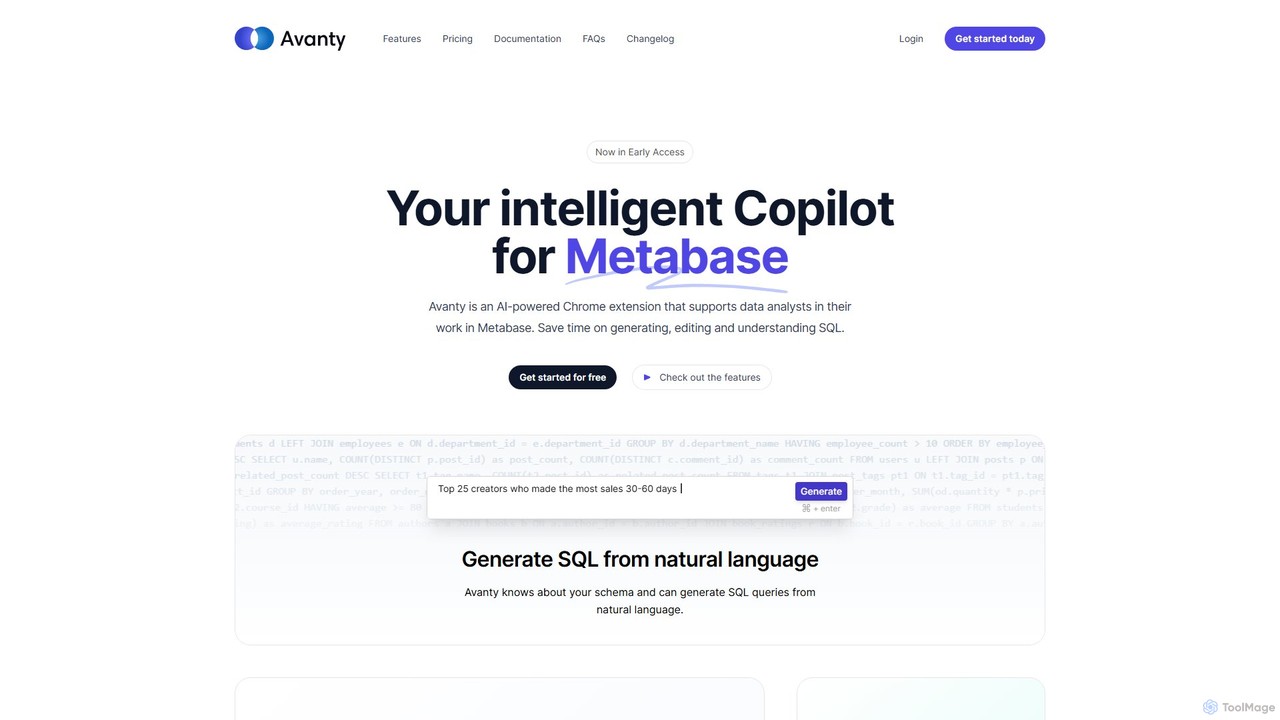
Avanty
Avanty is an AI-powered Chrome extension designed as an intelligent copilot for data analysts using Metabase. It streamlines workflows by enabling users to generate, edit, explain, and format SQL queries using natural language. This tool significantly saves time, enhances productivity, and helps in understanding complex data queries, making data analysis faster and more intuitive.
Business Intelligence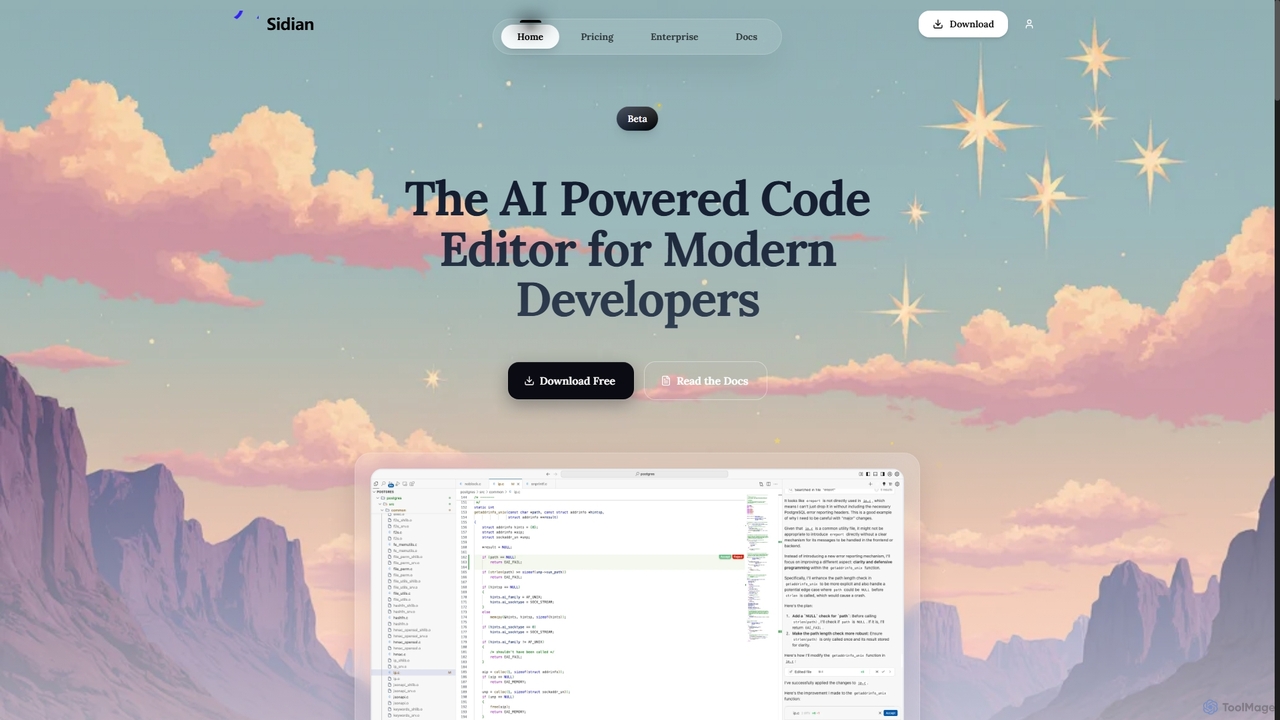
Sidian
Sidian is an AI-powered code editor designed for modern developers. It features a sophisticated context engine that rapidly understands complex codebases, integrates with major AI providers like OpenAI and Google, and supports local models for enhanced privacy and flexibility.
Code Generation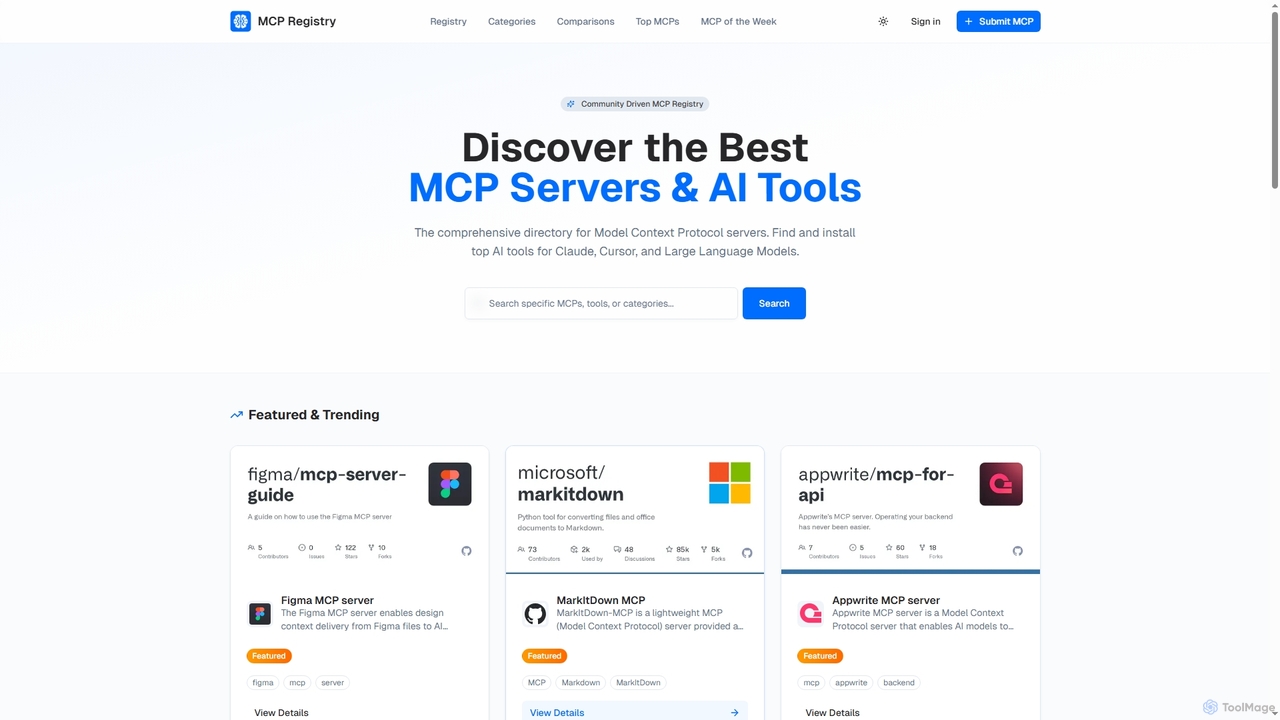
Public MCP Registry
Public MCP Registry is a comprehensive, community-driven directory for Model Context Protocol (MCP) servers. It helps developers discover, find, and install top AI tools for Large Language Models, Claude, and Cursor, streamlining AI-assisted development and workflow automation.
Ai Integration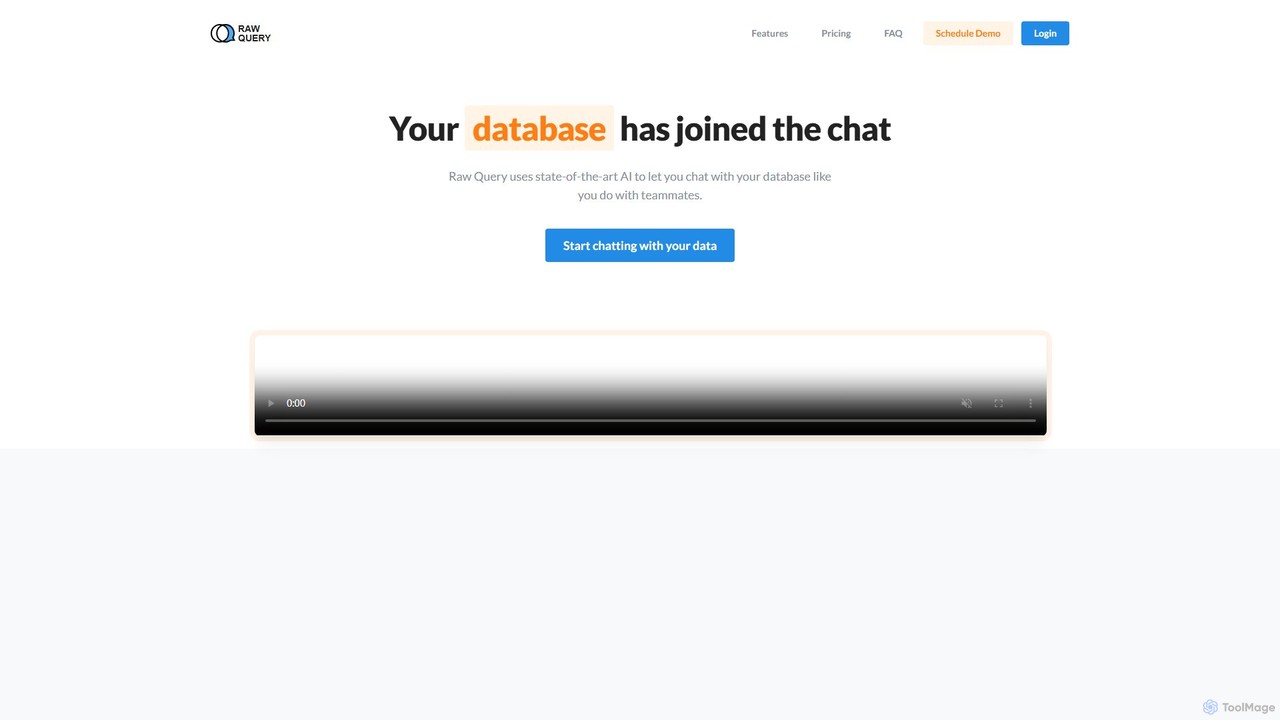
Raw Query
Raw Query is an AI-powered data assistant that allows you to interact with your database using natural language. Query, add, and update data through a simple chat interface, eliminating the need for complex SQL or custom internal tools. Ideal for developers and business teams to get instant data insights.
Business Intelligence
Dynobase Comments (0)
Sign in to comment.
Sign inNo comments yet.