


SvectorDB Overview
SvectorDB is a powerful, developer-centric serverless vector database that streamlines the process of building and scaling AI-powered applications. It is engineered to handle the heavy lifting of vector management, allowing developers to transition from a prototype with a single vector to a production environment with millions of vectors seamlessly. As a transparent micro-startup, SvectorDB prides itself on direct communication, connecting users with the actual product builders for support.
The platform is designed for simplicity and efficiency, enabling developers to integrate sophisticated vector search capabilities into their projects with minimal code. It supports both bringing your own embeddings and using its built-in vectorizers for text and images, offering flexibility for various AI tasks.
How to use SvectorDB
Getting started with SvectorDB is straightforward. The process involves setting up a database and then interacting with it using the provided SDKs or integrations.
1. Database Setup: First, create a database through the SvectorDB dashboard. You'll need to specify parameters like dimension (e.g., the size of your vectors), metric (e.g., EUCLIDEAN for distance calculation), type (e.g., 'sandbox' for the free tier), and region.
2. Using SDKs (JavaScript/Python): Once the database is created, you can use the official JavaScript or Python clients to interact with it. Core operations include:
setItem: Create or update an item with its key, value, and vector representation.query: Perform a similarity search based on a query vector or find vectors nearest to an existing item's key.embed: Use built-in models to generate vector embeddings from text or images directly.
3. AWS CloudFormation Integration: For automated infrastructure management, SvectorDB offers a CloudFormation integration. You can enable the SvectorDB resource provider in your AWS account, add your AWS Account ID and integration key in the SvectorDB dashboard, and then define your databases and API keys directly within your CloudFormation templates. This allows for seamless CI/CD integration and infrastructure-as-code practices.
Core Features of SvectorDB
- Natively Serverless: Operates on a pay-per-request model, eliminating the need for server provisioning, management, or scaling. You only pay for what you use.
- Hybrid Search: Combines vector similarity search with traditional metadata filtering using Lucene/ElasticSearch style queries, allowing for more precise and context-aware results.
- Instant Updates: Upserts (updates or inserts) and deletions are reflected immediately, ensuring high data consistency without the delays of eventual consistency models.
- Built-in Vectorizers: Provides ready-to-use vectorizers for text (e.g., ALL_MINILM_L6_V2) and images (e.g., CLIP_VIT_BASE_PATH32), simplifying the embedding generation process.
- CloudFormation Support: Natively integrates with AWS CloudFormation, enabling developers to manage SvectorDB resources as code within their existing AWS infrastructure.
- Developer-Friendly API: Offers simple and intuitive SDKs for JavaScript and Python, designed to get developers up and running in minutes.
Use Cases for SvectorDB
SvectorDB is ideal for a range of modern AI applications:
- Recommendation Engines: By representing users and items as vectors, SvectorDB can quickly find and suggest the most relevant items to users based on their behavior and preferences.
- Document / Image Search: Transform unstructured data like documents and images into vectors to enable powerful semantic and visual search. This goes beyond keywords to understand the meaning and context of the query.
- Retrieval Augmented Generation (RAG): Augment Large Language Models (LLMs) with relevant, up-to-date context retrieved from SvectorDB. This enhances the quality, accuracy, and relevance of the generated content, reducing hallucinations.
Advantages of SvectorDB
SvectorDB offers several key advantages:
- Cost-Effectiveness: The pay-per-request pricing is highly competitive and often significantly cheaper than provisioned-capacity alternatives like Pinecone. The generous free tier allows for extensive development and testing without cost.
- Simplicity and Speed: The platform is designed to minimize complexity, enabling rapid development and deployment of AI features.
- Scalability: Effortlessly scales from small projects to applications with millions of vectors without requiring manual configuration or intervention.
- Transparency: The company is open about its limitations (e.g., default record limits, no user-facing snapshots) and provides direct access to the core team for support, fostering a trustworthy relationship with its users.
Pricing and Plans
SvectorDB's pricing is transparent and usage-based.
- Free Tier (Sandbox Databases): Users can create up to 10 free sandbox databases, each with a limit of 5,000 records. There is no time limit on the free tier.
- Standard Databases (Pay-per-request):
- Storage: $0.25 per GB per month.
- Queries (Reads): $5.00 per million requests. A single query counts as one read operation, regardless of the number of results returned.
- Writes (Puts/Deletes): $20.00 per million requests. A single put or delete call counts as one write operation.
This model ensures that you only pay for the resources you consume, making it an economical choice for both small-scale projects and large-scale production applications.
Traffic
Latest traffic
Status
Monthly traffic trend
- 2025-9: 1.6K
- 2026-1: 1.9K
- 2026-2: 2.4K
- 2026-3: 3.7K
- 2026-4: 1.5K
- 2026-5: 2.4K
Geography
Top 5 countries / regions
- 🇺🇸United States51.7%
- 🇧🇷Brazil42.7%
- 🇮🇳India5.6%
Top keywords
| Keyword | Cost per click |
|---|---|
| aws vector database | $3.62 |
| aws vector db | $0.00 |
| aws vector dbs | $0.00 |
| is vectore db faster than document db? | $0.00 |
| pinecone pricing | $13.07 |
SvectorDB Alternatives
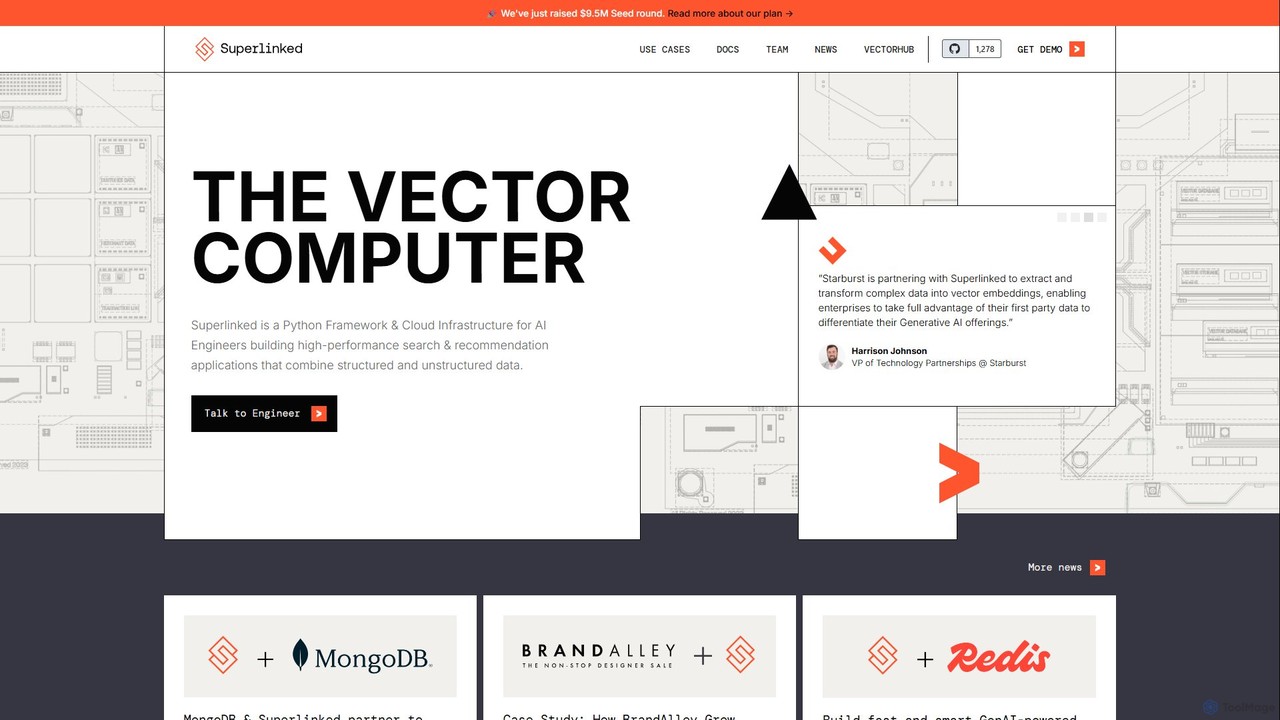
Superlinked
Superlinked is a Python framework and cloud infrastructure, known as The Vector Computer, designed for AI engineers. It enables the creation of high-performance search and recommendation applications by effectively combining structured and unstructured data into multi-modal vector embeddings.
Vector Search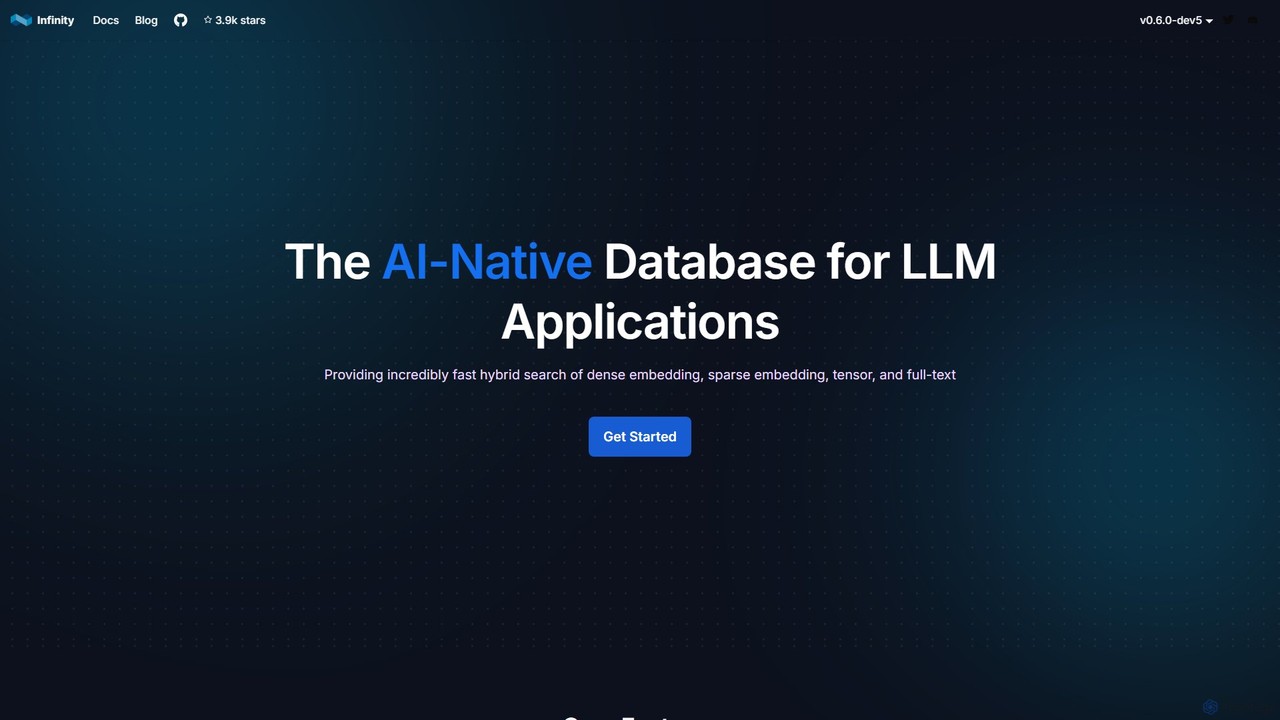
infiniflow
infiniflow is a high-performance, open-source, AI-native database specifically designed for LLM applications. It offers incredibly fast vector search, powerful hybrid search capabilities (vector, full-text, tensor), and simplified deployment. With an intuitive Python API, it's built to power demanding AI tasks like Retrieval-Augmented Generation (RAG) and semantic search with millisecond latency.
Vector Search
Pinecone
Pinecone is a high-performance, fully managed vector database designed for building knowledgeable AI applications at scale. It enables developers to implement advanced features like semantic search, retrieval-augmented generation (RAG), and personalized recommendations by efficiently storing and querying billions of vector embeddings in real-time.
Database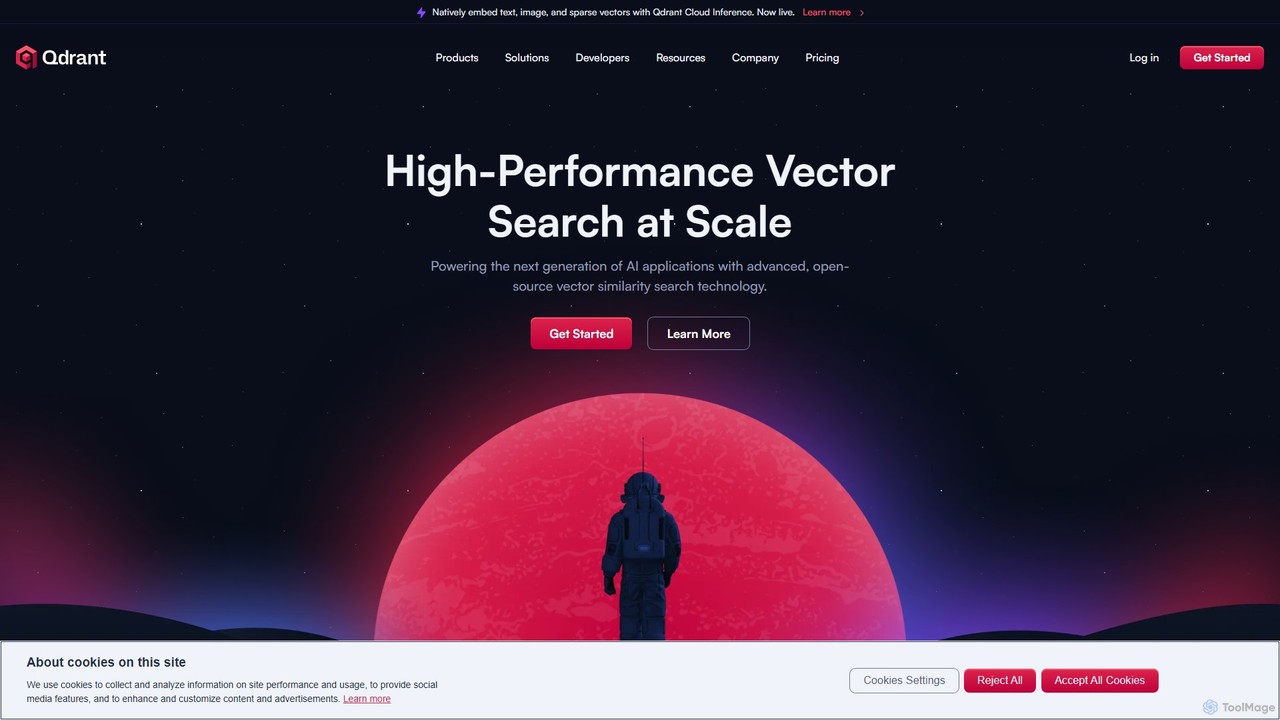
Qdrant
Qdrant is a high-performance, open-source vector database and similarity search engine built in Rust. It's designed to power next-generation AI applications by efficiently managing and searching billions of high-dimensional vectors. With advanced features like rich filtering, payload storage, and various quantization methods, Qdrant enables developers to build scalable and cost-effective solutions for semantic search, recommendation systems, and Retrieval Augmented Generation (RAG).
Vector Search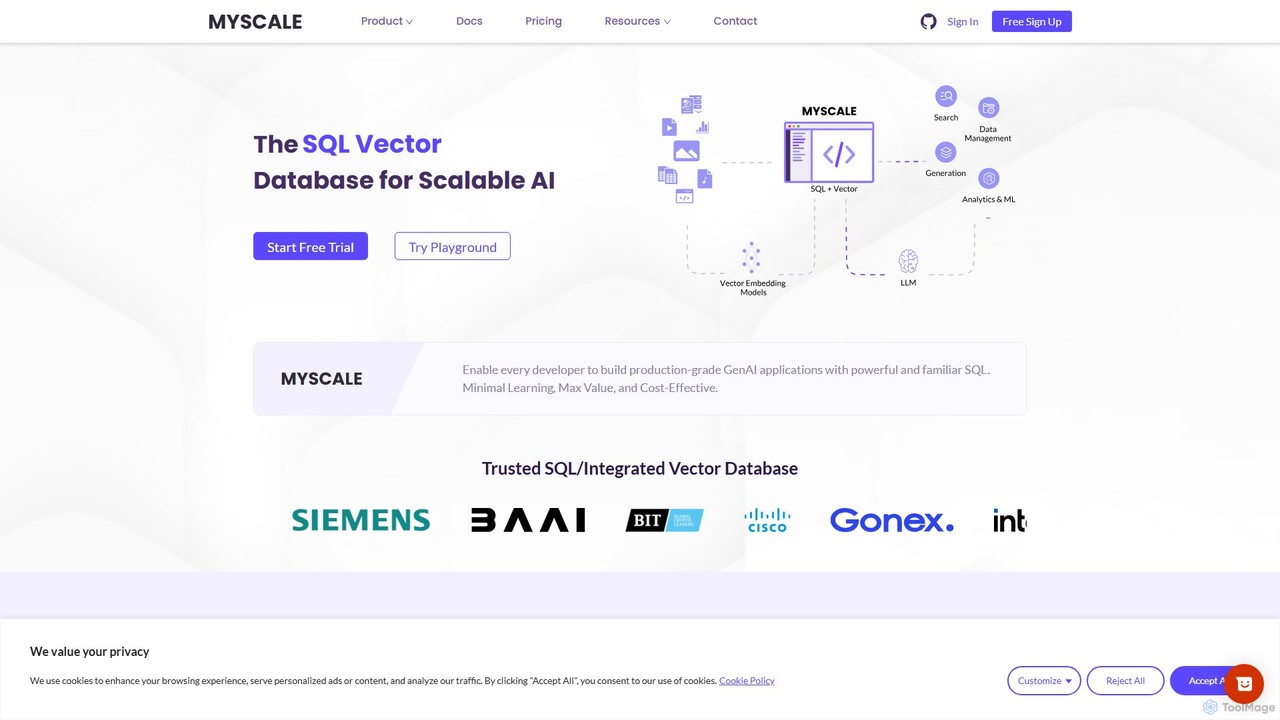
MyScale
MyScale is a high-performance vector database that uniquely combines vector search with the power of SQL. It's designed for building advanced AI applications like RAG, semantic search, and recommendation systems, simplifying the tech stack by allowing developers to run hybrid queries on vectors and structured data using a single, familiar interface.
Vector DatabaseSvectorDB Categories
SvectorDB Embed Widget
Copy this embed code to place the badge on your blog, article, or product site and send readers directly to this ToolMage detail page.

Related AI tools
Pinecone
Pinecone is a high-performance, fully managed vector database designed for building knowledgeable AI applications at scale. It enables developers to implement advanced features like semantic search, retrieval-augmented generation (RAG), and personalized recommendations by efficiently storing and querying billions of vector embeddings in real-time.
DatabaseQdrant
Qdrant is a high-performance, open-source vector database and similarity search engine built in Rust. It's designed to power next-generation AI applications by efficiently managing and searching billions of high-dimensional vectors. With advanced features like rich filtering, payload storage, and various quantization methods, Qdrant enables developers to build scalable and cost-effective solutions for semantic search, recommendation systems, and Retrieval Augmented Generation (RAG).
Vector SearchMyScale
MyScale is a high-performance vector database that uniquely combines vector search with the power of SQL. It's designed for building advanced AI applications like RAG, semantic search, and recommendation systems, simplifying the tech stack by allowing developers to run hybrid queries on vectors and structured data using a single, familiar interface.
Vector DatabaseSuperlinked
Superlinked is a Python framework and cloud infrastructure, known as The Vector Computer, designed for AI engineers. It enables the creation of high-performance search and recommendation applications by effectively combining structured and unstructured data into multi-modal vector embeddings.
Vector Searchinfiniflow
infiniflow is a high-performance, open-source, AI-native database specifically designed for LLM applications. It offers incredibly fast vector search, powerful hybrid search capabilities (vector, full-text, tensor), and simplified deployment. With an intuitive Python API, it's built to power demanding AI tasks like Retrieval-Augmented Generation (RAG) and semantic search with millisecond latency.
Vector Search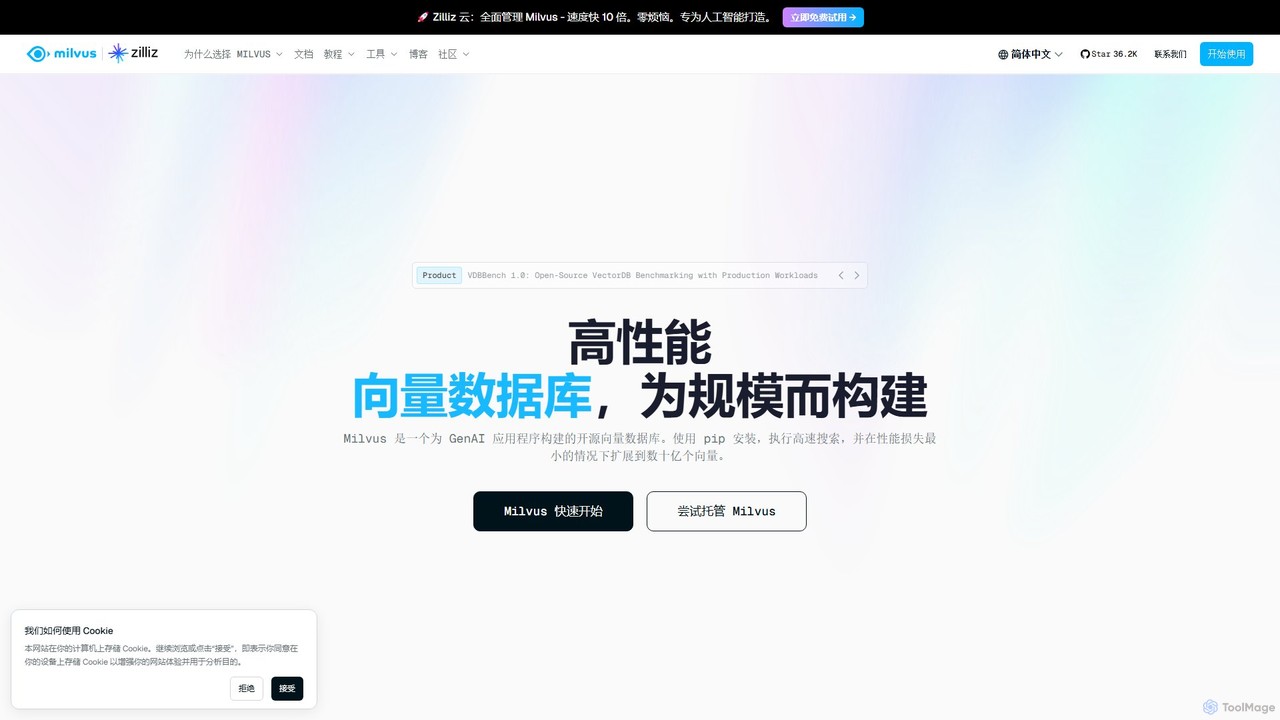
Milvus
Milvus is a high-performance, open-source vector database built for AI applications. It enables developers to manage and search through billions of high-dimensional vectors with minimal latency. Ideal for building scalable systems like retrieval-augmented generation (RAG), recommendation engines, and semantic search, Milvus offers flexible deployment options from local prototyping to large-scale distributed clusters.
Machine Learning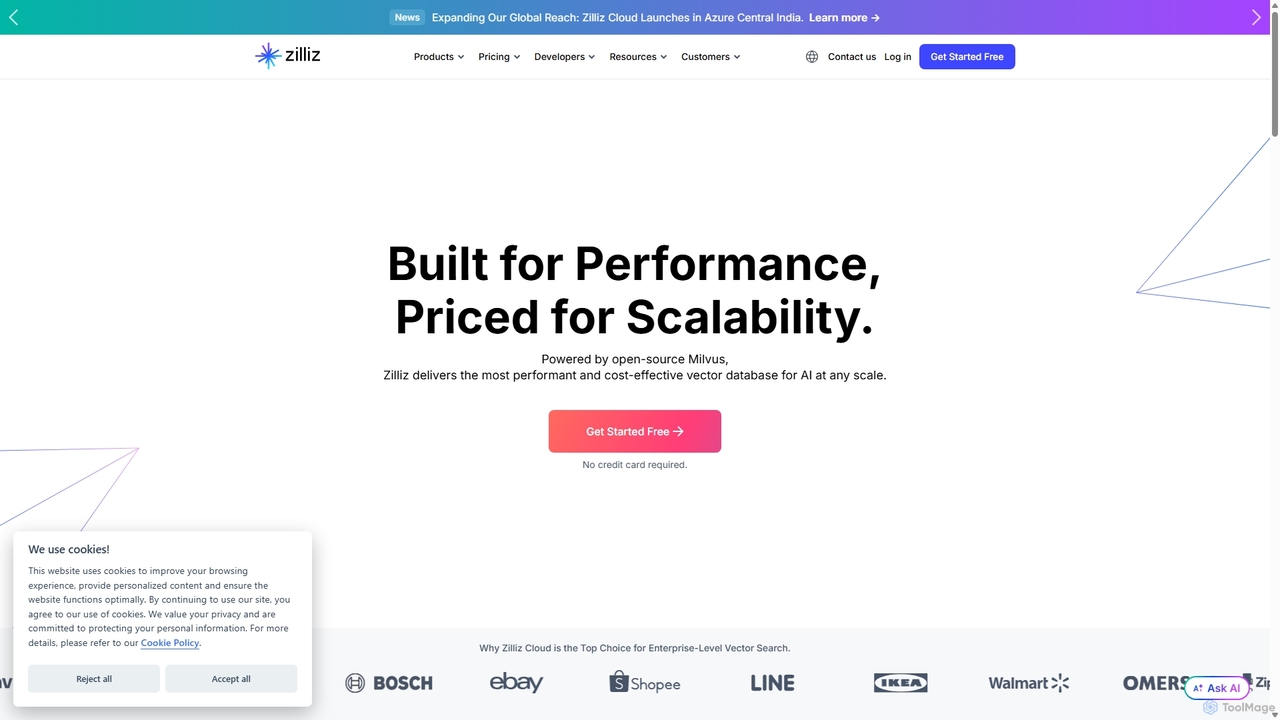
Zilliz
Zilliz is an enterprise-grade vector database built for scalable AI applications. Powered by the popular open-source project Milvus, it provides a high-performance, cost-effective, and fully-managed service (Zilliz Cloud) for storing, indexing, and searching billions of vector embeddings. It's designed to power applications like RAG, recommendation systems, and multimodal search, with seamless integrations into major AI frameworks and cloud platforms.
Machine Learning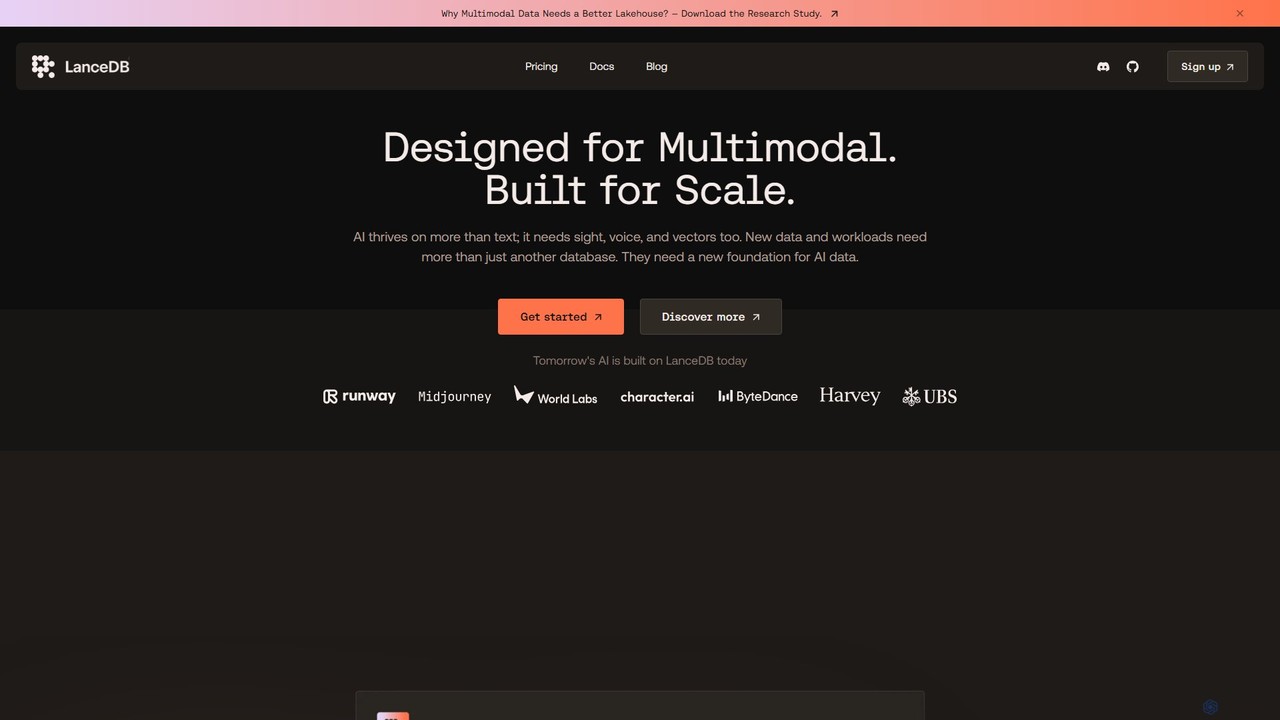
LanceDB
LanceDB is an open-source, AI-native multimodal lakehouse designed for building and scaling AI applications. It provides a unified platform for storing, searching, and managing complex data like text, images, voice, and vectors. Ideal for RAG, semantic search, and model training, LanceDB offers blazing-fast hybrid search, massive scalability to petabytes, and significant cost savings, making it a powerful foundation for enterprise-grade AI.
Vector Database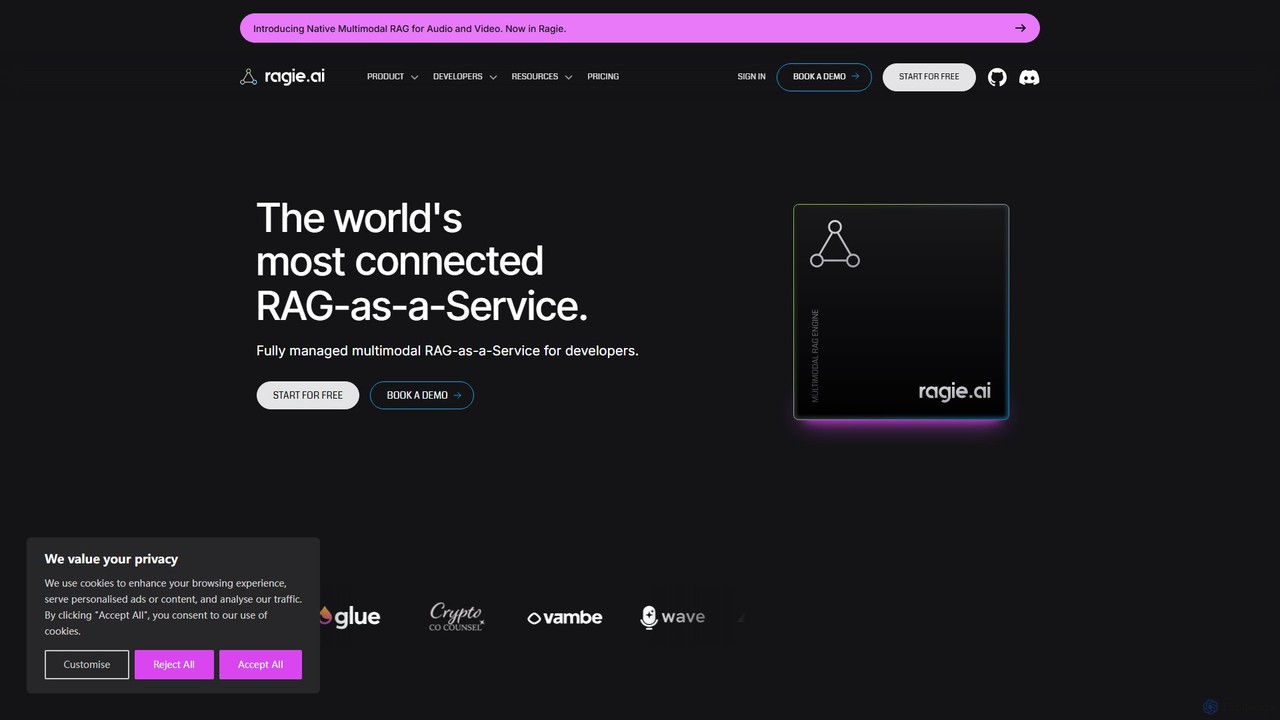
ragie
Ragie is a fully managed RAG-as-a-Service platform designed for developers. It simplifies the process of building and deploying AI applications by handling the entire Retrieval-Augmented Generation pipeline. Connect your data sources, and use a simple API to power accurate, context-aware chatbots, semantic search, and knowledge management systems without the complexity of managing infrastructure.
Machine Learning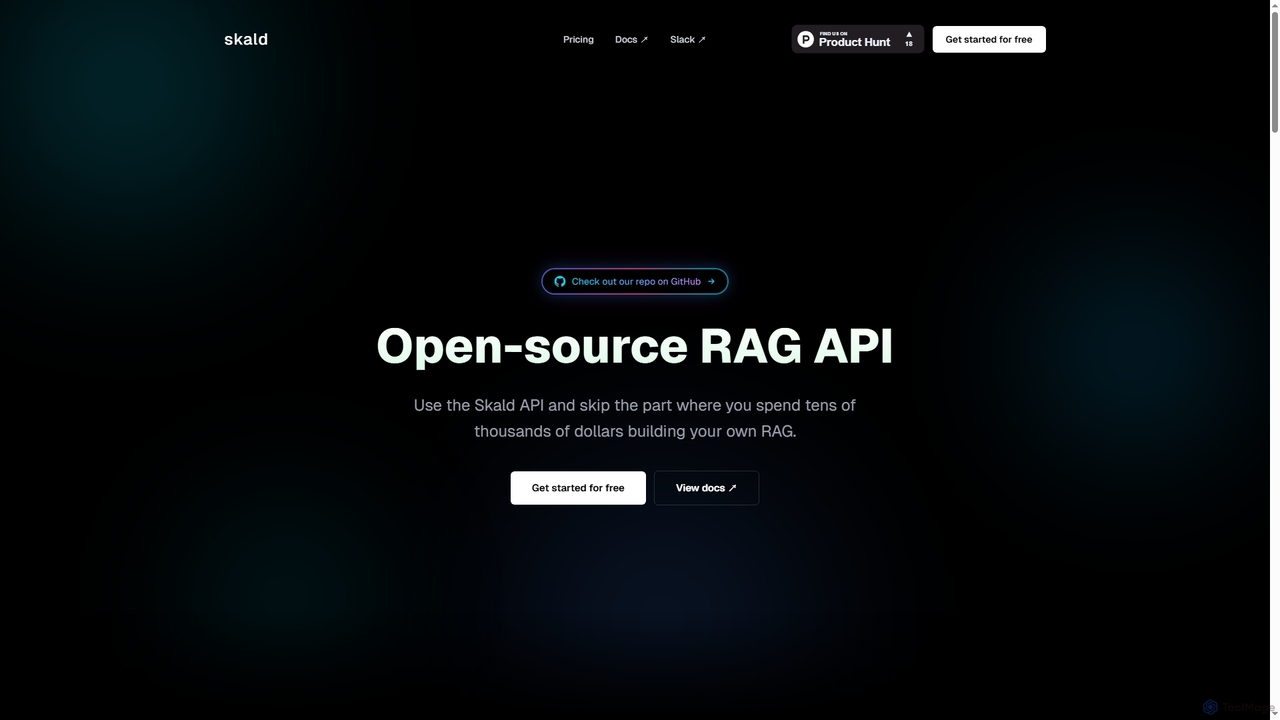
Skald
Skald is an open-source RAG API designed for developers to quickly build AI agents without the complexity of managing RAG infrastructure. It simplifies knowledge storage, context management, and semantic search, offering a powerful solution for integrating long-term memory into AI applications.
Rag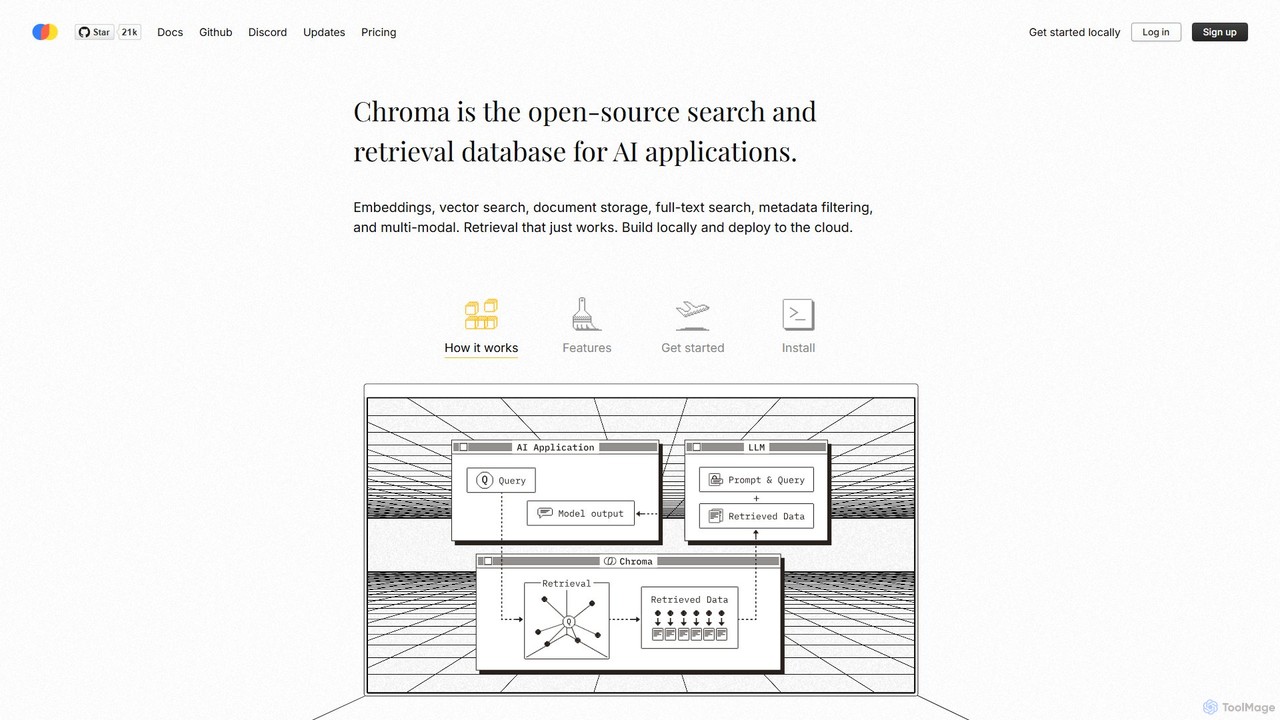
Chroma
Chroma is the open-source, AI-native retrieval database designed for building powerful AI applications with Retrieval-Augmented Generation (RAG). It simplifies storing and searching embeddings, documents, and metadata, offering vector search, full-text search, and a scalable, serverless cloud platform. It's built to be easy to use, cost-effective, and powerful, from local development to large-scale production.
Vector Database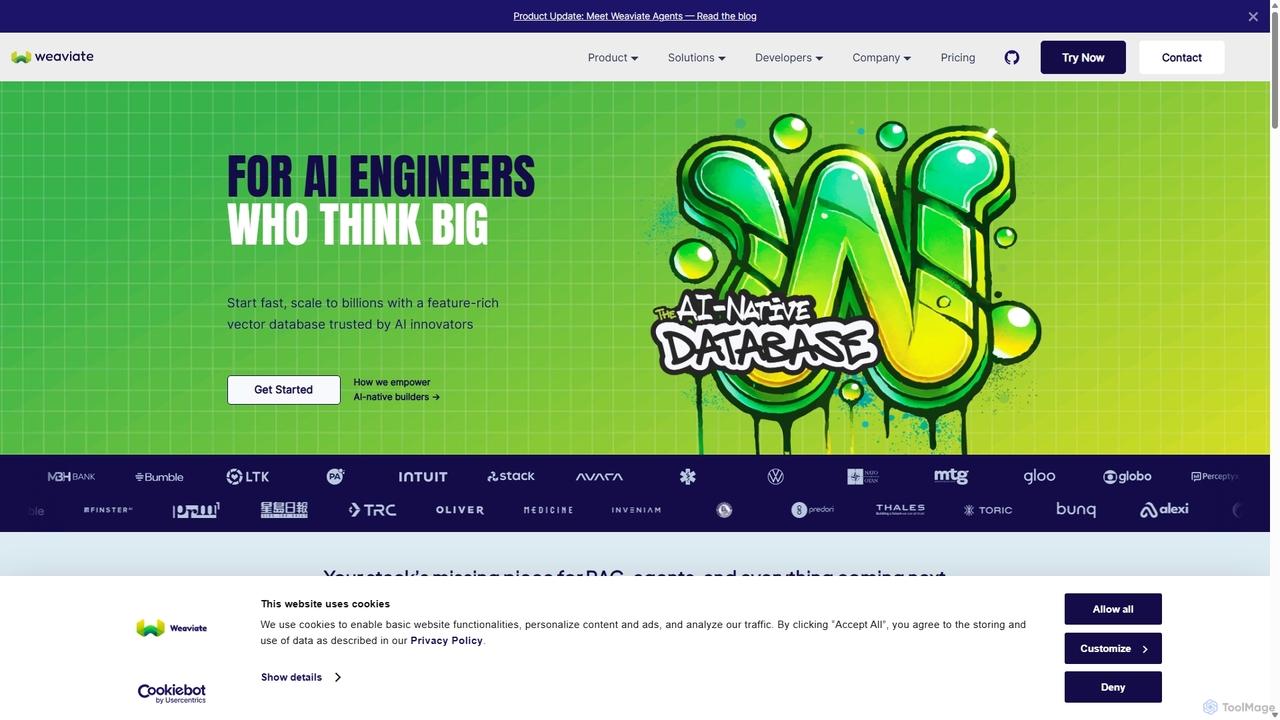
Weaviate
Weaviate is an open-source, AI-native vector database designed for developers. It enables scalable, low-latency vector, keyword, and hybrid search. Ideal for building AI applications like semantic search, recommendation engines, and Retrieval-Augmented Generation (RAG) systems, it integrates seamlessly with popular machine learning models to store and query data based on semantic meaning.
Vector Database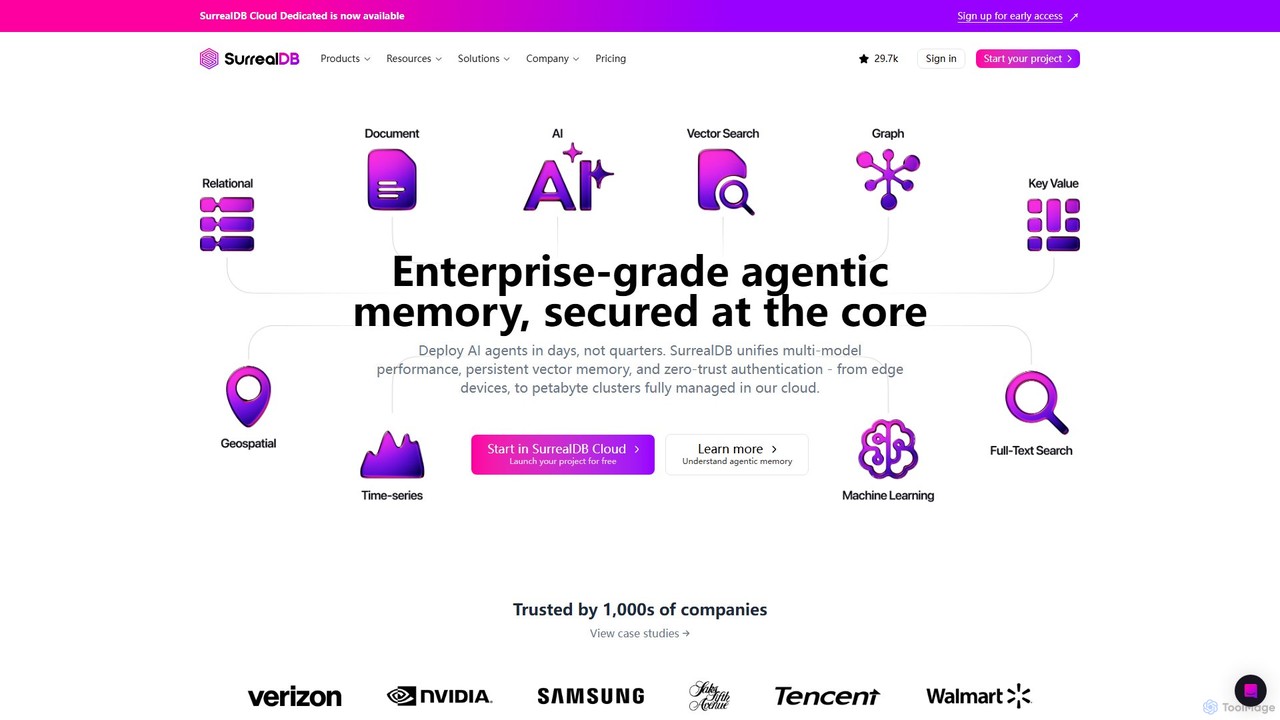
SurrealDB
SurrealDB is a next-generation, multi-model cloud database designed for modern applications. It simplifies backend development by unifying document, relational, graph, and time-series models with built-in full-text search, vector search, and in-database machine learning. Built for scalability and real-time data, it empowers developers to build complex, AI-powered applications with unprecedented ease and speed.
Vector Database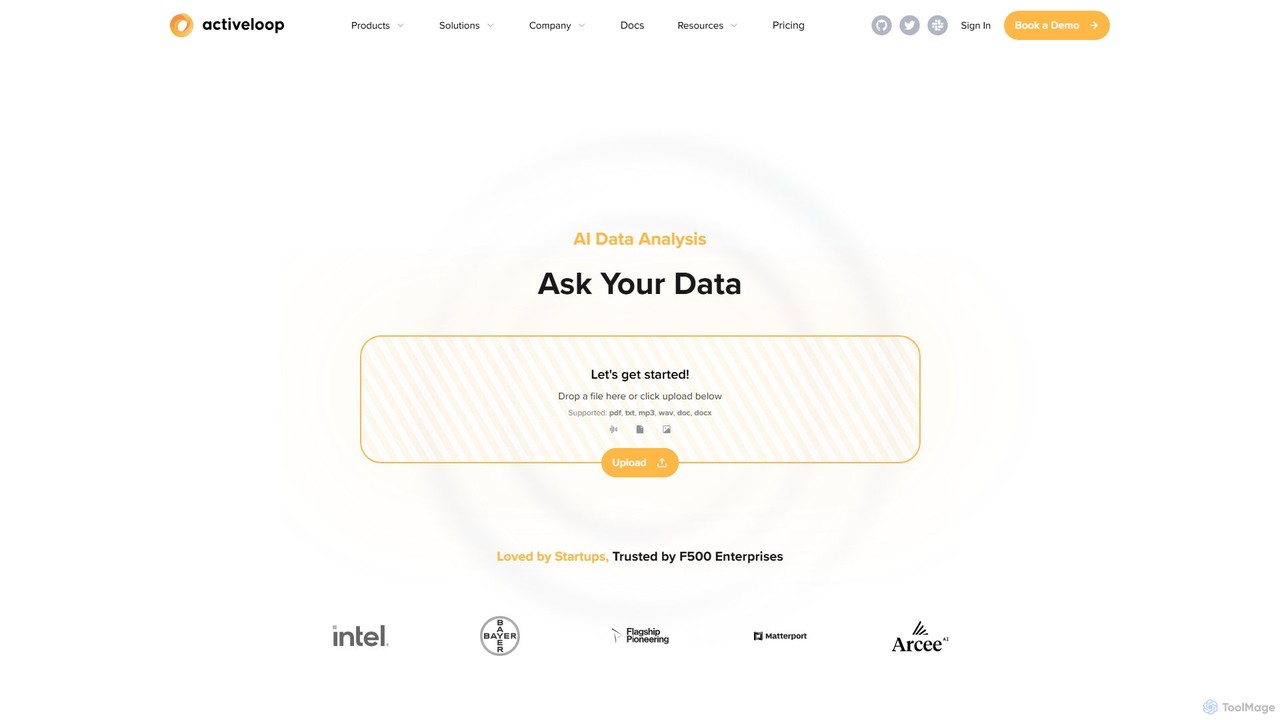
Activeloop
Activeloop provides Deep Lake, a specialized Database for AI, designed to manage, query, and stream large-scale multimodal datasets (text, images, audio, video) for building advanced AI applications. It simplifies complex data infrastructure, enabling developers to create powerful Retrieval-Augmented Generation (RAG) systems, semantic search engines, and intelligent AI agents with ease.
Data Management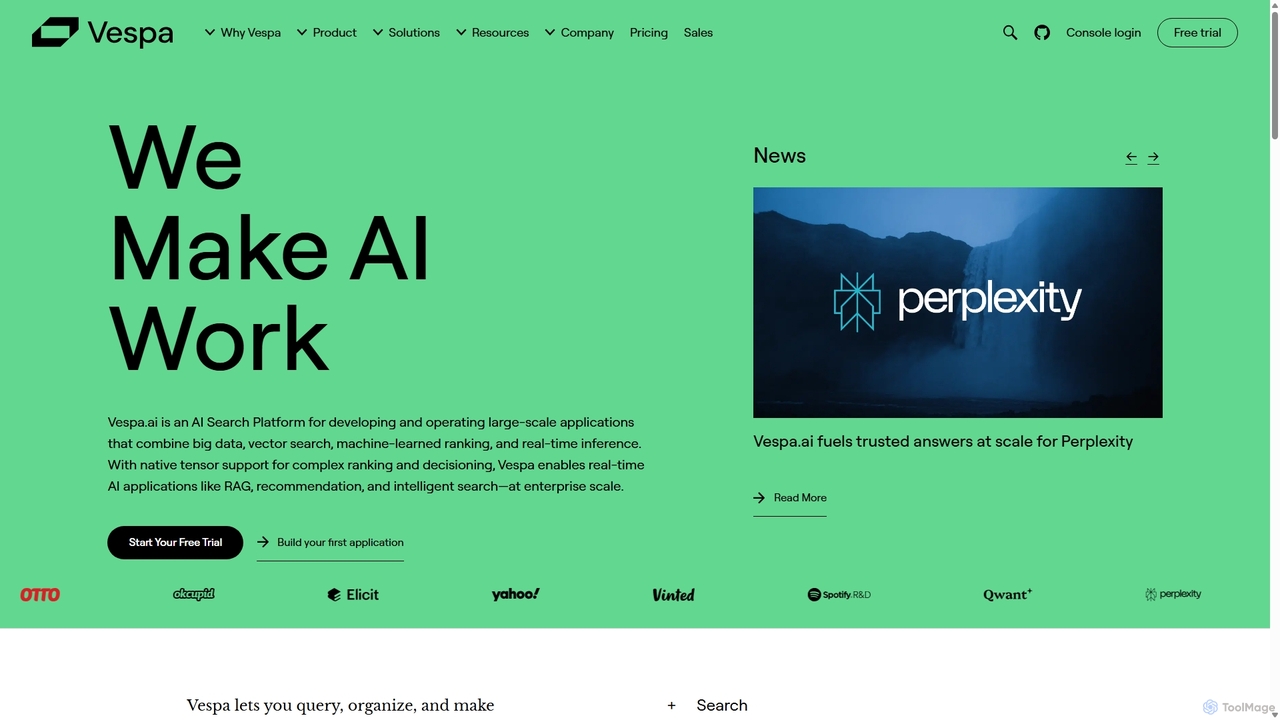
Vespa.ai
Vespa.ai is a high-performance AI search platform for building large-scale applications. It unifies vector search, text search, and machine-learned ranking to power advanced use cases like Retrieval-Augmented Generation (RAG), recommendation engines, and intelligent search. Designed for real-time inference and scalability, it's trusted by leading companies like Spotify and Perplexity to handle massive datasets with low latency.
Search
SvectorDB Comments (0)
Sign in to comment.
Sign inNo comments yet.