


Exalate Overview
Exalate is a sophisticated integration solution designed to facilitate seamless, real-time, two-way synchronization of data across disparate platforms, teams, and companies. It breaks down silos by allowing tools like Jira, ServiceNow, Zendesk, Salesforce, Azure DevOps, and GitHub to communicate effortlessly. Unlike simple automation apps, Exalate provides the depth and flexibility of a custom-built solution with the convenience of an off-the-shelf product. At its core is a powerful scripting engine that can handle any use case, from basic ticket syncing to the most intricate cross-company workflows, ensuring the integration bends to your specific needs.
The platform is enhanced with two distinct AI capabilities to streamline the integration process. 'AI Assist' acts as an expert co-pilot embedded within the Exalate console. It empowers users to generate complex synchronization scripts using simple natural language prompts, significantly lowering the technical barrier to creating custom integrations. Complementing this is 'Aida', an AI-powered documentation assistant that provides quick, contextual answers to questions about Exalate's features, setup, and best practices, simplifying the learning curve for new users.
How to use Exalate
Using Exalate involves a structured process to ensure a secure and reliable connection between your work management tools:
- Installation: Begin by installing the Exalate app on both platforms you wish to connect (e.g., install Exalate on your Jira instance and your partner's ServiceNow instance).
- Establish Connection: Initiate a connection from one side to the other. Exalate's decentralized architecture ensures each side maintains full control over its data and system access.
- Choose Sync Mode: Select between 'Visual Mode' for a guided, no-code setup for common scenarios, or 'Script Mode' for complete control and customization.
- Configure Sync Rules: In Script Mode, you define what data gets shared and how it's mapped between systems. This is where you can control everything from standard and custom fields to comments, attachments, and user data.
- Leverage AI Assist: When in Script Mode, simply type your integration requirements in natural language into the AI Assist prompt box. The AI will analyze your needs and existing configuration to generate the precise Groovy script required. You can then review, modify, and apply the script.
- Activate and Sync: Once your rules are configured, activate the synchronization. Exalate will begin syncing data in real-time based on your defined triggers and rules. You can also perform bulk operations to sync historical data.
Core Features of Exalate
- Two-Way Real-Time Synchronization: Data is kept up-to-date across connected systems automatically and instantly.
- Powerful Scripting Engine: Offers granular control to handle any complex integration logic, workflow orchestration, and custom mappings using Groovy scripts.
- AI Assist: An AI co-pilot that translates natural language prompts into ready-to-use synchronization scripts, simplifying complex setups.
- Aida AI Sidekick: An AI documentation assistant for instant answers and guidance on Exalate features and configuration.
- Decentralized Integration: Each side of the integration has its own independent control over what information is sent and received, enhancing security and autonomy.
- Broad Platform Support: Natively integrates with major platforms including Jira, ServiceNow, Salesforce, Zendesk, Azure DevOps, GitHub, Freshdesk, and more.
- High Security: Built with security at its core, featuring vulnerability scanning at every stage and ensuring data is protected in transit.
- Scalability: Designed to support enterprise-level synchronization loads, with options like the Booster Package for enhanced performance and resource allocation.
Use Cases for Exalate
Exalate is versatile and can be applied in numerous scenarios:
- Cross-Company Collaboration: A company can sync its Jira project with a supplier's Zendesk to seamlessly manage support tickets and development tasks without leaving their preferred environments.
- Internal Department Integration: A development team using Azure DevOps can sync work items with a customer support team using ServiceNow, ensuring clear communication and faster issue resolution.
- Service Desk Escalation: A first-level support team on Freshdesk can escalate complex issues to a second-level engineering team on Jira, with all comments, attachments, and status changes synced automatically.
- Sales and Support Alignment: Sync customer cases from Salesforce to a development backlog in Jira, giving sales teams visibility into issue resolution progress and developers the context they need.
Advantages of Exalate
Exalate offers significant advantages over basic automation tools and custom-built integrations. It provides the flexibility of a custom solution without the high cost and maintenance overhead. Key benefits include a 45x faster ticket resolution, a 95% reduction in license costs by allowing users to stay in their native tools, and a 50% reduction in manual ticket handling. Its robust security, enterprise-grade scalability, and AI-assisted setup make it a powerful, reliable, and accessible choice for any organization looking to achieve true integration without limits.
Pricing and Plans
Exalate operates on a freemium model with plans designed to scale with your business needs.
- Free Trial: A 30-day free trial of the Premium plan is available, allowing full access to features like Script Mode and unlimited syncs.
- Premium Plan: Ideal for professionals and teams with standard to advanced integration needs. It includes the scripting engine, unlimited connections, and the ability to sync custom fields. Pricing is available upon request.
- Enterprise Plan: Tailored for large organizations, this plan offers top-tier support with a dedicated engineer, enhanced cloud resources, custom service packages, and enterprise-level SLAs. Pricing is available by contacting the sales team.
- Support: Standard support is included with paid plans, with an option to purchase Priority Support for dedicated assistance and faster response times.
Traffic
Latest traffic
Status
Monthly traffic trend
- 2025-9: 52.0K
- 2026-1: 91.0K
- 2026-2: 40.1K
- 2026-3: 39.2K
- 2026-4: 53.4K
- 2026-5: 44.5K
Geography
Top 5 countries / regions
- 🇺🇸United States39.1%
- 🇮🇳India17.8%
- 🇩🇪Germany15.8%
- 🇷🇺Russia14.1%
- 🇻🇳Vietnam13.2%
Top keywords
| Keyword | Cost per click |
|---|---|
| exalate | $0.00 |
| exalate with elements connect jira cloud | $0.00 |
| exsalit | $0.00 |
| groovy programming tutorial | $0.00 |
| jira exalate | $0.00 |
Exalate Alternatives

mixus
mixus provides AI agents with built-in human oversight, enabling businesses to automate complex tasks without the risk of errors. Create custom agents in seconds using plain English or email, connect your existing business tools, and ensure quality and accuracy through a human-in-the-loop approval process.
Customer Support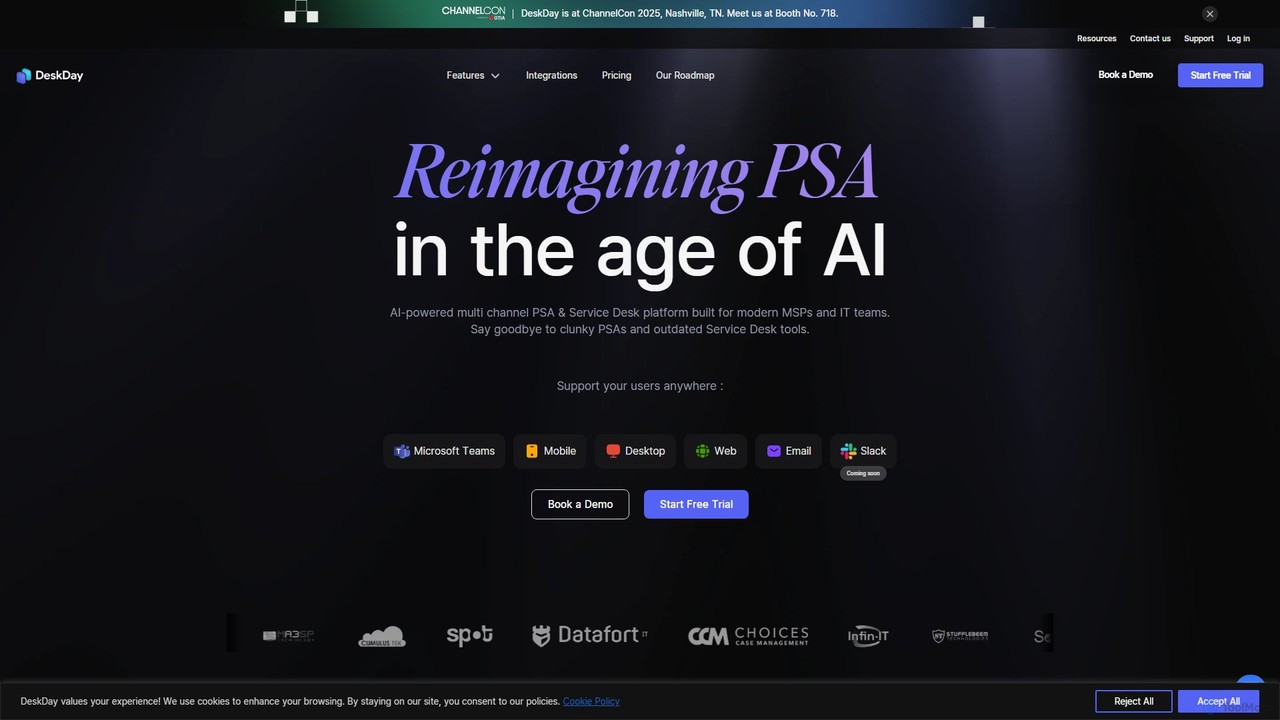
DeskDay
DeskDay is an AI-powered Professional Services Automation (PSA) and Service Desk platform designed for modern MSPs and IT teams. It streamlines IT support with multi-channel ticketing (Teams, email, mobile), a conversational service desk, no-code workflow automation, and an integrated AI assistant, Helena, to enhance technician productivity and user satisfaction.
Customer Support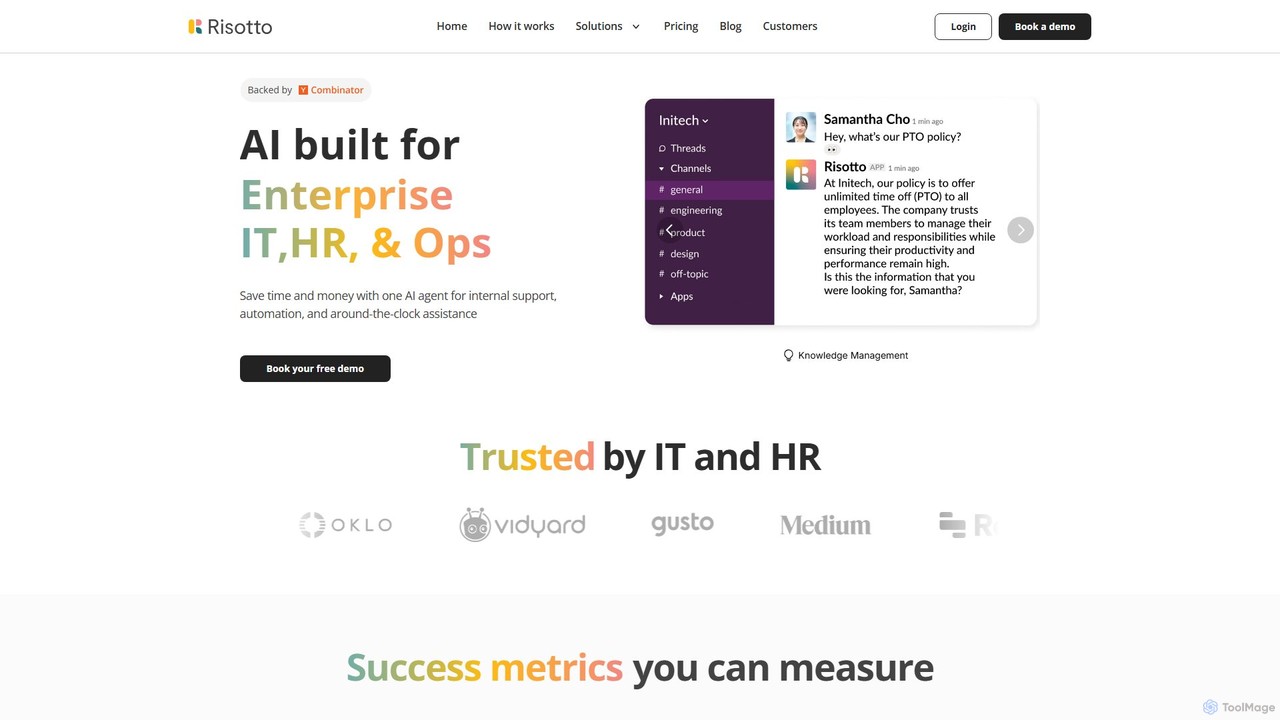
Risotto
Risotto is an AI-powered IT help desk automation platform built for Slack. It unifies support operations, automates Tier 1 ticket resolution, and streamlines identity and access management (IAM). By leveraging AI to learn from your knowledge base and past tickets, Risotto deflects common requests, provides 24/7 support, and accelerates employee onboarding, all within your existing Slack workspace.
Customer Support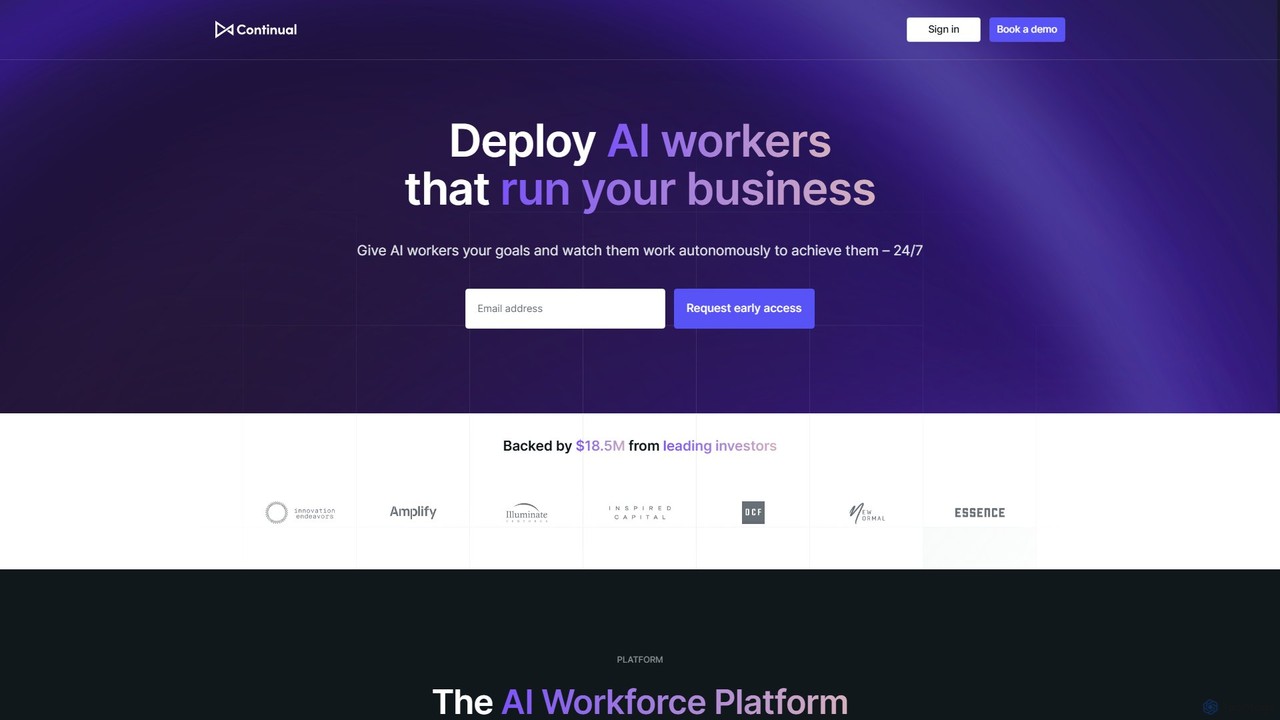
Continual
Continual is an enterprise-grade AI agent platform designed to build a collaborative AI workforce. It enables businesses to create, deploy, and manage intelligent agents that work alongside human teams to automate complex workflows, enhance productivity, and drive operational transformation across engineering, sales, and customer support.
Agent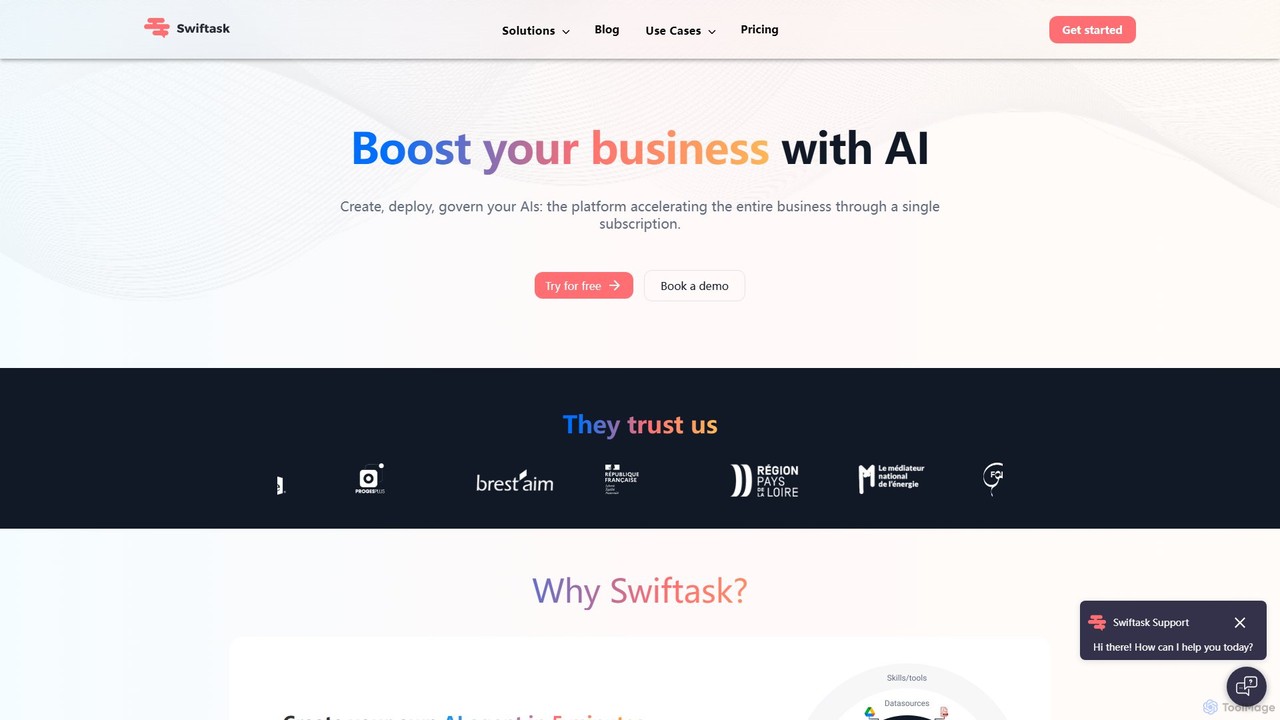
Swiftask
Swiftask is an all-in-one AI workspace designed for businesses to create, deploy, and govern custom AI agents without any coding. It integrates over 80 leading AI models, allowing teams to automate workflows, enhance productivity, and leverage company data securely through a single, cost-effective subscription.
No Code BuilderExalate Categories
Exalate Embed Widget
Copy this embed code to place the badge on your blog, article, or product site and send readers directly to this ToolMage detail page.

Related AI tools
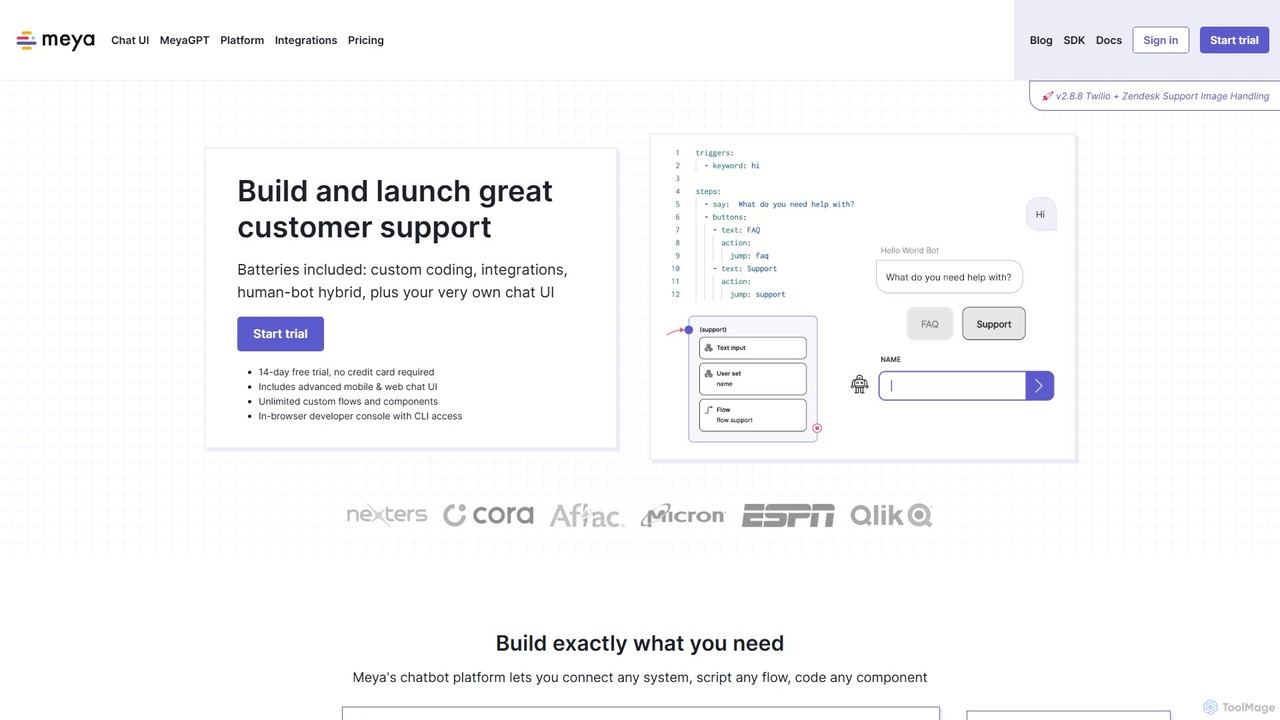
Meya
Meya is a developer-focused conversational AI platform for building, deploying, and managing sophisticated chatbots and virtual assistants. It combines a visual flow editor with powerful coding capabilities (Python, BFML) to create custom solutions for customer support, e-commerce, and workflow automation. Featuring MeyaGPT, it allows for rapid deployment of ChatGPT-powered bots, seamless integrations with CRMs and messaging apps, and a robust human-in-the-loop system.
Chatbot Builder
inweave
inweave is an AI integration platform designed for startups and developers, providing a unified interface to deploy and manage AI assistants. It allows users to choose from a wide range of models from top providers like OpenAI, Anthropic, and Groq, automating workflows through a simple chat interface or a powerful API. The platform emphasizes flexibility, scalability, and transparent pay-as-you-go pricing, eliminating vendor lock-in and simplifying AI integration.
Startup Tools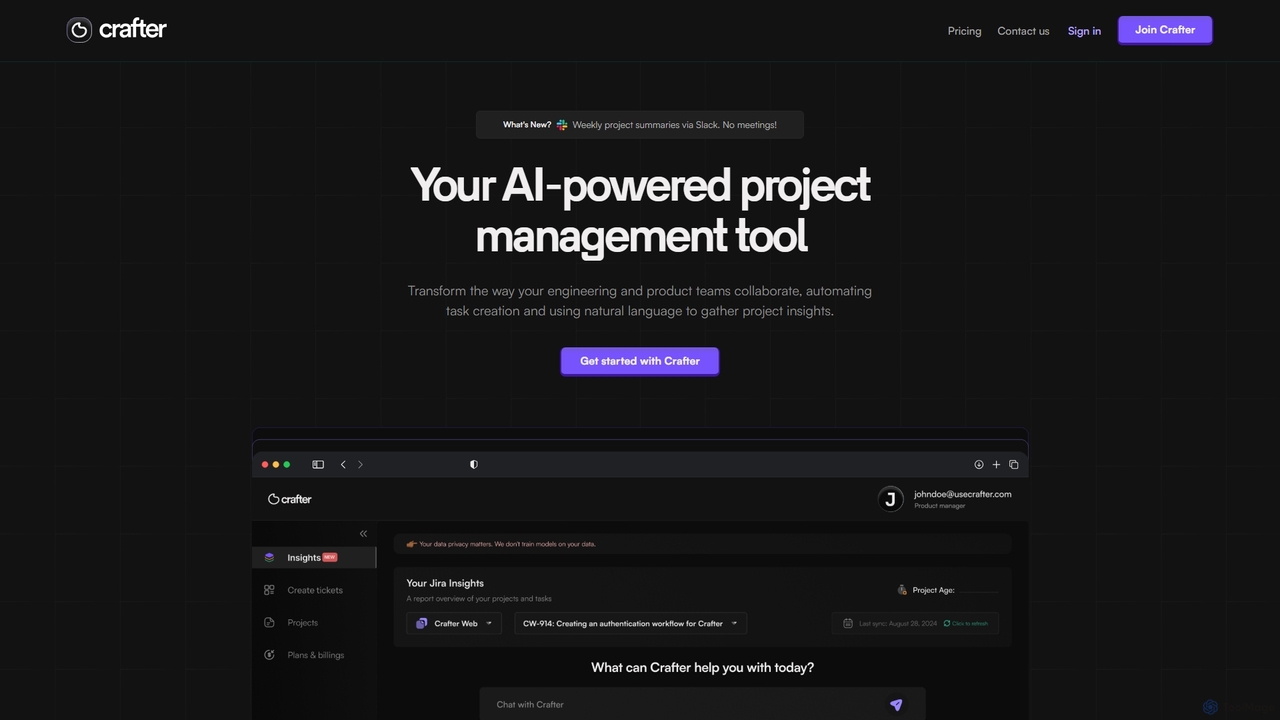
Crafter
Crafter is an AI-powered project management assistant for engineering and product teams. It automates Jira ticket creation from documents, provides real-time project insights, and features a smart chat assistant to streamline workflows, enhance collaboration, and keep projects on track.
Development
Cogsmith
An AI-first desktop assistant for developers and QA analysts, featuring a chat interface, browser automation, bug reproduction tracking, and a suite of pre-configured tools to enhance productivity with a 'buy once, keep forever' model.
Code Assistantmixus
mixus provides AI agents with built-in human oversight, enabling businesses to automate complex tasks without the risk of errors. Create custom agents in seconds using plain English or email, connect your existing business tools, and ensure quality and accuracy through a human-in-the-loop approval process.
Customer Support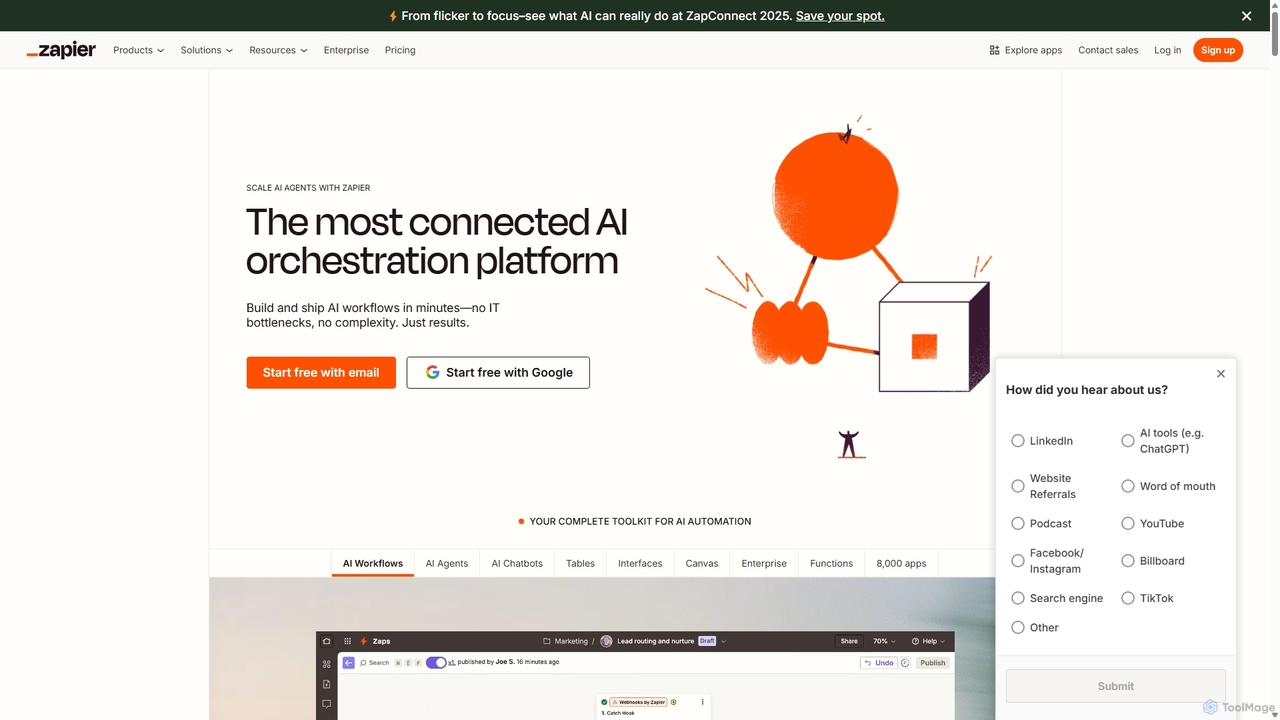
Zapier
Zapier is a leading no-code automation platform that empowers you to connect over 8,000 web apps. It now features a powerful AI toolkit, allowing you to build custom AI workflows, agents, and chatbots to automate tasks, streamline processes, and scale your business operations without writing a single line of code. From simple two-step integrations to complex, multi-step AI-powered workflows, Zapier makes automation accessible to everyone.
Ai Agent Builder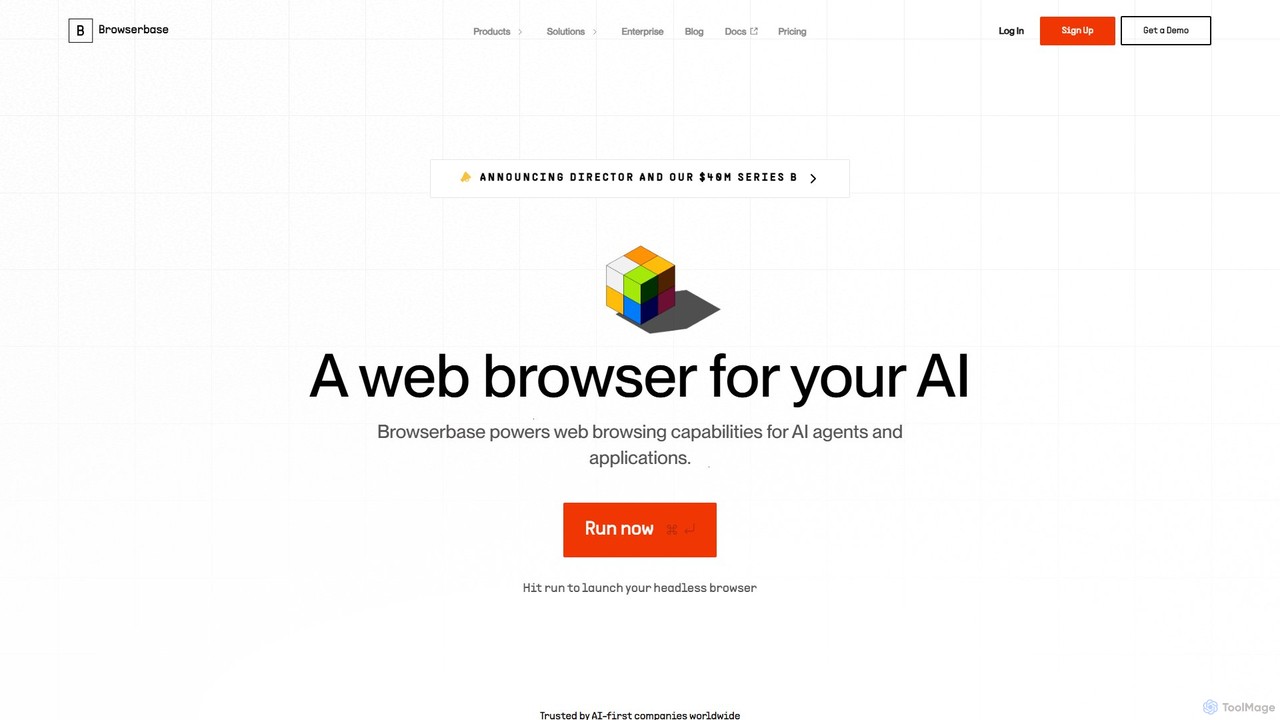
Browserbase
Browserbase provides a scalable cloud infrastructure for running and managing headless browsers. It's designed for developers to power AI agents, automate complex web workflows, and perform large-scale data scraping without managing the underlying infrastructure.
Web Scraping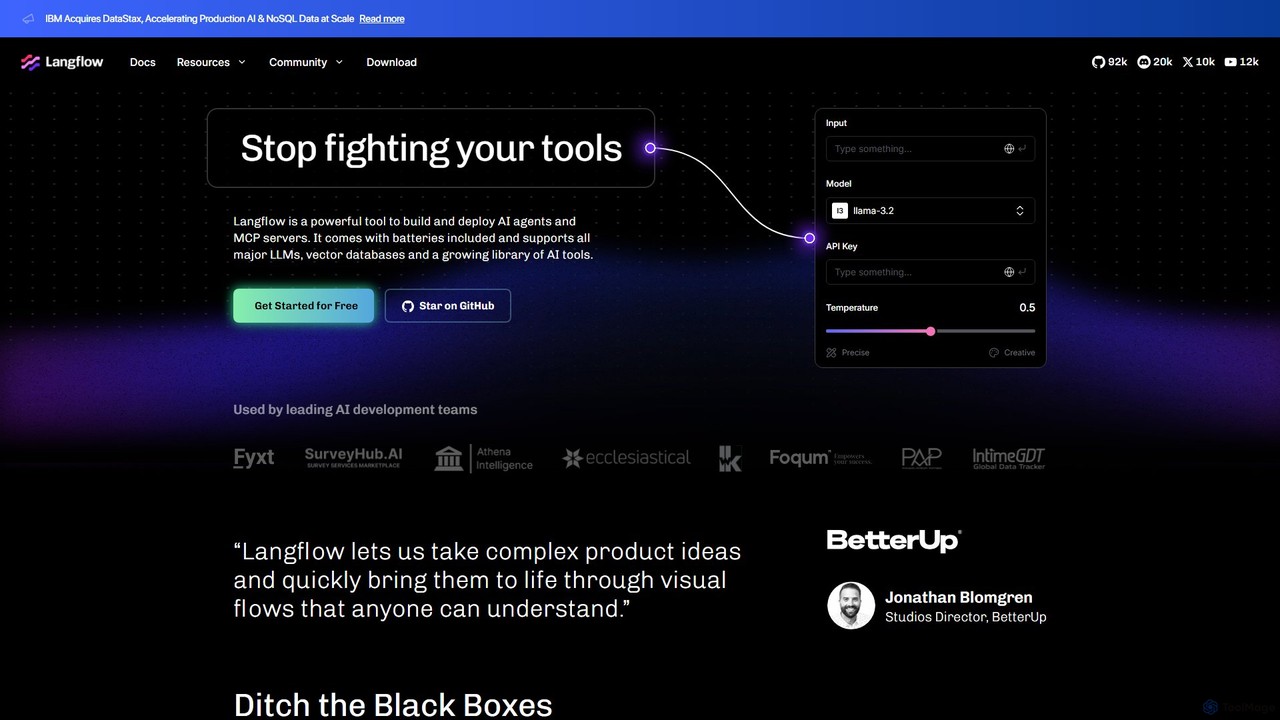
Langflow
Langflow is an open-source, visual UI for building and deploying AI applications. It features a drag-and-drop interface to chain LLMs, agents, and tools, enabling rapid prototyping and deployment of complex workflows like RAG and multi-agent systems. It supports extensive integrations and offers both self-hosted and cloud options.
Low Code No Code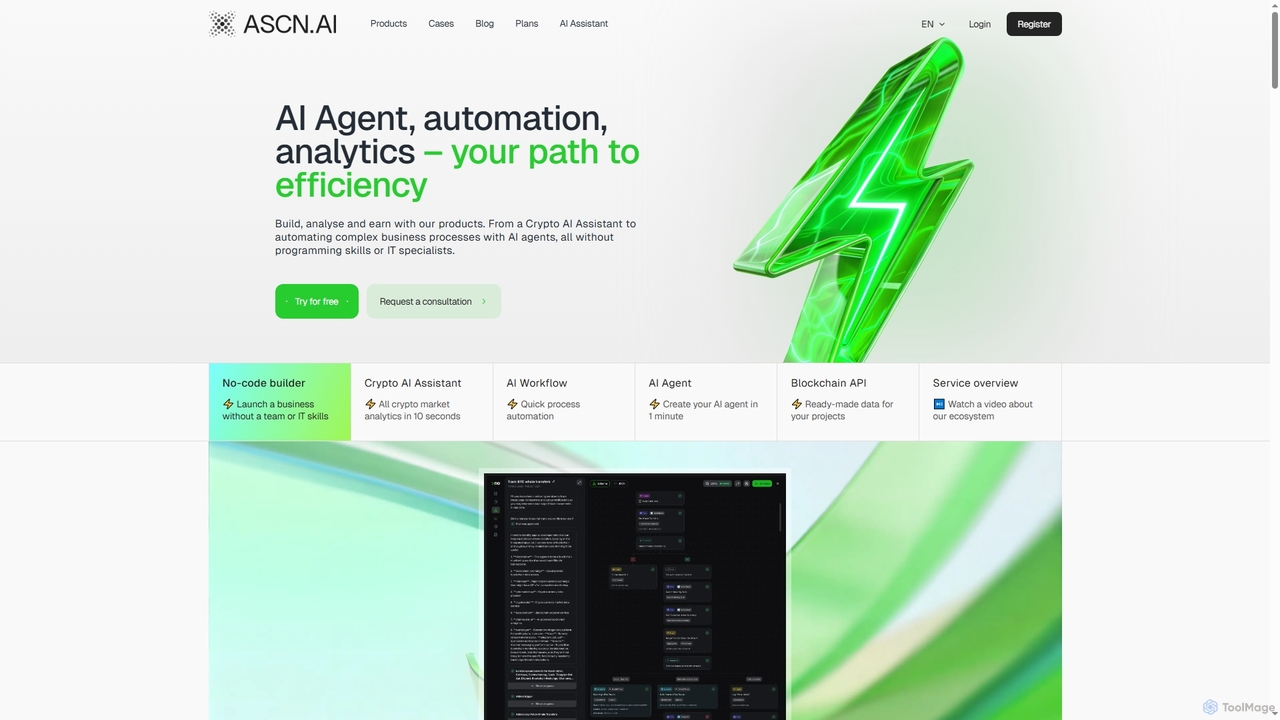
Ascn
Ascn is an all-in-one AI ecosystem designed for crypto enthusiasts and businesses, offering powerful tools for market analysis, workflow automation, and AI agent creation without requiring programming skills. It provides a personal AI assistant for crypto, no-code builders, and robust APIs to streamline operations and enhance decision-making in the blockchain space.
Market Intelligence
Alloy Automation
A powerful integration infrastructure for the AI era. Alloy Automation provides an agentic toolkit, embedded iPaaS, and a Connectivity API, enabling AI agents to take real-world actions and SaaS companies to rapidly build and scale product integrations.
Agent Tooling
Rattle
Rattle is an AI-powered sales execution platform that connects your CRM (like Salesforce) with communication tools (Slack & Teams). It automates workflows, ensures data hygiene, and streamlines deal execution, helping revenue teams improve efficiency, forecasting accuracy, and close deals faster.
Revenue Operations
scoutos
ScoutOS is an end-to-end platform for building, launching, and scaling custom AI solutions. It provides a comprehensive toolkit, including a no-code workflow builder, data ingestion, and multi-channel deployment options like website copilots and Slack bots. Ideal for developers and businesses looking to rapidly deploy and manage AI-powered applications for customer support, sales, marketing, and internal operations.
Ai Agent
Unify
Unify is a developer-centric LLMOps platform designed to simplify building, monitoring, and optimizing AI applications. It provides a universal API and a hackable framework for logging, evaluation, tracing, and managing AI agents, enabling developers to create custom workflows and interfaces with ease.
Llmops
Jyek
Jyek is an AI agent platform that understands objectives, creates execution plans, uses tools, and delivers verifiable results for complex, multi-step tasks.
Automation
Exalate Comments (0)
Sign in to comment.
Sign inNo comments yet.