

Layers Overview
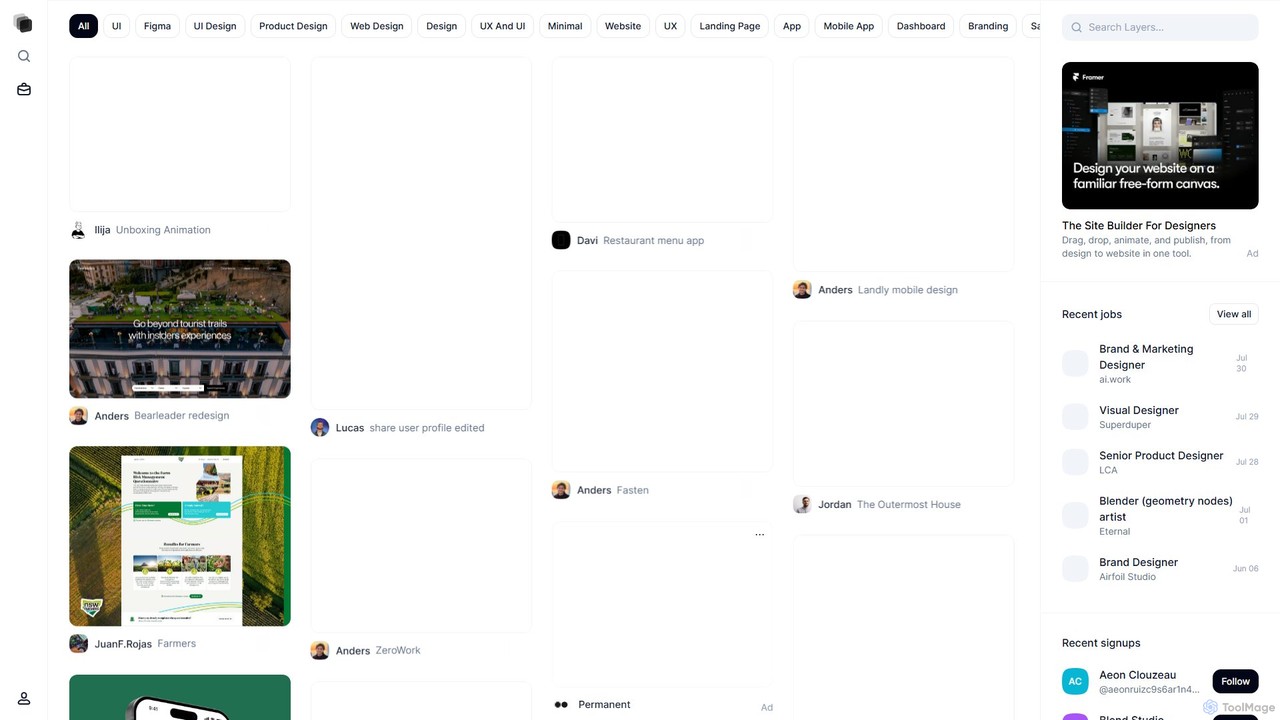
Layers is a premier online platform and community meticulously crafted for the modern digital designer. It serves as a dynamic ecosystem where UI/UX designers, product designers, web designers, and other creative professionals can build and showcase their portfolios, discover cutting-edge inspiration, and forge meaningful professional connections. Unlike generic portfolio websites, Layers is hyper-focused on the nuances of digital interface and experience design, creating a curated space that celebrates high-quality work and fosters collaboration.
The platform is built around a visually-driven 'Explore' feed, which acts as a constantly updated gallery of the best and brightest in design. From intricate mobile app interfaces and comprehensive SaaS dashboards to stunning branding projects and fluid animations, Layers is a treasure trove of inspiration. It highlights not just the final product but also the creative minds behind them, allowing users to follow their favorite designers and stay abreast of emerging trends, including the integration of AI in design workflows.
How to use Layers
Getting started with Layers is a straightforward and intuitive process designed to get you showcasing your work and connecting with the community quickly:
- Create Your Free Account: Sign up easily using your Google account or email address to join the Layers community.
- Build Your Professional Profile: Customize your profile to reflect your personal brand. Add your bio, skills, location, and links to your other professional networks. This profile acts as your digital resume and creative identity on the platform.
- Upload and Showcase Your Work: This is the core of the Layers experience. Upload your design projects, whether they are UI kits from Figma, detailed case studies, web design mockups, or logo animations. Use descriptive titles and tags to ensure your work is discoverable.
- Explore and Get Inspired: Dive into the 'Explore' page to browse thousands of projects from designers around the world. Filter by categories like 'Web Design', 'Mobile App', 'Branding', or 'Animation' to find exactly what you're looking for.
- Engage with the Community: Don't just be a passive observer. Follow designers you admire, 'Like' projects that inspire you, and leave thoughtful comments to start conversations. Networking is key to growth and opportunity.
- Find Career Opportunities: Keep an eye on the 'Recent jobs' section, where companies and studios post openings for roles like Brand Designer, Product Designer, and Visual Designer.
Core Features of Layers
- Professional Portfolio Hosting: A clean, elegant, and customizable space to host your design portfolio, making your work shine without distractions.
- Curated Inspiration Feed: An 'Explore' section featuring a high-quality, curated stream of design projects, ensuring you're always seeing inspiring and relevant content.
- Community and Networking Hub: Follow, message, and interact with a global community of designers, fostering collaboration, feedback, and professional relationships.
- Integrated Job Board: A dedicated section for design-related job postings, connecting talented designers directly with hiring companies.
- Rich Project Display: Supports a wide range of design assets, including static images, GIFs, animations, and likely integrations with tools like Figma to showcase interactive prototypes.
- AI-Enhanced Discovery (Inferred): The platform likely uses smart algorithms to personalize your feed, suggesting designers and projects that match your style and interests, making inspiration more targeted and efficient.
Use Cases for Layers
Layers is a versatile platform that caters to various professionals within the design industry:
- Freelance Designers: Create a compelling portfolio to attract new clients, showcase expertise in specific niches (e.g., SaaS dashboards, mobile e-commerce), and network for collaborative projects.
- In-House Design Teams: Establish a team profile to showcase the company's design prowess, attract top talent, and share design system components or successful projects.
- Design Students and Graduates: Build their first professional portfolio, learn from the work of seasoned professionals, and find their first job or internship in the industry.
- Recruiters and Hiring Managers: A prime destination for sourcing high-quality design talent. They can easily browse portfolios, assess skills, and connect with potential candidates.
- Creative Agencies: Showcase their agency's best work, build their brand within the design community, and attract new business.
Advantages of Layers
Layers stands out from other portfolio platforms due to several key advantages:
- Niche Focus: By concentrating on UI/UX and product design, Layers provides a highly relevant experience, free from the noise of unrelated creative fields.
- Emphasis on Quality: The platform's curation and community standards encourage the sharing of high-quality, professional-grade work.
- Modern and Clean UI: The website itself is a testament to good design principles, offering a user-friendly and aesthetically pleasing experience.
- Direct Access to Opportunities: The integrated job board streamlines the process of finding and applying for design roles.
- Strong Community Aspect: It's more than just a gallery; it's a place to connect, learn, and grow alongside peers and industry leaders.
Pricing and Plans
Layers operates on a freemium model. As indicated on the 'Join' page, users can create a free account to get started. This free plan allows you to build a profile, upload your projects, and engage with the community. While specific details on paid tiers are not publicly listed, it is common for such platforms to offer premium plans (for individuals, teams, or agencies) that include advanced features like private portfolios, enhanced analytics, more project storage, and increased visibility in search results and on the job board.
Traffic
Latest traffic
Status
Monthly traffic trend
- 2026-1: 163.8K
- 2026-2: 143.7K
- 2026-3: 171.5K
- 2026-4: 145.5K
- 2026-5: 165.6K
Geography
Top 5 countries / regions
- 🇮🇳India28.6%
- 🇺🇸United States23.1%
- 🇮🇩Indonesia17.1%
- 🇸🇬Singapore16.7%
- 🇰🇭Cambodia14.5%
Traffic sources
| Source type | Percentage |
|---|---|
Direct | 78.6% |
Referral | 19.6% |
Email | 1.8% |
Top keywords
| Keyword | Cost per click |
|---|---|
| kanban ui ux | $0.00 |
| layers | $0.41 |
| square face generator | $0.39 |
| stress aware ui | $0.00 |
| tomolingo | $0.00 |
Layers Videos on YouTube


Mozart AI


DataMindAI with Ahmed

Selim Abouleila

Layers Alternatives
Remo
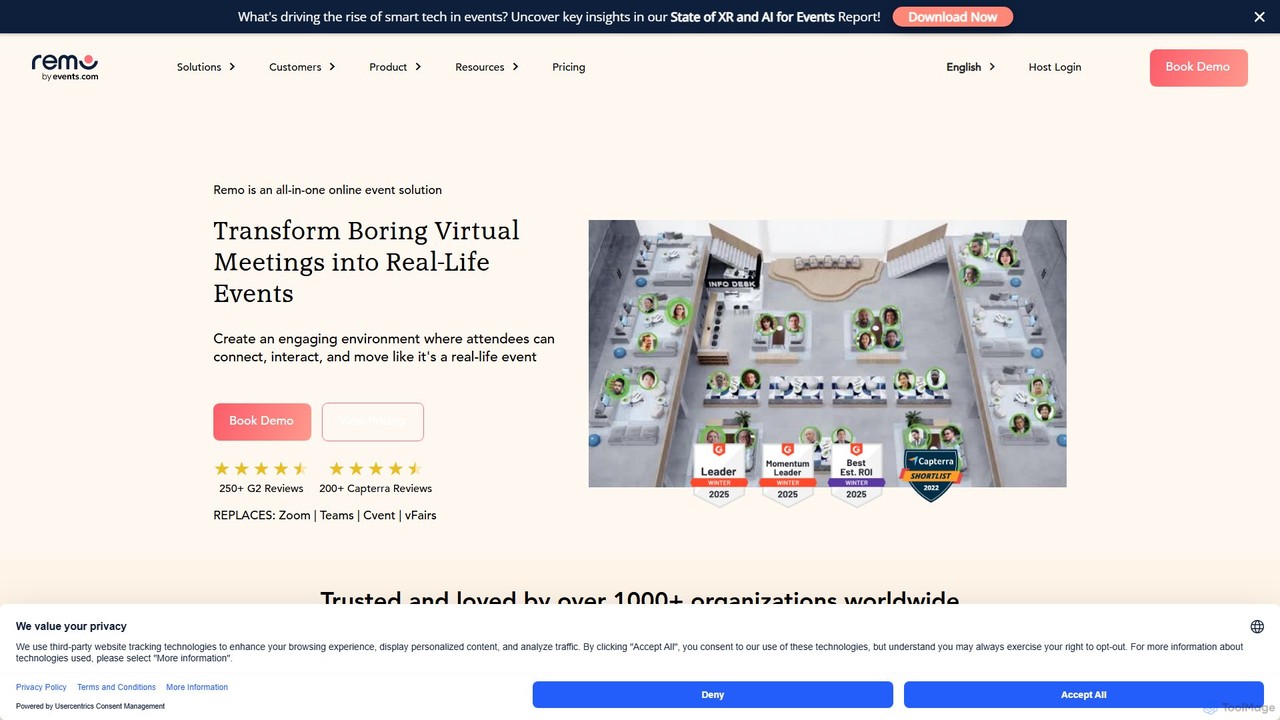
Remo is an all-in-one virtual event platform designed to create immersive and engaging online experiences. It replaces traditional video meetings with interactive 3D floor plans where attendees can network freely at virtual tables. Ideal for conferences, webinars, and trade shows, Remo boosts engagement and fosters genuine connections, making virtual events feel as dynamic as in-person gatherings.
Networking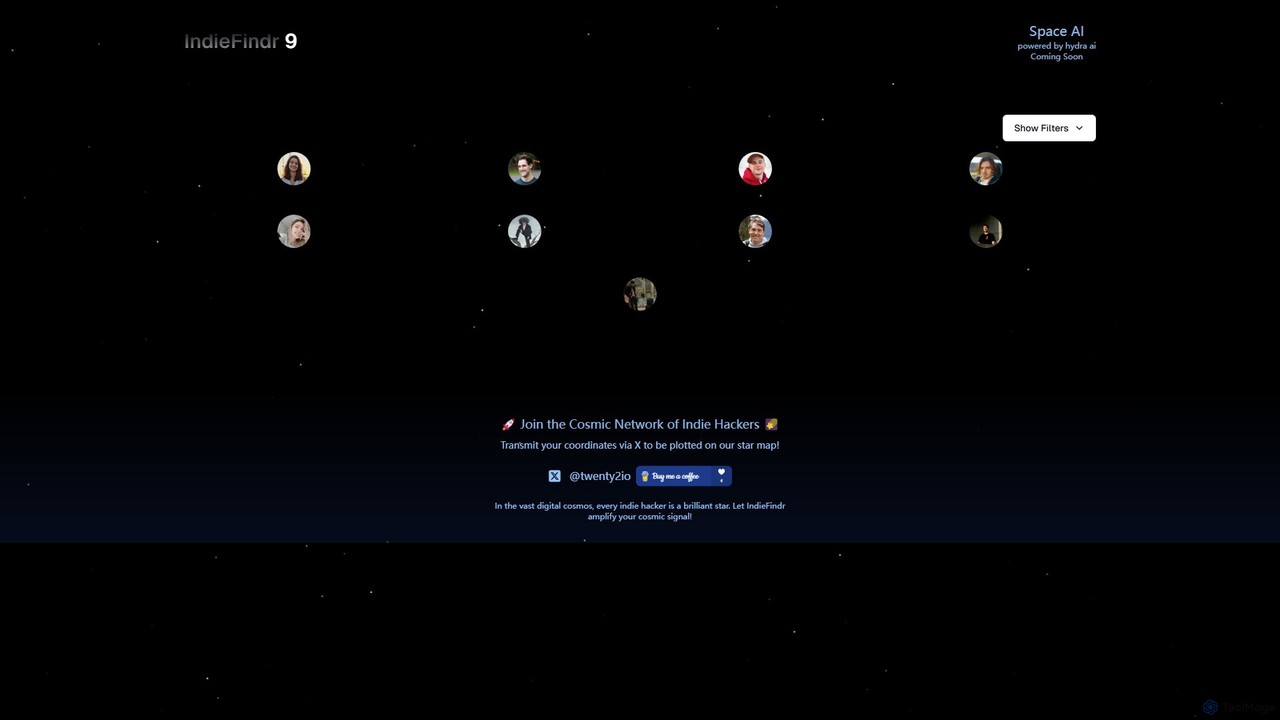
indiefindr
indiefindr is a visual discovery platform that maps the global indie hacker community onto an interactive cosmic star map. By connecting your X (Twitter) account, you can plant your star, increase your visibility, and explore a network of talented founders, developers, and makers from around the world.
Networking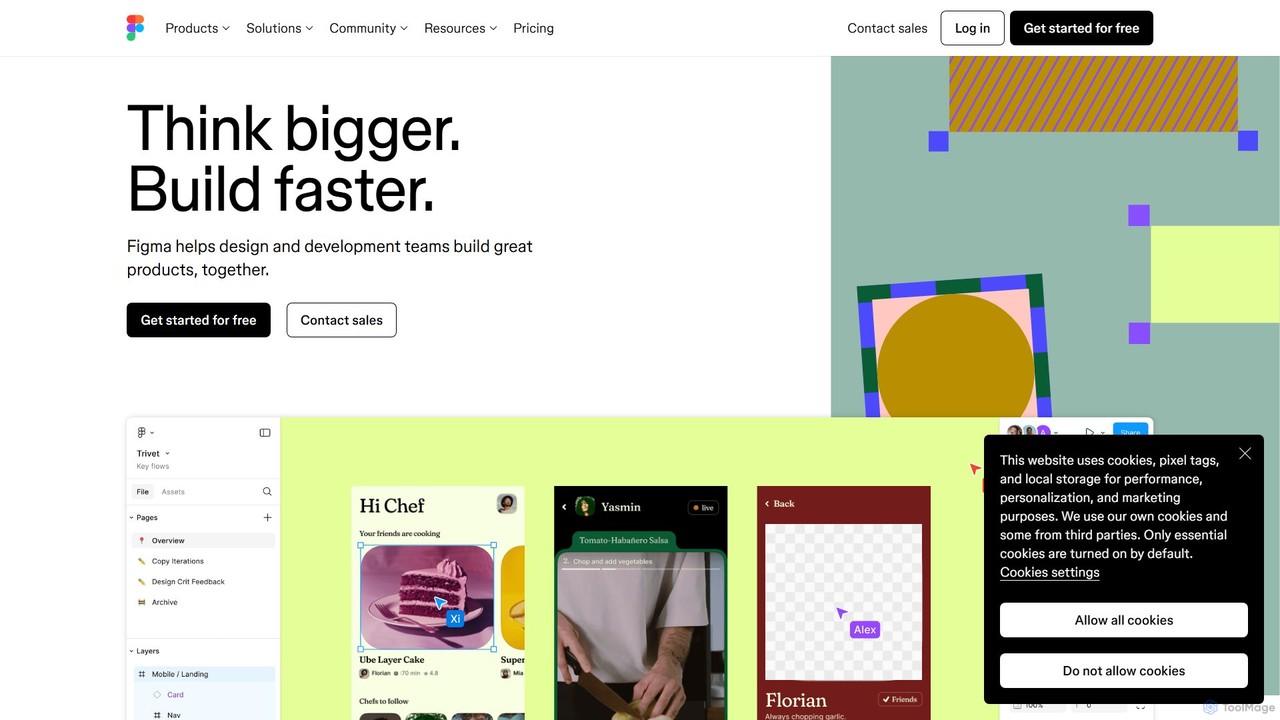
Figma
Figma is a leading collaborative interface design platform that allows teams to design, prototype, and gather feedback in one place. Powered by AI, it accelerates workflows from brainstorming in FigJam to creating high-fidelity designs and handing off to developers with Dev Mode, unifying the entire product development process.
Ui Ux Design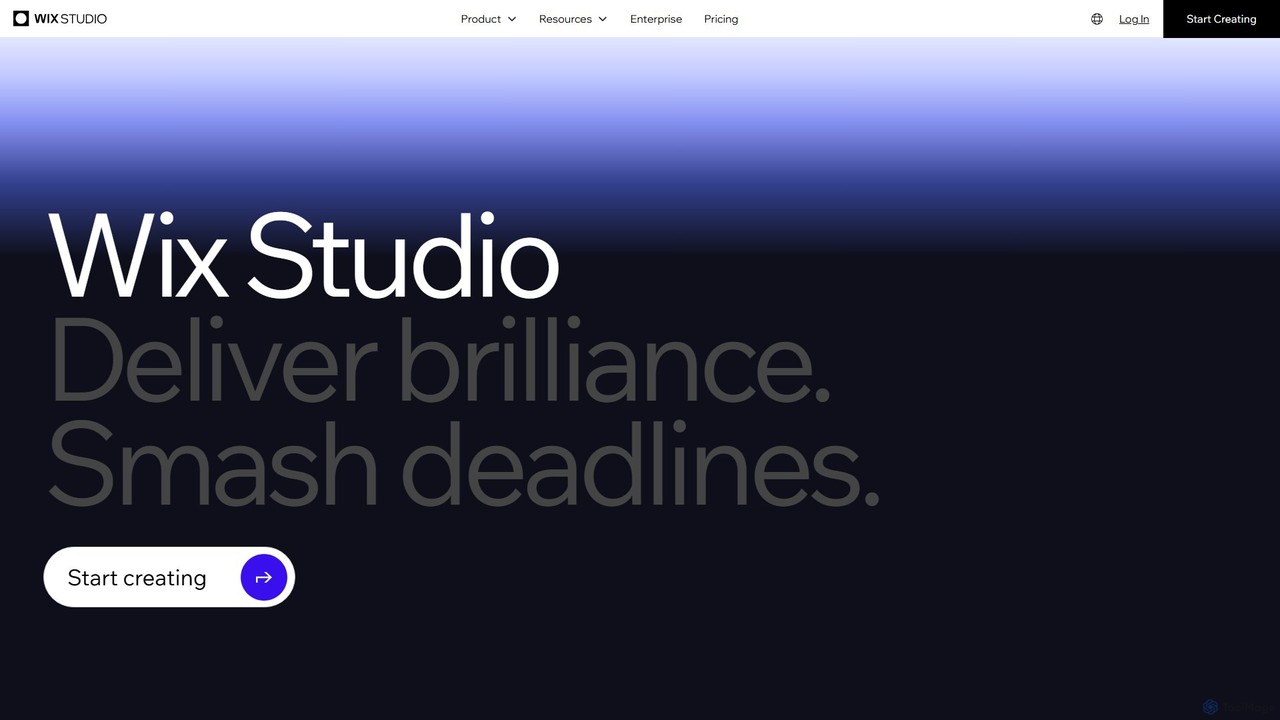
Wix Studio
Wix Studio is an advanced, flexible web creation platform designed for agencies, freelancers, and enterprises. It combines a sophisticated visual design canvas with responsive AI, no-code animations, and custom CSS capabilities. The platform also includes a full-stack development environment (Velo), integrated business solutions, and robust tools for team collaboration and client management, all built on secure, scalable infrastructure.
No Code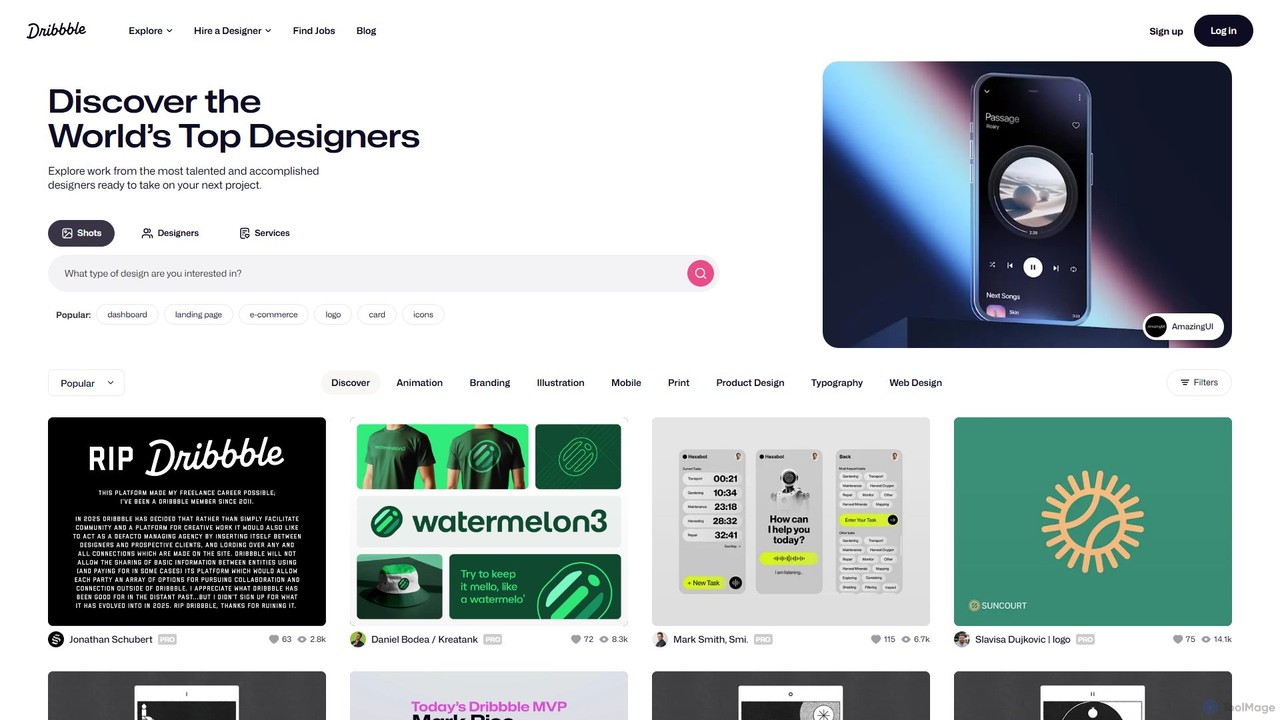
Dribbble
Dribbble is the leading online community for creative professionals and designers worldwide. It serves as a portfolio platform, a source of inspiration, and a marketplace where designers can showcase their work, connect with peers, and find job opportunities. From UI/UX and branding to illustration and animation, Dribbble is the go-to destination for discovering top design talent and creative work.
Social NetworkLayers Categories
Layers Embed Widget
Copy this embed code to place the badge on your blog, article, or product site and send readers directly to this ToolMage detail page.

Related AI tools
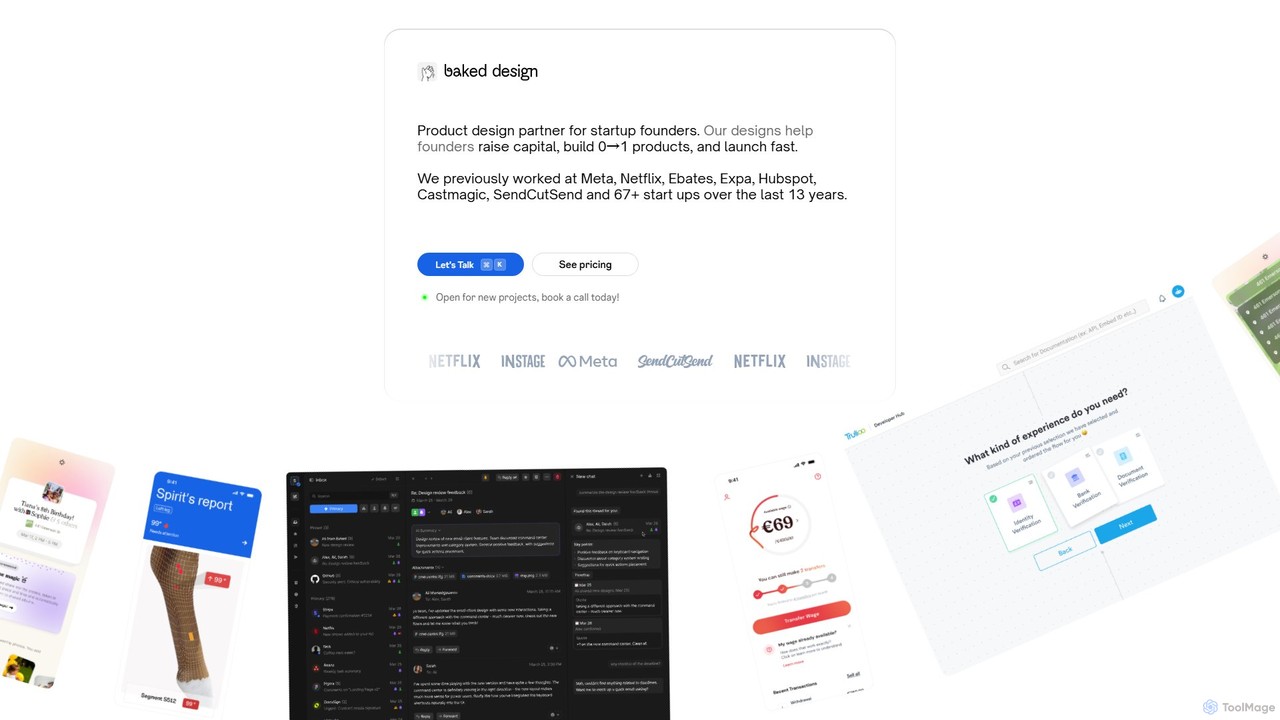
Baked Design
Baked Design is a product design partner for startups, offering world-class design services on a flexible monthly subscription. Get access to senior designers from Meta, Netflix, and Hubspot to help you build 0→1 products, raise capital, and launch faster. Services include product design, UI/UX, branding, and marketing websites.
Startups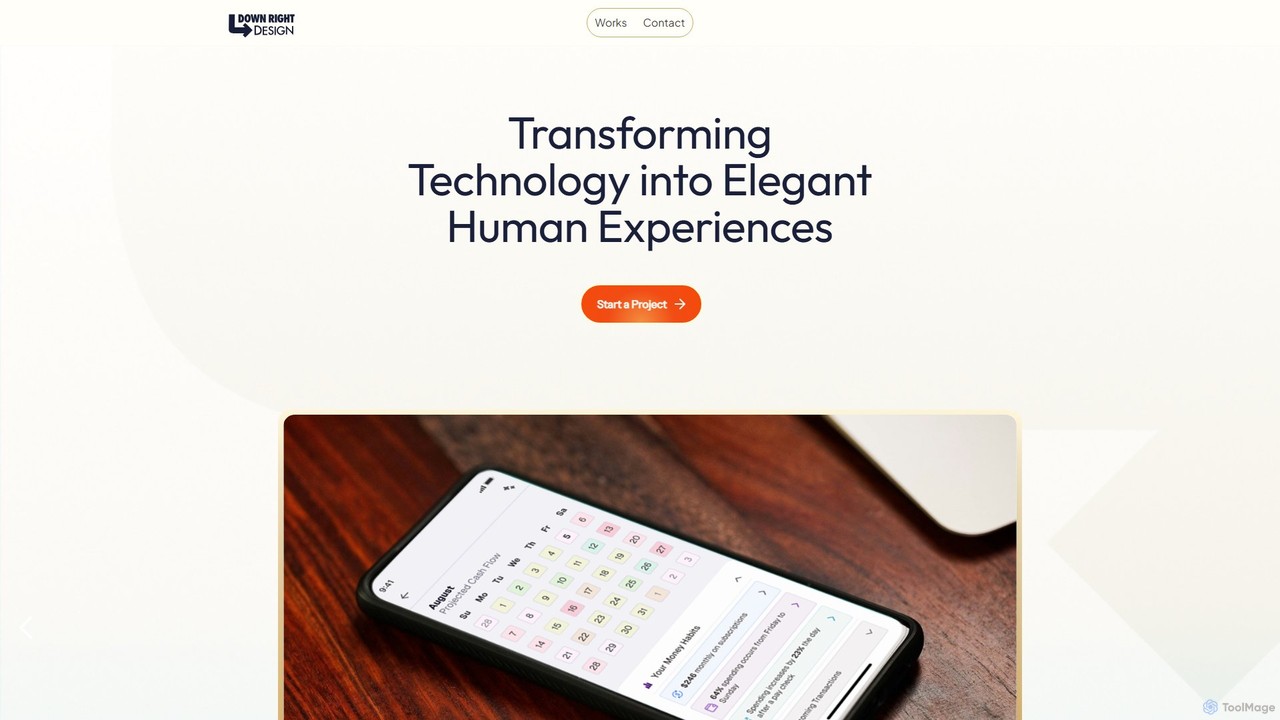
downrightdesign
A specialized design agency that creates intuitive, human-centric digital experiences for mobile apps, web applications, and AI interfaces. They transform complex functionality into natural and enjoyable user interactions.
Consulting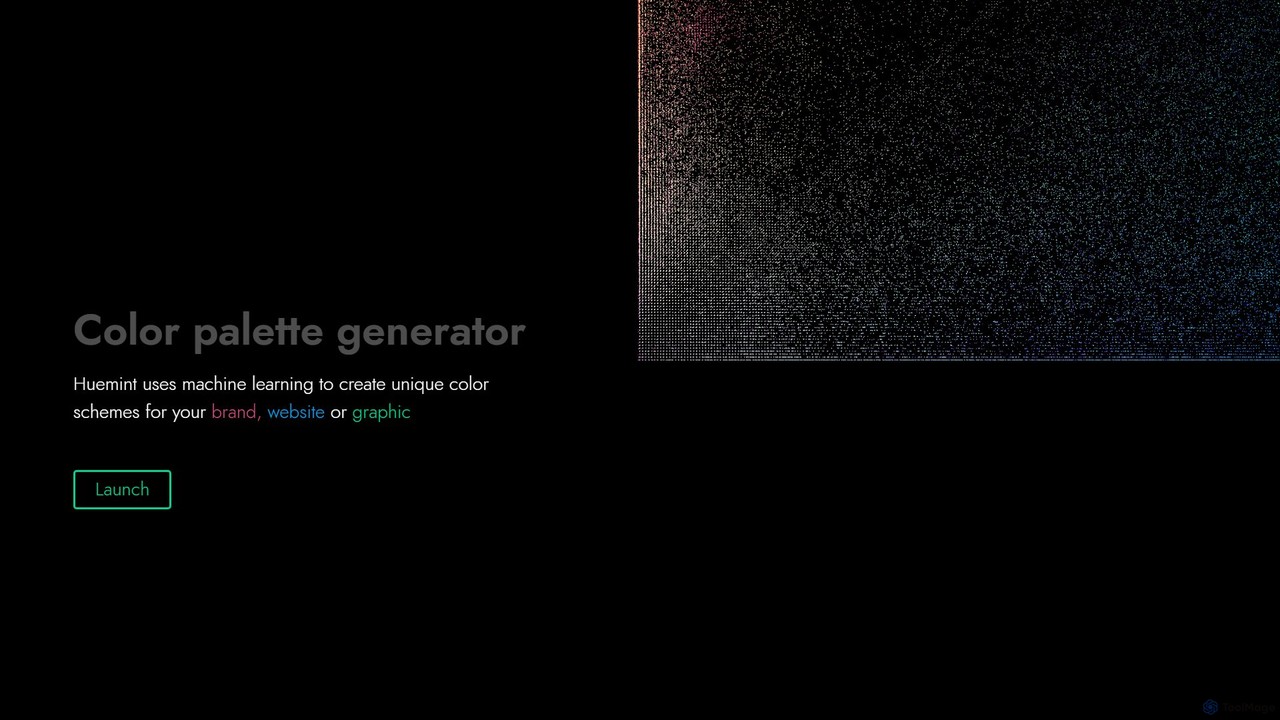
Huemint
Huemint is an AI-powered color palette generator that uses machine learning to create unique and harmonious color schemes for brands, websites, graphics, and illustrations. It provides contextual previews to visualize how colors work together in real-world applications.
Inspiration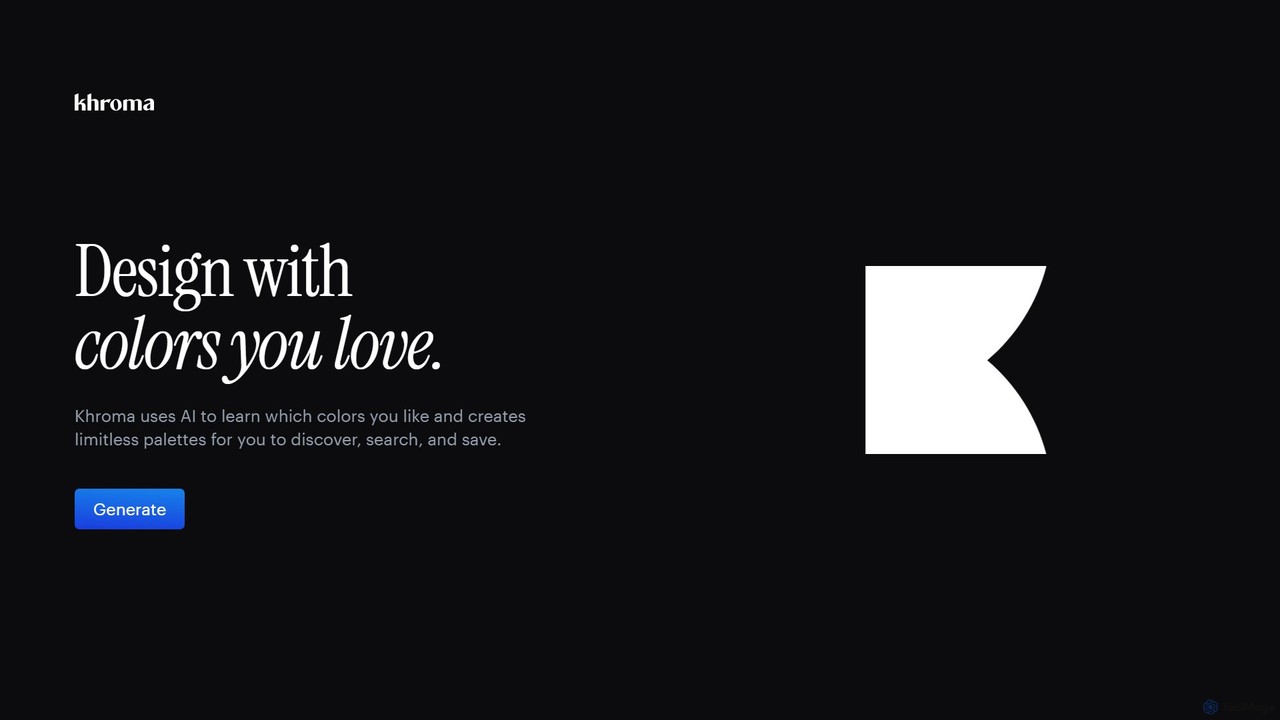
Khroma
Khroma is an AI-powered color tool for designers that learns your personal aesthetic preferences. By training a neural network with colors you like, it generates an infinite number of unique and beautiful color palettes, which can be viewed as typography, gradients, or on custom images. It's a powerful assistant for discovering, searching, and saving color combinations for any design project.
Generative Art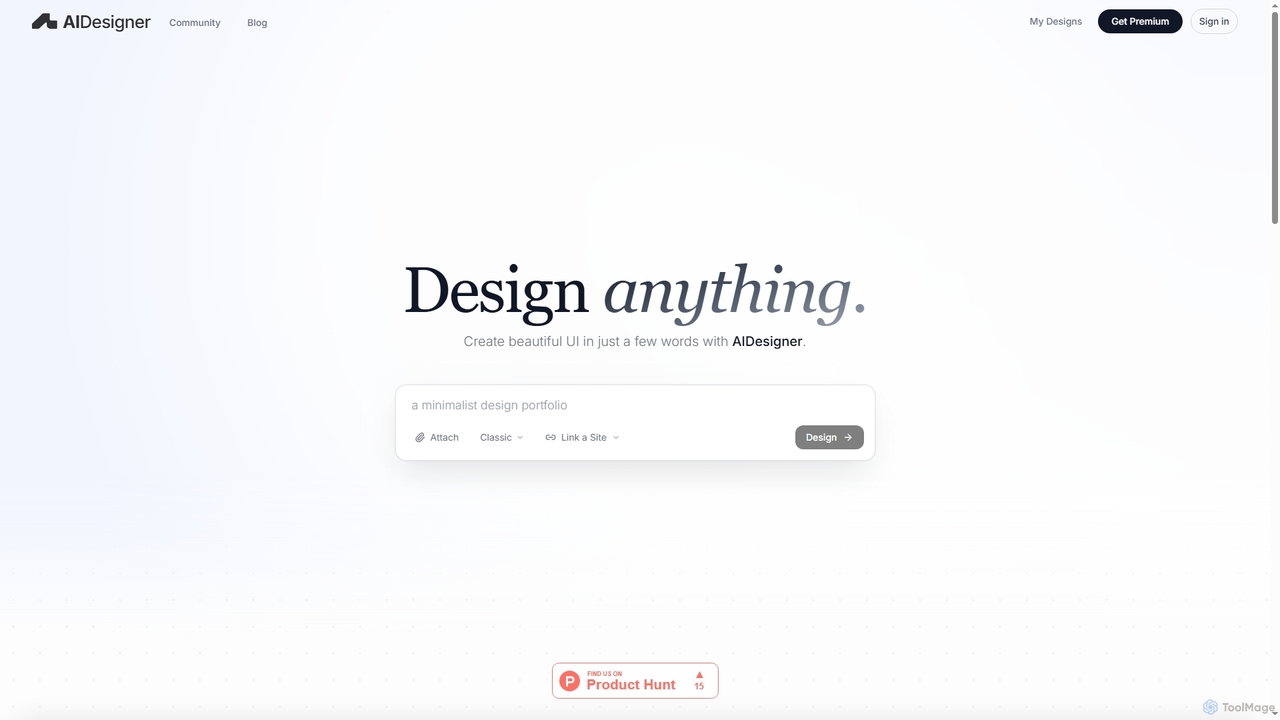
AIDesigner
AIDesigner is an advanced AI-powered platform that transforms textual descriptions into stunning UX/UI designs. It offers a unique approach to design generation, enabling users to create beautiful websites, mobile apps, and portfolios without the generic 'AI look.' With a rich library of production-ready templates and powerful customization options, AIDesigner empowers creators to rapidly prototype and launch visually distinctive digital experiences.
User Experience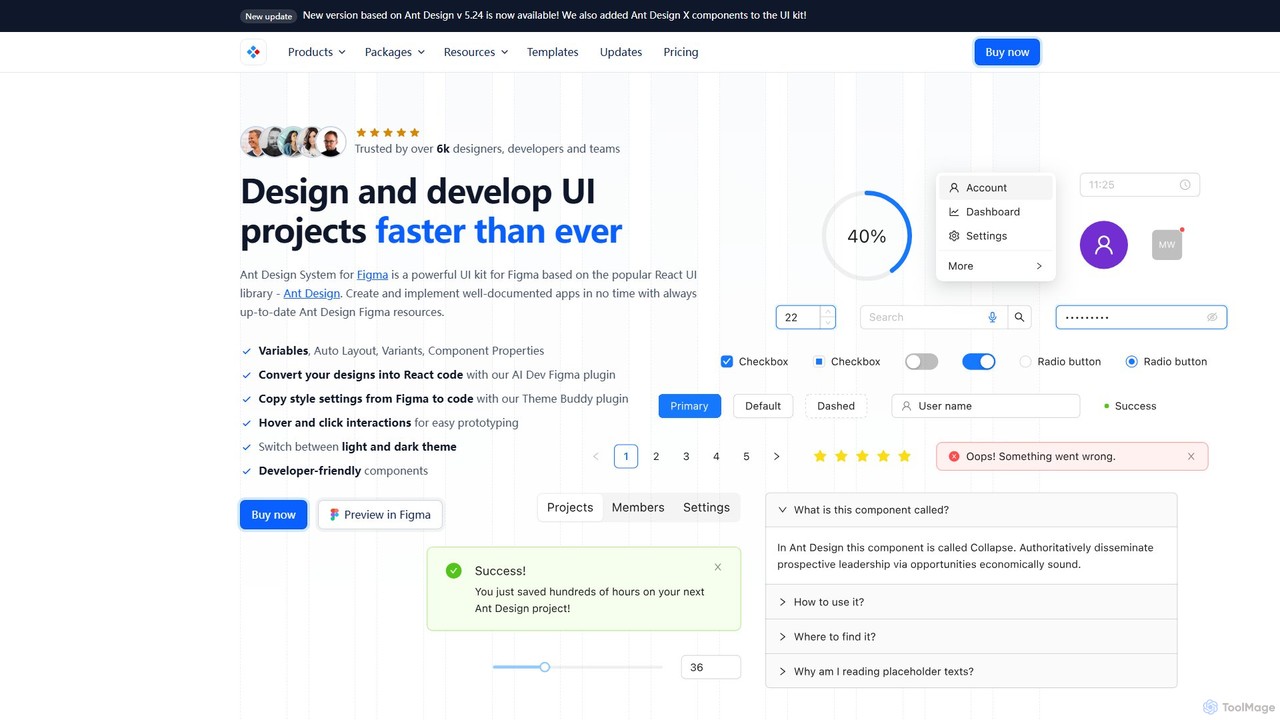
Ant for Figma
A comprehensive Ant Design system and UI kit for Figma, created to accelerate the design and development workflow. It provides a massive library of customizable components, templates, and plugins, ensuring perfect consistency between Figma designs and Ant Design React code.
Ui Kit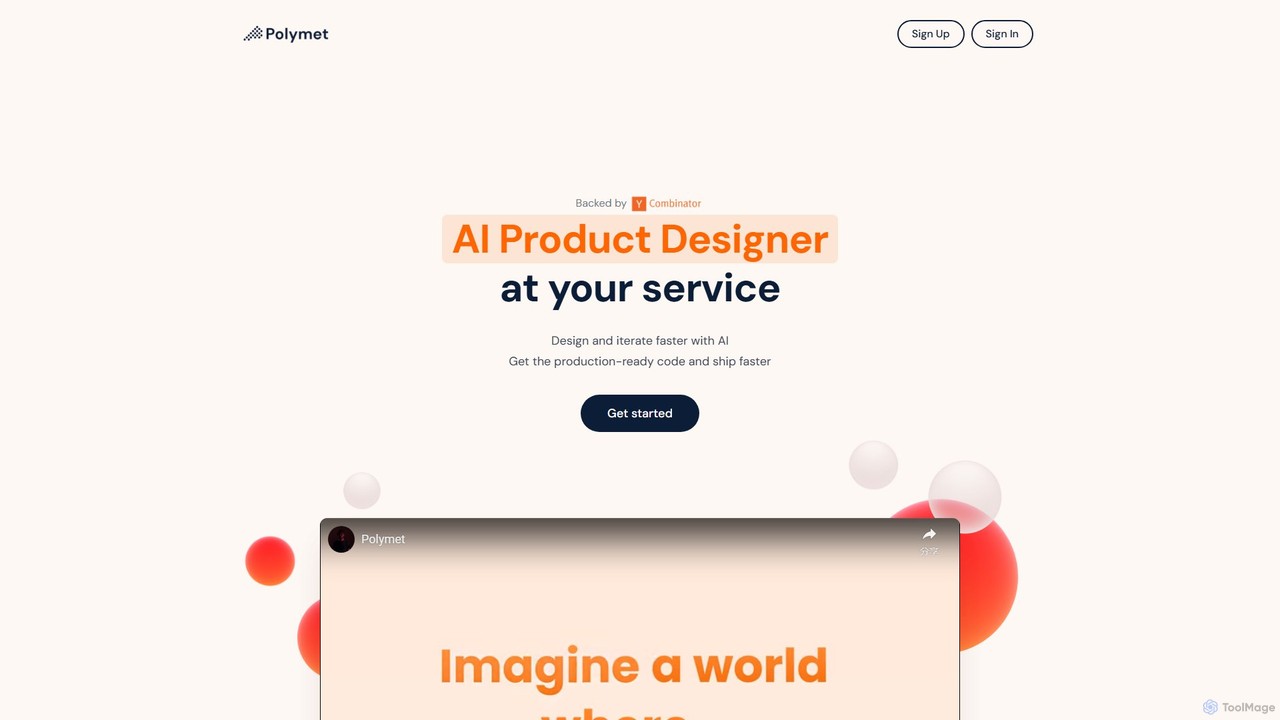
Polymet
Polymet is an AI-powered product designer that transforms ideas, text descriptions, or images into interactive prototypes with production-ready code in seconds. It streamlines the design and development workflow, integrating seamlessly with Figma and existing codebases.
Ui Ux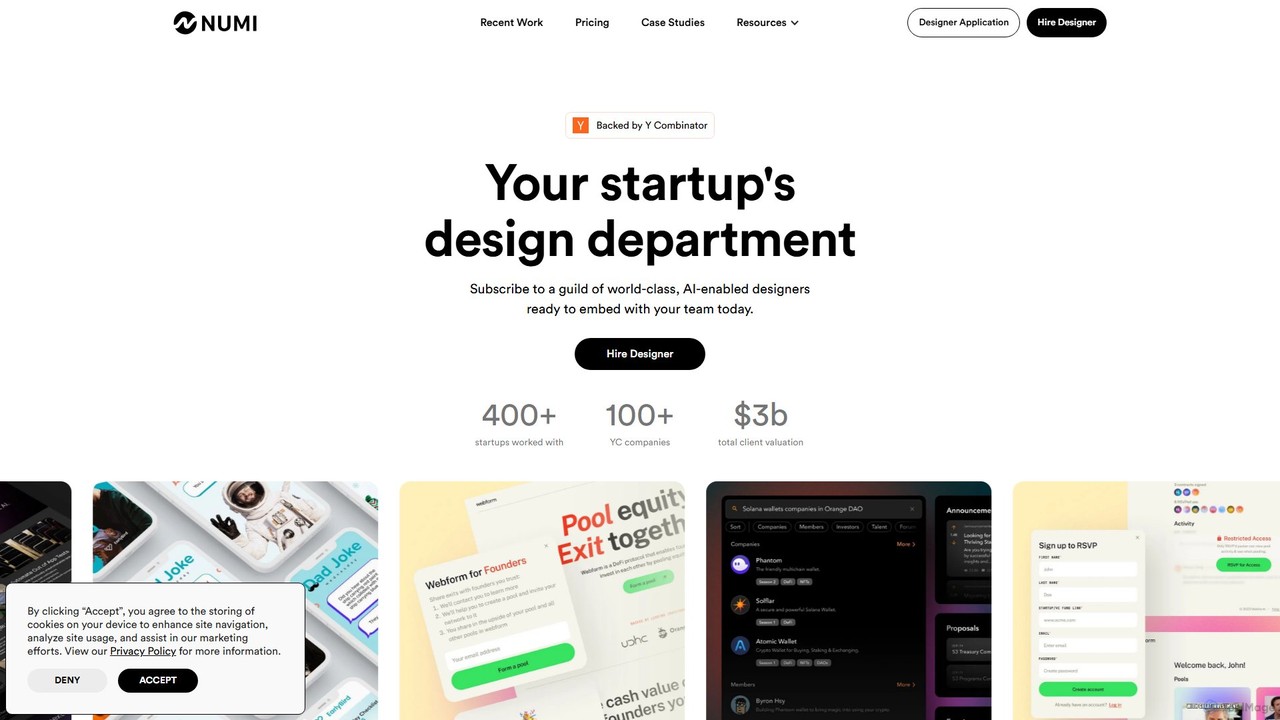
NUMI
NUMI offers a subscription-based design department for startups, backed by Y Combinator. Get access to a guild of world-class, AI-enabled designers for a flat monthly fee. This service provides unlimited design requests, covering everything from UI/UX and mobile apps to marketing materials and Webflow development, enabling rapid, high-quality design without the overhead of hiring.
Startups
DesignCode UI
A comprehensive design system for Figma and Framer, offering over 300 components, 2,000+ variants, and unique icons. It features advanced customization with variables, adaptive layouts, and multiple styles like Glass, Outline, and Flat. Ideal for designers and developers to build beautiful, consistent, and functional websites and applications quickly.
Ui Kits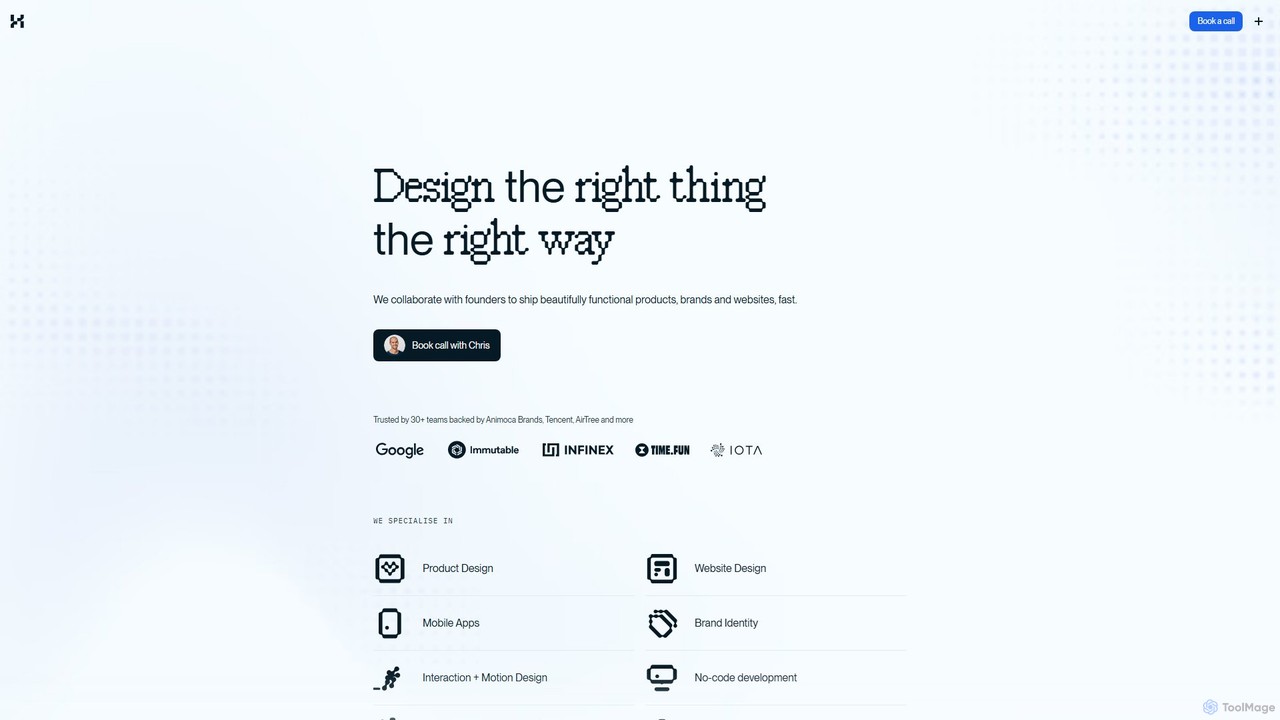
Halaska Studio
A premium product design studio specializing in Web3, AI, and tech. Led by a former Google UX lead, Halaska Studio collaborates with founders to design and ship beautifully functional products, brands, and websites with speed and clarity.
Consulting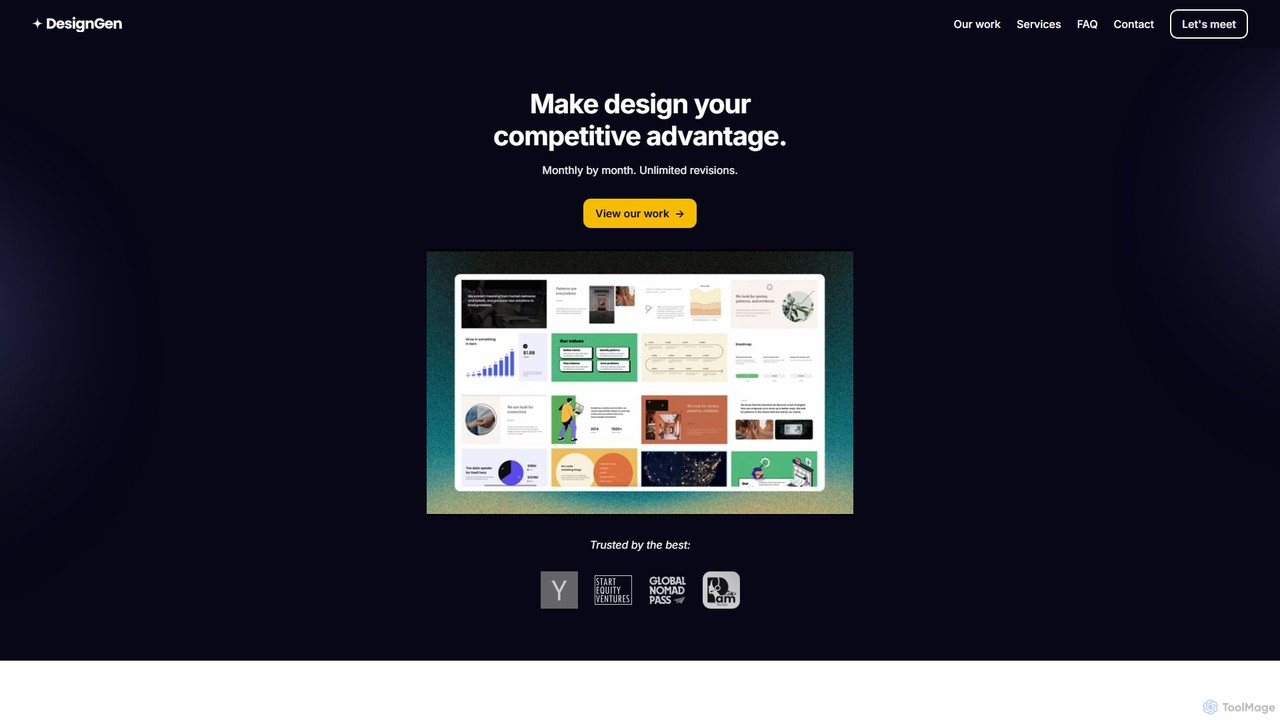
DesignGen
DesignGen is a design-as-a-service subscription that provides businesses with top-notch, human-led design for a flat monthly fee. Get unlimited design requests and revisions for branding, UI/UX, websites, and more. Led by an experienced designer, it offers a flexible and cost-effective alternative to hiring a full-time team, ensuring high-quality design becomes your competitive advantage.
Ui Ux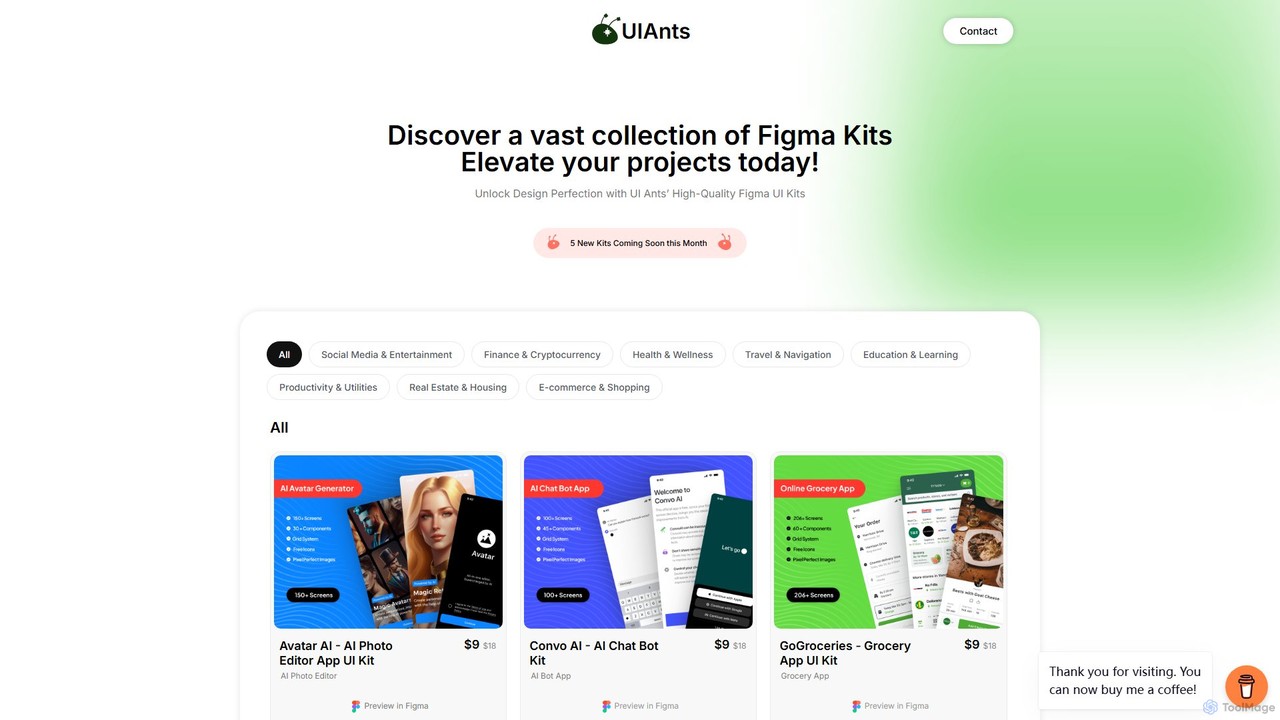
uiants.co
uiants.co is a marketplace offering a vast collection of high-quality, professionally designed Figma UI kits. It helps designers, developers, and startups accelerate their app development process with ready-to-use, fully customizable templates for various industries.
Ui Kits
musho
Musho is an AI-powered design and development assistant that transforms text prompts into fully-realized, editable websites and landing pages. It focuses on speed, creativity, and seamless integration with design tools like Figma, empowering users to go from idea to high-fidelity prototype in seconds.
Web Design
Mighty Guides
Mighty Guides offers expert-written digital books for mastering Framer and Framer Motion. Aimed at designers and developers, these comprehensive guides, including "The Framer Book" and "The Mighty Motion Guide," provide in-depth knowledge, practical code examples, and interactive sandboxes to elevate your prototyping and web animation skills.
Design & Development
1ui
1ui is an AI-powered platform that generates pixel-perfect, production-ready UI designs from natural language prompts. It streamlines the design process by creating responsive layouts, contextual images, and clean HTML/CSS code in seconds. Features include a prompt enhancer, team collaboration, and direct export to Figma as editable layers.
Code Generation
Layers Comments (0)
Sign in to comment.
Sign inNo comments yet.