

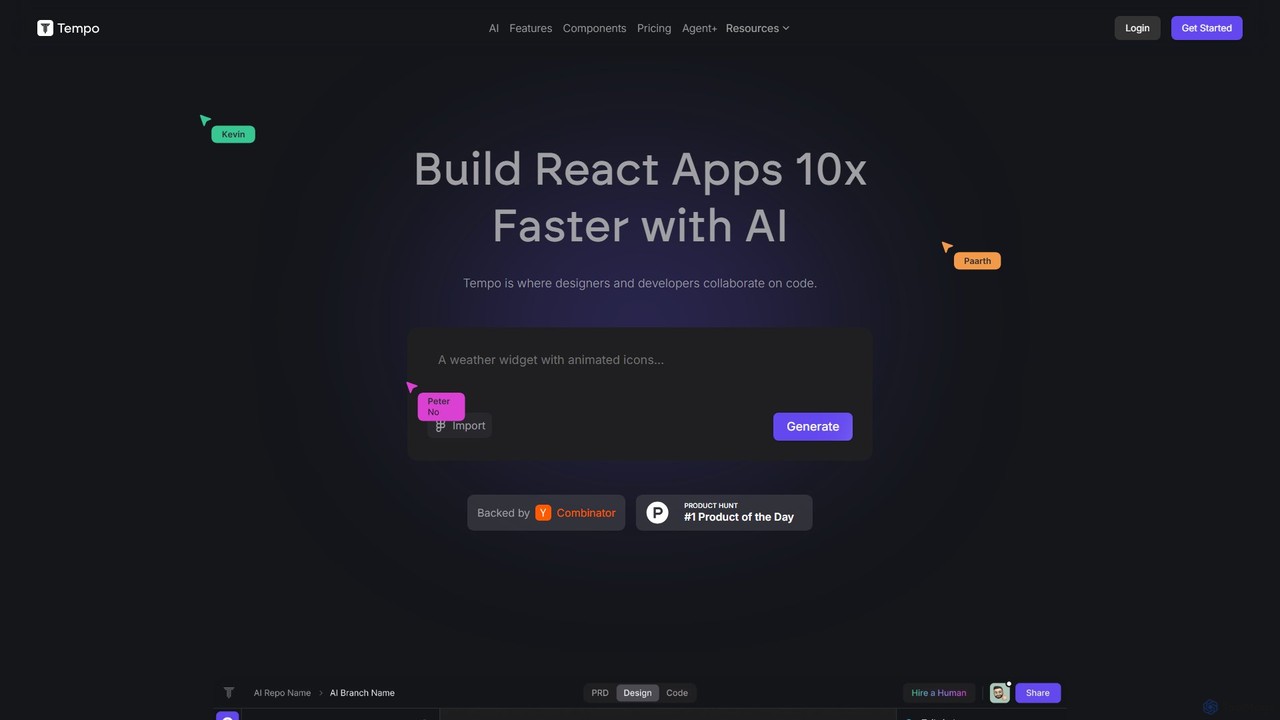
Tempo Overview
Tempo is a revolutionary AI-native development platform designed to dramatically accelerate the process of building React applications. Backed by Y Combinator, it serves as a collaborative bridge between designers and developers, enabling teams to build and iterate on user interfaces with unprecedented speed and efficiency. By combining the power of generative AI with an intuitive visual editor, Tempo allows users to go from a simple text or image prompt to a fully functional, production-ready React application up to 10 times faster than traditional methods.
The platform is built to work with any existing React codebase, meaning you don't have to start from scratch. You can import your current projects and leverage Tempo's AI capabilities to add new features, refactor components, or build out a design system. Its core philosophy is to augment, not replace, the developer's workflow, providing powerful AI assistance while ensuring developers retain complete control over their code.
How to use Tempo
Getting started with Tempo is a straightforward process designed for both developers and designers. First, you can generate a new application by simply describing your idea in a text prompt or by uploading an image of a design. The AI will interpret your request, propose an architecture, and generate the initial React code. Alternatively, you can import an existing React project from a GitHub repository. Once your project is loaded, you can use the visual, drag-and-drop editor to modify components, adjust layouts, and fine-tune styles, much like you would in a design tool like Figma. For more complex changes, you can open the code directly in VSCode, make your edits, and see them reflected in Tempo. When you're ready, you can push your changes back to GitHub, maintaining a seamless and controlled development cycle.
Core Features of Tempo
- AI Code Generation: Generate full-stack React applications, components, and templates from simple text or image prompts. The AI can also help fix errors and provide reasoning for its code suggestions.
- Visual Drag-and-Drop Editor: Edit React code visually with an intuitive interface that feels like a design tool. This allows for rapid prototyping and real-time collaboration between designers and developers.
- Existing Codebase Integration: Seamlessly import and work with any existing React codebase. Tempo adapts to your project structure, allowing you to enhance your current applications with AI.
- Design System Management: Import components directly from Storybook or use AI to generate a custom component library and brand styles from an image, ensuring design consistency across your application.
- Full Developer Control: Maintain complete ownership and control of your code. Edit code locally in VSCode, manage your repository on GitHub, and deploy to any hosting infrastructure you choose.
- Agent+ Service: A premium subscription service where a dedicated team of human engineers and designers, augmented by AI, builds and ships 1-3 features for you per week with guaranteed quality and fast turnaround.
Use Cases for Tempo
Tempo is ideal for a wide range of scenarios. Startups and agile teams can use it to build MVPs (Minimum Viable Products) and interactive prototypes in a fraction of the time. Front-end developers can leverage it to automate repetitive coding tasks, build out UIs, and accelerate feature development. Designers can use the visual editor to directly contribute to the codebase without writing code, ensuring their vision is implemented perfectly. Companies looking to scale quickly can use the Agent+ service to augment their development team and increase their feature velocity without the overhead of hiring full-time staff.
Advantages of Tempo
The primary advantage of Tempo is the massive boost in productivity and development speed, often cited as a 3x to 10x improvement. It significantly reduces front-end development costs and shortens the product development cycle. The platform fosters better collaboration by providing a common ground for designers and developers. Unlike other code generators, Tempo gives you full ownership and control over the generated code, with no vendor lock-in. The combination of AI power and human oversight (especially in the Agent+ plan) ensures high-quality, production-ready output.
Pricing and Plans
Tempo offers a flexible pricing structure to suit different needs:
- Free Plan: $0/month. Includes 30 prompts (with a maximum of 5 per day). Error fixes are free and do not count towards the prompt limit.
- Pro Plan: $30/month. Includes 150 prompts, full access to code and reasoning agents. Users can purchase 250 bonus prompts for $50 at any time.
- Agent+ Plan: $4,000/month. A subscription service where Tempo's expert team designs and builds 1-3 features for you per week, with a 48-72 hour turnaround, unlimited revisions, and quality guaranteed by human engineers and designers.
- Apex Plan: Custom pricing (contact sales). Tailored for larger enterprises, offering full-stack support and a customized delivery cadence.
Traffic
Latest traffic
Status
Monthly traffic trend
- 2025-9: 166.2K
- 2026-1: 131.4K
- 2026-2: 93.8K
- 2026-3: 72.8K
- 2026-4: 65.4K
- 2026-5: 68.3K
Geography
Top 5 countries / regions
- 🇮🇳India31.2%
- 🇺🇸United States26.6%
- 🇵🇰Pakistan17.4%
- 🇧🇷Brazil14.3%
- 🇻🇳Vietnam10.5%
Traffic sources
| Source type | Percentage |
|---|---|
Direct | 78.5% |
Referral | 21.5% |
Top keywords
| Keyword | Cost per click |
|---|---|
| tempo | $0.50 |
| tempo ai | $5.60 |
| tempo ai head of growth | $0.00 |
| tempo app | $1.38 |
| tempo labs | $5.34 |
Tempo Videos on YouTube

Tempo (YC S23)
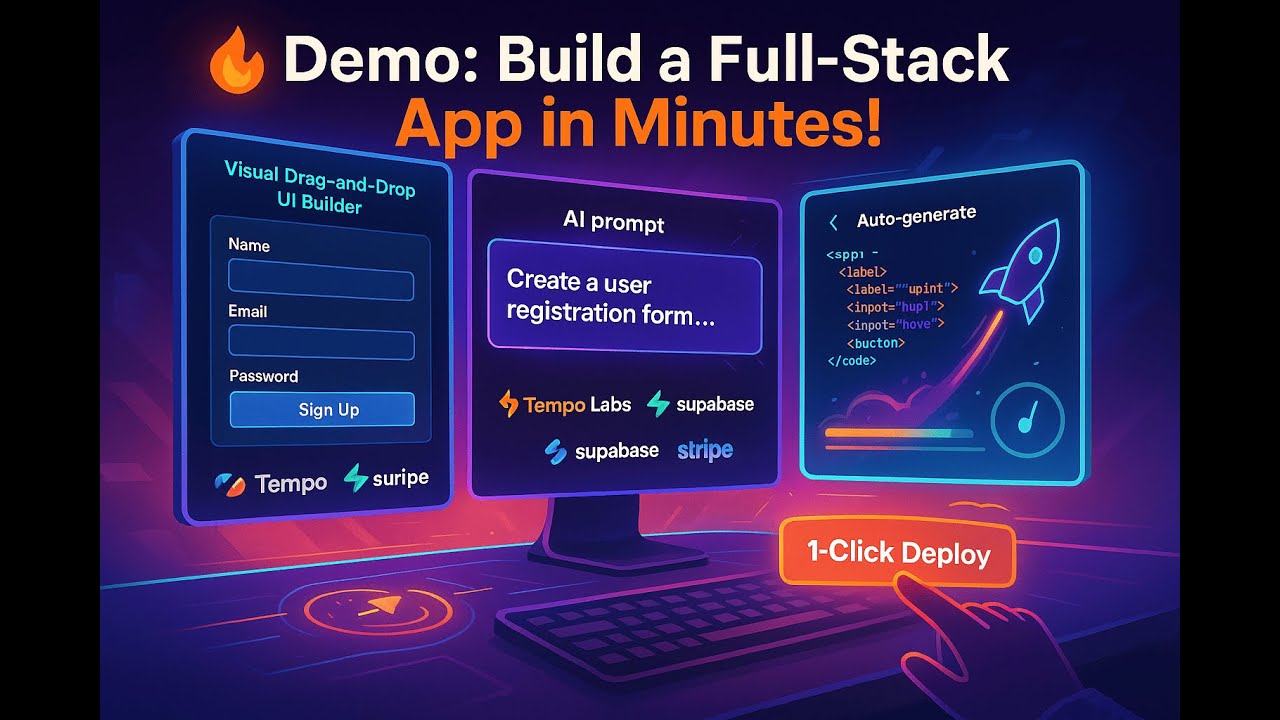

Ritesh Hegde - Your AI Partner

Codedigipt


Compositor Iniciante
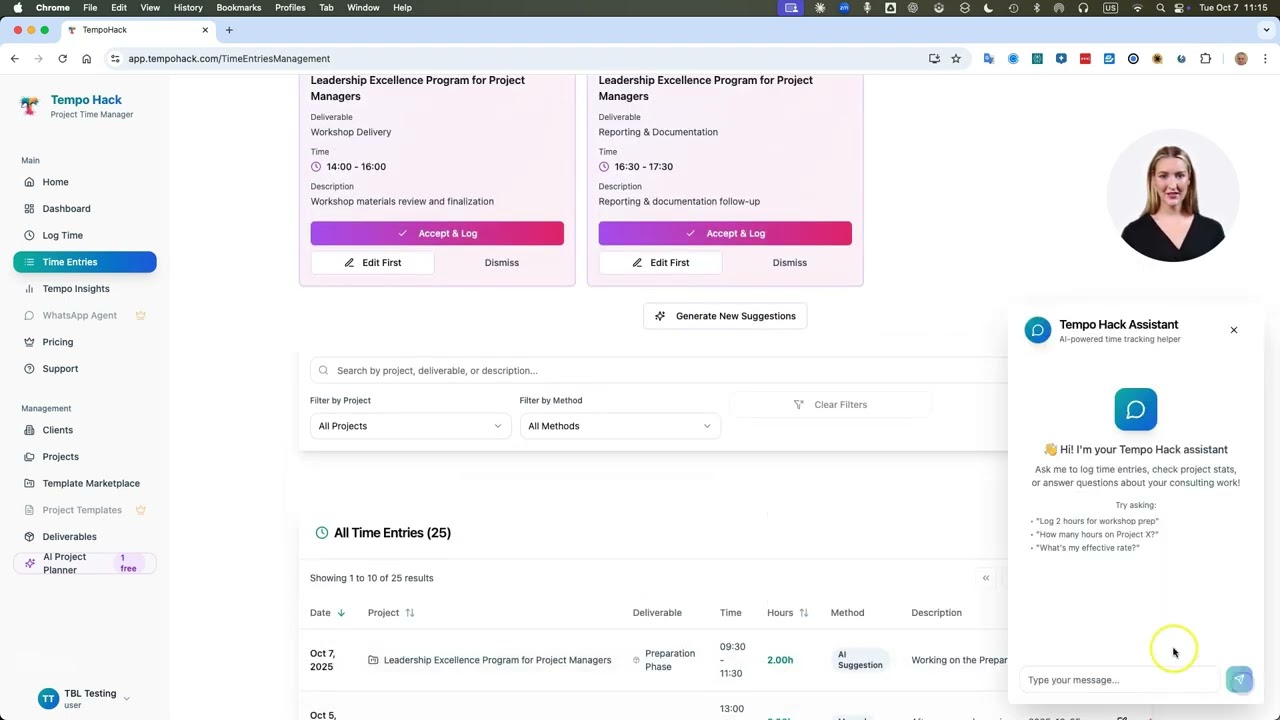
Think Big Leaders

Tempo Alternatives
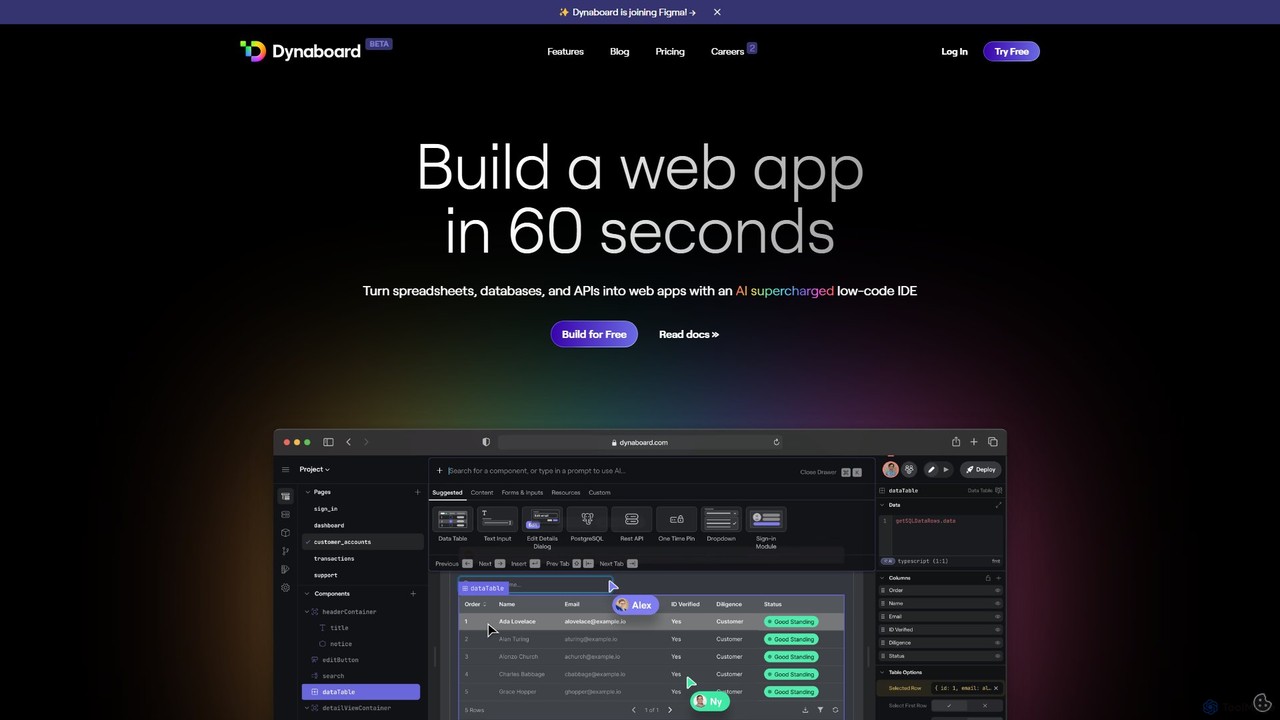
Dynaboard
Dynaboard is an AI-supercharged, collaborative low-code IDE for developers. It enables the rapid creation of web applications by connecting to databases, APIs, and spreadsheets. It combines a drag-and-drop interface with the power of TypeScript and React, facilitating real-time team collaboration and instant deployment.
Dashboard Builder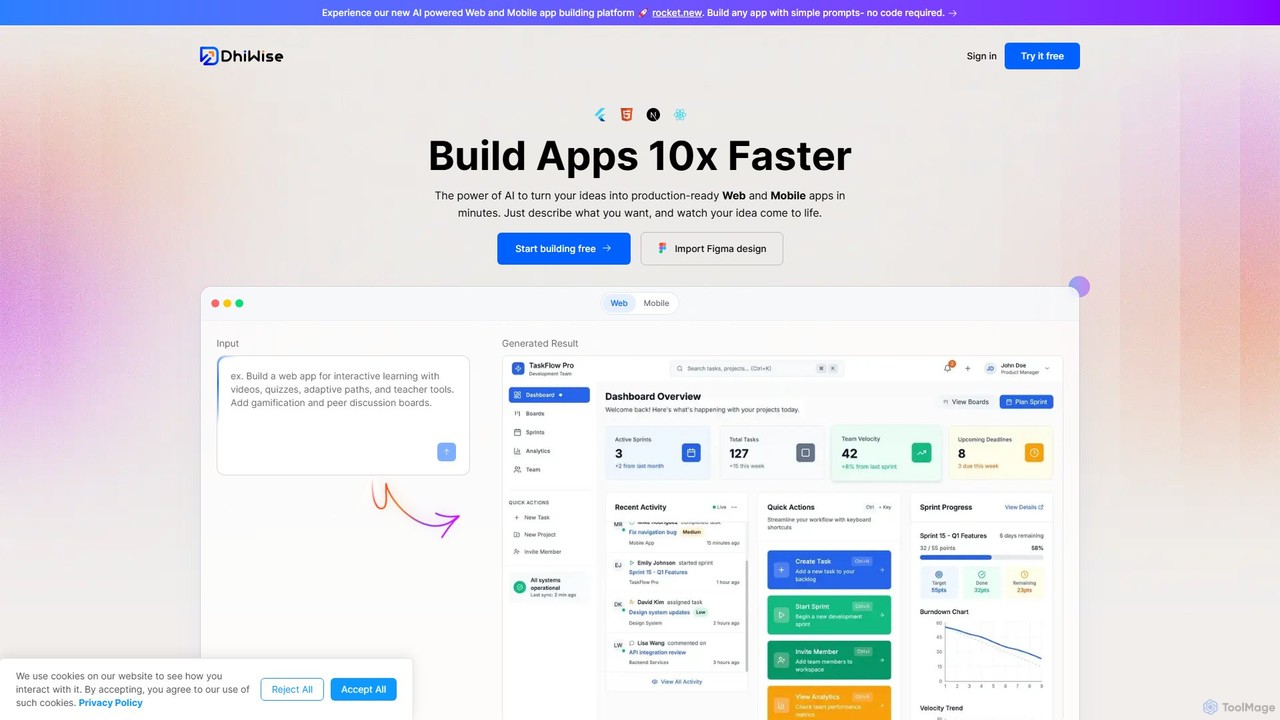
DhiWise
DhiWise is an AI-powered development platform that accelerates the creation of web and mobile applications. It transforms your ideas, natural language prompts, or Figma designs into high-quality, production-ready code in minutes. Supporting frameworks like Flutter and modern web technologies, DhiWise automates boilerplate tasks, enabling developers to build and deploy apps 10x faster.
Design To Code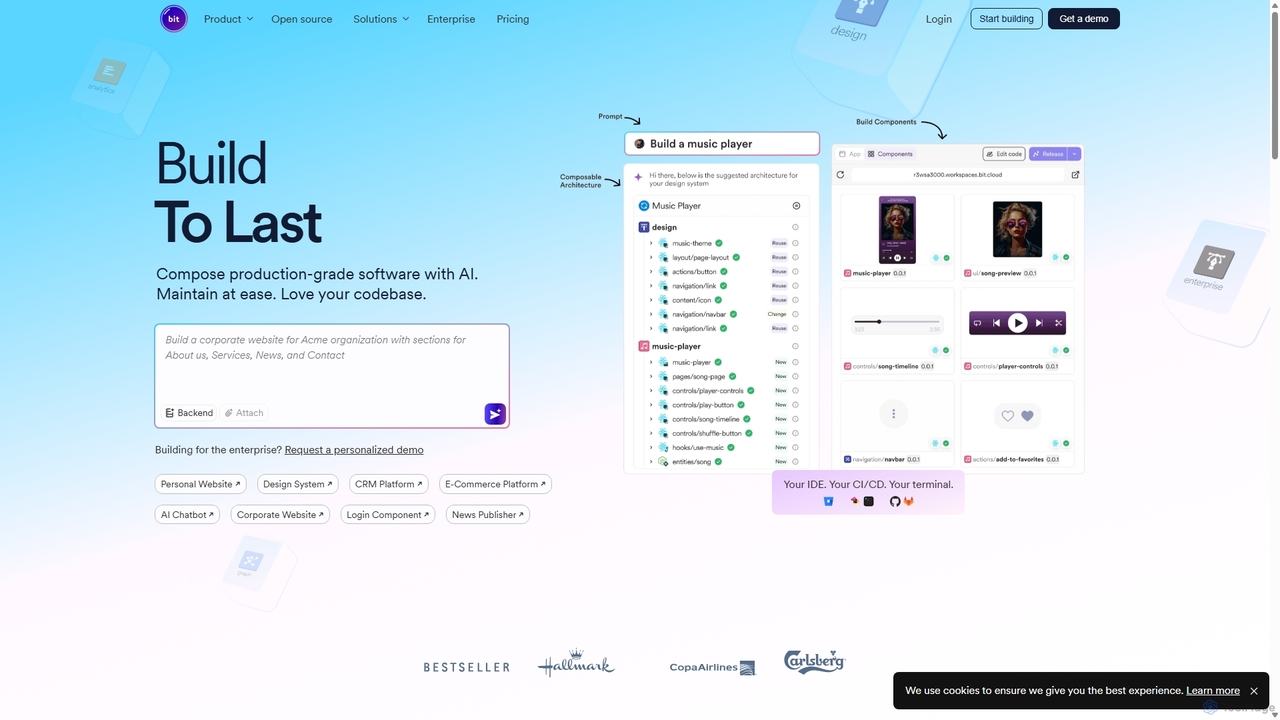
Bit
Bit is an AI-powered software composition platform that enables teams to build production-grade applications with composable components. Using its AI agent, Hope AI, developers can generate, version, and share everything from UI elements to backend services. This component-driven approach accelerates development, ensures UI/backend consistency, and simplifies maintenance, allowing teams to stop repeating code and start shipping faster.
Low Code No Code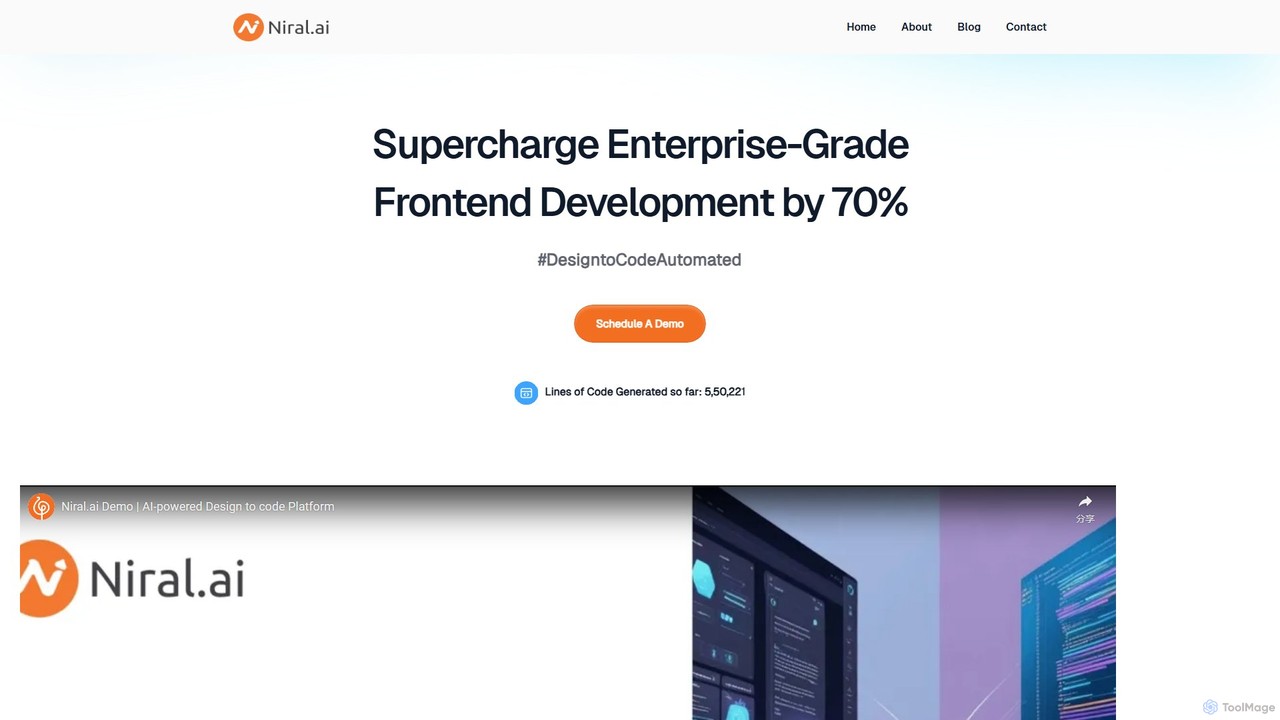
Niral.ai
Niral.ai is an AI-powered platform that converts Figma designs into high-quality, production-ready front-end code. It streamlines the design-to-development workflow, enabling teams to build user interfaces faster with full code ownership and Git integration.
Design To Code
dreamsands
dreamsands is a collaborative OS for building digital experiences. It empowers coders and non-coders to work together seamlessly, translating ideas into functional products with a consistent "vibe." Perfect for teams aiming to build websites, apps, and prototypes faster.
Web DesignTempo Categories
Tempo Embed Widget
Copy this embed code to place the badge on your blog, article, or product site and send readers directly to this ToolMage detail page.

Related AI tools
Niral.ai
Niral.ai is an AI-powered platform that converts Figma designs into high-quality, production-ready front-end code. It streamlines the design-to-development workflow, enabling teams to build user interfaces faster with full code ownership and Git integration.
Design To Code
Jyek
Jyek is an AI agent platform that understands objectives, creates execution plans, uses tools, and delivers verifiable results for complex, multi-step tasks.
Automation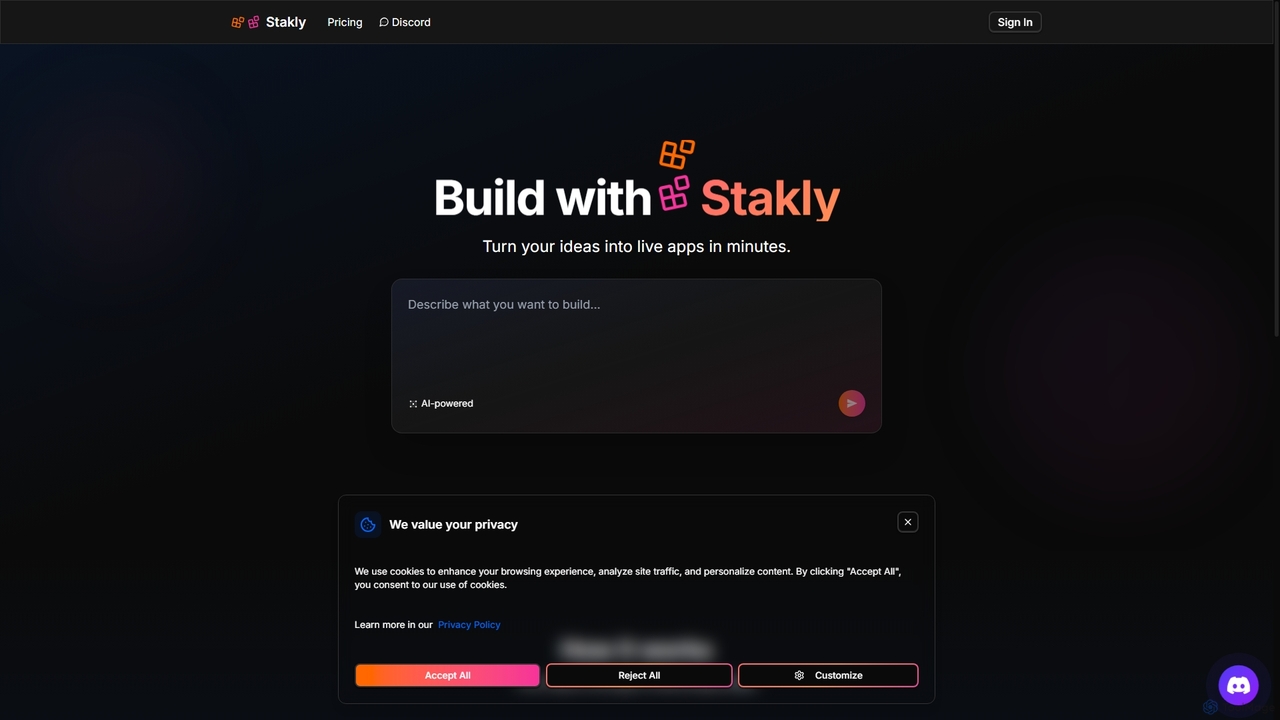
Stakly
Stakly is an AI-powered development platform that transforms natural language prompts into production-ready, full-stack web applications in minutes. Describe your idea, and the AI generates clean code, which you can deploy with one click or export to own completely. It supports modern frameworks like React, Next.js, and Python, making it ideal for rapid prototyping and development.
Code Assistant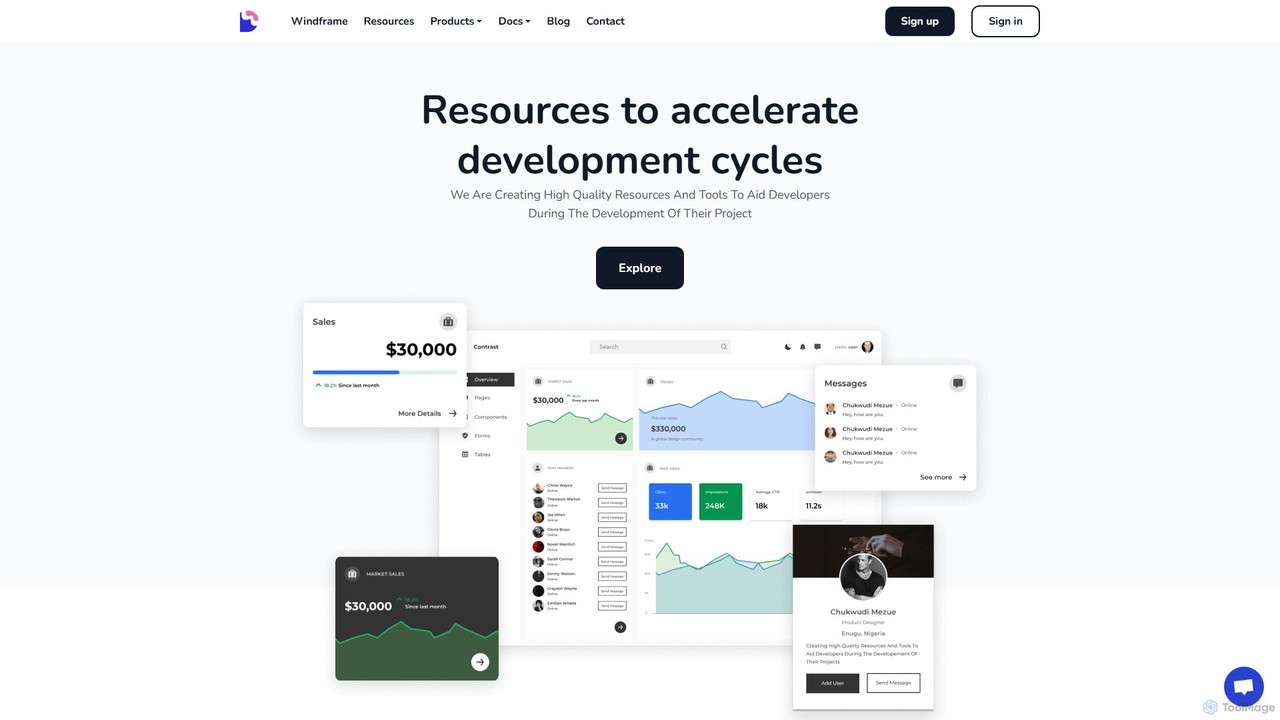
Devwares
Devwares is a comprehensive platform offering tools and resources for developers and designers. Its flagship product, Windframe, is an AI-powered visual builder for Tailwind CSS that accelerates UI and website creation by 10x. Generate designs with AI prompts, use a drag-and-drop editor, and access a vast library of templates to build and export production-ready code for React, Vue, and more.
Ui Ux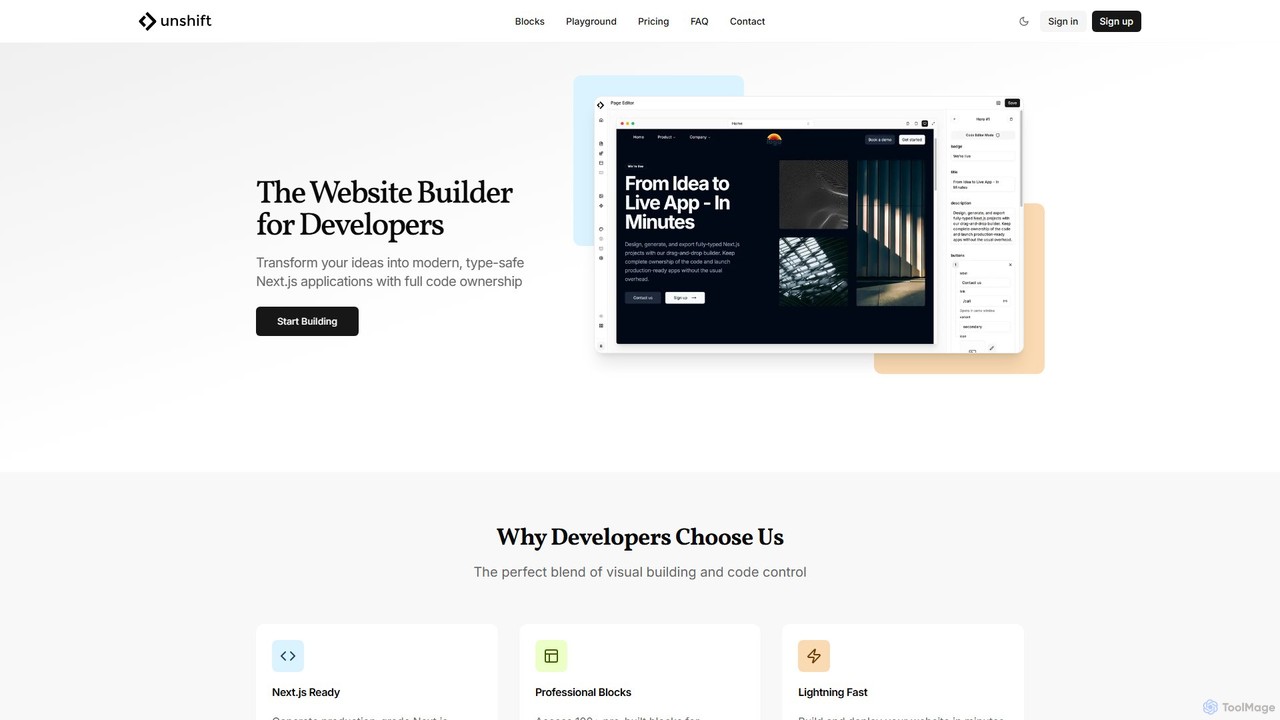
Unshift
Unshift is a website builder designed for developers, blending visual editing with full code control. It generates production-grade Next.js applications with TypeScript and TailwindCSS, offering complete code ownership via a clean Git repository. With over 100 pre-built blocks and a developer-first approach, it accelerates the process of turning ideas into modern, type-safe web applications without vendor lock-in.
Ui Ux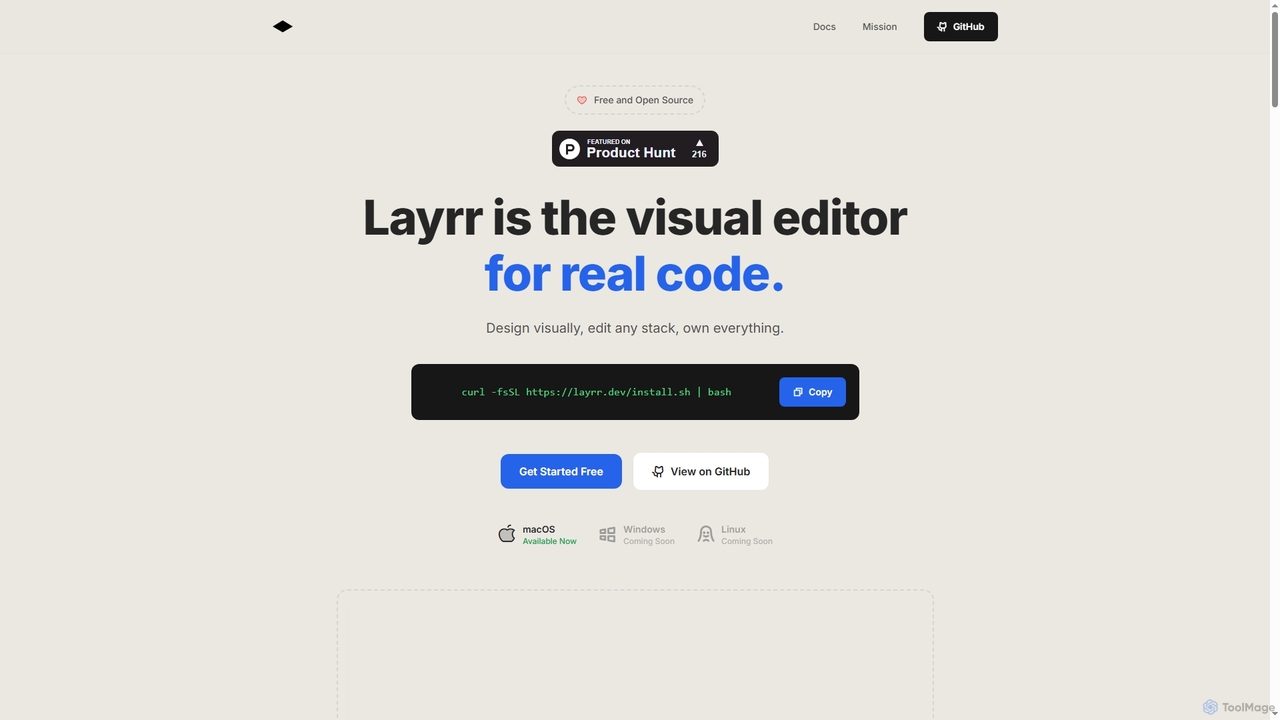
Layrr
Layrr is a free and open-source visual editor that allows developers and designers to create and edit real code directly. It combines the intuitive drag-and-drop interface of design tools like Figma with the flexibility and ownership of traditional coding, supporting any tech stack and leveraging AI for design-to-code conversion and natural language interface generation.
Code GenerationDynaboard
Dynaboard is an AI-supercharged, collaborative low-code IDE for developers. It enables the rapid creation of web applications by connecting to databases, APIs, and spreadsheets. It combines a drag-and-drop interface with the power of TypeScript and React, facilitating real-time team collaboration and instant deployment.
Dashboard Builder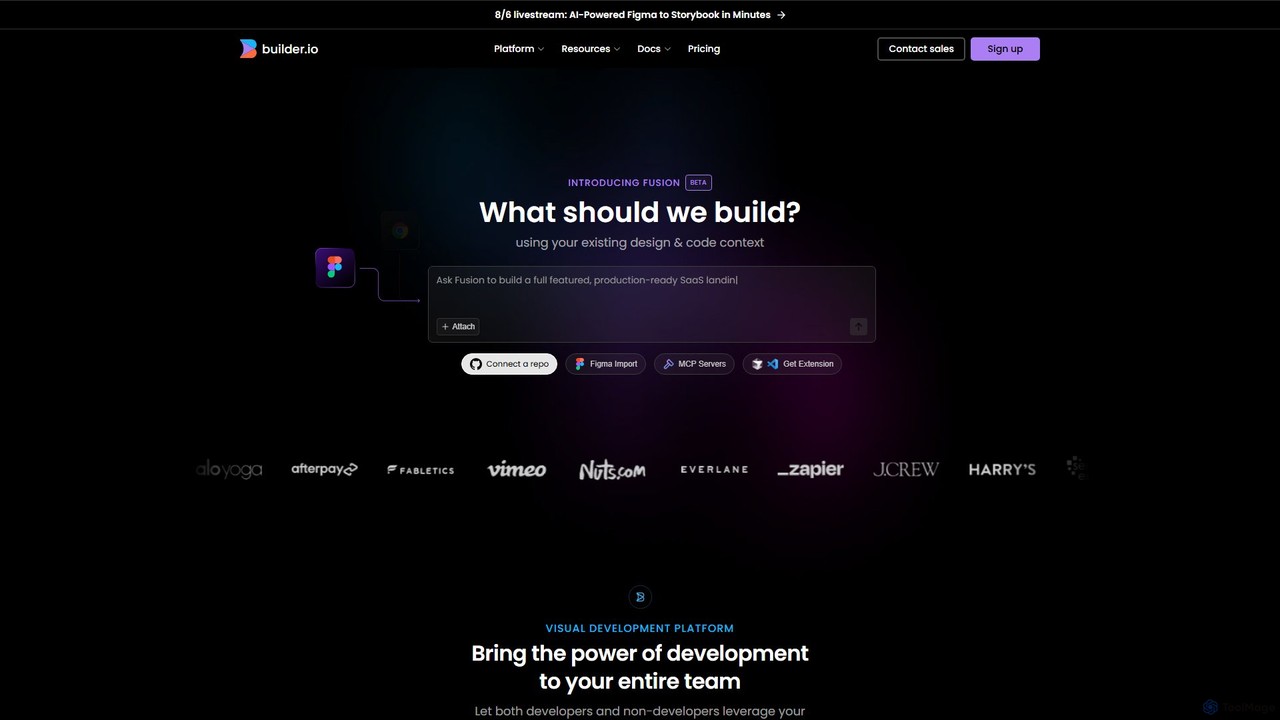
Builder.io
Builder.io is an AI-powered visual development platform that transforms Figma designs into production-ready code. It enables teams to build, edit, and publish web pages and UIs with unprecedented speed, integrating seamlessly with existing codebases, design systems, and headless CMS workflows.
Design To Code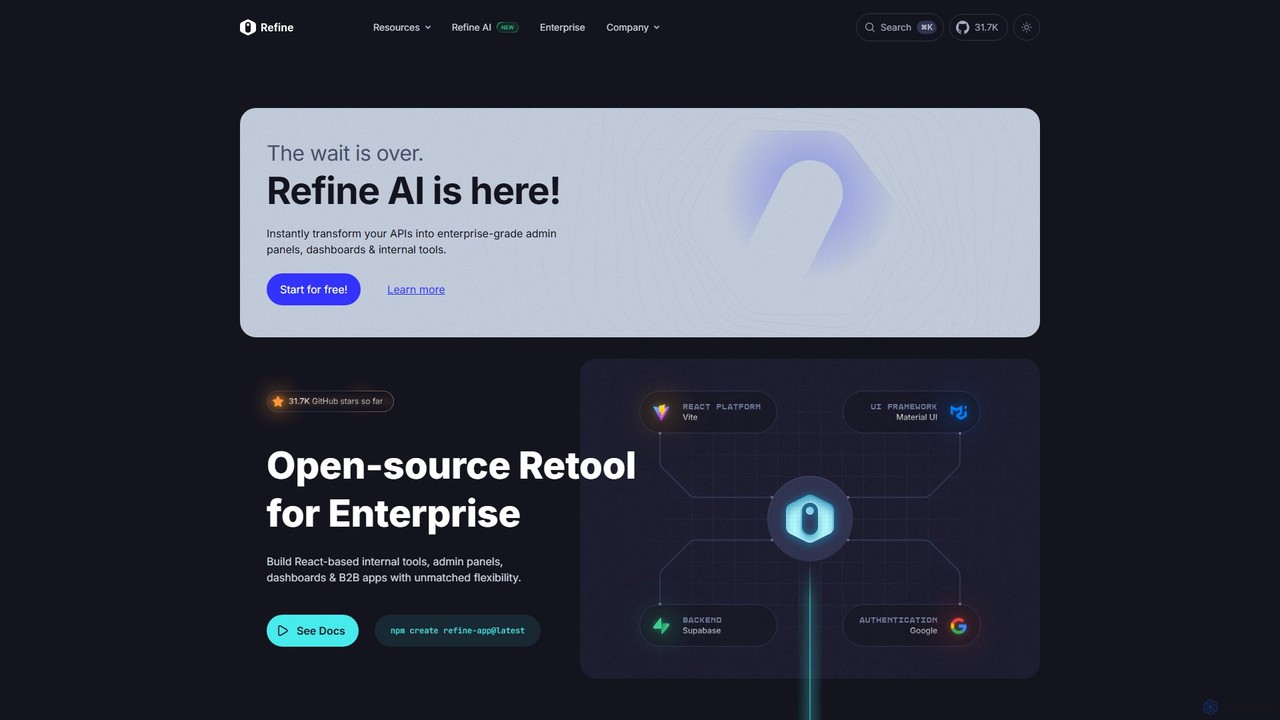
Refine
Refine is an open-source, React-based framework for rapidly building enterprise-grade internal tools, admin panels, dashboards, and B2B applications. It combines the speed of low-code solutions with the flexibility of full-code development, featuring an AI-powered generator to instantly create applications from APIs.
Internal Tools
Locofy.ai
Locofy.ai is an AI-powered platform that accelerates frontend development by converting designs from Figma, Adobe XD, and Penpot into high-quality, production-ready code. It supports a wide range of frameworks like React, React Native, Vue, and HTML/CSS, helping teams build UI 10x faster and significantly reducing the design-to-code workflow.
Design To Code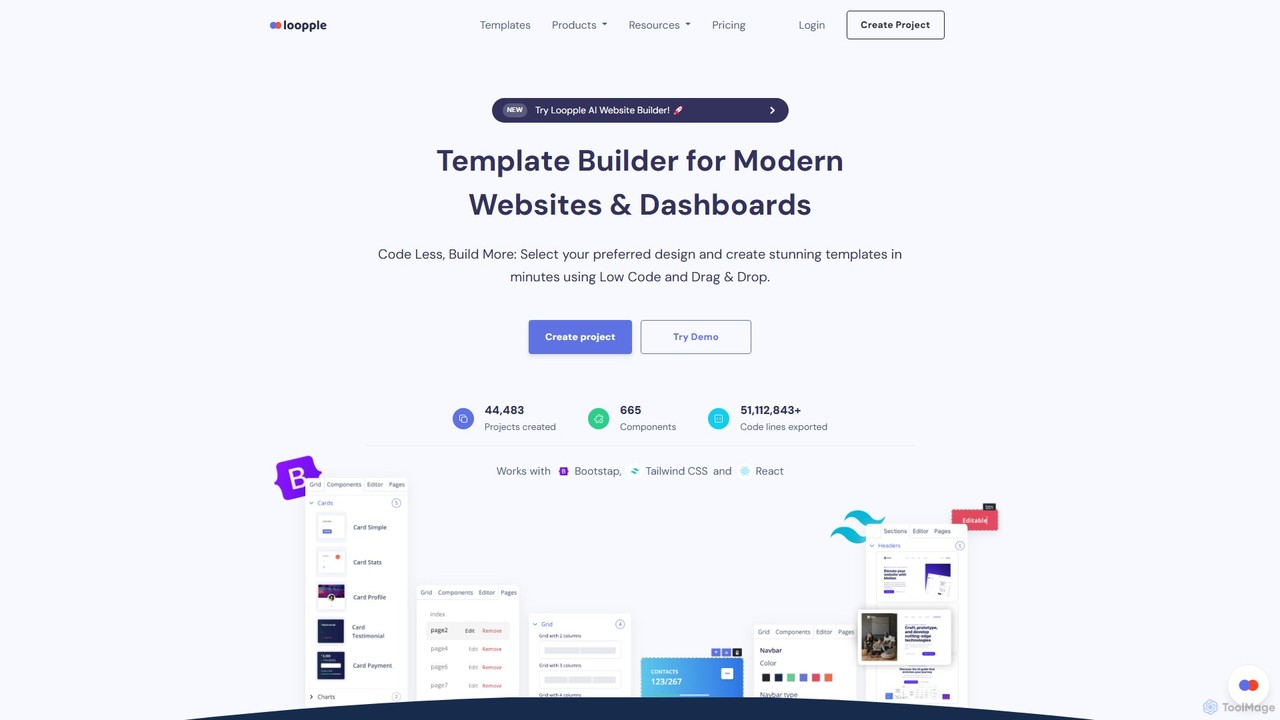
Loopple
Loopple is an AI-powered, low-code platform for building modern websites and dashboards. It features a drag-and-drop editor, a vast library of pre-built components and templates for Bootstrap, Tailwind CSS, and React. With its AI text help and direct code export, Loopple accelerates the front-end development process for developers and teams, enabling rapid creation of responsive, professional-grade user interfaces.
Low Code No Code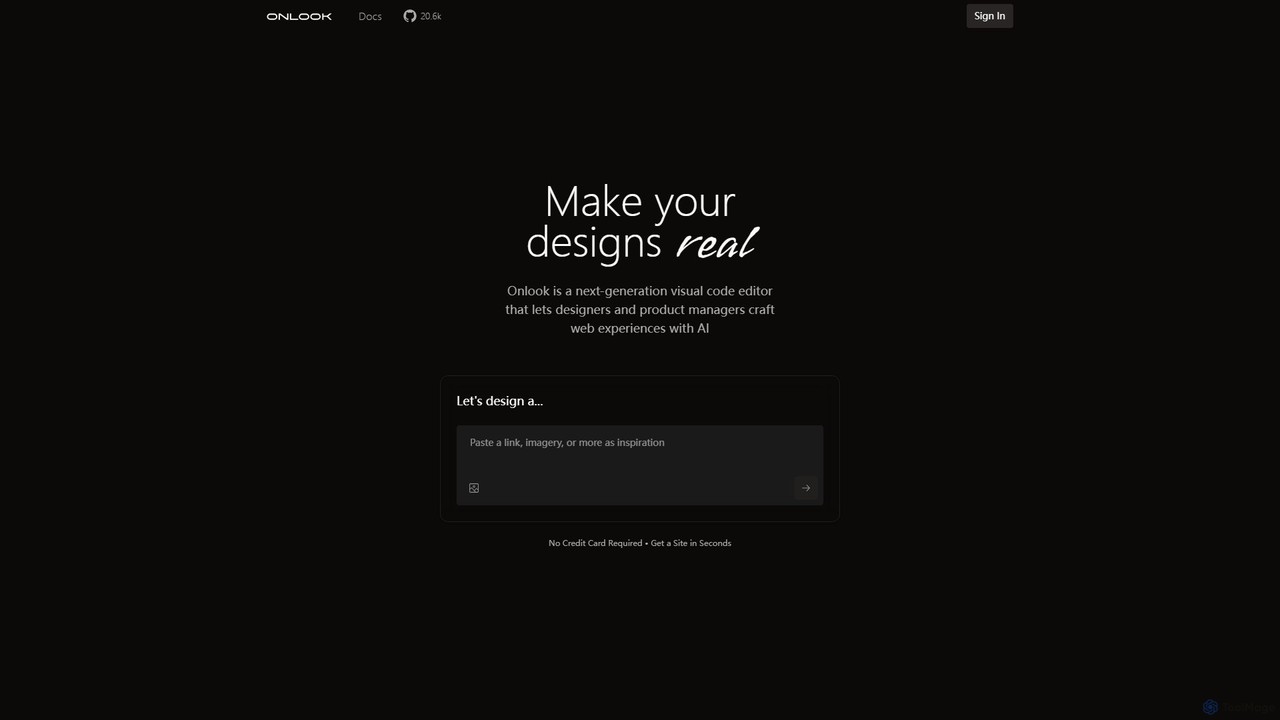
Onlook
Onlook is a next-generation, AI-powered visual code editor that allows designers, product managers, and developers to build and edit web experiences directly on live React/Next.js code. It bridges the gap between design and implementation, offering a Figma-like interface with AI chat, direct manipulation, and seamless integration with existing codebases.
Ui Ux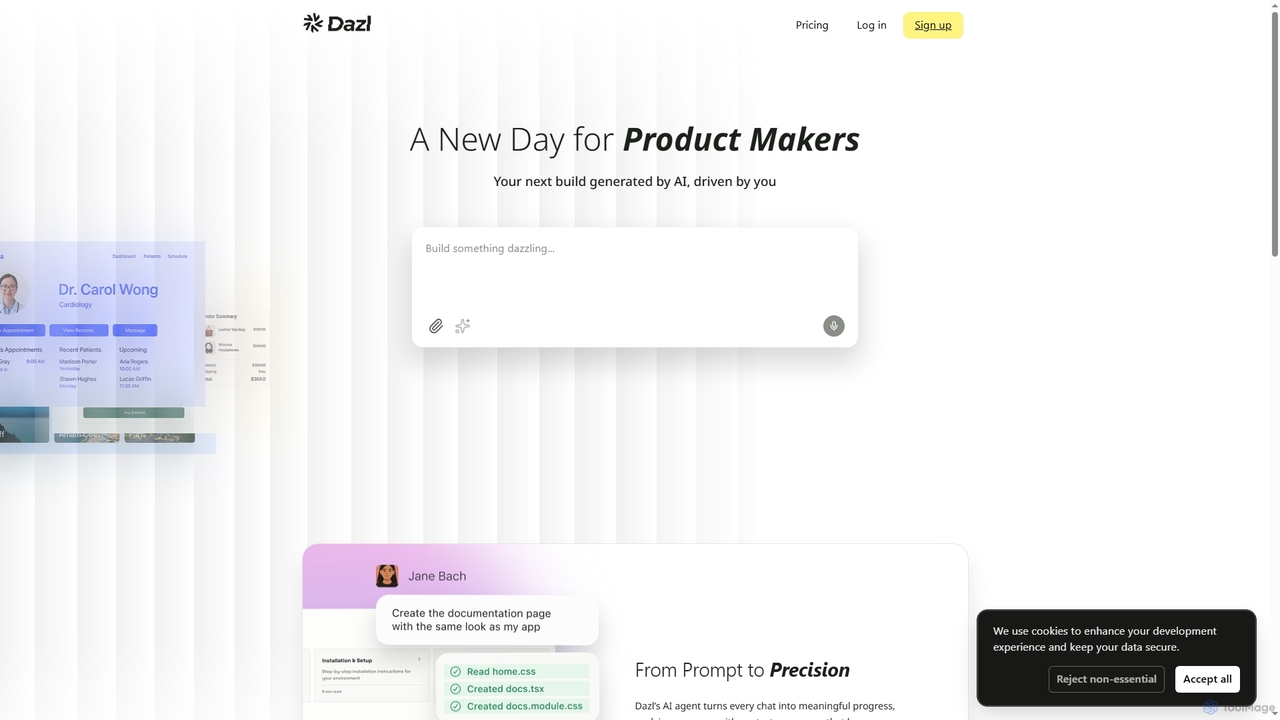
Dazl
Dazl is an AI-powered development platform that transforms chat prompts into functional applications. It features a hybrid interface combining a conversational AI agent with visual panels, allowing product makers to generate, inspect, and refine code, logic, and structure with full control and transparency.
Low Code No Code
deco.cx
deco.cx is an AI-powered development platform for creating high-performance, enterprise-grade e-commerce storefronts. It combines a visual CMS, a no-code/low-code interface, and an in-browser IDE to streamline development. With features like AI-driven optimization, A/B testing, and a modern tech stack, it enables teams to build, personalize, and scale online stores efficiently.
Low Code No Code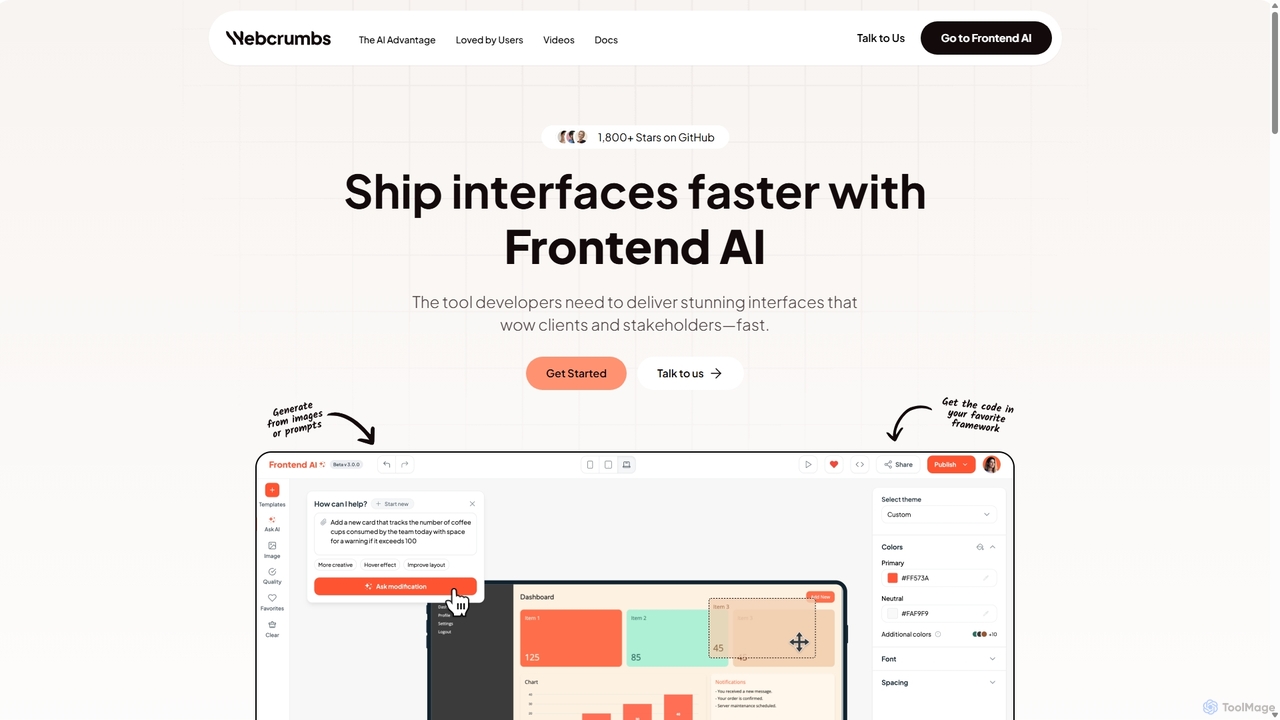
Webcrumbs
Webcrumbs is an AI-powered frontend development platform designed to accelerate UI creation. It combines a powerful prompt-to-code engine with a visual editor, enabling developers and designers to rapidly build, refine, and ship high-quality interface components. By translating natural language or images into clean, production-ready code, Webcrumbs streamlines the workflow, enhances collaboration, and ensures design consistency across projects.
Ui Ux
Tempo Comments (0)
Sign in to comment.
Sign inNo comments yet.