

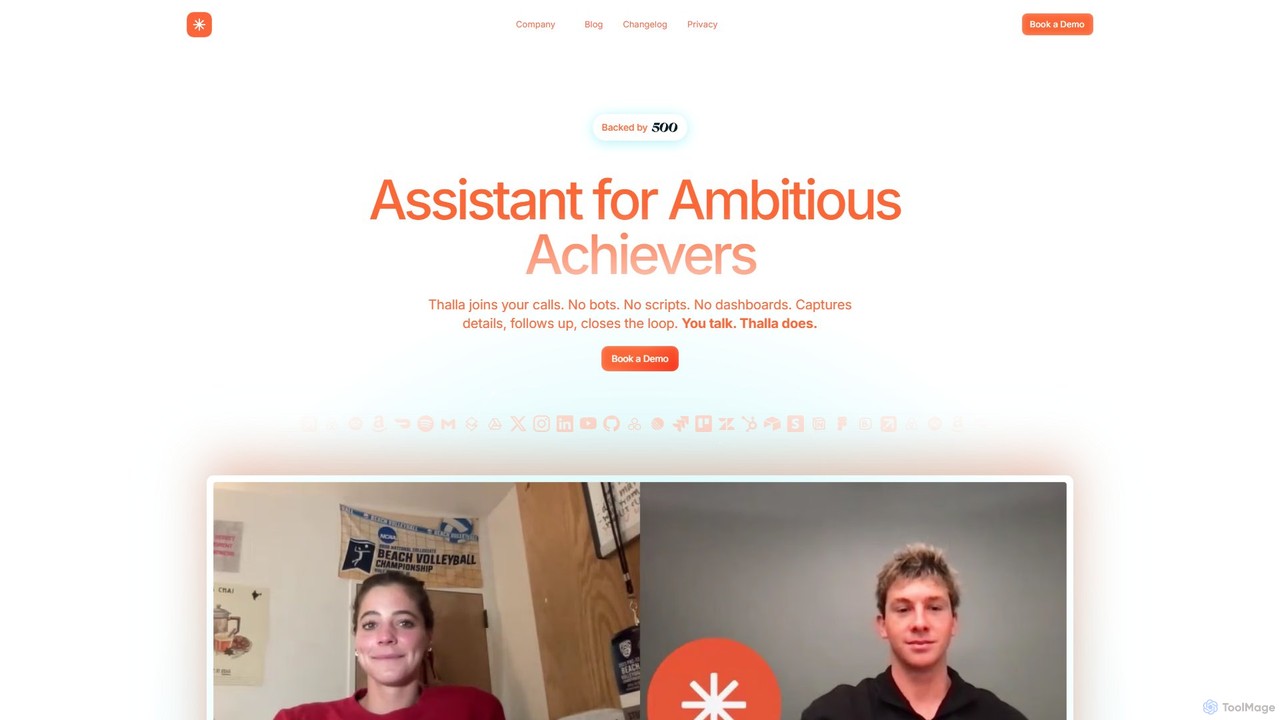
Thalla Overview
Thalla is a revolutionary assistant designed for ambitious achievers who want to maximize their productivity and focus. Unlike typical AI meeting bots, Thalla provides a real human operator who joins your calls live. This operator is augmented by advanced AI to ensure no detail is missed. The core philosophy is simple: "You talk. Thalla does." This eliminates the need for users to interact with complex dashboards, review transcripts, or manually input tasks after a meeting.
Thalla seamlessly integrates into your workflow, capturing key details such as deadlines, dependencies, project owners, and blockers directly from your conversations. It then takes action by creating tasks in your project management tools, sending follow-up emails, and ensuring the entire loop is closed. This service is built with a "Privacy First" mindset, being SOC-2 compliant and operating with a zero data retention policy, meaning your calls are never recorded or stored.
How to use Thalla
Using Thalla is designed to be effortless with a zero learning curve. The process is straightforward:
- Connect Your Tools: Securely connect Thalla to your essential work and personal applications, such as Google Calendar, Email (Gmail, Outlook), Slack, Notion, Linear, and even personal apps like DoorDash.
- Invite Thalla to Meetings: Simply invite Thalla to your virtual meetings just like you would any other participant. It works across all major platforms (Zoom, Google Meet, Microsoft Teams).
- Speak Naturally: During the meeting, conduct your conversation as you normally would. The live operator will listen, identify action items, decisions, and important notes. You can also give direct commands, like "Thalla, remind John to send the report by Friday" or "Thalla, schedule a 30-minute follow-up with the design team for next Tuesday."
- Watch it Happen: Thalla's operator executes the tasks in real-time or immediately after the call. Tasks appear in your designated tools, reminders are scheduled, and follow-ups are initiated without any further action from you.
- Utilize Personal Commands: Beyond meetings, you can ask Thalla for personal assistance, such as ordering food, booking tickets, or finding information online, turning it into a comprehensive personal assistant.
Core Features of Thalla
- Live Meeting Assistant: A real, professional operator joins your meeting to track every action item, decision, and nuance, ensuring context is understood and tasks are captured accurately.
- Action Item Tracking: Automatically captures tasks and decisions from meetings, messages, or emails and logs them into your connected project management tools.
- Auto Smart Reminders: Proactively sends reminders, nudges, and status checks to team members and clients, so you never have to chase people for updates.
- Instant Expert Joining: A groundbreaking feature that uses LangChain technology to bring a subject matter expert live into your call on demand when you need specialized knowledge on the spot.
- Seamless Integrations: Connects with a wide array of tools including Calendar, Email, Slack, Notion, Linear, and more, creating a unified workflow.
- Personal Commands: Extends beyond professional tasks, allowing you to ask Thalla to perform personal actions like ordering a pizza or buying tickets.
- Analytics and Priorities: Provides insights into where your time is going, helps spot bottlenecks in workflows, and allows you to rebalance priorities in real-time.
- Privacy First & SOC-2 Compliant: Guarantees security with end-to-end encryption, a zero data retention policy (no call recordings are stored), and SOC-2 compliance.
Use Cases for Thalla
Thalla is versatile and valuable for various professionals and teams:
- Project Managers: Can run kickoff meetings, sprint planning, and retrospectives, knowing that every task, dependency, and deadline will be automatically captured and assigned in tools like Linear or Notion.
- Executives and Leaders: Can conduct board meetings or strategic sessions with full focus on the conversation, trusting Thalla to handle all follow-ups and communications.
- Sales Teams: Can use Thalla during client calls to capture customer needs, log follow-up actions in a CRM, and schedule reminders without getting distracted.
- Consultants and Freelancers: Can manage multiple clients and projects efficiently, ensuring no commitment or deadline is ever forgotten.
- Anyone Overwhelmed by Admin Work: Individuals can use Thalla for daily check-in calls to get a presidential-style briefing on their priorities and delegate administrative tasks.
Advantages of Thalla
Thalla's primary advantage is its unique human-in-the-loop model, which offers superior accuracy and contextual understanding compared to fully automated bots. It eliminates the friction of post-meeting admin work, allowing users to maintain momentum and clarity. The "Instant Expert Joining" feature provides an unparalleled competitive edge, while the strict privacy-first approach builds trust. With zero learning curve and seamless integration, it delivers immediate value by freeing up time and mental energy for high-impact work.
Pricing and Plans
Thalla's pricing information is not publicly listed on the website. The service is tailored to the specific needs of individuals and teams. To get details on pricing and plans, you are encouraged to book a demo through their official website. This approach suggests a premium, customized service model.
Traffic
Latest traffic
Status
Monthly traffic trend
- 2025-9: 476
- 2026-1: 936
- 2026-2: 2.4K
- 2026-3: 1.6K
- 2026-4: 485
- 2026-5: 446
Geography
Top 5 countries / regions
- 🇧🇷Brazil100.0%
Top keywords
| Keyword | Cost per click |
|---|---|
| talla-com | $0.00 |
Thalla Alternatives
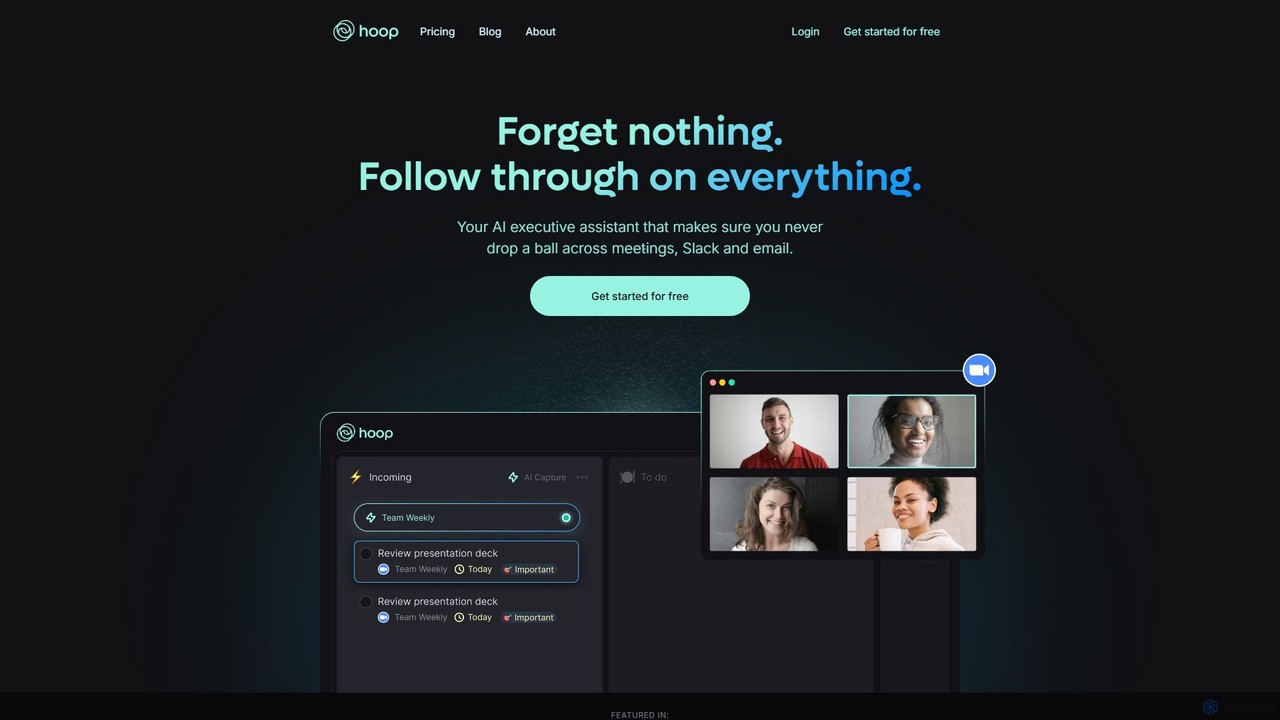
Hoop
Hoop is an AI executive assistant that automatically captures tasks from your meetings, Slack, and emails. It centralizes all your to-dos in one place, ensuring you never miss an important action item. It works seamlessly across platforms like Zoom, Meet, and Teams without intrusive bots.
Virtual Assistant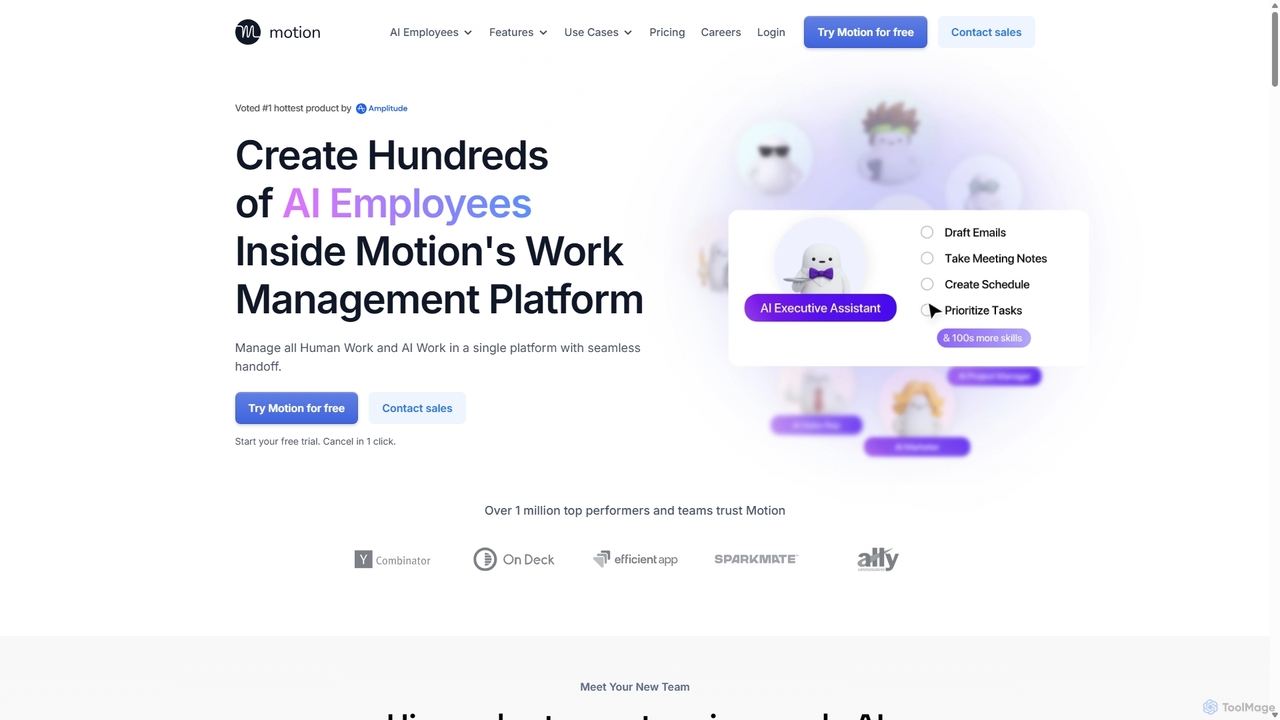
Motion
Motion is an AI-powered platform that provides a suite of AI Employees and productivity tools to automate tasks, manage projects, and organize schedules. It's designed to 10x your team's output by handling everything from calendar management and email replies to sales outreach and customer support, all within a single integrated workspace.
Virtual Assistant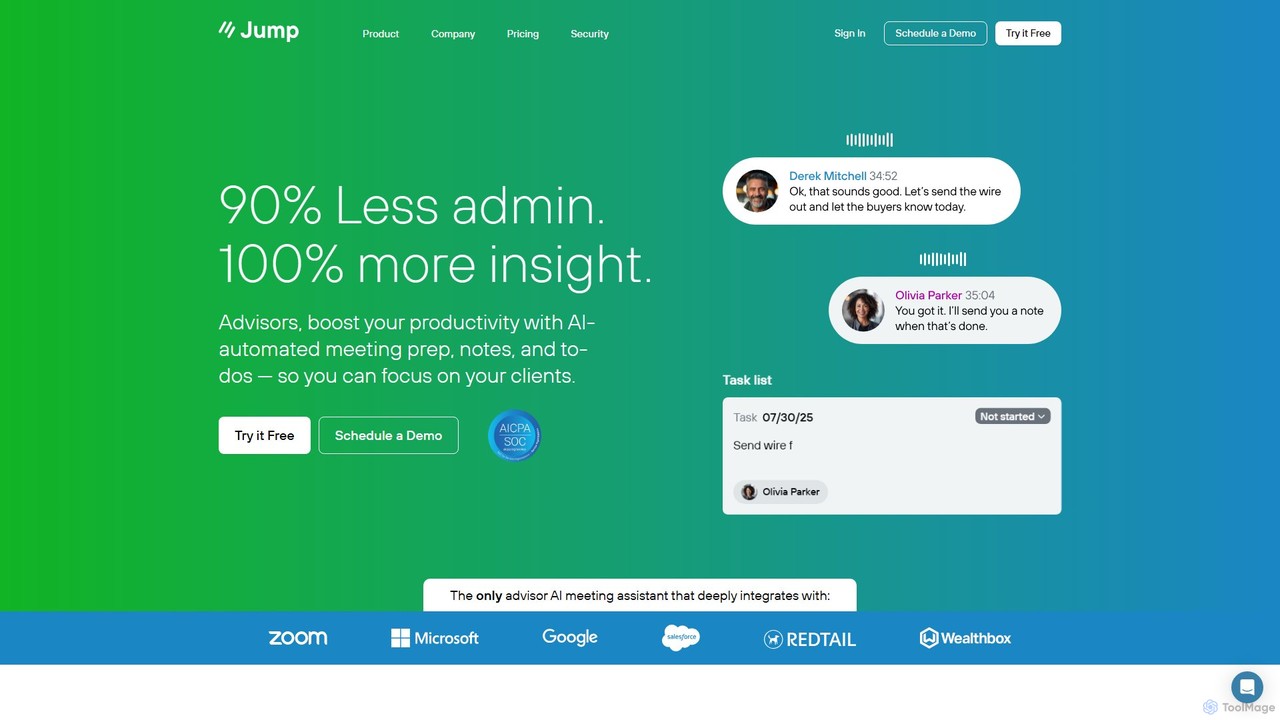
Jump
Jump is an AI assistant specifically designed for financial advisors. It automates meeting preparation, note-taking, and task creation, reducing administrative work by up to 90%. By deeply integrating with your CRM and tech stack, Jump allows advisors to focus more on client relationships and less on paperwork.
Wealth Management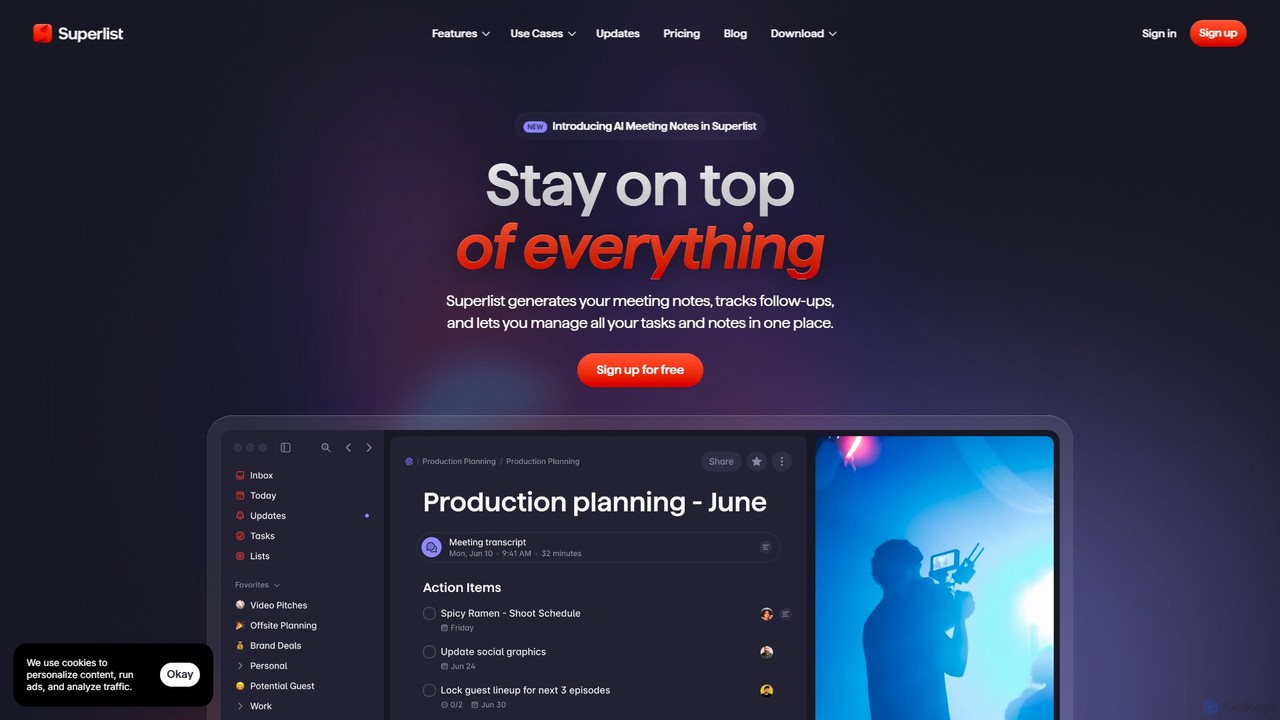
Superlist
Superlist is an AI-powered productivity tool that unifies tasks, notes, and meeting summaries in a single platform. Designed for both individuals and teams, it uses AI to automatically generate meeting notes, track action items, and convert voice memos into tasks, streamlining workflows and enhancing collaboration.
Meeting Assistant
Fluidwave
Fluidwave is an AI-powered task management platform designed to boost productivity by intelligently organizing tasks, auto-prioritizing them, and connecting users with human virtual assistants for delegation. It helps individuals and teams stay focused and efficient.
Virtual AssistantThalla Categories
Thalla Embed Widget
Copy this embed code to place the badge on your blog, article, or product site and send readers directly to this ToolMage detail page.

Related AI tools
Tingo.ai
Tingo.ai is an AI-powered productivity and workflow automation platform designed for modern teams. It integrates with your existing tools like Slack and Jira to automate meeting summaries, task management, and knowledge base creation, helping your team stay aligned and focus on what matters most.
Project Management
Jyek
Jyek is an AI agent platform that understands objectives, creates execution plans, uses tools, and delivers verifiable results for complex, multi-step tasks.
Automation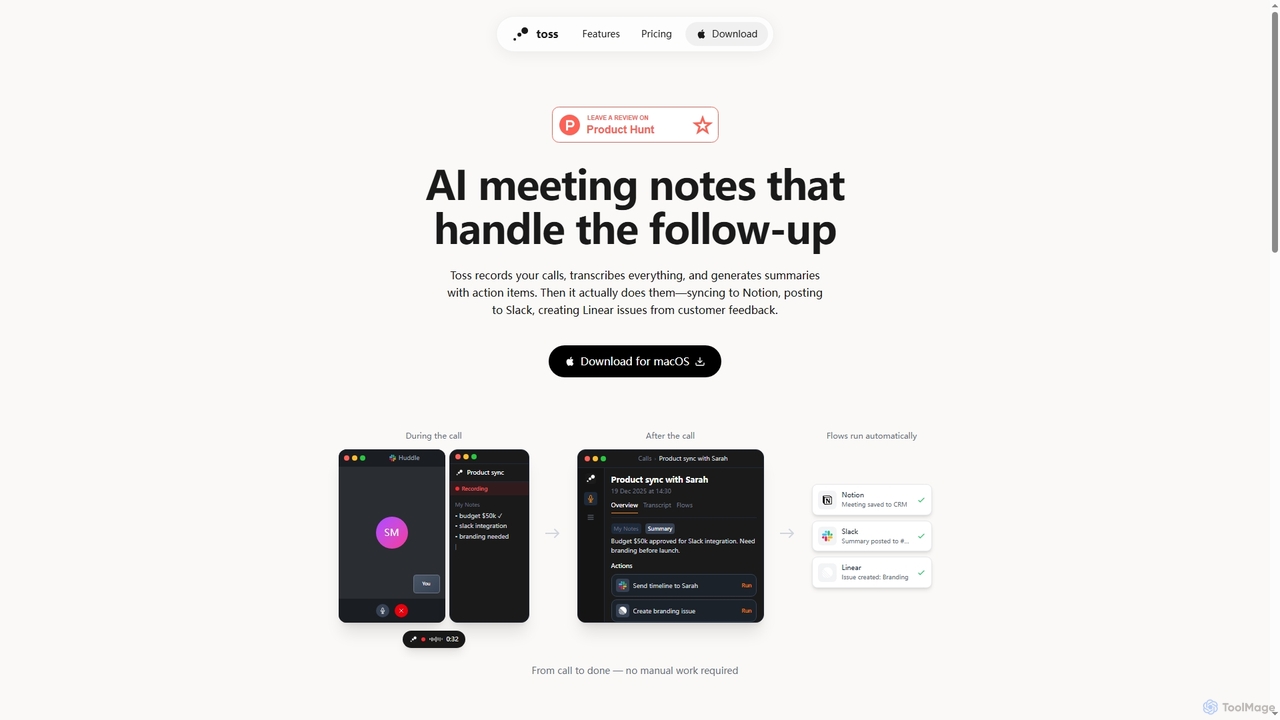
Toss
Toss is an AI-powered macOS application designed to automate meeting notes and follow-up actions. It records calls, transcribes discussions in real-time, generates summaries with actionable items, and automatically executes post-meeting tasks like syncing to Notion, posting to Slack, and creating issues in Linear, streamlining workflows and enhancing productivity for teams.
Dictation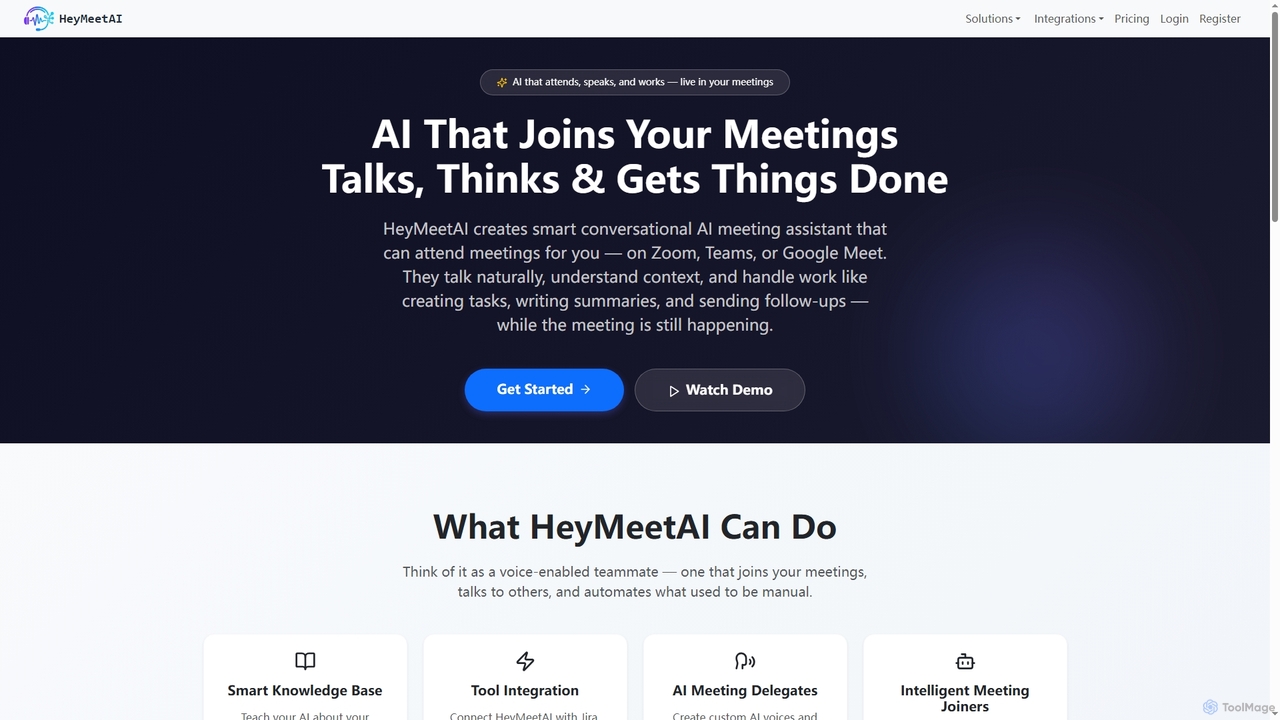
HeyMeetAI
HeyMeetAI is an intelligent conversational AI meeting assistant designed to actively participate in your virtual meetings on platforms like Zoom, Teams, and Google Meet. It speaks naturally, understands context, and automates tasks such as creating tickets, writing summaries, and sending follow-ups in real-time, enhancing team productivity and streamlining workflows.
AutomationMotion
Motion is an AI-powered platform that provides a suite of AI Employees and productivity tools to automate tasks, manage projects, and organize schedules. It's designed to 10x your team's output by handling everything from calendar management and email replies to sales outreach and customer support, all within a single integrated workspace.
Virtual AssistantJump
Jump is an AI assistant specifically designed for financial advisors. It automates meeting preparation, note-taking, and task creation, reducing administrative work by up to 90%. By deeply integrating with your CRM and tech stack, Jump allows advisors to focus more on client relationships and less on paperwork.
Wealth Management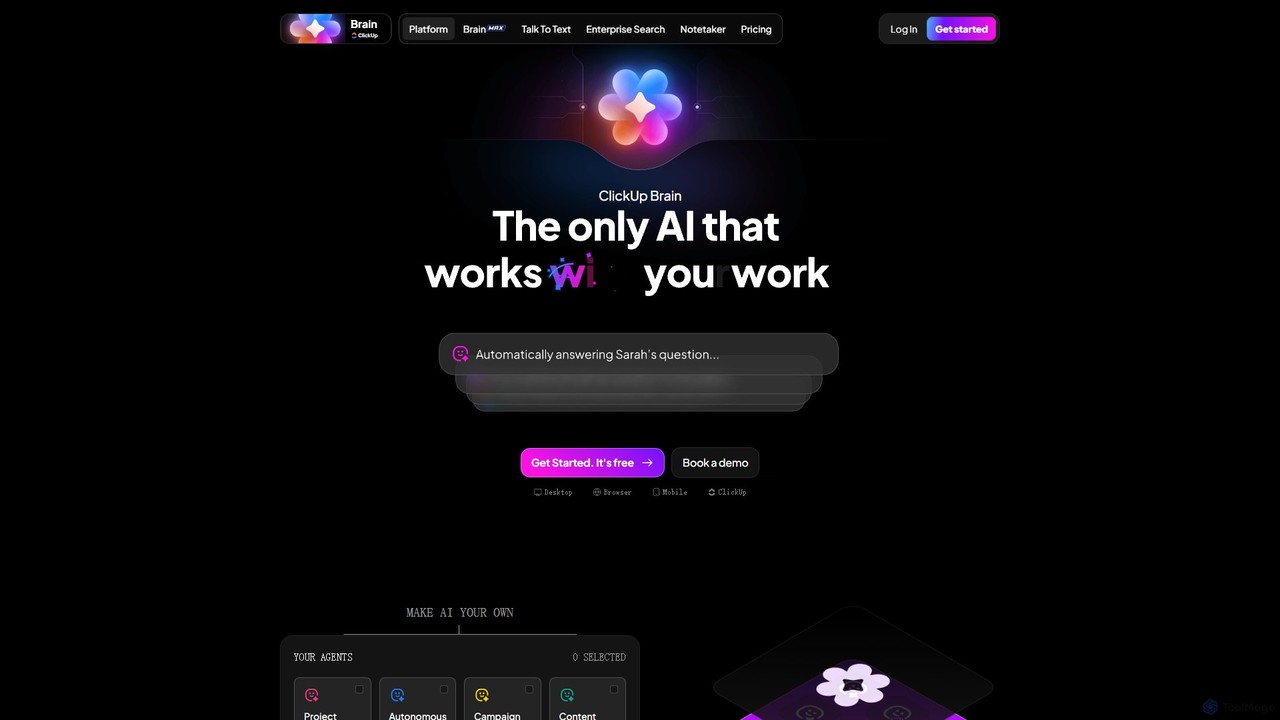
ClickUp Brain
ClickUp Brain is an all-in-one AI assistant integrated directly into the ClickUp productivity platform. It automates tasks, manages projects, summarizes meetings, and generates content by leveraging the full context of your work. It aims to replace multiple standalone AI tools by providing a unified, intelligent workspace that enhances team collaboration and accelerates project completion.
Collaboration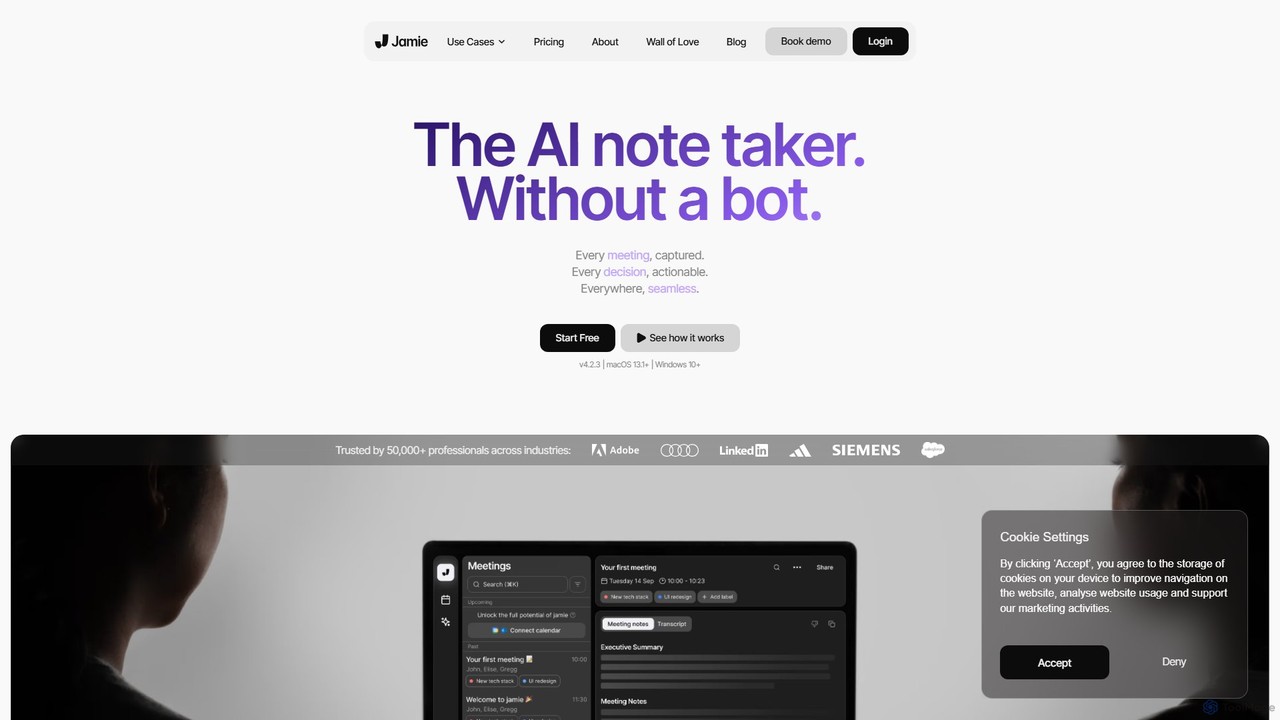
meetjamie
meetjamie is a personal AI note-taker that automatically summarizes online and in-person meetings without a bot. It captures detailed notes, identifies tasks and decisions, and allows you to ask questions across all your past meetings. It's a privacy-first desktop app for macOS and Windows, supporting over 100 languages.
Transcription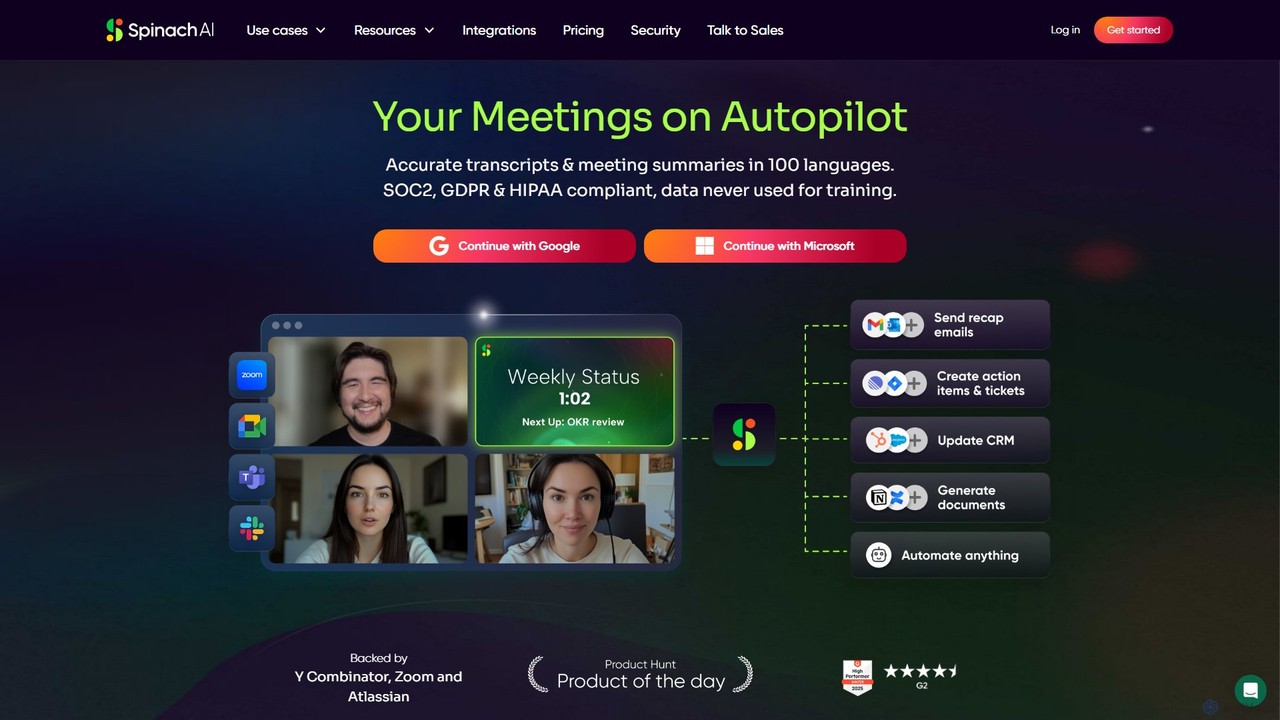
Spinach AI
Spinach AI is an intelligent meeting assistant and AI Scrum Master that automatically joins, records, transcribes, and summarizes your meetings. It captures key decisions and action items, integrating seamlessly with tools like Jira, Slack, and Salesforce to streamline workflows and boost team productivity.
Project Management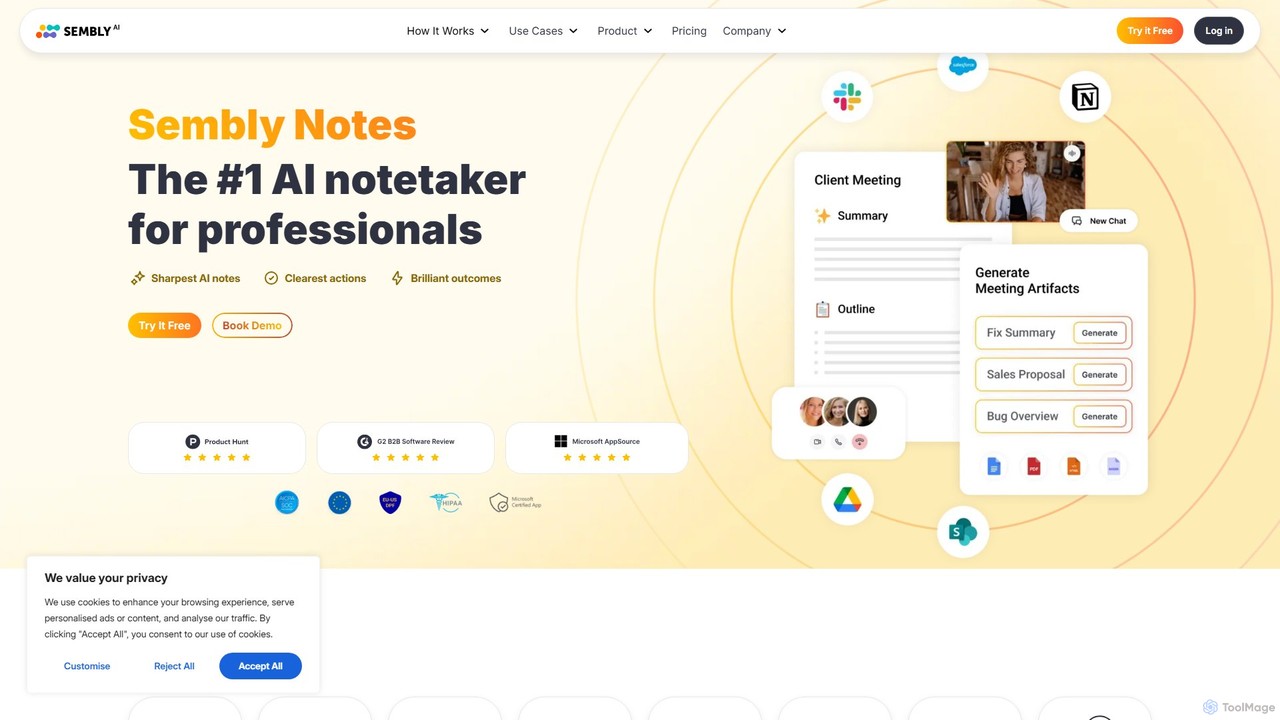
Sembly
Sembly is an AI meeting assistant that records, transcribes, and generates intelligent summaries for your meetings. It integrates with major platforms like Zoom, Google Meet, and Microsoft Teams to capture conversations, identify key items, create action points, and provide deep insights, transforming discussions into actionable outcomes.
Project Management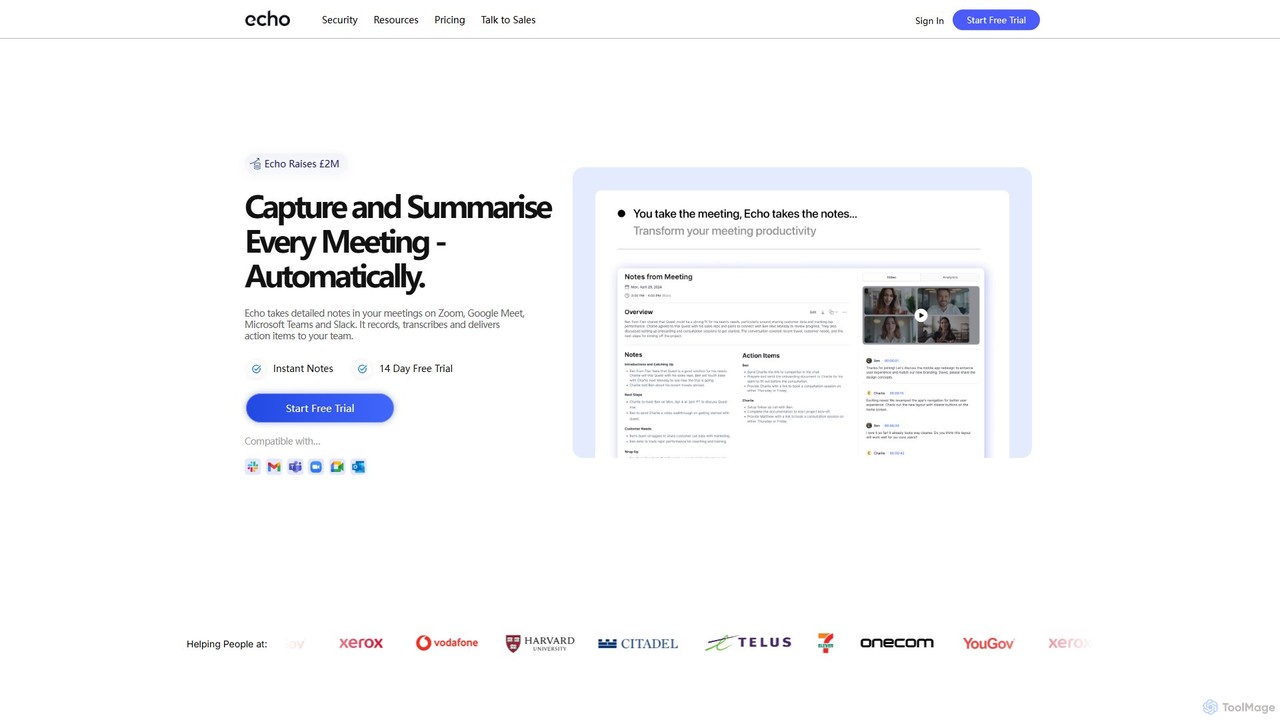
meetecho
Meetecho is an AI executive assistant that automatically joins your meetings on Zoom, Google Meet, and Teams. It records, transcribes, and generates structured summaries with action items, freeing you to focus on the conversation. It supports over 30 languages and offers robust security features.
Communication
Clara
Clara is an AI-powered virtual employee that automates meeting scheduling. Simply Cc Clara in an email, and it will handle all the back-and-forth communication using natural language to find the perfect time, follow up with participants, and send calendar invites. This allows you to focus on more important work by eliminating the tedious task of coordinating schedules.
Virtual Assistant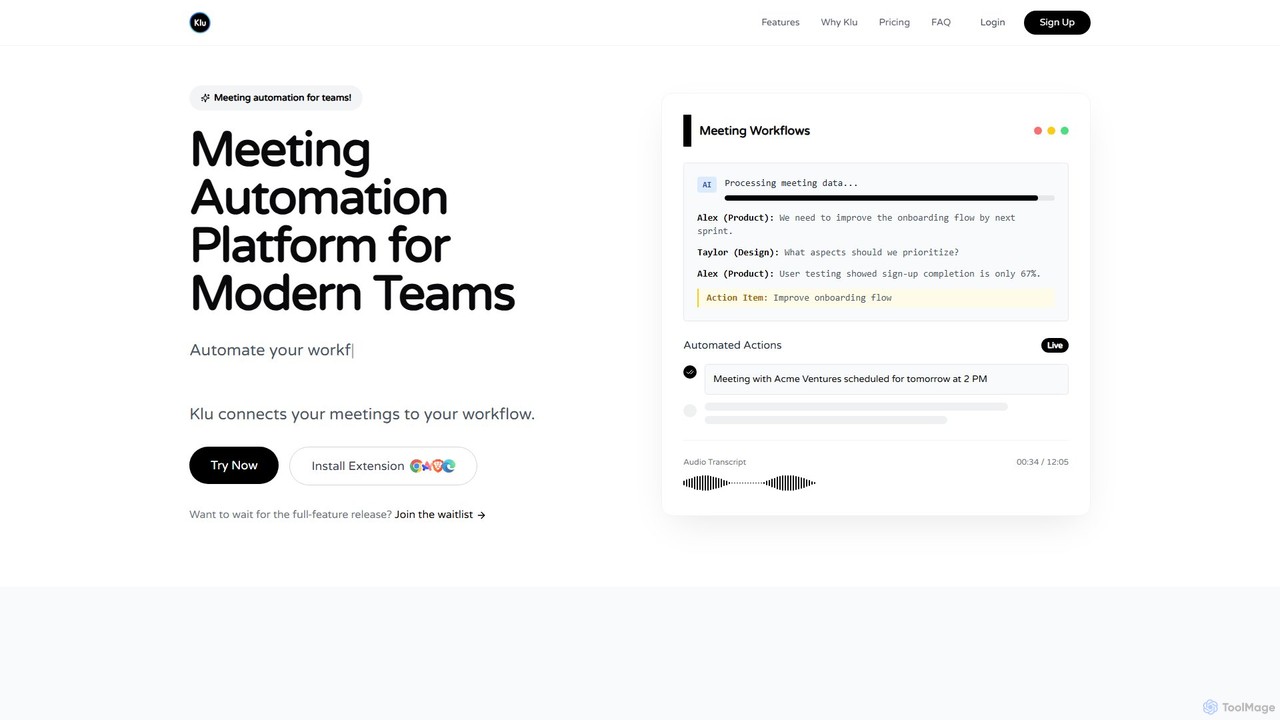
Klu
Klu is an AI-powered meeting automation platform designed for modern teams. It records, transcribes, and summarizes your meetings, automatically extracting action items and key insights. By integrating with your existing workflow tools like Notion, Slack, and Asana, Klu automates post-meeting tasks, saving time and boosting productivity.
Workflow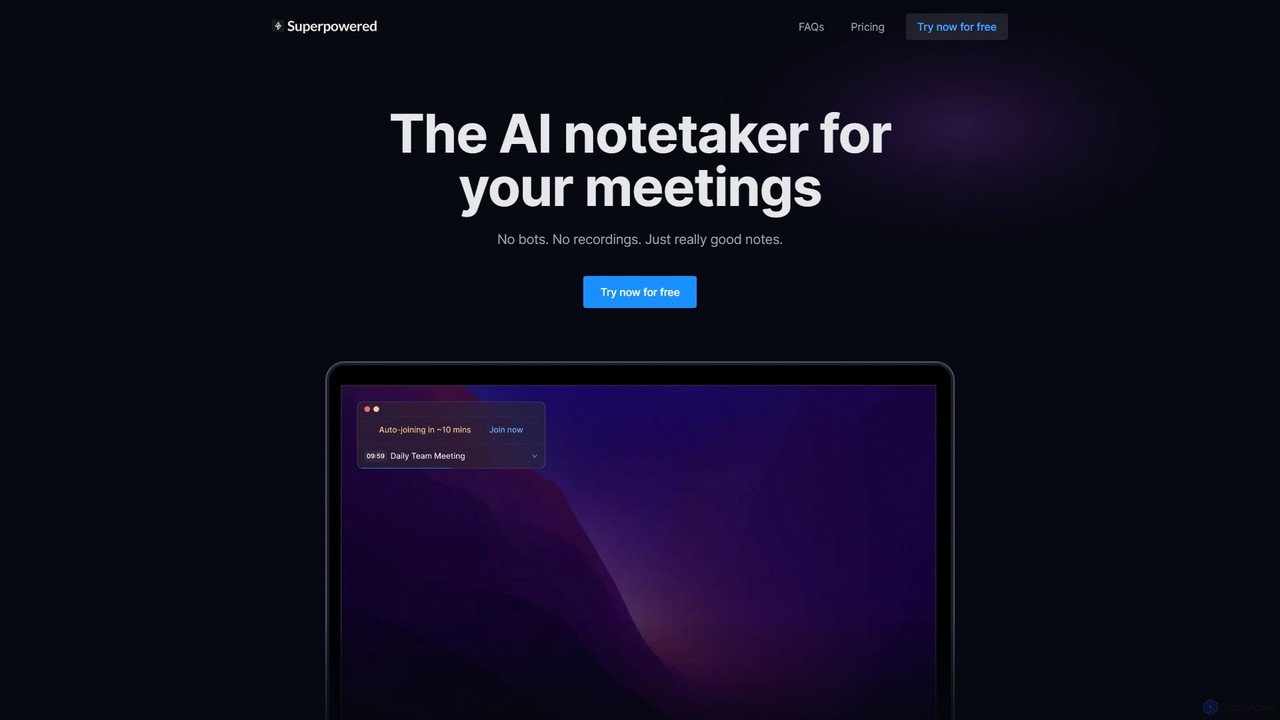
Superpowered
Superpowered is an AI meeting assistant that generates high-quality notes, summaries, and action items without using bots or recordings. It works seamlessly with all meeting platforms by transcribing device audio in real-time, ensuring privacy and security. It integrates with your calendar and workflow tools to boost productivity.
Meeting Assistant
Aphid
Aphid is a no-code workforce automation network that allows you to create and deploy AI-powered 'Digital Clones'. These bots automate online tasks, helping you save time, increase productivity, and even generate income through automated activities like trading or sales.
Virtual Assistant
Thalla Comments (0)
Sign in to comment.
Sign inNo comments yet.