ToolMage
Sign in

Best 32 Prototyping AI tools for Design

Popular Prototyping AI tools in Design include Miro, Framer, This Person Does Not Exist, Magic Patterns, UXPin, Octopus.do, Replit, Fuser, Happycapy, and Bravo Studio, helping you work more efficiently.

Magic Patterns
Freemium

Magic Patterns

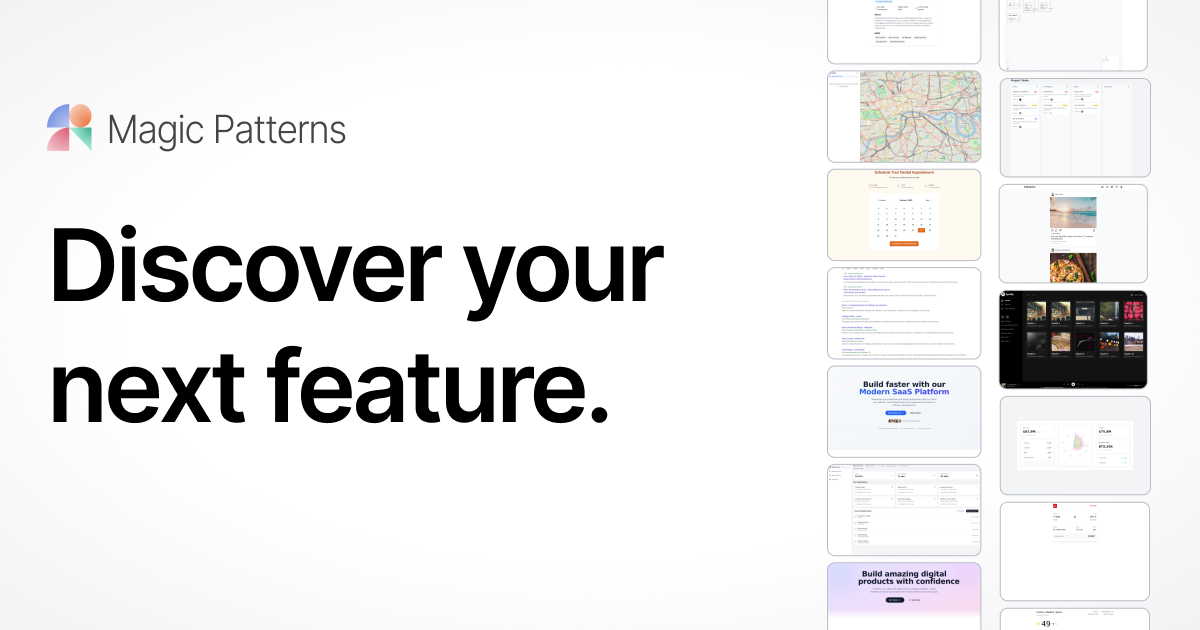
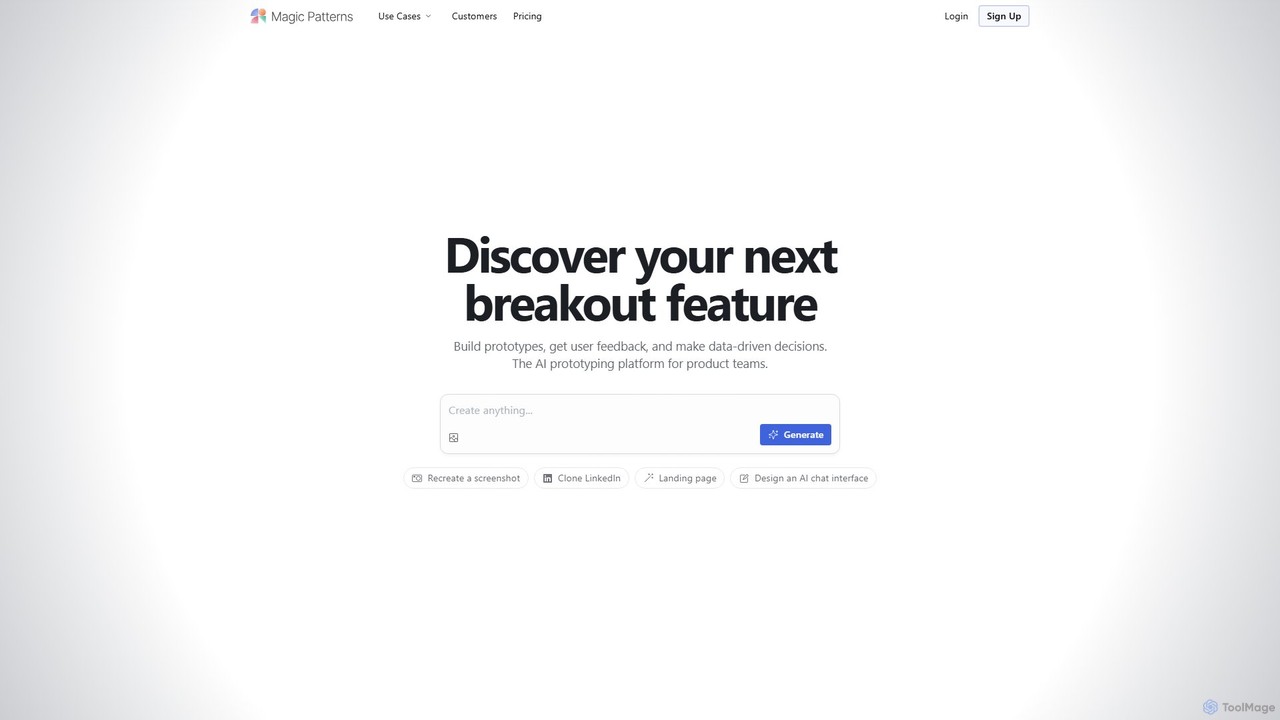
Magic Patterns is an AI-powered prototyping platform for product teams, designers, and developers. It accelerates UI creation by generating interactive prototypes and production-ready code (React, Tailwind CSS) from text prompts, screenshots, or existing websites. It helps teams iterate faster, gather user feedback, and make data-driven decisions.

Prototyping
Visits 247.6KFavorites 102Likes 109
Framer
Freemium

Framer

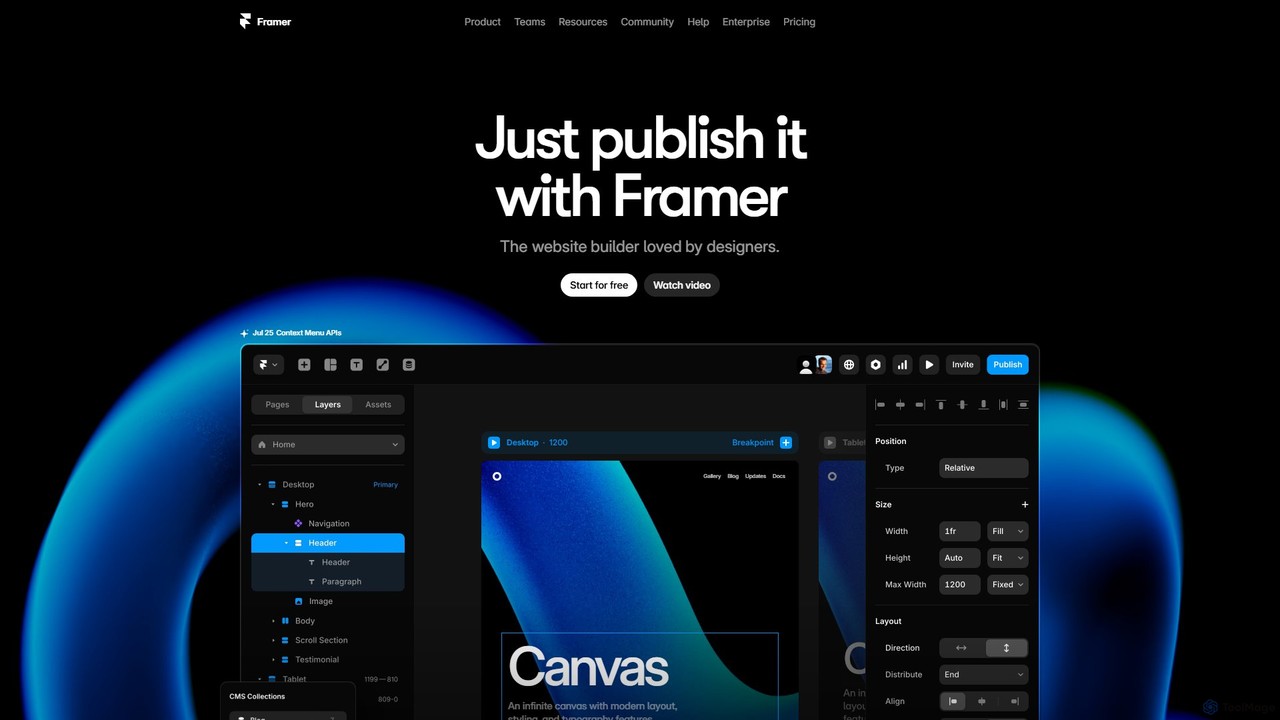
Framer is a professional no-code website builder that empowers designers and teams to create high-performance, production-ready websites. Leveraging AI, Framer can generate entire websites from a simple text prompt, complete with copy and visuals. It combines a powerful design canvas, advanced animations, a built-in CMS, and seamless collaboration features into a single, intuitive platform.

Prototyping
Visits 5.6MFavorites 150Likes 139
Sketch2scheme
Paid

Sketch2scheme

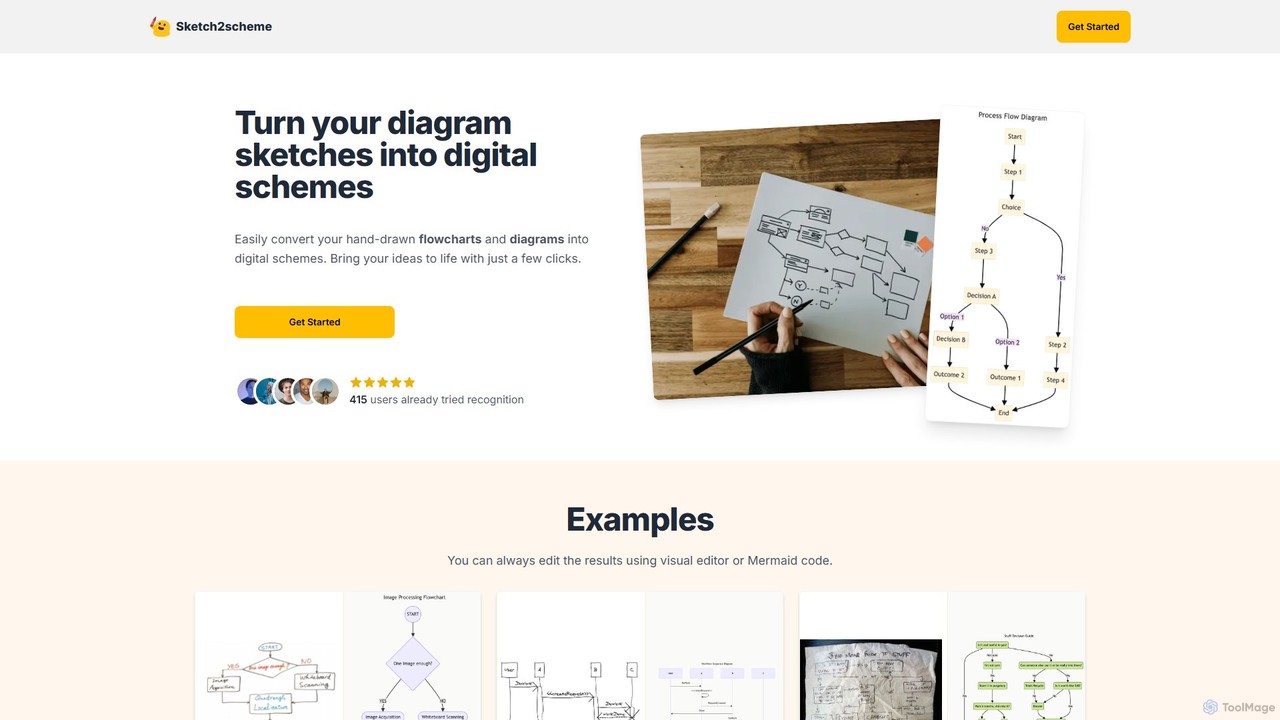
Sketch2scheme is an AI-powered tool that effortlessly converts your hand-drawn diagram sketches into polished, editable digital schemes. Simply upload a picture of your flowchart or diagram, and the AI will recognize nodes, connections, and text, transforming your analog ideas into digital assets in seconds. It's perfect for developers, project managers, and students who want to bridge the gap between paper brainstorming and digital implementation.

Prototyping
Visits 7.9KFavorites 165Likes 182
Chat2Code
Free

Chat2Code

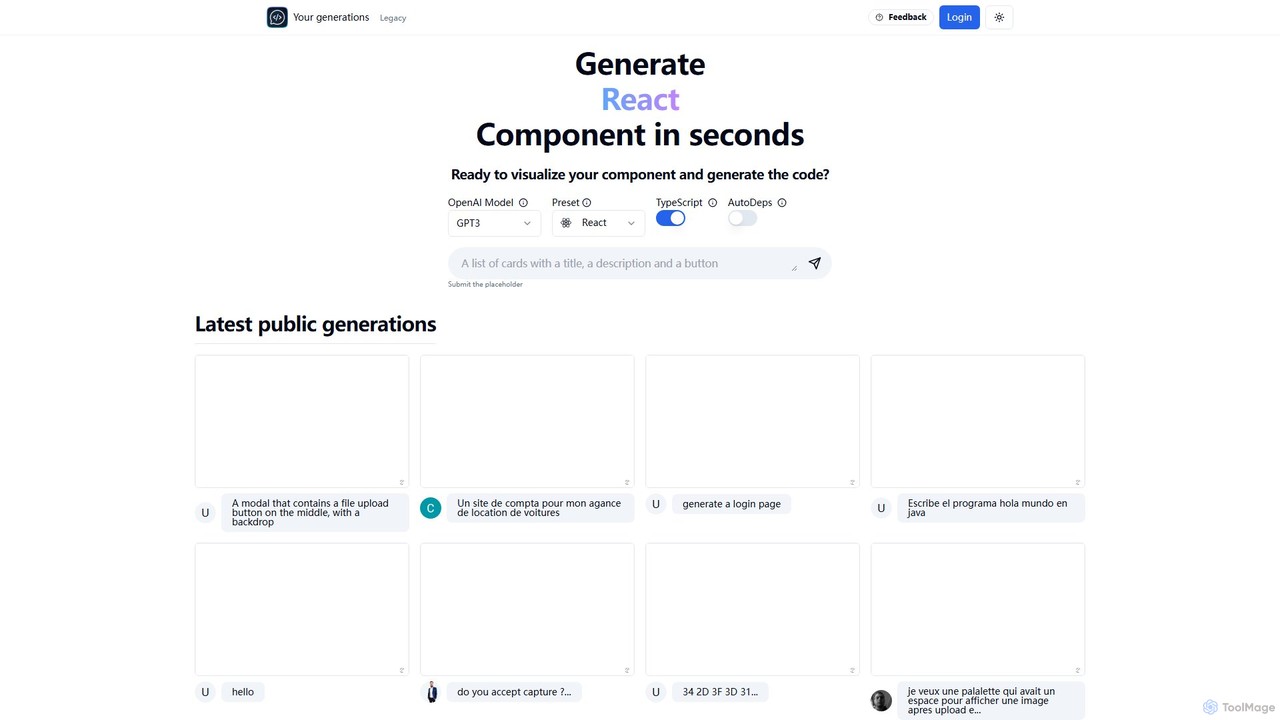
Chat2Code is an AI-powered tool that generates interactive React and TypeScript components from natural language descriptions. Instantly visualize your ideas, get functional code, and accelerate your frontend development workflow. Perfect for rapid prototyping and component scaffolding.

Prototyping
Visits 5.8KFavorites 149Likes 127
Wynde
Freemium

Wynde

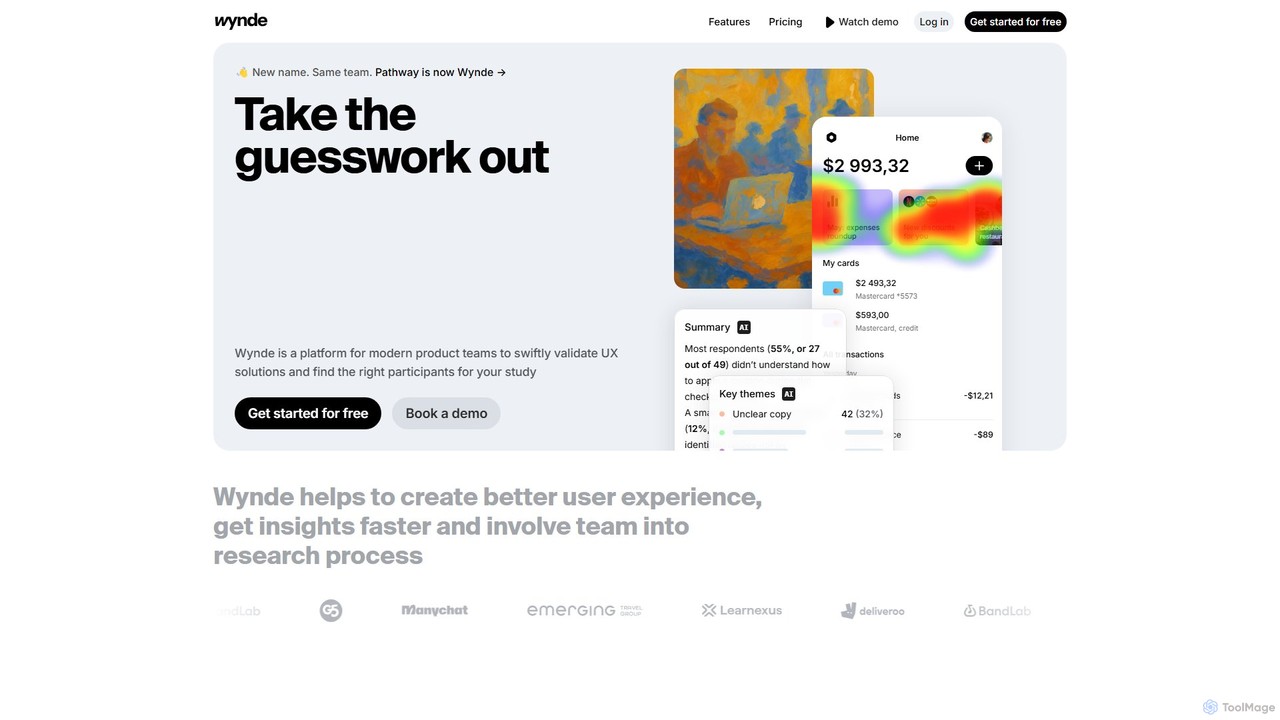
Wynde is an AI-powered user research platform for product teams to validate UX solutions. It enables rapid creation of usability tests, surveys, and interviews for Figma prototypes and websites. Key features include AI-driven contextual follow-up questions, automated theme analysis, A/B testing, and access to a global panel with over 400 filters. Wynde helps teams get deeper insights faster and more affordably.

Prototyping
Visits 32KFavorites 131Likes 147
Sketch2App
Paid

Sketch2App

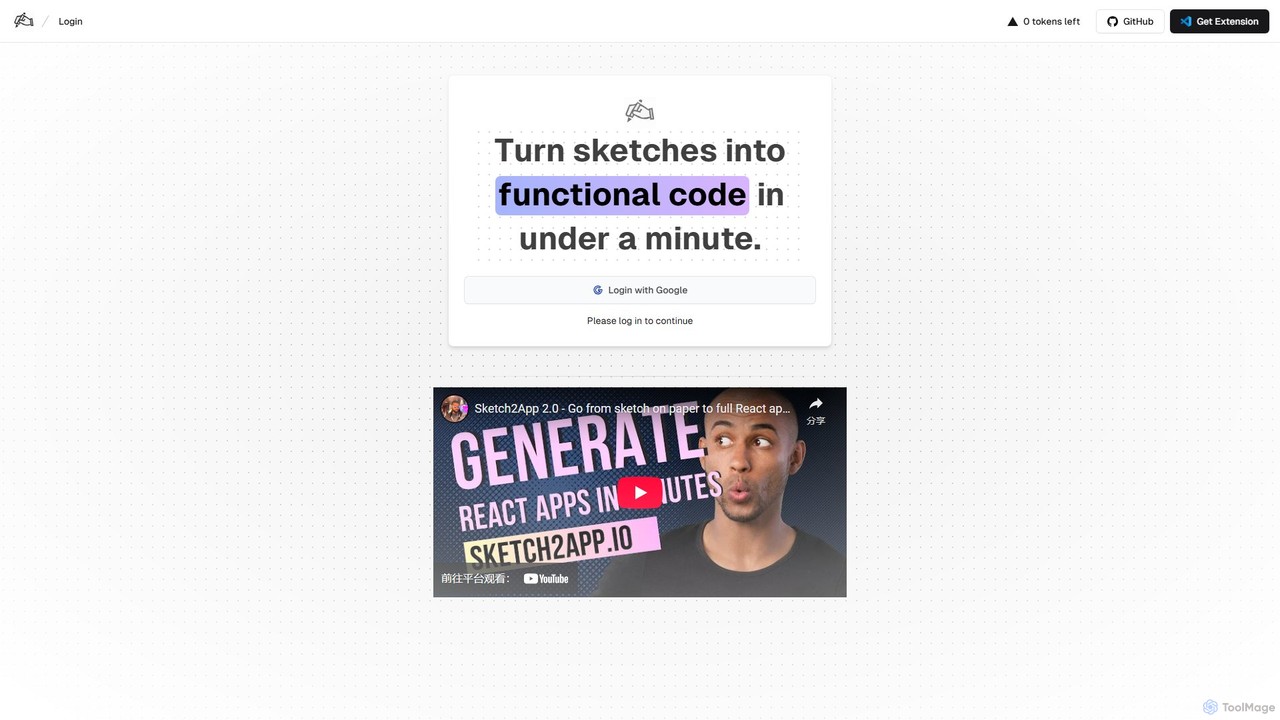
Sketch2App is an AI-powered tool that transforms hand-drawn sketches and wireframes into functional, clean front-end code in under a minute. It accelerates the development process by automating the conversion of visual ideas into interactive prototypes and application skeletons, supporting popular frameworks.

Prototyping
Visits 16.6KFavorites 121Likes 116
splotch
Freemium

splotch

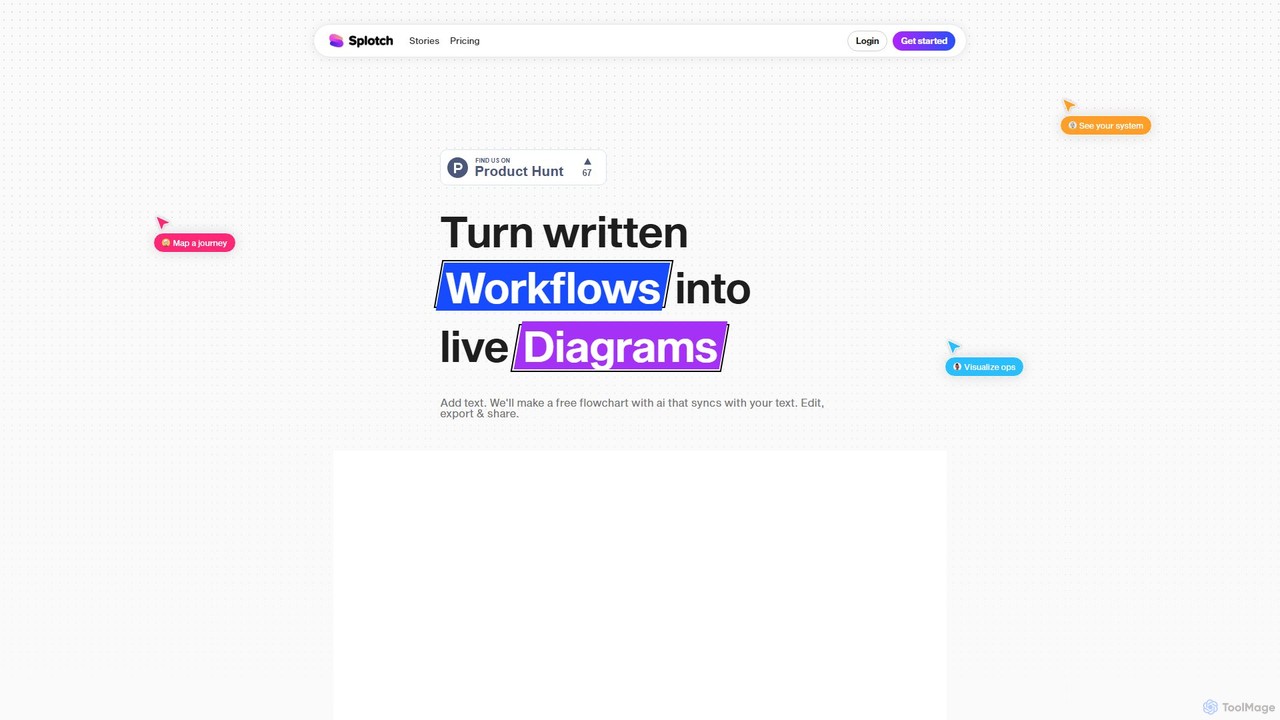
splotch is an AI-powered diagramming tool that automatically converts written text, processes, and workflows into clear, editable flowcharts and diagrams. It features a unique two-way sync, ensuring your text and visuals are always aligned, streamlining communication and process documentation.

Process Management
Visits 6.5KFavorites 118Likes 119
Bravo Studio
Freemium

Bravo Studio

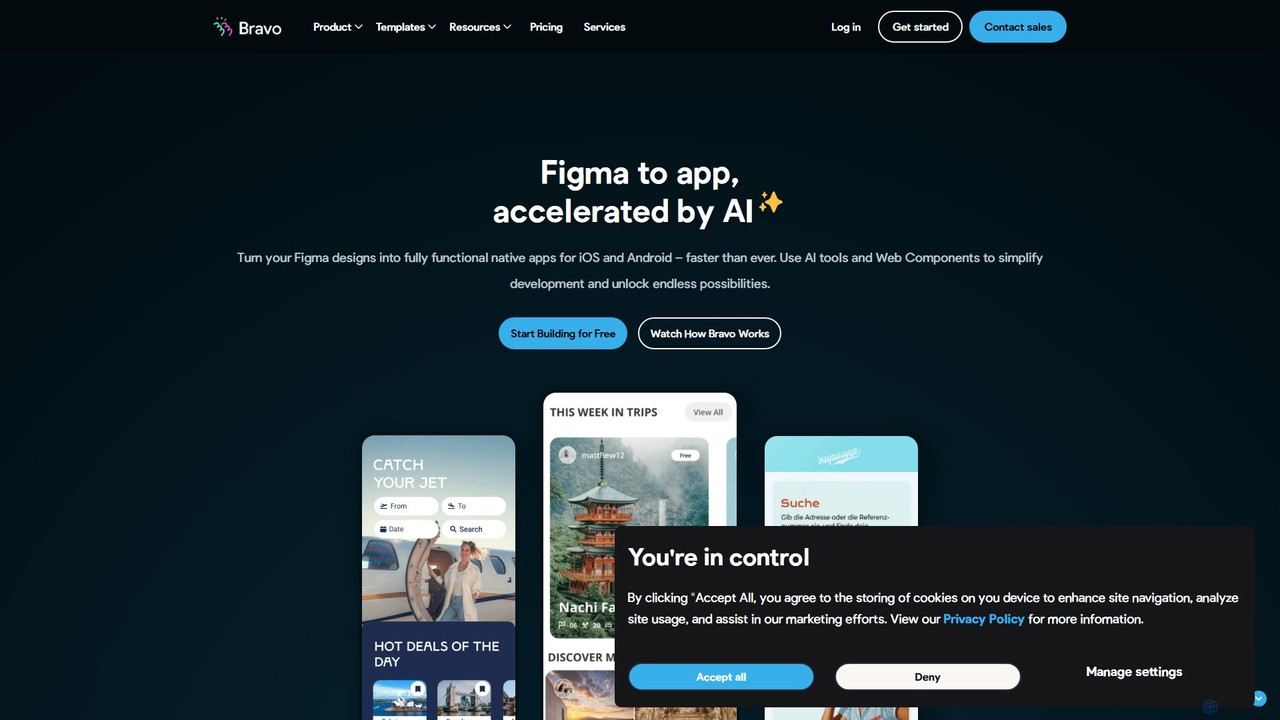
Bravo Studio is a design-first, no-code platform that transforms your Figma or Adobe XD designs into fully native mobile apps for iOS and Android. It empowers designers, creators, and entrepreneurs to build and launch sophisticated, data-driven applications without writing any code, connecting designs to any API or third-party service.

Prototyping
Visits 35.5KFavorites 155Likes 158

About Prototyping

AI Prototyping tools are AI-powered solutions that streamline the creation of interactive and functional prototypes for digital products. These tools leverage artificial intelligence to automate design elements, generate user flows, and simulate user interactions, significantly accelerating the design validation process. They enable designers and product teams to quickly test ideas, gather feedback, and iterate on designs before committing to full development, enhancing the realism and interactivity of early-stage designs.

Core Features

  • AI-driven Wireframing & Mockup Generation: Automatically convert sketches or text descriptions into basic UI layouts and visual mockups.
  • Interactive Component Libraries: Suggest and apply pre-built, interactive UI components and design patterns based on context.
  • User Flow Automation: Generate navigable user paths and transitions between screens with intelligent suggestions.
  • Feedback Integration & Analysis: Analyze user testing data and provide actionable insights for design improvements.
  • Code Export & Hand-off: Generate preliminary code snippets or detailed design specifications for developers.

Applicable Scenarios

These tools are essential for product managers, UX/UI designers, and development teams. They facilitate rapid idea validation by quickly visualizing new features, enhance stakeholder presentations with interactive demos, and optimize user testing by providing functional prototypes for early feedback and iteration.

How to Choose

When selecting an AI prototyping tool, evaluate the sophistication of its AI capabilities (e.g., auto-layout, content generation, smart suggestions), its integration ecosystem with existing design and development tools, the level of interactivity and fidelity it supports for prototypes, and its collaboration features for team workflows.

Featured tool rankings

Prototyping use cases

1

Rapid Mobile App Prototype Generation

UX designers input app functionality descriptions, and AI automatically generates interactive mobile app interface drafts and basic user flows for early concept validation.

2

Website Redesign User Experience Testing

Product teams use AI prototyping tools to quickly build interactive prototypes of new website layouts, conducting A/B tests and user behavior simulations to optimize navigation and design.

3

Smart Home Interface Interaction Simulation

Smart hardware designers create virtual interactive interfaces for smart home control panels using AI prototyping tools, simulating user operation flows and feedback to identify design flaws early.

4

Enterprise SaaS Product Feature Demonstration

Sales teams or product managers leverage high-fidelity AI prototypes to showcase the actual operation and value of new SaaS product features to potential clients, enhancing demonstration effectiveness.

5

Game UI/UX Rapid Iteration

Game designers use AI prototyping tools to quickly generate multiple versions of in-game menus, HUDs (Head-Up Displays), and interactive elements for internal testing and player feedback collection.

6

Educational App Learning Path Design

Educational content developers utilize AI prototyping tools to design and simulate the navigation logic and interactive feedback between different learning modules, ensuring a smooth and effective learning experience.

Prototyping FAQ

What are AI Prototyping tools?

AI Prototyping tools are software solutions that leverage artificial intelligence to assist in the creation, testing, and iteration of interactive prototypes for digital products. They accelerate the process from concept to a verifiable prototype by automating repetitive tasks, intelligently generating design elements, and simulating user behavior.

How do AI Prototyping tools differ from traditional prototyping tools?

Traditional prototyping tools primarily rely on designers manually dragging and connecting elements to build prototypes. AI prototyping tools, however, build upon this by incorporating AI algorithms to automatically generate layouts, recommend components, predict user behavior, and even create initial prototypes directly from text descriptions, significantly boosting efficiency and intelligence.

How to choose the right AI Prototyping tool for my needs?

When choosing, consider the depth of AI features (e.g., auto-layout, smart content filling), the supported prototype fidelity (low-fidelity to high-fidelity), integration capabilities with existing design tools, team collaboration features, learning curve, and pricing model. Align these with your specific project requirements and team workflow.

What can AI Prototyping tools help me achieve?

They help users quickly transform ideas into interactive visual mockups, automate repetitive design tasks, conduct early user testing and feedback collection, accelerate design iteration, and ultimately shorten the product development cycle. This leads to more refined and user-centric products.

In which industries or scenarios are AI Prototyping tools primarily used?

AI Prototyping tools are primarily used in UX/UI design, product management, software development, game design, smart hardware interface design, and educational app development. Specific scenarios include rapid concept validation, user experience testing, product feature demonstrations, design system building, and cross-functional team collaboration.