ToolMage
Sign in

Best 30 Devops AI tools for Developer Tools

Popular Devops AI tools in Developer Tools include GitHub, Google Cloud, Bitbucket, AIO Tests: QA Testing and Test Management for Jira, Ansible, Sourcegraph, Greptile, Pump, Dagger.io, and Screenful, helping you work more efficiently.

Botkube
Free

Botkube

Botkube is an open-source, collaborative AI assistant for Kubernetes. It integrates directly into your chat platforms like Slack and Microsoft Teams, centralizing real-time monitoring, alerting, and troubleshooting. It empowers developers to manage their applications independently and streamlines DevOps workflows by bringing K8s management into your daily communication tools.

Devops
Visits 10.2KFavorites 149Likes 136
Dagger.io
Freemium

Dagger.io

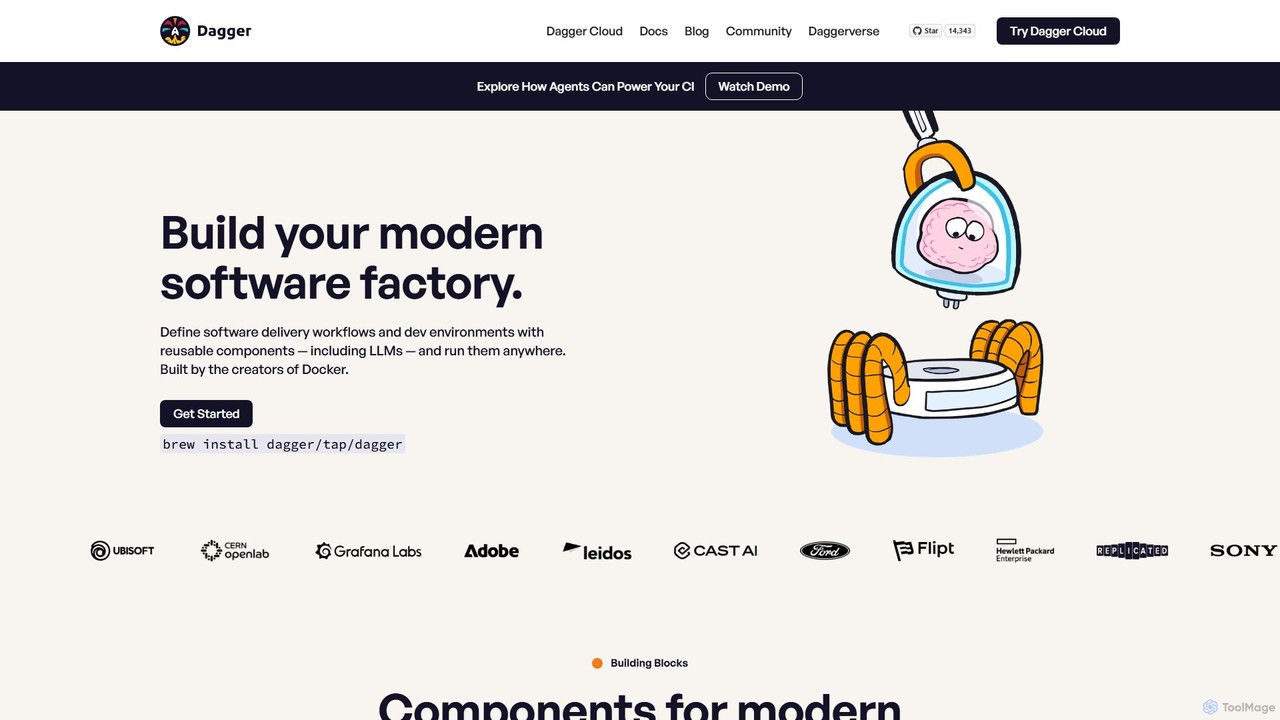
Dagger.io is a programmable CI/CD engine that allows developers to build powerful automation pipelines as code in languages like Go, Python, and TypeScript. It leverages containers to ensure workflows are portable, reproducible, and run consistently everywhere. Dagger also provides a secure environment for integrating LLMs and AI agents into your software development lifecycle.

Ci Cd
Visits 54.4KFavorites 155Likes 164
Parity
Paid

Parity

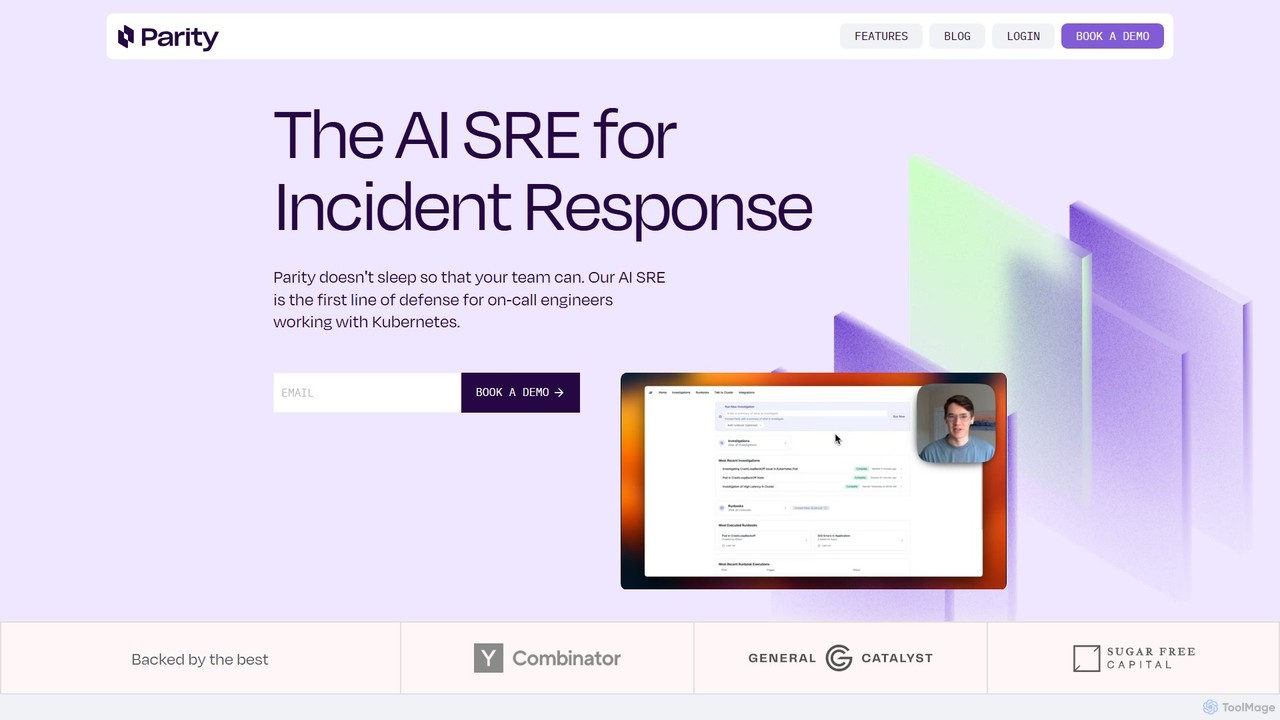
Parity is an AI-powered Site Reliability Engineer (SRE) designed for incident response in Kubernetes environments. It automates investigations, performs rapid root cause analysis, and executes runbooks, allowing on-call teams to resolve issues faster and reduce operational workload.

Devops
Visits 6.3KFavorites 142Likes 162
GitHub
Freemium

GitHub

GitHub is the world's leading AI-powered developer platform for building, shipping, and maintaining software. It provides Git-based version control, collaborative tools, and a complete DevOps lifecycle, supercharged by GitHub Copilot, an advanced AI code assistant that accelerates development and enhances code quality.

Code Assistant
Visits 636.1MFavorites 144Likes 112
e-chos
Freemium

e-chos

e-chos is an AI-powered platform featuring Phom, a DevOps assistant for Linux systems. It automates server monitoring, detects issues, applies self-healing fixes, and predicts outages in real-time. Designed for system administrators and DevOps teams, it simplifies infrastructure management, optimizes performance, and brings autonomous intelligence to any machine, anywhere.

Devops
Visits 6.3KFavorites 133Likes 133
socraticworks

socraticworks

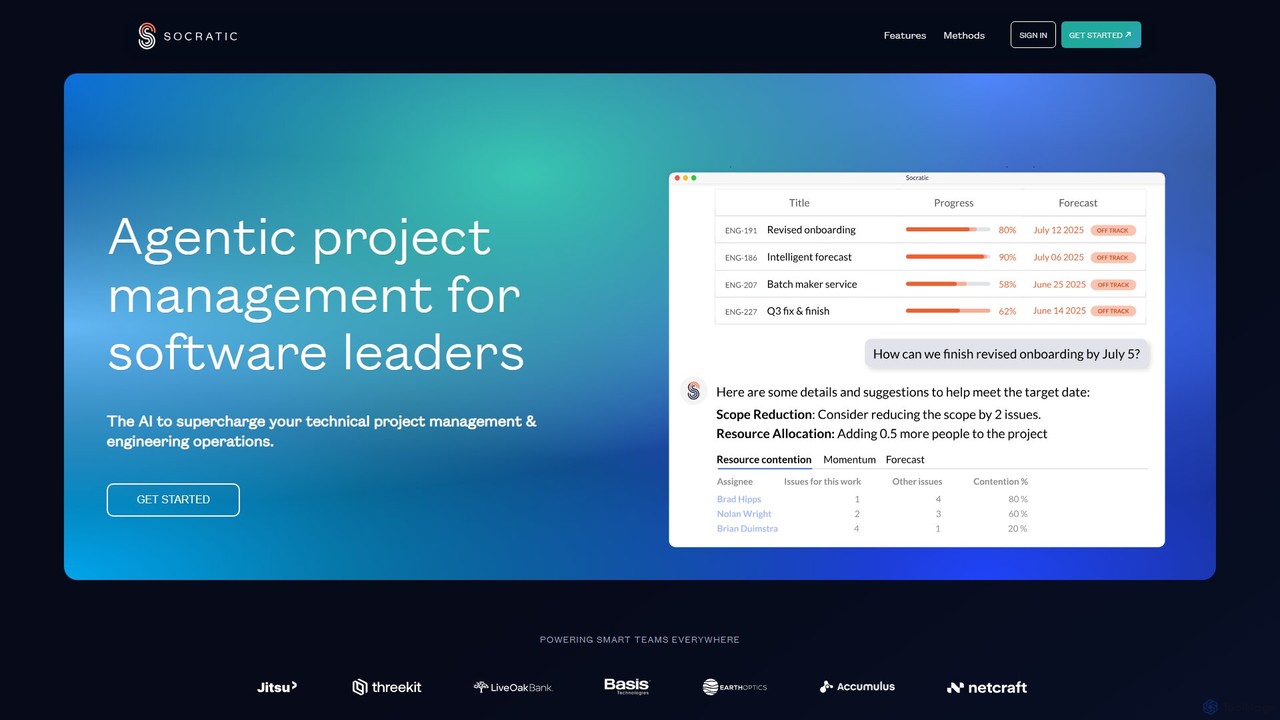
socraticworks is an agentic AI platform designed to supercharge technical project management and engineering operations. By applying machine learning to your Jira and Git metadata, it provides predictive forecasts, risk analysis, and deep insights into team productivity and capacity, enabling data-driven decision-making for software leaders.

Devops
Visits 6.3KFavorites 151Likes 162

About Devops

DevOps tools are a suite of applications designed to automate and integrate the processes between software development (Dev) and IT operations (Ops). These tools facilitate key practices like continuous integration, continuous delivery (CI/CD), infrastructure as code (IaC), and real-time monitoring. By creating a collaborative and automated workflow, DevOps tools significantly accelerate the software delivery lifecycle, improve deployment frequency, and enhance application reliability and security. They are a critical component within the broader Developer Tools ecosystem for building scalable and resilient systems.

Core Features

  • CI/CD Pipeline Automation: Automates the build, test, and deployment stages, enabling faster and more reliable code releases.
  • Infrastructure as Code (IaC): Allows for managing and provisioning infrastructure through code, ensuring consistency and repeatability.
  • Configuration Management: Standardizes and enforces system configurations across multiple servers and environments.
  • Monitoring and Logging: Provides real-time insights into application performance, system health, and user activity to proactively identify issues.
  • Containerization and Orchestration: Manages the lifecycle of containers using tools like Docker and Kubernetes for efficient application deployment and scaling.

Applicable Scenarios

DevOps tools are essential for technology companies, SaaS providers, and enterprises aiming for rapid and reliable software delivery. They are used by DevOps engineers, software developers, and system administrators to manage complex application lifecycles, from code commit to production monitoring. Scenarios include building automated release pipelines for web applications, managing scalable cloud infrastructure, and maintaining high availability for microservices architectures.

Selection Criteria

When choosing DevOps tools, consider their integration capabilities with your existing tech stack (e.g., cloud provider, version control system). Evaluate the tool's scalability to support future growth and its support for specific practices like IaC or container orchestration. Also, assess the learning curve for your team and the level of community or commercial support available. The pricing model, whether open-source, subscription-based, or pay-as-you-go, is another critical factor.

Featured tool rankings

Devops use cases

1

Automating CI/CD Pipelines for Web Applications

A software development team uses a CI/CD tool like Jenkins or GitLab CI to automate their release process. When a developer pushes new code to the version control repository, the tool automatically triggers a pipeline. This pipeline compiles the code, runs a series of automated tests (unit, integration, and end-to-end), and if all tests pass, deploys the application to a staging environment for final review. This automation reduces manual errors, provides rapid feedback to developers, and accelerates the time-to-market for new features.

2

Managing Cloud Infrastructure with IaC

A DevOps engineer uses an Infrastructure as Code (IaC) tool like Terraform or AWS CloudFormation to define and manage an entire cloud environment. Instead of manually configuring servers, databases, and networks through a web console, the engineer writes declarative configuration files. These files can be version-controlled, reviewed, and reused, ensuring that development, staging, and production environments are identical. This approach prevents configuration drift, enables disaster recovery, and allows for the rapid provisioning of new infrastructure.

3

Real-time Application Performance Monitoring (APM)

A Site Reliability Engineering (SRE) team integrates an APM tool like Datadog or New Relic into their production environment. The tool collects detailed performance metrics, traces, and logs from the application and its underlying infrastructure. When a performance issue arises, such as slow database queries or high error rates, the system sends an automated alert to the SRE team. They can then use the tool's dashboards to quickly diagnose the root cause, analyze the impact on users, and resolve the issue before it escalates, ensuring service level objectives (SLOs) are met.

4

Automated Security Scanning in the Pipeline (DevSecOps)

An organization adopts a DevSecOps approach by integrating security tools directly into their CI/CD pipeline. For example, a static application security testing (SAST) tool automatically scans the source code for vulnerabilities with every new commit. A software composition analysis (SCA) tool checks for known vulnerabilities in open-source dependencies. If a critical vulnerability is found, the pipeline can be configured to fail, preventing insecure code from being deployed. This 'shift-left' approach helps identify and fix security issues early in the development lifecycle, reducing risk and cost.

5

Centralized Log Management and Analysis

An operations team managing a microservices architecture uses a centralized logging platform like the ELK Stack (Elasticsearch, Logstash, Kibana) or Splunk. Agents installed on each service collect logs and forward them to a central server. This allows engineers to search, analyze, and visualize logs from hundreds of services in one place. When a user reports an issue, an engineer can trace a single request across multiple services by correlating log entries, dramatically simplifying troubleshooting and reducing the mean time to resolution (MTTR).

6

Container Orchestration for Microservices

A company running a large-scale application with dozens of microservices uses Kubernetes as a container orchestration platform. Developers package each microservice into a Docker container. The operations team then defines the desired state of the application in Kubernetes configuration files, specifying how many replicas of each service should run. Kubernetes automates the deployment, scaling, and networking of these containers across a cluster of servers. If a container fails, Kubernetes automatically replaces it, ensuring high availability and resilience for the application.

Devops FAQ

What are DevOps tools?

DevOps tools are software applications that automate and integrate the processes between software development and IT operations teams. Their primary goal is to shorten the development lifecycle and provide continuous delivery with high software quality. Key categories of DevOps tools include CI/CD pipeline automation, infrastructure as code (IaC), configuration management, and application performance monitoring. By using these tools, organizations can increase deployment speed, improve reliability, and foster better collaboration between teams.

How to choose the right DevOps tools?

Choosing the right DevOps tools depends on several factors. First, assess your specific needs: are you focused on CI/CD, infrastructure automation, or monitoring? Second, consider integration with your existing technology stack, such as your cloud provider (AWS, Azure, GCP) and version control system (Git). Third, evaluate the tool's scalability and the community or commercial support available. Finally, consider your team's expertise and the tool's learning curve. It's often better to build a 'toolchain' of specialized tools that work well together rather than seeking a single all-in-one solution.

What is the difference between DevOps and traditional IT Operations?

The primary difference lies in culture, process, and tools. Traditional IT Operations often works in silos, separate from development, focusing on stability and risk aversion, which can lead to slower release cycles. DevOps promotes a culture of collaboration and shared responsibility between Dev and Ops teams. It uses automation extensively through tools for CI/CD, IaC, and monitoring to increase speed and agility while maintaining reliability. In essence, DevOps integrates operations into the entire application lifecycle, whereas traditional operations typically engages only after development is complete.

What are the key components of a DevOps toolchain?

A DevOps toolchain is a set of integrated tools used to deliver software from development to production. While specific tools vary, the key components typically include:

  • Plan: Project management tools (e.g., Jira).
  • Code: Version control systems (e.g., Git).
  • Build: Continuous integration tools (e.g., Jenkins, GitLab CI).
  • Test: Automated testing frameworks (e.g., Selenium, JUnit).
  • Release & Deploy: Continuous delivery tools (e.g., Spinnaker, Argo CD).
  • Operate: Infrastructure as Code and configuration management tools (e.g., Terraform, Ansible).
  • Monitor: Performance monitoring and logging tools (e.g., Prometheus, Datadog).

Is DevOps only for cloud-native applications?

No, while DevOps practices and tools are highly effective for cloud-native applications, they are not exclusive to them. The principles of automation, collaboration, and continuous improvement can be applied to any software development lifecycle, including on-premise, monolithic applications. Tools for configuration management (like Ansible) and CI/CD (like Jenkins) can manage traditional infrastructure and deployment workflows. However, the full benefits of DevOps, such as rapid scalability and elasticity, are often more easily realized in a cloud environment.