ToolMage
Sign in

Best 10 Frontend Development AI tools for Developer Tools

Popular Frontend Development AI tools in Developer Tools include Relume, Tweakcn, Kombai, Figr, BigDevSoon, 1ui, heropack, Galileo AI, WindChat, and themeai.io, helping you work more efficiently.

1ui
Freemium

1ui

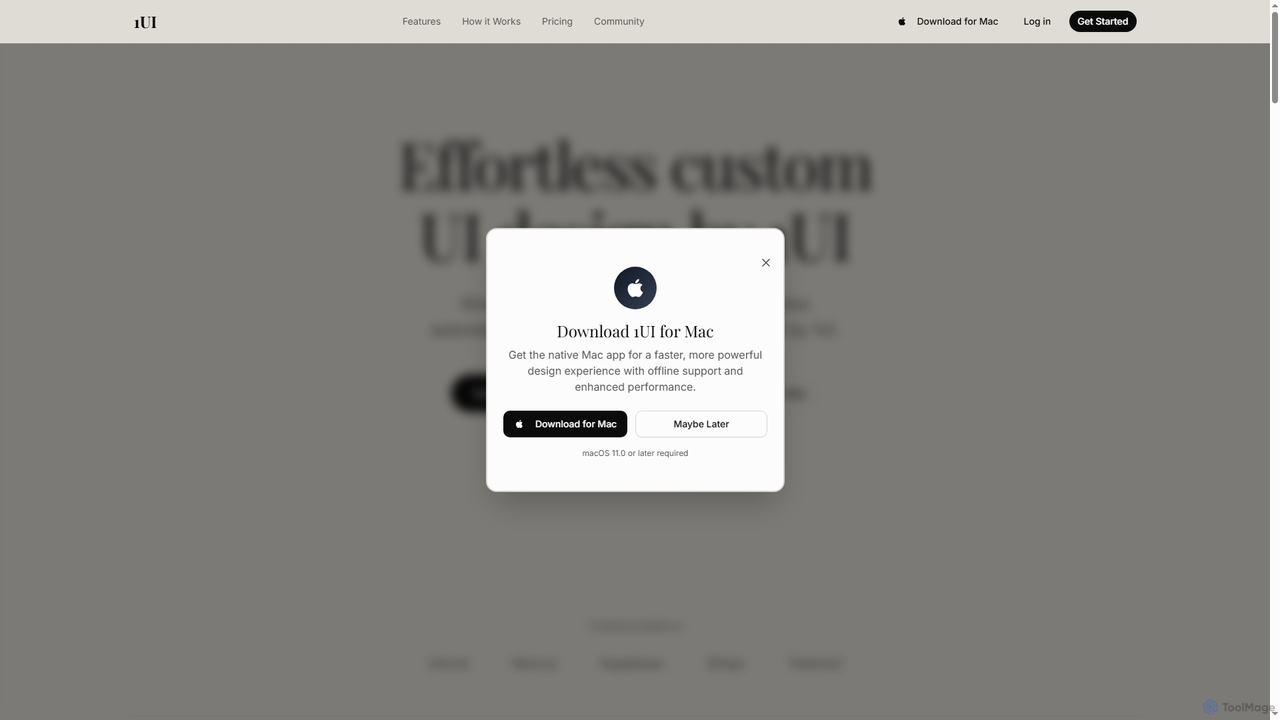
1ui is an AI-powered platform that generates pixel-perfect, production-ready UI designs from natural language prompts. It streamlines the design process by creating responsive layouts, contextual images, and clean HTML/CSS code in seconds. Features include a prompt enhancer, team collaboration, and direct export to Figma as editable layers.

Code Generation
Visits 4.6KFavorites 88Likes 94
Kombai
Freemium

Kombai

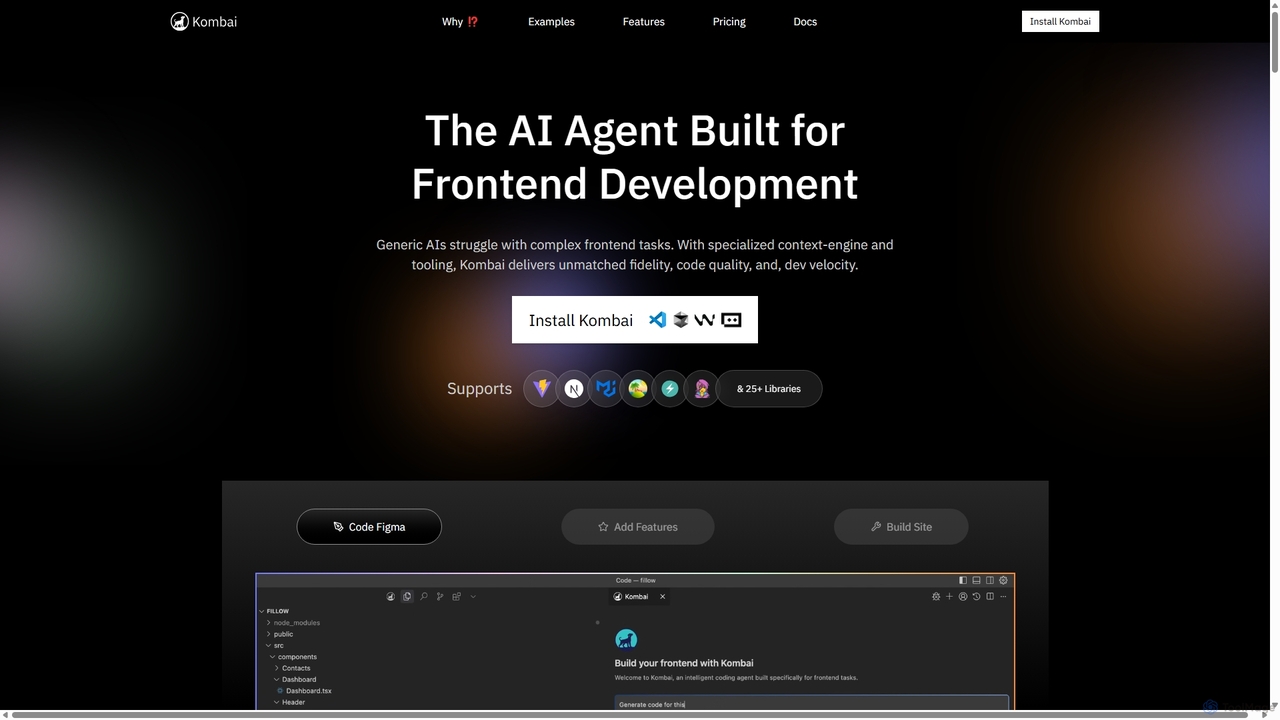
Kombai is a specialized AI agent for frontend development that transforms Figma designs, images, and text prompts into high-fidelity, production-ready code. It understands your existing codebase, supports 25+ libraries, and integrates directly into your IDE to accelerate development velocity.

Code Generation
Visits 159.7KFavorites 120Likes 126
Tweakcn
Freemium

Tweakcn

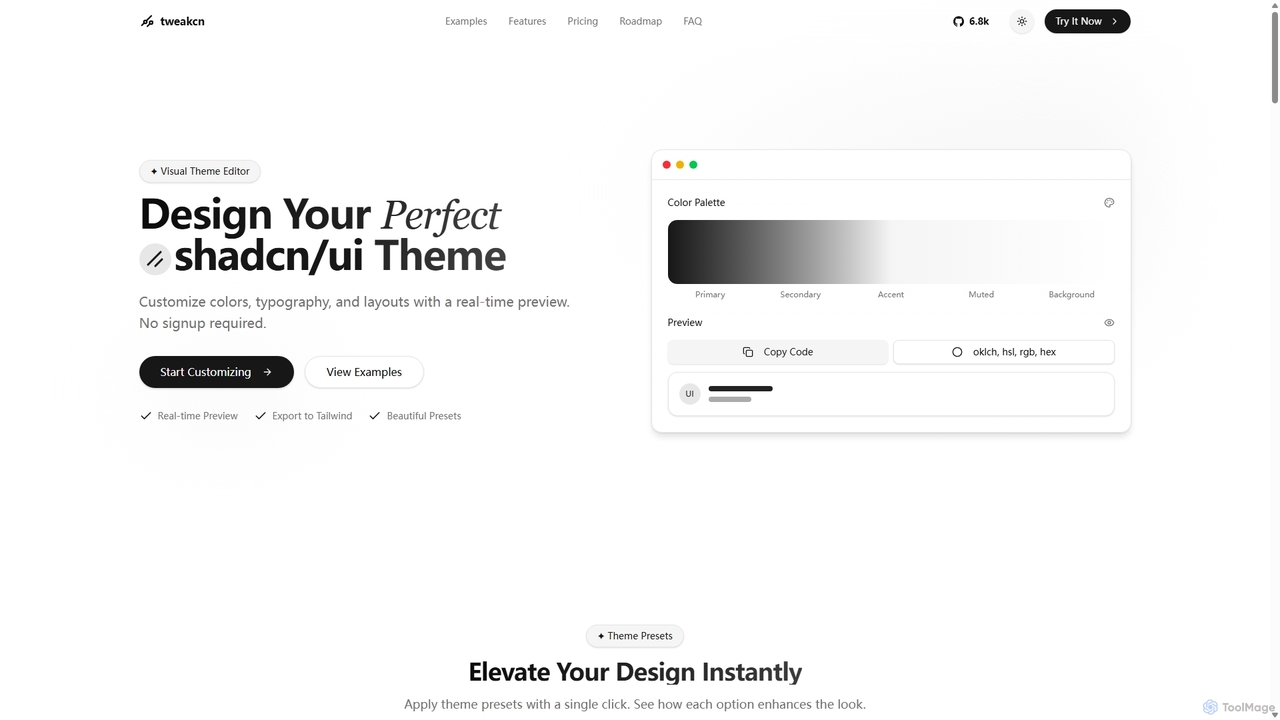
Tweakcn is a visual theme editor and AI-powered generator for shadcn/ui and Tailwind CSS. It allows developers and designers to create, customize, and preview beautiful, accessible themes in real-time. Features include AI theme generation from text or images, a vast library of presets, and direct code export for seamless integration.

Ui Kit
Visits 161.3KFavorites 136Likes 134
Relume
Freemium

Relume

Relume is an AI-powered platform that accelerates the website design and building process. It enables users to generate sitemaps and wireframes from a simple prompt, create comprehensive style guides, and access a vast library of over 1000+ components. With seamless export to Figma, Webflow, and React, Relume streamlines the entire workflow for designers, developers, and agencies, turning ideas into high-fidelity designs in minutes.

Website Builder
Visits 663.8KFavorites 163Likes 170
BigDevSoon
Freemium

BigDevSoon

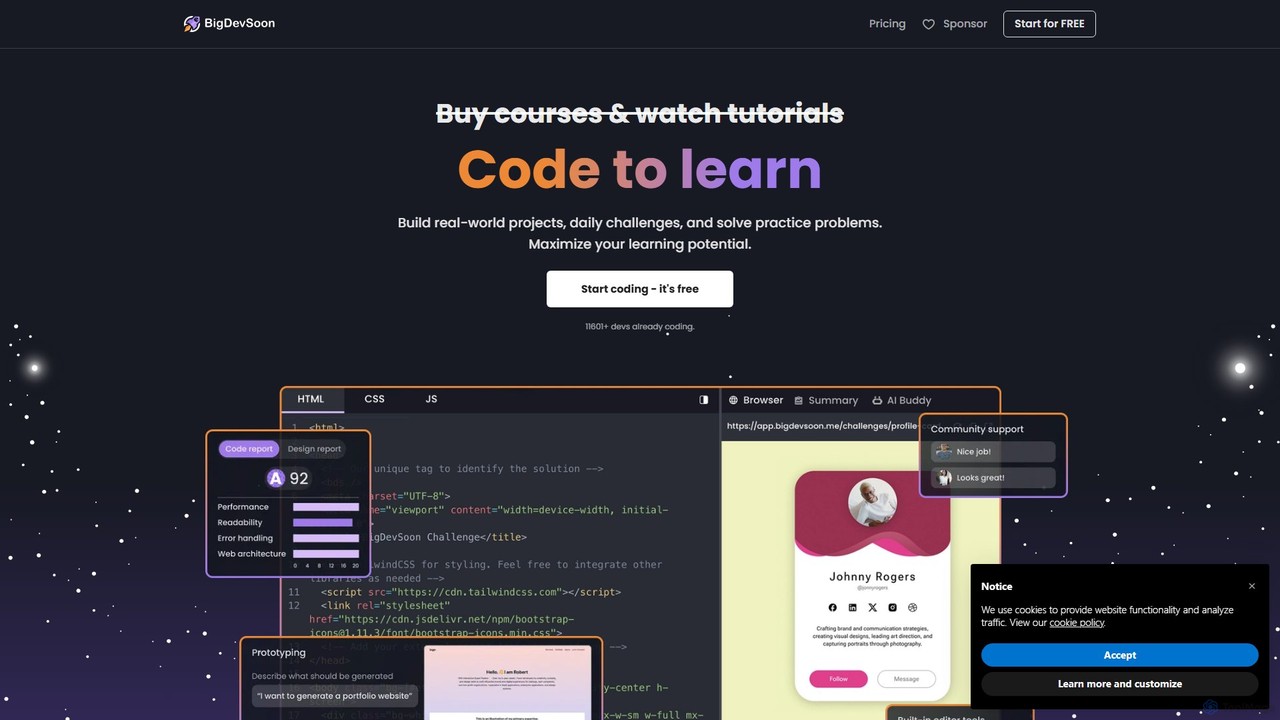
BigDevSoon is a hands-on learning platform for frontend developers. It helps users transition from tutorials to real-world applications by providing a library of projects, complete with Figma designs and structured tasks. It's designed to enhance coding skills, build a professional portfolio, and overcome the challenge of finding practical project ideas.

Frontend Development
Visits 29.7KFavorites 110Likes 141
WindChat
Freemium

WindChat

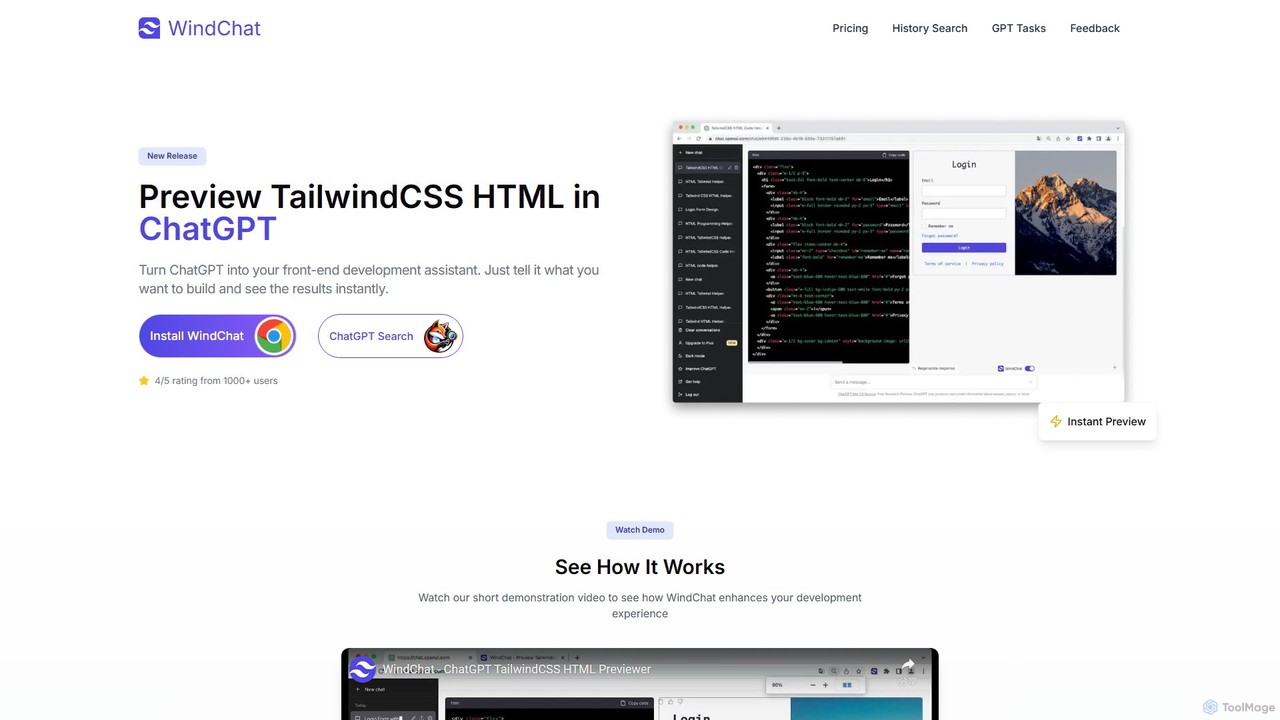
WindChat is a powerful browser extension that transforms ChatGPT into a front-end development powerhouse. It allows developers, designers, and students to instantly preview HTML, React, and Tailwind CSS code directly within the ChatGPT interface. By providing real-time rendering, it dramatically speeds up prototyping, mockups, and the learning process. Simply describe the UI you want, and WindChat brings the generated code to life, eliminating the need to switch between your editor and browser.

Code Assistant
Visits 4.1KFavorites 105Likes 101
heropack
Freemium

heropack

heropack is an AI-powered platform for designers and developers to generate unique, high-quality hero sections, UI components, and visual assets. It streamlines the design process by creating custom graphics, layouts, and code snippets based on simple text prompts, accelerating web development and enhancing visual appeal.

Web Design
Visits 4.4KFavorites 111Likes 119
Figr
Freemium

Figr

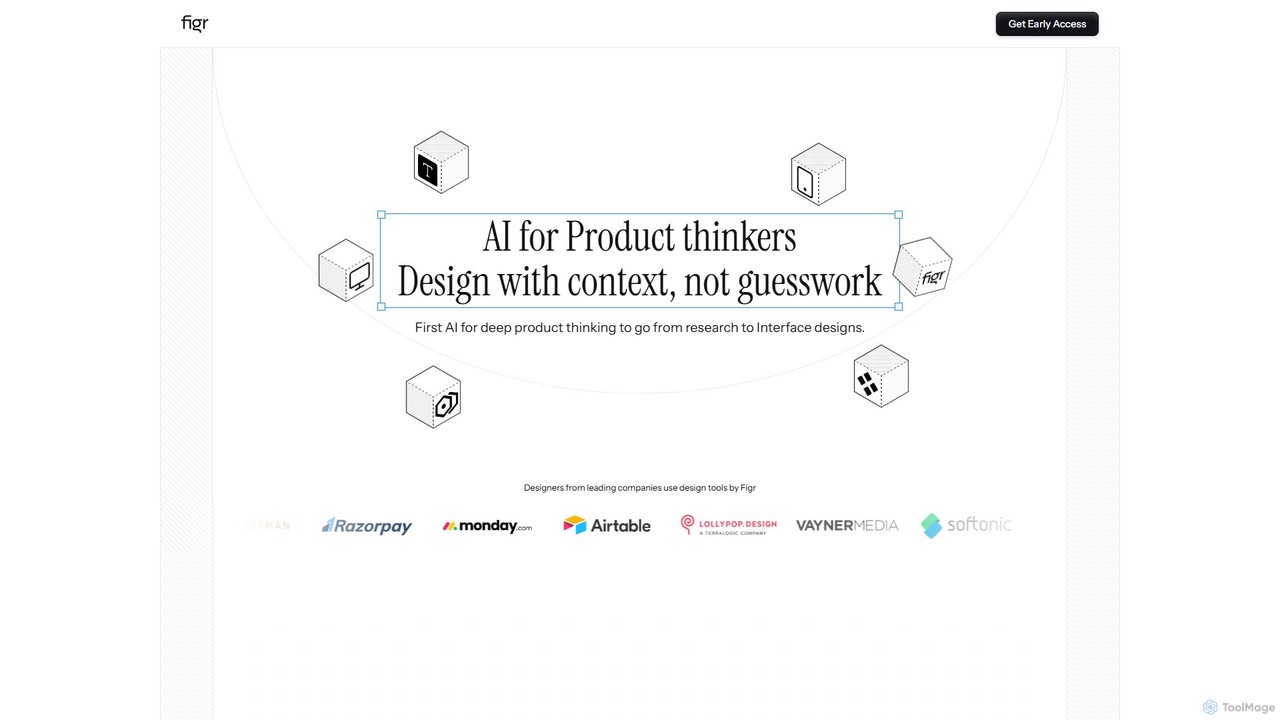
Figr is an AI-powered design suite that accelerates the product design workflow. It specializes in creating production-grade design systems directly within Figma, automating the generation of design tokens, components, and documentation. It's built for product thinkers, designers, and teams to transform research and context into clear, consistent, and scalable user interfaces with remarkable speed.

Ui Ux
Visits 94KFavorites 124Likes 127
Galileo AI
Free

Galileo AI

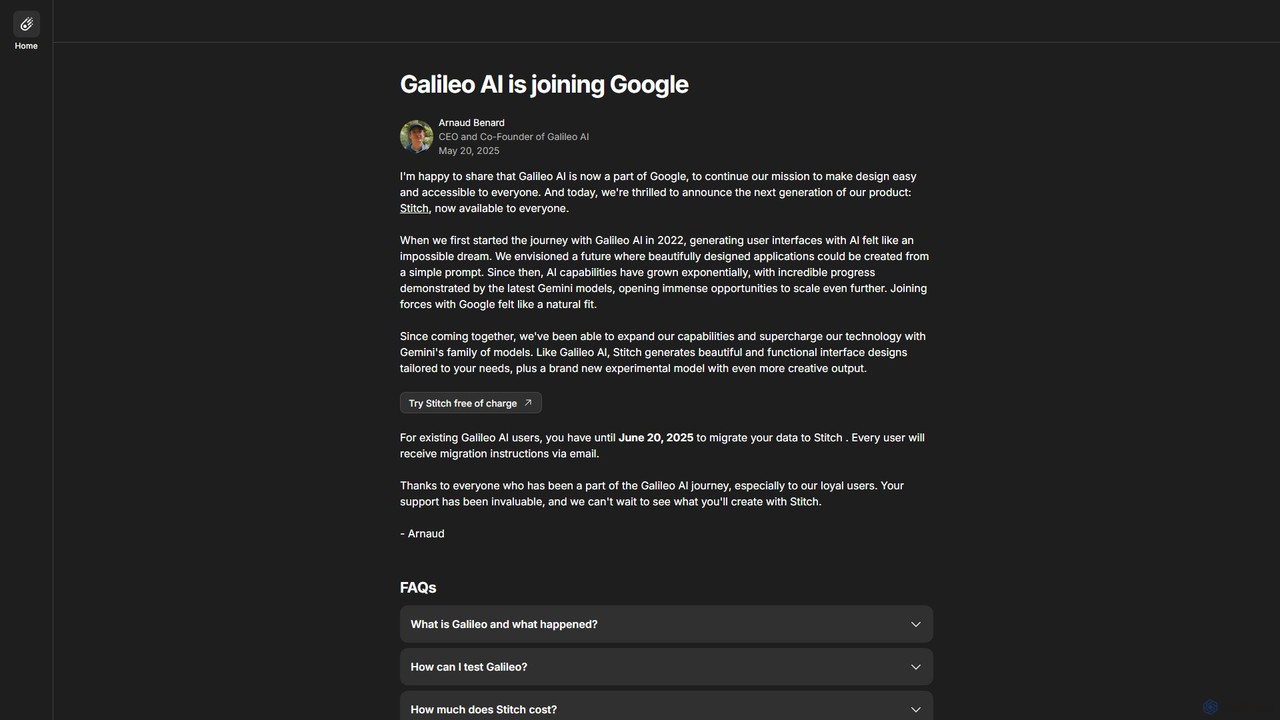
Galileo AI is a pioneering AI-powered UI design generator that transforms simple text prompts into beautiful, functional interface designs. Acquired by Google, it has now evolved into 'Stitch', a more powerful tool integrated with Google's Gemini models, making advanced design accessible to everyone for free.

Ui Ux Design
Visits 4.3KFavorites 140Likes 155
themeai.io
Freemium

themeai.io

themeai.io is an AI-powered platform that instantly generates unique, production-ready website themes and designs. Simply describe your vision in plain text, and the AI will create custom, responsive themes for platforms like WordPress and Shopify, or export clean HTML/CSS code. It's the perfect tool for developers, designers, and entrepreneurs to accelerate their web creation process.

Website Builder
Visits 4KFavorites 134Likes 126

About Frontend Development

AI Frontend Development tools are a class of software that leverages artificial intelligence to automate and accelerate the creation of user interfaces. These tools analyze visual designs or natural language prompts to generate clean, production-ready code in frameworks like React, Vue, or plain HTML/CSS. Their primary value lies in bridging the gap between design and development, drastically reducing the manual effort required for UI coding and enabling rapid prototyping. By automating repetitive tasks, they allow developers to focus on complex logic and application architecture.

Core Features

  • Design-to-Code Conversion: Automatically translates design files from platforms like Figma or Sketch into functional UI components and layouts.
  • Natural Language Prompting: Generates code snippets or entire components based on simple text descriptions of the desired UI element.
  • Responsive Design Automation: Intelligently adapts layouts and styles for various screen sizes, ensuring cross-device compatibility.
  • Code Refactoring and Optimization: Analyzes existing codebases to suggest improvements for performance, readability, and modern best practices.
  • Visual Testing Automation: Uses AI to compare UI versions and detect unintended visual regressions, streamlining the quality assurance process.

Use Cases

These tools are widely used by frontend developers, UI/UX designers, full-stack engineers, and product teams. They are particularly effective in agile environments for rapidly building prototypes, creating marketing landing pages, and maintaining design system consistency across large applications. Digital agencies also use them to speed up project delivery for clients.

How to Choose

When selecting an AI Frontend Development tool, consider its integration with your design software (e.g., Figma, Adobe XD), the supported coding frameworks (React, Vue, Angular), and the quality and customizability of the generated code. Also, evaluate its learning curve and how well it fits into your existing development workflow. Pricing models, whether based on usage or subscription, are another important factor.

Featured tool rankings

Frontend Development use cases

1

Rapid Prototyping from Design Mockups

A UI/UX designer finalizes a high-fidelity application design in Figma. Instead of waiting for manual coding, a frontend developer uses an AI tool to directly convert the Figma design into interactive React components. The tool accurately translates layouts, styles, and assets, generating a functional prototype in a matter of hours, not days. This allows the team to conduct user testing and gather feedback much earlier in the development cycle, significantly accelerating the iteration process.

2

Building Custom UI Components with Natural Language

A developer needs a complex data table with features like sorting, filtering, and pagination. Instead of writing hundreds of lines of code from scratch or customizing a rigid library component, they describe the requirements in a text prompt: "Create a responsive table with columns for User, Email, and Role. Add a search bar to filter by User and a dropdown to filter by Role." The AI tool generates the complete, styled, and functional component code, which can then be easily integrated and further customized.

3

Automating Responsive Design Adjustments

A team is launching a new marketing website with a complex grid layout. Manually writing media queries and testing across dozens of device sizes is time-consuming. They use an AI frontend tool that analyzes the desktop design and automatically generates optimized, responsive layouts for tablet and mobile views. The AI intelligently handles flexbox/grid adjustments, font scaling, and element stacking, producing clean CSS that requires only minor tweaks, saving the team significant development and QA time.

4

Accelerating Landing Page Creation for Marketing

A marketing team needs to quickly launch multiple landing pages for different ad campaigns. A marketer, with minimal coding knowledge, uses an AI-powered page builder. They describe the desired sections like 'a hero section with a signup form,' 'a three-column feature grid,' and 'a customer testimonial slider.' The AI generates a complete, responsive HTML/CSS page. The marketer can then visually edit the text and images, connect the form to their email service, and publish the page in under an hour, enabling rapid campaign deployment.

5

Refactoring Legacy CSS for Modern Standards

A developer inherits an old web application with a large, convoluted CSS file full of !important tags and inconsistent naming. Manually refactoring this would be a daunting task. They use an AI tool to analyze the entire stylesheet. The AI identifies redundant selectors, suggests converting styles to a modern methodology like BEM or utility-first classes, and flags unused CSS. This provides a clear roadmap for modernization, turning a weeks-long project into a manageable task and improving the application's maintainability and performance.

6

Automated Visual Regression Testing

A quality assurance engineer is responsible for ensuring new code deployments don't break the UI. Instead of manually comparing screenshots before and after a change, they integrate an AI visual testing tool into their CI/CD pipeline. After each commit, the tool automatically crawls the application, takes screenshots, and uses AI to intelligently compare them against the baseline. It highlights only meaningful visual differences, ignoring minor rendering variations, and alerts the team to potential bugs, catching UI issues before they reach production.

Frontend Development FAQ

What are AI Frontend Development tools?

AI Frontend Development tools are applications that use artificial intelligence to automate tasks related to creating user interfaces. Instead of writing all code manually, developers can use these tools to generate HTML, CSS, and JavaScript from visual designs, text descriptions, or existing codebases. Their main purpose is to accelerate development, reduce repetitive coding, and ensure greater consistency between design mockups and the final product.

How do I choose the right AI Frontend Development tool?

Choosing the right tool depends on your specific workflow and needs. Consider the following factors:

  • Framework Support: Ensure the tool generates code for your preferred framework (e.g., React, Vue, Svelte, or plain HTML/CSS).
  • Design Tool Integration: Check for compatibility with your design software, such as Figma, Sketch, or Adobe XD, for seamless design-to-code conversion.
  • Code Quality: Evaluate the cleanliness, readability, and maintainability of the code it produces. Look for options to customize coding standards.
  • Level of Automation: Decide if you need a tool for full page generation, individual component creation, or code refactoring and optimization.
What's the difference between AI Frontend tools and traditional UI component libraries?

The key difference is creation versus consumption. Traditional UI component libraries (like Material-UI or Bootstrap) provide a pre-built, fixed set of components that you consume and customize. AI Frontend tools, on the other hand, are generative; they create new, custom components from scratch based on your specific inputs, such as a design file or a text prompt. AI tools offer greater flexibility for unique designs, while libraries provide consistency and standardization with ready-made solutions.

Can AI tools completely replace frontend developers?

No, AI tools are not expected to replace frontend developers. Instead, they function as powerful assistants or co-pilots that handle repetitive and time-consuming tasks. This allows developers to focus on more complex challenges like application architecture, state management, performance optimization, and creative problem-solving. The role of the developer is evolving to become more of a supervisor and architect, guiding AI tools to produce high-quality results and integrating their output into a larger system.

What are the main benefits of using AI in frontend development?

The primary benefits of integrating AI into the frontend workflow are increased speed and efficiency. By automating the conversion of designs to code and generating components, development time can be significantly reduced. Other key benefits include:

  • Improved Consistency: AI ensures a higher fidelity match between the design specification and the coded implementation.
  • Faster Prototyping: Teams can build and test interactive prototypes much more quickly, enabling faster feedback loops.
  • Focus on High-Value Tasks: Developers are freed from mundane coding to concentrate on logic, user experience, and architecture.
  • Enhanced Code Quality: Some AI tools can analyze and refactor code, leading to more maintainable and performant applications.