ToolMage
Sign in

Best 36 No Code & Low Code AI tools for Developer Tools

Popular No Code & Low Code AI tools in Developer Tools include Coze, aiflow.ai, flowith, Workato, Taktile, Mazaal AI, String, GoInsight.AI, Mindflow, and jestor, helping you work more efficiently.

Mindflow
Paid

Mindflow

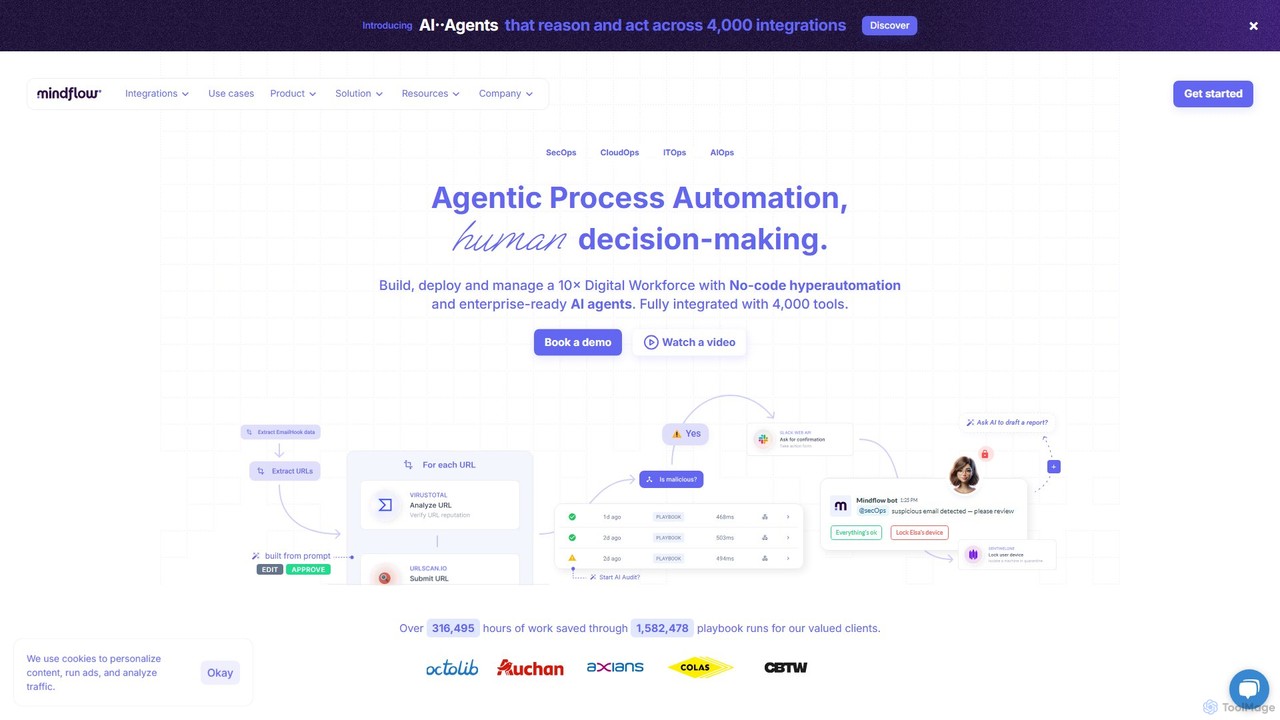
Mindflow is a Gen-AI hyperautomation platform for enterprise IT and cybersecurity teams. It combines a no-code engine with autonomous AI agents to automate complex workflows across 4,000+ integrations, enabling teams to build and manage a digital workforce, enhance productivity, and streamline SecOps, ITOps, and CloudOps.

No Code & Low Code
Visits 26.2KFavorites 129Likes 113
String
Freemium

String

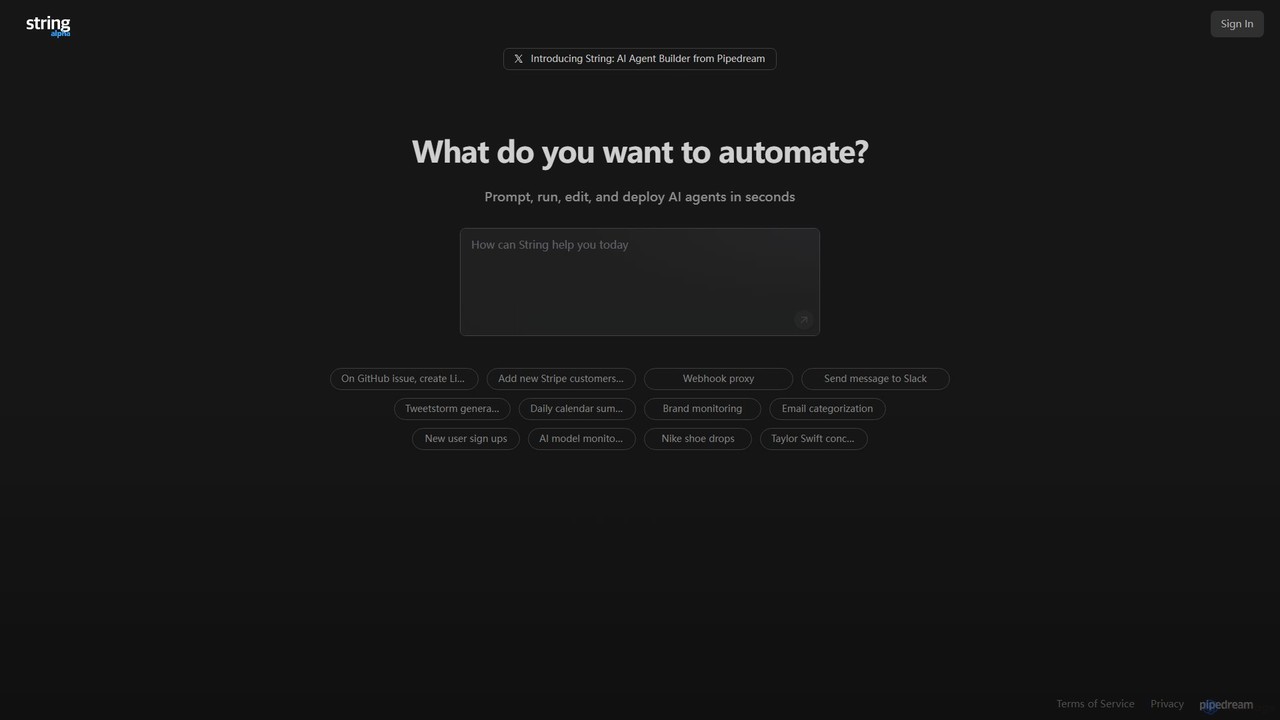
String is an AI agent builder from Pipedream that allows you to create, run, and deploy automated workflows in seconds. Using natural language prompts, you can build agents that connect various applications like Google Sheets, GitHub, Stripe, and HubSpot. It's designed for automating complex tasks, from data synchronization and brand monitoring to content generation and custom notifications, without needing extensive coding knowledge.

No Code & Low Code
Visits 37.6KFavorites 151Likes 154
Mazaal AI
Freemium

Mazaal AI

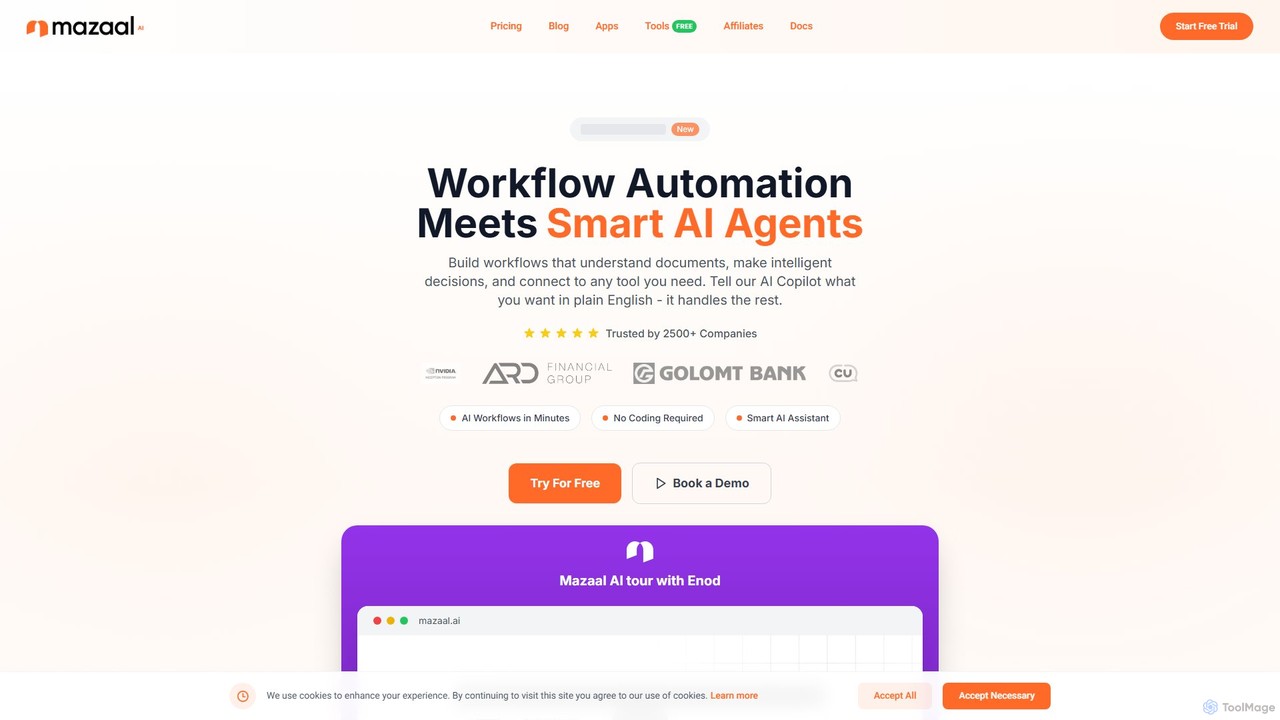
Mazaal AI is a no-code, AI-powered platform for building intelligent business process and workflow automations. Using a natural language Copilot, users can describe their needs in plain English to create complex workflows that understand documents, make decisions, and connect to virtually any tool. It's designed to make sophisticated automation accessible to everyone, from small businesses to large enterprises, without needing to write a single line of code.

Business Process Management
Visits 40.2KFavorites 136Likes 125
jestor
Freemium

jestor

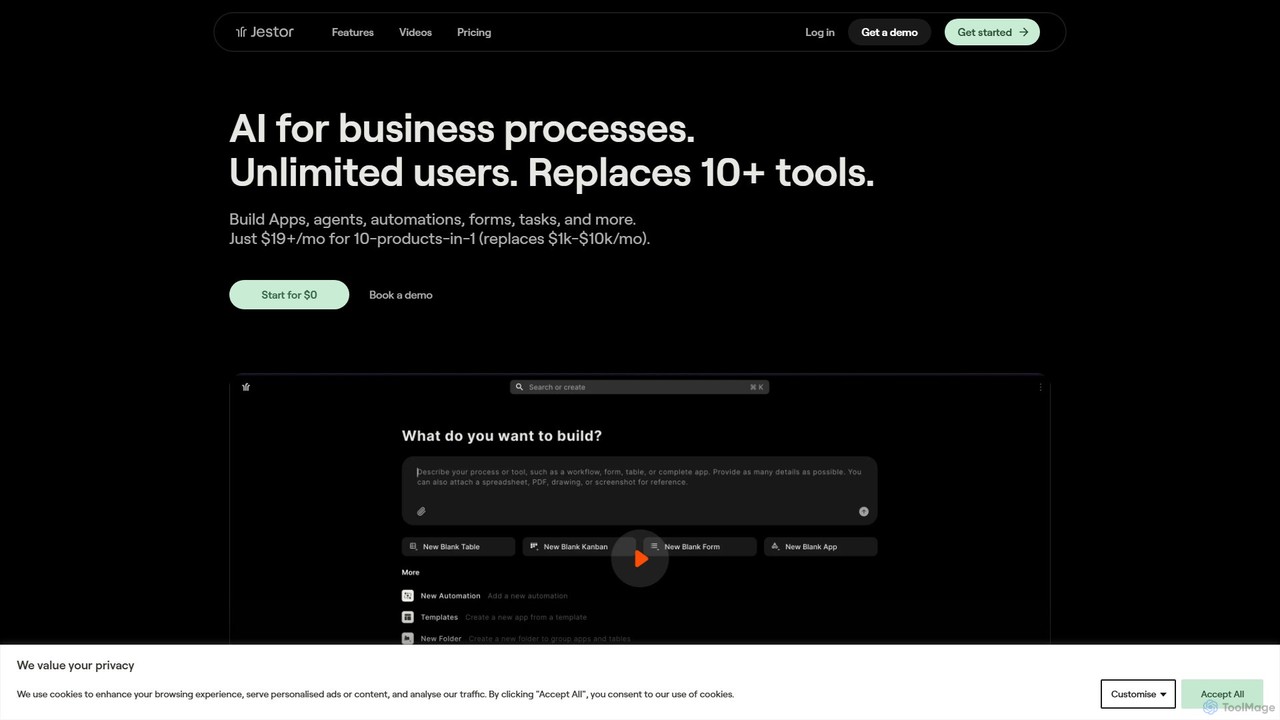
jestor is an AI-powered, no-code/low-code platform for building internal tools and automating business processes. It enables users to create applications from text, manage data in a relational database, and visualize performance with real-time dashboards, consolidating multiple business functions into a single, integrated system.

Crm
Visits 25.9KFavorites 147Likes 130
PnP.ai
Paid

PnP.ai

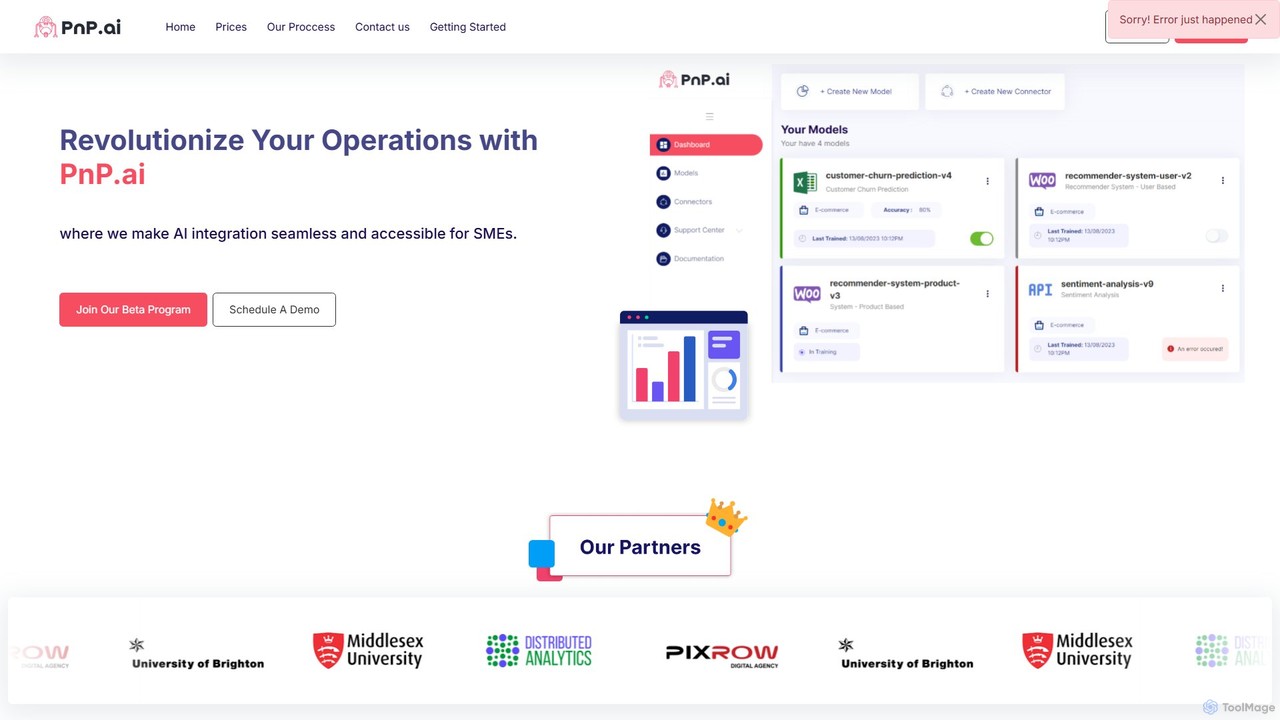
PnP.ai is an advanced AI platform that enables businesses to transform their data into actionable insights. Upload CSV or PDF files and interact with your data through an intuitive chat interface, 'Data Guru Chat'. It offers customizable AI solutions, advanced data connectors, and robust security features, making it ideal for data analysis, business intelligence, and creating custom AI applications without extensive coding.

Business Intelligence
Visits 6.4KFavorites 180Likes 177
Transformify
Freemium

Transformify

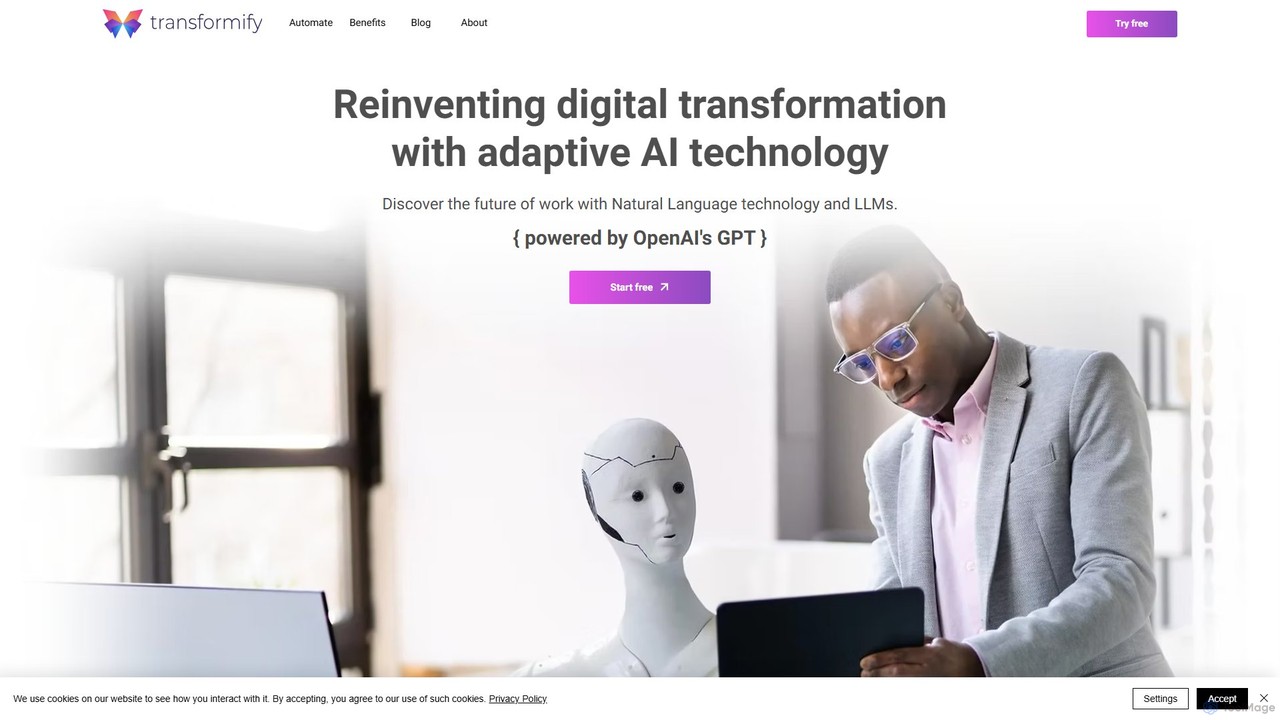
Transformify is an AI-powered automation platform that turns natural language commands into complex workflows. Its AI Copilot allows users to describe tasks in a chat interface, automating everything from data processing to business operations, eliminating repetitive work and boosting productivity.

No Code & Low Code
Visits 7.3KFavorites 163Likes 163
AI Studio
Freemium

AI Studio

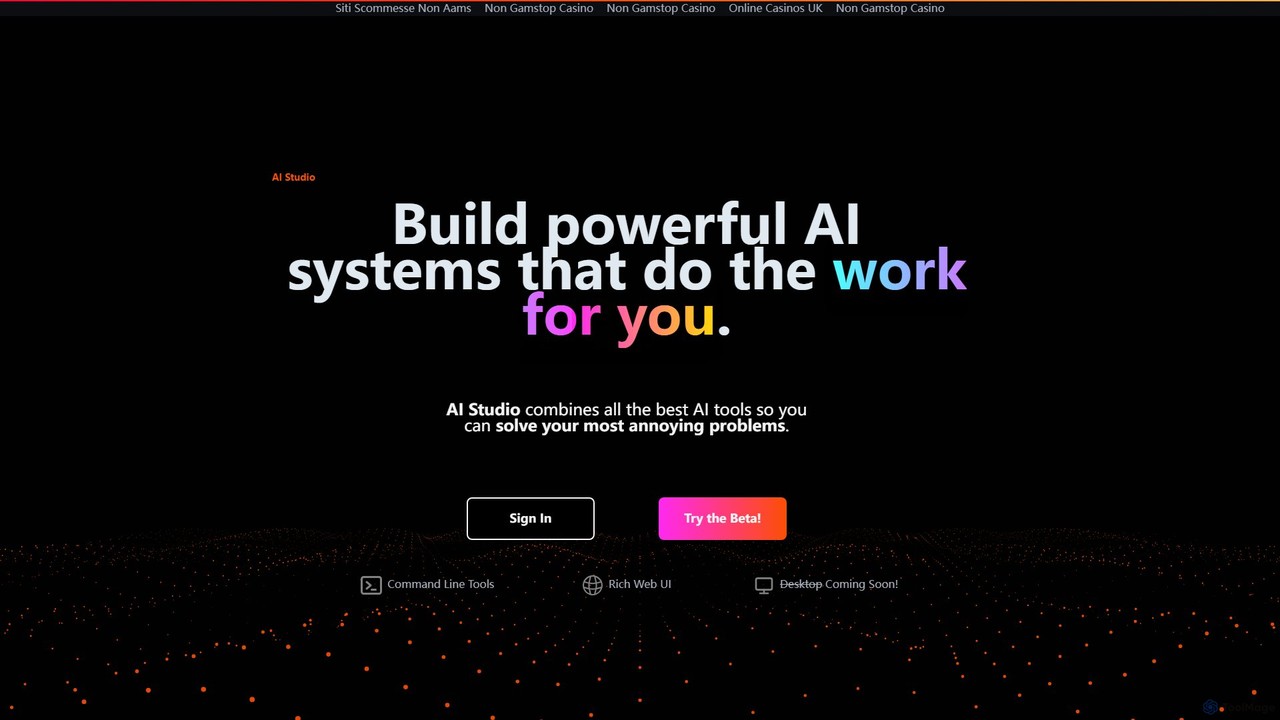
AI Studio is a no-code platform that empowers users to build powerful, custom AI systems. It integrates the best AI tools into a visual, node-based editor, allowing you to automate tedious tasks like web research, data analysis, content creation, and more, without writing a single line of code.

Workflow Management
Visits 6.7KFavorites 120Likes 119
Taktile
Paid

Taktile

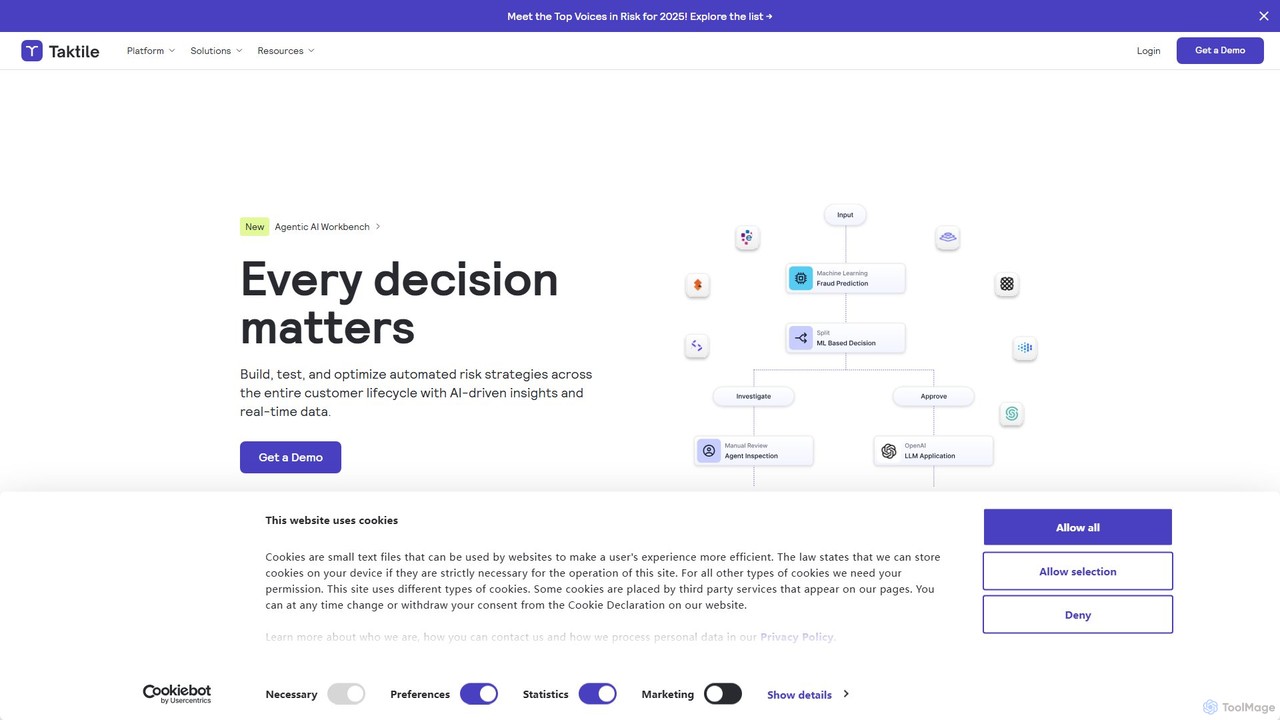
Taktile is a next-generation, no-code decision platform that empowers businesses, particularly in finance and insurance, to build, test, and deploy sophisticated decision workflows. It allows non-technical users to create and manage complex logic using rules, data, and machine learning models, dramatically accelerating time-to-market for new products and policies.

Decision Management
Visits 41.8KFavorites 151Likes 124
Aguru
Paid

Aguru

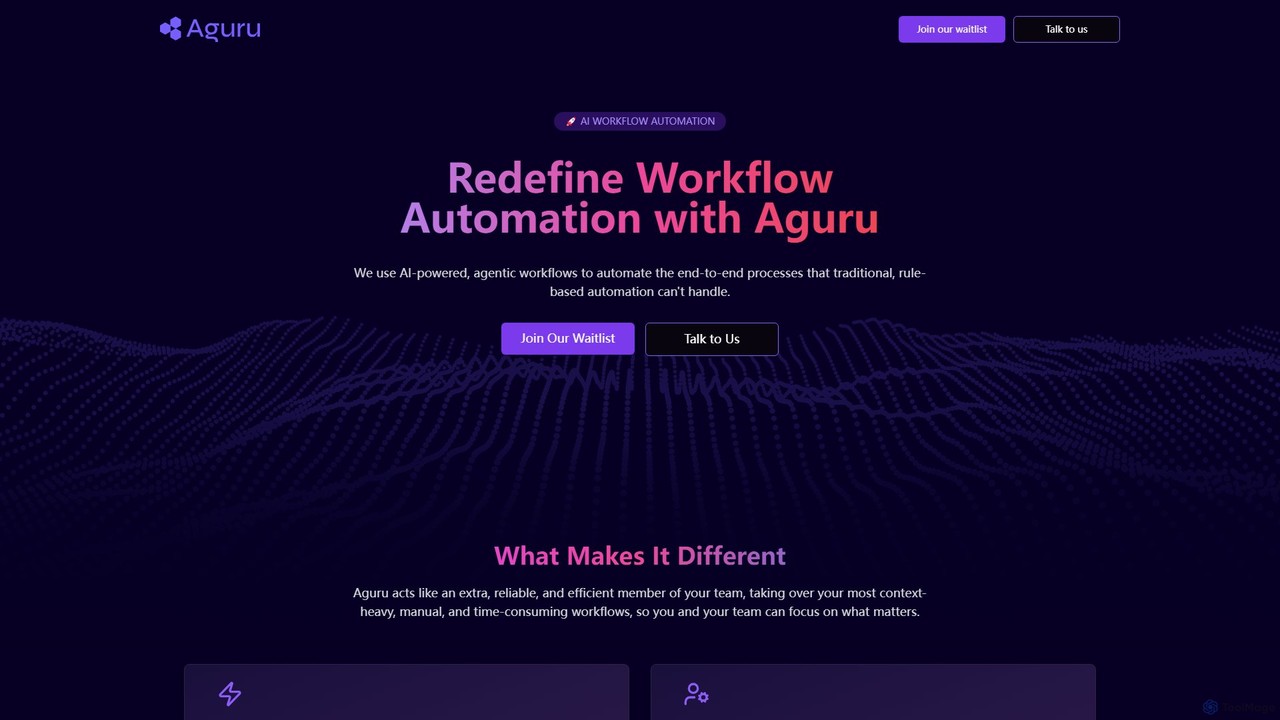
Aguru provides AI-powered workflow automation agents that handle complex, end-to-end business processes. Unlike traditional rule-based tools, Aguru's agents understand context, manage exceptions, and integrate across your entire tech stack, acting as an efficient, reliable member of your team.

Workflow Management
Visits 7.6KFavorites 149Likes 147
Cubeo AI
Freemium

Cubeo AI

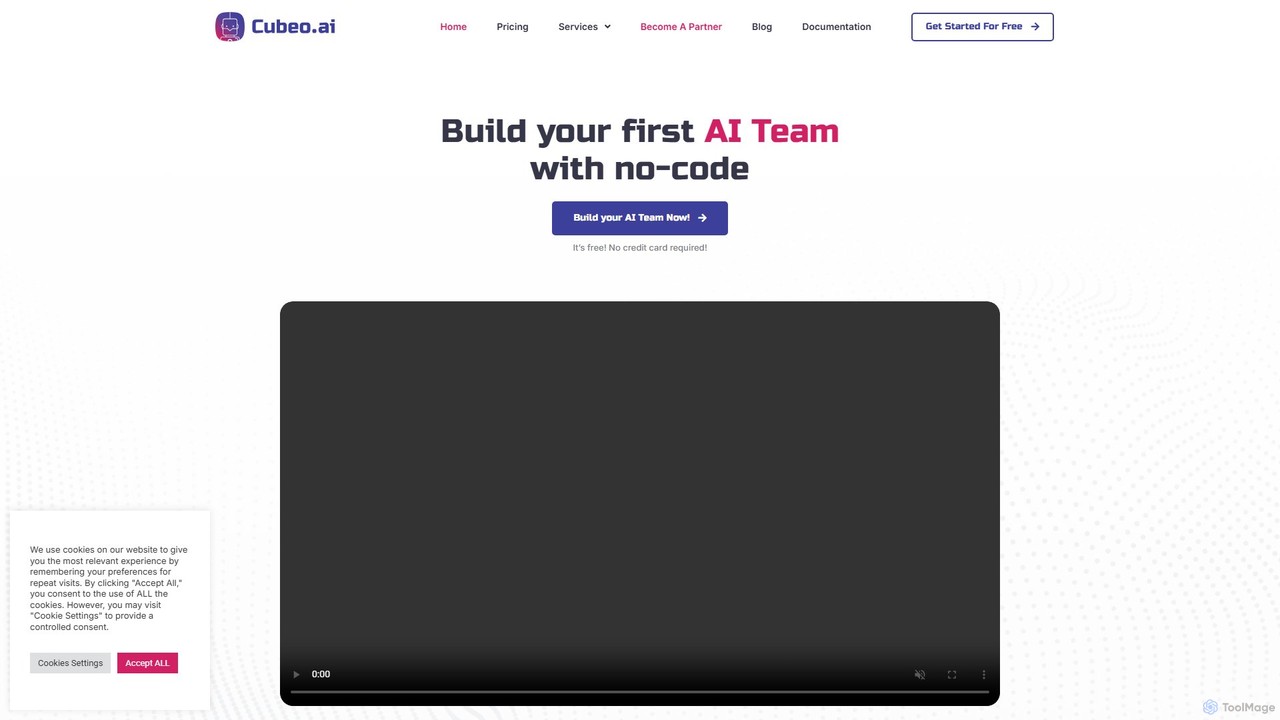
Cubeo AI is an innovative platform that enables users to build, manage, and deploy a 'Dream Team' of specialized AI agents. These agents collaborate to automate complex workflows, from market research and content creation to customer support and data analysis. It provides a no-code environment to assemble teams of AI assistants, each with a specific role, to streamline business operations and boost productivity.

Agent Management
Visits 20.2KFavorites 160Likes 160
Playnode
Freemium

Playnode

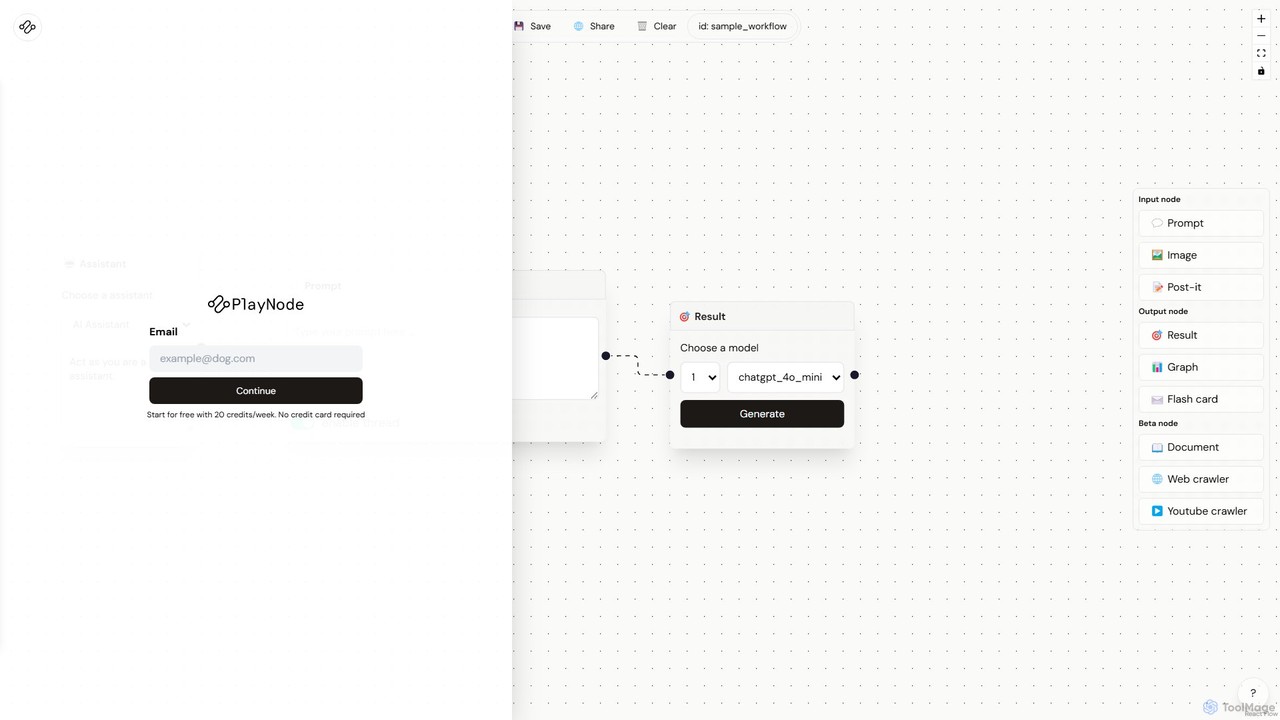
Playnode is a visual, node-based platform for building and automating custom AI workflows. It allows users to connect various AI models (like GPT and Claude) and data sources (text, images, web pages) through an intuitive drag-and-drop interface. Create powerful automations for content creation, research, and data analysis without writing any code. Ideal for both technical and non-technical users.

No Code & Low Code
Visits 6.4KFavorites 165Likes 174
Manaflow
Paid

Manaflow

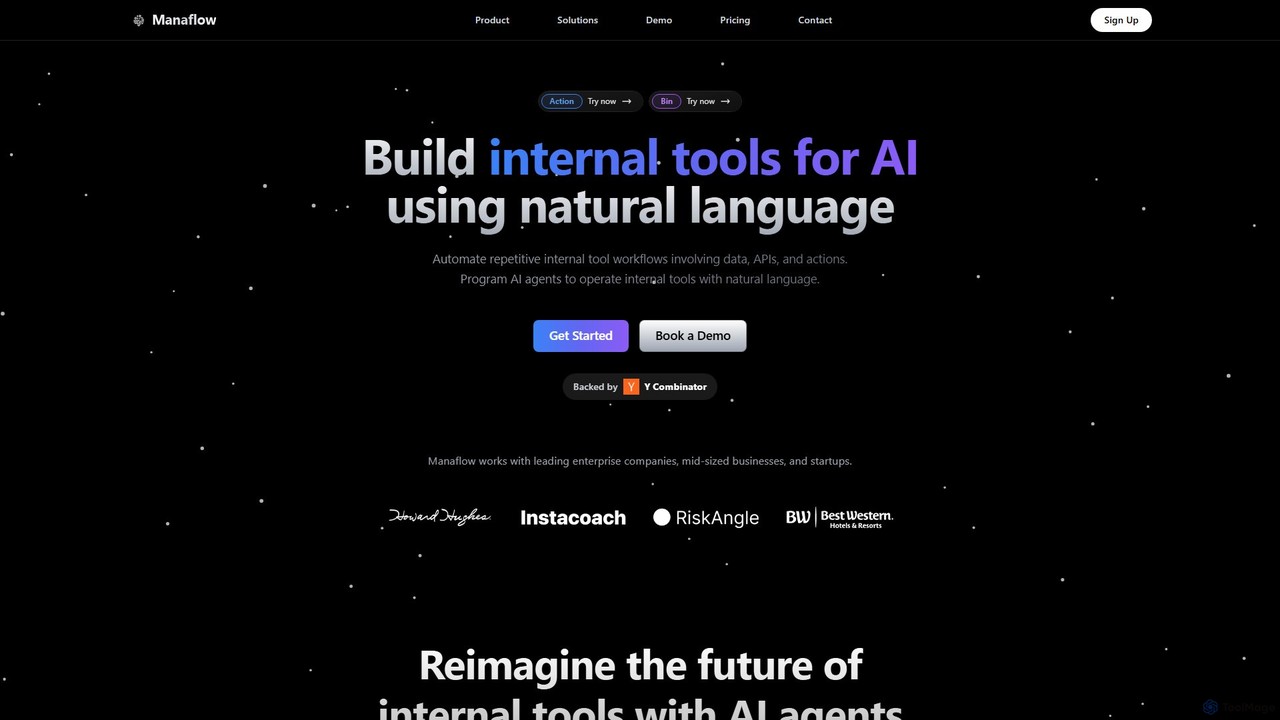
Manaflow is a no-code platform that enables businesses to build internal tools and automate complex workflows using natural language. Program AI agents to operate tools, connect to data sources and APIs, and streamline operations in sales, research, and more, freeing up valuable engineering resources.

Operations Management
Visits 7.1KFavorites 152Likes 172

About No Code & Low Code

No Code & Low Code tools are platforms that enable users to build applications and automate workflows with minimal or no traditional programming. These tools abstract complex coding into visual interfaces, drag-and-drop components, and pre-built templates. They empower business users, entrepreneurs, and developers to rapidly prototype, develop, and deploy software solutions, significantly accelerating digital transformation within the broader developer tools ecosystem.

Core Features

  • Visual Development Interface: Drag-and-drop elements and intuitive visual builders for creating applications.
  • Pre-built Templates & Components: Ready-to-use modules and designs for common functionalities and industry-specific solutions.
  • Workflow Automation: Tools to design and automate business processes and data flows without writing code.
  • Database Integration: Seamless connection with various data sources and APIs for dynamic application functionality.
  • Deployment & Hosting: Built-in capabilities for publishing applications to web, mobile, or internal systems.

Use Cases

These platforms are widely adopted across various sectors for rapid application development. Small businesses can create custom CRM systems, marketing teams can build landing pages and campaign tools, and large enterprises can automate internal operations or develop specialized departmental applications without relying heavily on IT resources.

How to Choose

When selecting a No Code or Low Code platform, consider the complexity of your desired application, the level of customization required, and the platform's scalability. Evaluate its integration capabilities with existing systems, the availability of pre-built components, and the pricing model. Also, assess the learning curve for your team and the community support available.

Featured tool rankings

No Code & Low Code use cases

1

Building Custom Internal Tools

Operations managers can use No Code platforms to quickly develop bespoke internal tools, such as project trackers, inventory management systems, or HR onboarding portals. By leveraging visual builders and pre-built components, they can create applications tailored to specific departmental needs, reducing reliance on IT development queues and accelerating process optimization.

2

Rapid Prototyping and MVP Development

Entrepreneurs and product managers can utilize Low Code tools to rapidly build Minimum Viable Products (MVPs) for new business ideas. This allows for quick market testing and validation without significant upfront investment in traditional coding, enabling faster iteration cycles and gathering early user feedback to refine product features.

3

Automating Business Workflows

Marketing and sales teams can implement Low Code solutions to automate repetitive tasks like lead nurturing, email campaigns, or data synchronization between CRM and marketing automation platforms. This frees up valuable time for strategic activities, ensures consistent communication, and improves overall operational efficiency by streamlining cross-departmental processes.

4

Creating Customer-Facing Web Applications

Small business owners can design and launch interactive customer-facing web applications, such as online booking systems, customer portals, or e-commerce storefronts, using No Code platforms. This allows them to enhance customer experience and expand their digital presence without needing a dedicated web development team or extensive coding knowledge.

5

Developing Mobile Applications for Field Teams

Field service companies can leverage No Code/Low Code tools to build custom mobile applications for their technicians. These apps can facilitate on-site data collection, task management, and real-time reporting, improving accuracy, reducing paperwork, and enhancing communication between field staff and the central office, even with limited mobile development expertise.

6

Integrating Disparate Systems and Data

IT departments or business analysts can use Low Code platforms to create integration layers between various legacy systems, cloud services, and databases. This enables seamless data flow and synchronization across an organization, breaking down data silos and providing a unified view of information for better decision-making, without extensive API coding.

No Code & Low Code FAQ

What are No Code & Low Code tools?

No Code & Low Code tools are development platforms that allow users to create software applications with little to no manual coding. No Code platforms are entirely visual, using drag-and-drop interfaces, while Low Code platforms offer visual development alongside the option to add custom code for more complex functionalities. They aim to democratize software development, making it accessible to a wider range of users beyond traditional programmers.

How do No Code & Low Code platforms differ from traditional software development?

The primary difference lies in the development approach. Traditional development involves writing code line by line, requiring specialized programming skills. No Code & Low Code platforms, conversely, use visual interfaces, pre-built components, and automation to accelerate development. This significantly reduces development time, cost, and the technical expertise required, making it faster to build and iterate applications compared to conventional methods.

Who benefits most from using No Code & Low Code tools?

A wide range of users benefits, including business users (often called "citizen developers") who need to build custom solutions without coding knowledge, entrepreneurs looking to quickly launch MVPs, and professional developers aiming to accelerate development cycles for routine tasks. They are particularly valuable for small to medium-sized businesses and enterprises seeking to improve operational efficiency and digital agility.

What are the key advantages of No Code & Low Code development?

Key advantages include significantly faster development times, reduced development costs, and increased accessibility for non-technical users. These platforms foster innovation by enabling rapid prototyping and iteration, allowing businesses to respond quickly to market changes. They also help alleviate the shortage of skilled developers by empowering more people to create software solutions.

Can No Code & Low Code platforms integrate with existing systems?

Yes, most modern No Code & Low Code platforms offer robust integration capabilities. They typically provide connectors to popular third-party services, APIs, databases, and enterprise systems. This allows applications built on these platforms to seamlessly exchange data and functionality with an organization's existing IT infrastructure, ensuring data consistency and extending the utility of current systems.

What are the limitations of No Code & Low Code development?

While powerful, No Code & Low Code platforms have limitations. They may offer less flexibility for highly complex or unique functionalities that require deep customization. Performance can sometimes be a concern for very large-scale applications, and vendor lock-in is a potential risk. Security and compliance might also require careful consideration, especially for highly regulated industries, as platforms vary in their offerings.