ToolMage
Sign in

Best 179 Image Editing AI tools

Popular Image Editing AI tools include Joyfun, Nano Banana, VisualGPT, AILab Tools, AIEnhancer, Face AI, LightX Editor, Floor Plan, Imagefree, and Nano-Banana, helping you work more efficiently.

reimaginehome
Freemium

reimaginehome

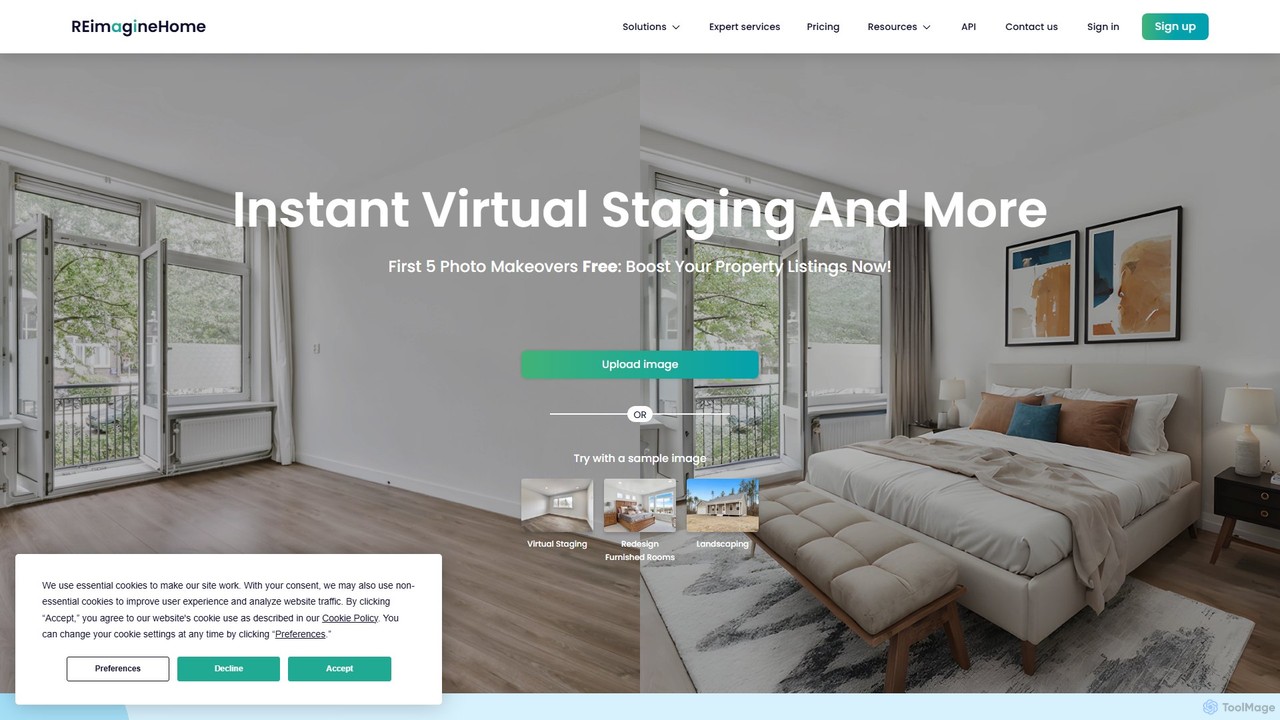
reimaginehome is an AI-powered design tool that instantly generates ideas for interior design, virtual staging, landscaping, and exterior rendering. It helps real estate agents, designers, and homeowners transform property photos in seconds, showcasing potential and accelerating sales with photorealistic visuals.

Interior Design
Visits 181.3KFavorites 112Likes 118
LightX Editor
Freemium

LightX Editor

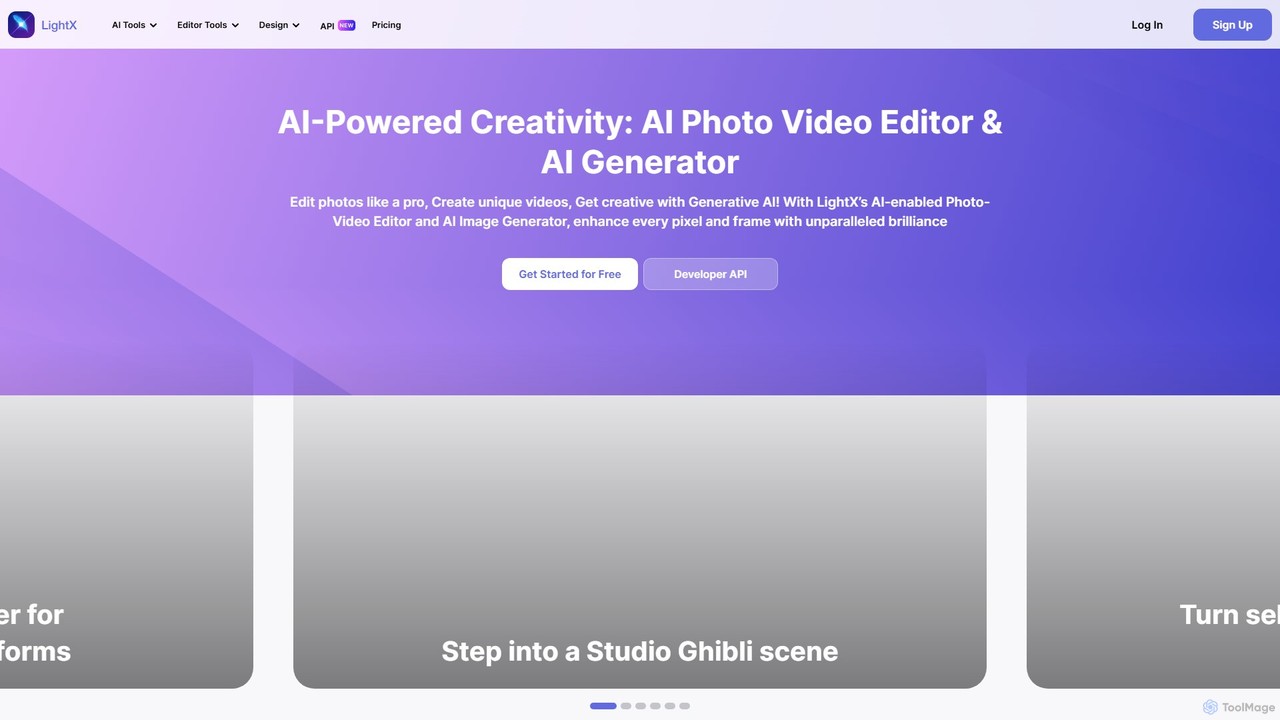
LightX is an all-in-one AI-powered creative suite for photo editing, video editing, and image generation. It offers a vast array of tools, from professional headshots and product photoshoots to fun avatars and artistic filters, catering to beginners, content creators, and marketers alike.

Image Generation
Visits 476.1KFavorites 136Likes 163
dresma
Freemium

dresma

Dresma is an AI-powered platform for e-commerce sellers, specializing in creating professional product photography and optimized listings. It offers tools like AI background generation, background removal, image resizing, and listing content creation to enhance product visuals for platforms like Amazon, Shopify, and Walmart, aiming to boost sales and streamline content creation.

Product Photography
Visits 31.5KFavorites 157Likes 154
Stager AI
Freemium

Stager AI

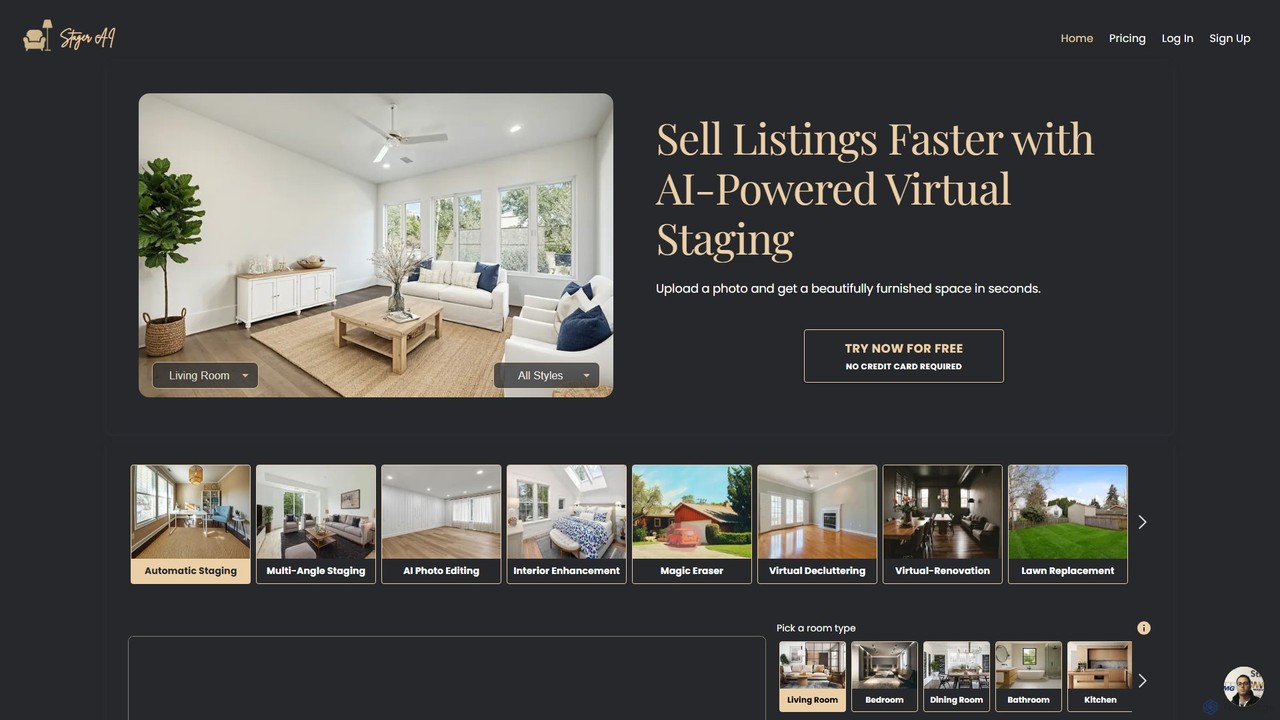
Stager AI is an AI-powered platform for virtual home staging and real estate photo editing. It allows users to instantly furnish empty rooms, declutter spaces, and enhance property photos with features like sky replacement, lawn enhancement, and virtual renovations. Designed for real estate agents, photographers, and Airbnb hosts, it helps create stunning visuals in seconds to attract more buyers and sell listings faster.

Photo Enhancement
Visits 23.6KFavorites 130Likes 147
Gepetto
Freemium

Gepetto

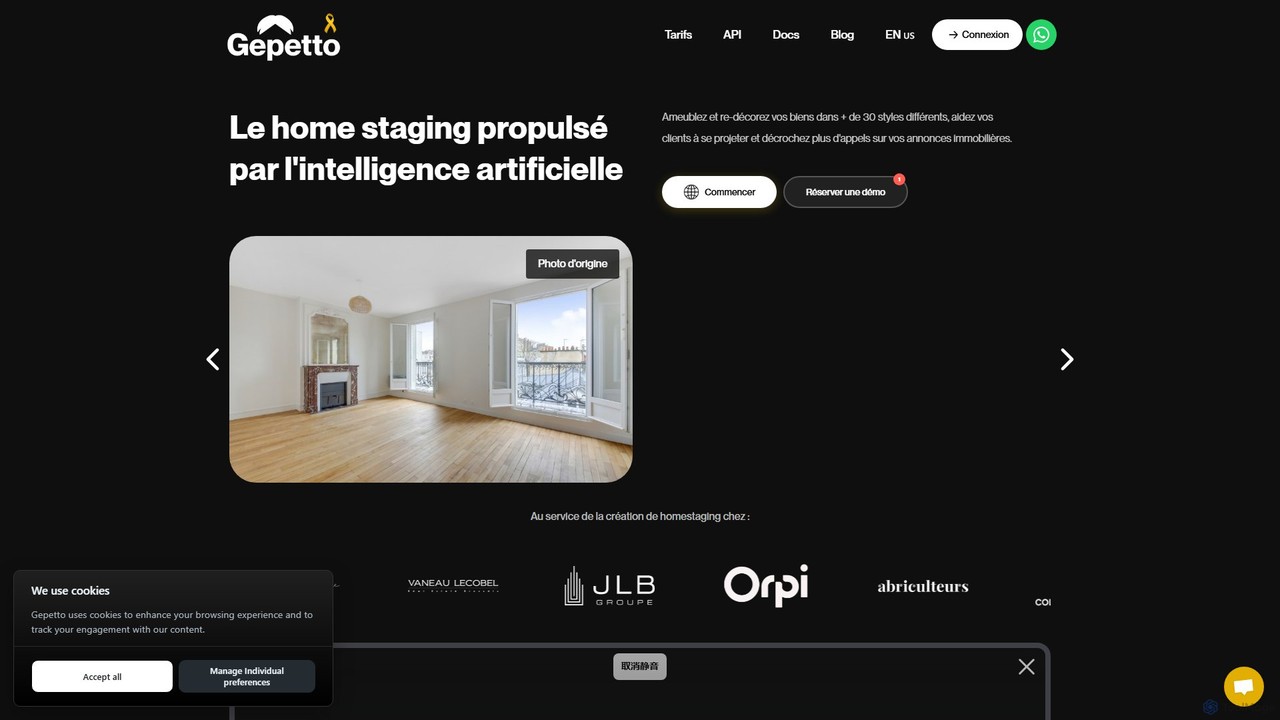
Gepetto is an AI-powered virtual home staging and interior design platform. It enables real estate professionals and designers to furnish empty rooms, redecorate existing spaces in over 30 styles, renovate interiors and exteriors, and enhance property photos in seconds. Simply upload an image to generate photorealistic visualizations, helping clients project themselves and boosting property sales.

Interior Design
Visits 30.9KFavorites 124Likes 137
Palette Hunt
Paid

Palette Hunt

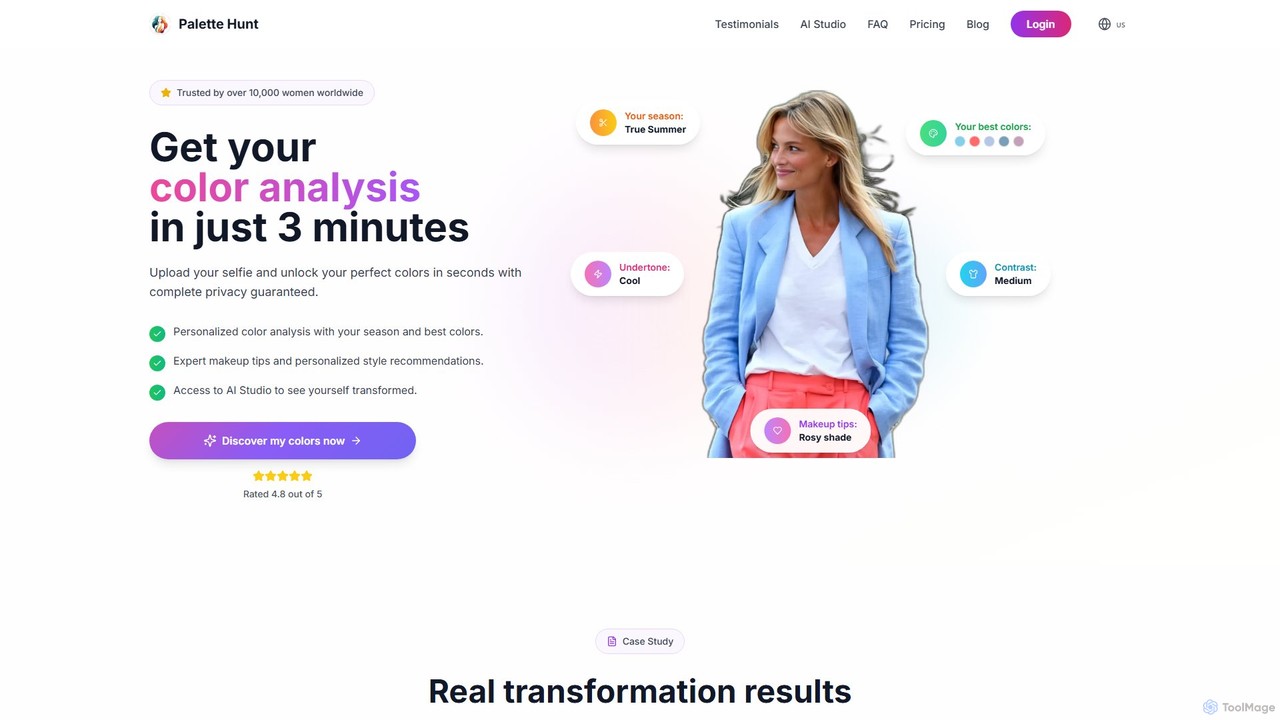
Palette Hunt is an AI-powered color analysis tool that helps you discover your perfect color palette in minutes. Simply upload a selfie to receive your seasonal analysis, best colors, makeup tips, and style recommendations. It also features an AI Studio for virtual try-ons of different outfits, hair colors, and makeup looks.

Style Advisor
Visits 231.8KFavorites 142Likes 106
CreativeMagicPanel
Paid

CreativeMagicPanel

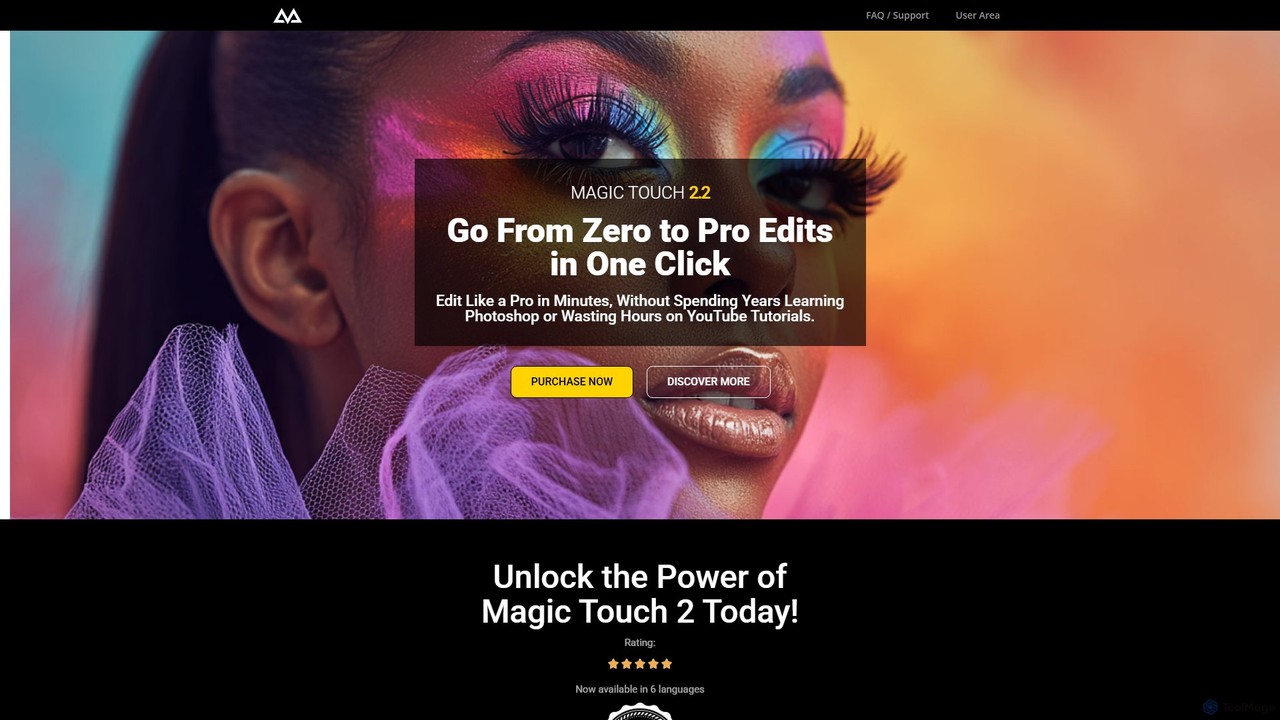
CreativeMagicPanel is an AI-powered retouching panel for Adobe Photoshop designed to dramatically accelerate your photo editing workflow. With over 289 features, it enables photographers and creatives to achieve professional, high-quality results with one-click actions, from flawless skin retouching to advanced color grading, all without recurring fees.

Plugin
Visits 16.8KFavorites 120Likes 105
SolidGrids
Paid

SolidGrids

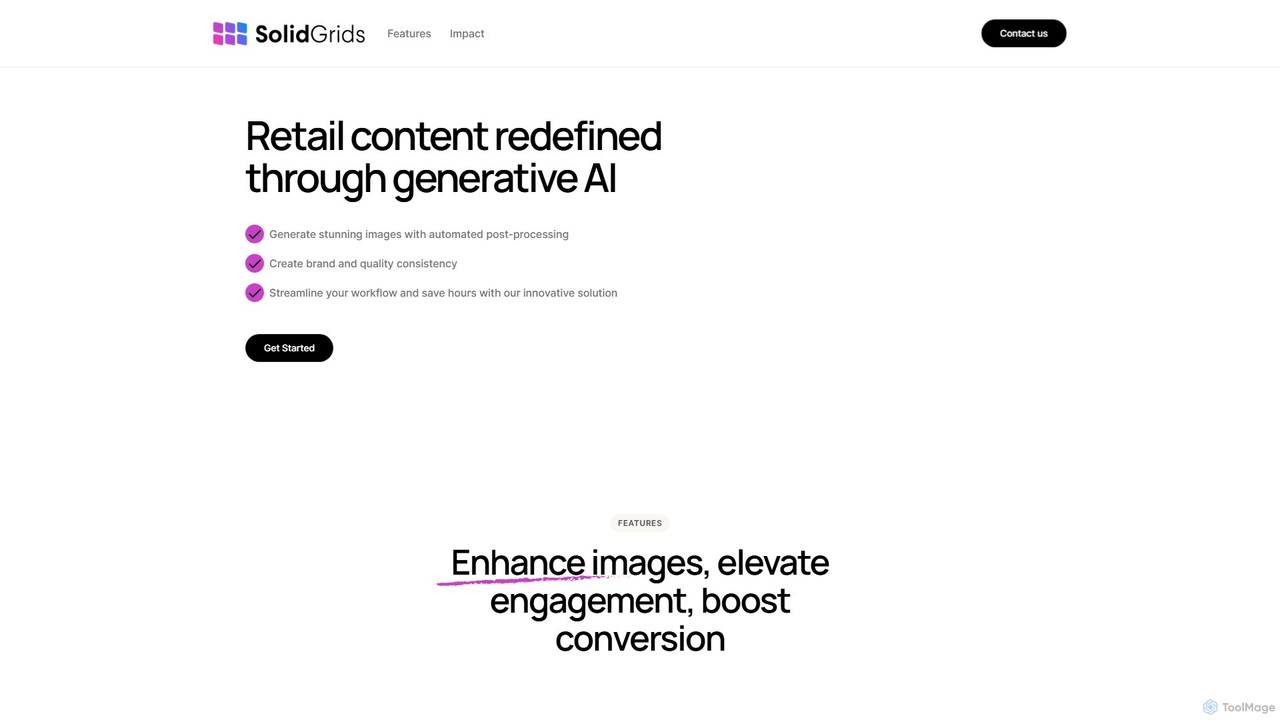
SolidGrids is an AI-powered platform designed for e-commerce, automating image post-processing to create stunning, brand-consistent product visuals. It offers features like automatic background removal, banner generation, and AI-driven copy and SEO optimization, helping businesses boost conversions and streamline workflows.

Product Image Editing
Visits 5.5KFavorites 114Likes 109
Hairgen.ai
Paid

Hairgen.ai

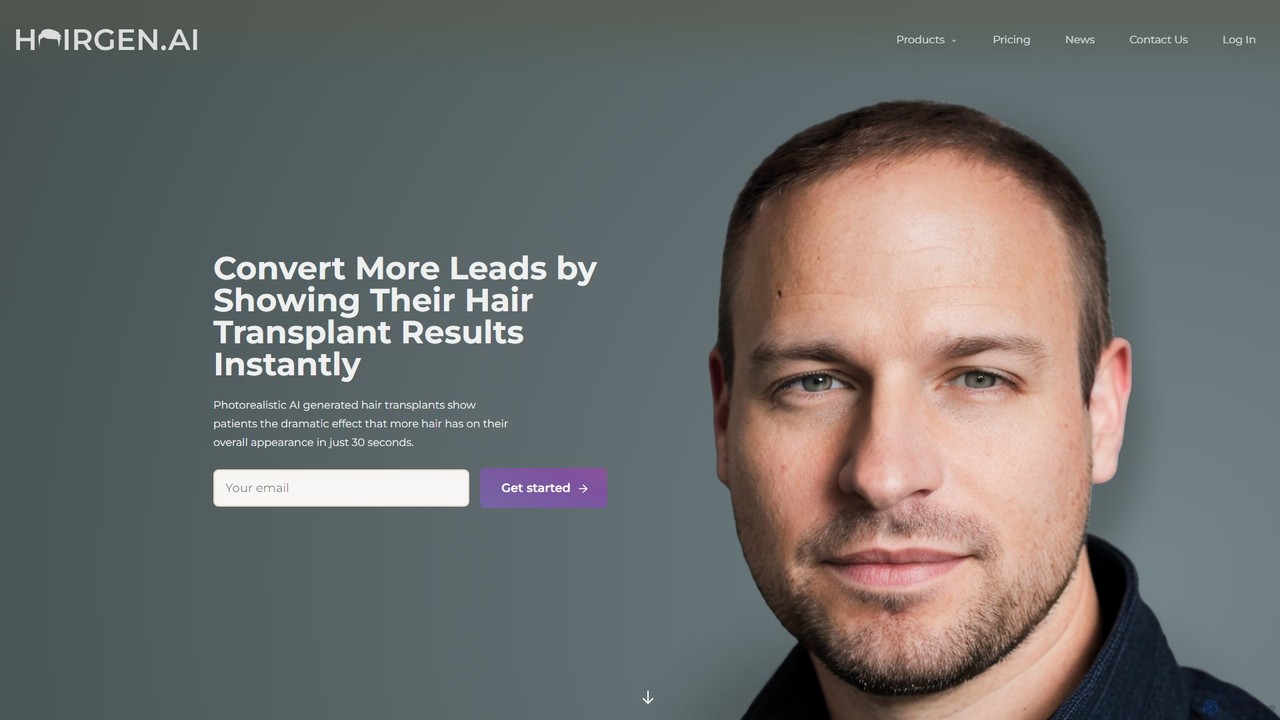
Hairgen.ai is an AI-powered platform for hair transplant clinics and individuals. It generates photorealistic previews of hair transplant results and simulates future hair loss in seconds. It helps clinics increase conversions and allows patients to visualize their potential new look.

Medical Simulation
Visits 8.6KFavorites 98Likes 108
Vinteo AI
Paid

Vinteo AI

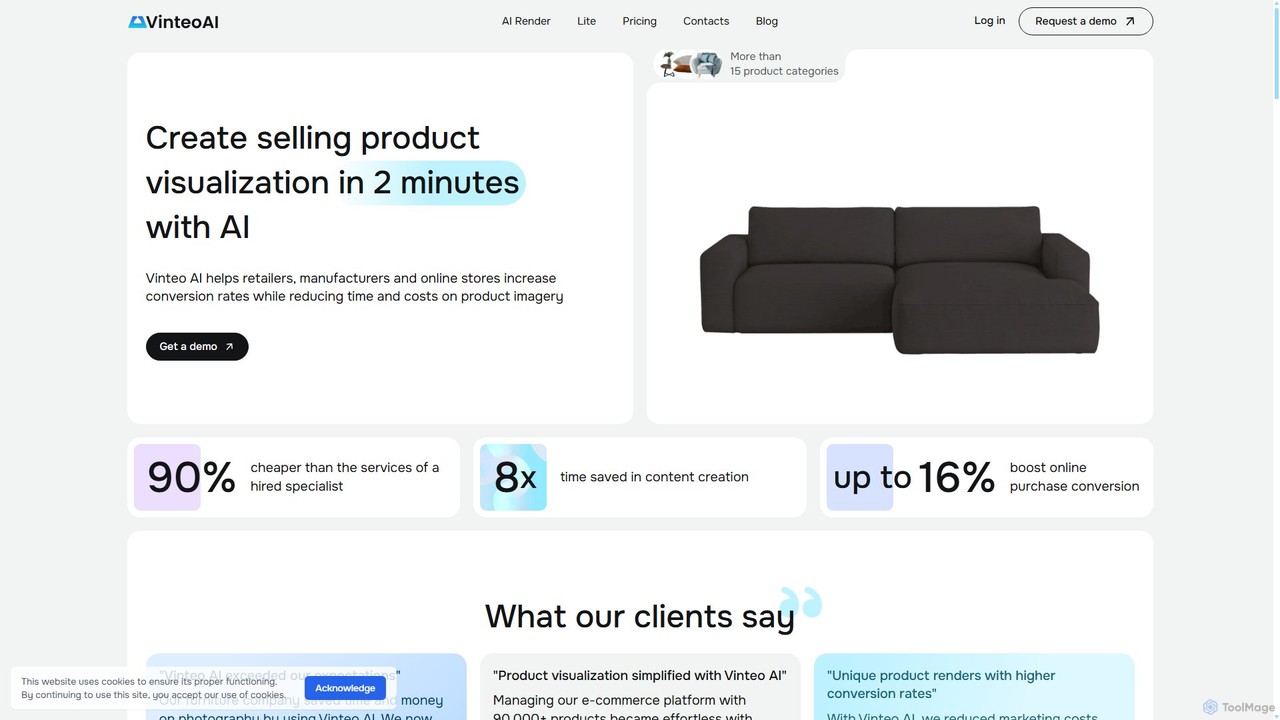
Vinteo AI is an AI-powered product photography platform for e-commerce. It enables businesses to create high-quality, professional product visualizations in minutes. Users can upload product images, place them in custom AI-generated scenes or pre-styled interiors, adjust lighting, colors, and download high-resolution images, significantly reducing photography costs and time while boosting conversion rates.

Product Visualization
Visits 7.2KFavorites 136Likes 120
colossis
Paid

colossis

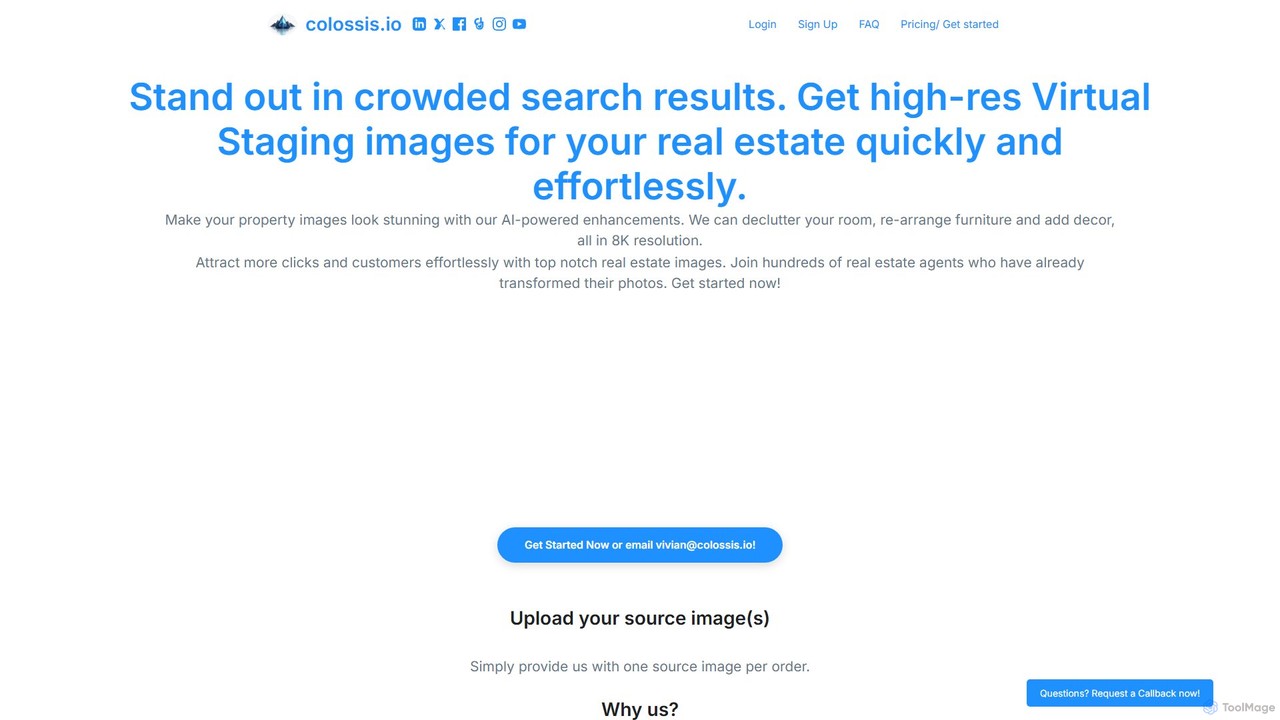
colossis is an AI-powered tool designed for real estate professionals to create stunning, high-resolution virtual staging images. It effortlessly transforms empty or cluttered property photos into beautifully furnished and decorated spaces in 8K resolution. By decluttering, rearranging furniture, and adding decor, colossis helps listings stand out in crowded search results, attract more clicks, and engage potential buyers or renters more effectively.

Enhancement
Visits 9.6KFavorites 134Likes 118

About Image Editing

AI Image Editing tools are a class of software that leverages artificial intelligence to automate and enhance the process of image manipulation. These tools utilize deep learning models and computer vision to understand the context and content of an image, enabling complex edits with simple commands. They empower users of all skill levels, from professionals to beginners, to perform tasks like object removal, background replacement, and quality enhancement in a fraction of the time required by traditional methods. This technology significantly streamlines creative workflows and makes professional-grade photo editing more accessible.

Core Features

  • Object Removal & Inpainting: Intelligently erase unwanted objects, people, or text, and seamlessly reconstruct the background.
  • Background Management: Automatically detect and remove or replace the background of an image with a single click.
  • AI Upscaling & Enhancement: Increase image resolution without losing quality, reduce noise, sharpen details, and correct colors.
  • Generative Fill & Outpainting: Add, extend, or replace parts of an image using simple text prompts to generate new content.
  • Style Transfer: Apply the artistic style of one image to another, creating unique visual effects.

Use Cases

AI Image Editing tools are widely used across various industries. In e-commerce, they are essential for creating clean, consistent product photos by batch-removing backgrounds. Marketers and social media managers use them to quickly adapt visuals for different platforms and create engaging content. Professional photographers and designers integrate these tools into their workflows to accelerate retouching and compositing tasks.

How to Choose

When selecting an AI Image Editing tool, first consider your primary need: are you focused on restoration, creative generation, or bulk processing? Evaluate the tool's specific feature set and its performance on your typical images. Also, consider the user interface's ease of use, integration with other software like Photoshop, and the pricing model—whether it's a subscription, a one-time purchase, or a credit-based system.

Featured tool rankings

Image Editing use cases

1

E-commerce Product Photo Optimization

An e-commerce store manager needs to upload hundreds of new product photos to their website, each requiring a clean, white background for a professional and consistent look. Instead of manually tracing each product in traditional software, which could take hours, they use an AI image editor. They upload the entire batch of photos, and the tool's 'Batch Background Removal' feature automatically detects the product in each image and removes the background in seconds. The result is a complete set of ready-to-use product images with transparent backgrounds, saving over 95% of the editing time and ensuring a uniform appearance across the online store.

2

Creative Social Media Content Adaptation

A social media manager has a high-quality landscape photograph for a campaign but needs to create versions for Instagram Stories (9:16) and square posts (1:1). Instead of awkwardly cropping the image and losing important context, they use an AI tool with 'Generative Outpainting'. The tool intelligently extends the top and bottom of the image, generating new, contextually appropriate background that matches the original photo's style and lighting. This allows the manager to create perfectly formatted visuals for each platform without compromising the original composition, all within minutes.

3

Restoring and Colorizing Old Family Photos

A user finds a collection of old, damaged family photos that are scratched, faded, and in black and white. They want to restore these precious memories for a family album. Using an AI image editing tool, they first apply an 'AI Photo Restoration' feature. The tool automatically detects and repairs scratches, removes creases, and enhances facial details. Next, they use the 'AI Colorize' function, which analyzes the black-and-white image and applies realistic, historically appropriate colors. The final result is a set of vibrant, clear, and restored color photos that bring the past to life, a task that would have required a specialist and significant cost previously.

4

Enhancing Real Estate Photography

A real estate agent has photos of a property taken on an overcast day, making the listing look dull and uninviting. To attract more potential buyers, they use an AI image editor. With a 'Sky Replacement' tool, they instantly swap the gloomy, grey sky with a bright, sunny one. They also use an 'AI Enhancement' feature to automatically adjust brightness, contrast, and color balance, making the property's interior and exterior look more vibrant. Finally, they use the 'Object Removal' tool to erase a distracting car from the driveway. These quick edits transform mediocre photos into professional, appealing marketing assets in minutes, increasing the property's online appeal.

5

Accelerating a Photographer's Retouching Workflow

A portrait photographer has a session with 50 final images that need retouching, including skin smoothing, blemish removal, and color correction. This process would typically take a full day of manual work. By using an AI-powered editing suite, the photographer can apply a consistent set of enhancements across all photos simultaneously. The AI intelligently detects faces and skin, applies natural-looking smoothing without losing texture, and automatically corrects for lighting inconsistencies. The photographer can then make minor, final adjustments where needed. This approach reduces the total retouching time from eight hours to under one, allowing them to deliver final images to clients faster and take on more projects.

6

Creating Conceptual Art for a Project Pitch

A game designer needs to create concept art for a new character but lacks advanced drawing skills. They use an AI image editor's 'Generative Fill' feature. They start with a simple sketch or a stock photo of a person. Then, they select areas like the clothing and armor and enter text prompts such as 'add futuristic silver armor with glowing blue lines' or 'change shirt to a rugged leather tunic'. The AI generates multiple high-quality variations of these elements directly onto the image, allowing the designer to rapidly iterate on ideas and produce a compelling, professional-looking concept visual for their pitch deck without needing to be an expert artist.

Image Editing FAQ

What are AI Image Editing tools?

AI Image Editing tools are software applications that use artificial intelligence, particularly deep learning and computer vision, to automate or simplify complex image manipulation tasks. Unlike traditional editors that require manual step-by-step actions, AI tools can understand image content to perform actions with a single click or a text prompt. Key features often include automatic background removal, intelligent object erasing (inpainting), resolution upscaling, photo restoration, and generative fill, where new content is created from text descriptions.

How do I choose the right AI Image Editor?

Choosing the right AI Image Editor depends on your specific needs. Consider the following factors:

  • Primary Use Case: Determine if you need a tool for professional retouching, creative content generation, e-commerce batch processing, or photo restoration. Different tools specialize in different areas.
  • Feature Set: Check if the tool offers the specific functions you require, such as high-quality background removal, generative fill, AI upscaling, or specific artistic filters.
  • Ease of Use: Evaluate the user interface. Some tools are designed for beginners with one-click solutions, while others offer more advanced controls for professionals.
  • Pricing Model: Compare pricing structures. Options include monthly/annual subscriptions, one-time purchases, or pay-as-you-go credit systems, which may be better for occasional use.
  • Integration: If you use other software like Adobe Photoshop or Figma, check if the AI tool offers a plugin for a seamless workflow.
What is the difference between AI image editors and traditional software like Photoshop?

The primary difference lies in the workflow and level of automation. Traditional software like Adobe Photoshop is a powerful, tool-based editor that requires users to have technical skills and perform actions manually (e.g., using the Pen Tool to trace an object). AI image editors, on the other hand, are task-based. They automate complex processes into single actions. For example, instead of manually selecting a background, an AI tool does it automatically. While Photoshop is increasingly integrating AI features, standalone AI editors are often faster and more accessible for specific, repetitive tasks, whereas Photoshop offers deeper, more granular control for complex creative projects.

Can AI image editors completely replace professional designers or photographers?

AI image editors are best viewed as powerful assistants rather than replacements for creative professionals. They excel at automating time-consuming, technical, and repetitive tasks, which frees up designers and photographers to focus on the creative aspects of their work, such as composition, storytelling, and client communication. While AI can generate impressive results and lower the barrier to entry for basic editing, it currently lacks the nuanced understanding, artistic intent, and contextual awareness that a professional brings to a project. They are tools that enhance productivity, not eliminate the need for human creativity and expertise.

What are the main functions of AI Image Editing tools?

AI Image Editing tools offer a range of powerful functions designed to simplify complex edits. The most common ones include:

  • Background Removal: Automatically isolates the main subject and removes the background, ideal for product photos and portraits.
  • Object Removal (Inpainting): Lets you 'paint over' an unwanted object, and the AI intelligently fills the space with a plausible background.
  • Image Upscaling: Increases the resolution and size of an image using AI to predict and generate new pixel data, resulting in a sharper image than traditional resizing.
  • Generative Fill/Outpainting: Allows users to add or replace elements within an image or extend its borders using text prompts.
  • Photo Restoration & Colorization: Repairs damage like scratches and creases in old photos and can add realistic color to black-and-white images.