ToolMage
Sign in

Best 4 Creative Workflow AI tools for Productivity

Popular Creative Workflow AI tools in Productivity include Nano Banana, Seedream 4, Tashvi, and Pixelzzz, helping you work more efficiently.

Tashvi
Freemium

Tashvi

Tashvi is an AI-powered creative suite designed specifically for jewelry designers, transforming ideas into realistic renderings and market-ready content with unprecedented speed and detail. It empowers creators to explore, refine, and present jewelry designs using advanced AI models, canvas editing, and video generation, bridging traditional artistry with cutting-edge technology.

Jewelry Design
Visits 39.6KFavorites 110Likes 111
Pixelzzz

Pixelzzz

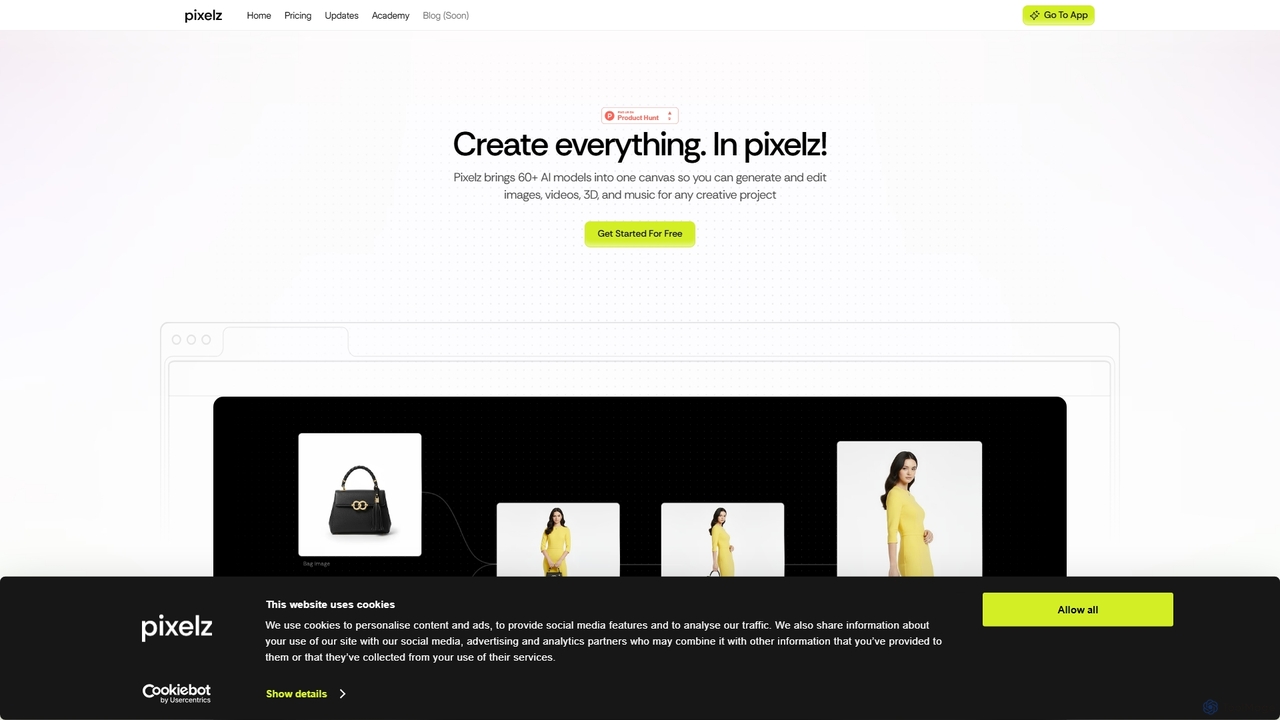
Pixelzzz is an AI creative platform designed to empower designers and teams with intelligent tools for faster and smarter creative workflows. It aims to streamline the design process, offering advanced functionalities for generating and enhancing visual content, fostering collaboration, and boosting productivity.

Team Tools
Visits 3.6KFavorites 127Likes 113
Nano Banana
Freemium

Nano Banana

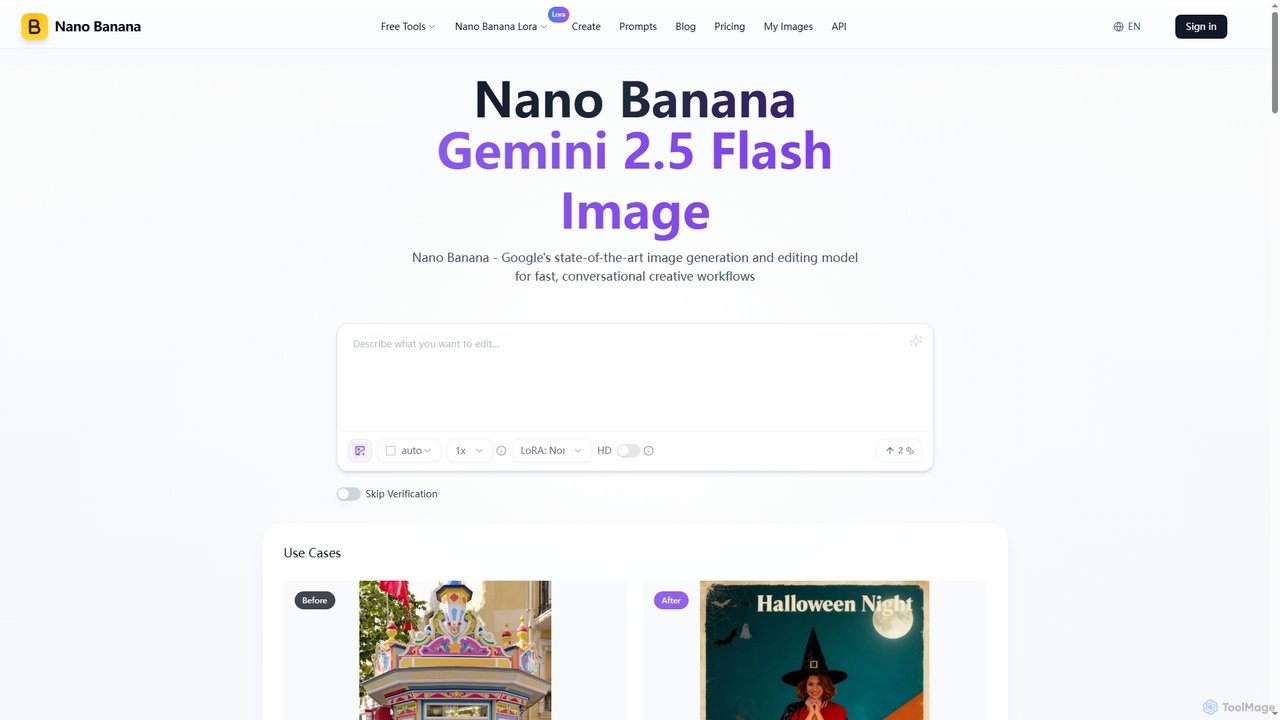
Nano Banana is an advanced AI image generation and editing tool powered by Google's Gemini 2.5 Flash Image model. It excels in fast, conversational creative workflows, offering unmatched character consistency, multi-image fusion, and deep world knowledge for precise visual transformations and asset creation.

Graphic Design
Visits 707.2KFavorites 110Likes 111
Seedream 4
Freemium

Seedream 4

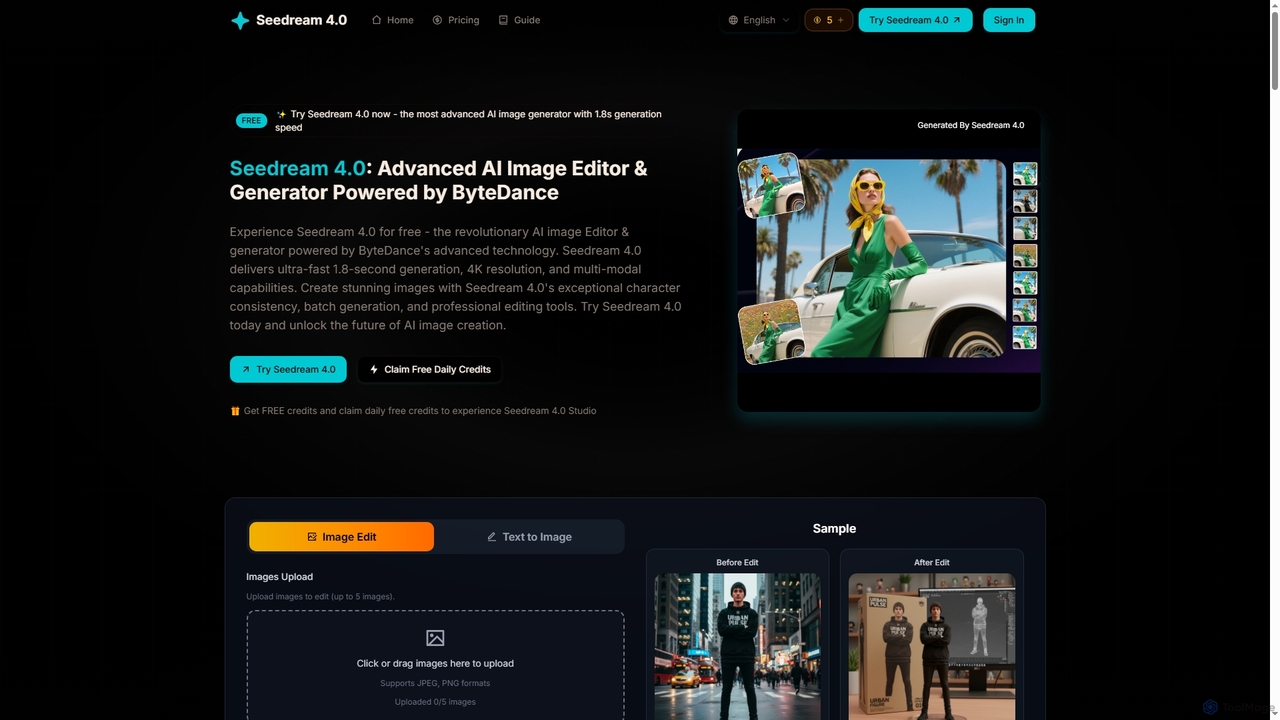
Seedream 4 is an advanced AI image editor and generator powered by ByteDance's cutting-edge technology. It offers ultra-fast 1.8-second generation, 4K resolution, multi-modal capabilities, and exceptional character consistency for professional creative workflows.

Graphic Design
Visits 58.3KFavorites 101Likes 98

About Creative Workflow

Creative Workflow tools are integrated platforms that use AI to streamline the entire creative process, from initial concept to final delivery. They combine functionalities like asset management, collaborative review, and AI-powered content generation into a unified environment. These tools are designed to reduce manual tasks, improve team collaboration, and accelerate the production of high-quality creative content. By centralizing resources and automating repetitive steps, they empower creative teams to focus more on strategy and innovation.

Core Features

  • Unified Asset Hub: Centralize and manage all creative assets like images, videos, and documents with version control.
  • AI-Powered Assistance: Leverage built-in AI for tasks like content generation, image editing, or data analysis within the workflow.
  • Collaborative Review & Annotation: Allow team members and clients to leave direct feedback and comments on creative drafts.
  • Automated Task Management: Create custom workflows with automated triggers, assignments, and approval processes for creative projects.

Use Cases

These tools are essential for marketing agencies, design studios, content creation teams, and corporate marketing departments. They are used for managing advertising campaigns, developing new products, producing video content, and executing multi-channel content strategies.

How to Choose

When selecting a tool, evaluate its integration capabilities with your existing software (e.g., Adobe Creative Cloud, Figma). Consider the scope of its AI features, the intuitiveness of its collaboration interface, and whether its pricing model scales with your team's size and project volume.

Featured tool rankings

Creative Workflow use cases

1

Streamlining a Marketing Campaign Launch

A marketing team uses a creative workflow platform to manage the launch of a new product campaign. The process starts with an AI-powered brainstorming session to generate campaign slogans and visual concepts. Designers then use integrated tools to create ad visuals, while copywriters use an AI assistant to draft ad copy variations. All assets are stored in a central hub, where the marketing manager can review, annotate feedback directly on the images, and approve final versions. The platform's automation then distributes the approved assets to different social media channels, saving hours of manual coordination.

2

Accelerating Video Post-Production

A video production studio integrates a creative workflow tool to manage its post-production pipeline. After an editor uploads a rough cut, the system's AI automatically generates a transcript and subtitles. The director and producer can then watch the video and leave time-stamped comments and annotations for revisions. Once changes are made, a new version is uploaded, and the system keeps a clear history of all versions. For the final cut, the tool can use AI to suggest color grading presets and find royalty-free background music that matches the video's mood, significantly speeding up the final delivery.

3

Managing a Collaborative UI/UX Design Sprint

A UI/UX design team uses a creative workflow platform for a week-long design sprint. The platform provides a shared digital whiteboard for brainstorming and mapping user flows. Designers create interactive prototypes within the same environment. The tool then facilitates user testing by generating shareable links to the prototypes and collecting feedback directly on specific design elements. All feedback, version history, and design assets are organized in one place, making the final handoff to the development team seamless and ensuring developers have access to the latest, approved designs and specifications.

4

Automating Content Creation and Publishing

A content marketing agency uses a workflow tool to manage its blog production. A writer drafts an article, and an integrated AI assistant checks for grammar, tone, and SEO optimization, providing real-time suggestions. The draft is then automatically assigned to an editor for review. The editor leaves comments, and once addressed, approves the article. This approval triggers the next step: the platform automatically formats the article for WordPress, sources a relevant AI-generated stock image, and schedules it for publication. This end-to-end automation reduces the publishing time for each article by over 50%.

5

Coordinating Architectural Design Reviews

An architecture firm uses a creative workflow platform to share 3D models and blueprints with clients. Architects upload their designs, and the platform generates interactive 3D previews that clients can explore in their web browser. Clients and senior partners can drop pins on specific parts of the model to leave comments or request changes, such as 'Change window material here.' All feedback is consolidated in one place, linked to the specific design element. This eliminates confusing email chains and ensures that the design team has a clear, actionable list of revisions for the next iteration, improving client communication and reducing errors.

6

Developing Brand Identity Kits at Scale

A branding agency uses a creative workflow platform to create and manage brand identity kits for multiple clients. The platform serves as a central repository for logos, color palettes, typography, and brand guidelines. When a new client is onboarded, the team uses a template to start the project. AI features help generate logo variations and suggest color combinations. The final brand kit is then shared with the client via a secure portal where they can download assets in various formats. This standardized process ensures consistency and allows the agency to handle more clients efficiently without sacrificing quality.

Creative Workflow FAQ

What are AI Creative Workflow tools?

AI Creative Workflow tools are comprehensive software platforms designed to manage the entire lifecycle of a creative project. Unlike single-purpose tools, they integrate multiple stages—such as ideation, asset creation, team collaboration, client review, and final delivery—into one connected system. They leverage AI to automate repetitive tasks, generate content, provide data-driven insights, and streamline approval processes, helping creative teams work more efficiently and cohesively.

How do Creative Workflow tools differ from general Project Management tools?

General project management tools (like Asana or Trello) are excellent for tracking tasks, deadlines, and overall project progress. Creative Workflow tools do all of that but are specifically built for the nuances of creative work. Key differences include:

  • Visual-centric Collaboration: They offer features for annotating directly on images, videos, and design files.
  • Asset Management: They have built-in digital asset management (DAM) for versioning and organizing creative files.
  • Integrated Creative AI: Many include AI generators for text, images, or video directly within the platform.
  • Custom Approval Chains: They support complex, multi-stage approval processes common in creative projects.
In essence, they manage not just the project schedule, but the creative content itself.

How to choose the right Creative Workflow tool for my team?

Choosing the right tool depends on your team's specific needs. Consider these factors:

  • Core Functionality: Does your team focus more on design, video, or written content? Choose a tool that excels in your primary creative area.
  • Integrations: Ensure the tool integrates smoothly with software you already use, such as Figma, Adobe Creative Cloud, or your CMS.
  • Team Size and Scalability: Select a platform with a pricing model that fits your current team size but can also grow with you.
  • Ease of Use: A complex tool with a steep learning curve can hinder adoption. Look for an intuitive interface that your team can start using quickly.
  • Collaboration Features: Evaluate the quality of its review, annotation, and communication features to ensure they match your team's collaborative style.

What are the key benefits of using an AI-powered Creative Workflow platform?

The primary benefit is a significant boost in productivity and creative output. AI-powered platforms achieve this by:

  • Automating Tedious Tasks: AI can handle tasks like transcribing videos, tagging assets, or generating basic design variations, freeing up creatives to focus on high-level work.
  • Enhancing Creativity: AI can act as a brainstorming partner, suggesting ideas, headlines, or visual concepts to overcome creative blocks.
  • Improving Collaboration: Centralizing all communication and feedback on a single platform reduces misunderstandings and time spent searching through emails or chat messages.
  • Accelerating Turnaround Times: By streamlining reviews, approvals, and asset delivery, these tools help teams complete projects faster.

Who are the primary users of Creative Workflow tools?

These tools are designed for any team or individual involved in producing creative content. Primary users include:

  • Marketing Teams: For managing campaigns, creating social media content, and coordinating with agencies.
  • Design Agencies & Studios: For managing client projects, from initial brief to final design delivery.
  • Content Creators & Publishers: For streamlining the writing, editing, and publishing process for blogs, articles, and videos.
  • In-house Corporate Creative Teams: For producing branding materials, internal communications, and marketing collateral while maintaining brand consistency.
  • Video Production Companies: For managing the entire post-production process, including editing, reviews, and final rendering.