ToolMage
Sign in

Best 3 Demonstration AI tools for Productivity

Popular Demonstration AI tools in Productivity include Arcade, Guidejar, and Hexus, helping you work more efficiently.

Hexus
Freemium

Hexus

Hexus is an AI-powered platform that enables teams to create, centralize, and optimize product content like interactive demos, videos, and guides in minutes. It empowers marketing, sales, and success teams to craft compelling product stories without any coding, streamlining content creation and boosting user engagement.

Documentation
Visits 4.2KFavorites 132Likes 123
Guidejar
Freemium

Guidejar

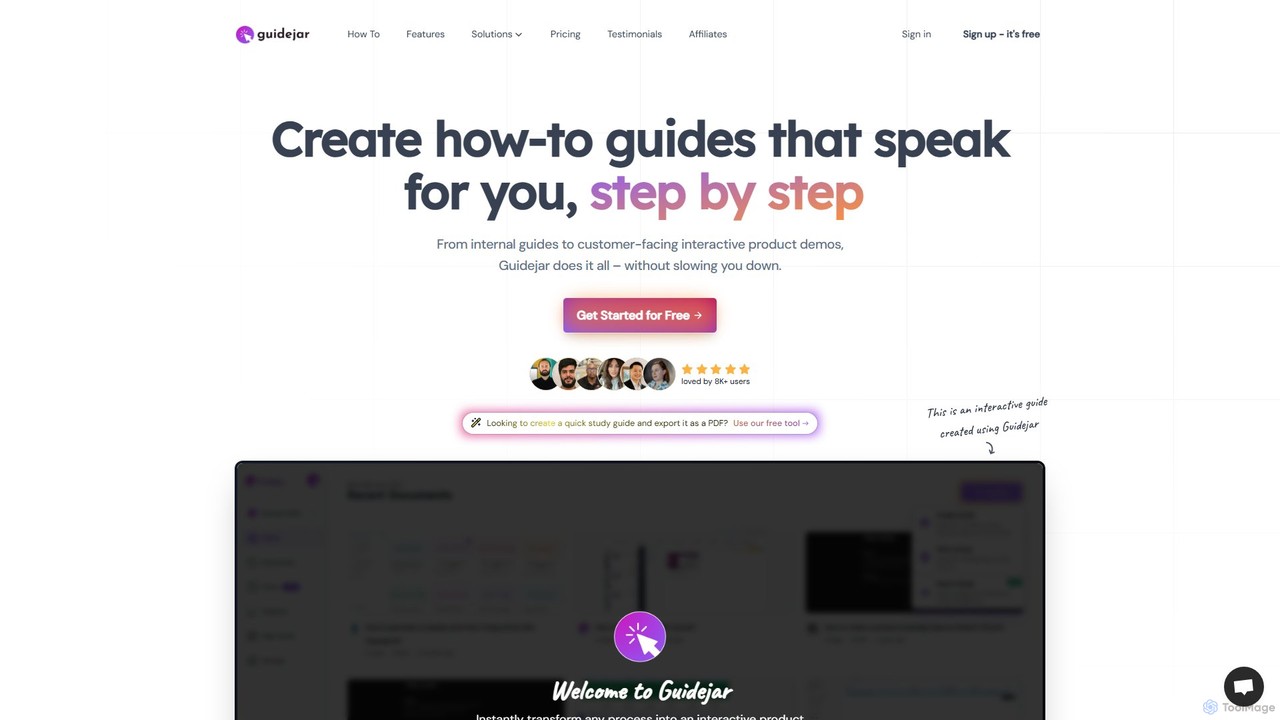
Guidejar is an AI-powered platform that automatically creates step-by-step guides, interactive product demos, and video tutorials. Simply record your workflow, and Guidejar transforms it into polished, shareable content with AI voiceovers and multi-language translation, saving you hours of manual work.

Knowledge Base
Visits 89.9KFavorites 114Likes 124
Arcade
Freemium

Arcade

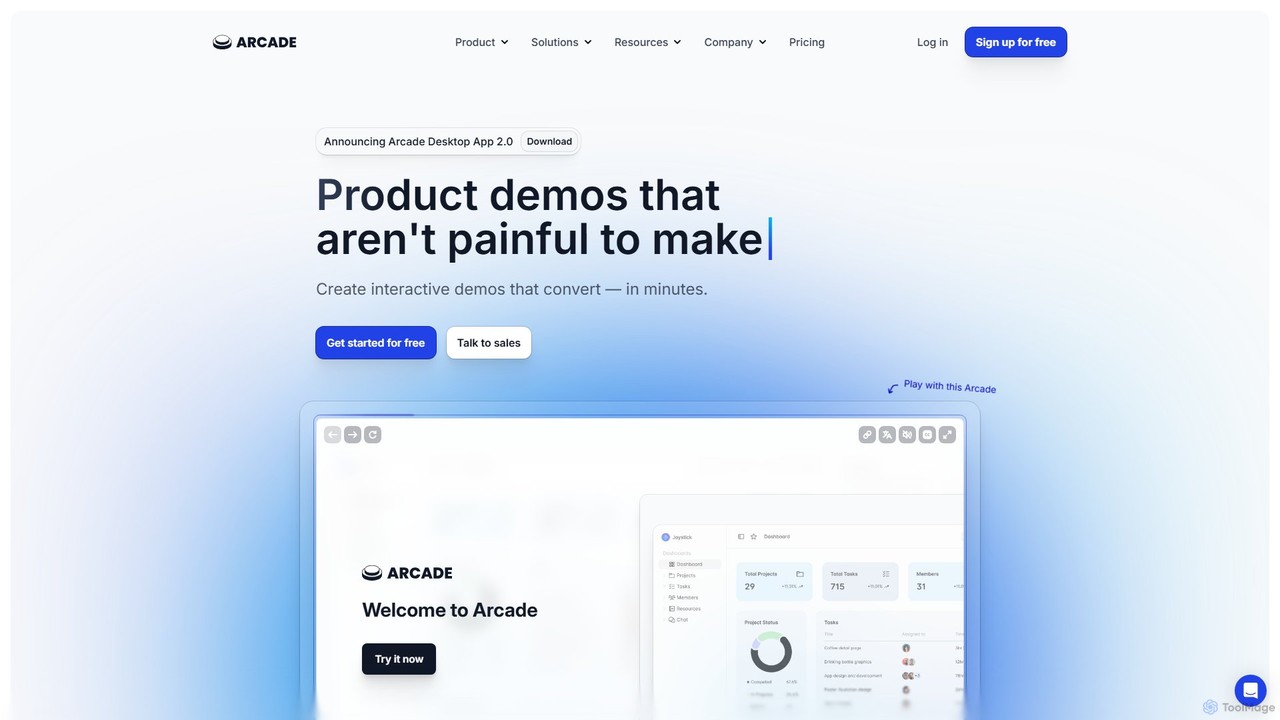
Arcade is a powerful platform that enables teams to create interactive product demos in minutes without any coding. It helps businesses tell compelling product stories, boost user engagement, and increase conversion rates. Ideal for marketing, sales, and product teams, Arcade replaces passive videos with engaging, clickable, and trackable experiences.

Onboarding
Visits 357.2KFavorites 120Likes 137

About Demonstration

AI Demonstration tools are a specialized type of productivity software that automates the creation of interactive product demos and step-by-step guides. By capturing screen activity and user actions, these tools intelligently generate editable walkthroughs complete with annotations, voiceovers, and interactive elements. They are primarily used to streamline user onboarding, enhance sales presentations, and create effective support documentation, significantly reducing the manual effort required in content creation.

Core Features

  • Automatic Step Capture: Intelligently records user actions and automatically breaks them down into distinct, editable steps.
  • AI-Powered Narration: Generates natural-sounding voiceovers from text descriptions for each step, available in multiple languages.
  • Interactive Elements: Allows the addition of clickable hotspots, tooltips, and input fields to create engaging, hands-on learning experiences.
  • Customizable Branding: Enables users to apply their own logos, color schemes, and fonts to maintain brand consistency across all demonstrations.
  • Multi-Format Export: Provides options to export demonstrations as videos (MP4), GIFs, PDFs, or embeddable HTML for versatile sharing.

Use Cases

These tools are widely adopted by SaaS companies, corporate training departments, and sales teams. For instance, a customer success manager can create an interactive onboarding tutorial for new users, while a sales representative can quickly tailor a product demo to a specific prospect's needs without requiring technical assistance.

How to Choose

When selecting an AI Demonstration tool, consider the level of interactivity and editing flexibility you require. Evaluate its integration capabilities with your existing platforms like CRMs or helpdesks. Also, assess the quality of the AI voiceovers, the range of export options, and the analytics features for tracking viewer engagement.

Featured tool rankings

Demonstration use cases

1

Automating Software Onboarding Guides

A product manager at a SaaS company needs to create comprehensive onboarding tutorials for a new feature. Instead of spending days recording, editing, and narrating a video, they use an AI Demonstration tool. They simply perform the workflow once. The tool automatically captures each click and action, creating a sequence of interactive steps. They then add text descriptions, and the AI generates a clear voiceover. The final interactive guide is embedded directly into their help center, allowing new users to learn at their own pace and reducing support tickets by over 30%.

2

Creating Personalized Sales Demos at Scale

A sales team needs to create tailored product demos for dozens of prospects each week. Manually creating custom videos is not scalable. By using an AI Demonstration tool, a sales representative can start with a master demo template. They can then easily duplicate and modify it by removing irrelevant steps, changing text to include the prospect's name, and updating screenshots for specific use cases. This process takes minutes instead of hours, allowing the team to send highly personalized, interactive demos that resonate with each prospect, leading to a higher engagement and conversion rate.

3

Developing Internal Employee Training Materials

An HR department is rolling out new expense reporting software across the company. To ensure consistent training, a training specialist uses an AI Demonstration tool to create a definitive guide on how to submit a report. They record the process, and the tool generates a step-by-step tutorial. They can easily blur sensitive information like personal details and add annotations to highlight key policies. The final guide is shared on the company's intranet, providing a self-service resource for all employees and reducing the time HR spends answering repetitive questions.

4

Creating Visual Troubleshooting Guides for Support

A customer support team frequently receives tickets about a complex configuration issue. To resolve this efficiently, an agent uses an AI Demonstration tool to replicate the user's problem and record the solution steps. The tool automatically generates a clear, visual guide. The agent can then share the guide's link directly in support tickets. This visual format is much easier for customers to follow than text-based instructions, leading to faster resolutions, higher customer satisfaction, and a reduction in follow-up inquiries for the same issue.

5

Showcasing New Features for Marketing Content

A marketing team wants to promote a newly launched product feature on social media and in a blog post. They need engaging visual content quickly. A content creator uses an AI Demonstration tool to record a short walkthrough of the new feature. The tool allows them to export the final product as a high-quality GIF for social media and an embeddable interactive demo for the blog post. This dual-purpose creation process saves significant time compared to using separate tools for video recording and GIF creation, ensuring consistent and professional-looking promotional materials.

6

Documenting Standard Operating Procedures (SOPs)

An operations manager needs to document a complex, multi-step process for compliance and team consistency. Written SOPs are often ignored or misinterpreted. Using an AI Demonstration tool, they record the entire workflow across different applications. The tool captures every action, creating a visual and interactive SOP that is easy to follow. They can add annotations to emphasize critical compliance checkpoints. This visual SOP ensures that all team members follow the exact same procedure, reducing errors, improving efficiency, and simplifying the audit process.

Demonstration FAQ

What are AI Demonstration tools?

AI Demonstration tools are applications that automate the creation of interactive tutorials and product demos. They work by recording a user's screen actions (clicks, typing, scrolling) and automatically converting them into a series of editable, step-by-step slides. Unlike simple screen recorders, these tools add layers of intelligence, such as generating text instructions, creating voiceovers with AI, and allowing the insertion of interactive elements like quizzes and hotspots. They are designed to make the process of creating training and sales materials faster and more engaging.

How do AI Demonstration tools differ from standard screen recorders?

The key difference lies in structure and interactivity. A standard screen recorder captures a continuous video file (like an MP4), which is linear and difficult to edit. AI Demonstration tools, however, break down the recording into individual, editable steps or slides. This offers several advantages:

  • Easy Editing: You can easily delete, reorder, or modify individual steps without re-recording the entire process.
  • Interactivity: They allow you to add interactive elements like clickable buttons, tooltips, and input fields, turning a passive video into an active learning experience.
  • AI Enhancements: They use AI to automatically generate text descriptions, create voiceovers, and even blur sensitive information.
  • Multiple Outputs: You can export the same project as a video, GIF, PDF, or interactive HTML guide, whereas a screen recorder only produces a video file.
How to choose the right AI Demonstration tool?

Choosing the right tool depends on your specific needs. Consider these factors:

  • Output Formats: Determine if you need interactive HTML guides, videos (MP4), GIFs, or PDFs. Ensure the tool supports your required formats.
  • Editing Flexibility: Evaluate how easy it is to edit steps, customize branding (logos, colors), blur sensitive data, and modify annotations.
  • Interactivity Level: If you need to create engaging training, look for features like hotspots, quizzes, and branching scenarios. For simple guides, basic interactivity may suffice.
  • AI Features: Compare the quality of AI-generated voiceovers, the accuracy of automatic text generation, and other smart features that save time.
  • Integrations and Sharing: Check if the tool integrates with your existing platforms (like a help center or LMS) and how easy it is to share or embed the final content.
Who are the primary users of AI Demonstration tools?

AI Demonstration tools are versatile and serve various roles within an organization, primarily those involved in teaching or explaining processes. Key users include:

  • Customer Success & Onboarding Teams: To create interactive product tours and tutorials for new users.
  • Sales & Pre-sales Teams: To build customized and persuasive product demos for potential clients.
  • Corporate Trainers & HR: To develop consistent training materials for internal software and company procedures.
  • Customer Support Agents: To create quick, visual troubleshooting guides to resolve common issues.
  • Product Marketers: To showcase new features in blog posts, newsletters, and on social media.
What are the key benefits of using AI for creating demos?

Using AI in demonstration tools offers significant advantages over manual creation methods. The primary benefits include:

  • Speed and Efficiency: AI automates the most time-consuming parts of the process, such as capturing steps, writing instructions, and creating voiceovers. This can reduce creation time from hours to minutes.
  • Consistency: AI ensures that all demos and guides follow a consistent format, tone, and branding, which is difficult to achieve manually across a large team.
  • Scalability: Teams can produce a much higher volume of high-quality, customized content without a proportional increase in effort or headcount.
  • Enhanced Engagement: Features like interactive elements and clear, AI-generated narration make the content more engaging and effective for the viewer compared to static documents or simple videos.