ToolMage
Sign in

Best 4 Model Comparison AI tools for Productivity

Popular Model Comparison AI tools in Productivity include LMArena, ChatPlayground AI, thisorthis.ai, and geminivsgpt, helping you work more efficiently.

thisorthis.ai
Freemium

thisorthis.ai

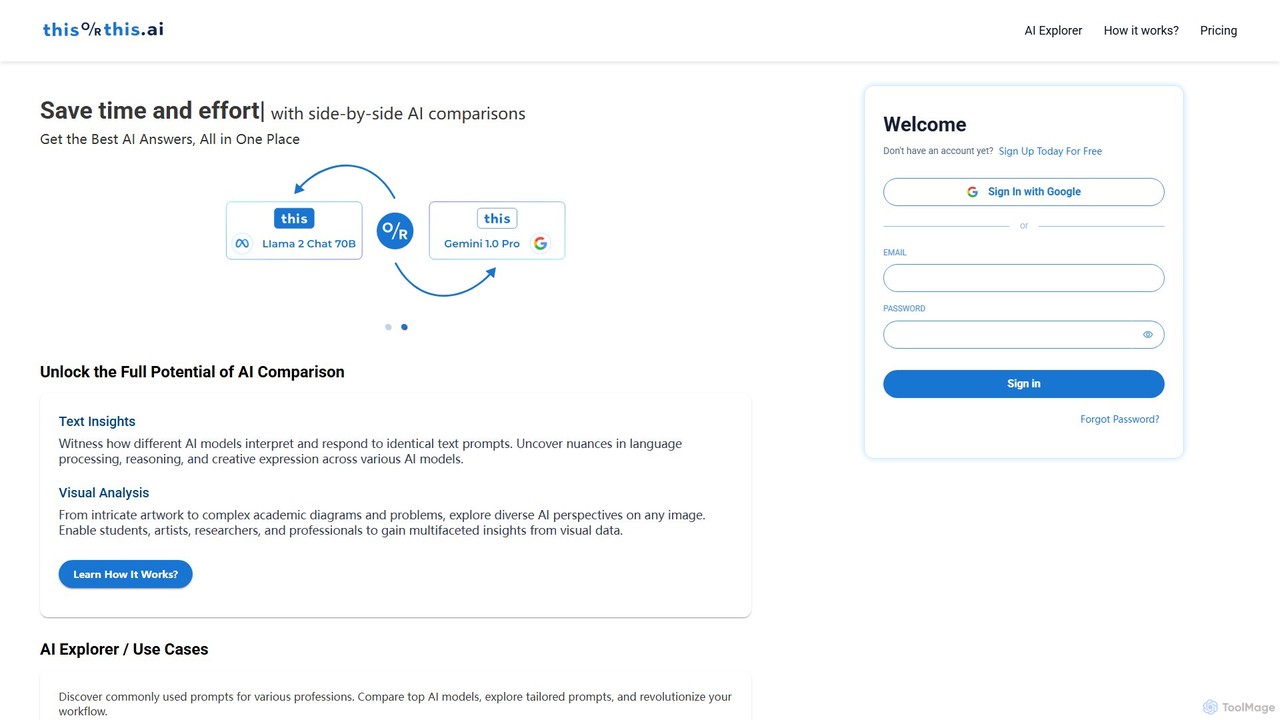
thisorthis.ai is a powerful platform for comparing generative AI models side-by-side. Submit a single prompt (text or image) to receive and evaluate outputs from up to 6 different models like GPT-4o, Gemini 1.5, and Llama 3 simultaneously. It features a flexible pay-as-you-go model, eliminating multiple subscriptions. It's ideal for professionals and researchers seeking the highest quality AI-generated response for any task, optimizing both efficiency and output quality.

Model Comparison
Visits 8.9KFavorites 149Likes 160
ChatPlayground AI
Freemium

ChatPlayground AI

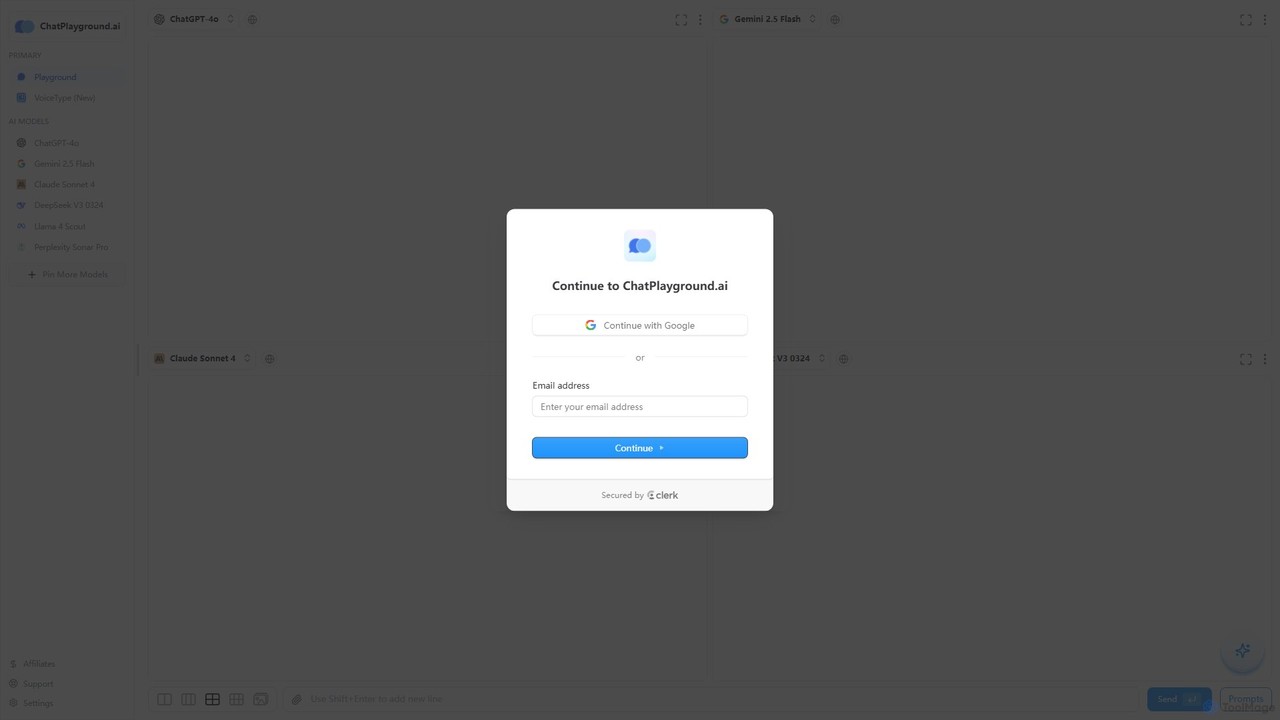
The ultimate platform for comparing leading AI language models side-by-side. Test prompts on GPT-4o, Gemini, Claude, Llama, and more in a single, intuitive interface to find the best model for your needs.

Api Aggregator
Visits 115.6KFavorites 135Likes 117
LMArena
Free

LMArena

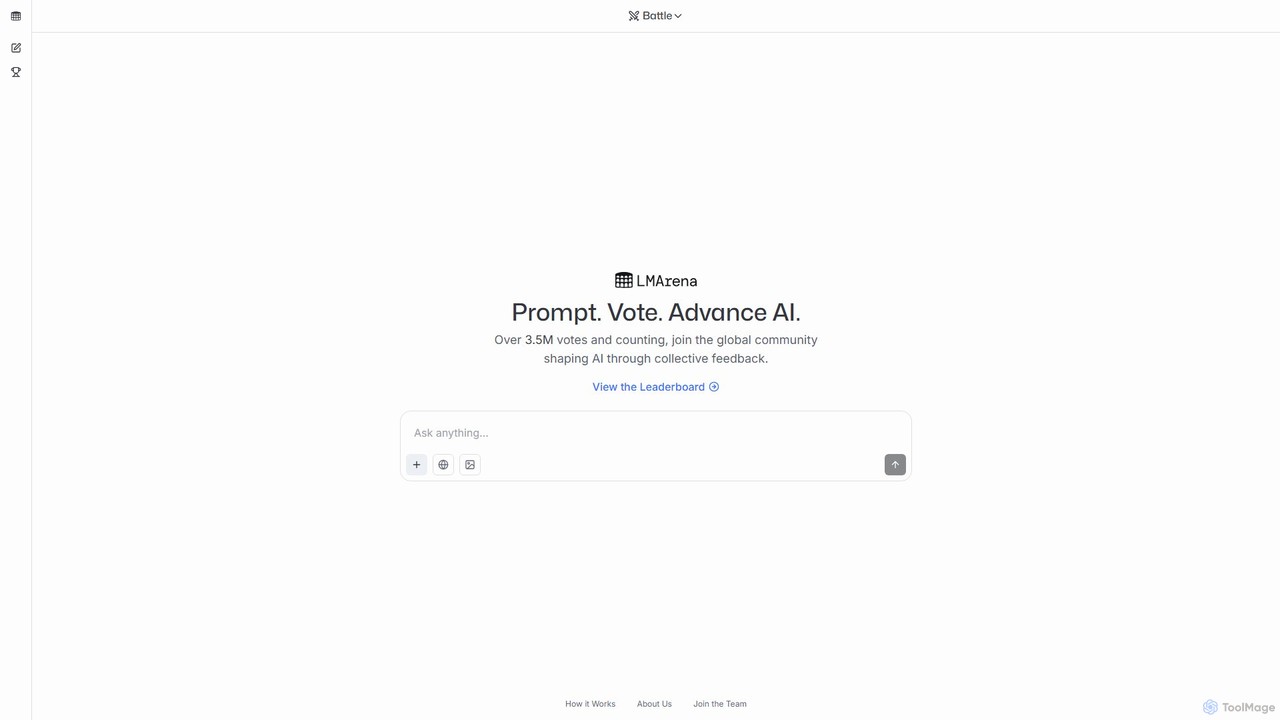
LMArena is an open, crowdsourced platform from UC Berkeley researchers for evaluating and comparing leading AI models. Users anonymously test two models side-by-side, vote for the best response, and contribute to a dynamic, public leaderboard. It aims to make AI progress transparent and grounded in real-world human feedback.

Artificial Intelligence
Visits 629KFavorites 110Likes 92
geminivsgpt
Free

geminivsgpt

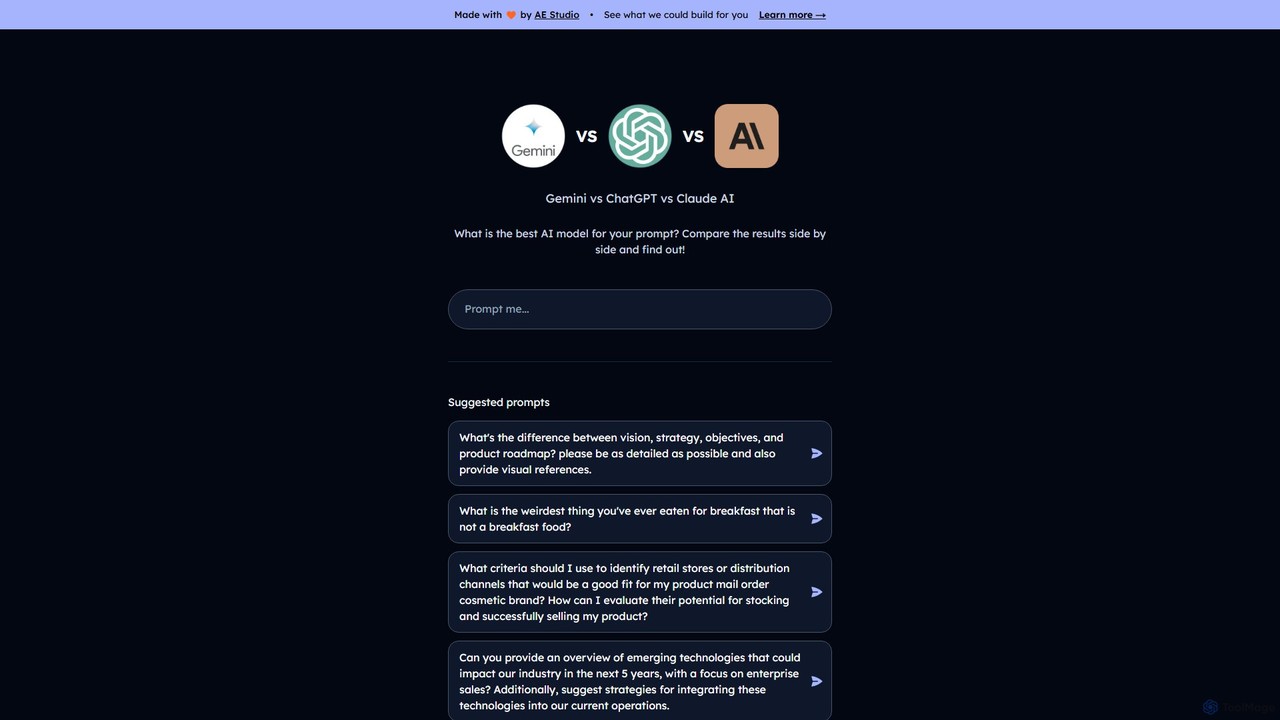
A powerful, free online tool for instantly comparing responses from leading AI models like Google's Gemini, OpenAI's ChatGPT, and Anthropic's Claude. Input a single prompt and view the results side-by-side to determine the best output for your specific needs, from writing and coding to research and brainstorming.

Testing
Visits 4.1KFavorites 91Likes 90

About Model Comparison

Model Comparison tools are specialized platforms designed to run a single prompt across multiple AI models simultaneously for direct, side-by-side evaluation. These tools streamline the process of assessing different models, such as large language models (LLMs) or image generators, by presenting their outputs in a unified interface. This allows users to objectively compare response quality, style, accuracy, and performance metrics like speed and cost. By eliminating the need to test each model individually, these platforms significantly boost productivity for developers, researchers, and content creators making critical decisions about which AI to integrate or use.

Core Features

  • Side-by-Side Interface: Displays outputs from various models for the same input, facilitating direct comparison of text or images.
  • Multi-Model Support: Integrates with a wide range of popular and niche AI models from different providers like OpenAI, Anthropic, Google, and open-source alternatives.
  • Performance Analytics: Provides key metrics such as response time (latency), token count, and estimated cost for each model's output.
  • Prompt Management: Allows users to save, version, and organize prompts for repeatable and systematic testing.
  • API Access: Offers programmatic access to run comparisons, enabling integration into automated testing workflows and applications.

Use Cases

These tools are invaluable for developers choosing the most suitable and cost-effective API for their application, content creators refining prompts to find the model that best matches their brand voice, and AI researchers conducting benchmark tests on model capabilities. They are also used by businesses to optimize AI operational costs by identifying less expensive models that meet quality thresholds for specific tasks.

How to Choose

When selecting a Model Comparison tool, consider the breadth of supported models to ensure it covers your evaluation needs. Evaluate its analytics capabilities—does it provide the cost, latency, and quality metrics you require? Also, consider the user interface for ease of use and features for prompt management and team collaboration. For developers, the availability and documentation of an API for automated testing is a critical factor.

Featured tool rankings

Model Comparison use cases

1

Selecting the Optimal LLM API for a Chatbot

A software developer is building a customer service chatbot and needs to choose the most effective and cost-efficient Large Language Model (LLM). Using a model comparison tool, they input a set of 50 common customer queries. The tool runs these prompts simultaneously across GPT-4o, Claude 3 Sonnet, and Llama 3. The developer can then directly compare the relevance and tone of the responses, average latency per query, and the projected monthly cost for each model based on expected traffic. This data-driven approach allows them to select Claude 3 Sonnet, which offers the best balance of quality and cost for their specific use case, avoiding weeks of manual testing.

2

Refining Prompts for Marketing Ad Copy

A marketing copywriter is tasked with generating creative slogans for a new product launch. They use a model comparison tool to test a single, detailed prompt across several models known for their creative abilities, such as GPT-4 and Claude 3 Opus. The side-by-side results reveal that one model excels at witty one-liners while another produces more descriptive and evocative text. By observing these different interpretations, the copywriter can refine their prompt—perhaps by adding constraints like 'use a humorous tone'—and identify the best model for each type of ad copy needed, ensuring a more versatile and effective campaign.

3

Evaluating Image Models for Game Asset Creation

A concept artist for a video game studio needs to generate ideas for a new fantasy character. They use a model comparison tool that supports image generation models. The artist inputs a detailed prompt: 'A stoic elven warrior with glowing silver armor, holding a crystal spear, in a dark enchanted forest, photorealistic style.' The tool generates images from DALL-E 3, Midjourney, and Stable Diffusion simultaneously. By comparing the outputs, the artist notices that Midjourney produces the most atmospheric lighting, Stable Diffusion offers greater detail in the armor, and DALL-E 3 best captures the facial expression. This allows them to select the right tool or even combine elements from different outputs for their final concept art.

4

Academic Research on AI Model Bias

An AI ethics researcher is studying how different language models exhibit bias when discussing sensitive topics. They use a model comparison tool to systematically input a series of prompts related to gender, race, and profession across a dozen different models, including open-source and proprietary ones. The tool's unified interface allows them to efficiently collect and categorize hundreds of responses. They can then analyze the outputs for patterns of stereotypical language or biased assumptions, contributing valuable, empirical data to their research paper. The ability to test many models at once is crucial for a comprehensive and comparative study.

5

Optimizing AI Costs for Internal Summarization Tasks

A product manager at a large corporation wants to implement an AI feature to summarize internal weekly reports. The initial choice, GPT-4, provides high-quality summaries but at a significant cost. To optimize expenses, the manager uses a model comparison tool to test the summarization prompt on cheaper alternatives like Mistral Large and various fine-tuned open-source models. They evaluate 10 sample reports and compare the outputs side-by-side for accuracy and coherence. The tool's cost estimator shows that one of the open-source models provides 95% of GPT-4's quality at only 30% of the cost. This allows the company to deploy the feature cost-effectively without a major compromise on quality.

6

Educational Demonstration of Model Capabilities

A university professor teaching an 'Introduction to AI' course uses a model comparison tool during a live lecture. To illustrate the concept of 'model alignment,' they input the prompt: 'Explain quantum computing in a simple analogy a five-year-old can understand.' The tool displays answers from a highly technical model, a general-purpose model, and a model fine-tuned for educational content. The students can instantly see how each model interprets the 'simple analogy' constraint differently. This practical demonstration provides a more memorable and intuitive understanding of model strengths and specializations than a purely theoretical explanation would.

Model Comparison FAQ

What are AI Model Comparison tools?

AI Model Comparison tools are platforms that allow users to test a single prompt across multiple AI models at the same time. Instead of opening separate tabs for different AI services, you can see their responses side-by-side in one interface. This is extremely useful for directly evaluating the quality, style, speed, and cost of outputs from models like GPT-4, Claude 3, Llama 3, and others. The primary goal is to help developers, writers, and researchers make informed decisions about which model is best suited for a specific task, streamlining the selection and testing process.

How to choose the right Model Comparison tool?

Choosing the right tool depends on your specific needs. Consider the following factors:

  • Model Availability: Does the tool support the specific models you want to compare (e.g., the latest OpenAI models, open-source options like Llama, or specialized models)?
  • Performance Metrics: Check if it provides the data you need, such as cost estimation per prompt, response latency (speed), and token counts.
  • User Interface: Is the comparison view clear and easy to use? Does it support features like prompt history, versioning, and sharing with a team?
  • API Access: If you're a developer, you may need an API to integrate model comparisons into your automated testing workflows. Check for its availability and documentation.
What's the difference between a Model Comparison tool and a standard AI chat interface?

A standard AI chat interface, like the public ChatGPT or Claude websites, is designed for conversation with a single model. Its purpose is to provide you with an answer from that specific AI. A Model Comparison tool, on the other hand, is a meta-tool built for evaluation. Its primary purpose is not to give you one answer, but to show you how multiple different AIs respond to the exact same query. It's a testing ground or 'playground' for developers and power users, whereas a standard chat interface is a consumer-facing product for getting tasks done with one pre-selected model.

Who should use AI Model Comparison tools?

These tools are most beneficial for users who need to make a strategic choice between different AI models. Key user groups include:

  • Developers: To select the best performing and most cost-effective API for their applications.
  • Content Creators & Marketers: To test prompts and find the model that best captures a specific tone, style, or creative output.
  • AI Researchers: To conduct benchmark tests and compare the capabilities (e.g., reasoning, bias, accuracy) of various models systematically.
  • Product Managers & Businesses: To evaluate models for new features and optimize the cost of existing AI implementations.
What key metrics can I evaluate with these tools?

While features vary between tools, most Model Comparison platforms allow you to evaluate several key metrics to make a data-driven decision. Common metrics include:

  • Response Quality: A subjective but crucial measure of how accurate, relevant, coherent, and helpful the model's output is for your specific prompt.
  • Latency: The time it takes for the model to generate a response, usually measured in seconds. This is critical for real-time applications like chatbots.
  • Cost: An estimation of how much it would cost to run your prompt on each model, often calculated based on the number of input and output tokens.
  • Token Count: The number of tokens used for both the input prompt and the generated output, which directly impacts the cost on most paid APIs.