Productivity Best in category 5 results No Code & Automation AI Tool

Popular AI tools in the No Code & Automation field of Productivity include GetGPT、Formaloo、ChartPixel、CalcGen AI、Tricuss, etc., helping you quickly improve efficiency.

CalcGen AI

CalcGen AI

CalcGen AI is a no-code platform that transforms natural language prompts into interactive calculators, charts, and data visualizations. …

5.0K
Tricuss

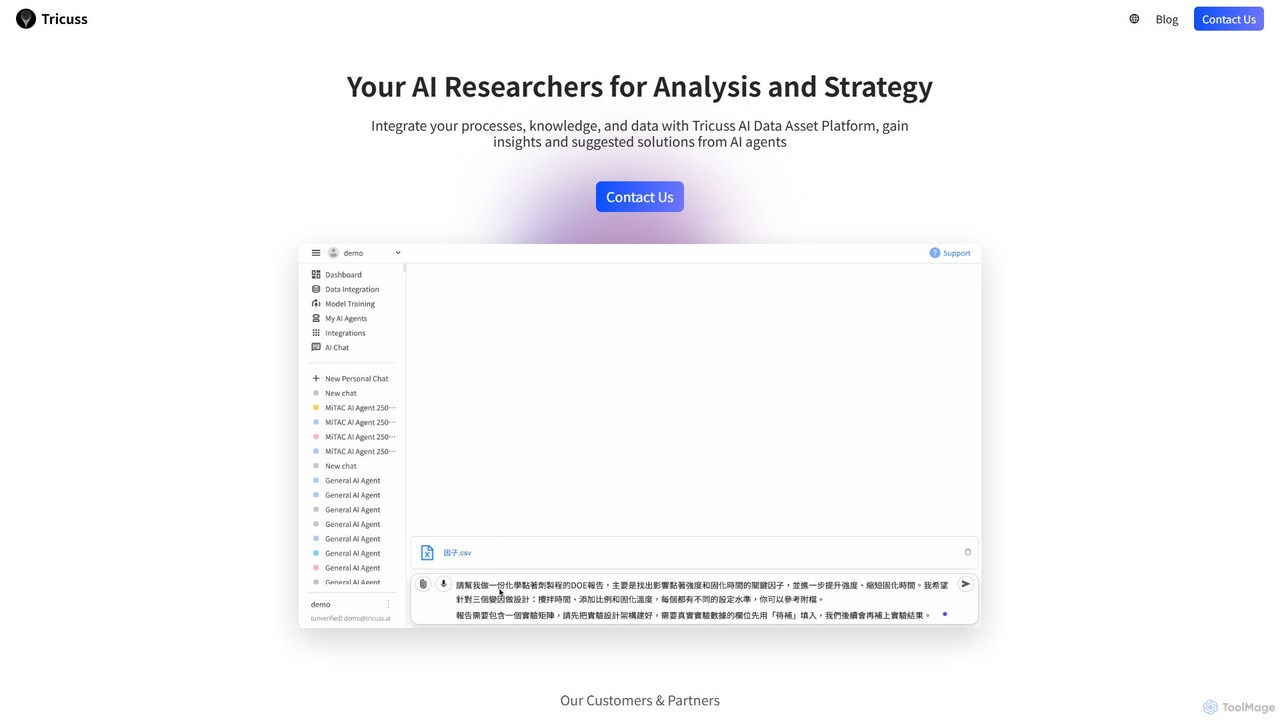
Tricuss

Tricuss is a no-code AI agent builder that empowers businesses to create intelligent researchers for analysis and strategy. …

3.2K
GetGPT

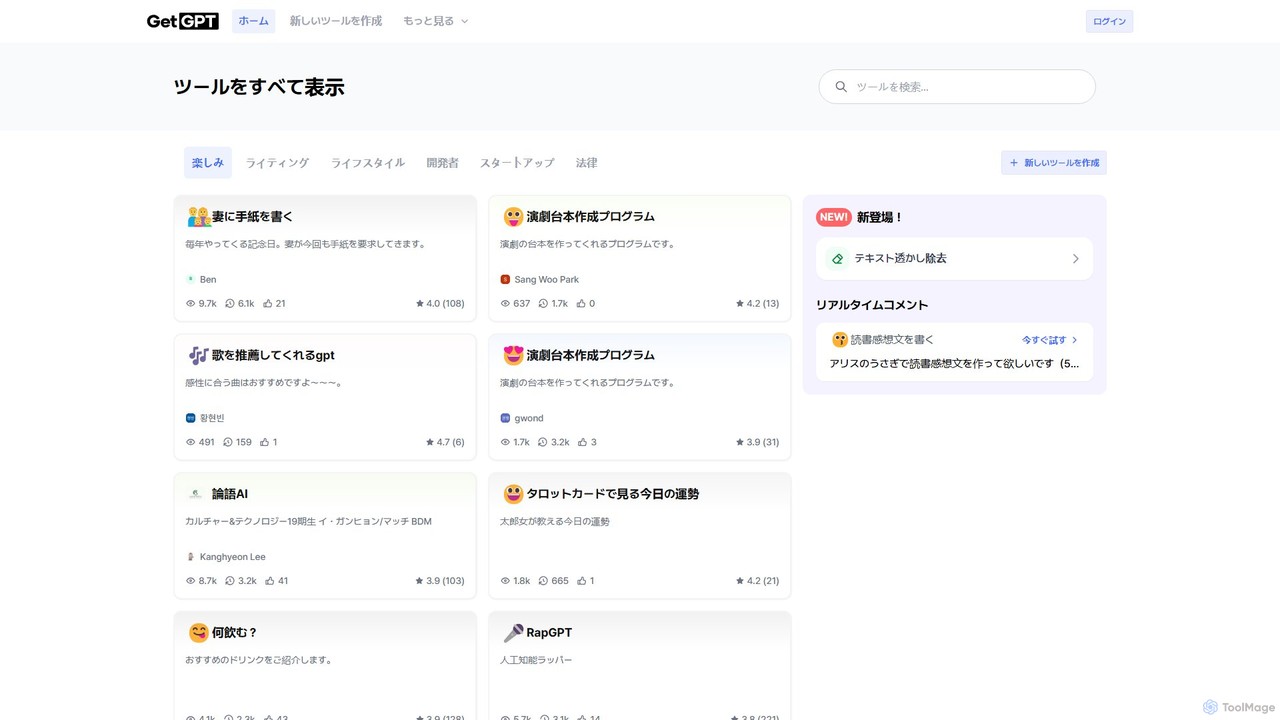
GetGPT

A no-code platform for building, sharing, and using custom AI applications. Create personalized tools for writing, education, marketing, …

89.0K
Formaloo

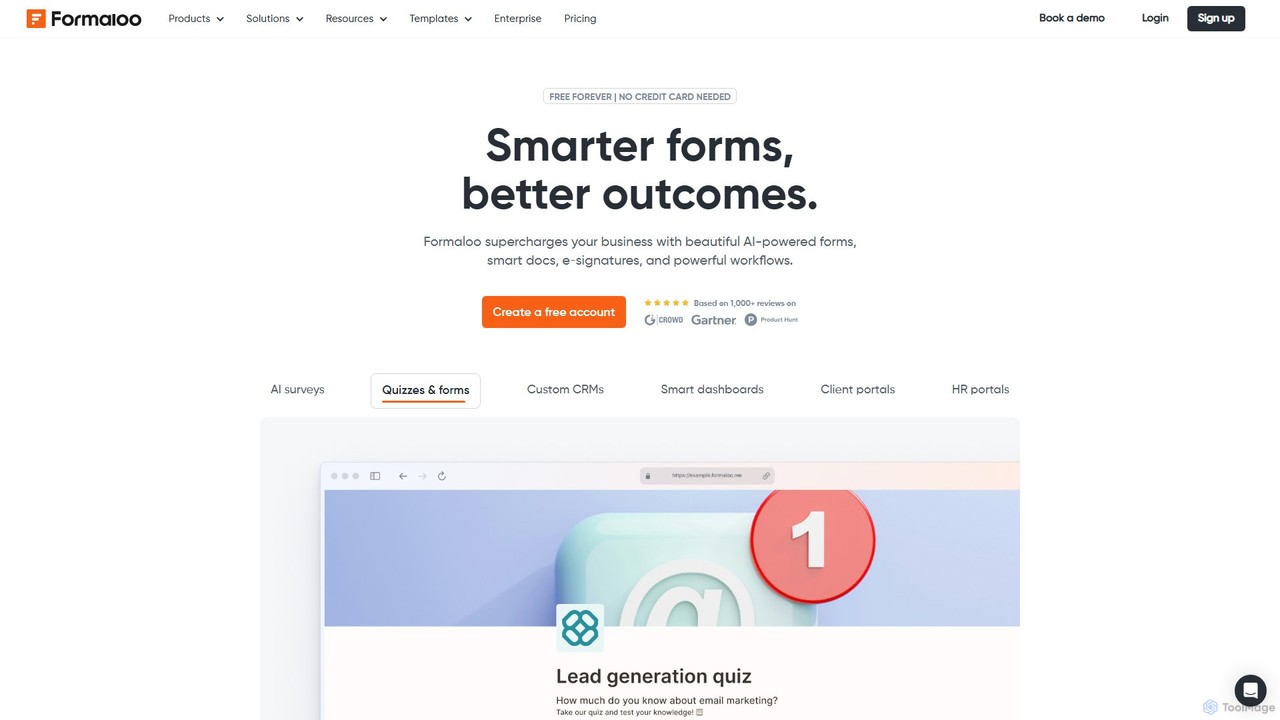
Formaloo

Formaloo is a powerful no-code platform that enables users to build custom business applications, including forms, surveys, CRMs, …

47.9K
ChartPixel

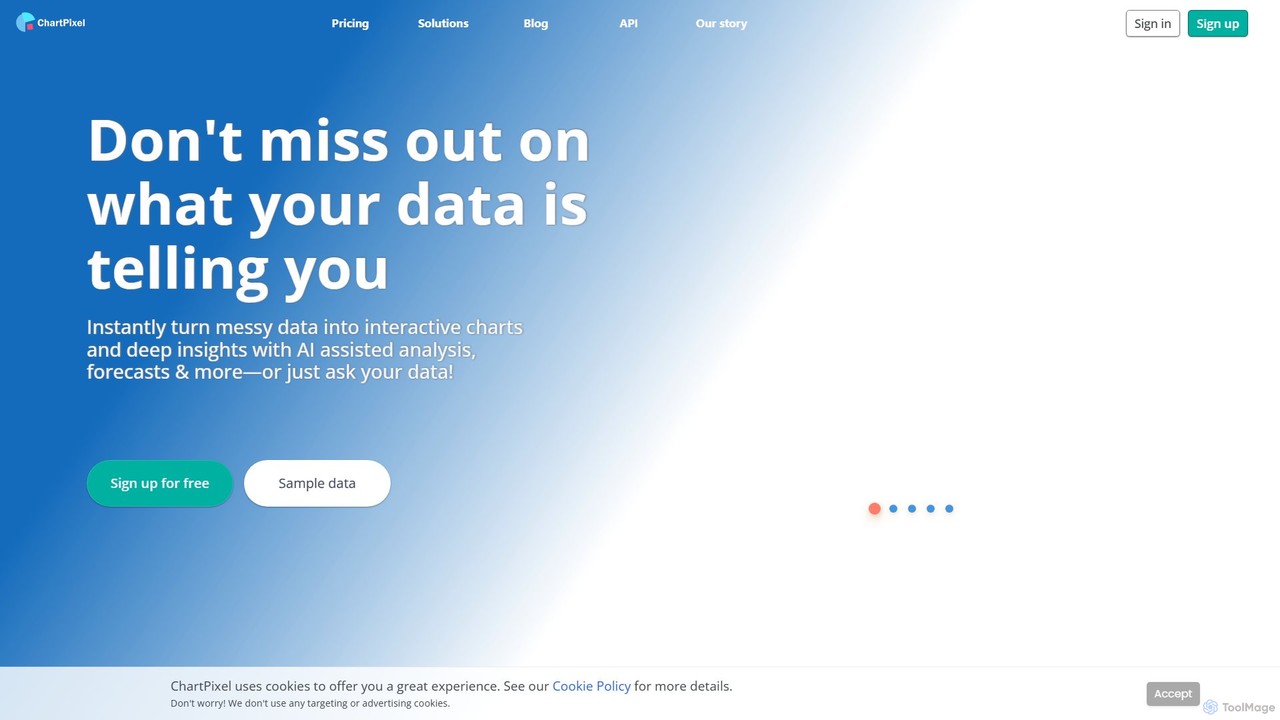
ChartPixel

ChartPixel is an AI-powered data analysis and visualization platform that instantly transforms raw, messy data into interactive charts …

8.1K

About No Code & Automation

No Code & Automation tools are a category of AI-powered platforms designed to empower users to build applications, automate workflows, and integrate systems without writing traditional code. These tools leverage visual interfaces, drag-and-drop functionalities, and often AI-driven intelligence to simplify complex development and operational tasks. They significantly enhance productivity by enabling rapid prototyping, deployment, and optimization of business processes, making advanced solutions accessible to a broader audience, including non-technical users.

Core Features

  • Visual Development Interfaces: Drag-and-drop builders for creating applications and workflows without coding.
  • AI-Powered Automation: Intelligent agents that learn from data to automate repetitive tasks, decision-making, and data processing.
  • Extensive Integrations: Connects with hundreds of third-party applications and services to create seamless data flows.
  • Workflow Orchestration: Tools to design, manage, and monitor complex multi-step automated processes.
  • Data Mapping & Transformation: Simplifies the process of moving and converting data between different systems.

Applicable Scenarios

These tools are invaluable for small businesses, marketing teams, HR departments, and operations managers looking to streamline their work. They enable rapid creation of custom internal tools, automated customer communication sequences, and efficient data synchronization across various platforms, reducing manual effort and accelerating project delivery.

How to Choose

When selecting a No Code & Automation tool, consider its ease of use for your team, the breadth of its integration ecosystem, scalability to handle future growth, and the specific AI capabilities offered for intelligent automation. Evaluate the pricing model, community support, and the learning curve required to maximize its potential for your unique business needs.

No Code & AutomationUse Cases

1

Automating Lead Nurturing Campaigns

Marketing teams can use No Code & Automation tools to automatically qualify leads, send personalized follow-up emails, and update CRM records based on user behavior. By connecting website forms, email marketing platforms, and CRM systems, the tool ensures leads receive timely and relevant communications, improving conversion rates and freeing up sales teams for high-value interactions.

2

Building Custom Internal Tools

Operations managers or HR departments can quickly develop bespoke internal applications, such as project trackers, employee onboarding portals, or inventory management systems, without relying on IT resources. These tools allow for rapid iteration and customization, ensuring they perfectly fit specific organizational workflows and data requirements, enhancing operational efficiency.

3

Streamlining Customer Support Workflows

Customer service teams can automate routine inquiries, ticket routing, and feedback collection. No Code platforms can integrate with helpdesk software, chatbots, and knowledge bases to provide instant answers, escalate complex issues to human agents, and automatically categorize support requests, leading to faster resolution times and improved customer satisfaction.

4

Automating Data Synchronization Across Platforms

Businesses often use multiple software solutions (e.g., CRM, ERP, accounting, marketing). No Code & Automation tools can automatically sync data between these disparate systems, ensuring consistency and accuracy. For example, new customer data from a CRM can instantly update an accounting system, eliminating manual data entry and reducing errors.

5

Generating Automated Reports and Dashboards

Business analysts and managers can set up automated processes to pull data from various sources (databases, spreadsheets, APIs), transform it, and generate custom reports or update interactive dashboards. This provides real-time insights into business performance without manual data compilation, enabling quicker, data-driven decision-making.

6

Creating Personalized Onboarding Experiences

HR professionals can design automated onboarding sequences for new hires, including sending welcome emails, assigning training modules, setting up access to internal systems, and scheduling introductory meetings. This ensures a consistent, personalized, and efficient onboarding journey, improving new employee engagement and reducing administrative burden.

No Code & AutomationFrequently Asked Questions