Productivity Best in category 17 results Student Tools AI Tool

Popular AI tools in the Student Tools field of Productivity include MathGPTPro、Photomath、Studdy、Coursology、AnswersAi、SmartSolve、StudyMonkey.ai、Question AI、quizsolverai、Aceify, etc., helping you quickly improve efficiency.

Studibudy

Studibudy

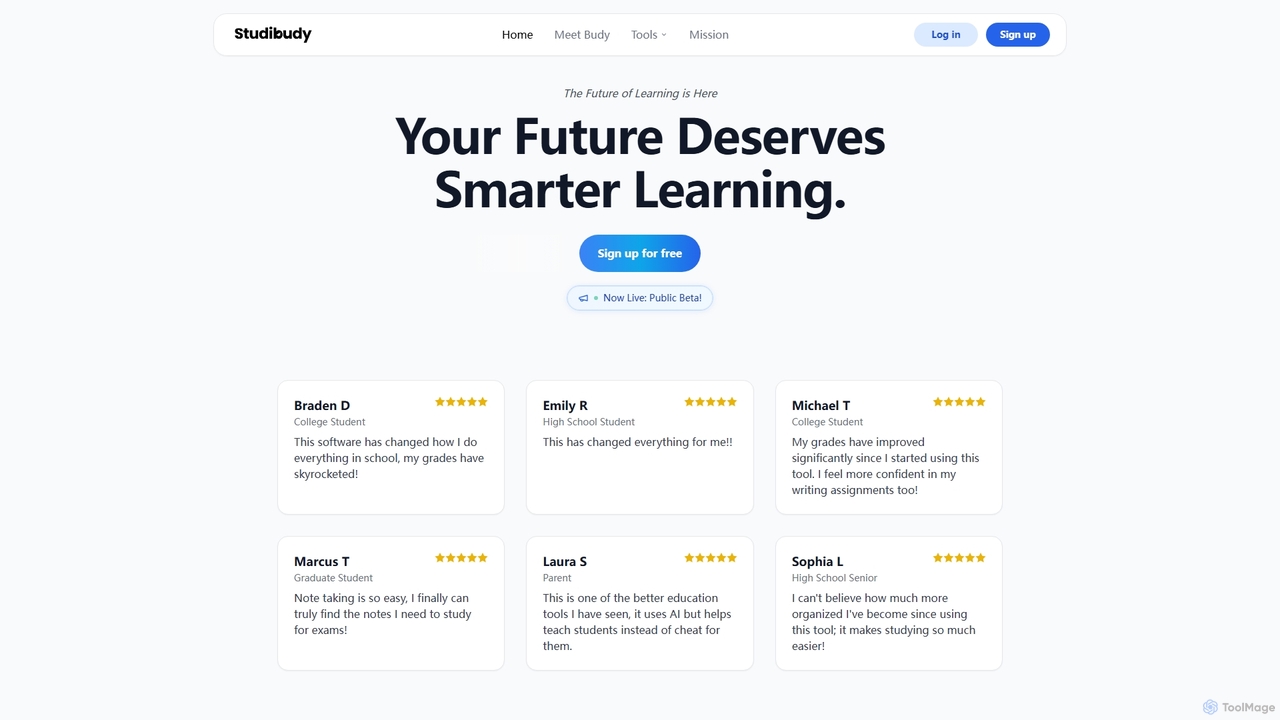
Studibudy is an all-in-one AI-powered study assistant designed to help students learn smarter, write better, and take notes …

2.8K
Free
Homeworkify

Homeworkify

Homeworkify is an AI-powered educational platform offering free, instant access to homework answers and step-by-step solutions. It acts …

9.1K
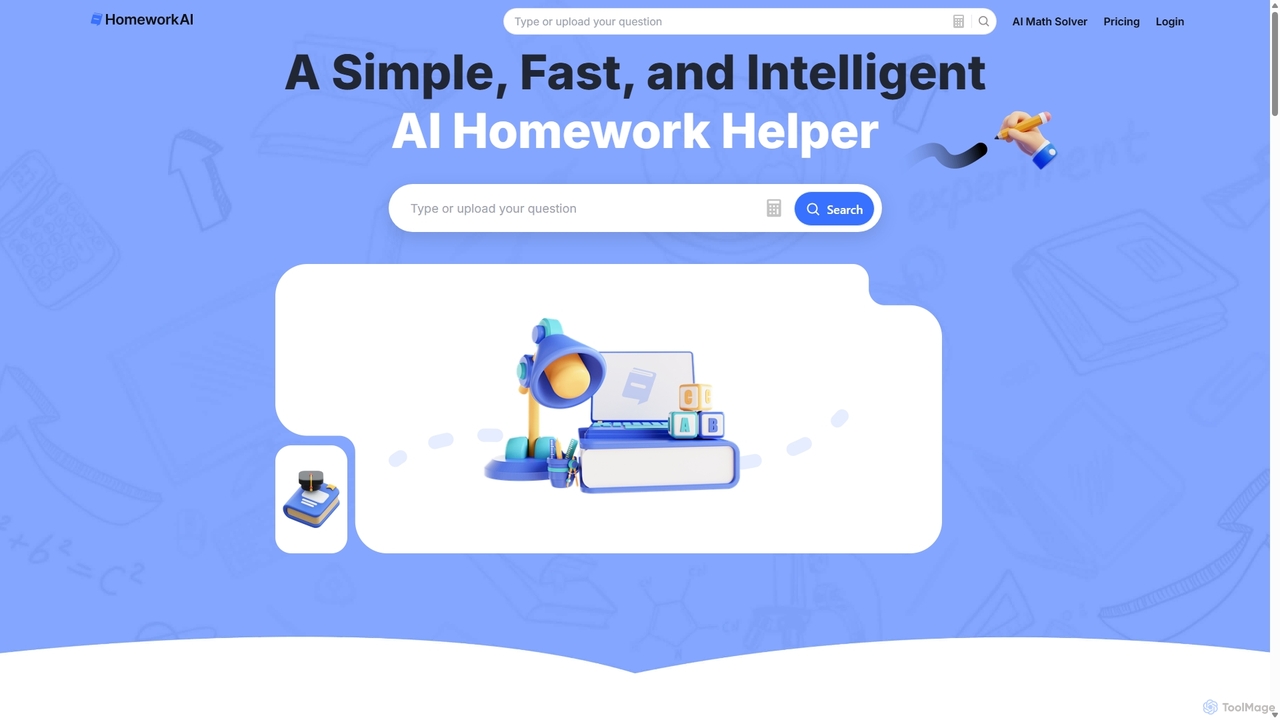
HomeworkAI

HomeworkAI

HomeworkAI is an AI-powered homework helper designed to assist students of all levels. It provides instant, step-by-step solutions …

7.7K
Question AI

Question AI

Question AI is an AI-powered homework helper designed to assist students with a wide range of academic subjects. …

40.2K
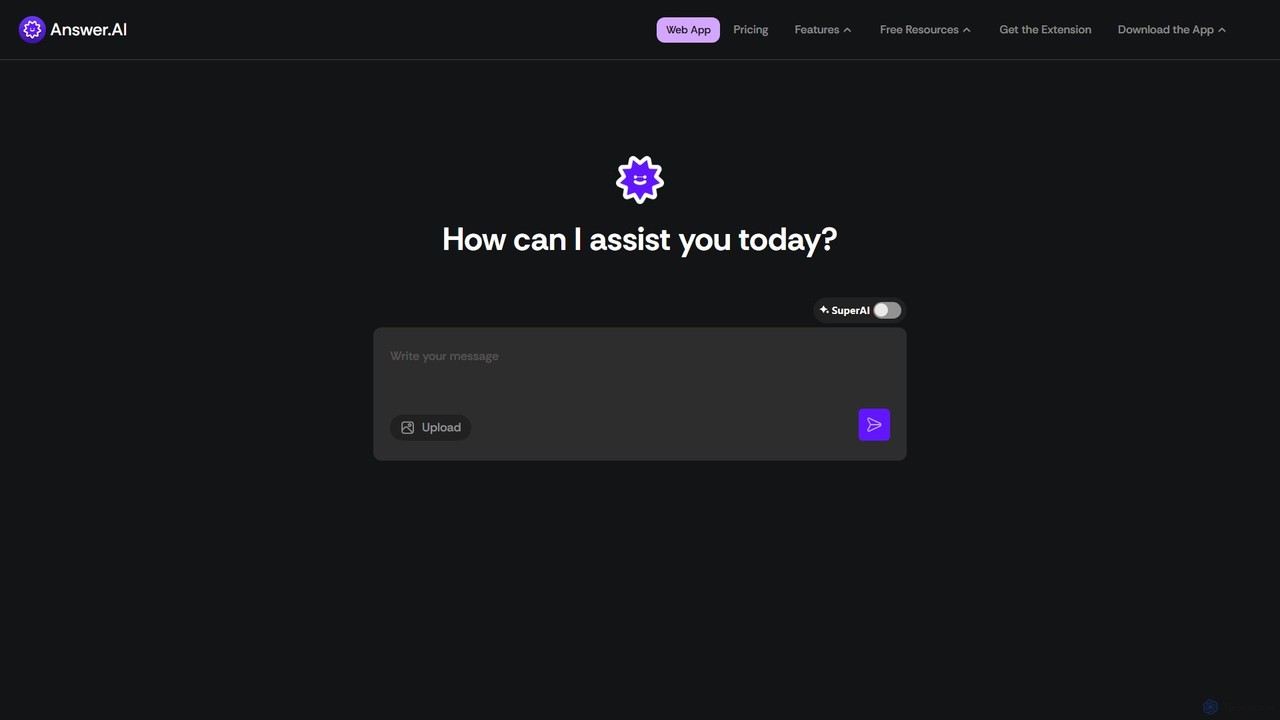
AnswerAI

AnswerAI

AnswerAI is an AI-powered study assistant designed for students. It provides instant answers, step-by-step problem-solving, and academic support …

2.9K
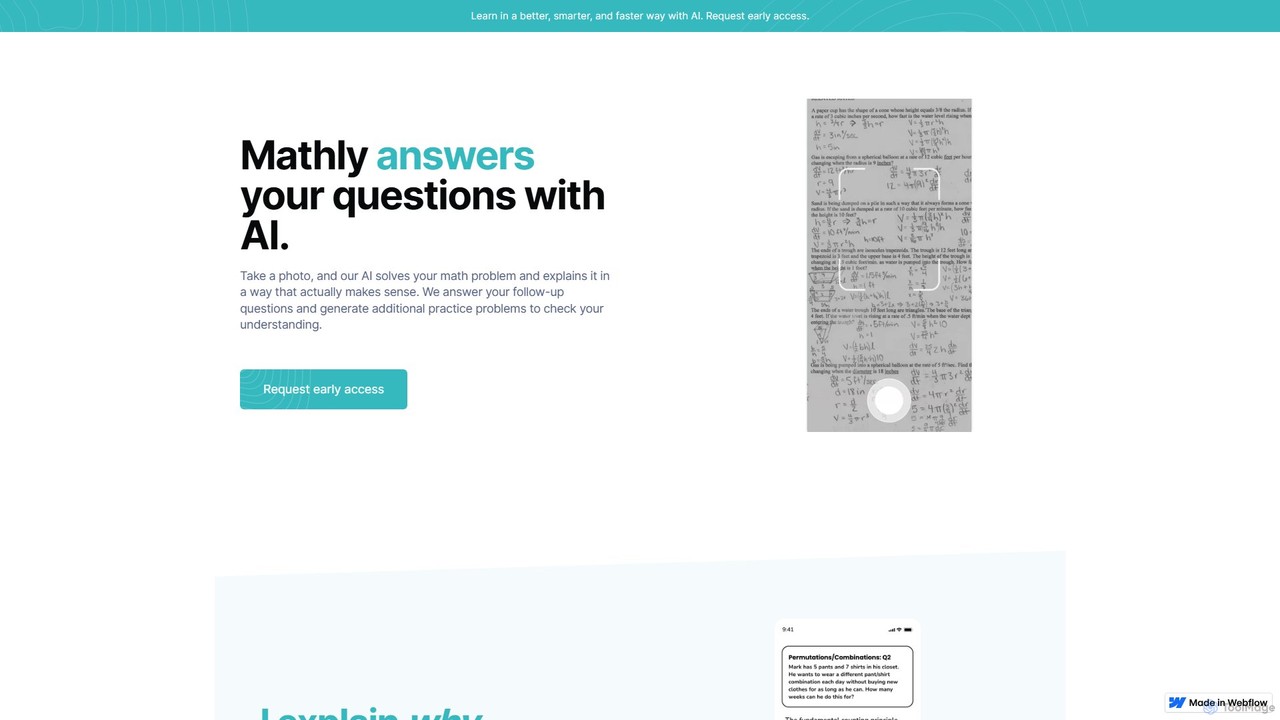
Mathly

Mathly

Mathly is an AI-powered math tutor that helps students solve complex problems. Simply take a photo of your …

4.4K
Free
satscorecalculator

satscorecalculator

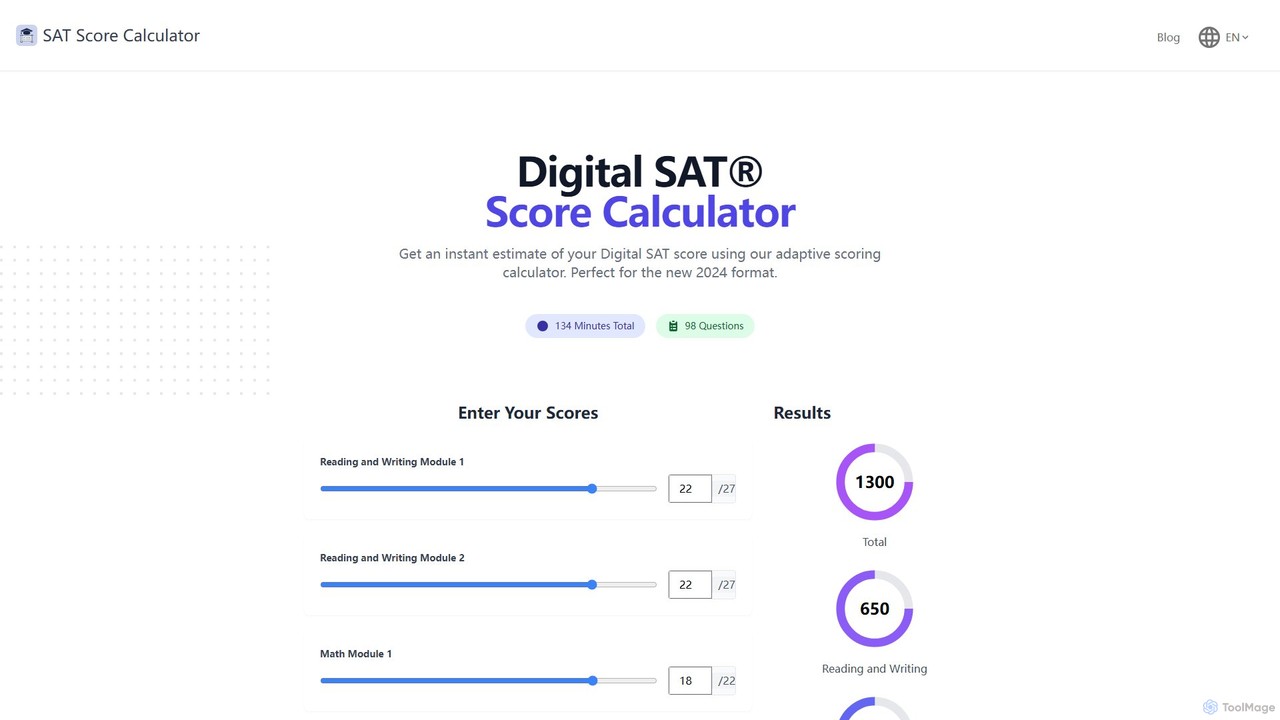
A free, user-friendly online tool designed for the 2024 Digital SAT. It uses an adaptive scoring model to …

2.8K
StudyMonkey.ai

StudyMonkey.ai

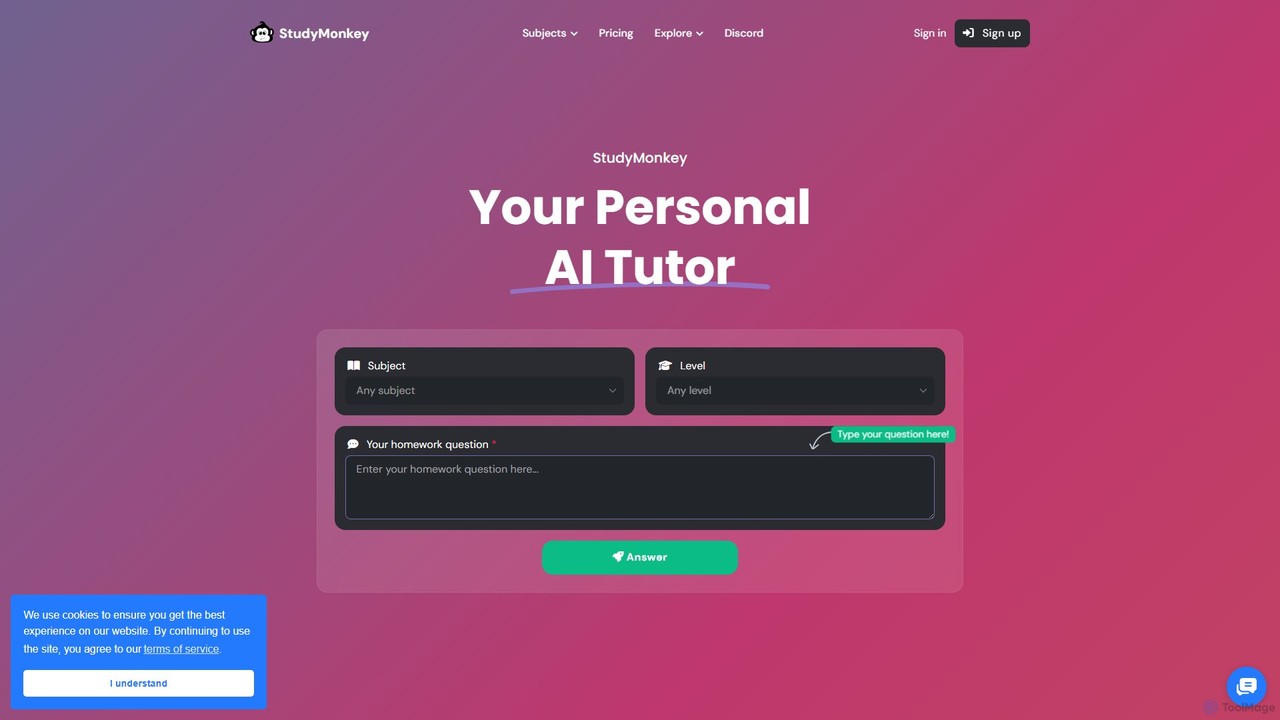
StudyMonkey.ai is a personal AI tutor that provides 24/7 homework help and step-by-step guidance for students of all …

52.5K
quizsolverai

quizsolverai

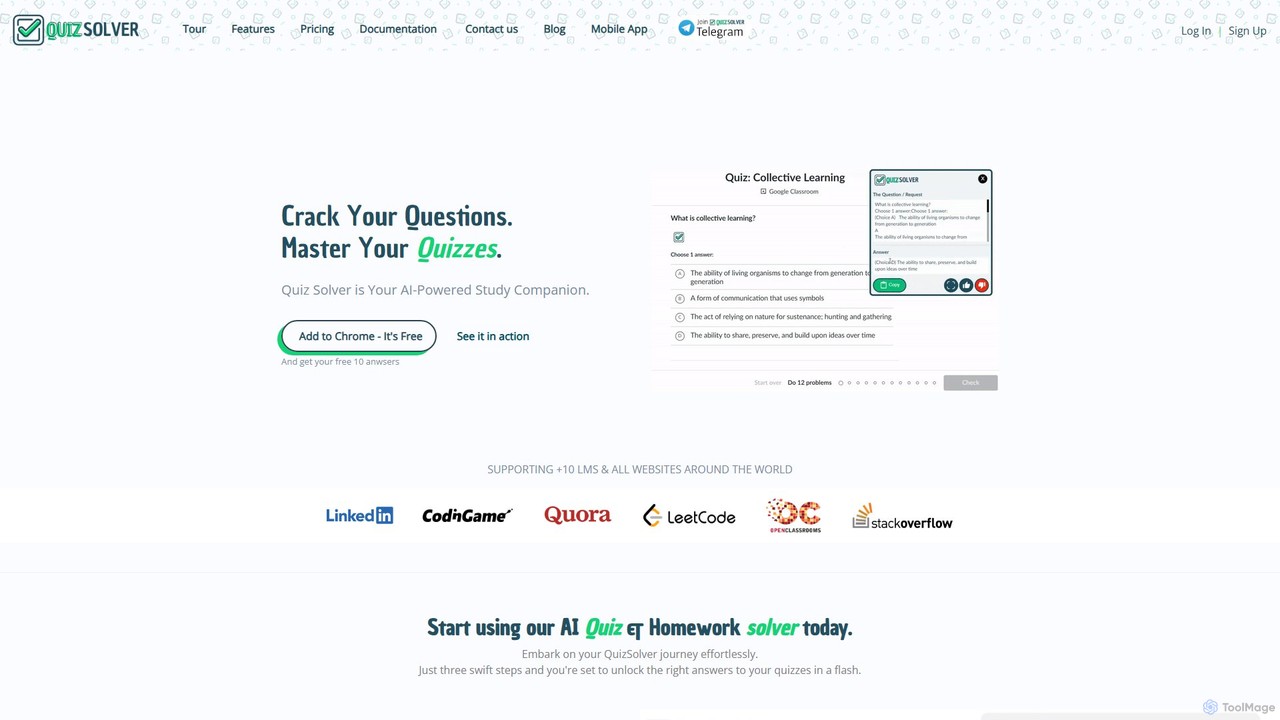
quizsolverai is an AI-powered academic assistant designed to help students solve quizzes and homework assignments instantly. Available as …

27.2K
Nurovant

Nurovant

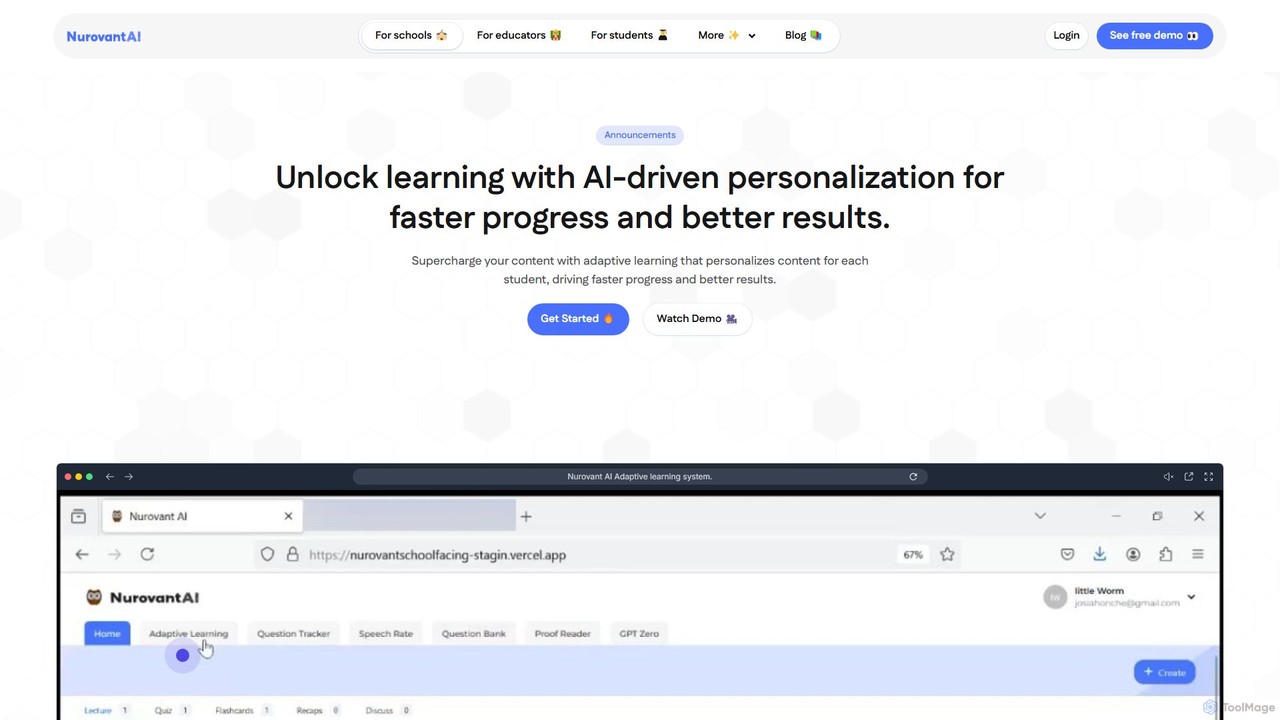
Nurovant is an AI-powered adaptive learning platform designed for students, educators, and schools. It personalizes educational content for …

2.9K
Photomath

Photomath

Photomath is an AI-powered mobile app that helps you solve math problems, from basic arithmetic to advanced calculus. …

346.0K
SmartSolve

SmartSolve

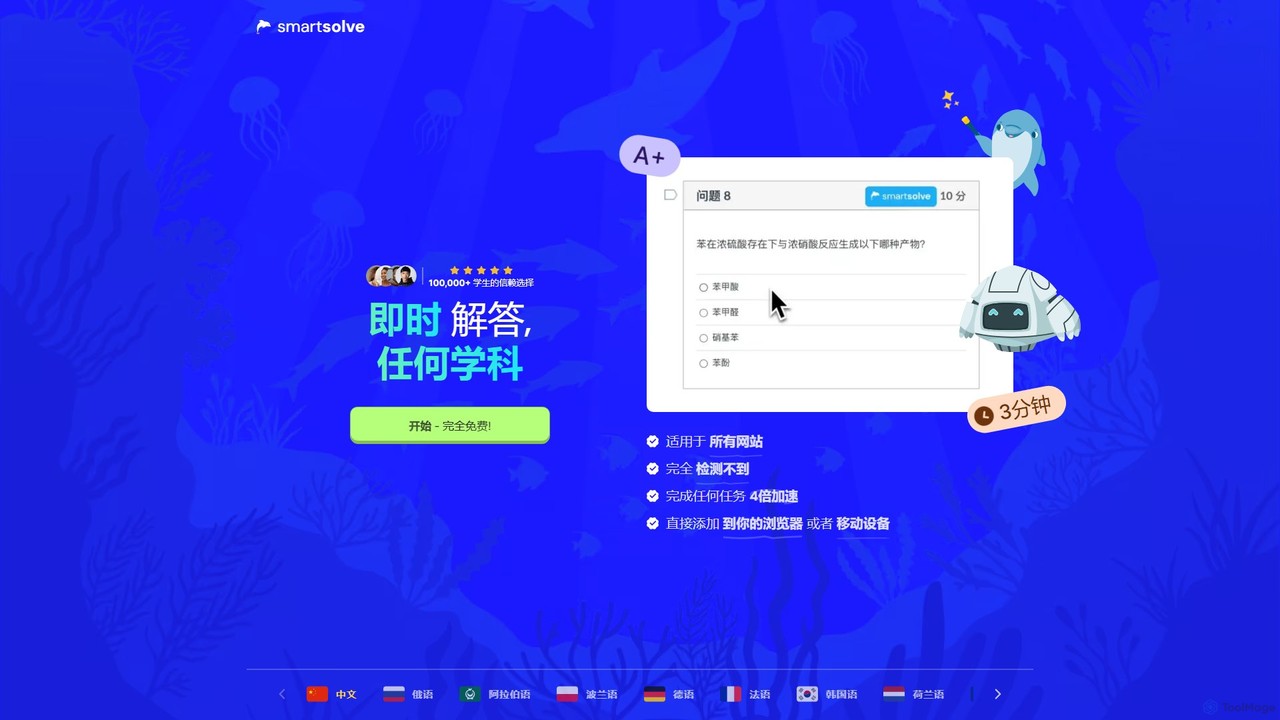
SmartSolve is an AI-powered homework helper and math solver designed for students. It provides instant, accurate answers and …

70.3K
MathGPTPro

MathGPTPro

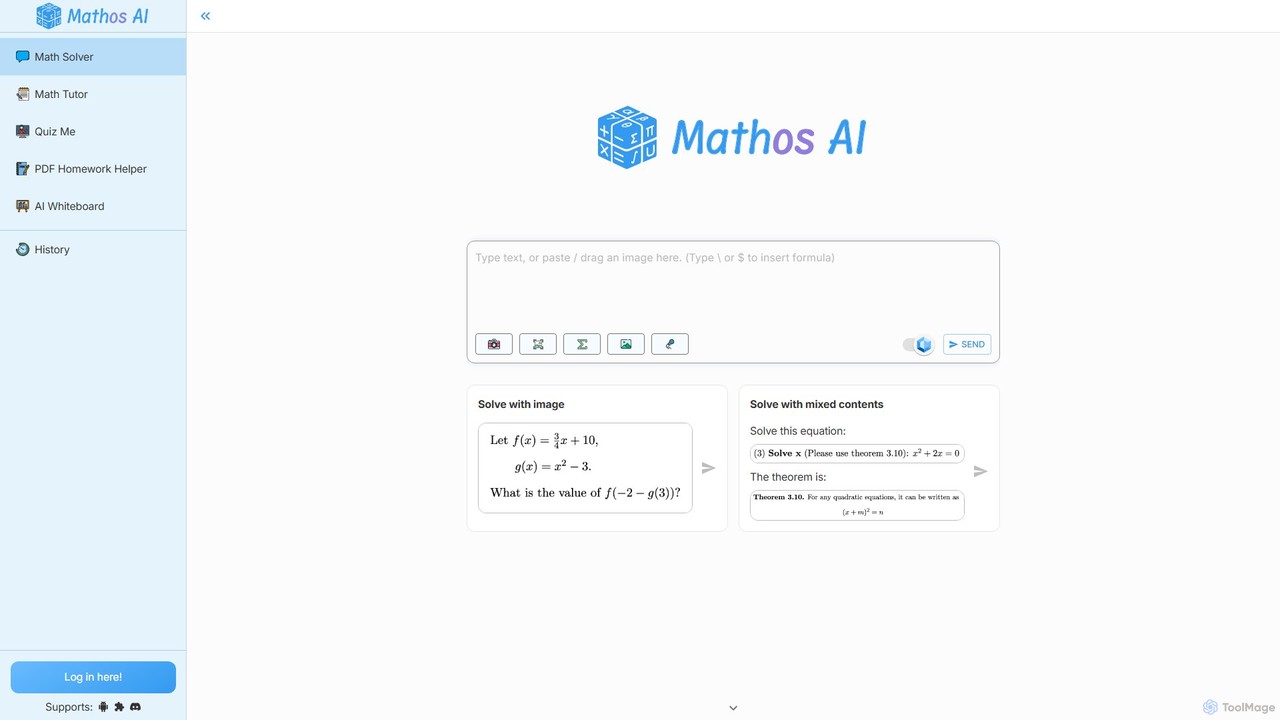
MathGPTPro (also known as Mathos) is an advanced AI-powered math solver and personal tutor designed to help students …

724.7K
Aceify

Aceify

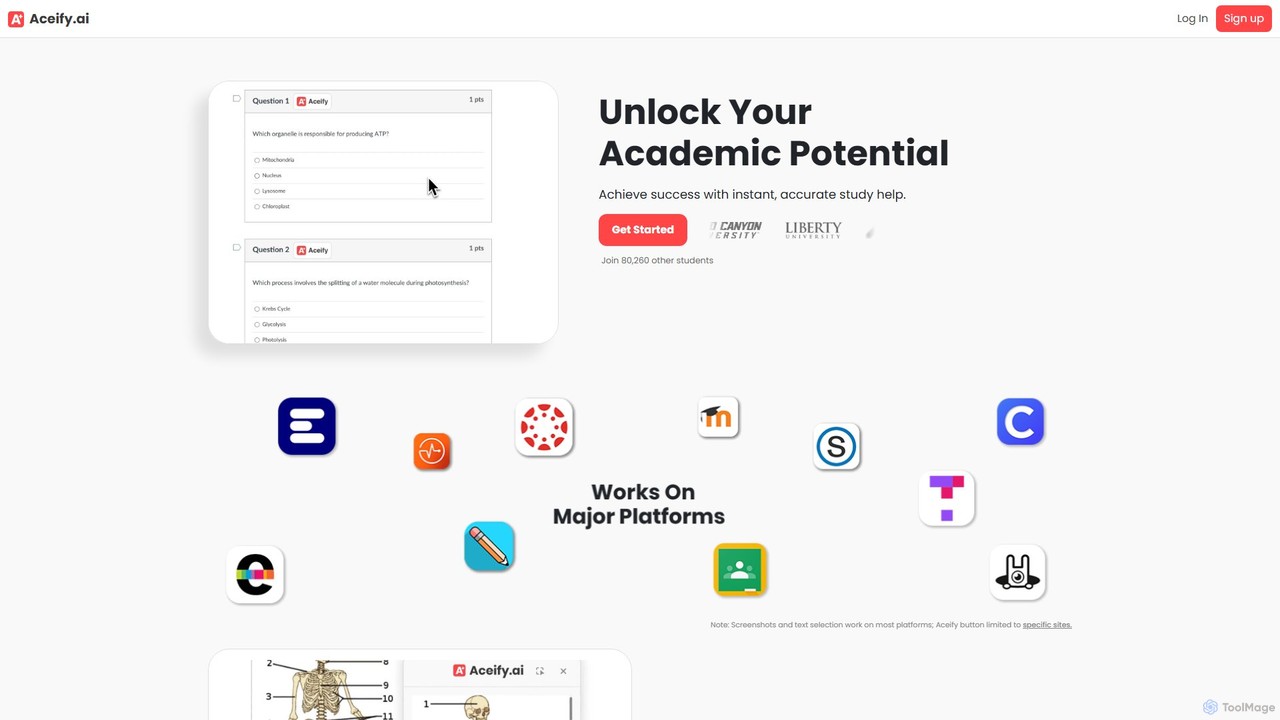
Aceify is an AI-powered academic assistant that provides instant homework help. Using its 'Snap & Solve' feature, students …

14.5K
AnswersAi

AnswersAi

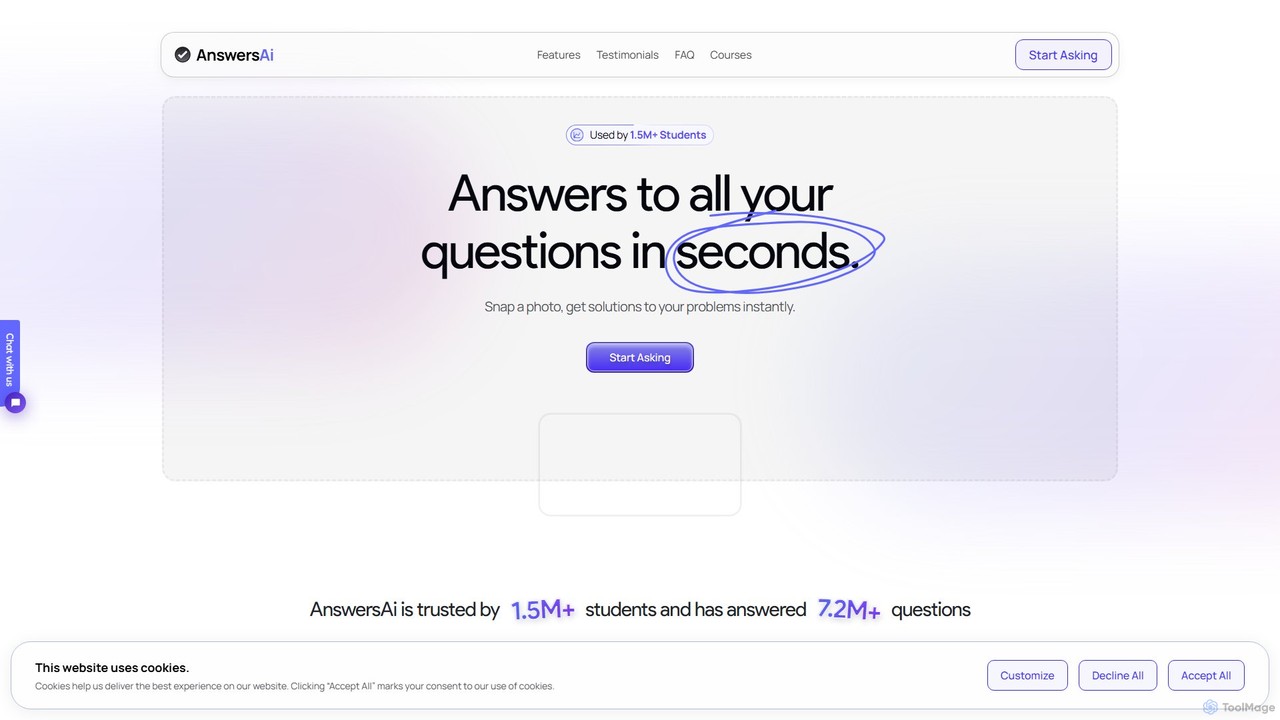
AnswersAi is an AI-powered learning assistant for students. Snap a photo of any homework problem to get instant, …

85.8K
Coursology

Coursology

Coursology is an AI-powered homework helper designed for students. It provides instant, accurate, step-by-step solutions to a wide …

137.5K
Studdy

Studdy

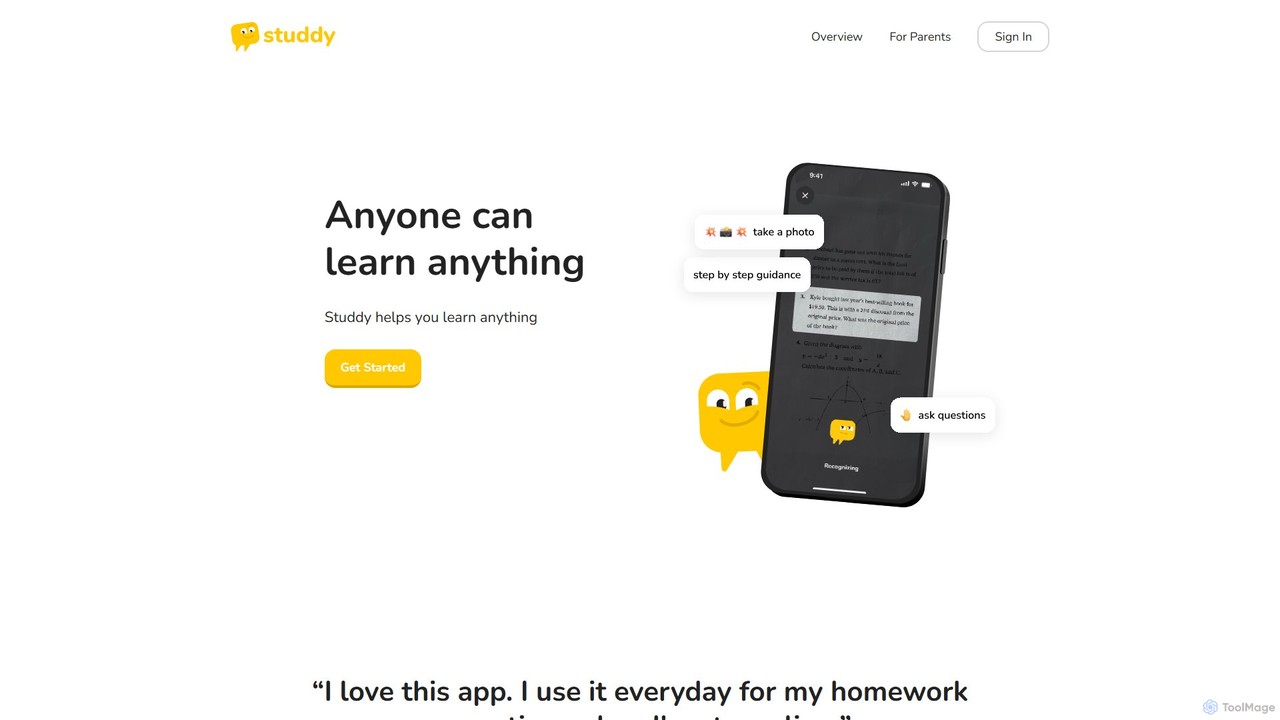
Studdy is an AI-powered tutor app designed to help students from 3rd grade to college understand and solve …

160.0K

About Student Tools

AI Student Tools are a specialized category of applications designed to assist with academic tasks, from research and writing to learning and exam preparation. These tools leverage natural language processing and machine learning to analyze text, solve problems, and organize information. They help students streamline their workflow, deepen their understanding of complex subjects, and improve the quality of their academic work. Unlike general productivity tools, they offer features specifically tailored for educational contexts, such as citation generation and scholarly source analysis.

Core Features

  • Academic Writing Assistance: Provides grammar correction, paraphrasing suggestions, style enhancement, and plagiarism checks tailored for essays and reports.
  • Research & Summarization: Quickly finds, analyzes, and condenses academic papers, articles, and textbooks into key points and summaries.
  • Citation Generation: Automatically creates accurate citations and bibliographies in various academic formats like APA, MLA, and Chicago.
  • Interactive Learning Support: Explains complex concepts, provides step-by-step solutions for STEM problems, and generates flashcards or quizzes from course materials.

Use Cases

These tools are widely used by high school students, university undergraduates, and postgraduate researchers. Common applications include drafting essays, conducting literature reviews, preparing for exams by summarizing lecture notes, and getting assistance with challenging homework problems in subjects like mathematics and programming.

How to Choose

When selecting an AI Student Tool, consider its subject specificity—whether it excels in humanities, STEM, or both. Evaluate the accuracy of its citation generator and the reliability of its plagiarism checker. Look for integrations with your existing workflow, such as Google Docs or reference managers. Finally, review the tool's policy on data privacy and academic integrity to ensure responsible use.

Student ToolsUse Cases

1

Streamline Essay and Report Writing

A university student working on a research paper uses an AI tool to accelerate the writing process. They start by inputting their thesis statement to get a structured outline. The tool then helps find relevant academic sources and summarizes them. While writing, the student uses the AI for paraphrasing complex sentences to avoid plagiarism and improve clarity. Finally, it automatically generates a bibliography in APA format, saving hours of manual work and ensuring accuracy.

2

Accelerate Academic Research and Literature Reviews

A graduate student needs to conduct a comprehensive literature review for their thesis. Instead of manually searching databases, they use an AI research assistant. They input their research questions and keywords, and the tool scans thousands of academic papers, identifying the most relevant ones. It then generates annotated summaries for each paper, highlighting methodologies, findings, and limitations. This allows the student to quickly grasp the state of the field and synthesize information efficiently.

3

Create Personalized Study Guides for Exams

A high school student preparing for final exams uploads their lecture notes, textbook chapters, and past quizzes into an AI learning tool. The tool analyzes the materials and identifies key concepts and recurring themes. It then automatically generates a personalized study guide, complete with concise summaries, a list of important definitions, and a set of practice questions tailored to the student's curriculum. This transforms disorganized notes into a structured and effective revision resource.

4

Get Step-by-Step STEM Homework Solutions

A student is stuck on a complex calculus problem for their homework. They take a photo of the problem and upload it to an AI math solver. The tool not only provides the final answer but also breaks down the solution into clear, sequential steps. Each step includes an explanation of the mathematical rule or theorem being applied, helping the student understand the underlying logic rather than just copying the answer. This serves as a virtual tutor for difficult assignments.

5

Condense Lectures and Readings into Notes

After a two-hour online lecture, a student uploads the video recording to an AI summarization tool. The tool transcribes the entire lecture and then generates a concise, bullet-pointed summary highlighting the main topics, key definitions, and action items discussed. The student can also upload a dense 40-page academic article and receive a one-page summary in minutes. This process saves significant time in note-taking and allows for quicker review of core material before class or exams.

6

Quickly Generate Academic Presentation Slides

A student needs to create a 15-minute presentation based on their recently completed essay. They paste the essay text into an AI presentation maker. The tool analyzes the content, identifies the main sections (introduction, methodology, results, conclusion), and automatically generates a structured slide deck. Each slide is populated with a relevant title and concise bullet points extracted from the essay. This provides a solid first draft, allowing the student to focus on refining the content and adding visuals rather than starting from scratch.

Student ToolsFrequently Asked Questions