ToolMage
Sign in

Best 9 Visual Content AI tools for Productivity

Popular Visual Content AI tools in Productivity include MindPic, Gemini Photo, Nano Banana Pro, Snapied, Seedream 4.0, Onion AI, AI Image Translator, Vibart, and Seedream 4 AI, helping you work more efficiently.

Nano Banana Pro
Paid

Nano Banana Pro

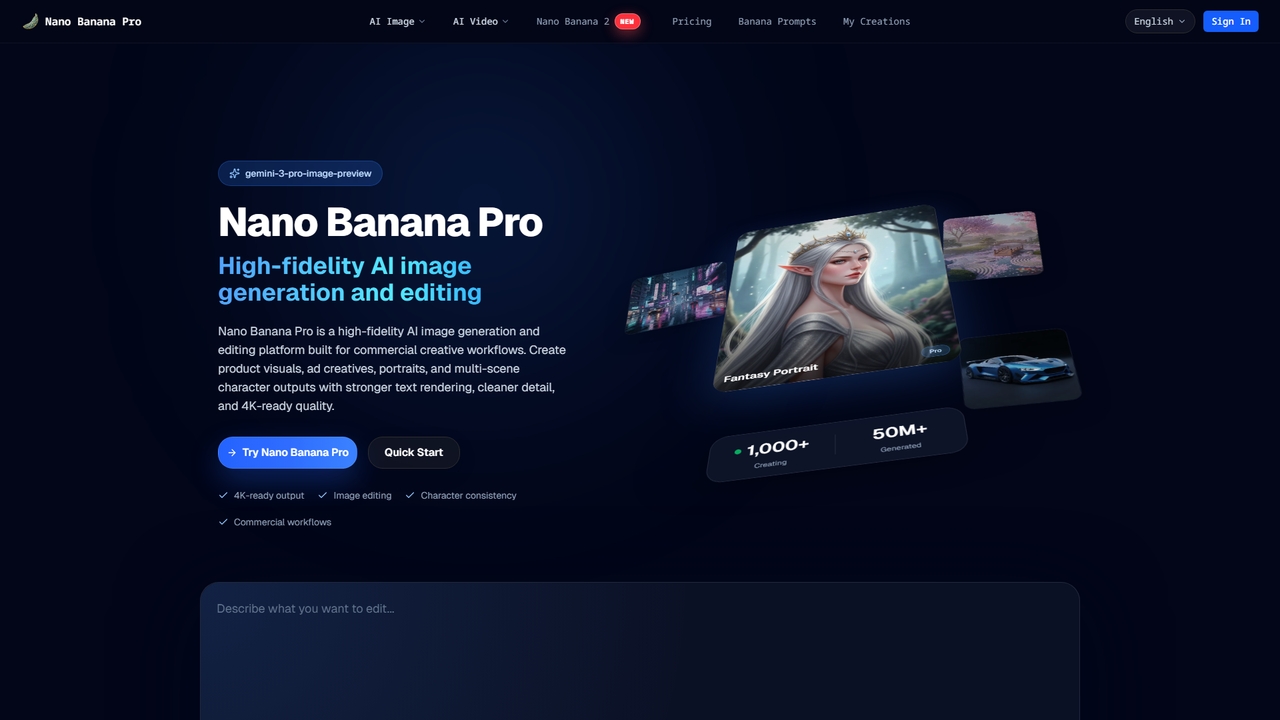
Nano Banana Pro is a high-fidelity AI image generation and editing platform designed for professional commercial creative workflows. It excels at producing studio-grade visuals with strong text rendering, character consistency across scenes, and 4K-ready quality for marketing, e-commerce, and branded content.

Image Generation
Visits 15.9KFavorites 51Likes 50
Vibart
Freemium

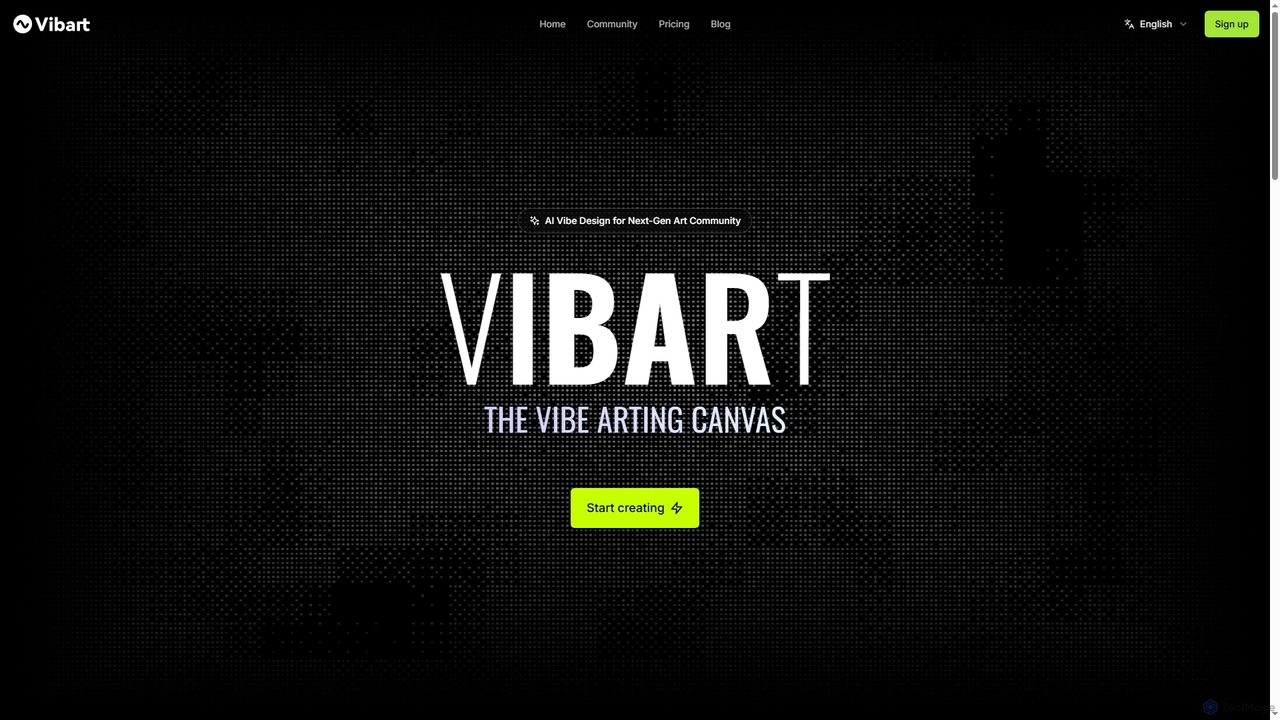
Vibart

Vibart is an AI-powered artboard designed for the next-gen art community, enabling seamless creation, editing, and sharing of visual content. It integrates various advanced AI models for generating high-quality images and videos, offering a versatile canvas for creative exploration and rapid iteration on both desktop and mobile.

Digital Canvas
Visits 7.5KFavorites 60Likes 58
MindPic
Free

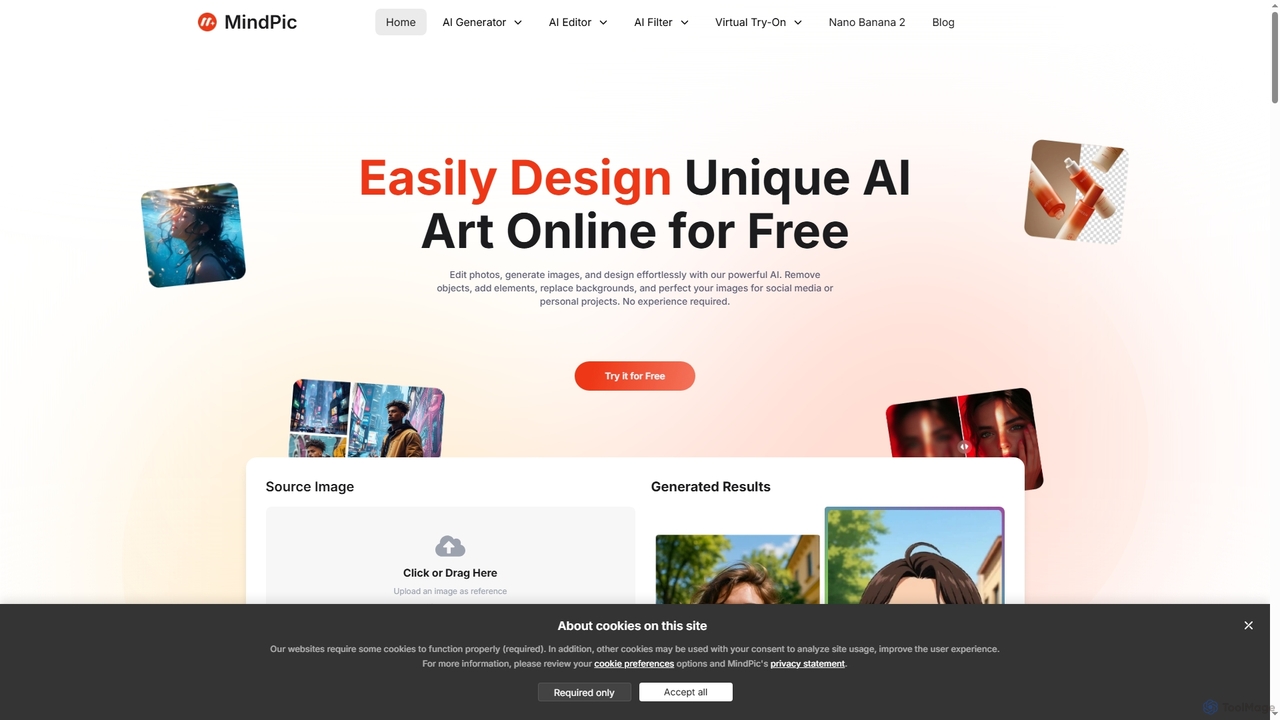
MindPic

MindPic is a free online AI photo editor and design tool that empowers users to effortlessly enhance, transform, and generate images. It offers a suite of AI-powered features like object removal, background replacement, image upscaling, photo retouching, and art generation from text or reference images, all without requiring any login or prior editing experience.

Graphic Design
Visits 44.5KFavorites 126Likes 126
Gemini Photo
Paid

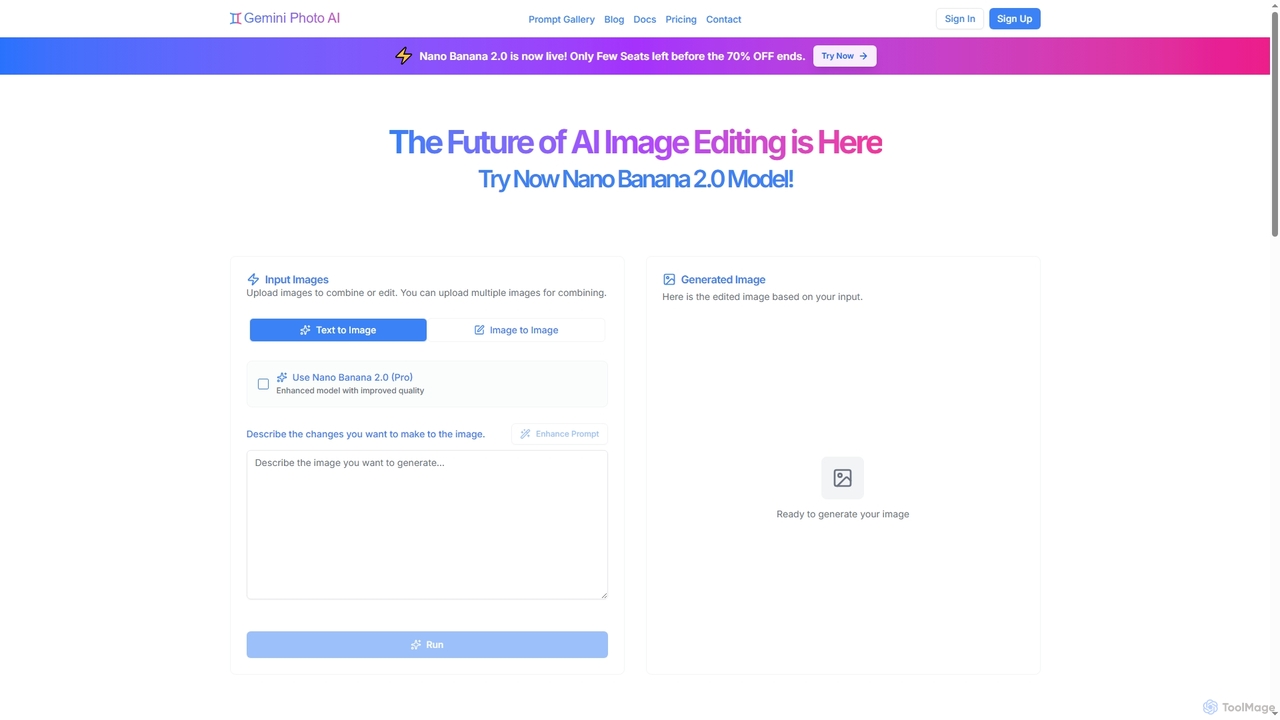
Gemini Photo

Gemini Photo is an advanced AI-powered image editing and generation tool that leverages the Nano Banana 2.0 model. It allows users to transform photos and create new images using natural language prompts, offering features like background removal, style transformations, and professional product photography, all designed for stunning and accurate visual results.

Digital Art
Visits 26KFavorites 125Likes 112
Onion AI
Freemium

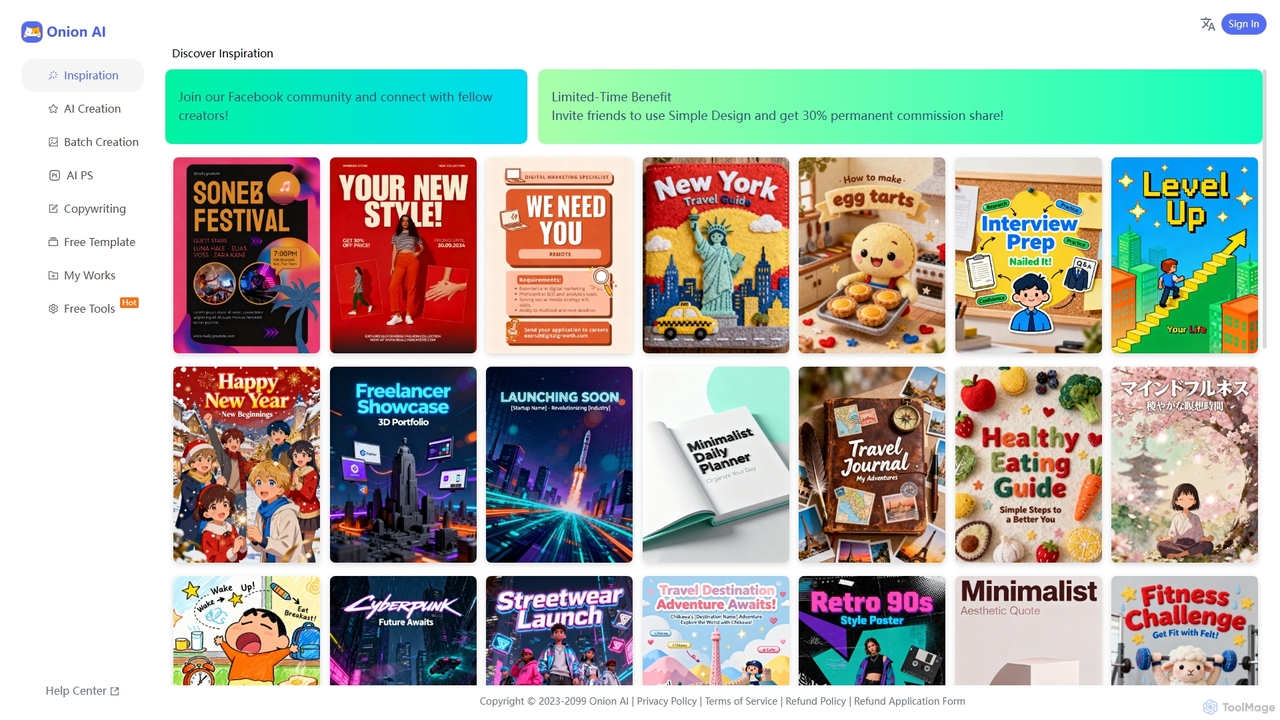
Onion AI

Onion AI is an innovative AI-powered design platform that helps users create high-quality posters and visual content with ease. It offers a vast library of templates, AI-driven creation tools, batch processing, and even copywriting assistance, making professional design accessible for various personal and business needs.

Image Editing
Visits 8.5KFavorites 168Likes 191
AI Image Translator
Freemium

AI Image Translator

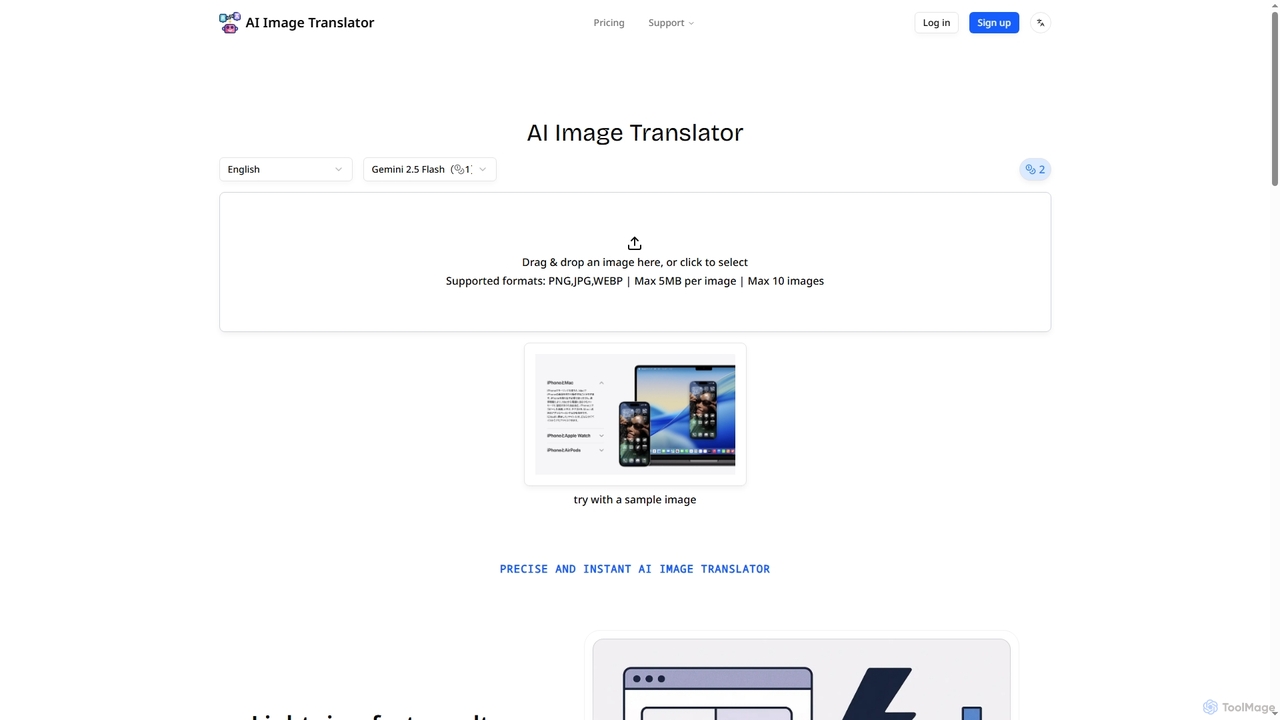
AI Image Translator is an advanced tool that precisely translates text within images into over 100 languages. It features lightning-fast processing, automatic text detection, and smart restoration to seamlessly integrate translated content while preserving original visual integrity.

Translation
Visits 8.4KFavorites 170Likes 151
Seedream 4 AI
Freemium

Seedream 4 AI

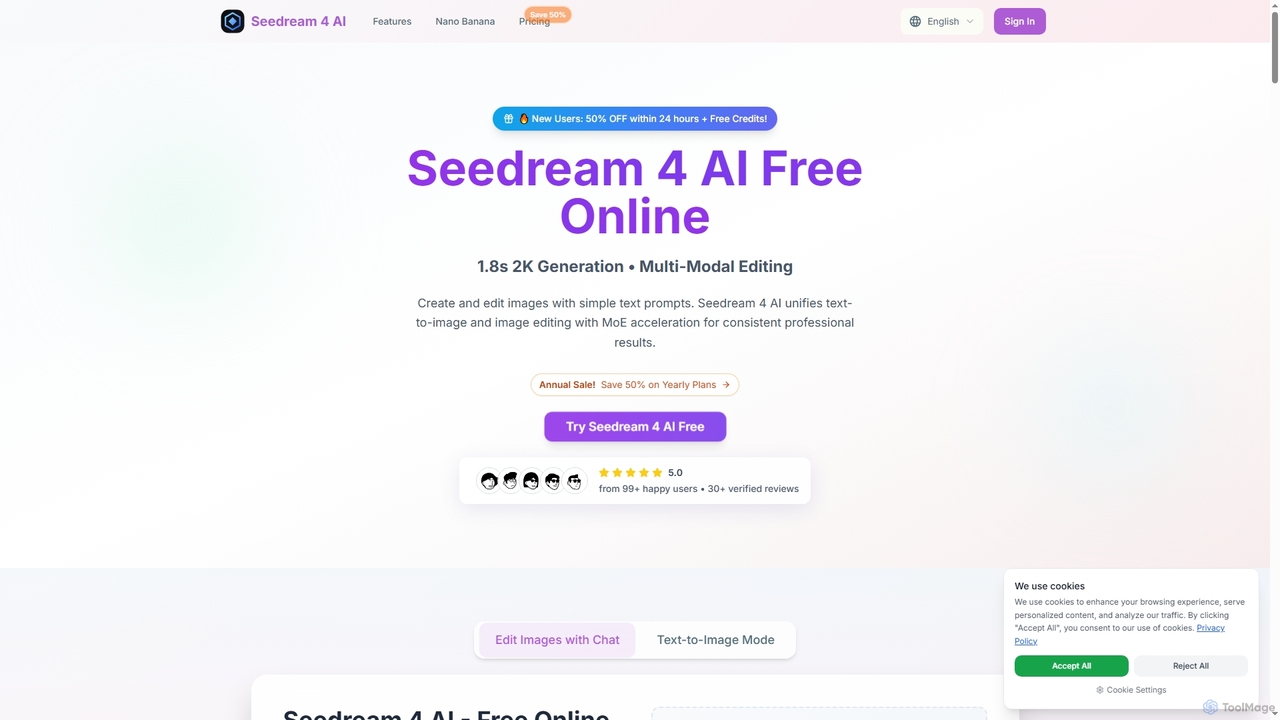
Seedream 4 AI is an advanced online tool for lightning-fast AI image generation and editing. It transforms text prompts into stunning 2K visuals in approximately 1.8 seconds, offering multi-modal editing capabilities and diverse artistic styles for professional results.

Creative Asset Creation
Visits 7.2KFavorites 113Likes 104
Seedream 4.0
Paid

Seedream 4.0

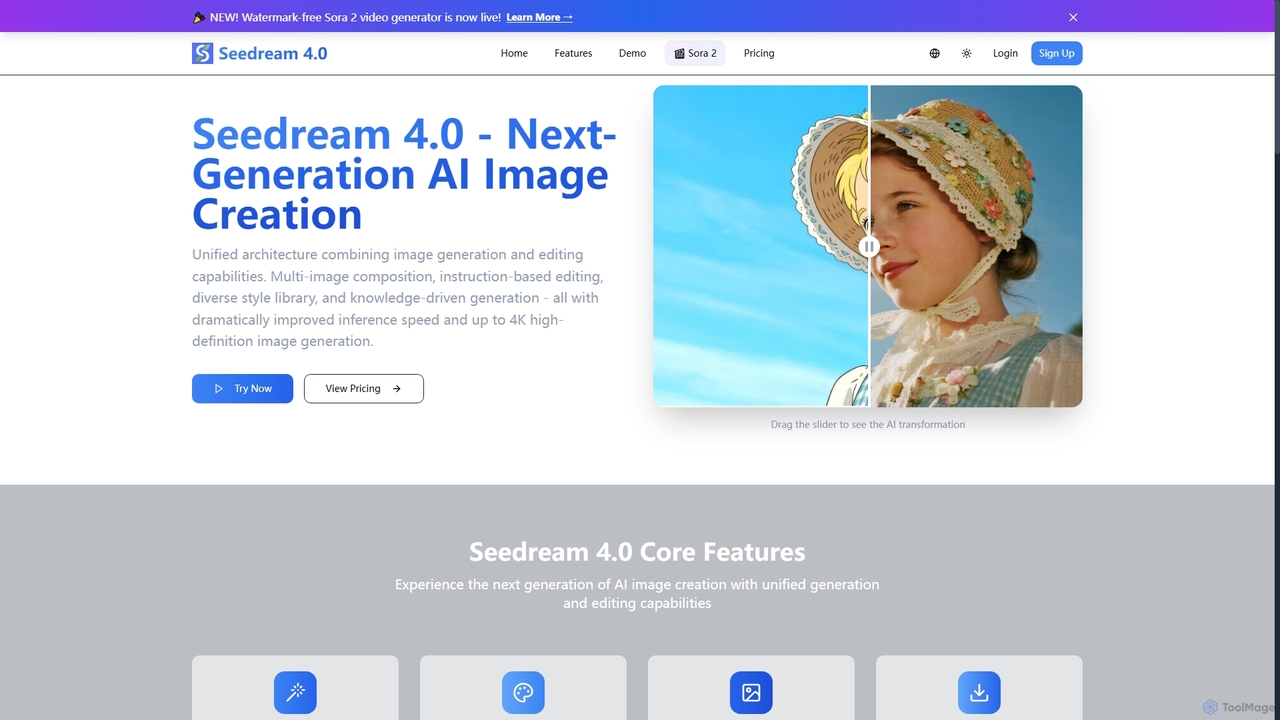
Seedream 4.0 is a next-generation AI image creation platform that unifies image generation and editing. It features multi-image composition, instruction-based editing, a diverse style library, and knowledge-driven generation. Users can create high-definition images up to 4K with dramatically improved inference speed, making complex visual tasks efficient and precise.

Creative Tools
Visits 8.9KFavorites 137Likes 169
Snapied
Freemium

Snapied

Snapied is an intuitive, AI-powered online graphic design platform that enables users to create professional visual content without any design skills. It features a drag-and-drop editor, one-click background removal, an AI image generator, and extensive templates. Ideal for marketers, small businesses, and content creators looking to streamline their design workflow and maintain brand consistency.

Graphic Design
Visits 13.3KFavorites 154Likes 146

About Visual Content

AI Visual Content tools are applications that automate the creation of structured visual materials like presentations, infographics, and reports. They leverage AI to interpret text or data inputs, then apply design principles to generate professional-looking visuals automatically. This enables users to transform complex information into clear, engaging, and easily digestible formats without requiring advanced design skills. As a key part of the Productivity suite, these tools significantly reduce the time and effort needed to produce high-quality communication materials.

Core Features

  • Automated Slide Generation: Creates complete presentation decks from a simple text prompt, document, or outline.
  • Data Visualization: Instantly converts raw data from spreadsheets or text into various charts, graphs, and diagrams.
  • Infographic Creation: Transforms lists, statistics, or processes into structured and visually appealing infographics.
  • Template & Layout Suggestion: AI recommends optimal layouts, color palettes, and fonts based on the content's context and goals.
  • Brand Consistency: Applies a predefined brand kit (logos, colors, fonts) across all generated visuals to maintain a consistent identity.

Use Cases

These tools are widely used by business professionals to create quarterly reports and sales pitches, marketing teams to design social media graphics and content marketing assets, and educators or students to build engaging lecture slides and project presentations. Any role that requires clear communication of data or ideas can benefit from them.

How to Choose

When selecting an AI Visual Content tool, consider the specific types of content you need to create (e.g., presentations vs. data dashboards). Evaluate its data integration capabilities, the level of customization and editing control it offers after generation, and whether it includes collaboration features for teamwork. Finally, assess the quality and variety of the design templates available.

Visual Content use cases

1

Automate Business Report Generation

A business analyst needs to present quarterly performance data to stakeholders. Instead of manually creating charts and slides in traditional software, they upload a spreadsheet to an AI Visual Content tool. The AI automatically identifies key trends, generates insightful charts like bar graphs for sales growth and pie charts for market share, and arranges them into a professional presentation deck. This process reduces report creation time from hours to minutes, ensuring data is presented clearly and consistently.

2

Create Engaging Educational Presentations

An educator is preparing a lecture on a complex topic. They provide the AI tool with a text outline of the lesson plan. The tool structures this information into a series of engaging slides, automatically suggesting relevant icons, diagrams, and layouts to explain difficult concepts. It can also generate interactive elements like quiz questions based on the content. This allows the educator to focus on the teaching material itself, rather than spending hours on slide design, resulting in a more dynamic and effective learning experience for students.

3

Design Infographics from Article Summaries

A content marketer wants to repurpose a popular blog post into a shareable infographic for social media. They paste the text of the article into an AI Visual Content tool. The AI analyzes the content, extracts key statistics and bullet points, and suggests several infographic layouts. The marketer selects a template, makes minor adjustments to the text and colors to match their brand, and exports the final image in minutes. This dramatically speeds up the content repurposing workflow and increases the reach of their original article.

4

Rapidly Prototype Marketing Campaign Visuals

A marketing team is brainstorming a new campaign and needs to visualize different concepts quickly. Using an AI tool, they input prompts like "Create a presentation for a new eco-friendly sneaker launch" or "Generate social media posts for a summer sale." The tool produces multiple visual variations for each prompt, including different color schemes, imagery, and taglines. This allows the team to review and iterate on concrete visual ideas in a single meeting, rather than waiting days for a designer, streamlining the creative approval process.

5

Visualize Project Plans and Mind Maps

A project manager needs to create a clear project timeline and a mind map for a brainstorming session. They input key milestones and dates into an AI tool, which automatically generates a visual Gantt chart or timeline. For the mind map, they list central ideas and related concepts, and the tool organizes them into a structured, easy-to-read diagram. This visual approach helps align the team, clarify complex plans, and foster creative thinking, all while saving the manager significant time compared to using manual diagramming software.

6

Standardize Corporate Brand Materials

A large company needs to ensure all internal and external presentations adhere to its strict branding guidelines. The communications team sets up a brand kit within an AI Visual Content tool, including the company logo, color palette, and official fonts. Now, any employee across different departments can generate a presentation by simply providing the content. The tool automatically applies the correct branding, ensuring every slide deck is professional and consistent. This eliminates brand compliance issues and empowers non-designers to create on-brand materials efficiently.

Visual Content FAQ

What are AI Visual Content tools?

AI Visual Content tools are applications designed to automatically generate structured visuals like presentations, infographics, charts, and reports from text or data inputs. Unlike AI image generators that create artistic or photorealistic images from scratch, these tools focus on organizing information into clear, professional, and easy-to-understand formats. They act as a productivity enhancer, enabling users without design expertise to quickly produce high-quality communication materials for business, marketing, or education.

How to choose the right AI Visual Content tool?

To choose the right tool, first identify the primary type of visual you need to create (e.g., presentations, data dashboards, or social media graphics). Then, consider these factors:

  • Input & Integration: Can it process your data sources, such as text documents, spreadsheets (like Excel or Google Sheets), or URLs?
  • Customization Level: How much control do you have over the final design? Can you easily edit layouts, colors, and fonts to match your brand?
  • Output Formats: Does it export in the formats you need, such as PPTX, PDF, or high-resolution image files (PNG, JPG)?
  • Ease of Use: Is the interface intuitive for users without a design background?

Start by testing tools that specialize in your most frequent task to find the best fit for your workflow.

What's the difference between AI Visual Content tools and traditional design software?

The main difference lies in automation versus manual control. Traditional design software like Adobe Photoshop or Canva provides a canvas and tools for a designer to manually create visuals from scratch, offering maximum creative freedom and pixel-perfect control. AI Visual Content tools, on the other hand, automate the design process. The user provides the content (text, data), and the AI handles the layout, typography, and visual hierarchy. They are built for speed and efficiency, especially for non-designers, while traditional software is built for creative expression and detailed craftsmanship.

Who can benefit from using AI Visual Content tools?

A wide range of users can benefit from these tools as they democratize design. Key beneficiaries include:

  • Business Professionals: For creating reports, sales pitches, and internal presentations quickly.
  • Marketers: To generate social media graphics, infographics, and campaign materials at scale.
  • Educators and Students: For making lecture slides and project presentations more engaging and visually clear.
  • Consultants and Analysts: To visualize data and findings for clients in a compelling way.

Essentially, anyone who needs to communicate information visually but lacks the time or skills to use complex design software can significantly improve their productivity.

Can these tools create visuals directly from my data?

Yes, one of the most powerful features of many AI Visual Content tools is their ability to perform data visualization. You can often connect them directly to data sources like Google Sheets, upload CSV or Excel files, or simply paste data into the tool. The AI then analyzes the data structure and values to automatically generate the most appropriate charts and graphs, such as bar charts for comparisons, line charts for trends, or pie charts for proportions. This transforms raw numbers into easily understandable visual insights without manual chart creation.