ToolMage
Sign in

Best 12 Text AI tools

Popular Text AI tools include Trinka, HandtextAI, Stable Horde, iFLYTEK Paper, Odyssey, smudge.ai, Write With Transformer, EnergeticAI, enqAI, and Andes, helping you work more efficiently.

Odyssey
Paid

Odyssey

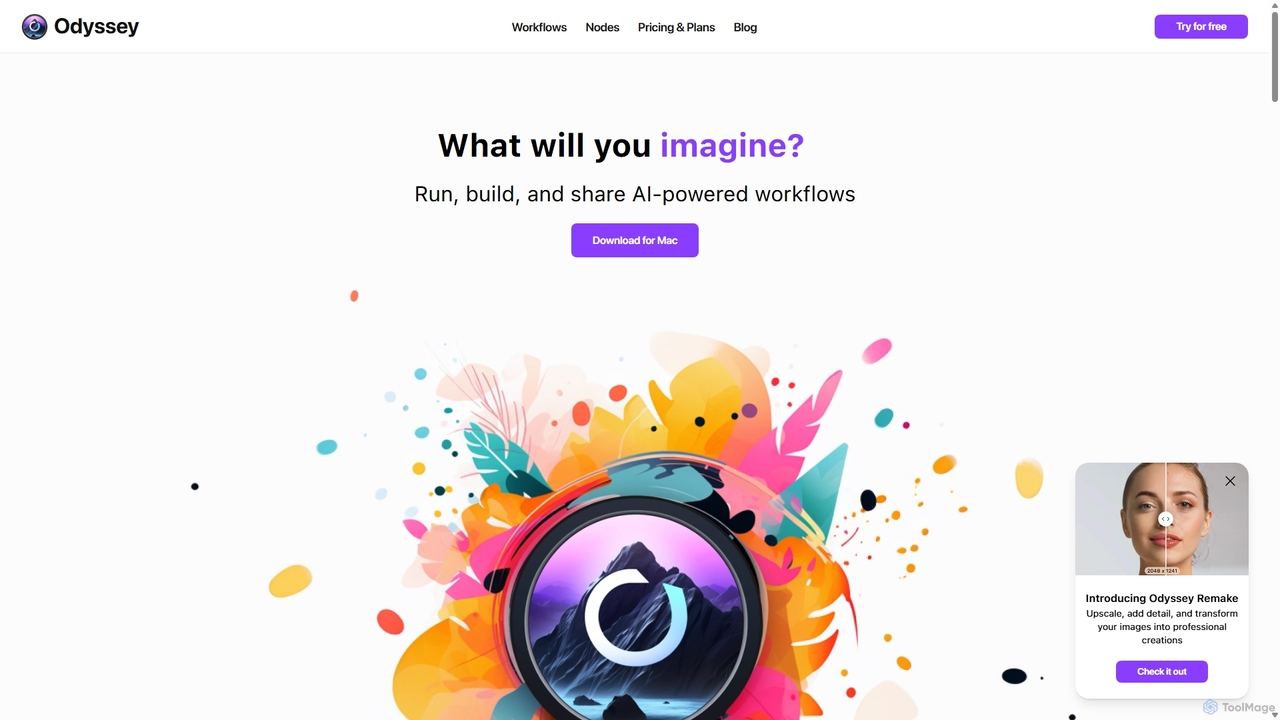
Odyssey is an all-in-one desktop application for macOS that empowers users to build, run, and share complex AI-powered workflows. It combines image generation, text processing, and powerful automation in a visual, node-based editor. With a focus on privacy, it runs major AI models like Stable Diffusion and Llama2 locally on your machine, ensuring your data remains secure. It's a one-time purchase for a lifetime license, designed for creatives, marketers, and developers.

Creative Assistant
Visits 10.5KFavorites 133Likes 128
EnergeticAI
Free

EnergeticAI

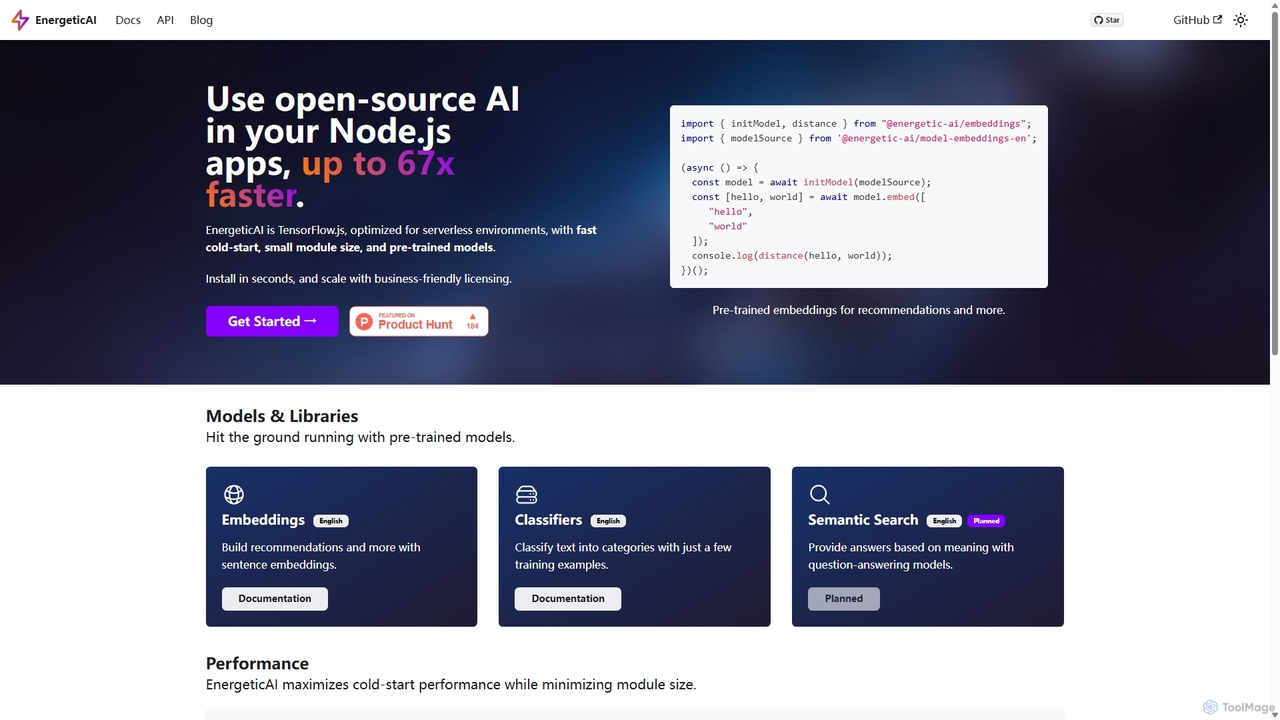
EnergeticAI is an open-source Node.js library for integrating AI models into applications, specifically optimized for serverless environments. It provides a high-performance, low-latency alternative to standard TensorFlow.js, featuring a minimal module size and rapid cold-start times. With pre-trained models for embeddings and few-shot text classification, developers can easily build features like semantic search, recommendations, and content categorization without relying on third-party APIs, ensuring data privacy and cost control.

Libraries & Frameworks
Visits 5.5KFavorites 135Likes 126
Stable Horde
Free

Stable Horde

Stable Horde is a free, open-source, and crowd-sourced distributed cluster for AI image and text generation. It allows anyone to access powerful AI models by leveraging the volunteer-contributed computing power of a global community, without needing their own high-end hardware.

Api
Visits 35.6KFavorites 106Likes 103
aireads.co
Freemium

aireads.co

aireads.co is an AI-powered reading assistant that transforms how you interact with text. It summarizes long articles, PDFs, and documents, allows you to ask questions directly to your files, and converts text into natural-sounding audio. Ideal for students, researchers, and professionals looking to accelerate their learning and research process.

Research
Visits 4.5KFavorites 124Likes 148
enqAI

enqAI

enqAI is a decentralized network dedicated to providing uncensored and unbiased AI models. Through its Eridu API, it offers developers access to powerful Large Language Models (LLMs) free from corporate or ideological restrictions, fostering true innovation and freedom of expression in AI development.

Api & Integration
Visits 4.6KFavorites 116Likes 117
HandtextAI
Freemium

HandtextAI

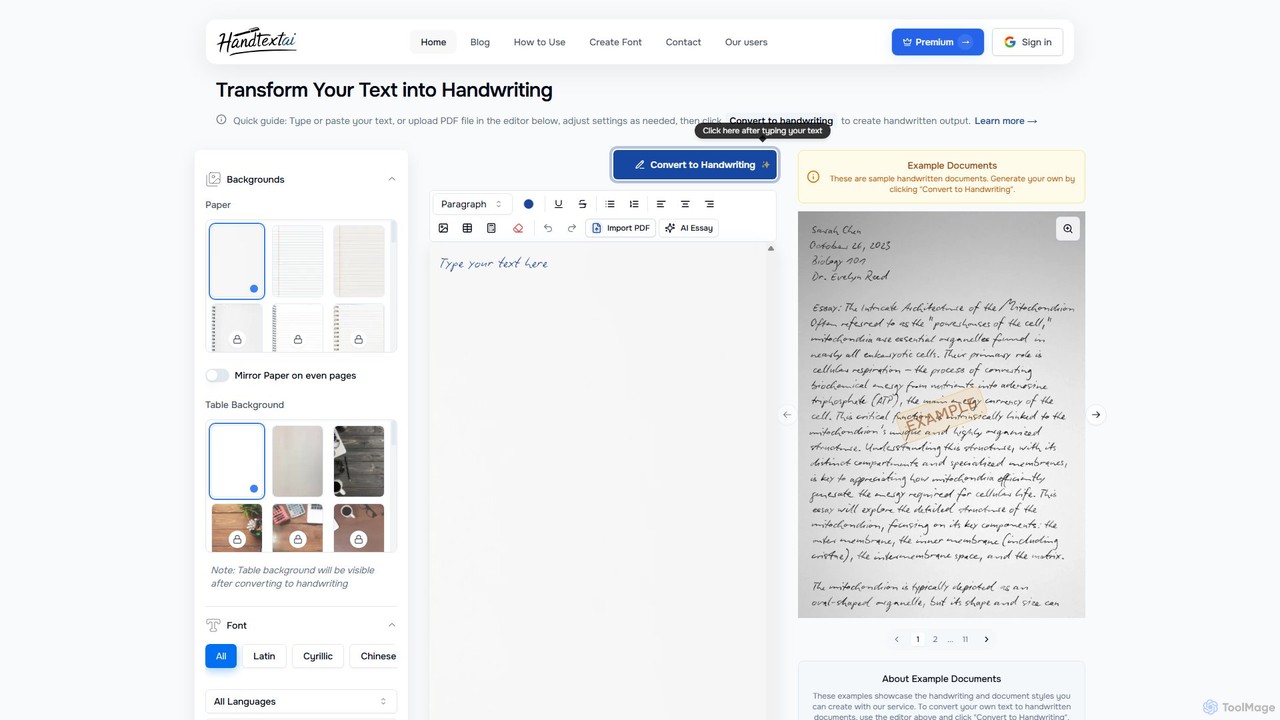
HandtextAI is an AI-powered tool that converts digital text into realistic, customizable handwritten documents. It supports various inputs like typed text, PDFs, and DOCX files, offering over 90 fonts, diverse paper styles, and advanced effects to create authentic-looking notes, assignments, and letters.

Student Tools
Visits 218.5KFavorites 153Likes 160
Andes
Freemium

Andes

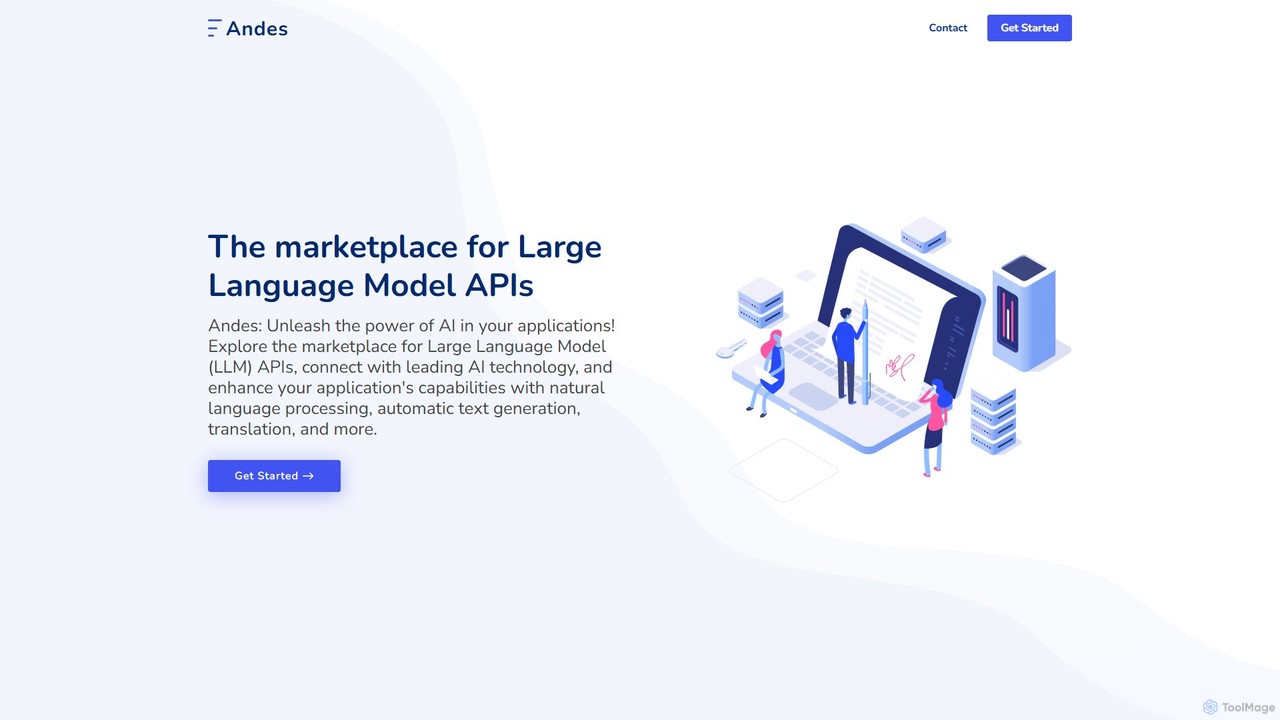
Andes is a unified API marketplace for developers, providing access to a wide range of Large Language Models (LLMs) through a single, streamlined interface. It simplifies the integration of advanced AI capabilities like text generation, NLP, and translation into applications.

Infrastructure
Visits 4.5KFavorites 119Likes 105
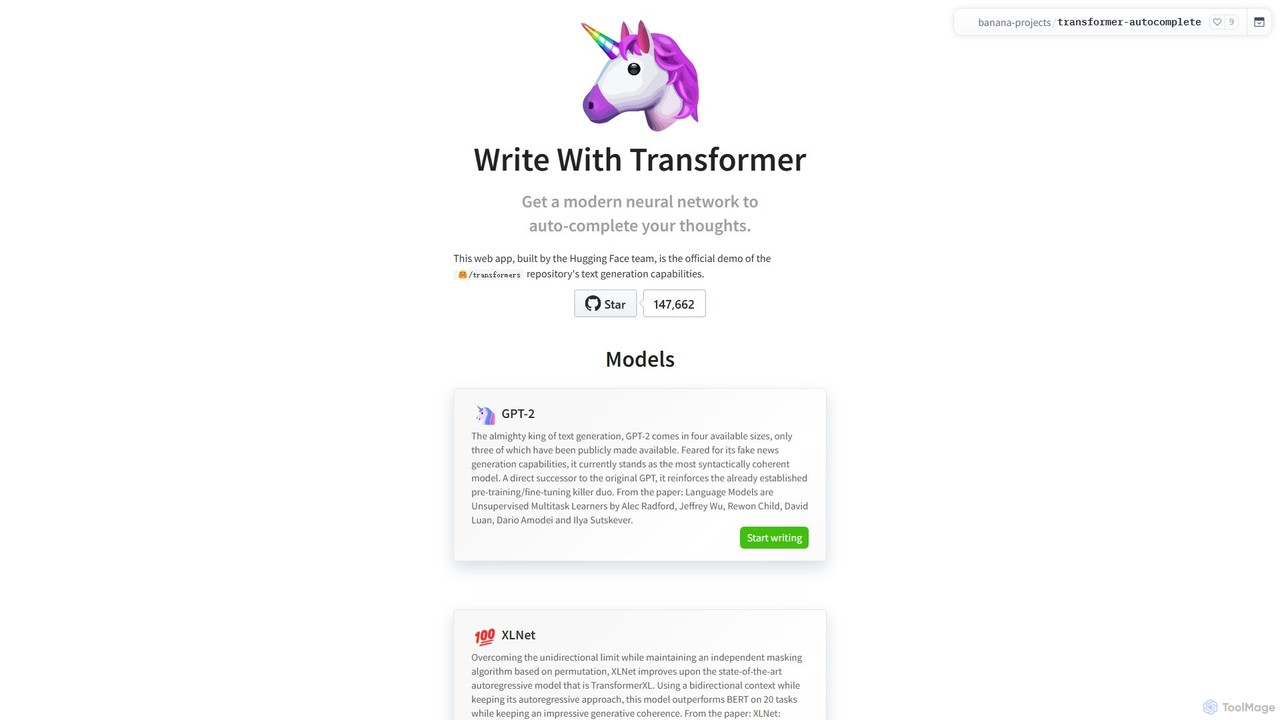
Write With Transformer
Free

Write With Transformer

An official Hugging Face demo showcasing the text generation capabilities of various Transformer models. This web app allows users to experience real-time AI-powered text autocompletion with models like GPT-2, XLNet, and DistilGPT-2, serving as an intelligent writing assistant and an educational tool for developers and writers.

Developer Tools
Visits 7KFavorites 112Likes 98
Trinka
Freemium

Trinka

Trinka is an AI-powered writing assistant and grammar checker specifically designed for academic and technical writing. It goes beyond basic grammar correction to improve style, tone, and clarity. Key features include a LaTeX checker, plagiarism detection, and publication readiness checks, making it an essential tool for researchers, students, and professionals.

Academic Research
Visits 281.8KFavorites 104Likes 107
Taidai.io
Free

Taidai.io

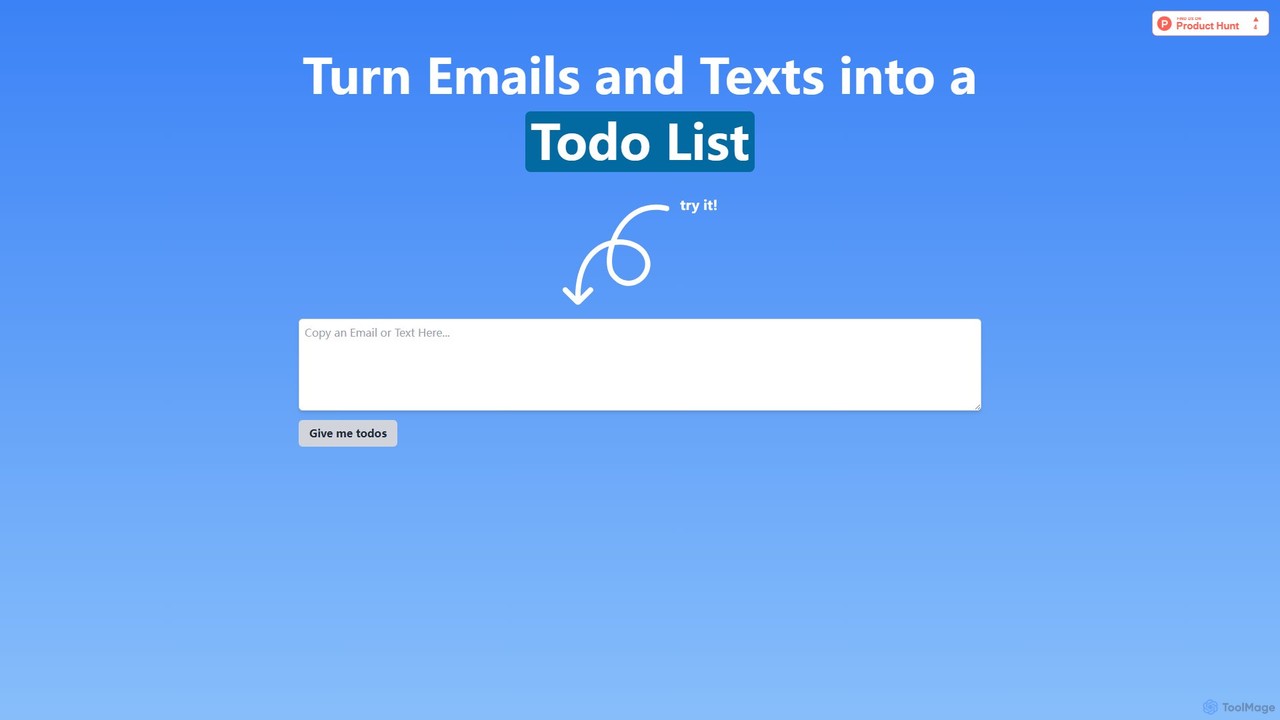
Taidai.io is an AI-powered tool that instantly transforms unstructured text, such as emails, messages, and notes, into organized to-do lists. Powered by OpenAI's GPT-4o, it helps you save time and increase productivity by automatically extracting actionable tasks. The tool is privacy-focused, storing no user data.

Note Taking
Visits 4.5KFavorites 149Likes 156
iFLYTEK Paper
Freemium

iFLYTEK Paper

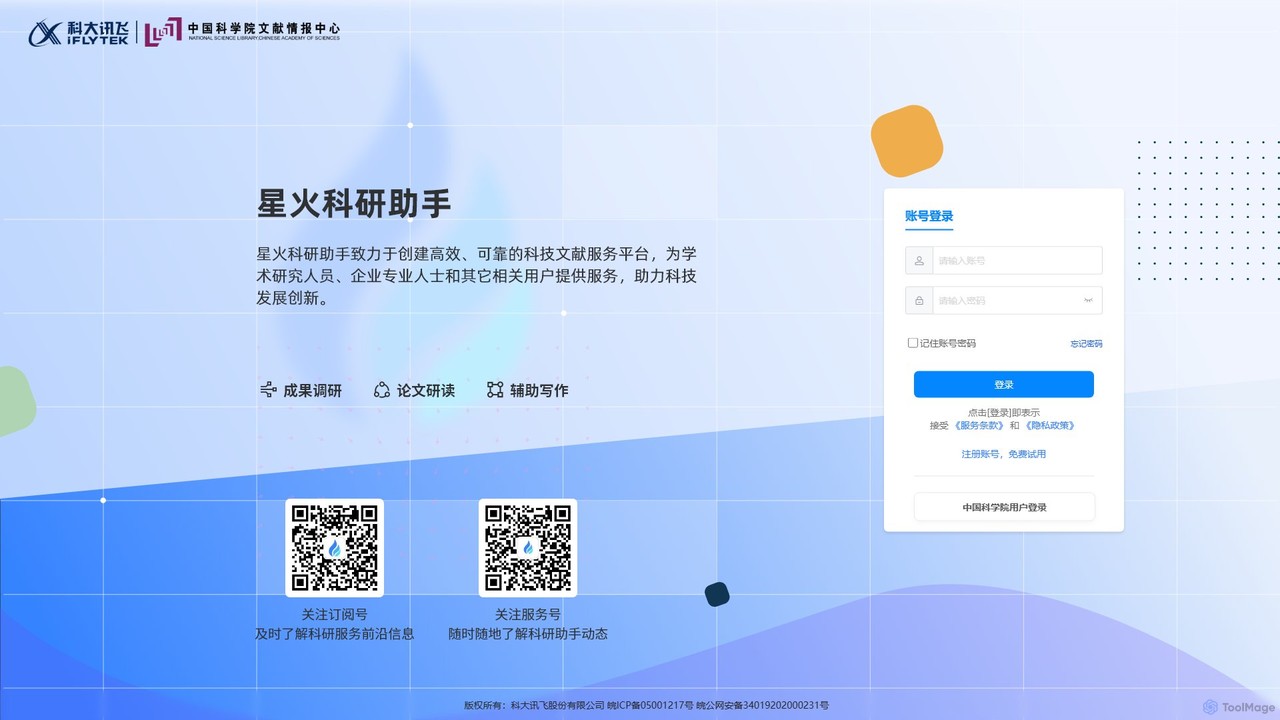
iFLYTEK Paper is an AI-powered academic writing and research assistant designed to streamline the entire process of paper creation. It offers intelligent features for literature review, outline generation, full-text writing, proofreading, and citation management, empowering students and researchers to enhance their productivity and writing quality.

Research
Visits 14KFavorites 104Likes 102
smudge.ai
Freemium

smudge.ai

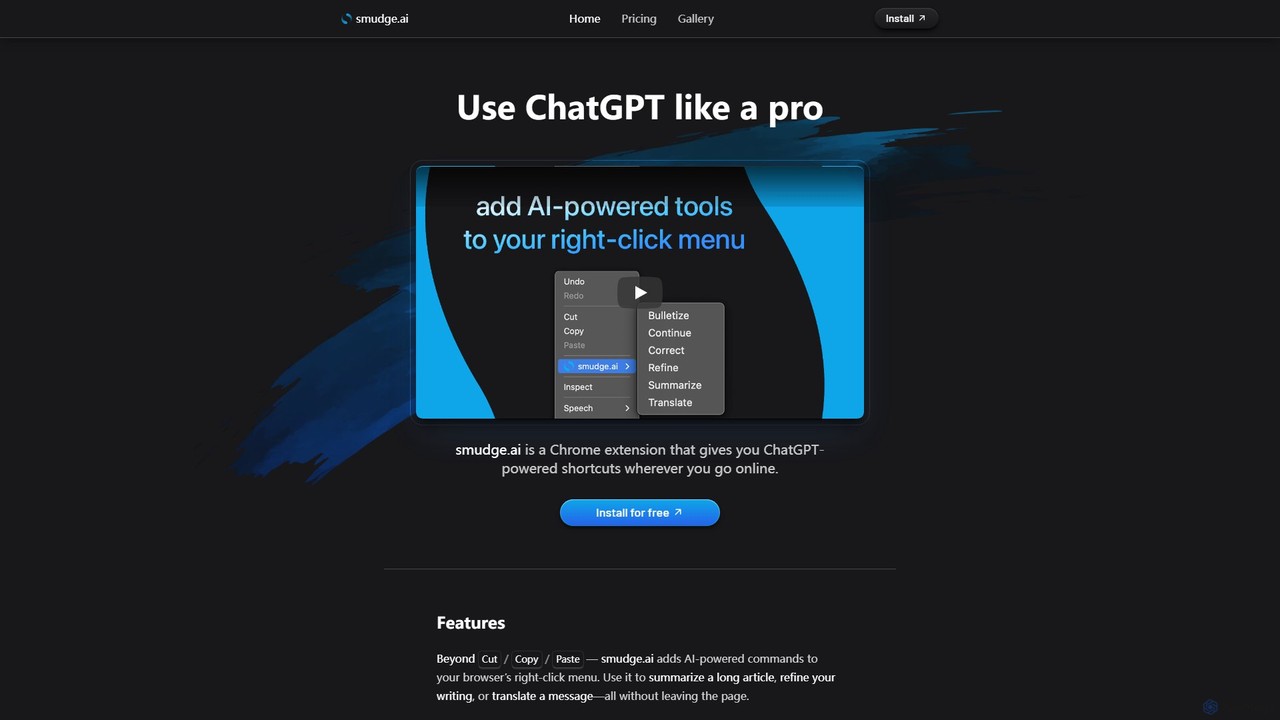
smudge.ai is a powerful Chrome extension that integrates ChatGPT-powered shortcuts directly into your browser's right-click menu. Instantly summarize articles, refine your writing, translate text, and create custom commands without ever leaving your current page, streamlining your online workflow.

Chrome Extensions
Visits 7.8KFavorites 96Likes 101

About Text

Text AI tools are AI-powered applications that process, generate, analyze, and transform human language. Leveraging advanced natural language processing (NLP) and machine learning models, these tools can understand context, extract meaning, and produce coherent, human-like text. They significantly enhance productivity across various domains by automating repetitive writing tasks, improving communication, and providing deep insights from textual data. From content creation and marketing to customer service and academic research, Text AI tools are becoming indispensable for businesses and individuals alike, streamlining workflows and unlocking new possibilities in textual data management.

Core Features

  • Content Generation: Automatically create articles, marketing copy, social media posts, and creative writing based on prompts and desired styles.
  • Summarization: Condense long documents, reports, or articles into concise, key takeaways, saving time on information digestion.
  • Translation: Accurately translate text between multiple languages while preserving context, nuance, and cultural appropriateness.
  • Sentiment Analysis: Identify and categorize the emotional tone (positive, negative, neutral) within text data, crucial for customer feedback and market research.
  • Paraphrasing & Rewriting: Rephrase existing text to improve clarity, avoid plagiarism, or adapt content for different audiences.
  • Grammar & Style Correction: Enhance writing quality by detecting and suggesting corrections for grammatical errors, spelling, punctuation, and stylistic inconsistencies.

Use Cases

Text AI tools are widely adopted by content creators, marketers, customer service teams, and researchers. They can automate the drafting of email responses, generate product descriptions for e-commerce platforms, assist in academic literature reviews by summarizing complex papers, or analyze vast amounts of customer feedback for sentiment insights. These applications streamline workflows, enable more efficient handling of large volumes of textual information, and foster more effective communication strategies across organizations.

How to Choose

When selecting a Text AI tool, consider its accuracy in language processing, the breadth of supported languages, and its specific functional capabilities (e.g., generation, analysis, translation). Evaluate integration options with existing platforms, customization potential for specific use cases, and the pricing model, including token usage. User-friendliness, the quality of output, and the ability to handle diverse text formats are also crucial for effective adoption and maximizing value.

Featured tool rankings

Text use cases

1

Generating Marketing Copy for Campaigns

Marketing professionals can leverage Text AI tools to rapidly produce diverse marketing copy, including ad headlines, social media posts, and email newsletters. By inputting key product features and target audience, the AI generates multiple creative variations, saving hours of manual brainstorming and drafting. This allows teams to quickly A/B test different messages and optimize campaign performance, significantly accelerating content production cycles and improving engagement rates.

2

Automating Customer Service Responses

Customer support teams utilize Text AI to automate responses to frequently asked questions and routine inquiries. The AI can analyze incoming customer messages, understand their intent, and generate personalized, accurate replies based on a knowledge base. This reduces agent workload, decreases response times, and ensures consistent communication, leading to higher customer satisfaction and allowing human agents to focus on complex issues.

3

Summarizing Research Papers and Reports

Academics, researchers, and business analysts use Text AI tools to quickly digest large volumes of information. By feeding in lengthy research papers, financial reports, or market analyses, the AI can extract key findings, methodologies, and conclusions into concise summaries. This dramatically speeds up literature reviews, competitive analysis, and decision-making processes, enabling users to grasp essential information without reading every detail.

4

Translating Multilingual Business Communications

Global businesses and international teams employ Text AI for efficient and accurate translation of documents, emails, and real-time communications. These tools can translate content between dozens of languages while maintaining context and professional tone, facilitating seamless cross-border collaboration. This ensures that marketing materials, legal documents, and internal communications are accessible to all stakeholders, breaking down language barriers and expanding market reach.

5

Analyzing Customer Feedback and Reviews

Product managers and market researchers apply Text AI for sentiment analysis of customer feedback, social media comments, and product reviews. The AI processes vast datasets to identify prevailing sentiments (positive, negative, neutral), common themes, and emerging trends. This provides actionable insights into customer satisfaction, product strengths, and areas for improvement, guiding product development and marketing strategies effectively.

6

Enhancing Code Documentation and Explanations

Developers and technical writers use Text AI to generate clear, comprehensive documentation for codebases, APIs, and software features. By providing code snippets or functional descriptions, the AI can produce explanations, comments, and user manuals that are easy to understand. This improves code maintainability, accelerates onboarding for new team members, and ensures that technical information is consistently well-documented and accessible.

Text FAQ

What are Text AI tools?

Text AI tools are software applications that leverage artificial intelligence, specifically natural language processing (NLP) and machine learning, to understand, generate, analyze, and manipulate human language. They can perform tasks ranging from creating original content and summarizing documents to translating languages and extracting sentiment. These tools aim to automate and enhance various text-related processes, making them more efficient and insightful for users across different industries.

How do Text AI tools work?

Text AI tools primarily work by employing sophisticated machine learning models, such as large language models (LLMs) and neural networks, trained on massive datasets of text and code. When given a prompt or input, these models analyze the patterns, grammar, and context to predict and generate relevant output. They use algorithms to understand semantic relationships, identify entities, and learn stylistic nuances, allowing them to produce coherent and contextually appropriate text or insights.

What are the main benefits of using Text AI tools?

The main benefits of using Text AI tools include significant time savings through automation of writing and analysis tasks, improved content quality and consistency, and enhanced productivity. They can help overcome writer's block, generate diverse content variations quickly, and provide deep insights from large volumes of textual data that would be impossible for humans to process manually. This leads to faster content creation, better decision-making, and more efficient communication strategies.

How to choose the best Text AI tool for my needs?

To choose the best Text AI tool, first identify your primary use case, whether it's content generation, summarization, translation, or analysis. Evaluate the tool's accuracy and quality of output for your specific language and domain. Consider its ease of use, integration capabilities with your existing workflows, and the level of customization it offers. Finally, compare pricing models, customer support, and scalability to ensure it meets both your current and future requirements.

What's the difference between Text AI tools and traditional text software?

The fundamental difference lies in their intelligence and adaptability. Traditional text software (like word processors) provides static functionalities for editing and formatting text based on explicit user commands. Text AI tools, however, use AI to understand context, learn from data, and generate new content or insights autonomously. They can adapt to new information, perform complex analytical tasks, and produce creative output, going far beyond simple text manipulation to offer intelligent assistance and automation.