ToolMage
Sign in

Best 16 Image To Video AI tools for Video Generation

Popular Image To Video AI tools in Video Generation include Joyfun, Nano Banana, NanoBanana, Ray3, SoraX, Sora2web, Nano Banana AI, Kling 2.6, Sora2 AI, and SoraShorts, helping you work more efficiently.

Kling 2.6
Paid

Kling 2.6

Kling 2.6 is an advanced AI-powered video generation platform that transforms text and images into stunning, high-quality videos with unparalleled prompt adherence and temporal consistency. It offers cinematic motion, deep scene understanding, and rapid generation for professional creative workflows.

Motion Graphics
Visits 10.6KFavorites 92Likes 93
Imtovid
Paid

Imtovid

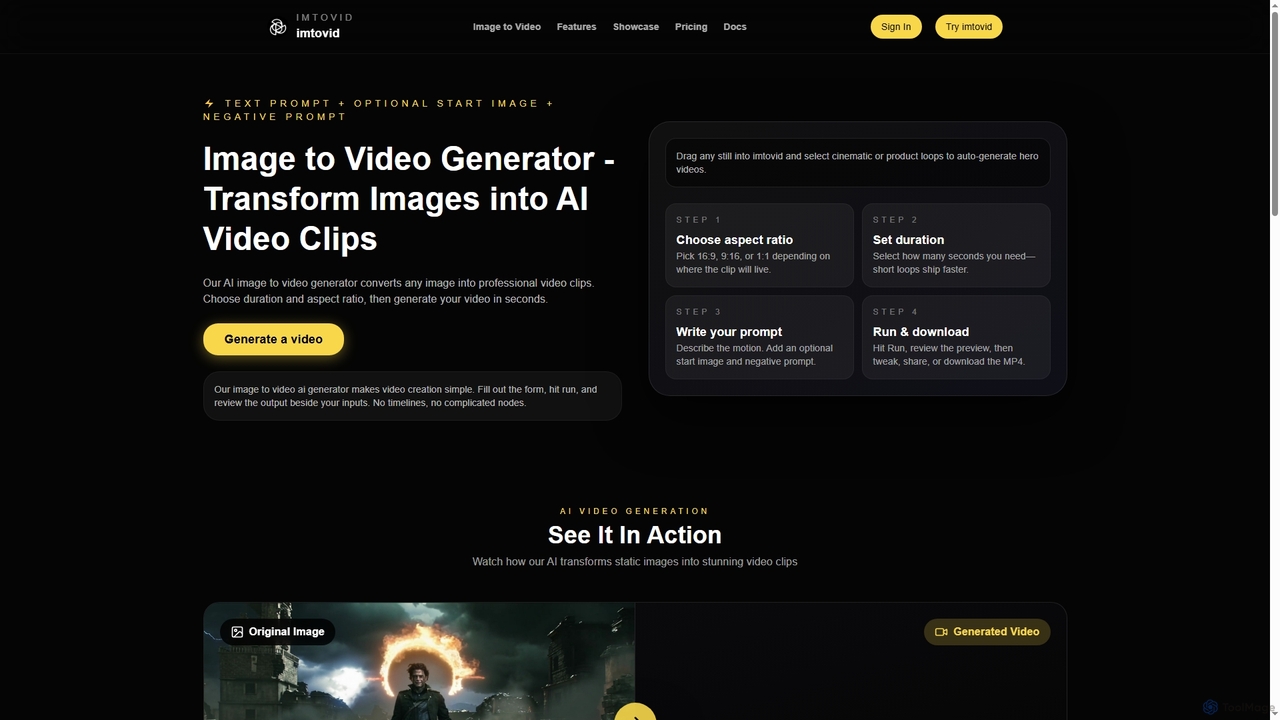
Imtovid is an AI-powered image to video and text to video generator that transforms static images and text prompts into dynamic video clips. It simplifies video creation with intuitive controls for aspect ratio, duration, and motion description, making professional video content accessible in minutes.

Social Media Video
Visits 5.7KFavorites 124Likes 136
Omnigen
Freemium

Omnigen

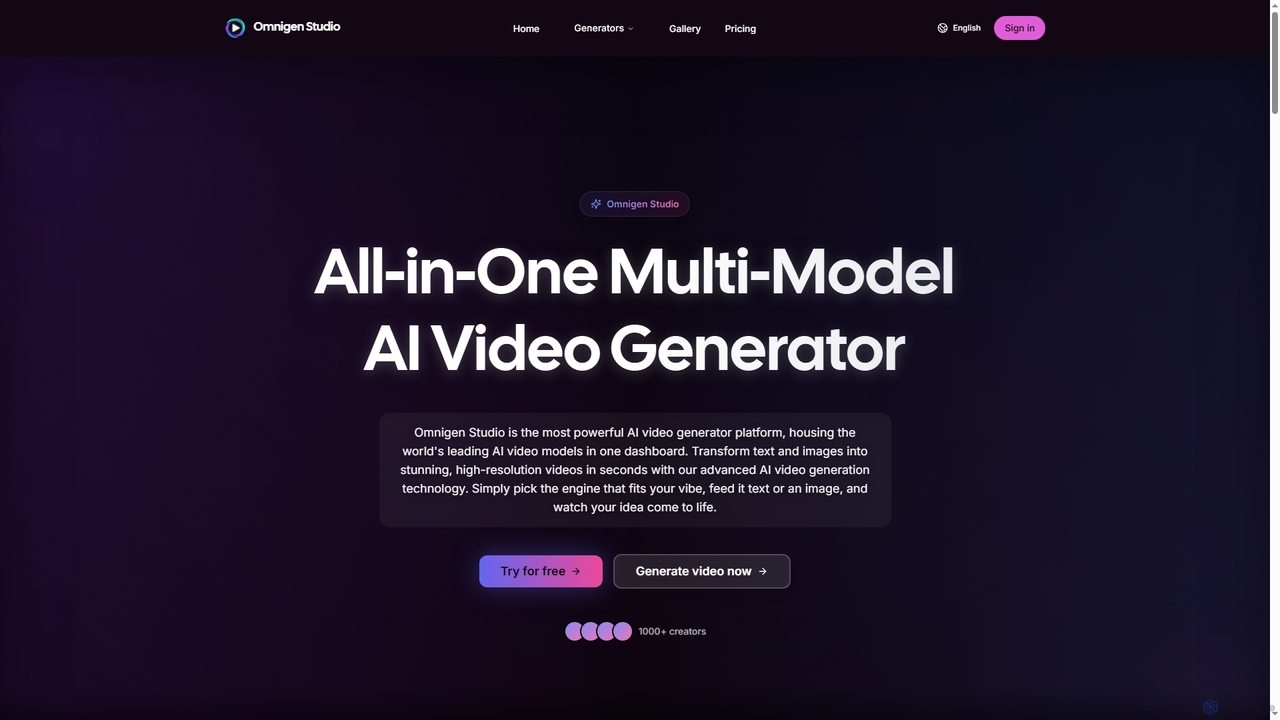
Omnigen is an all-in-one multi-model AI video generator platform that empowers creators to transform text and images into stunning, high-resolution videos in seconds. It integrates leading AI video models like Veo, Wan, and Sora 2, offering a seamless workflow for diverse creative needs, from social media clips to cinematic sequences.

Social Media Video
Visits 5.9KFavorites 115Likes 106
Nano Banana
Paid

Nano Banana

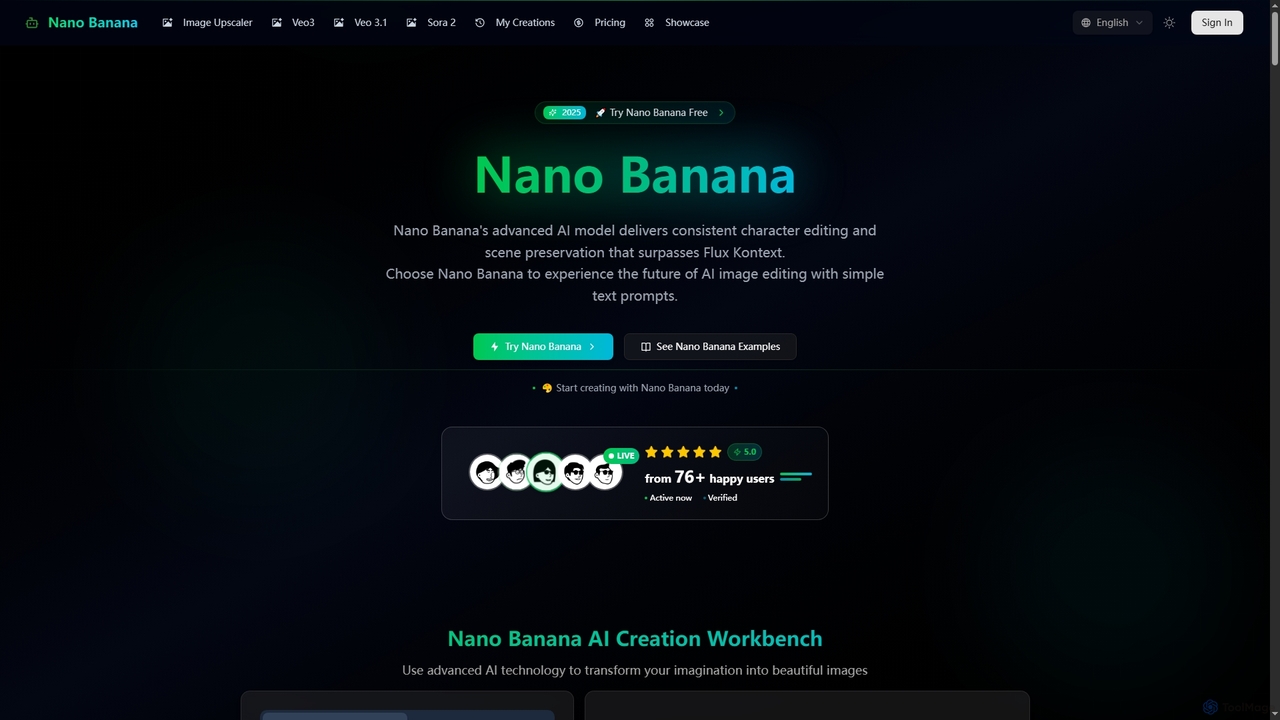
Nano Banana is an advanced AI-powered platform for image generation and editing, offering consistent character editing, scene preservation, and in-context visual modifications. It also features a professional AI image upscaler and two cutting-edge AI video generators, Veo 3.1 and Sora 2, enabling users to create stunning visuals and cinematic videos from text or images with unparalleled speed and quality.

Digital Art
Visits 607.7KFavorites 163Likes 167
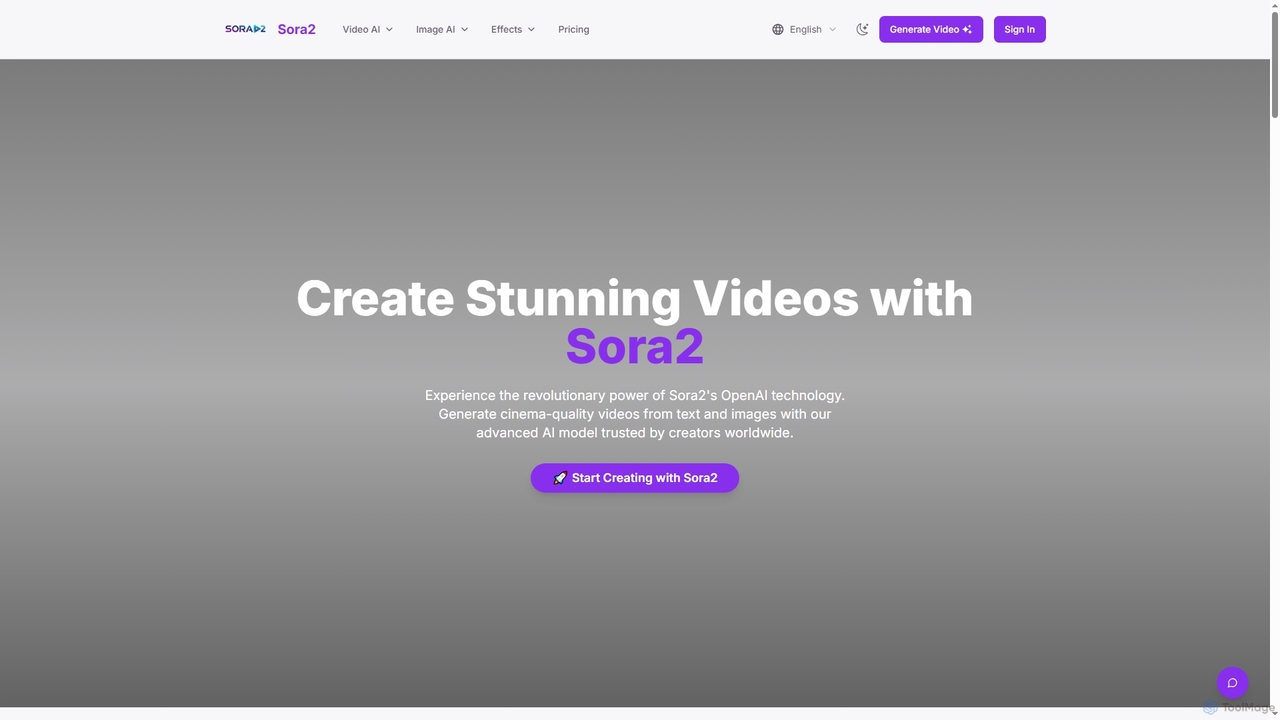
Sora2 AI
Paid

Sora2 AI

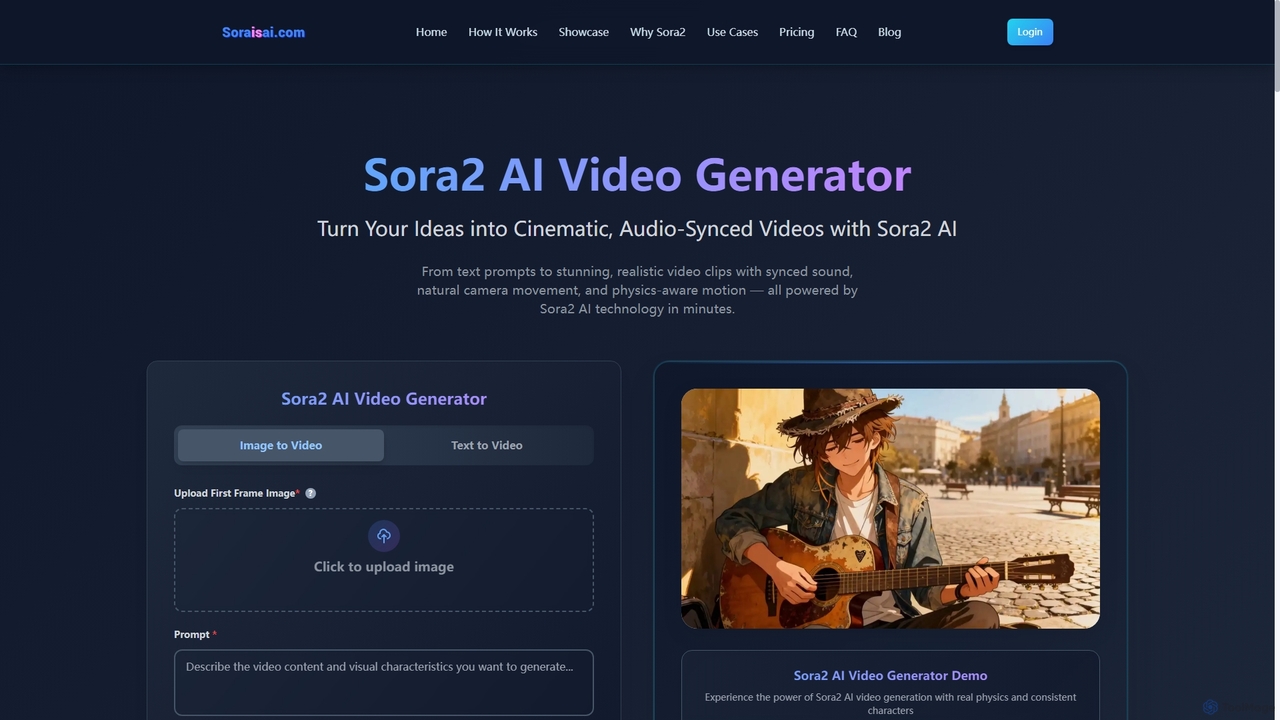
Sora2 AI is a next-generation AI video generator that transforms text prompts and images into cinematic, realistic video clips with synchronized audio, natural camera movement, and physics-aware motion. It offers rapid video production for diverse applications, from marketing to social media content.

Animation
Visits 8KFavorites 139Likes 119
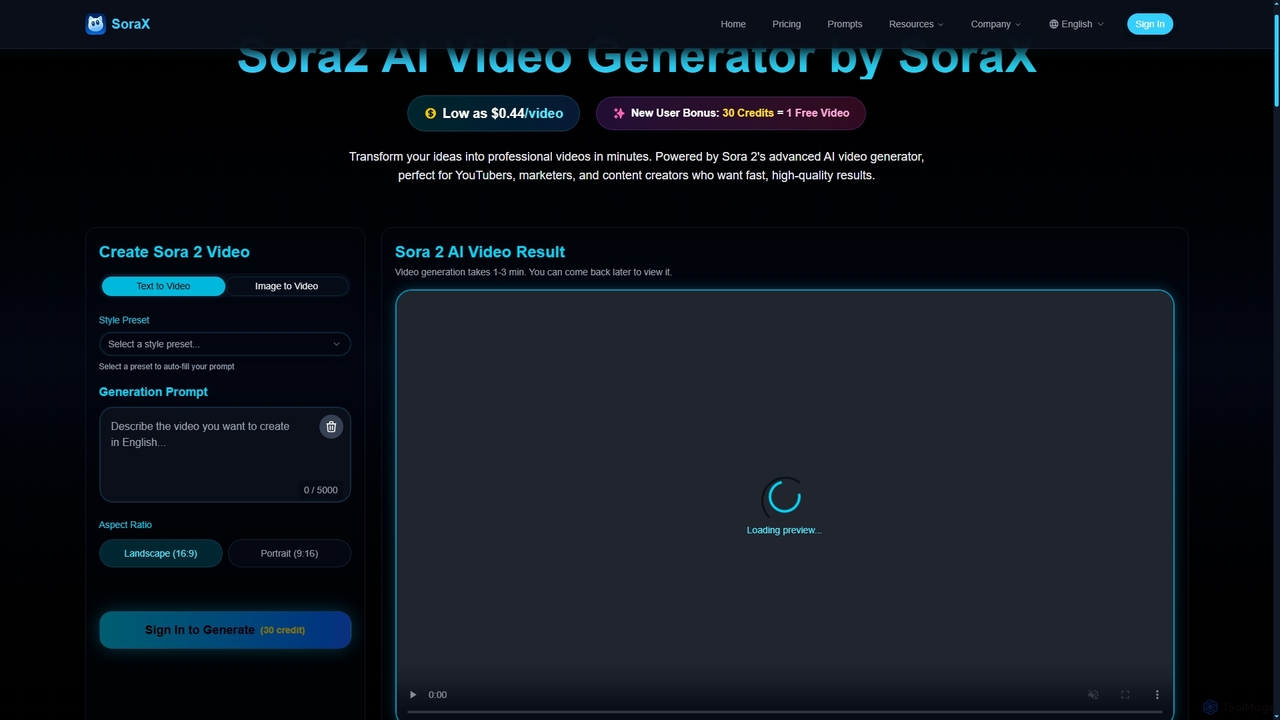
SoraX
Freemium

SoraX

SoraX is an advanced AI video generator powered by Sora 2, enabling users to transform text descriptions and static images into professional-quality videos in minutes. It's designed for content creators, marketers, and filmmakers seeking fast, high-quality video production.

Video Production
Visits 40.3KFavorites 167Likes 152
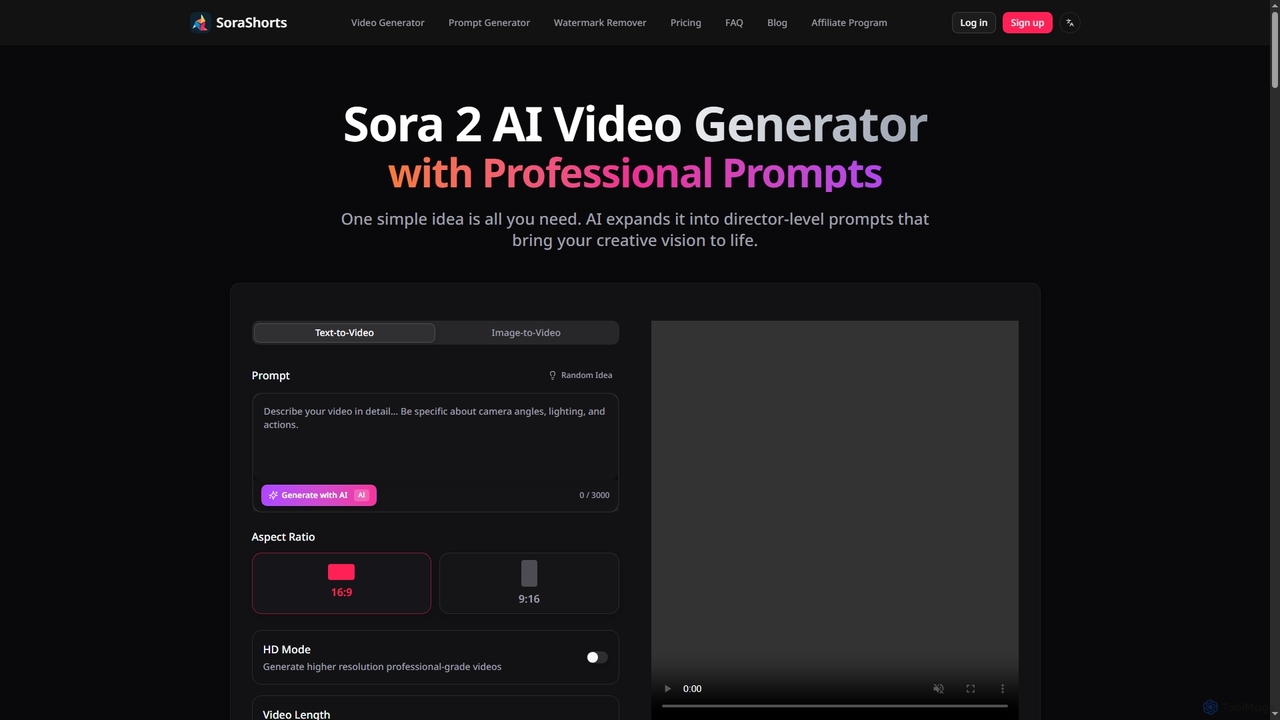
SoraShorts
Freemium

SoraShorts

SoraShorts is an advanced AI video generator powered by Sora 2 technology, enabling users to transform text or images into professional, watermark-free videos. It includes a sophisticated prompt generator for cinematic quality and a tool to remove watermarks, streamlining video creation for various commercial and creative needs.

Prompt Engineering
Visits 6.8KFavorites 144Likes 136
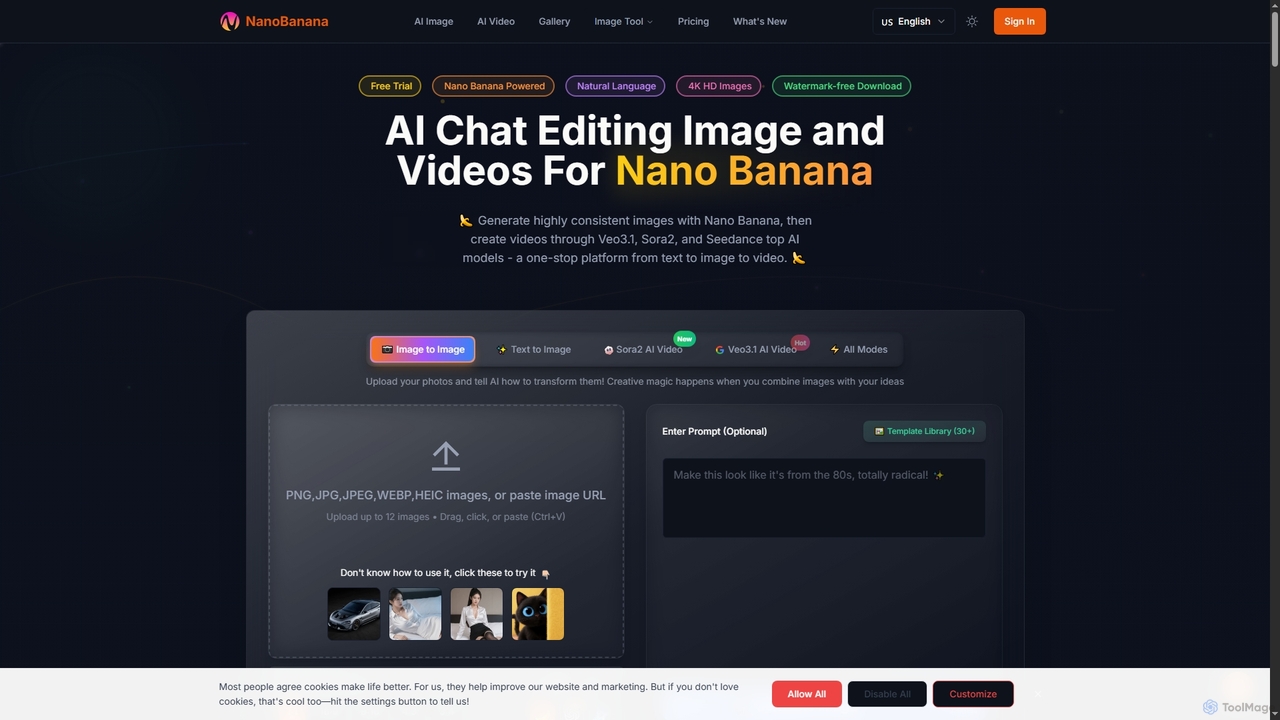
NanoBanana
Freemium

NanoBanana

NanoBanana is an advanced AI-powered platform for generating and editing images and videos using natural language. It offers lightning-fast creation, high-resolution outputs, and a wide array of creative modes, making professional-quality visual content accessible to everyone from beginners to seasoned creators.

Digital Art
Visits 269.9KFavorites 135Likes 149
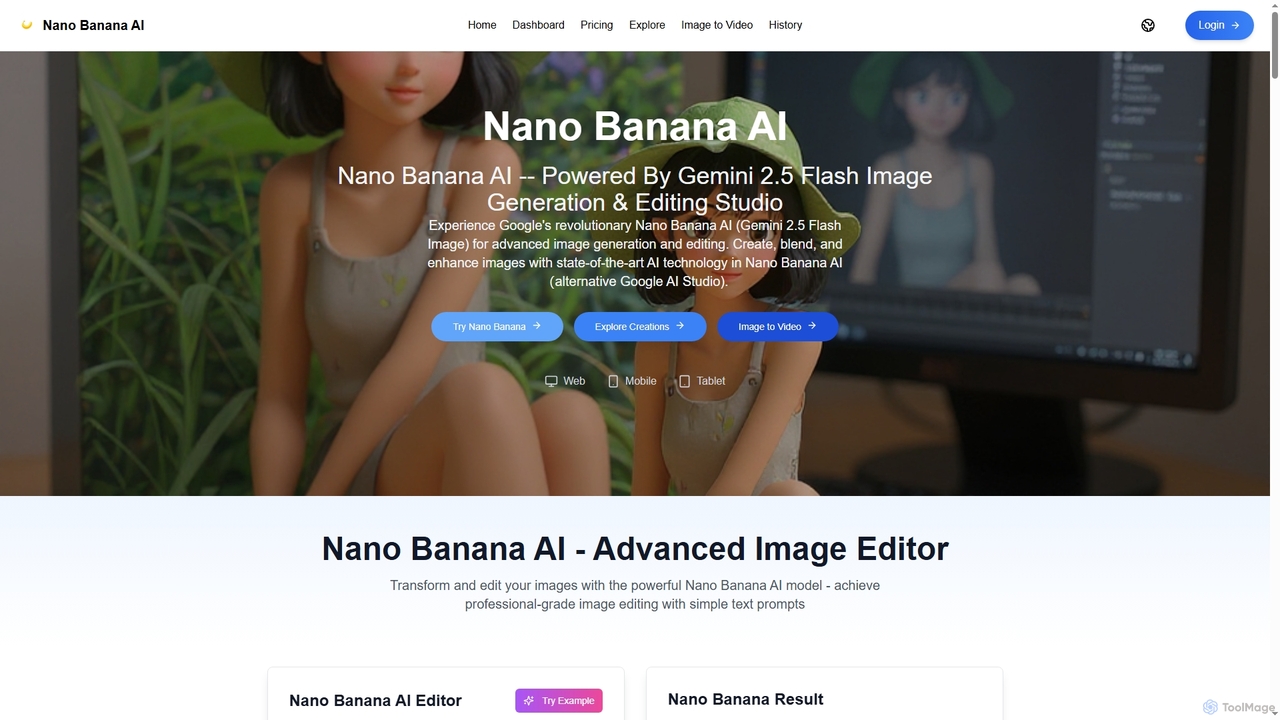
Nano Banana AI
Freemium

Nano Banana AI

Nano Banana AI is an advanced image generation and editing studio powered by Google's Gemini 2.5 Flash Image technology. It enables users to create, blend, and enhance images with simple text prompts, offering features like one-shot perfect generation, lightning-fast processing, consistent character editing, and face completion technology for professional-grade visual content.

Digital Art
Visits 11.4KFavorites 142Likes 144
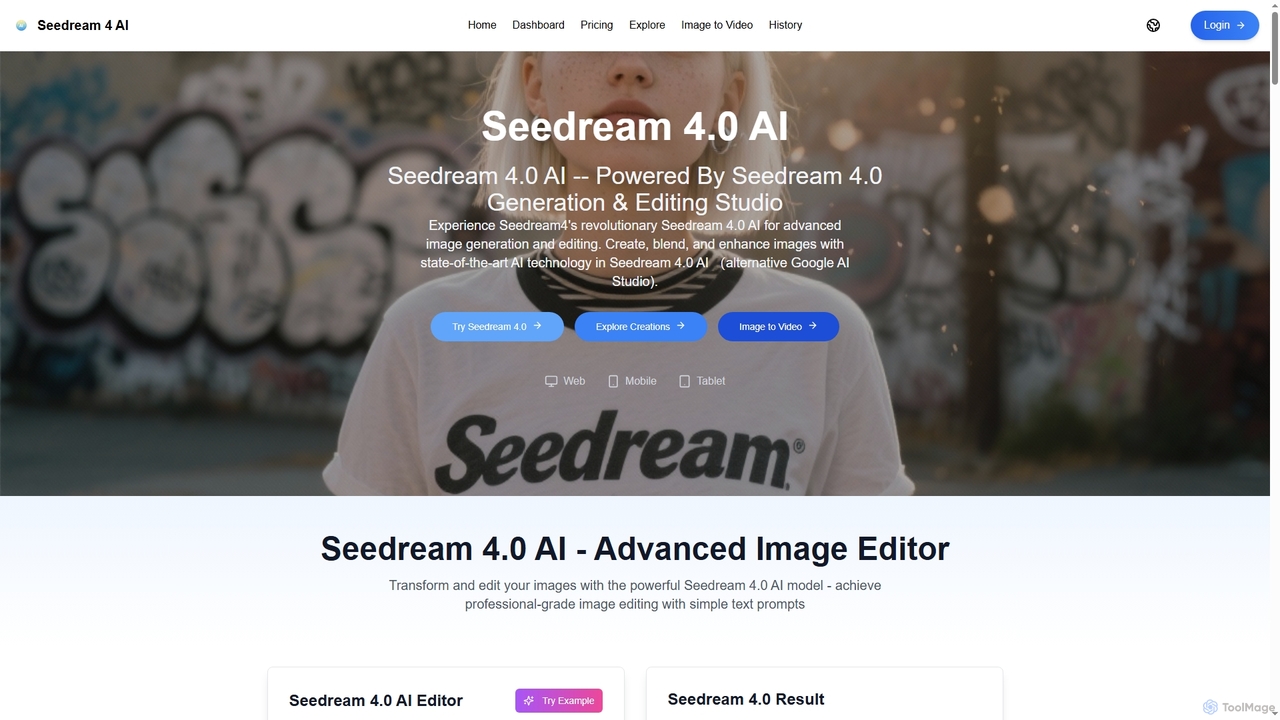
Seedream 4.0 AI
Freemium

Seedream 4.0 AI

Seedream 4.0 AI is an advanced image generation and editing studio powered by state-of-the-art AI. It allows users to create, blend, enhance, and transform images from text prompts or existing uploads with exceptional clarity, perfect ID preservation, and rapid generation speeds, ideal for both hobbyists and professionals.

Graphic Design
Visits 5.8KFavorites 145Likes 158
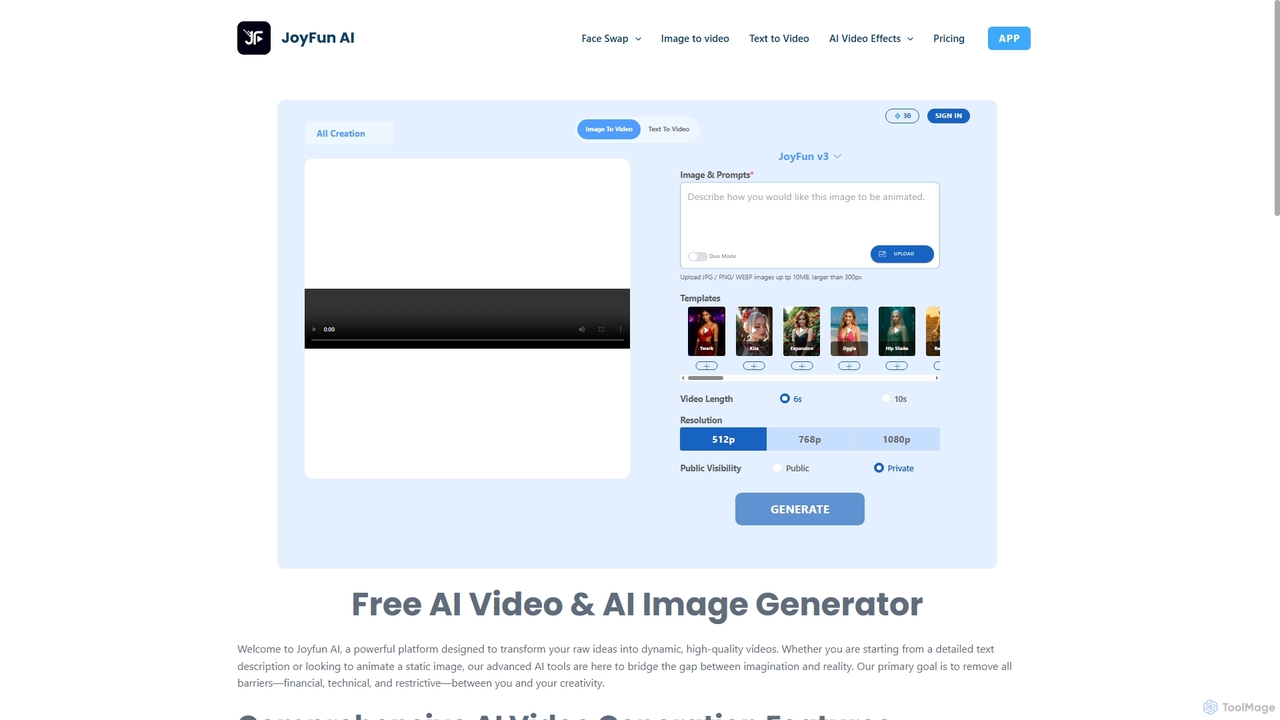
Joyfun
Free

Joyfun

Joyfun is a powerful, free, and unlimited AI platform for generating high-quality videos from text or images, and performing advanced face swaps in both photos and videos. It integrates a vast library of top-tier AI models, offering unparalleled creative freedom without requiring sign-ups or subscriptions.

Animation
Visits 1.8MFavorites 88Likes 96
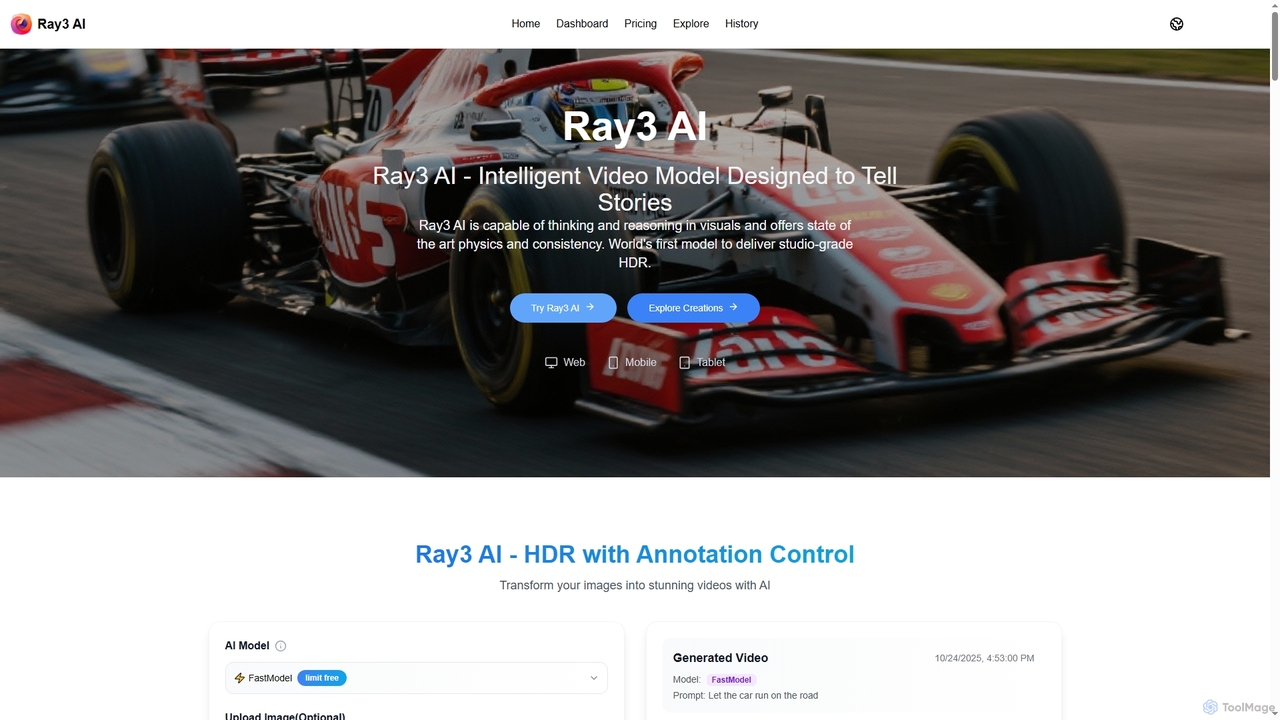
Ray3 AI
Paid

Ray3 AI

Ray3 AI is an intelligent video model designed to transform images into stunning, studio-grade HDR videos. It features advanced visual reasoning, state-of-the-art physics, and consistency, enabling creators to tell compelling stories with exceptional fidelity and precise control.

Storytelling
Visits 6.1KFavorites 108Likes 104
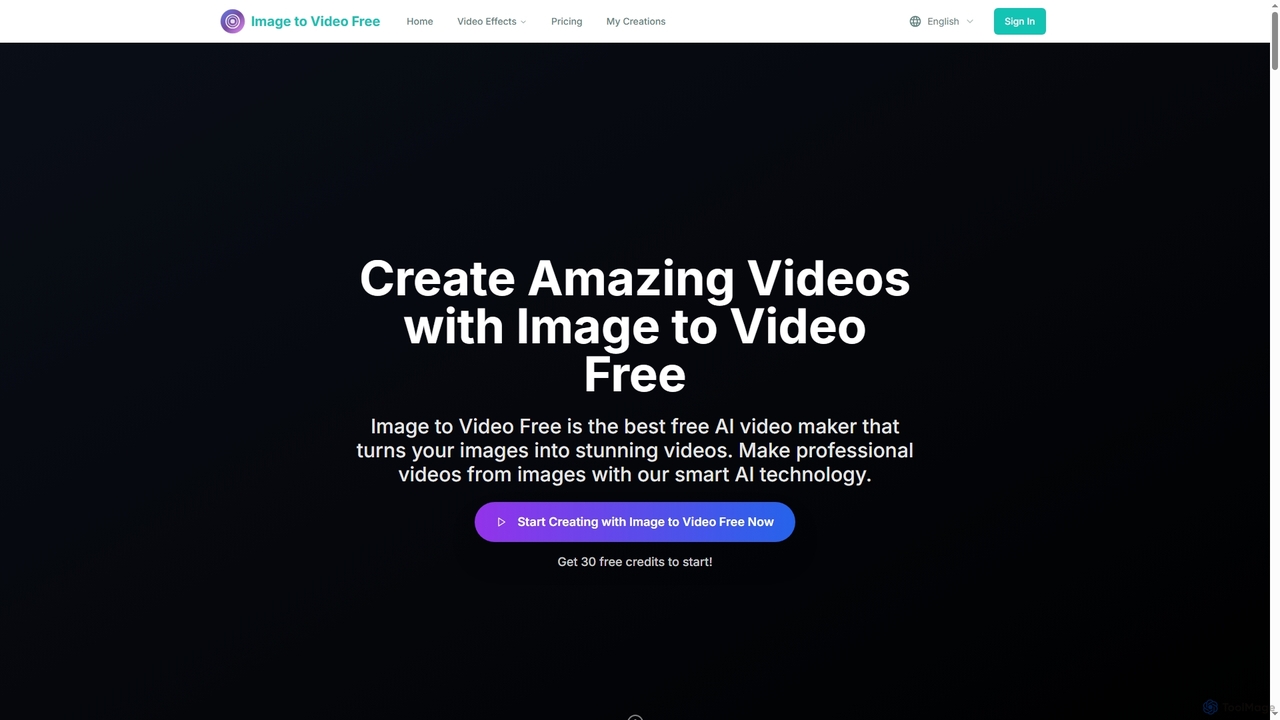
Image to Video Free
Freemium

Image to Video Free

Image to Video Free is an AI-powered online tool that transforms your static images into stunning, professional-quality videos. It offers a seamless, browser-based experience for creating dynamic visual content with various styles, AI-enhanced transitions, and watermark-free exports, making video creation accessible for everyone.

Visual Content
Visits 5.8KFavorites 136Likes 140
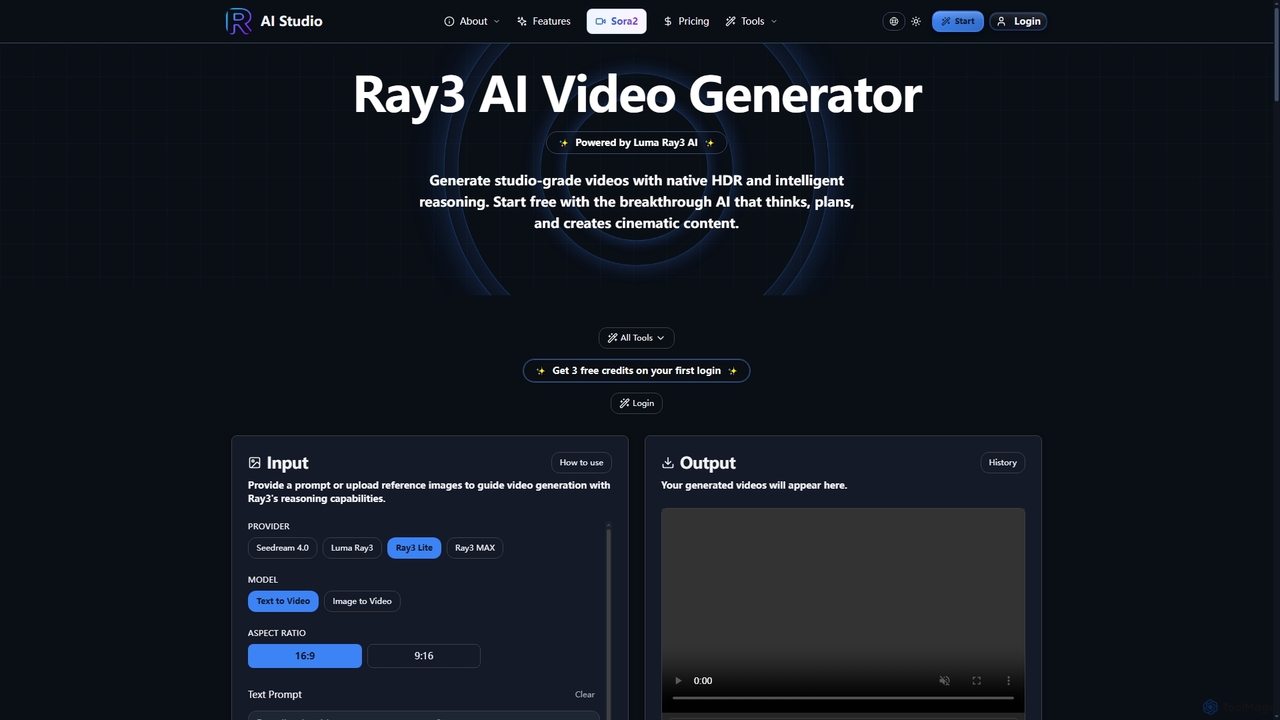
Ray3
Freemium

Ray3

Ray3 is the world's first reasoning AI video model, powered by Luma AI, capable of generating studio-grade videos with native HDR. It understands complex prompts, plans sophisticated sequences, and offers rapid iteration through Draft Mode, making professional video creation accessible and efficient.

Reasoning Ai
Visits 48.7KFavorites 144Likes 150
Sora2web
Freemium

Sora2web

Sora2web is an advanced AI platform offering cinema-quality video and high-fidelity image generation from text and images. Leveraging models like OpenAI's Sora2, Kling, and Nanobanana, it provides creators, marketers, and businesses with powerful tools for diverse content needs, including realistic physics simulations, consistent character appearance, and a wide array of visual effects, all within an intuitive, cloud-based environment.

Content Creation
Visits 18.1KFavorites 139Likes 130
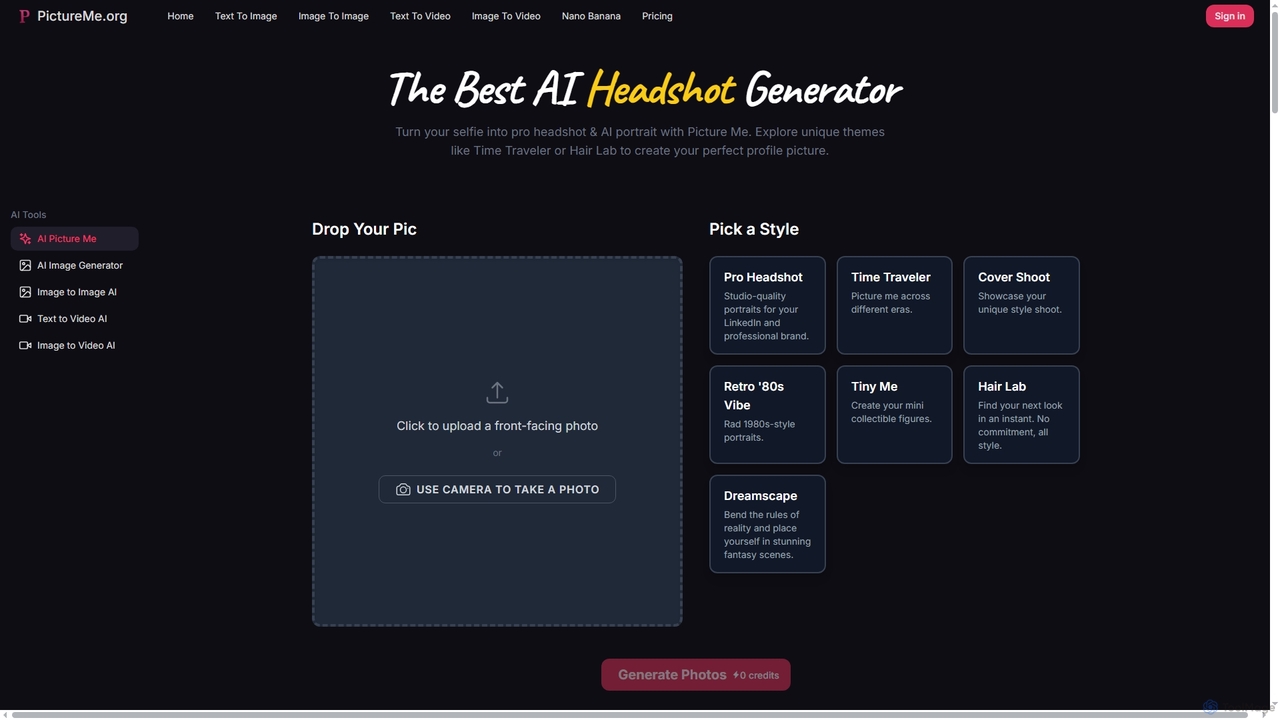
Picture Me
Freemium

Picture Me

Picture Me is an innovative AI platform that transforms your photos into professional headshots and creative portraits, and generates images and videos from text or existing images. It offers a seamless user experience with diverse styles and advanced AI models.

Photo Editing
Visits 5.6KFavorites 135Likes 139

About Image To Video

Image To Video tools are a specialized category of AI-powered applications designed to transform static images into dynamic video content. Leveraging advanced artificial intelligence and machine learning algorithms, these tools analyze visual elements, generate motion, apply transitions, and add effects to create engaging video sequences. They offer an efficient solution for content creators, marketers, and businesses to animate visuals quickly, significantly reducing the time and resources traditionally required for video production.

Core Features

  • Automated Motion Generation: Automatically adds subtle or dynamic movement to static elements within an image.
  • Style Transfer & Effects: Applies various visual styles, filters, and cinematic effects to enhance the video output.
  • Seamless Transitions: Creates smooth transitions between multiple images or scenes within a generated video.
  • Audio Synchronization: Allows users to add background music or voiceovers, often with AI-driven synchronization to visual cues.
  • Customizable Output: Provides options for video length, aspect ratio, resolution, and export formats.

Applicable Scenarios

These tools are ideal for social media managers creating engaging posts from product photos, real estate agents turning property images into virtual tours, or educators animating diagrams for e-learning modules. They empower users to quickly produce professional-looking video content without extensive video editing skills.

How to Choose

When selecting an Image To Video tool, consider the quality of motion generation and visual effects, the range of customization options available, and the supported input/output formats. Evaluate the ease of use and user interface, as well as pricing models and integration capabilities with other creative workflows. Finally, assess the tool's ability to handle different image types and resolutions effectively.

Featured tool rankings

Image To Video use cases

1

Animate Product Images for E-commerce

E-commerce businesses and online retailers can transform static product photos into short, engaging video clips. By adding subtle movements, zoom effects, and transitions, they can showcase product features from different angles or highlight specific details, making product listings more dynamic and attractive to potential customers. This helps increase engagement rates and reduce bounce rates on product pages.

2

Create Dynamic Social Media Content

Social media managers and content creators can quickly generate eye-catching video posts from existing image assets. Instead of just posting a static image, they can use Image To Video tools to add subtle animations, text overlays, and background music, making their content stand out in crowded feeds. This boosts visibility and encourages higher interaction rates across platforms like Instagram, Facebook, and TikTok.

3

Enhance Presentations and Educational Materials

Educators, trainers, and business professionals can leverage Image To Video tools to make their presentations, lectures, or training modules more engaging. By converting key diagrams, charts, or static illustrations into short animated sequences, they can explain complex concepts more effectively, capture audience attention, and improve information retention compared to static visuals alone.

4

Generate Real Estate Property Tours

Real estate agents can quickly create virtual property tours from a collection of high-quality interior and exterior photos. By animating these images with smooth pans, zooms, and transitions, accompanied by background music or a voiceover, they can offer prospective buyers an immersive viewing experience online. This helps generate more interest and pre-qualify leads before physical viewings.

5

Visualize Data and Infographics

Analysts and data journalists can convert static charts, graphs, and infographics into animated videos. This allows for a more dynamic presentation of data trends, comparisons, or processes over time. Animated infographics are more digestible and memorable, making complex information accessible and engaging for a broader audience in reports, news segments, or online articles.

6

Create Animated Storyboards and Concept Art

Filmmakers, game developers, and animators can use Image To Video tools to bring their static storyboards, concept art, or character designs to life. By adding subtle camera movements, character animations, and environmental effects, they can quickly visualize scenes, test narrative flows, and present ideas more compellingly to stakeholders or team members during the pre-production phase, streamlining the creative process.

Image To Video FAQ

What are Image To Video AI tools?

Image To Video AI tools are applications that use artificial intelligence to convert static images into dynamic video content. They analyze visual data to generate motion, add effects, and create transitions, effectively bringing still pictures to life. These tools are primarily used for creating engaging visual narratives, marketing content, and animated presentations from existing image assets without requiring complex video editing skills.

How do Image To Video tools work?

Image To Video tools typically work by taking one or more static images as input. Advanced AI algorithms then analyze the content of these images, identifying objects, backgrounds, and potential areas for movement. Users can often specify areas to animate or choose from predefined motion templates. The AI then generates interpolated frames, applies visual effects, and stitches them together with transitions to form a coherent video sequence. Some tools also integrate audio synchronization for a complete multimedia output.

What are the benefits of using Image To Video AI tools?

The primary benefits include significant time and cost savings compared to traditional video production. These tools democratize video creation, allowing users without extensive editing skills to produce professional-quality content. They enhance engagement by making static visuals dynamic and more captivating. Furthermore, they enable rapid content iteration, allowing marketers and creators to quickly test different visual narratives and adapt to trends with minimal effort.

What is the difference between Image To Video and Text To Video tools?

Image To Video tools specifically take existing static images as their primary input and add motion, effects, and transitions to them. Text To Video tools, on the other hand, generate entire video sequences from scratch based on textual prompts or scripts. While both fall under the broader category of AI video generation, Image To Video focuses on animating pre-existing visuals, whereas Text To Video creates visuals from textual descriptions, offering different starting points and creative control levels.

What kind of images work best with Image To Video tools?

High-resolution, clear images with good lighting and distinct subjects generally yield the best results. Images with a clear foreground and background separation allow the AI to apply motion more effectively. Simple compositions can also be easier for the AI to interpret and animate smoothly. While some tools can handle complex scenes, starting with well-composed, high-quality static images will typically produce more polished and professional-looking video outputs.