ToolMage
Sign in
Code Screenshot
Graphics · 3.4K monthly visits

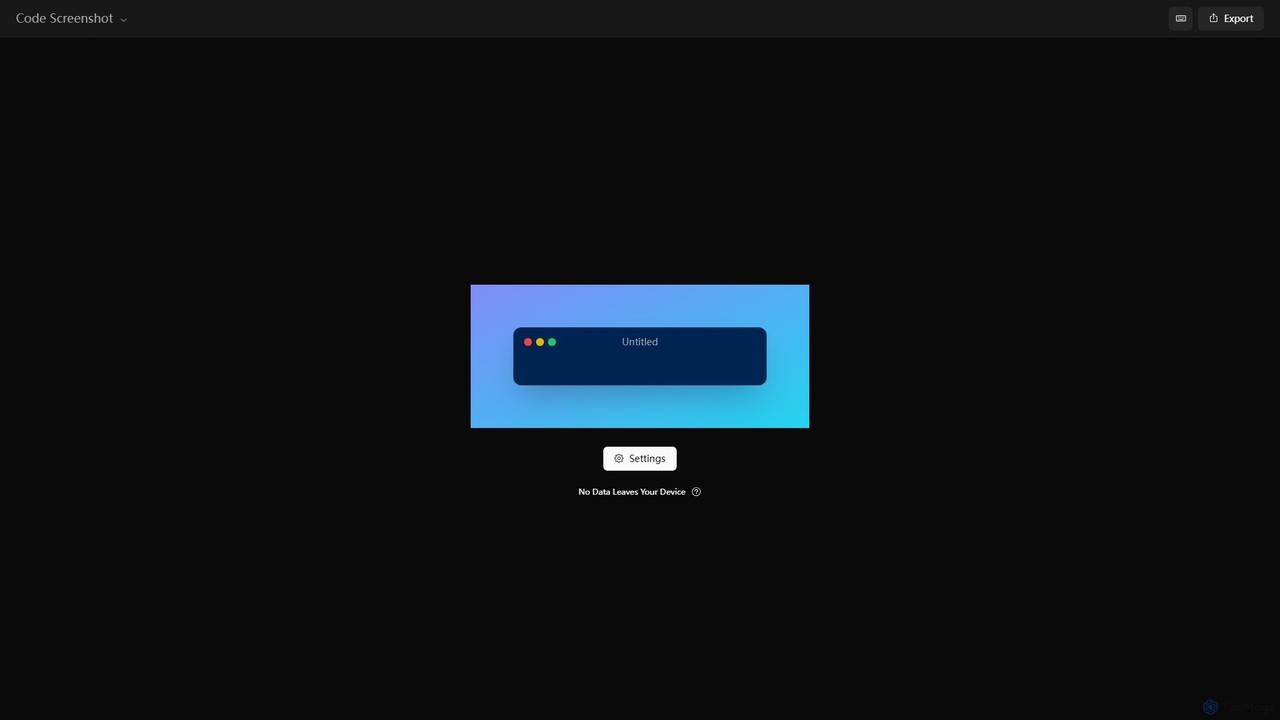
A free, privacy-focused online tool for creating beautiful and shareable screenshots of your code. It operates entirely on your device, ensuring no data is ever sent to a server. Highly customizable with themes, backgrounds, and more.

VS
commontools
Converters · 142K monthly visits

commontools.org is a comprehensive suite of over 100 free online tools designed for a wide range of tasks. It offers utilities for text manipulation, code formatting, unit conversion, image editing, random data generation, and AI-powered content enhancement. No registration or installation is required, providing instant access to powerful, user-friendly tools for developers, writers, students, and everyday users.

Code Screenshot vs commontools: pricing, features, traffic, and use cases

Compare Code Screenshot and commontools across positioning, pricing, traffic, and user feedback using structured factual data.

Updated Aug 5, 2026

Product overview

Code Screenshot Product overview

A free, privacy-focused online tool for creating beautiful and shareable screenshots of your code. It operates entirely on your device, ensuring no data is ever sent to a server. Highly customizable with themes, backgrounds, and more.

Preview

commontools Product overview

commontools.org is a comprehensive suite of over 100 free online tools designed for a wide range of tasks. It offers utilities for text manipulation, code formatting, unit conversion, image editing, random data generation, and AI-powered content enhancement. No registration or installation is required, providing instant access to powerful, user-friendly tools for developers, writers, students, and everyday users.

Preview

Detailed feature comparison

FeatureCode Screenshotcommontools
Primary categoryGraphicsConverters
Added2025-08-152025-08-08
PricingFreeFree
Official websitecs.vkrsi.comwww.commontools.org
Product typeWebsiteWebsite
Performance data
User ratingNot verifiedNot verified
Comments00
Monthly visits3.4K142K
Monthly growthNot verified-0.5%
Favorites120118
DetailsView detailsView details

Code Screenshot vs commontools monthly traffic

Compare Code Screenshot and commontools by monthly reach, traffic trend, visit depth, top regions, and acquisition sources.

How to interpret the traffic data

In the Code Screenshot vs commontools monthly traffic comparison, Code Screenshot currently shows 3.4K visits and commontools shows 142K; commontools has about 41.9 times the visible traffic of Code Screenshot, an absolute difference of about 138.6K visits. This reflects visible reach, not feature quality or paid users.

Only commontools has complete third-party traffic details; Code Screenshot uses visits recorded inside ToolMage. These scopes cannot estimate market share directly, and on-site views should not be treated as the product’s total website traffic.

Code Screenshot monthly traffic:

Latest traffic

Monthly visits
3.4K

commontools monthly traffic:

Latest traffic

Monthly visits
142K
Avg. visit duration
0:41
Pages per visit
2.92
Bounce rate
49.17%
Data updated 2026-06-15

Monthly traffic trend

  • 2025/9: 55.6K Monthly visits
  • 2026/1: 42.8K Monthly visits
  • 2026/2: 76.7K Monthly visits
  • 2026/3: 160.9K Monthly visits
  • 2026/4: 142.8K Monthly visits
  • 2026/5: 142K Monthly visits

Top regions

Top 5 countries/regions
Country/regionPercentageTraffic
🇮🇳India45.61%64.8K
🇺🇸United States31.98%45.4K
🇧🇩Bangladesh10.61%15.1K
🇮🇩Indonesia7.9%11.2K
🇫🇷France3.9%5.5K

Traffic sources

Source typePercentageTraffic
Direct94.77%134.6K
Referral4.51%6.4K
Email0.72%1K

Search keywords

common toolscommontoolscommon tools orgcommontools orgcommontools.org
Traffic-based selection guidance: The current traffic scope is not sufficient for a reliable product ranking. Treat monthly visits as a market-interest signal, then decide using taxonomy, use cases, pricing, and a like-for-like trial rather than reading exposure as product capability.

Usage comparison

Compare the core capabilities of Code Screenshot and commontools

Code Screenshot Core features

Code Utilities
Graphics
Presentation

commontools Core features

Code Utilities
Converters
Utilities
Text Editing

Use cases

Code Screenshot Use cases

developer tools
code beautifier
code screenshot
code sharing
code to image
documentation
presentation
privacy
syntax highlighting

commontools Use cases

developer tools
ai text humanizer
code formatter
data converter
free tools
image editor
online utilities
productivity
random generator
text editor
unit converter
writing assistant

Code Screenshot vs commontools:In-depth comparison and selection guidance

First decide whether the products solve the same kind of need

This in-depth Code Screenshot vs commontools comparison uses only the product records, taxonomy, audience, traffic, and community signals available on this page. Code Screenshot is primarily listed under “Graphics”, while commontools is primarily listed under “Converters”, so the first decision is whether your actual task matches their recorded scope.

The structured fields currently show these decision-relevant differences: Primary category (Code Screenshot: Graphics; commontools: Converters); Monthly visits (Code Screenshot: 3.4K; commontools: 142K); Favorites (Code Screenshot: 120; commontools: 118); Website (Code Screenshot: cs.vkrsi.com; commontools: www.commontools.org); Added (Code Screenshot: 2025-08-15; commontools: 2025-08-08). These facts are more useful for selection than brand visibility alone.

What market visibility and monthly traffic mean

In the Code Screenshot vs commontools monthly traffic comparison, Code Screenshot currently shows 3.4K visits and commontools shows 142K; commontools has about 41.9 times the visible traffic of Code Screenshot, an absolute difference of about 138.6K visits. This reflects visible reach, not feature quality or paid users.

Only commontools has complete third-party traffic details; Code Screenshot uses visits recorded inside ToolMage. These scopes cannot estimate market share directly, and on-site views should not be treated as the product’s total website traffic.

The current traffic scope is not sufficient for a reliable product ranking. Treat monthly visits as a market-interest signal, then decide using taxonomy, use cases, pricing, and a like-for-like trial rather than reading exposure as product capability.

Product positioning, use cases, and roles

Code Screenshot and commontools currently overlap in shared categories: Code Utilities; shared tags: developer tools. This can place both on the same shortlist, but it does not prove equal implementation, depth, or cost.

Code Screenshot's unique categories/tags are Graphics, Presentation, code beautifier, code screenshot, code sharing, code to image, documentation, and presentation; commontools's are Converters, Utilities, Text Editing, ai text humanizer, code formatter, data converter, free tools, and image editor. These unique fields are the strongest differentiators: validate the product whose recorded scope matches the task instead of following traffic alone.

What ratings, comments, and favorites can tell you

Code Screenshot has no verified rating, 0 comments, 120 favorites, and 123 likes;commontools has no verified rating, 0 comments, 118 favorites, and 123 likes。

Neither product has enough rating or comment samples for a credible reputation ranking.

Selection guidance by actual need

When to evaluate Code Screenshot first

Put Code Screenshot on the priority trial list when the task aligns with “Graphics” and especially Graphics, Presentation, code beautifier, code screenshot, code sharing, and code to image. This follows recorded positioning and does not imply unlisted capabilities are absent.

Code Screenshot also currently records: pricing is free, product type is website, 3.4K on-site monthly views, no verified user rating. Verify any hard requirement around price, platform, or reach before trial, and do not let sparse review data substitute for testing.

When to evaluate commontools first

Put commontools on the priority trial list when the task aligns with “Converters” and especially Converters, Utilities, Text Editing, ai text humanizer, code formatter, and data converter. This follows recorded positioning and does not imply unlisted capabilities are absent.

commontools also currently records: pricing is free, product type is website, 142K verified monthly visits, no verified user rating. Verify any hard requirement around price, platform, or reach before trial, and do not let sparse review data substitute for testing.

How to validate the recommendation before deciding

The available data describes positioning, public visibility, and community signals, but it cannot prove output quality, speed, integration effort, privacy, or long-term cost in your workflow. Before deciding, run the same representative tasks in Code Screenshot and commontools, then record completion time, accuracy, manual corrections, and the real paid threshold. A like-for-like trial turns this comparison into a defensible adoption decision.

Comparison FAQ

How should I choose between Code Screenshot and commontools?
Compare positioning, pricing, taxonomy, and traffic maturity, then verify the latest details on each official website.
Where does this comparison data come from?
The factual baseline is derived from product, taxonomy, traffic, and community data. Reviewed editorial conclusions show their source and verification date.
What do unknown fields mean?
Unknown means there is not enough reliable evidence; the page does not fill gaps with assumptions.

Related AI tools

Webutility
Free

Webutility

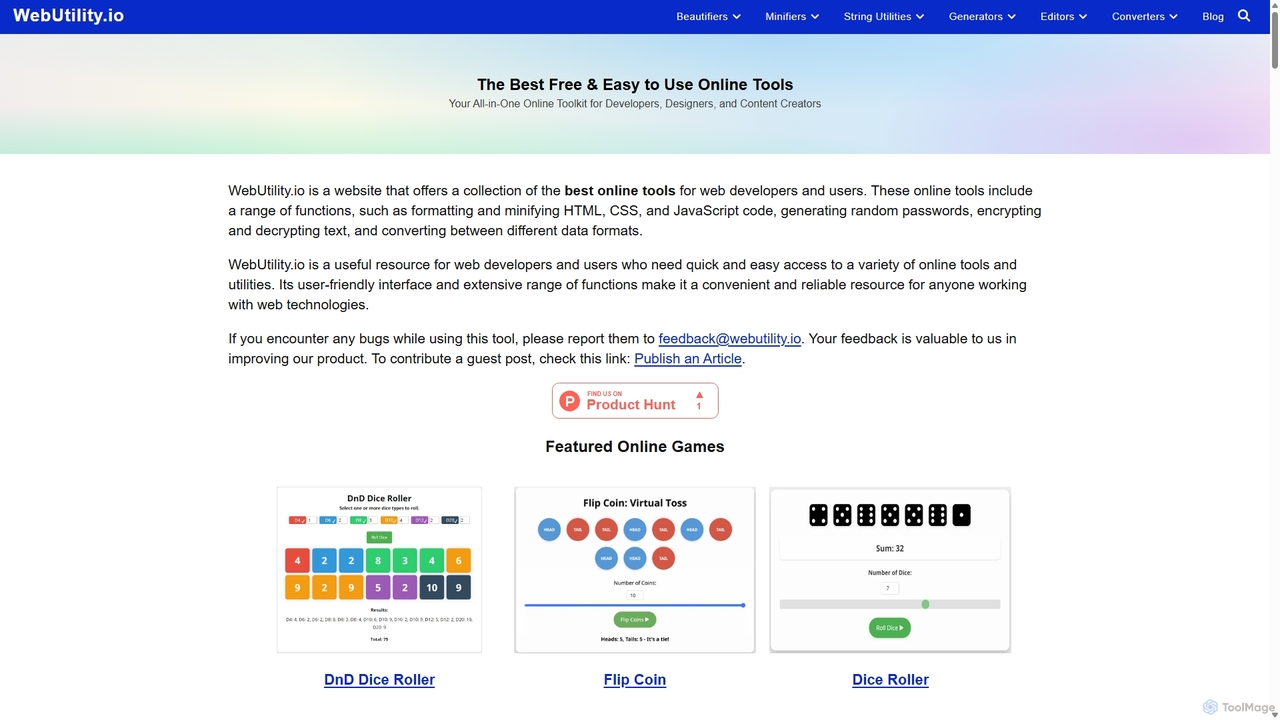
WebUtility.io is a comprehensive suite of free online tools for web developers, content creators, and general users. It offers a vast collection of utilities, including code beautifiers and minifiers, data converters, various generators (passwords, dummy data, AI prompts), text formatters, and image tools. With a user-friendly interface and no registration required, it provides quick and efficient solutions for a wide range of daily digital tasks.

Prompting
Visits 155.5KFavorites 135Likes 125
QuickUtils
Free

QuickUtils

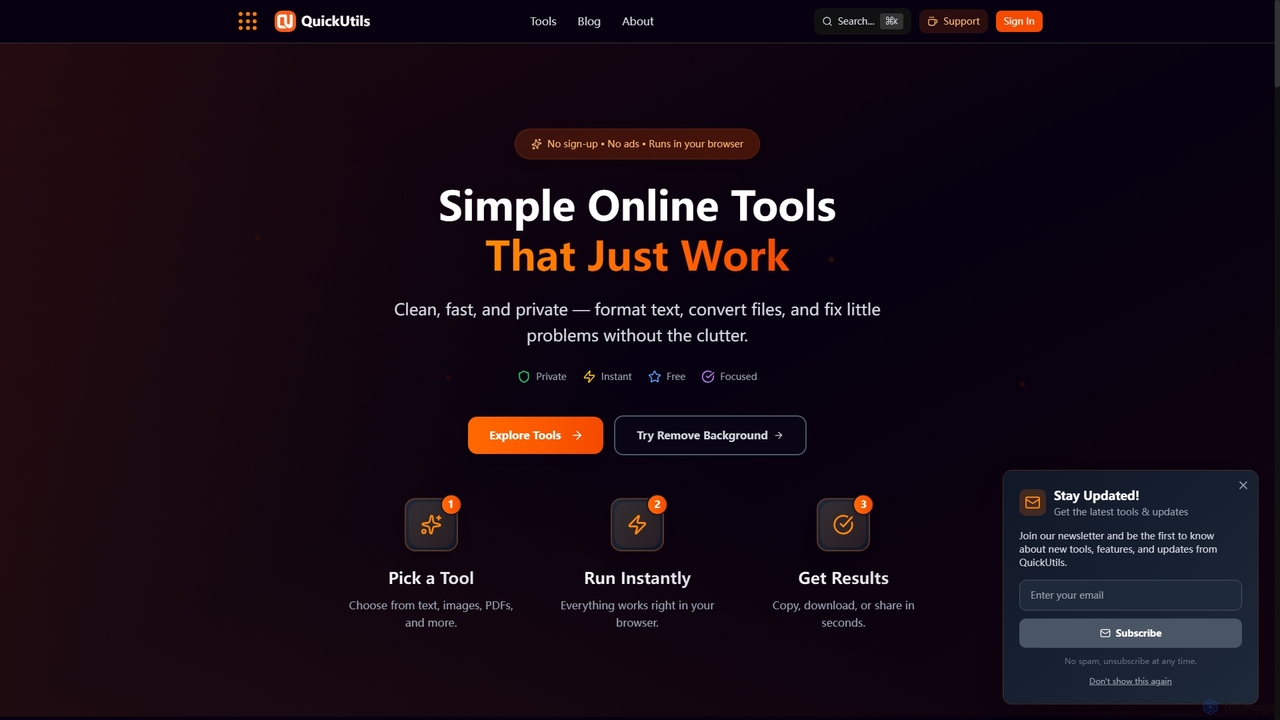
QuickUtils offers a comprehensive suite of free, privacy-focused online tools designed for instant productivity. From AI-powered image background removal and text paraphrasing to QR code generation and JSON formatting, it provides clean, fast, and secure utilities that run directly in your browser without sign-ups or ads.

Conversion
Visits 4.6KFavorites 93Likes 93
dubninja
Free

dubninja

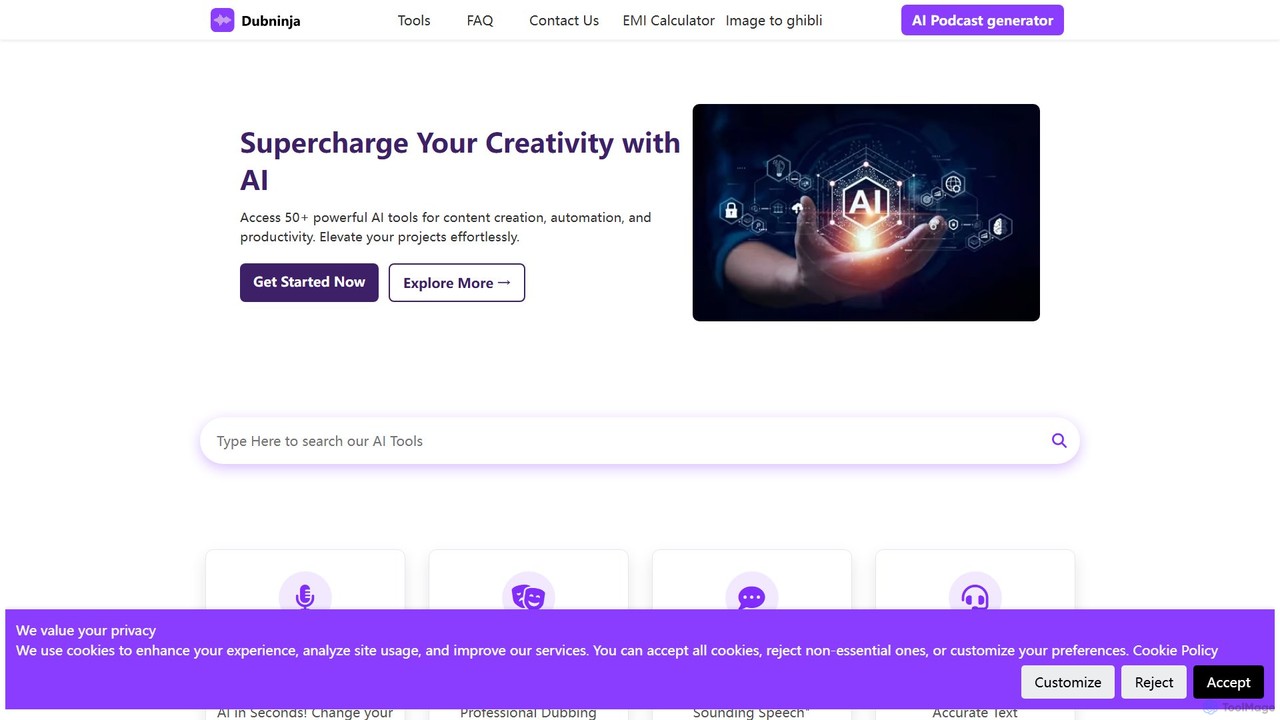
DubNinja is a comprehensive suite of over 50 free AI-powered tools designed to enhance creativity and productivity. It offers a wide range of utilities for content creation, video dubbing, voice changing, SEO optimization, design, and more. With no sign-up required, users can instantly access tools for writing, image editing, marketing, and development, making it an all-in-one solution for creators, marketers, and developers.

Voice Modulation
Visits 3.4KFavorites 107Likes 132
grafychat
Freemium

grafychat

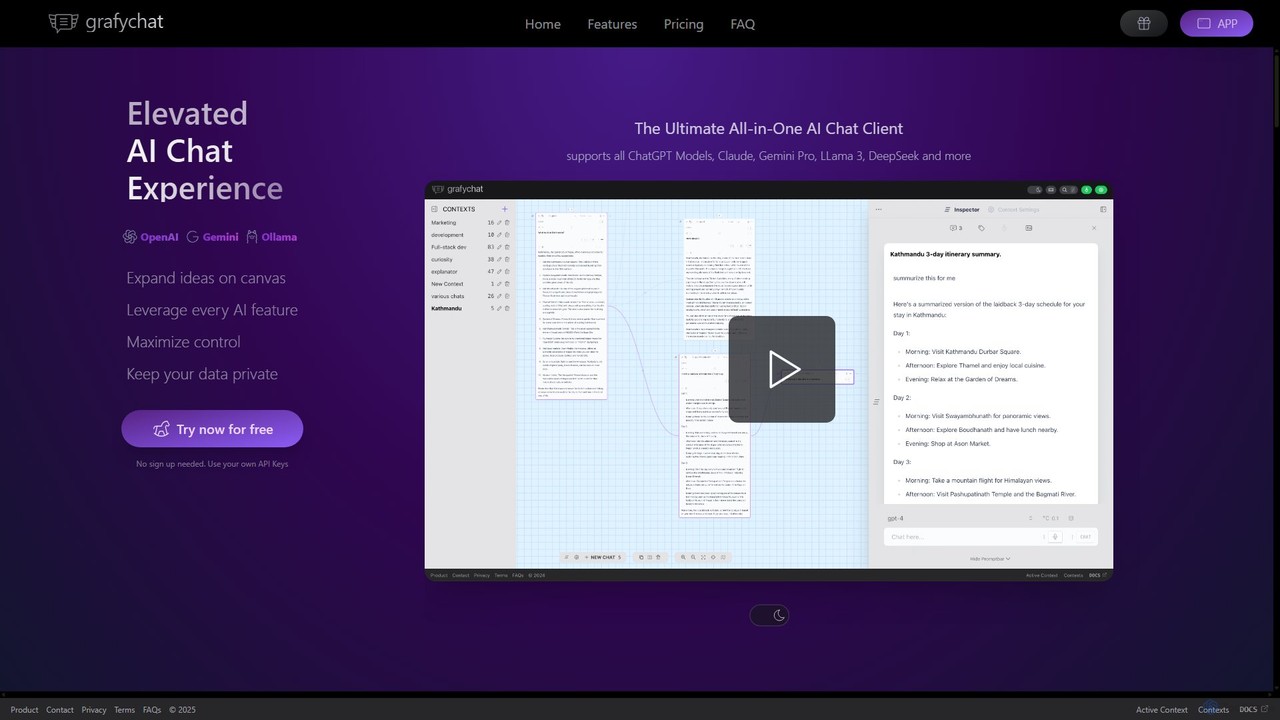
grafychat is a privacy-first, all-in-one AI chat client that offers a unique visual canvas interface. It allows users to connect with major AI models like ChatGPT, Gemini, Claude, and Llama 3 using their own API keys, providing a non-linear, organized, and highly customizable chat experience.

Api Management
Visits 6KFavorites 98Likes 81
InfinipilotAI
Paid

InfinipilotAI

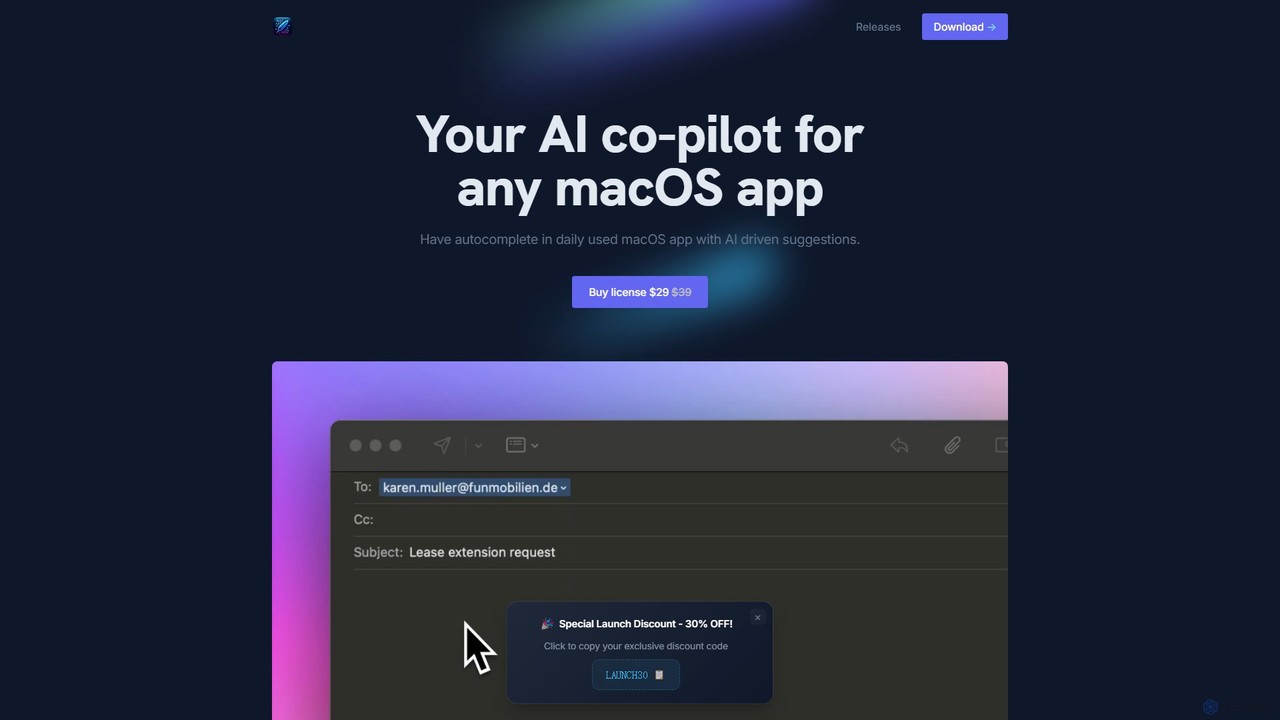
InfinipilotAI is a native macOS AI co-pilot that seamlessly integrates with any application. It boosts productivity with features like AI-driven autocomplete, writing enhancement, translation, and developer utilities. With a strong focus on privacy, it supports local language models via Ollama, ensuring your data stays on your device. It's a lightweight, high-performance tool available for a one-time purchase.

Code Assistant
Visits 3.4KFavorites 132Likes 130
itsvg
Free

itsvg

itsvg is a versatile suite of free, AI-powered web tools developed by Vishwa Gaurav. It offers a range of applications for developers, designers, content creators, and job seekers, including a color palette generator, an AI recruiter, a GitHub profile maker, and YouTube optimization tools.

Color Palette
Visits 149.7KFavorites 104Likes 87
Connectwell
Freemium

Connectwell

An all-in-one suite of over 250 powerful online tools for SEO, content creation, media conversion, and development. Designed for speed and efficiency, it offers a wide range of free utilities without requiring signup, alongside premium plans for advanced users.

Image
Visits 3.4KFavorites 108Likes 90
OpenMemory MCP
Freemium

OpenMemory MCP

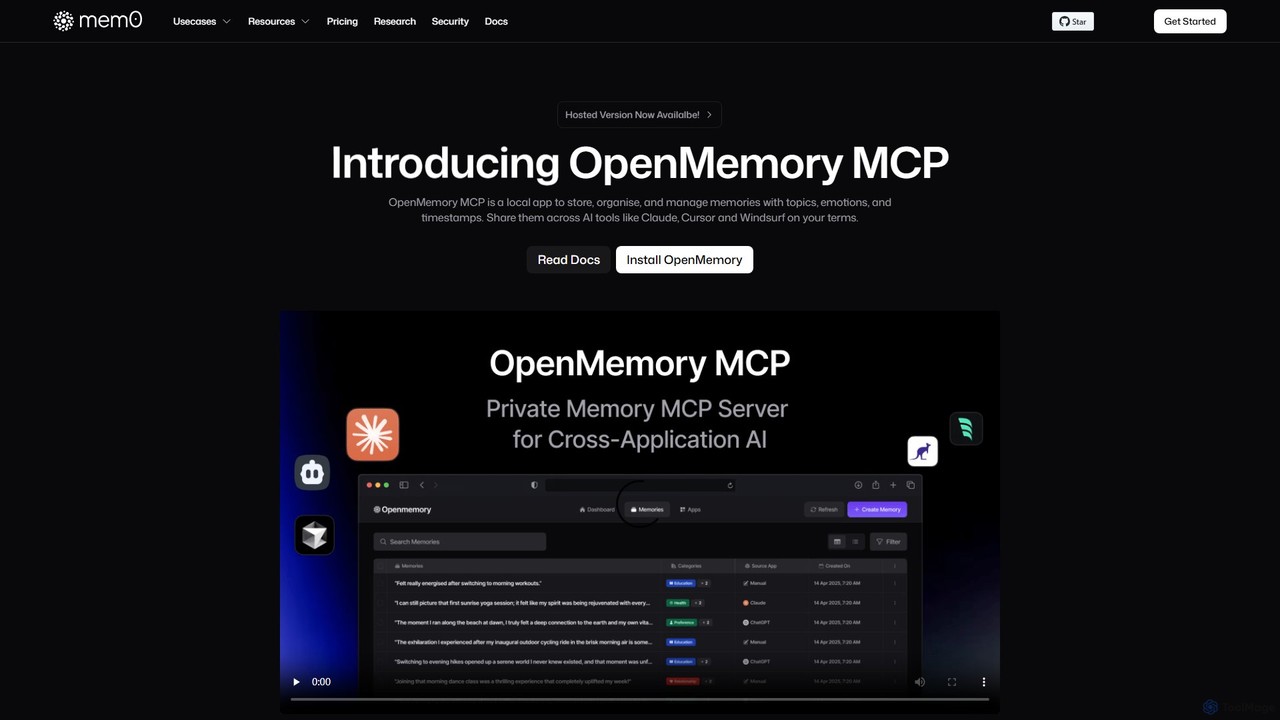
OpenMemory MCP is a local-first application that provides a persistent, private memory for your AI tools. It stores, organizes, and manages your interactions, preferences, and context securely on your device, enabling personalized and continuous conversations across different AI platforms like Claude and Cursor.

Coding Assistant
Visits 392.1KFavorites 137Likes 143
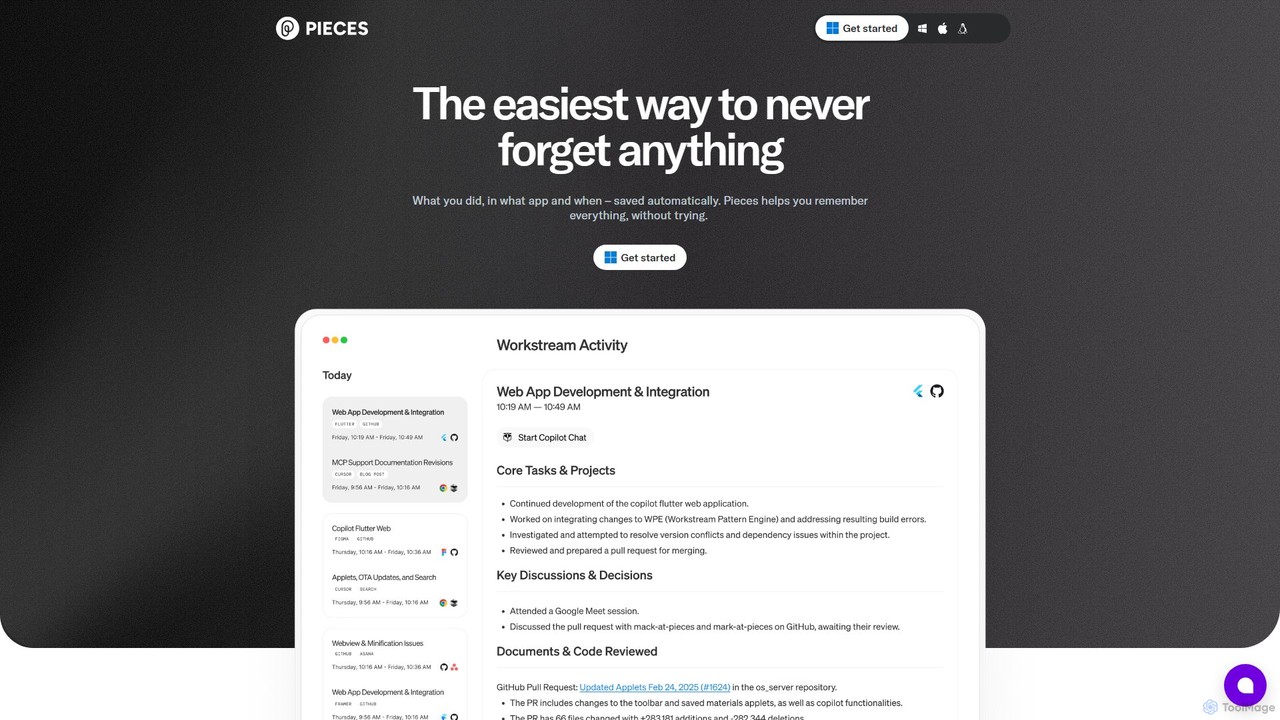
Pieces
Freemium

Pieces

Pieces is an on-device AI assistant designed for developers, acting as a long-term memory for your entire workflow. It automatically captures, enriches, and organizes code snippets, links, and other contextual information from all your applications, ensuring you never lose valuable work or context. With powerful local search and seamless integration with your favorite tools, Pieces boosts productivity and preserves your mental energy.

Personal Assistant
Visits 173.3KFavorites 115Likes 115
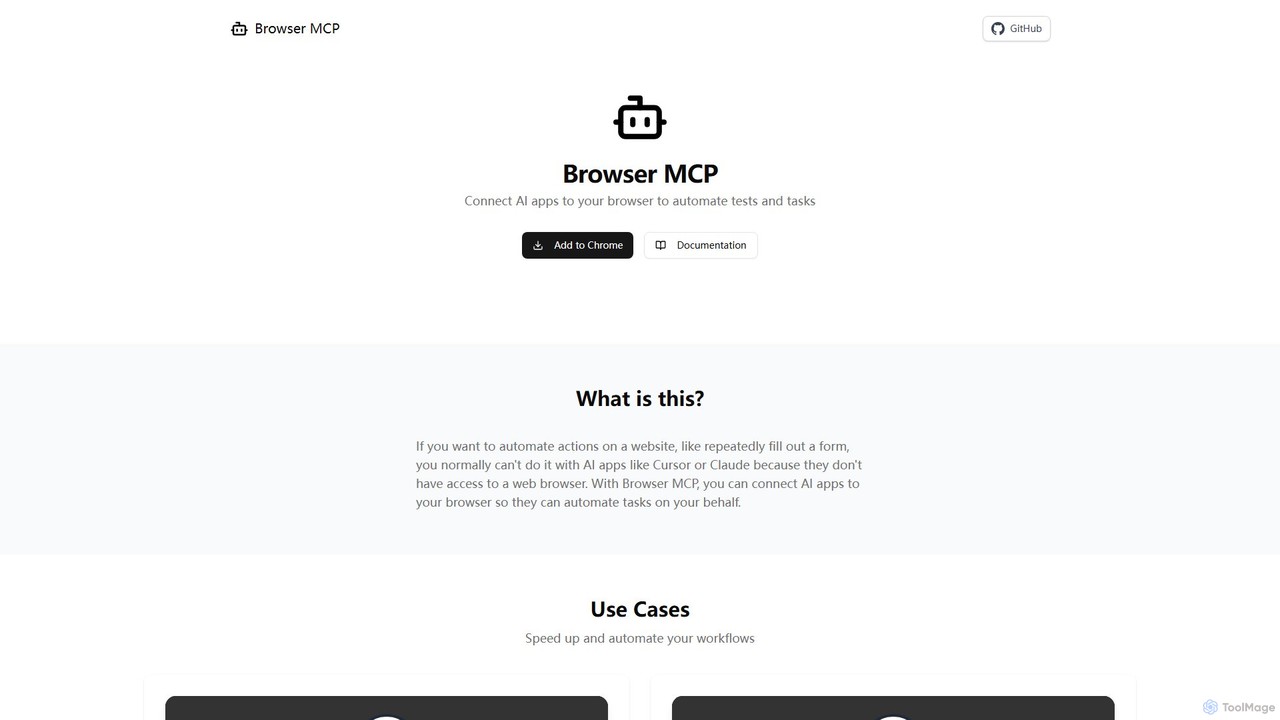
Browser MCP
Free

Browser MCP

Browser MCP connects AI applications like Claude or Cursor directly to your web browser. This enables you to automate repetitive tasks, conduct end-to-end software testing, and scrape web data using AI commands. It operates locally for maximum speed and privacy, leveraging your existing browser sessions to bypass logins and avoid bot detection.

Web Scraping
Visits 107.3KFavorites 92Likes 97
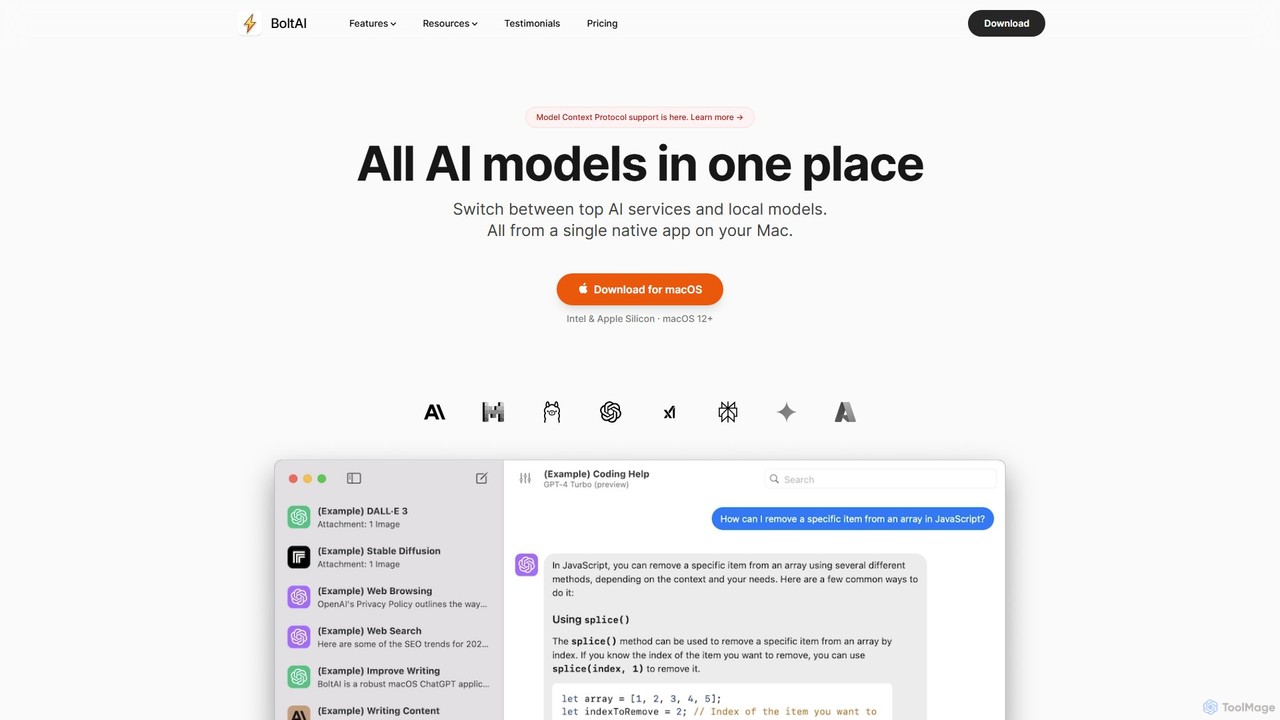
BoltAI
Paid

BoltAI

BoltAI is a native, high-performance AI assistant for macOS that integrates multiple AI models like GPT, Claude, and local models directly into your workflow. It offers features like an in-IDE coding assistant, custom AI assistants, a prompt library, and powerful plugins to boost productivity for developers, writers, and professionals.

Coding
Visits 84.5KFavorites 146Likes 138
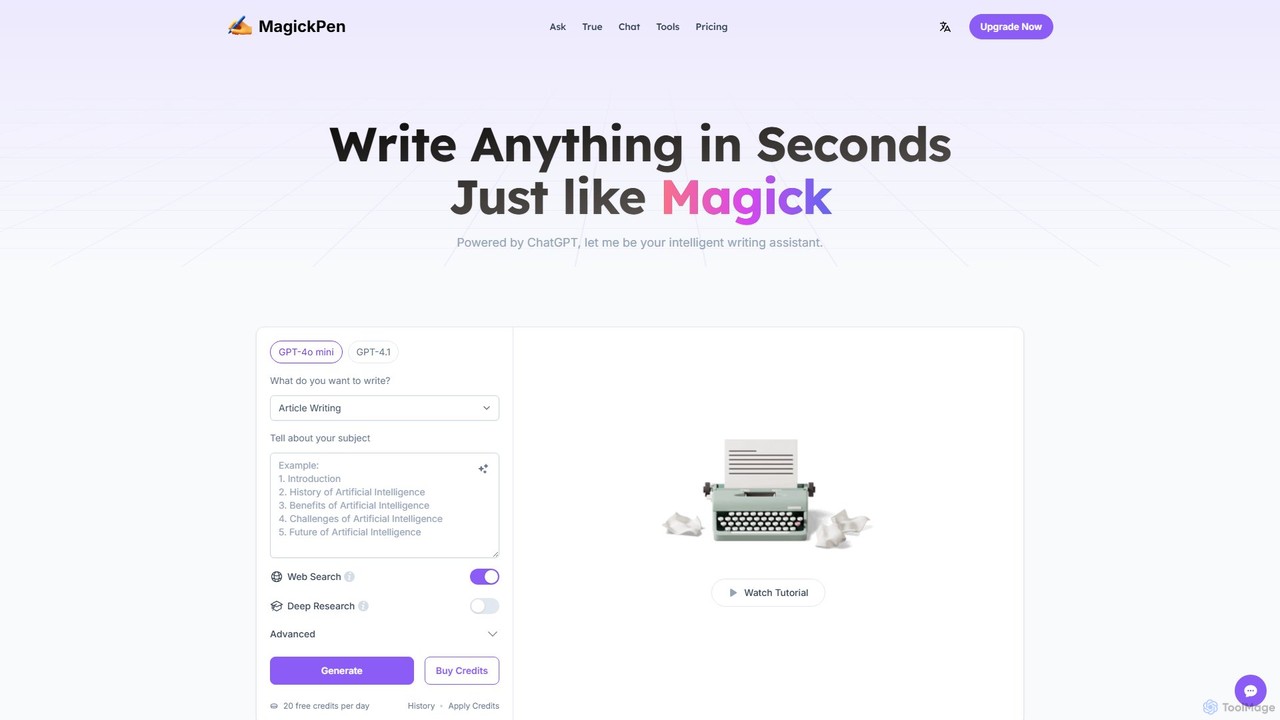
MagickPen
Freemium

MagickPen

MagickPen is a versatile AI writing and code assistant powered by GPT-4o mini and GPT-4.1. It offers a vast library of templates for writing, marketing, coding, and personal planning. Generate articles, explain code, create mind maps, and much more in seconds. A free plan is available to get started.

Code Assistant
Visits 56.4KFavorites 141Likes 138
ChatGPT EVO
Free

ChatGPT EVO

ChatGPT EVO is a powerful suite of open-source browser extensions and userscripts designed to augment your web experience. It seamlessly integrates AI functionalities from models like ChatGPT into your daily browsing, including search engines, e-commerce sites, and the browser's address bar, boosting productivity and providing instant information.

Code Assistant
Visits 56.2KFavorites 101Likes 118
Kerlig
Paid

Kerlig

Kerlig is a native AI writing assistant for macOS designed to streamline your communication. It integrates seamlessly into your workflow, allowing you to write emails, proofread text, chat with documents, and generate content using over 350 AI models. With custom actions and a focus on privacy, Kerlig saves you hours by bringing powerful AI to your fingertips, without ever leaving your current application.

Mac Apps
Visits 32.6KFavorites 90Likes 94
Entelligence
Freemium

Entelligence

Entelligence is an AI-powered software engineering platform that acts as a tech lead for your team. It streamlines code reviews, automatically generates and updates documentation, and provides deep performance insights to boost engineering productivity and code quality.

Code Assistant
Visits 25.8KFavorites 88Likes 105