

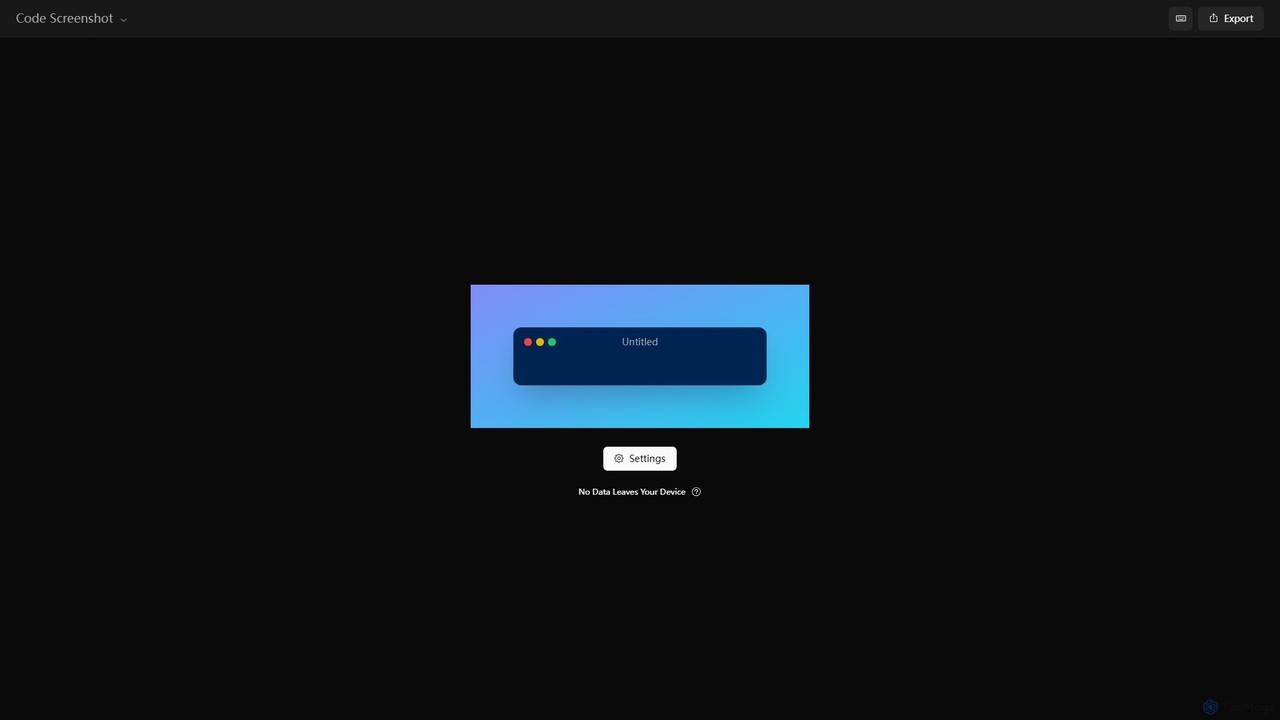
Code Screenshot Overview
Code Screenshot is a powerful yet simple-to-use web-based utility designed for developers, writers, and educators who need to create visually appealing images of their code snippets. With a strong emphasis on privacy, the tool processes everything directly in your browser. This means your sensitive or proprietary code never leaves your local device, providing complete peace of mind.
The platform offers a seamless experience for transforming plain text code into a polished, presentation-ready graphic. Users can simply paste their code and then use an extensive set of customization options to tailor the visual output to their exact needs. Whether you're sharing a solution on social media, embedding a code example in a blog post, or displaying code in a presentation, Code Screenshot helps you make a professional impression.
How to use Code Screenshot
Using Code Screenshot is an intuitive and straightforward process:
- Navigate to the Website: Open your web browser and go to the Code Screenshot homepage.
- Input Your Code: Paste your code directly into the provided editor. The tool will automatically detect the programming language and apply appropriate syntax highlighting.
- Customize the Appearance: Use the settings panel to adjust the visual style. You can change the color theme, modify the background (solid color, gradient, or image), toggle window controls, adjust padding, change the font, and show or hide line numbers.
- Export Your Image: Once you are satisfied with the preview, you can export the final image. The tool typically supports high-quality formats like PNG and SVG, perfect for both web and print.
Core Features of Code Screenshot
- Client-Side Processing: Guarantees 100% privacy and security as no code is ever uploaded to a server.
- Rich Syntax Highlighting: Automatically detects and highlights a wide variety of programming languages.
- Extensive Customization: A comprehensive set of options including dozens of themes, background colors and gradients, window styles (macOS, Windows, etc.), padding, and font settings.
- High-Quality Export: Generate crisp, high-resolution images in formats like PNG and SVG.
- Live Preview: See your changes in real-time as you adjust the settings, allowing for quick iteration.
- No Sign-up Required: Instantly accessible and free to use without the need for an account.
Use Cases for Code Screenshot
Code Screenshot is versatile and can be used in various scenarios:
- Social Media Sharing: Developers can share elegant code snippets on platforms like Twitter, LinkedIn, and Instagram.
- Technical Documentation: Technical writers can create clear and readable code examples for user manuals, API documentation, and knowledge bases.
- Blogging and Content Creation: Bloggers can enhance their articles with professional-looking code blocks that are more engaging than plain text.
- Educational Materials: Teachers and instructors can create visually clear code examples for their slides, tutorials, and online courses.
- Team Collaboration: Share code snippets in team chats (like Slack or Microsoft Teams) for code reviews or discussions in a more readable format.
Advantages of Code Screenshot
The main advantage of Code Screenshot is its combination of powerful features and a strong commitment to privacy. Unlike some other tools, the client-side processing is a key differentiator for users concerned about data security. Its ease of use, coupled with deep customization, allows anyone to produce professional-grade visuals in seconds without any design skills. The tool is fast, free, and requires no installation, making it an incredibly accessible and efficient utility for the entire tech community.
Pricing and Plans
Code Screenshot is completely free to use. All features are available without any cost or subscription. The tool operates entirely in the browser, and its client-side nature likely keeps operational costs low, allowing it to be offered as a free service to the community.
Code Screenshot Alternatives
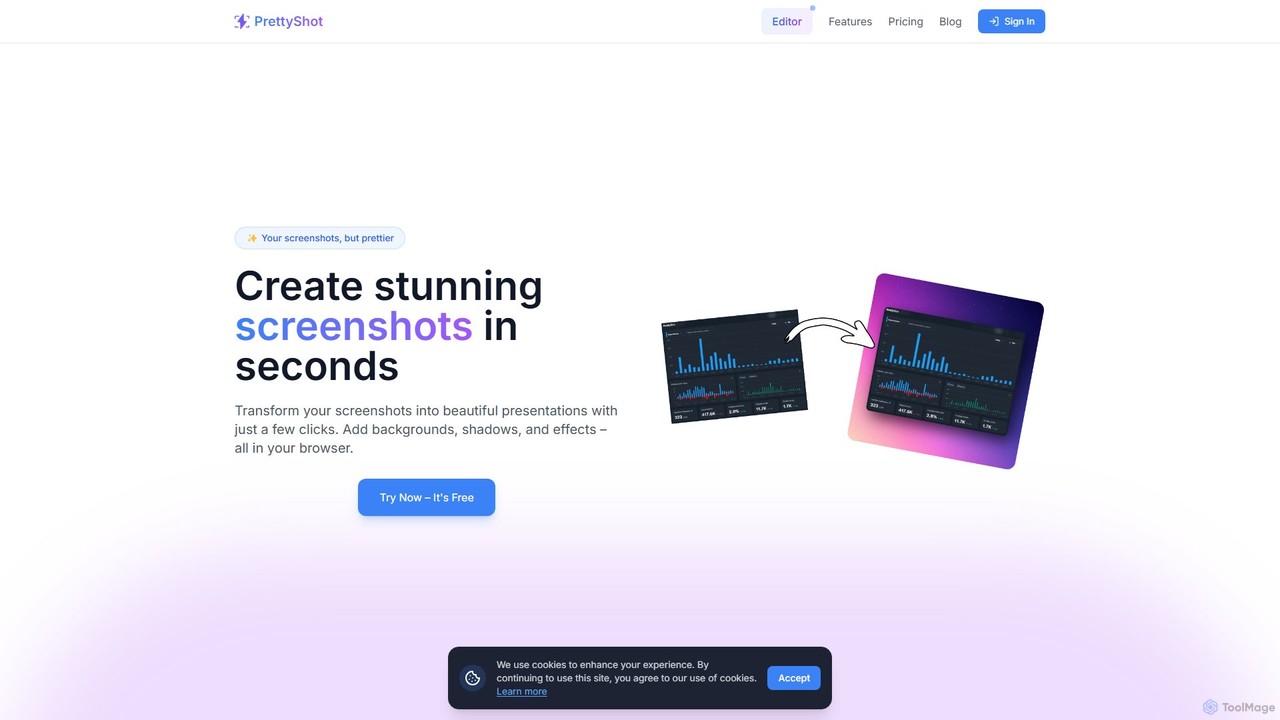
PrettyShot
An online tool to transform ordinary screenshots into beautiful, professional presentations and marketing visuals. Add stunning backgrounds, device mockups, shadows, and effects in seconds. Features AI-powered background generation and removal to make your images pop.
Graphics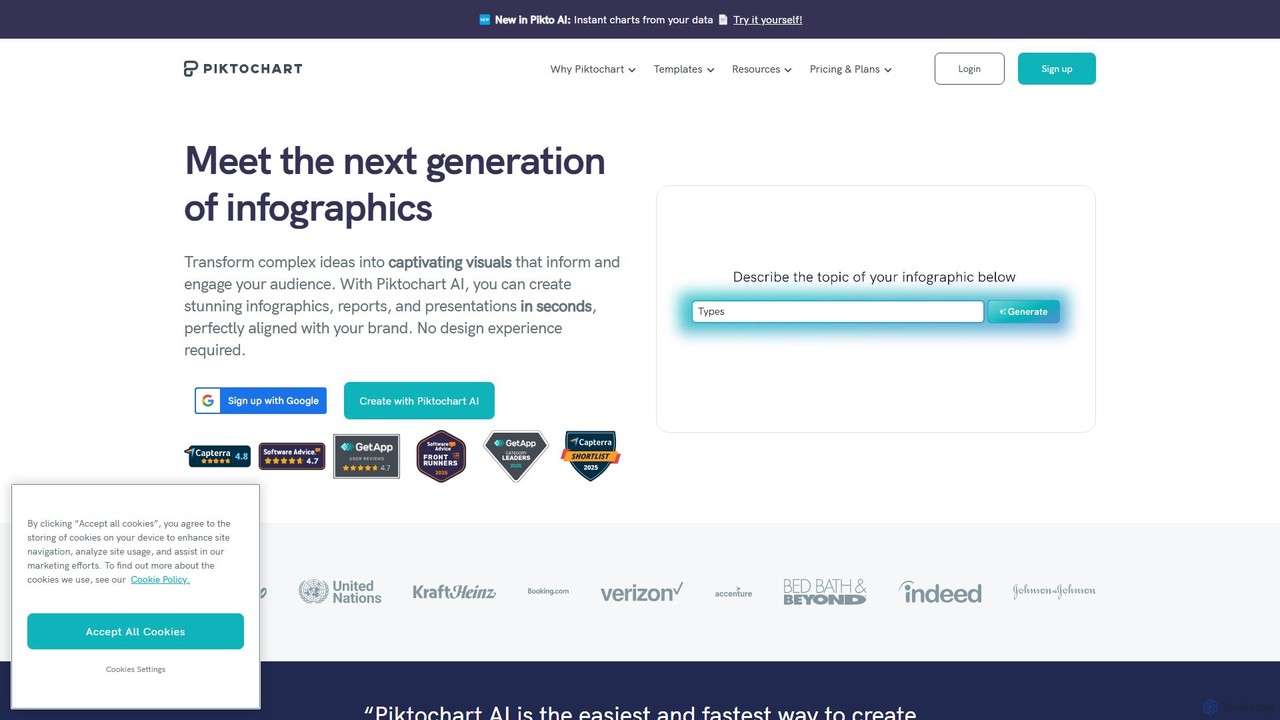
Piktochart
Piktochart is an all-in-one visual communication tool, now enhanced with AI, for creating professional infographics, presentations, reports, and social media graphics. It simplifies data visualization and design, enabling users to transform text and data into compelling visuals effortlessly, with features for brand consistency and team collaboration.
Data Visualization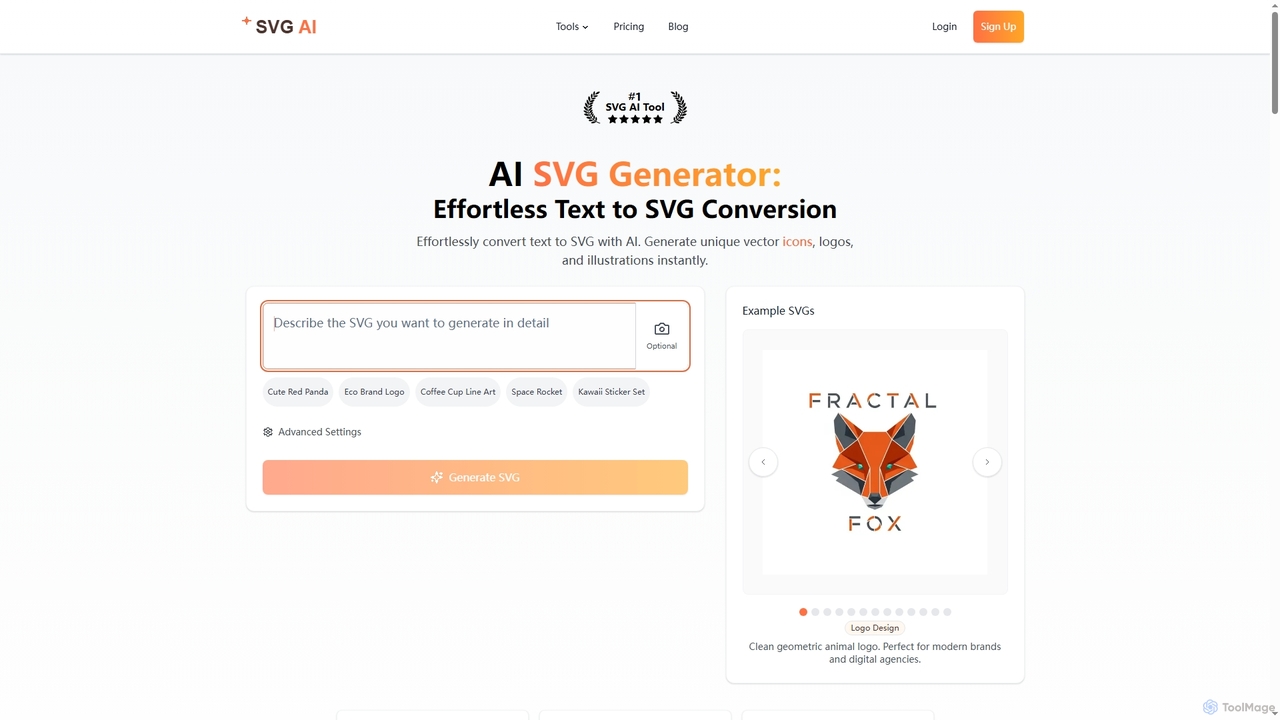
Svgai
Svgai is an AI-powered platform that instantly converts text descriptions into high-quality, scalable vector graphics (SVGs). It's designed for creating unique logos, icons, and illustrations with clean, production-ready code, supporting over 50 languages.
Graphics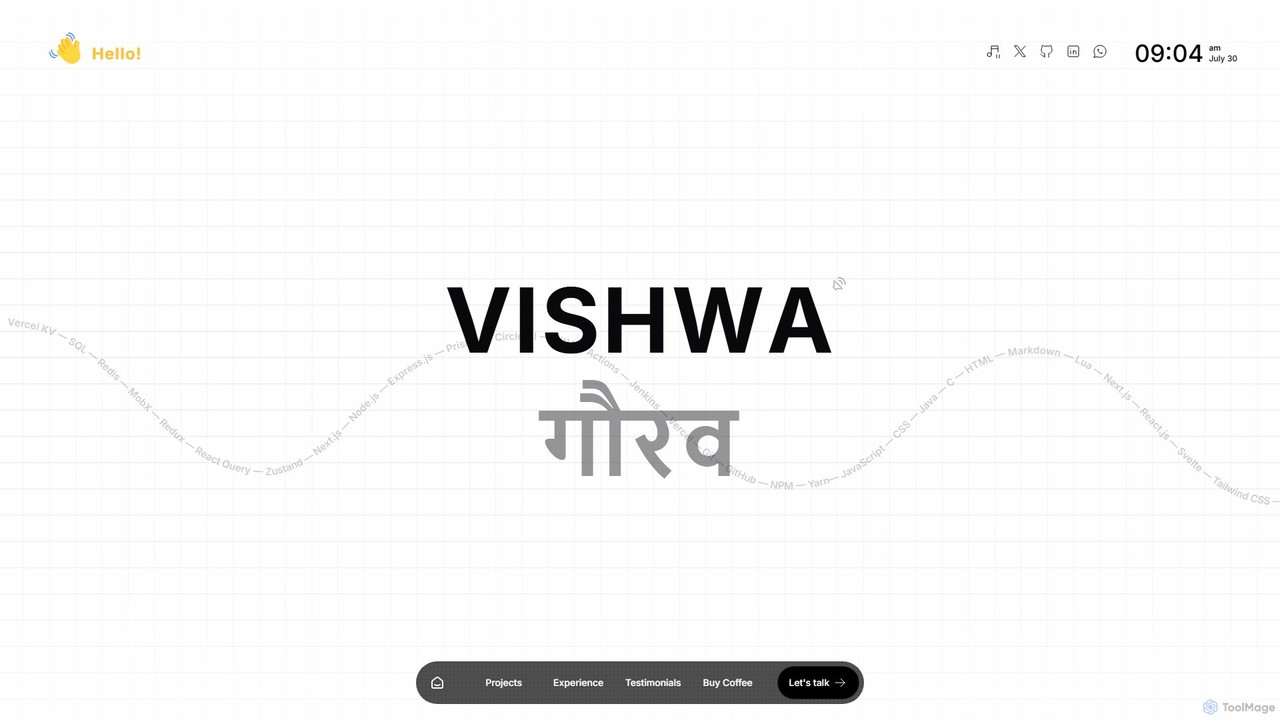
itsvg
itsvg is a versatile suite of free, AI-powered web tools developed by Vishwa Gaurav. It offers a range of applications for developers, designers, content creators, and job seekers, including a color palette generator, an AI recruiter, a GitHub profile maker, and YouTube optimization tools.
Color Palette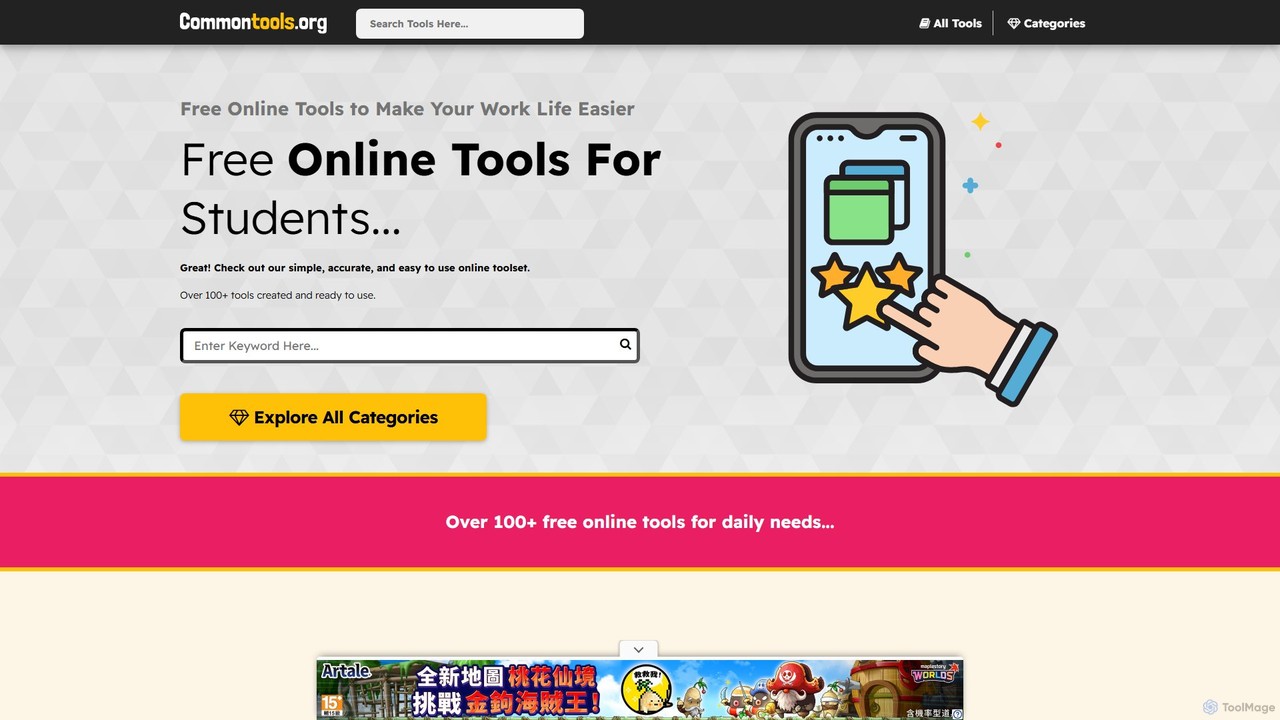
commontools
commontools.org is a comprehensive suite of over 100 free online tools designed for a wide range of tasks. It offers utilities for text manipulation, code formatting, unit conversion, image editing, random data generation, and AI-powered content enhancement. No registration or installation is required, providing instant access to powerful, user-friendly tools for developers, writers, students, and everyday users.
ConvertersCode Screenshot Categories
Code Screenshot Embed Widget
Copy this embed code to place the badge on your blog, article, or product site and send readers directly to this ToolMage detail page.

Related AI tools
MyPaste
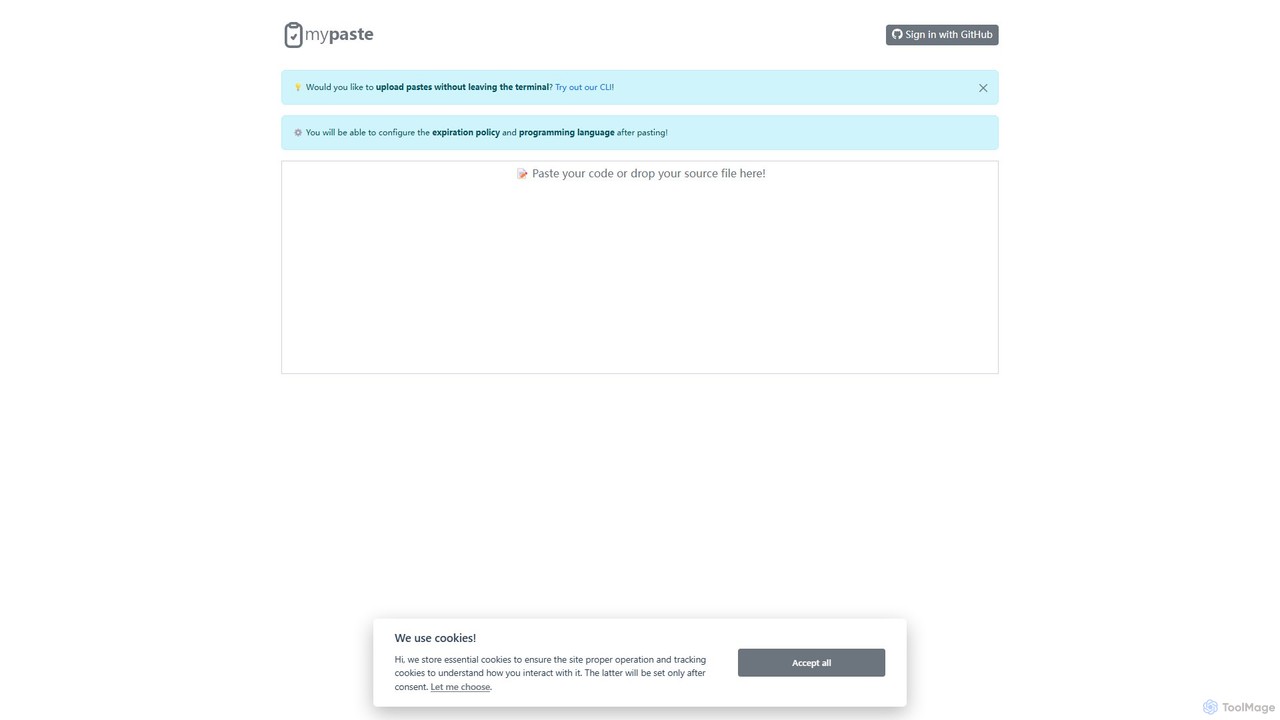
MyPaste is an AI-powered smart code pasting tool for developers. It goes beyond a traditional pastebin by offering features like AI-driven language detection, code explanation, and refactoring suggestions. Share code snippets seamlessly from your browser or directly from the terminal with its powerful CLI.
Code Sharing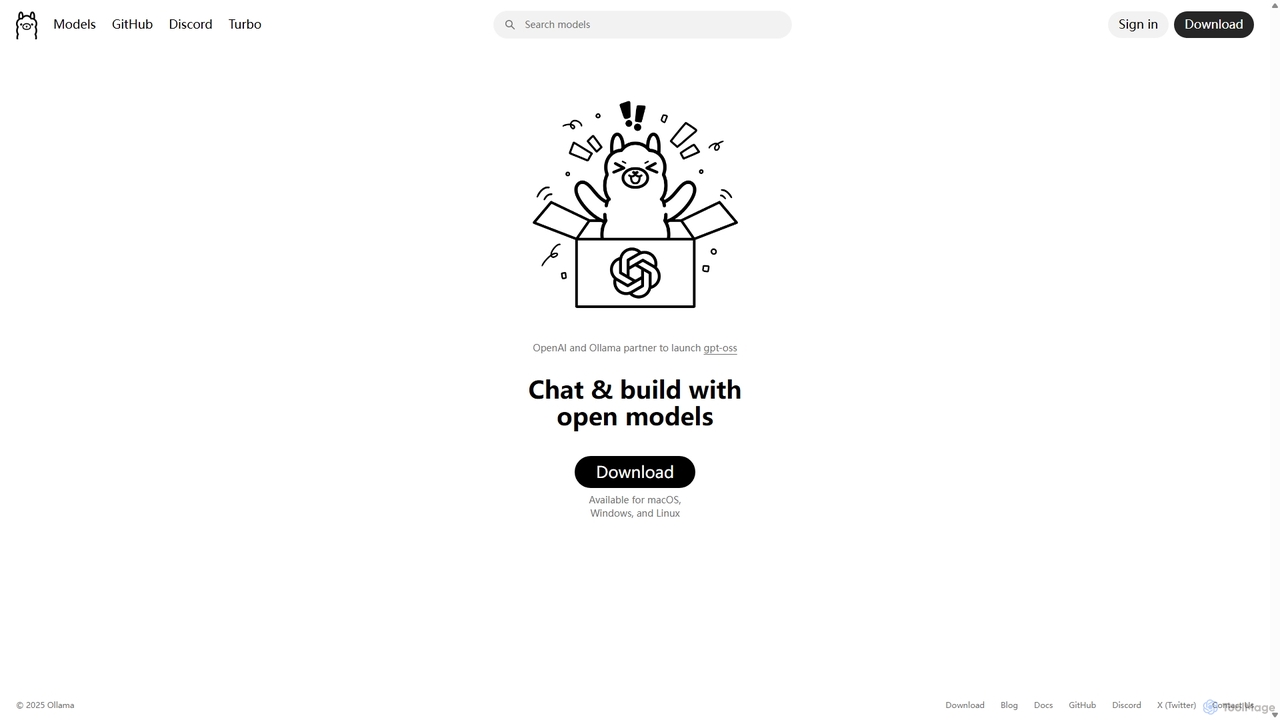
Ollama
Ollama is a powerful open-source framework for running large language models (LLMs) like Llama 3, Mistral, and Gemma locally on your own hardware. Available for macOS, Windows, and Linux, it simplifies the setup and management of open-source models, enabling private, offline, and cost-effective AI development and usage.
Machine Learning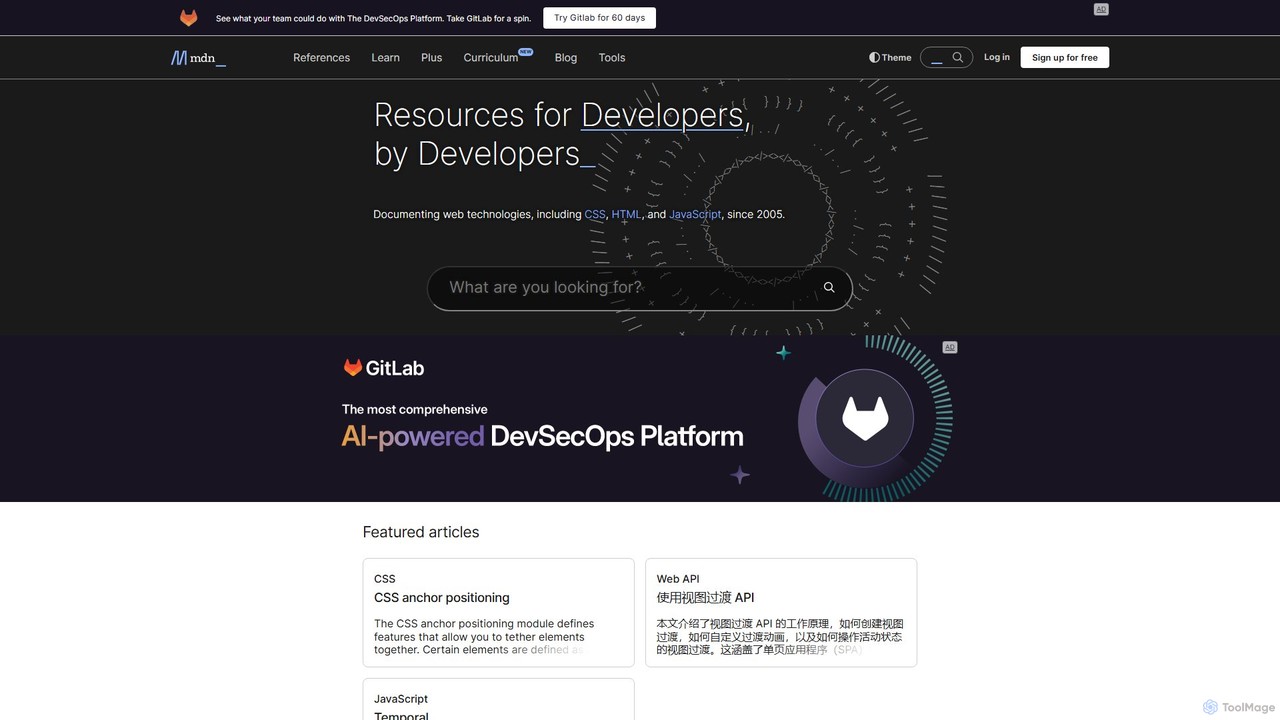
MDN Web Docs
MDN Web Docs, maintained by Mozilla and contributors, is the definitive, free resource for web developers. It provides comprehensive documentation for open web standards, including HTML, CSS, and JavaScript, along with extensive tutorials and reference materials for developers of all skill levels.
Documentation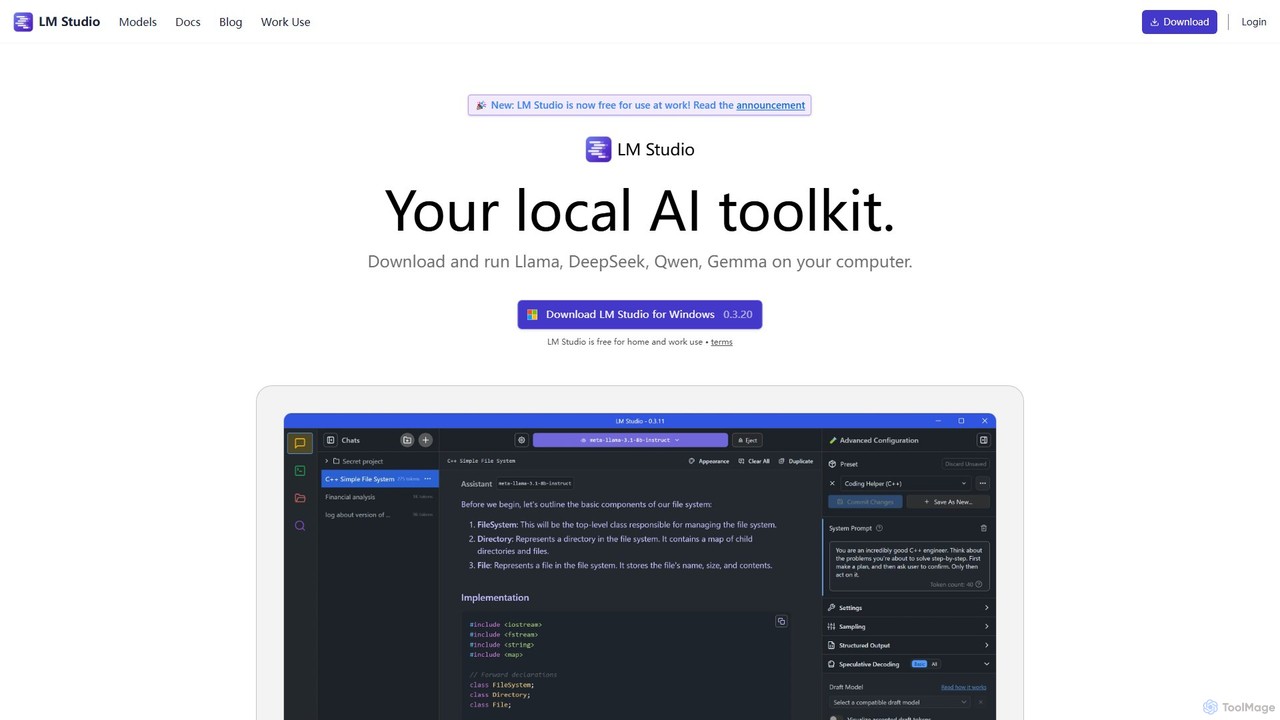
LM Studio
LM Studio is a desktop application for Windows, macOS, and Linux that allows you to discover, download, and run open-source Large Language Models (LLMs) entirely on your local machine. It offers a user-friendly interface, an OpenAI-compatible local server, and robust privacy features, making it ideal for developers, researchers, and anyone seeking a private AI experience.
Model Deployment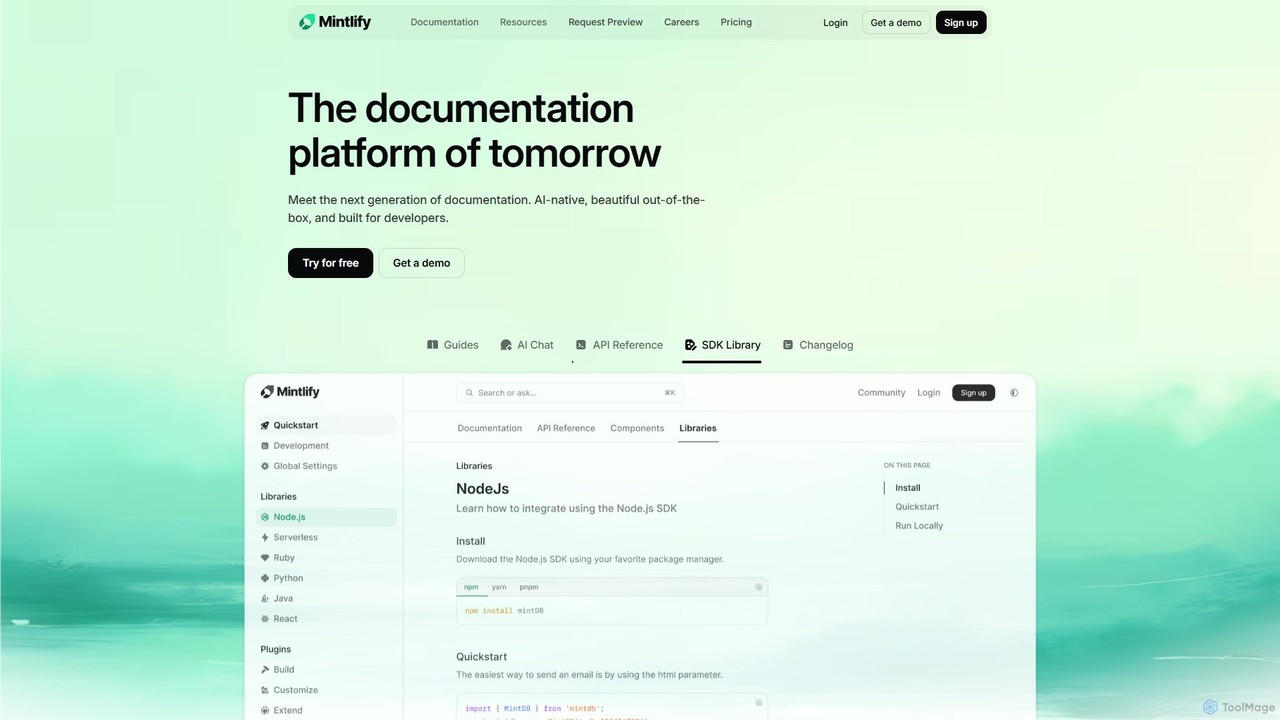
Mintlify
Mintlify is an AI-powered documentation platform designed for modern teams. It helps create beautiful, interactive, and conversion-focused documentation with features like an AI assistant, real-time writing suggestions, and seamless Git integration. Built for collaboration and scalability, it enables companies to provide a world-class developer experience and turn their docs into a growth engine.
Knowledge Base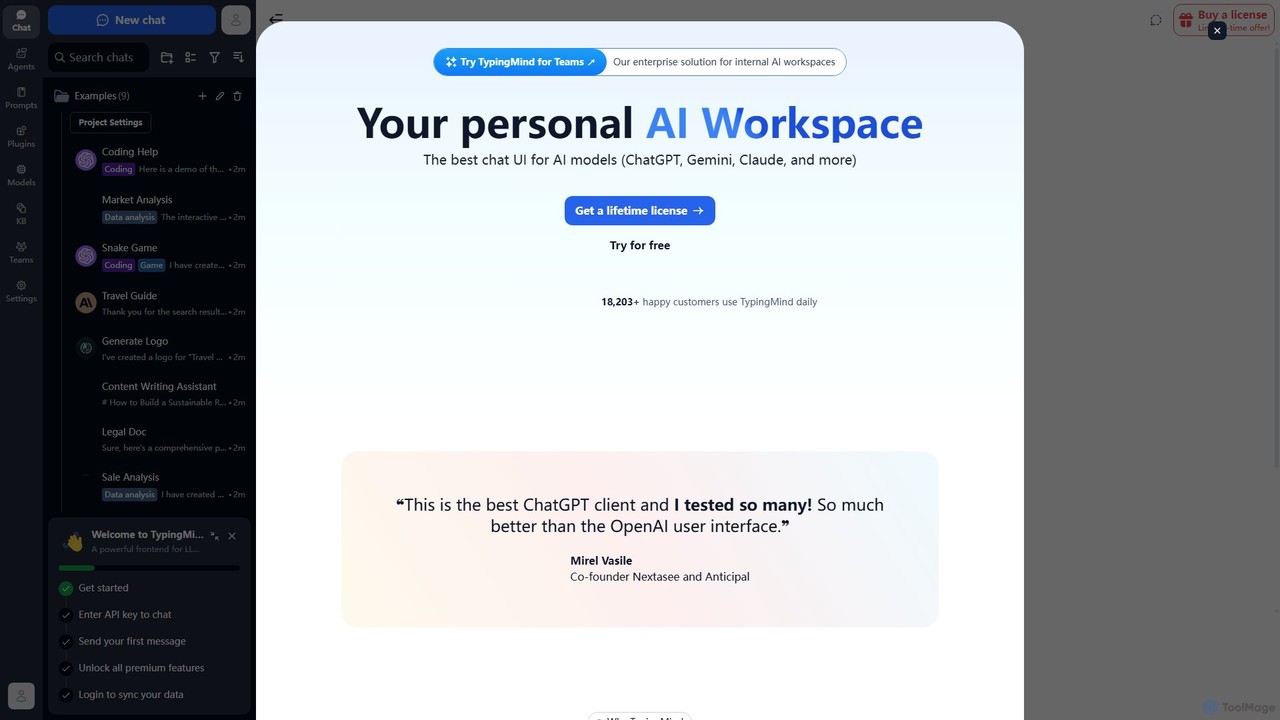
TypingMind
TypingMind is an advanced, privacy-first chat UI for large language models (LLMs) like ChatGPT, Gemini, and Claude. It offers a unified workspace with powerful features, allowing users to bring their own API keys for a one-time fee. Enhance your productivity with custom agents, a rich plugin ecosystem, and advanced chat management tools, all while keeping your data secure on your device.
Api Management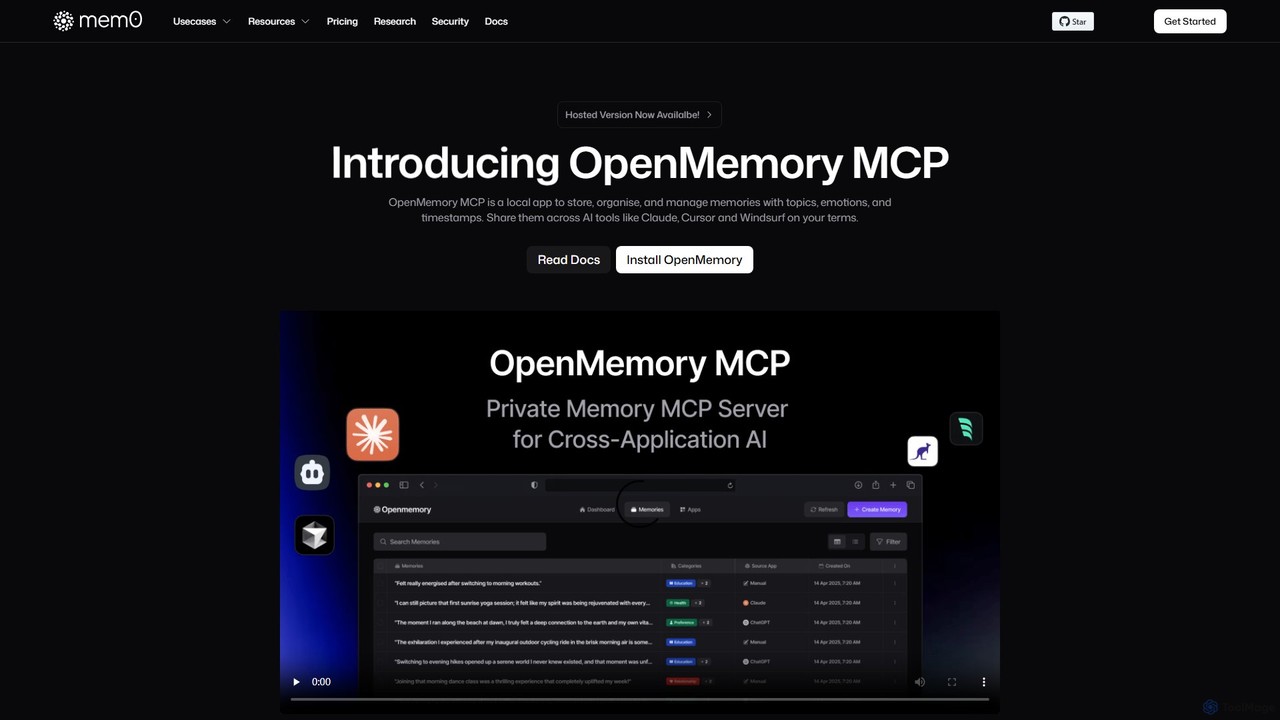
OpenMemory MCP
OpenMemory MCP is a local-first application that provides a persistent, private memory for your AI tools. It stores, organizes, and manages your interactions, preferences, and context securely on your device, enabling personalized and continuous conversations across different AI platforms like Claude and Cursor.
Coding Assistant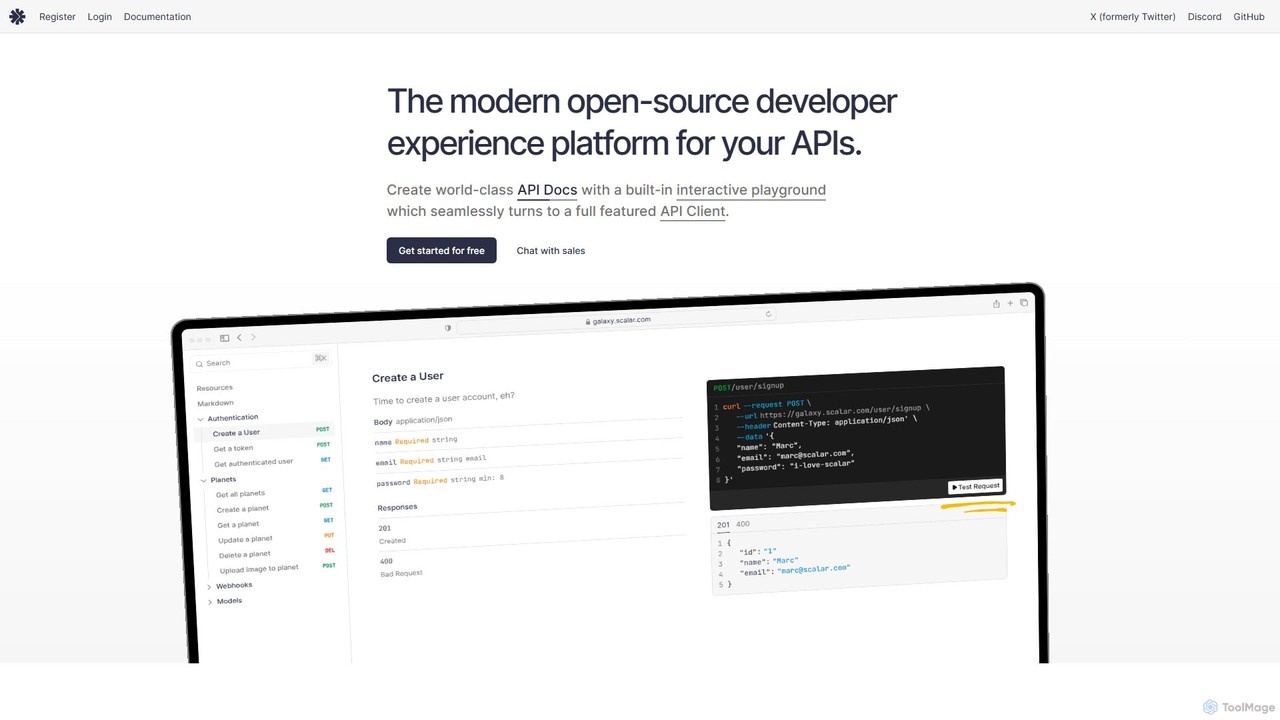
Scalar
Scalar is an open-source developer platform for creating beautiful, interactive API documentation from OpenAPI/Swagger specifications. It features a built-in, offline-first API client for seamless testing, extensive customization options, and integrations with popular frameworks, streamlining the entire API lifecycle.
Api Management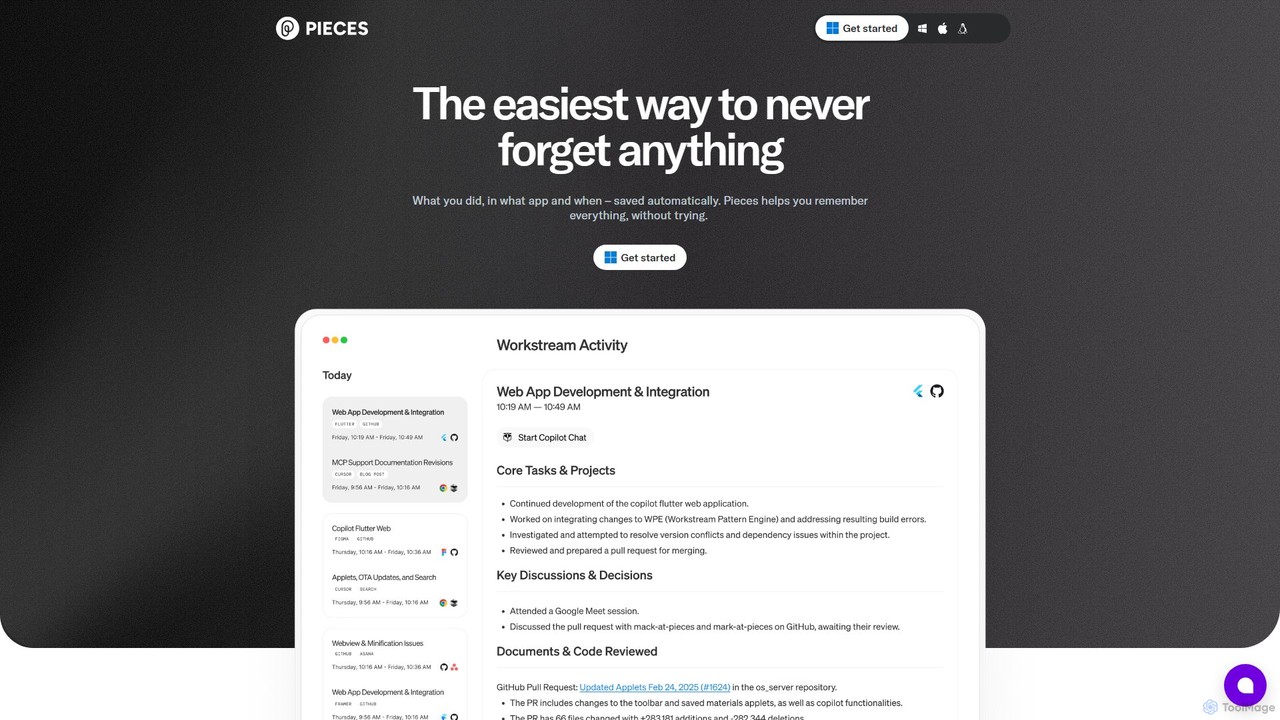
Pieces
Pieces is an on-device AI assistant designed for developers, acting as a long-term memory for your entire workflow. It automatically captures, enriches, and organizes code snippets, links, and other contextual information from all your applications, ensuring you never lose valuable work or context. With powerful local search and seamless integration with your favorite tools, Pieces boosts productivity and preserves your mental energy.
Personal Assistant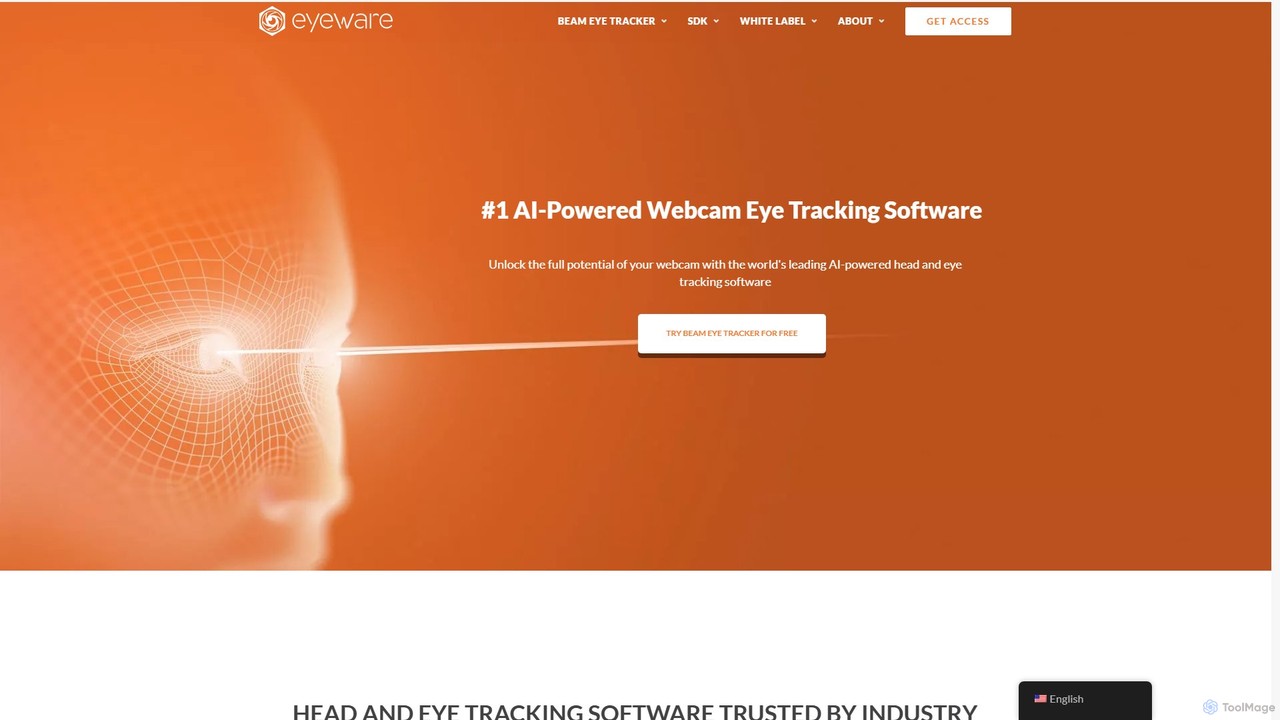
Eyeware
Eyeware provides AI-powered head and eye tracking software that transforms standard webcams into powerful tracking devices. It offers solutions for immersive gaming, enhanced live streaming, productivity, user research, and OEM integration, eliminating the need for specialized hardware.
User Behavior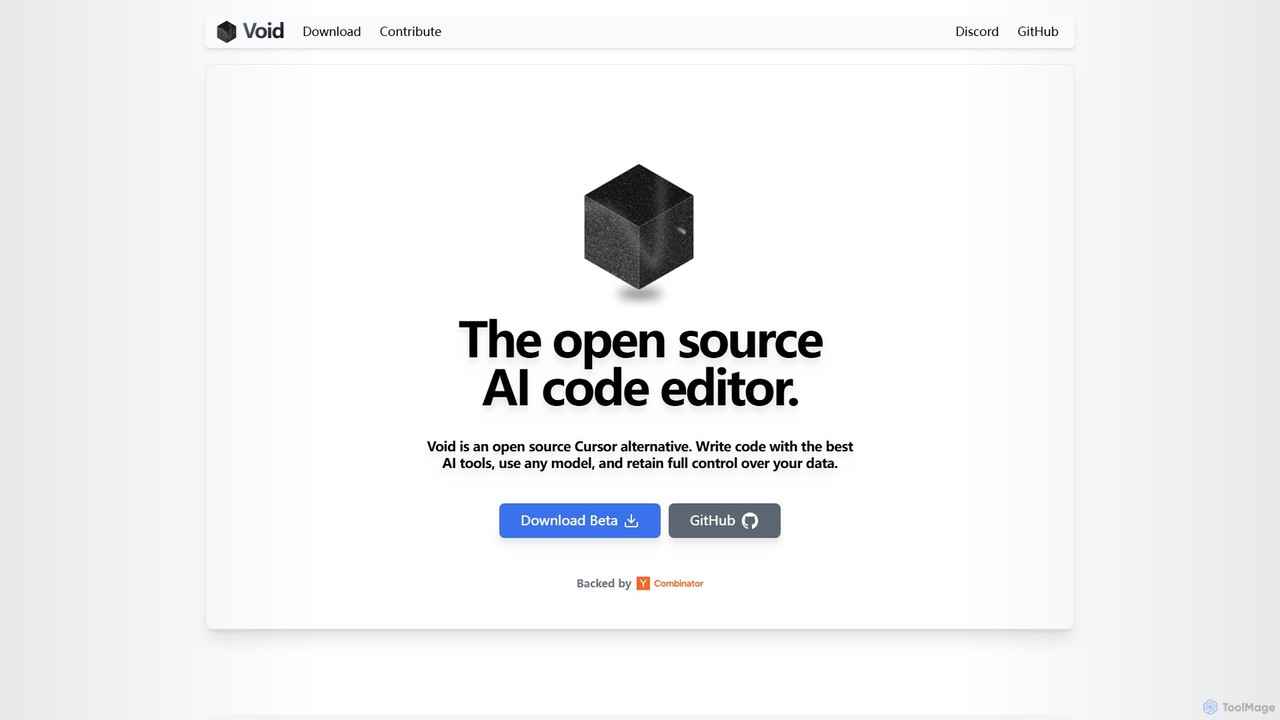
voideditor
Voideditor is a free, open-source AI code editor built as a fork of VS Code. It empowers developers with full control over their data and choice of AI models, supporting direct connections to any cloud or locally hosted LLM. It offers advanced features like AI chat, autocompletion, and agentic workflows to accelerate development while prioritizing privacy and flexibility.
Code Generation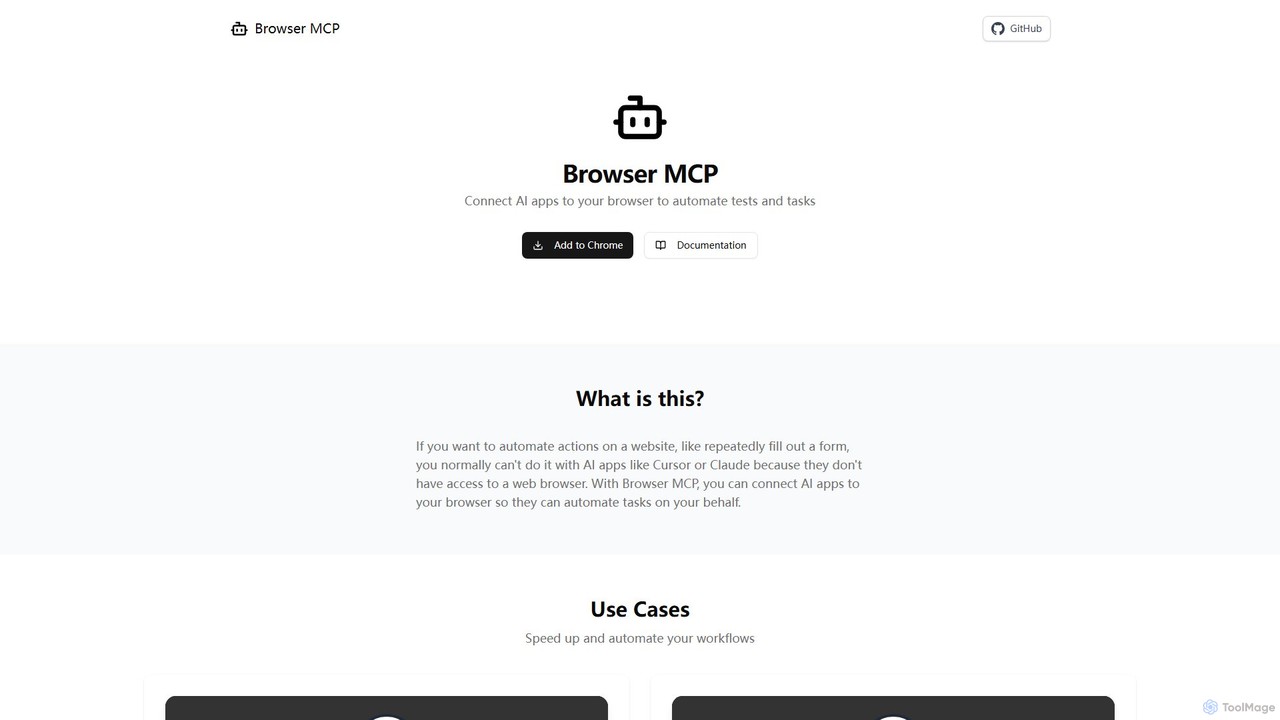
Browser MCP
Browser MCP connects AI applications like Claude or Cursor directly to your web browser. This enables you to automate repetitive tasks, conduct end-to-end software testing, and scrape web data using AI commands. It operates locally for maximum speed and privacy, leveraging your existing browser sessions to bypass logins and avoid bot detection.
Web Scraping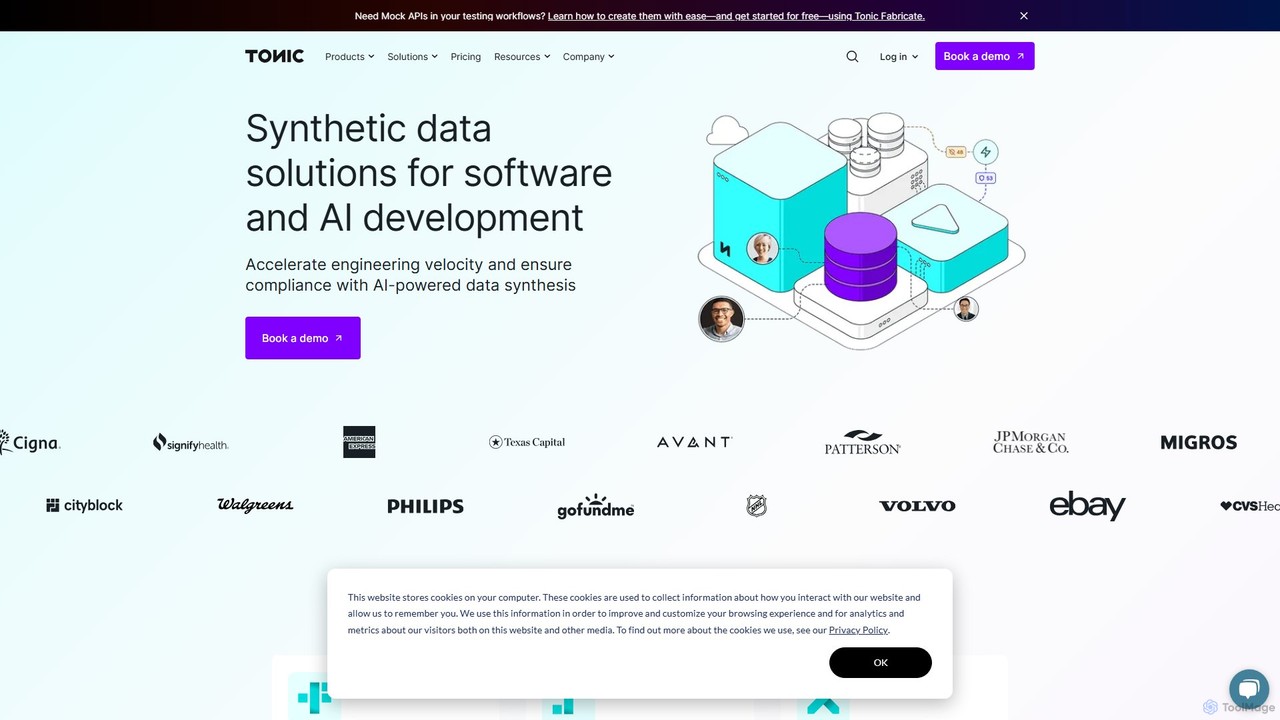
Tonic.ai
Tonic.ai is an AI-powered platform for generating high-quality, realistic, and safe synthetic data. It helps software and AI engineers accelerate development, ensure compliance (GDPR, HIPAA), and improve testing by mimicking production data without exposing sensitive information. The suite includes tools for structured, unstructured, and from-scratch data synthesis.
Synthetic Data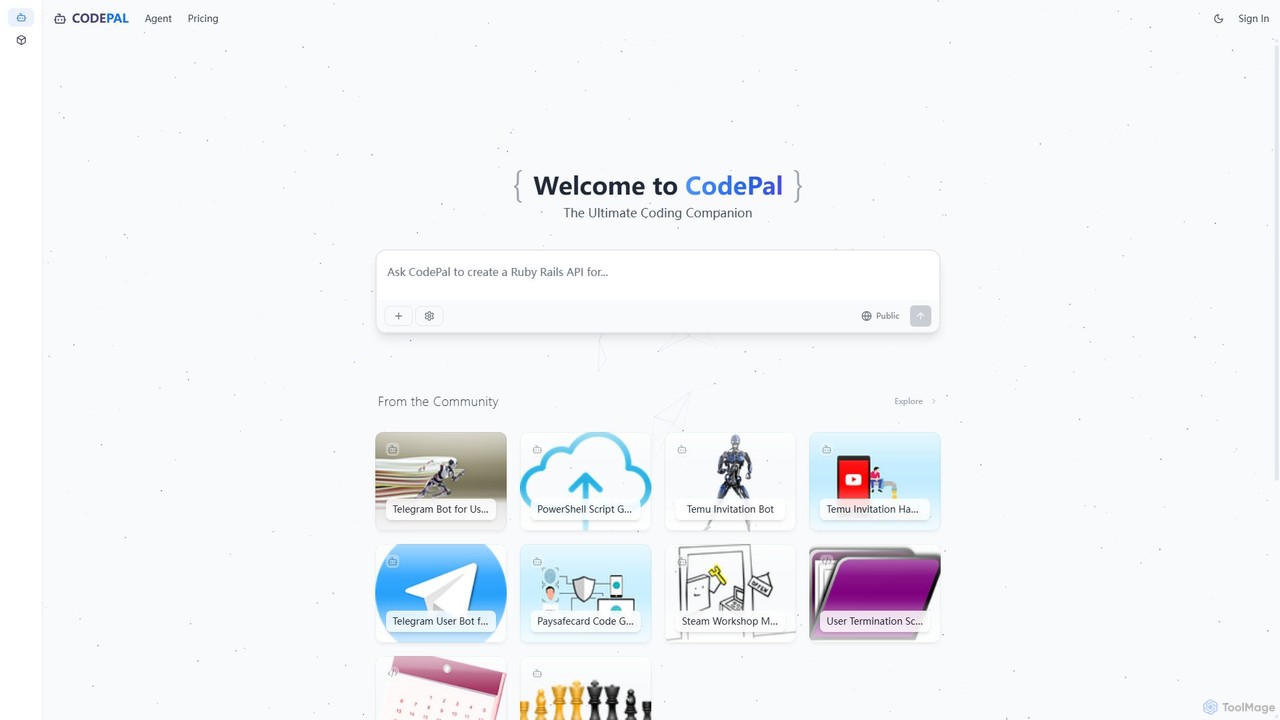
CodePal
A powerful AI coding companion and autonomous engineer that integrates directly into GitHub. Automate code reviews, generate documentation, resolve issues, and write unit tests with simple commands to accelerate your development workflow.
Code Assistant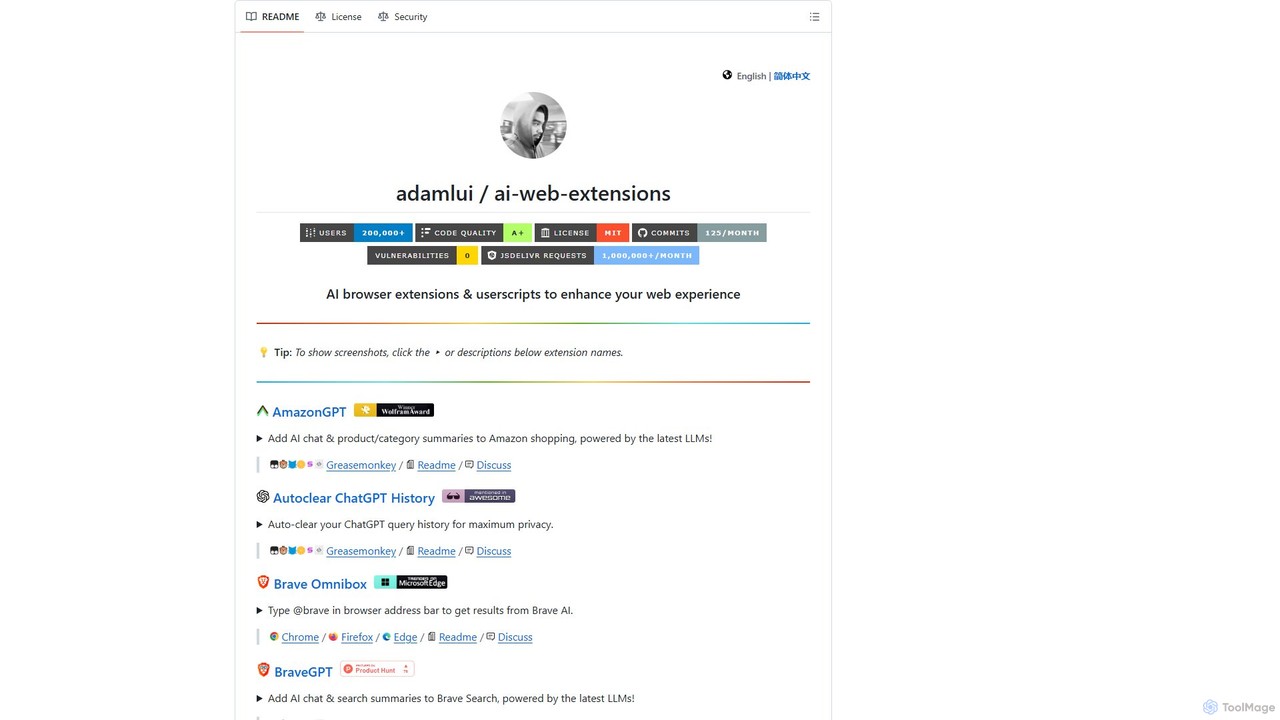
ChatGPT EVO
ChatGPT EVO is a powerful suite of open-source browser extensions and userscripts designed to augment your web experience. It seamlessly integrates AI functionalities from models like ChatGPT into your daily browsing, including search engines, e-commerce sites, and the browser's address bar, boosting productivity and providing instant information.
Code Assistant
Code Screenshot Comments (0)
Sign in to comment.
Sign inNo comments yet.