

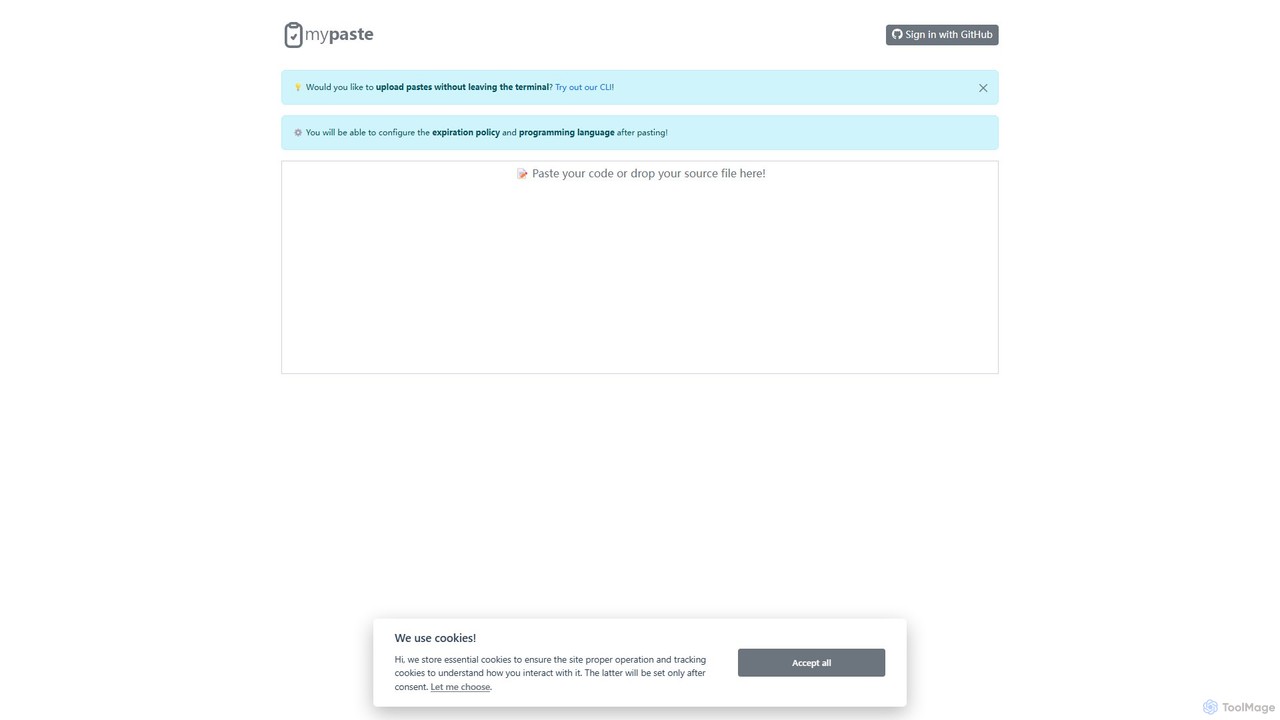
MyPaste Overview
MyPaste is a next-generation, intelligent code-sharing platform designed to streamline the developer workflow. It elevates the standard pastebin experience by integrating powerful AI capabilities, transforming it from a simple text repository into a dynamic code assistant. Whether you're collaborating on a complex bug, sharing a solution, or seeking to understand a piece of code, MyPaste provides the tools to do so with unprecedented efficiency and clarity.
The core of MyPaste is its 'Smart Pasting' technology. When you paste a code snippet, the platform's AI doesn't just store it; it analyzes it. It automatically detects the programming language from dozens of options, applying beautiful and accurate syntax highlighting to enhance readability. This eliminates the manual step of selecting a language, saving time and reducing errors. The platform is built for speed and convenience, catering to developers who value a frictionless workflow.
How to use MyPaste
Using MyPaste is designed to be intuitive for all developers, offering both a web-based UI and a command-line interface (CLI) for maximum flexibility.
- Web Interface: Simply navigate to the MyPaste website. Paste your code or text directly into the editor on the homepage. The AI will instantly detect the language and apply syntax highlighting.
- CLI Usage: For developers who live in the terminal, MyPaste offers a powerful CLI. After a simple installation, you can pipe code directly to the service. For example:
cat my_script.js | mypasteormypaste . This action will return a shareable URL directly in your terminal. - Configure Your Paste: Both on the web and via CLI flags, you can set various options for your paste. This includes setting an expiration policy (e.g., 1 hour, 1 day, 1 year, or never), setting the visibility (public or unlisted/private), and creating a custom URL for easier sharing.
- Leverage AI Features: After creating a paste, you can access the AI-powered tools. Click on options like 'Explain Code' to get a natural language description of what the code does, its inputs, and its outputs. Use 'Suggest Refactoring' to receive recommendations on improving code quality, performance, or adherence to best practices.
- Share Securely: Once your paste is ready, copy the unique URL. For sensitive information, you can add a password to your paste (a premium feature), ensuring only authorized individuals can view it.
Core Features of MyPaste
- AI-Powered Language Detection: Automatically identifies the programming language of your snippet and applies appropriate syntax highlighting.
- AI Code Explanation: Generates clear, human-readable explanations for complex code, functions, or algorithms. Ideal for learning and debugging.
- AI Code Refactoring Suggestions: Provides intelligent recommendations to improve code structure, readability, and efficiency, helping you adhere to modern coding standards.
- Powerful Command-Line Interface (CLI): Allows developers to create, manage, and share pastes directly from their terminal, integrating seamlessly into their workflow.
- Customizable Expiration and Privacy: Full control over the lifecycle and visibility of your pastes, from self-destructing snippets to permanent, unlisted code.
- Rich Syntax Highlighting: Supports a vast library of programming languages and data formats, ensuring code is always easy to read.
- Password-Protected Pastes: Secure your sensitive code snippets with a password, adding an essential layer of security for private collaboration.
- Version History: Track changes and revisions to your pastes, making it easy to see the evolution of a code snippet.
Use Cases for MyPaste
MyPaste is a versatile tool suitable for a wide range of scenarios:
- Collaborative Debugging: A developer pastes a buggy function. The AI provides an initial analysis, and the developer shares the link with a teammate who can see the highlighted code and AI insights to solve the problem faster.
- Code Reviews: Share code snippets for peer review. The AI's refactoring suggestions can serve as a preliminary check, allowing human reviewers to focus on logic and architecture.
- Technical Support & Troubleshooting: Users can paste error logs or configuration files. The syntax highlighting and easy sharing make it simple for support teams to diagnose issues.
- Learning and Education: Students can paste code from tutorials or assignments and use the 'Explain Code' feature to deepen their understanding of programming concepts.
- Sharing from a Headless Server: System administrators can quickly share log files or scripts from a server using only the CLI, without needing to open a browser.
Advantages of MyPaste
MyPaste offers significant advantages over traditional pastebins:
- Increased Productivity: The combination of a fast UI, a powerful CLI, and AI assistance dramatically reduces the time spent sharing and interpreting code.
- Improved Code Quality: The AI acts as an always-on assistant, encouraging best practices and helping developers write cleaner, more efficient code.
- Enhanced Collaboration: By providing context (via AI explanations) along with the code, MyPaste reduces ambiguity and makes team collaboration more effective.
- Accessibility: Caters to both visual users with its clean web interface and power users with its comprehensive CLI.
- Intelligent Tooling: It's more than just storage; it's an active tool that provides valuable insights into your code.
Pricing and Plans
MyPaste operates on a freemium model, making its core features accessible to everyone while offering advanced capabilities for professionals and teams.
- Free Plan: Includes basic code pasting, AI language detection, public pastes, standard expiration options, and a limited number of AI analysis credits per month.
- Pro Plan: Aimed at individual developers, this plan offers everything in Free, plus unlimited private/unlisted pastes, a significantly higher number of AI analysis credits, password protection, permanent paste storage, and priority support.
- Team Plan: Designed for collaborative environments, this plan includes all Pro features, centralized user management and billing, shared team folders, and enhanced security options.
Traffic
Latest traffic
Status
Monthly traffic trend
- 2025-9: 505
- 2026-1: 0
- 2026-2: 0
- 2026-3: 347
- 2026-4: 259
- 2026-5: 887
Geography
Top 5 countries / regions
- 🇹🇷Türkiye70.3%
- 🇫🇷France29.7%
Top keywords
| Keyword | Cost per click |
|---|---|
| //paste | $0.00 |
| paste | $0.89 |
| paste devv | $0.00 |
| paste website | $0.00 |
| paste websites | $0.00 |
MyPaste Alternatives
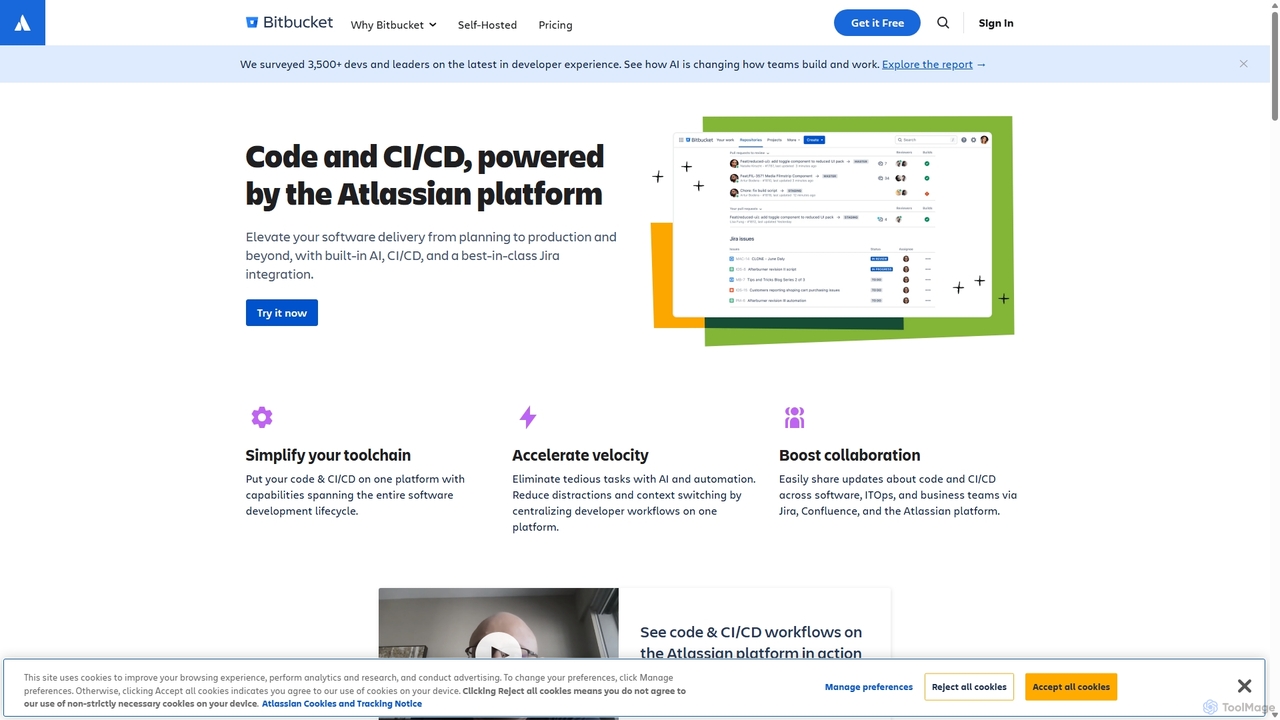
Bitbucket
Bitbucket is a Git-based code hosting and collaboration platform for professional teams. It offers best-in-class Jira integration, built-in CI/CD (Pipelines), and AI-powered features to streamline the entire software development lifecycle, from planning to deployment and beyond.
Code Management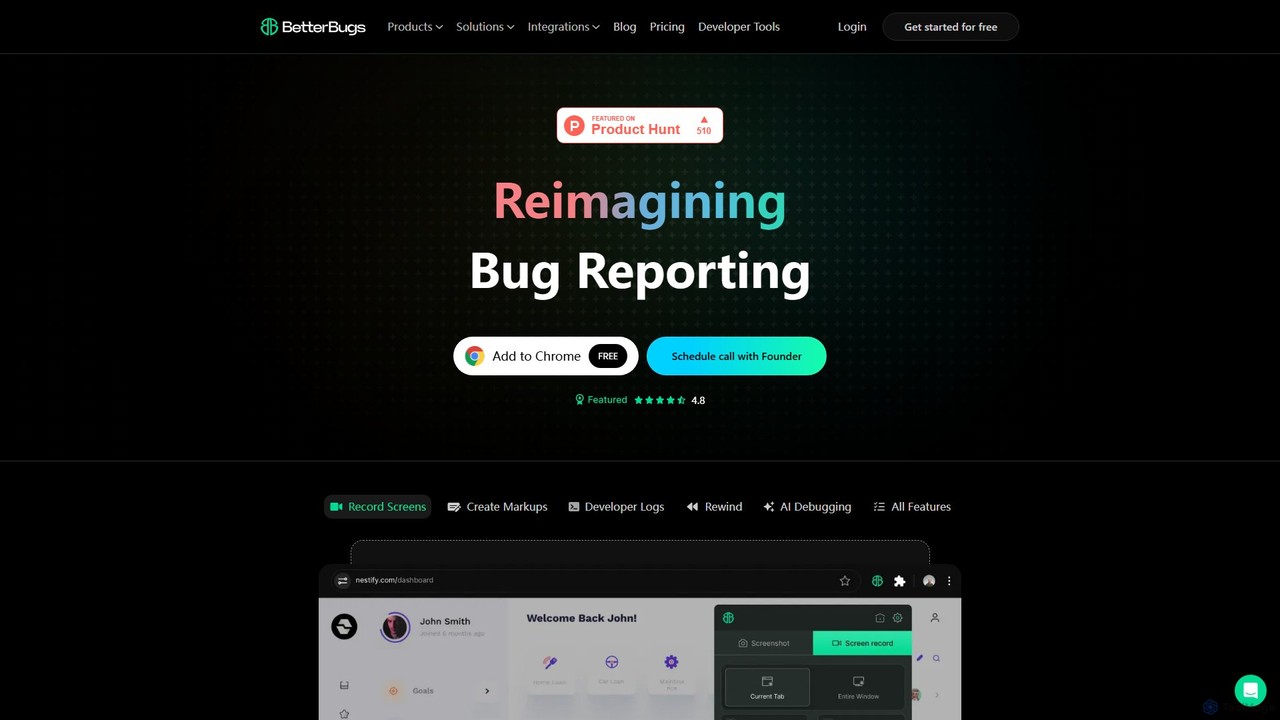
BetterBugs
BetterBugs is an AI-powered bug reporting tool that helps development and QA teams capture precise, context-rich bug reports with a single click. It automatically includes screen recordings, annotations, and comprehensive developer logs (console logs, network requests) to streamline the debugging process and accelerate bug resolution.
Debugging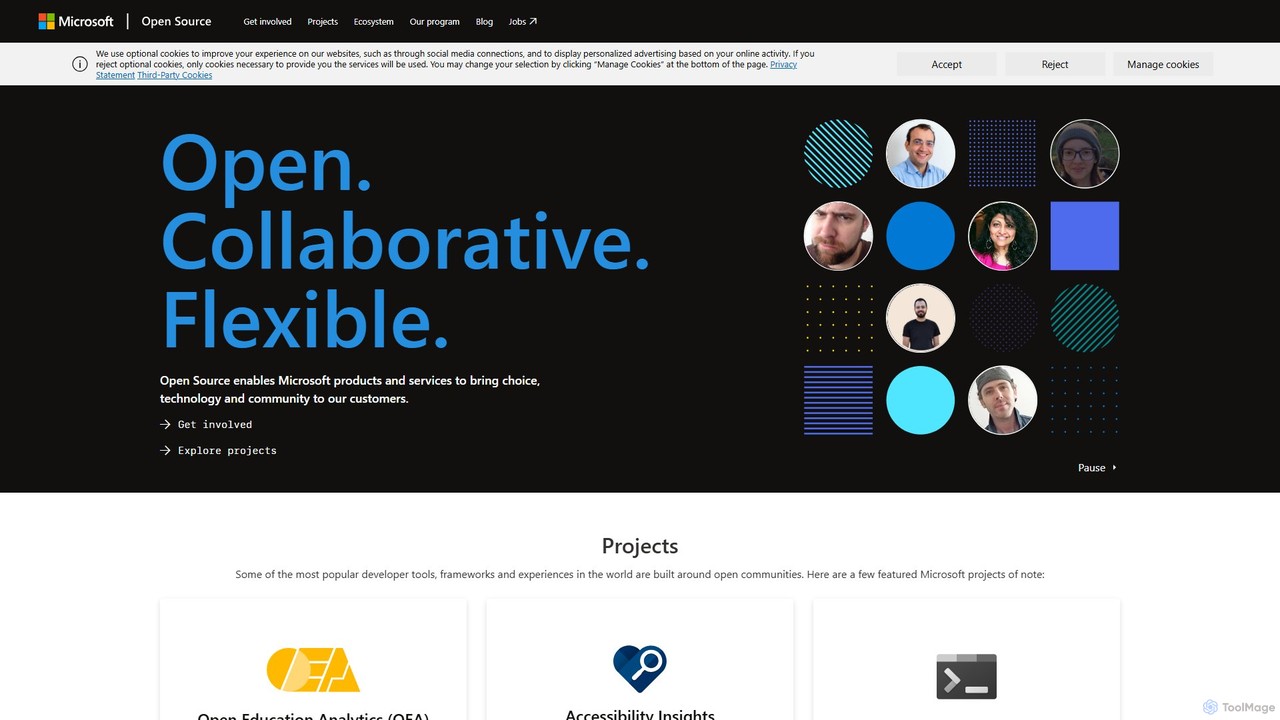
Microsoft Open Source
Microsoft's central hub for discovering, using, and contributing to a vast portfolio of open-source projects. It offers developers access to powerful tools, frameworks, and AI/ML libraries, fostering collaboration and innovation within a global community.
Platform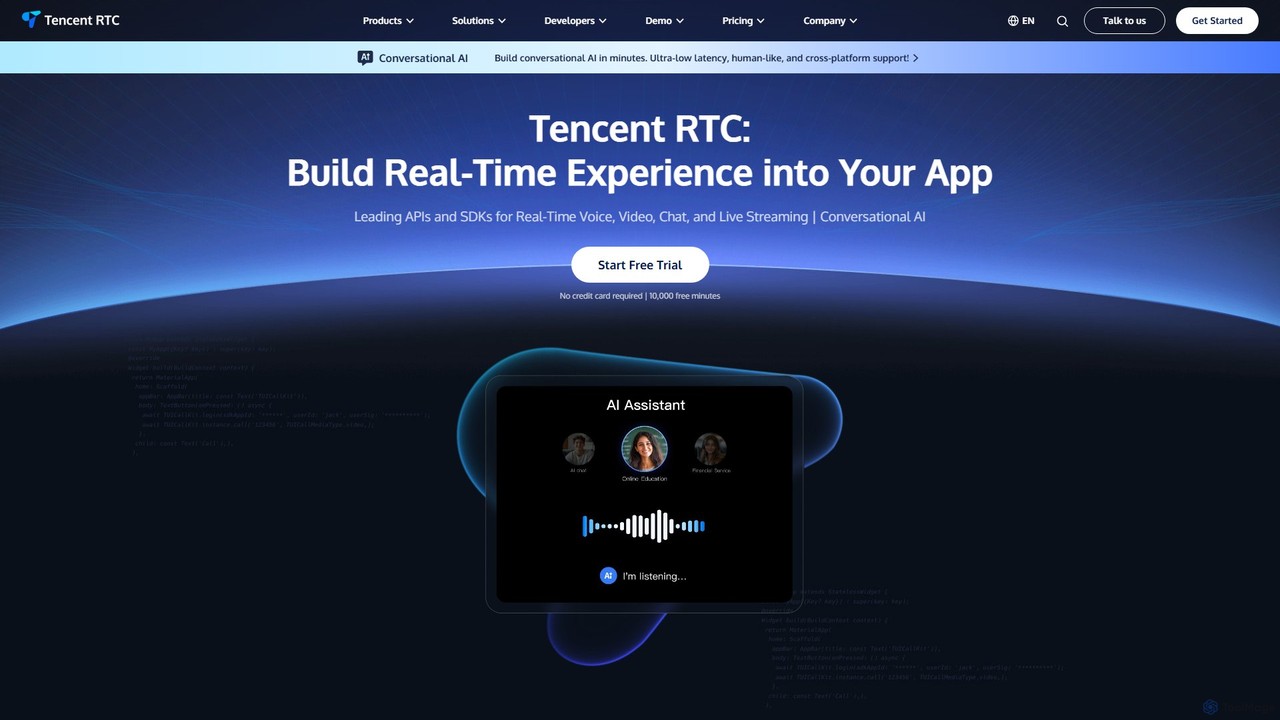
Tencent RTC
A comprehensive developer platform providing powerful APIs and SDKs for real-time voice, video, chat, and live streaming. Tencent RTC enables businesses to build scalable, low-latency, and interactive communication experiences directly into their applications across various industries.
Video Conferencing
Liveblocks
Liveblocks is a developer platform providing ready-made APIs and components to quickly build real-time collaborative experiences and AI copilots into any product. It handles the complex infrastructure for features like multiplayer editing, comments, and AI chat, allowing teams to ship faster and increase user engagement.
Ai DevelopmentMyPaste Categories
MyPaste Embed Widget
Copy this embed code to place the badge on your blog, article, or product site and send readers directly to this ToolMage detail page.

Related AI tools
Qoder
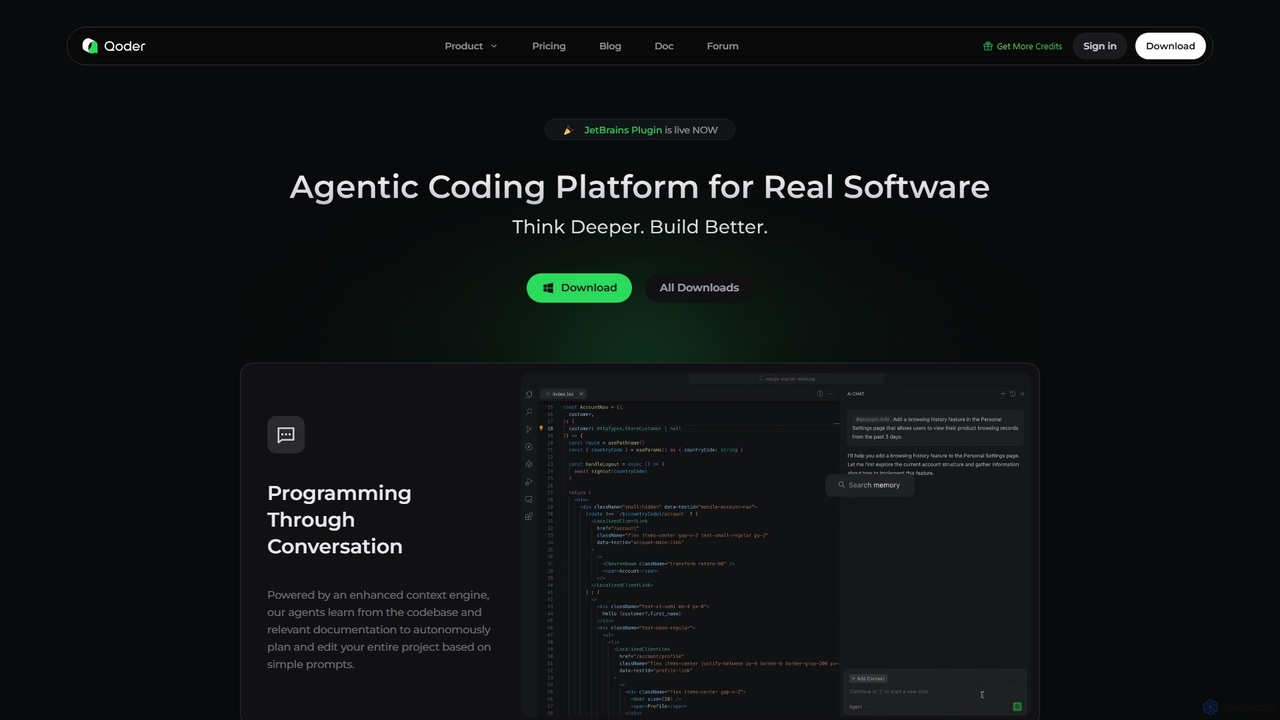
Qoder is an agentic AI coding platform designed for real software development. It leverages an enhanced context engine to autonomously plan, code, and test entire projects based on simple prompts, integrating seamlessly into developer workflows via IDE, CLI, or JetBrains plugin.
Code Assistant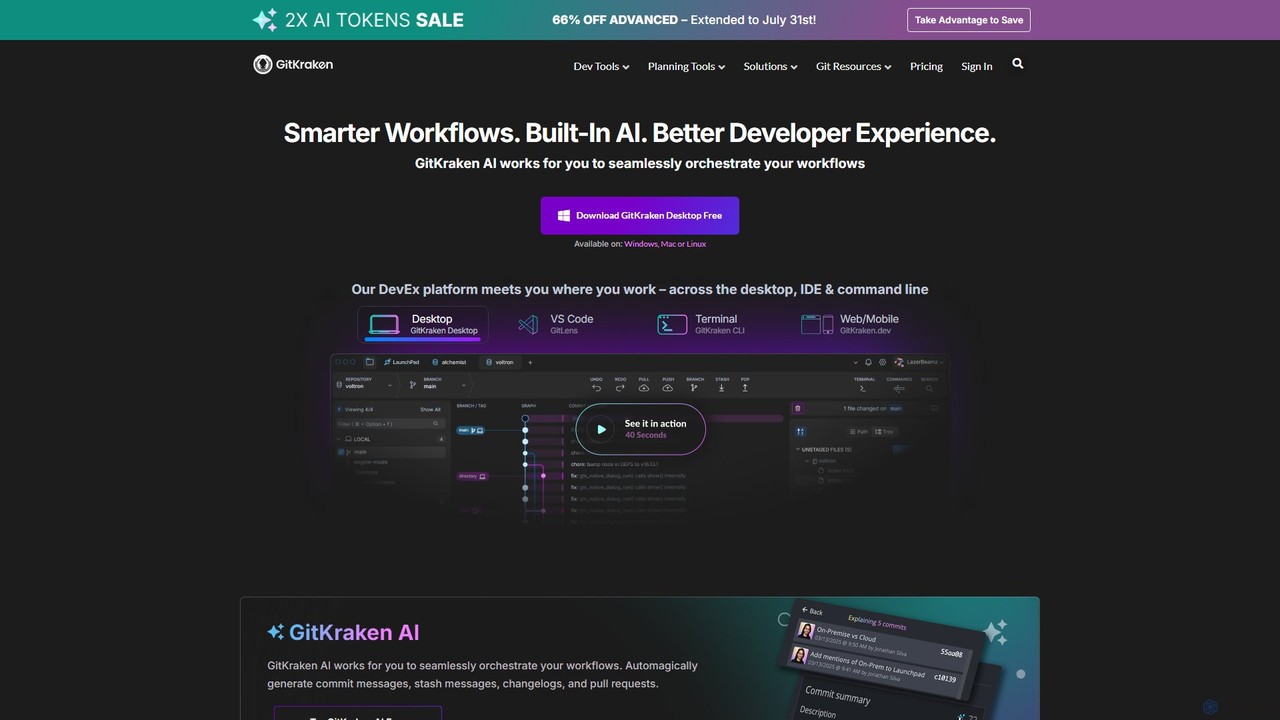
GitKraken
GitKraken is a legendary suite of Git tools designed to enhance the developer experience. Featuring a visual Git GUI, a powerful CLI, and IDE integrations, it leverages built-in AI to automate tasks like generating commit messages and pull requests. It streamlines workflows, improves team collaboration, and provides powerful visualization for complex repositories.
Version Control
Jyek
Jyek is an AI agent platform that understands objectives, creates execution plans, uses tools, and delivers verifiable results for complex, multi-step tasks.
Automation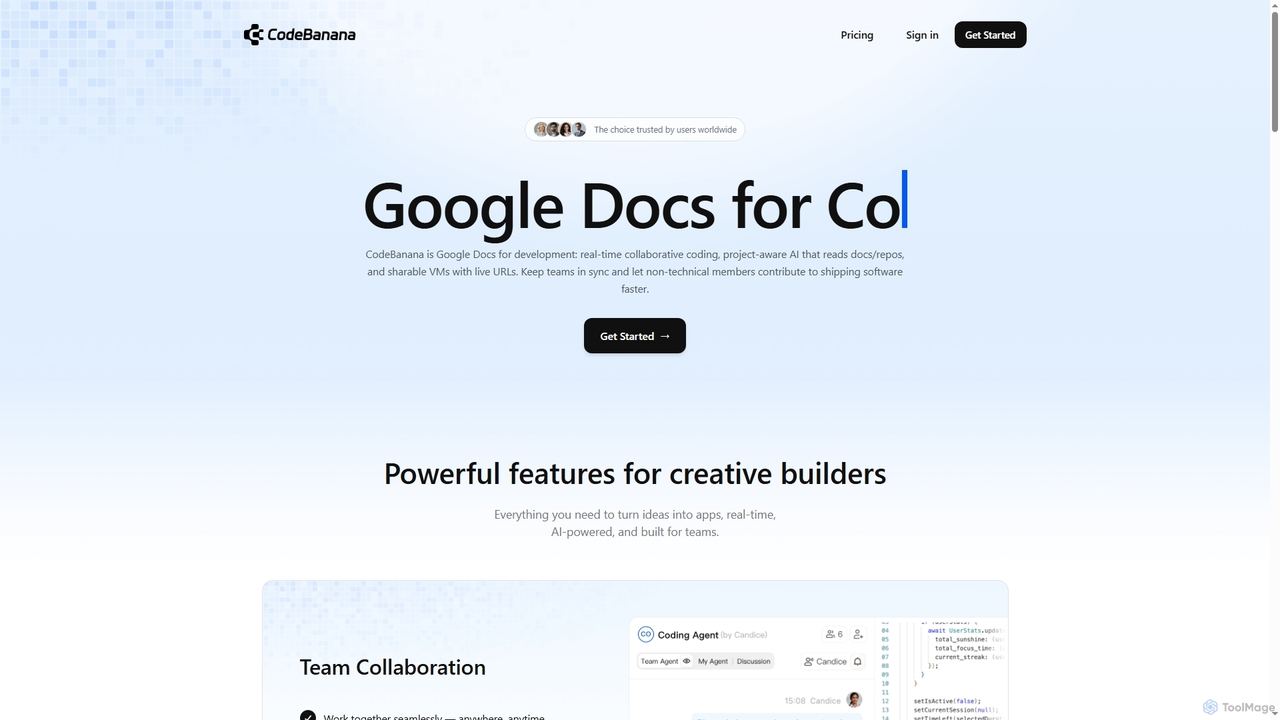
CodeBanana
CodeBanana is an AI-powered collaborative coding platform designed as "Google Docs for development." It offers real-time team collaboration, project-aware AI assistance, and sharable cloud virtual machines with live URLs. This tool helps development teams stay in sync, accelerate coding workflows, and allows non-technical members to contribute effectively, transforming ideas into applications faster and more efficiently.
Cloud Environment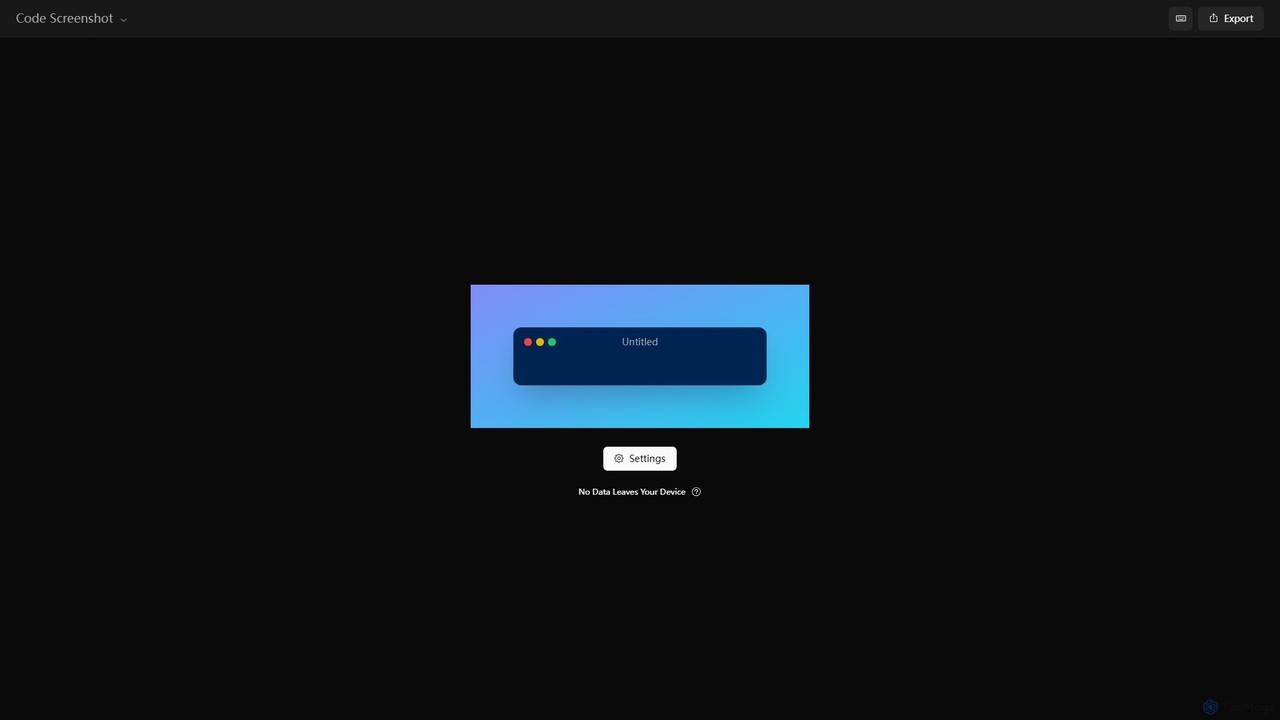
Code Screenshot
A free, privacy-focused online tool for creating beautiful and shareable screenshots of your code. It operates entirely on your device, ensuring no data is ever sent to a server. Highly customizable with themes, backgrounds, and more.
Graphics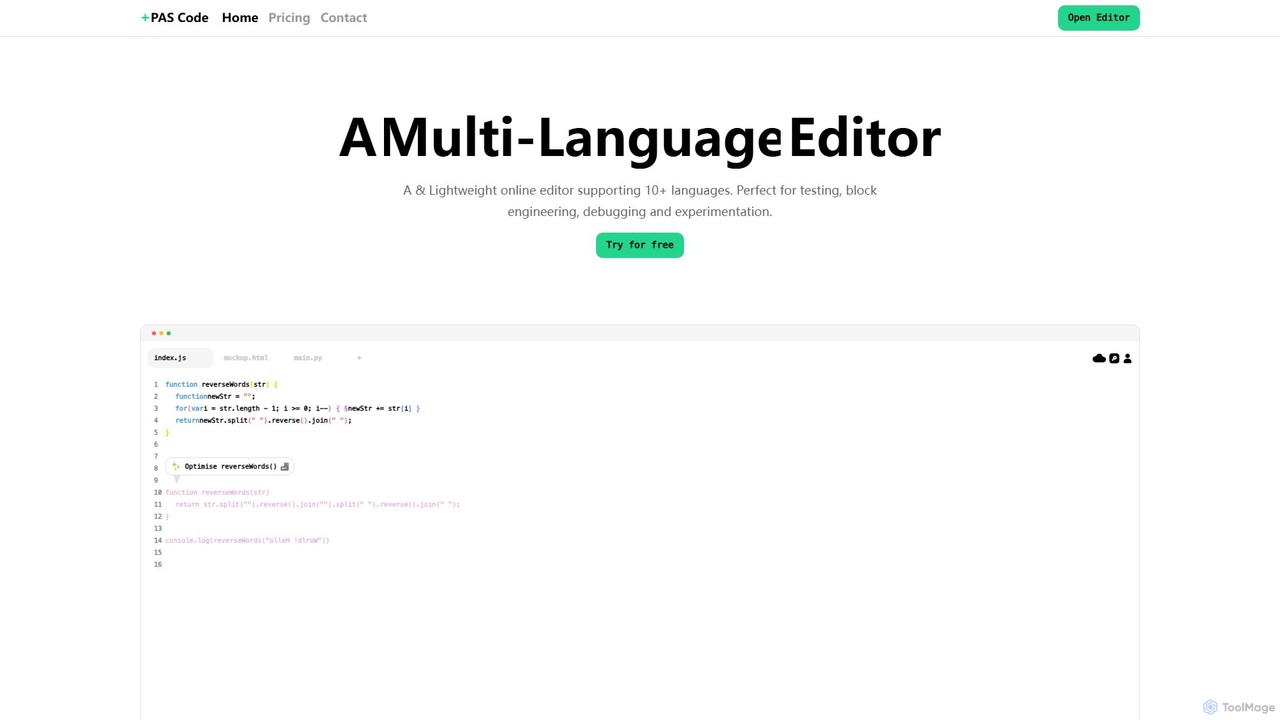
PAS Code
PAS Code is a lightweight, customizable online code editor designed for developers. It supports over 10 languages and features AI-powered autofill, smart prompts, and seamless cloud syncing. With features like a block editor for notes, live HTML previews, and secure compilation, it's perfect for testing, debugging, and rapid prototyping. It offers a free tier to get started.
Code Generation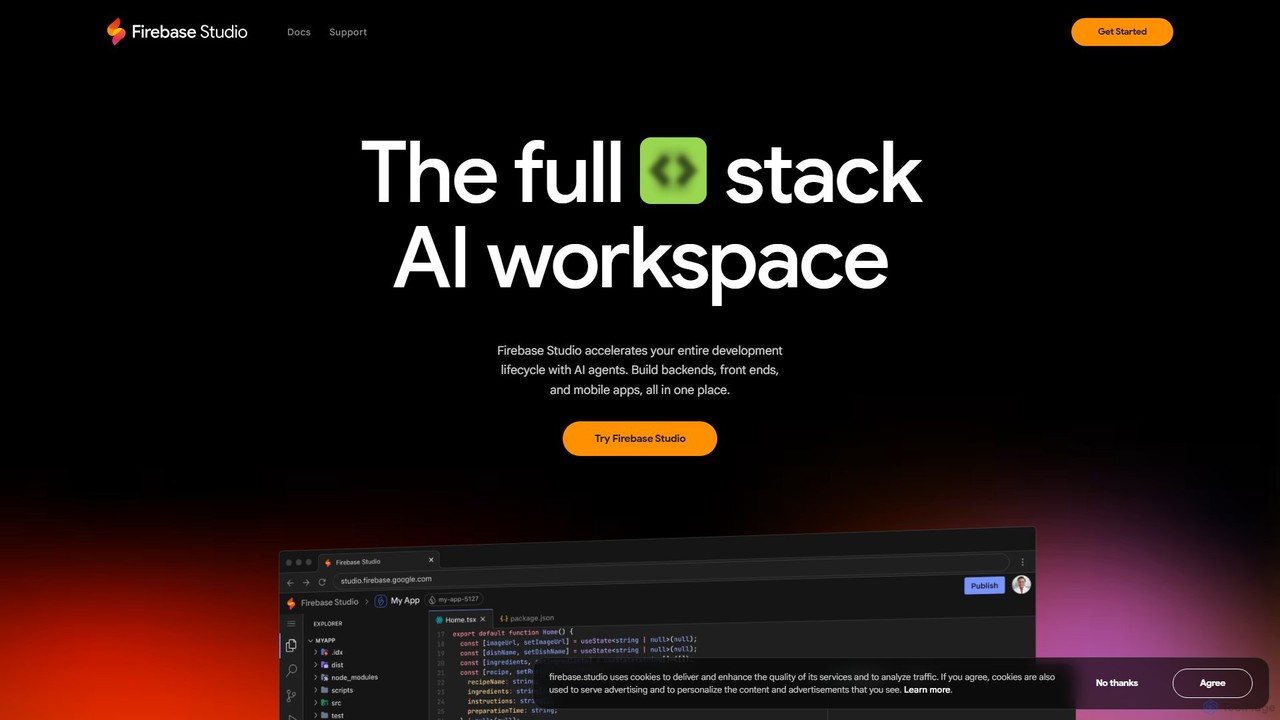
Firebase Studio
Firebase Studio is an AI-powered, browser-based IDE for full-stack development. Integrated with Gemini, it accelerates coding, debugging, and testing. It allows seamless repository import, real-time collaboration, and one-click deployment to the Firebase ecosystem, streamlining the entire application development lifecycle.
Paas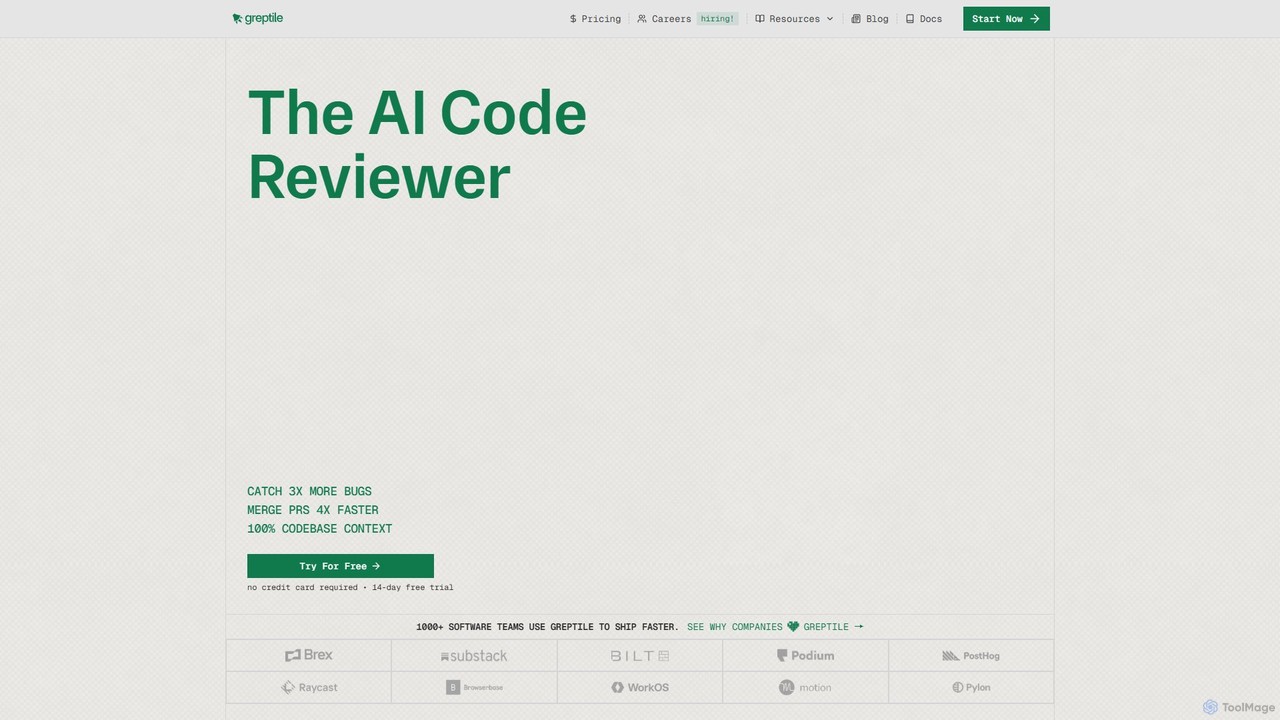
Greptile
Greptile is an AI-powered code review tool that integrates with GitHub and GitLab to help development teams merge pull requests 4x faster and catch 3x more bugs. By understanding the full context of your codebase, it provides in-line comments, actionable suggestions, and natural-language summaries for every PR. It supports over 30 programming languages and can be customized with specific rules and style guides to enhance code quality and consistency.
Code Review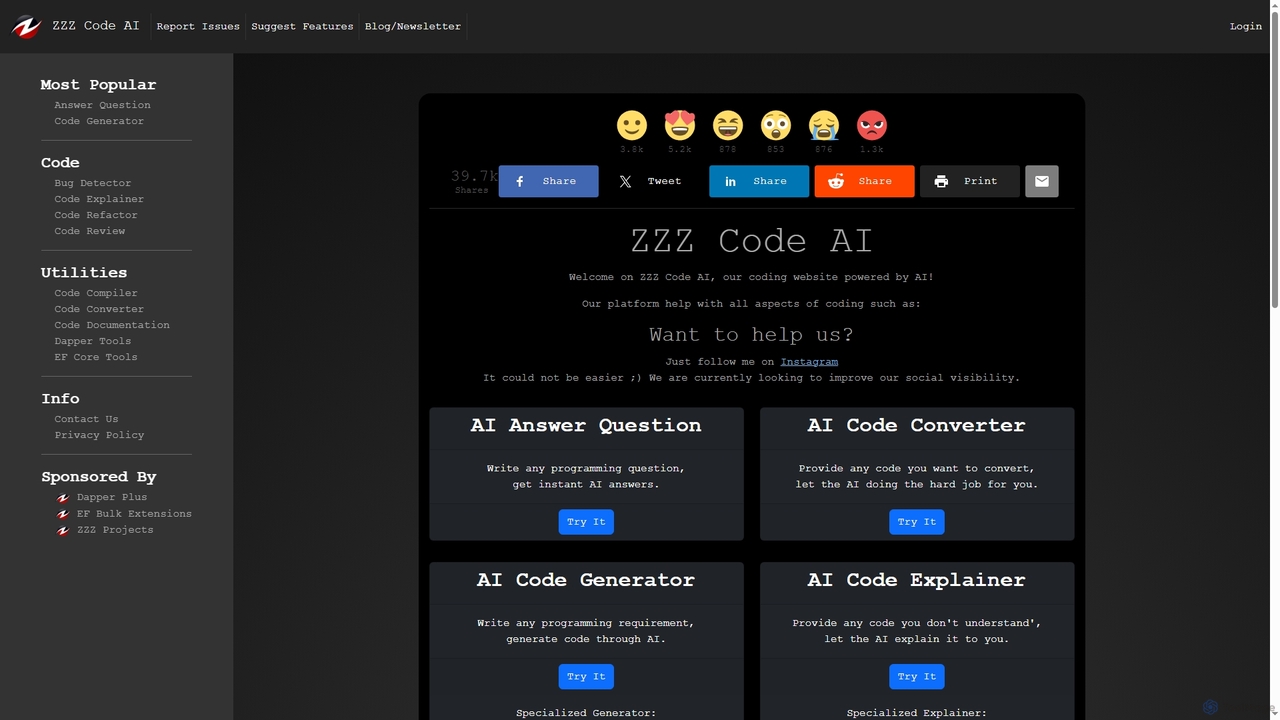
Zzzcode
Zzzcode is a free, AI-powered online platform offering a comprehensive suite of coding tools for developers. It can generate, explain, debug, refactor, review, document, and convert code across numerous programming languages, and provide instant answers to programming questions.
Code Assistant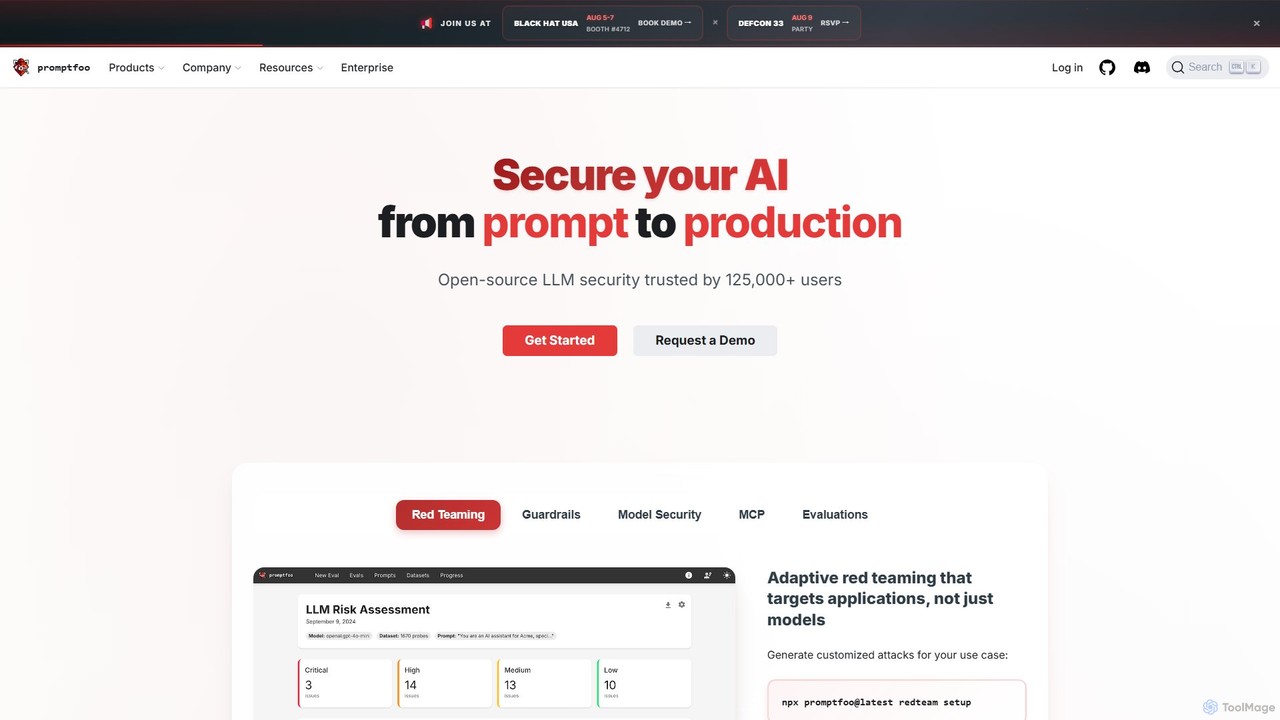
promptfoo
promptfoo is a comprehensive testing and evaluation framework for Large Language Models (LLMs). It helps developers and enterprises compare prompt quality, evaluate model performance, and enhance AI security through systematic testing, benchmarking, and AI-powered red teaming. It supports over 50 LLM providers, including local models, and offers a developer-friendly CLI for seamless integration into development workflows.
Low Code No Code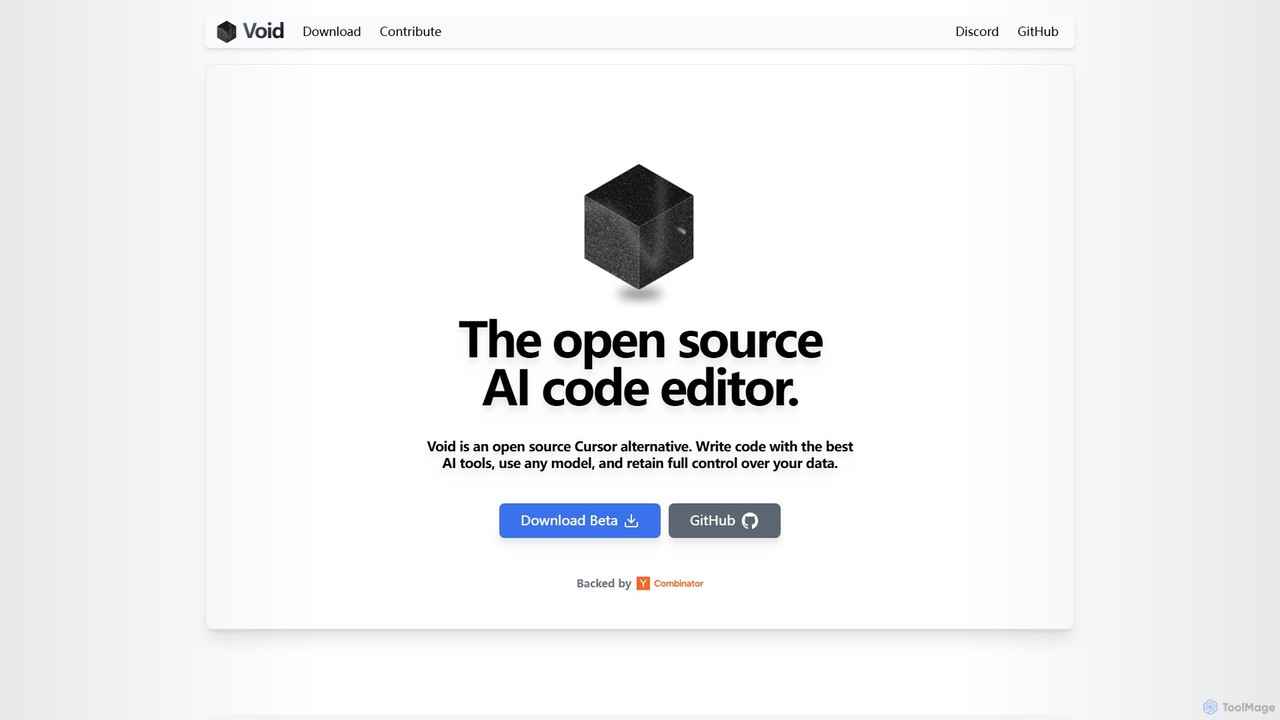
voideditor
Voideditor is a free, open-source AI code editor built as a fork of VS Code. It empowers developers with full control over their data and choice of AI models, supporting direct connections to any cloud or locally hosted LLM. It offers advanced features like AI chat, autocompletion, and agentic workflows to accelerate development while prioritizing privacy and flexibility.
Code Generation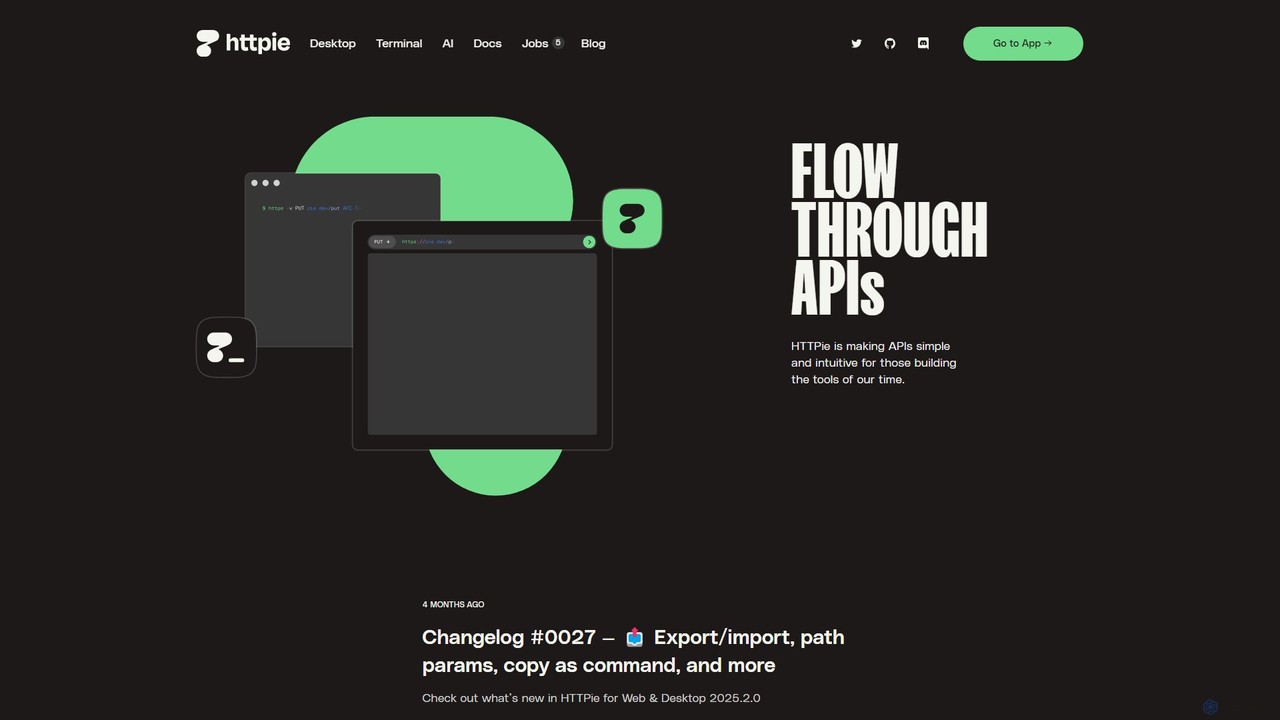
HTTPie
HTTPie is a human-friendly API testing client that simplifies interaction with web services. Available as a powerful open-source CLI and a sleek Web & Desktop app, it integrates an AI assistant to streamline API development, testing, and debugging for REST, GraphQL, and other APIs.
Api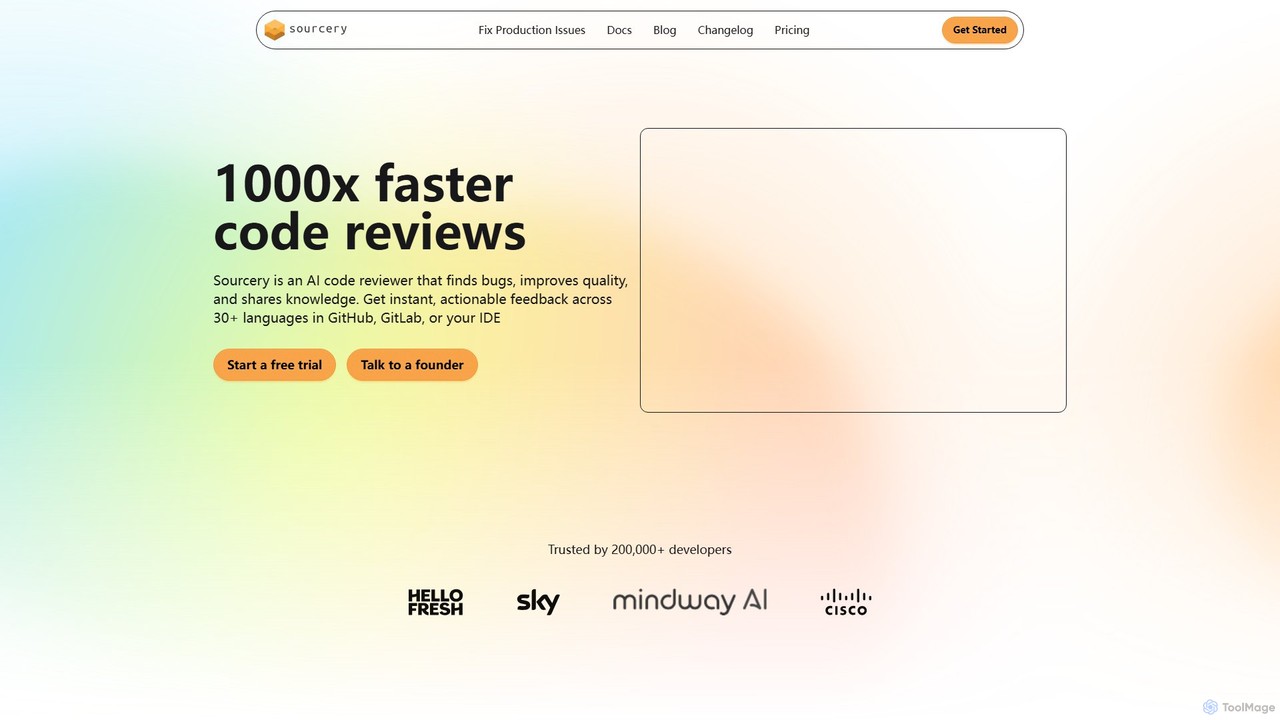
Sourcery
Sourcery is an AI-powered code reviewer that automates code reviews, finds bugs, improves code quality, and accelerates knowledge sharing. It integrates directly into your IDE, GitHub, and GitLab workflows, providing instant feedback and refactoring suggestions for over 30 languages.
Code Assistant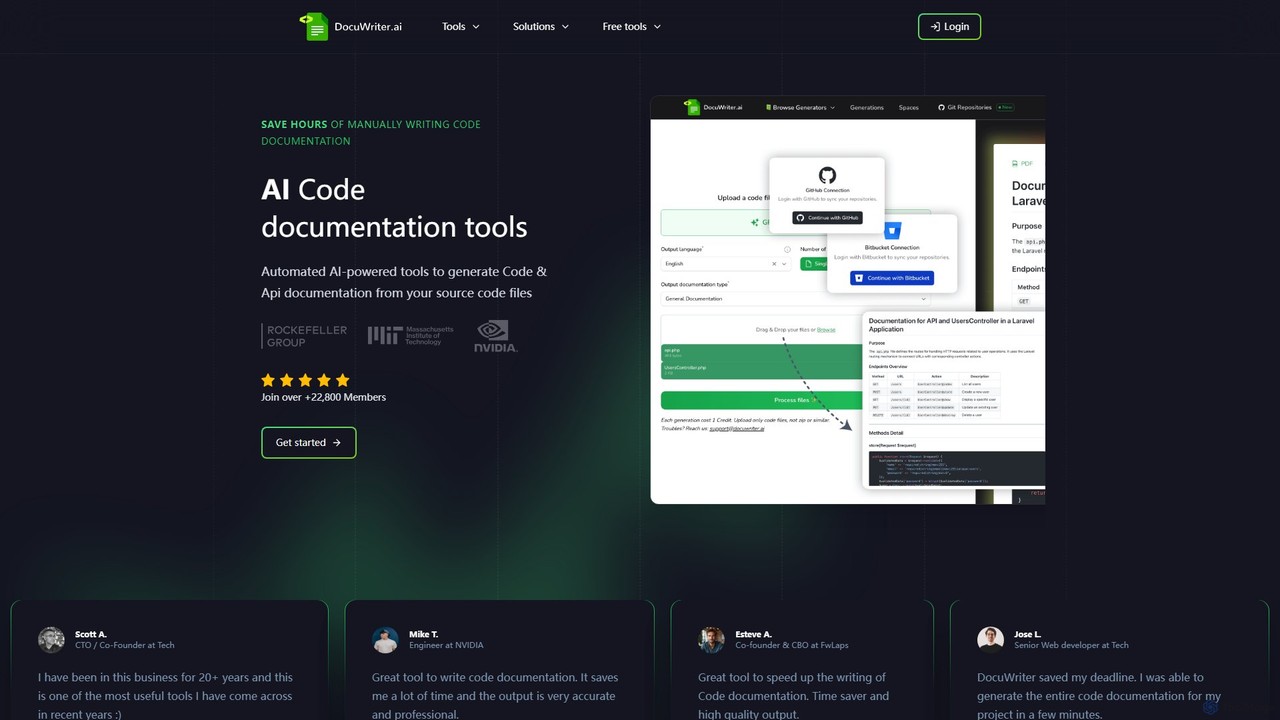
DocuWriter.ai
DocuWriter.ai is an AI-powered platform that automates the entire code documentation lifecycle. It generates comprehensive documentation, from API specs and end-user guides to inline comments and UML diagrams, directly from your source code. It also includes tools for code conversion, refactoring, and optimization, helping developers and teams save time, improve code quality, and enhance collaboration.
Code Generation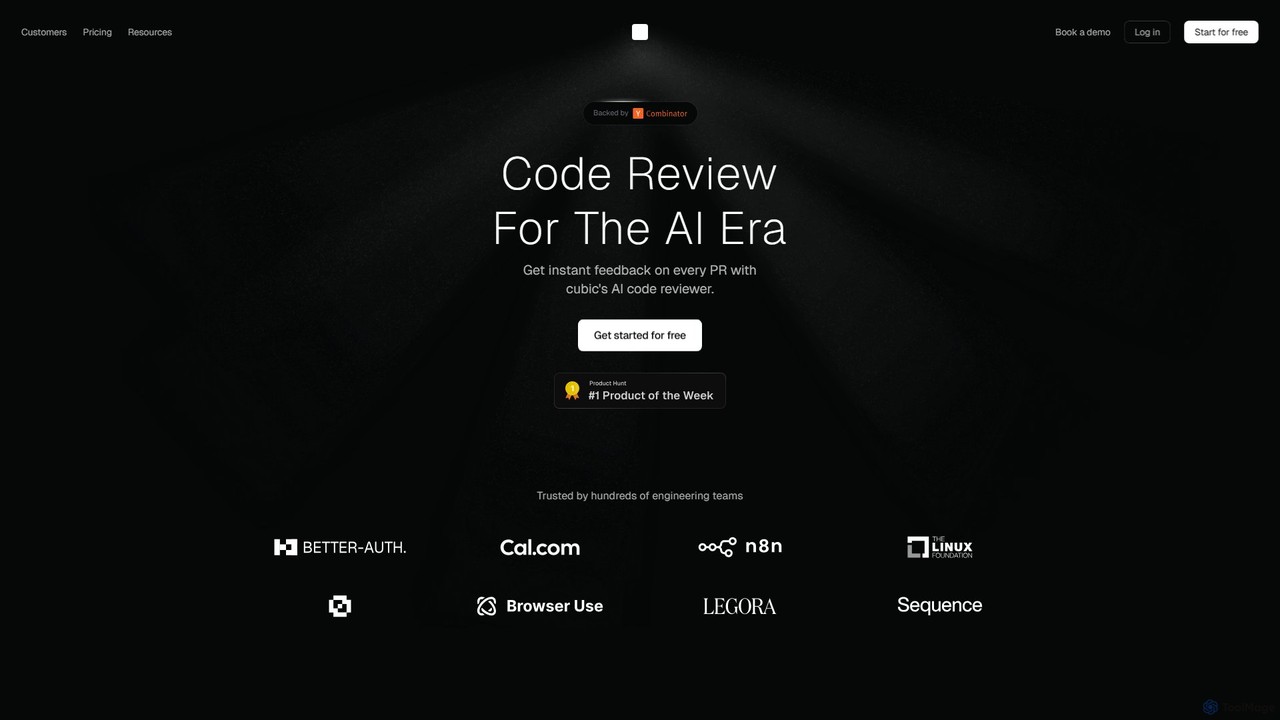
cubic
cubic is an AI-powered code review platform that helps software teams ship higher-quality code up to 3x faster. It automatically reviews pull requests in GitHub, catches bugs, enforces custom style guides, and provides one-click fixes, significantly reducing review bottlenecks and improving developer productivity.
Code Assistant
MyPaste Comments (0)
Sign in to comment.
Sign inNo comments yet.