ToolMage
Sign in
Hummingbird
Ios Utility · 4.6K monthly visits

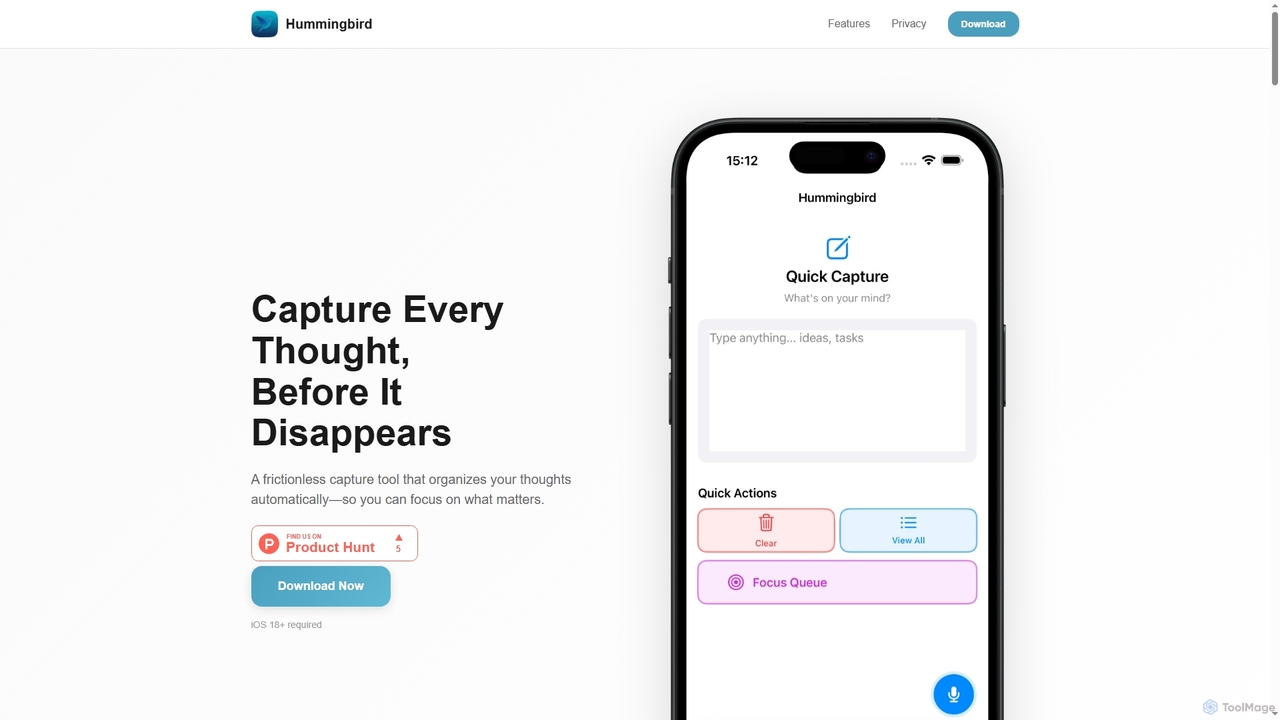
Hummingbird is a privacy-first iOS app designed for instant thought capture and AI-powered organization. It allows users to quickly record ideas, to-dos, and reminders via text or voice, automatically categorizing them on-device without cloud sync or data tracking. Focus on your thoughts, not on organizing them.

VS
Routine
All In One · 90.5K monthly visits

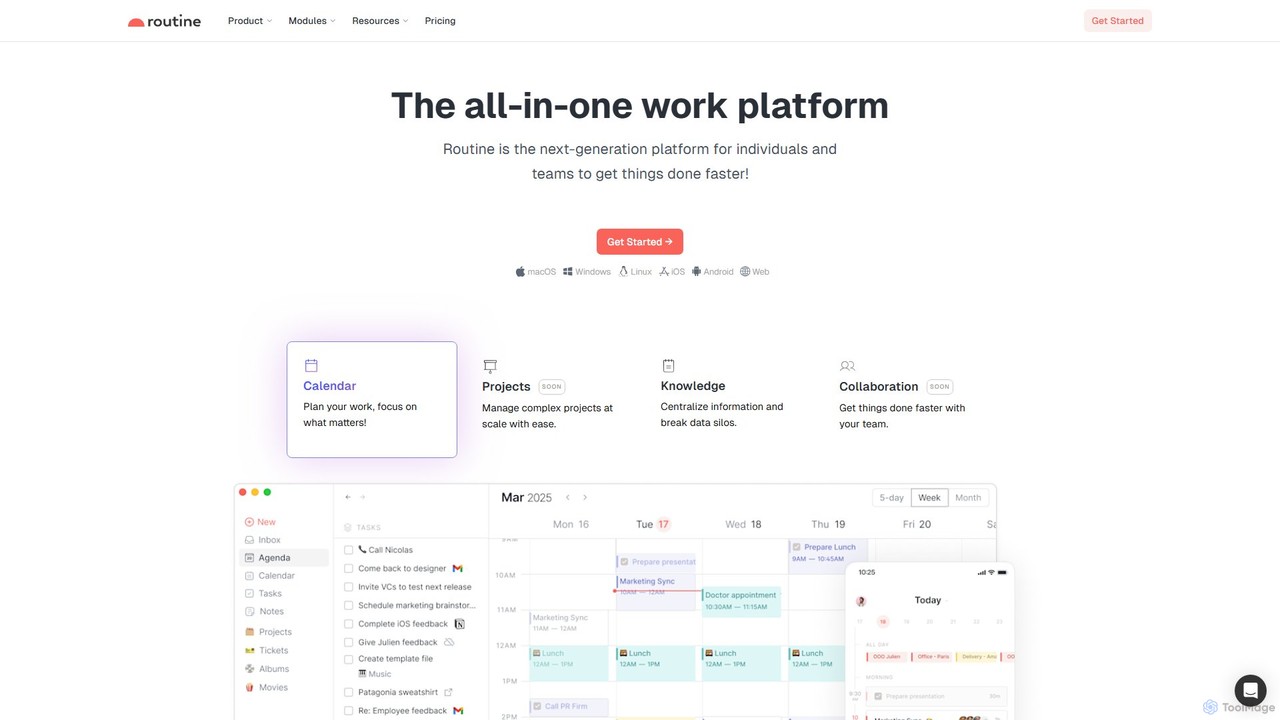
Routine is an all-in-one work platform designed for individuals and teams to enhance productivity. It unifies tasks, calendar, notes, and contacts into a single, streamlined workspace. Featuring natural language input, time blocking, and extensive integrations, Routine helps you organize work, focus on priorities, and get things done faster across all your devices.

Hummingbird vs Routine: pricing, features, traffic, and use cases

Compare Hummingbird and Routine across positioning, pricing, traffic, and user feedback using structured factual data.

Updated Aug 21, 2026

Product overview

Hummingbird Product overview

Hummingbird is a privacy-first iOS app designed for instant thought capture and AI-powered organization. It allows users to quickly record ideas, to-dos, and reminders via text or voice, automatically categorizing them on-device without cloud sync or data tracking. Focus on your thoughts, not on organizing them.
Preview

Routine Product overview

Routine is an all-in-one work platform designed for individuals and teams to enhance productivity. It unifies tasks, calendar, notes, and contacts into a single, streamlined workspace. Featuring natural language input, time blocking, and extensive integrations, Routine helps you organize work, focus on priorities, and get things done faster across all your devices.

Preview

Detailed feature comparison

FeatureHummingbirdRoutine
Primary categoryIos UtilityAll In One
Added2025-11-022025-08-15
PricingNot verifiedFreemium
Official websitegethummingbird.approutine.co
Product typeAppWebsite
Performance data
User ratingNot verifiedNot verified
Comments00
Monthly visits4.6K90.5K
Monthly growthNot verified-0.4%
Favorites106129
DetailsView detailsView details

Hummingbird vs Routine monthly traffic

Compare Hummingbird and Routine by monthly reach, traffic trend, visit depth, top regions, and acquisition sources.

How to interpret the traffic data

In the Hummingbird vs Routine monthly traffic comparison, Hummingbird currently shows 4.6K visits and Routine shows 90.5K; Routine has about 19.7 times the visible traffic of Hummingbird, an absolute difference of about 85.9K visits. This reflects visible reach, not feature quality or paid users.

Only Routine has complete third-party traffic details; Hummingbird uses visits recorded inside ToolMage. These scopes cannot estimate market share directly, and on-site views should not be treated as the product’s total website traffic.

Hummingbird monthly traffic:

Latest traffic

Monthly visits
4.6K

Routine monthly traffic:

Latest traffic

Monthly visits
90.5K
Avg. visit duration
1:02
Pages per visit
3.66
Bounce rate
37.96%
Data updated 2026-06-15

Monthly traffic trend

  • 2025/9: 144K Monthly visits
  • 2026/1: 154.8K Monthly visits
  • 2026/2: 134.2K Monthly visits
  • 2026/3: 109.5K Monthly visits
  • 2026/4: 90.9K Monthly visits
  • 2026/5: 90.5K Monthly visits

Top regions

Top 5 countries/regions
Country/regionPercentageTraffic
🇺🇸United States50.05%45.3K
🇳🇱Netherlands26.26%23.8K
🇳🇬Nigeria8.48%7.7K
🇮🇳India7.67%6.9K
🇻🇳Vietnam7.54%6.8K

Traffic sources

Source typePercentageTraffic
Direct87.88%79.5K
Referral9.08%8.2K
Email3.04%2.8K

Search keywords

noteplanroutineroutine affiliate programroutine approutine.co
Traffic-based selection guidance: The current traffic scope is not sufficient for a reliable product ranking. Treat monthly visits as a market-interest signal, then decide using taxonomy, use cases, pricing, and a like-for-like trial rather than reading exposure as product capability.

Usage comparison

Compare the core capabilities of Hummingbird and Routine

Hummingbird Core features

Note Taking
Task Management
Ios Utility
Personal Assistant

Routine Core features

Note Taking
Task Management
All In One
Calendar

Use cases

Hummingbird Use cases

natural language processing
note-taking
productivity
task management
AI organization
idea management
ios app
on-device AI
privacy
reminders
thought capture
voice input

Routine Use cases

natural language processing
note-taking
productivity
task management
all-in-one
calendar
knowledge base
planner
team collaboration
time blocking

Best suited roles

Hummingbird Best suited roles

Anyone needing quick thought capture
Creatives
Entrepreneurs
Personal Assistants
Professionals
Project Managers
Students

Routine Best suited roles

No verified data available

Hummingbird vs Routine:In-depth comparison and selection guidance

First decide whether the products solve the same kind of need

This in-depth Hummingbird vs Routine comparison uses only the product records, taxonomy, audience, traffic, and community signals available on this page. Hummingbird is primarily listed under “Ios Utility”, while Routine is primarily listed under “All In One”, so the first decision is whether your actual task matches their recorded scope.

The structured fields currently show these decision-relevant differences: Primary category (Hummingbird: Ios Utility; Routine: All In One); Product type (Hummingbird: App; Routine: Website); Pricing (Hummingbird: Not disclosed; Routine: Freemium); Monthly visits (Hummingbird: 4.6K; Routine: 90.5K); Favorites (Hummingbird: 106; Routine: 129). These facts are more useful for selection than brand visibility alone.

What market visibility and monthly traffic mean

In the Hummingbird vs Routine monthly traffic comparison, Hummingbird currently shows 4.6K visits and Routine shows 90.5K; Routine has about 19.7 times the visible traffic of Hummingbird, an absolute difference of about 85.9K visits. This reflects visible reach, not feature quality or paid users.

Only Routine has complete third-party traffic details; Hummingbird uses visits recorded inside ToolMage. These scopes cannot estimate market share directly, and on-site views should not be treated as the product’s total website traffic.

The current traffic scope is not sufficient for a reliable product ranking. Treat monthly visits as a market-interest signal, then decide using taxonomy, use cases, pricing, and a like-for-like trial rather than reading exposure as product capability.

Product positioning, use cases, and roles

Hummingbird and Routine currently overlap in shared categories: Note Taking and Task Management; shared tags: natural language processing, note-taking, productivity, and task management. This can place both on the same shortlist, but it does not prove equal implementation, depth, or cost.

Hummingbird's unique categories/tags are Ios Utility, Personal Assistant, AI organization, idea management, ios app, on-device AI, privacy, and reminders; Routine's are All In One, Calendar, all-in-one, calendar, knowledge base, planner, team collaboration, and time blocking. These unique fields are the strongest differentiators: validate the product whose recorded scope matches the task instead of following traffic alone.

What ratings, comments, and favorites can tell you

Hummingbird has no verified rating, 0 comments, 106 favorites, and 80 likes;Routine has no verified rating, 0 comments, 129 favorites, and 116 likes。

Neither product has enough rating or comment samples for a credible reputation ranking.

Selection guidance by actual need

When to evaluate Hummingbird first

Put Hummingbird on the priority trial list when the task aligns with “Ios Utility” and especially Ios Utility, Personal Assistant, AI organization, idea management, ios app, and on-device AI, or the users include Anyone needing quick thought capture, Creatives, Entrepreneurs, and Personal Assistants. This follows recorded positioning and does not imply unlisted capabilities are absent.

Hummingbird also currently records: pricing is not verified, product type is app, 4.6K on-site monthly views, no verified user rating. Verify any hard requirement around price, platform, or reach before trial, and do not let sparse review data substitute for testing.

When to evaluate Routine first

Put Routine on the priority trial list when the task aligns with “All In One” and especially All In One, Calendar, all-in-one, calendar, knowledge base, and planner. This follows recorded positioning and does not imply unlisted capabilities are absent.

Routine also currently records: pricing is freemium, product type is website, 90.5K verified monthly visits, no verified user rating. Verify any hard requirement around price, platform, or reach before trial, and do not let sparse review data substitute for testing.

How to validate the recommendation before deciding

The available data describes positioning, public visibility, and community signals, but it cannot prove output quality, speed, integration effort, privacy, or long-term cost in your workflow. Before deciding, run the same representative tasks in Hummingbird and Routine, then record completion time, accuracy, manual corrections, and the real paid threshold. A like-for-like trial turns this comparison into a defensible adoption decision.

Comparison FAQ

How should I choose between Hummingbird and Routine?
Compare positioning, pricing, taxonomy, and traffic maturity, then verify the latest details on each official website.
Where does this comparison data come from?
The factual baseline is derived from product, taxonomy, traffic, and community data. Reviewed editorial conclusions show their source and verification date.
What do unknown fields mean?
Unknown means there is not enough reliable evidence; the page does not fill gaps with assumptions.

Related AI tools

NotePlan
Paid

NotePlan

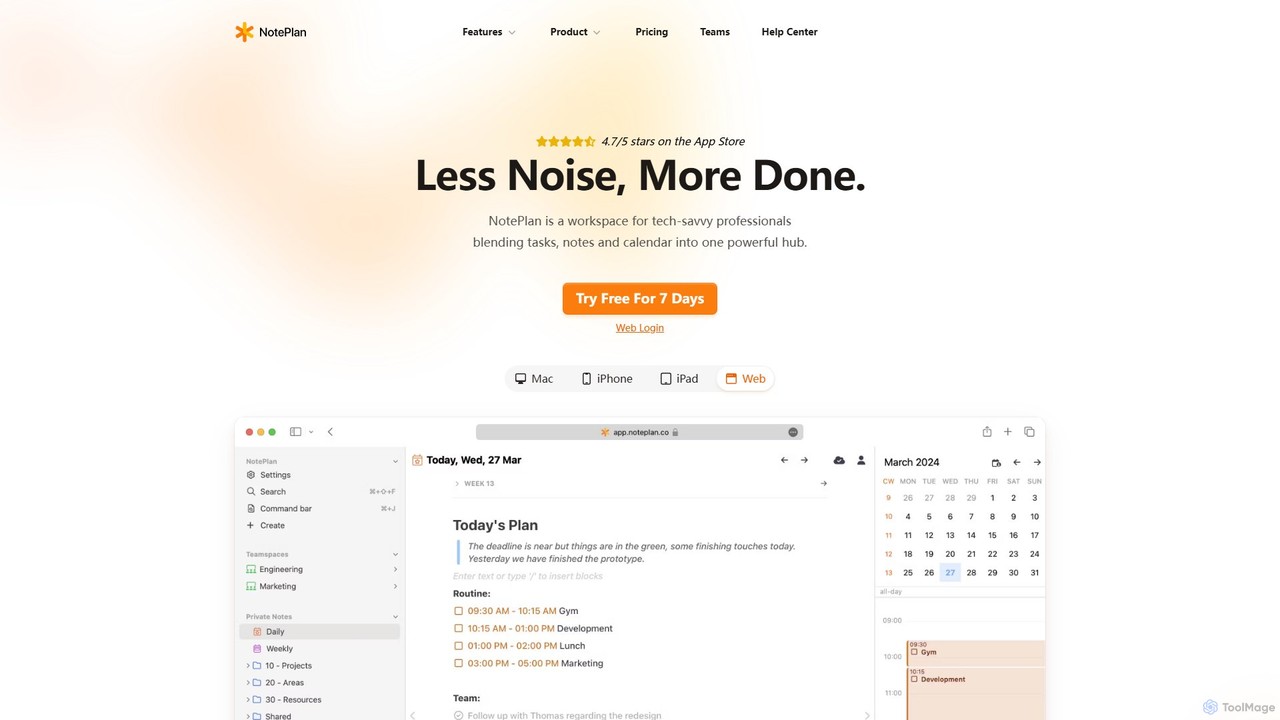
NotePlan is an all-in-one productivity workspace for professionals, blending tasks, notes, and calendar into a single, powerful hub. It supports Markdown, personal knowledge management (PKM) with bi-directional links, and features integrated AI for summarizing, rewriting, and transcribing. Available on Mac, iOS, and Web, it keeps you organized and focused.

Calendar
Visits 88.8KFavorites 123Likes 118
Voxa
Freemium

Voxa

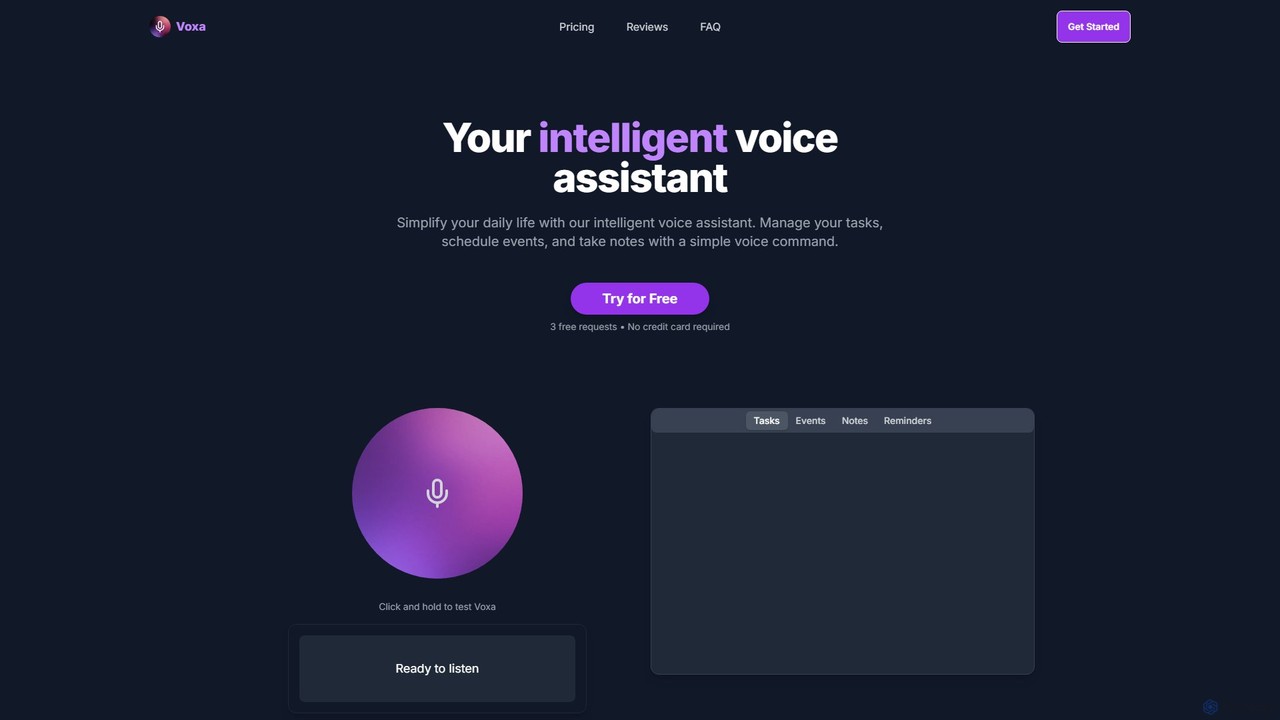
Voxa is an intelligent AI voice assistant designed to boost productivity. It allows you to manage tasks, schedule events, and take notes using simple voice commands. With seamless integration with Google Tasks and Google Calendar, Voxa streamlines your workflow, reduces app switching, and helps you stay organized effortlessly.

Calendar Assistant
Visits 4.7KFavorites 135Likes 102
Craft
Freemium

Craft

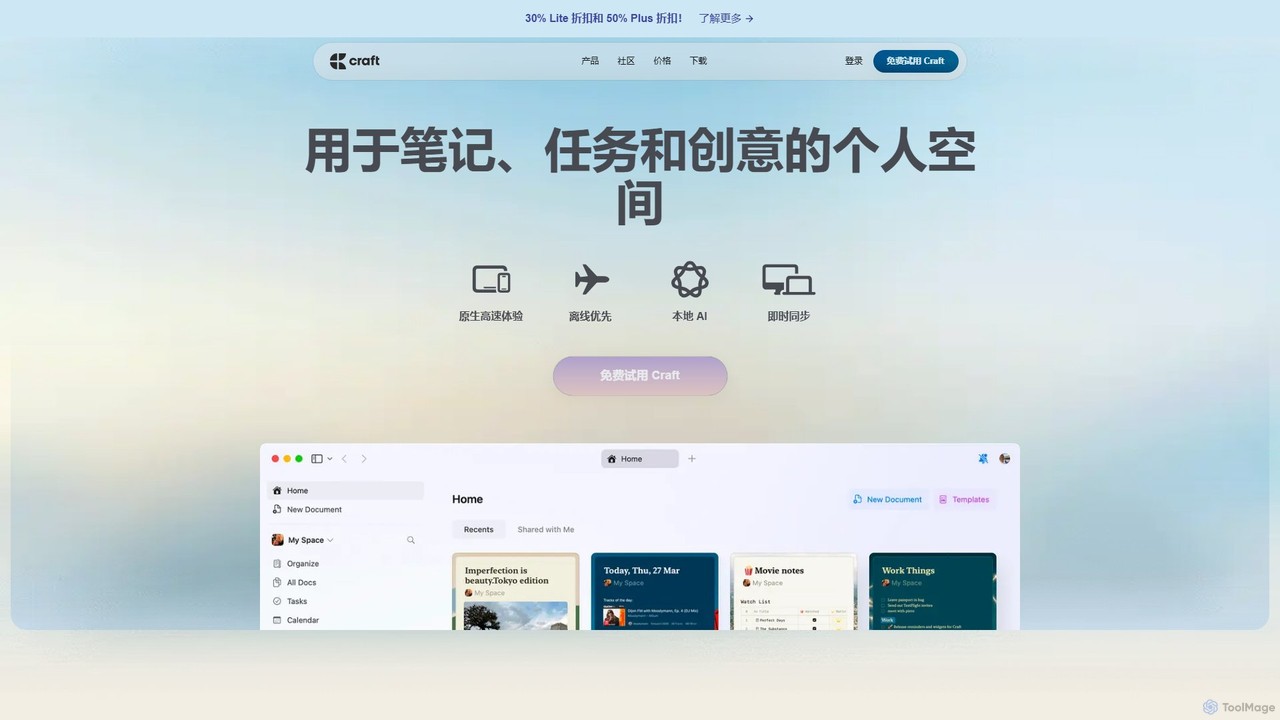
Craft is a beautifully designed, native document editor for notes, tasks, and ideas. It combines powerful features like a local AI assistant, task management, and flexible organization with a joyful, fast, and offline-first user experience, making it the perfect tool for writers, thinkers, and teams to capture and structure their thoughts.

Knowledge Management
Visits 778.6KFavorites 146Likes 137
Twos
Freemium

Twos

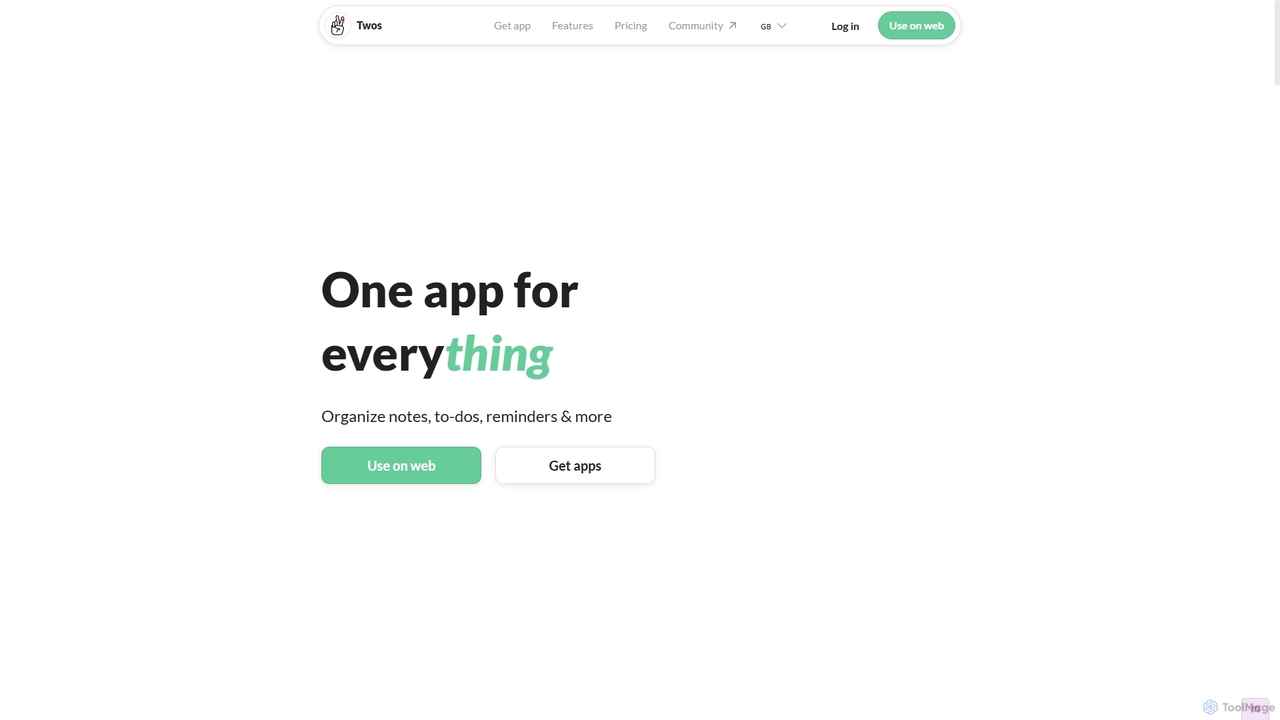
Twos is an all-in-one productivity app powered by AI that helps you organize notes, to-dos, reminders, lists, and calendar events in one simple place. Capture thoughts quickly as "things" and let the AI assistant, PALs, provide smart suggestions to help you stay organized and productive across all your devices.

Note Taking
Visits 69KFavorites 107Likes 122
Gaminote
Freemium

Gaminote

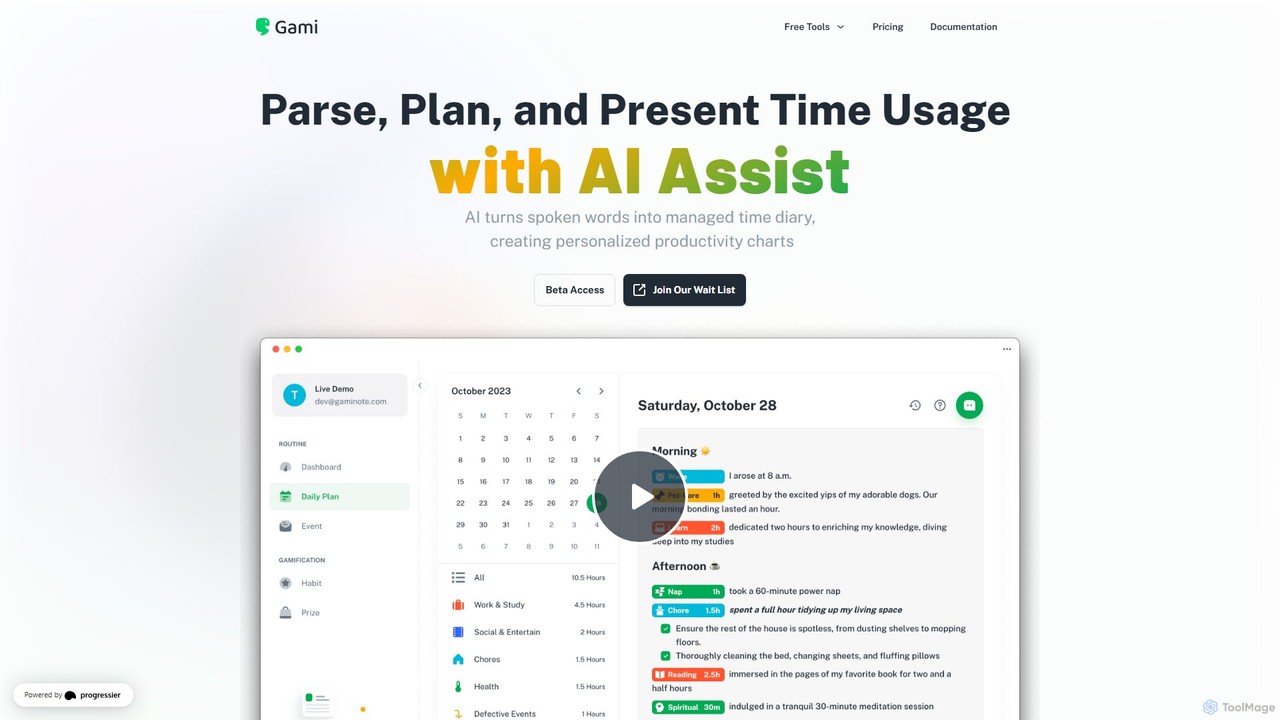
Gaminote is a diary-driven AI time management tool that transforms your spoken or written narratives into structured time logs and visual productivity charts. Simply describe your day, and its AI automatically parses activities, tracks durations, and generates insightful dashboards for effortless time analysis across all your devices.

Note Taking
Visits 5.7KFavorites 133Likes 124
Morgen
Freemium

Morgen

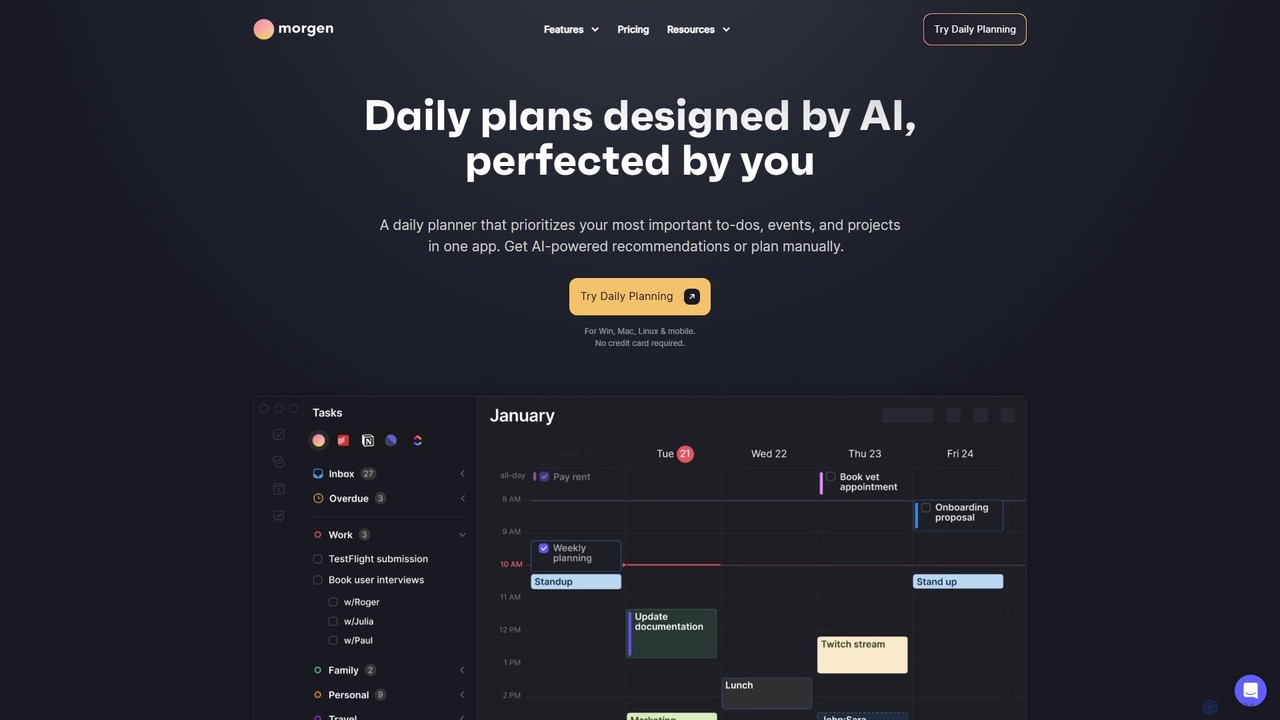
Morgen is an AI-powered daily planner and calendar application designed to unify your tasks, events, and projects. It integrates with multiple calendars (Google, Outlook) and task managers (Notion, Todoist) to help you prioritize work, time block effectively, and adapt to schedule changes. With features like an AI Planner, smart workflows, and cross-platform availability, Morgen helps you take control of your time and boost productivity.

Calendar
Visits 328.9KFavorites 100Likes 95
heydola
Freemium

heydola

Heydola, now known as Toki AI, is an intelligent calendar assistant that simplifies your scheduling. It allows you to manage your calendar using natural language via messaging apps like WhatsApp or its dedicated iOS app. Simply text, speak, or send an image to create events, set smart reminders, and sync all your calendars in one place, making time management effortless and intuitive.

Calendar
Visits 71.8KFavorites 127Likes 106
Elephouse
Free

Elephouse

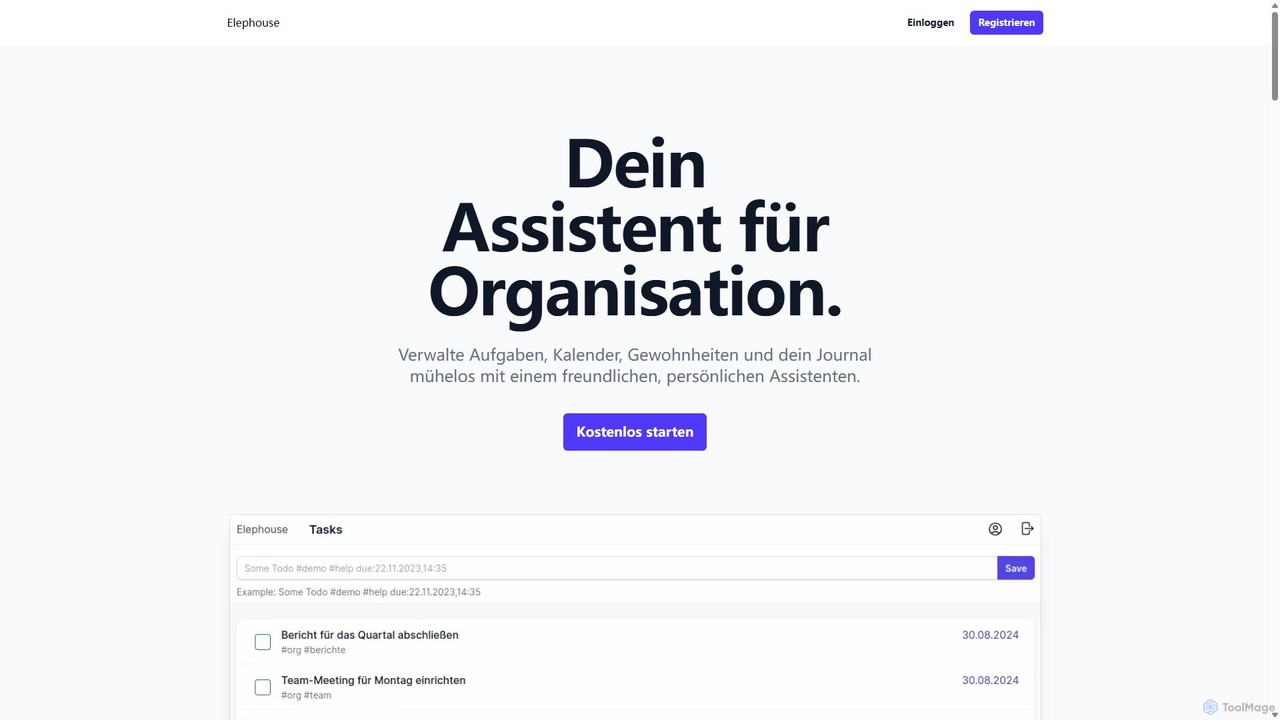
Elephouse is an all-in-one personal assistant designed to simplify your life. It helps you effortlessly manage tasks, calendars, habits, and a journal through a friendly, minimalist, and intuitive interface. With upcoming AI features, it aims to make organization as simple as thinking.

Calendar
Visits 4.3KFavorites 104Likes 106
Tana
Freemium

Tana

Tana is a powerful AI-native workspace that blends an outliner with a database. Structure your notes on the fly with Supertags, automate workflows with AI, and manage everything from tasks and projects to your entire knowledge base in one interconnected graph.

Project Management
Visits 175KFavorites 133Likes 125
Klu
Freemium

Klu

Klu is an AI-powered meeting automation platform designed for modern teams. It records, transcribes, and summarizes your meetings, automatically extracting action items and key insights. By integrating with your existing workflow tools like Notion, Slack, and Asana, Klu automates post-meeting tasks, saving time and boosting productivity.

Workflow
Visits 9.6KFavorites 102Likes 113
Focus Fox
Freemium

Focus Fox

Focus Fox is an AI-powered assistant designed to streamline your productivity by simplifying calendar and event management. Using natural language, you can instantly create events, organize your schedule, and manage tasks, allowing you to focus on what truly matters. It integrates with your existing calendars to provide a seamless experience.

Ai Assistant
Visits 4.3KFavorites 114Likes 108
Timest
Freemium

Timest

Timest is an AI-powered productivity tool that transforms your unstructured ideas, notes, and brainstorming sessions into organized, actionable tasks. It helps bridge the gap between ideation and execution, allowing users to quickly convert thoughts into a structured to-do list or project plan, enhancing efficiency and clarity.

Idea Management
Visits 4.3KFavorites 132Likes 125
Saner.AI
Freemium

Saner.AI

Saner.AI is an AI personal assistant designed to help users, especially those with ADHD, manage notes, emails, and to-do lists. It acts as a unified workspace to capture, organize, and synthesize information, reducing cognitive load and context switching. With its AI assistant, Skai, it automates task planning, prioritization, and knowledge connection, creating a calmer, more productive workflow.

Second Brain
Visits 302.5KFavorites 145Likes 156
Superlist
Freemium

Superlist

Superlist is an AI-powered productivity tool that unifies tasks, notes, and meeting summaries in a single platform. Designed for both individuals and teams, it uses AI to automatically generate meeting notes, track action items, and convert voice memos into tasks, streamlining workflows and enhancing collaboration.

Meeting Assistant
Visits 140.1KFavorites 96Likes 91
Notis
Freemium

Notis

Notis is an AI-powered productivity assistant that turns your voice, text, and images into structured entries in Notion. Operating directly from messaging apps like WhatsApp and Telegram, it helps you capture ideas, manage tasks, draft content, and organize your life without ever opening the Notion app.

Content Creation
Visits 93.2KFavorites 97Likes 81