KarmaBox
Workflow Automation · 4.6K monthly visits
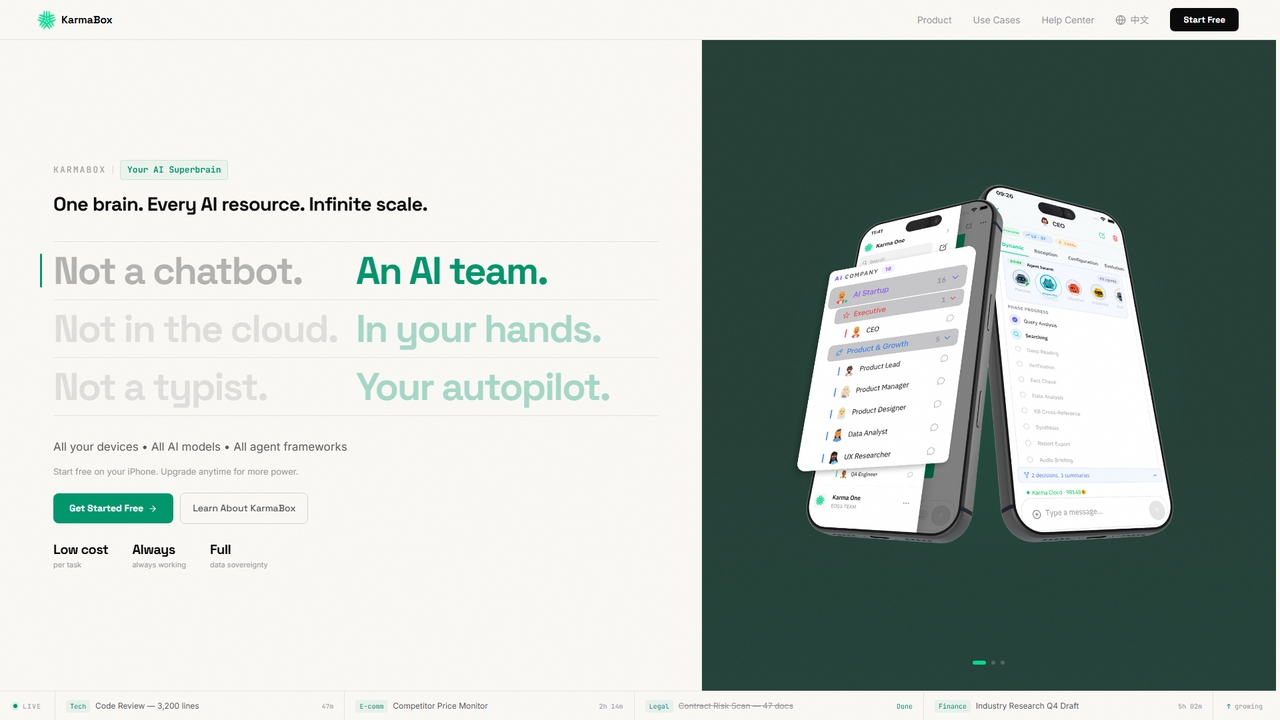
KarmaBox is a sovereign AI foundry app that unifies all AI tools, models, and agents into one private, always-on superbrain on your iPhone, enabling parallel task execution and persistent memory.
KarmaBox is a sovereign AI foundry app that unifies all AI tools, models, and agents into one private, always-on superbrain on your iPhone, enabling parallel task execution and persistent memory.
Microsoft Copilot is your everyday AI companion, enhancing productivity and creativity. It provides intelligent search, content generation, and image creation capabilities by leveraging the latest AI models like GPT-4 and DALL-E 3. Integrated across the Microsoft ecosystem, it assists with writing, coding, planning, and design tasks.
KarmaBox is a sovereign AI foundry app that unifies all AI tools, models, and agents into one private, always-on superbrain on your iPhone, enabling parallel task execution and persistent memory.
Microsoft Copilot is your everyday AI companion, enhancing productivity and creativity. It provides intelligent search, content generation, and image creation capabilities by leveraging the latest AI models like GPT-4 and DALL-E 3. Integrated across the Microsoft ecosystem, it assists with writing, coding, planning, and design tasks.
| Feature | KarmaBox | Microsoft Copilot |
|---|---|---|
| Primary category | Workflow Automation | Image Generator |
| Added | 2026-04-30 | 2025-09-11 |
| Pricing | Freemium | Freemium |
| Official website | www.karmaboxai.com | copilot.microsoft.com |
| Product type | App | Website |
| Performance data | ||
| User rating | Not verified | Not verified |
| Comments | 0 | 0 |
| Monthly visits | 4.6K | 131.6M |
| Monthly growth | Not verified | 1.2% |
| Favorites | 11 | 145 |
| Details | View details | View details |
Compare KarmaBox and Microsoft Copilot by monthly reach, traffic trend, visit depth, top regions, and acquisition sources.
In the KarmaBox vs Microsoft Copilot monthly traffic comparison, KarmaBox currently shows 4.6K visits and Microsoft Copilot shows 131.6M; Microsoft Copilot has about 28,499 times the visible traffic of KarmaBox, an absolute difference of about 131.6M visits. This reflects visible reach, not feature quality or paid users.
Only Microsoft Copilot has complete third-party traffic details; KarmaBox uses visits recorded inside ToolMage. These scopes cannot estimate market share directly, and on-site views should not be treated as the product’s total website traffic.
| Country/region | Percentage | Traffic |
|---|---|---|
| 🇺🇸United States | 67.68% | 89.1M |
| 🇯🇵Japan | 10.03% | 13.2M |
| 🇬🇧United Kingdom | 8.81% | 11.6M |
| 🇦🇺Australia | 7.44% | 9.8M |
| 🇩🇪Germany | 6.04% | 7.9M |
| Source type | Percentage | Traffic |
|---|---|---|
| Direct | 65.89% | 86.7M |
| Referral | 32.62% | 42.9M |
| 1.49% | 2M |
This in-depth KarmaBox vs Microsoft Copilot comparison uses only the product records, taxonomy, audience, traffic, and community signals available on this page. KarmaBox is primarily listed under “Workflow Automation”, while Microsoft Copilot is primarily listed under “Image Generator”, so the first decision is whether your actual task matches their recorded scope.
The structured fields currently show these decision-relevant differences: Primary category (KarmaBox: Workflow Automation; Microsoft Copilot: Image Generator); Product type (KarmaBox: App; Microsoft Copilot: Website); Monthly visits (KarmaBox: 4.6K; Microsoft Copilot: 131.6M); Favorites (KarmaBox: 11; Microsoft Copilot: 145); Website (KarmaBox: www.karmaboxai.com; Microsoft Copilot: copilot.microsoft.com). These facts are more useful for selection than brand visibility alone.
In the KarmaBox vs Microsoft Copilot monthly traffic comparison, KarmaBox currently shows 4.6K visits and Microsoft Copilot shows 131.6M; Microsoft Copilot has about 28,499 times the visible traffic of KarmaBox, an absolute difference of about 131.6M visits. This reflects visible reach, not feature quality or paid users.
Only Microsoft Copilot has complete third-party traffic details; KarmaBox uses visits recorded inside ToolMage. These scopes cannot estimate market share directly, and on-site views should not be treated as the product’s total website traffic.
The current traffic scope is not sufficient for a reliable product ranking. Treat monthly visits as a market-interest signal, then decide using taxonomy, use cases, pricing, and a like-for-like trial rather than reading exposure as product capability.
KarmaBox and Microsoft Copilot currently overlap in shared roles: Content Creator, Customer Support, Data Analyst, HR Manager, Marketing Manager, Product Manager, Researcher, Sales Representative, Social Media Manager, and Software Developer. This can place both on the same shortlist, but it does not prove equal implementation, depth, or cost.
KarmaBox's unique categories/tags are Workflow Automation, Multimedia, Unified Platform, Personal Assistant, AI avatars, AI platform, autonomous agents, and data sovereignty; Microsoft Copilot's are Image Generator, Assistant, Conversational Search, Writing Assistant, AI assistant, chatbot, code helper, and content generation. These unique fields are the strongest differentiators: validate the product whose recorded scope matches the task instead of following traffic alone.
KarmaBox has no verified rating, 0 comments, 11 favorites, and 16 likes;Microsoft Copilot has no verified rating, 0 comments, 145 favorites, and 145 likes。
Neither product has enough rating or comment samples for a credible reputation ranking.
Put KarmaBox on the priority trial list when the task aligns with “Workflow Automation” and especially Workflow Automation, Multimedia, Unified Platform, Personal Assistant, AI avatars, and AI platform. This follows recorded positioning and does not imply unlisted capabilities are absent.
KarmaBox also currently records: pricing is freemium, product type is app, 4.6K on-site monthly views, no verified user rating. Verify any hard requirement around price, platform, or reach before trial, and do not let sparse review data substitute for testing.
Put Microsoft Copilot on the priority trial list when the task aligns with “Image Generator” and especially Image Generator, Assistant, Conversational Search, Writing Assistant, AI assistant, and chatbot, or the users include Entrepreneur, Graphic Designer, and Student. This follows recorded positioning and does not imply unlisted capabilities are absent.
Microsoft Copilot also currently records: pricing is freemium, product type is website, 131.6M verified monthly visits, no verified user rating. Verify any hard requirement around price, platform, or reach before trial, and do not let sparse review data substitute for testing.
The available data describes positioning, public visibility, and community signals, but it cannot prove output quality, speed, integration effort, privacy, or long-term cost in your workflow. Before deciding, run the same representative tasks in KarmaBox and Microsoft Copilot, then record completion time, accuracy, manual corrections, and the real paid threshold. A like-for-like trial turns this comparison into a defensible adoption decision.

Side Space is a powerful AI assistant that integrates seamlessly into your desktop workflow. It operates from a convenient sidebar, providing instant access to AI-powered tools for writing, coding, and general productivity without ever leaving your current application. Enhance your efficiency with contextual actions on selected text and customizable commands.
Code Assistant
ChatLLM is an advanced conversational AI platform designed for professionals and developers. It provides unified access to multiple leading Large Language Models (LLMs) like GPT-4, Claude 3, and more. The platform focuses on enhancing productivity, streamlining workflows, and enabling powerful integrations through a robust API.
Api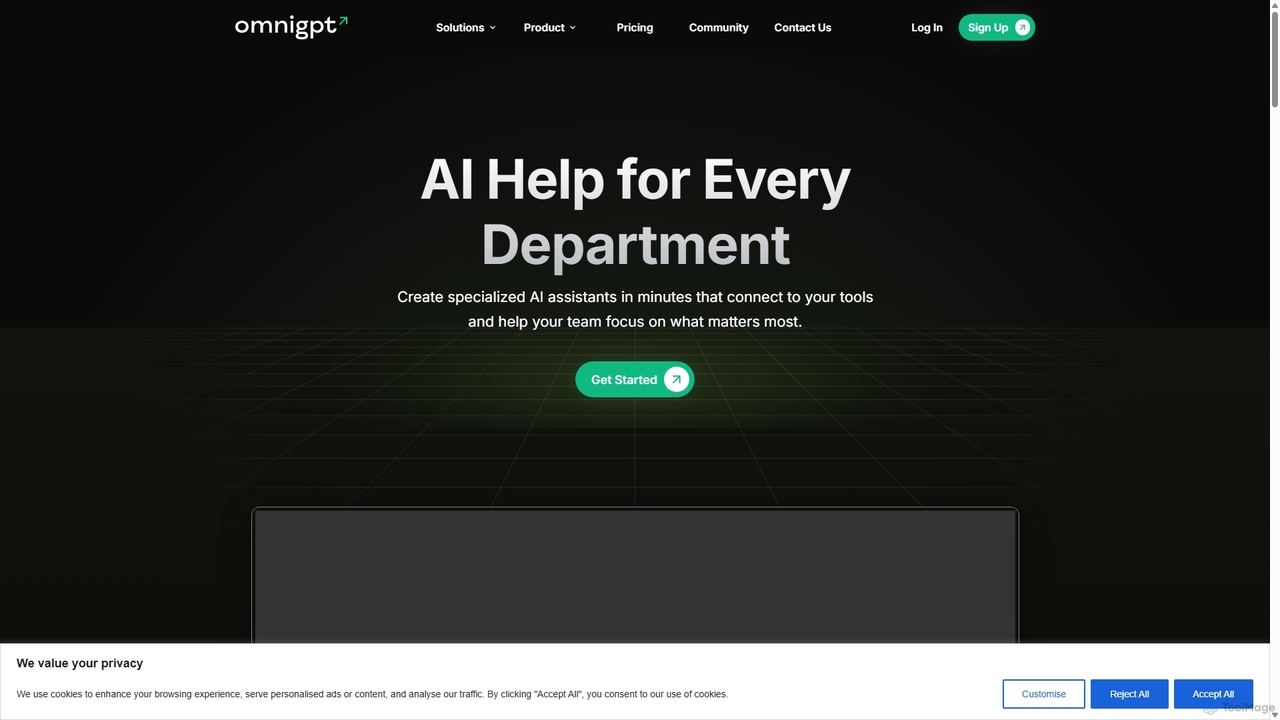
OmniGPT is an all-in-one AI productivity platform that provides access to multiple leading AI models like GPT-4, Claude 3.5, and Llama 3 through a single subscription. Designed for individuals and teams, it enhances workflows with features such as document analysis, image generation, team collaboration, and seamless integrations with everyday tools like WhatsApp and Slack, offering a cost-effective alternative to multiple AI service subscriptions.
Code Assistant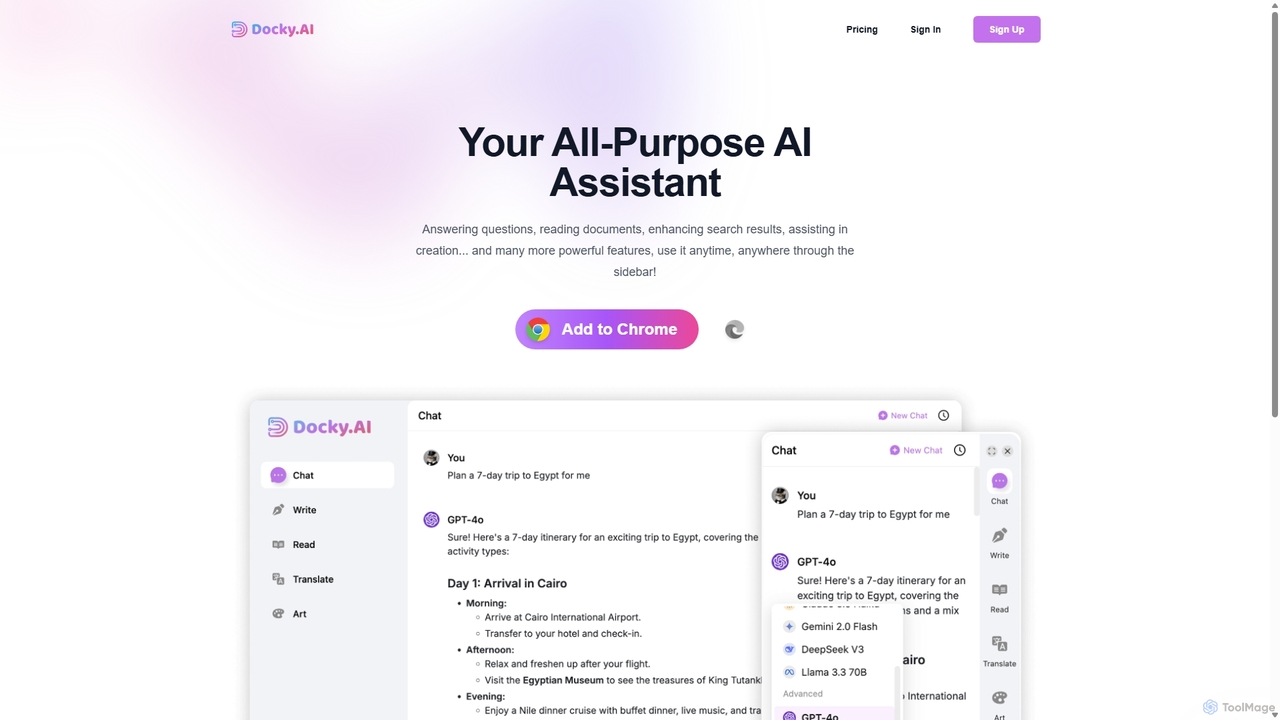
Docky.AI is a powerful all-in-one AI sidebar for your browser. It integrates leading models like GPT-4, Claude, and DALL-E, allowing you to enhance search results, read documents, assist with writing, and generate content seamlessly on any webpage. Boost your productivity without ever switching tabs.
Search Assistant
Jyek is an AI agent platform that understands objectives, creates execution plans, uses tools, and delivers verifiable results for complex, multi-step tasks.
Automation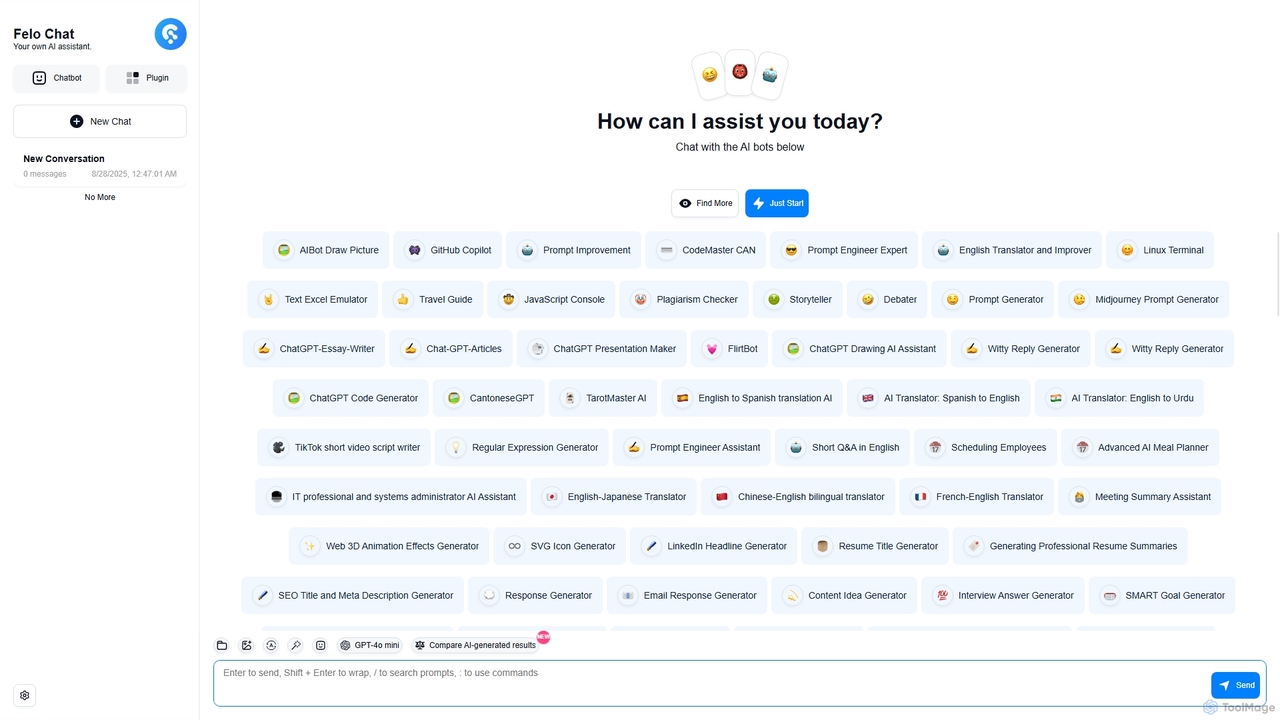
Felo Chat is a versatile AI assistant platform providing free access to leading AI models like GPT-4o, Claude, and Gemini. It features an extensive library of specialized AI bots for various tasks, from coding and content creation to translation and data analysis. With support for text, file, and image uploads, Felo Chat serves as a comprehensive, all-in-one solution for professionals, students, and creatives.
Code Assistant
carlos_app is an intelligent AI personal assistant designed to streamline your workflow, manage tasks, automate scheduling, and enhance communication. It acts as your proactive partner, helping you focus on what truly matters by handling the administrative details.
Task Management
Google Gemini is a powerful, multimodal AI assistant designed to enhance creativity and productivity. It can understand and process text, code, images, and video to help you write, plan, learn, and create. Integrated with Google's ecosystem, it offers features like advanced content generation, deep research, and seamless collaboration within Google apps.
Image Generator
Thinkbuddy is a native desktop AI client designed for fast, secure, and organized interaction with multiple AI models. It acts as a unified workspace, allowing you to switch between models like GPT-4o, Claude 3, and Llama 3, manage conversations in projects, and save prompts in a library for a streamlined workflow.
Code Assistant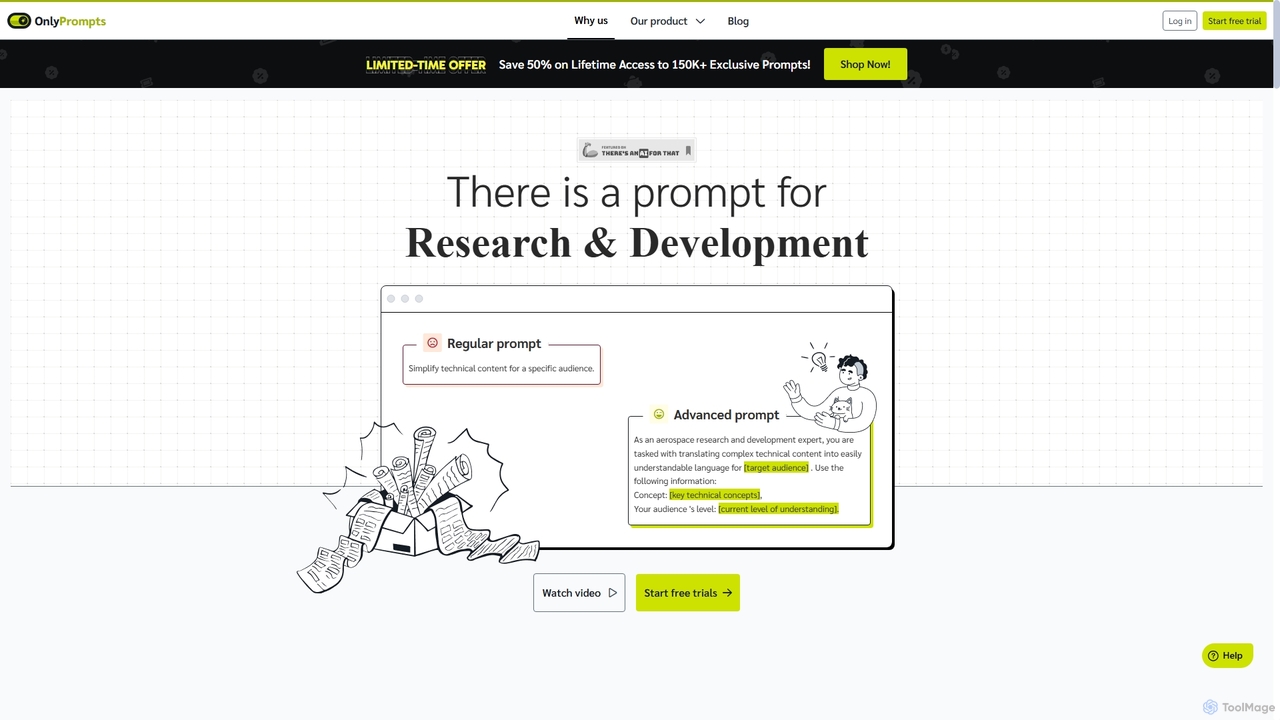
OnlyPrompts is the ultimate AI prompt library, offering over 150,000 expertly crafted prompts for 37,000+ tasks. It features an integrated AI assistant compatible with GPT-4 and Claude 3, side-by-side prompt testing, and customizable templates. Designed for professionals in marketing, HR, finance, and more, it streamlines workflows, enhances productivity, and elevates the quality of AI-generated content.
Operations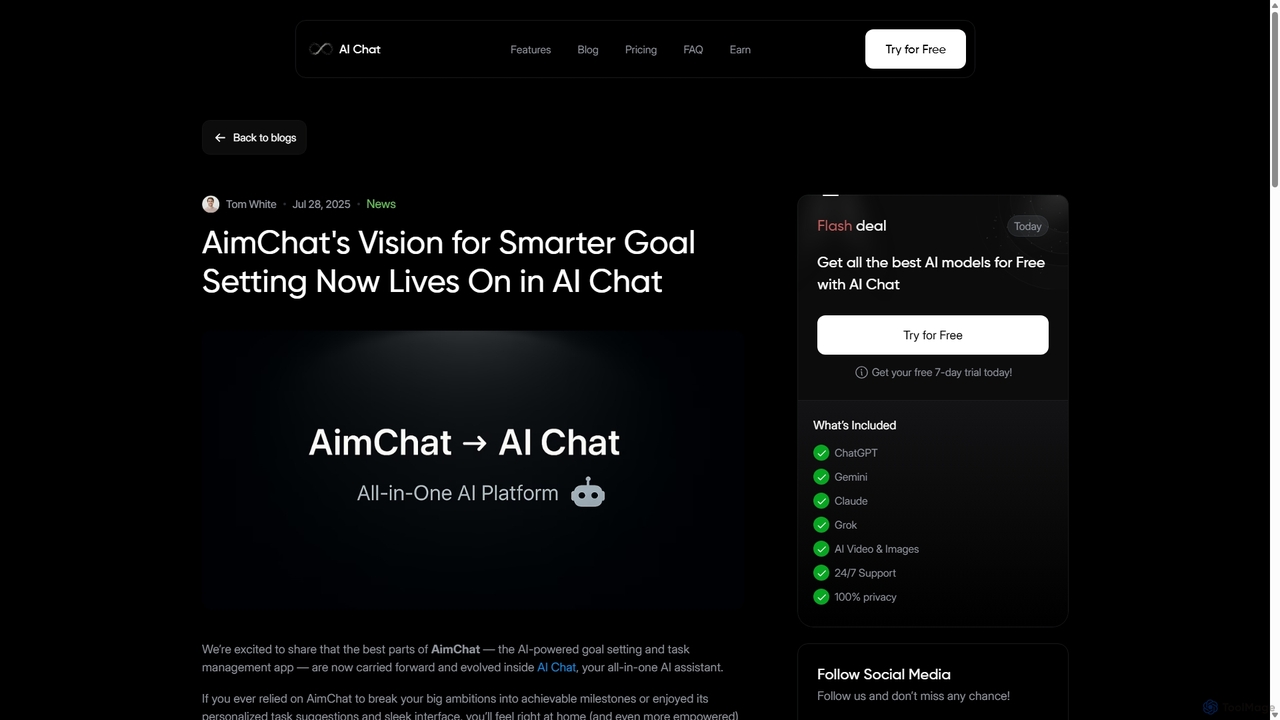
AI Chat is an all-in-one AI assistant that integrates top models like ChatGPT, Claude, and Gemini into a single platform. Evolving from the goal-setting app AimChat, it combines advanced conversational AI with powerful task management, research, and content creation tools to streamline your workflow and help you achieve your ambitions.
Assistant
Merlin is an all-in-one AI assistant, available as a browser extension and app, that integrates top AI models like GPT-4, Claude 3, and Gemini. It allows you to research, write, summarize content, generate images, and code with a single click on any website, streamlining your workflow and boosting productivity without switching tabs.
Chrome Extensions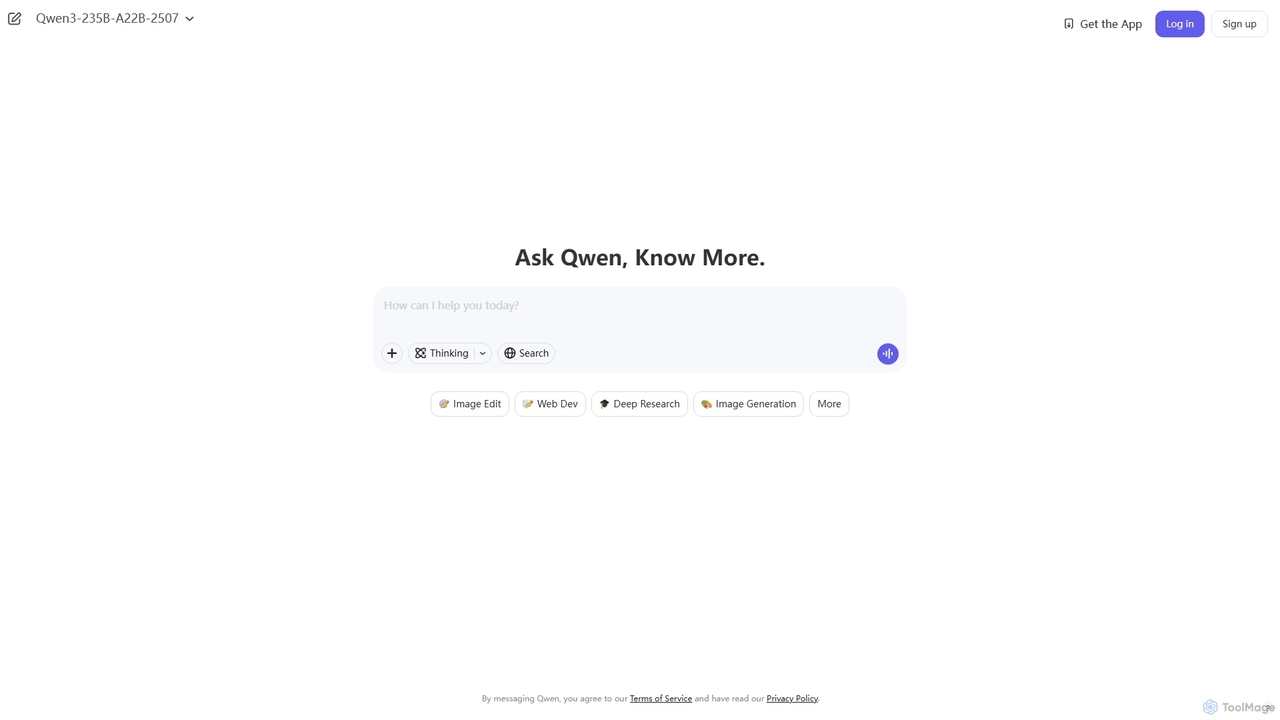
Qwen is a powerful multimodal AI chat assistant from Alibaba Cloud. It excels at natural language conversations, content creation, code generation, data analysis, and even image generation. With integrated web search and document analysis, Qwen provides comprehensive, up-to-date, and accurate answers for a wide range of tasks.
Image Generation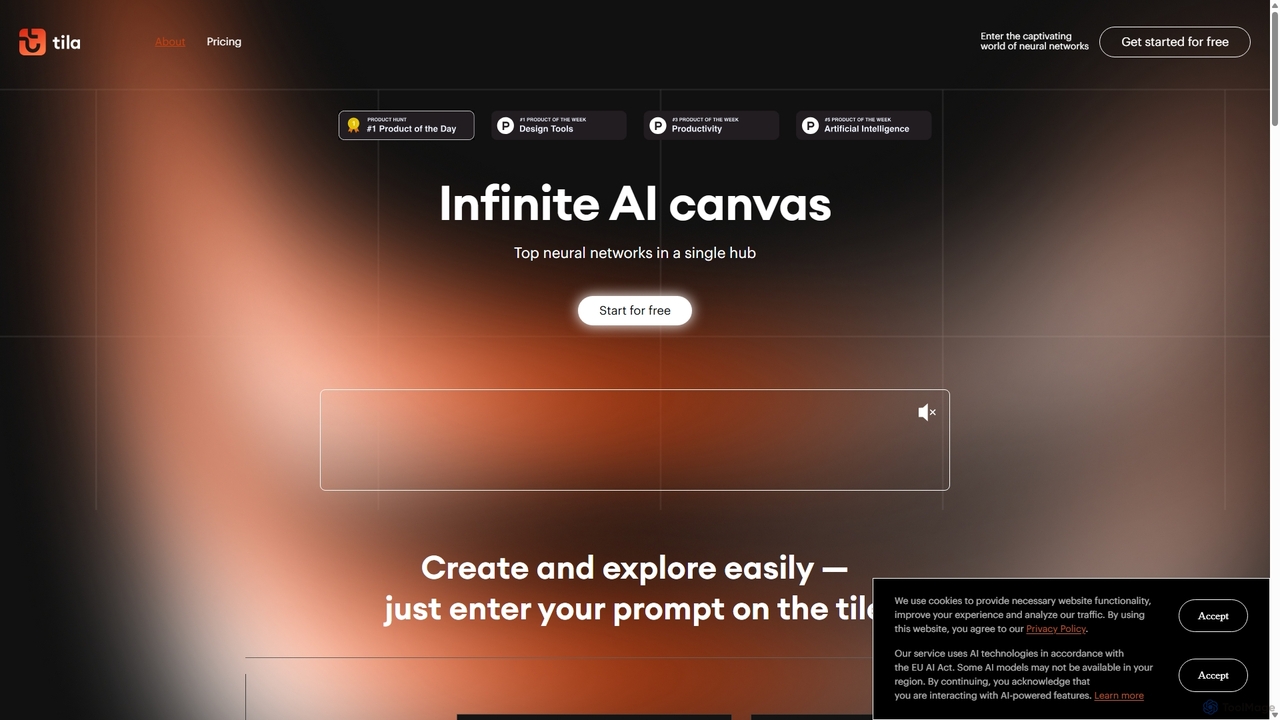
Tila is a multi-agent AI platform that combines workflow automation and content creation in a unified visual workspace. It offers an infinite canvas where users can connect various AI models like GPT-4o, Claude 3.5, and DALL-E 3 to generate text, images, videos, and audio. Its smart multi-agent technology automates complex tasks, from data analysis to app development, streamlining creative and productive workflows without needing multiple subscriptions.
Generative Ai
Iris is a seamless AI assistant for macOS, designed to integrate into your workflow. It provides instant access to top AI models like GPT-4o and Claude 3.5, allowing you to chat, capture your screen for context, and get answers without ever leaving your current application. With intuitive gestures and powerful shortcuts, Iris is there when you need it and invisible when you don't.
Coding Assistant