Opal Camera offers a range of AI-powered webcams, including the C1 and Tadpole models, designed to deliver DSLR-like video quality. Paired with the intelligent Composer software, it provides features like professional bokeh, auto-framing, and advanced image processing for video conferencing, streaming, and content creation.
Webcam Effects is an AI-powered Chrome extension that enhances your video calls directly in your browser. It offers features like virtual backgrounds, background blur, auto-framing, beautification, and real-time emoji reactions. Compatible with major platforms like Google Meet, Zoom, and Teams, it helps you maintain a professional look, protect your privacy, and make your video conversations more engaging.
Product overview
Opal Camera Product overview
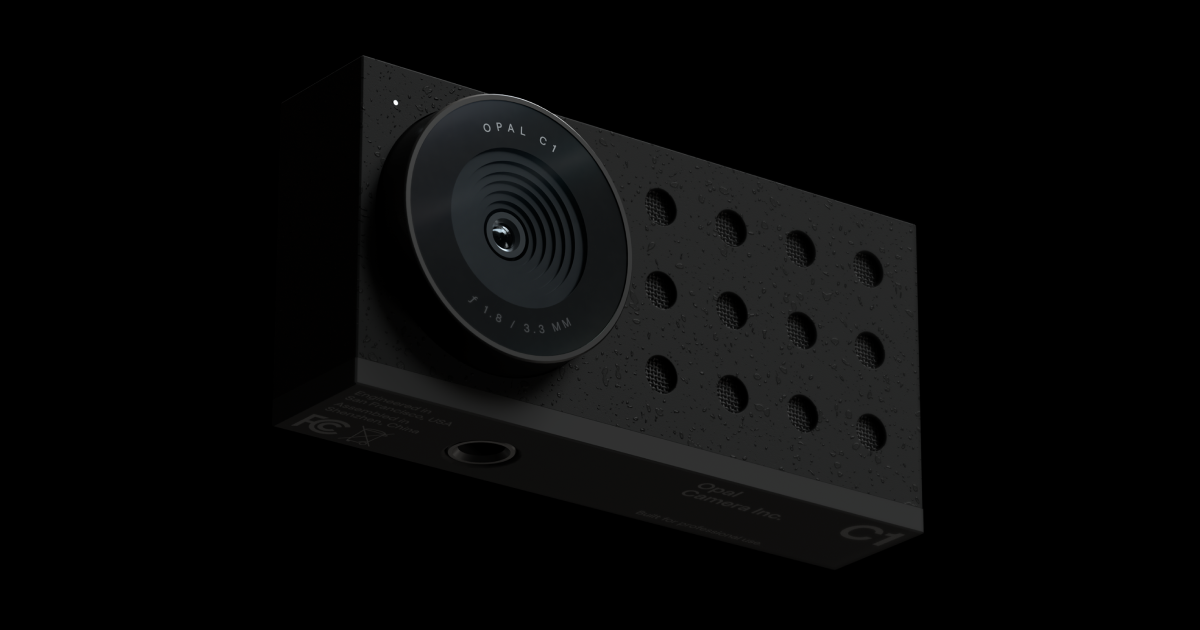
Opal Camera offers a range of AI-powered webcams, including the C1 and Tadpole models, designed to deliver DSLR-like video quality. Paired with the intelligent Composer software, it provides features like professional bokeh, auto-framing, and advanced image processing for video conferencing, streaming, and content creation.

Webcam Effects Product overview
Webcam Effects is an AI-powered Chrome extension that enhances your video calls directly in your browser. It offers features like virtual backgrounds, background blur, auto-framing, beautification, and real-time emoji reactions. Compatible with major platforms like Google Meet, Zoom, and Teams, it helps you maintain a professional look, protect your privacy, and make your video conversations more engaging.
Detailed feature comparison
| Feature | Opal Camera | Webcam Effects |
|---|---|---|
| Primary category | Smart Gadgets | Chrome Extensions |
| Added | 2025-08-14 | 2025-08-11 |
| Pricing | Paid | Freemium |
| Official website | opalcamera.com | webcameffects.app |
| Product type | App | Browser extension |
| Performance data | ||
| User rating | Not verified | Not verified |
| Comments | 0 | 0 |
| Monthly visits | 58.8K | 33.7K |
| Monthly growth | -14.6% | -11.8% |
| Favorites | 153 | 115 |
| Details | View details | View details |
Opal Camera vs Webcam Effects monthly traffic
Compare Opal Camera and Webcam Effects by monthly reach, traffic trend, visit depth, top regions, and acquisition sources.
How to interpret the traffic data
In the Opal Camera vs Webcam Effects monthly traffic comparison, Opal Camera currently shows 58.8K visits and Webcam Effects shows 33.7K; Opal Camera has about 1.7 times the visible traffic of Webcam Effects, an absolute difference of about 25.2K visits. This reflects visible reach, not feature quality or paid users.
Both tools provide verified traffic details, so monthly trends, visit depth, regions, and acquisition sources can be compared on the same basis.
Webcam Effects is registered at the webcameffects.app/en subpage. Because the current data does not state whether other host pages are excluded, treat this as domain-level context rather than independent traffic for one product or project.
Opal Camera monthly traffic:
Latest traffic
Monthly traffic trend
- 2025/9: 61.6K Monthly visits
- 2026/1: 66K Monthly visits
- 2026/2: 57.5K Monthly visits
- 2026/3: 85.2K Monthly visits
- 2026/4: 68.8K Monthly visits
- 2026/5: 58.8K Monthly visits
Top regions
Top 5 countries/regions
| Country/region | Percentage | Traffic |
|---|---|---|
| 🇨🇭Switzerland | 41.98% | 24.7K |
| 🇺🇸United States | 27.83% | 16.4K |
| 🇮🇳India | 16.57% | 9.7K |
| 🇧🇷Brazil | 6.89% | 4.1K |
| 🇳🇬Nigeria | 6.73% | 4K |
Traffic sources
| Source type | Percentage | Traffic |
|---|---|---|
| Direct | 77.83% | 45.8K |
| Referral | 20.85% | 12.3K |
| 1.32% | 776 |
Search keywords
Webcam Effects monthly traffic:
Latest traffic
Monthly traffic trend
- 2026/1: 30.2K Monthly visits
- 2026/2: 23.5K Monthly visits
- 2026/3: 31.7K Monthly visits
- 2026/4: 38.2K Monthly visits
- 2026/5: 33.7K Monthly visits
Top regions
Top 5 countries/regions
| Country/region | Percentage | Traffic |
|---|---|---|
| 🇺🇸United States | 51.09% | 17.2K |
| 🇮🇳India | 22.38% | 7.5K |
| 🇵🇭Philippines | 13.01% | 4.4K |
| 🇧🇷Brazil | 7.04% | 2.4K |
| 🇨🇦Canada | 6.48% | 2.2K |
Traffic sources
| Source type | Percentage | Traffic |
|---|---|---|
| Direct | 91.7% | 30.9K |
| Referral | 7.7% | 2.6K |
| 0.6% | 202 |
Search keywords
Usage comparison
Compare the core capabilities of Opal Camera and Webcam Effects
Opal Camera Core features
Webcam Effects Core features
Use cases
Opal Camera Use cases
Webcam Effects Use cases
Opal Camera vs Webcam Effects:In-depth comparison and selection guidance
First decide whether the products solve the same kind of need
This in-depth Opal Camera vs Webcam Effects comparison uses only the product records, taxonomy, audience, traffic, and community signals available on this page. Opal Camera is primarily listed under “Smart Gadgets”, while Webcam Effects is primarily listed under “Chrome Extensions”, so the first decision is whether your actual task matches their recorded scope.
The structured fields currently show these decision-relevant differences: Primary category (Opal Camera: Smart Gadgets; Webcam Effects: Chrome Extensions); Product type (Opal Camera: App; Webcam Effects: Browser extension); Pricing (Opal Camera: Paid; Webcam Effects: Freemium); Monthly visits (Opal Camera: 58.8K; Webcam Effects: 33.7K); Monthly growth (Opal Camera: -14.6%; Webcam Effects: -11.8%). These facts are more useful for selection than brand visibility alone.
What market visibility and monthly traffic mean
In the Opal Camera vs Webcam Effects monthly traffic comparison, Opal Camera currently shows 58.8K visits and Webcam Effects shows 33.7K; Opal Camera has about 1.7 times the visible traffic of Webcam Effects, an absolute difference of about 25.2K visits. This reflects visible reach, not feature quality or paid users.
Both tools provide verified traffic details, so monthly trends, visit depth, regions, and acquisition sources can be compared on the same basis.
Webcam Effects is registered at the webcameffects.app/en subpage. Because the current data does not state whether other host pages are excluded, treat this as domain-level context rather than independent traffic for one product or project.
If public market visibility is an important first-pass criterion, investigate Opal Camera first. The final choice should still follow taxonomy, use case, and a real trial because higher traffic does not prove broader capabilities or better workflow fit.
Product positioning, use cases, and roles
Opal Camera and Webcam Effects currently overlap in shared categories: Meetings; shared tags: background blur and webcam. This can place both on the same shortlist, but it does not prove equal implementation, depth, or cost.
Opal Camera's unique categories/tags are Smart Gadgets, Webcam, Video Enhancement, AI camera, content creation, DSLR quality, remote work, and streaming; Webcam Effects's are Chrome Extensions, Video Effects, auto-framing, beautification, chrome extension, Google Meet, live streaming, and Microsoft Teams. These unique fields are the strongest differentiators: validate the product whose recorded scope matches the task instead of following traffic alone.
What ratings, comments, and favorites can tell you
Opal Camera has no verified rating, 0 comments, 153 favorites, and 149 likes;Webcam Effects has no verified rating, 0 comments, 115 favorites, and 123 likes。
Neither product has enough rating or comment samples for a credible reputation ranking.
Selection guidance by actual need
When to evaluate Opal Camera first
Put Opal Camera on the priority trial list when the task aligns with “Smart Gadgets” and especially Smart Gadgets, Webcam, Video Enhancement, AI camera, content creation, and DSLR quality. This follows recorded positioning and does not imply unlisted capabilities are absent.
Opal Camera also currently records: pricing is paid, product type is app, 58.8K verified monthly visits, no verified user rating. Verify any hard requirement around price, platform, or reach before trial, and do not let sparse review data substitute for testing.
When to evaluate Webcam Effects first
Put Webcam Effects on the priority trial list when the task aligns with “Chrome Extensions” and especially Chrome Extensions, Video Effects, auto-framing, beautification, chrome extension, and Google Meet. This follows recorded positioning and does not imply unlisted capabilities are absent.
Webcam Effects also currently records: pricing is freemium, product type is browser extension, 33.7K monthly visits shown for the registered host (subpage scope unknown), no verified user rating. Verify any hard requirement around price, platform, or reach before trial, and do not let sparse review data substitute for testing.
How to validate the recommendation before deciding
The available data describes positioning, public visibility, and community signals, but it cannot prove output quality, speed, integration effort, privacy, or long-term cost in your workflow. Before deciding, run the same representative tasks in Opal Camera and Webcam Effects, then record completion time, accuracy, manual corrections, and the real paid threshold. A like-for-like trial turns this comparison into a defensible adoption decision.
Comparison FAQ
How should I choose between Opal Camera and Webcam Effects?
Where does this comparison data come from?
What do unknown fields mean?
Related AI tools

Casablanca
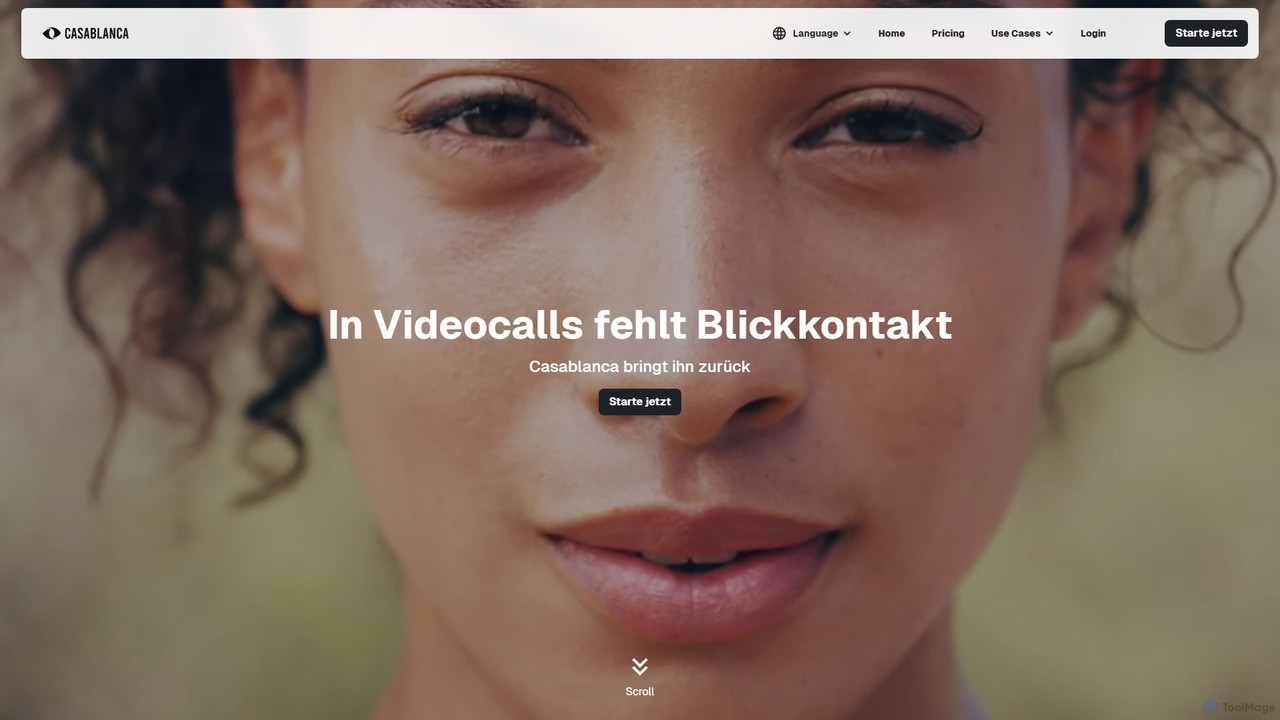
Casablanca is an AI-powered virtual camera that enhances your presence in online meetings. Its core feature, AI eye contact correction, ensures you always appear to be looking directly at the camera, fostering better engagement. It works seamlessly with popular platforms like Zoom, Teams, and Google Meet to make you look your best in every call.
Teleconferencing
Personify
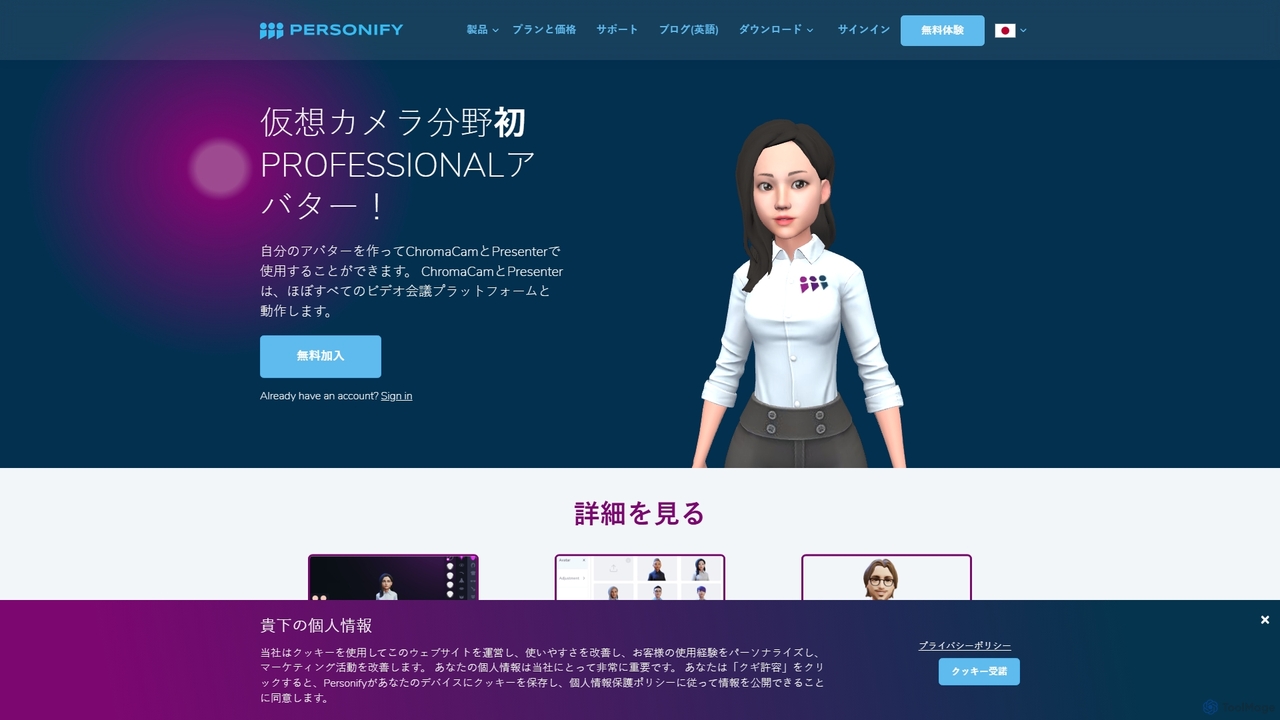
Personify is an AI-powered suite of virtual camera tools, including Presenter and ChromaCam, designed to create immersive and engaging video presentations. It allows users to overlay their video on content, use custom 3D avatars, and replace backgrounds in any video conferencing app.
Virtual Identity
Pinch
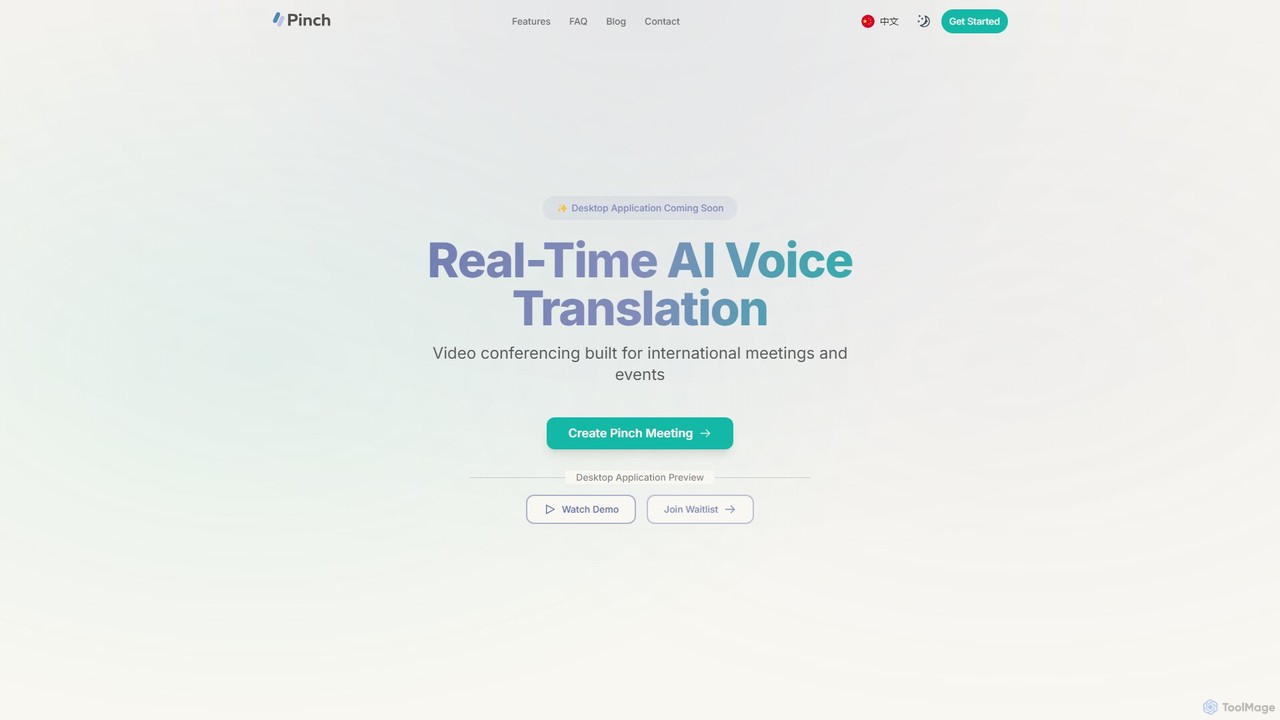
Pinch is a real-time AI voice translation platform for video conferencing, designed for international meetings and events. It offers AI-powered interpreter and simultaneous translation modes with lipsync technology to break down language barriers and facilitate seamless global communication on platforms like Zoom, Google Meet, and Teams.
Translation
Tactiq
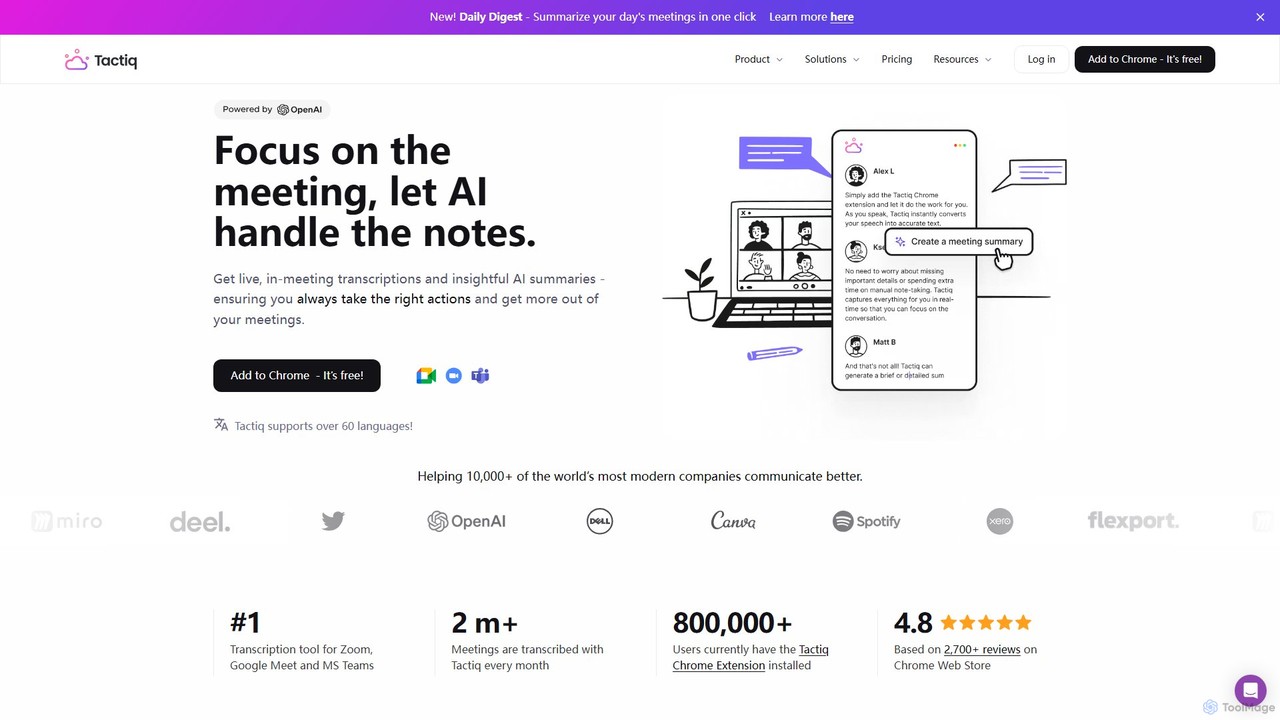
Tactiq is an AI-powered Chrome extension that provides real-time transcription, summaries, and actionable insights for Google Meet, Zoom, and MS Teams meetings. It operates without a bot, ensuring privacy while capturing every detail, identifying speakers, and automating post-meeting tasks like follow-up emails and action items.
Team Collaboration
mymeet.ai
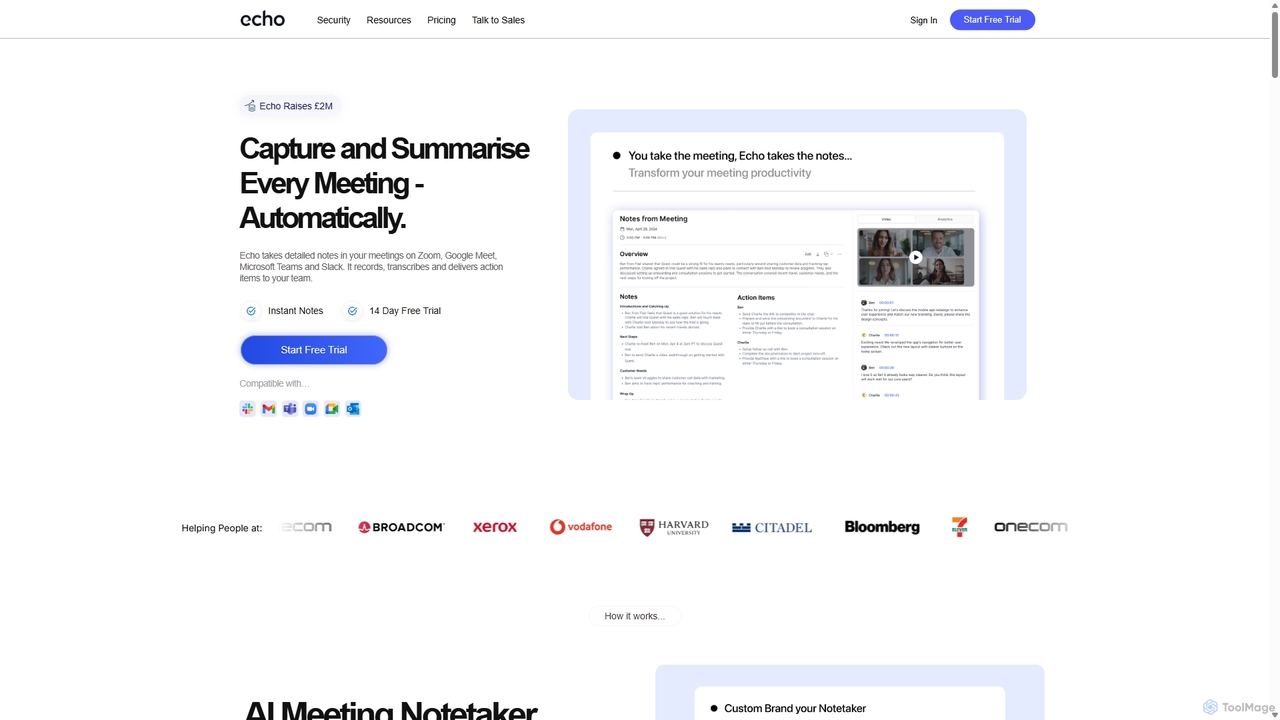
mymeet.ai is an AI meeting assistant that automatically joins your calls on Zoom, Google Meet, and Teams to record, transcribe, summarize, and identify action items. It features an interactive AI chat to query meeting details, offers specialized analysis templates, and integrates seamlessly with your calendar and other work tools to boost productivity.
Sales
MeetGeek
MeetGeek is an AI meeting assistant that automatically records, transcribes, summarizes, and provides key insights for your meetings. It integrates seamlessly with Zoom, Google Meet, and Microsoft Teams, transforming conversations into actionable knowledge, boosting team productivity, and ensuring no important details are ever missed.
Meetings
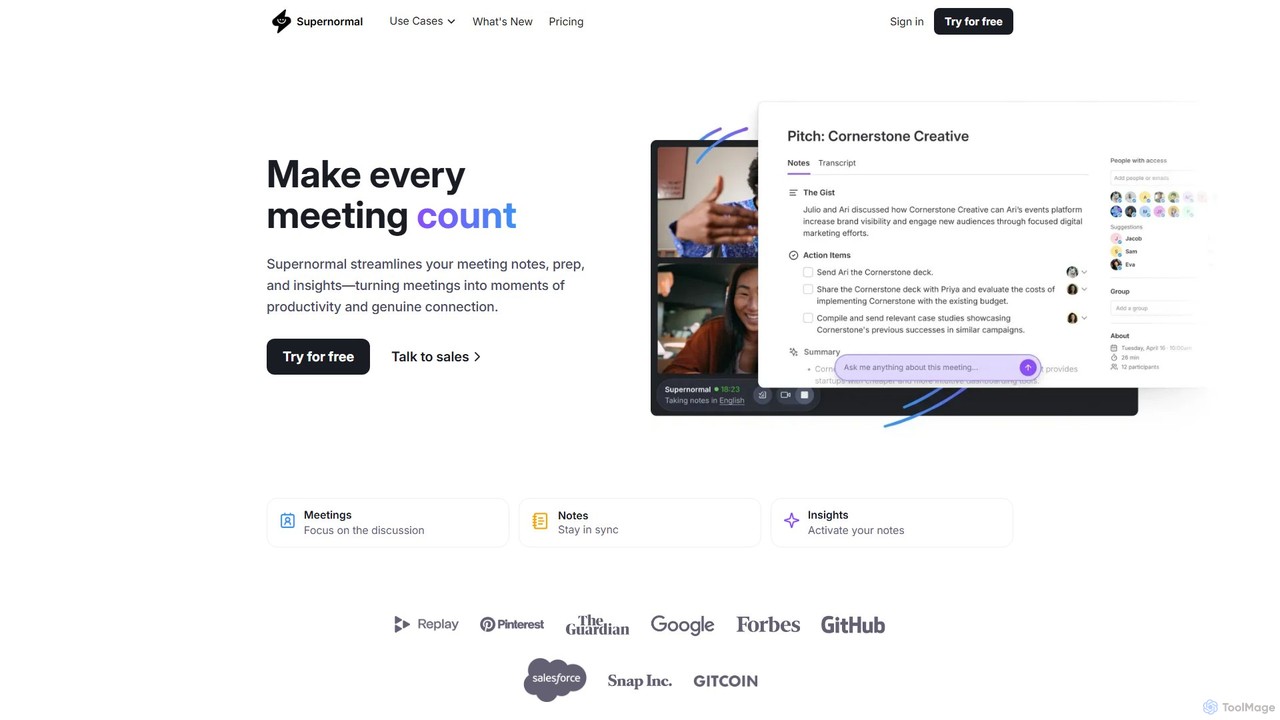
Supernormal
Supernormal is an AI meeting assistant that automatically records, transcribes, and summarizes your meetings on Google Meet, Zoom, and Microsoft Teams. It helps you focus on the conversation by taking care of note-taking, identifying action items, and providing actionable insights.
Meetings
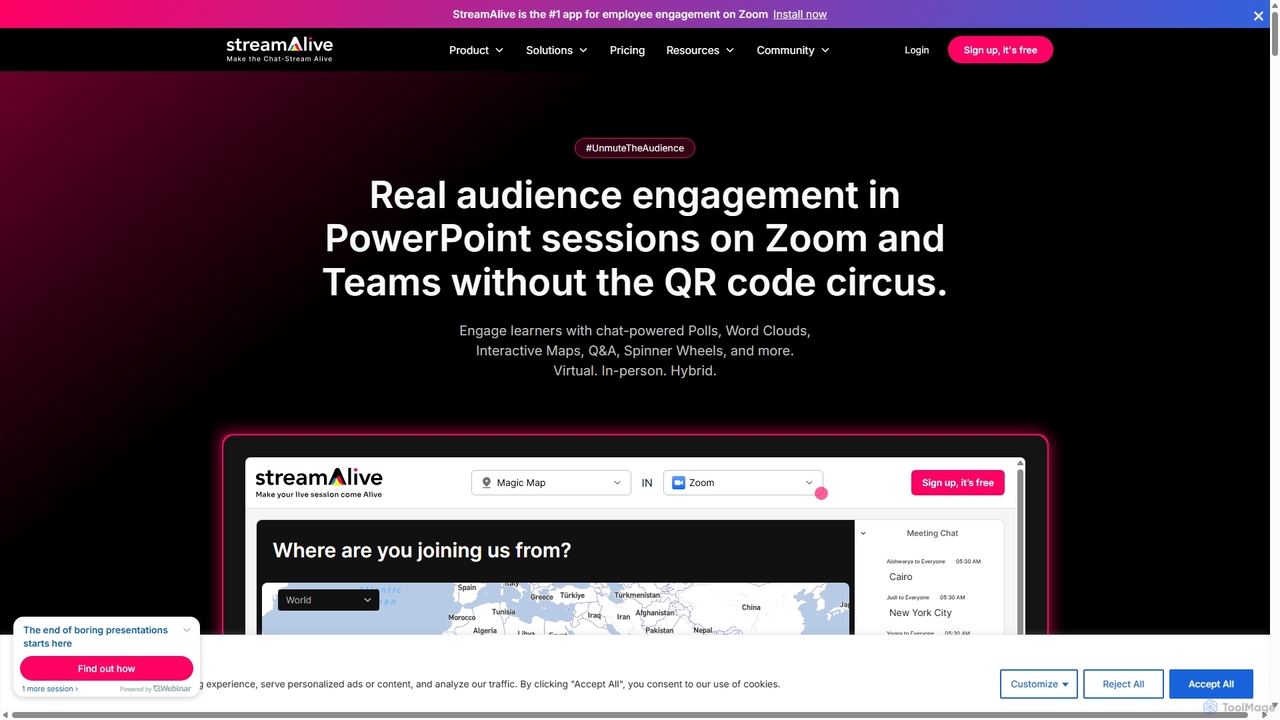
StreamAlive
StreamAlive is an AI-powered audience engagement tool for live sessions on platforms like Zoom, Teams, and YouTube. It transforms passive presentations into interactive experiences using chat-powered features like polls, word clouds, interactive maps, and Q&A. Its AI can automatically generate engagement questions from your presentation material, making it easy for trainers, educators, and presenters to keep their audience captivated without complex setups or QR codes.
Training
withsherlock
withsherlock is an AI-powered interview proctoring agent designed to ensure interview integrity. It detects and prevents AI-assisted cheating in real-time during remote interviews on platforms like Zoom, Teams, and Meet. By using advanced visual, audio, and behavioral analysis, it helps recruiters and hiring managers focus on candidate quality and make confident hiring decisions.
Recruiting
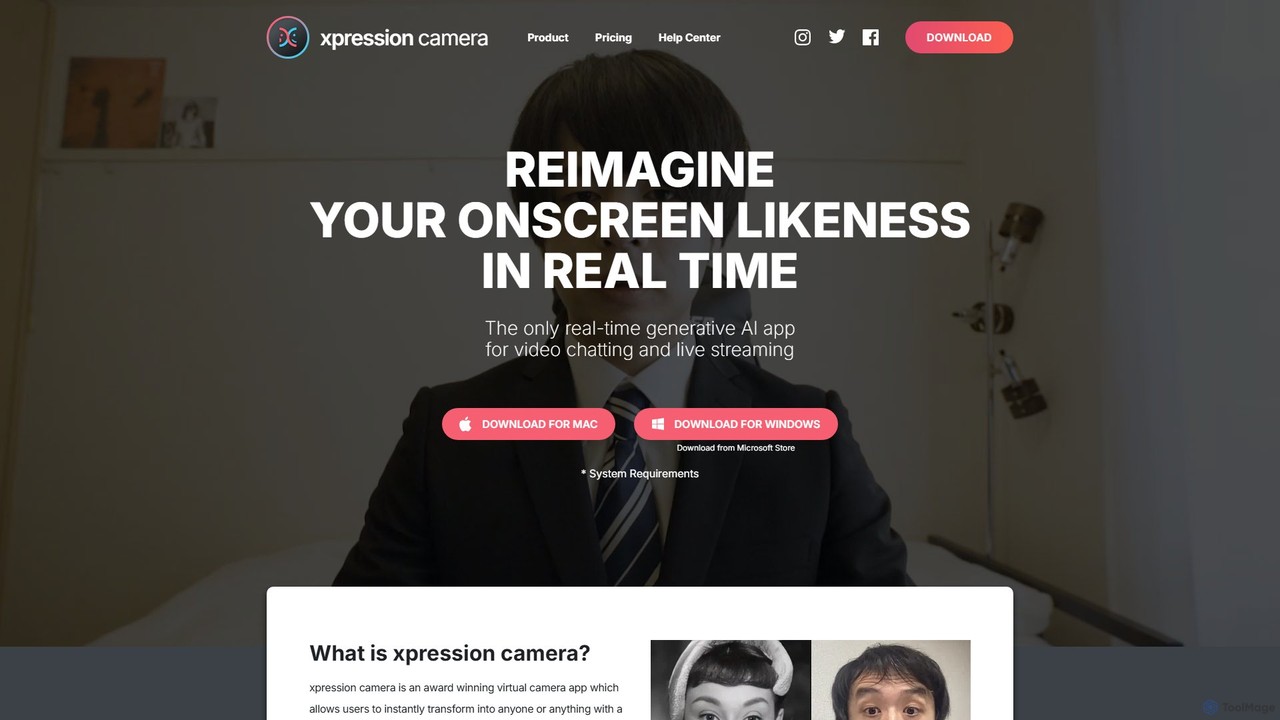
xpressioncamera
xpressioncamera is an award-winning AI virtual camera app that lets you instantly transform into anyone or anything with a face using a single photo. Animate avatars in real-time for video calls, streaming, and content creation, with features like Voice2Face and AI-powered effects.
Avatar Generator
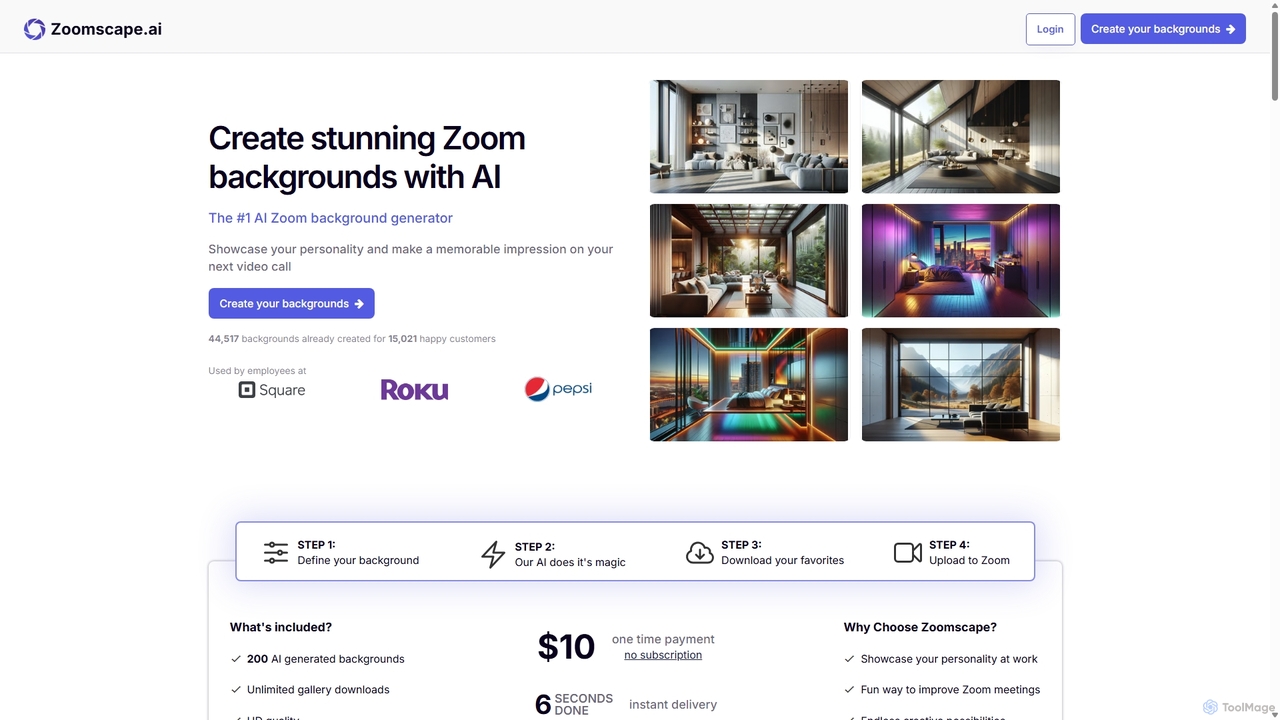
ZoomScape.ai
ZoomScape.ai is an AI-powered generator that creates hundreds of unique, stunning, and high-definition virtual backgrounds for Zoom and other video conferencing platforms. In seconds, you can generate personalized backdrops that showcase your personality, enhance your professional brand, and make your meetings more engaging.
Miscellaneous
MeetingAssistant
MeetingAssistant is an AI-powered copilot designed to enhance your performance in meetings, especially job interviews. It provides real-time transcription of conversations and delivers smart, AI-generated suggestions, helping you respond confidently and effectively. It seamlessly integrates with any web-based meeting platform like Zoom, Google Meet, and Microsoft Teams, acting as your personal communication coach.
Interview Preparation
Meetecho
meetecho is an AI executive assistant that automatically joins your meetings on Zoom, Google Meet, and Microsoft Teams to record, transcribe, and generate detailed summaries with action items. It enhances productivity by eliminating manual note-taking and creating a searchable archive of all your conversations. Upcoming features include AI-powered email sorting and drafting.
Assistant
Filmora
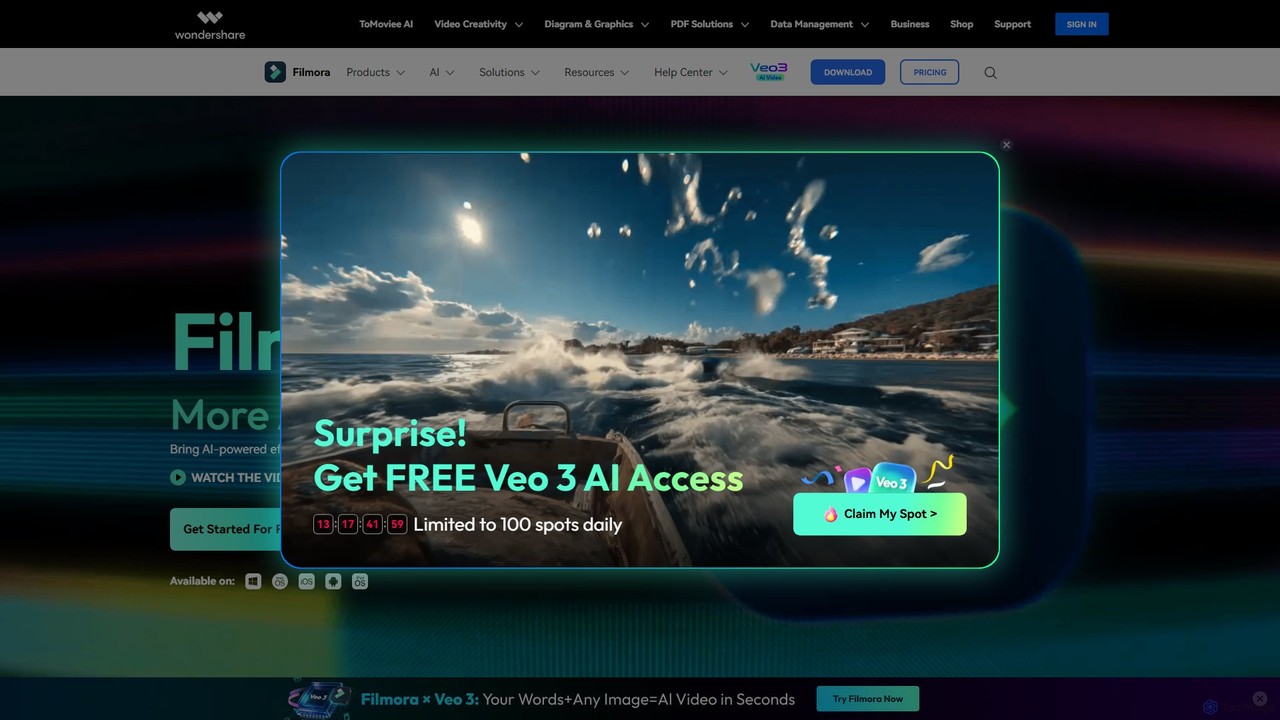
Filmora is a powerful and intuitive AI video editor designed for creators of all skill levels. It simplifies the editing process with a suite of AI-powered tools, an extensive library of assets, and a user-friendly interface, making it easy to create professional-quality videos for social media, personal projects, and commercial use.
Social Media
Eyeware
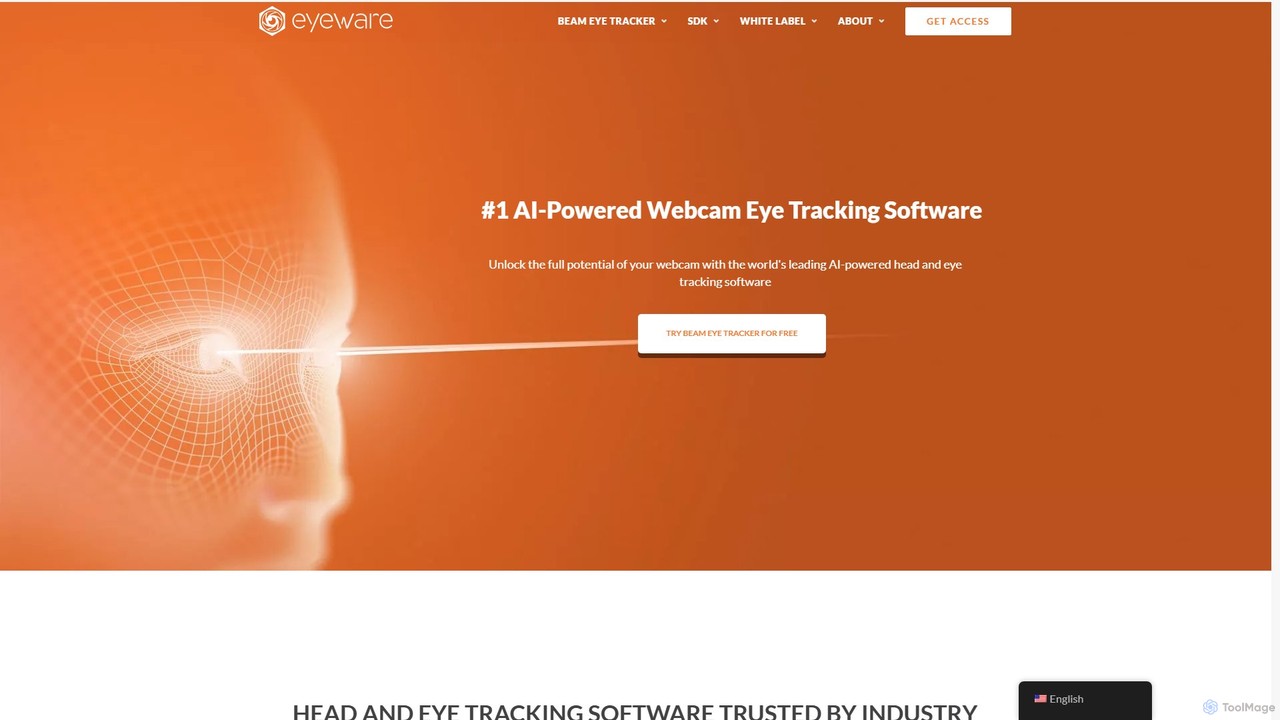
Eyeware provides AI-powered head and eye tracking software that transforms standard webcams into powerful tracking devices. It offers solutions for immersive gaming, enhanced live streaming, productivity, user research, and OEM integration, eliminating the need for specialized hardware.
User Behavior