

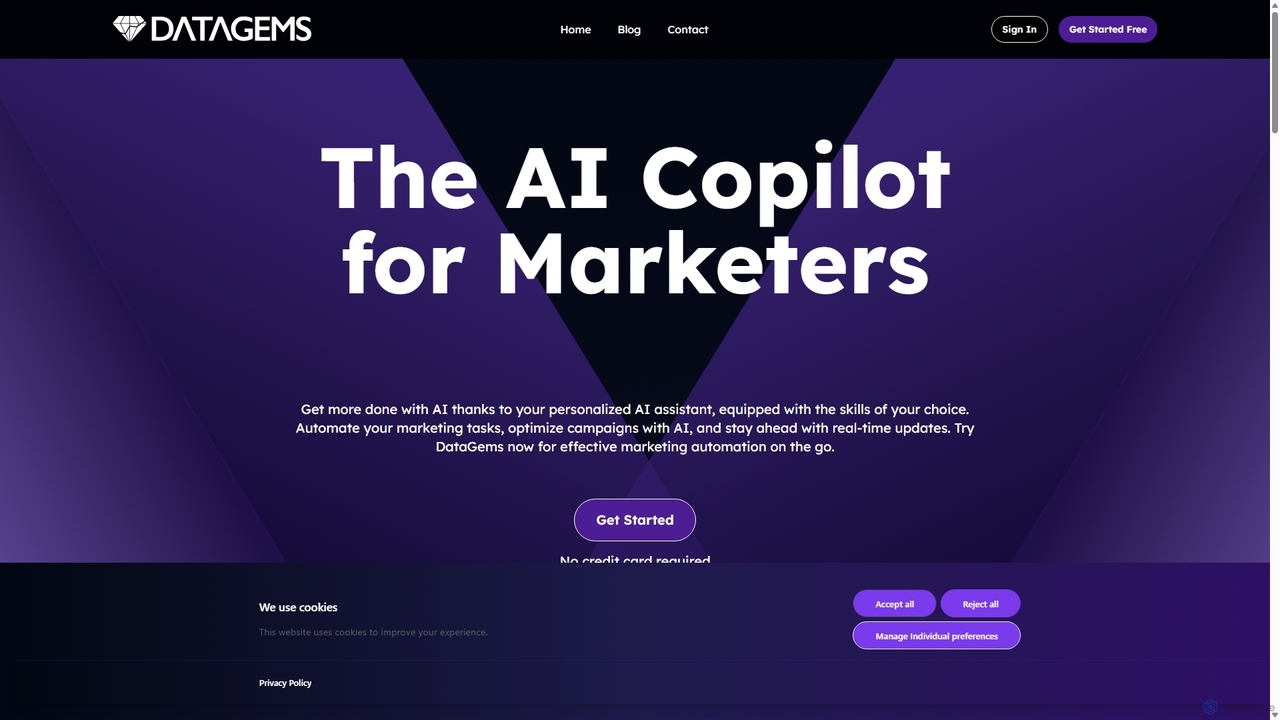
ChartGPT Overview
ChartGPT is a revolutionary AI-driven data visualization tool designed to simplify the process of creating charts and graphs. By leveraging the power of advanced large language models, ChartGPT allows users to generate complex and insightful visualizations from simple text descriptions or raw data. This eliminates the steep learning curve associated with traditional data visualization software and empowers anyone, from business analysts to students, to turn data into compelling visual stories. Whether you need to quickly visualize sales figures, analyze market trends, or present research findings, ChartGPT streamlines the entire workflow, making data analysis more accessible and efficient than ever before.
How to use ChartGPT
Using ChartGPT is an intuitive and straightforward process, designed for users of all skill levels:
- Input Your Data: Begin by providing your data. You can paste data directly from a spreadsheet, upload a file (such as CSV or Excel), or even describe the dataset in plain text.
- Describe Your Chart: In the prompt box, simply type what you want to visualize in natural language. For example, you could write, "Create a bar chart showing monthly revenue for the last year," or "Show the correlation between ad spend and website traffic with a scatter plot."
- Generate and Refine: ChartGPT's AI will instantly interpret your request and generate the appropriate chart. From there, you can easily refine it. Use further prompts to change chart types, adjust colors, add labels, or modify the title, such as, "Change the color to blue" or "Make this a line graph instead."
- Export and Share: Once you are satisfied with your visualization, you can export it in various high-quality formats like PNG, JPEG, or SVG, ready to be used in presentations, reports, or websites.
Core Features of ChartGPT
- Natural Language Processing: The core of ChartGPT is its ability to understand and process plain English commands, making chart creation as simple as having a conversation.
- Multiple Data Input Options: Supports various data formats, including direct copy-paste, CSV and Excel file uploads, and even data described in text.
- Wide Range of Chart Types: Generate a diverse array of visualizations, including bar charts, line graphs, pie charts, scatter plots, histograms, area charts, and more.
- Interactive Customization: Easily modify every aspect of your chart through conversational prompts. Change colors, fonts, labels, titles, and even switch between chart types on the fly.
- AI-Powered Insights: Beyond just visualization, ChartGPT can help identify trends, outliers, and key insights within your data, suggesting the most effective chart types for your specific dataset.
- High-Resolution Exports: Download your finished charts in multiple formats (PNG, SVG, JPEG) suitable for both digital and print use.
- Embeddable Charts: (Coming Soon) Generate embed codes to seamlessly integrate your interactive charts into websites, blogs, and online dashboards.
Use Cases for ChartGPT
ChartGPT is a versatile tool that caters to a wide range of professional and academic needs:
- Business Analysts: Quickly generate visualizations for internal reports, stakeholder presentations, and performance dashboards to track KPIs.
- Marketing Professionals: Create charts to visualize campaign performance, customer segmentation, market research data, and social media engagement.
- Students and Researchers: Effortlessly create graphs and charts for academic papers, theses, and presentations to clearly illustrate research findings.
- Content Creators and Journalists: Enhance articles, blog posts, and reports with data-driven infographics and visuals to make information more engaging.
- Product Managers: Visualize user behavior data, feature adoption rates, and A/B test results to make informed product decisions.
Advantages of ChartGPT
ChartGPT offers significant advantages over traditional tools:
- Speed and Efficiency: Go from raw data to a finished chart in seconds, dramatically reducing the time spent on manual chart creation.
- Accessibility: No coding or complex software knowledge is required. If you can describe it, you can create it.
- Intuitive Workflow: The conversational interface removes friction and makes the data visualization process feel natural and effortless.
- Flexibility: Supports a wide variety of data sources and visualization types, adapting to your specific needs.
- Enhanced Data Storytelling: By making visualization easy, ChartGPT helps users focus on crafting a clear and impactful narrative with their data.
Pricing and Plans
ChartGPT offers a flexible pricing structure to suit different needs:
- Free Plan: Perfect for casual users and students. Includes a limited number of chart generations per month with basic features and a ChartGPT watermark.
- Pro Plan ($15/month): Ideal for professionals and power users. Offers unlimited chart generations, advanced customization options, high-resolution exports, and no watermarks.
- Team Plan ($50/month for 5 users): Designed for collaboration. Includes all Pro features plus shared workspaces, team management, and priority support.
- Enterprise Plan (Custom Pricing): For larger organizations requiring custom integrations, API access, and dedicated support. Contact sales for a quote.
ChartGPT Alternatives
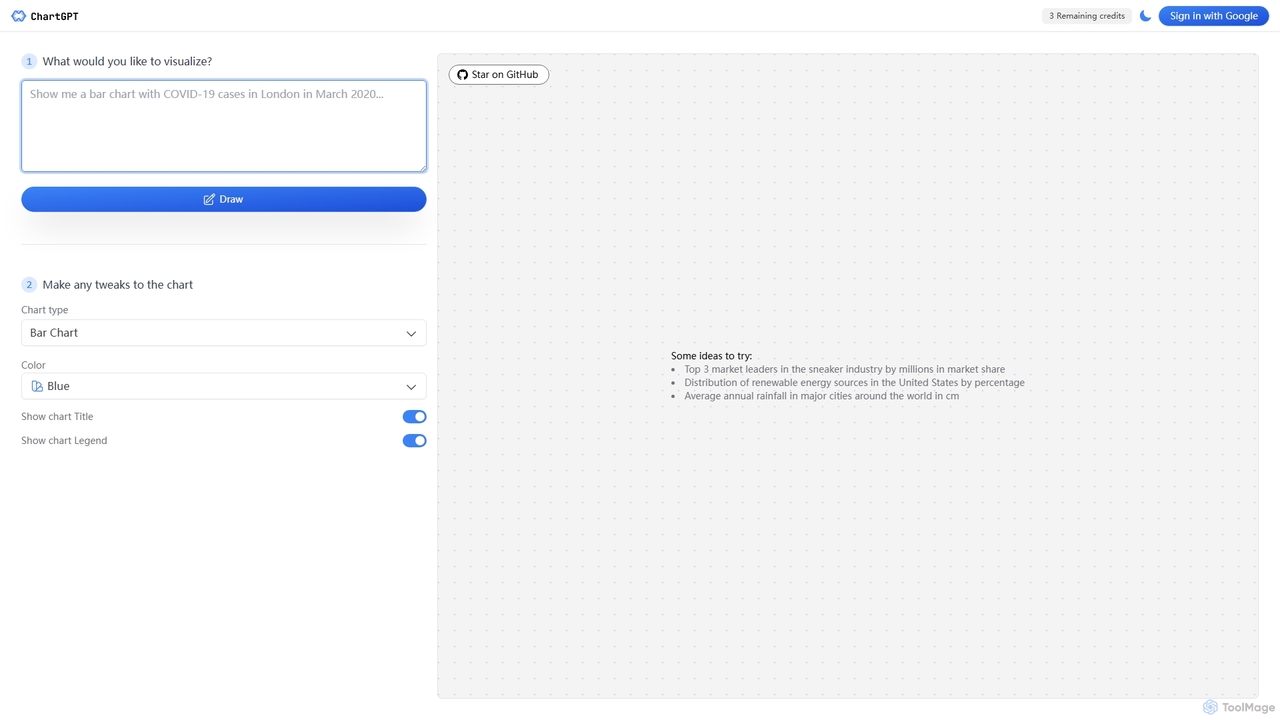
ChartGPT
ChartGPT is an AI-powered tool that transforms natural language text prompts into a wide variety of stunning charts and graphs. Simply describe the data you want to visualize, and ChartGPT instantly generates customizable charts, making data visualization accessible to everyone, regardless of technical skill.
Business Intelligence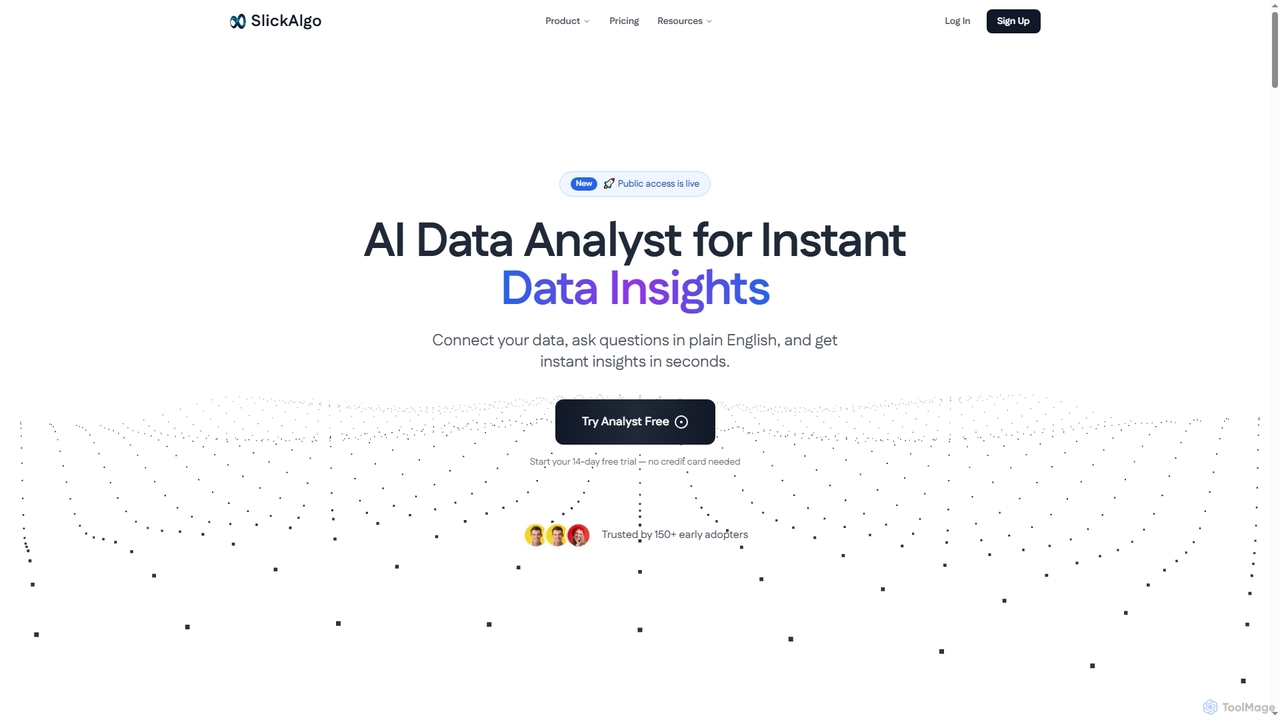
SlickAlgo
SlickAlgo is an AI data analyst platform that transforms natural language questions into instant data insights, Python code, and interactive dashboards. It connects to over 50 data sources, enabling businesses to make data-driven decisions without coding.
3D
Viewit Ai Chatbot
An AI-powered chatbot that transforms your data into insightful visualizations and summaries through simple, natural language conversations. Upload your dataset, ask questions, and instantly receive charts, graphs, and key metrics, making data analysis accessible to everyone without needing complex software or coding skills.
Business Intelligence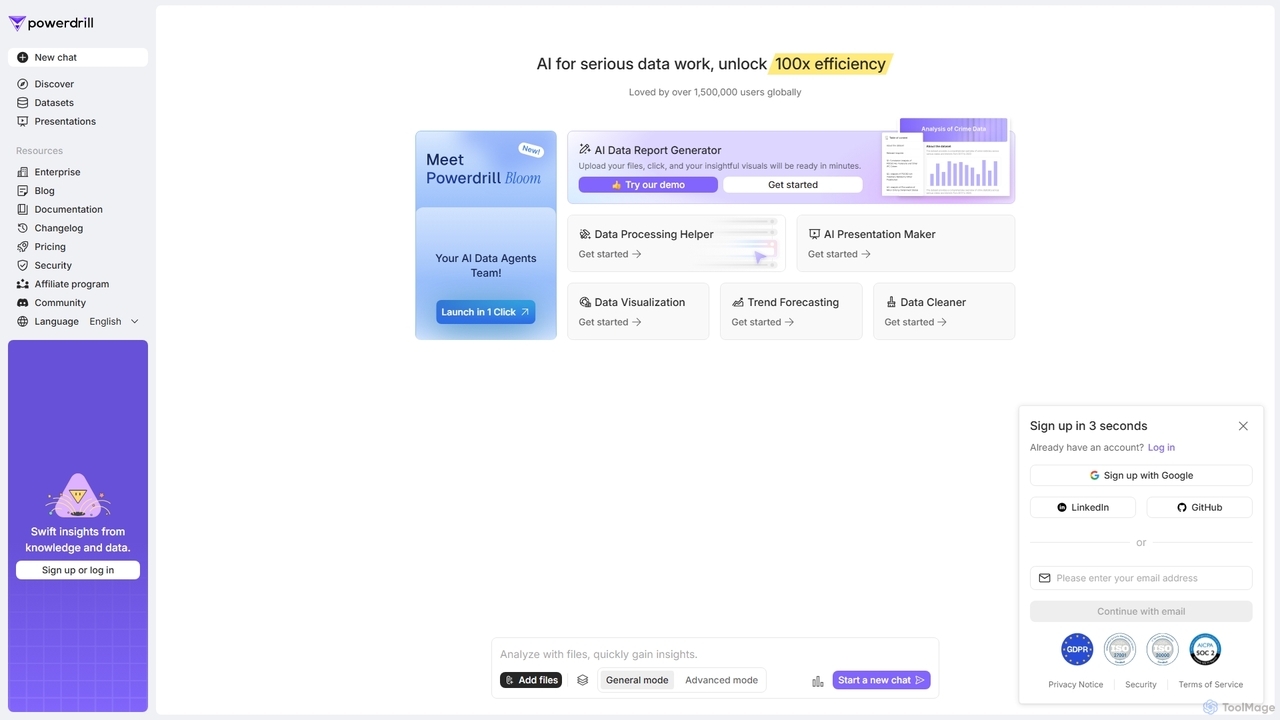
Powerdrill
Powerdrill is an AI-powered data analysis platform designed for serious data work, enabling users to unlock 100x efficiency. It automates the entire process from data processing and cleaning to visualization, report generation, and trend forecasting. Simply upload your files (Excel, CSV, PDF) or connect to a database, and let the AI generate actionable insights, interactive charts, and comprehensive presentations in minutes.
Business Intelligence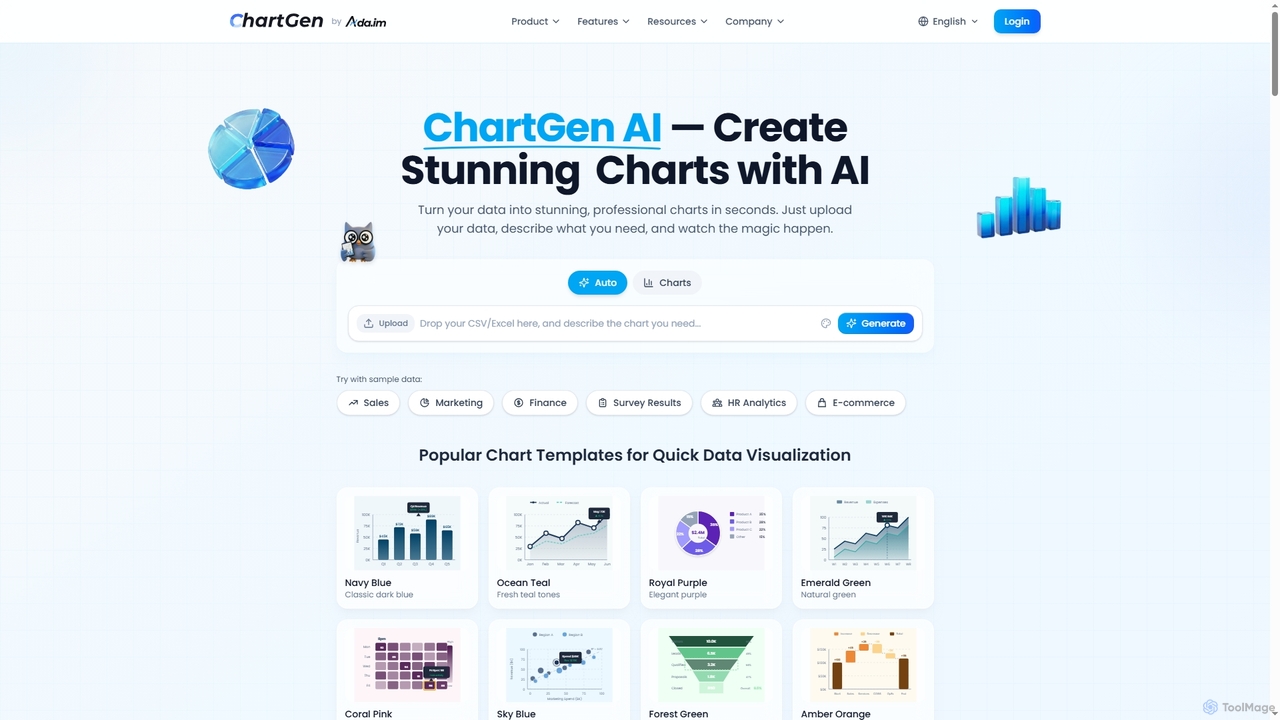
ChartGen
ChartGen is an AI-powered chart generator that transforms raw data into stunning, professional visualizations in seconds. Users simply upload CSV or Excel files, describe their desired chart in plain English, and the AI instantly creates various chart types like bar, line, and pie charts. It's designed for quick, effortless data visualization without requiring design or coding skills.
Charts & GraphsChartGPT Categories
ChartGPT Jobs
ChartGPT Embed Widget
Copy this embed code to place the badge on your blog, article, or product site and send readers directly to this ToolMage detail page.

Related AI tools
ChartGPT
ChartGPT is an AI-powered tool that transforms natural language text prompts into a wide variety of stunning charts and graphs. Simply describe the data you want to visualize, and ChartGPT instantly generates customizable charts, making data visualization accessible to everyone, regardless of technical skill.
Business IntelligenceViewit Ai Chatbot
An AI-powered chatbot that transforms your data into insightful visualizations and summaries through simple, natural language conversations. Upload your dataset, ask questions, and instantly receive charts, graphs, and key metrics, making data analysis accessible to everyone without needing complex software or coding skills.
Business IntelligenceSlickAlgo
SlickAlgo is an AI data analyst platform that transforms natural language questions into instant data insights, Python code, and interactive dashboards. It connects to over 50 data sources, enabling businesses to make data-driven decisions without coding.
3DChartGen
ChartGen is an AI-powered chart generator that transforms raw data into stunning, professional visualizations in seconds. Users simply upload CSV or Excel files, describe their desired chart in plain English, and the AI instantly creates various chart types like bar, line, and pie charts. It's designed for quick, effortless data visualization without requiring design or coding skills.
Charts & Graphs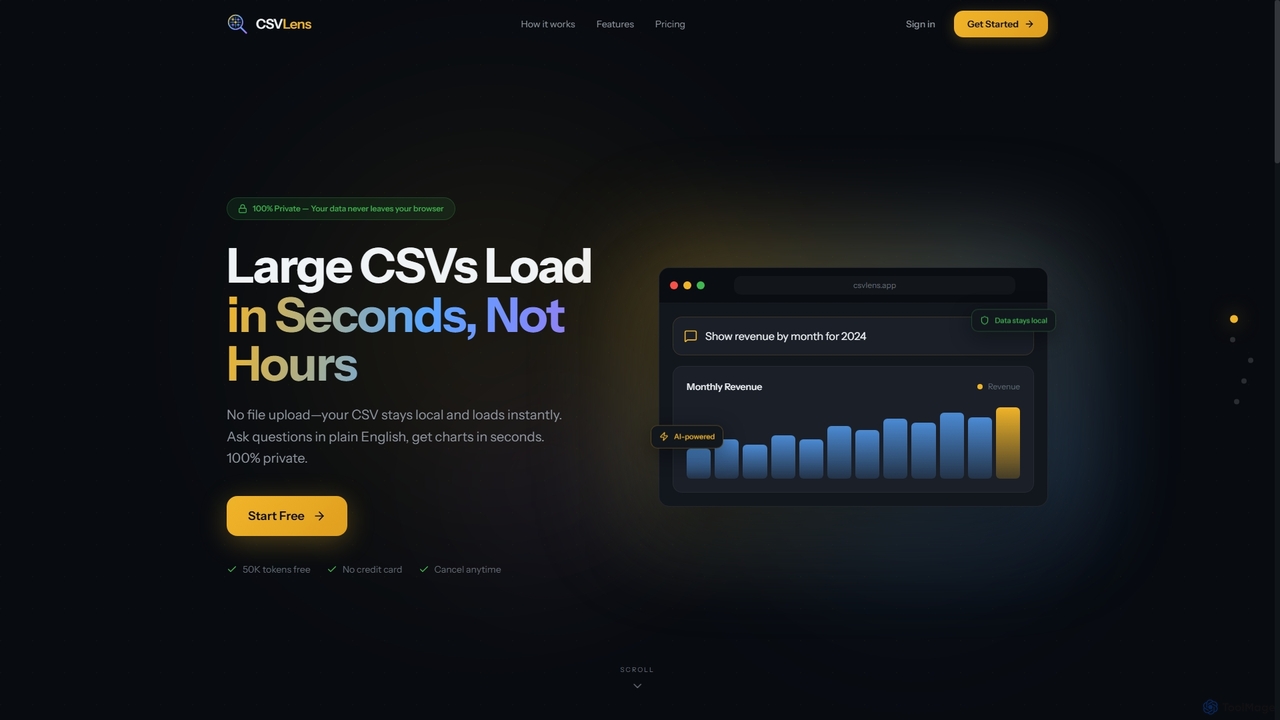
CSVLens
CSVLens is an AI-powered CSV analyzer that allows users to load large CSV files instantly and ask questions in plain English to get immediate insights and charts. It processes data 100% locally in your browser, ensuring privacy and speed without any file uploads.
Natural Language Processing
Metatable
Metatable is an AI-powered data assistant that revolutionizes how you interact with spreadsheets and tabular data. Simply use natural language prompts to clean, analyze, transform, and visualize your data instantly. It eliminates complex formulas and manual tasks, making data analysis accessible to everyone, from data analysts to business managers.
AnalyticsPowerdrill
Powerdrill is an AI-powered data analysis platform designed for serious data work, enabling users to unlock 100x efficiency. It automates the entire process from data processing and cleaning to visualization, report generation, and trend forecasting. Simply upload your files (Excel, CSV, PDF) or connect to a database, and let the AI generate actionable insights, interactive charts, and comprehensive presentations in minutes.
Business Intelligence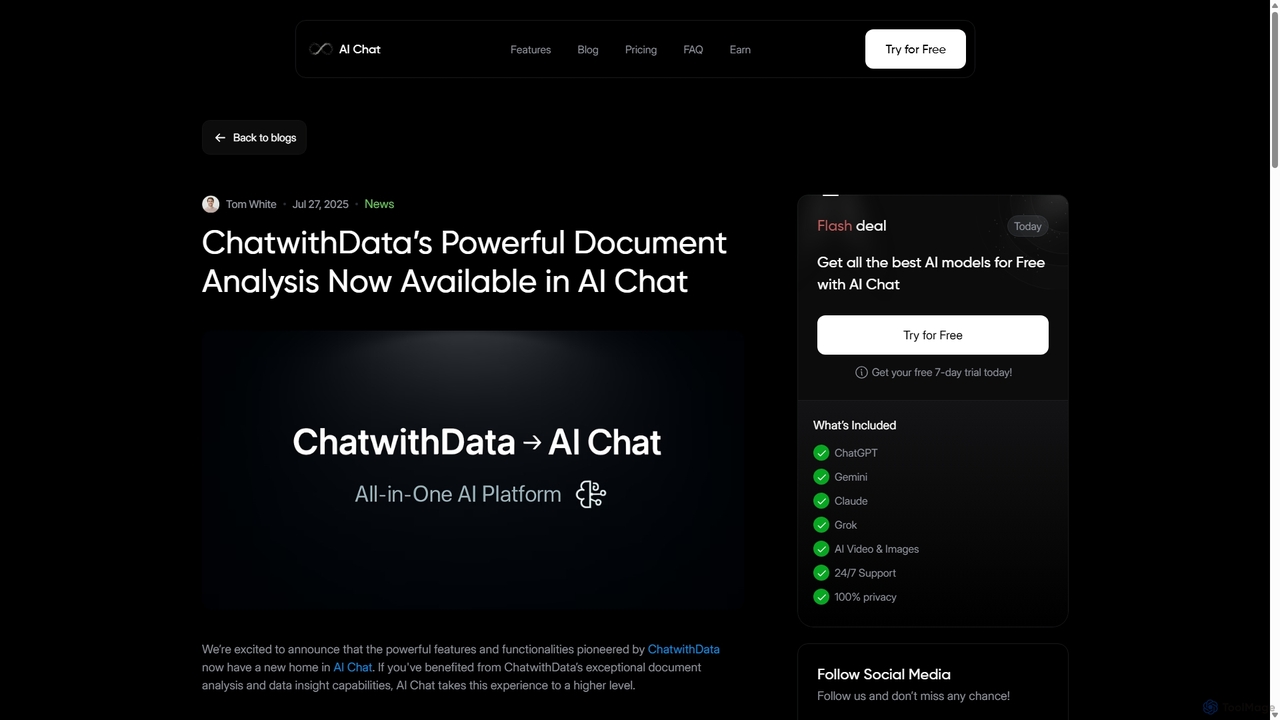
ChatwithData
ChatwithData is a powerful AI tool designed for interactive document analysis. It allows users to upload various file types, including PDFs, Word, CSV, Excel, and SQL databases, and extract insights using natural language queries. Its features have now been integrated and enhanced within the AI Chat platform.
Ai Chatbot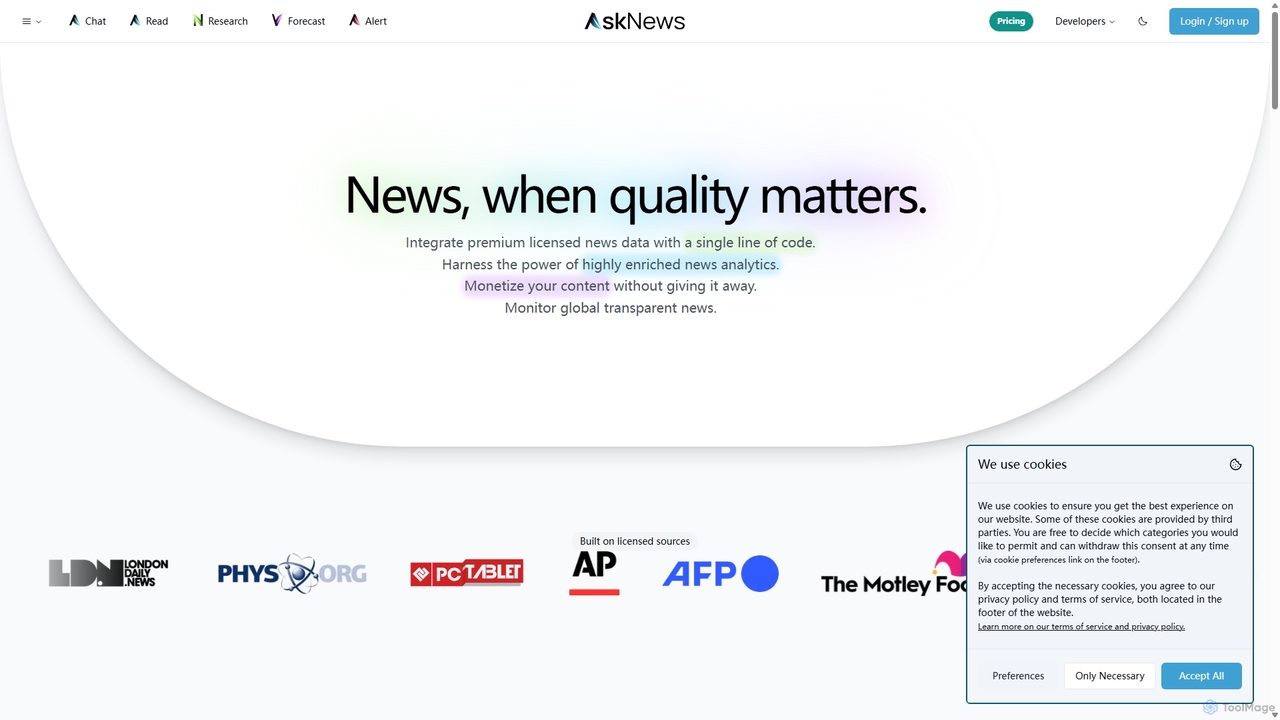
AskNews
AskNews is an AI-powered news intelligence platform providing high-quality, licensed global news data through a powerful API. It offers enriched news analytics, a conversational AI for insights, and monetization tools for publishers. Ideal for developers, analysts, and researchers needing reliable, structured, and real-time news information.
Intelligence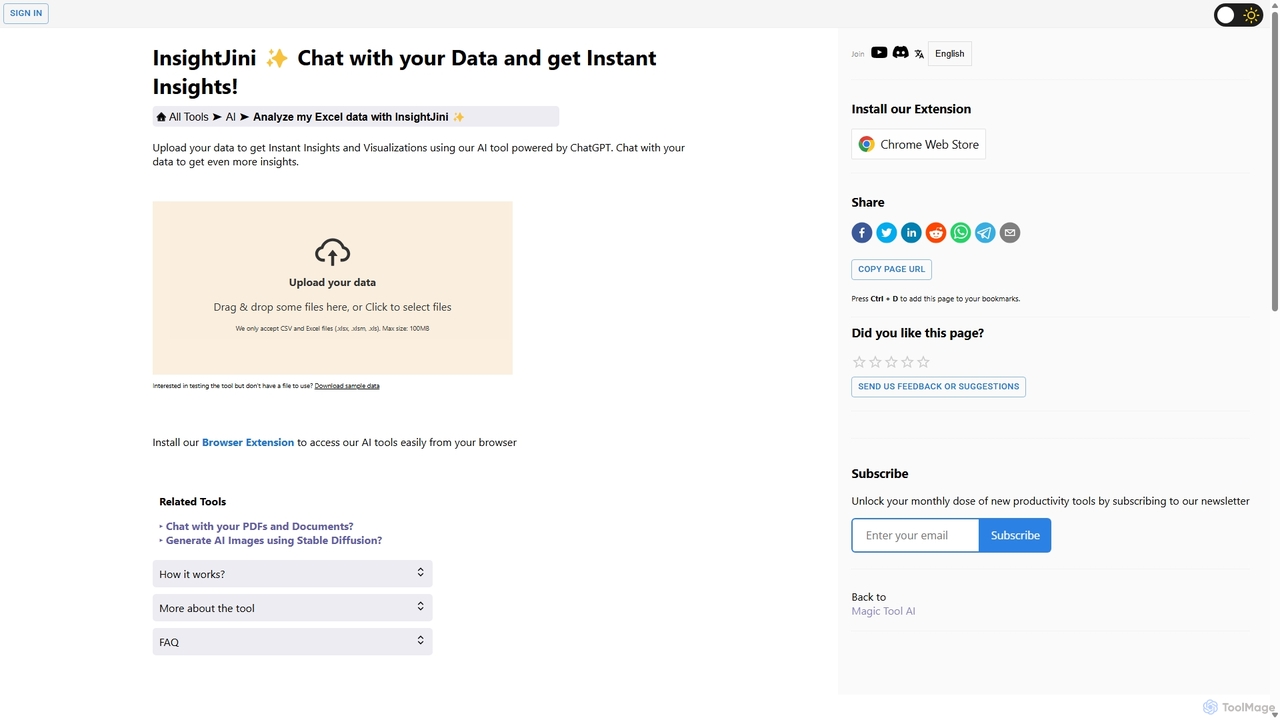
InsightJini
InsightJini is an AI-powered data analysis tool that lets you chat with your Excel and CSV files. Upload your data to instantly generate visualizations and insights without any coding. Its conversational interface, powered by ChatGPT, makes data exploration intuitive and accessible for everyone.
Business Intelligence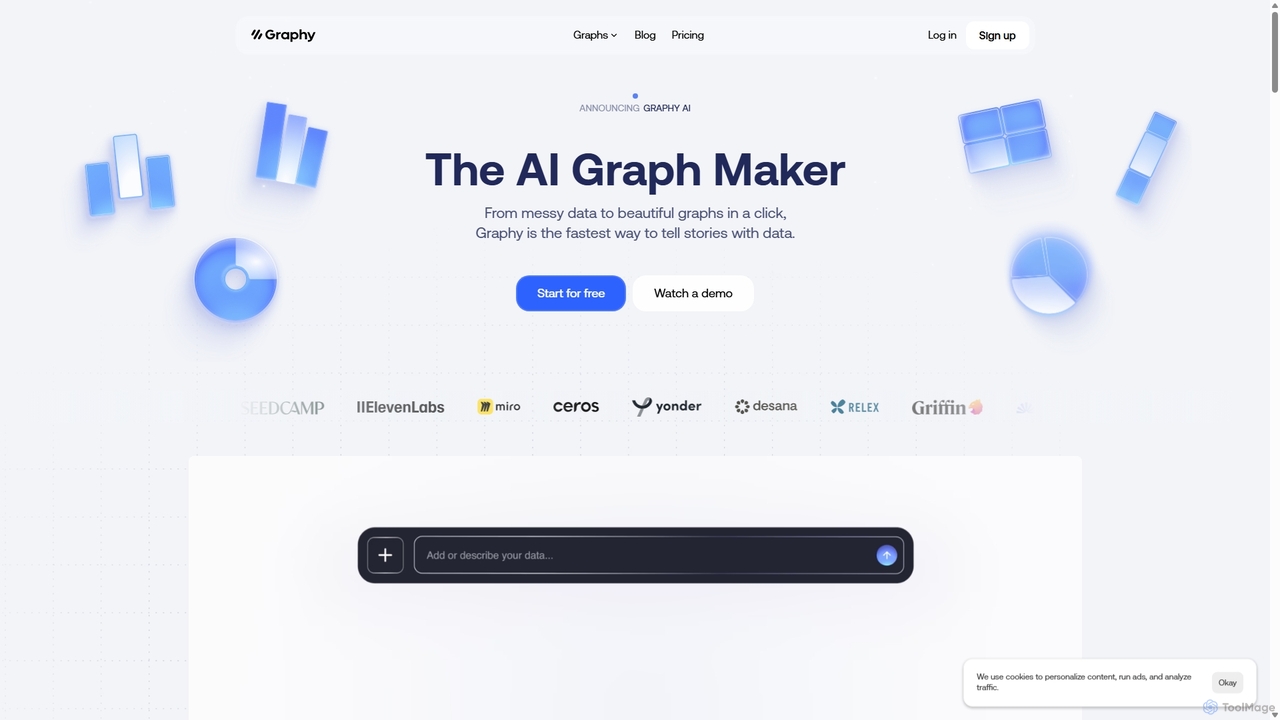
Graphy
Graphy is an AI-powered data visualization tool that transforms raw data into beautiful, interactive charts and graphs in seconds. It simplifies data storytelling by automatically identifying key insights, allowing users to chat with their data, and offering extensive customization. Ideal for marketers, analysts, and teams who need to create compelling visual reports and presentations without complex software.
3D
EasyAIBridge
EasyAIBridge transforms your spreadsheets into instant, actionable insights using advanced AI. Simply type your questions in natural language, and AI automatically generates charts, reports, and data extractions from Google Sheets, Excel, and CSV files, making complex data analysis effortless and secure.
Business Intelligence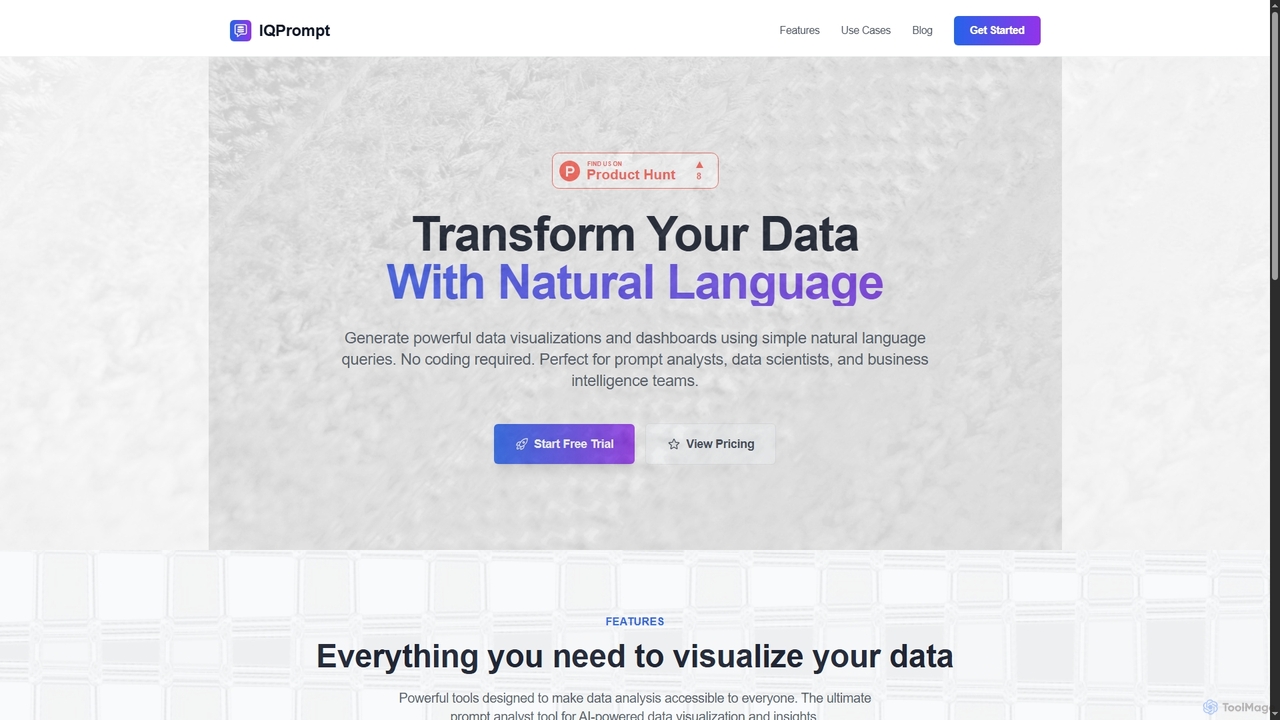
IQPrompt
IQPrompt is an AI-powered data analysis tool that transforms natural language queries into powerful data visualizations and dashboards. It enables prompt analysts, data scientists, and business teams to gain instant insights without requiring any coding or SQL knowledge, supporting connections to major databases.
Visualization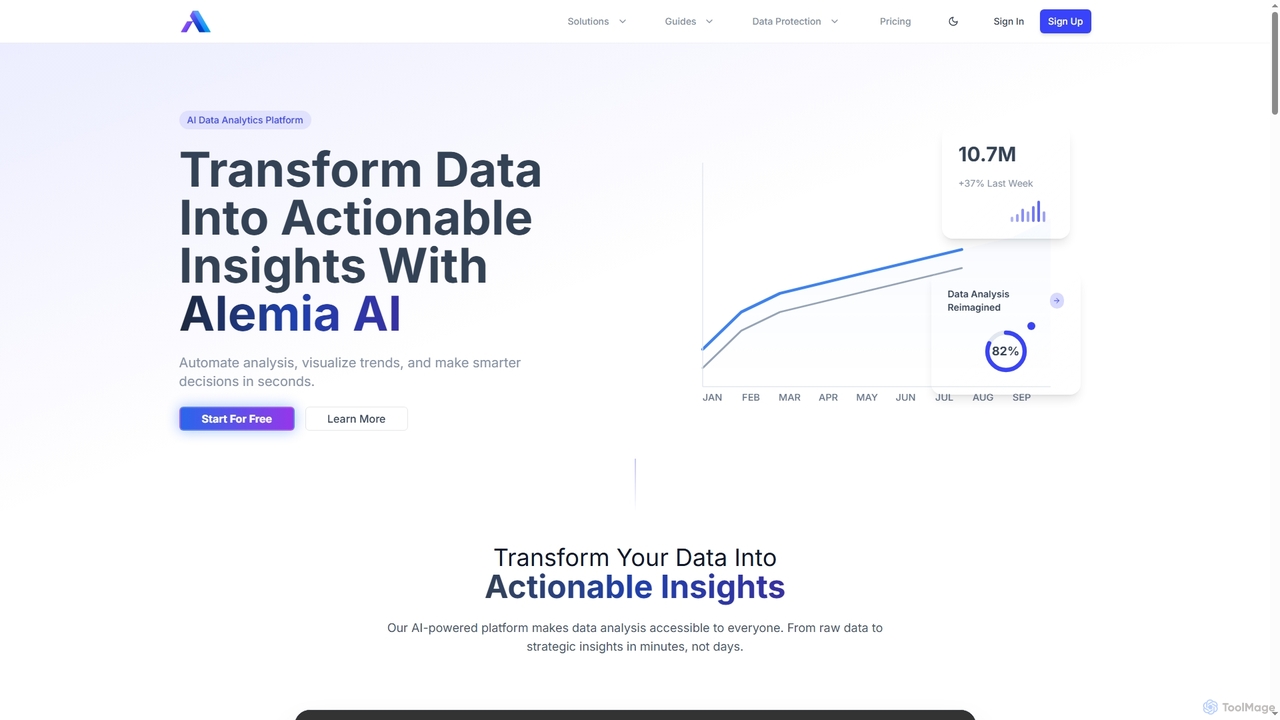
Alemia
Alemia is an AI-powered data analytics platform that transforms raw data into actionable insights, visualizations, and reports. It enables users to ask questions in plain English and receive instant, intelligent analysis, making data-driven decision-making accessible to everyone without requiring technical skills.
3D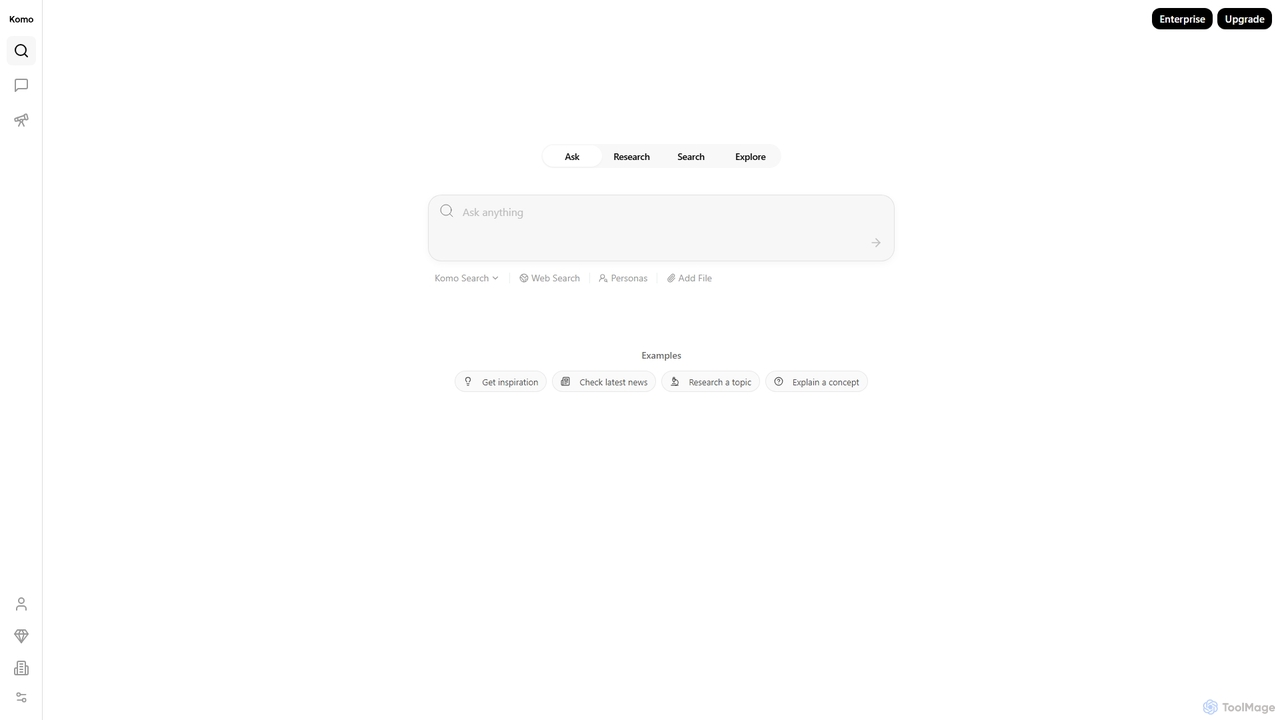
Komo
Komo is an AI-powered research companion that revolutionizes information discovery. It integrates advanced web search, knowledge browsing, and AI assistance, providing access to top models like DeepSeek, GPT, Claude, and Gemini. Features include AI-driven search, chat, mind mapping, and fact-checking to help users efficiently research topics, explain concepts, and gain deeper insights.
Search
ChartGPT Comments (0)
Sign in to comment.
Sign inNo comments yet.