

Datasette Overview
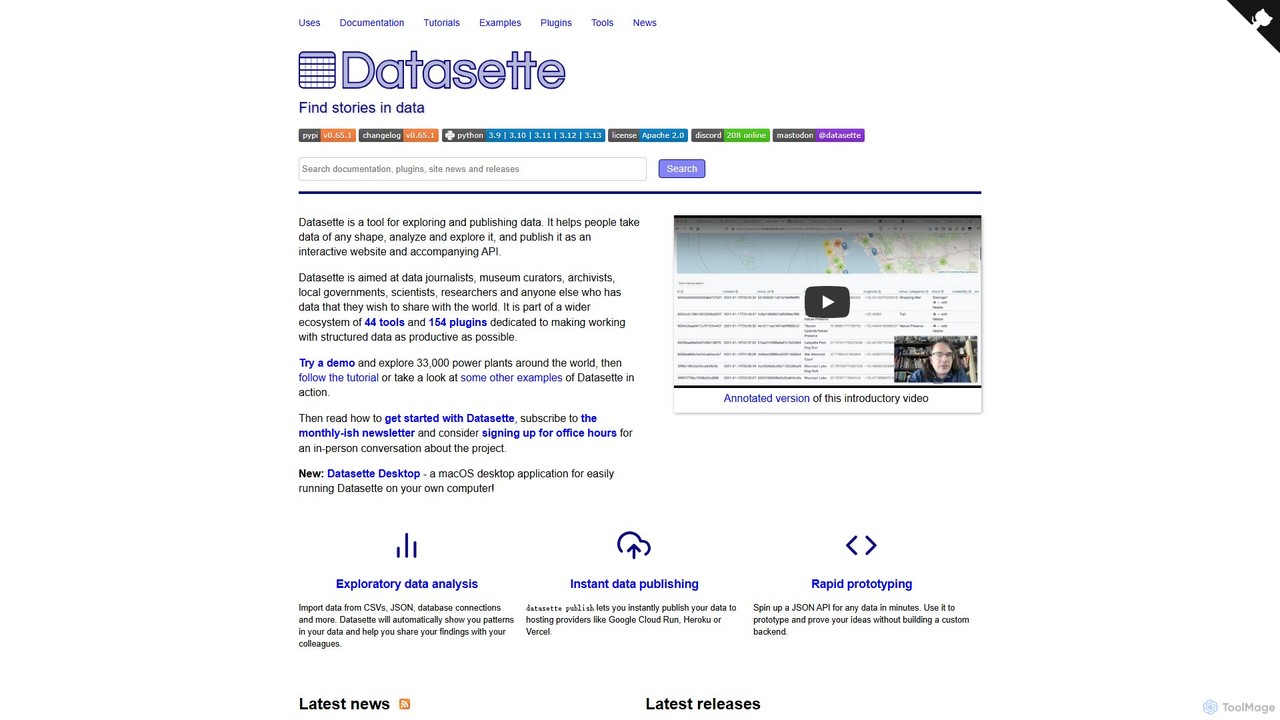
Datasette is a powerful open-source tool designed for exploring and publishing data. It enables users, from data journalists and museum curators to scientists and researchers, to take data in various formats (like CSV or JSON), analyze it, and publish it as an interactive website complete with an accompanying API. At its core, Datasette is built on SQLite, providing a robust and lightweight foundation for data management and exploration.
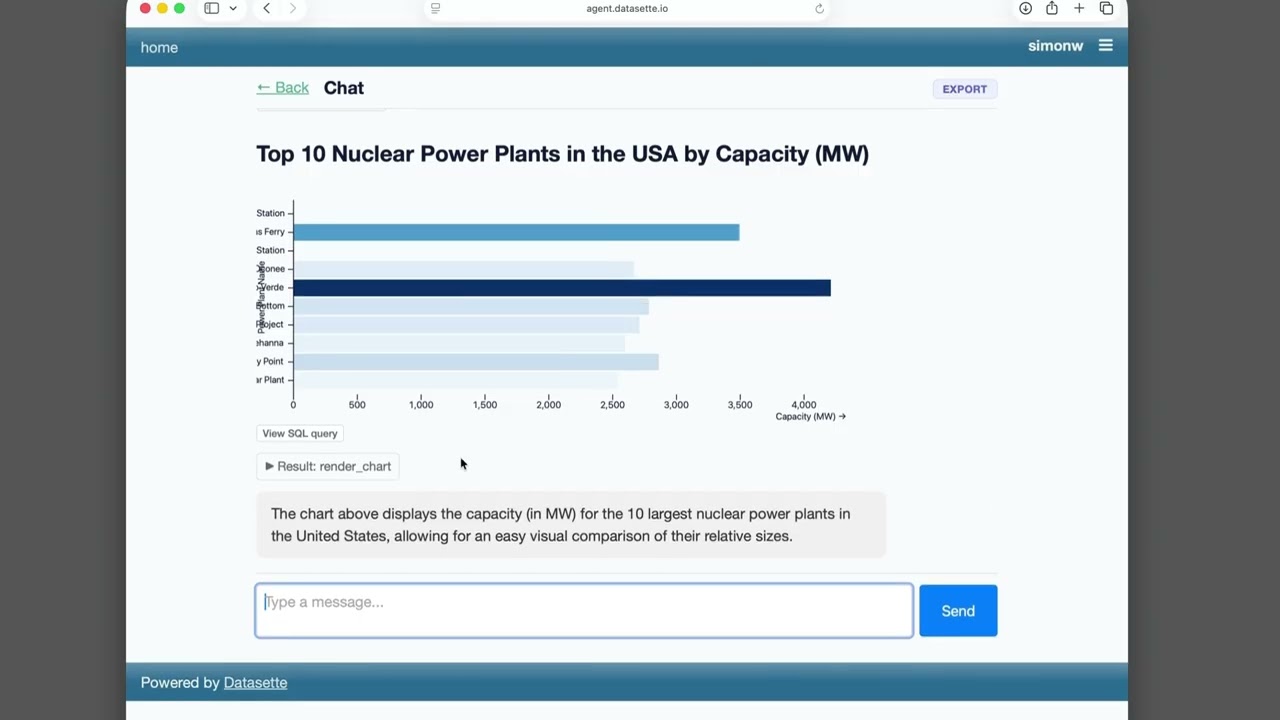
The tool is part of a vast ecosystem, boasting dozens of tools and over 150 plugins that significantly extend its functionality. This allows for a highly customizable experience, catering to a wide range of data-related tasks, from simple exploration to complex analysis and rapid application prototyping. Recently, Datasette has integrated Large Language Model (LLM) capabilities, allowing users to query their data using natural language questions, which are automatically converted into SQL queries.
How to use Datasette
Getting started with Datasette is straightforward, especially for those with some command-line familiarity. The typical workflow is as follows:
- Installation: As a Python-based tool, Datasette can be installed using pip:
pip install datasette. - Prepare Your Data: Convert your data (e.g., from a CSV file) into a SQLite database file (`.db`). The companion tool, `sqlite-utils`, is highly recommended for this step.
- Launch Datasette: Run Datasette from your terminal, pointing it at your database file:
datasette my_database.db. This starts a local web server. - Explore and Analyze: Open the provided URL in your browser to access the interactive web interface. You can browse tables, sort columns, and use the powerful faceting feature to quickly identify patterns and trends in your data.
- Custom Queries: For more advanced analysis, use the built-in SQL query editor to ask specific questions of your data. Every query page has a unique, shareable URL.
- Publish Your Data: When you're ready to share your findings, use the command
datasette publishto deploy your interactive database to hosting providers like Google Cloud Run, Heroku, or Vercel. - Extend with Plugins: Enhance your Datasette instance by installing plugins for features like geospatial mapping (
datasette-cluster-map), GraphQL APIs (datasette-graphql), or AI-powered querying (datasette-query-assistant).
Core Features of Datasette
- Instant Web Interface & API: Automatically generates a browseable, user-friendly website and a robust JSON API for any SQLite database.
- Faceted Browsing: Quickly explore large datasets by applying filters based on column values, allowing for intuitive data slicing and dicing.
- Powerful Plugin System: A vast ecosystem of plugins allows for extensive customization, including new export formats, visualization tools (maps, charts), authentication, and full-text search.
- AI and LLM Integration: Modern plugins like
datasette-query-assistantanddatasette-extractleverage LLMs (like GPT-4) to enable natural language queries, data enrichment, and structured data extraction from unstructured text and images. - Data Export: Easily export filtered data or entire tables to CSV and JSON. Plugins can add support for other formats.
- Shareable & Reproducible: Every page, including filtered views and custom SQL queries, has a permanent, shareable URL, making it easy to share insights and collaborate.
- Rapid Prototyping: Quickly spin up a JSON API for any dataset, enabling developers to prototype applications without building a custom backend.
Use Cases for Datasette
Datasette is versatile and has been used in numerous real-world scenarios:
- Data Journalism: Journalists use it to publish and explore large public datasets, such as COVID-19 statistics, government loan data (SBA Paycheck Protection Program), or lobbying records (FARA).
- Digital Humanities & Archives: Institutions like the San Francisco Microscopical Society use Datasette to create searchable digital archives of their historical records.
- Scientific Research: Researchers can publish their findings and underlying data, such as the Global Power Plant Database, allowing for public exploration and verification.
- Geospatial Analysis: With plugins like
datasette-cluster-map, users can visualize and query geographic data, as seen in the California Protected Areas Database example. - Personal Knowledge Management: Developers and individuals use it to create personal, searchable databases for things like personal notes or project tracking.
Advantages of Datasette
Datasette offers several key advantages:
- Open Source: It is completely free, transparent, and benefits from a vibrant community of contributors.
- Ease of Use: While powerful, it's designed to be accessible, allowing even non-programmers to publish and explore data effectively.
- Extensibility: The plugin architecture is its superpower, allowing it to adapt to nearly any data challenge.
- Performance: Built on SQLite, it is fast and efficient, capable of handling databases with millions of rows.
- Security by Default: By default, Datasette instances are read-only, preventing accidental modification of the source data and making it safe for public exploration.
Pricing and Plans
Datasette is a free and open-source project, licensed under the Apache 2.0 License. You can download, use, modify, and deploy it without any cost. While there is a mention of a commercial service, Datasette Cloud, the core tool and its extensive ecosystem of plugins are free for everyone to use.
Traffic
Latest traffic
Status
Monthly traffic trend
- 2025-9: 60.5K
- 2026-1: 75.9K
- 2026-2: 69.0K
- 2026-3: 70.8K
- 2026-4: 83.0K
- 2026-5: 88.2K
Geography
Top 5 countries / regions
- 🇺🇸United States61.5%
- 🇮🇳India11.5%
- 🇨🇦Canada9.1%
- 🇻🇳Vietnam9.0%
- 🇬🇧United Kingdom8.9%
Traffic sources
| Source type | Percentage |
|---|---|
Direct | 58.1% |
Referral | 41.4% |
Email | 0.6% |
Top keywords
| Keyword | Cost per click |
|---|---|
| datasette | $4.65 |
| llm | $1.92 |
| llm aps shema | $0.00 |
| open ai 3 models list | $0.00 |
| openai models | $3.63 |
Datasette Videos on YouTube
Simon Willison

Constant Thinking


Simon Willison




Datasette Alternatives
Brewit
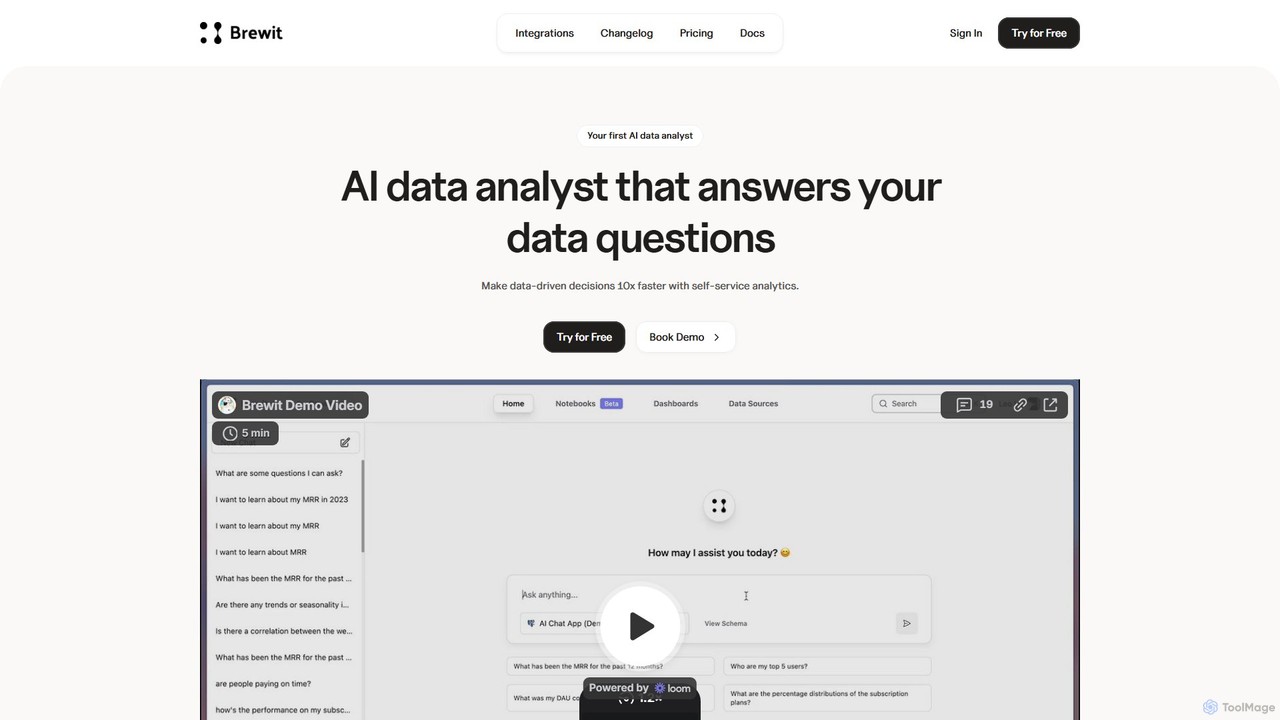
Brewit is an AI-powered analytics platform that enables users to perform self-service data analysis. Connect to your databases, chat in natural language to query data, generate SQL, and create interactive visualizations and reports. It simplifies business intelligence, making data accessible to everyone in the organization, regardless of their technical skills.
Database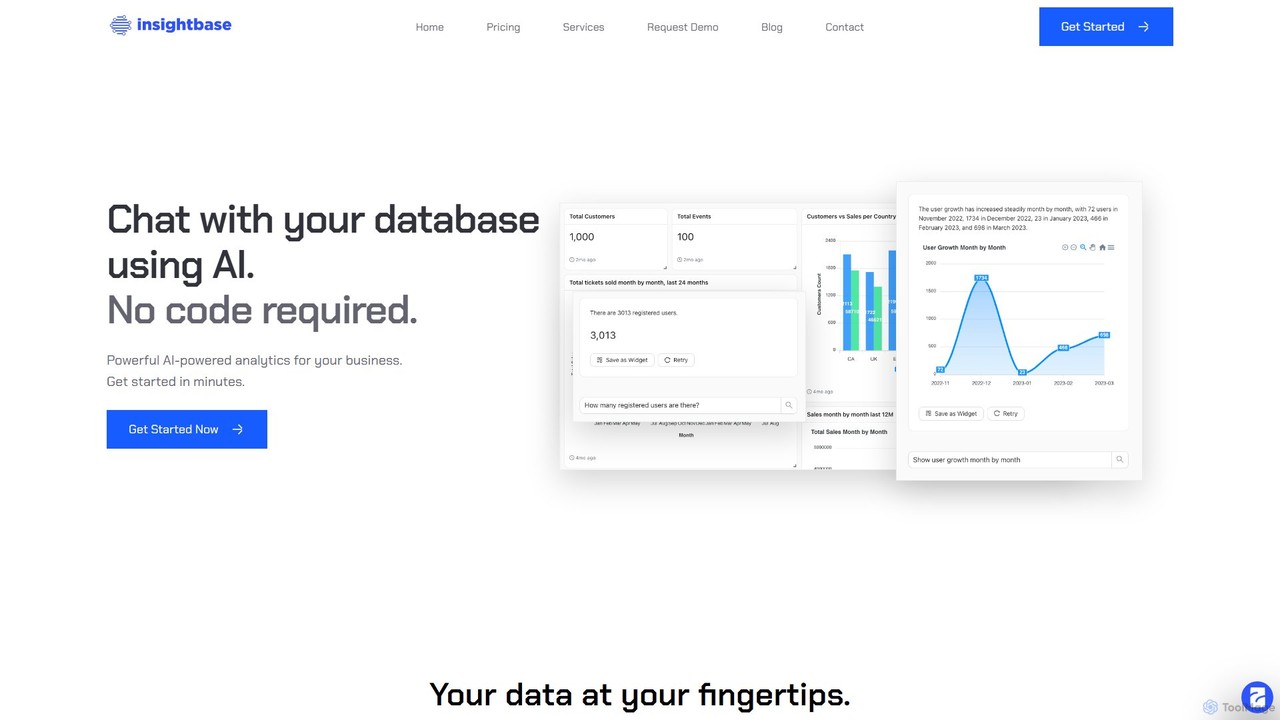
InsightBase
InsightBase is an AI-powered business intelligence platform that allows you to chat with your database using natural language. It empowers both non-technical and technical users to build dashboards, generate reports, and gain data-driven insights in minutes, without needing to write complex SQL queries.
Business Intelligence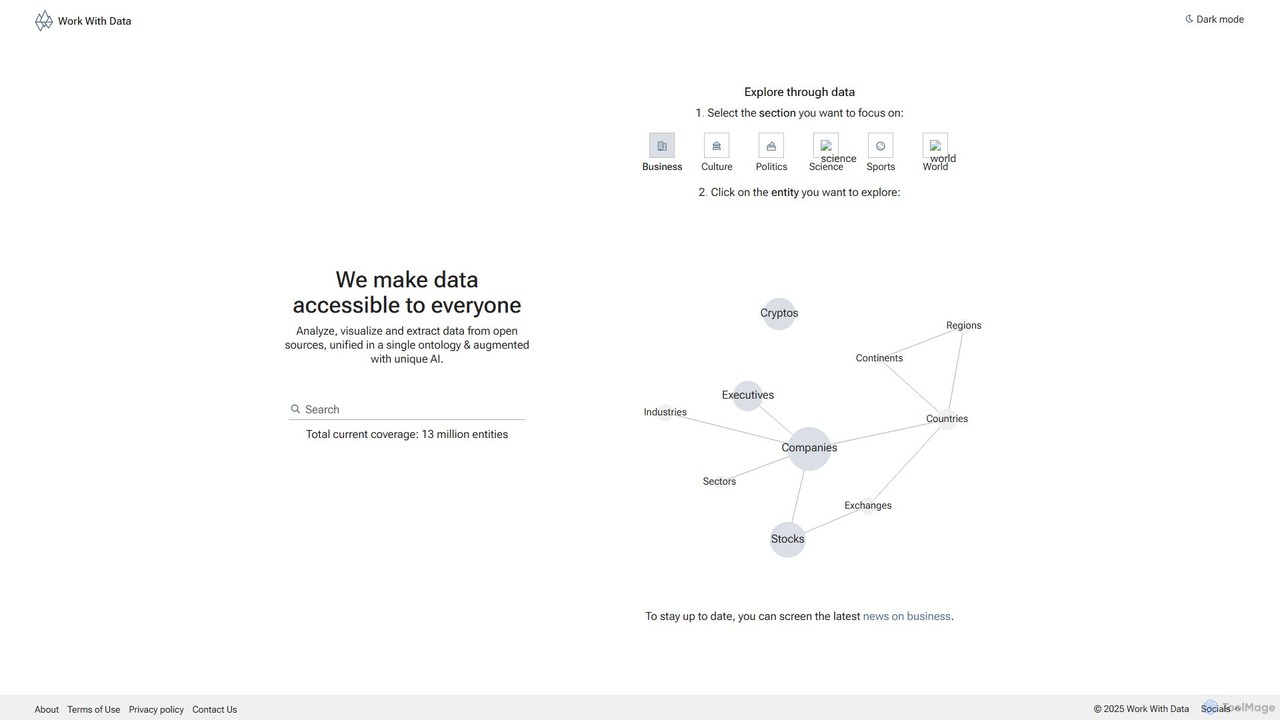
Work With Data
Work With Data is an AI-enhanced platform that makes open data accessible to everyone. It allows users to analyze, visualize, and extract data from diverse open sources, all unified in a single, easy-to-navigate ontology, augmented with unique AI for deeper insights and forecasting.
3D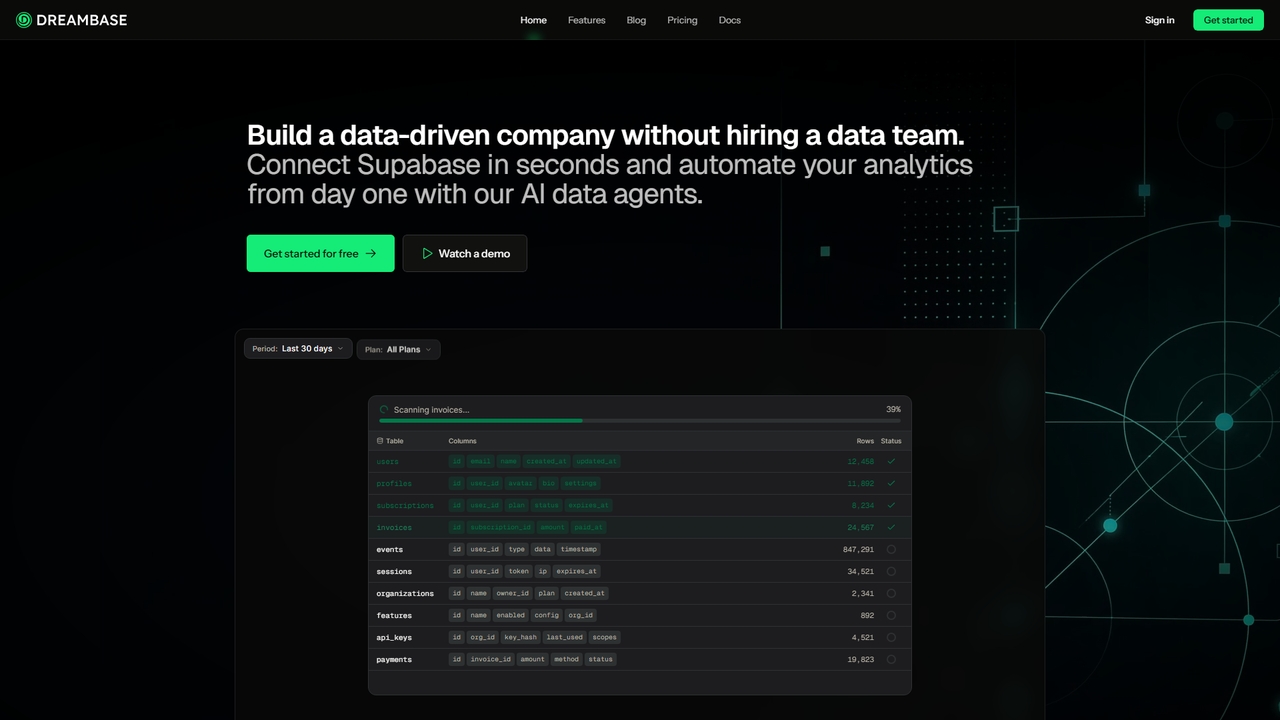
QueryX
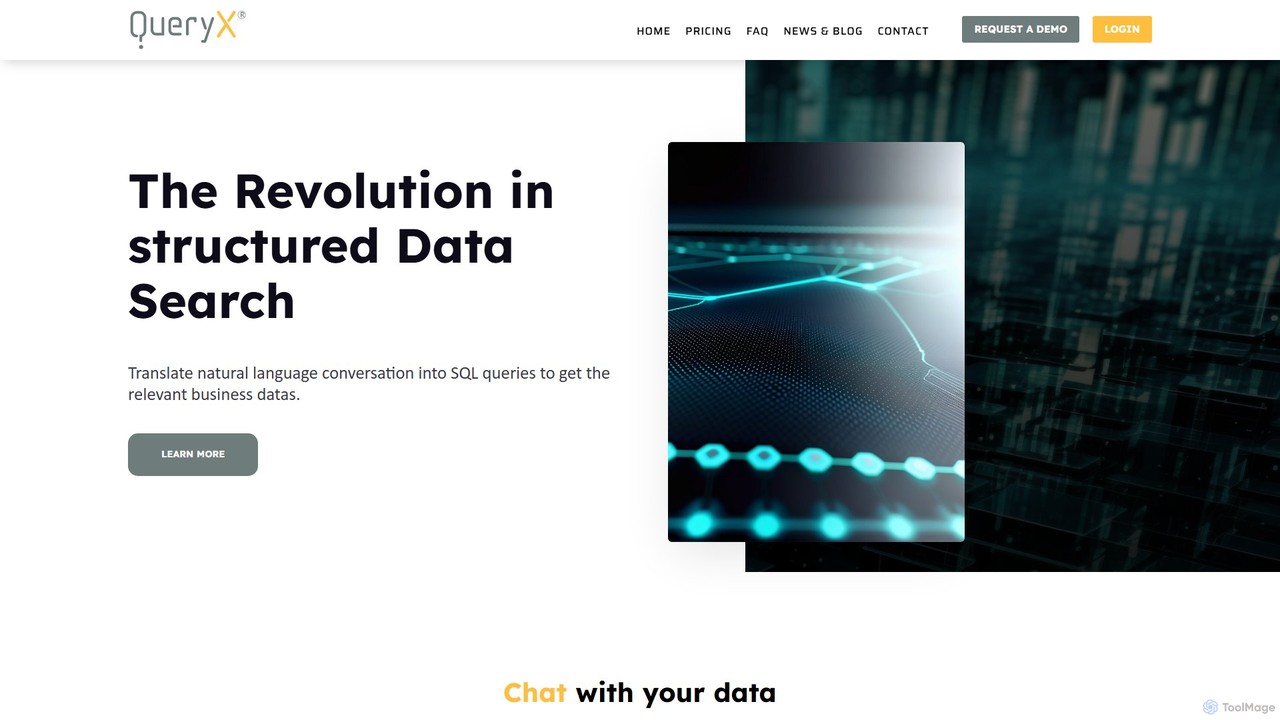
QueryX is an AI-powered platform that translates natural language conversations, including voice commands, into complex SQL queries. It enables both technical and non-technical users to interact with structured databases effortlessly, accelerating data analysis and decision-making while ensuring data confidentiality and high accuracy.
Business IntelligenceDatasette Categories
Datasette Embed Widget
Copy this embed code to place the badge on your blog, article, or product site and send readers directly to this ToolMage detail page.

Related AI tools
Vanna.AI
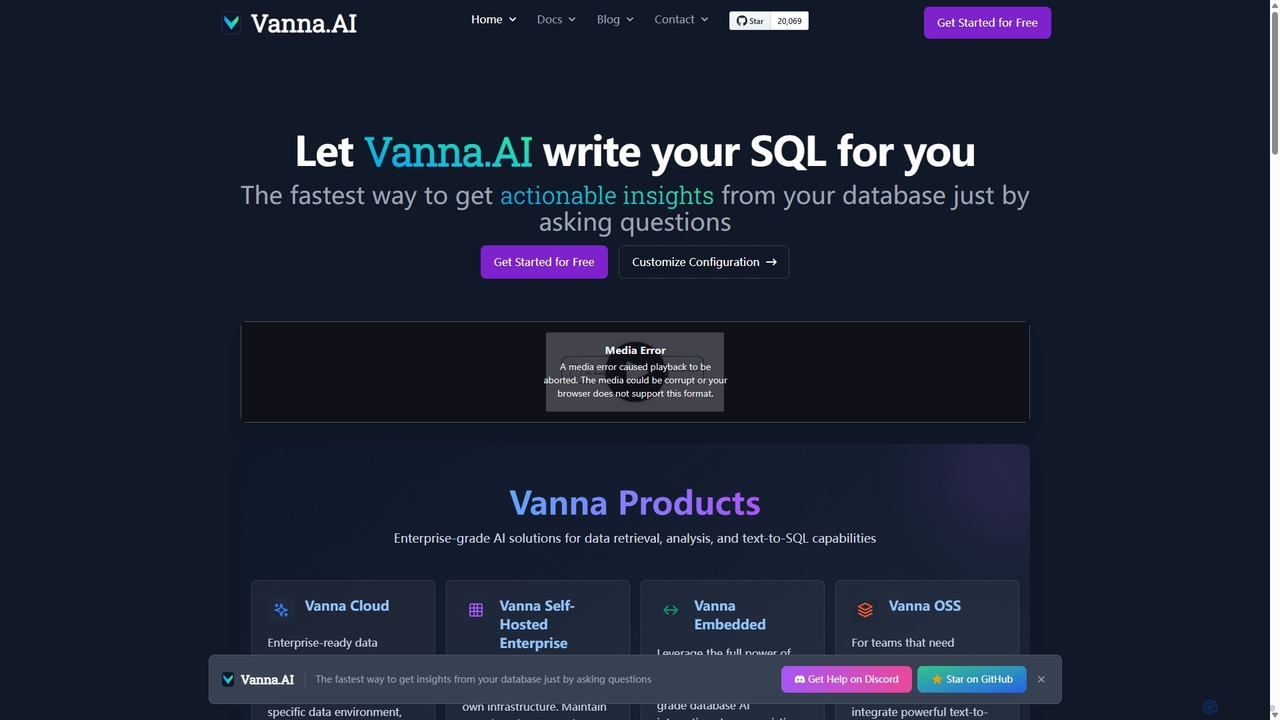
Vanna.AI is an open-source, personalized AI SQL agent that transforms natural language questions into accurate SQL queries. It uses a Retrieval-Augmented Generation (RAG) model trained on your specific database schema, documentation, and past queries to achieve high accuracy on complex datasets. It's designed for security, flexibility, and easy integration into any application, empowering both technical and non-technical users to gain insights from their data effortlessly.
Business Intelligence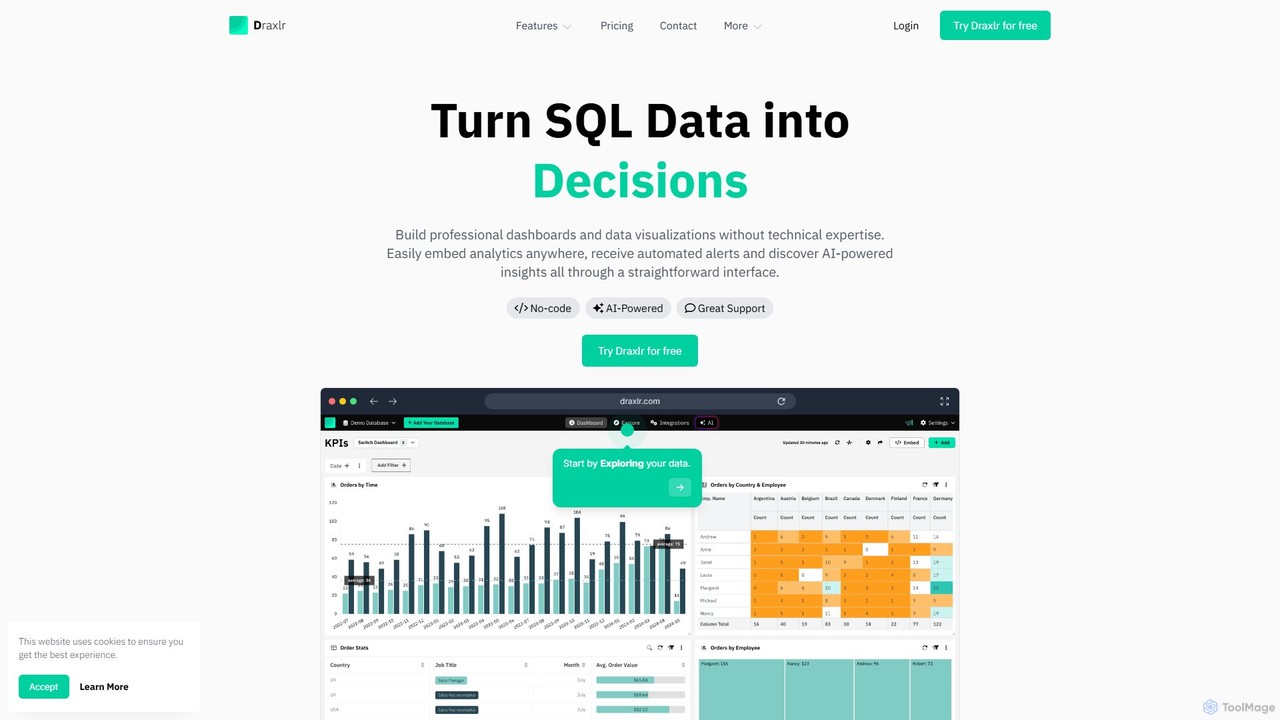
draxlr
Draxlr is an AI-powered business intelligence platform that enables users to build professional dashboards and data visualizations from SQL databases without technical expertise. It offers a no-code query builder, embeddable analytics, and automated alerts to transform raw data into actionable decisions.
Business Intelligence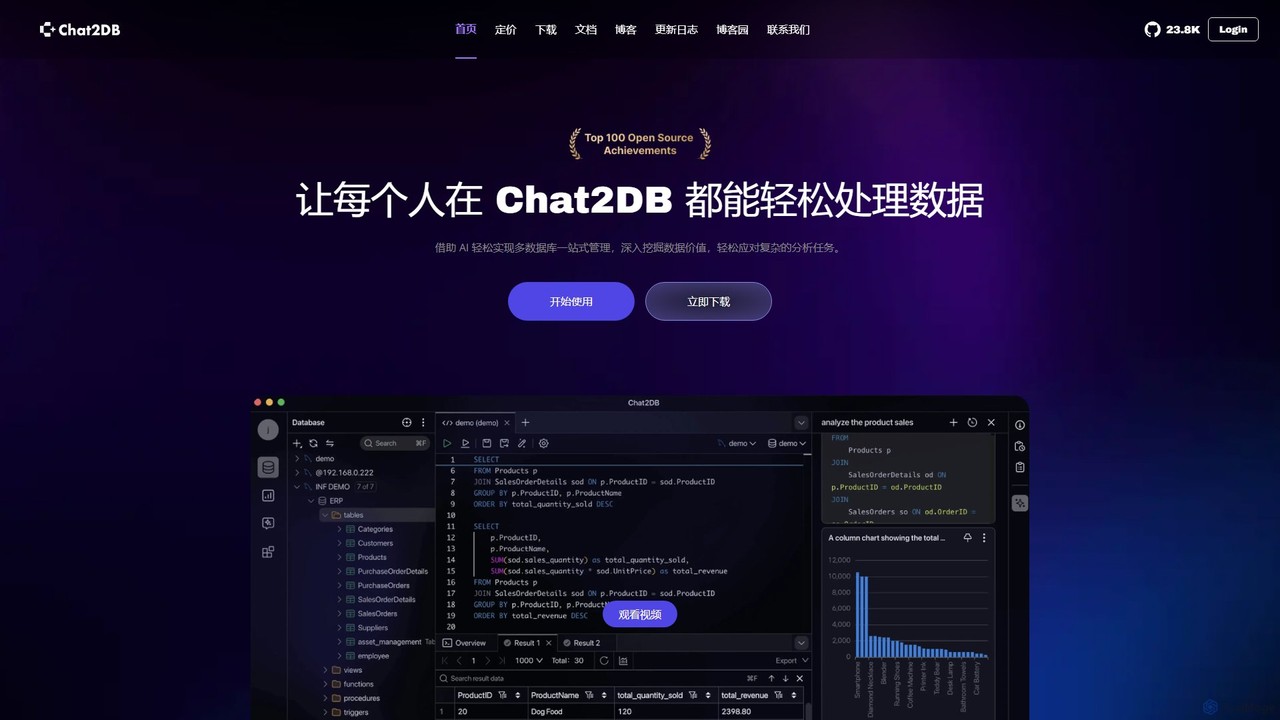
Chat2DB
Chat2DB is an intelligent, all-in-one database management tool powered by AI. It supports over 30 databases, including MySQL, PostgreSQL, and MongoDB, allowing users to manage, query, and analyze data using natural language. Features include AI SQL generation, data visualization, no-code dashboard creation, and robust security protocols, making it ideal for developers, analysts, and business users.
Business Intelligence
Fabi.ai
Fabi.ai is an AI-powered business intelligence and data analysis platform designed for lean teams. It integrates SQL, Python, and AI to help users build dashboards, automate workflows, and explore data 10x faster. The platform offers an all-in-one collaborative environment, reducing context switching and enabling both technical and non-technical users to derive insights from their data sources like data warehouses, Google Sheets, and more.
Business Intelligence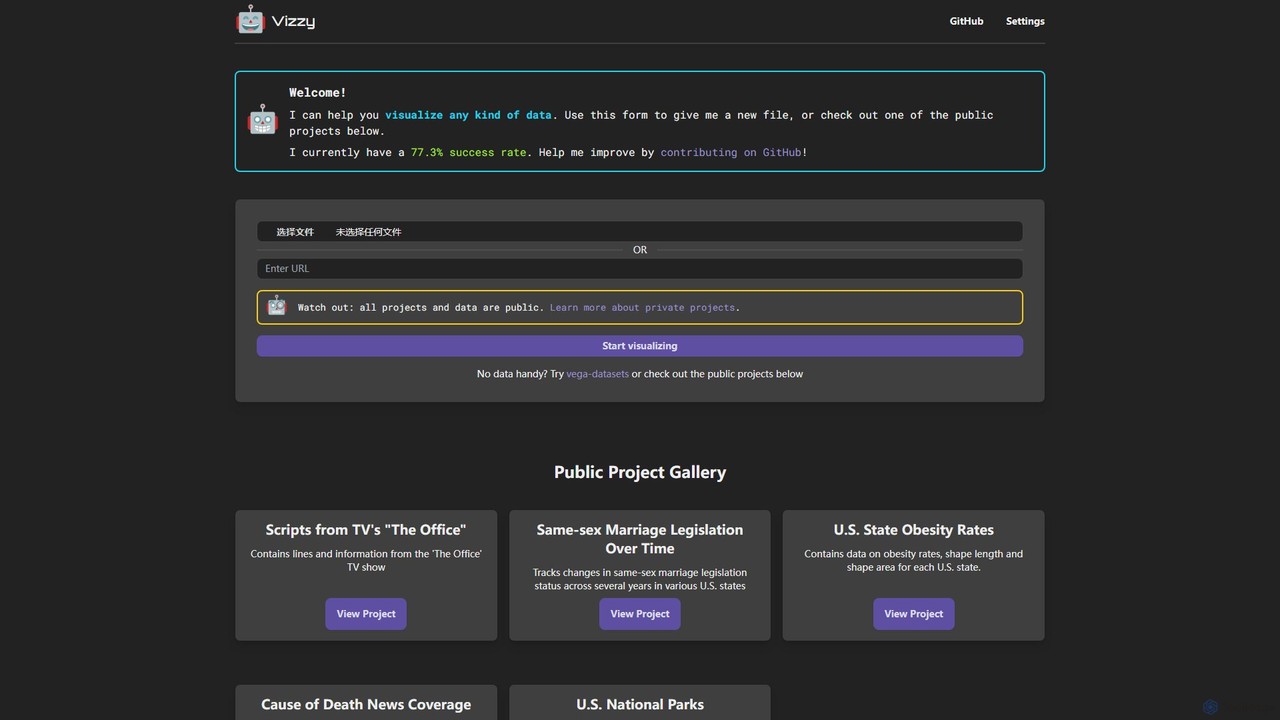
Vizzy
Vizzy is an AI-powered tool that leverages Large Language Models (LLMs) for rapid data visualization. Simply upload your data file, and Vizzy's AI will analyze it to automatically generate insightful charts, graphs, and maps. It's a no-code, open-source platform designed to make data analysis accessible to everyone, from researchers to business analysts. Explore public datasets or visualize your own, turning raw numbers into clear visuals in seconds.
Visualization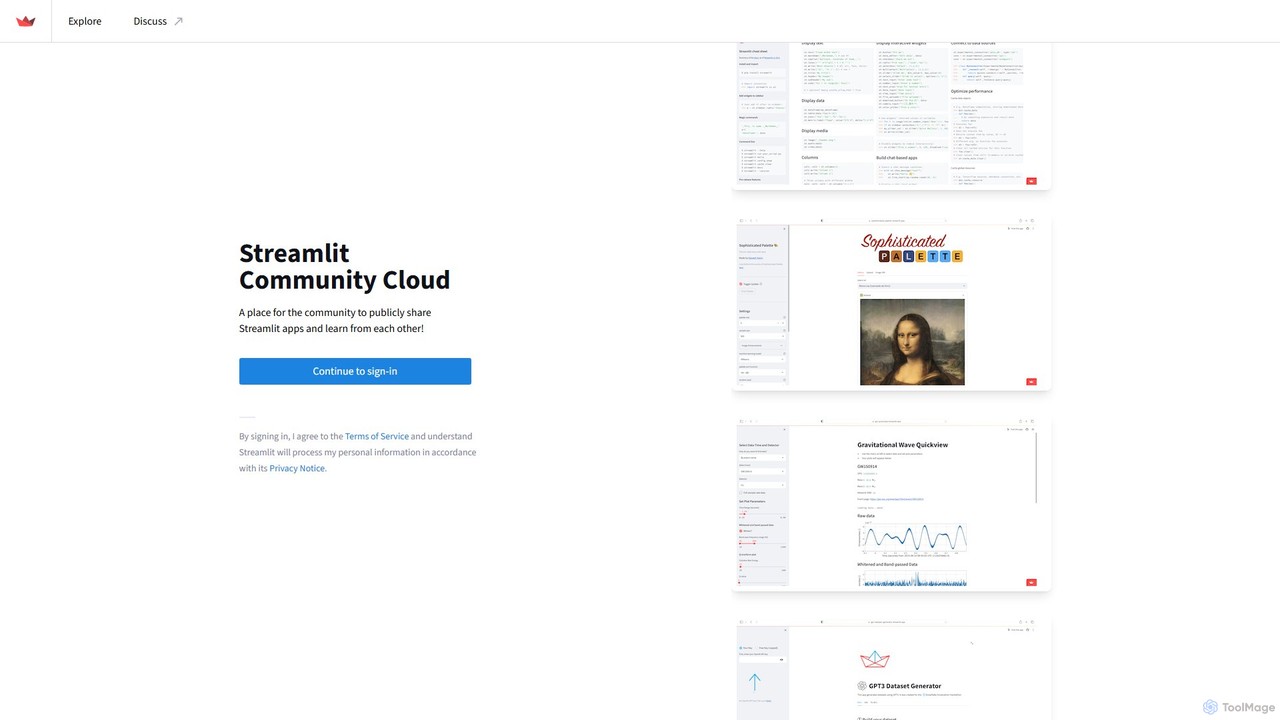
Streamlit
Streamlit is an open-source Python framework that enables developers and data scientists to build and share beautiful, custom web apps for machine learning and data science in minutes. The Streamlit Community Cloud provides a free platform to deploy, manage, and share these public applications with the world, fostering a collaborative environment for innovation.
Data Visualization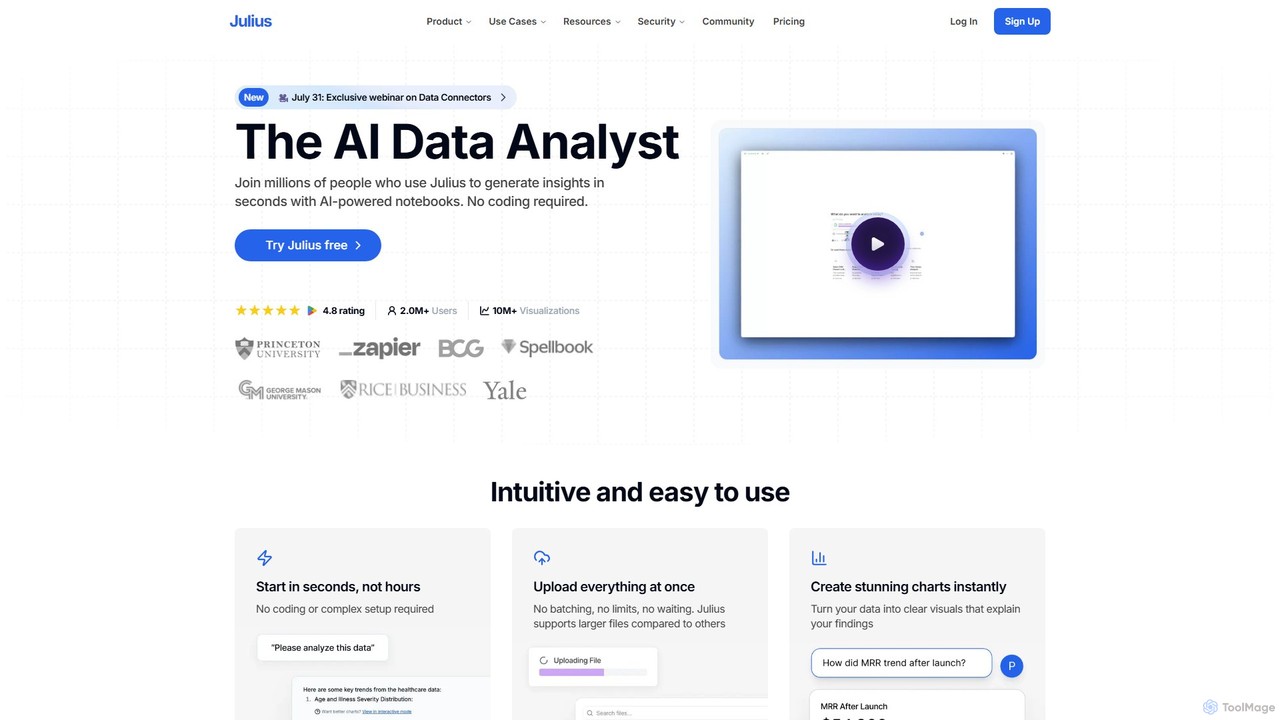
Julius AI
Julius AI is your AI Data Analyst, designed to interpret, analyze, and visualize complex data effortlessly. Connect your data from spreadsheets, databases, or PDFs, ask questions in natural language, and receive instant insights, charts, and reports. No coding is required, but it also supports Python, R, and SQL for advanced users, making data analysis accessible to everyone.
Developer Tools
CrewAI
CrewAI is a powerful multi-agent platform for building and orchestrating collaborative AI agent workflows. It enables developers to create "crews" of specialized AI agents that work together to automate complex tasks. With its open-source framework, no-code UI Studio, and "Flows" feature for structured automation, it streamlines development from planning to deployment and monitoring, integrating with any LLM and cloud provider.
Enterprise Solutions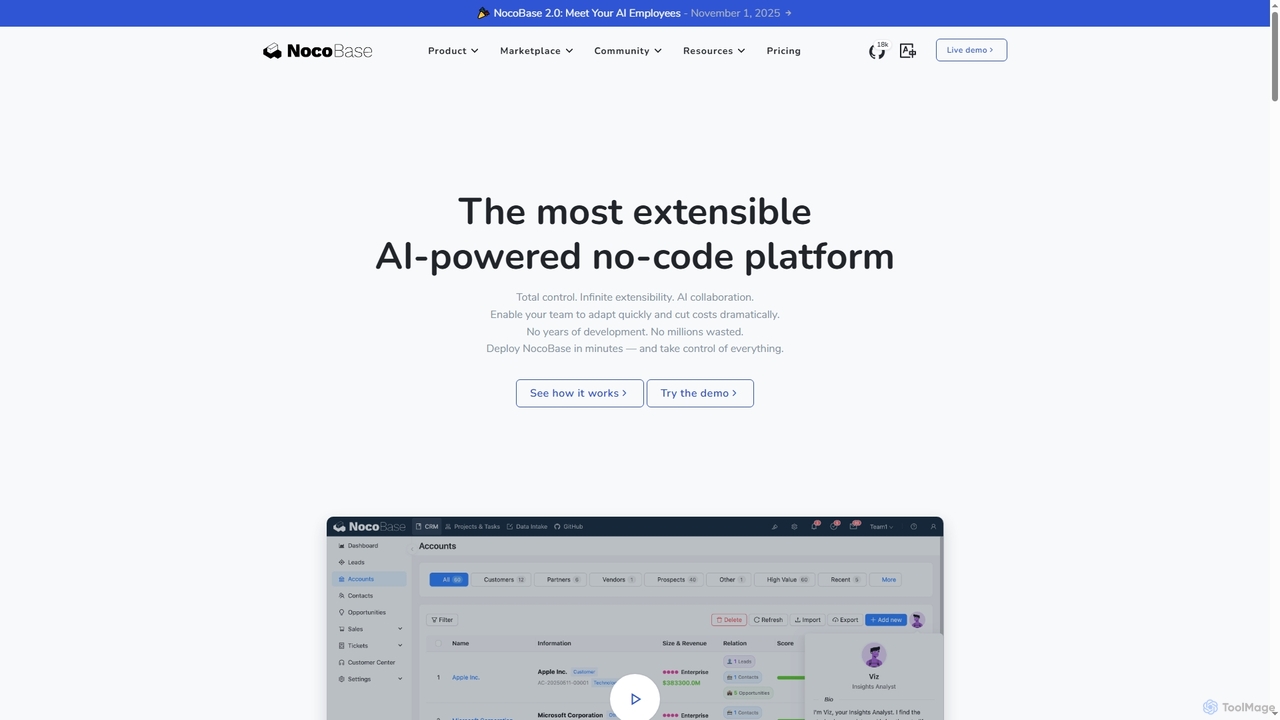
NocoBase
NocoBase is an open-source, self-hosted no-code and low-code development platform. It empowers users to build custom business applications like CRMs and internal tools with high flexibility, granular permissions, and automated workflows, ensuring data security through on-premises deployment.
Internal Tools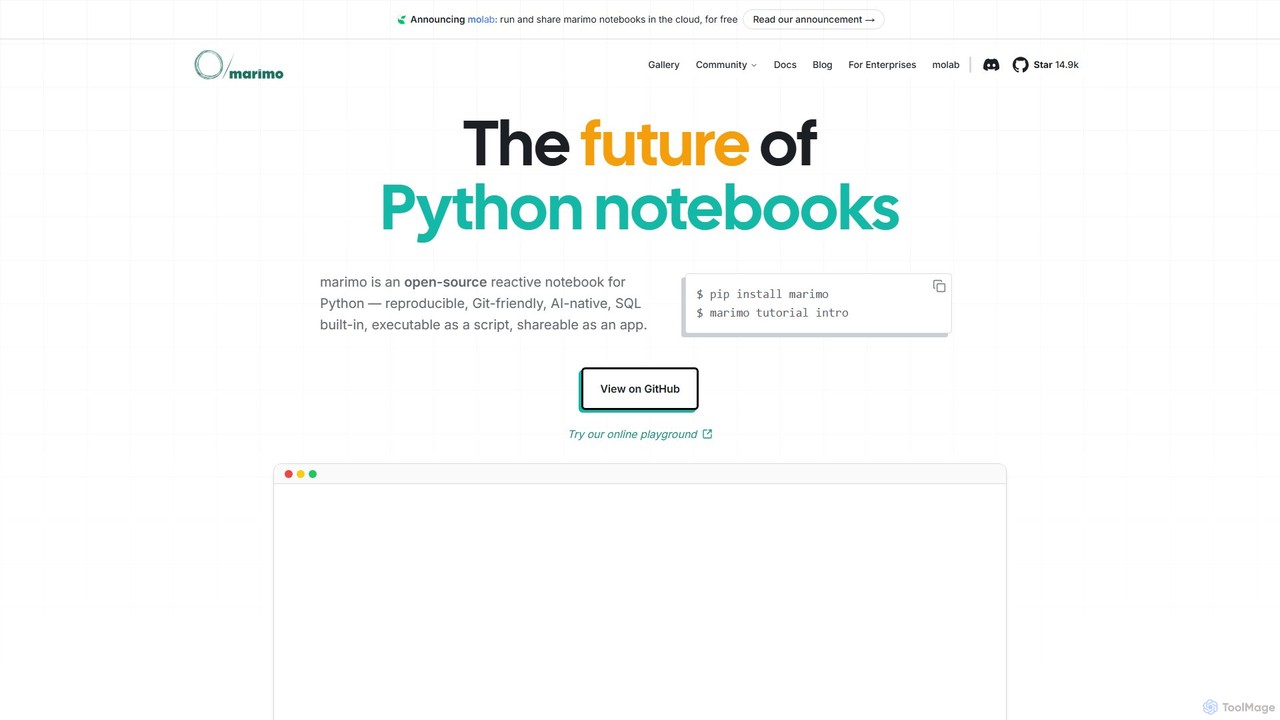
marimo
marimo is an open-source reactive Python notebook for modern data science and AI. It offers a reproducible, Git-friendly, and interactive environment where notebooks are pure Python scripts. Features include built-in AI assistance, SQL cells, and the ability to share notebooks as web apps, streamlining the workflow from experiment to production.
Data Visualization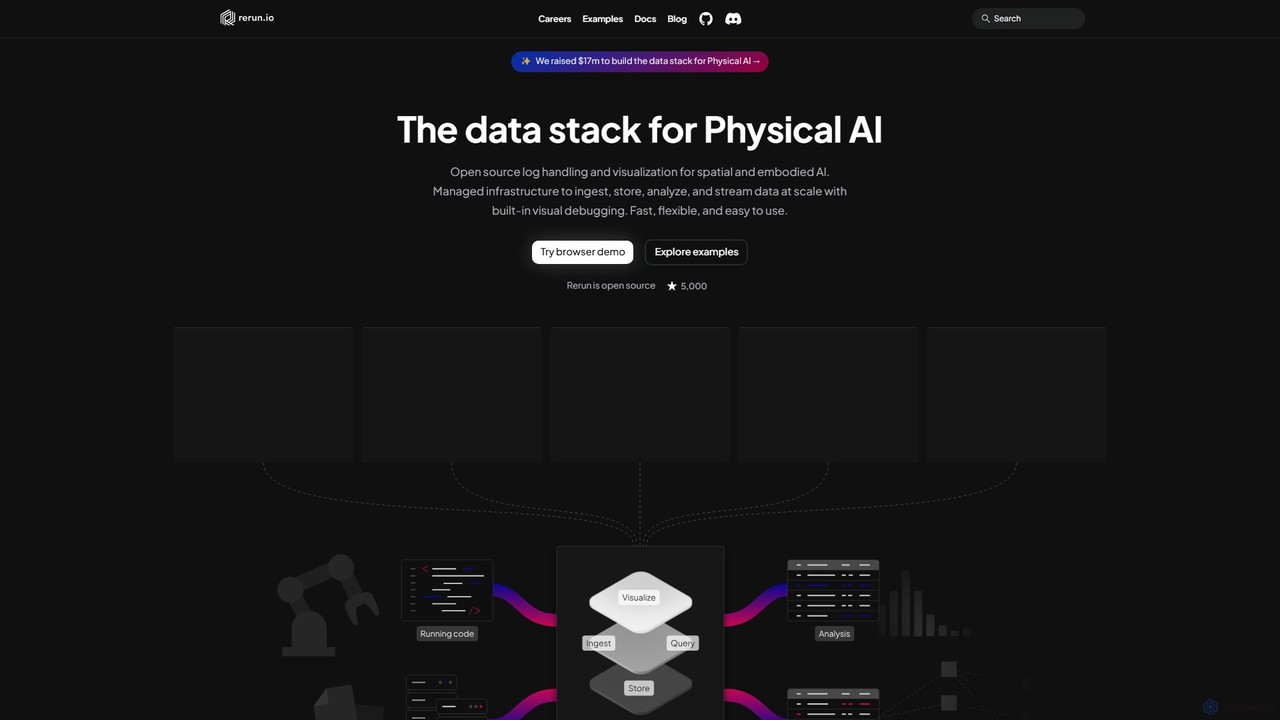
Rerun
Rerun is an open-source data stack for Physical AI, providing powerful logging and visualization tools for multimodal, time-series data. Designed for robotics, computer vision, and spatial computing, it helps developers understand and debug complex systems with SDKs for Python, Rust, and C++.
Machine Learning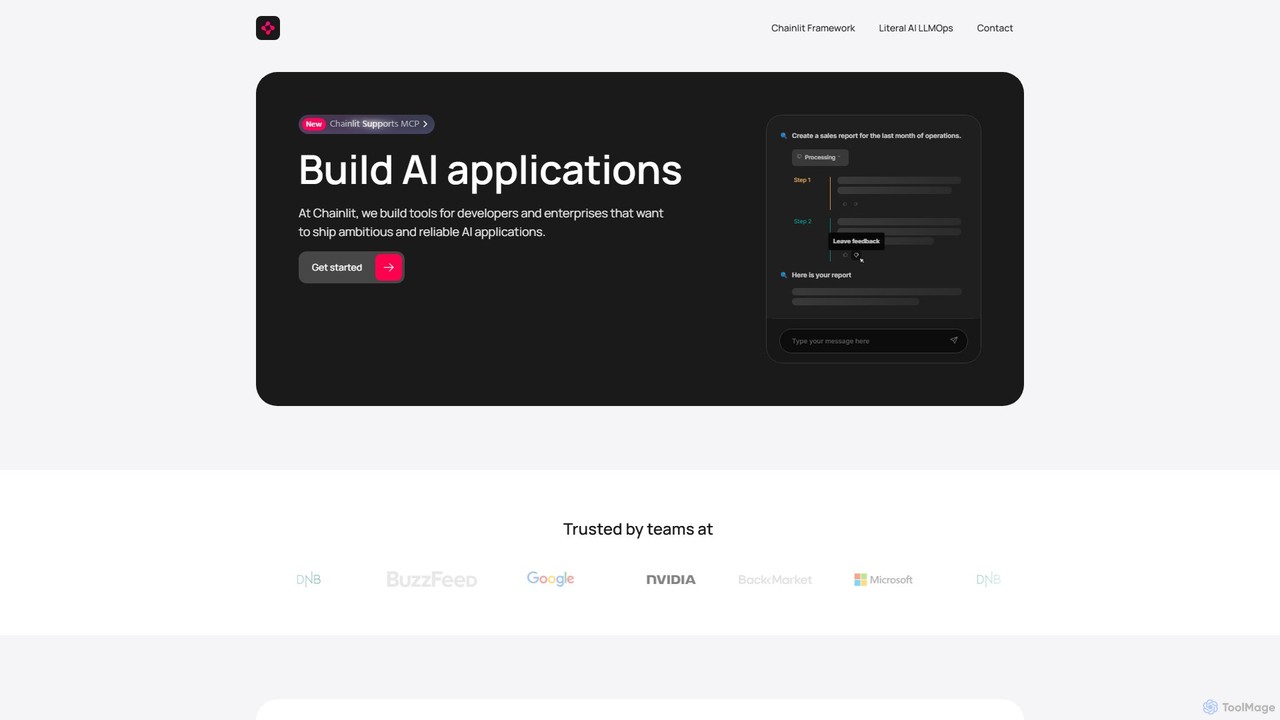
Chainlit
Chainlit is an open-source Python framework for developers to rapidly build and deploy production-ready conversational AI applications. It provides an instant, customizable chat interface, allowing you to focus on your backend logic and LLM interactions. With deep integrations for LangChain, LlamaIndex, and major LLM providers, Chainlit simplifies the creation of everything from simple chatbots to complex, data-driven copilots.
Framework
Sourcetable
Sourcetable is an AI-powered spreadsheet that combines the functionality of traditional spreadsheets with an AI data analyst. It allows users to connect to live data sources, ask questions in plain English, generate formulas, create charts, and automate reports. By integrating AI, Python, and SQL capabilities directly into the spreadsheet interface, Sourcetable empowers users of all skill levels to perform complex data analysis, cleaning, and visualization tasks effortlessly, turning raw data into actionable insights in seconds.
No Code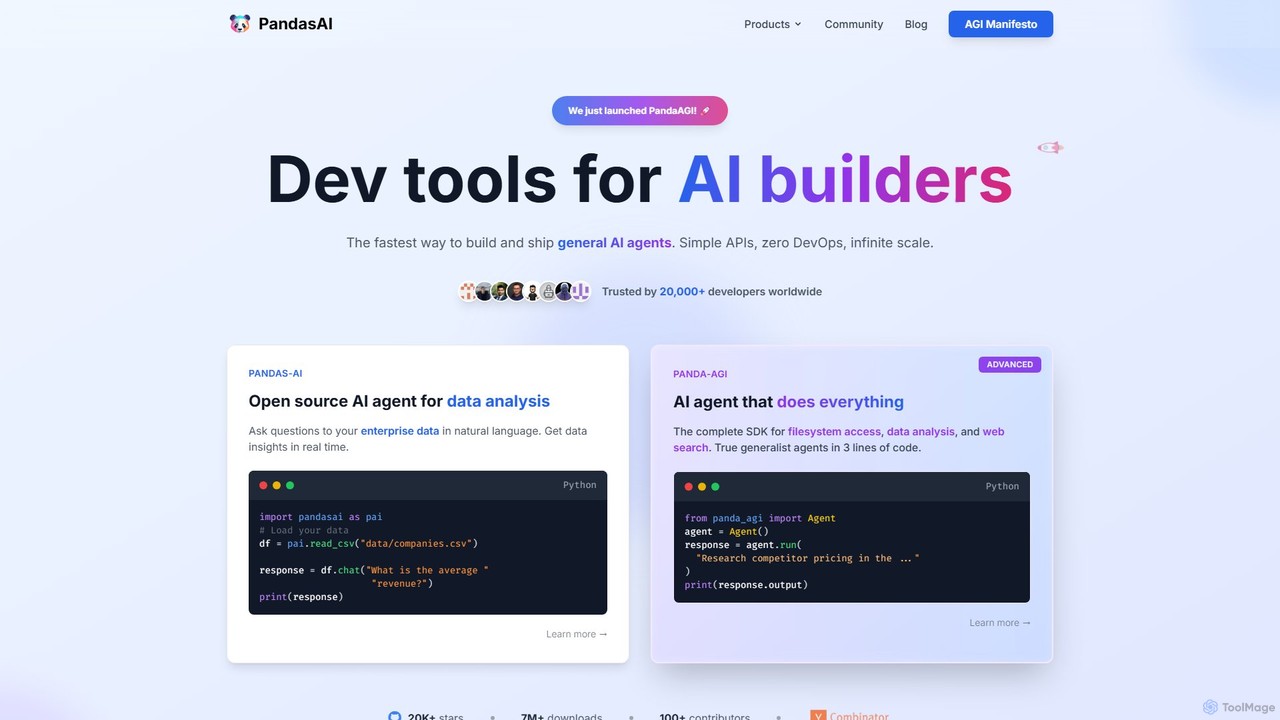
PandasAI
PandasAI offers a suite of developer tools for building AI applications. It features an open-source library for conversational data analysis using natural language and PandaAGI, an advanced SDK for creating generalist AI agents that can perform complex tasks like web searches and filesystem access.
Data Analysis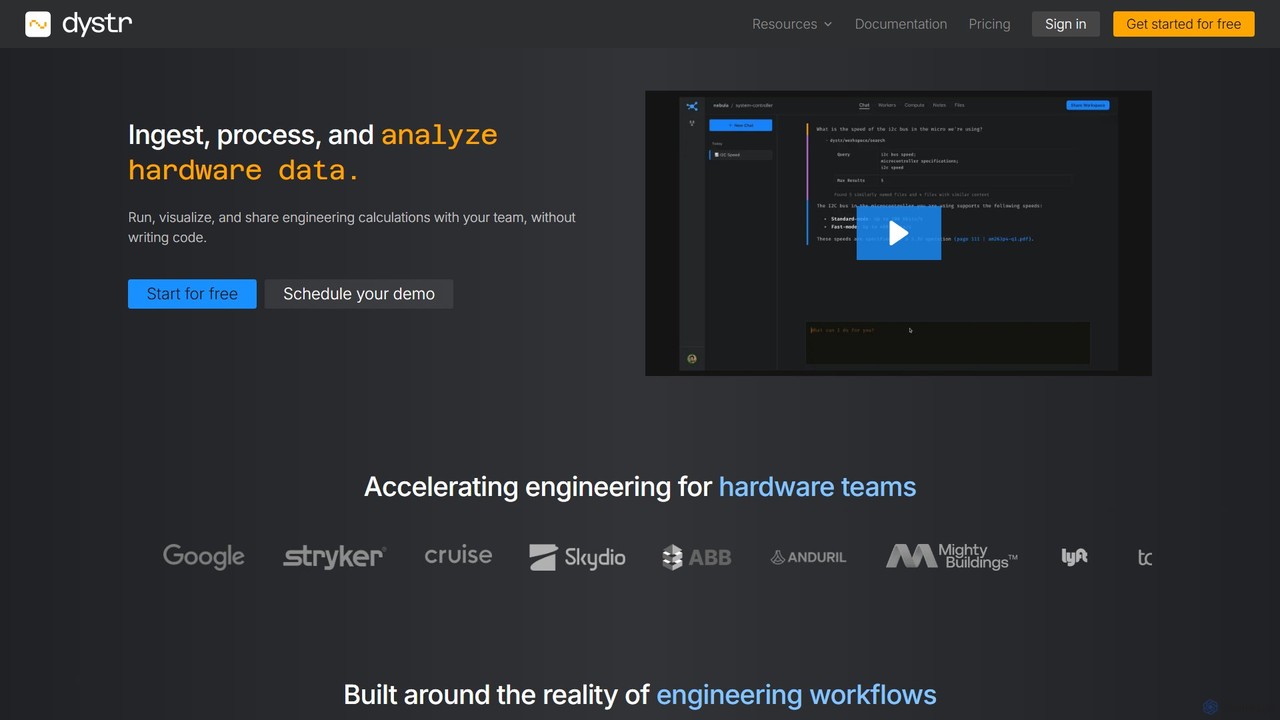
dystr
Dystr is an AI-powered engineering analysis platform for technical teams. It enables users to ingest, process, and analyze hardware data using natural language, without writing code. It streamlines workflows by automating calculations, generating live reports, and fostering collaboration in a unified, secure environment.
No Code
Datasette Comments (0)
Sign in to comment.
Sign inNo comments yet.