

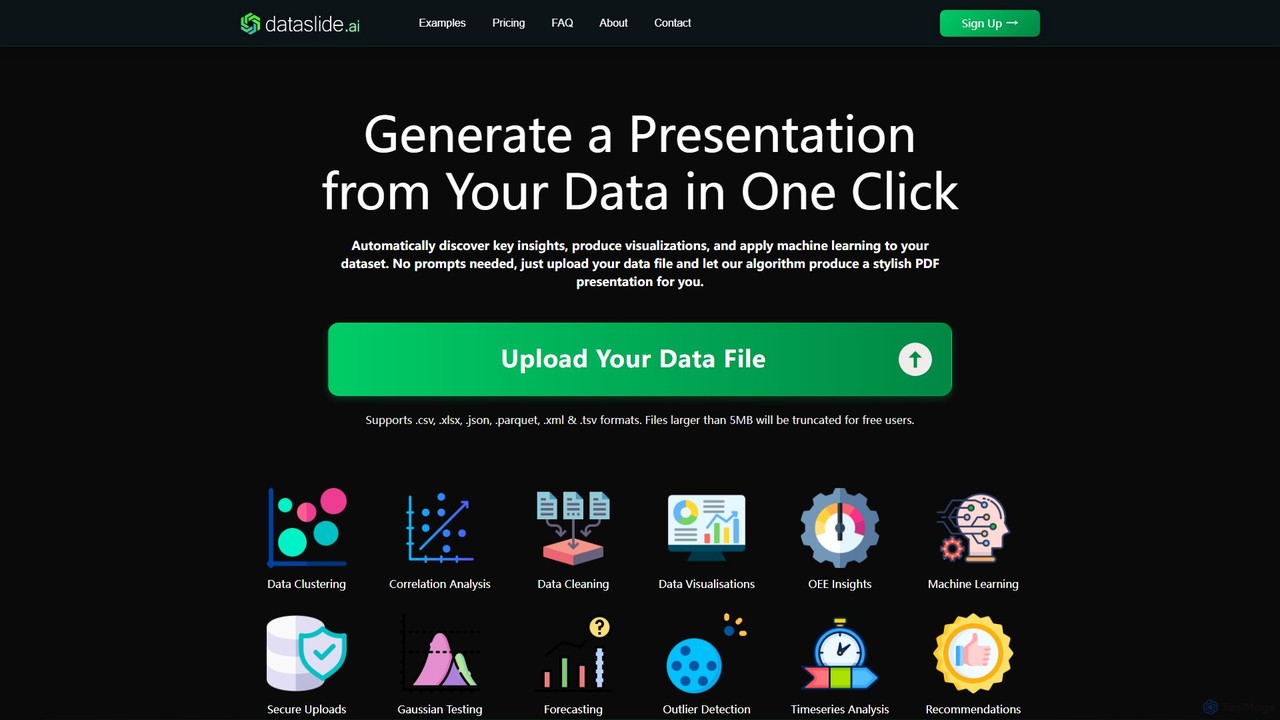
Dataslide.ai Overview
Dataslide.ai is a powerful, one-click AI analysis tool designed to transform raw data into comprehensive and stylish presentations. Developed by a data scientist with extensive experience across industries like aerospace, Formula One, and pharmaceuticals, Dataslide.ai automates the entire data analysis workflow. It takes your data file, automatically discovers key insights, produces compelling visualizations, and even applies sophisticated machine learning models to uncover hidden patterns and trends. The platform is built for speed and efficiency, allowing users from students to professional analysts to bypass the tedious process of manual data wrangling and chart creation, and get straight to actionable insights.
The core philosophy of Dataslide.ai is simplicity. There are no complex configurations or prompts to write. The user experience is streamlined into a single action: uploading a data file. The intelligent algorithm then takes over, performing a suite of analytical tasks including data cleaning, correlation analysis, clustering, and forecasting. The final output is a professionally designed presentation, available in PDF and, for premium users, editable PowerPoint formats, making it easy to share and present findings.
How to use Dataslide.ai
Using Dataslide.ai is designed to be incredibly straightforward and efficient, requiring just a few simple steps:
- Visit the Website: Navigate to the Dataslide.ai homepage.
- Upload Your Data File: Click the upload button and select your data file. The platform supports a wide range of formats, including .csv, .xlsx, .json, .parquet, .xml, and .tsv.
- Let AI Do the Work: Once the file is uploaded, the AI algorithm begins its work automatically. It processes the data, performs various analyses, and generates visualizations and insights. This process happens in the background without any further input needed from you.
- Download Your Presentation: Within seconds or minutes, depending on the file size and server load, your presentation is ready. You can then download the generated report as a stylish PDF file. Premium users also get the option to download an editable PowerPoint (.pptx) version.
Core Features of Dataslide.ai
- Automated Insight Generation: The AI automatically scans your data to identify and highlight the most significant trends, correlations, and anomalies.
- One-Click Operation: No need for coding, complex queries, or prompt engineering. Just upload your file and get a complete analysis.
- Multi-Format Support: Accepts a wide variety of data file types, including CSV, XLSX (Excel), JSON, Parquet, XML, and TSV.
- Advanced Data Analysis: Performs a comprehensive suite of analyses, including data cleaning, correlation analysis, data clustering, outlier detection, and Gaussian testing.
- Machine Learning Integration: Applies ML models for deeper insights, such as forecasting, timeseries analysis, and generating recommendations.
- High-Quality Visualizations: Automatically creates a range of relevant and easy-to-understand charts and graphs to visually represent the data.
- Multiple Export Formats: Delivers results in a polished PDF presentation, with an option for editable PowerPoint slides for premium subscribers.
- Secure Data Handling: Ensures user data is uploaded and processed securely.
Use Cases for Dataslide.ai
Dataslide.ai is versatile and can be applied across numerous fields:
- Business Analysts: Quickly analyze sales data, customer behavior, or operational metrics to generate weekly or monthly reports for management.
- Students and Researchers: Analyze research data, survey results, or public datasets for academic projects and papers without needing advanced statistical software skills.
- Manufacturing Professionals: Upload production line data to analyze Overall Equipment Effectiveness (OEE), identify machine failure patterns, and optimize processes.
- Healthcare Analysts: Examine patient data (anonymized), sensor readings, or clinical trial results to spot trends and outliers.
- Marketing Managers: Analyze campaign performance data to understand customer segmentation, engagement metrics, and ROI.
- Data Enthusiasts: Explore public datasets like weather patterns, financial markets, or sports statistics to quickly find interesting insights.
Advantages of Dataslide.ai
The primary advantage of Dataslide.ai is its ability to dramatically reduce the time and effort required for data analysis and reporting. It democratizes data science by making powerful analytical techniques accessible to non-experts. Key advantages include:
- Time-Saving: Automates what would typically take hours or days of manual work into a process of minutes.
- Ease of Use: The one-click interface makes it accessible to anyone, regardless of their technical background.
- Expert-Level Analysis: The underlying algorithms are built on industry best practices and expert domain knowledge, ensuring the quality and relevance of the insights.
- Cost-Effective: Provides a low-cost alternative to hiring data analysts or purchasing expensive business intelligence software, with a generous free tier available.
- Actionable Outputs: The tool focuses on producing clear, actionable insights presented in a professional format, ready for decision-making.
Pricing and Plans
Dataslide.ai offers a freemium model with plans to suit different user needs:
- Free Plan: $0/month. Ideal for occasional users and small datasets. Includes access to basic features, a maximum file size of 5MB, watermarked PDF outputs, and lower computing priority.
- Premium Plan: $20/month. Perfect for students, data enthusiasts, and small businesses. Features a larger maximum file size of 50MB, unwatermarked presentations, both PDF and PowerPoint file outputs, and high computing priority.
- Professional Plan (Coming Soon): $99/month. Designed for professional analysts and companies. Offers unlimited file size, custom-styled outputs to match company branding, downloadable ML models and cleaned dataframes, and dedicated support.
- Enterprise Plan: Custom pricing. For large organizations, Dataslide.ai can create a bespoke, integrated version of the tool tailored to specific analytical needs and workflows.
Dataslide.ai Alternatives

ChartFast
ChartFast is an AI-powered data analyst that transforms your data work. Upload CSV or Excel files, and it automatically cleans, analyzes, and visualizes your data. Generate complex charts and gain insights in seconds by simply asking questions, eliminating hours of manual spreadsheet tasks.
Business Intelligence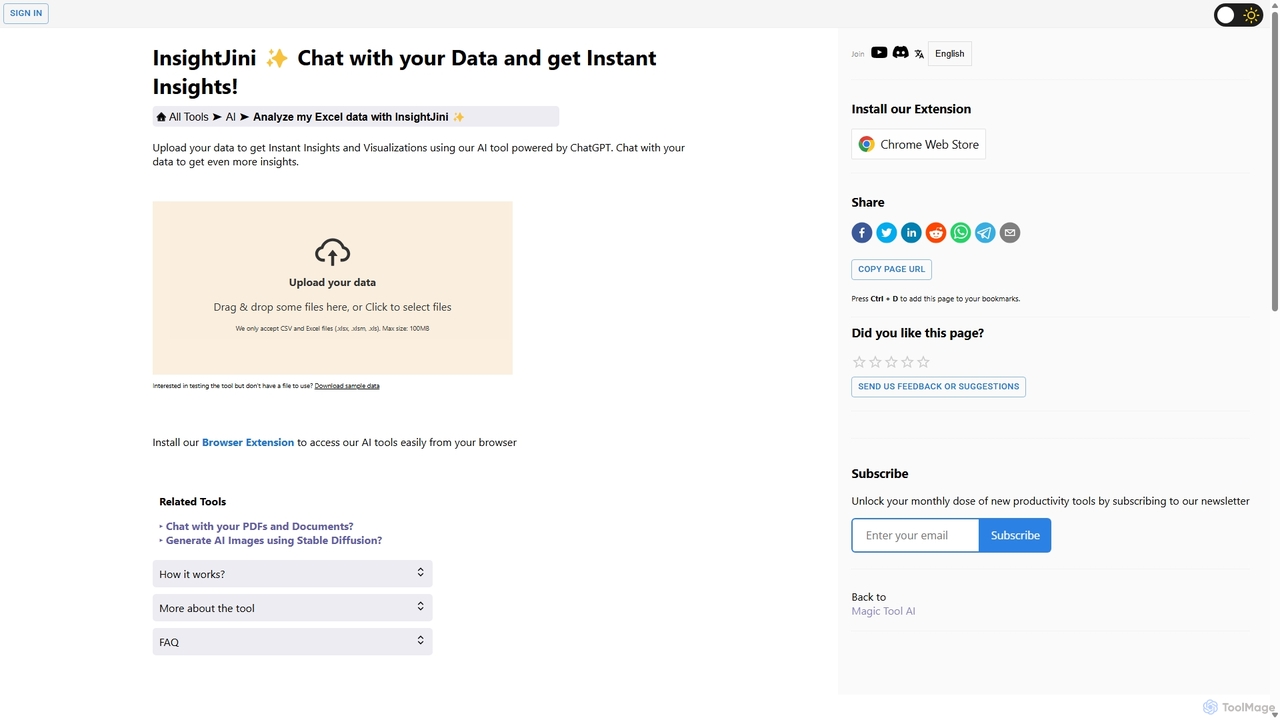
InsightJini
InsightJini is an AI-powered data analysis tool that lets you chat with your Excel and CSV files. Upload your data to instantly generate visualizations and insights without any coding. Its conversational interface, powered by ChatGPT, makes data exploration intuitive and accessible for everyone.
Business Intelligence
Viewit Ai Chatbot
An AI-powered chatbot that transforms your data into insightful visualizations and summaries through simple, natural language conversations. Upload your dataset, ask questions, and instantly receive charts, graphs, and key metrics, making data analysis accessible to everyone without needing complex software or coding skills.
Business Intelligence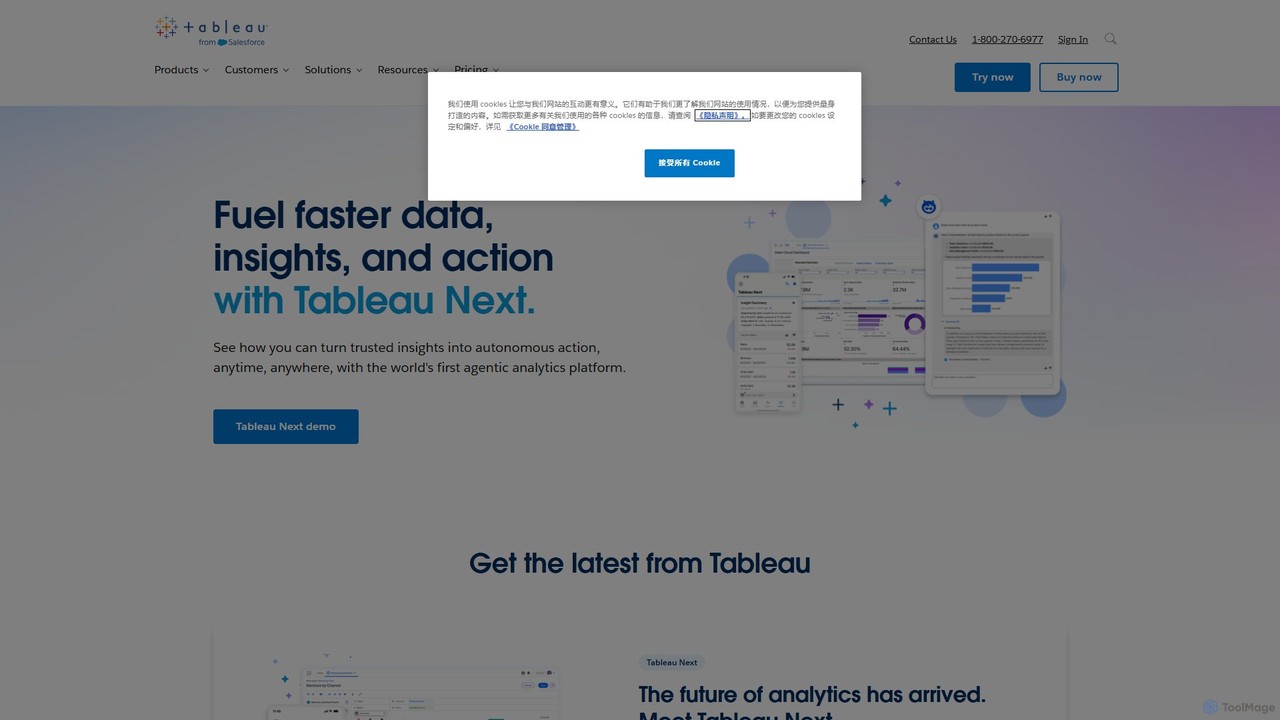
Tableau
Tableau is a leading AI-powered business intelligence and analytics platform that helps people see and understand data. It enables users to create interactive dashboards, perform complex data analysis, and share insights across their organization, enhanced by AI features like Tableau Agent for accelerated decision-making.
Business Intelligence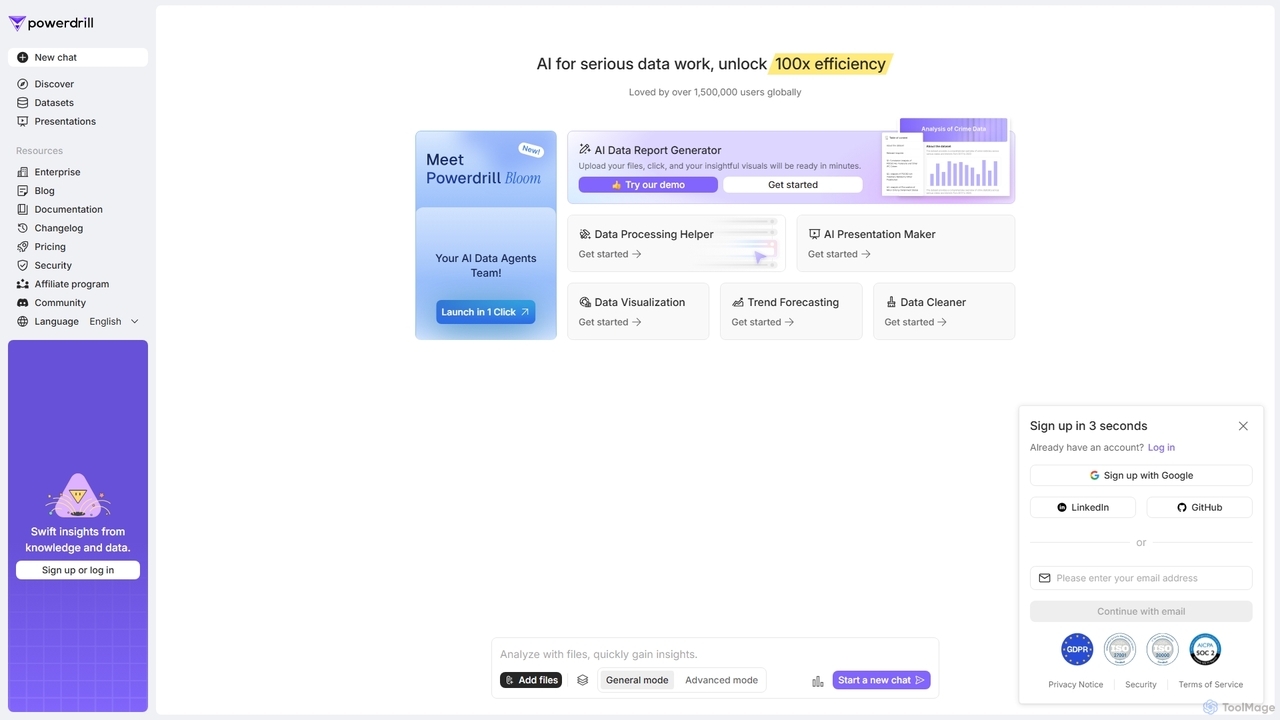
Powerdrill
Powerdrill is an AI-powered data analysis platform designed for serious data work, enabling users to unlock 100x efficiency. It automates the entire process from data processing and cleaning to visualization, report generation, and trend forecasting. Simply upload your files (Excel, CSV, PDF) or connect to a database, and let the AI generate actionable insights, interactive charts, and comprehensive presentations in minutes.
Business IntelligenceDataslide.ai Categories
Dataslide.ai Embed Widget
Copy this embed code to place the badge on your blog, article, or product site and send readers directly to this ToolMage detail page.

Related AI tools
Powerdrill
Powerdrill is an AI-powered data analysis platform designed for serious data work, enabling users to unlock 100x efficiency. It automates the entire process from data processing and cleaning to visualization, report generation, and trend forecasting. Simply upload your files (Excel, CSV, PDF) or connect to a database, and let the AI generate actionable insights, interactive charts, and comprehensive presentations in minutes.
Business IntelligenceChartFast
ChartFast is an AI-powered data analyst that transforms your data work. Upload CSV or Excel files, and it automatically cleans, analyzes, and visualizes your data. Generate complex charts and gain insights in seconds by simply asking questions, eliminating hours of manual spreadsheet tasks.
Business IntelligenceInsightJini
InsightJini is an AI-powered data analysis tool that lets you chat with your Excel and CSV files. Upload your data to instantly generate visualizations and insights without any coding. Its conversational interface, powered by ChatGPT, makes data exploration intuitive and accessible for everyone.
Business Intelligence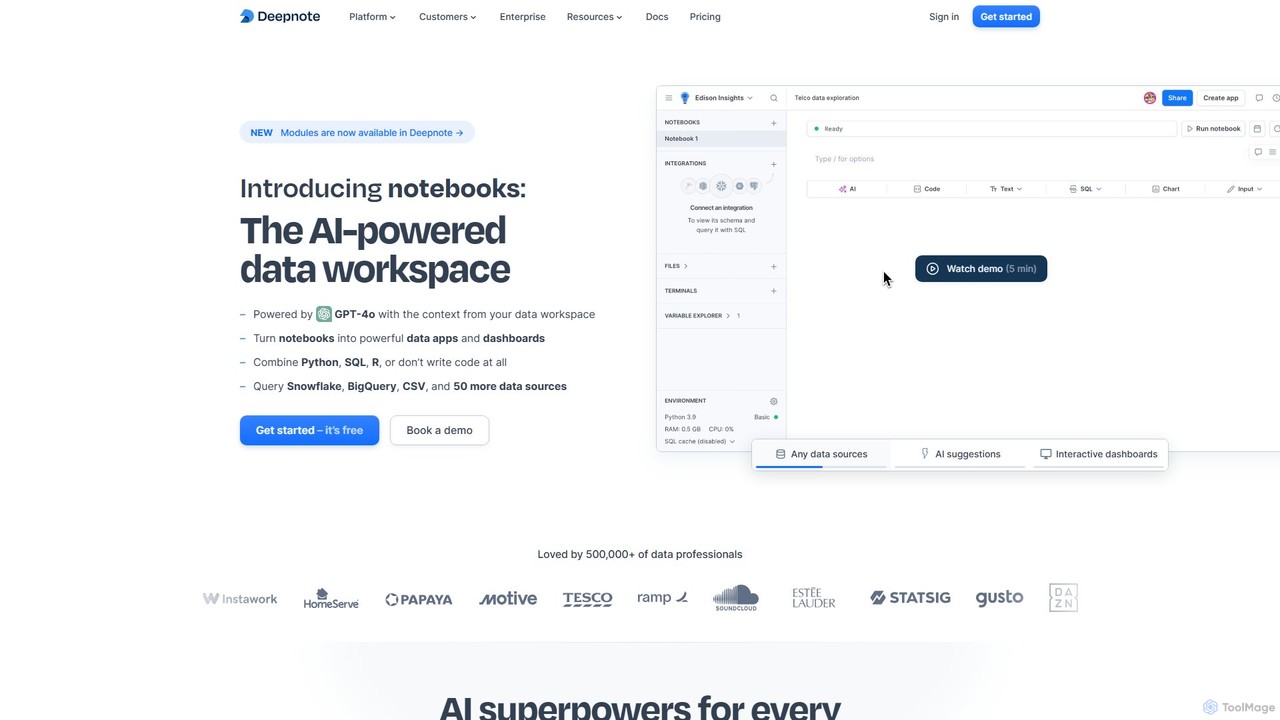
Deepnote
Deepnote is an AI-powered, collaborative data science notebook for teams. It unifies Python, SQL, and R in a single cloud-based workspace, enabling users to explore data, build machine learning models, and create interactive dashboards and apps with ease. Powered by GPT-4o, it automates analysis and code generation, making data science accessible to all skill levels.
Business IntelligenceViewit Ai Chatbot
An AI-powered chatbot that transforms your data into insightful visualizations and summaries through simple, natural language conversations. Upload your dataset, ask questions, and instantly receive charts, graphs, and key metrics, making data analysis accessible to everyone without needing complex software or coding skills.
Business Intelligence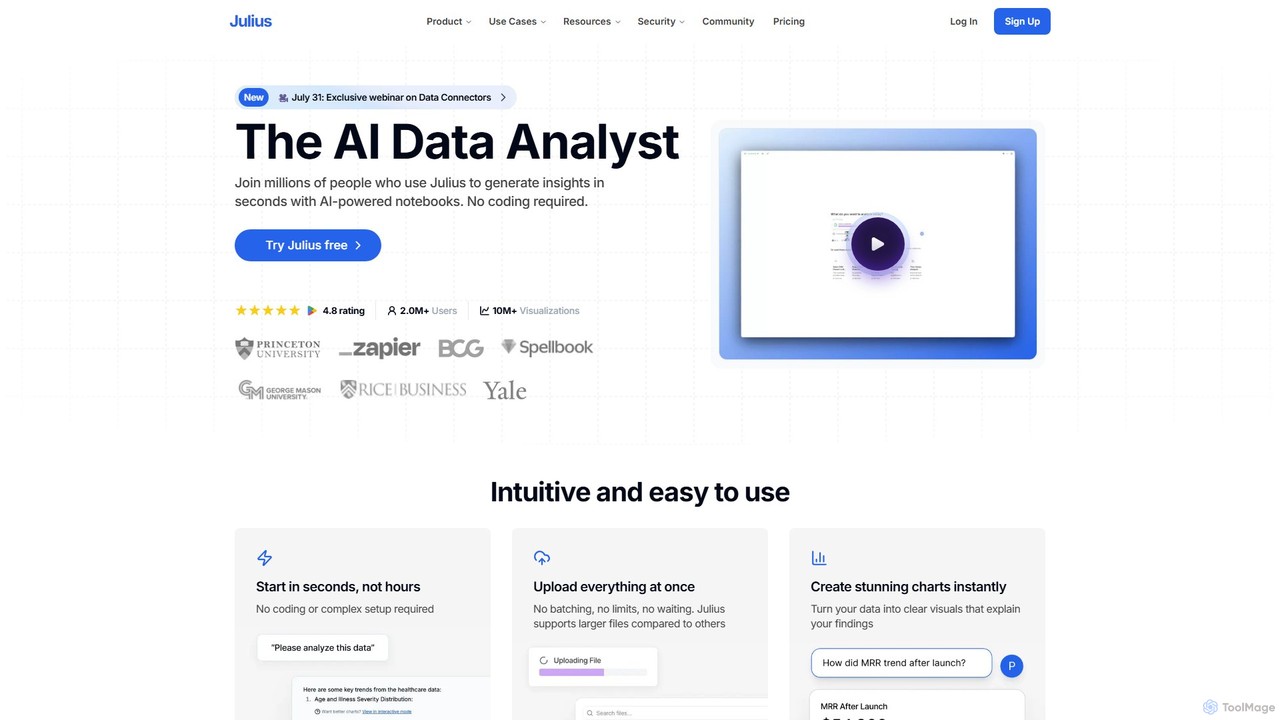
Julius AI
Julius AI is your AI Data Analyst, designed to interpret, analyze, and visualize complex data effortlessly. Connect your data from spreadsheets, databases, or PDFs, ask questions in natural language, and receive instant insights, charts, and reports. No coding is required, but it also supports Python, R, and SQL for advanced users, making data analysis accessible to everyone.
Developer Tools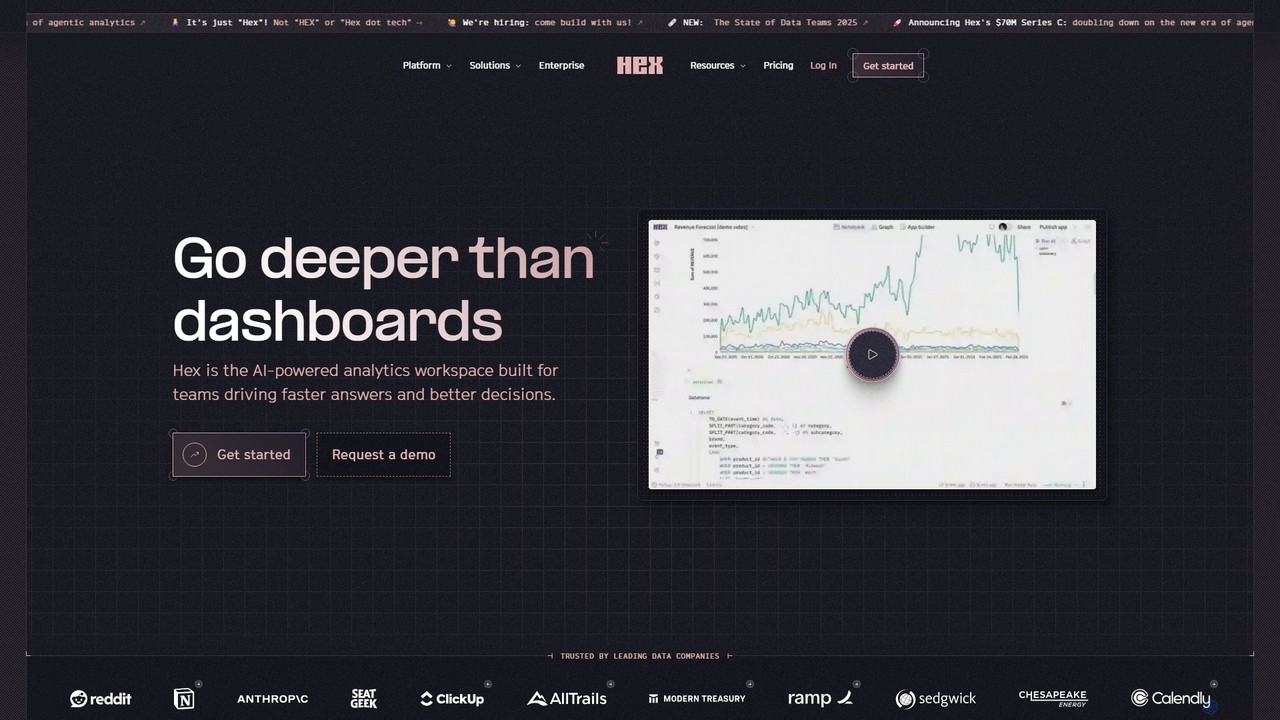
Hex
Hex is an AI-powered analytics workspace designed for teams. It integrates notebooks for Python and SQL, interactive data apps, and self-serve exploration into a single collaborative platform, enabling faster, data-driven decision-making.
Data Science
Jyek
Jyek is an AI agent platform that understands objectives, creates execution plans, uses tools, and delivers verifiable results for complex, multi-step tasks.
Automation
OpenDoc AI
OpenDoc AI is a next-generation, no-code AI platform that empowers users to automate data workflows, generate business insights, and build custom AI models using simple natural language prompts. It connects to various data sources, making data science accessible to everyone, regardless of technical expertise.
No Code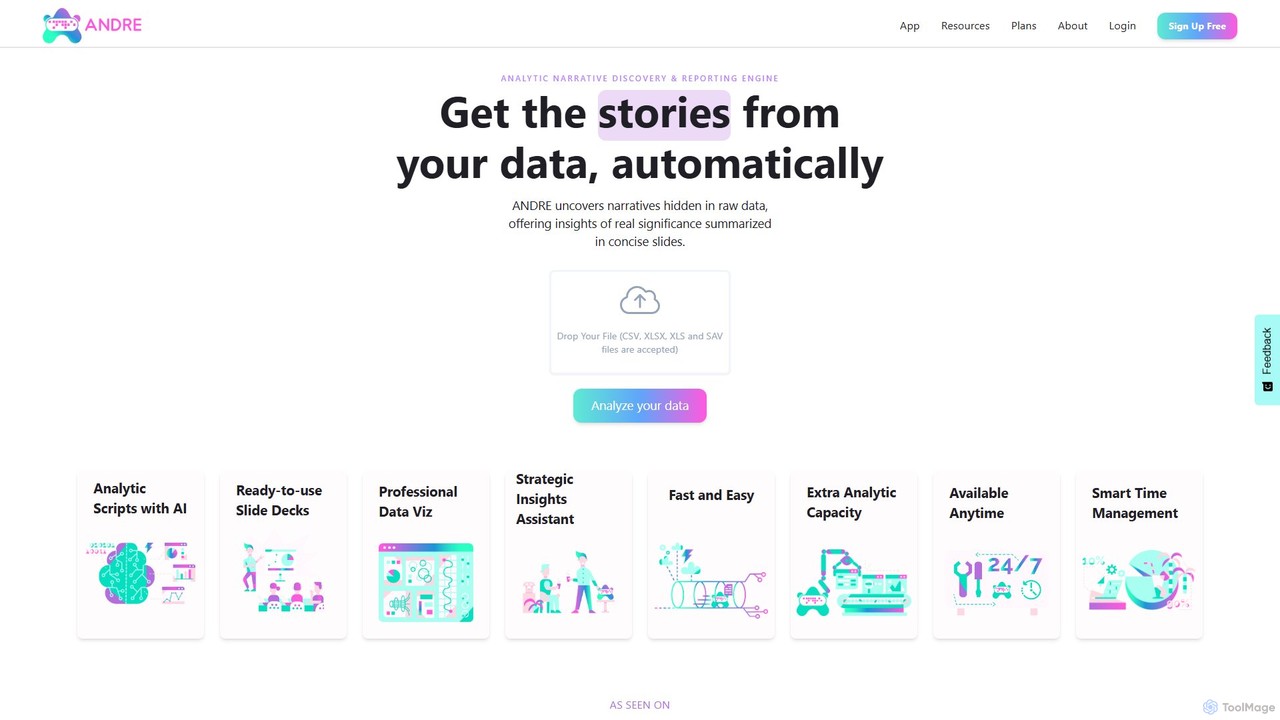
ANDRE
ANDRE is an AI-powered data analyst that transforms raw survey and business data into actionable insights and presentation-ready reports. It automates the process of discovering hidden narratives, generating data visualizations, and summarizing key conclusions. Designed for market researchers, CX managers, and business analysts, ANDRE significantly reduces analysis time, making expert-level data storytelling accessible to everyone.
Business Intelligence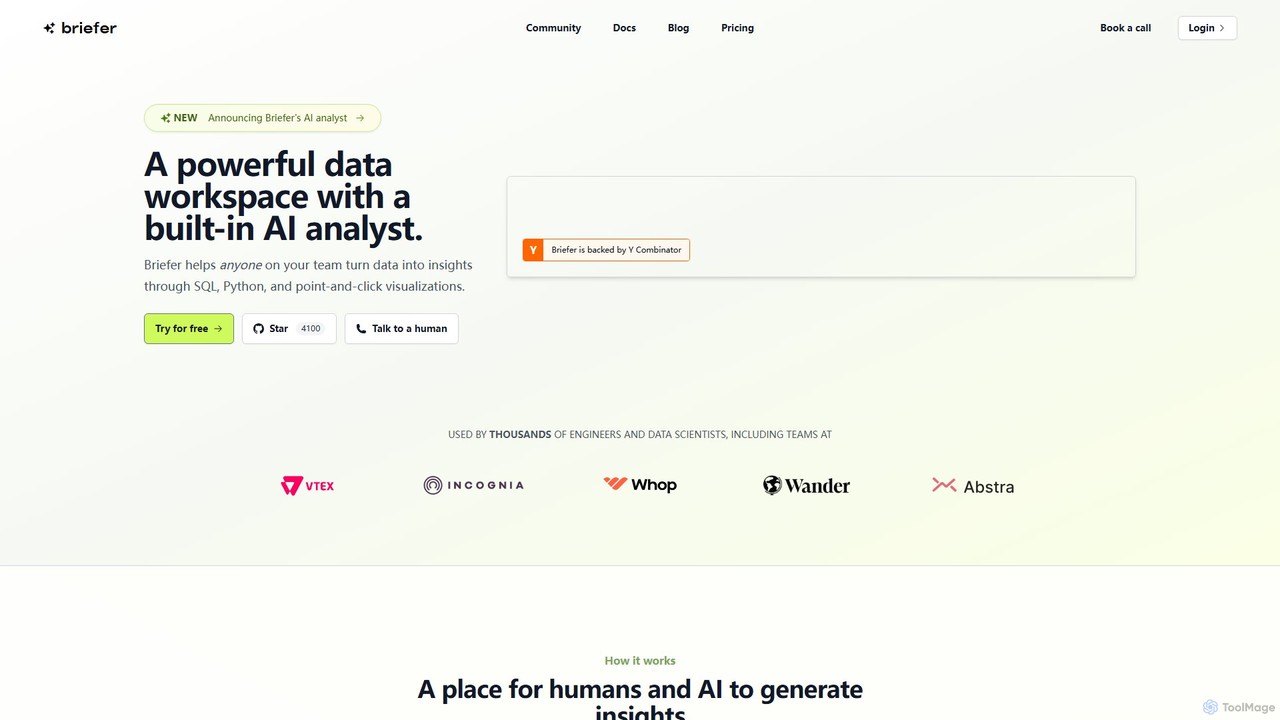
Briefer
Briefer is a collaborative data platform featuring a built-in AI analyst. It empowers teams to transform data into actionable insights using SQL, Python, and interactive visualizations within a unified workspace. Designed for both technical and non-technical users, it streamlines data analysis, reporting, and real-time collaboration, accelerating data-driven decision-making. It is backed by Y Combinator and offers both cloud-hosted and self-hosted open-source versions.
Database
astronuts
astronuts is an AI-powered data intelligence platform that transforms complex data into clear, actionable insights. Connect your data sources, ask questions in natural language, and automatically generate interactive dashboards and reports. It's designed for teams to explore data, uncover hidden patterns, and make smarter decisions, faster.
3D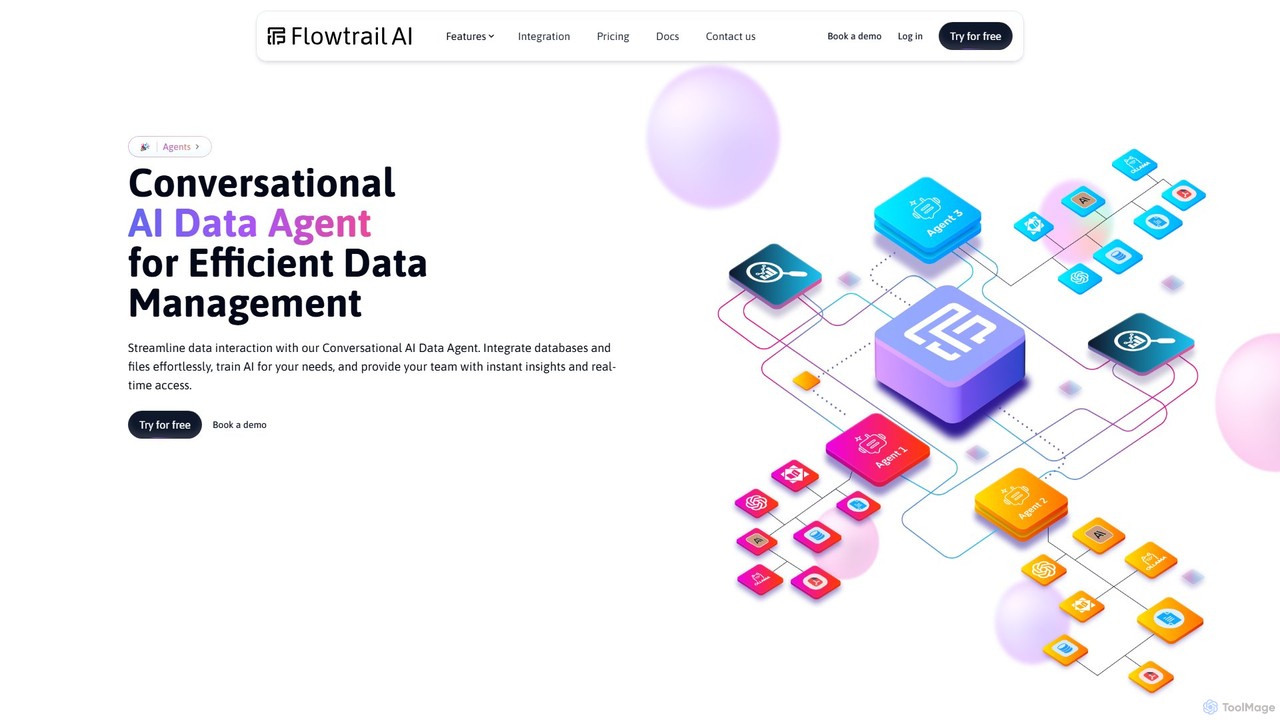
Flowtrail
Flowtrail is a conversational AI data agent that transforms how you interact with your data. Connect databases and files, ask questions in natural language, and receive instant insights, visualizations, and reports. It's a no-code platform designed to make data analysis accessible to everyone, from small businesses to large enterprises, fostering a data-driven culture.
Business Intelligence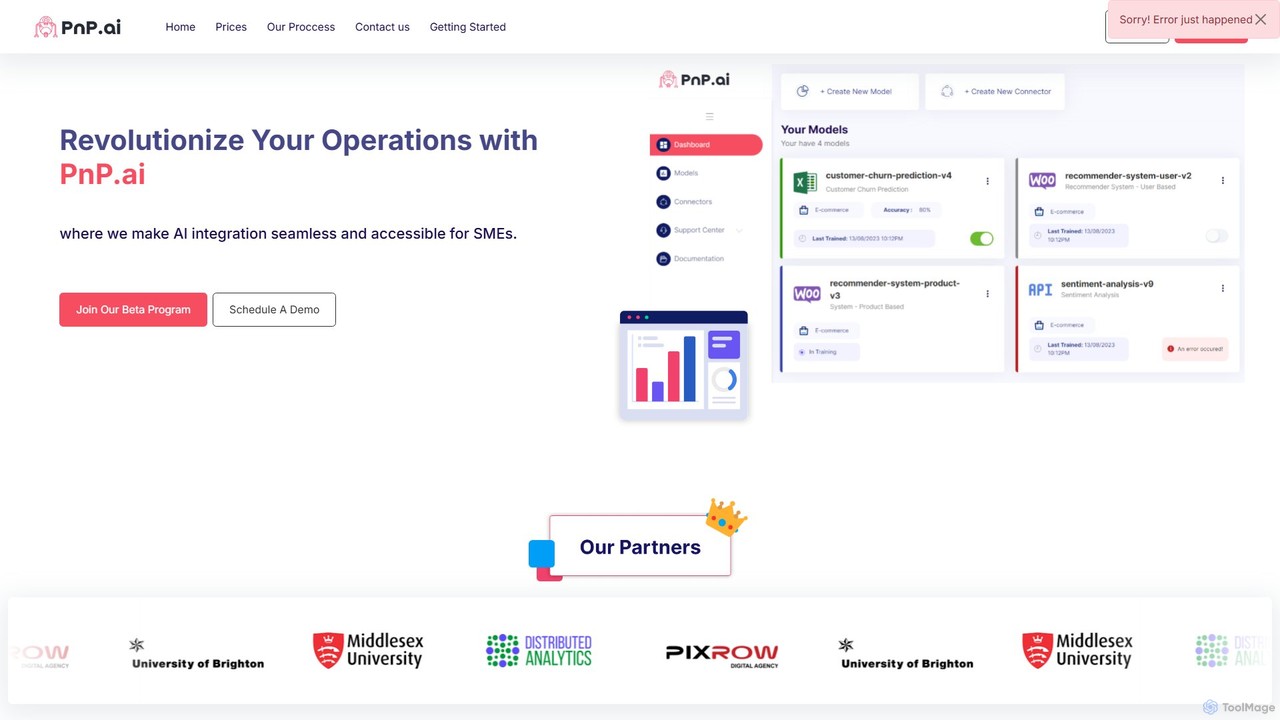
PnP.ai
PnP.ai is an advanced AI platform that enables businesses to transform their data into actionable insights. Upload CSV or PDF files and interact with your data through an intuitive chat interface, 'Data Guru Chat'. It offers customizable AI solutions, advanced data connectors, and robust security features, making it ideal for data analysis, business intelligence, and creating custom AI applications without extensive coding.
Business Intelligence
Electe
Electe is an AI-powered data analytics platform designed to help businesses of all sizes unlock the potential of their data. It automates data connection, analysis, and reporting, enabling teams to gain valuable insights, forecast sales trends, and make informed decisions without requiring deep technical expertise. The platform aims to enhance efficiency, drive innovation, and boost profitability through accessible and powerful data tools.
Business Intelligence
Dataslide.ai Comments (0)
Sign in to comment.
Sign inNo comments yet.