

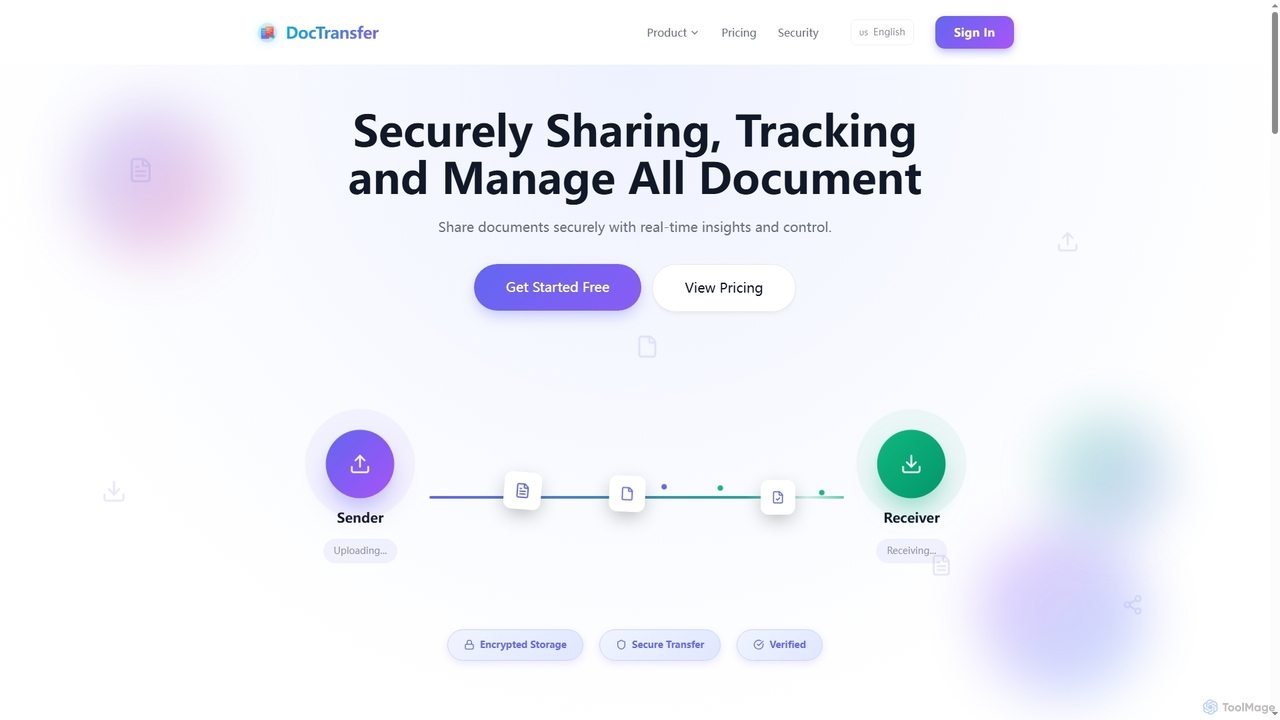
DocTransfer Overview
DocTransfer provides an enterprise-grade solution for securely sharing, tracking, and managing all your sensitive documents. It focuses on comprehensive security, real-time insights, and granular control over your shared files. The platform encrypts data at every step, using military-grade AES-256-GCM encryption client-side (zero-knowledge) before files even reach its servers, ensuring that only authorized recipients can access your information.
How to use DocTransfer
To use DocTransfer, users upload their documents to the platform. They can then generate secure links, applying various security measures such as password protection, email verification for recipients, and dynamic watermarking. Recipients access documents directly in their browser via the secure link, without needing an account or any software installation. Senders can monitor document views, engagement, and interactions in real-time through a dashboard and receive instant alerts. Documents can be updated at any time, with the new version instantly available via the same link.
Core Features of DocTransfer
- Enterprise-Grade Security: AES-256-GCM client-side encryption, secure transfer (HTTPS/TLS), and encrypted storage.
- Password Protection: Secure links with an extra layer of access control.
- Email Verification: Ensures documents reach the intended recipient and aids audit compliance.
- Dynamic Watermarking: Applies watermarks with viewer details (email, timestamp, IP) and custom text to prevent unauthorized sharing.
- Download Controls: Restrict or allow document downloads, enabling view-only mode.
- Audit Trail: Complete log of all user activity, including views, downloads, and interactions with timestamps.
- NDA Agreements: Requires recipients to digitally agree to Non-Disclosure Agreements before viewing.
- Real-time Analytics: Track document views and engagement live with dashboard updates.
- Page-by-Page Analytics: Detailed insights into viewer interaction with individual pages.
- Instant Alerts: Notifications via email or in-app when documents are viewed or shared.
- Document Updates: Update the underlying file without changing the shared link.
- Link Expiration: Set specific dates, time limits, or view count restrictions for shared links, or manually revoke them.
- E-signature Requests: Request and receive digital signatures directly within the browser.
- Integration Capabilities: Connects with popular tools like Slack, Microsoft Teams, Google Drive, Dropbox, and offers an API for custom integrations.
Use Cases for DocTransfer
DocTransfer is ideal for businesses and professionals who need to share confidential or sensitive documents with external parties while maintaining control and visibility. This includes legal firms sharing contracts and agreements, sales teams distributing proposals and pitches, HR departments sending employee records, financial institutions exchanging reports, and marketing teams sharing creative assets. It's also suitable for anyone requiring proof of delivery, tracking engagement, or ensuring compliance with data security policies.
Advantages of DocTransfer
The primary advantage of DocTransfer lies in its robust security features, providing peace of mind when sharing sensitive information. Its zero-knowledge encryption ensures privacy, while granular access controls and dynamic watermarking prevent unauthorized access and redistribution. The real-time and page-by-page analytics offer unparalleled insights into recipient engagement, allowing users to understand how their documents are consumed. The ability to update documents without changing links, set expiration dates, and request e-signatures streamlines workflows, making it a highly efficient and compliant solution for document sharing.
Pricing and Plans
DocTransfer offers a flexible pricing structure including a Free Plan and two premium tiers: Standard and Business.
- Free Plan: $0/month. Includes 10 document uploads per day, a 10MB file size limit, basic password protection, email verification, screenshot protection, 1-day document storage, download controls, link expiration controls, burn after reading, basic analytics, and DocTransfer branding.
- Standard Plan: $19/month or $190/year (saving 17%). Includes everything in the Free Plan, plus unlimited document uploads, a 500MB file size limit, custom branding (logo & colors), dynamic watermarking, advanced analytics with page tracking, audit trails, email notifications, screenshot protection, priority support, and 1-year document storage.
- Business Plan: $29/month or $290/year (saving 17%). Includes everything in the Standard Plan, plus unlimited file size, Vault Mode (Client-Side Encryption), biometric authentication (Face ID, Fingerprint), e-signature requests, document bundles (multi-file sharing), advanced compliance reports, SSO integration, unlimited storage, white-label solution, a dedicated account manager, custom integrations, and an SLA guarantee.
DocTransfer FAQ
DocTransfer Alternatives
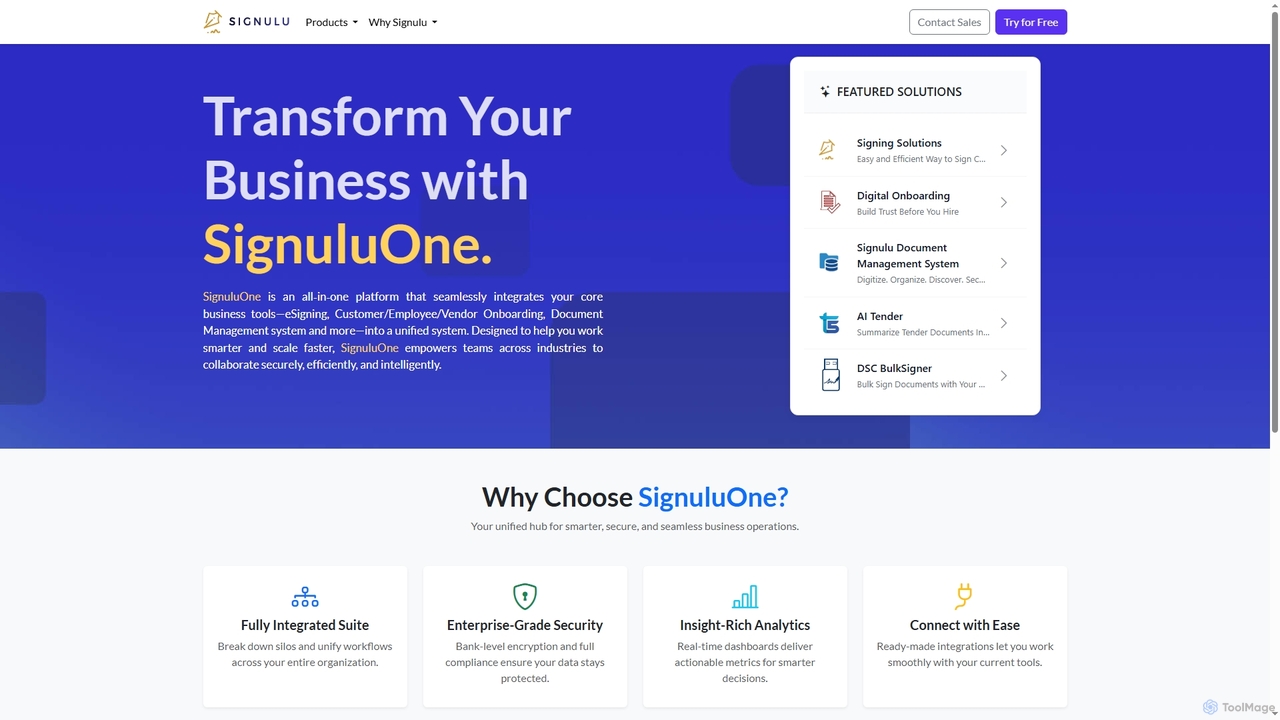
SignuluOne
SignuluOne is an all-in-one platform designed to transform business operations by integrating core tools like eSigning, customer/employee/vendor onboarding, and document management into a unified system. It empowers teams across various industries to collaborate securely, efficiently, and intelligently, helping businesses work smarter and scale faster.
Text Summarization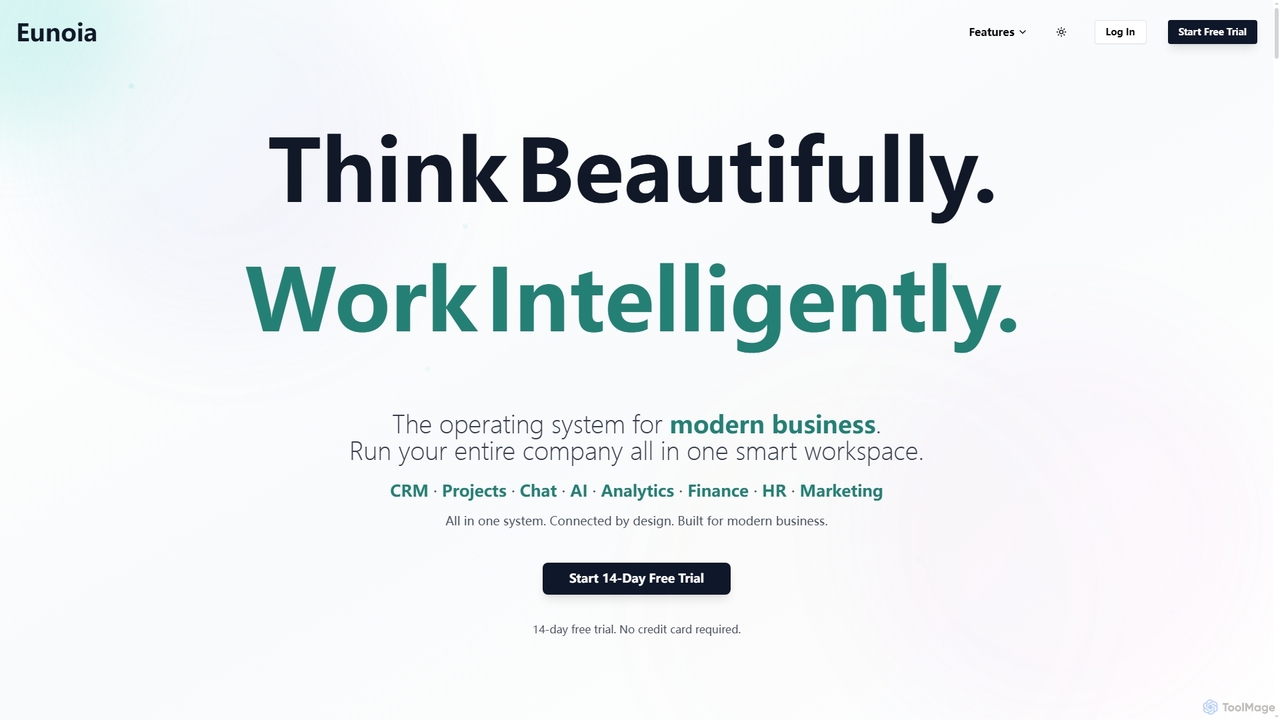
Eunoia
Eunoia is an all-in-one AI-powered business workspace designed to streamline operations by integrating CRM, project management, chat, AI, analytics, finance, HR, and marketing. It aims to replace numerous fragmented tools, offering a unified platform for modern businesses to think beautifully and work intelligently.
Business Automation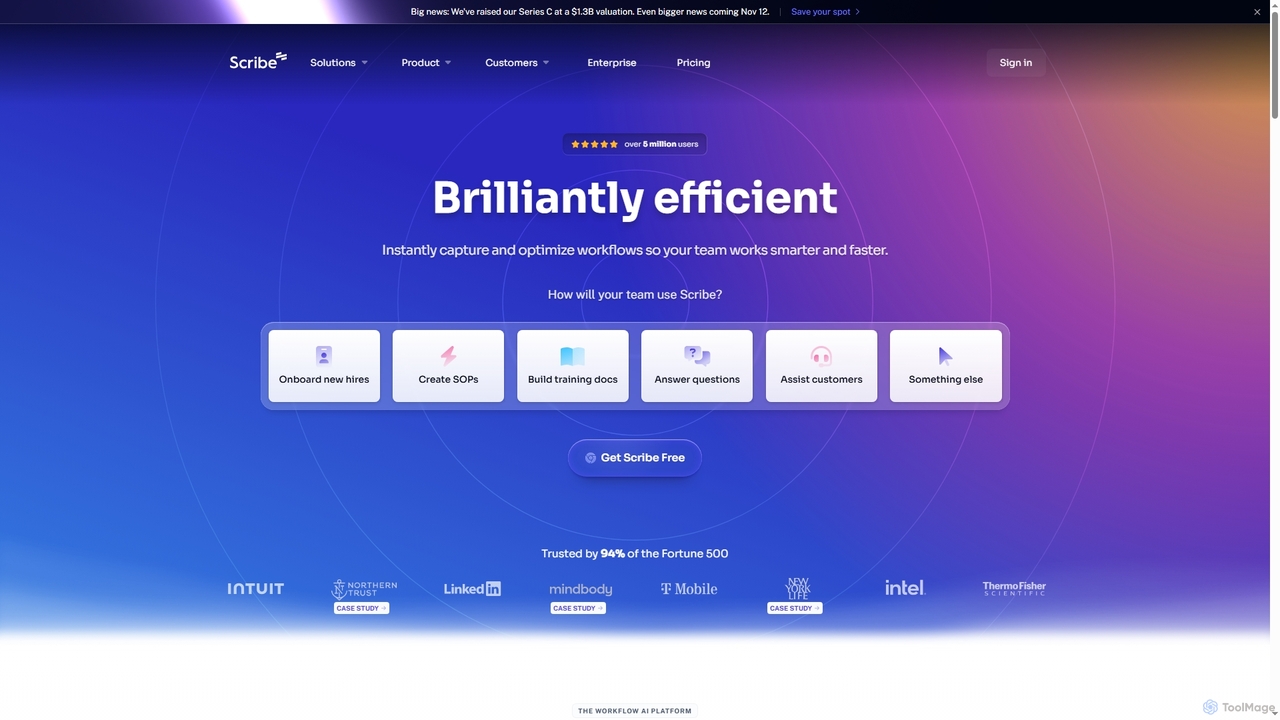
Scribe
Scribe is an AI-powered workflow documentation tool that automatically captures any process—web, desktop, or mobile—and instantly transforms it into a step-by-step guide. It helps teams create SOPs, training materials, and customer support guides faster, enhancing efficiency and knowledge sharing across organizations.
Training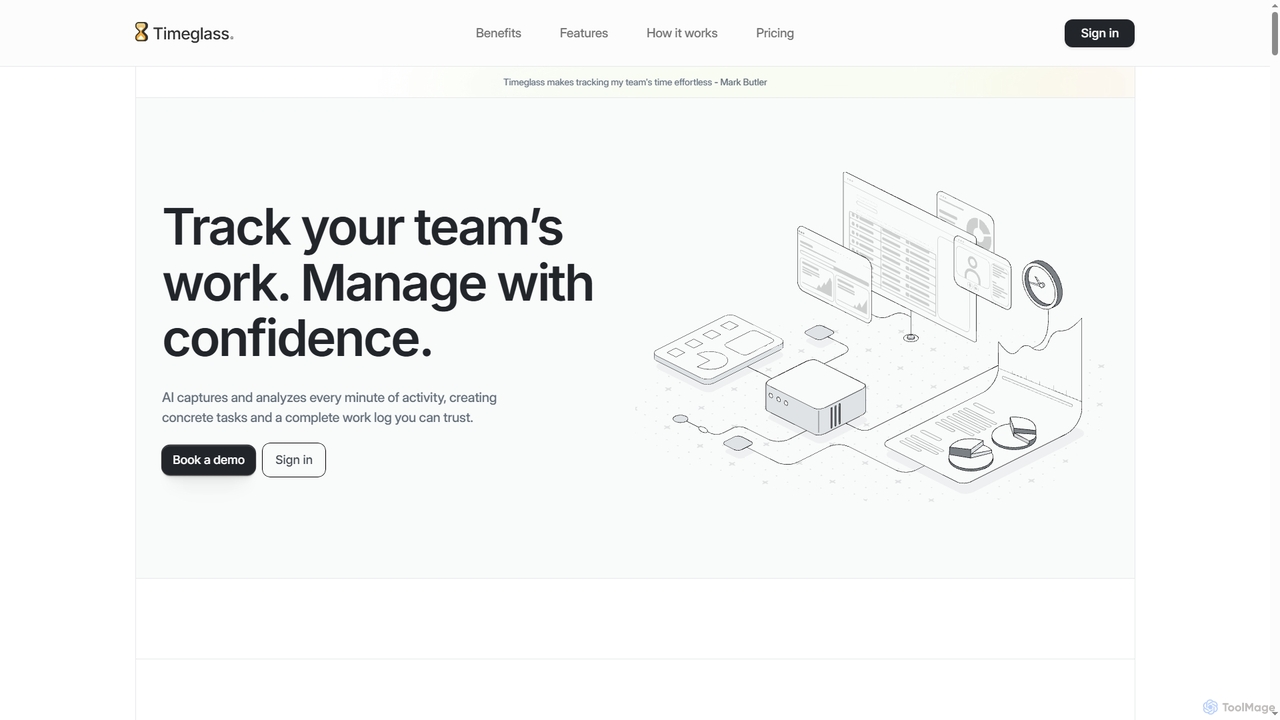
Timeglass
Timeglass is an AI-powered time tracking tool that automatically captures team activity through screenshots and app usage. It uses AI to generate detailed work logs, task lists, and real-time analytics, providing managers with clear visibility to improve productivity and build trust within remote and hybrid teams.
Analytics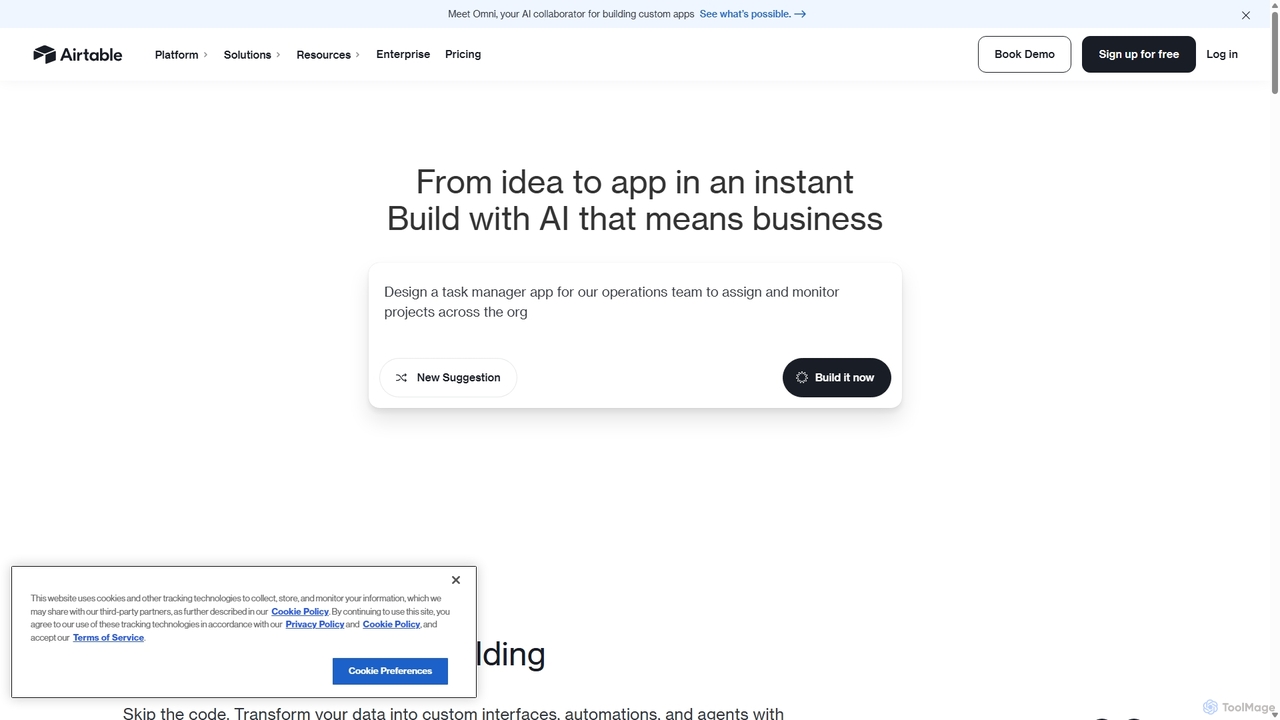
Airtable
Airtable is an AI-native app building platform for enterprises, combining the flexibility of a spreadsheet with the power of a database. It enables teams to create custom applications, automate complex workflows, and deploy intelligent AI agents without writing code, transforming critical data into actionable insights and streamlined operations.
Project ManagementDocTransfer Categories
DocTransfer Jobs
DocTransfer Embed Widget
Copy this embed code to place the badge on your blog, article, or product site and send readers directly to this ToolMage detail page.

Related AI tools
SignuluOne
SignuluOne is an all-in-one platform designed to transform business operations by integrating core tools like eSigning, customer/employee/vendor onboarding, and document management into a unified system. It empowers teams across various industries to collaborate securely, efficiently, and intelligently, helping businesses work smarter and scale faster.
Text SummarizationEunoia
Eunoia is an all-in-one AI-powered business workspace designed to streamline operations by integrating CRM, project management, chat, AI, analytics, finance, HR, and marketing. It aims to replace numerous fragmented tools, offering a unified platform for modern businesses to think beautifully and work intelligently.
Business Automation
Jyek
Jyek is an AI agent platform that understands objectives, creates execution plans, uses tools, and delivers verifiable results for complex, multi-step tasks.
AutomationScribe
Scribe is an AI-powered workflow documentation tool that automatically captures any process—web, desktop, or mobile—and instantly transforms it into a step-by-step guide. It helps teams create SOPs, training materials, and customer support guides faster, enhancing efficiency and knowledge sharing across organizations.
Training
Wald.ai
Wald.ai is an enterprise-grade security platform that enables teams to use powerful AI assistants like ChatGPT, Claude, and Gemini without leaking sensitive data. It provides a unified interface with advanced Data Loss Prevention (DLP), contextual data redaction, and end-to-end encryption to ensure security and compliance.
Api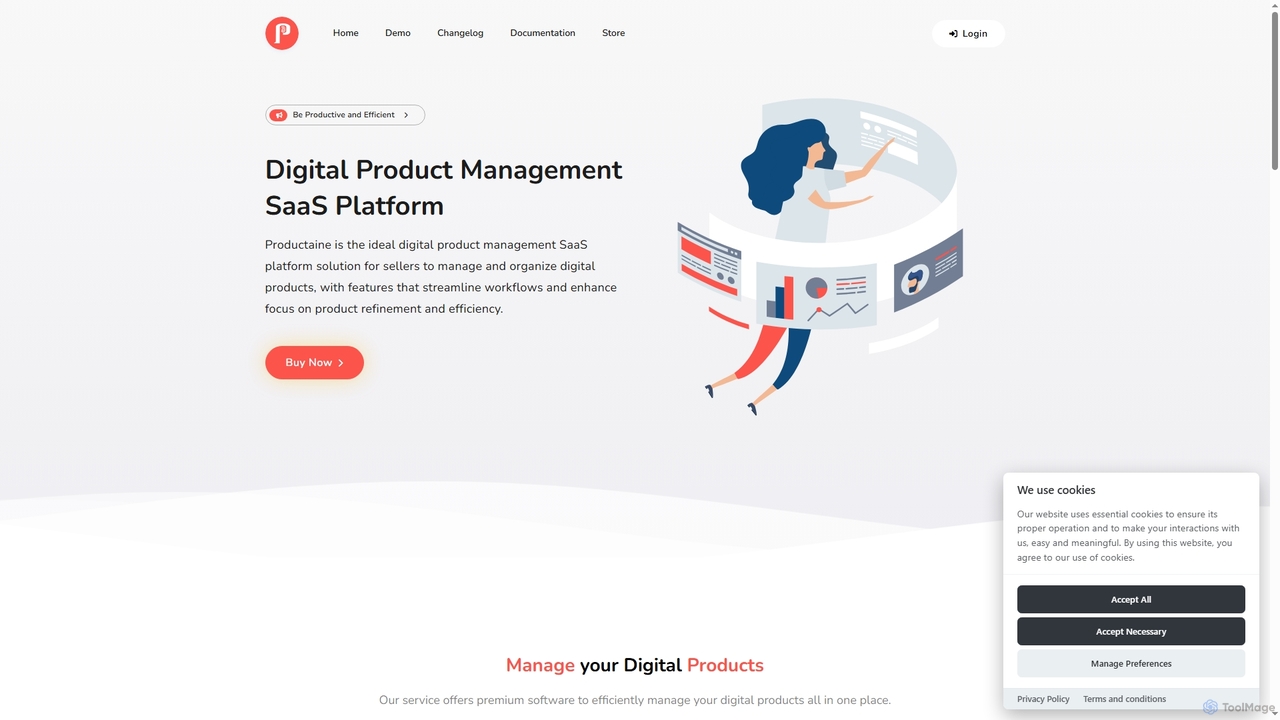
Productaine
Productaine is a comprehensive platform designed to streamline the management of digital products. It offers powerful software to centralize operations, from payment processing and secure storage to AI-powered content generation and robust security features, helping businesses save time and resources while fostering growth and innovation.
E CommerceAirtable
Airtable is an AI-native app building platform for enterprises, combining the flexibility of a spreadsheet with the power of a database. It enables teams to create custom applications, automate complex workflows, and deploy intelligent AI agents without writing code, transforming critical data into actionable insights and streamlined operations.
Project Management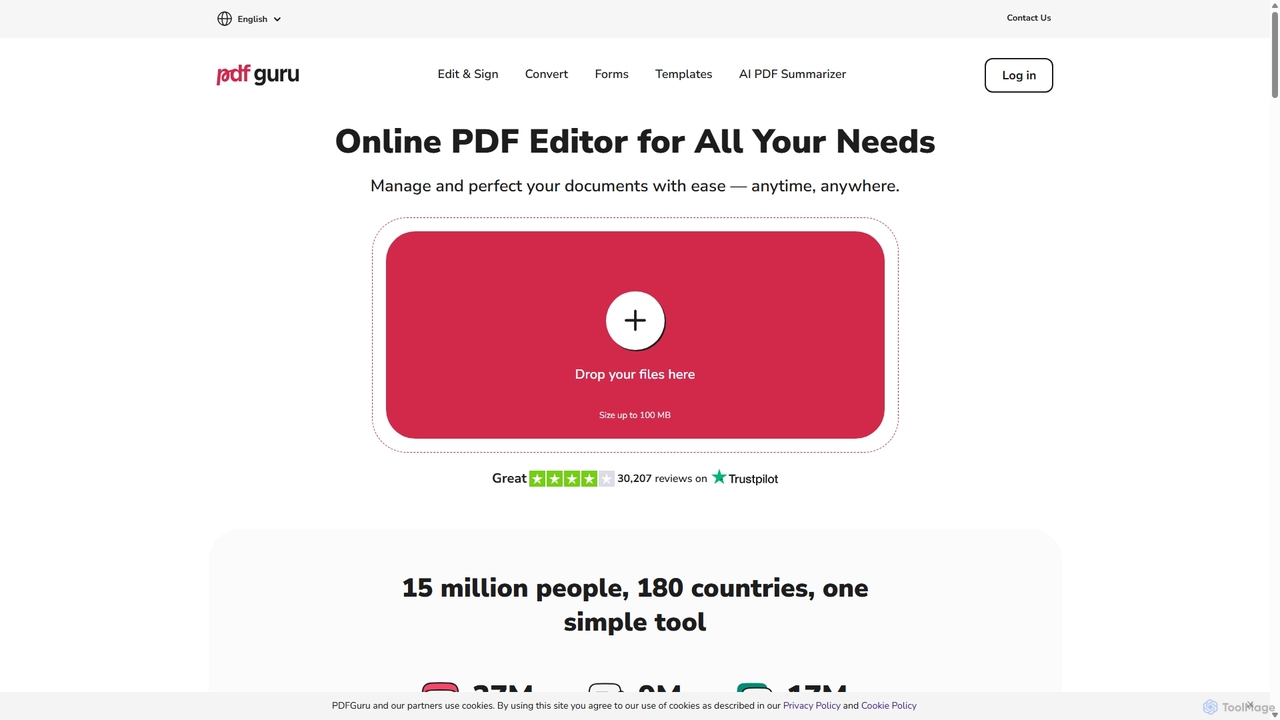
PDFflex
PDFflex is a comprehensive, all-in-one online platform for managing PDF documents. It allows users to edit, convert, merge, split, and sign PDFs with ease. Featuring an intuitive interface and robust security, PDFflex also incorporates AI-powered tools like OCR for scanned documents and summarizers for long texts. It supports a vast range of file formats, making it a versatile solution for both personal and professional use, accessible from any browser without installation.
Summarizer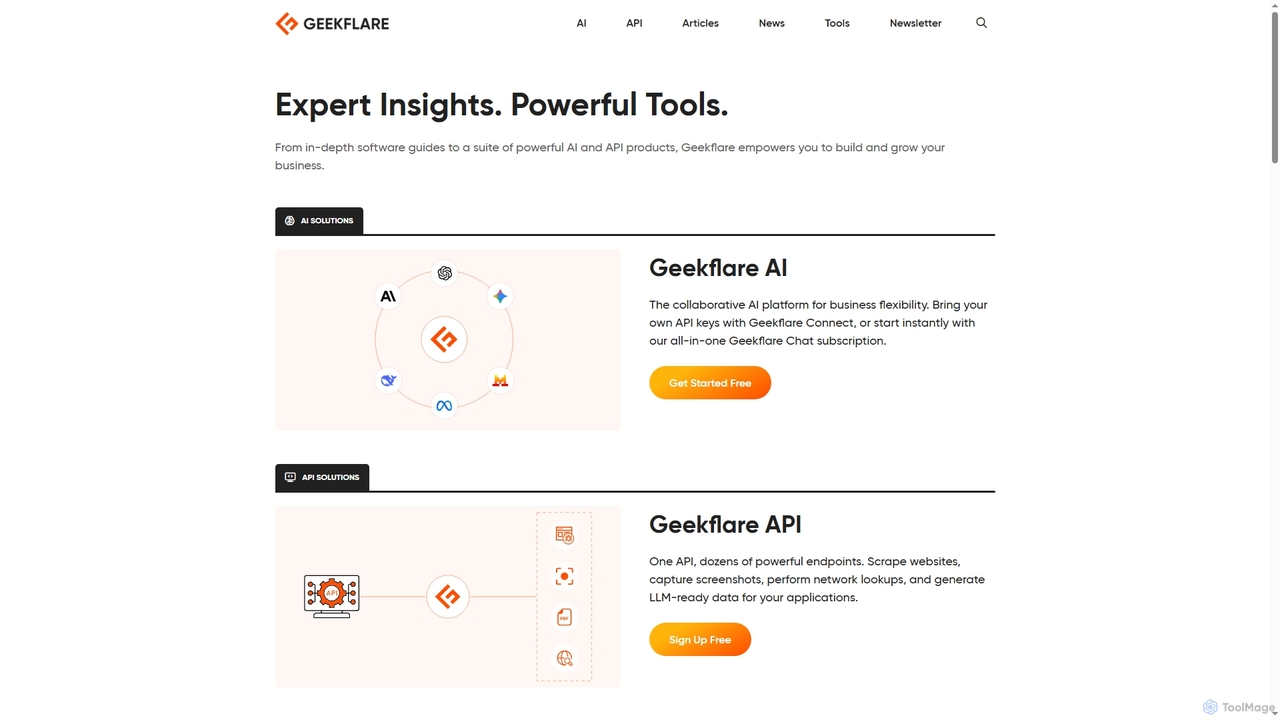
Geekflare AI
Geekflare AI is a collaborative artificial intelligence platform designed to enhance business flexibility. It allows users to integrate their own API keys via Geekflare Connect or access an all-in-one AI chat experience through a Geekflare Chat subscription, empowering businesses to automate tasks and accelerate growth.
Collaboration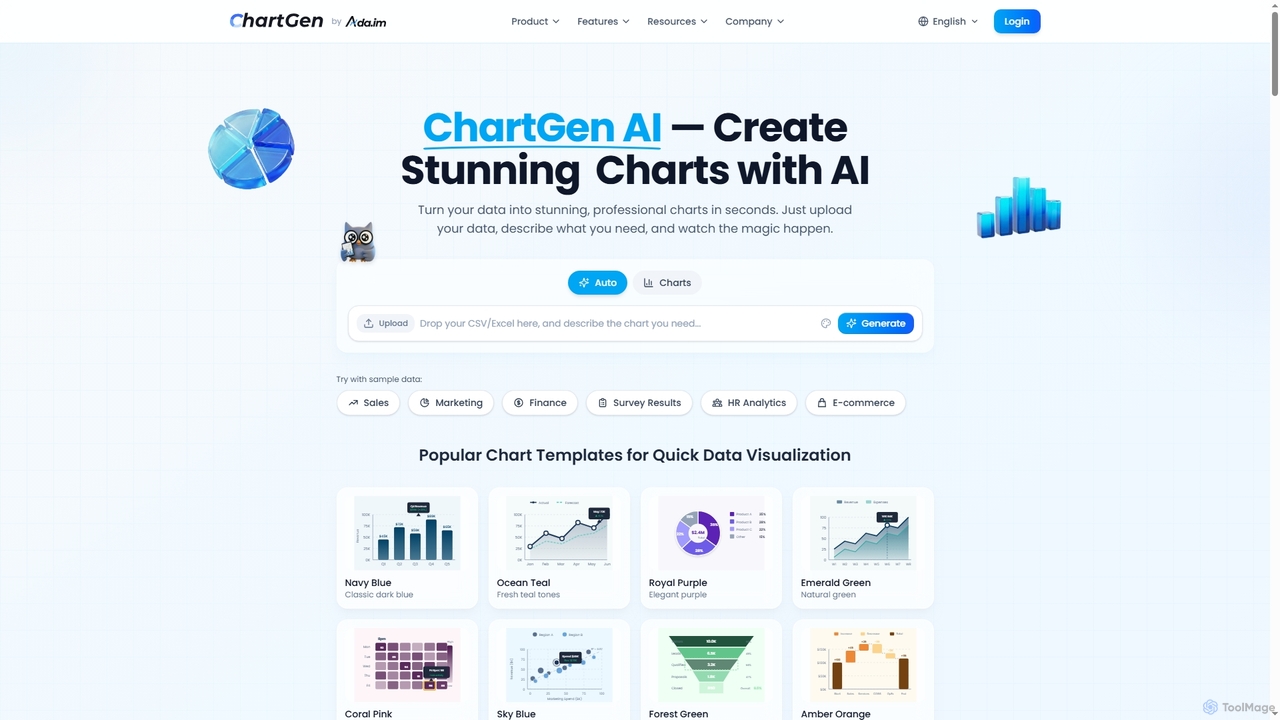
ChartGen
ChartGen is an AI-powered chart generator that transforms raw data into stunning, professional visualizations in seconds. Users simply upload CSV or Excel files, describe their desired chart in plain English, and the AI instantly creates various chart types like bar, line, and pie charts. It's designed for quick, effortless data visualization without requiring design or coding skills.
Charts & Graphs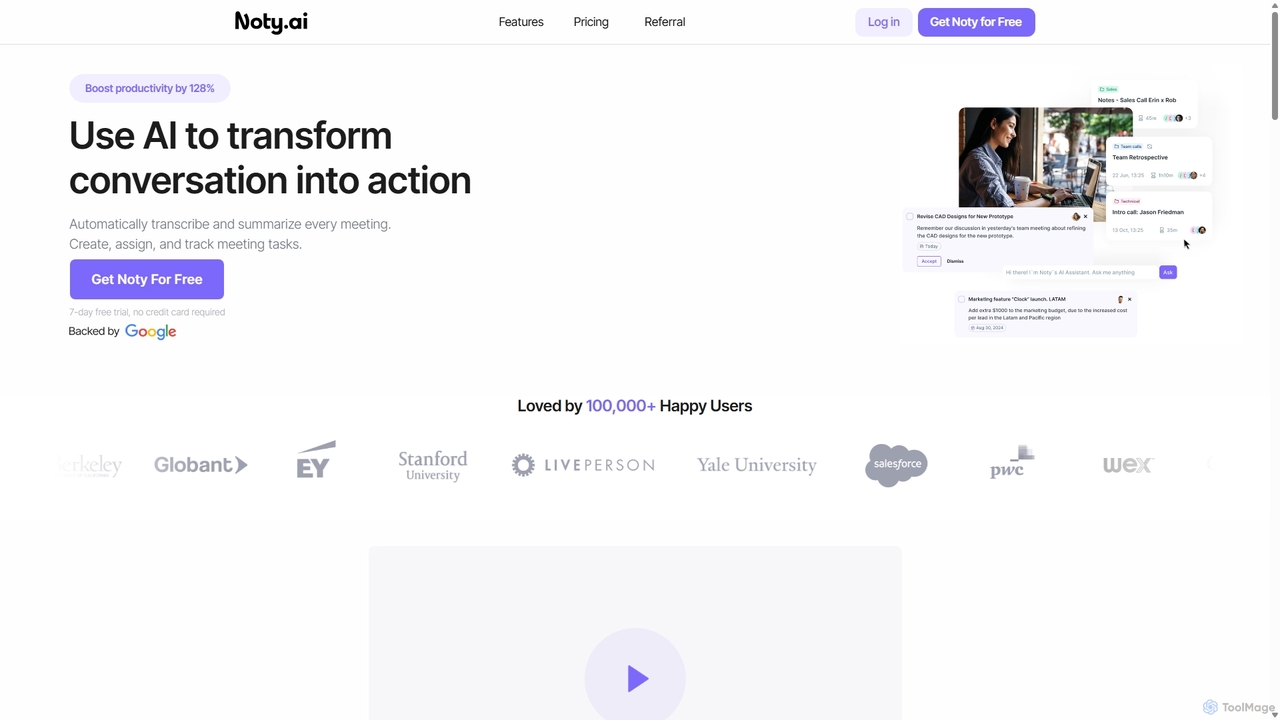
Noty.ai
Noty.ai is an AI meeting assistant that automatically transcribes, summarizes, and generates action items from your conversations. It helps you focus during meetings, ensures no detail is missed, and transforms discussions into trackable tasks, boosting team productivity and accountability.
Task Management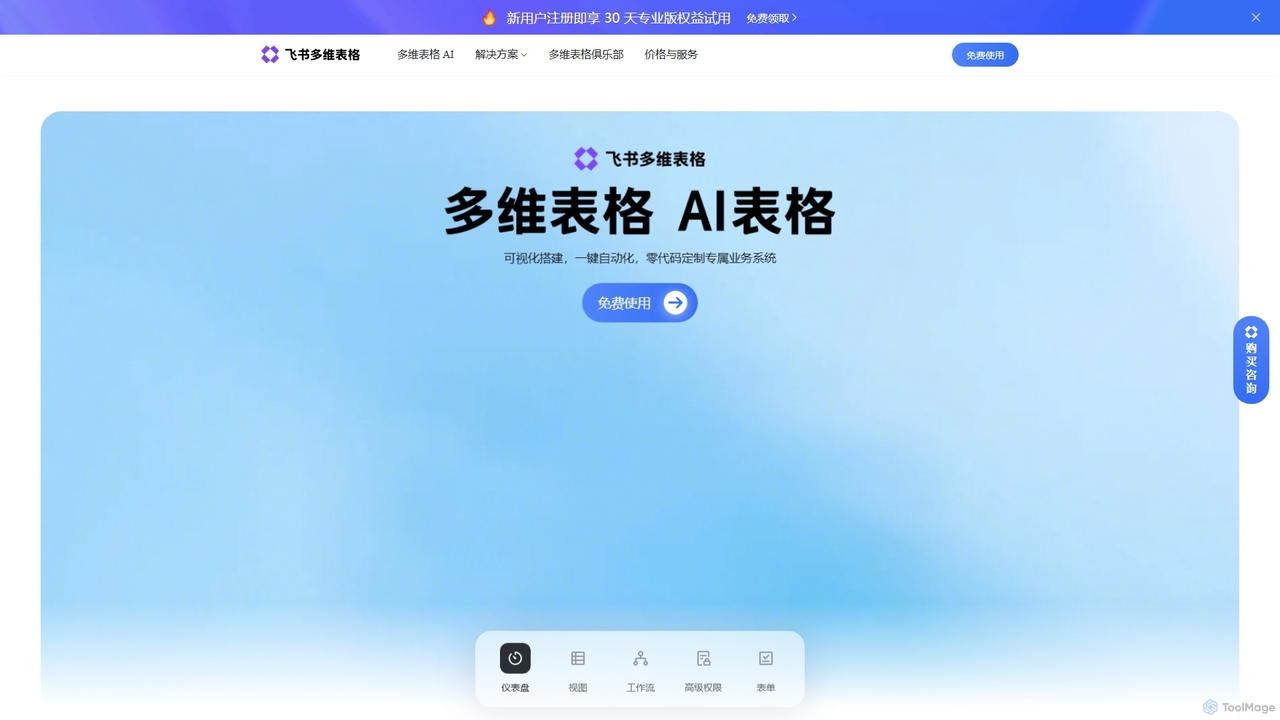
Feishu Base
Feishu Base is an AI-powered no-code platform that combines the flexibility of a spreadsheet with the power of a database. It enables teams to build custom business systems, automate workflows, and analyze data through intuitive dashboards without writing any code. It's designed for seamless collaboration and data management.
Data Analysis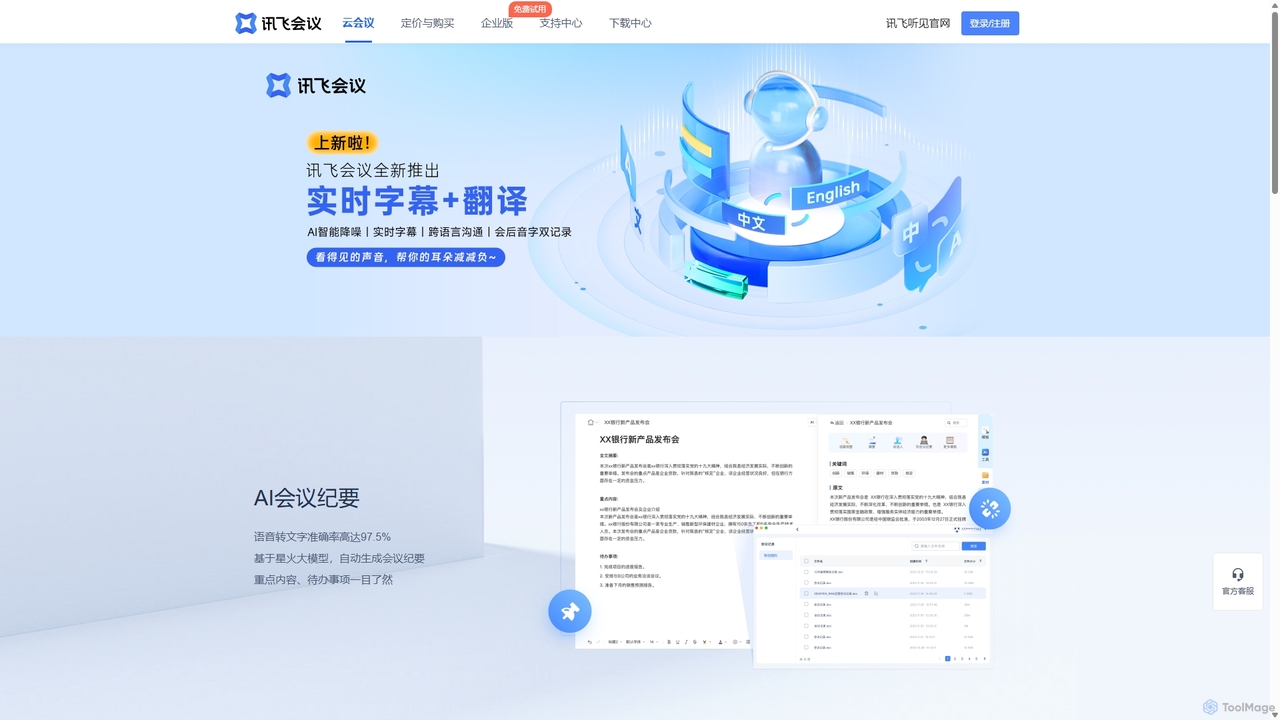
IFlytek Meeting
iFlytek Meeting is an AI-powered HD video conferencing platform. It offers high-accuracy real-time transcription, automatic meeting summaries, and to-do list generation. With features like stable HD video, cross-platform support, and robust security, it enhances meeting efficiency for individuals, teams, and large enterprises, providing a seamless remote collaboration experience.
Communication
Coverse
Coverse is a secure, all-in-one productivity suite designed as a robust alternative to Google Docs and Sheets. It offers collaborative online documents, powerful spreadsheets, integrated task management, and information boards, with a focus on real-time teamwork, data security, and compliance. It is particularly suited for teams and enterprises seeking control over their data with options for cloud or on-premise deployment.
Document Management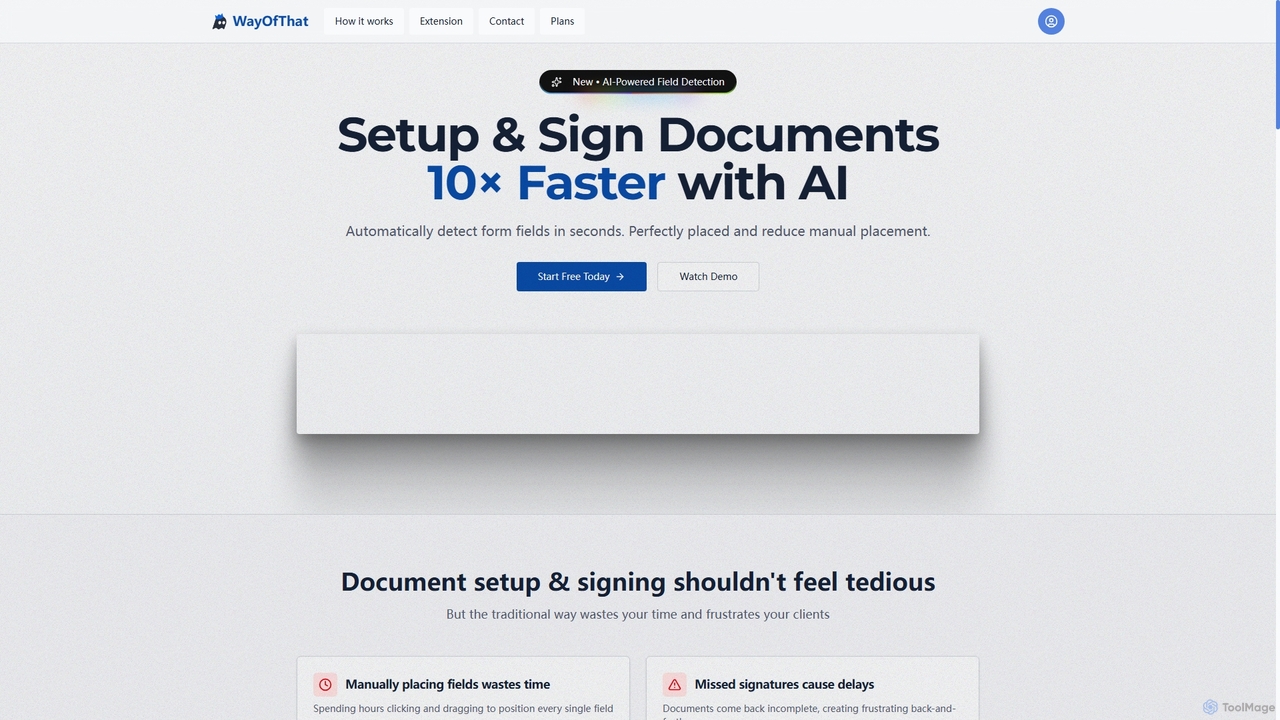
WayOfThat
WayOfThat is an AI-powered document setup and e-signature platform designed to automate the detection and placement of form fields. It helps users sign documents up to 10 times faster, eliminating tedious manual work and improving workflow efficiency for various business and legal documents.
Workflow Automation
DocTransfer Comments (0)
Sign in to comment.
Sign inNo comments yet.