

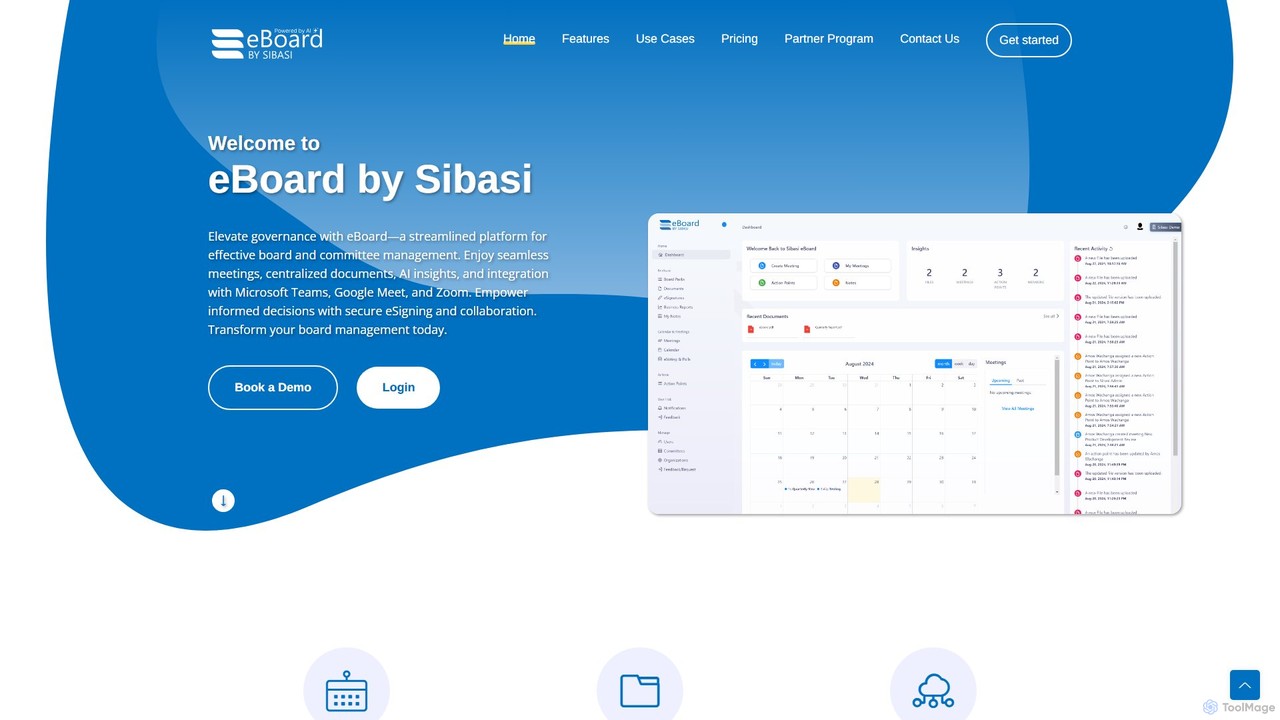
eboard Overview
eBoard is a comprehensive and efficient board management system designed to simplify and secure the operations of boards of directors, committees, and leadership teams. As a cloud-based platform, it provides a centralized hub for all board-related activities, from meeting preparation to decision tracking and secure communication. It caters to a wide range of organizations, including associations, community organizations, educational institutions, government bodies, and corporations in sectors like real estate and technology. The platform is built to empower every user, from administrators and board members to CEOs and board leaders, by providing them with the specific tools they need to perform their roles effectively and drive organizational success.
How to use eboard
Using eBoard transforms complex board processes into a streamlined, digital workflow. Here's a typical operational cycle:
- Setup and Onboarding: An administrator sets up the board's portal, adds members, and configures their roles and permissions. Members receive an invitation and can securely log in from any device.
- Meeting Preparation: The board chair or administrator creates a new meeting, builds the agenda using intuitive tools, and attaches all necessary documents (reports, financials, previous minutes) to create a comprehensive digital board pack. The agenda is then published and distributed to all members with a single click.
- Pre-Meeting Review: Board members receive an automatic notification and can access the board pack through the secure portal. They can review materials, make private annotations, and come to the meeting fully prepared, eliminating the need for printing and couriering physical documents.
- During the Meeting: Meetings are more efficient as everyone has access to the same information. The platform can be used to present materials, and a secretary can take minutes directly within eBoard. Some systems may offer AI-assisted transcription or summarization to capture key points accurately.
- Post-Meeting Actions: After the meeting, draft minutes are circulated for approval. Action items identified during the meeting are assigned to specific members with deadlines, and their progress is tracked within the system. Decisions are formally logged, creating a clear and searchable history.
- Ongoing Governance: Between meetings, the platform serves as a secure channel for communication, voting on circular resolutions, and accessing a historical archive of all documents and decisions.
Core Features of eboard
- Centralized Meeting Management: Create and distribute digital agendas and board packs, schedule meetings, and manage RSVPs effortlessly.
- Secure Document Center: A single, secure repository for all sensitive board materials, including minutes, policies, and financial reports, with version control and granular access permissions.
- Action and Decision Tracking: Systematically log all board decisions and track the lifecycle of action items from assignment to completion, ensuring accountability.
- Secure Communication: Built-in encrypted messaging and discussion forums allow board members to communicate securely, replacing insecure email chains.
- E-Signatures and Voting: Facilitate formal approvals and conduct secure electronic voting and polls, with results automatically tabulated and recorded.
- Enterprise-Grade Security: Features end-to-end encryption (HTTPS, TLS), high-availability data redundancy across multiple locations, and a 99.99% uptime guarantee to protect sensitive information.
- Role-Based Access: Provides tailored interfaces and tools for different user roles, including administrators, board leaders, members, and executives.
Use Cases for eboard
eBoard is a versatile solution for various governance bodies:
- Associations & Nonprofits: Streamlining operations for volunteer boards, improving member engagement, and ensuring transparent governance to build trust with stakeholders.
- Corporate Boards: Enhancing governance for public and private companies, ensuring regulatory compliance, and supporting strategic decision-making for executives and directors.
- Educational Institutions: Aiding school boards and university trustees with organized collaboration, secure document management, and efficient decision-making processes.
- Government & Public Sector: Providing a secure and purpose-built platform for councils, committees, and public agencies to shape policy and enhance public governance.
- Technology & Real Estate: Supporting leaders in fast-paced environments with a dynamic, cloud-based solution for managing projects, communications, and board-level decisions with enhanced transparency.
Advantages of eboard
Implementing eBoard offers significant benefits:
- Enhanced Efficiency: Drastically reduces the administrative burden associated with preparing and running board meetings, saving time and resources.
- Improved Governance: Creates a clear, auditable trail of all communications, decisions, and actions, strengthening compliance and accountability.
- Superior Security: Protects the organization's most sensitive data with state-of-the-art security protocols, mitigating the risks of data breaches.
- Informed Decision-Making: Empowers board members with instant, organized access to all relevant information, leading to more strategic and well-informed decisions.
- Increased Engagement: The user-friendly interface and centralized access encourage active participation and collaboration among board members, regardless of their location.
Pricing and Plans
eBoard's pricing information is typically provided upon request to ensure a tailored solution. Like most enterprise-grade board management software, they likely offer tiered pricing plans based on factors such as the number of users, committees, storage needs, and advanced features required. Organizations are encouraged to contact the eBoard sales team directly to schedule a demo and receive a custom quote that aligns with their specific governance requirements and budget.
Traffic
Latest traffic
Status
Monthly traffic trend
- 2025-7: 690
- 2025-8: 0
- 2025-9: 473
- 2026-3: 0
- 2026-4: 0
- 2026-5: 1.3K
Geography
Top 5 countries / regions
- 🇺🇸United States57.6%
- 🇮🇩Indonesia27.5%
- 🇰🇷South Korea14.8%
Top keywords
| Keyword | Cost per click |
|---|---|
| e board | $0.84 |
| e-board | $0.00 |
| eboard | $1.40 |
| e-board member | $0.00 |
| what does e baord mean | $0.00 |
eboard Alternatives

DingTalk
DingTalk is an all-in-one enterprise collaboration and management platform powered by AI. It integrates instant messaging, video conferencing, project management, and a full office suite with advanced AI capabilities like intelligent assistants, automated meeting summaries, and AI-powered data analysis. Designed for businesses of all sizes, it streamlines workflows, enhances productivity, and digitizes organizational operations from HR to finance.
Management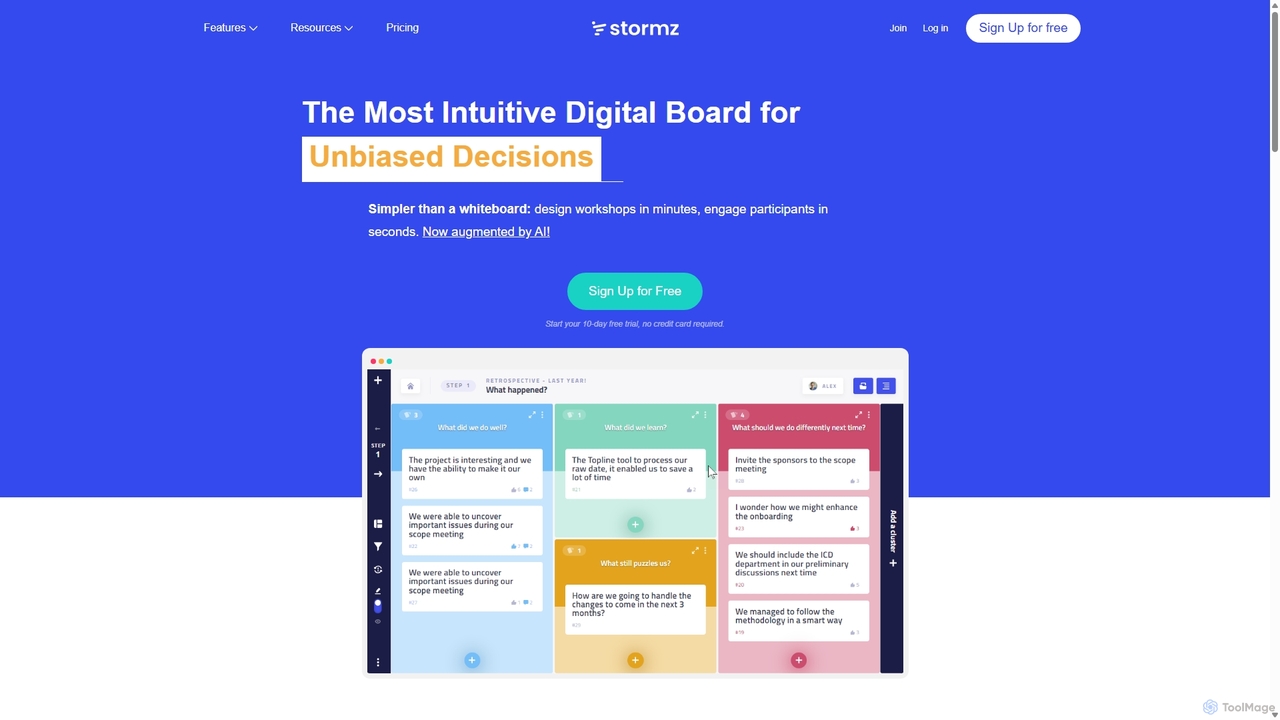
Stormz
Stormz is an AI-augmented digital platform designed for facilitators to run highly engaging and productive collaborative workshops. It simplifies brainstorming, decision-making, and retrospectives for in-person, remote, or hybrid teams. With its intuitive interface and powerful features, Stormz ensures full participation and helps groups achieve unbiased, high-quality outcomes efficiently.
Meeting Management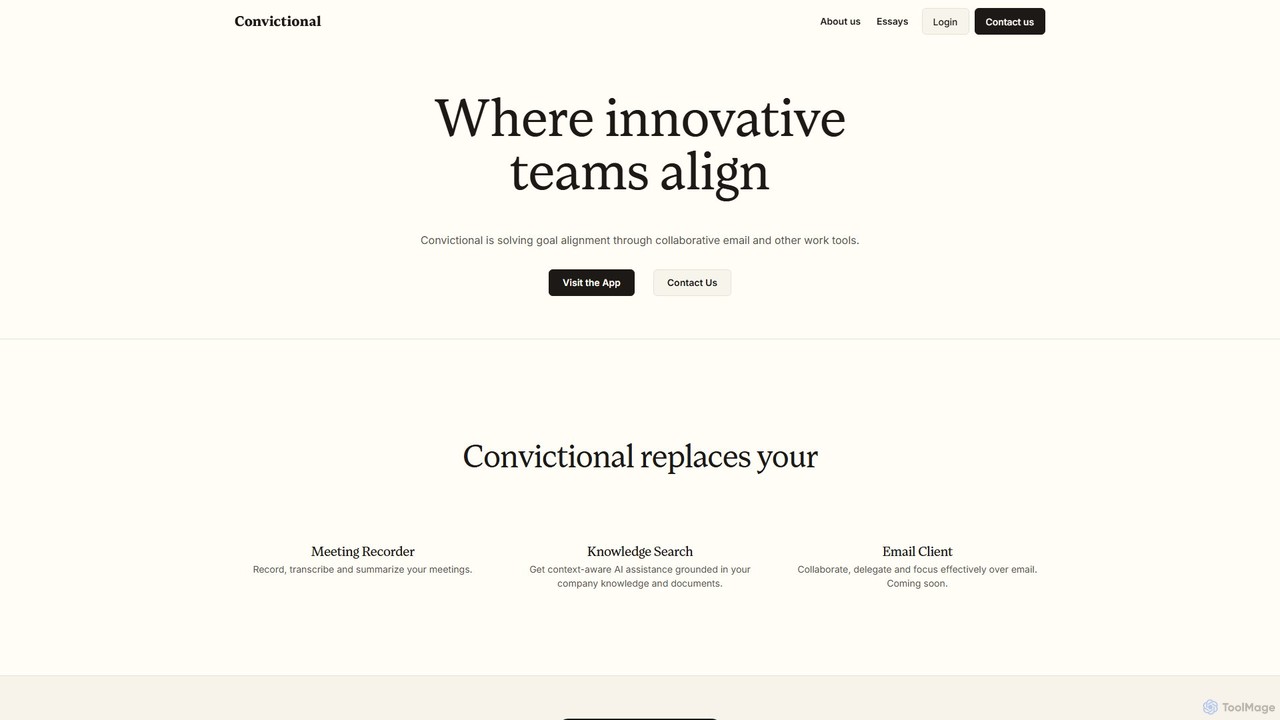
Convictional
Convictional is an AI-powered collaboration suite designed for business teams to enhance goal alignment, decision-making, and productivity. It integrates tools like an AI meeting recorder, a context-aware knowledge search, and a collaborative email client to centralize information and streamline workflows.
Knowledge Management
GitHub
GitHub is the world's leading AI-powered developer platform for building, shipping, and maintaining software. It provides Git-based version control, collaborative tools, and a complete DevOps lifecycle, supercharged by GitHub Copilot, an advanced AI code assistant that accelerates development and enhances code quality.
Code Assistant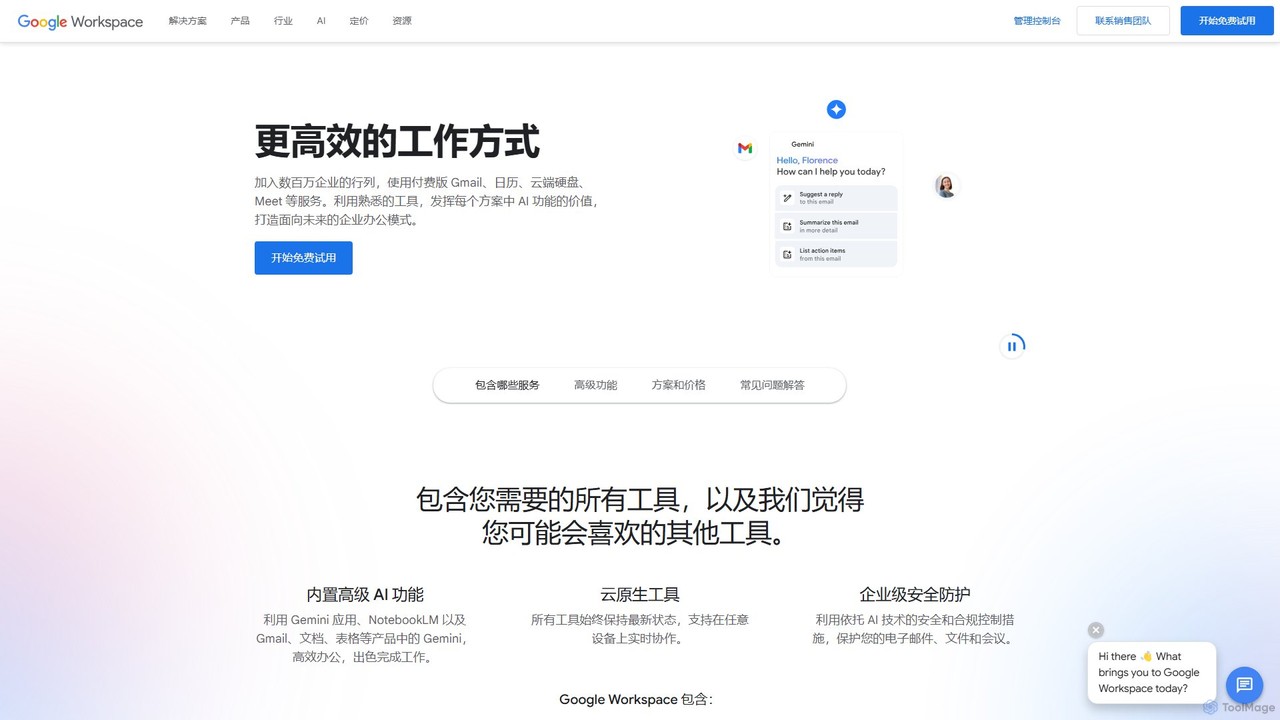
Google Workspace
Google Workspace is an integrated suite of secure, cloud-native collaboration and productivity apps powered by Google AI. It includes Gmail, Docs, Drive, Calendar, Meet, and more, designed to help teams of all sizes connect, create, and collaborate efficiently and securely from any device.
Office Suiteeboard Categories
eboard Embed Widget
Copy this embed code to place the badge on your blog, article, or product site and send readers directly to this ToolMage detail page.

Related AI tools
Stormz
Stormz is an AI-augmented digital platform designed for facilitators to run highly engaging and productive collaborative workshops. It simplifies brainstorming, decision-making, and retrospectives for in-person, remote, or hybrid teams. With its intuitive interface and powerful features, Stormz ensures full participation and helps groups achieve unbiased, high-quality outcomes efficiently.
Meeting ManagementConvictional
Convictional is an AI-powered collaboration suite designed for business teams to enhance goal alignment, decision-making, and productivity. It integrates tools like an AI meeting recorder, a context-aware knowledge search, and a collaborative email client to centralize information and streamline workflows.
Knowledge Management
Grantable
Grantable is a leading AI-powered grant writing platform designed to help nonprofits, researchers, and organizations secure funding more efficiently. It combines an intelligent content library with specialized AI assistants, streamlining the entire grant application process from drafting to collaboration. By using your organization's own content, Grantable ensures proposals are authentic, accurate, and high-quality, enabling teams to write applications up to 5x faster.
Project Management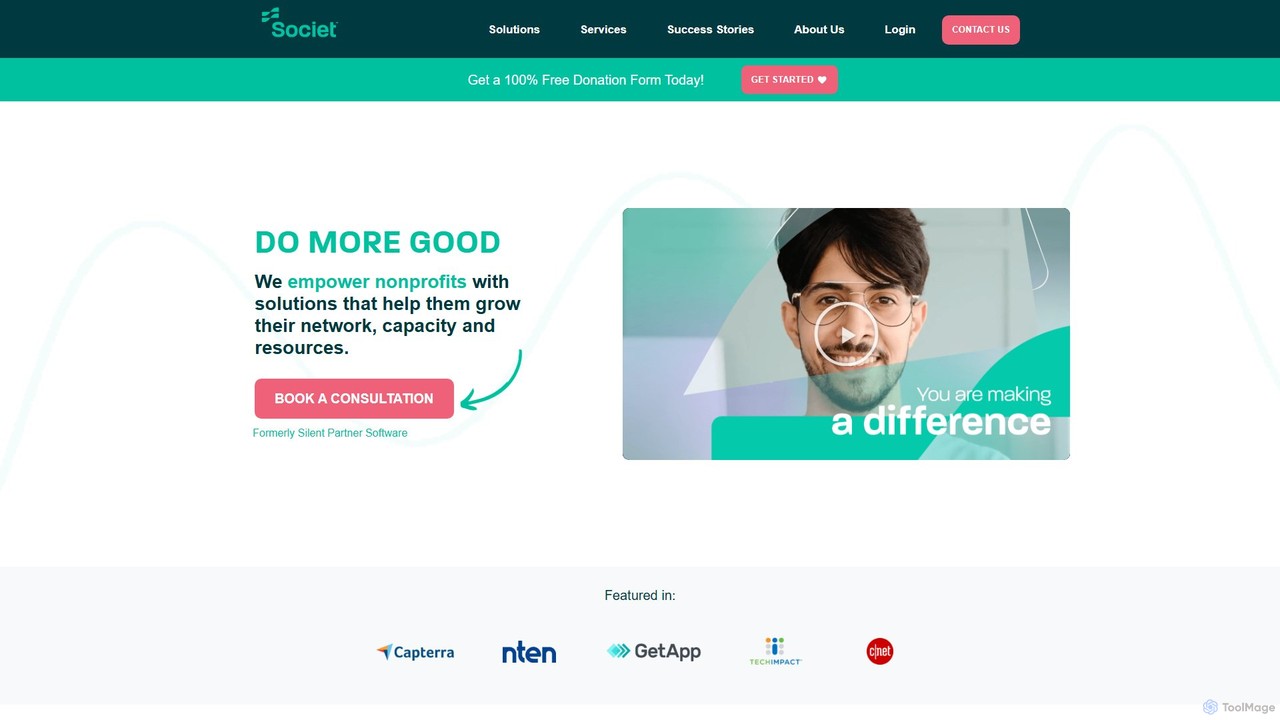
Societ
Societ offers a comprehensive suite of software and services exclusively for nonprofits. It provides integrated solutions for case management, fundraising, donor management, website creation, and board governance to help organizations grow their network, resources, and impact.
Donation Processing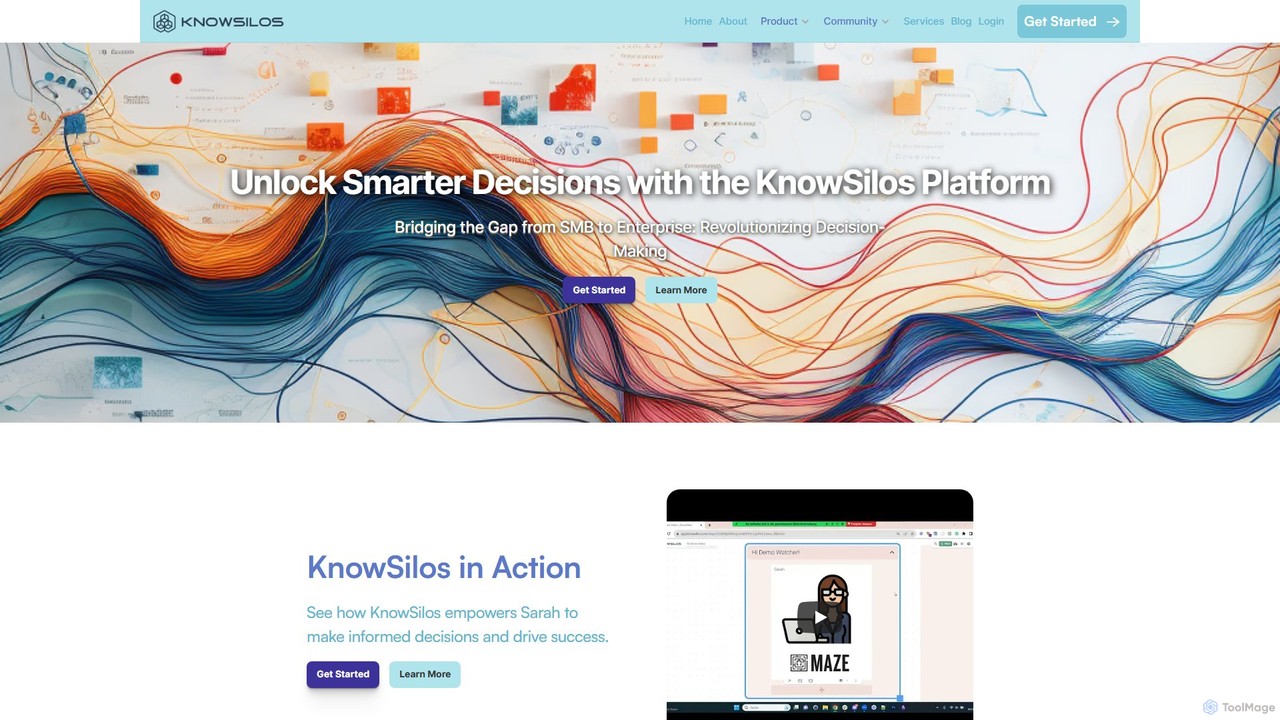
KnowSilos
KnowSilos is an advanced knowledge management and decision-making platform designed to break down information silos. It integrates scattered internal and external data, uses AI to extract insights from documents, and transforms it into structured knowledge graphs. This empowers businesses to make faster, data-driven decisions through collaborative tools and customizable reports.
Decision MakingGitHub
GitHub is the world's leading AI-powered developer platform for building, shipping, and maintaining software. It provides Git-based version control, collaborative tools, and a complete DevOps lifecycle, supercharged by GitHub Copilot, an advanced AI code assistant that accelerates development and enhances code quality.
Code AssistantGoogle Workspace
Google Workspace is an integrated suite of secure, cloud-native collaboration and productivity apps powered by Google AI. It includes Gmail, Docs, Drive, Calendar, Meet, and more, designed to help teams of all sizes connect, create, and collaborate efficiently and securely from any device.
Office Suite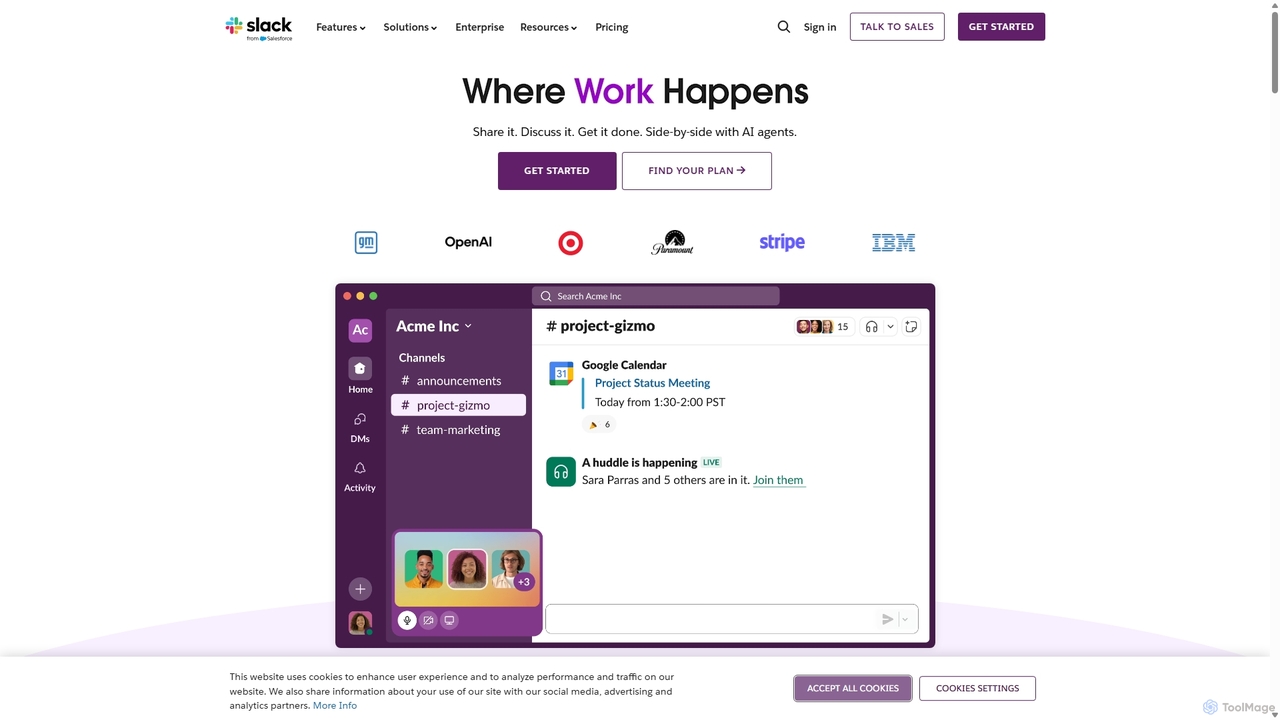
Slack
Slack is an AI-powered collaboration hub that connects your people, partners, and tools. It replaces email with faster, better-organized communication through channels. With integrated AI, workflow automation, and thousands of apps, Slack centralizes your work to boost productivity and streamline project management.
Project Management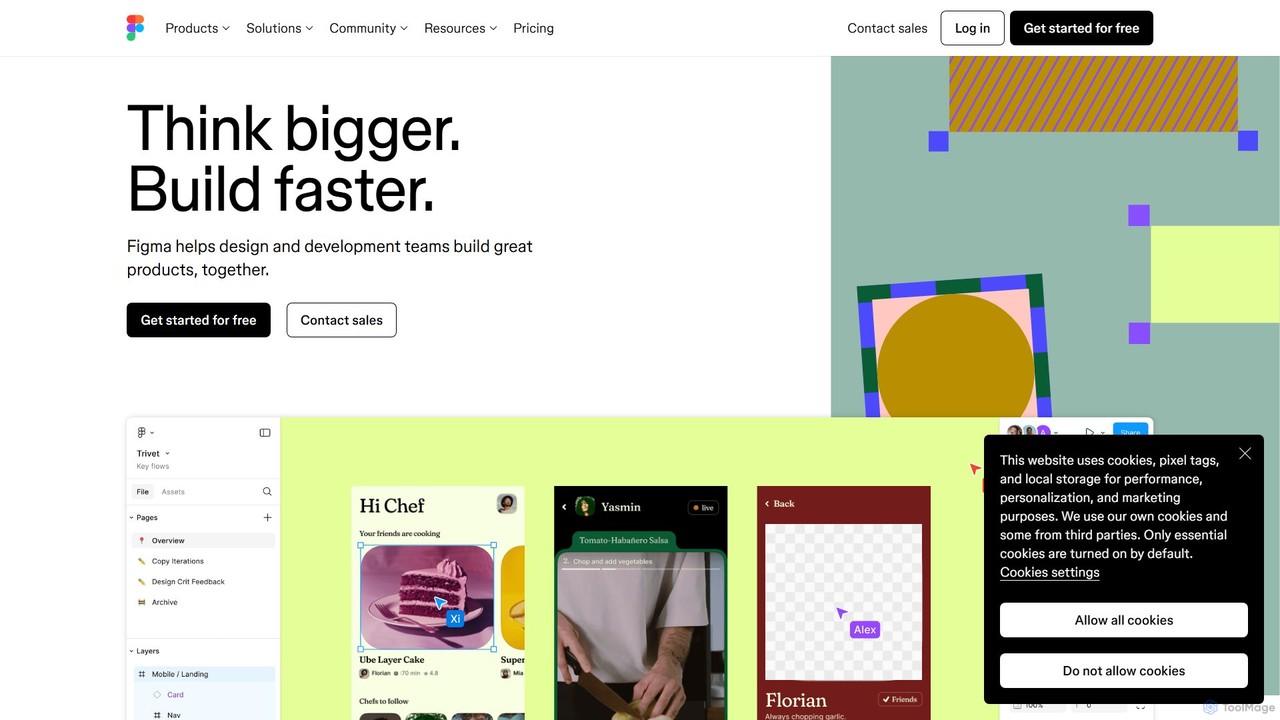
Figma
Figma is a leading collaborative interface design platform that allows teams to design, prototype, and gather feedback in one place. Powered by AI, it accelerates workflows from brainstorming in FigJam to creating high-fidelity designs and handing off to developers with Dev Mode, unifying the entire product development process.
Ui Ux Design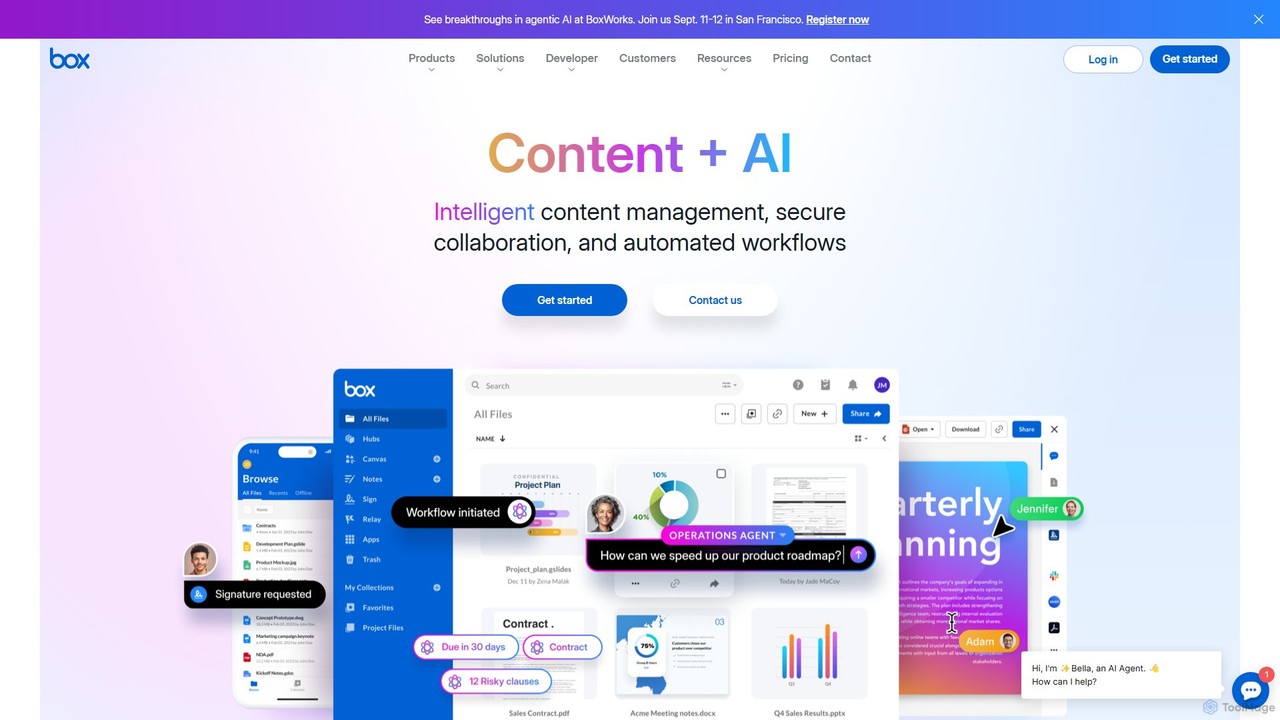
Box
Box is an AI-powered intelligent content management platform that provides secure cloud storage, seamless collaboration, and automated workflows. It enables businesses to manage the entire content lifecycle, from creation and sharing to e-signature, classification, and retention, all while leveraging AI to unlock insights from unstructured data.
Document Management
Wix Studio
Wix Studio is an advanced, flexible web creation platform designed for agencies, freelancers, and enterprises. It combines a sophisticated visual design canvas with responsive AI, no-code animations, and custom CSS capabilities. The platform also includes a full-stack development environment (Velo), integrated business solutions, and robust tools for team collaboration and client management, all built on secure, scalable infrastructure.
No Code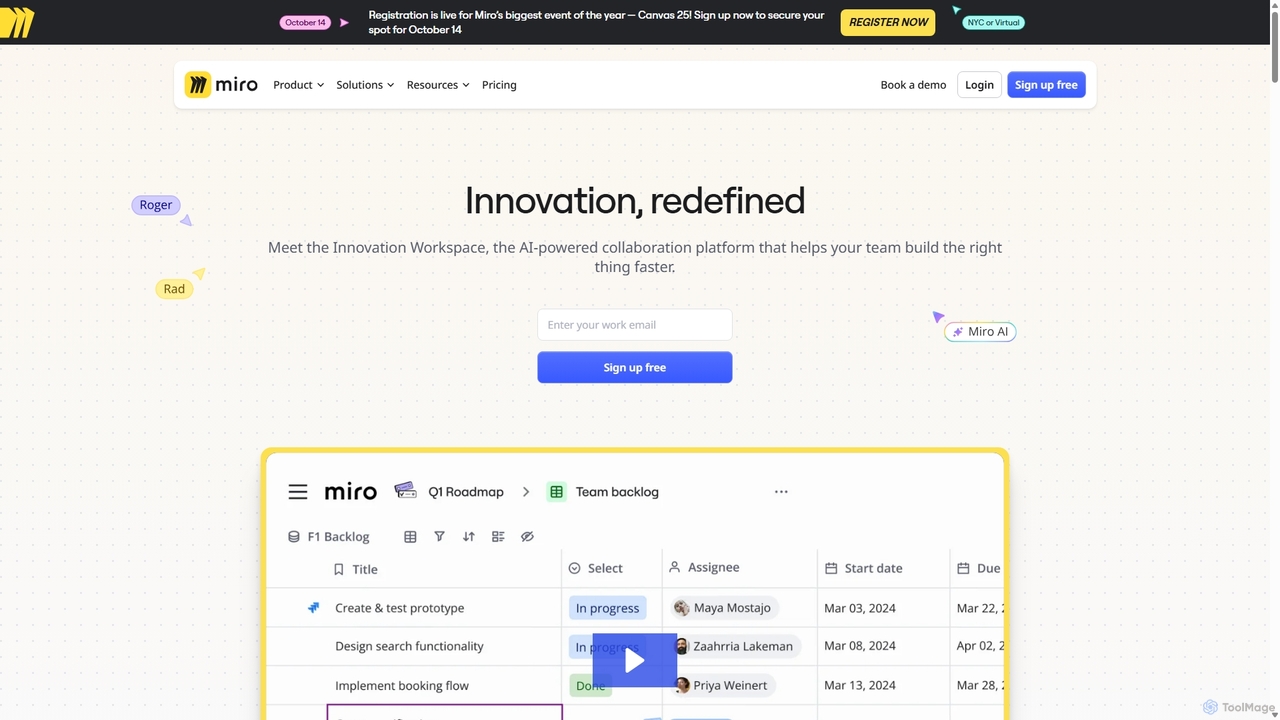
Miro
Miro is an AI-powered online collaborative whiteboard platform designed for modern teams. It provides an infinite canvas for brainstorming, planning, designing, and managing projects in real-time. With a vast template library, powerful integrations, and AI-driven features, Miro helps teams centralize communication and accelerate innovation from idea to execution.
Brainstorming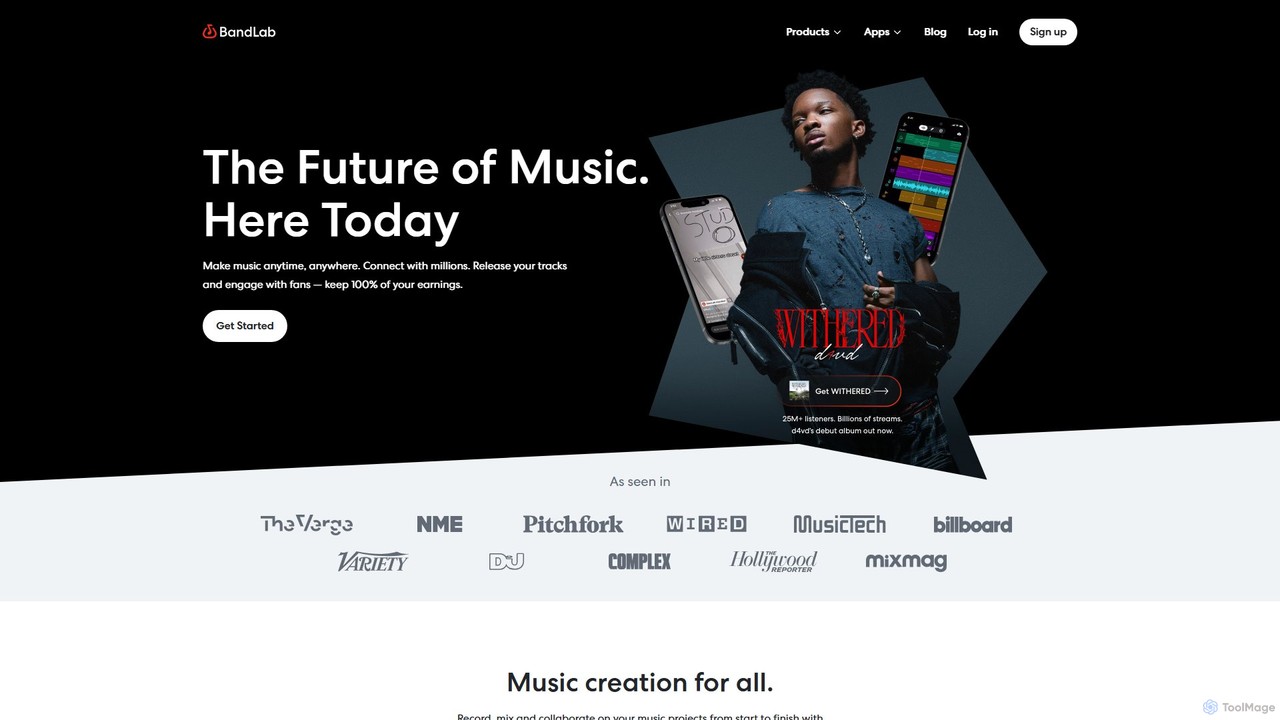
BandLab
BandLab is an all-in-one, free social music creation platform. It offers a powerful online Digital Audio Workstation (DAW), AI-powered mastering, a vast library of royalty-free samples, and robust collaboration tools. It empowers musicians of all levels to create, share, and distribute their music from any device, fostering a global community of over 100 million creators.
Audio Editing
VEED.IO
VEED.IO is a powerful, AI-driven online video editor designed for teams and creators. It simplifies professional video creation with a suite of intuitive tools, including auto-subtitling, text-to-video, AI avatars, and collaborative workspaces. Create, edit, and share high-quality videos directly from your browser, no complex software required.
Social Media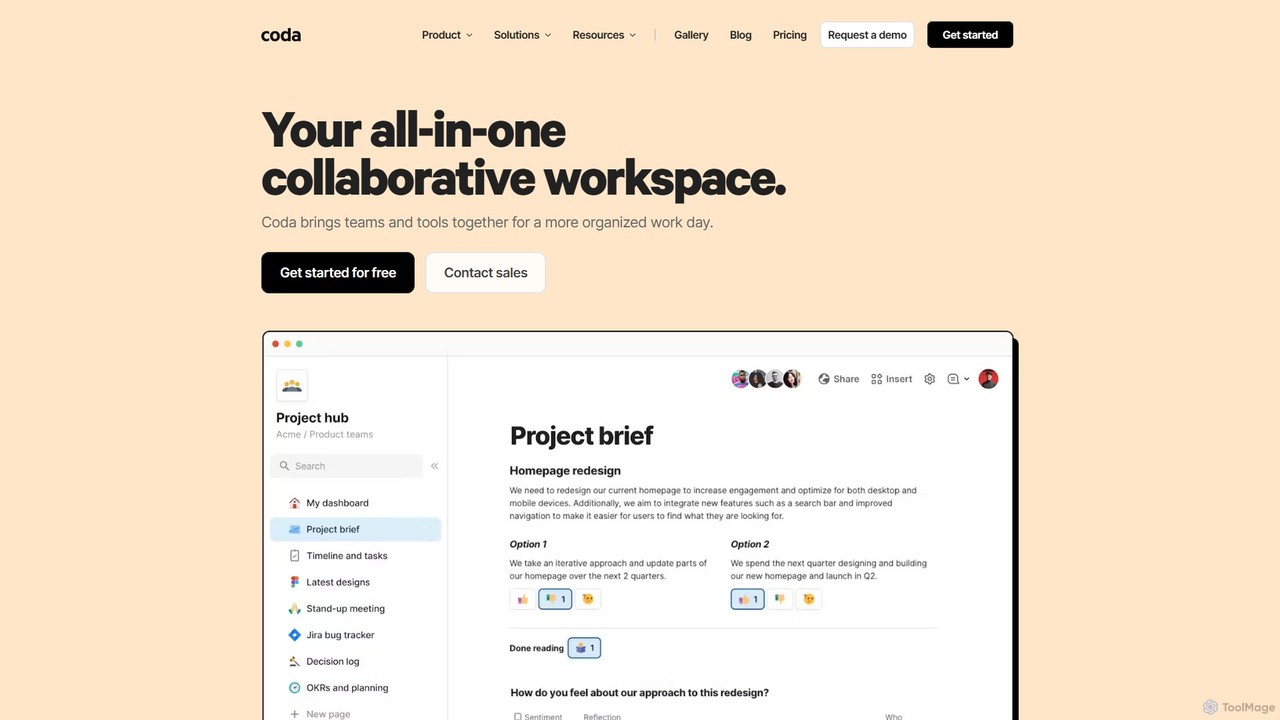
Coda
Coda is an all-in-one collaborative workspace that blends documents, spreadsheets, and applications into a single, flexible surface. Powered by Coda AI, it helps teams centralize information, automate workflows, and make faster decisions. Replace your scattered tool stack with a unified platform for writing, tracking, and building custom solutions.
Knowledge Base
eboard Comments (0)
Sign in to comment.
Sign inNo comments yet.