

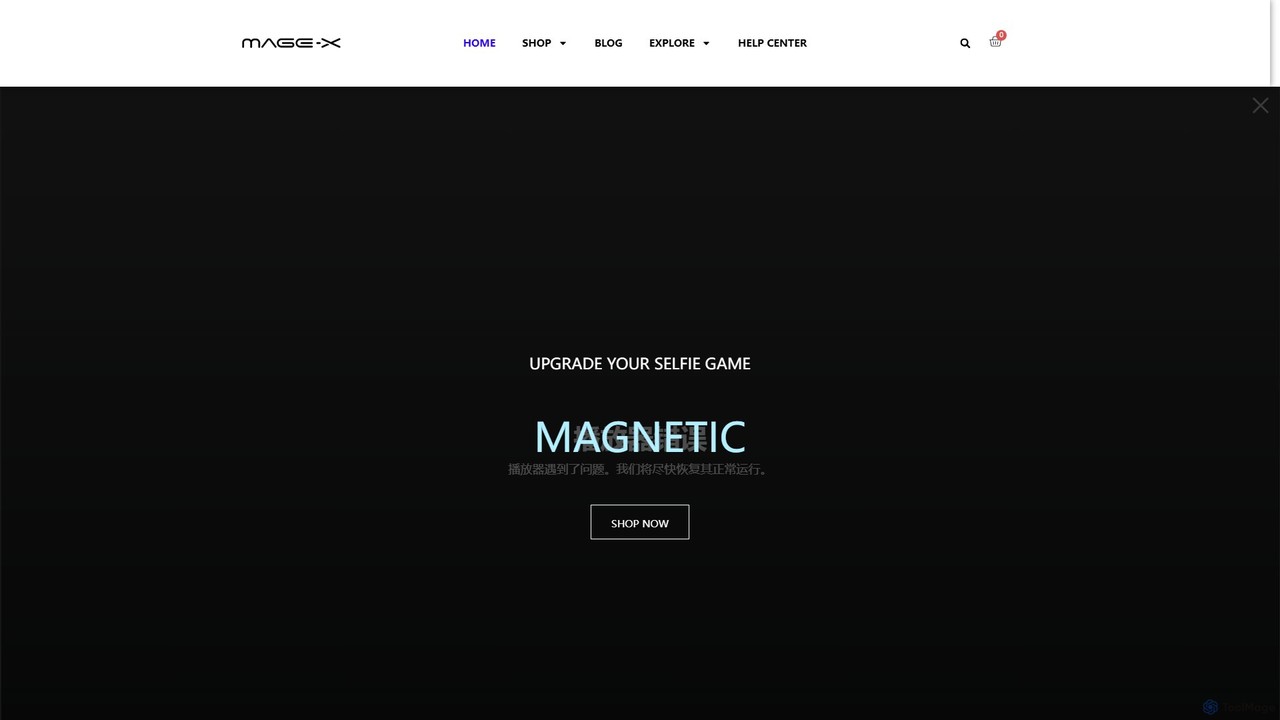
magexmonitor Overview
MAGEX is a specialized brand dedicated to transforming the way people interact with technology through high-quality, innovative portable monitors. With over 20 years of experience, MAGEX has established itself as a trusted name by blending cutting-edge display technology with exceptional craftsmanship. Their mission is to deliver display solutions that enhance everyday experiences, whether for on-the-go productivity, immersive gaming, or creative projects. The product lineup is diverse, featuring everything from vibrant OLED displays and high-resolution 2K screens to interactive touchscreens and compact selfie monitors for vloggers.
How to use magexmonitor
Setting up and using a MAGEX monitor is designed to be simple and intuitive, following a plug-and-play philosophy.
- Unboxing: Carefully unbox your monitor, which includes the display itself along with necessary cables like USB-C and/or Mini HDMI.
- Connection: Connect the monitor to your primary device (laptop, smartphone, gaming console, Raspberry Pi) using a single USB-C cable for both power and video, or use the HDMI for video and a separate USB-C for power. No complex driver installation is typically needed for most modern operating systems.
- Driver Installation (if needed): For specific features or older systems, like enabling extended displays on certain MacBooks, you may need to install a driver. These are readily available in the Help Center on the MAGEX website.
- Positioning: Use the built-in kickstand to prop the monitor up at a comfortable viewing angle. For a more permanent setup, many models are VESA mount compatible, allowing you to attach them to a standard monitor arm or stand.
- Configuration: Adjust brightness, contrast, and other display settings using the on-screen display (OSD) menu, accessible via buttons on the side of the monitor.
Core Features of magexmonitor
- Exceptional Display Quality: Models feature stunning 16-inch OLED screens with 2880x1800 resolution, 120Hz refresh rates, 0.1ms response times, and 120% DCI-P3 wide color gamut for incredibly vivid and smooth visuals.
- Ultra-Slim and Portable: All monitors are designed to be lightweight and slim, making them easy to carry in a backpack alongside a laptop for ultimate portability.
- Versatile Connectivity: Equipped with USB-C and Mini HDMI ports, MAGEX monitors offer seamless plug-and-play compatibility with a vast range of devices including laptops (Windows, macOS), smartphones (Android, iOS), gaming consoles (PS5, Xbox, Nintendo Switch), and single-board computers like Raspberry Pi.
- Interactive Touchscreen Options: Select models come with a highly responsive 10-point multi-touch screen, perfect for creative work, presentations, and intuitive navigation.
- Durable and Functional Design: The monitors are well-constructed with premium materials, featuring integrated adjustable kickstands and VESA mount compatibility for flexible setup options.
- Specialized Models: The product line includes unique offerings like the 4-inch Vlog Selfie Monitor, designed specifically for content creators to easily frame their shots.
Use Cases for magexmonitor
MAGEX monitors are versatile tools suitable for a wide array of users:
- Professionals and Digital Nomads: Extend your laptop screen to multitask efficiently, manage complex spreadsheets, or conduct presentations from anywhere.
- Gamers: Experience low-latency, high-refresh-rate gaming on the go by connecting the monitor to a laptop or console. The OLED models offer a competitive edge with their fast response times and superior contrast.
- Content Creators: Use the high-color-accuracy displays for photo and video editing. The vlog selfie monitor is an invaluable tool for YouTubers and streamers.
- Students: Create a more effective study environment by having research materials on one screen and your notes on another.
- Developers and Hobbyists: A perfect companion for Raspberry Pi projects, providing a crisp and compact display for coding and testing.
Advantages of magexmonitor
Choosing MAGEX provides several key benefits. The brand's 20-year history ensures a deep understanding of display technology, resulting in reliable, high-performance products. Their customer-centric policies, including a 14-day risk-free trial, a 24-month warranty, and lifetime customer support, offer peace of mind. The commitment to innovation is evident in their adoption of OLED technology and user-friendly designs. Finally, the plug-and-play simplicity across a wide range of devices makes MAGEX monitors an accessible and powerful upgrade for any setup.
Pricing and Plans
MAGEX monitors are sold as one-time purchases. The pricing varies depending on the model, size, and features. Below are some examples of prices listed on their website (subject to change):
- 4 Inch Vlog Selfie Monitor: Sale price of $59.99 (originally $99.99)
- 14.2 Inch 2K Portable Monitor: Sale price of $69.99 (originally $129.99)
- 15.6 Inch Touch Screen Monitor: Sale price of $159.99 (originally $239.99)
- 16 Inch OLED Portable Monitor: Sale price of $269.99 (originally $329.99)
Please visit the official MAGEX website for the most current pricing and promotions.
Traffic
Latest traffic
Status
Monthly traffic trend
- 2025-9: 10.7K
- 2026-1: 13.3K
- 2026-2: 11.0K
- 2026-3: 8.2K
- 2026-4: 5.2K
- 2026-5: 3.5K
Geography
Top 5 countries / regions
- 🇺🇸United States100.0%
Top keywords
| Keyword | Cost per click |
|---|---|
| 60hz vs 120hz | $0.38 |
| magex 3k amoled 120hz buy | $0.00 |
| oled portable monitor | $0.76 |
| raspberry pi 5 ports | $0.00 |
| usb to usb c vs usb c to usb c | $0.00 |
magexmonitor Alternatives
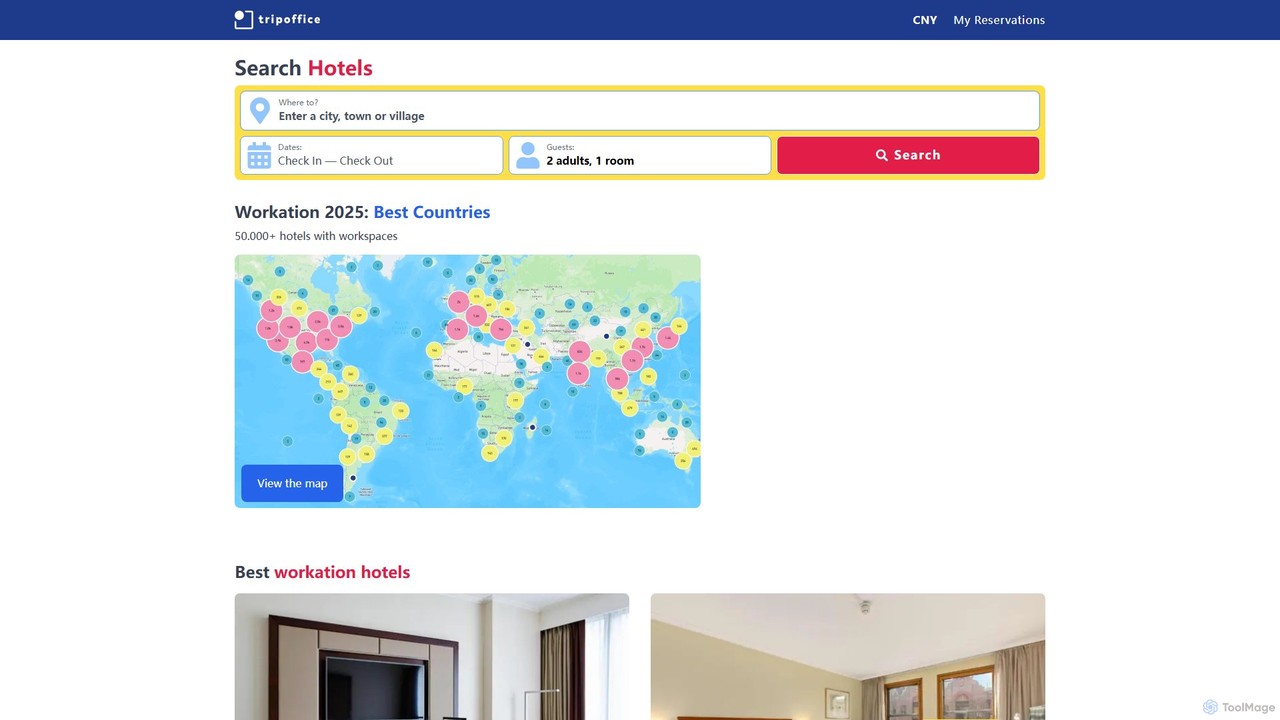
TripOffice
TripOffice is an AI-powered hotel booking platform for digital nomads and remote workers. It uses AI to analyze millions of hotel photos, identifying and verifying over 50,000 properties worldwide that have dedicated workspaces, ensuring you can work comfortably and productively from anywhere.
Digital Nomad
Clariti
Clariti is an AI-powered soundscape generator that creates personalized ambient sounds to enhance focus, relaxation, and productivity. It dynamically adapts to your location, time of day, and local weather, providing a unique auditory environment to help you concentrate and block out distractions. Ideal for professionals, creatives, and students seeking mental clarity.
Sound Generation
Getsound
Getsound is an AI-powered tool that generates personalized, real-time soundscapes to enhance focus, relaxation, and productivity. By adapting to your location, time of day, and local weather, it creates a unique and immersive audio environment designed to reduce distractions and promote mental clarity, making it ideal for work, study, and meditation.
Sound Generation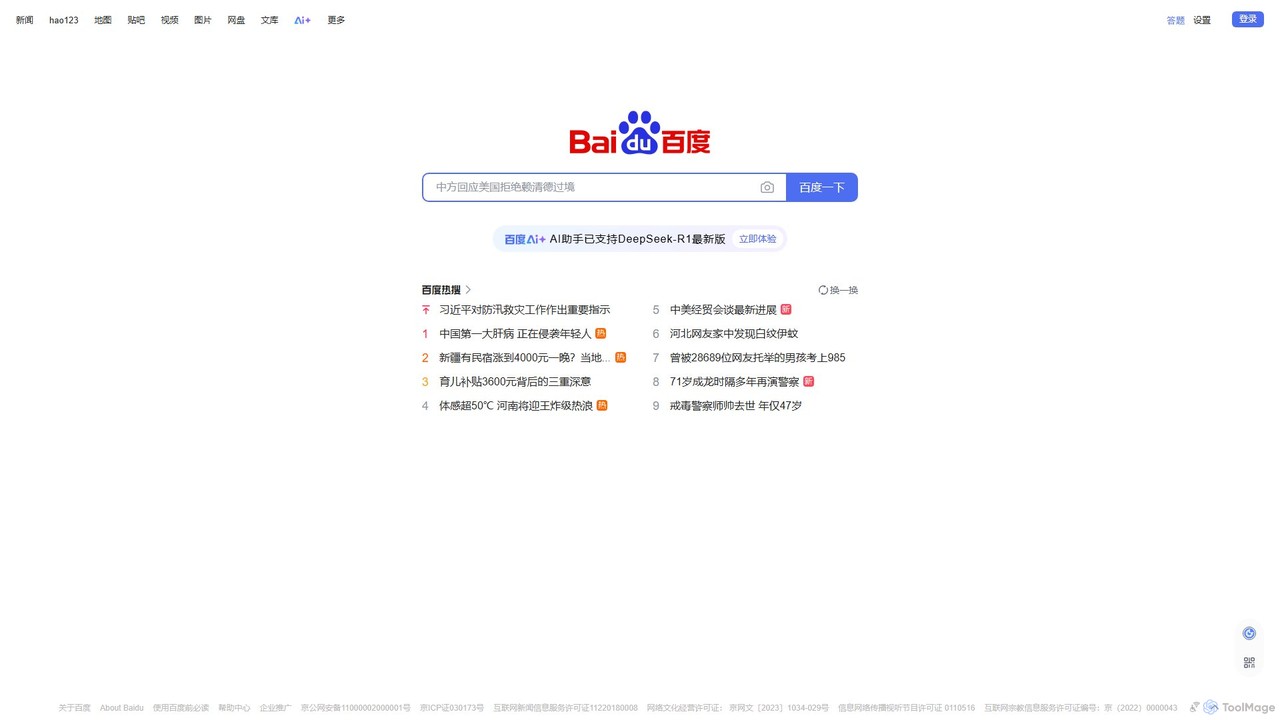
Baidu
Baidu is a comprehensive AI-powered platform that has evolved beyond a traditional search engine. It integrates the powerful ERNIE large language model to provide conversational search, content generation, in-depth Q&A, and a suite of intelligent tools, creating a unified ecosystem for information discovery and creation.
Ai Assistant
Bing
Bing is an AI-powered search engine by Microsoft, integrated with Copilot to provide direct answers, content creation, and image generation. It goes beyond traditional search by offering conversational AI to help users research, write, plan, and create, all in one place.
Generative Aimagexmonitor Categories
magexmonitor Embed Widget
Copy this embed code to place the badge on your blog, article, or product site and send readers directly to this ToolMage detail page.

Related AI tools
TripOffice
TripOffice is an AI-powered hotel booking platform for digital nomads and remote workers. It uses AI to analyze millions of hotel photos, identifying and verifying over 50,000 properties worldwide that have dedicated workspaces, ensuring you can work comfortably and productively from anywhere.
Digital NomadClariti
Clariti is an AI-powered soundscape generator that creates personalized ambient sounds to enhance focus, relaxation, and productivity. It dynamically adapts to your location, time of day, and local weather, providing a unique auditory environment to help you concentrate and block out distractions. Ideal for professionals, creatives, and students seeking mental clarity.
Sound GenerationGetsound
Getsound is an AI-powered tool that generates personalized, real-time soundscapes to enhance focus, relaxation, and productivity. By adapting to your location, time of day, and local weather, it creates a unique and immersive audio environment designed to reduce distractions and promote mental clarity, making it ideal for work, study, and meditation.
Sound GenerationBaidu
Baidu is a comprehensive AI-powered platform that has evolved beyond a traditional search engine. It integrates the powerful ERNIE large language model to provide conversational search, content generation, in-depth Q&A, and a suite of intelligent tools, creating a unified ecosystem for information discovery and creation.
Ai AssistantBing
Bing is an AI-powered search engine by Microsoft, integrated with Copilot to provide direct answers, content creation, and image generation. It goes beyond traditional search by offering conversational AI to help users research, write, plan, and create, all in one place.
Generative Ai
Apple
Apple integrates 'Apple Intelligence,' a personal intelligence system, across its ecosystem. It enhances user experience on iPhone, iPad, and Mac with powerful AI features like advanced Writing Tools, Image Playground, and a more capable Siri, all designed with a primary focus on privacy and seamless integration.
Smart Devices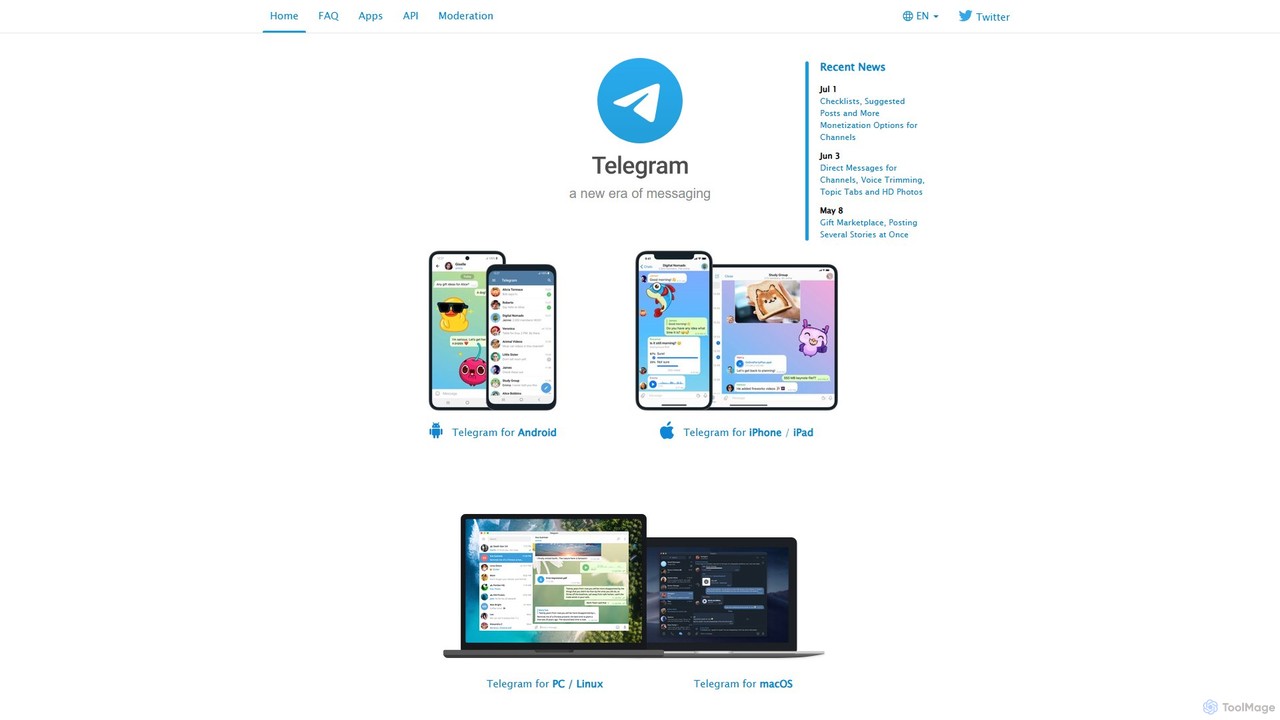
Telegram Messenger
Telegram is a globally renowned secure messaging app focused on speed and privacy. It doubles as a powerful platform for a vast ecosystem of AI-powered bots, enabling automation, community management, content creation, and direct integration with various AI services within a seamless chat interface.
Community Management
Google Workspace
Google Workspace is an integrated suite of secure, cloud-native collaboration and productivity apps powered by Google AI. It includes Gmail, Docs, Drive, Calendar, Meet, and more, designed to help teams of all sizes connect, create, and collaborate efficiently and securely from any device.
Office Suite
doubao
Doubao is a powerful AI smart assistant developed by ByteDance. It excels at conversation, content creation, coding, and more. With a user-friendly interface and multi-modal capabilities (text, voice, image), it serves as a versatile tool for productivity, learning, and daily tasks, available for free on both web and mobile platforms.
Code Assistant
Jyek
Jyek is an AI agent platform that understands objectives, creates execution plans, uses tools, and delivers verifiable results for complex, multi-step tasks.
Automation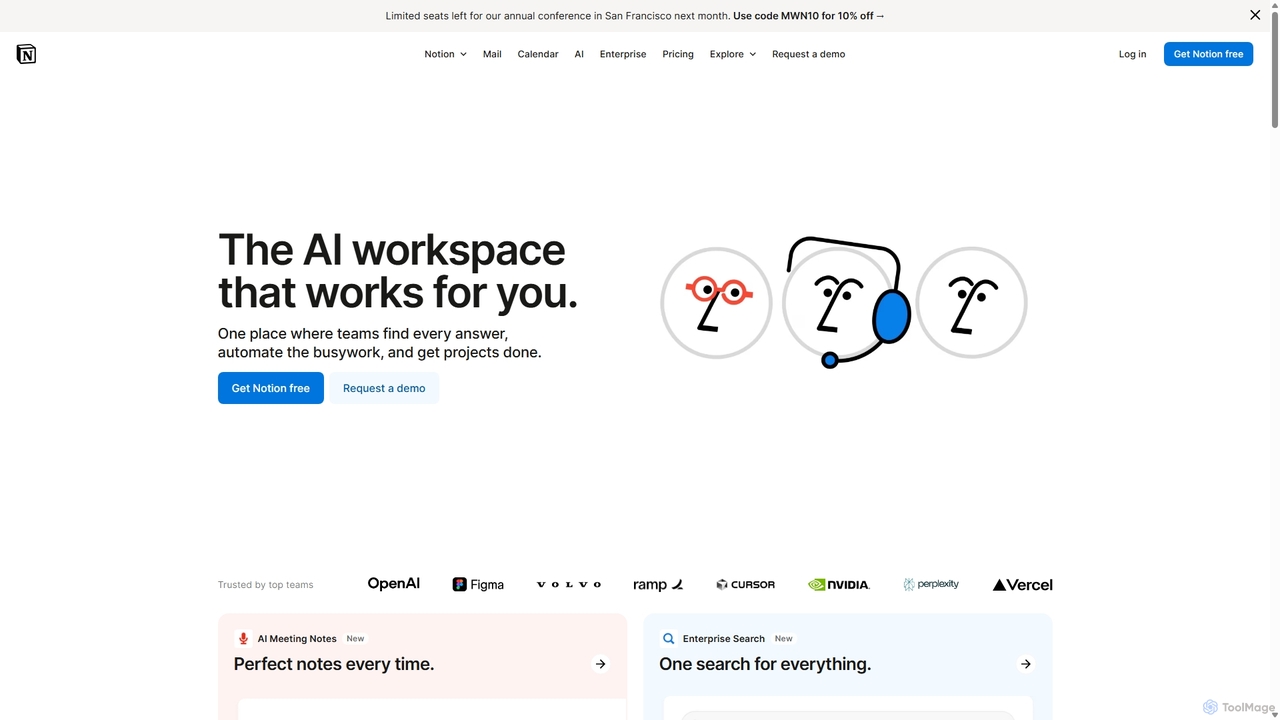
Notion
Notion is an all-in-one AI workspace that combines notes, docs, project management, and wikis into a single, highly customizable platform. It empowers teams and individuals to organize information, manage projects, and collaborate more effectively, all within a flexible, block-based editor enhanced with powerful AI capabilities.
Knowledge Management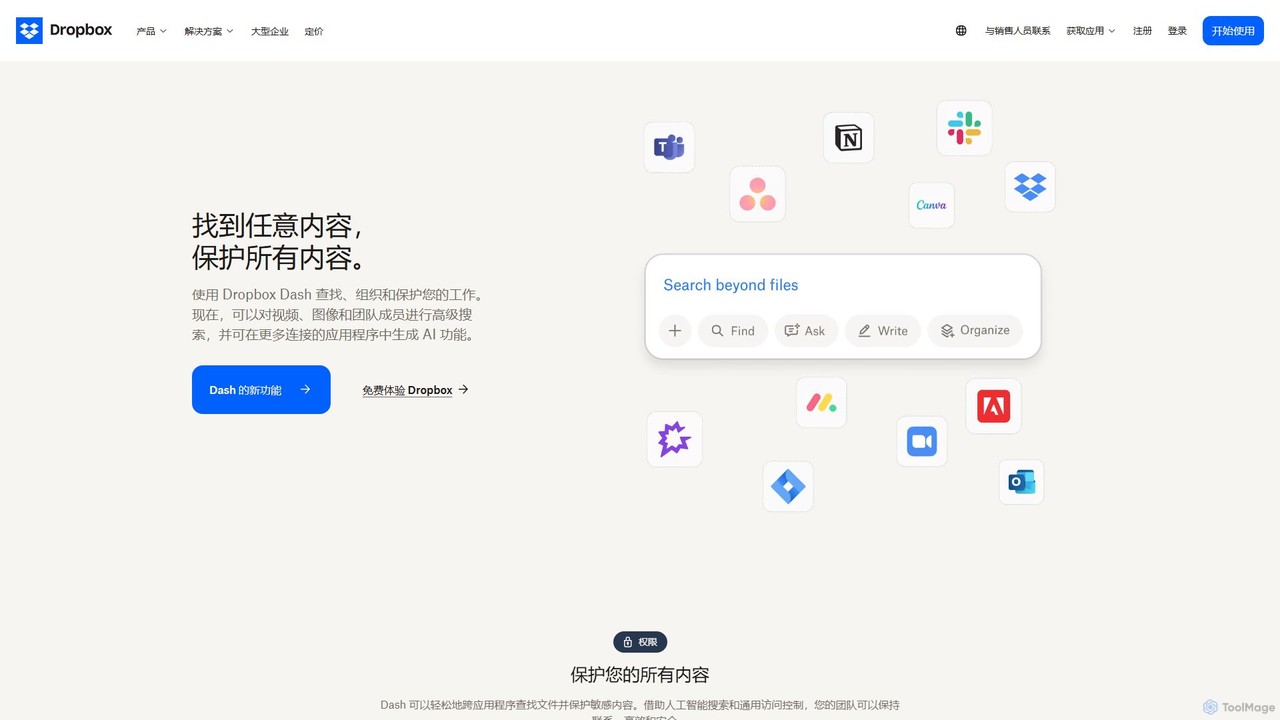
Dropbox
Dropbox is a modern workspace designed to reduce busywork, bringing your files, cloud content, and web shortcuts together in one place. It offers secure cloud storage, file synchronization, large file transfer, e-signatures, and AI-powered universal search to help you and your team stay organized, focused, and in sync.
Collaboration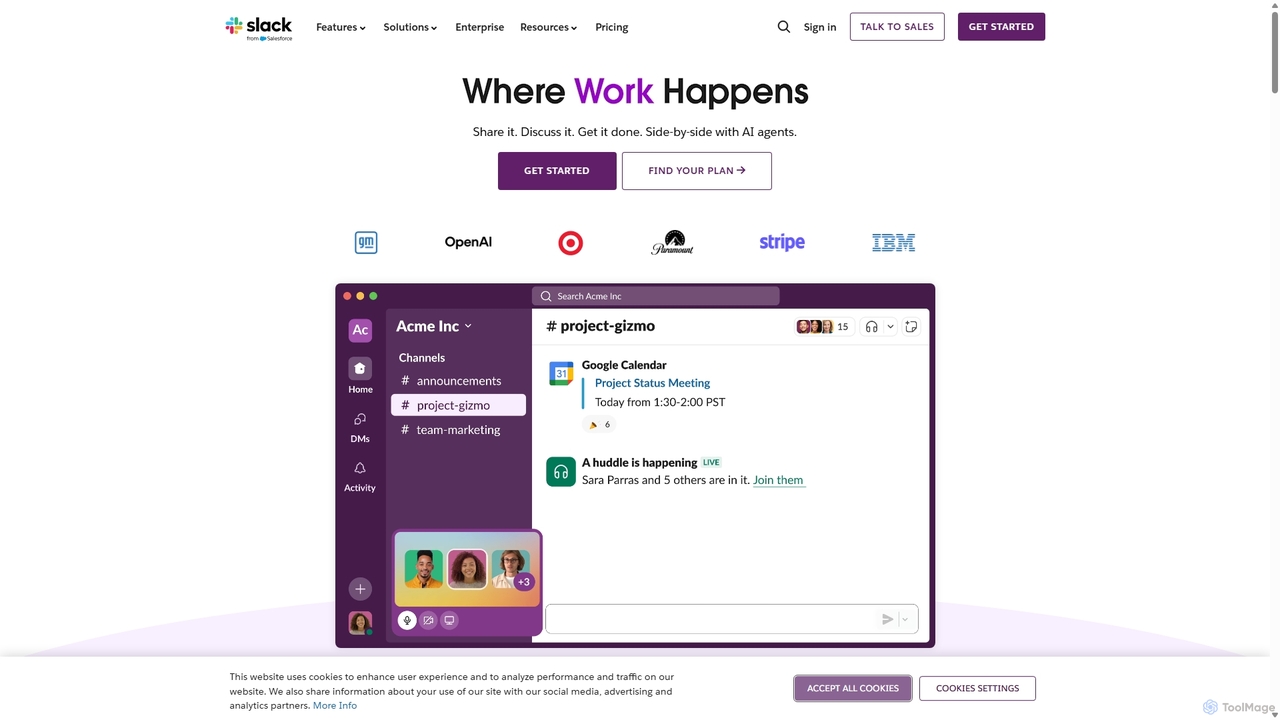
Slack
Slack is an AI-powered collaboration hub that connects your people, partners, and tools. It replaces email with faster, better-organized communication through channels. With integrated AI, workflow automation, and thousands of apps, Slack centralizes your work to boost productivity and streamline project management.
Project Management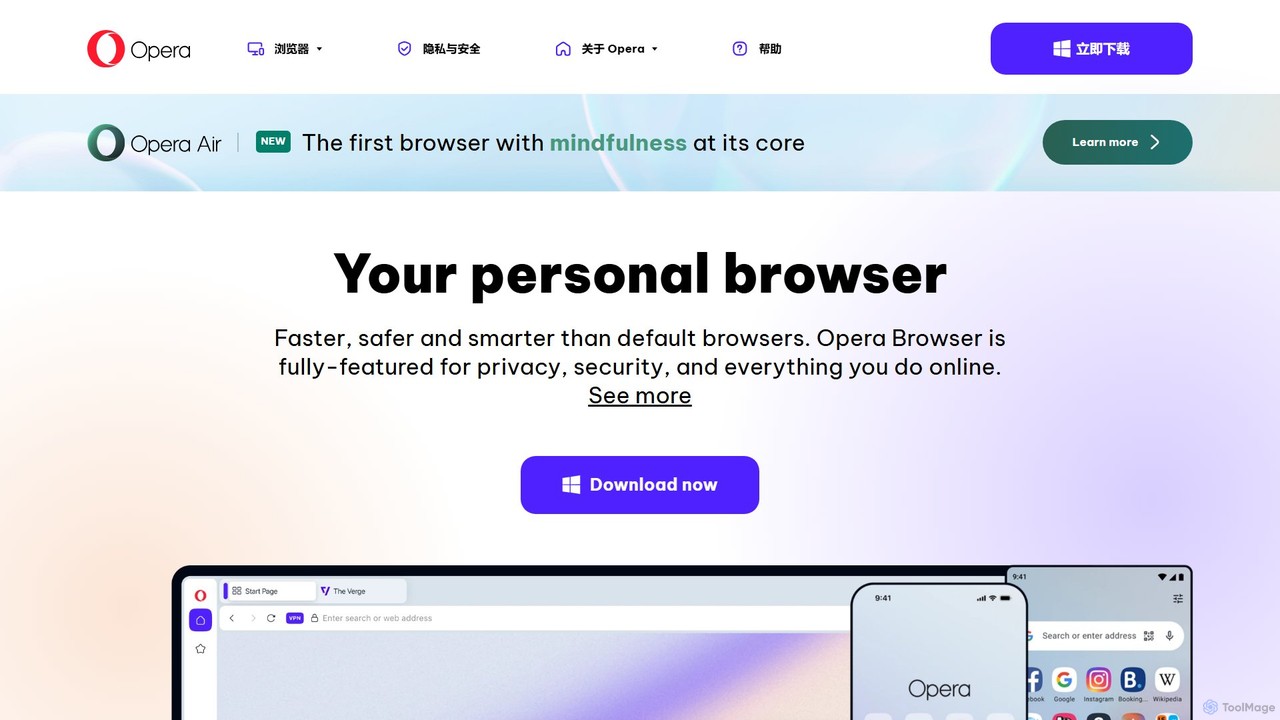
Opera
Opera is a smart, secure web browser with a native AI assistant, Aria. It offers innovative features like Tab Islands for organization, a free built-in VPN, and an ad blocker. Designed for speed and privacy, Opera provides a more productive and distraction-free browsing experience.
Browser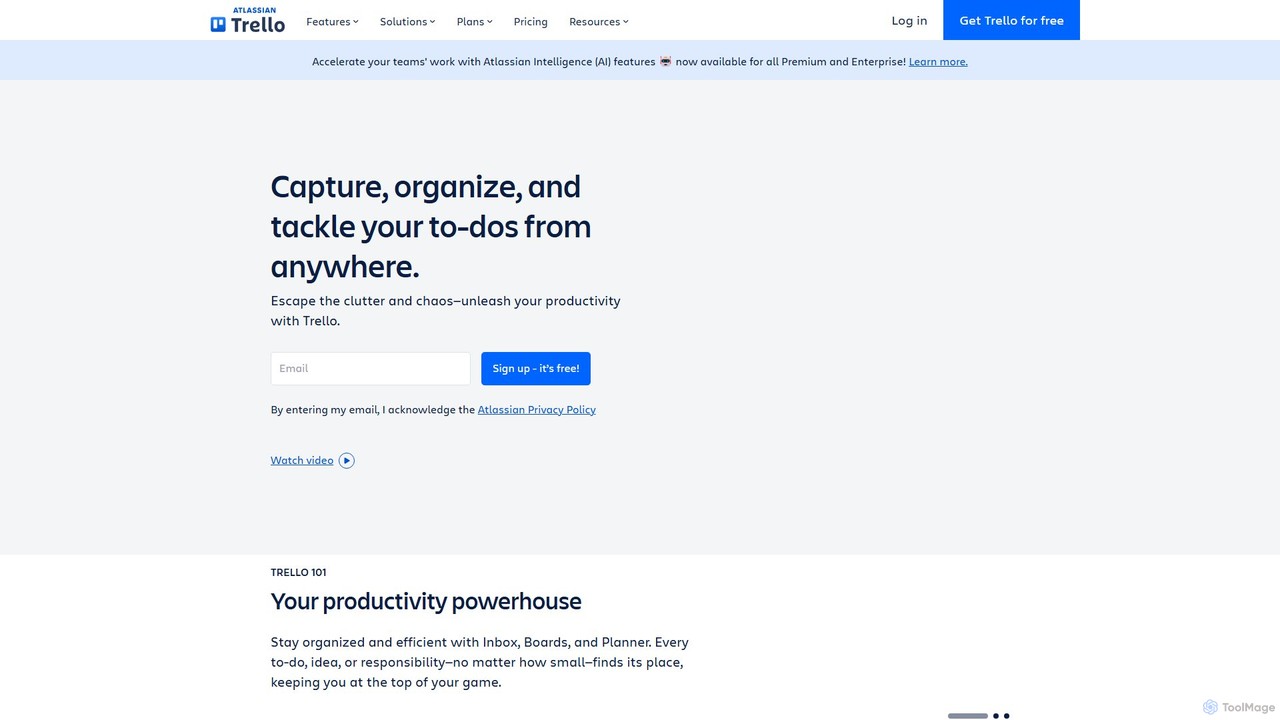
Trello
Trello is a visual collaboration and project management tool that helps teams organize tasks, collaborate on projects, and track progress using boards, lists, and cards. Enhanced with Atlassian Intelligence (AI), it streamlines workflows by turning communications into actionable items and automating repetitive tasks.
Workflow Automation
magexmonitor Comments (0)
Sign in to comment.
Sign inNo comments yet.