


MindsDB Overview
MindsDB is a revolutionary open-source platform that functions as an AI layer on top of existing databases and data sources. It empowers developers, data analysts, and data scientists to bring the power of machine learning and generative AI directly into their data environment using standard SQL commands. The core philosophy of MindsDB revolves around three key capabilities: Connect, Unify, and Respond, creating a seamless workflow from raw data to intelligent, actionable insights without ever moving the data from its source.
How to use MindsDB
Getting started with MindsDB is a straightforward process designed for data professionals:
- Installation and Setup: MindsDB is highly flexible and can be deployed anywhere. The quickest way to start is using Docker or Docker Desktop for a local instance. It can also be deployed in the cloud via AWS Marketplace or installed directly using PyPI for those who wish to contribute to the project.
- Connect to Data Sources: Once installed, you connect MindsDB to your data. This is done with a simple SQL command:
CREATE DATABASE. You can connect to a vast range of sources, including SQL databases (like MySQL, PostgreSQL, Snowflake), NoSQL databases (MongoDB), applications (Salesforce, Slack, GitHub), and vector stores. - Unify Data into Knowledge Bases: To leverage both structured and unstructured data, you can create a Knowledge Base. This advanced AI-table uses embedding and reranking models to organize information for semantic search. You use
CREATE KNOWLEDGE_BASEand thenINSERT INTOto populate it with data from your connected sources. - Create and Query AI Agents: The final step is to create an AI agent that can reason over your unified data. Using
CREATE AGENT, you can link a powerful language model (like GPT-4o) to your knowledge bases and tables. Then, you can ask complex questions in natural language using a simpleSELECTstatement, for example:SELECT * FROM my_agent WHERE question = 'What were our top 5 most profitable products last quarter?';
Core Features of MindsDB
- Extensive Data Integrations: Connects to over 150 data sources, including popular databases, data warehouses, applications like Slack and Salesforce, and vector databases like Pinecone and ChromaDB.
- In-Database AI with SQL: Eliminates the need for separate ML platforms. You can train predictive models, use generative AI models from providers like OpenAI and Hugging Face, and build AI agents using familiar SQL syntax.
- Knowledge Bases for RAG: Unify disparate data sources into powerful knowledge bases that enable sophisticated Retrieval-Augmented Generation (RAG) and semantic search capabilities, providing context-aware and accurate answers.
- AI Agents and Automation: Build intelligent agents that can answer questions and perform tasks based on your data. Automate workflows using Jobs and Triggers to keep your knowledge bases and models continuously updated.
- Open-Source and Flexible Deployment: As an open-source tool, MindsDB offers maximum flexibility, transparency, and control. It can be self-hosted on-premise, in a private cloud, or used via their managed cloud service.
Use Cases for MindsDB
MindsDB is versatile and can be applied to numerous scenarios:
- Conversational Business Intelligence: Enable business users to ask questions about their data in plain English, democratizing data access and reducing reliance on data teams for report generation.
- Enhanced Customer Support: Create an AI agent that can instantly answer customer queries by searching across support tickets, documentation, and product databases.
- Sales and Marketing Automation: Build models to predict customer churn, score leads from Salesforce, or generate personalized marketing copy based on customer data.
- Internal Knowledge Management: Develop a semantic search engine for internal company documents, wikis (like Confluence), and communication channels (like Slack) to help employees find information quickly.
- Real-time Anomaly Detection: Set up automated jobs to monitor data streams and use AI models to flag unusual patterns or potential fraud in real-time.
Advantages of MindsDB
The primary advantage of MindsDB is its ability to bring AI to where the data lives. This approach eliminates complex, costly, and slow ETL processes traditionally required for machine learning projects. By using SQL as the main interface, it significantly lowers the barrier to entry, allowing a much broader audience of developers and analysts to build AI-powered applications. Its open-source nature ensures no vendor lock-in and provides a vibrant community for support and innovation. Furthermore, by keeping data in its original location, MindsDB enhances security and ensures that AI models always operate on the most up-to-date information.
Pricing and Plans
MindsDB operates on a freemium model. The core platform is open-source and completely free to download, self-host, and use without limitations. For users who prefer a managed solution, MindsDB offers a Cloud version with various pricing tiers, including a free tier for getting started and paid plans for more demanding workloads. They also provide custom Enterprise plans for large organizations requiring dedicated support, enhanced security features, and private cloud deployments.
Traffic
Latest traffic
Status
Monthly traffic trend
- 2025-9: 20.5K
- 2026-1: 23.8K
- 2026-2: 11.5K
- 2026-3: 3.9K
- 2026-4: 4.9K
- 2026-5: 4.2K
Geography
Top 5 countries / regions
- 🇮🇳India29.2%
- 🇺🇸United States28.8%
- 🇧🇷Brazil20.6%
- 🇫🇷France15.6%
- 🇭🇰Hong Kong SAR China5.8%
Top keywords
| Keyword | Cost per click |
|---|---|
| duckdb | $2.02 |
| mindsdb | $5.15 |
| mindsdb deck pdf | $0.00 |
| mindsdb_gui_autoupdate | $0.00 |
| pep8 | $0.62 |
MindsDB Alternatives
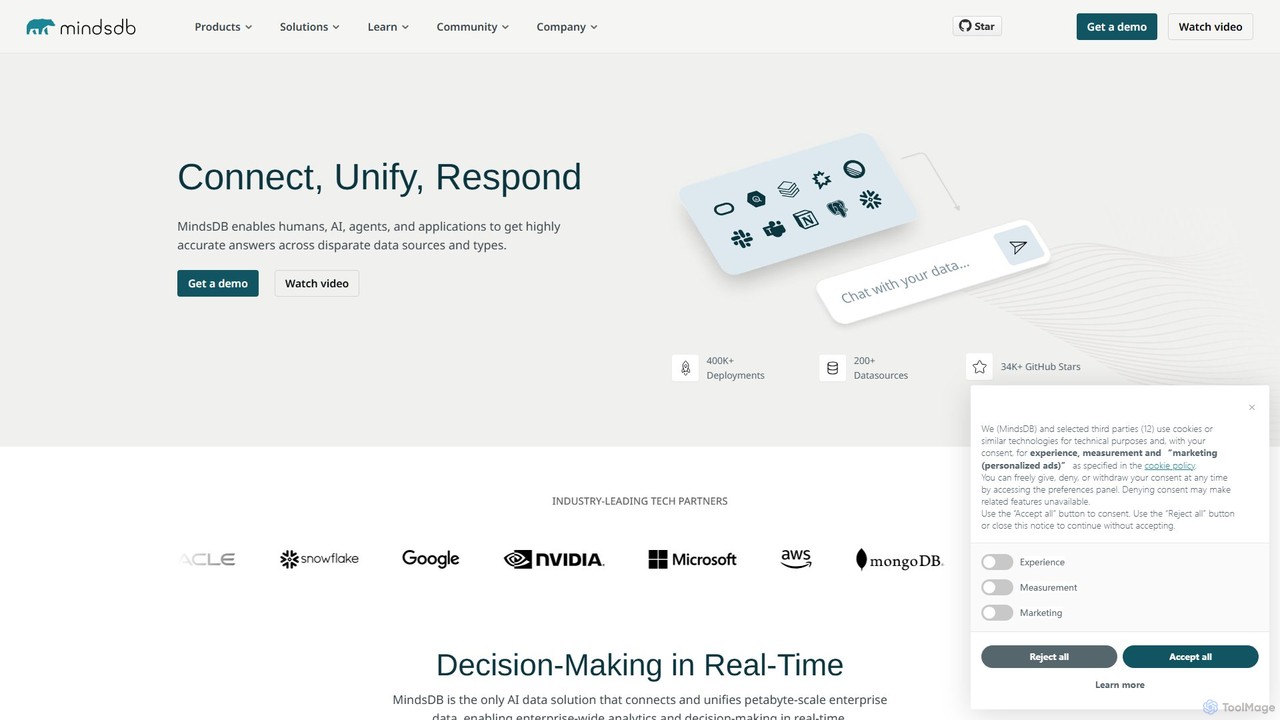
MindsDB
MindsDB is an AI data automation platform that brings machine learning into your database. It allows developers and data analysts to create, train, and deploy AI models using standard SQL queries, connecting to over 200 data sources to provide real-time predictions and analytics without complex ETL pipelines.
Business Intelligence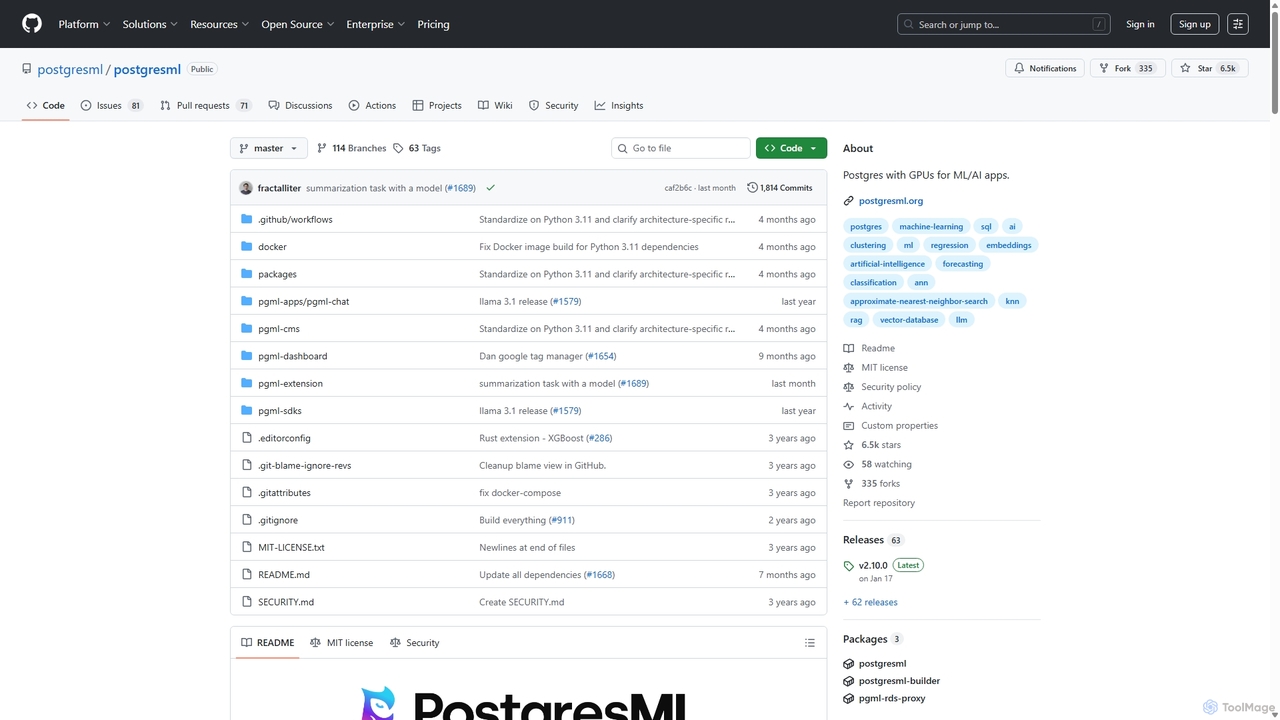
PostgresML
PostgresML is a powerful open-source extension that integrates machine learning and AI directly into your PostgreSQL database. It enables GPU-accelerated inference, vector search, and complete RAG pipelines using simple SQL commands, eliminating data movement and simplifying the MLOps stack for high-performance, scalable AI applications.
Mlops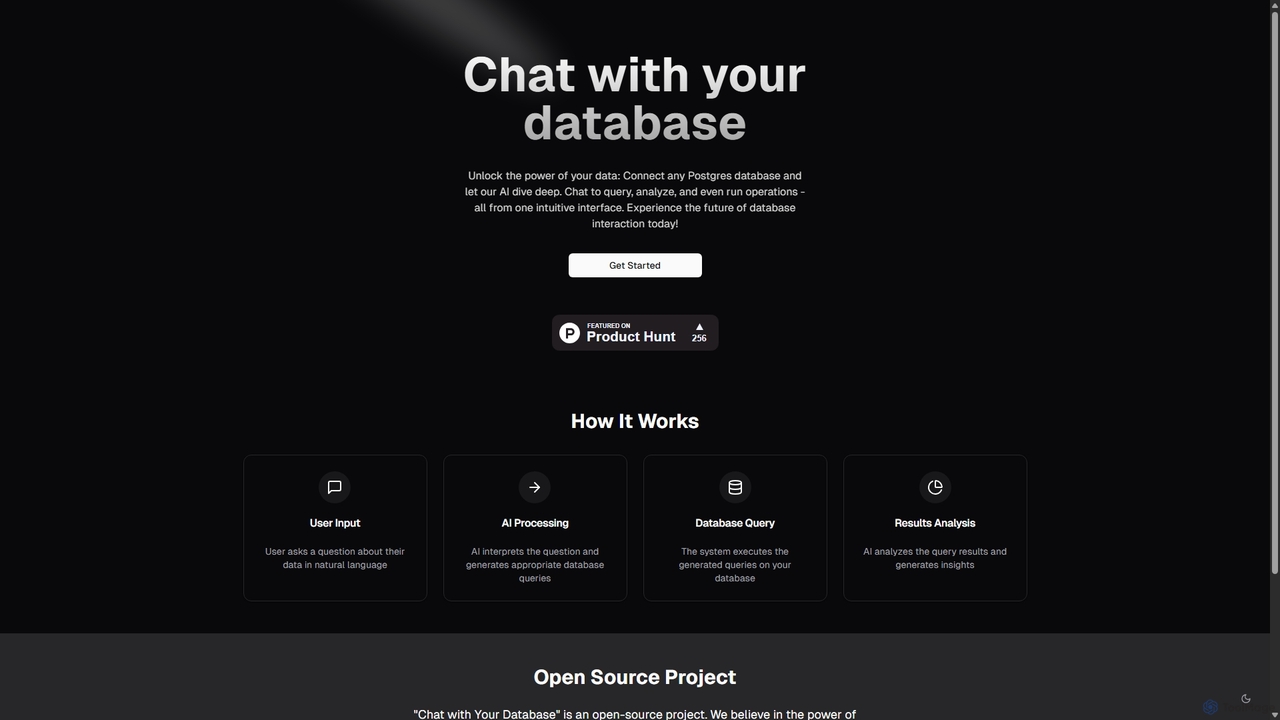
Chat With Your Database
An open-source AI tool that allows you to interact with your PostgreSQL database using natural language. Ask questions, get insights, and perform operations through a simple chat interface, eliminating the need for complex SQL queries.
Business Intelligence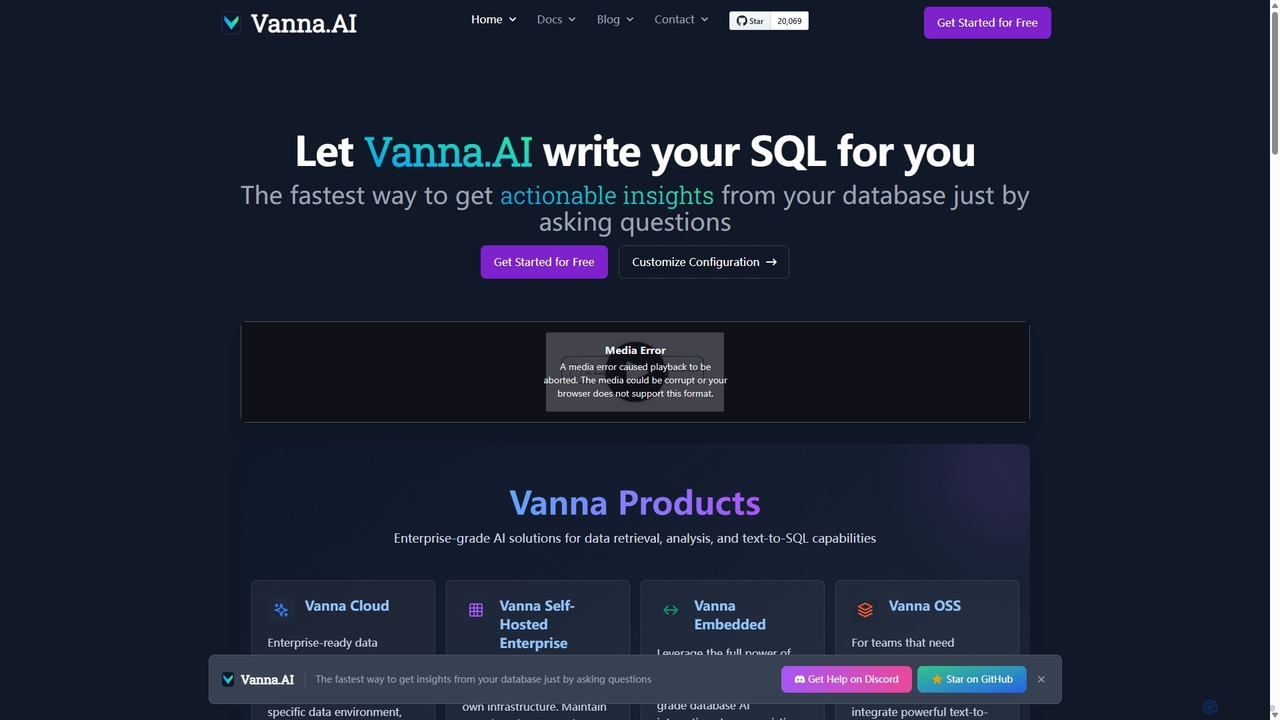
Vanna.AI
Vanna.AI is an open-source, personalized AI SQL agent that transforms natural language questions into accurate SQL queries. It uses a Retrieval-Augmented Generation (RAG) model trained on your specific database schema, documentation, and past queries to achieve high accuracy on complex datasets. It's designed for security, flexibility, and easy integration into any application, empowering both technical and non-technical users to gain insights from their data effortlessly.
Business Intelligence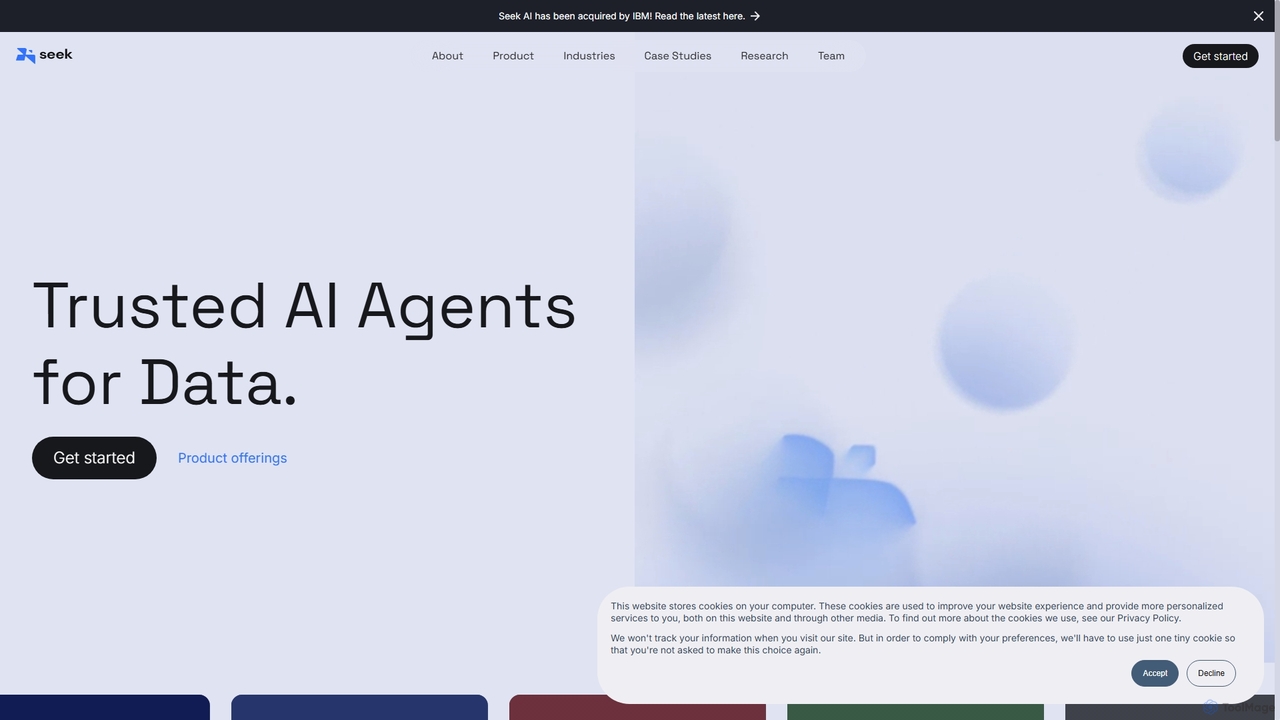
Seek AI
Seek AI is a generative AI platform for data analytics that empowers users to query databases, generate reports, and create visualizations using natural language. It automates the text-to-SQL process, making data accessible to non-technical users and accelerating insights for data teams.
Business IntelligenceMindsDB Categories
MindsDB Jobs
MindsDB Embed Widget
Copy this embed code to place the badge on your blog, article, or product site and send readers directly to this ToolMage detail page.

Related AI tools
PostgresML
PostgresML is a powerful open-source extension that integrates machine learning and AI directly into your PostgreSQL database. It enables GPU-accelerated inference, vector search, and complete RAG pipelines using simple SQL commands, eliminating data movement and simplifying the MLOps stack for high-performance, scalable AI applications.
MlopsVanna.AI
Vanna.AI is an open-source, personalized AI SQL agent that transforms natural language questions into accurate SQL queries. It uses a Retrieval-Augmented Generation (RAG) model trained on your specific database schema, documentation, and past queries to achieve high accuracy on complex datasets. It's designed for security, flexibility, and easy integration into any application, empowering both technical and non-technical users to gain insights from their data effortlessly.
Business IntelligenceMindsDB
MindsDB is an AI data automation platform that brings machine learning into your database. It allows developers and data analysts to create, train, and deploy AI models using standard SQL queries, connecting to over 200 data sources to provide real-time predictions and analytics without complex ETL pipelines.
Business Intelligence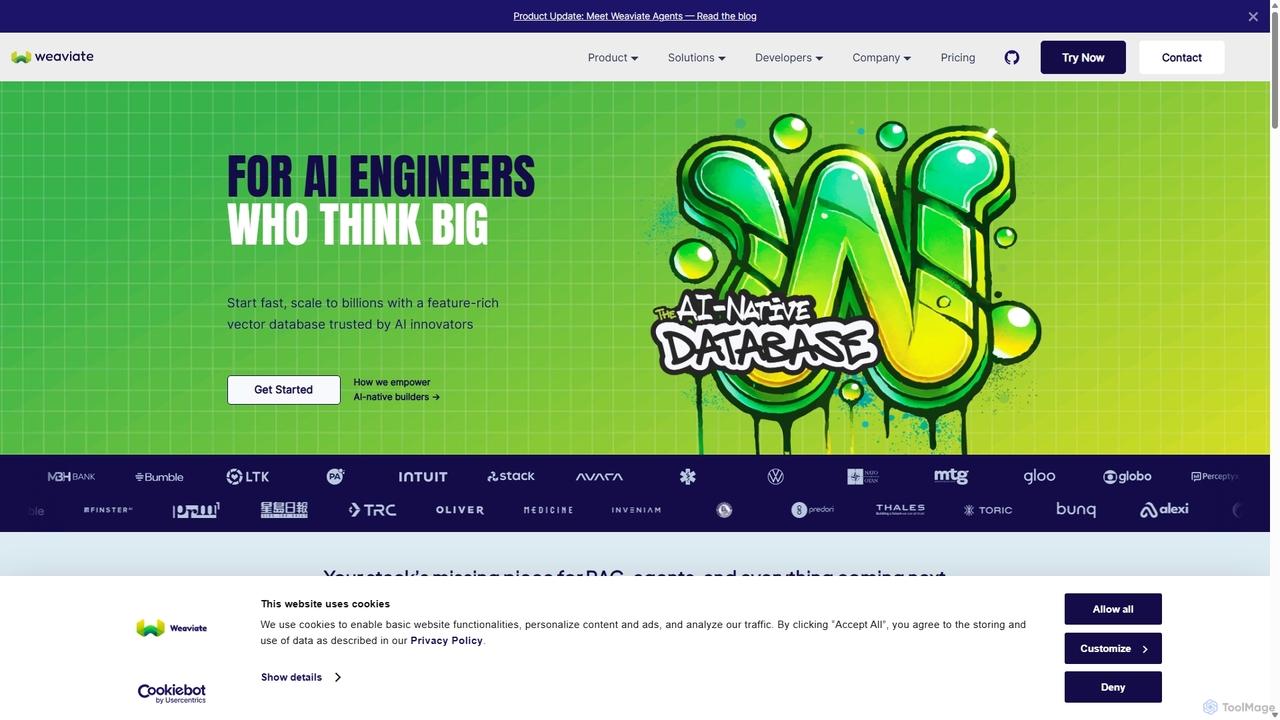
Weaviate
Weaviate is an open-source, AI-native vector database designed for developers. It enables scalable, low-latency vector, keyword, and hybrid search. Ideal for building AI applications like semantic search, recommendation engines, and Retrieval-Augmented Generation (RAG) systems, it integrates seamlessly with popular machine learning models to store and query data based on semantic meaning.
Vector Database
Jyek
Jyek is an AI agent platform that understands objectives, creates execution plans, uses tools, and delivers verifiable results for complex, multi-step tasks.
AutomationChat With Your Database
An open-source AI tool that allows you to interact with your PostgreSQL database using natural language. Ask questions, get insights, and perform operations through a simple chat interface, eliminating the need for complex SQL queries.
Business IntelligenceSeek AI
Seek AI is a generative AI platform for data analytics that empowers users to query databases, generate reports, and create visualizations using natural language. It automates the text-to-SQL process, making data accessible to non-technical users and accelerating insights for data teams.
Business Intelligence
Neosync
Neosync is an open-source platform for data anonymization and synthetic data generation. It helps developers and data scientists create safe, privacy-compliant, and realistic datasets for testing, development, and AI model training, ensuring referential integrity across databases.
Data Generation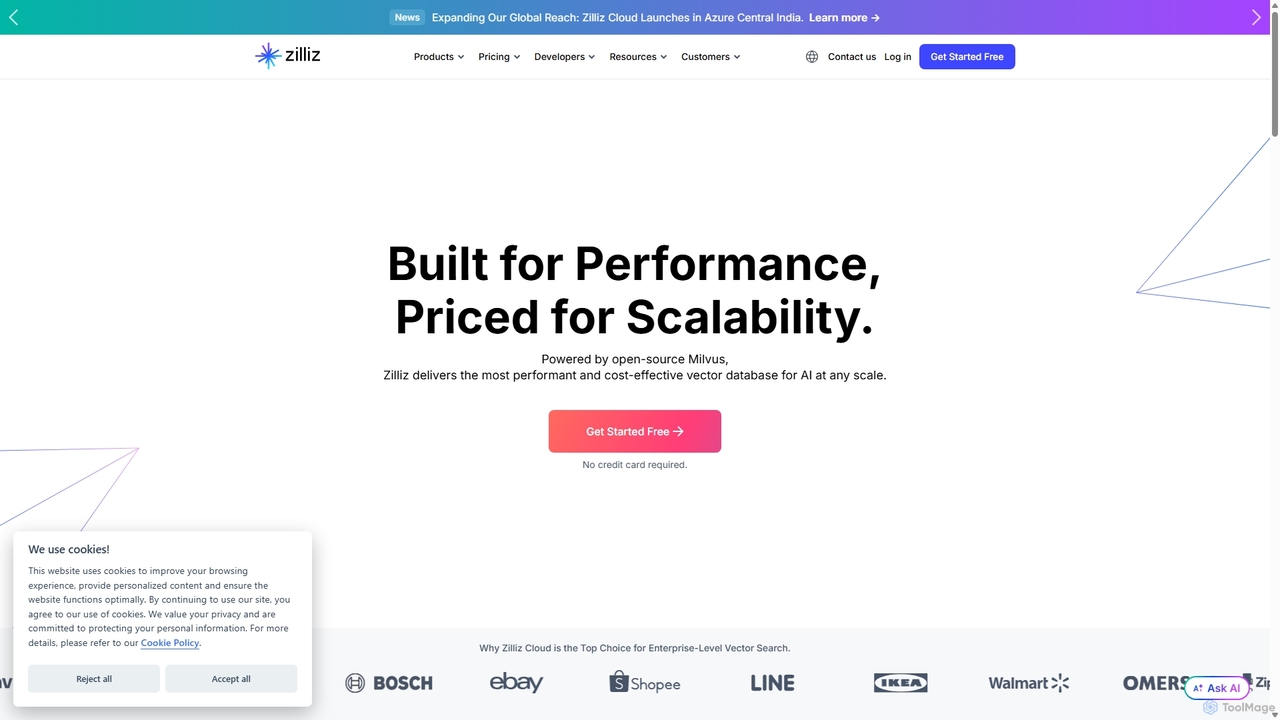
Zilliz
Zilliz is an enterprise-grade vector database built for scalable AI applications. Powered by the popular open-source project Milvus, it provides a high-performance, cost-effective, and fully-managed service (Zilliz Cloud) for storing, indexing, and searching billions of vector embeddings. It's designed to power applications like RAG, recommendation systems, and multimodal search, with seamless integrations into major AI frameworks and cloud platforms.
Machine Learning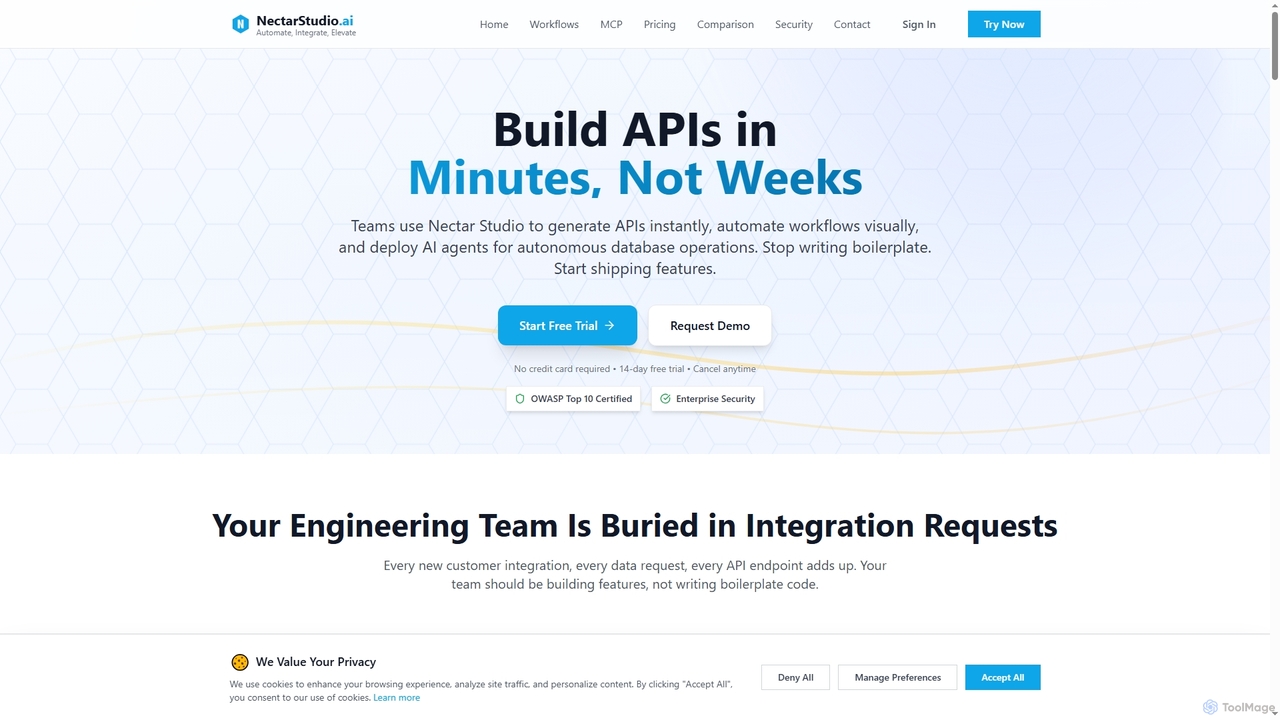
Nectarstudio
Nectarstudio is an AI-powered iPaaS platform designed for engineering teams to instantly generate bulk APIs from databases, automate workflows with a low-code visual builder, and deploy AI agents for autonomous database operations, reducing development time from weeks to minutes.
Business Intelligence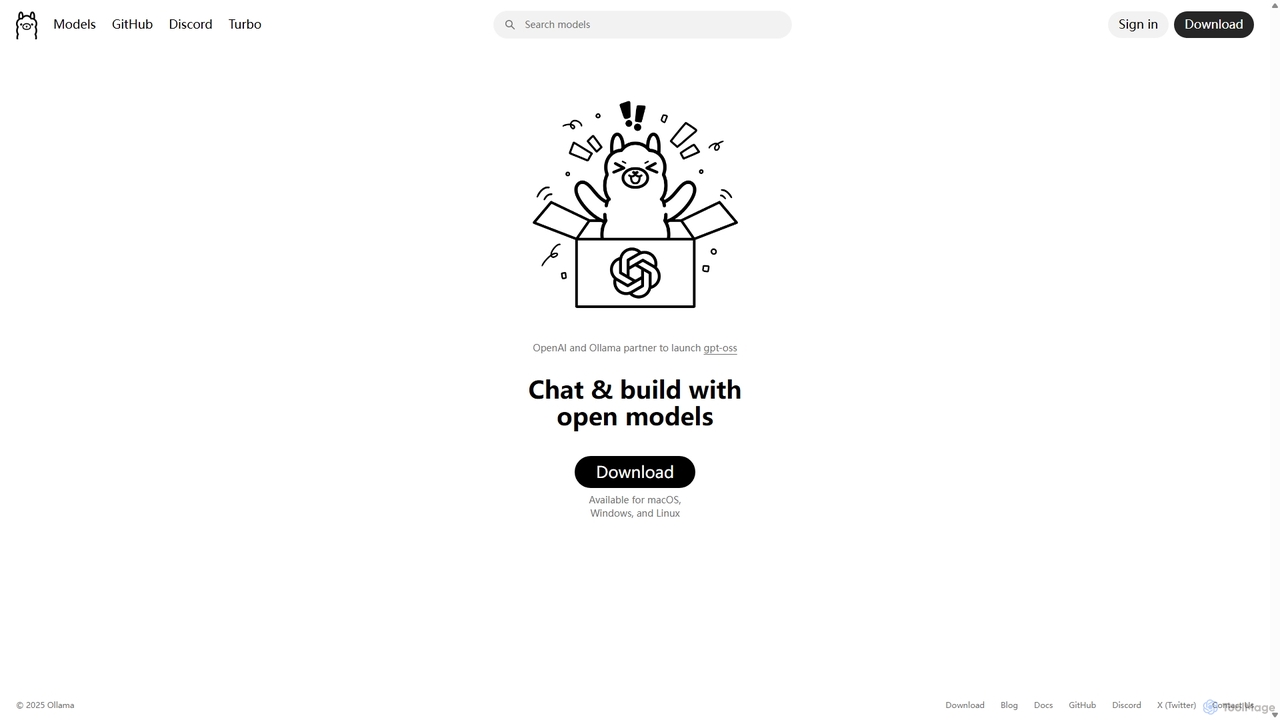
Ollama
Ollama is a powerful open-source framework for running large language models (LLMs) like Llama 3, Mistral, and Gemma locally on your own hardware. Available for macOS, Windows, and Linux, it simplifies the setup and management of open-source models, enabling private, offline, and cost-effective AI development and usage.
Machine Learning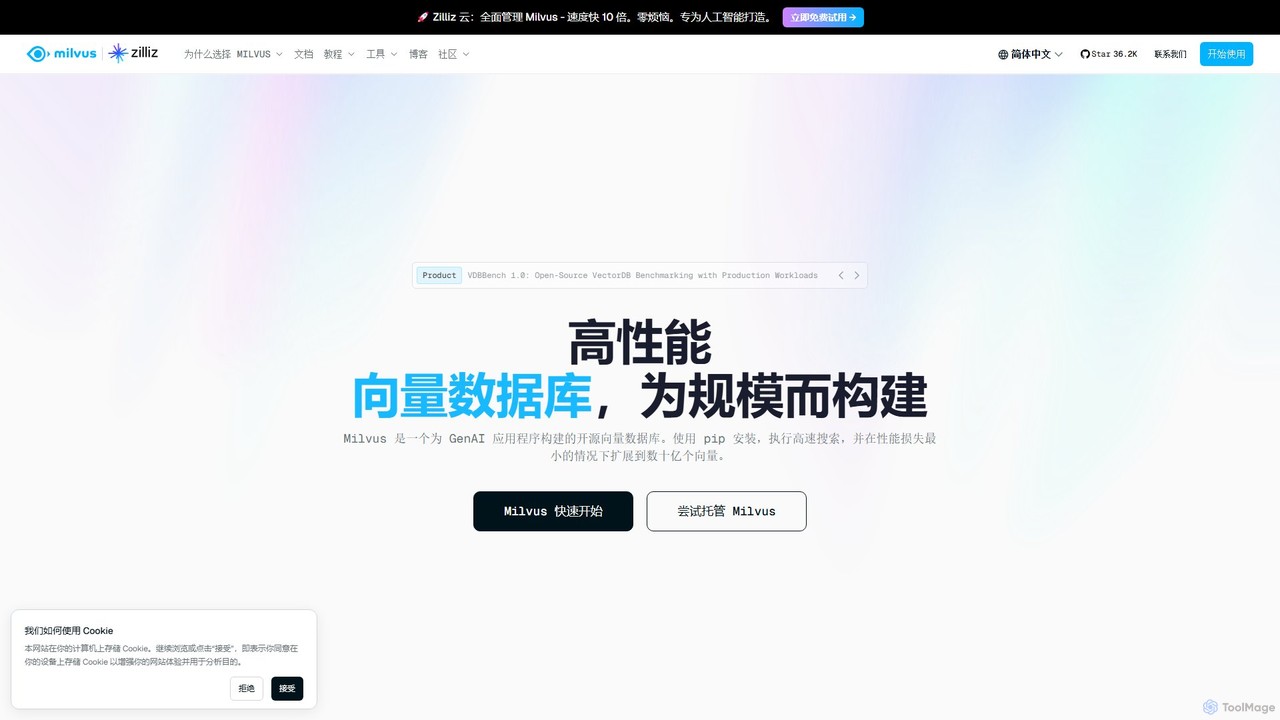
Milvus
Milvus is a high-performance, open-source vector database built for AI applications. It enables developers to manage and search through billions of high-dimensional vectors with minimal latency. Ideal for building scalable systems like retrieval-augmented generation (RAG), recommendation engines, and semantic search, Milvus offers flexible deployment options from local prototyping to large-scale distributed clusters.
Machine Learning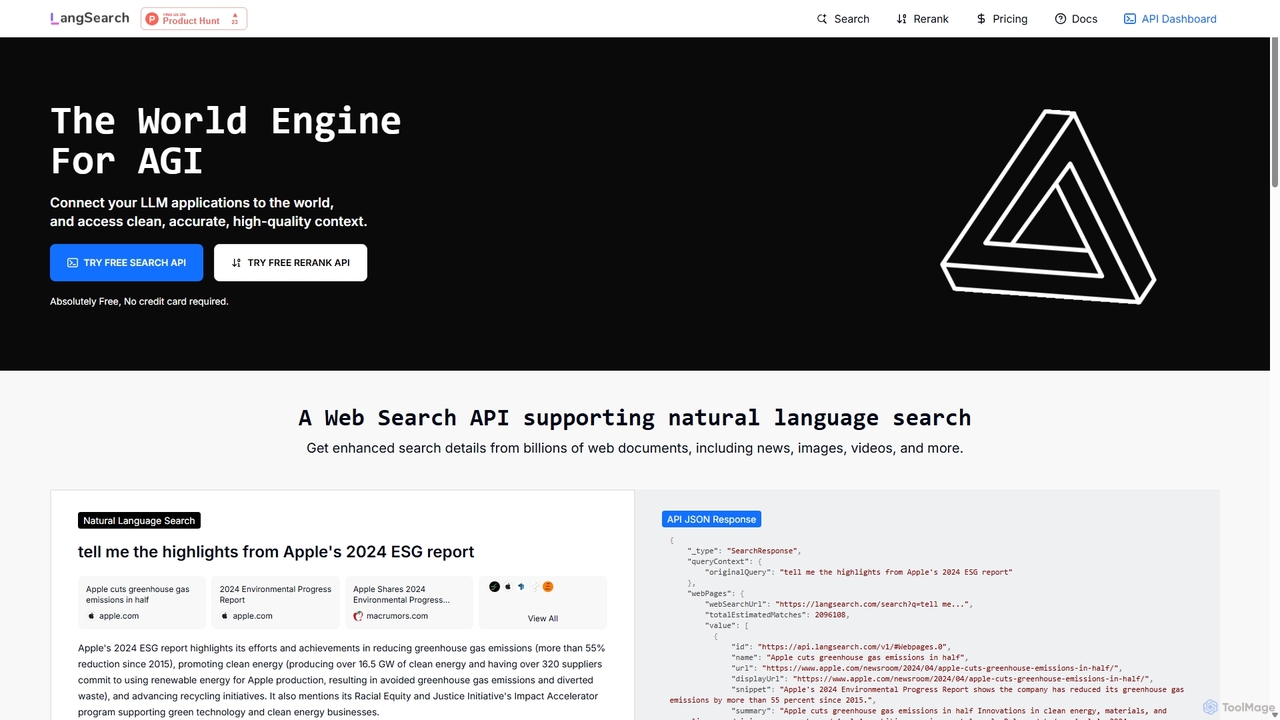
LangSearch
LangSearch provides free Web Search and Semantic Rerank APIs designed to connect LLM applications with clean, accurate, real-world context. It supports natural language queries, hybrid search, and offers a highly efficient reranker to improve result accuracy for AI agents, chatbots, and RAG systems.
Llm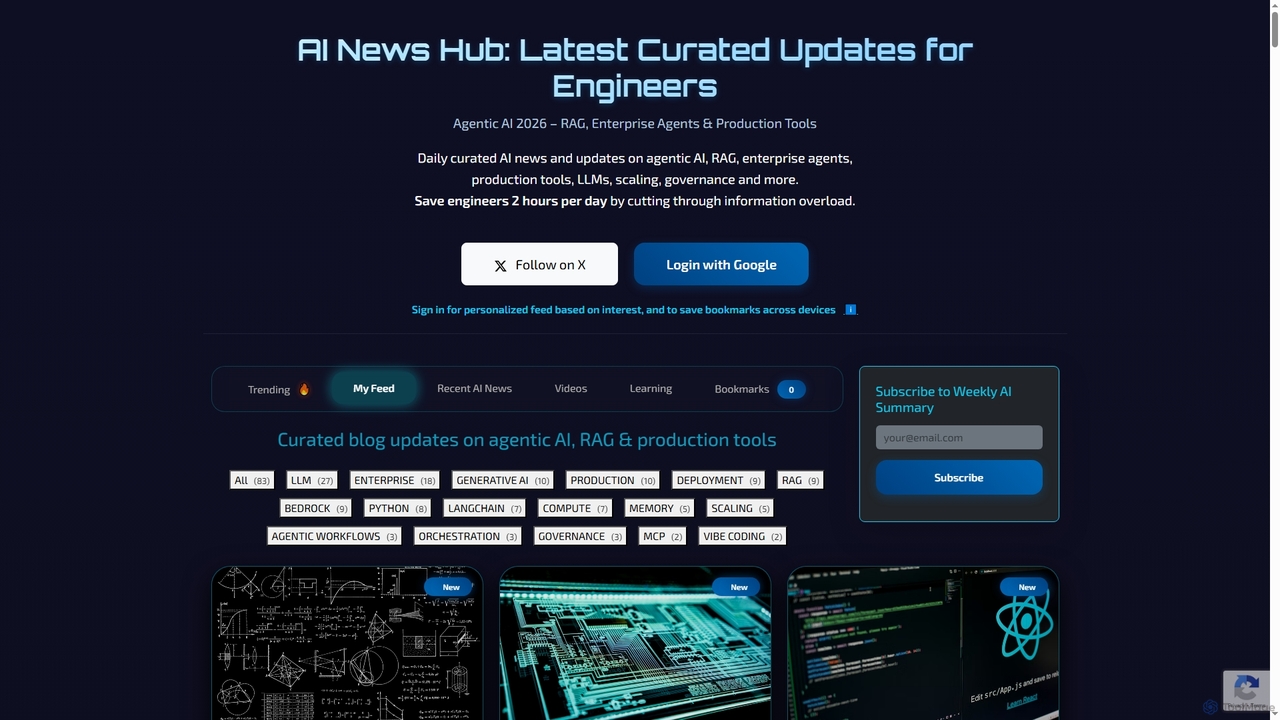
AI News Hub
AI News Hub is a comprehensive platform providing real-time AI announcements, curated blog updates on agentic AI, RAG, and production tools. It offers a personalized feed, bookmarking capabilities, and a rich collection of learning resources, including roadmaps, courses, and videos, to keep developers and enthusiasts informed and skilled in the rapidly evolving AI landscape.
Aggregation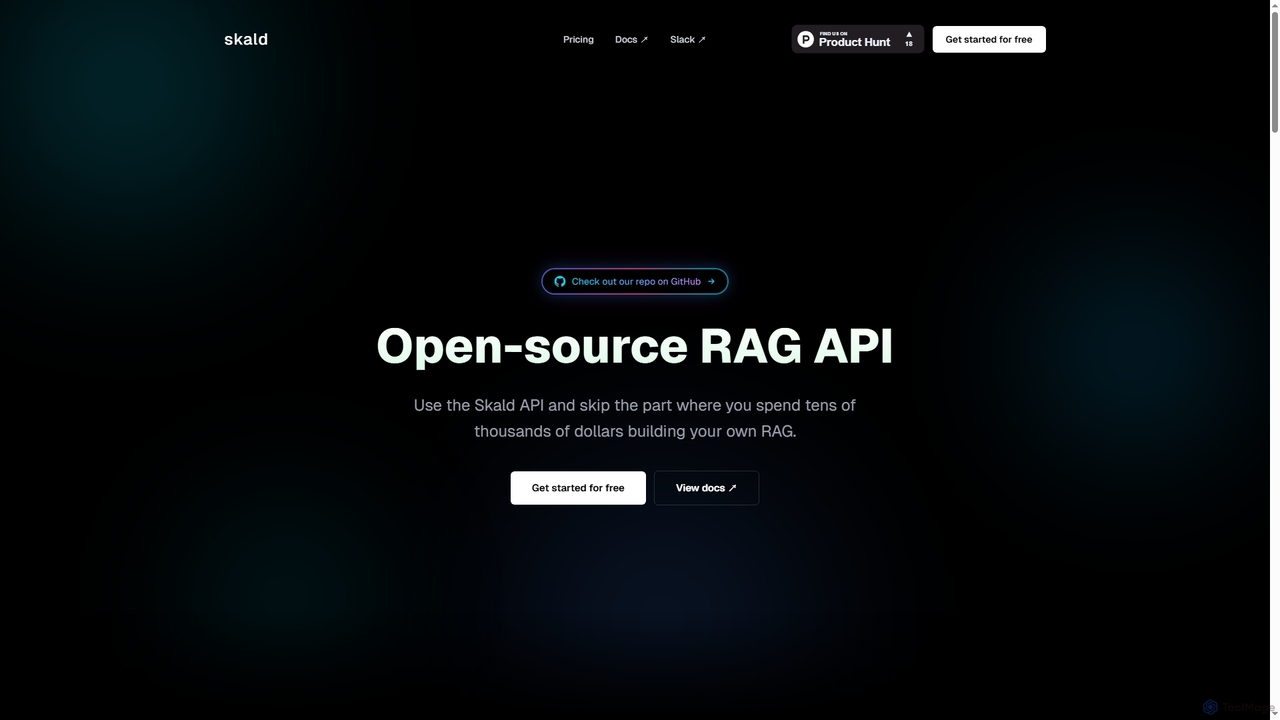
Skald
Skald is an open-source RAG API designed for developers to quickly build AI agents without the complexity of managing RAG infrastructure. It simplifies knowledge storage, context management, and semantic search, offering a powerful solution for integrating long-term memory into AI applications.
Rag
MindsDB Comments (0)
Sign in to comment.
Sign inNo comments yet.