ToolMage
Sign in

Best 99 Speech To Text AI tools for Audio

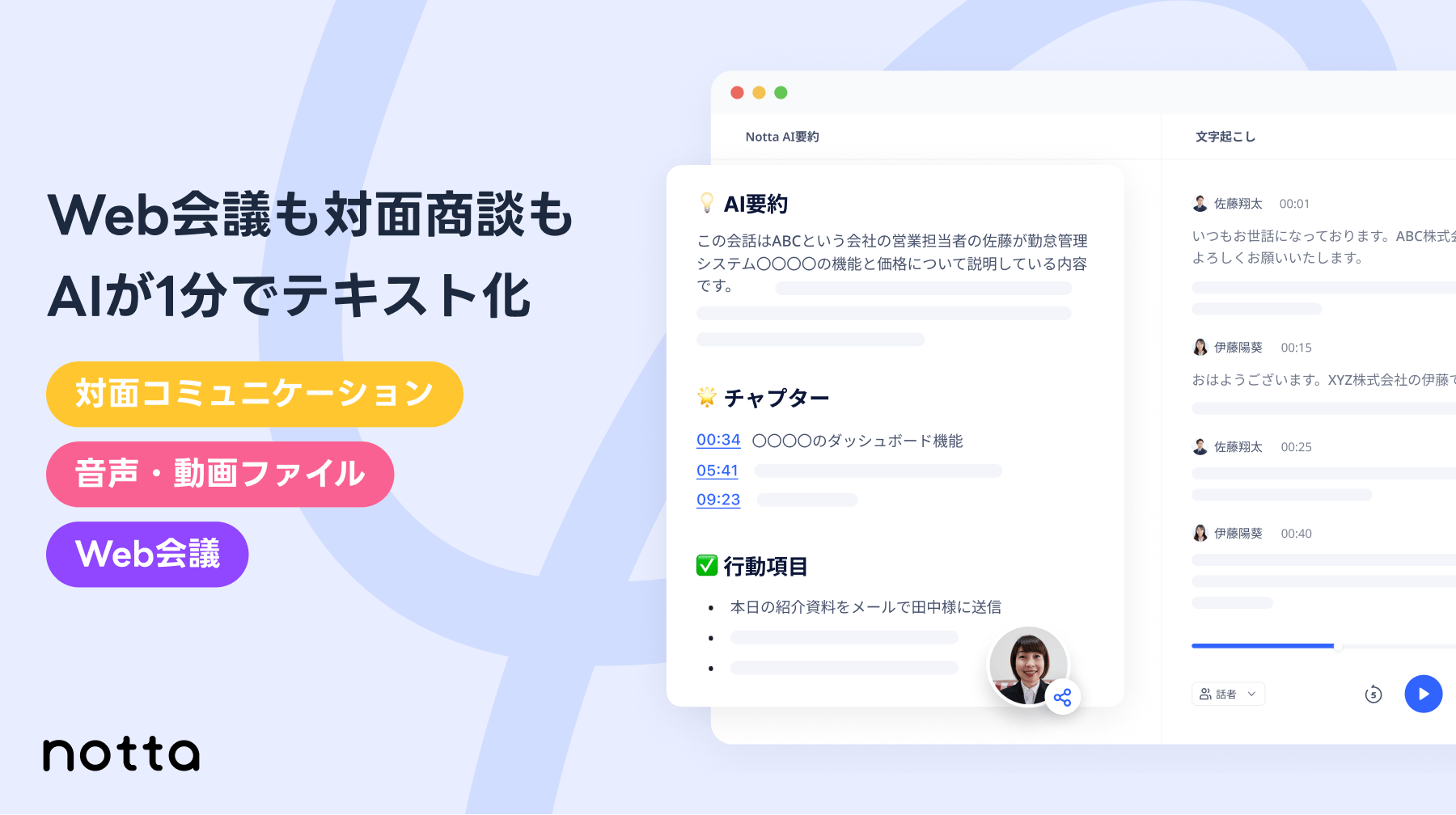
Popular Speech To Text AI tools in Audio include Notta, Clipto, Rev, Uniscribe, Speechnotes, Transkriptor, Deepgram, AssemblyAI, Transcript LOL, and iflyrec, helping you work more efficiently.

SwiftFox
Freemium

SwiftFox

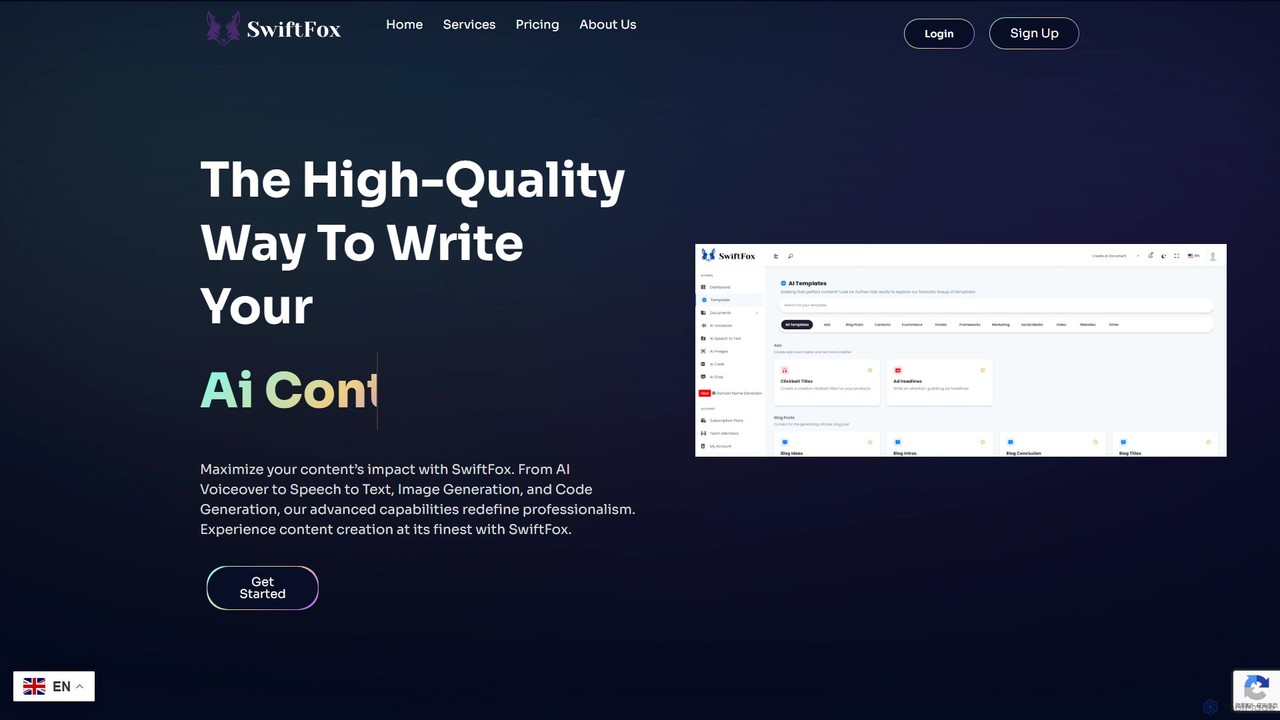
SwiftFox is a versatile AI-powered content creation suite designed to streamline your workflow. It offers a wide range of tools, including an AI writer with over 100 templates, an image generator, a code assistant, speech-to-text transcription, and AI voiceover services. It's built for marketers, writers, developers, and businesses to produce high-quality, original, and SEO-optimized content in seconds.

Speech To Text
Visits 6.5KFavorites 124Likes 122
VOMO
Freemium

VOMO

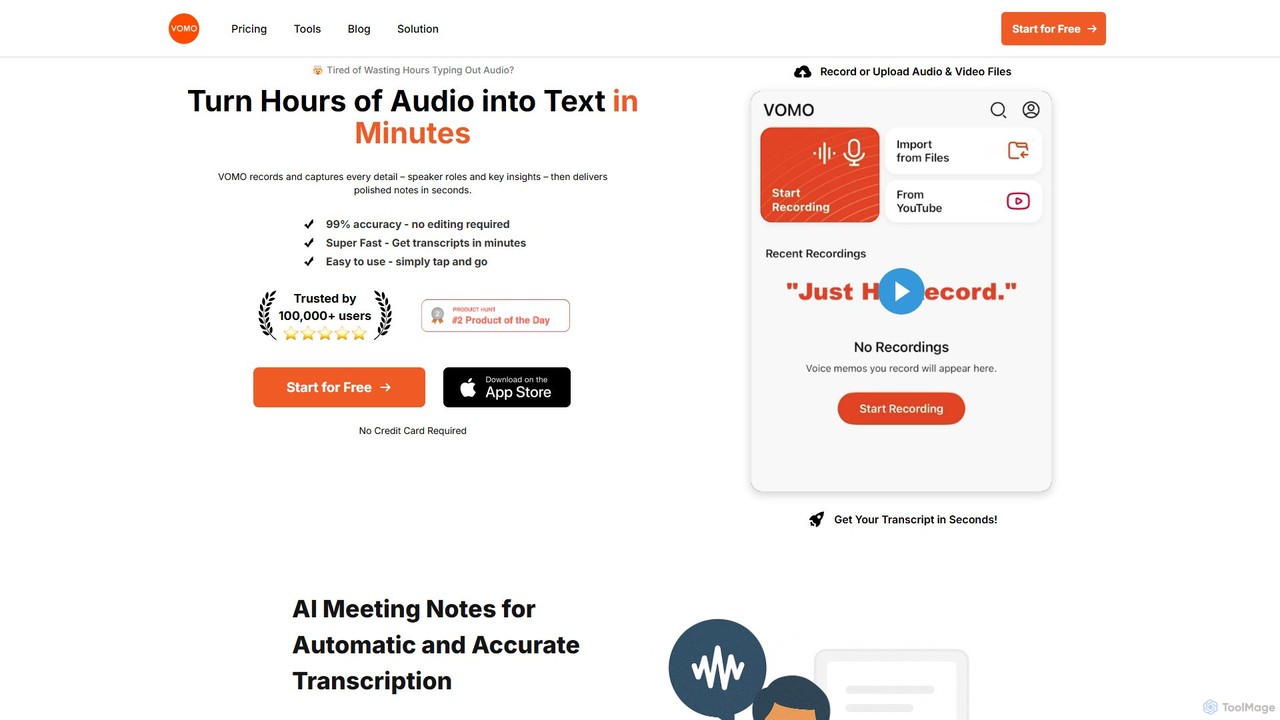
VOMO is an AI-powered tool that transcribes audio and video into text in minutes with 99% accuracy. It automatically generates meeting notes, summaries, and identifies speakers, helping users save time and boost productivity. It supports various file uploads, including YouTube links, and offers features like AI-powered Q&A and smart templates.

Speech To Text
Visits 194KFavorites 114Likes 112
Spacebar
Freemium

Spacebar

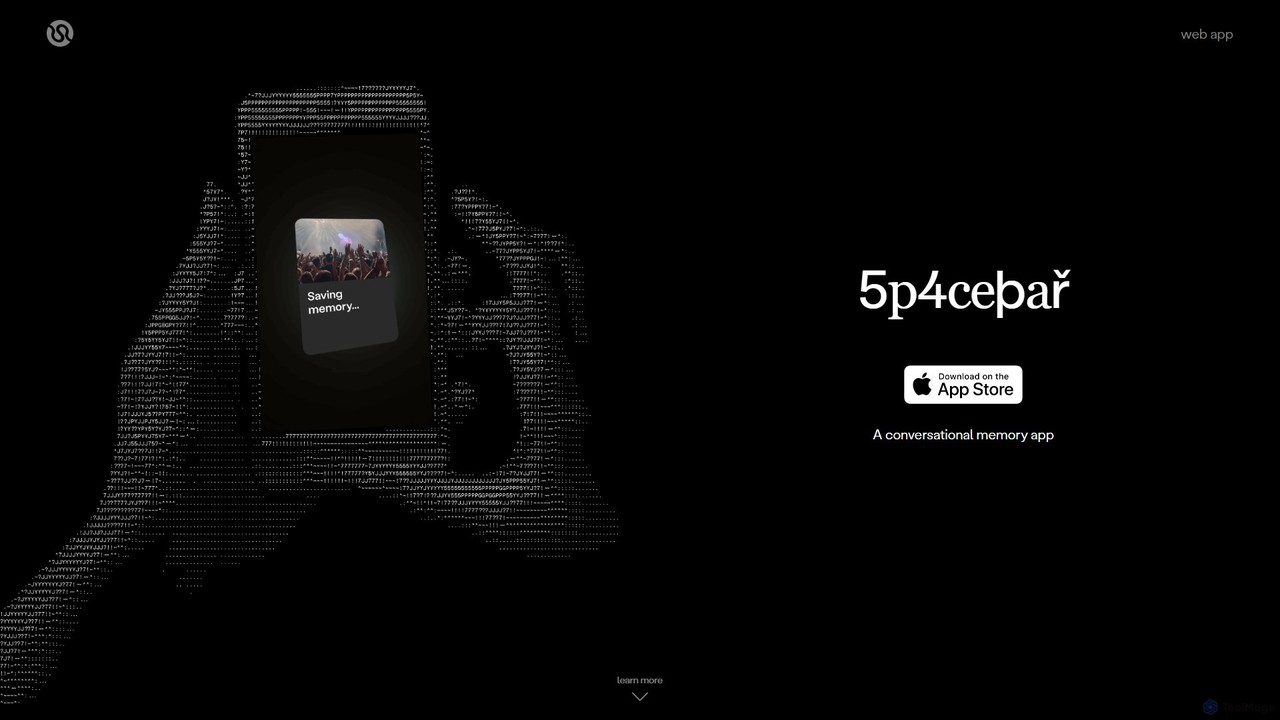
Spacebar is an AI-powered conversational memory app that captures, transcribes, and summarizes real-life audio. It allows you to stay present in conversations while it securely records and organizes your moments. Transform your audio into actionable content like emails, project briefs, or even code with a single click.

Speech To Text
Visits 7.4KFavorites 159Likes 163

About Speech To Text

Speech To Text (STT) tools are AI-powered applications designed to accurately convert spoken language into written text. Leveraging advanced natural language processing and machine learning, these tools analyze audio input, identify speech patterns, and transcribe them into digital text format. They significantly enhance productivity and accessibility by transforming voice recordings, live speeches, or dictations into editable and searchable documents.

Core Features

  • High Accuracy Transcription: Converts spoken words into text with high precision, even in varying audio conditions.
  • Speaker Diarization: Identifies and separates different speakers in a multi-person conversation.
  • Punctuation and Formatting: Automatically adds appropriate punctuation, capitalization, and paragraph breaks.
  • Multi-language Support: Transcribes speech in numerous languages and dialects.
  • Real-time Transcription: Processes audio and generates text instantly for live events or dictation.

Use Cases

Speech To Text tools are invaluable across various sectors, from media production to corporate communication. They are essential for journalists transcribing interviews, students converting lectures into notes, and professionals dictating reports. These tools streamline workflows by eliminating manual transcription, making audio content searchable, and improving accessibility for hearing-impaired individuals.

How to Choose

When selecting a Speech To Text tool, consider transcription accuracy, especially for specific accents or technical jargon. Evaluate its multi-language support, real-time capabilities, and integration options with existing platforms. Pricing models, data privacy policies, and the ability to handle different audio file formats are also crucial factors for making an informed decision.

Featured tool rankings

Speech To Text use cases

1

Transcribing Meeting Minutes and Interviews

Corporate professionals and journalists frequently use Speech To Text tools to convert recorded meetings, conference calls, and interviews into accurate text transcripts. This eliminates the tedious manual process of note-taking or re-listening to audio, allowing for quick review, keyword search, and easy sharing of discussions. It significantly reduces post-meeting administrative time and ensures no critical information is missed.

2

Generating Subtitles and Captions for Videos

Video content creators, educators, and broadcasters utilize Speech To Text technology to automatically generate precise subtitles and closed captions for their videos. This not only makes content accessible to a wider audience, including those with hearing impairments or non-native speakers, but also boosts SEO by providing searchable text for video content. It saves hours of manual captioning work and improves viewer engagement.

3

Dictating Documents and Emails

Busy executives, writers, and medical professionals leverage Speech To Text tools for hands-free document creation and email composition. By simply speaking their thoughts, they can quickly draft reports, memos, or patient notes without typing. This accelerates content creation, reduces physical strain from typing, and allows for more natural expression of ideas, especially when on the go.

4

Analyzing Customer Service Calls

Customer service centers and sales teams employ Speech To Text tools to transcribe customer interactions for quality assurance, sentiment analysis, and training purposes. Transcribed calls provide valuable insights into customer pain points, agent performance, and emerging trends. This data helps improve service quality, identify training needs, and refine sales strategies, leading to better customer satisfaction.

5

Enhancing Accessibility for Individuals with Disabilities

Speech To Text tools play a vital role in making digital content and real-time communication accessible for individuals with hearing impairments. Live transcription services allow deaf or hard-of-hearing users to follow conversations, lectures, or presentations in real-time. This technology fosters inclusivity, enabling equal participation in educational, professional, and social environments.

6

Voice Control and Command for Applications

Developers and tech enthusiasts integrate Speech To Text capabilities into applications for voice-activated control and command execution. Users can navigate interfaces, input data, or trigger specific functions using spoken commands, enhancing user experience and efficiency. This is particularly useful in smart home devices, automotive systems, and hands-free computing environments, offering a more intuitive interaction method.

Speech To Text FAQ

What are Speech To Text (STT) tools?

Speech To Text (STT) tools are artificial intelligence applications that convert spoken words from audio into written text. They use complex algorithms to recognize speech patterns, process natural language, and accurately transcribe verbal input into digital text, making audio content searchable, editable, and accessible.

How accurate are Speech To Text tools?

The accuracy of Speech To Text tools varies significantly based on factors like audio quality, background noise, speaker's accent, and the complexity of the vocabulary. Modern AI-powered STT tools can achieve very high accuracy rates (often above 90-95%) in clear audio conditions, but performance may decrease with poor audio or specialized jargon. Many tools offer editing features to correct any transcription errors.

How do Speech To Text tools differ from Voice Recognition?

While often used interchangeably, Speech To Text (STT) primarily focuses on converting spoken words into written text. Voice Recognition, on the other hand, is a broader term that can include STT but also encompasses identifying who is speaking (speaker recognition) or verifying a speaker's identity (speaker verification). STT is about "what was said," while voice recognition can also be about "who said it" or "is this person who they claim to be."

What are the main applications of Speech To Text technology?

Speech To Text technology has a wide range of applications. Key uses include transcribing meetings, interviews, and lectures; generating subtitles and captions for videos; dictating documents and emails; analyzing customer service calls for insights; enabling voice commands for smart devices; and enhancing accessibility for individuals with hearing impairments. It's crucial for content creation, data analysis, and improving user interaction.

What factors should I consider when choosing a Speech To Text tool?

When selecting an STT tool, consider several factors: Accuracy (how well it transcribes, especially for your specific audio type), Language Support (does it cover the languages and dialects you need?), Real-time vs. Batch Processing (do you need instant transcription or can you upload files?), Integration Capabilities (can it connect with your existing software?), Pricing Model (per minute, subscription, etc.), and Data Security/Privacy. Also, look for features like speaker diarization and custom vocabulary support.