ToolMage
Sign in

Best 155 Transcription AI tools for Audio

Popular Transcription AI tools in Audio include Plaud, Vmake, Flixier, Maestra, Captions, RSS.com, easy_peasy.ai, dubs, biji, and SubEasy, helping you work more efficiently.

freesubtitles.ai
Freemium

freesubtitles.ai

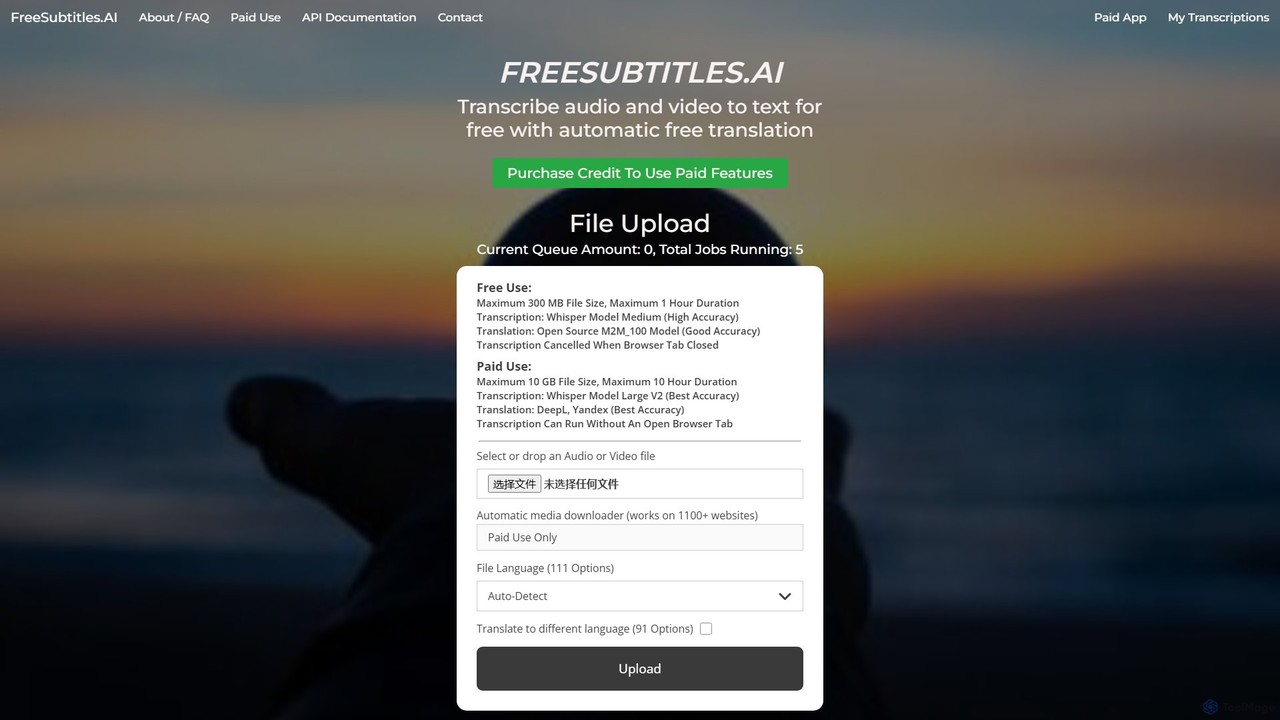
An AI-powered tool that offers free and paid services for transcribing audio and video into text with high accuracy. It supports over 111 languages for transcription and 91 for translation, utilizing models like OpenAI's Whisper. Paid features include higher limits, API access, and faster processing.

Transcription
Visits 108.3KFavorites 153Likes 137
CaptionCreator
Freemium

CaptionCreator

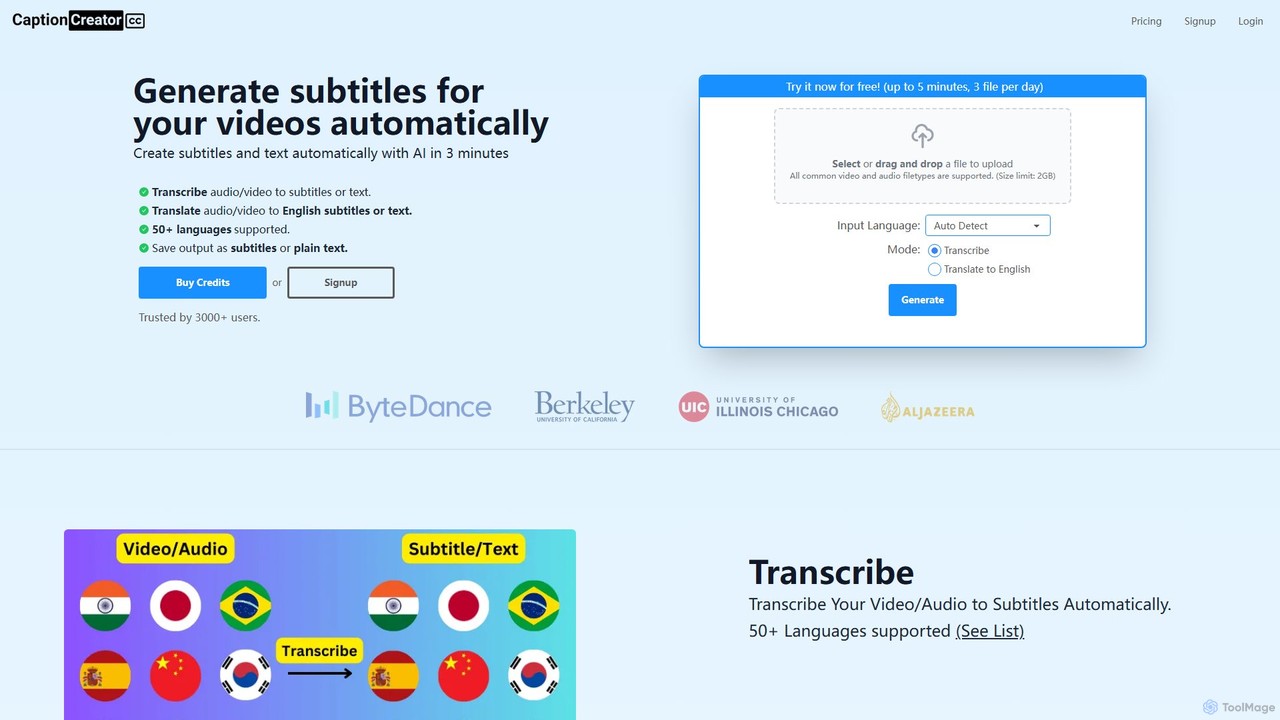
CaptionCreator is an AI-powered online tool that automatically generates subtitles and transcribes video or audio files in minutes. Supporting over 50 languages, it offers fast transcription and translation to English, handling noisy audio and diverse accents with high accuracy. It's ideal for content creators, marketers, and educators seeking to improve content accessibility and engagement.

Transcription
Visits 16.7KFavorites 157Likes 153
anysummary
Freemium

anysummary

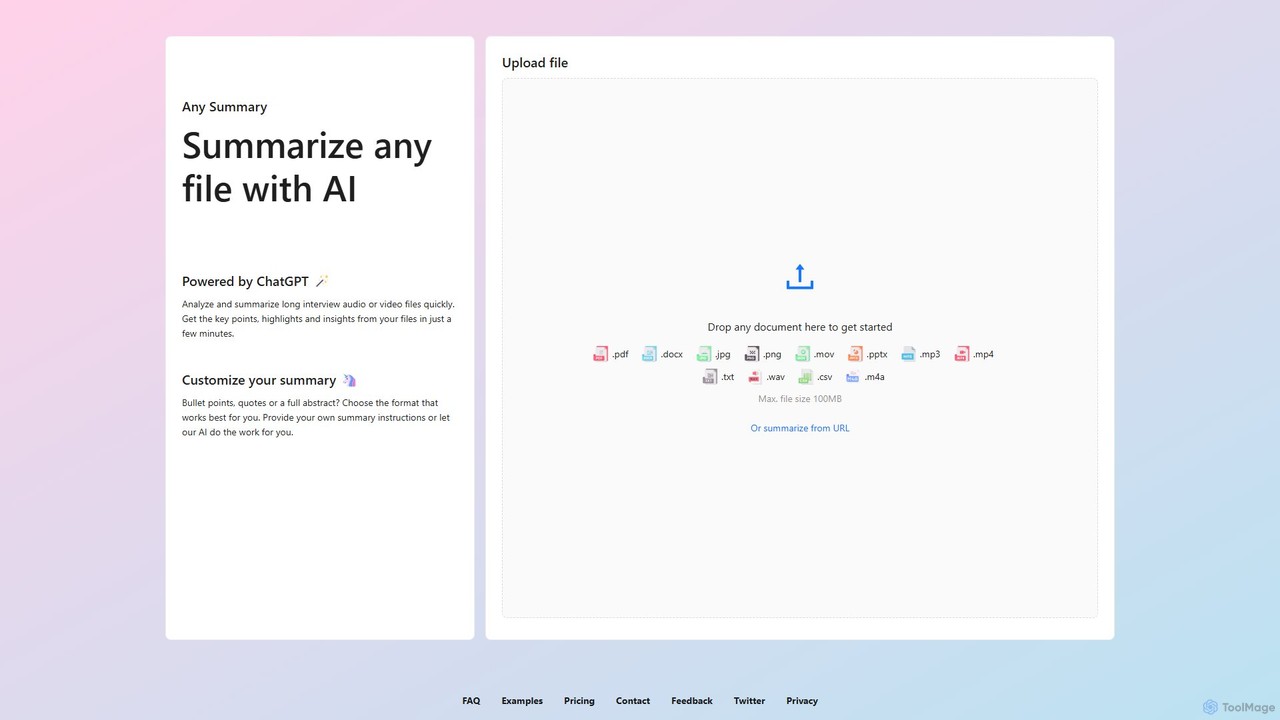
An AI-powered tool that summarizes any file or URL. Upload documents, audio, video, or images, and get concise summaries, key points, and insights in minutes. Customize output formats like bullet points or abstracts to fit your needs. Powered by ChatGPT.

Transcription
Visits 7.5KFavorites 143Likes 130
Mixflow.ai
Freemium

Mixflow.ai

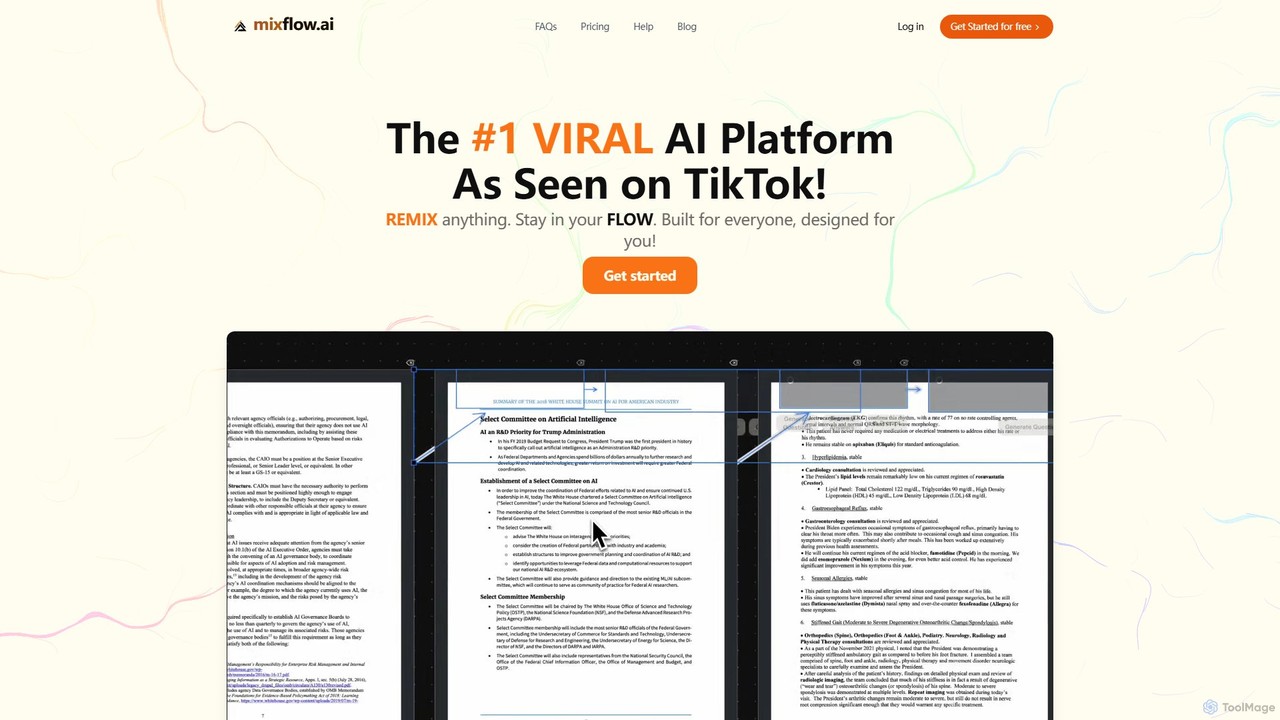
Mixflow.ai is an all-in-one AI workspace featuring an infinite canvas. It allows users to manage, analyze, and create content from various file types like documents, videos, audio, and images. With features for real-time collaboration, chatting with data sources, and multimodal content generation, it's designed to boost productivity for individuals and teams across various professions.

Transcription
Visits 8.8KFavorites 126Likes 139
heycami
Freemium

heycami

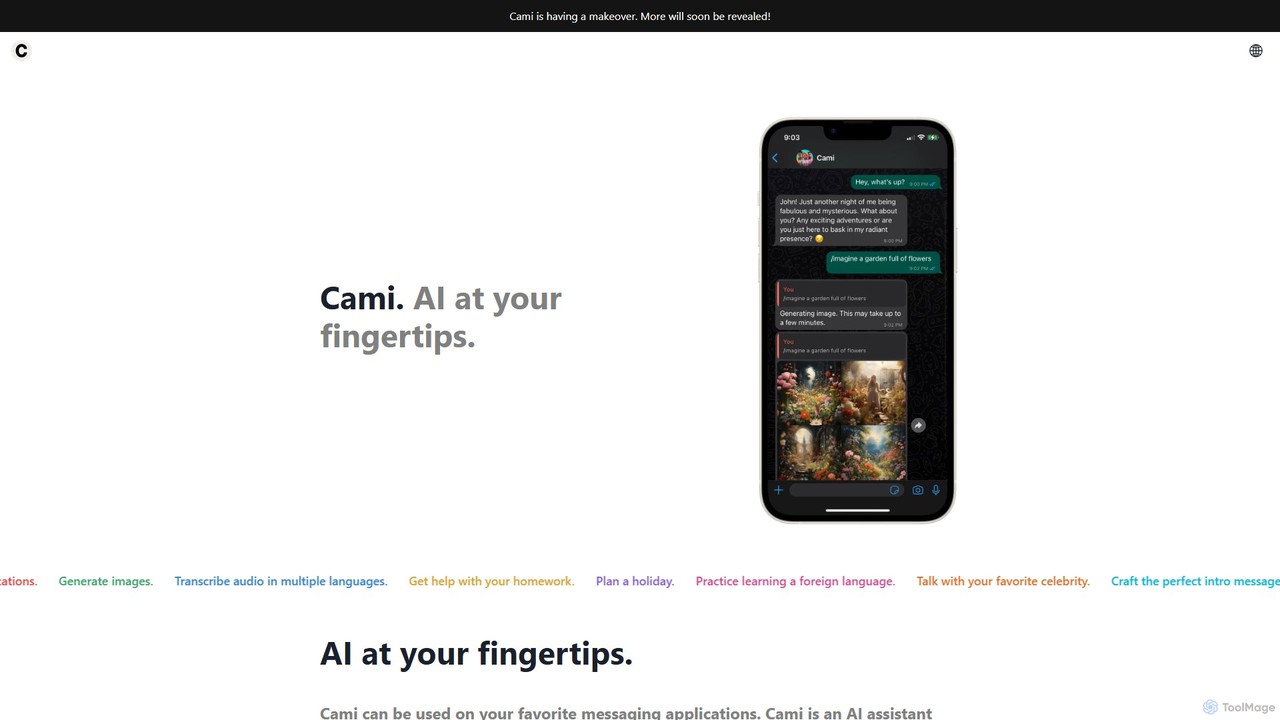
heycami is a versatile AI assistant integrated into your favorite messaging apps. It leverages advanced models like GPT-4 and Stable Diffusion to provide conversational help, generate stunning images, transcribe audio in multiple languages, and even adopt custom personalities. Access AI power directly from your chats for productivity and fun.

Transcription
Visits 9.3KFavorites 119Likes 140
Vemo
Freemium

Vemo

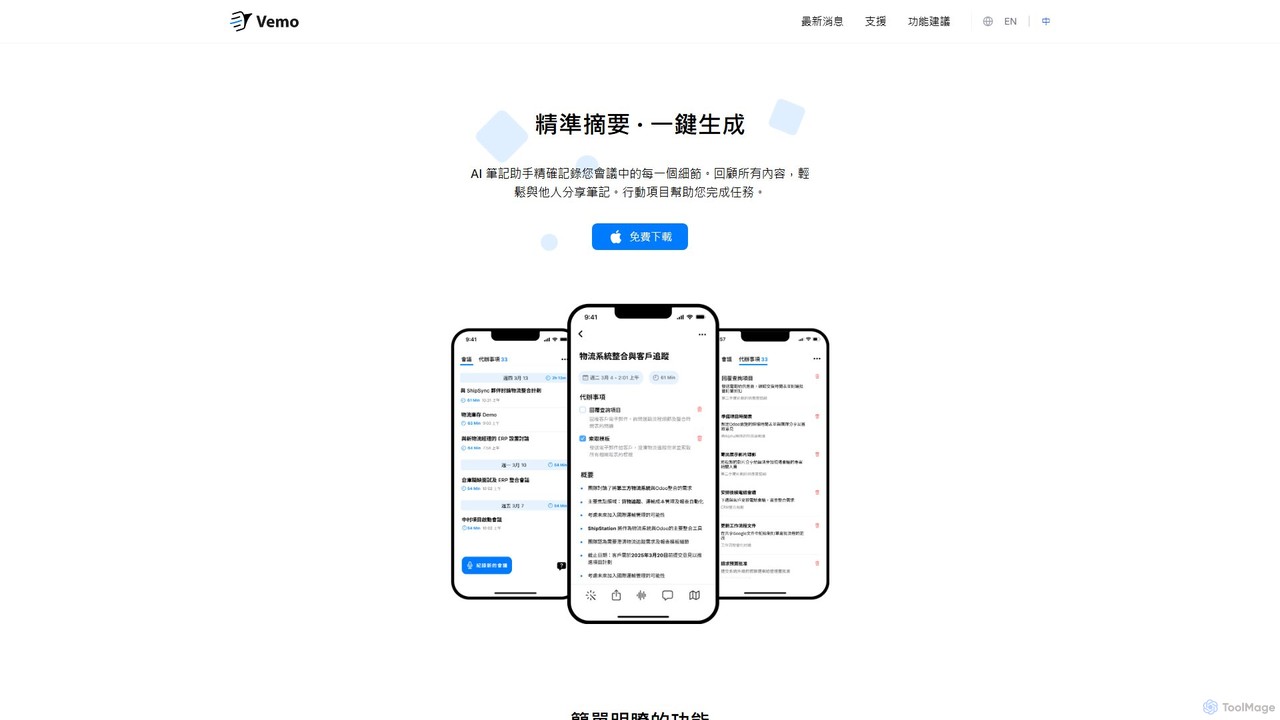
Vemo is an AI-powered meeting assistant that records, transcribes, and summarizes your conversations with high accuracy. It automatically identifies action items and creates to-do lists, allowing you to focus on the discussion without worrying about taking notes. Features include voice-based editing and an AI assistant for querying meeting details.

Transcription
Visits 8.2KFavorites 132Likes 138
SubEasy
Freemium

SubEasy

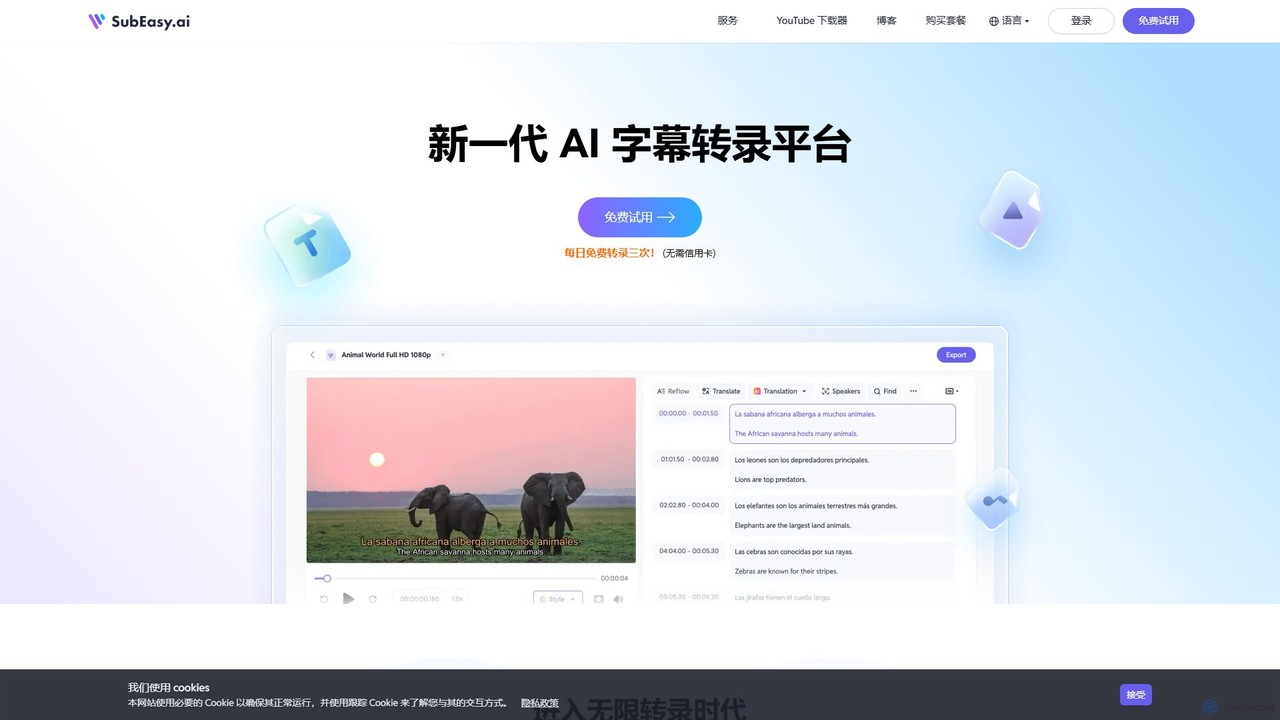
SubEasy is a next-generation AI platform for video and audio transcription, subtitle generation, and translation. Powered by OpenAI's Whisper, it delivers up to 99% accuracy. It supports over 100 languages, offers a unique AI Reflow feature for perfectly timed subtitles, and provides an all-in-one solution from transcription to video export, making it ideal for content creators, educators, and businesses.

Transcription
Visits 684.8KFavorites 138Likes 140
Coral AI
Freemium

Coral AI

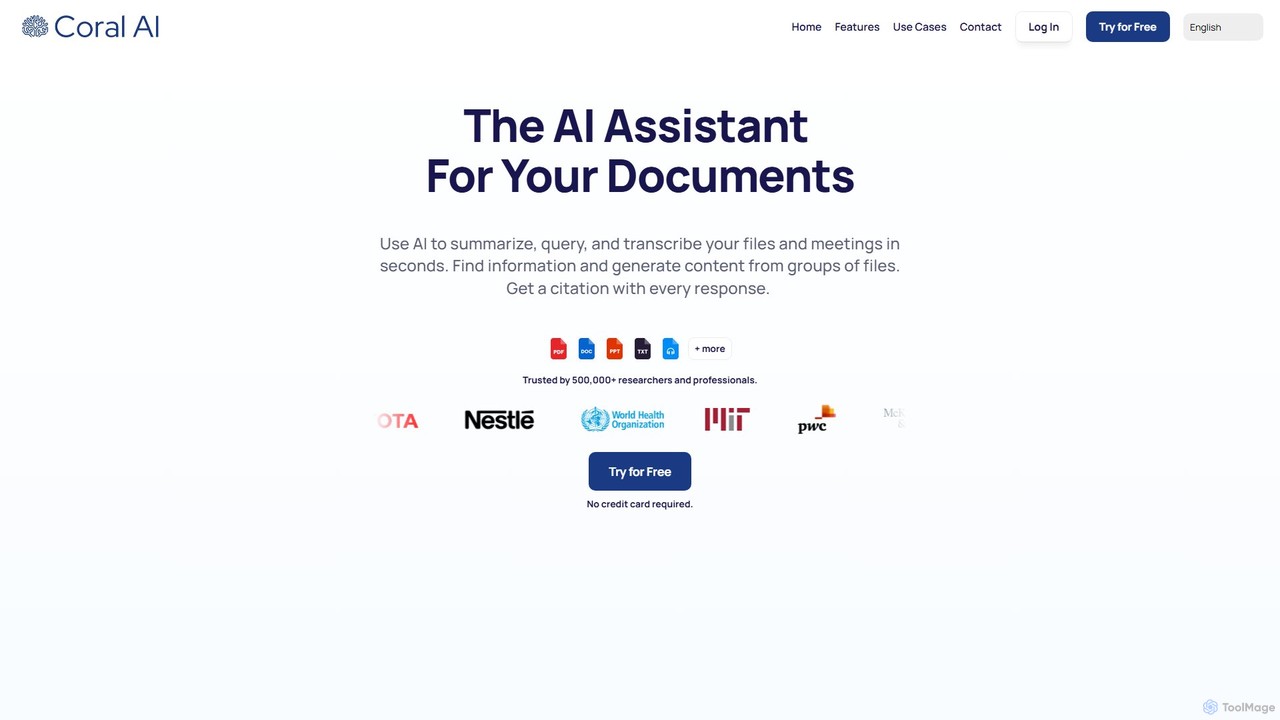
Coral AI is an intelligent assistant that transforms your documents, audio, and video files into interactive resources. Upload your files to summarize content, ask specific questions, extract key information, and transcribe media in seconds. It provides precise, citable answers, making it an essential tool for students, researchers, and professionals to enhance productivity and understanding.

Transcription
Visits 31.8KFavorites 130Likes 130
Audio writer
Freemium

Audio writer

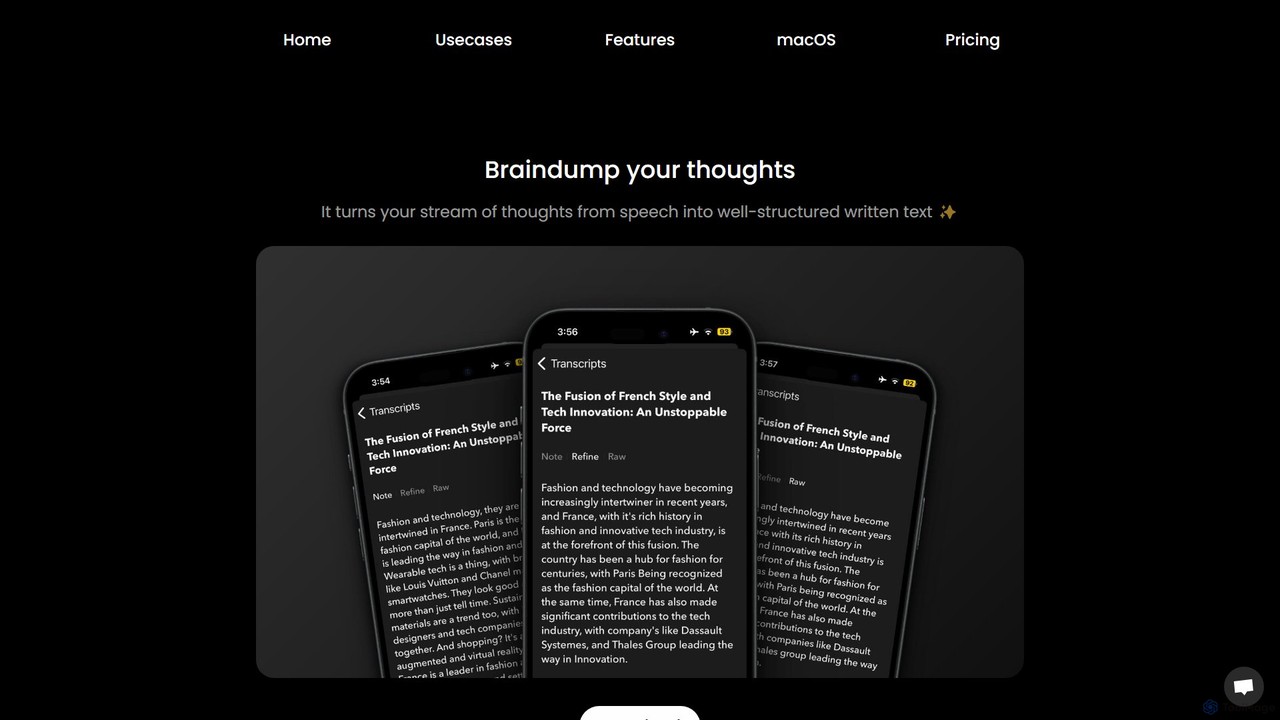
Audio writer is an AI-powered app for macOS and iOS that transforms your spoken thoughts into well-structured, coherent written text. It's designed for brainstorming, journaling, and content creation, turning voice notes into polished articles, emails, and social media posts.

Transcription
Visits 5.8KFavorites 162Likes 157
Maestra
Freemium

Maestra

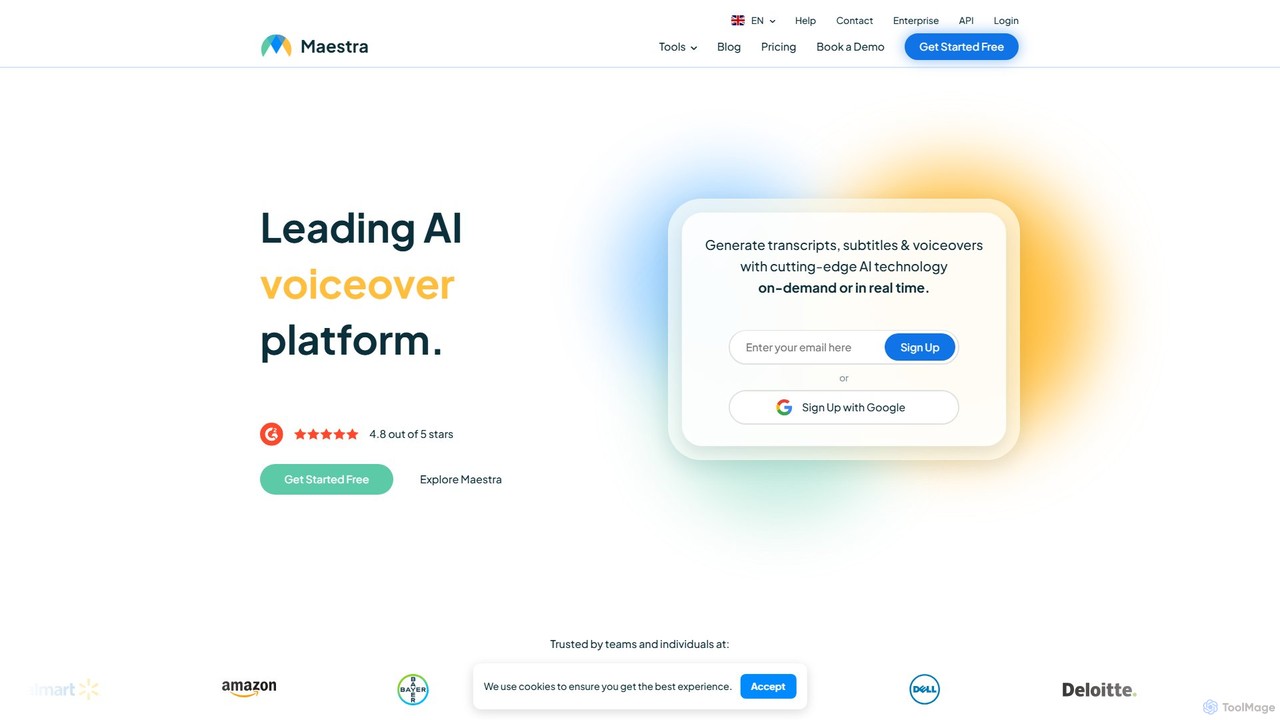
Maestra is an all-in-one AI platform for content creators and businesses, offering fast and accurate transcription, subtitling, translation, and voiceover services in over 125 languages. It features AI dubbing, voice cloning, real-time translation, and robust collaboration tools, integrating seamlessly with platforms like YouTube, Zoom, and Slack to streamline content localization and accessibility workflows.

Transcription
Visits 1.5MFavorites 113Likes 133
artiro
Freemium

artiro

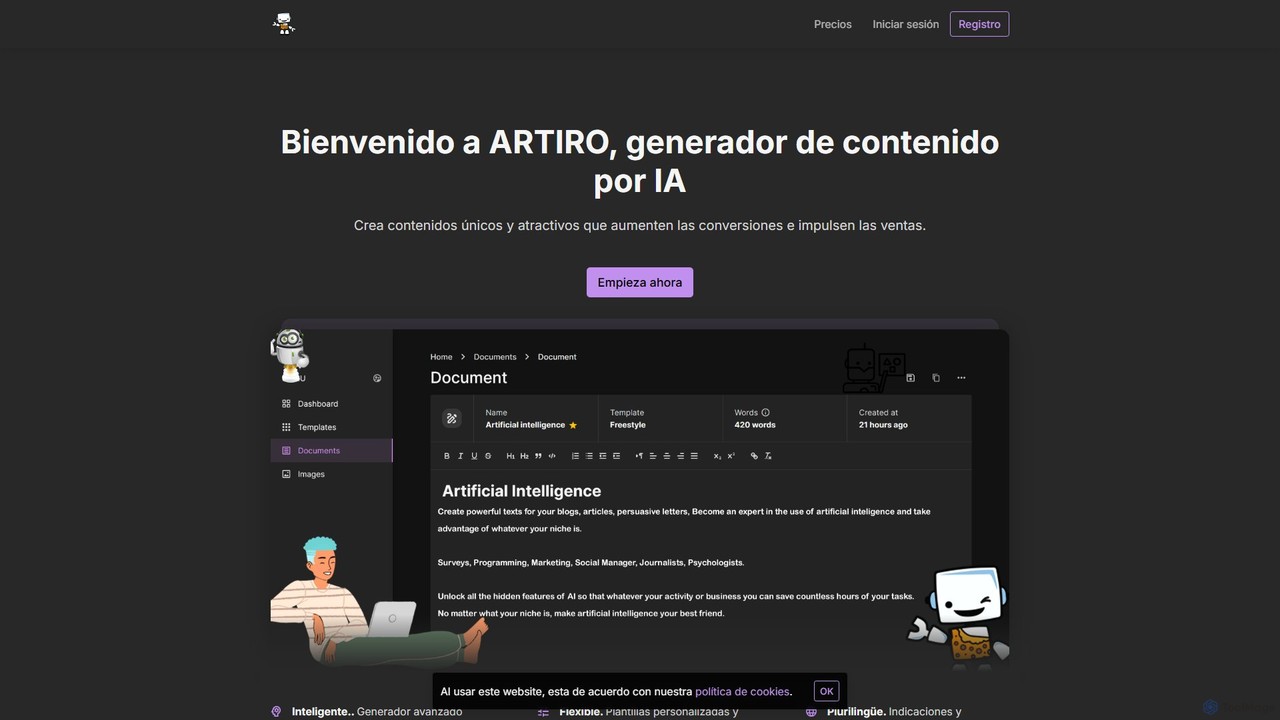
artiro is an all-in-one AI-powered platform for content creation. It generates unique text for blogs and marketing, creates stunning images in various styles, transcribes audio files into editable documents, and offers interactive AI chat. With over 50 templates and support for 30+ languages, artiro streamlines creative workflows for marketers, writers, and businesses, boosting productivity and engagement.

Transcription
Visits 6KFavorites 110Likes 108

About Transcription

Transcription tools are AI-powered solutions that convert spoken language from audio or video into written text. Leveraging advanced Automatic Speech Recognition (ASR) technology, these tools accurately process diverse accents, languages, and speech patterns. They provide immense value by transforming ephemeral spoken content into searchable, editable, and accessible text, streamlining workflows for content creators, researchers, and businesses alike.

Core Features

  • High Accuracy ASR: Converts speech to text with high precision, even in noisy environments or with multiple speakers.
  • Speaker Diarization: Automatically identifies and labels different speakers in a conversation, enhancing readability.
  • Timestamping & Punctuation: Adds precise timestamps and correct punctuation, making the transcript easy to navigate and understand.
  • Multi-language Support: Offers transcription services for a wide array of global languages and dialects.
  • Custom Vocabulary: Allows users to add specific terms, names, or jargon to improve accuracy for specialized content.

Use Cases

Transcription tools are indispensable across various sectors. Journalists use them to quickly transcribe interviews for reporting, while educators leverage them to create accessible lecture notes for students. Businesses utilize these tools for converting meeting recordings into searchable minutes, analyzing customer service calls, and generating subtitles for video content, significantly improving information accessibility and operational efficiency.

How to Choose

When selecting a transcription tool, prioritize accuracy, especially for specialized terminology or multiple speakers. Evaluate its language support, export formats (e.g., SRT, TXT, DOCX), and integration capabilities with existing workflows. Consider pricing models, security features for sensitive data, and whether real-time transcription is a necessary feature for your specific needs.

Featured tool rankings

Transcription use cases

1

Transcribing Interviews and Podcasts for Content Creation

Journalists and podcasters use AI transcription tools to quickly convert recorded interviews, press conferences, or podcast episodes into text. This allows for efficient editing, fact-checking, and the creation of show notes or articles, saving hours of manual typing and speeding up content delivery.

2

Automating Meeting Minutes and Lecture Notes

Professionals and students utilize transcription software to automatically generate written records of meetings, webinars, or university lectures. This ensures no critical information is missed, facilitates easy searching for specific topics, and provides accessible study materials or corporate archives.

3

Generating Accurate Subtitles for Videos

Content creators and marketers employ transcription tools to create precise subtitles and captions for their video content across platforms like YouTube, social media, and e-learning courses. This enhances accessibility for hearing-impaired audiences and improves SEO by making video content searchable.

4

Analyzing Customer Feedback from Call Recordings

Businesses leverage transcription to convert customer service calls, focus group discussions, or user interviews into text. This enables efficient analysis of customer sentiment, identification of common issues, and extraction of valuable insights for product development and service improvement.

5

Expediting Legal and Medical Record Keeping

Legal professionals use transcription for depositions, court proceedings, and client consultations, while medical practitioners apply it to patient notes and consultations. The tools provide accurate, timestamped records, crucial for compliance, evidence, and efficient documentation in highly regulated fields.

6

Enhancing Accessibility for Hearing-Impaired Individuals

Organizations and individuals use transcription tools to provide text alternatives for audio-visual content, making it accessible to hearing-impaired audiences. This includes live captioning for events or transcribing educational materials, fostering greater inclusivity and compliance with accessibility standards.

Transcription FAQ

What are AI Transcription tools?

AI Transcription tools are software applications that use artificial intelligence, specifically Automatic Speech Recognition (ASR) technology, to convert spoken audio into written text. They analyze speech patterns, phonetics, and context to generate highly accurate transcripts, often including speaker identification and timestamps. These tools are designed to automate the laborious process of manual transcription, making audio and video content searchable and editable.

How do AI Transcription tools differ from manual transcription services?

AI Transcription tools offer speed and cost-effectiveness, delivering transcripts in minutes at a fraction of the cost of human services. They are ideal for large volumes of audio and quick turnarounds. Manual transcription, performed by human transcribers, typically offers higher accuracy for complex audio (e.g., heavy accents, poor audio quality, specialized jargon) and nuanced content, but is slower and more expensive. Many AI tools now offer human-in-the-loop editing to combine the best of both.

What factors should I consider when choosing an AI Transcription tool?

When selecting an AI transcription tool, prioritize accuracy, especially for your specific audio quality and language. Evaluate its support for multiple languages and dialects, speaker diarization capabilities, and the range of export formats (e.g., TXT, DOCX, SRT, VTT). Consider integration options with your existing software, pricing structure, and data security measures. Finally, assess if real-time transcription or a robust editing interface is crucial for your workflow.

Can AI Transcription tools handle multiple speakers and accents?

Yes, modern AI transcription tools are increasingly adept at handling multiple speakers through a feature called speaker diarization, which identifies and labels different voices. They also support a wide range of accents and dialects, though accuracy can vary depending on the tool's training data and the clarity of the audio. For optimal results with strong accents or complex multi-speaker scenarios, choosing a tool with advanced AI models and custom vocabulary features is recommended.

What are the common applications of AI Transcription in business?

In business, AI Transcription tools are widely used for converting meeting recordings into searchable minutes, analyzing customer service calls for insights, and generating subtitles for marketing videos or internal training materials. They also facilitate market research by transcribing focus group discussions, aid in legal documentation for depositions, and improve accessibility for corporate communications. These applications enhance efficiency, data analysis, and information sharing across various departments.