ToolMage
Sign in

Best 36 3D Modeling AI tools for Design

Popular 3D Modeling AI tools in Design include ComfyUI, Sloyd, Aurora Solar, Zoo, Vagon, Ludo.ai, Dora, TRELLIS 3D AI, Asseter, and Kaedim3D, helping you work more efficiently.

Qlone
Freemium

Qlone

Qlone is a user-friendly, all-in-one 3D scanning app for mobile devices. It allows anyone to easily capture real-world objects and people, turning them into high-quality 3D models directly on their phone. With its unique AR mat for guidance, on-device processing, and seamless export options, Qlone makes 3D creation accessible for 3D printing, AR/VR content, e-commerce, and art.

3D Scanning
Visits 9.8KFavorites 154Likes 149
konfiwear
Paid

konfiwear

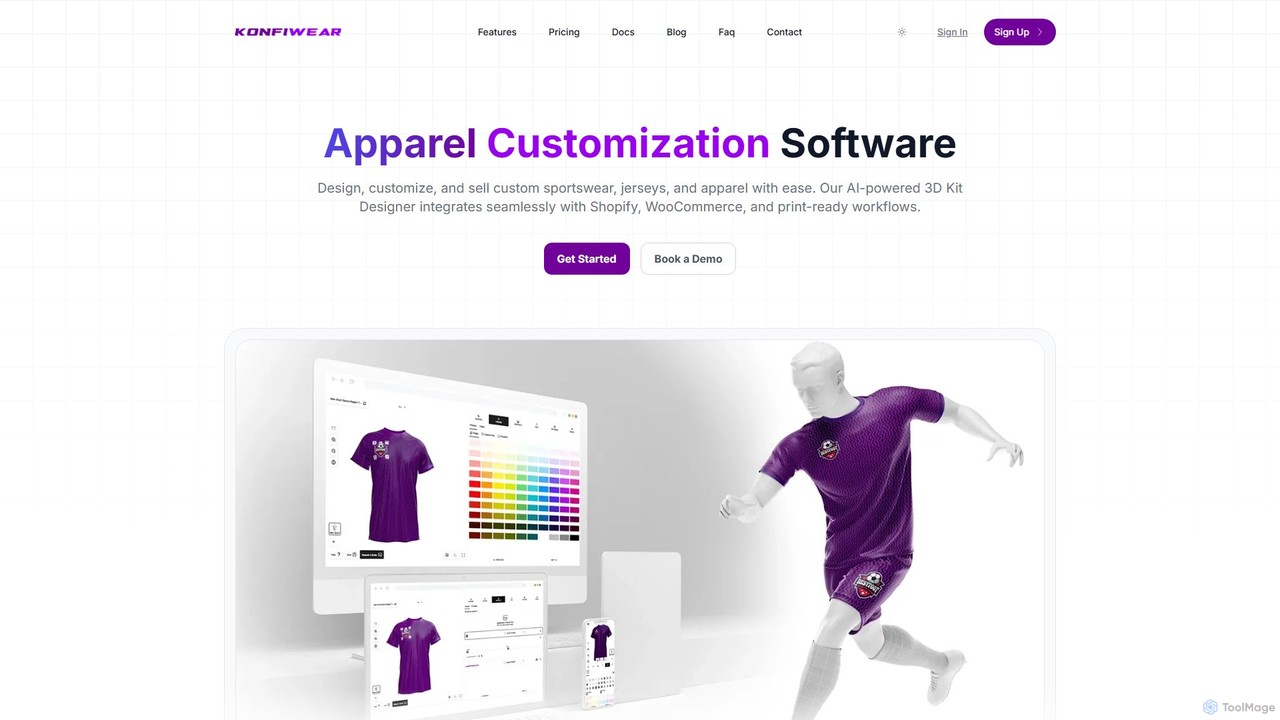
Konfiwear is an AI-powered 3D apparel customization software designed for e-commerce businesses. It enables brands to offer real-time, interactive product design for sportswear, jerseys, and other apparel. The platform seamlessly integrates with Shopify, WooCommerce, and other major platforms, streamlining the entire process from customer design to print-ready production files.

3D Modeling
Visits 7.3KFavorites 135Likes 142
Sloyd
Freemium

Sloyd

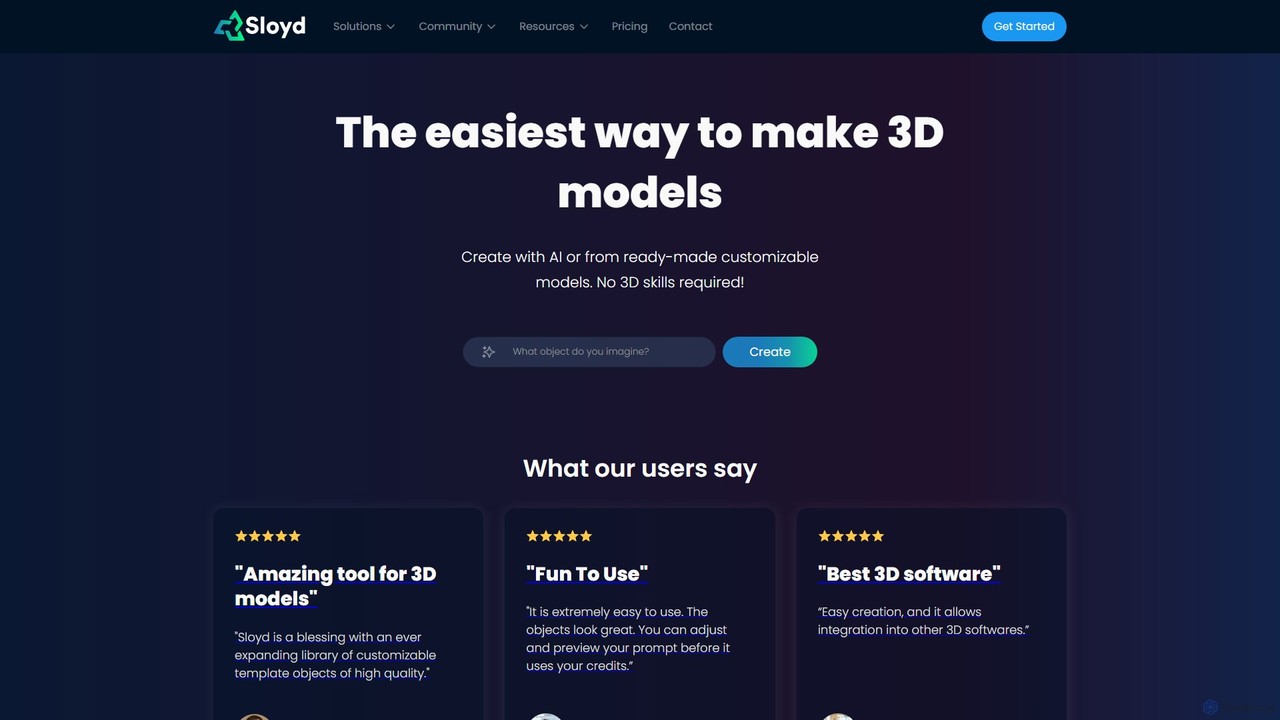
Sloyd is an AI-powered 3D model generator that makes 3D creation effortless. Generate models from text prompts or images, or customize from a vast library of parametric templates. No 3D skills are required, making it perfect for game developers, designers, and hobbyists.

Generator
Visits 445.7KFavorites 98Likes 116
Aurora Solar
Paid

Aurora Solar

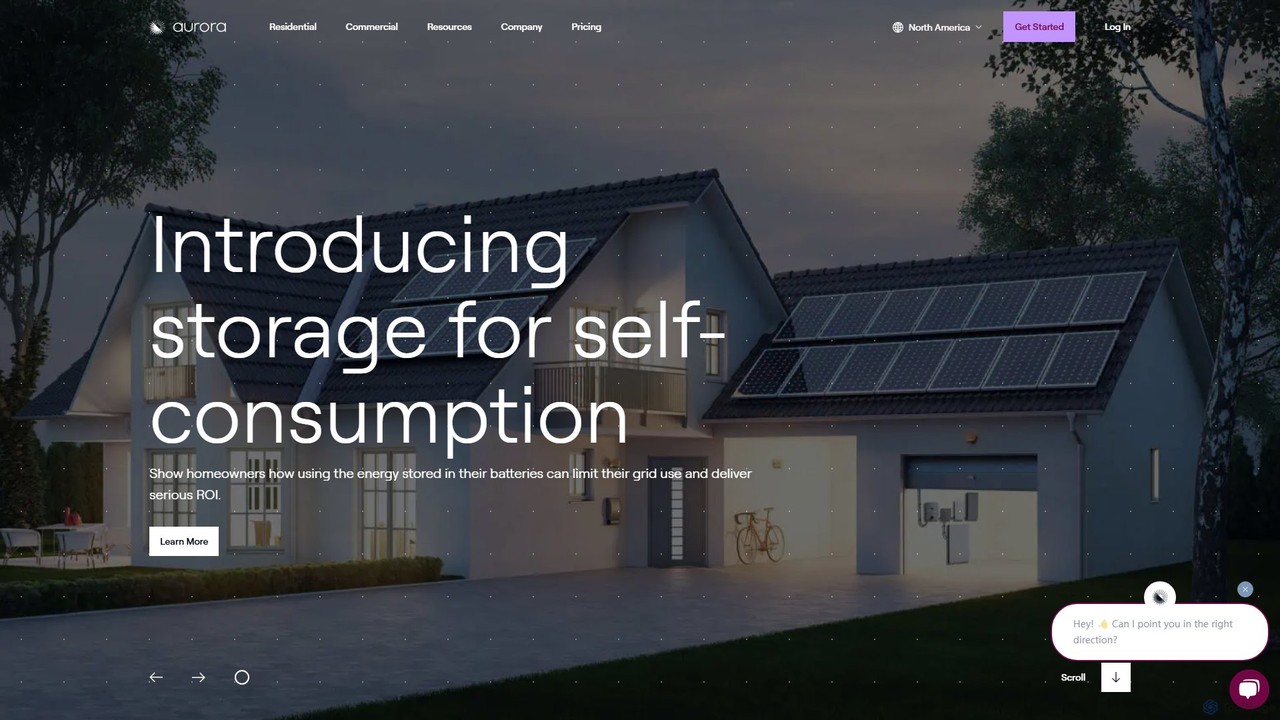
Aurora Solar is an all-in-one software platform for solar professionals, streamlining the entire project lifecycle from sales and design to delivery. Using AI-powered 3D modeling, LIDAR data, and precise shading analysis, it enables users to create accurate, permit-ready solar designs and compelling sales proposals in minutes, without site visits. This accelerates the sales process, reduces change orders, and improves operational efficiency for solar companies.

Sales
Visits 358.9KFavorites 128Likes 119
heroify
Freemium

heroify

Heroify is an AI-powered platform for generating high-quality 3D models and design assets from 2D images and text prompts. It's designed for designers, developers, and creators to accelerate their workflow and bring creative visions to life with ease.

Image To 3D
Visits 7.6KFavorites 113Likes 108
Hypar
Freemium

Hypar

Hypar is a cloud-based generative design platform for the Architecture, Engineering, and Construction (AEC) industry. It empowers users to automate building design processes, rapidly generate and evaluate thousands of design options, and collaborate seamlessly in a data-driven environment.

3D Modeling
Visits 16.4KFavorites 134Likes 145
gNucleus
Freemium

gNucleus

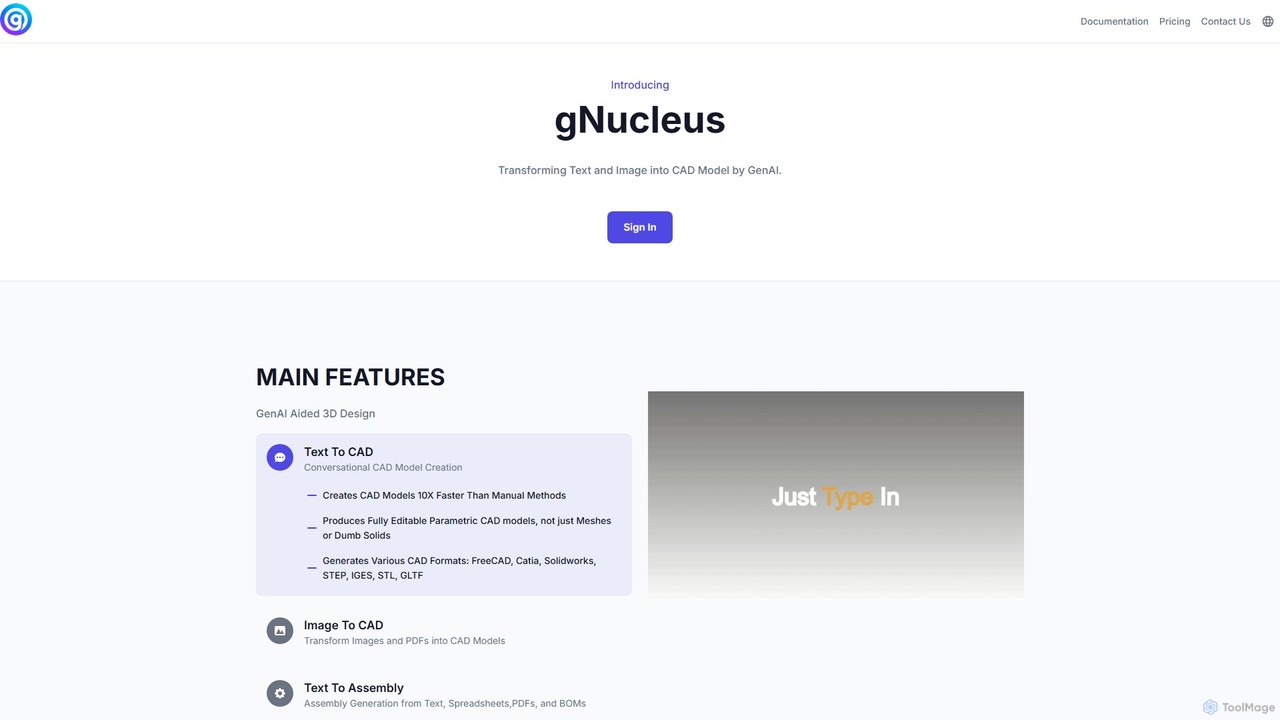
gNucleus is a generative AI platform that transforms text, images, and data into fully editable, parametric 3D CAD models. Designed for engineers and designers, it accelerates the design process by up to 10x, supporting various CAD formats and seamless integration with existing workflows.

3D Modeling
Visits 6.9KFavorites 136Likes 138
Herewe
Freemium

Herewe

Herewe is a web-based, AI-powered platform for easily creating 3D games and metaverse experiences. With its intuitive 3D studio, Text-to-3D generator, and a rich ecosystem of assets and third-party extensions, users can build and share immersive virtual worlds without needing advanced coding or design skills. It's an all-in-one solution for game developers, creators, and communities.

3D Modeling
Visits 5.8KFavorites 114Likes 116
Masterpiece X
Freemium

Masterpiece X

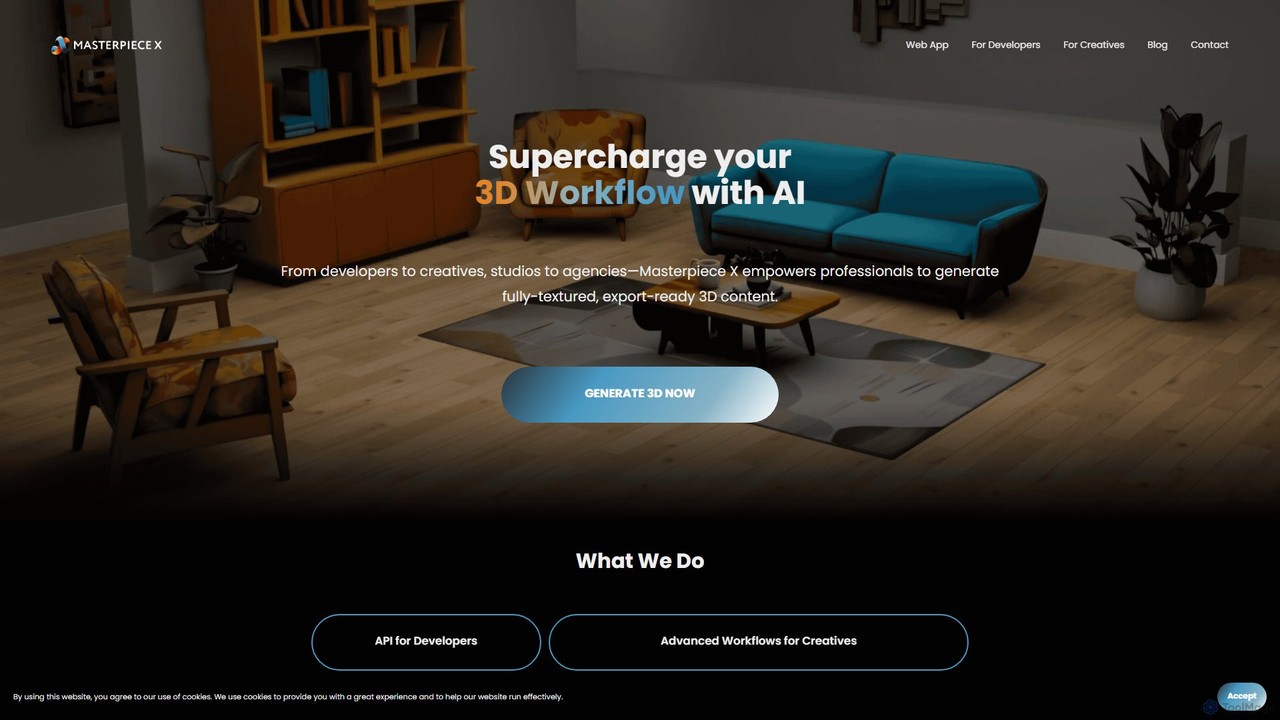
Masterpiece X is an advanced AI-powered 3D creation platform designed for professionals and creatives. It enables users to generate fully-textured, animated, and export-ready 3D models from simple text prompts or images, significantly accelerating workflows in game development, concept art, and metaverse creation.

3D Modeling
Visits 24.2KFavorites 117Likes 136
getfloorplan
Paid

getfloorplan

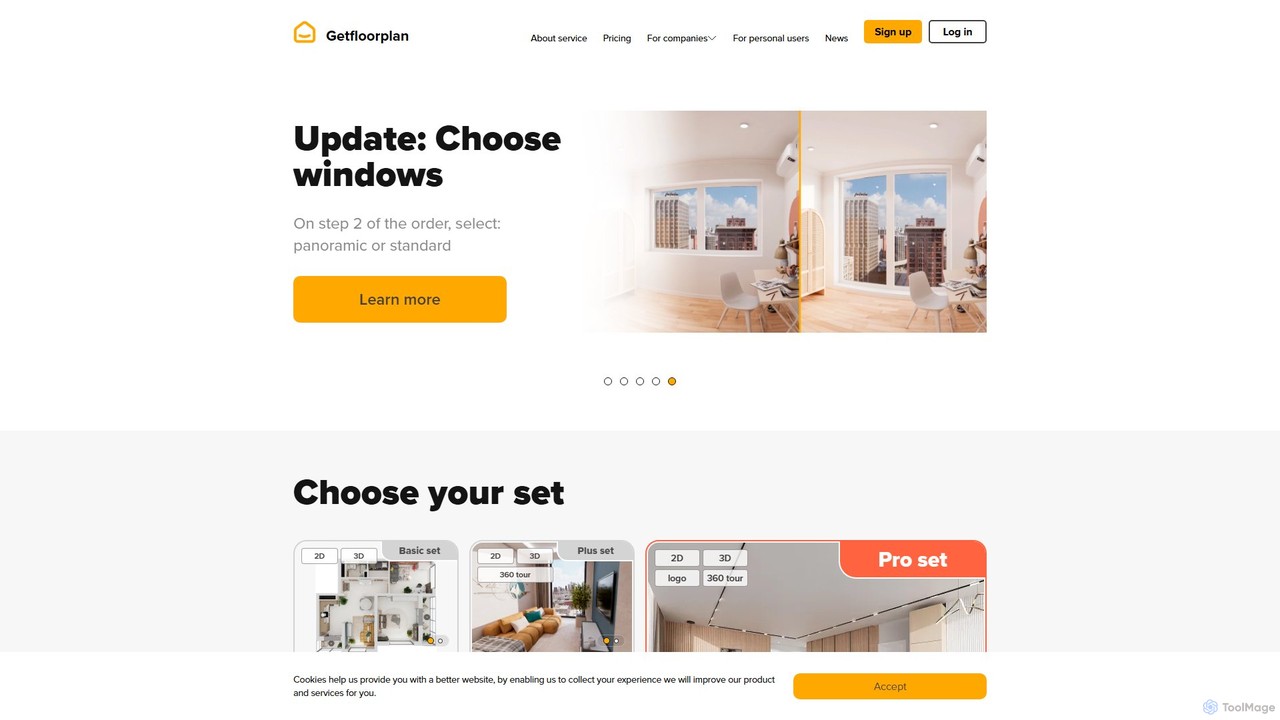
getfloorplan is an AI-powered service that transforms simple floor plan uploads (JPG, PNG, PDF) into professional 2D/3D floor plans, immersive 360° virtual tours, and high-quality renderings within 24 hours. It's designed for real estate professionals, developers, and property managers to create stunning marketing materials quickly and affordably, enhancing property listings and accelerating sales.

3D Modeling
Visits 22.6KFavorites 140Likes 136
Phygital+
Freemium

Phygital+

Phygital+ is a comprehensive, node-based AI workspace designed for creative teams and individuals. It integrates over 30 AI models, including Stable Diffusion, DALL-E 3, and GPT-4o, into a single collaborative platform. Users can visually build complex workflows for generating images, videos, text, and 3D models without writing any code, significantly accelerating the creative production process.

3D Modeling
Visits 9.7KFavorites 124Likes 130
Vestate

Vestate

Vestate is an AI-powered real estate marketing platform that redefines the property sales journey. It leverages interactive 3D solutions, digital twins, and virtual tours to create immersive experiences for potential buyers. The tool provides AI-driven insights into customer behavior, helping developers shorten sales cycles, increase conversions, and reduce reliance on physical show flats.

Business Intelligence
Visits 6.7KFavorites 169Likes 160

About 3D Modeling

AI 3D Modeling tools are a class of software that uses artificial intelligence to generate, modify, and optimize three-dimensional models. These tools typically leverage generative algorithms and machine learning to interpret text prompts, 2D images, or even video footage, automating the creation of complex geometry and textures. This technology significantly accelerates workflows in game development, product design, and virtual reality, enabling users to produce detailed digital assets with greater speed and less manual effort. They bridge the gap between conceptual ideas and tangible 3D representations.

Core Features

  • Text-to-3D Generation: Creates 3D models directly from descriptive text prompts, allowing for rapid ideation.
  • Image-to-3D Conversion: Transforms a single 2D image or a series of photos into a textured 3D object.
  • AI-Assisted Sculpting & Retopology: Provides intelligent suggestions and automates the process of refining model surfaces and optimizing mesh topology for performance.
  • Procedural Texturing: Generates realistic and complex surface materials (like wood, metal, or fabric) based on simple parameters or style inputs.
  • Style Transfer: Applies the artistic style of a source image to the texture and form of a 3D model.

Use Cases

These tools are widely used by game developers for rapid asset prototyping, architects for conceptual visualization, and product designers for creating initial mockups. They are also valuable for VFX artists, animators, and hobbyists in 3D printing who need to generate custom models quickly without deep expertise in traditional modeling software.

How to Choose

When selecting an AI 3D Modeling tool, consider the quality and detail of the generated models, the supported input types (text, image, video), and the available export formats (e.g., OBJ, FBX, glTF) for compatibility with your existing workflow. Also, evaluate the ease of use, the level of creative control offered for refining results, and the pricing model, whether it's subscription-based or pay-per-generation.

Featured tool rankings

3D Modeling use cases

1

Rapid Prototyping for Game Assets

A solo game developer needs to populate a game world with dozens of unique props like chests, barrels, and furniture. Instead of spending weeks manually modeling each item, they use a text-to-3D tool. By inputting prompts like "ornate wooden treasure chest with iron fittings" or "sci-fi glowing energy barrel," they can generate a variety of base models in minutes. This allows them to quickly test assets in the game engine, iterate on designs, and focus their time on gameplay mechanics rather than repetitive modeling tasks.

2

Conceptual Models for Architecture

An architect is in the early stages of designing a new building and needs to present multiple concepts to a client. They use an image-to-3D tool by uploading their initial 2D sketches of the building's facade. The AI generates rough 3D massing models that represent the form and scale of the different design options. These models can be quickly imported into visualization software to create simple renders, helping the client better understand the spatial qualities of each concept long before detailed CAD work begins.

3

Creating Custom 3D Printing Models

A hobbyist wants to 3D print a custom-designed miniature figure for a tabletop game but lacks advanced modeling skills. Using a text-to-3D tool, they describe the character in detail: "a dwarf warrior with a braided beard, holding a large axe, wearing plate armor." The AI generates a 3D model that matches the description. They can then make minor adjustments or regenerate variations until they are satisfied, and finally export the model as an STL file ready for their 3D printer. This process democratizes creation, enabling people without technical expertise to produce physical objects from their imagination.

4

Generating 3D Assets for E-commerce

An online furniture store wants to offer an augmented reality (AR) viewing experience for its products. Manually creating 3D models for their entire catalog is expensive and time-consuming. Instead, they use an image-to-3D service. By providing a set of high-quality photos of a chair from multiple angles, the AI reconstructs a detailed and accurately textured 3D model. This model can then be integrated into their website or app, allowing customers to virtually place the chair in their own homes before making a purchase, which can increase conversion rates and reduce returns.

5

Concept Art Exploration for Film and Animation

A concept artist working on a new animated series needs to design a unique alien creature. To explore a wide range of ideas quickly, they use a text-to-3D tool. They input various descriptive prompts like "bioluminescent jellyfish-like creature with six tentacles" and "crystalline insectoid with iridescent wings." The AI generates multiple 3D concepts for each prompt. The artist can then quickly rotate and view these models from all angles, select the most promising designs, and use them as a base for more detailed sculpting and painting in traditional 3D software, saving significant time in the initial ideation phase.

6

Optimizing 3D Scans with AI Retopology

A digital archivist uses a 3D scanner to capture a detailed model of a historical artifact. The raw scan data results in a very dense and messy mesh with millions of polygons, making it unsuitable for real-time viewing or use in VR. They use an AI tool with an automated retopology feature. The AI analyzes the high-poly model and intelligently creates a new, clean, and low-polygon mesh that preserves all the important details and contours. This optimized model is much more performant and can be easily used in interactive museum exhibits or educational applications.

3D Modeling FAQ

What is AI 3D Modeling?

AI 3D Modeling refers to the use of artificial intelligence algorithms to create, modify, or enhance three-dimensional digital models. Unlike traditional 3D modeling which relies entirely on manual artist input, AI tools can generate complex models from simple inputs like text descriptions (text-to-3D) or 2D images (image-to-3D). They can also automate tedious tasks such as texturing, optimizing mesh topology (retopology), and creating variations of an existing model. These tools act as powerful assistants or generators, accelerating the creative process for designers, artists, and engineers.

How to choose the right AI 3D Modeling tool?

Choosing the right tool depends on your specific needs. Consider the following factors:

  • Input Method: Do you need to generate models from text, images, or video? Ensure the tool supports your primary input format.
  • Output Quality & Style: Examine the portfolio of models generated by the tool. Does the level of detail and artistic style match your requirements (e.g., realistic, stylized, low-poly)?
  • Export Formats: Check for compatibility with your existing software pipeline. Common formats include OBJ, FBX, glTF, and STL for 3D printing.
  • Ease of Use vs. Control: Some tools are very simple but offer limited control, while others provide more parameters for fine-tuning the output. Choose based on your technical skill level and creative needs.
  • Cost: Evaluate the pricing model. Is it a monthly subscription, a pay-per-model system, or does it offer a free tier?
AI 3D Modeling vs. Traditional 3D Software: What's the difference?

The primary difference lies in the creation process. Traditional 3D software (like Blender, Maya, 3ds Max) is a manual toolkit. An artist uses tools like polygon modeling, sculpting brushes, and UV mapping to build a model from scratch with precise control. It requires significant technical skill and time.

AI 3D Modeling tools are generative and automated. The user provides a high-level prompt (text or image), and the AI generates the model. The process is much faster and requires less technical skill, making it ideal for rapid prototyping and concept exploration. However, it typically offers less precise control over the final geometry compared to traditional methods. They are often used together: AI for initial ideas, and traditional software for refinement and production.

What are the limitations of current AI 3D Modeling tools?

While powerful, current AI 3D modeling tools have some limitations. The quality and coherence of generated models can be inconsistent, sometimes producing strange artifacts or illogical geometry. Achieving very specific, intricate details exactly as envisioned can be difficult, as the AI interprets prompts rather than following precise instructions. Additionally, the topology of the generated mesh is often not optimized for animation or real-time applications and may require manual cleanup (retopology). Finally, most tools are better at generating single, self-contained objects rather than complex, multi-part scenes or characters with rigging.

Who can benefit from using AI 3D Modeling tools?

A wide range of professionals and hobbyists can benefit from these tools. This includes:

  • Game Developers: For rapidly creating prototypes of in-game assets and props.
  • Concept Artists: To quickly visualize and iterate on ideas for characters, creatures, and environments.
  • Product Designers & Engineers: For generating initial design concepts and mockups before detailed CAD work.
  • Architects: To create quick massing models and conceptual visualizations for clients.
  • 3D Printing Enthusiasts: To generate custom models without needing to learn complex traditional modeling software.
  • Marketers & E-commerce Managers: For creating 3D product models for AR experiences and interactive web viewers.